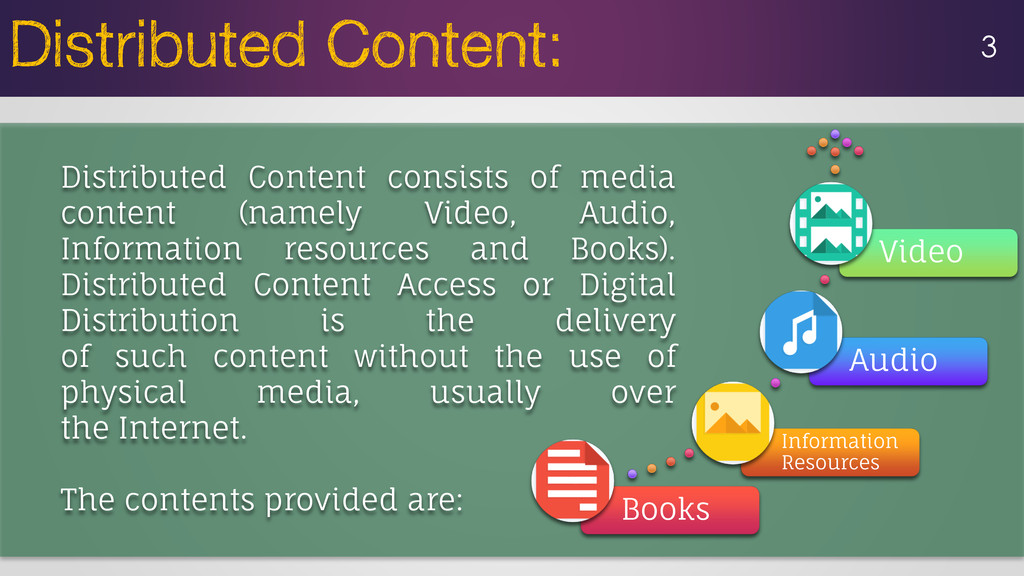
media content (namely Video, Audio, Information resources and Books). Distributed Content Access or Digital Distribution is the delivery of such content without the use of physical media, usually over the Internet. The contents provided are:
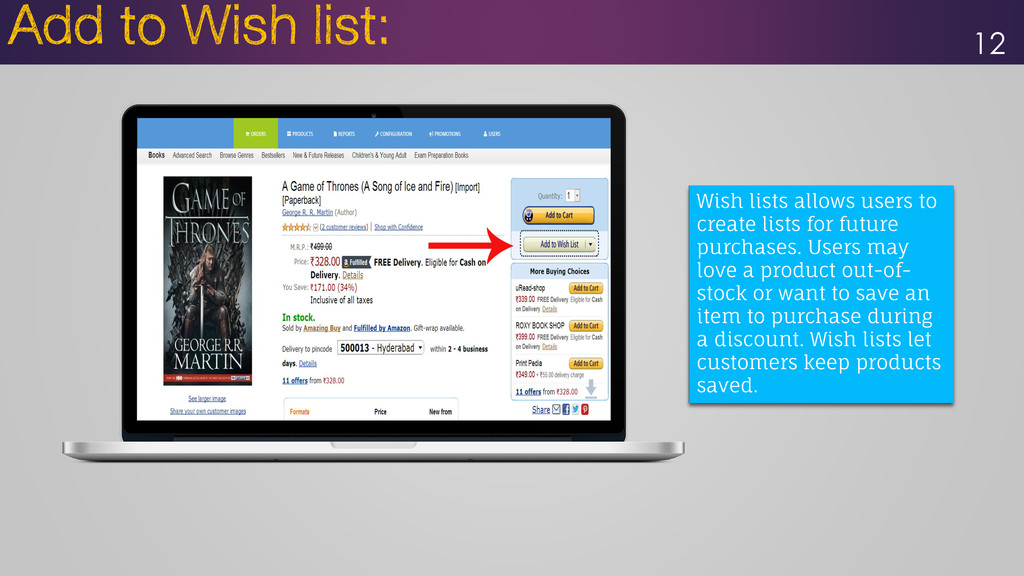
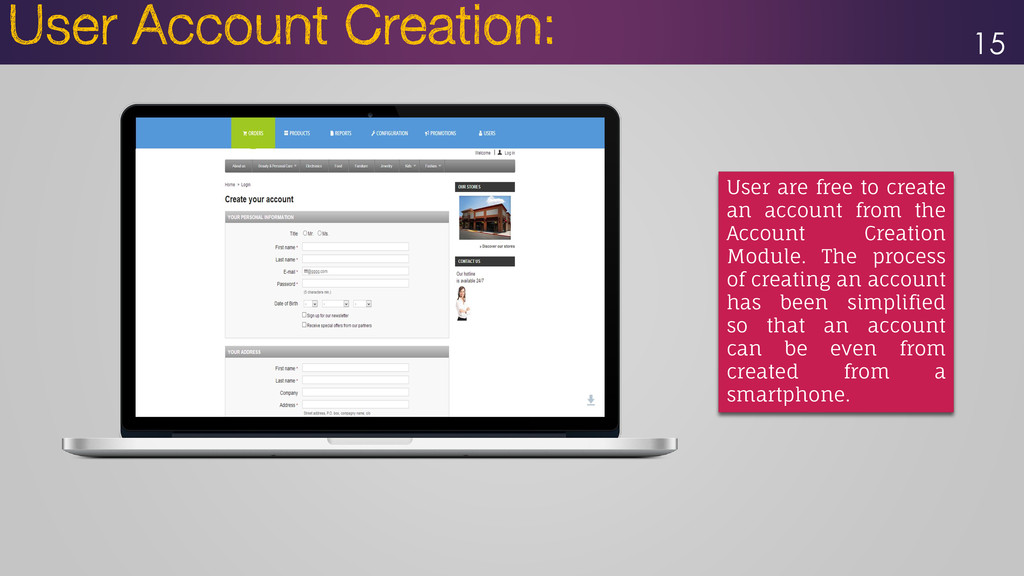
two phases: • Storefront and • Backend Administrator The Features of the Storefront are: Easy to Use Vast Accessibility Options Emphasize on Search Product Reviews & Comparison Downloadable Products Localization Multiple Currencies Add to a Wish list Search Engine Friendly One-page Checkout User Account Creation Account Preferences Abundant Payment Options
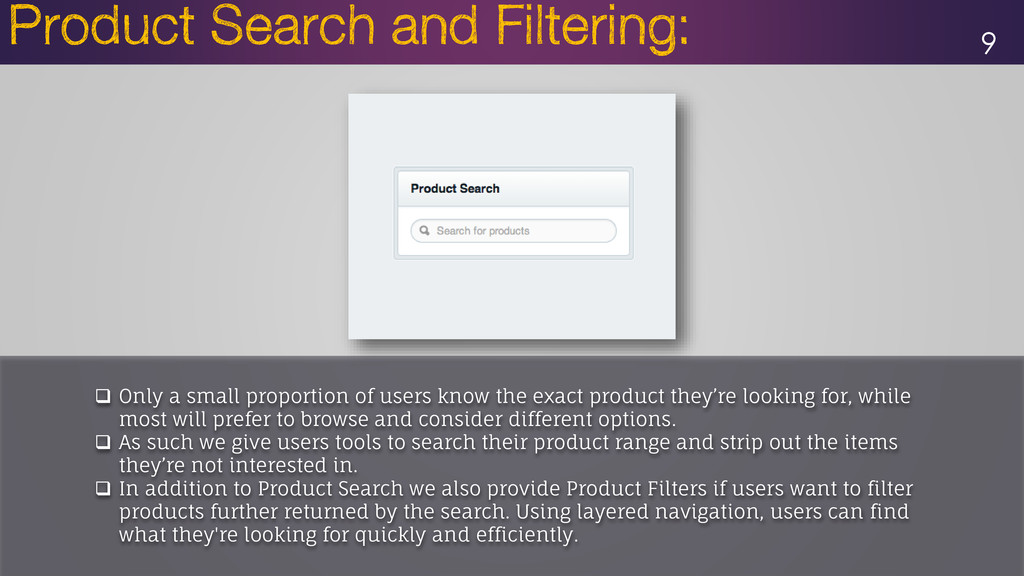
exact product they’re looking for, while most will prefer to browse and consider different options. As such we give users tools to search their product range and strip out the items they’re not interested in. In addition to Product Search we also provide Product Filters if users want to filter products further returned by the search. Using layered navigation, users can find what they're looking for quickly and efficiently.
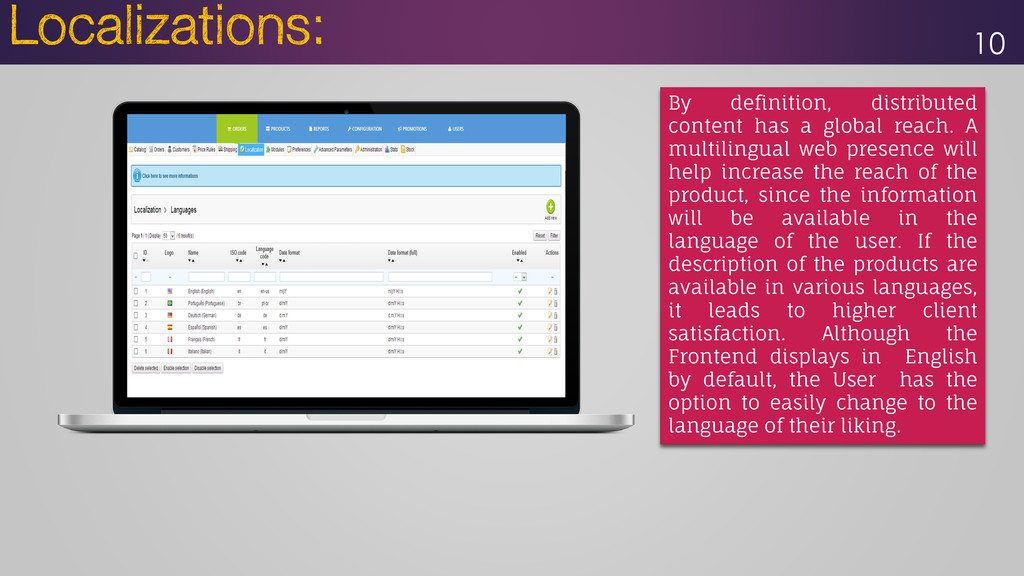
multilingual web presence will help increase the reach of the product, since the information will be available in the language of the user. If the description of the products are available in various languages, it leads to higher client satisfaction. Although the Frontend displays in English by default, the User has the option to easily change to the language of their liking.
Change Currency option, so that users need not use any 3rd party currency conversion calculator. All the available currencies are displayed on the storefront.
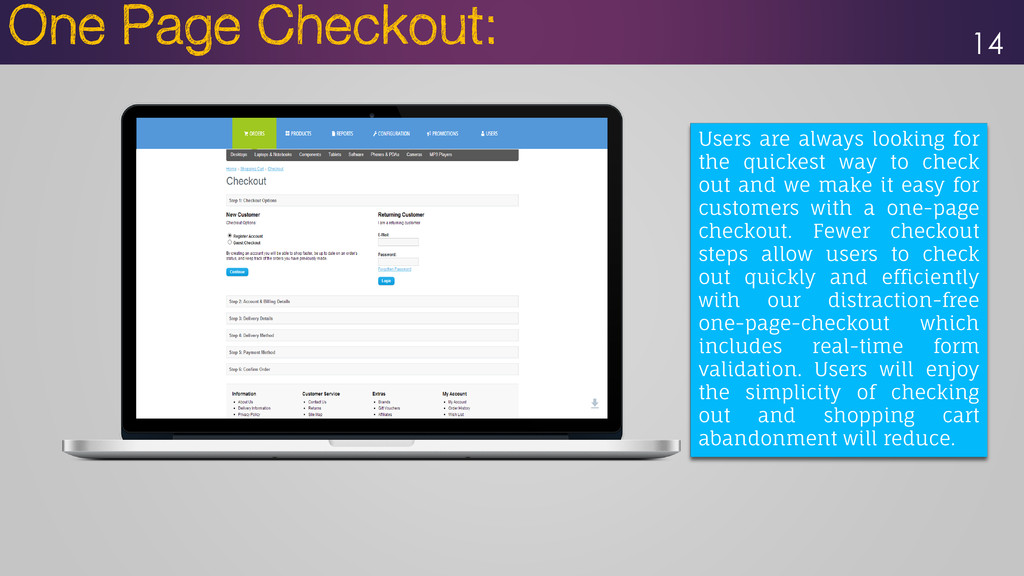
out and we make it easy for customers with a one-page checkout. Fewer checkout steps allow users to check out quickly and efficiently with our distraction-free one-page-checkout which includes real-time form validation. Users will enjoy the simplicity of checking out and shopping cart abandonment will reduce. 14
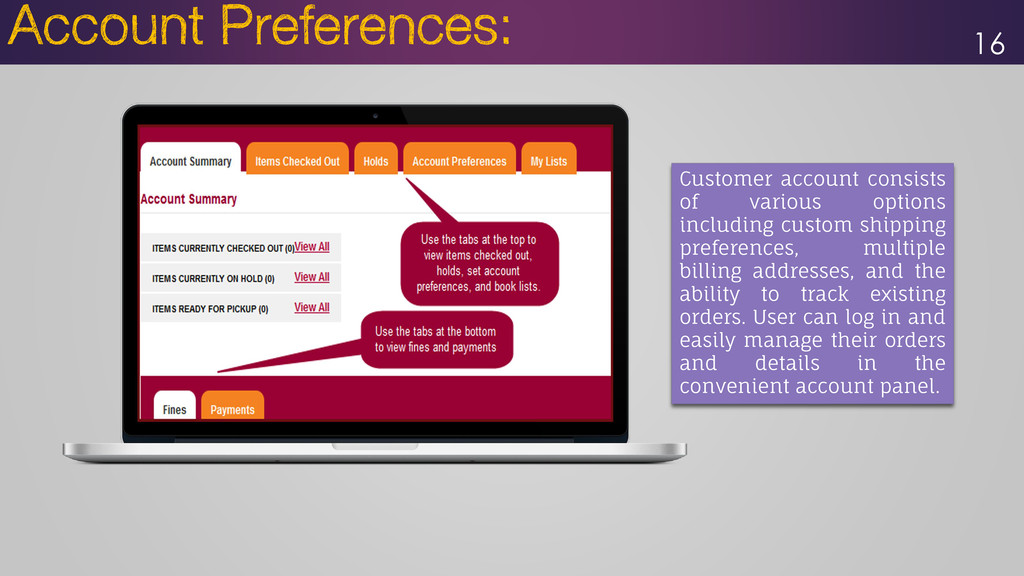
multiple billing addresses, and the ability to track existing orders. User can log in and easily manage their orders and details in the convenient account panel. 16
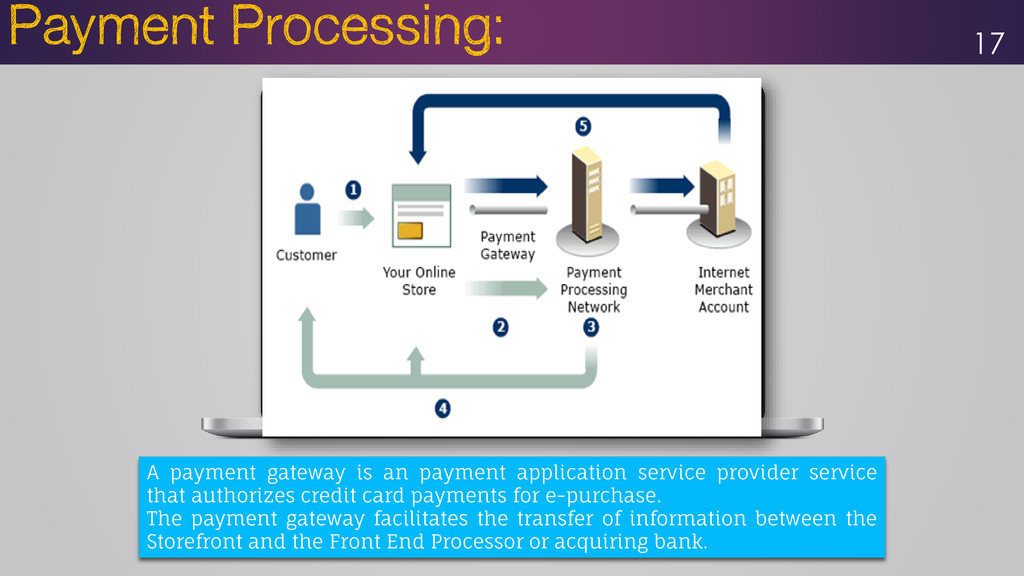
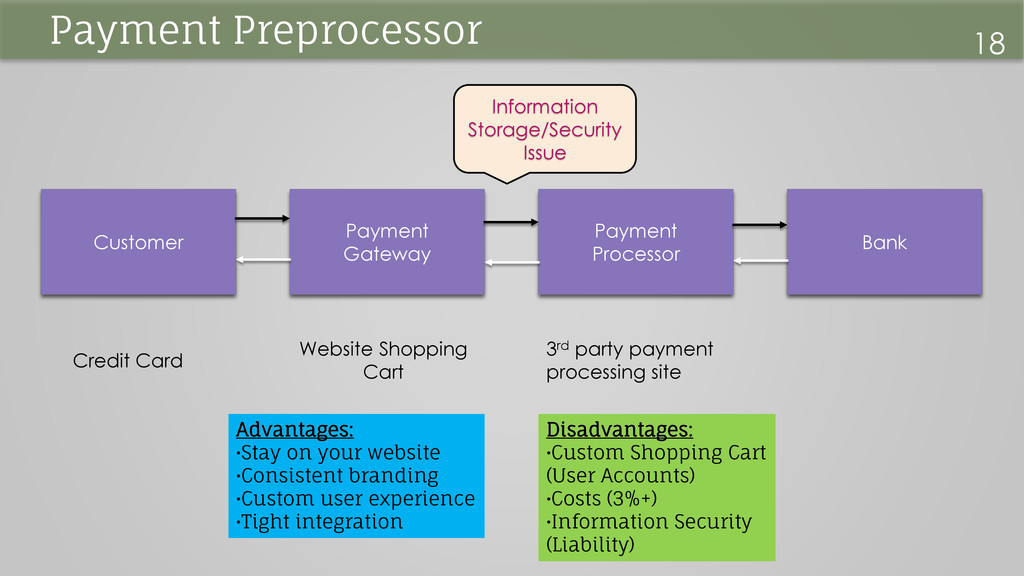
service that authorizes credit card payments for e-purchase. The payment gateway facilitates the transfer of information between the Storefront and the Front End Processor or acquiring bank.
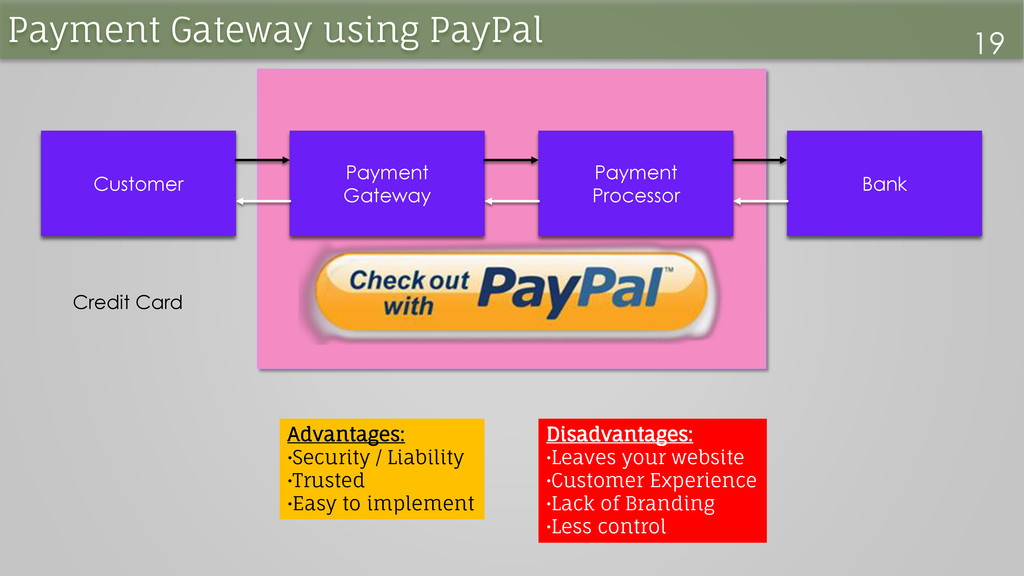
/ Liability •Trusted •Easy to implement Disadvantages: •Leaves your website •Customer Experience •Lack of Branding •Less control Payment Gateway using PayPal 19
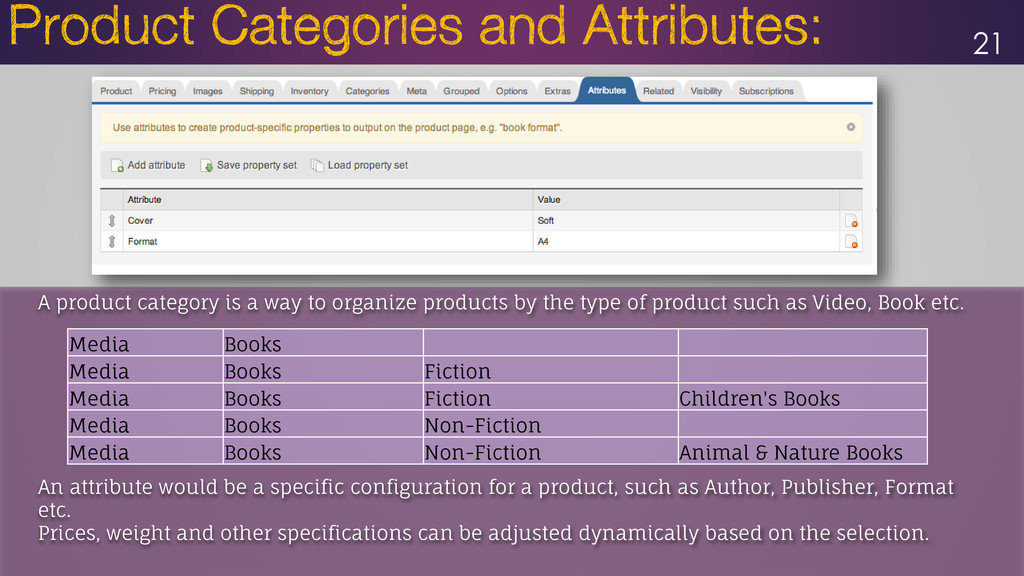
by the type of product such as Video, Book etc. An attribute would be a specific configuration for a product, such as Author, Publisher, Format etc. Prices, weight and other specifications can be adjusted dynamically based on the selection. Media Books Media Books Fiction Media Books Fiction Children's Books Media Books Non-Fiction Media Books Non-Fiction Animal & Nature Books
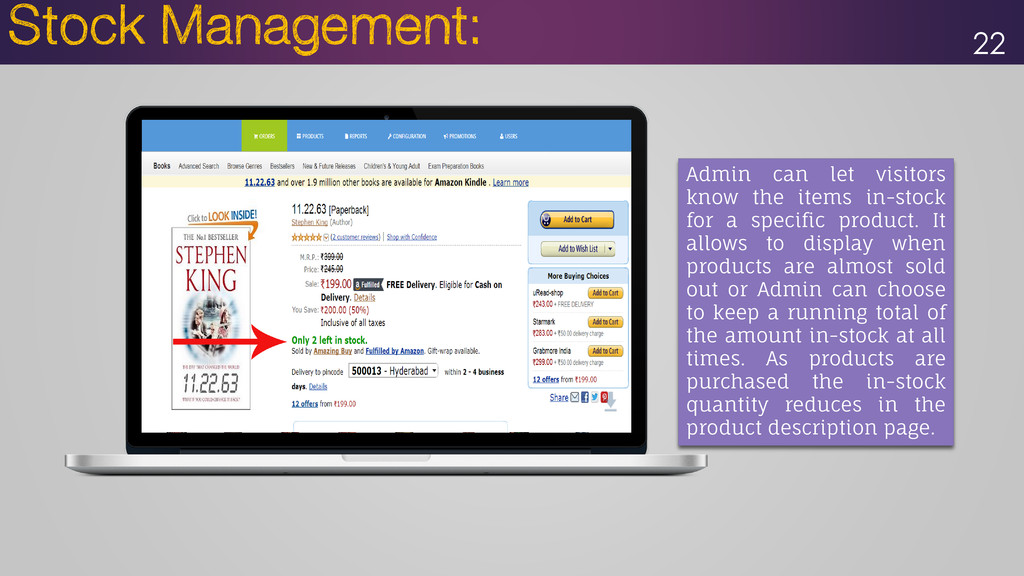
a specific product. It allows to display when products are almost sold out or Admin can choose to keep a running total of the amount in-stock at all times. As products are purchased the in-stock quantity reduces in the product description page.
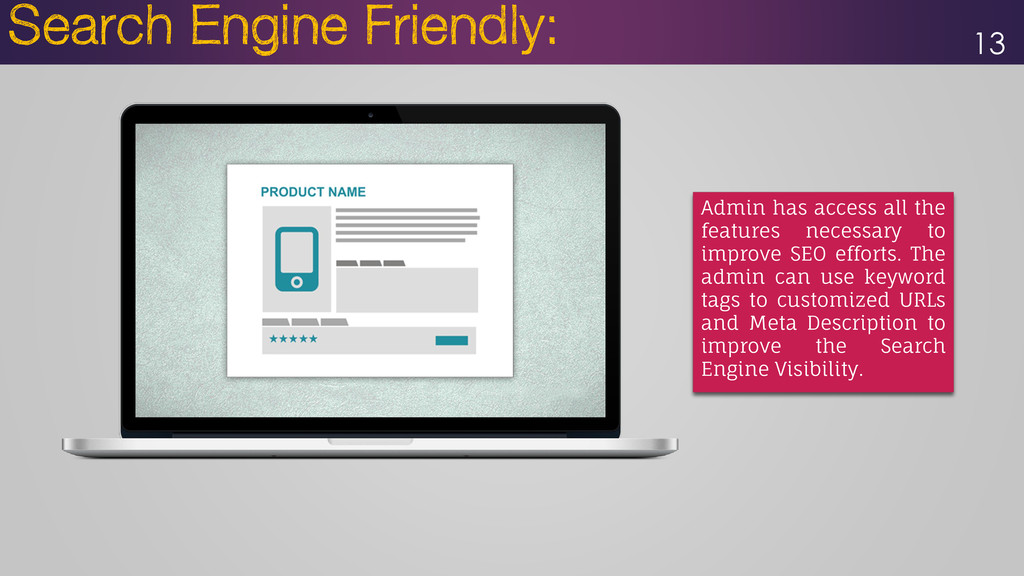
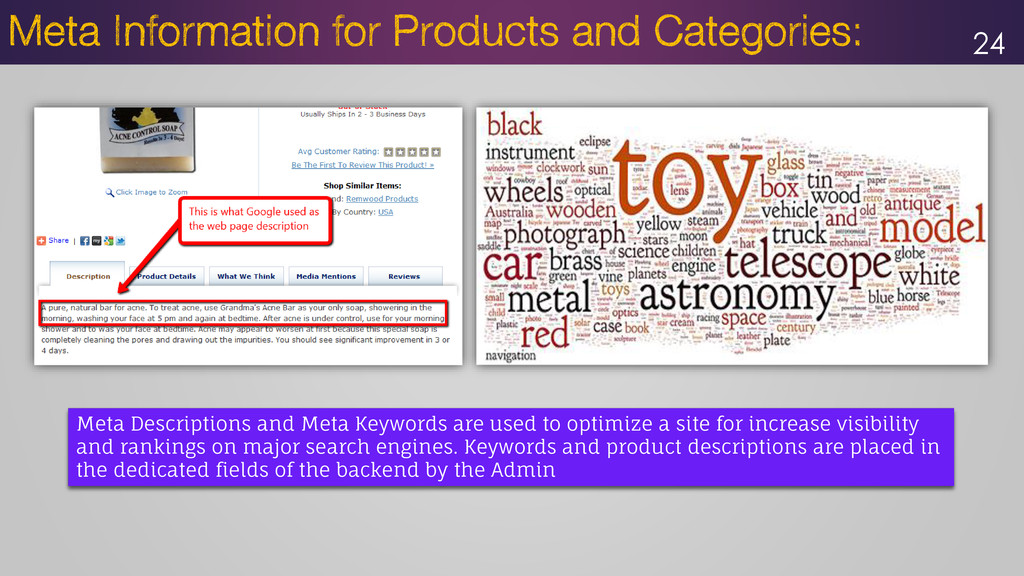
a site for increase visibility and rankings on major search engines. Keywords and product descriptions are placed in the dedicated fields of the backend by the Admin
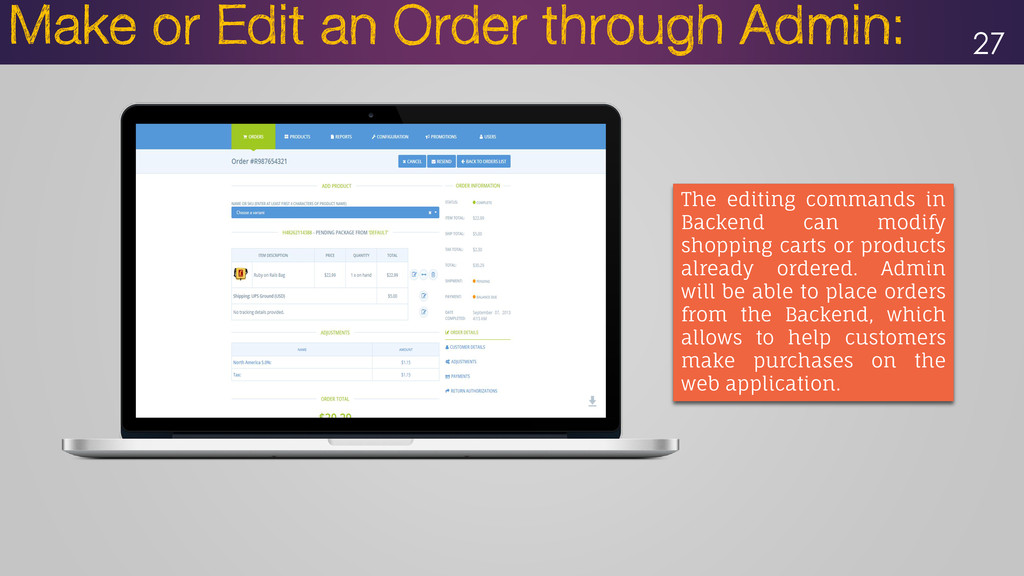
or products already ordered. Admin will be able to place orders from the Backend, which allows to help customers make purchases on the web application.
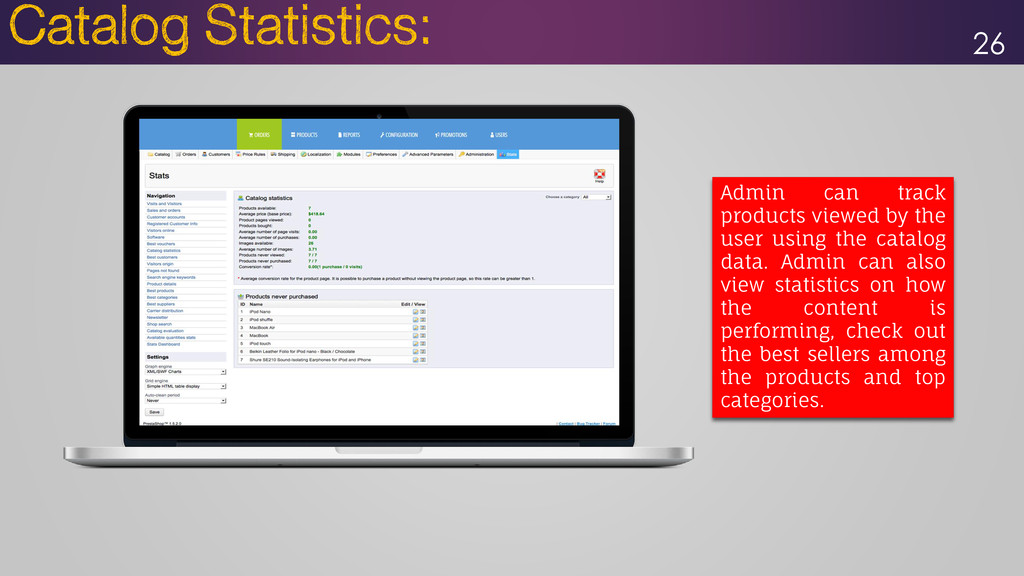
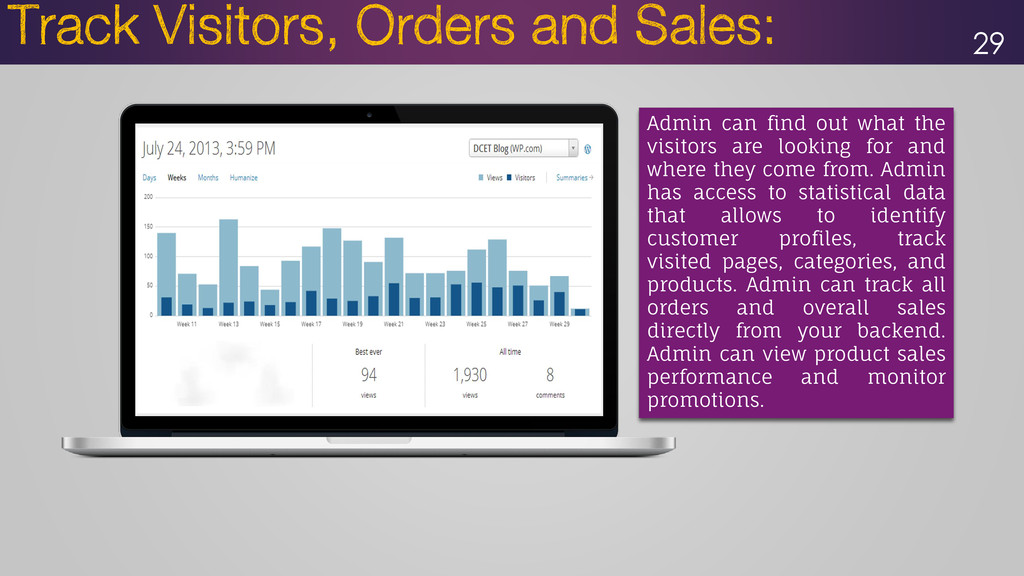
and where they come from. Admin has access to statistical data that allows to identify customer profiles, track visited pages, categories, and products. Admin can track all orders and overall sales directly from your backend. Admin can view product sales performance and monitor promotions. 29
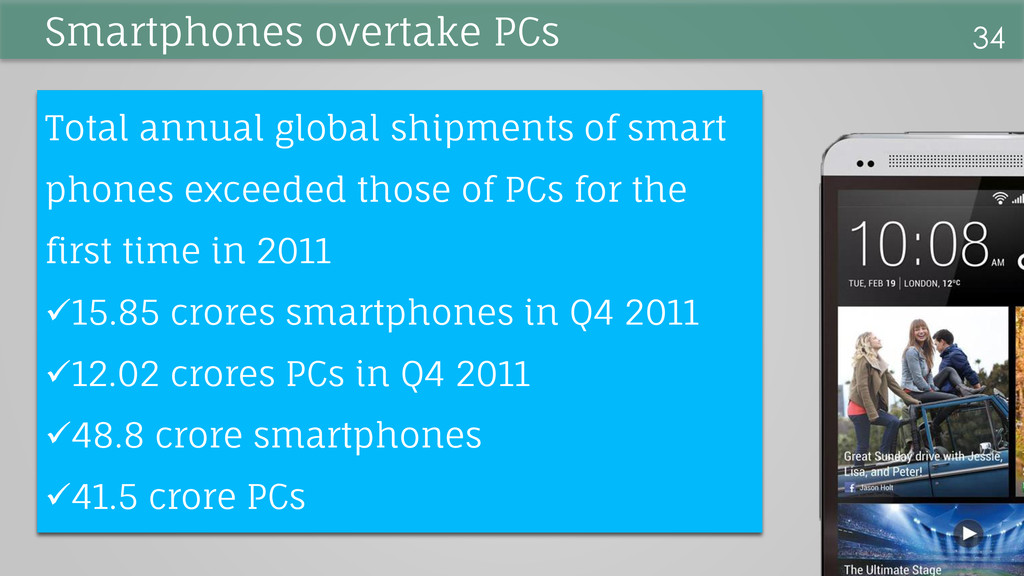
PCs for the first time in 2011 15.85 crores smartphones in Q4 2011 12.02 crores PCs in Q4 2011 48.8 crore smartphones 41.5 crore PCs 34 Smartphones overtake PCs
in the Germany, UK and United States. Over 50% in Sweden and Finland •55% of Twitter’s traffic comes from mobile devices •33% of Facebook updates come from mobile devices 35 SMARTPHONES rules the World
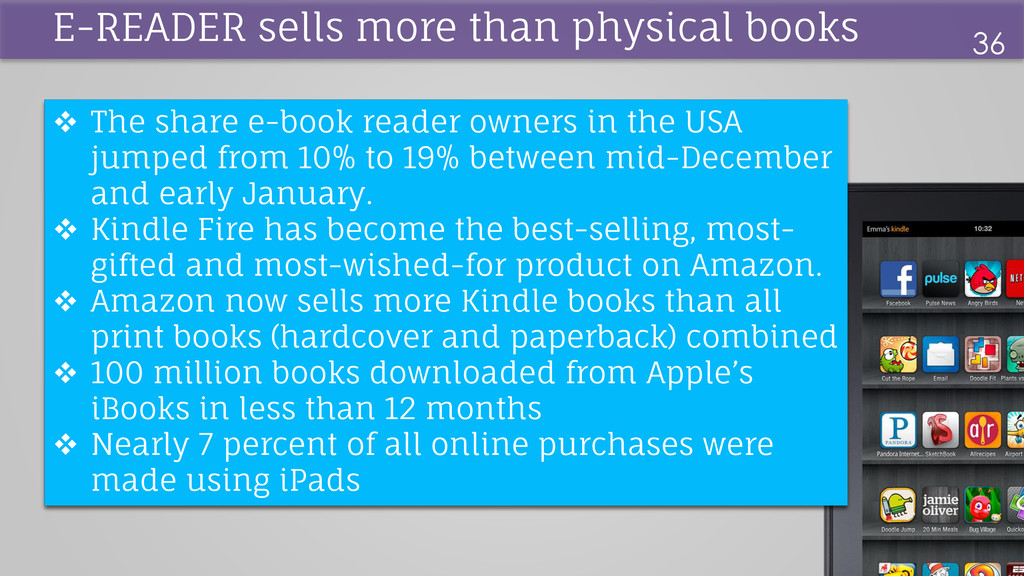
from 10% to 19% between mid-December and early January. Kindle Fire has become the best-selling, most- gifted and most-wished-for product on Amazon. Amazon now sells more Kindle books than all print books (hardcover and paperback) combined 100 million books downloaded from Apple’s iBooks in less than 12 months Nearly 7 percent of all online purchases were made using iPads E-READER sells more than physical books 36
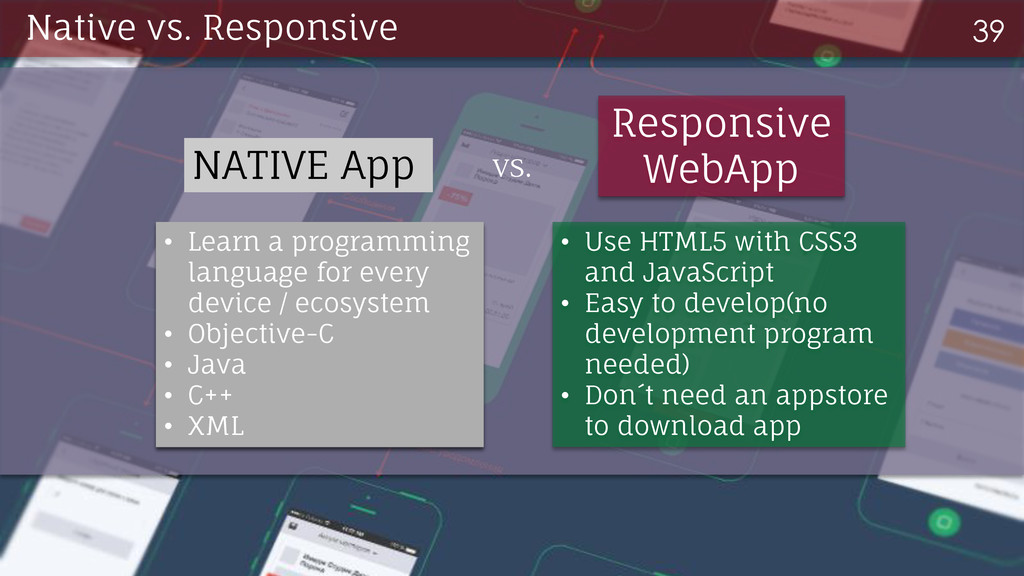
every device / ecosystem • Objective-C • Java • C++ • XML NATIVE App Responsive WebApp • Use HTML5 with CSS3 and JavaScript • Easy to develop(no development program needed) • Don´t need an appstore to download app
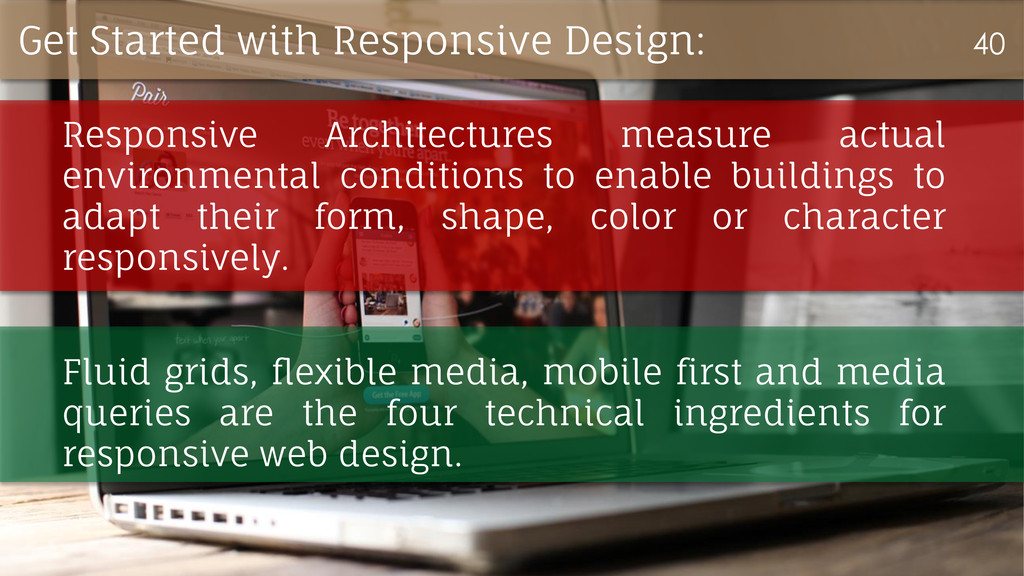
adapt their form, shape, color or character responsively. Fluid grids, flexible media, mobile first and media queries are the four technical ingredients for responsive web design. Get Started with Responsive Design: 40
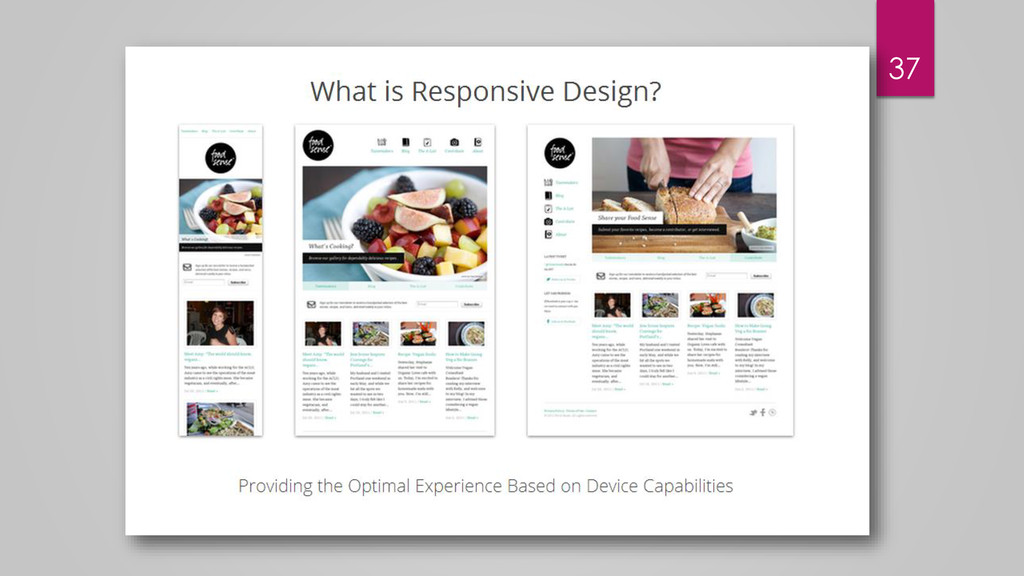
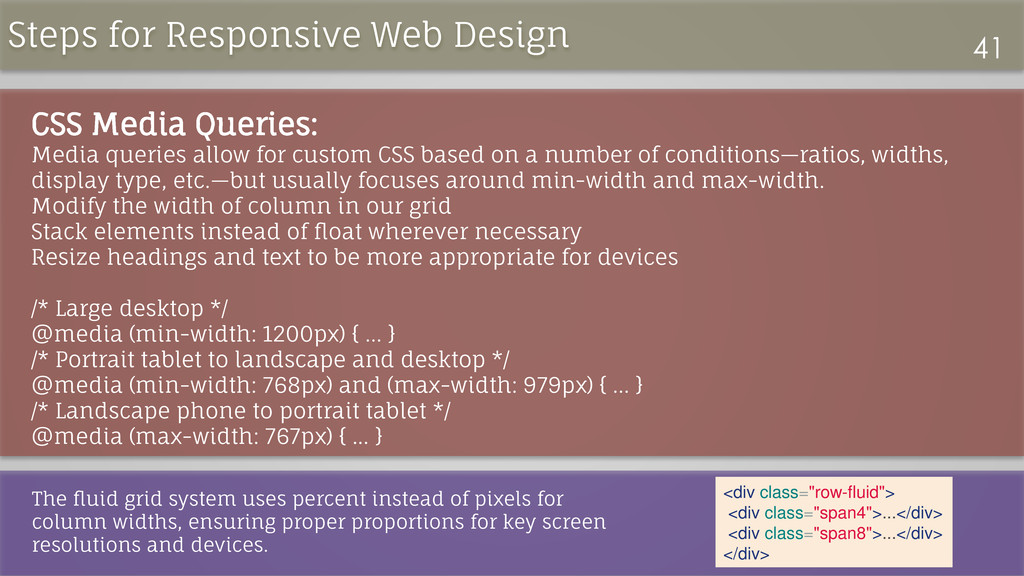
on a number of conditions—ratios, widths, display type, etc.—but usually focuses around min-width and max-width. Modify the width of column in our grid Stack elements instead of float wherever necessary Resize headings and text to be more appropriate for devices /* Large desktop */ @media (min-width: 1200px) { ... } /* Portrait tablet to landscape and desktop */ @media (min-width: 768px) and (max-width: 979px) { ... } /* Landscape phone to portrait tablet */ @media (max-width: 767px) { ... } The fluid grid system uses percent instead of pixels for column widths, ensuring proper proportions for key screen resolutions and devices. <div class="row-fluid"> <div class="span4">...</div> <div class="span8">...</div> </div> Steps for Responsive Web Design 41
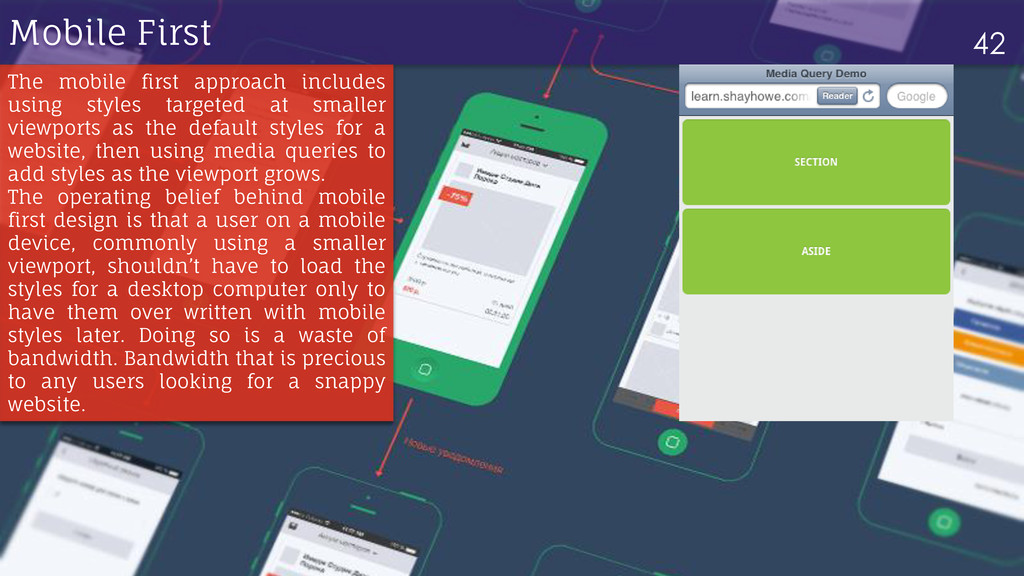
targeted at smaller viewports as the default styles for a website, then using media queries to add styles as the viewport grows. The operating belief behind mobile first design is that a user on a mobile device, commonly using a smaller viewport, shouldn’t have to load the styles for a desktop computer only to have them over written with mobile styles later. Doing so is a waste of bandwidth. Bandwidth that is precious to any users looking for a snappy website.
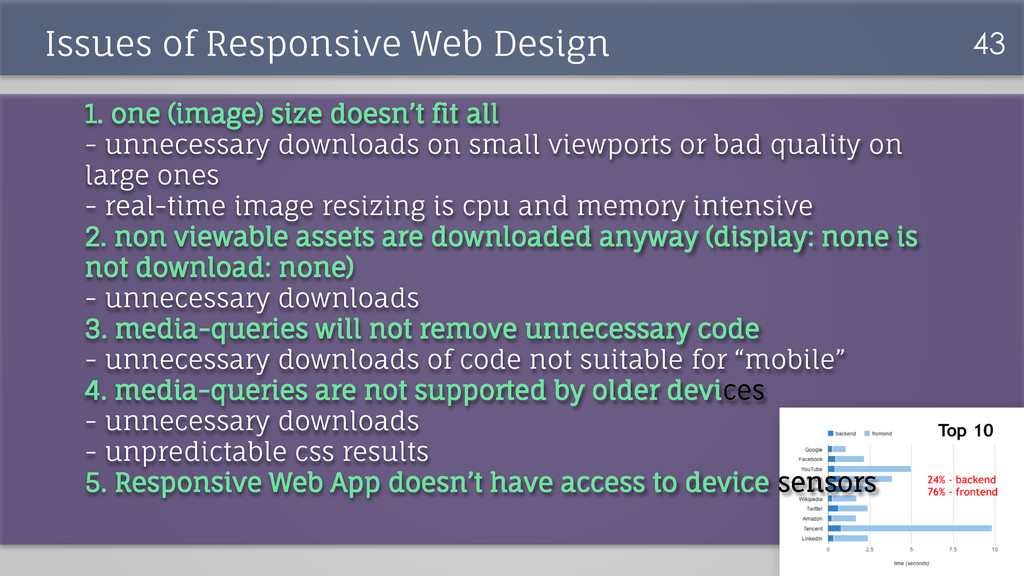
doesn’t fit all - unnecessary downloads on small viewports or bad quality on large ones - real-time image resizing is cpu and memory intensive 2. non viewable assets are downloaded anyway (display: none is not download: none) - unnecessary downloads 3. media-queries will not remove unnecessary code - unnecessary downloads of code not suitable for “mobile” 4. media-queries are not supported by older devices - unnecessary downloads - unpredictable css results 5. Responsive Web App doesn’t have access to device sensors
running all programs on your own computer, Cloud Computing allows you to store files and run programs on powerful server computers that can be controlled and accessed remotely over the Internet.
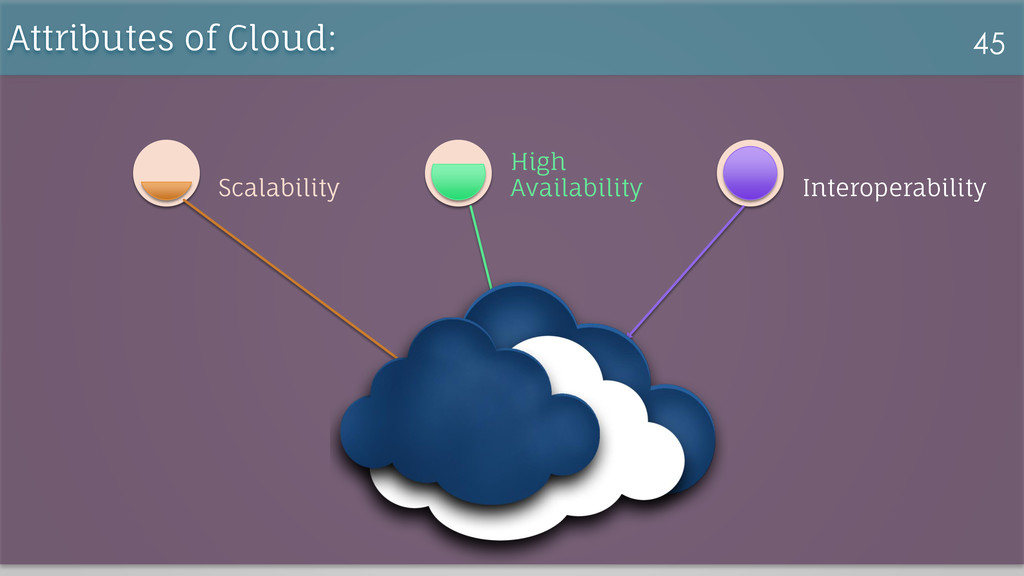
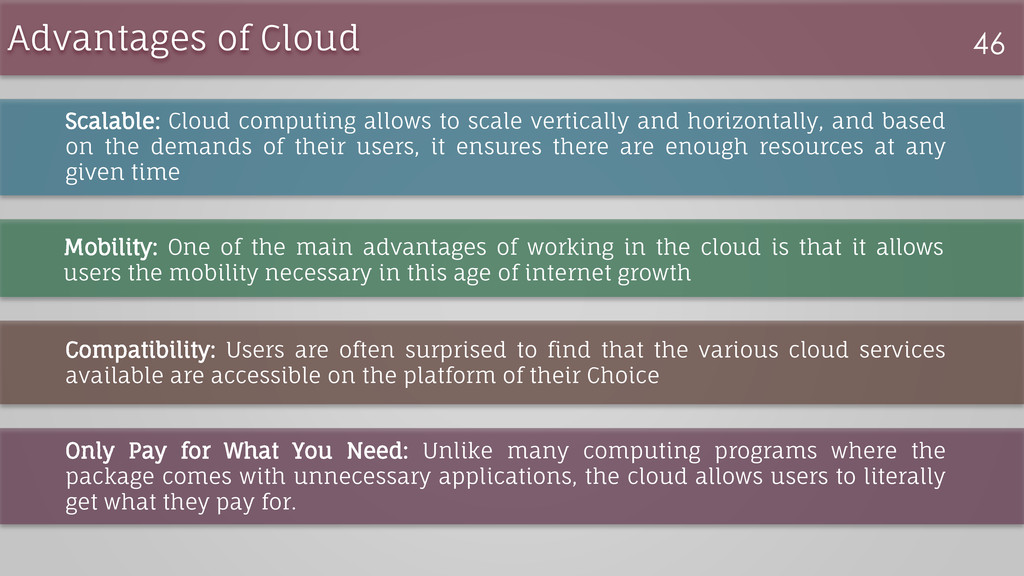
vertically and horizontally, and based on the demands of their users, it ensures there are enough resources at any given time Mobility: One of the main advantages of working in the cloud is that it allows users the mobility necessary in this age of internet growth Compatibility: Users are often surprised to find that the various cloud services available are accessible on the platform of their Choice Only Pay for What You Need: Unlike many computing programs where the package comes with unnecessary applications, the cloud allows users to literally get what they pay for.
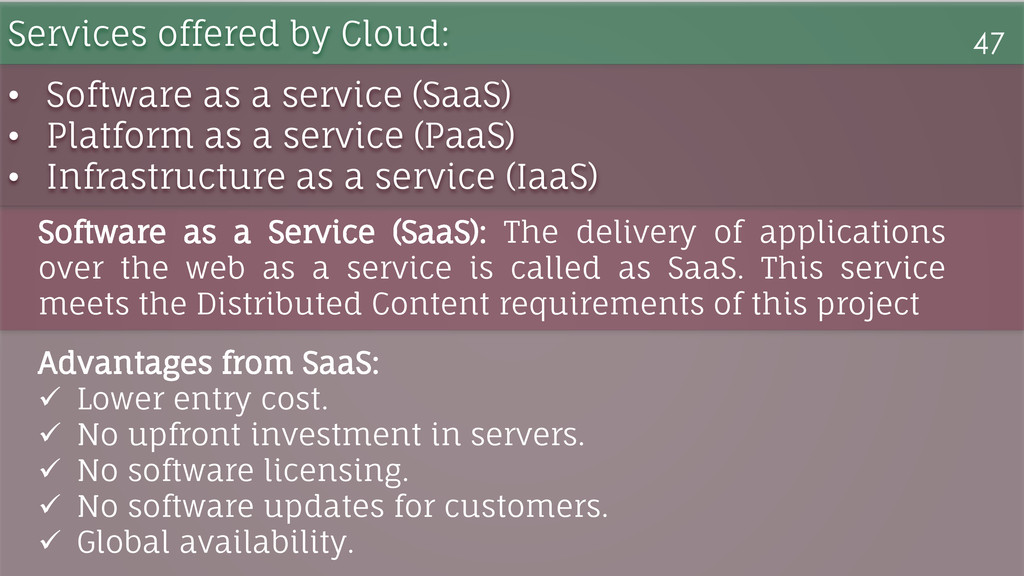
the web as a service is called as SaaS. This service meets the Distributed Content requirements of this project Services offered by Cloud: 47 • Software as a service (SaaS) • Platform as a service (PaaS) • Infrastructure as a service (IaaS) Advantages from SaaS: Lower entry cost. No upfront investment in servers. No software licensing. No software updates for customers. Global availability.
below: 1. Extensions as Add-on Modules 2. Addition of various other categories 3. Interaction with other users over content sharing 4. Recommendation based on Social Media interactions 49
the Current User Requirements Uses latest technology to bring forth a uniform and responsive user-interface Cloud has laid the foundation for future growth Cost savings Technological, financial, organizational benefits


 andrewlaeddis
 carta_engineering
 ishikawa_satoru
 maimyyym
 willnet
 kentapapa
 ykanoh
 greenmidori
 kentarofujii
 ivry_presentationmaterials
 terapyon
 sansantech
 kzkhykw1991
 panda_program
 chriscoyier
 marcoroth
 addyosmani
 matthewcrist
.png) helenjbeal
helenjbeal
 3n
3n
 katiecoart
 techseoconnect
 moore
moore
 lara
lara
 rasmusluckow