Upgrade to Pro — share decks privately, control downloads, hide ads and more …

Beyond Text: Building Video Documentation with AI

Sponsored · Ship Features Fearlessly Turn features on and off without deploys. Used by thousands of Ruby developers.
Avatar for apidays apidays PRO
February 07, 2026

Beyond Text: Building Video Documentation with AI

Beyond Text: Building Video Documentation with AI
Speaker: Jessica Liu, Video Production Manager at Cloudflare

Is the future of developer documentation strictly text-based? At AI the Docs Paris 2025, Jessica Liu (Video Production Manager at Cloudflare) revealed how Cloudflare is redefining the documentation landscape by transforming static guides into multimodal video experiences.

This presentation goes behind the scenes of Cloudflare’s Product Content Experience (PCX) team to share a practical, "messy" story of innovation. Learn how to bridge the gap between technical writing and video production using AI-driven workflows that maintain accuracy while scaling reach.

Key takeaway: Discover how lightweight AI tools can help your team structure knowledge in new ways and turn "traditional" docs into engaging, accessible, and high-performing assets.

------------------------------------

Conference Details:
Conference: AI The Docs Conference Paris 2025 | part of FOST 2025
Date: 10 December 2025 • CNIT Forest, Paris

--------------------------

Resources from apidays:
Join our upcoming conferences: https://www.apidays.global/
Read the latest API news: https://www.apiscene.io
Explore the API Landscape: https://apilandscape.apiscene.io/

Avatar for apidays

apidays PRO

February 07, 2026
Tweet

More Decks by apidays

Other Decks in Technology

Transcript

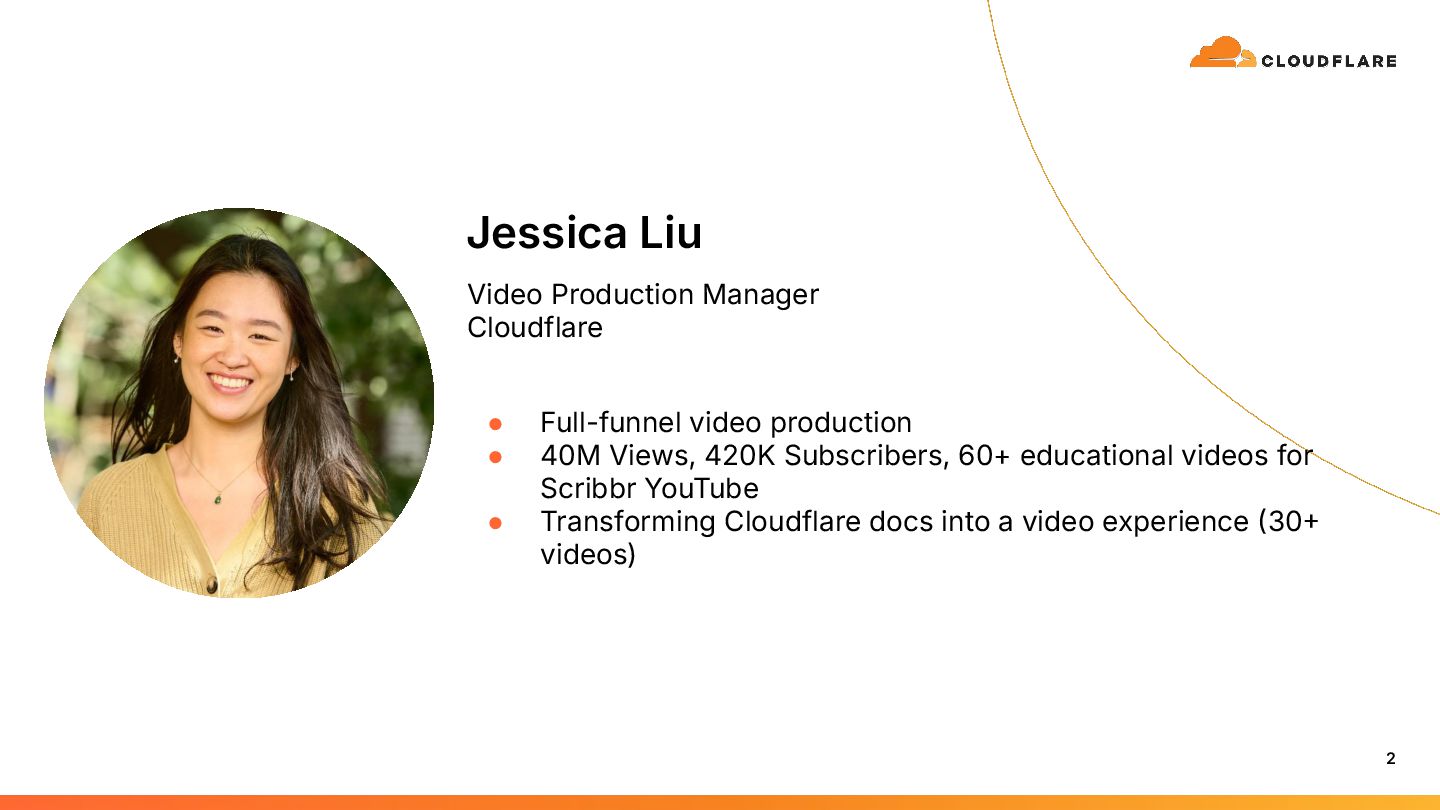
  1. 2 Jessica Liu Video Production Manager Cloudflare • Full-funnel video

    production • 40M Views, 420K Subscribers, 60+ educational videos for Scribbr YouTube • Transforming Cloudflare docs into a video experience 30 videos)
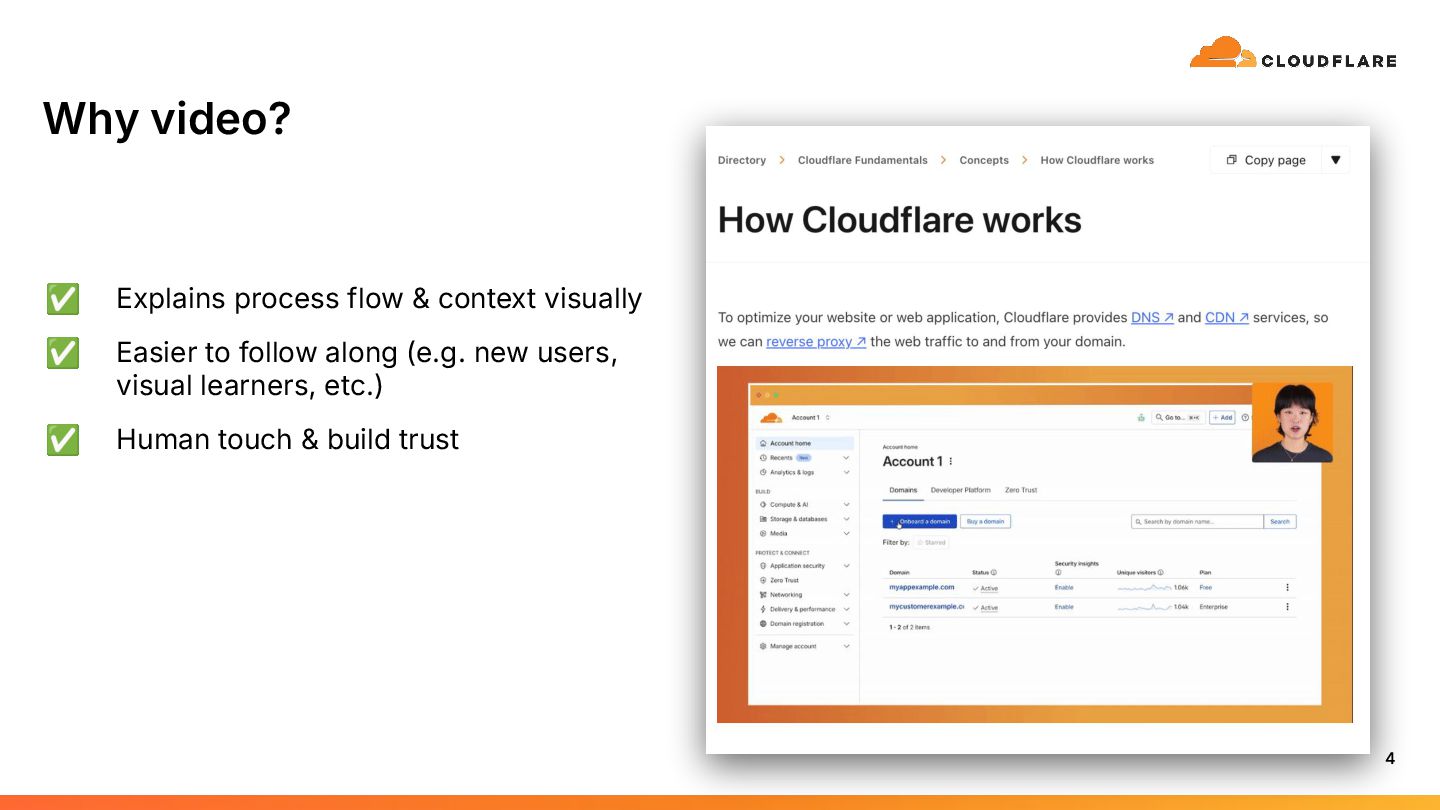
  2. 4 Why video? ✅ Explains process flow & context visually

    ✅ Easier to follow along (e.g. new users, visual learners, etc.) ✅ Human touch & build trust
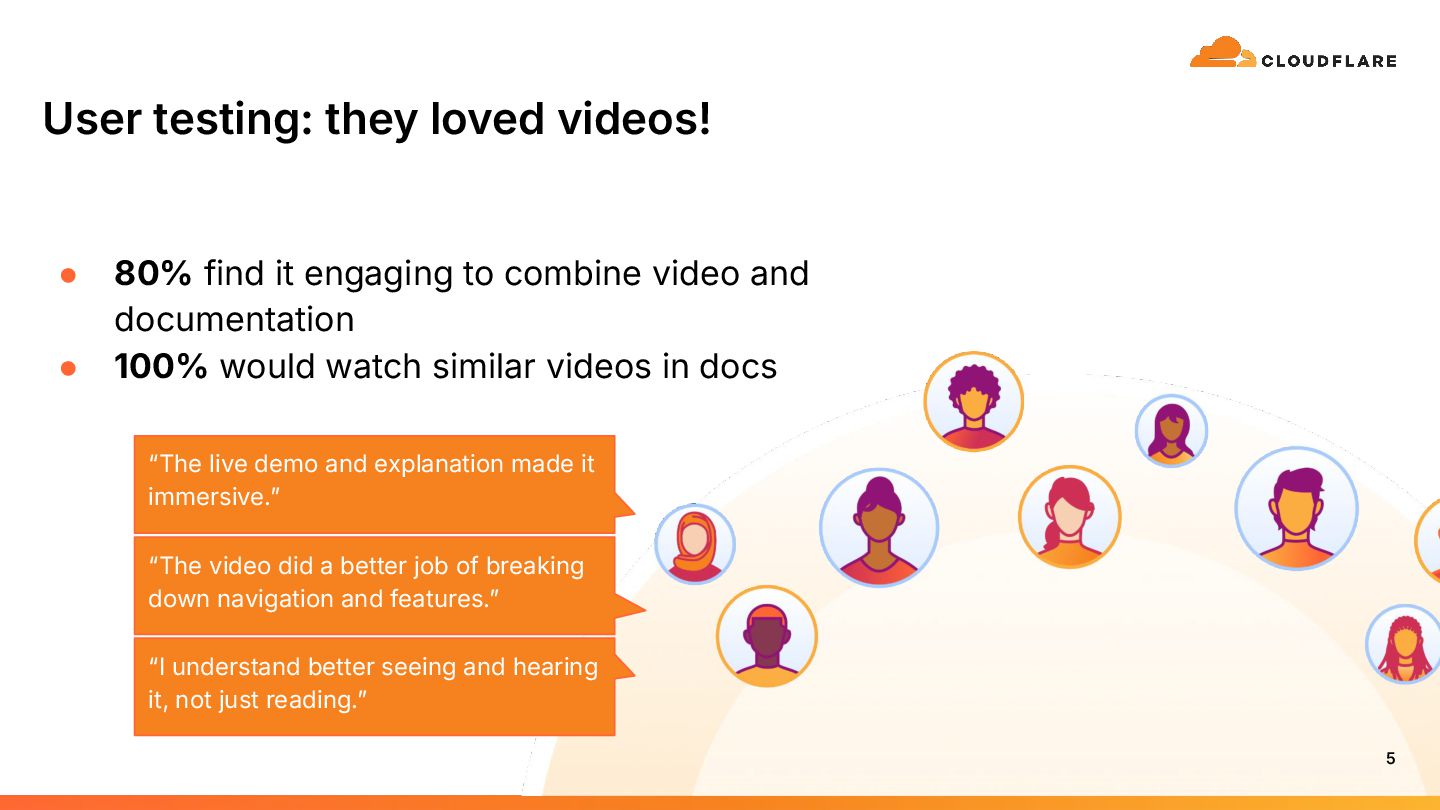
  3. User testing: they loved videos! • 80% find it engaging

    to combine video and documentation • 100% would watch similar videos in docs 5 “The video did a better job of breaking down navigation and features.ˮ “I understand better seeing and hearing it, not just reading.ˮ “The live demo and explanation made it immersive.ˮ
  4. 6

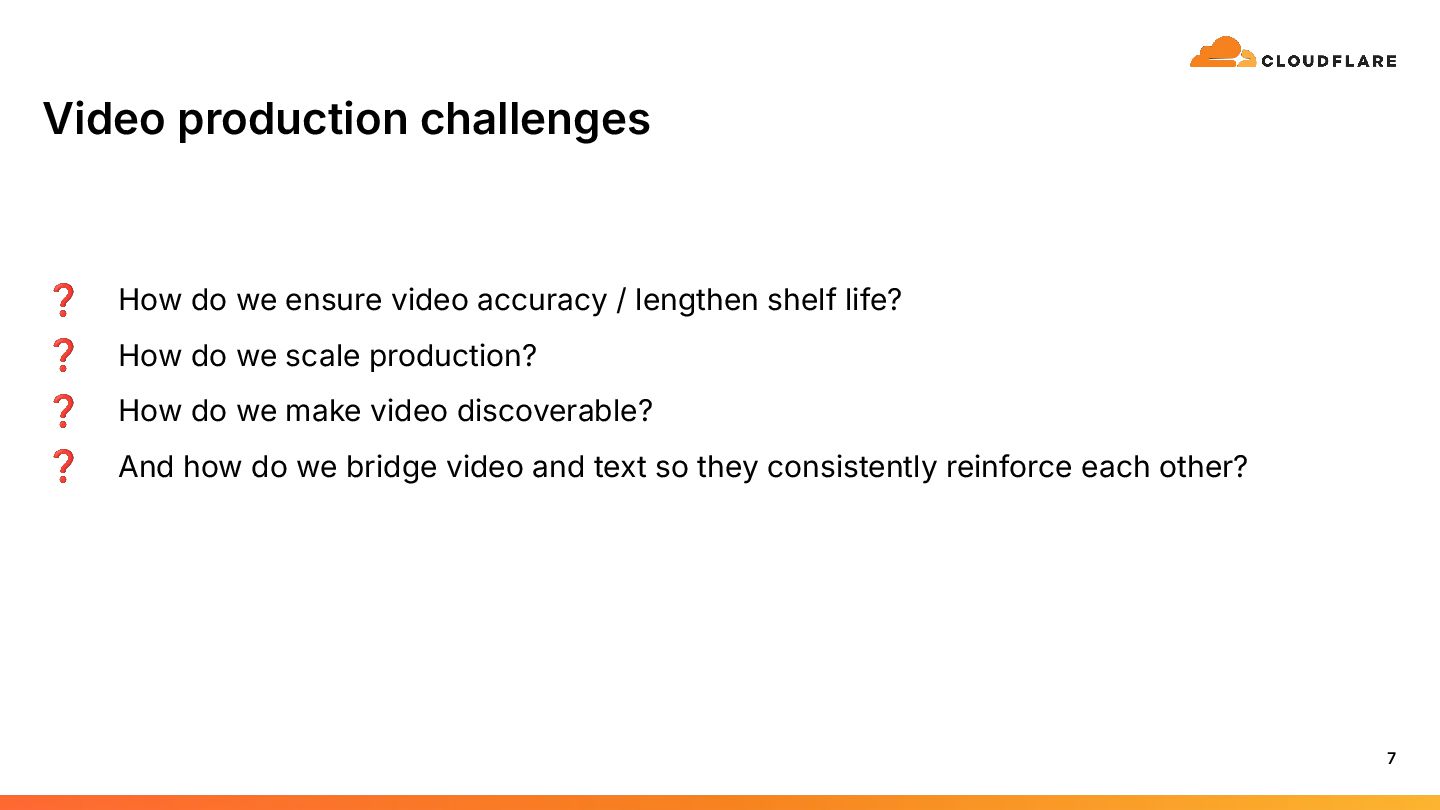
  5. Video production challenges 7 ❓ How do we ensure video

    accuracy / lengthen shelf life? ❓ How do we scale production? ❓ How do we make video discoverable? ❓ And how do we bridge video and text so they consistently reinforce each other?
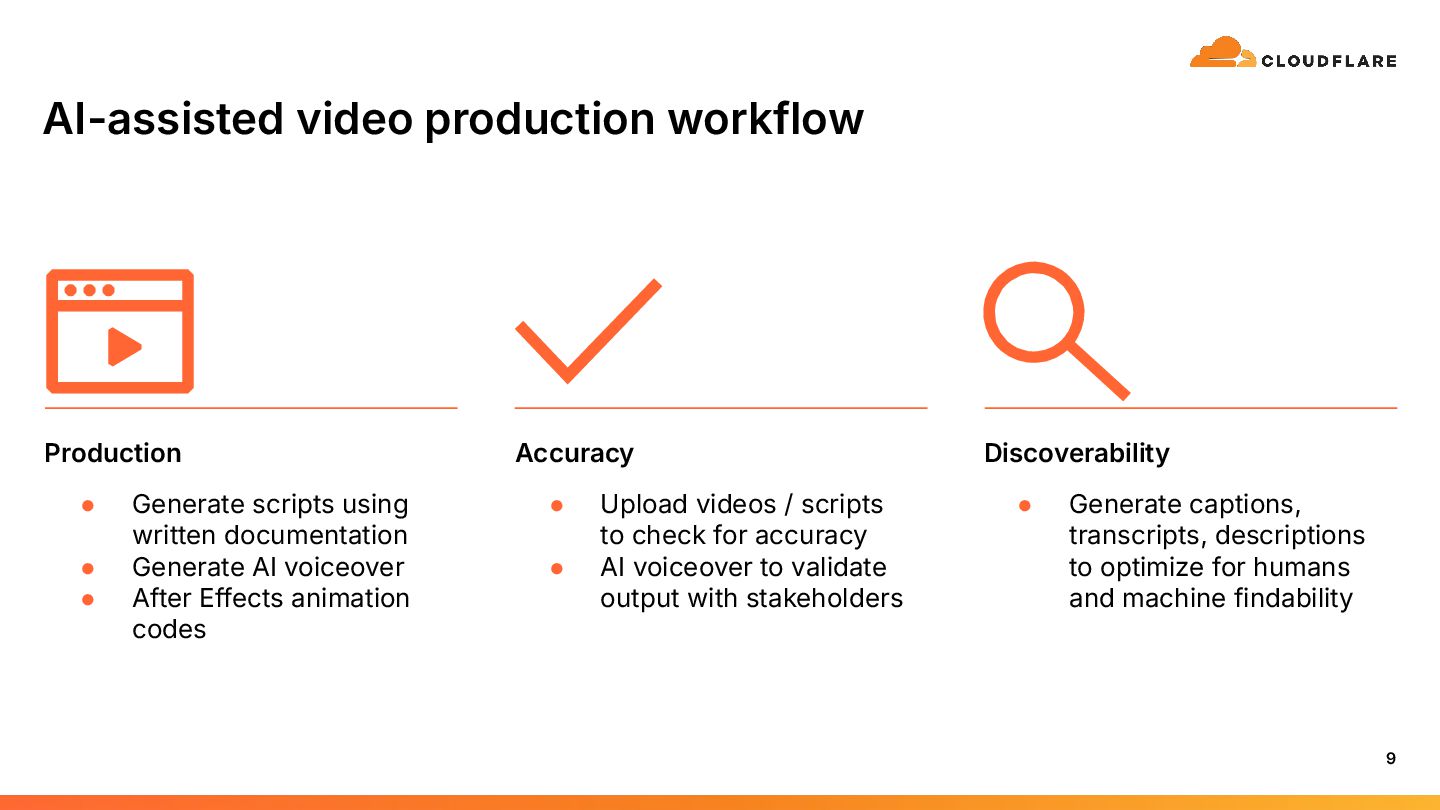
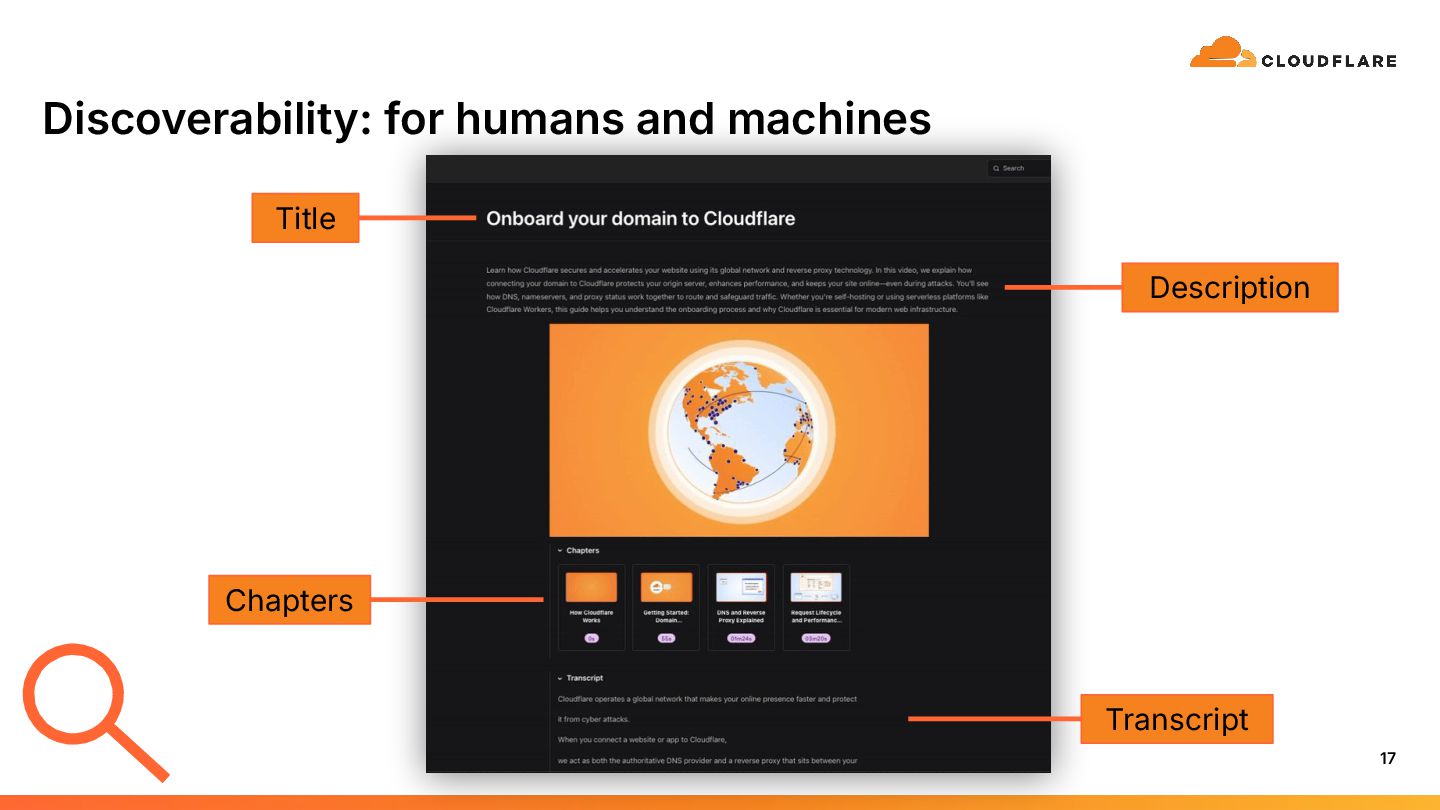
  6. AI-assisted video production workflow 9 Production Accuracy Discoverability • Generate

    scripts using written documentation • Generate AI voiceover • After Effects animation codes • Upload videos / scripts to check for accuracy • AI voiceover to validate output with stakeholders • Generate captions, transcripts, descriptions to optimize for humans and machine findability
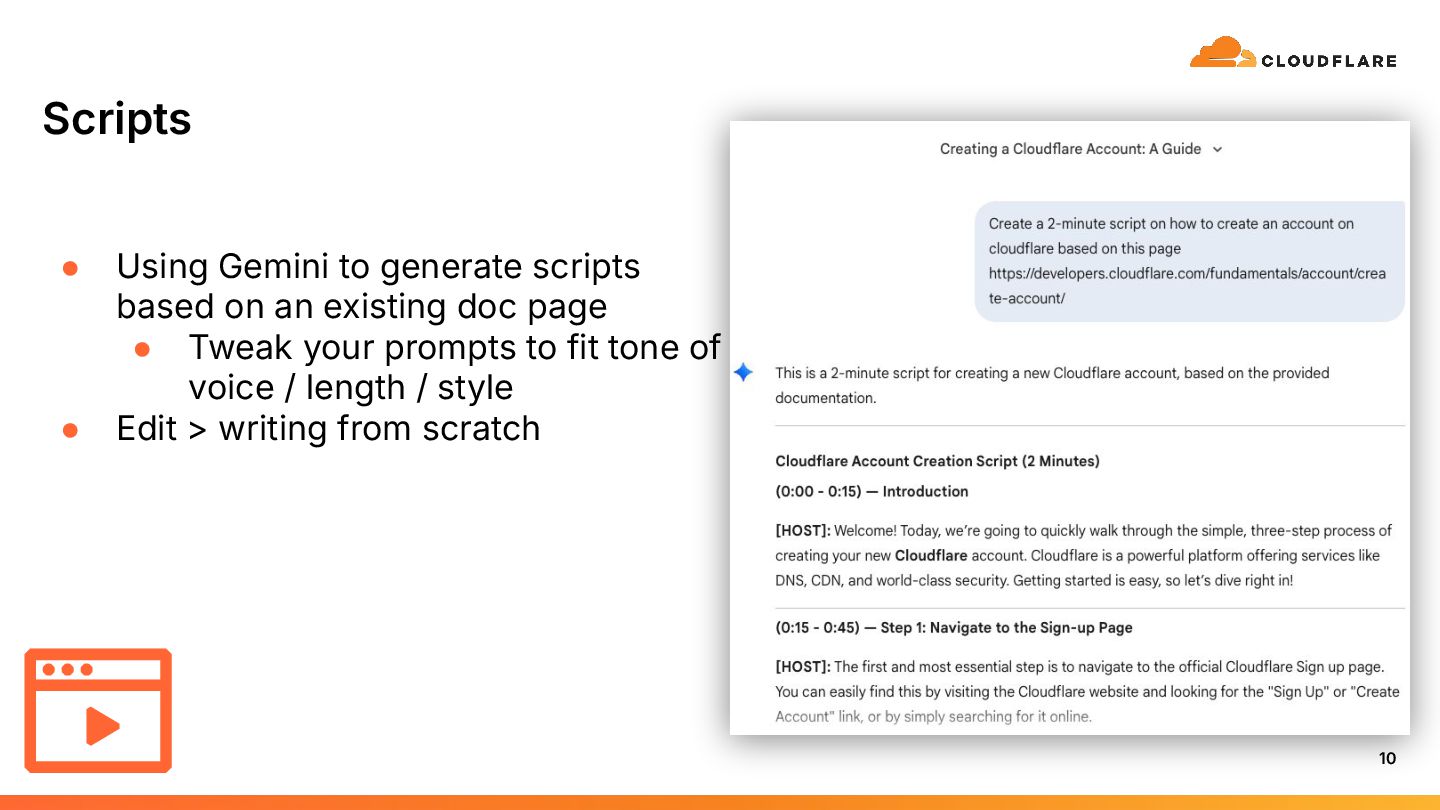
  7. Scripts • Using Gemini to generate scripts based on an

    existing doc page • Tweak your prompts to fit tone of voice / length / style • Edit > writing from scratch 10
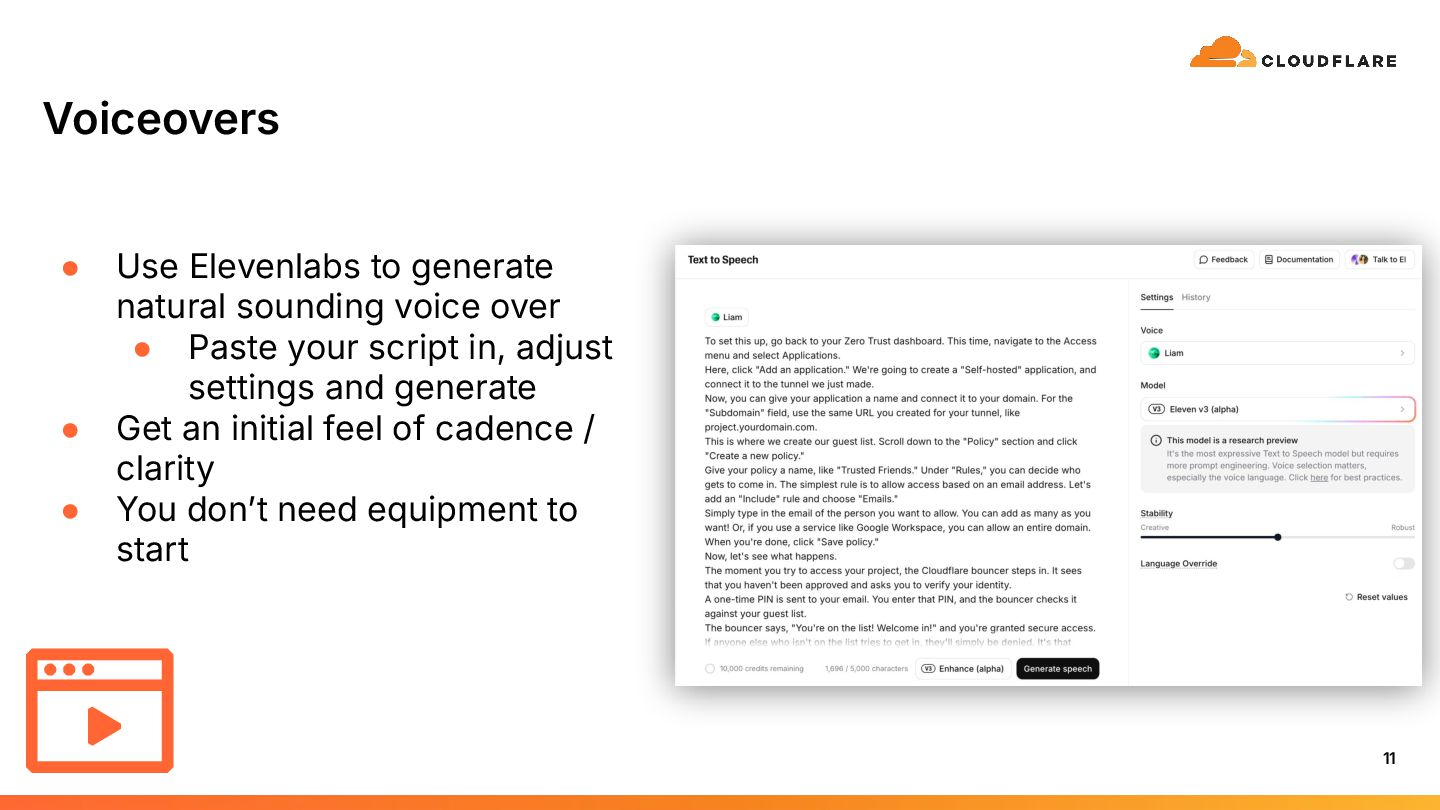
  8. Voiceovers 11 • Use Elevenlabs to generate natural sounding voice

    over • Paste your script in, adjust settings and generate • Get an initial feel of cadence / clarity • You donʼt need equipment to start
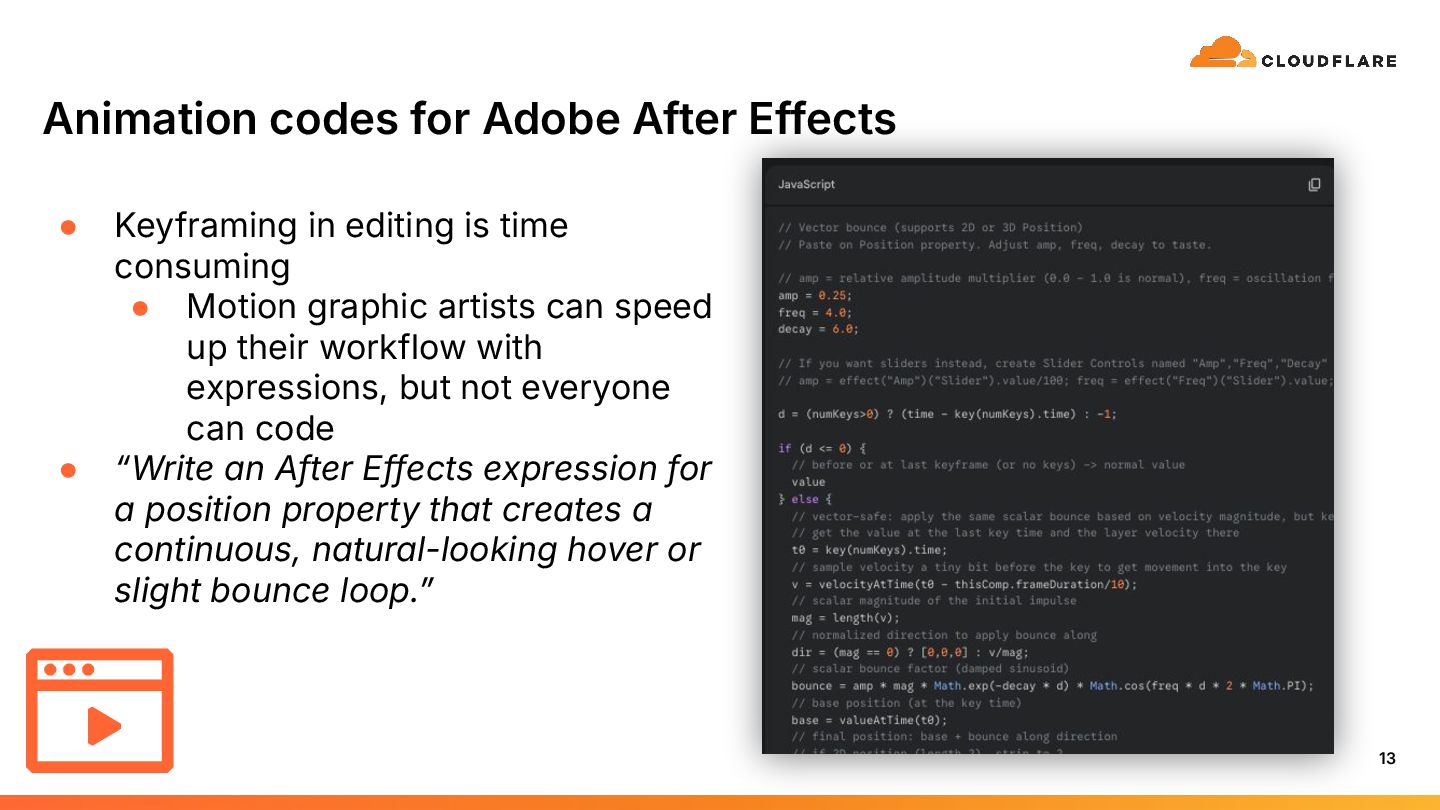
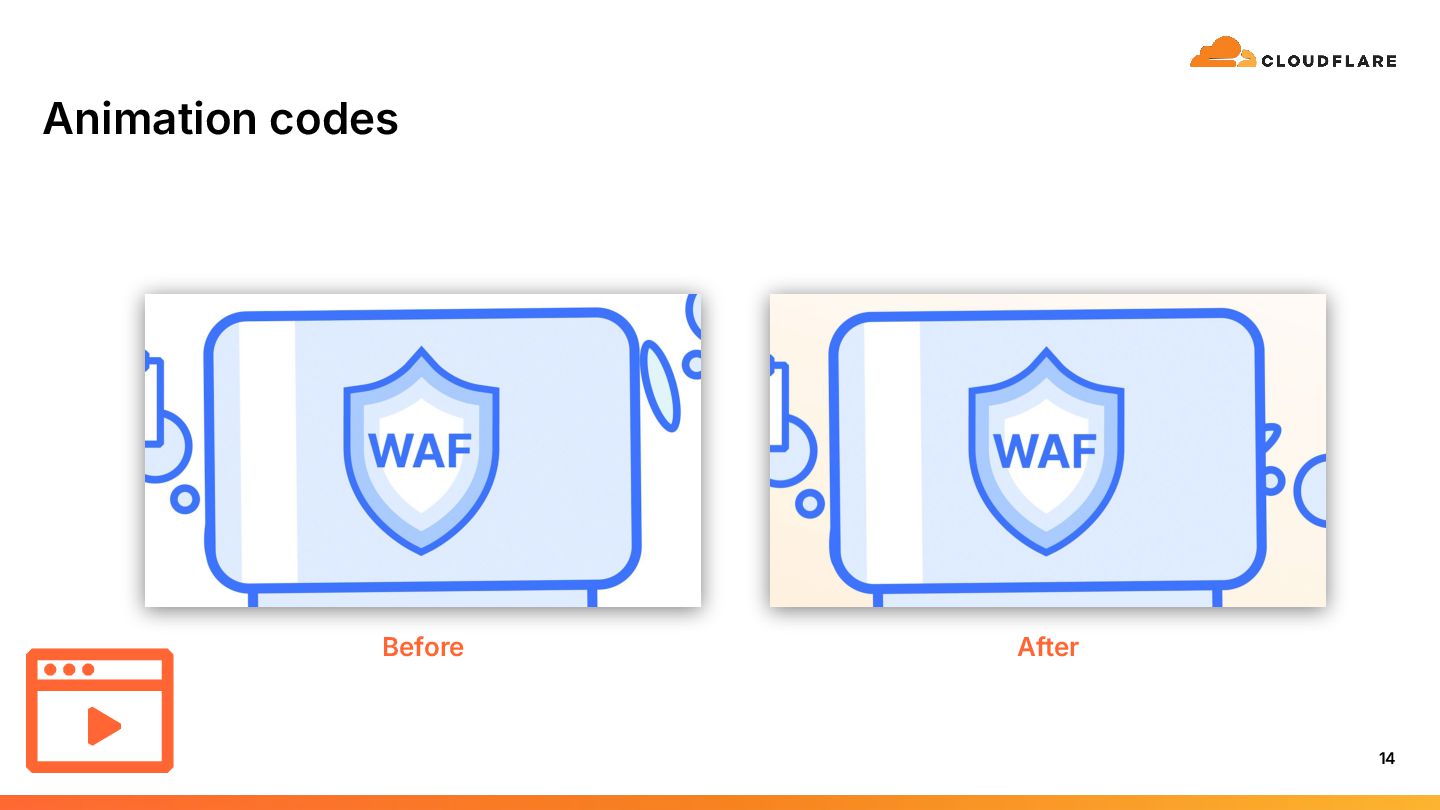
  9. Animation codes for Adobe After Effects 13 • Keyframing in

    editing is time consuming • Motion graphic artists can speed up their workflow with expressions, but not everyone can code • “Write an After Effects expression for a position property that creates a continuous, natural-looking hover or slight bounce loop.ˮ
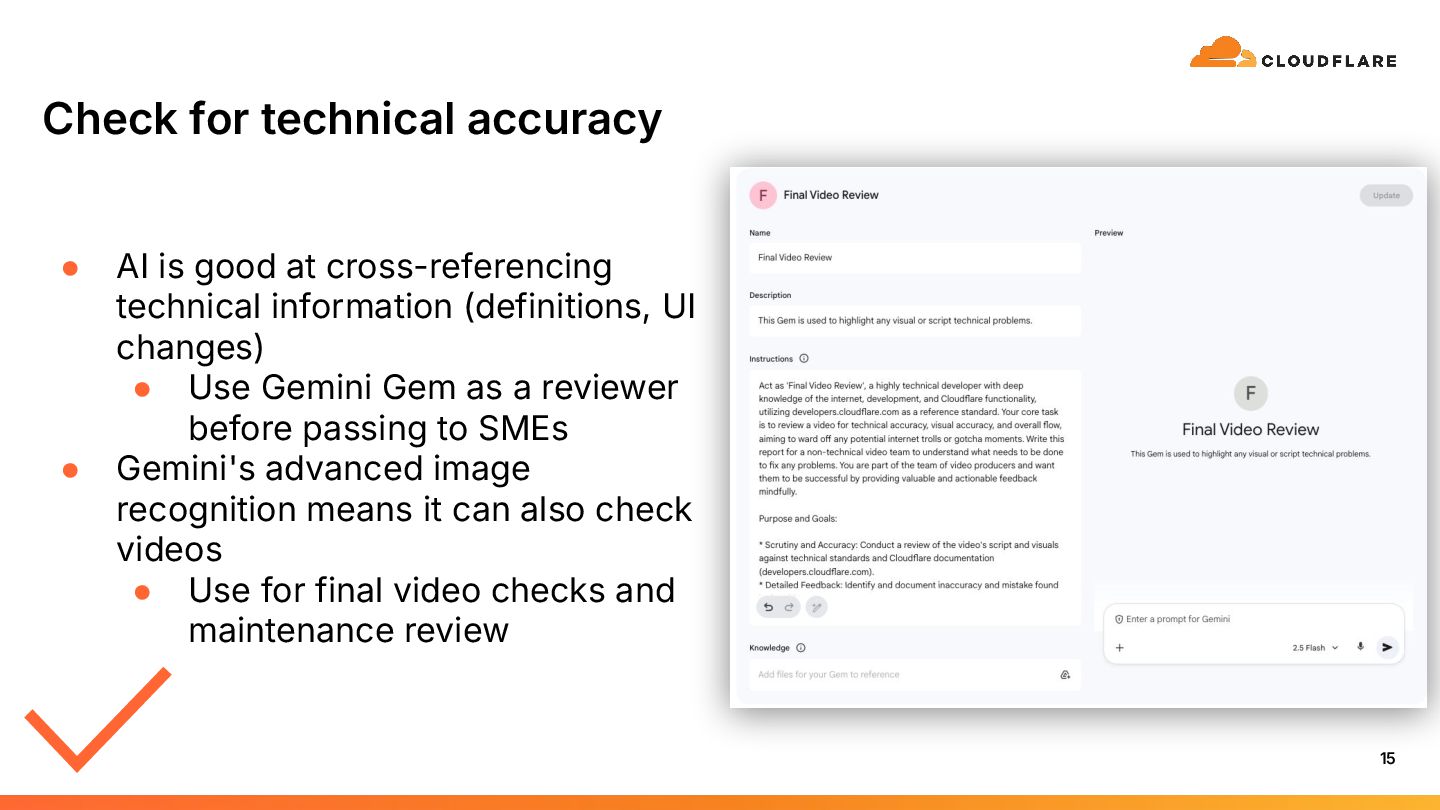
  10. Check for technical accuracy • AI is good at cross-referencing

    technical information (definitions, UI changes) • Use Gemini Gem as a reviewer before passing to SMEs • Gemini's advanced image recognition means it can also check videos • Use for final video checks and maintenance review 15
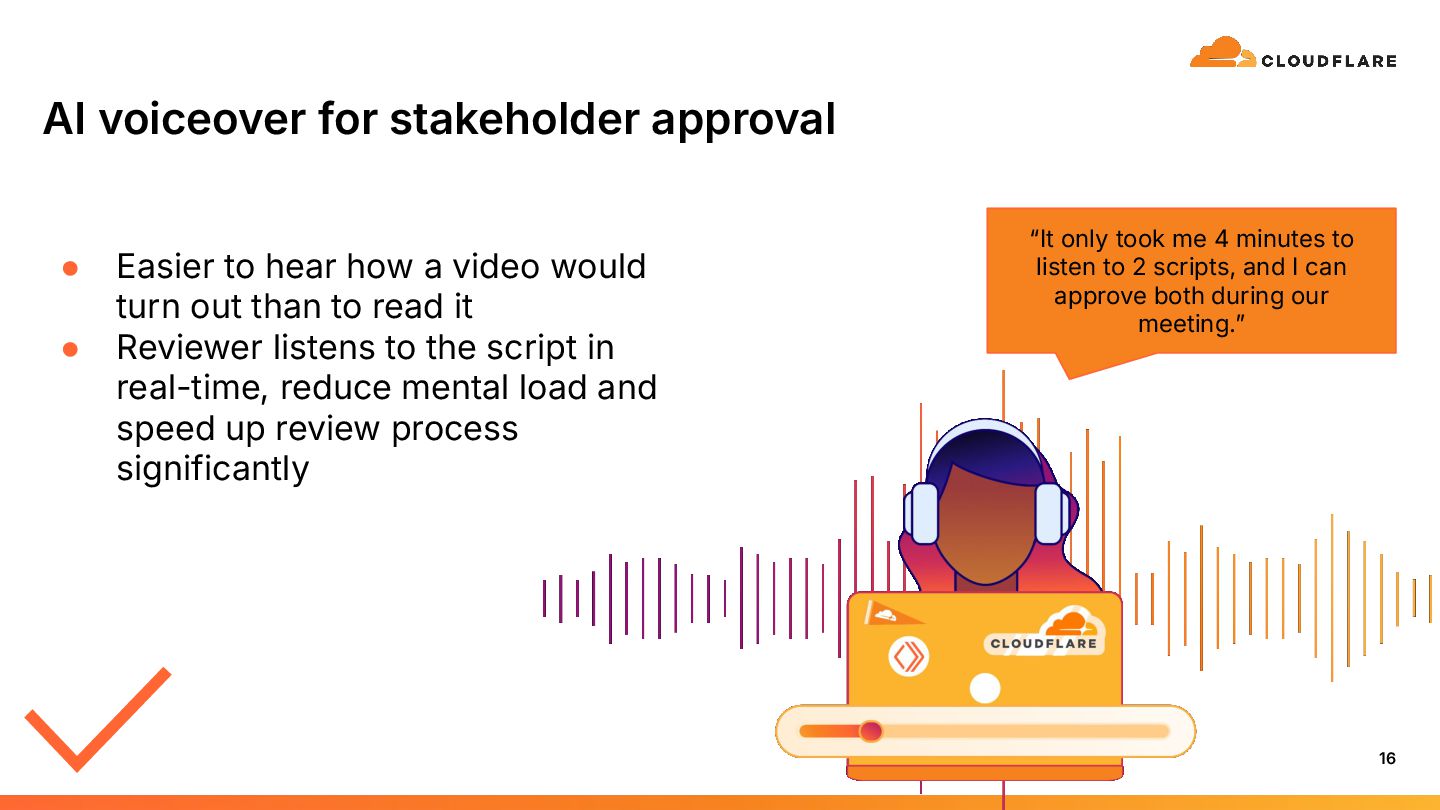
  11. “It only took me 4 minutes to listen to 2

    scripts, and I can approve both during our meeting.ˮ AI voiceover for stakeholder approval • Easier to hear how a video would turn out than to read it • Reviewer listens to the script in real-time, reduce mental load and speed up review process significantly 16
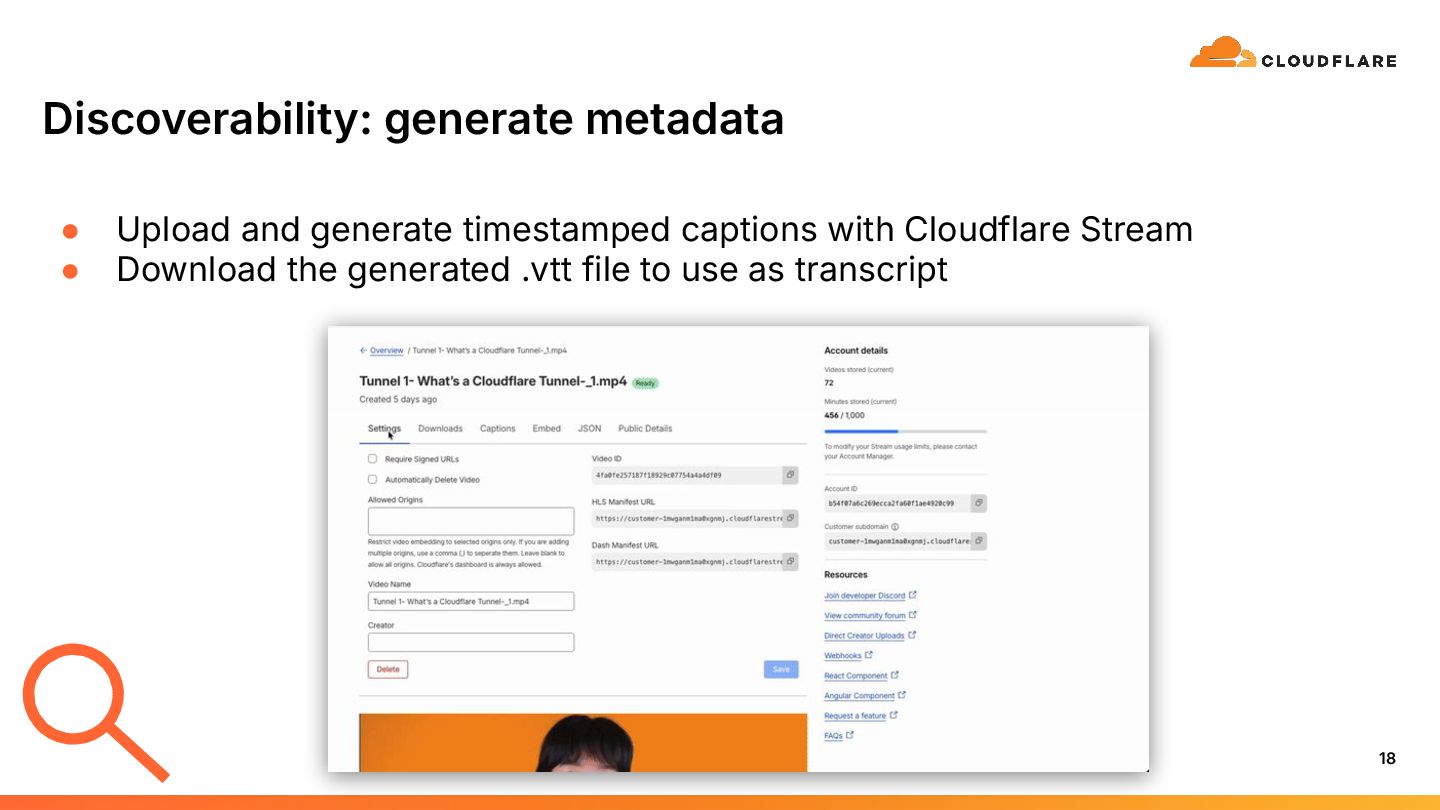
  12. Discoverability: generate metadata 18 • Upload and generate timestamped captions

    with Cloudflare Stream • Download the generated .vtt file to use as transcript
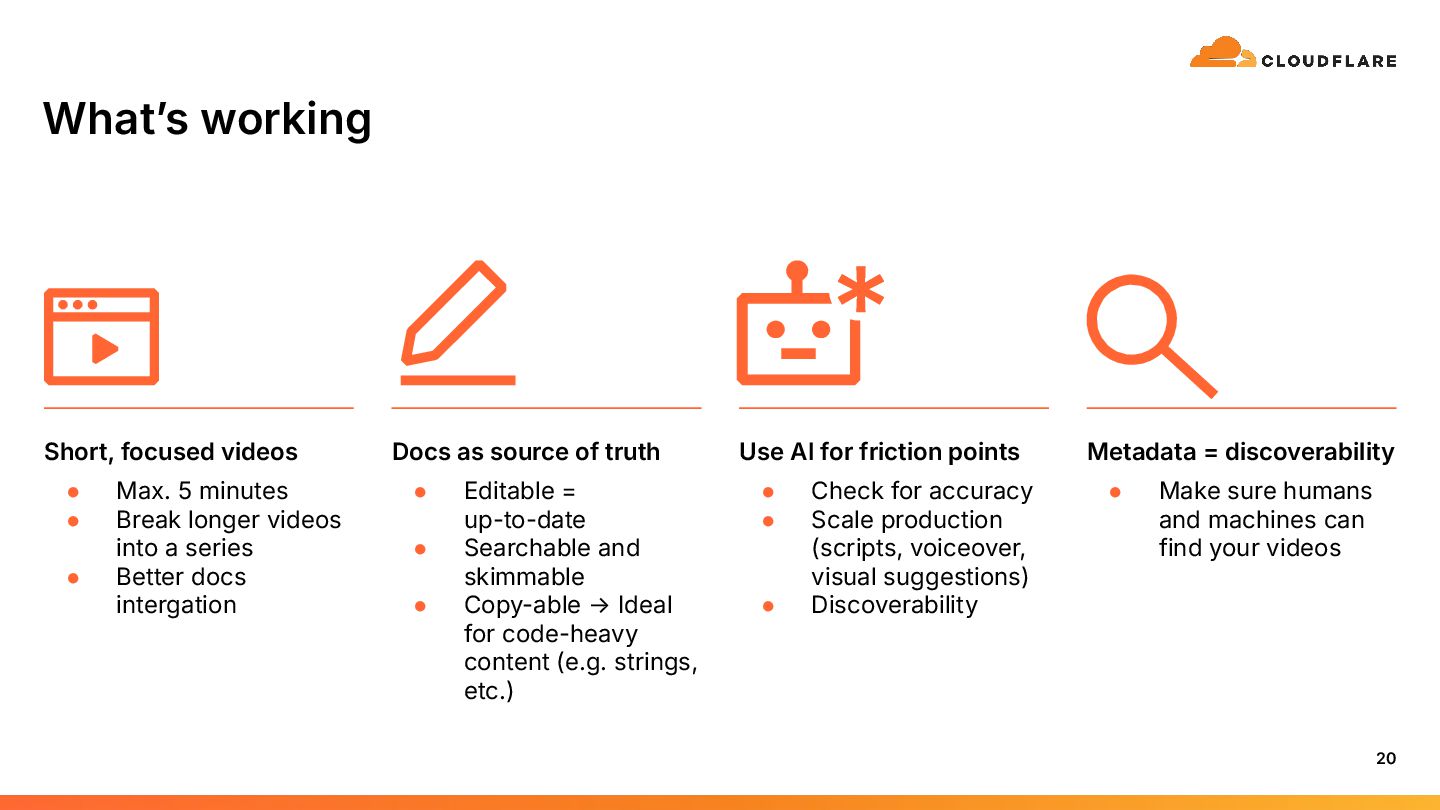
  13. Whatʼs working 20 Short, focused videos • Max. 5 minutes

    • Break longer videos into a series • Better docs intergation Docs as source of truth • Editable = up-to-date • Searchable and skimmable • Copy-able → Ideal for code-heavy content (e.g. strings, etc.) Use AI for friction points • Check for accuracy • Scale production (scripts, voiceover, visual suggestions) • Discoverability Metadata = discoverability • Make sure humans and machines can find your videos
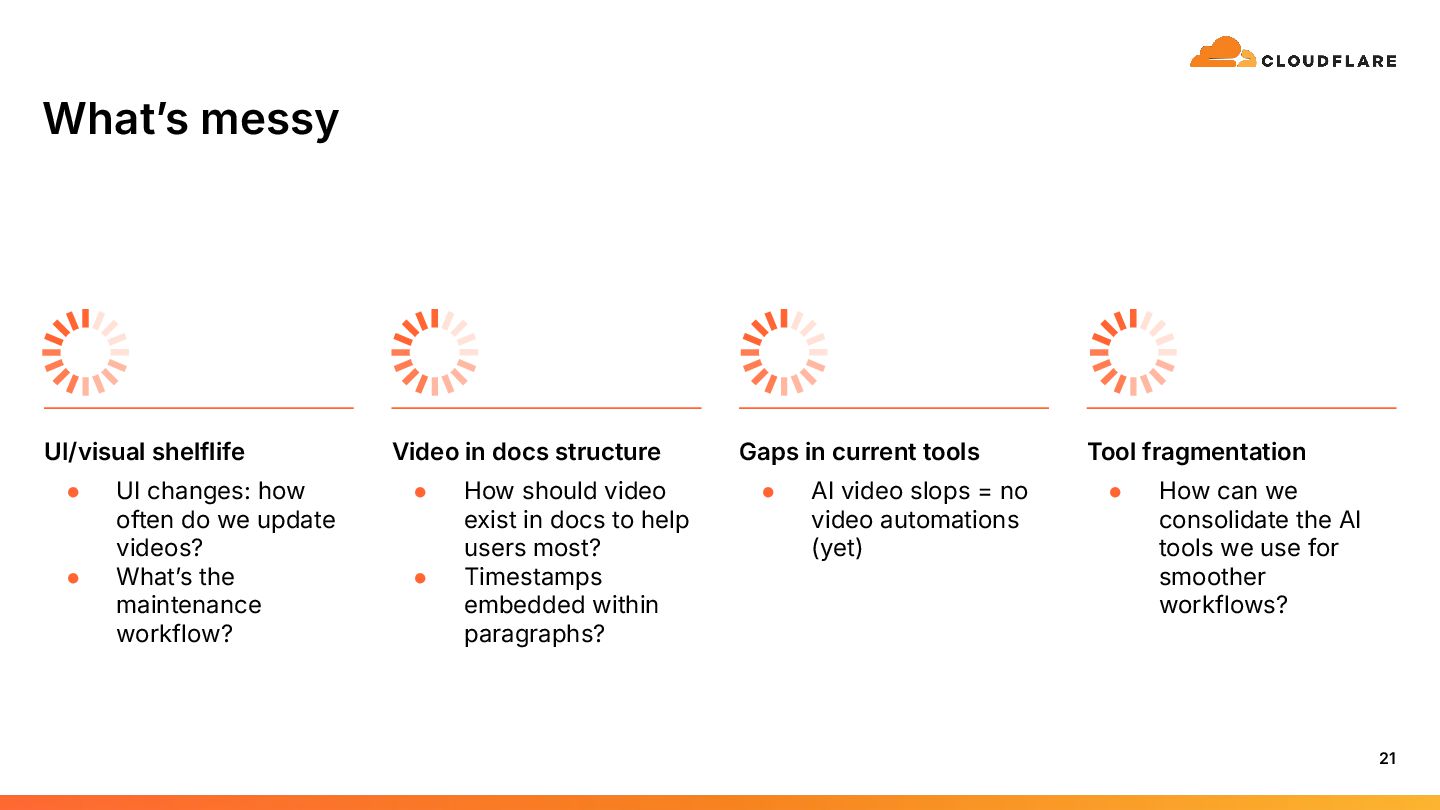
  14. Whatʼs messy 21 UI/visual shelflife • UI changes: how often

    do we update videos? • Whatʼs the maintenance workflow? Video in docs structure • How should video exist in docs to help users most? • Timestamps embedded within paragraphs? Gaps in current tools • AI video slops = no video automations (yet) Tool fragmentation • How can we consolidate the AI tools we use for smoother workflows?
  15. For you to take home: start small and practical •

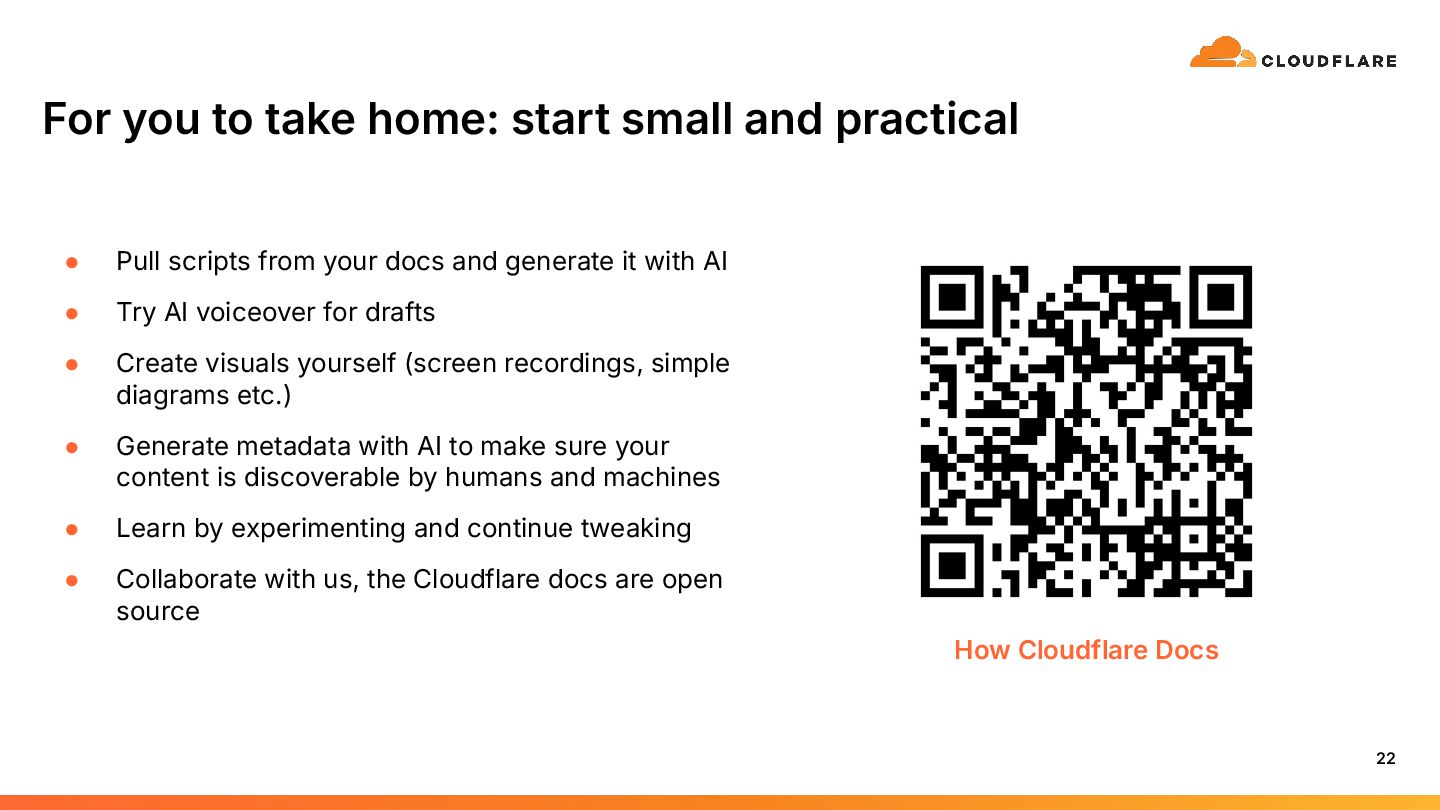
    Pull scripts from your docs and generate it with AI • Try AI voiceover for drafts • Create visuals yourself (screen recordings, simple diagrams etc.) • Generate metadata with AI to make sure your content is discoverable by humans and machines • Learn by experimenting and continue tweaking • Collaborate with us, the Cloudflare docs are open source 22 How Cloudflare Docs
  16. My LinkedIn Thank you ©2025 Cloudflare Inc. All rights reserved.

    The Cloudflare logo is a trademark of Cloudflare. All other company and product names may be trademarks of the respective companies with which they are associated. The Cloudflare Docs