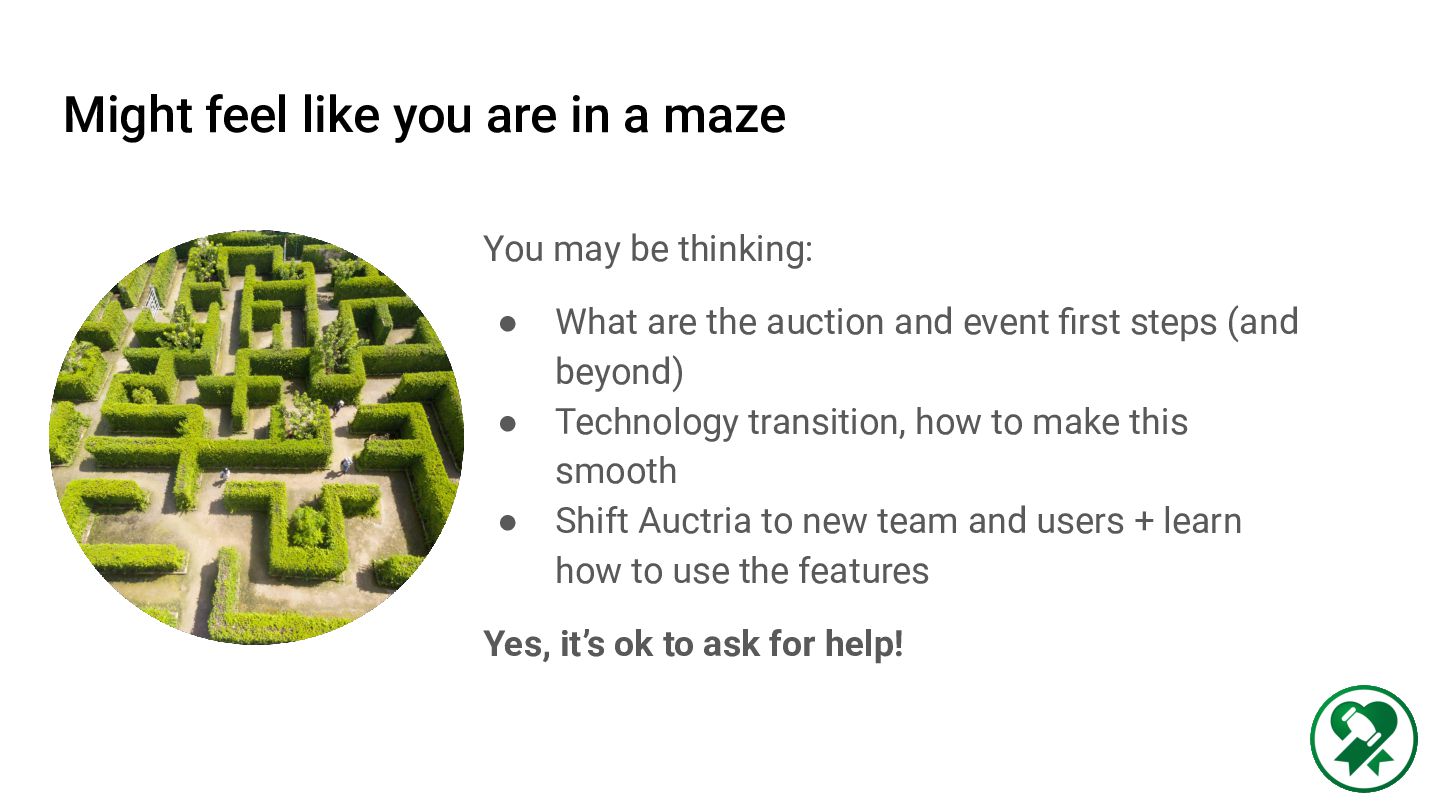
be thinking: • What are the auction and event first steps (and beyond) • Technology transition, how to make this smooth • Shift Auctria to new team and users + learn how to use the features Yes, it’s ok to ask for help!
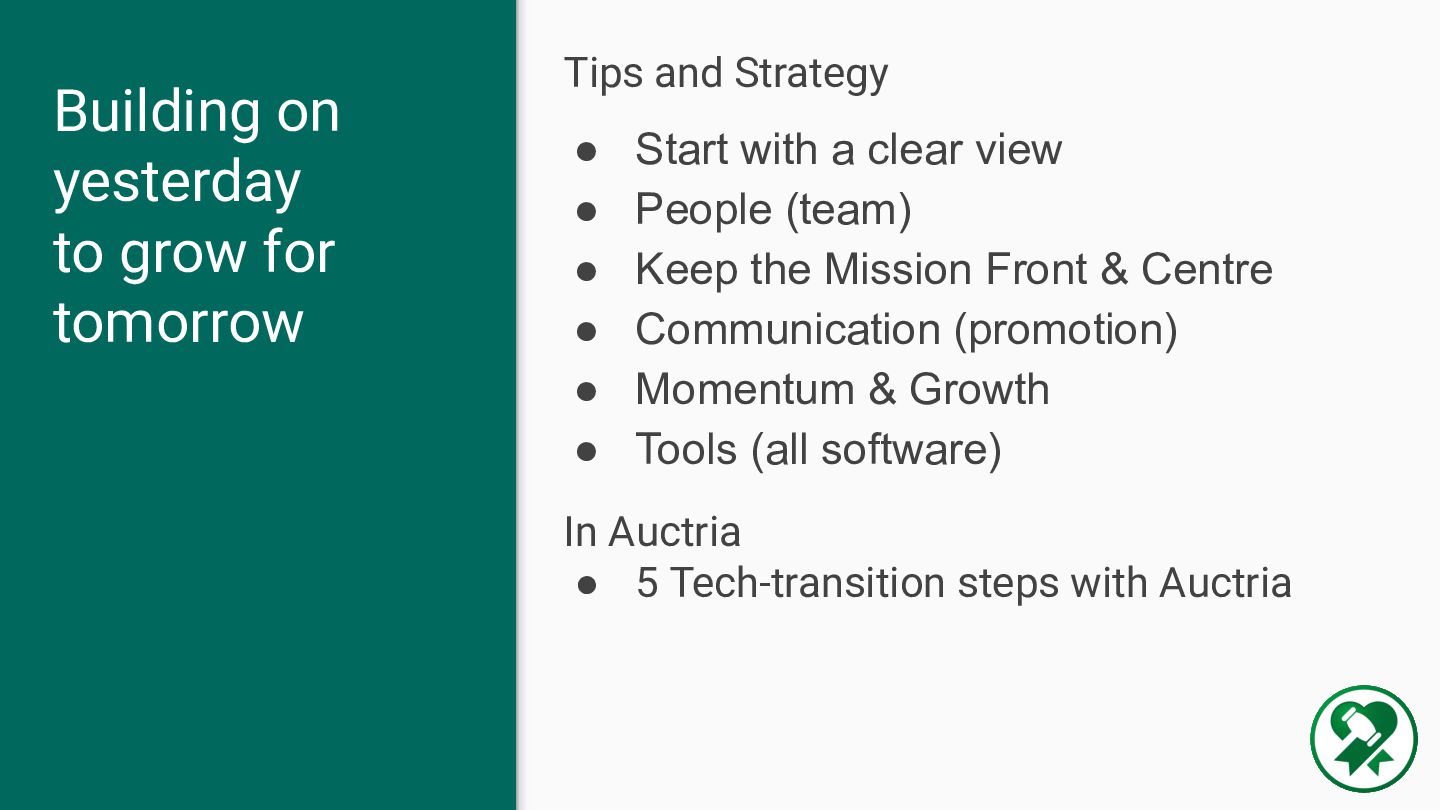
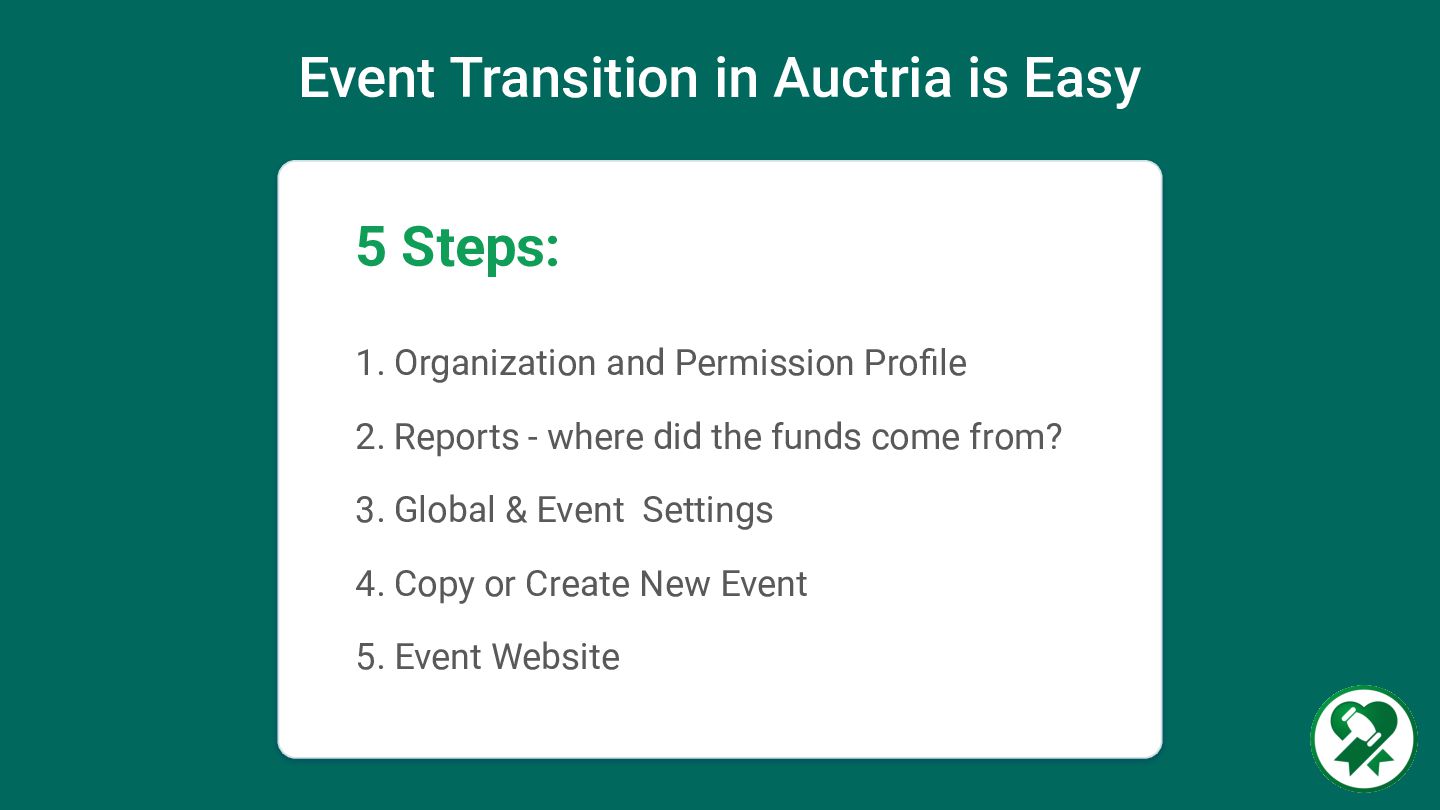
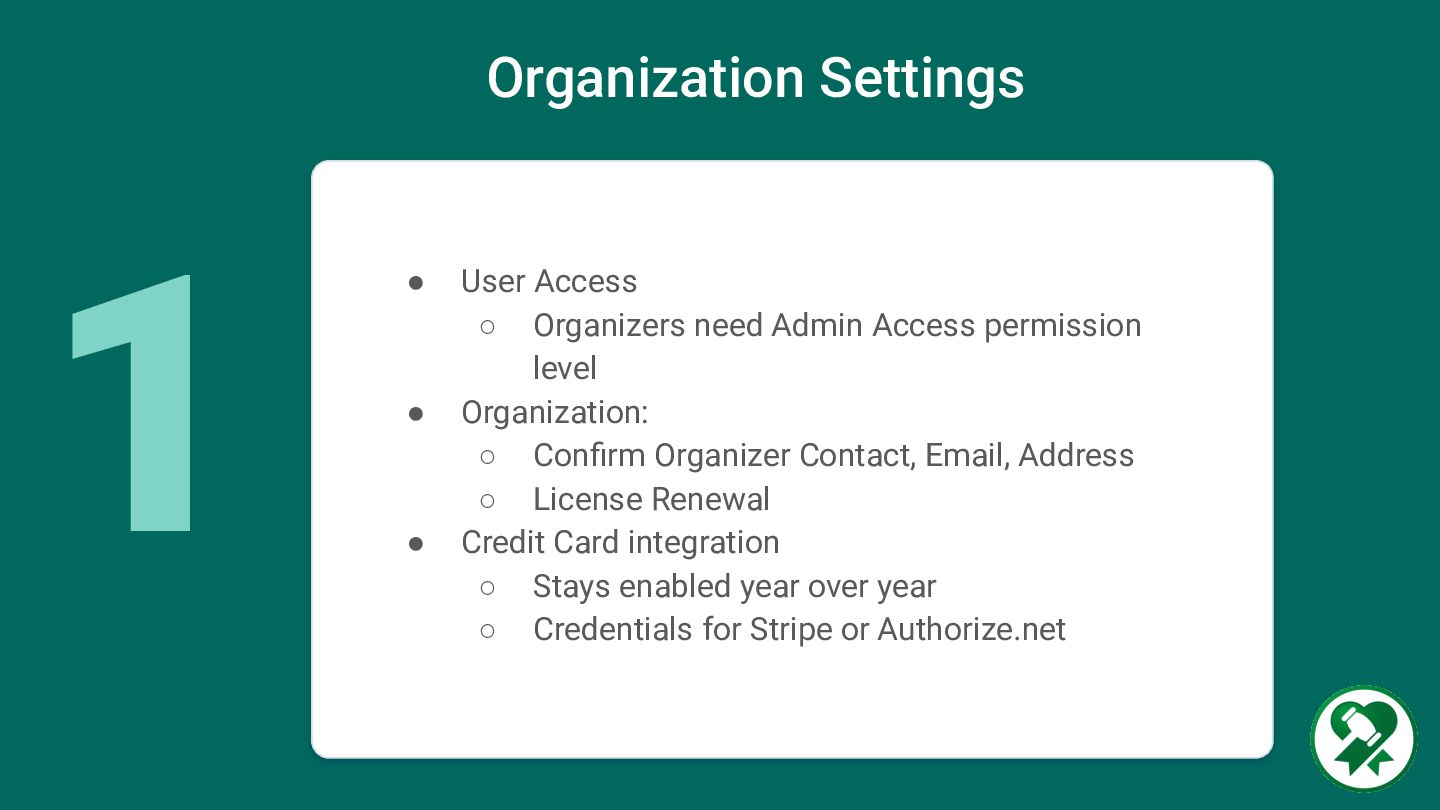
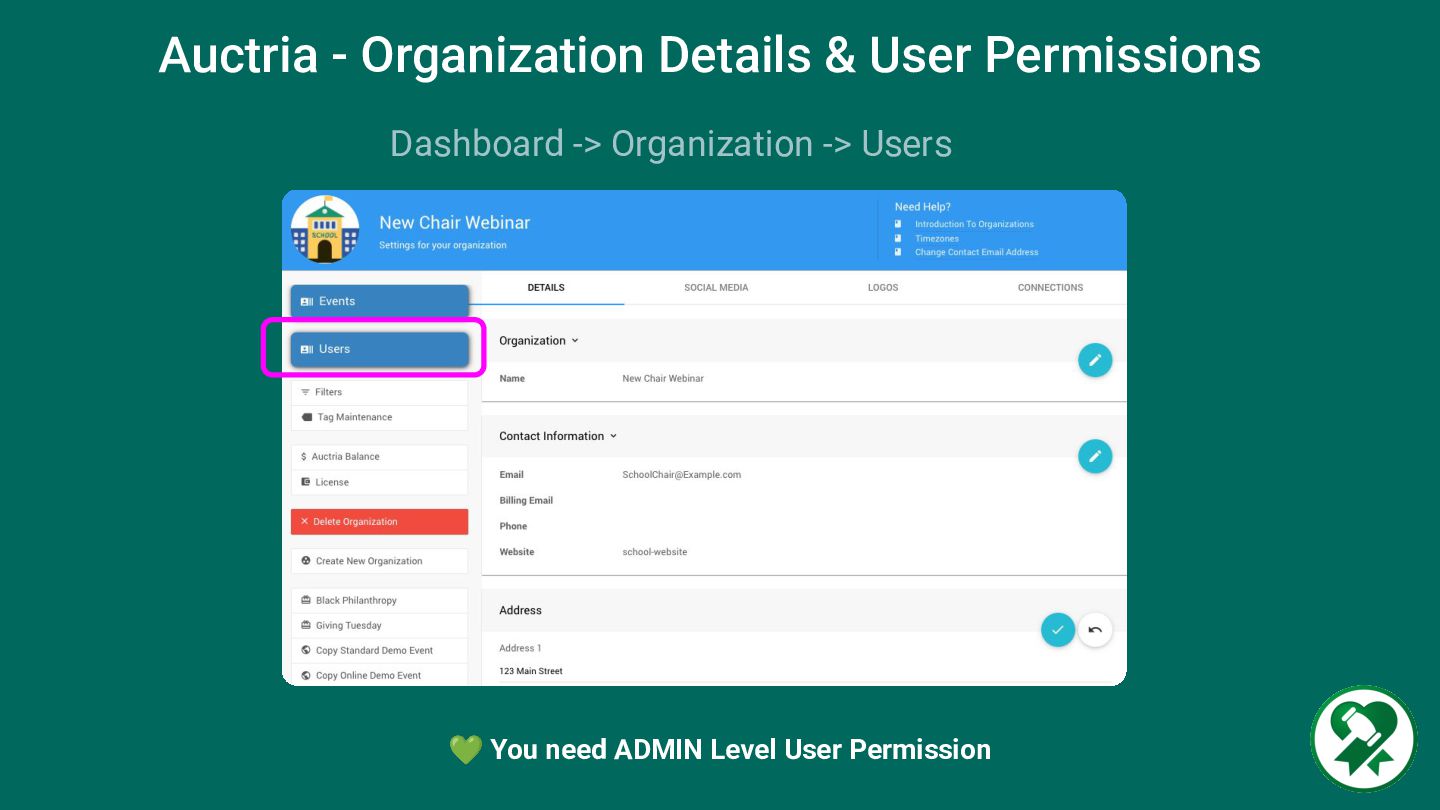
People (team) • Keep the Mission Front & Centre • Communication (promotion) • Momentum & Growth • Tools (all software) In Auctria • 5 Tech-transition steps with Auctria Building on yesterday to grow for tomorrow
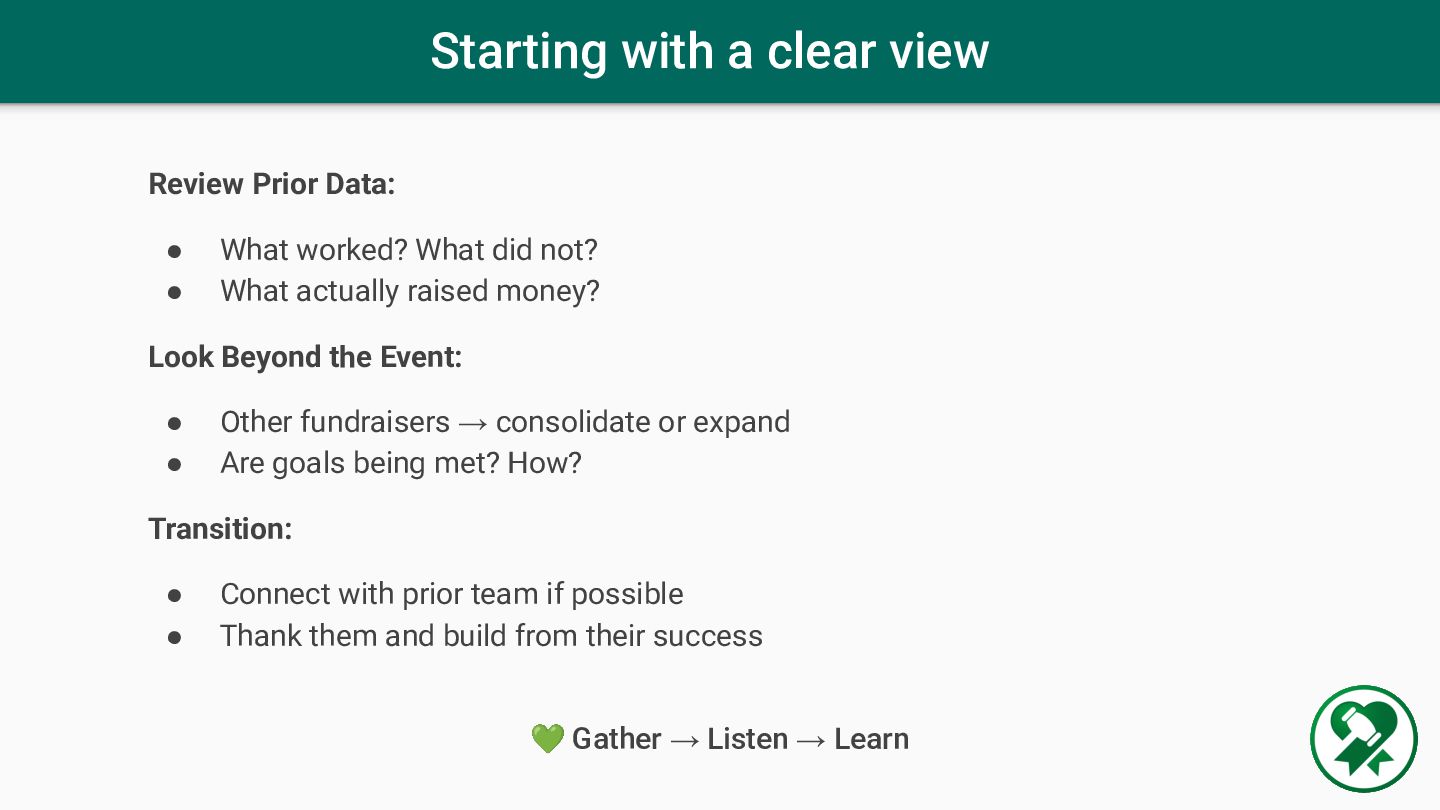
worked? What did not? • What actually raised money? Look Beyond the Event: • Other fundraisers → consolidate or expand • Are goals being met? How? Transition: • Connect with prior team if possible • Thank them and build from their success 💚 Gather → Listen → Learn
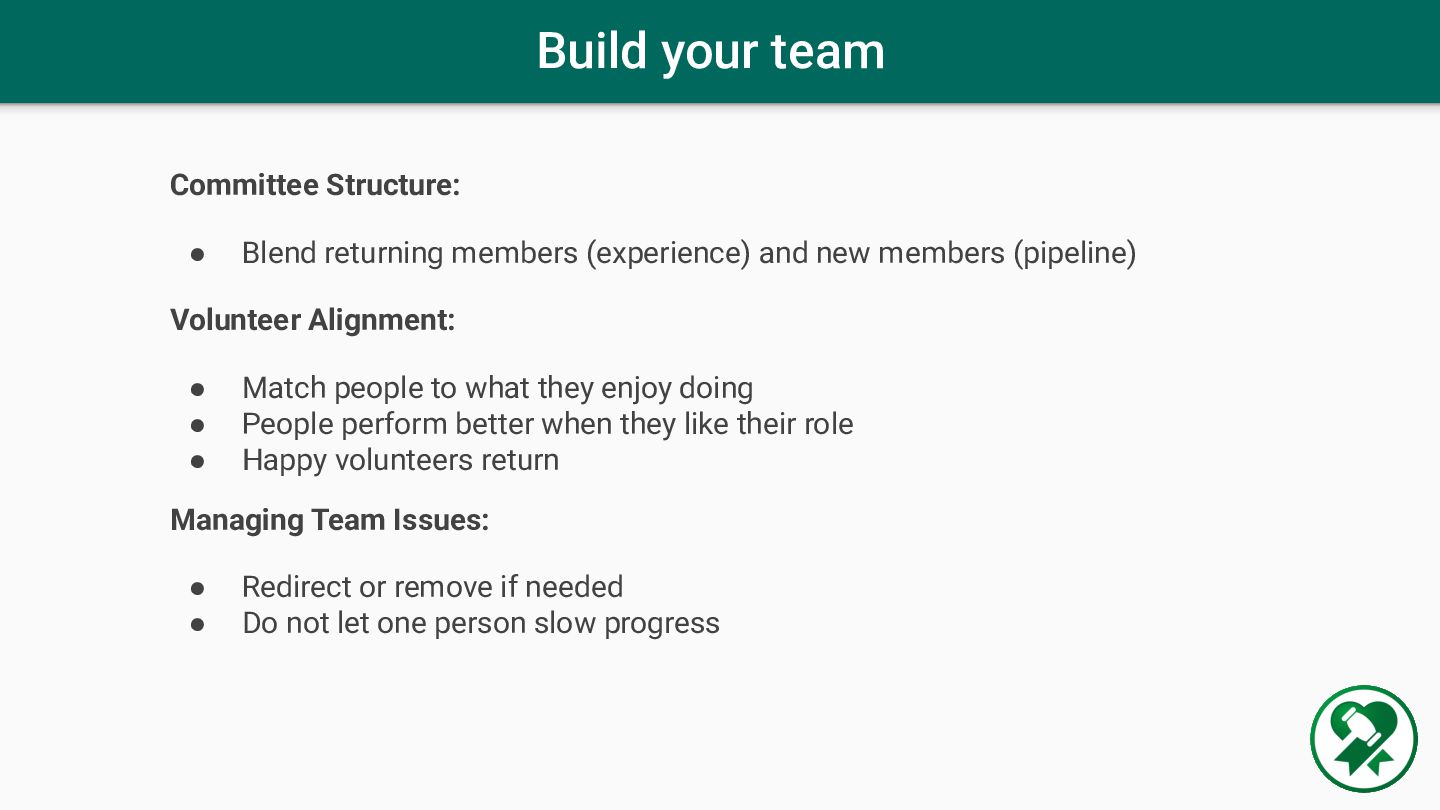
and new members (pipeline) Volunteer Alignment: • Match people to what they enjoy doing • People perform better when they like their role • Happy volunteers return Managing Team Issues: • Redirect or remove if needed • Do not let one person slow progress
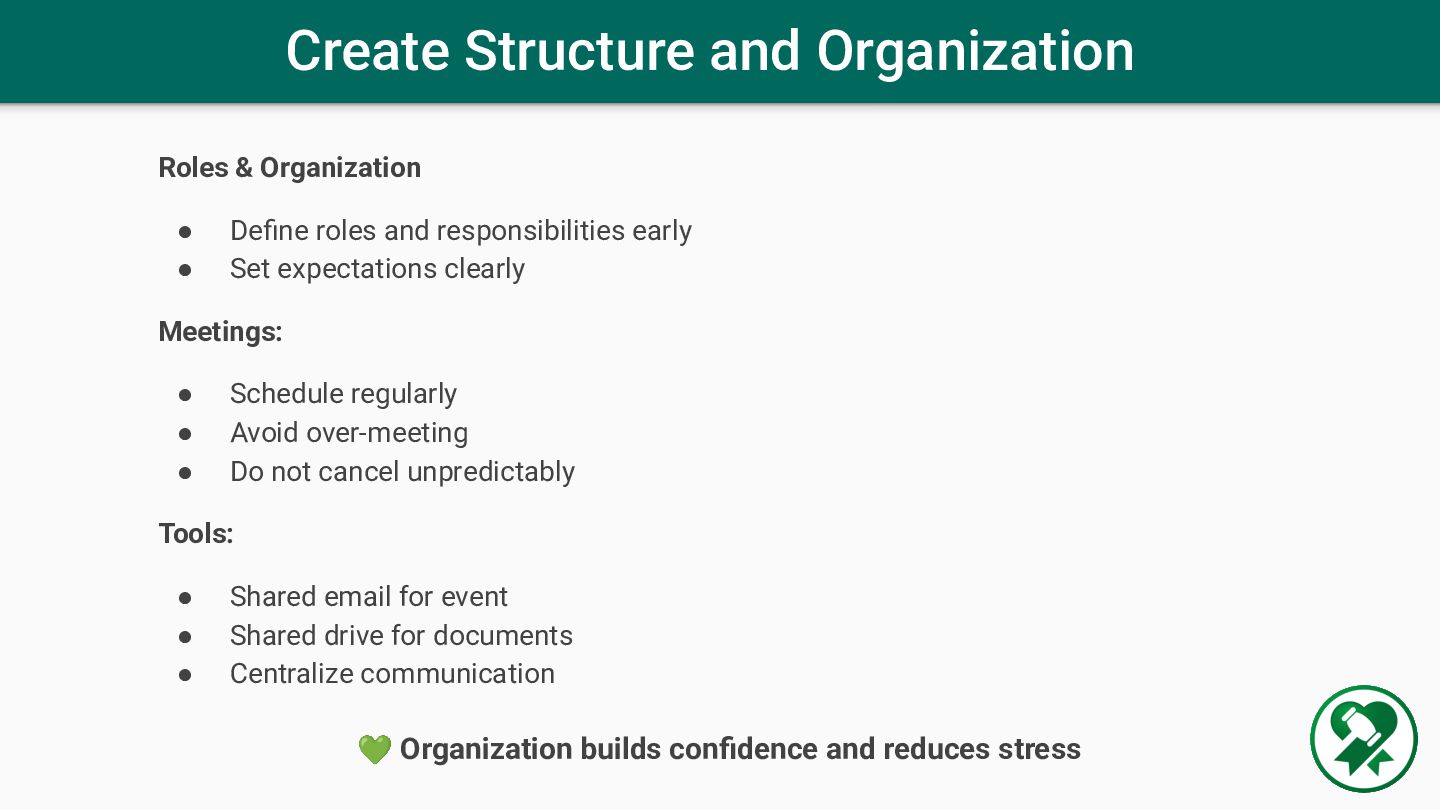
and responsibilities early • Set expectations clearly Meetings: • Schedule regularly • Avoid over-meeting • Do not cancel unpredictably Tools: • Shared email for event • Shared drive for documents • Centralize communication 💚 Organization builds confidence and reduces stress
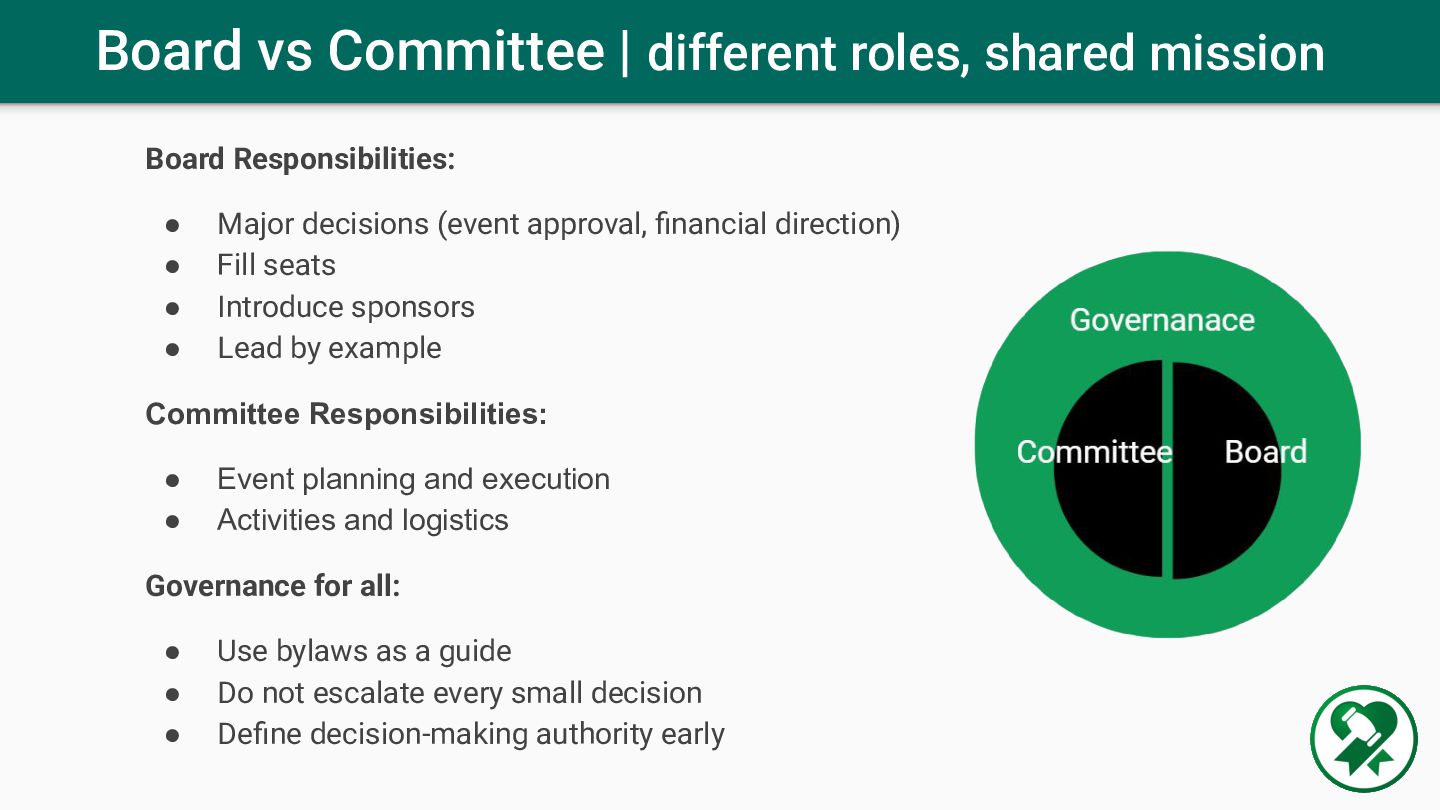
• Major decisions (event approval, financial direction) • Fill seats • Introduce sponsors • Lead by example Committee Responsibilities: • Event planning and execution • Activities and logistics Governance for all: • Use bylaws as a guide • Do not escalate every small decision • Define decision-making authority early
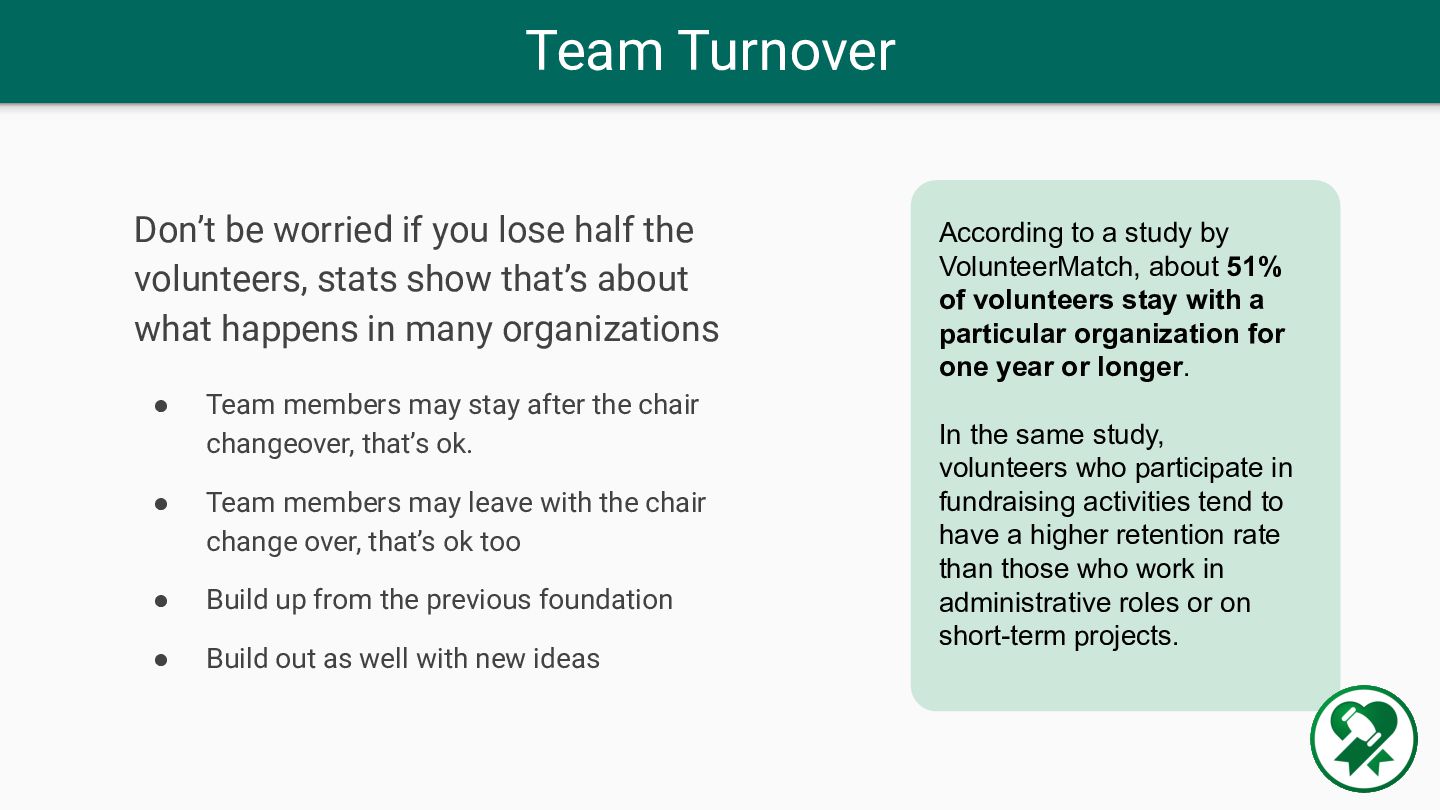
of volunteers stay with a particular organization for one year or longer. In the same study, volunteers who participate in fundraising activities tend to have a higher retention rate than those who work in administrative roles or on short-term projects. Don’t be worried if you lose half the volunteers, stats show that’s about what happens in many organizations • Team members may stay after the chair changeover, that’s ok. • Team members may leave with the chair change over, that’s ok too • Build up from the previous foundation • Build out as well with new ideas
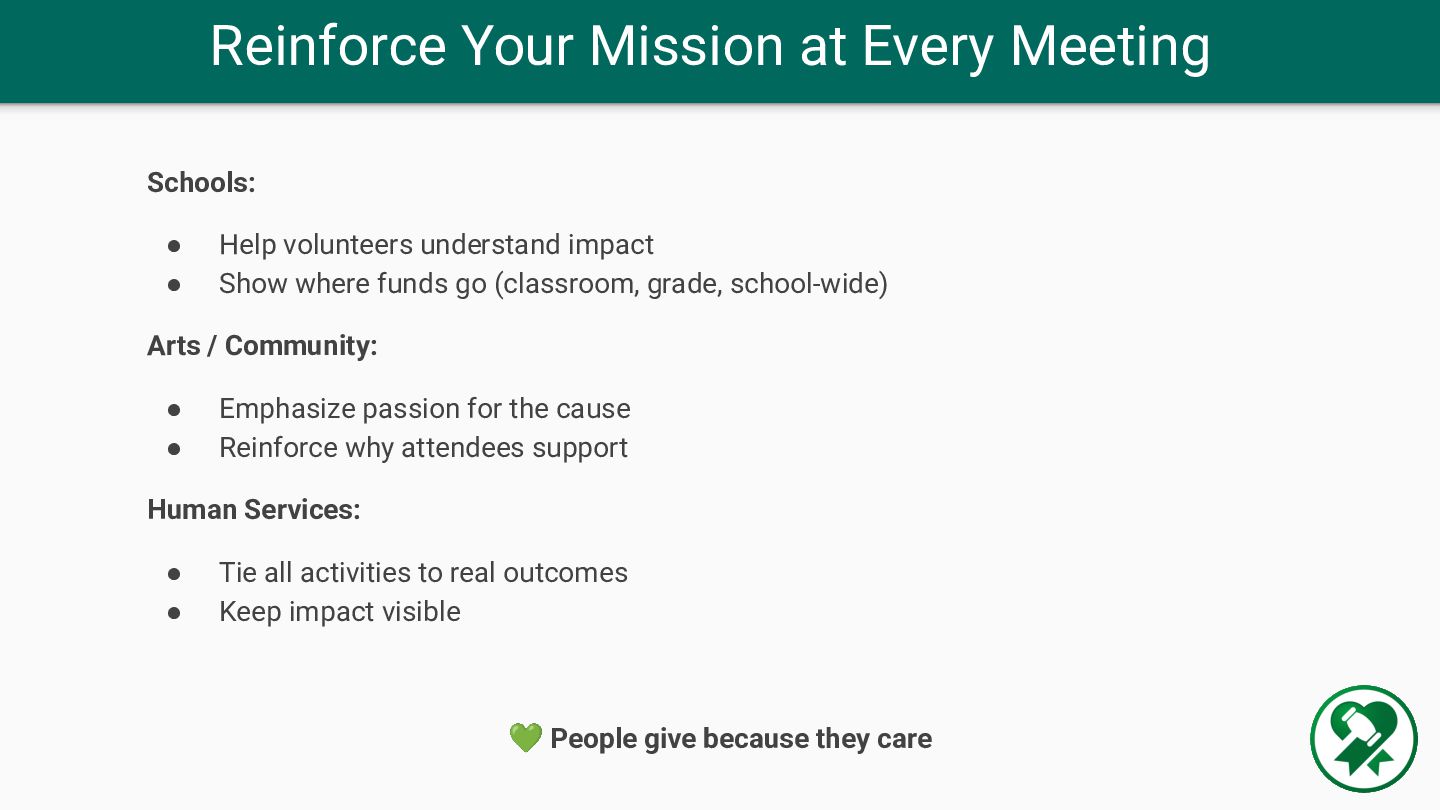
understand impact • Show where funds go (classroom, grade, school-wide) Arts / Community: • Emphasize passion for the cause • Reinforce why attendees support Human Services: • Tie all activities to real outcomes • Keep impact visible 💚 People give because they care
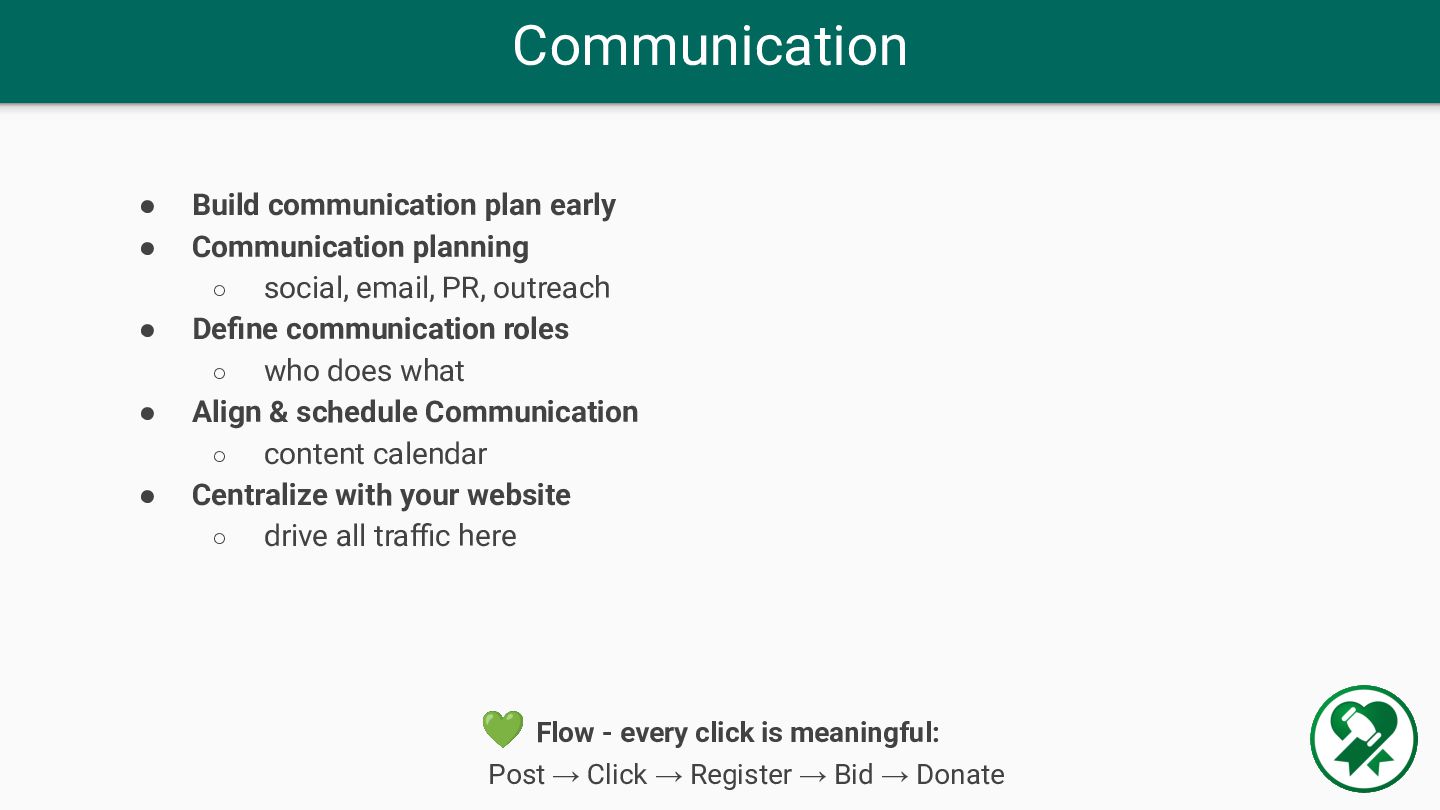
social, email, PR, outreach • Define communication roles ◦ who does what • Align & schedule Communication ◦ content calendar • Centralize with your website ◦ drive all traffic here 💚 Flow - every click is meaningful: Post → Click → Register → Bid → Donate
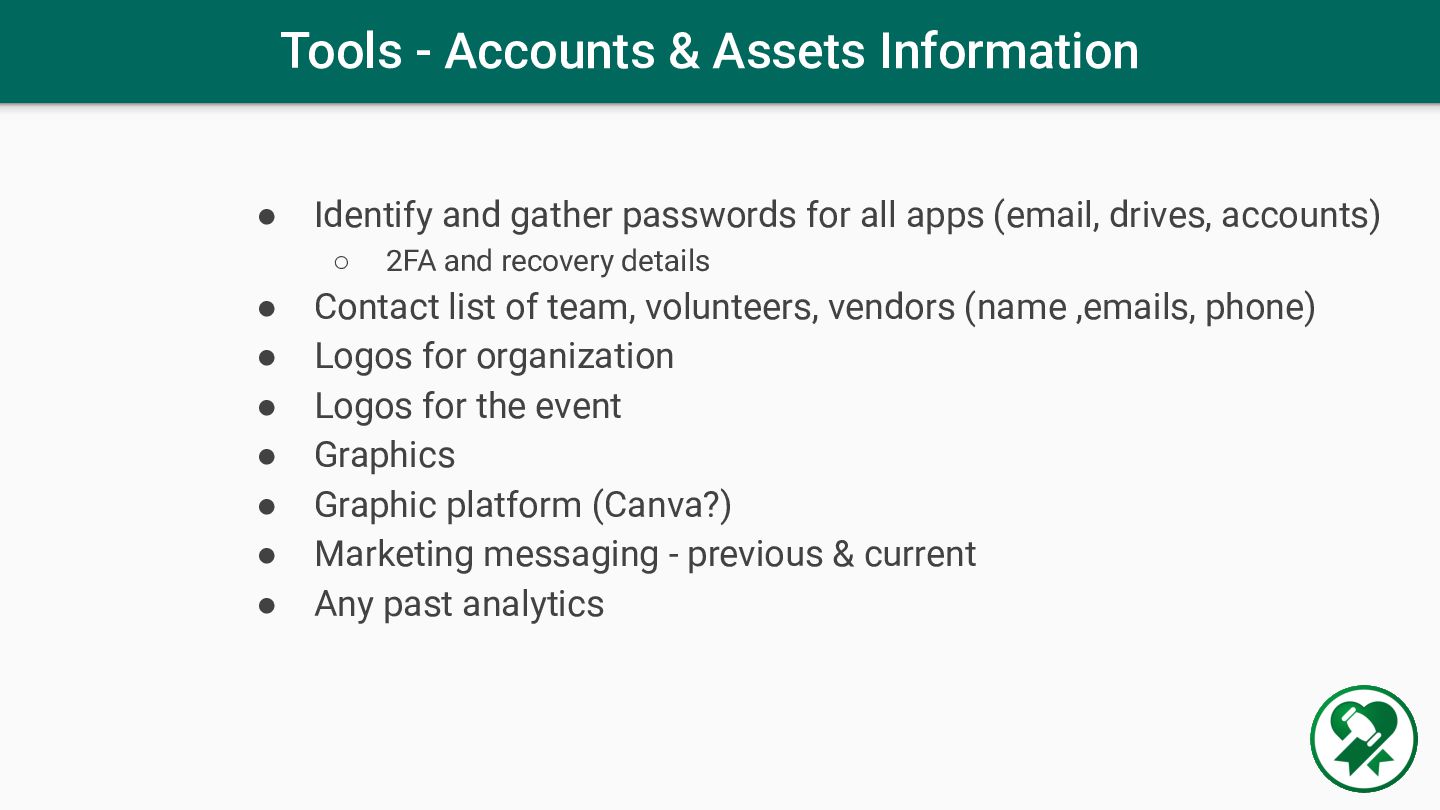
passwords for all apps (email, drives, accounts) ◦ 2FA and recovery details • Contact list of team, volunteers, vendors (name ,emails, phone) • Logos for organization • Logos for the event • Graphics • Graphic platform (Canva?) • Marketing messaging - previous & current • Any past analytics
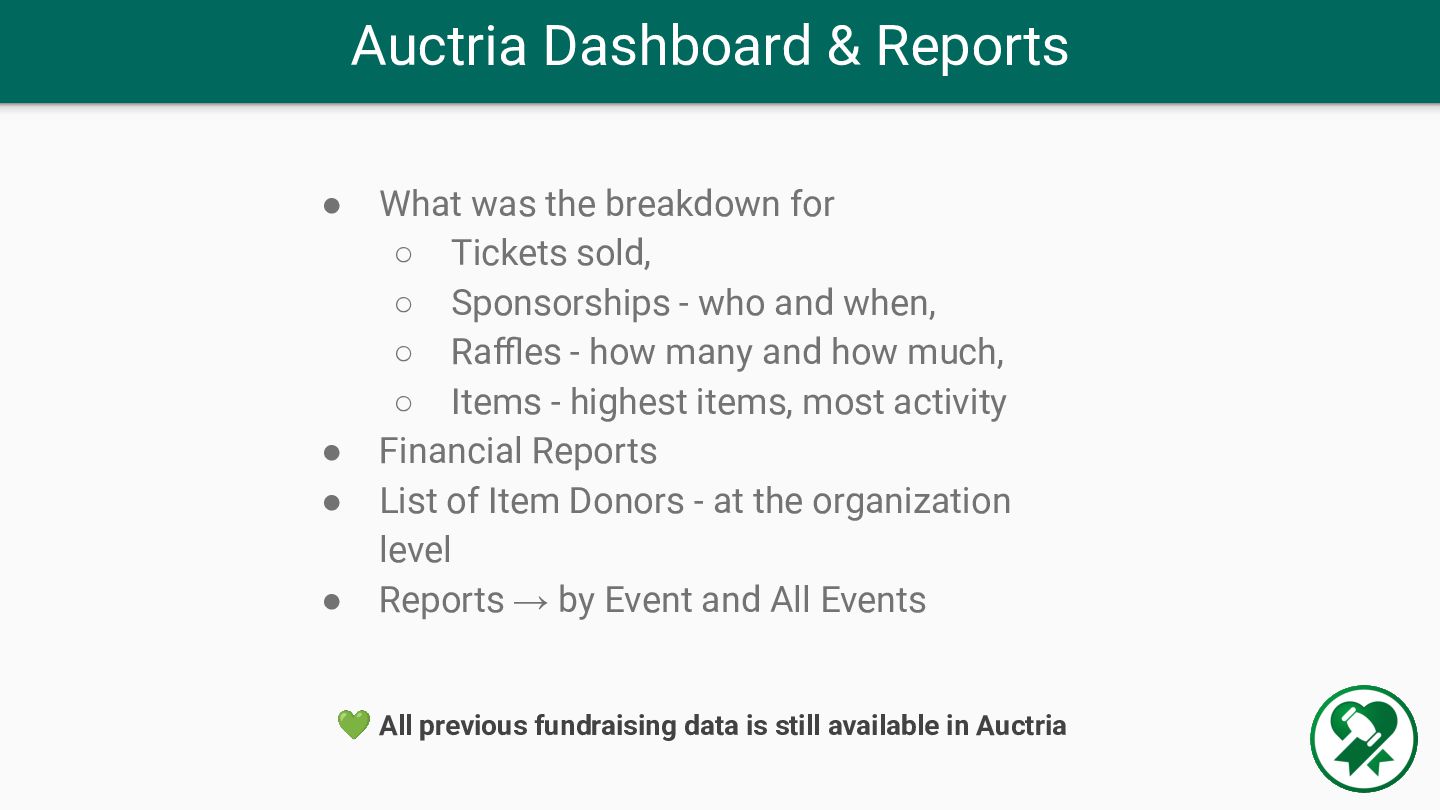
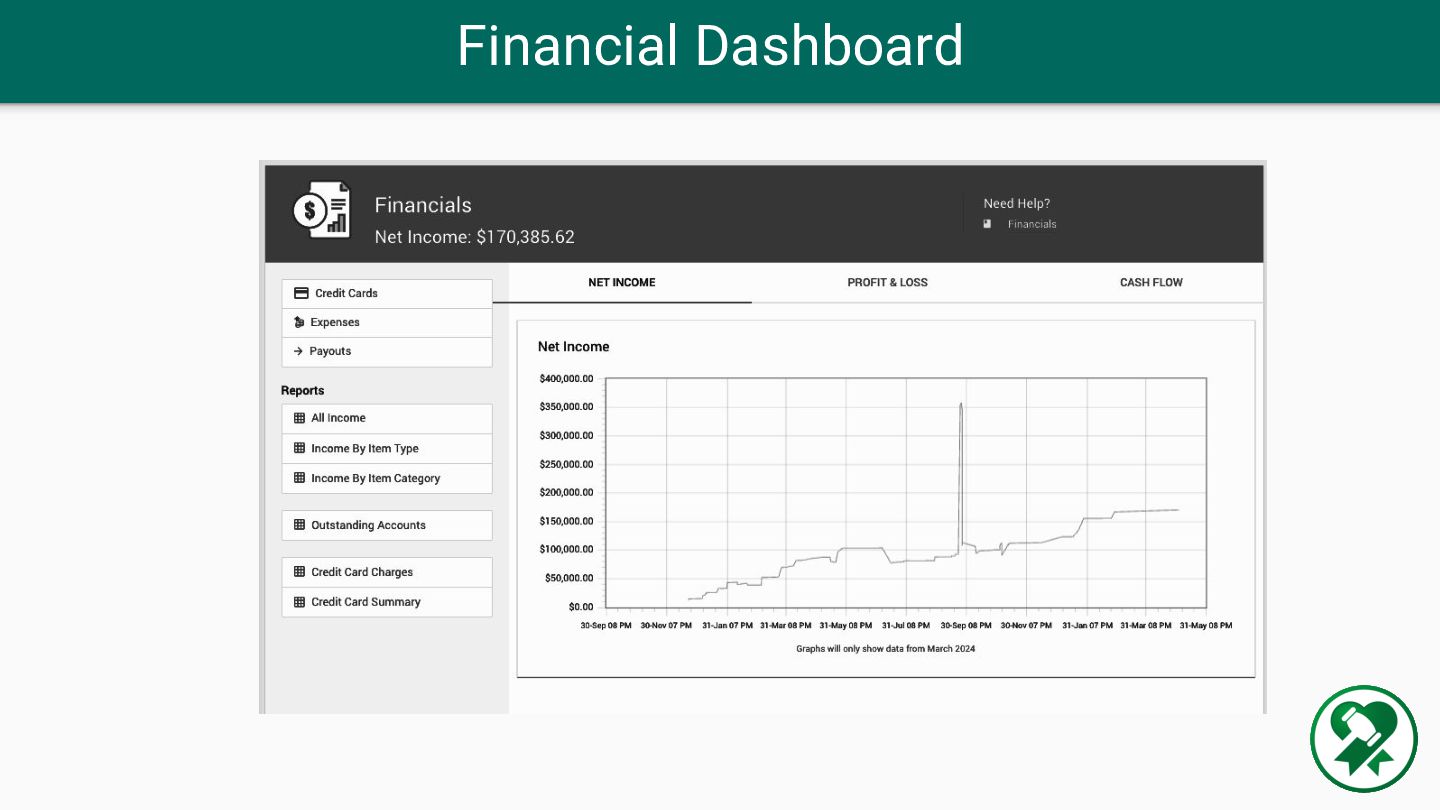
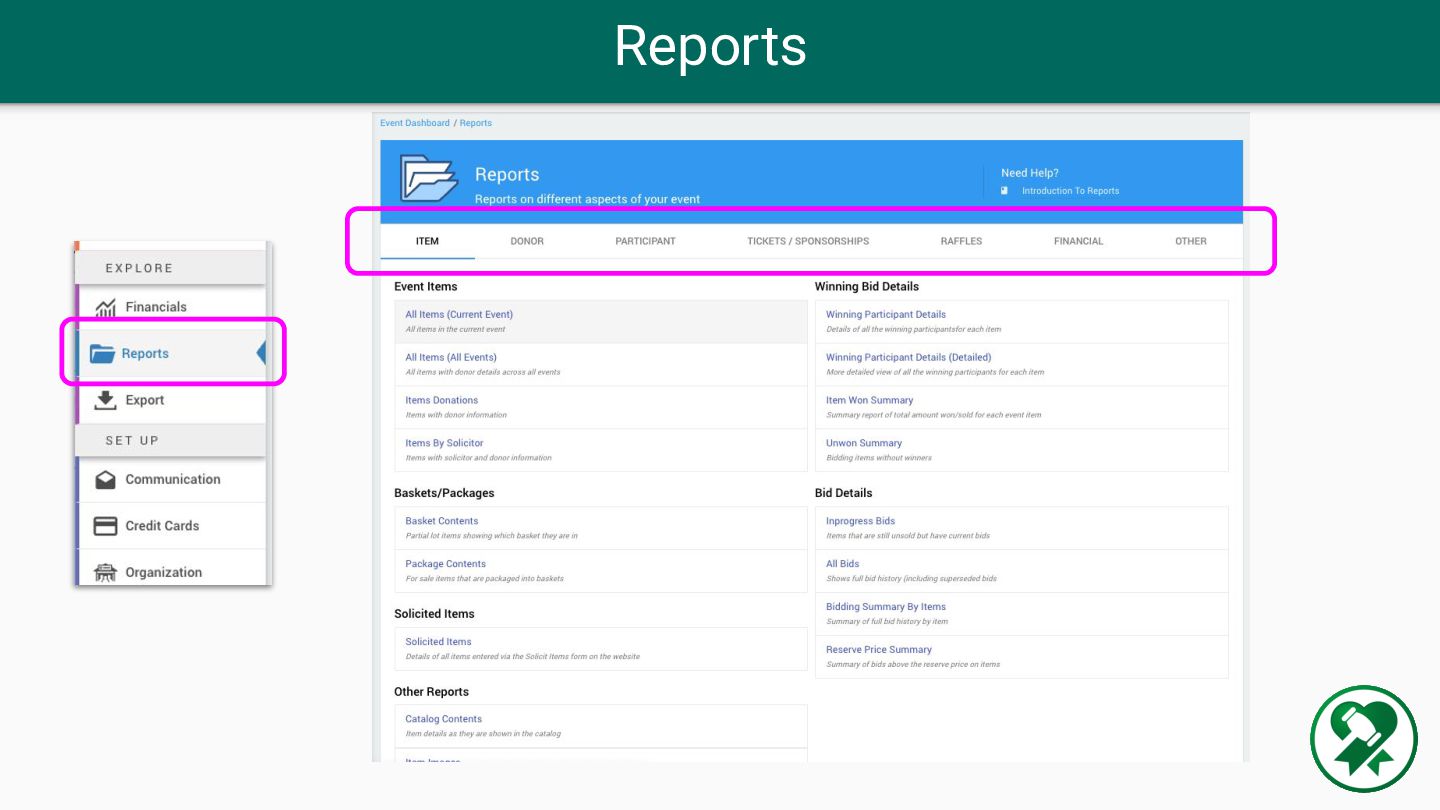
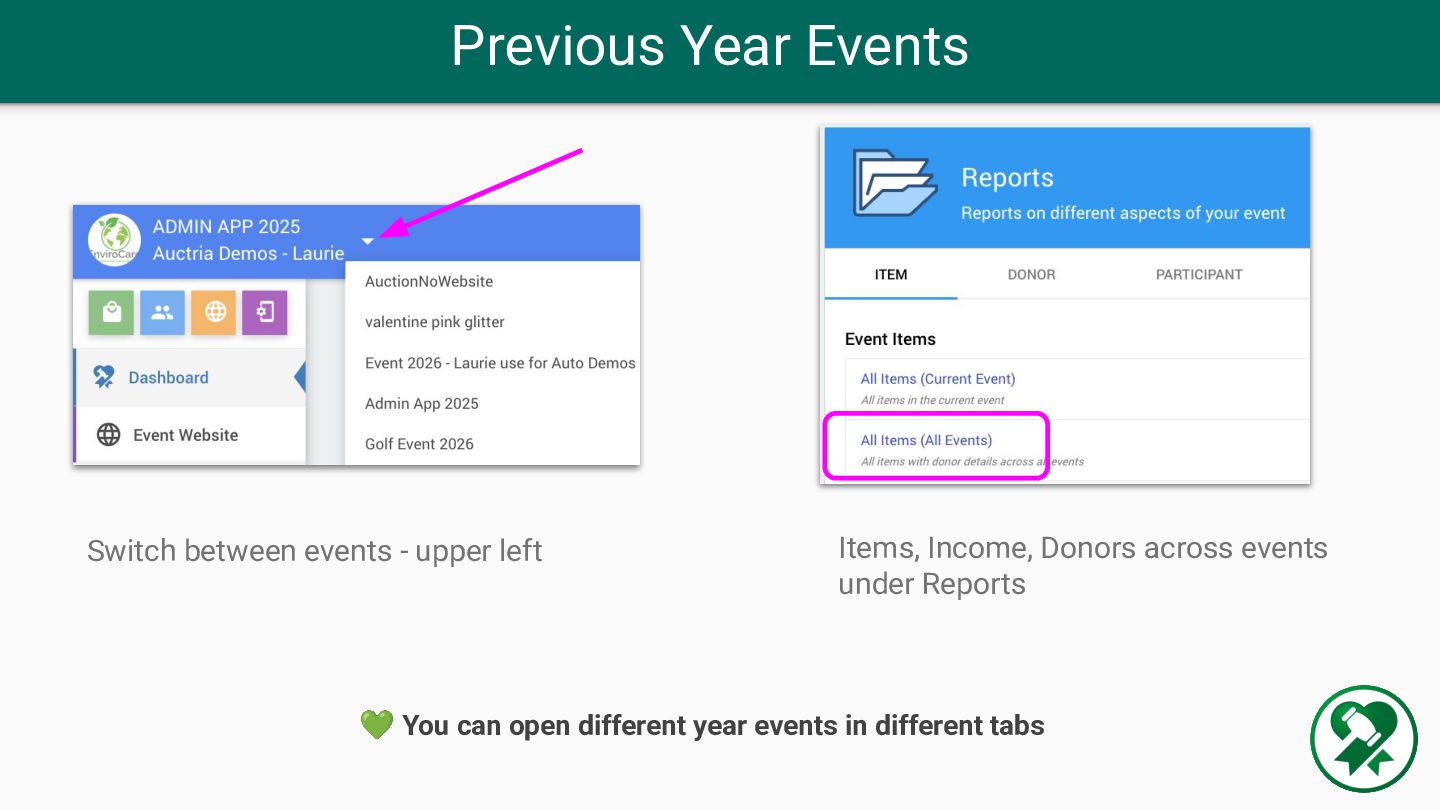
◦ Tickets sold, ◦ Sponsorships - who and when, ◦ Raffles - how many and how much, ◦ Items - highest items, most activity • Financial Reports • List of Item Donors - at the organization level • Reports → by Event and All Events 💚 All previous fundraising data is still available in Auctria
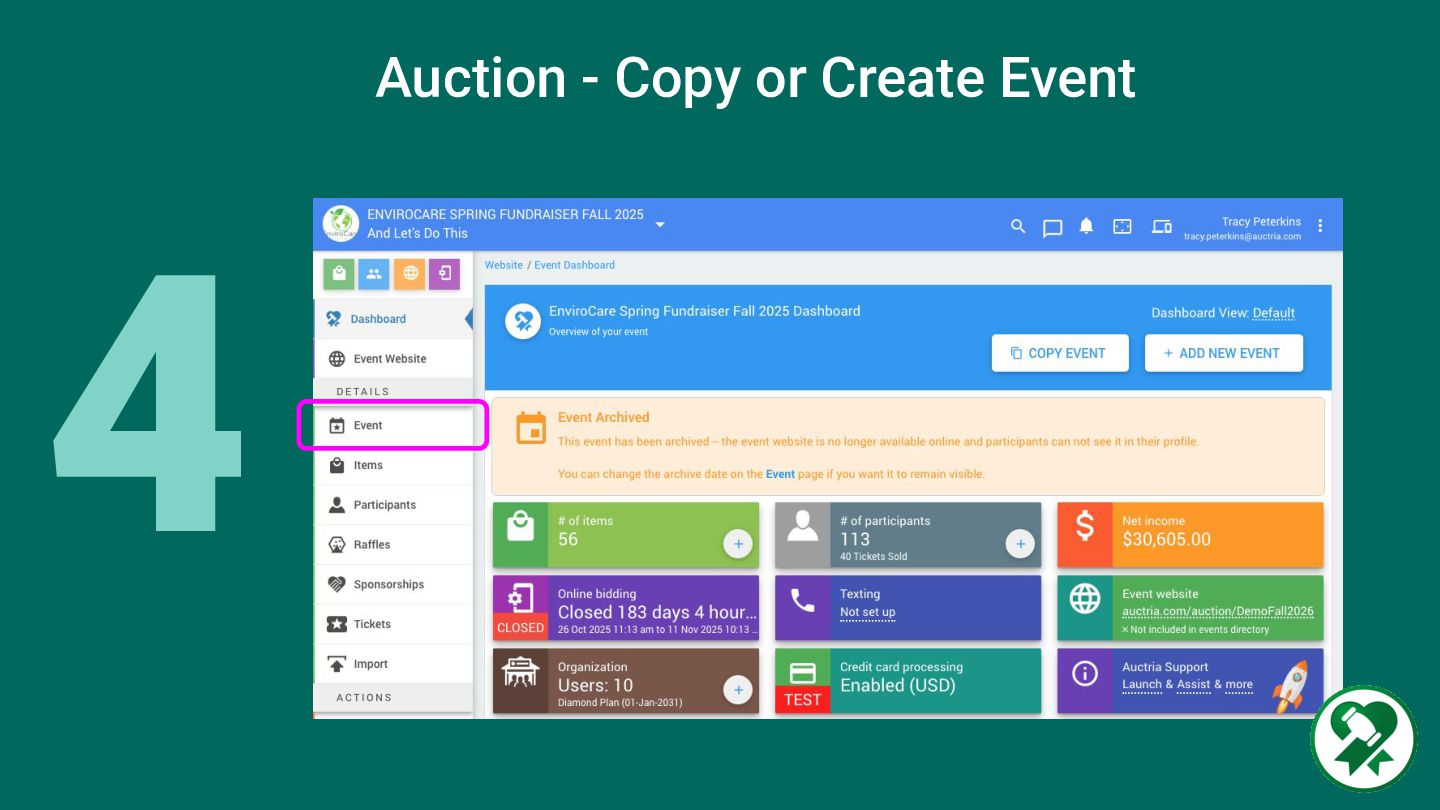
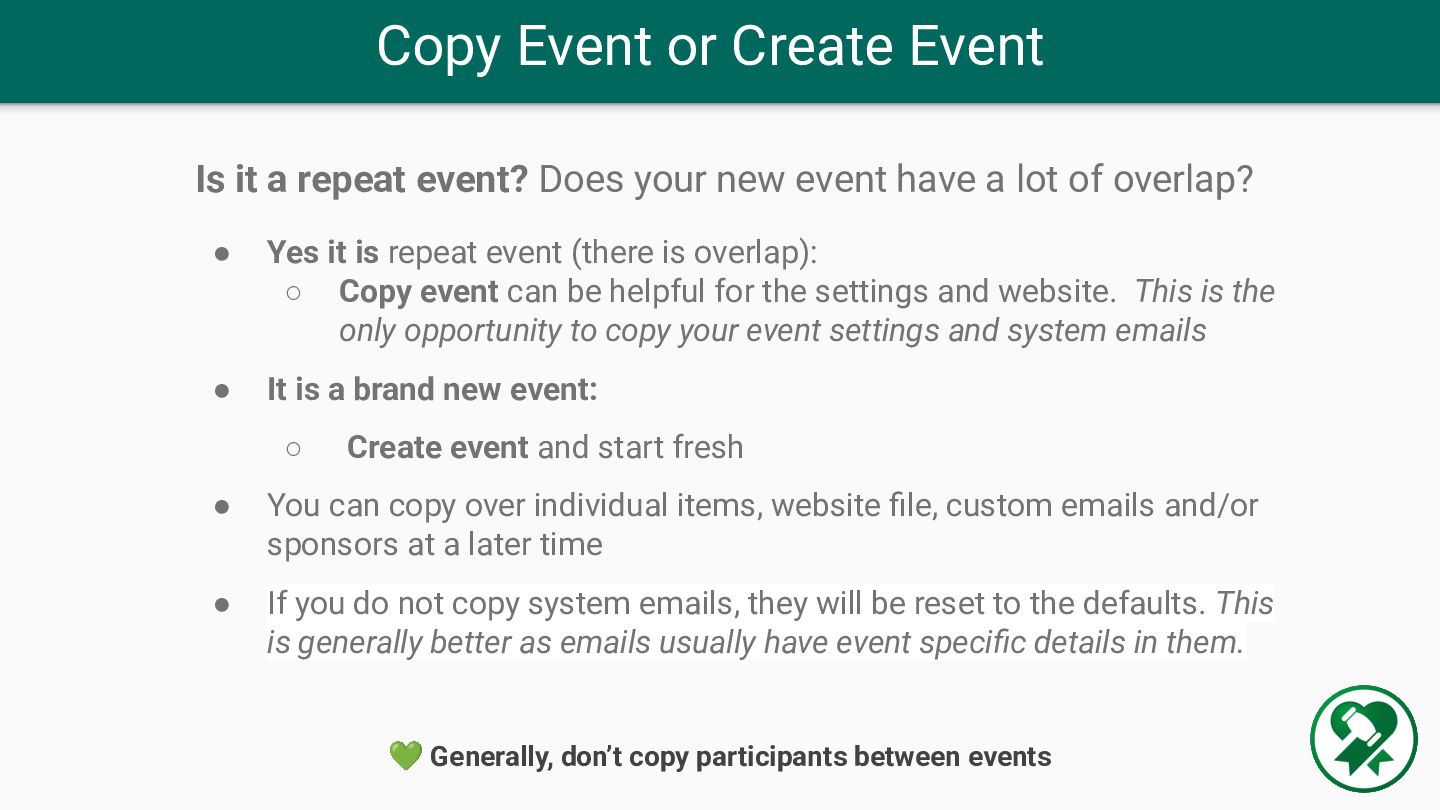
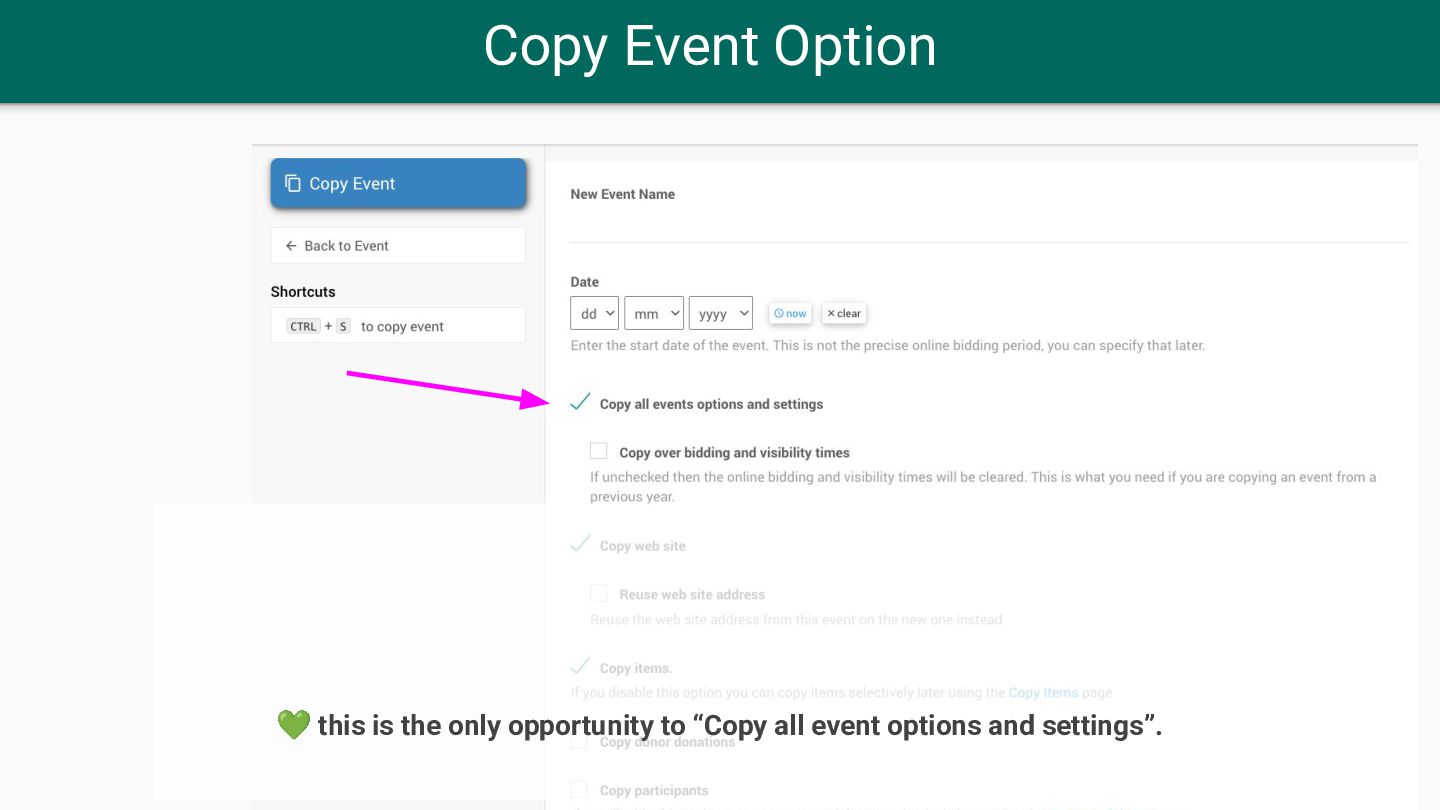
Does your new event have a lot of overlap? • Yes it is repeat event (there is overlap): ◦ Copy event can be helpful for the settings and website. This is the only opportunity to copy your event settings and system emails • It is a brand new event: ◦ Create event and start fresh • You can copy over individual items, website file, custom emails and/or sponsors at a later time • If you do not copy system emails, they will be reset to the defaults. This is generally better as emails usually have event specific details in them. 💚 Generally, don’t copy participants between events
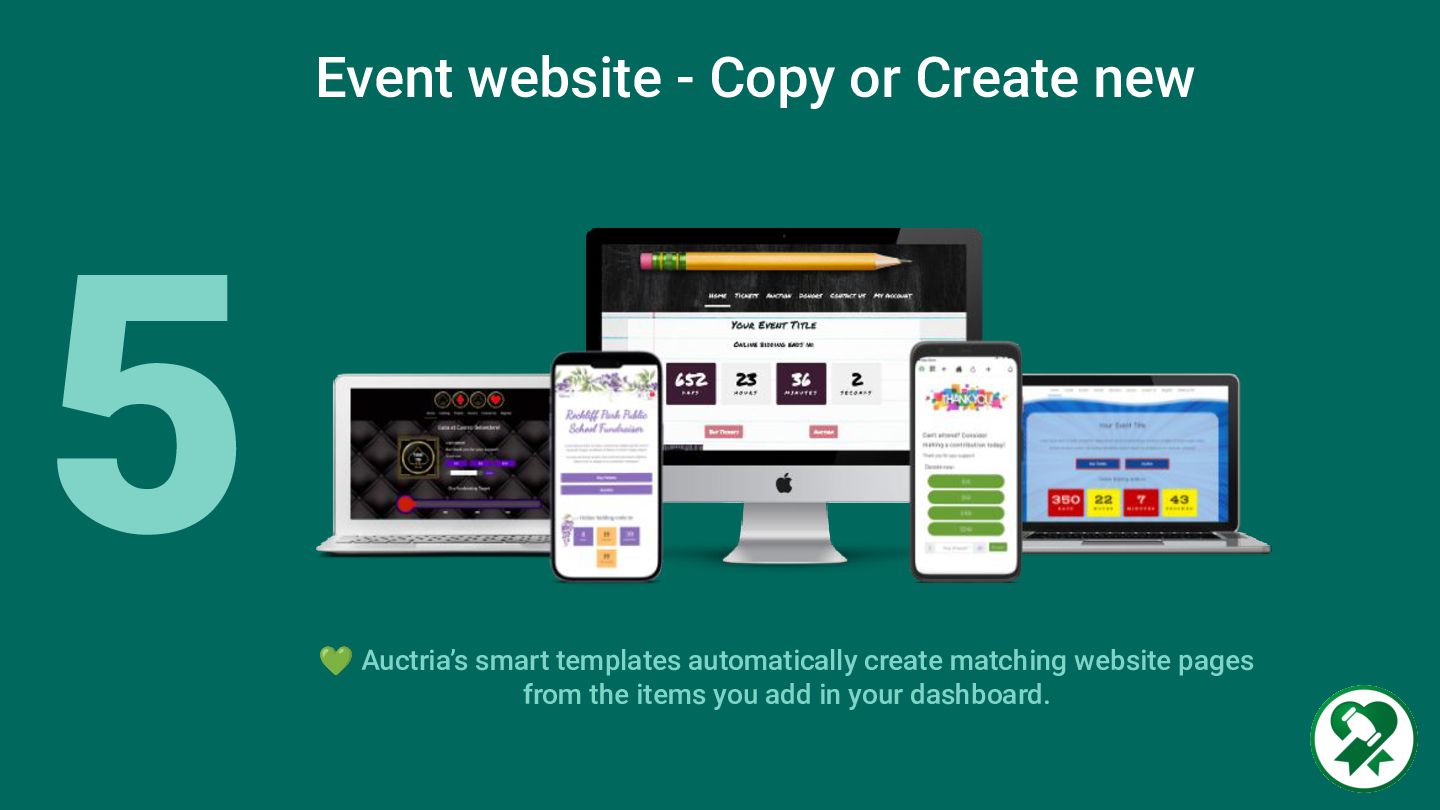
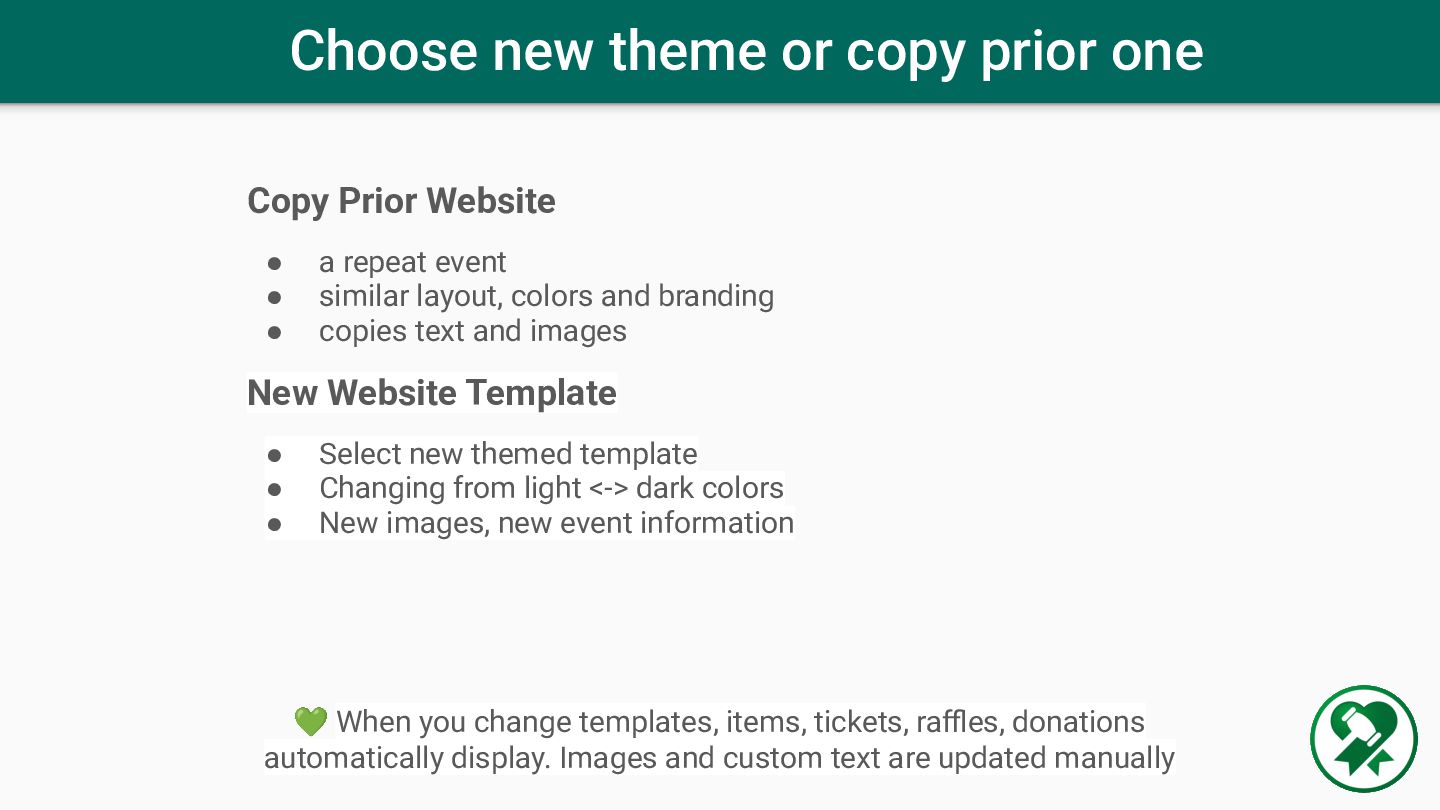
• a repeat event • similar layout, colors and branding • copies text and images New Website Template • Select new themed template • Changing from light <-> dark colors • New images, new event information 💚 When you change templates, items, tickets, raffles, donations automatically display. Images and custom text are updated manually
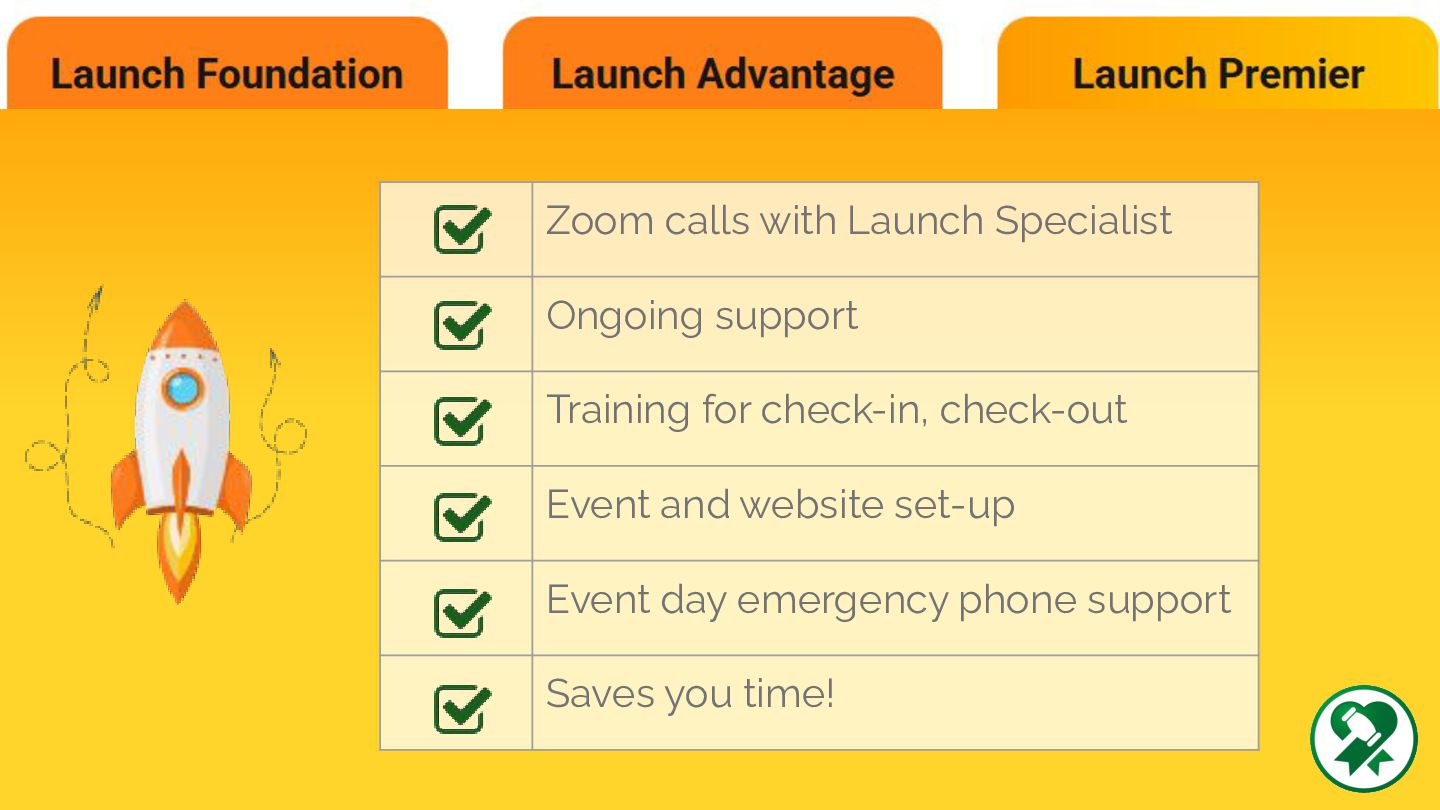
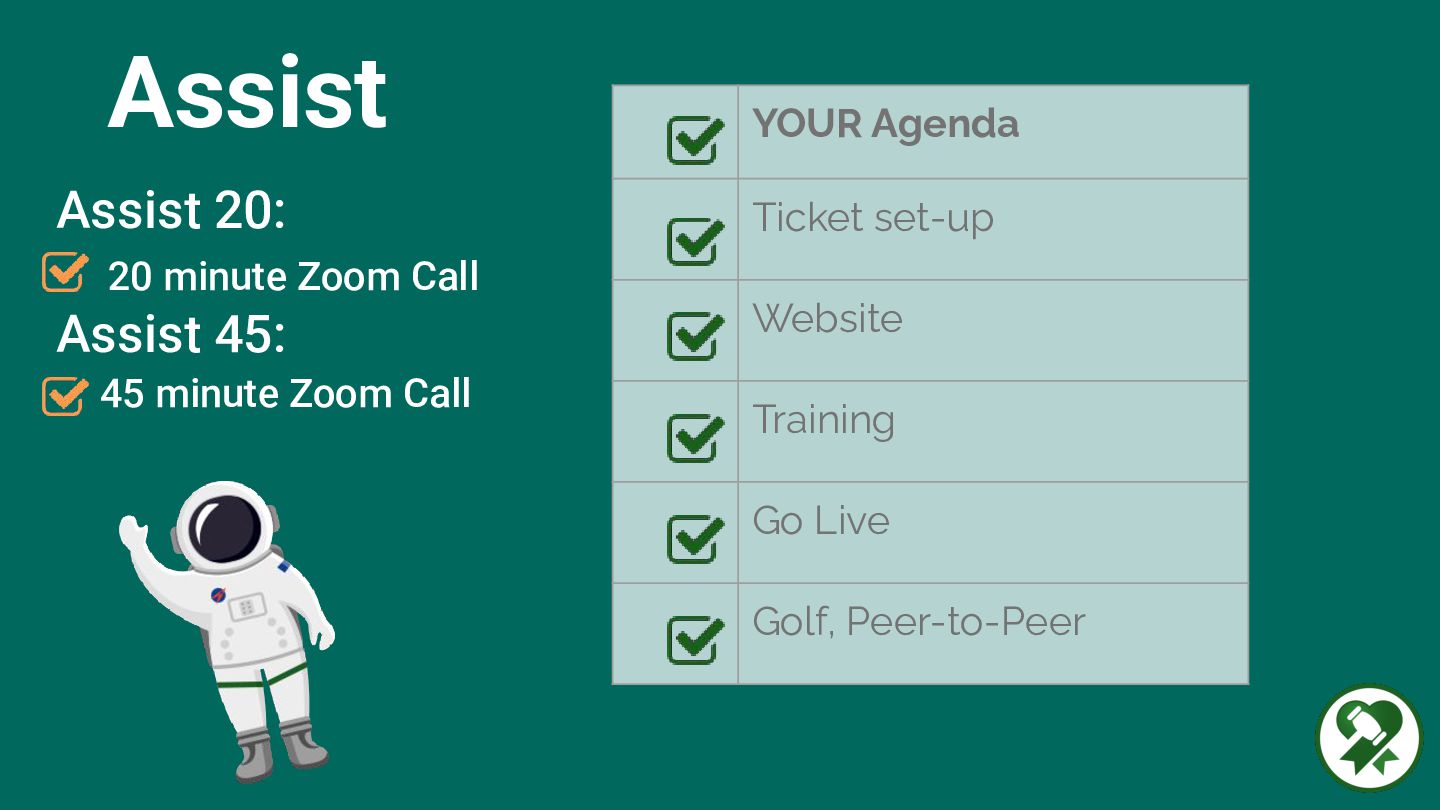
Orientation Calls - focused sessions for Auctions, Tickets, Website Editor, Admin App and Event Day Training Get started with creating account and setting up your event. Includes live Q+A with the Customer Success team. Welcome & Orientation Calls

 Your Podcast. Everywhere. Effortlessly.


 auctria
 katiecoart
 bcantrill
 reverentgeek
 codingconduct
 dugsong
 chriscoyier
 asonas
 paigeccino
 techseoconnect
 badams
 jct
jct
![@auctria Email: [email protected] FB Group: Auction Team Talk Stay in](https://files.speakerdeck.com/presentations/fdeeaa95dae64bb8b559d72d2551061c/slide_45.jpg)