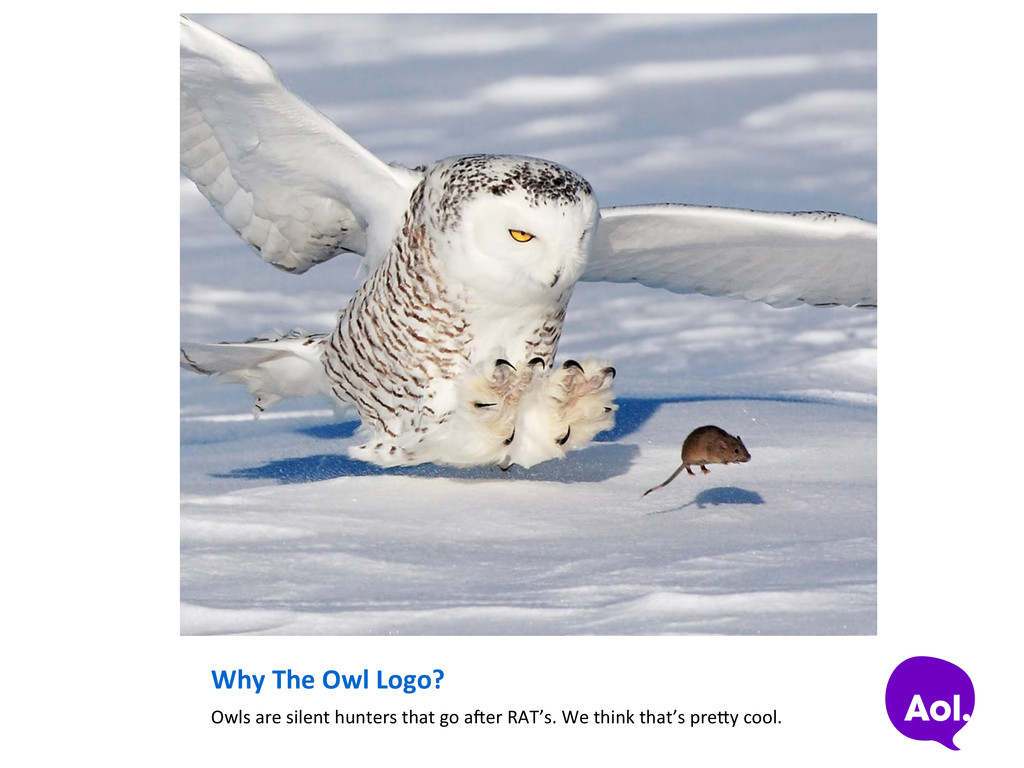
In This Presenta=on? Yes. But there is no picture of an owl that isn’t super awesome. Also, there may be random facts about owls. There will be a quiz later at the bar.
an open source, scalable IPv4 packet capturing (PCAP) indexing and database system. • A simple web GUI is provided for browsing, searching, viewing and exporSng PCAP data • Web API’s are accessible if you wish to design your own GUI or directly grab PCAP with various command line tools for further analysis or processing • Download it from AOL’s GitHub page: haps://github.com/AOL/Moloch • It is like AOL Search for PCAP repositories!
source community was lacking a fast, flexible method of capturing and indexing PCAP • Commercial Off The Shelf (COTS) products that exist were very cost prohibiSve especially when compared against the low cost of hardware alone • Other open source projects existed that allowed for capture and retrieval of specific sessions from specific files based on an indicator, but none met our requirements or the feature set of most commercial offerings
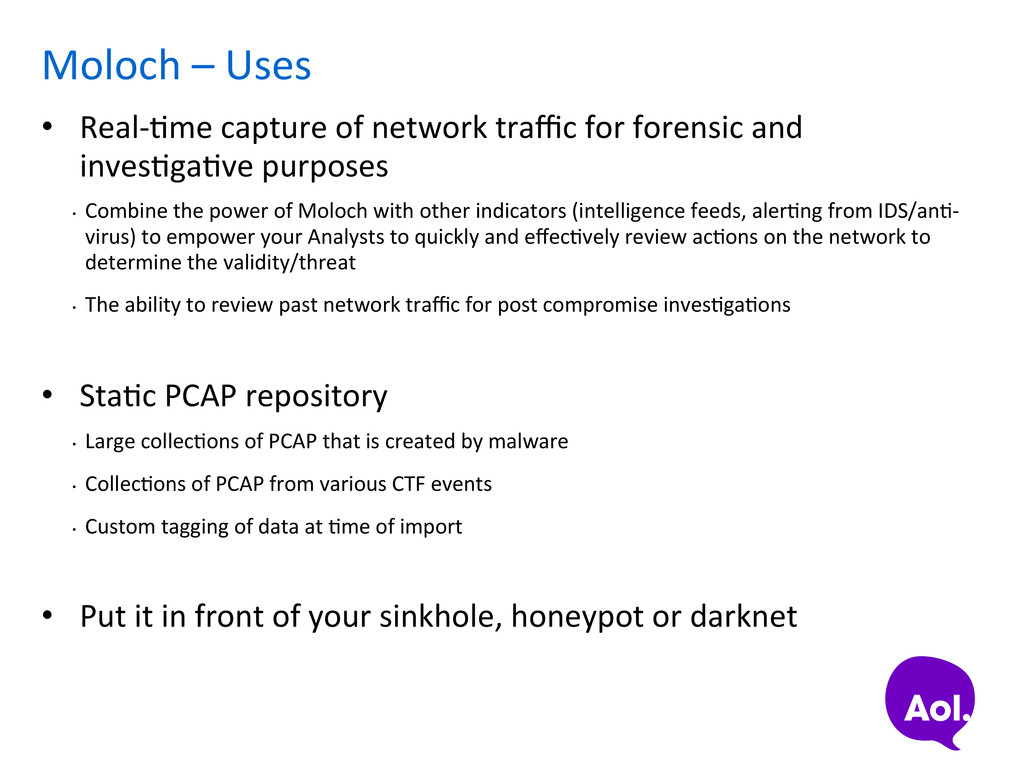
for forensic and invesSgaSve purposes • Combine the power of Moloch with other indicators (intelligence feeds, alerSng from IDS/anS-‐ virus) to empower your Analysts to quickly and effecSvely review acSons on the network to determine the validity/threat • The ability to review past network traffic for post compromise invesSgaSons • StaSc PCAP repository • Large collecSons of PCAP that is created by malware • CollecSons of PCAP from various CTF events • Custom tagging of data at Sme of import • Put it in front of your sinkhole, honeypot or darknet
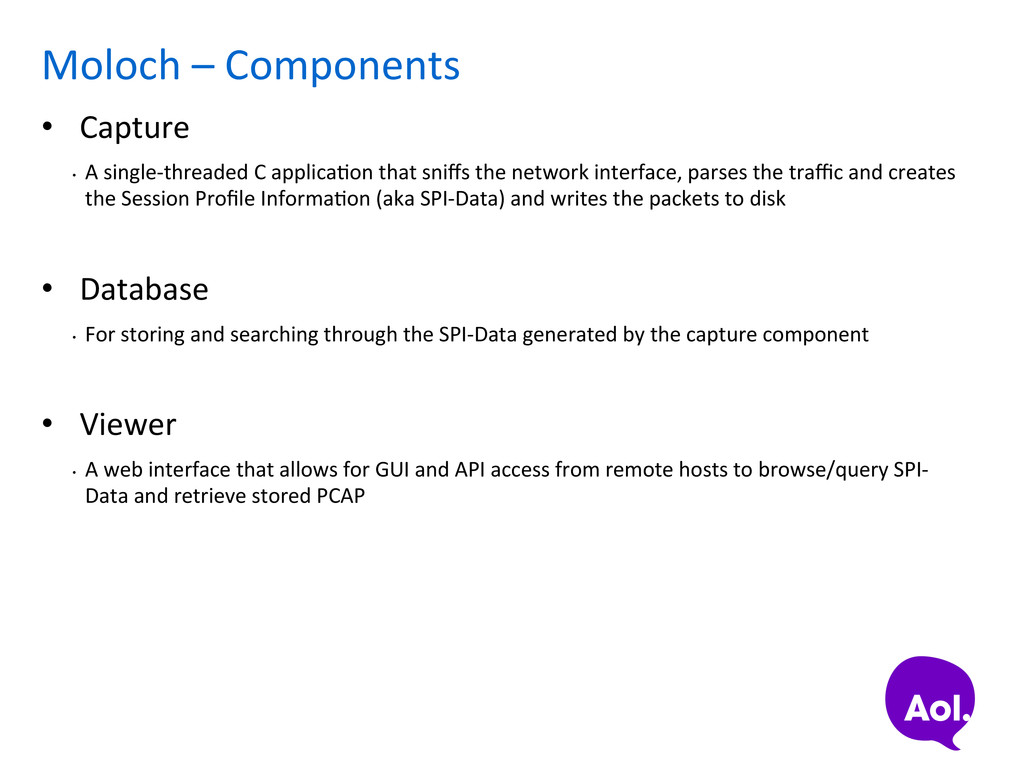
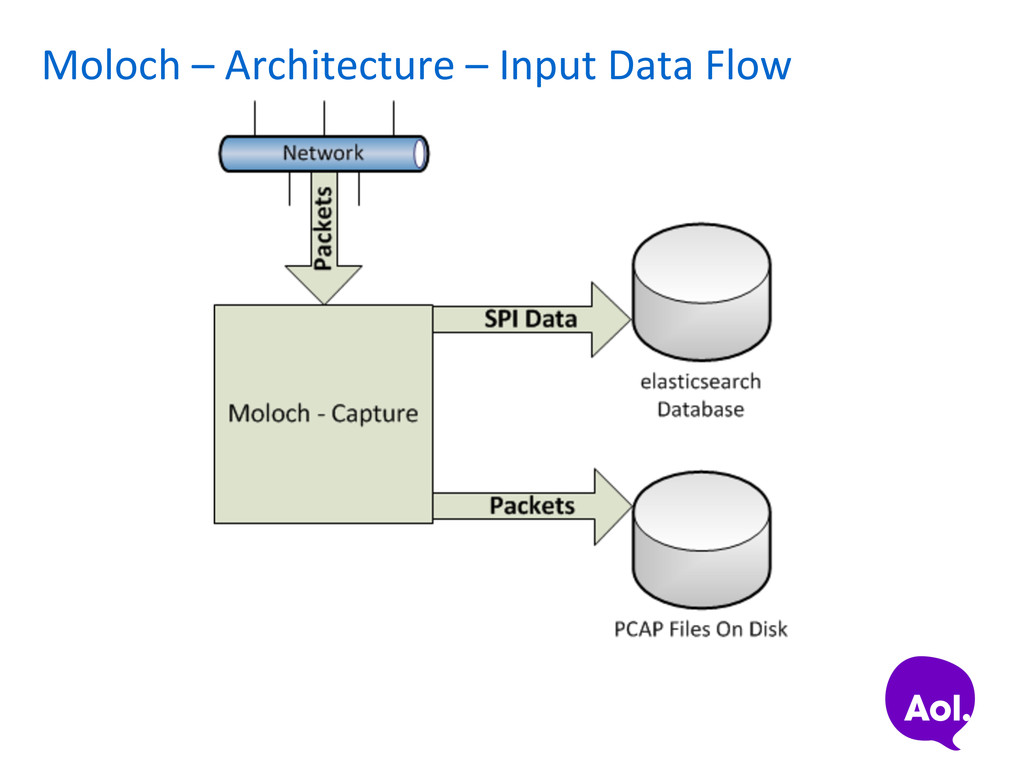
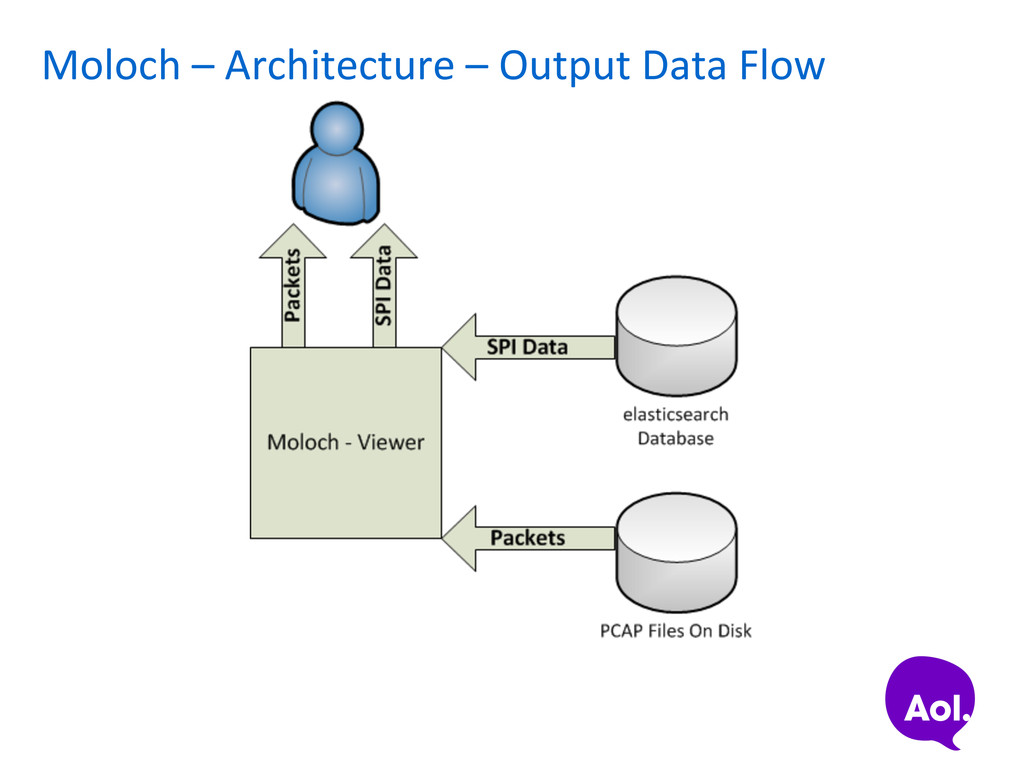
C applicaSon that sniffs the network interface, parses the traffic and creates the Session Profile InformaSon (aka SPI-‐Data) and writes the packets to disk • Database • For storing and searching through the SPI-‐Data generated by the capture component • Viewer • A web interface that allows for GUI and API access from remote hosts to browse/query SPI-‐ Data and retrieve stored PCAP
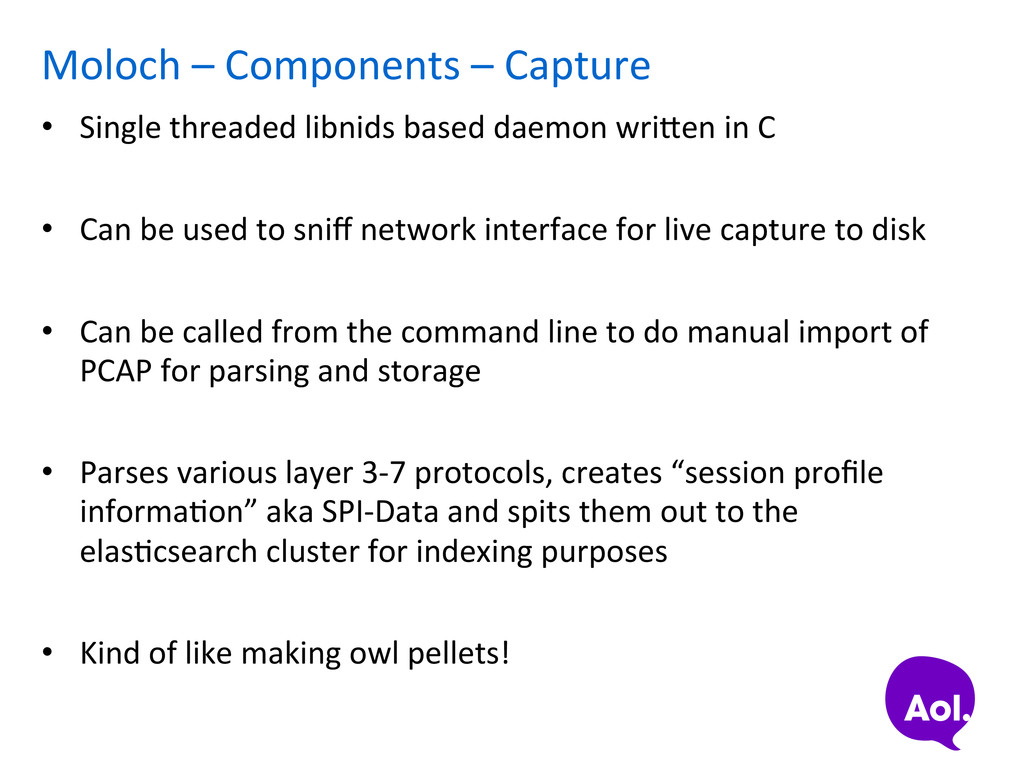
based daemon wriaen in C • Can be used to sniff network interface for live capture to disk • Can be called from the command line to do manual import of PCAP for parsing and storage • Parses various layer 3-‐7 protocols, creates “session profile informaSon” aka SPI-‐Data and spits them out to the elasScsearch cluster for indexing purposes • Kind of like making owl pellets!
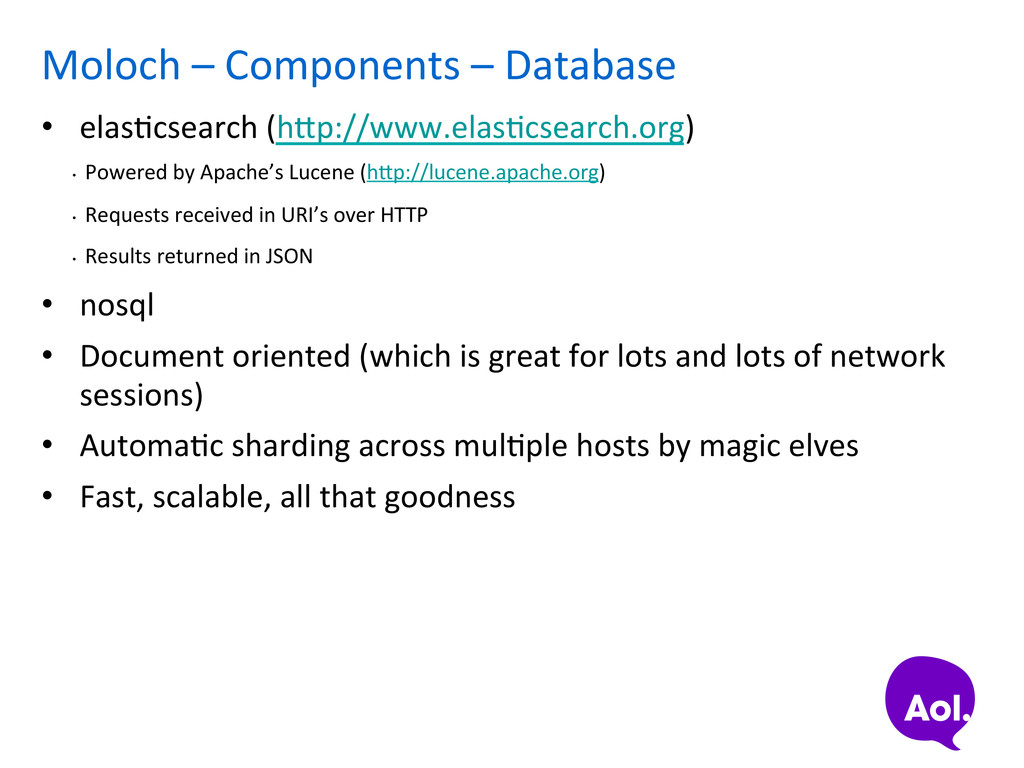
• Powered by Apache’s Lucene (hap://lucene.apache.org) • Requests received in URI’s over HTTP • Results returned in JSON • nosql • Document oriented (which is great for lots and lots of network sessions) • AutomaSc sharding across mulSple hosts by magic elves • Fast, scalable, all that goodness
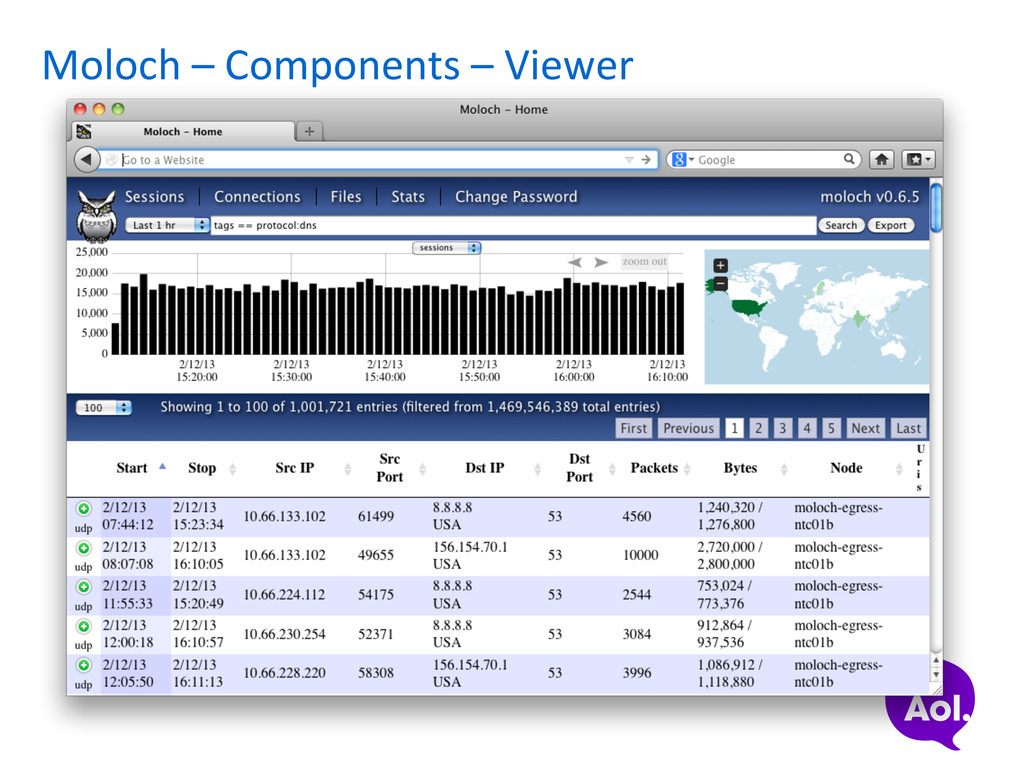
applicaSon • nodejs is an event driven server side JavaScript planorm based on Google Chrome’s JavaScript runSme • Comes with its own HTTP server and likes it some JSON for communicaSon • hap://nodejs.org -‐ server side JavaScript is for the cool kids! • Provides web based GUI for browsing/searching/viewing/ exporSng SPI-‐data and PCAP • GUI/API’s calls are all done through URI’s so integraSon with SEIM’s, consoles and command line tools is easy for retrieving PCAP or sessions of interest
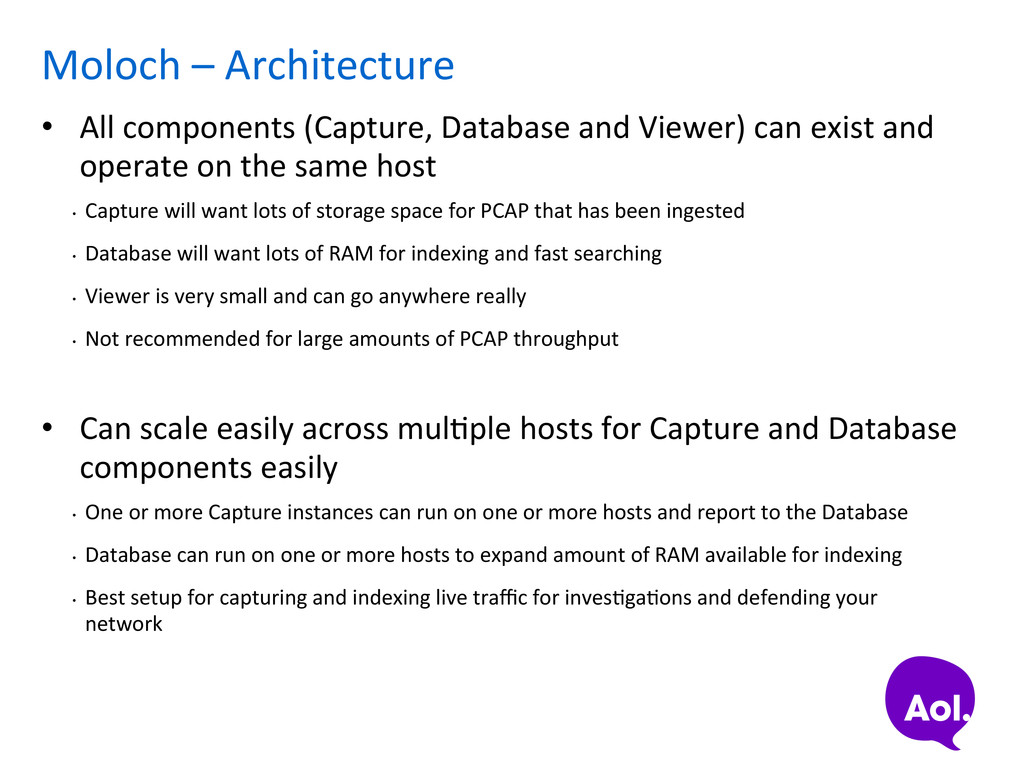
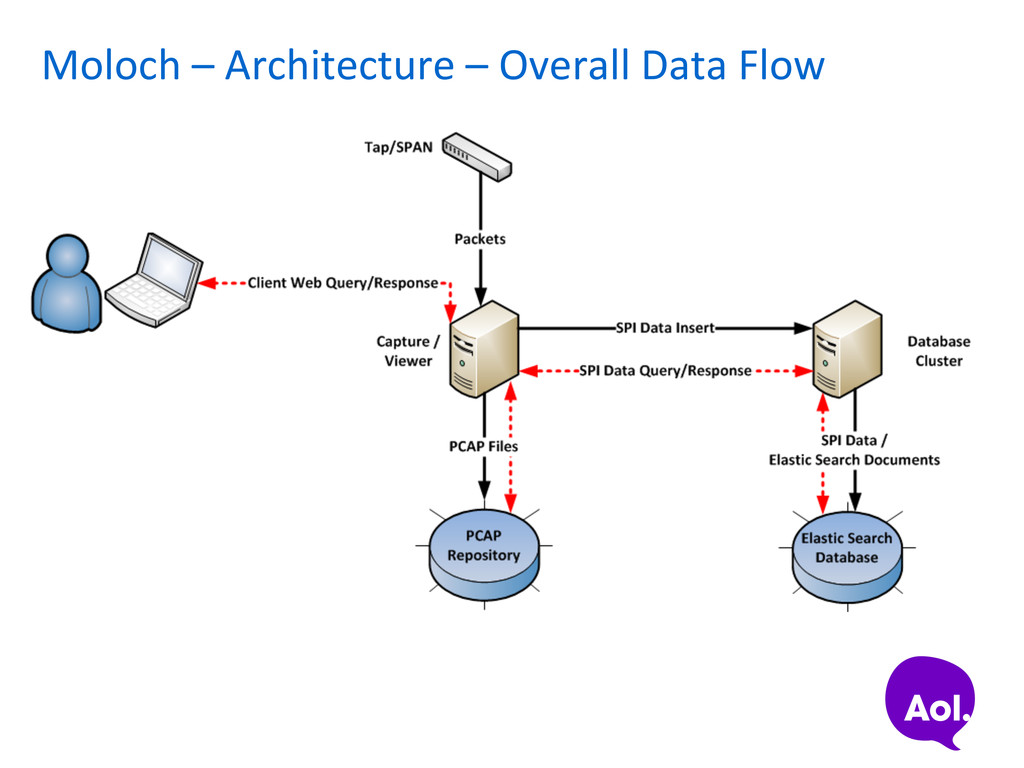
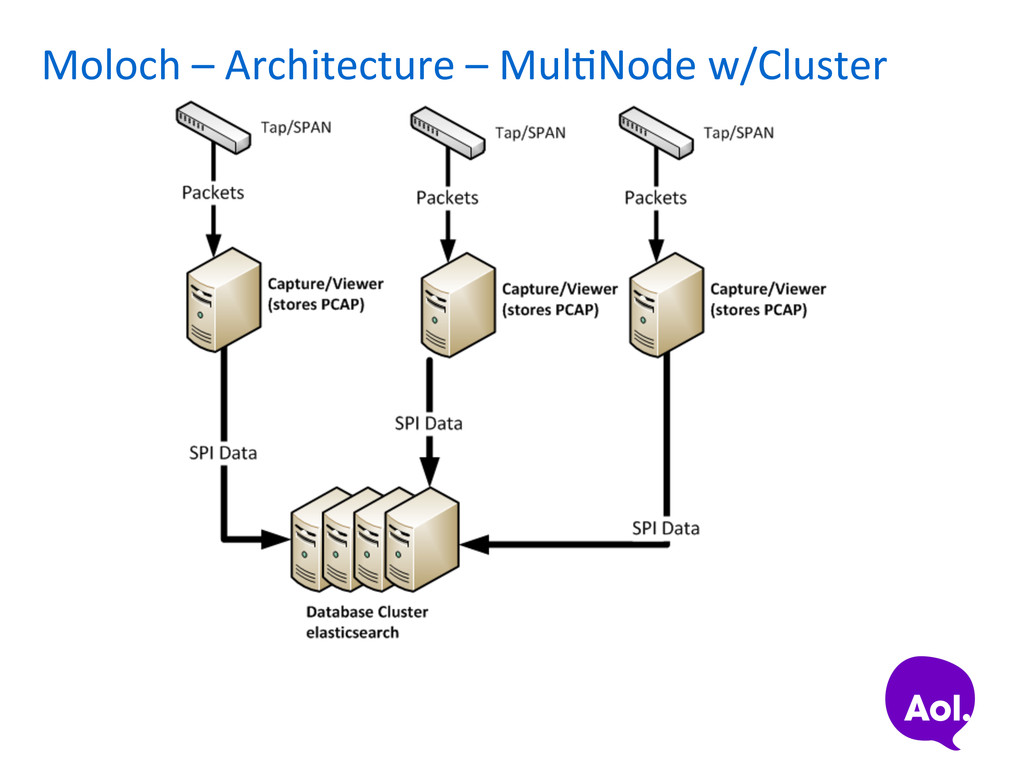
Viewer) can exist and operate on the same host • Capture will want lots of storage space for PCAP that has been ingested • Database will want lots of RAM for indexing and fast searching • Viewer is very small and can go anywhere really • Not recommended for large amounts of PCAP throughput • Can scale easily across mulSple hosts for Capture and Database components easily • One or more Capture instances can run on one or more hosts and report to the Database • Database can run on one or more hosts to expand amount of RAM available for indexing • Best setup for capturing and indexing live traffic for invesSgaSons and defending your network
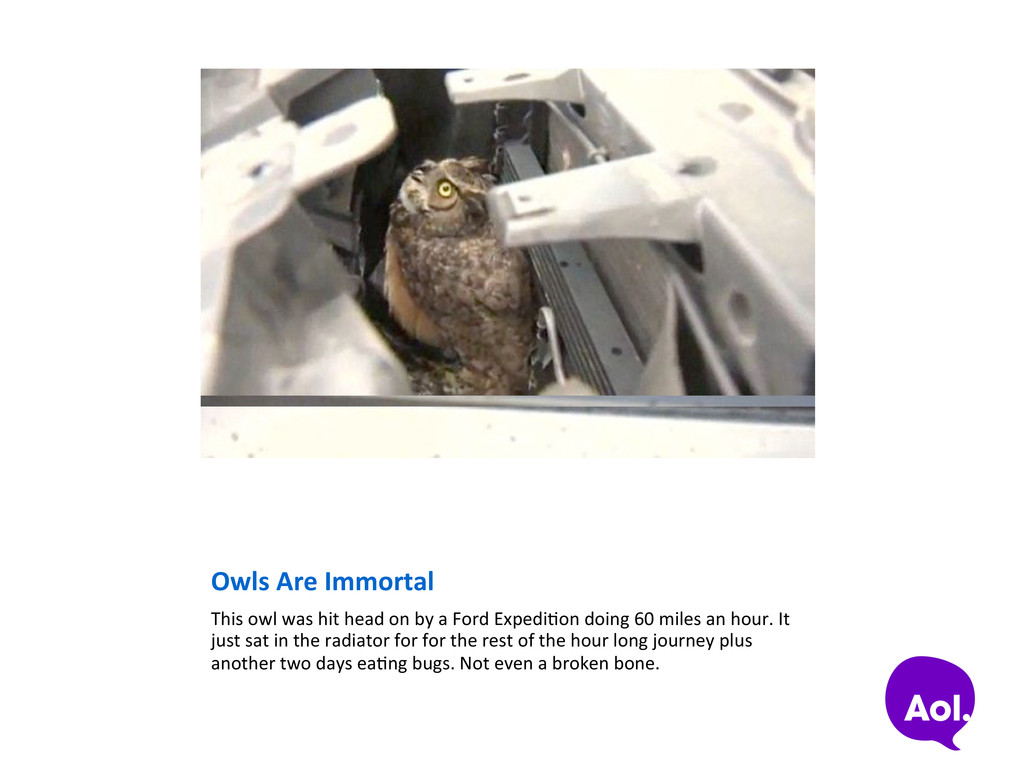
by a Ford ExpediSon doing 60 miles an hour. It just sat in the radiator for for the rest of the hour long journey plus another two days eaSng bugs. Not even a broken bone.
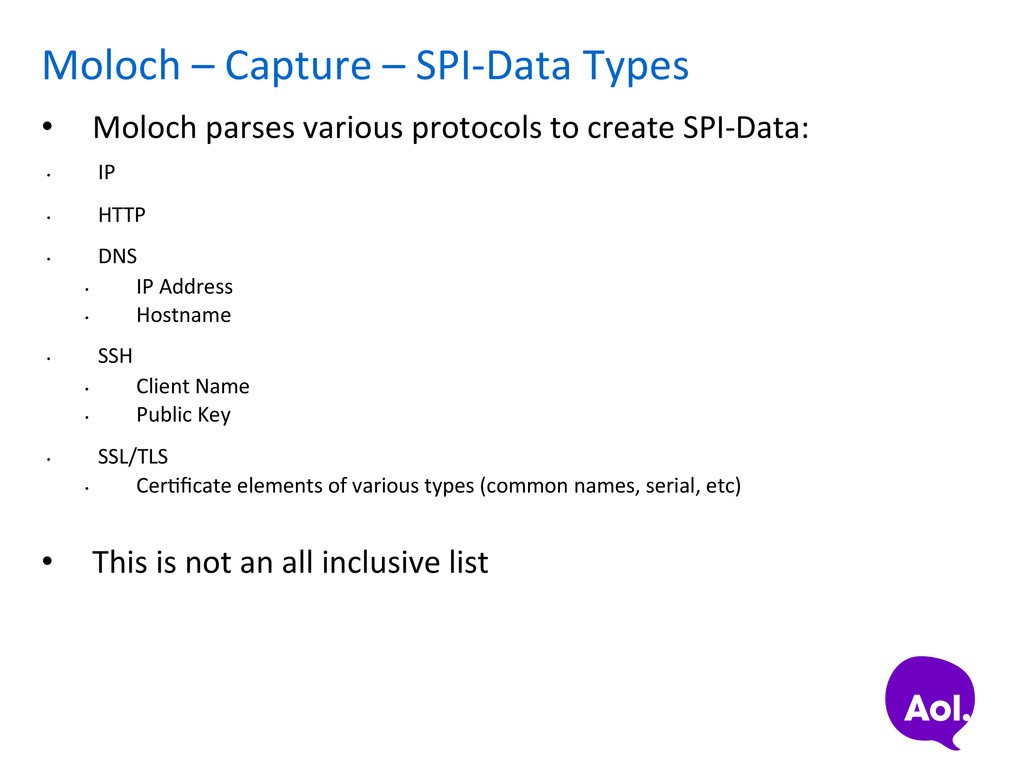
various protocols to create SPI-‐Data: • IP • HTTP • DNS • IP Address • Hostname • SSH • Client Name • Public Key • SSL/TLS • CerSficate elements of various types (common names, serial, etc) • This is not an all inclusive list
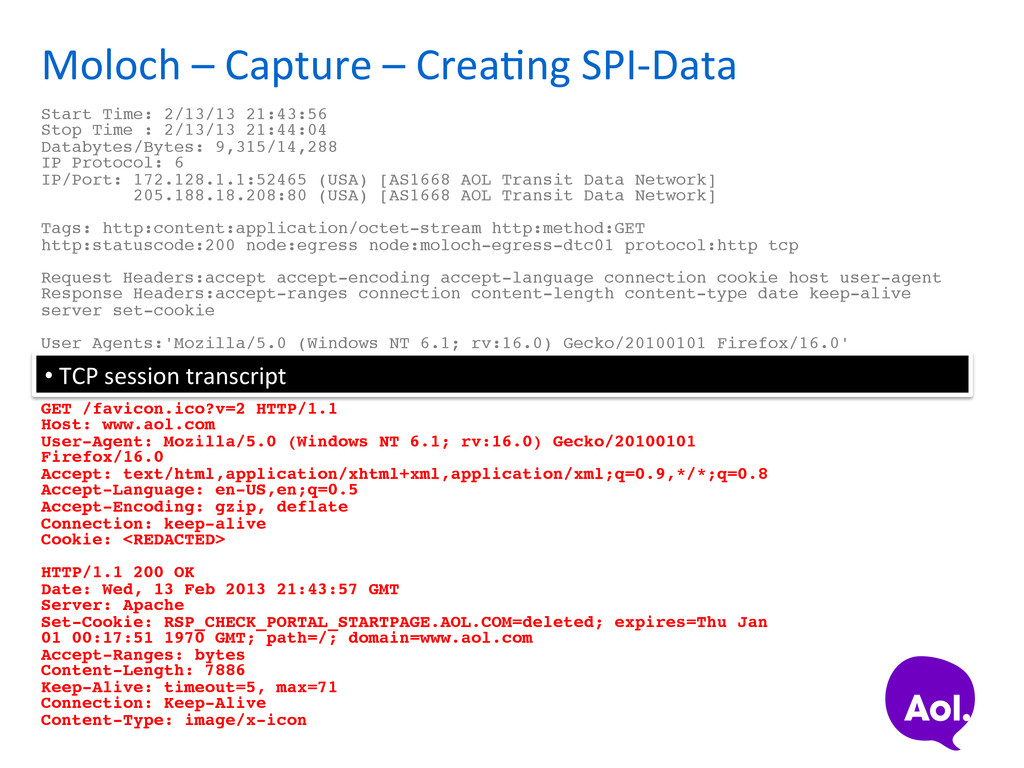
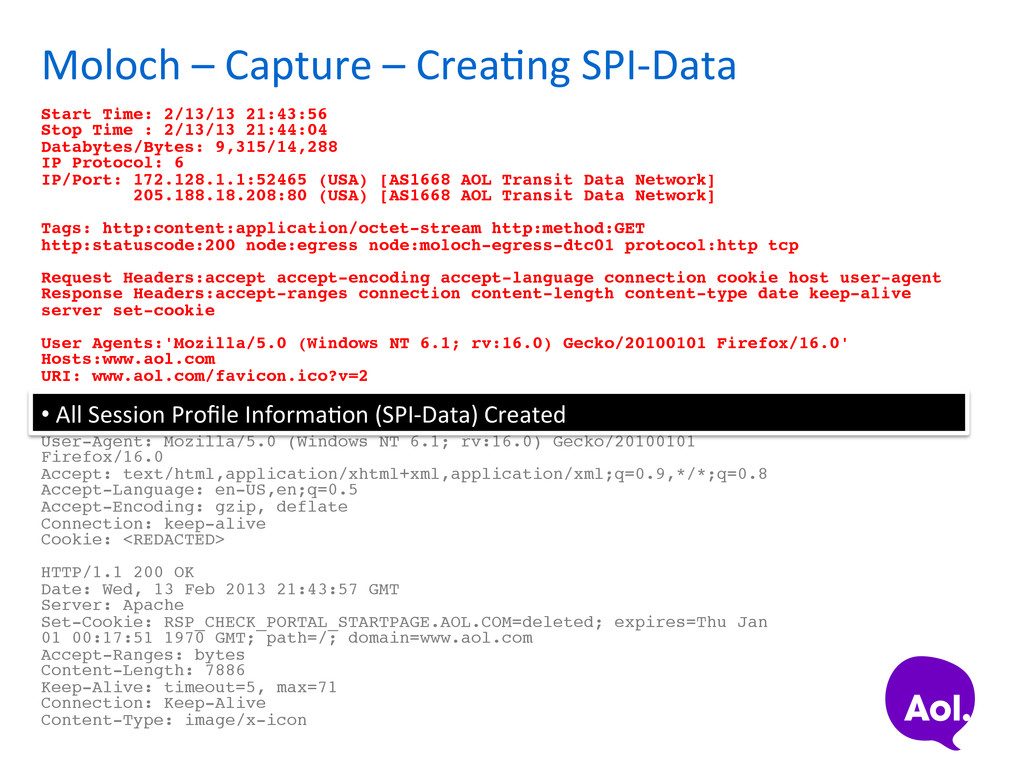
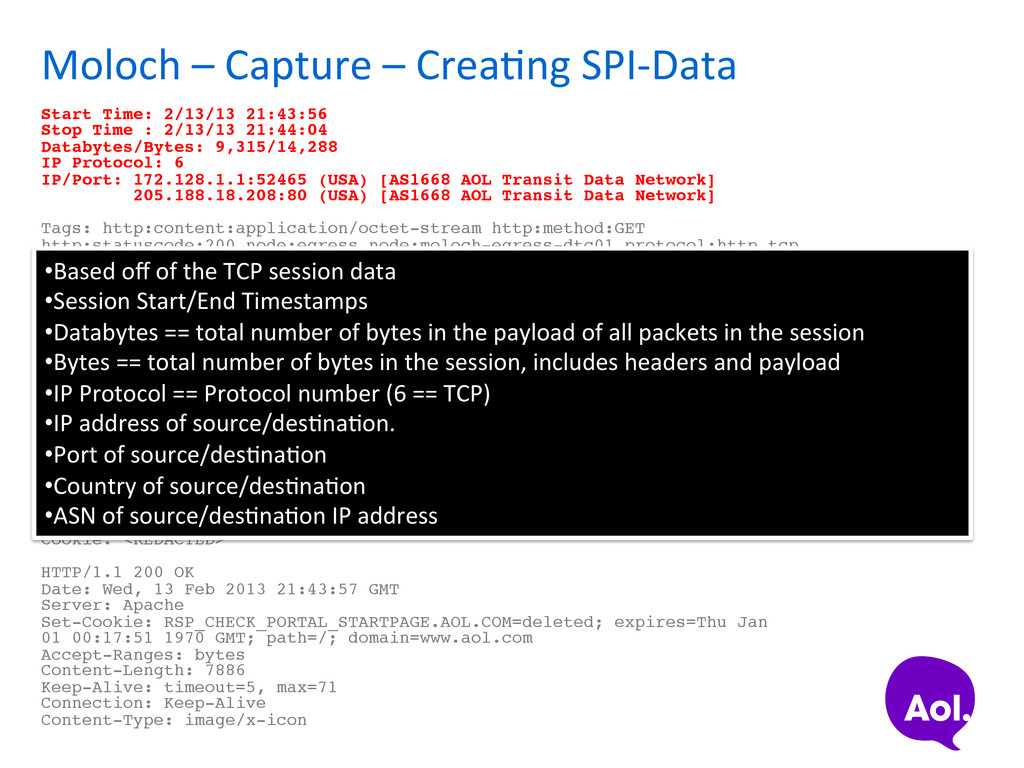
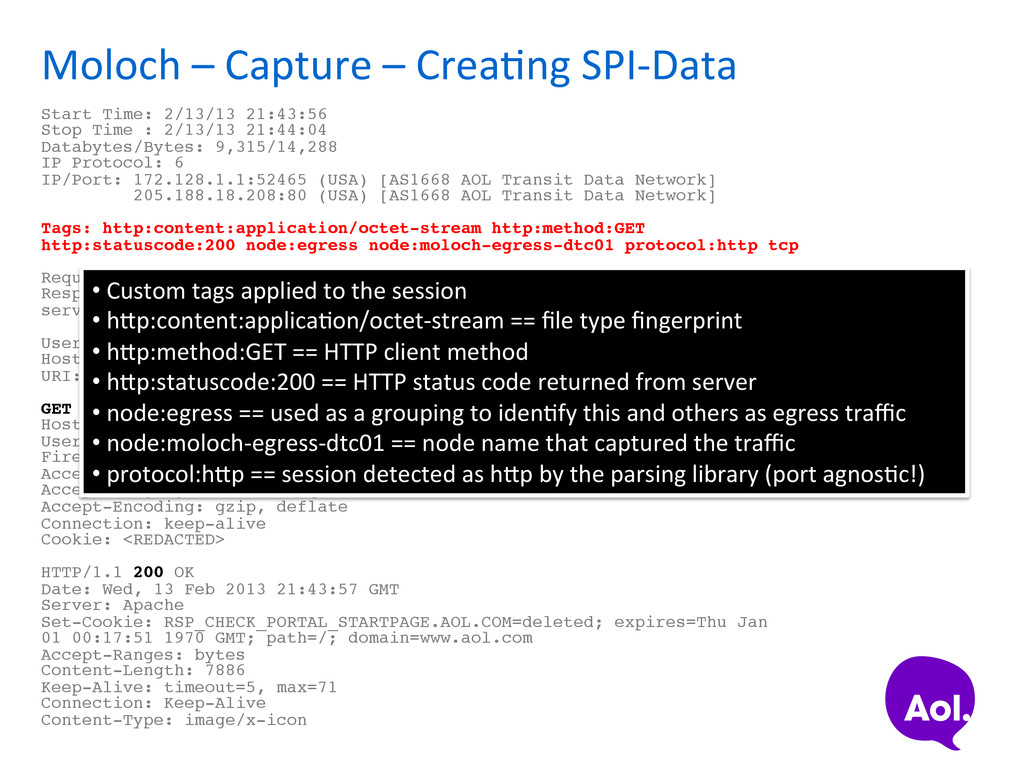
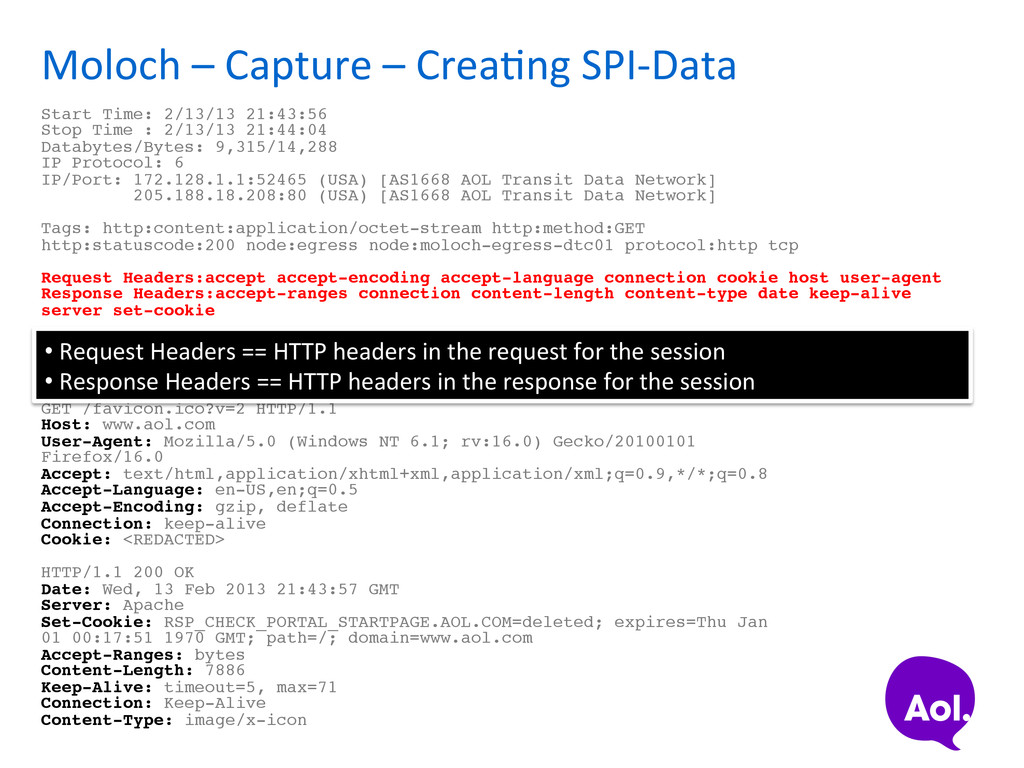
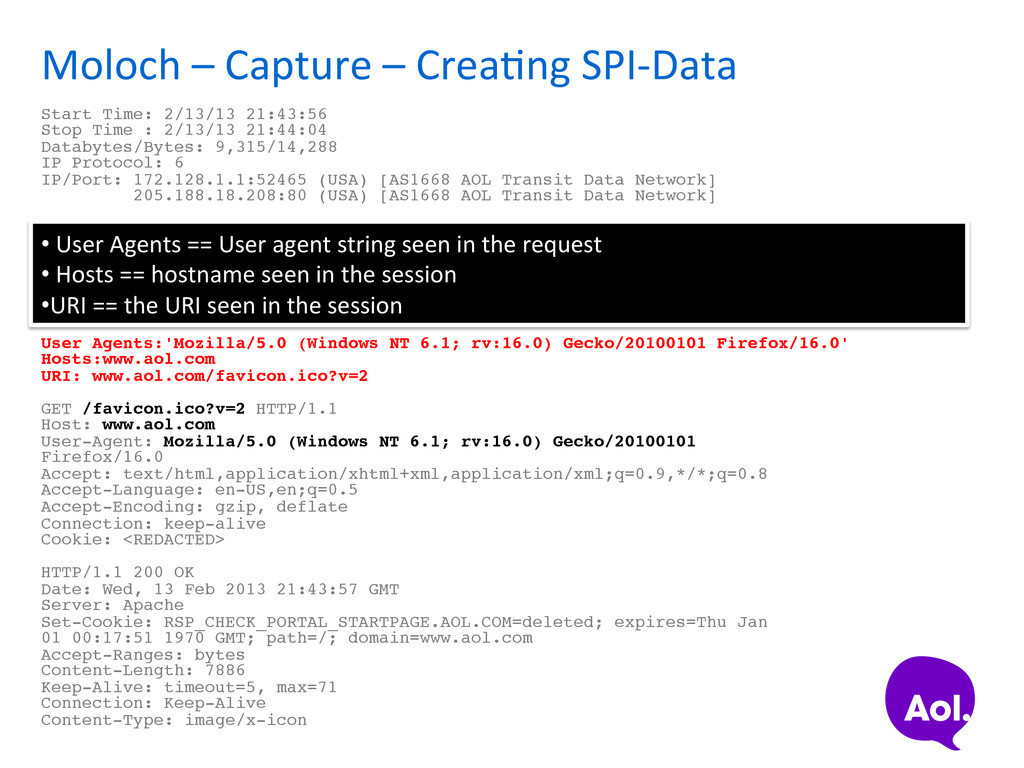
21:43:56 ! Stop Time : 2/13/13 21:44:04! Databytes/Bytes: 9,315/14,288! IP Protocol: 6! IP/Port: 172.128.1.1:52465 (USA) [AS1668 AOL Transit Data Network] ! 205.188.18.208:80 (USA) [AS1668 AOL Transit Data Network]! ! Tags: http:content:application/octet-stream http:method:GET! http:statuscode:200 node:egress node:moloch-egress-dtc01 protocol:http tcp ! ! Request Headers:accept accept-encoding accept-language connection cookie host user-agent! Response Headers:accept-ranges connection content-length content-type date keep-alive server set-cookie! ! User Agents:'Mozilla/5.0 (Windows NT 6.1; rv:16.0) Gecko/20100101 Firefox/16.0'! Hosts:www.aol.com! URI: www.aol.com/favicon.ico?v=2! ! GET /favicon.ico?v=2 HTTP/1.1! Host: www.aol.com! User-Agent: Mozilla/5.0 (Windows NT 6.1; rv:16.0) Gecko/20100101! Firefox/16.0! Accept: text/html,application/xhtml+xml,application/xml;q=0.9,*/*;q=0.8! Accept-Language: en-US,en;q=0.5! Accept-Encoding: gzip, deflate! Connection: keep-alive! Cookie: <REDACTED>! ! HTTP/1.1 200 OK! Date: Wed, 13 Feb 2013 21:43:57 GMT! Server: Apache! Set-Cookie: RSP_CHECK_PORTAL_STARTPAGE.AOL.COM=deleted; expires=Thu Jan! 01 00:17:51 1970 GMT; path=/; domain=www.aol.com! Accept-Ranges: bytes! Content-Length: 7886! Keep-Alive: timeout=5, max=71! Connection: Keep-Alive! Content-Type: image/x-icon! • Based off of the TCP session data • Session Start/End Timestamps • Databytes == total number of bytes in the payload of all packets in the session • Bytes == total number of bytes in the session, includes headers and payload • IP Protocol == Protocol number (6 == TCP) • IP address of source/desSnaSon. • Port of source/desSnaSon • Country of source/desSnaSon • ASN of source/desSnaSon IP address
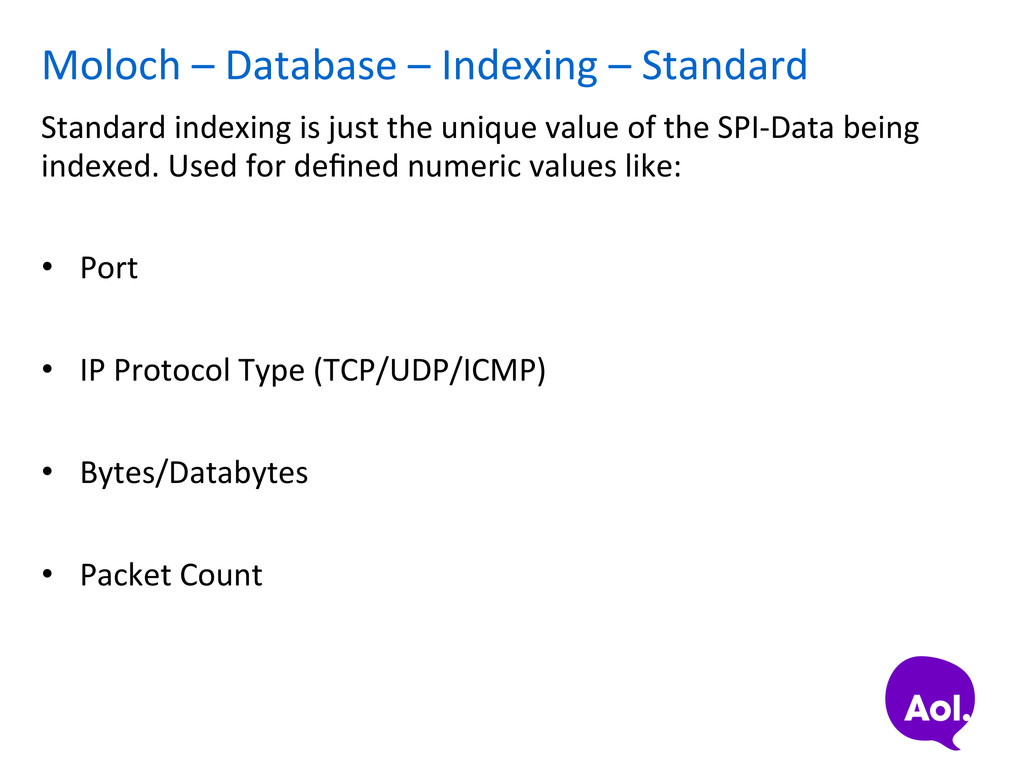
indexing is just the unique value of the SPI-‐Data being indexed. Used for defined numeric values like: • Port • IP Protocol Type (TCP/UDP/ICMP) • Bytes/Databytes • Packet Count
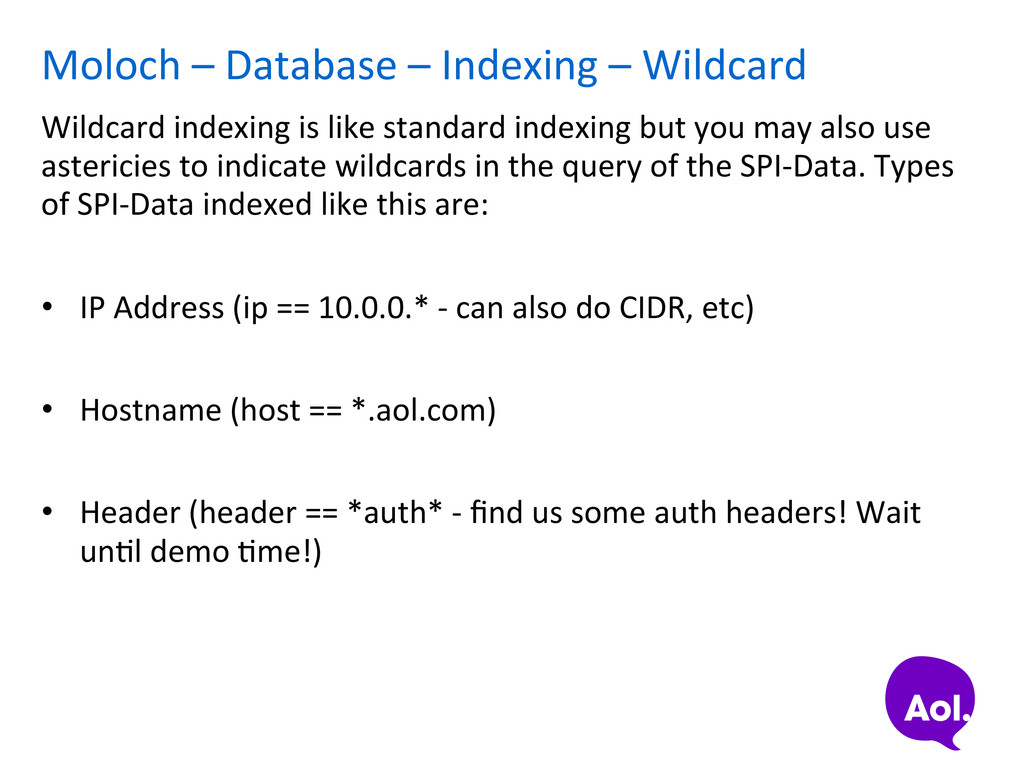
is like standard indexing but you may also use astericies to indicate wildcards in the query of the SPI-‐Data. Types of SPI-‐Data indexed like this are: • IP Address (ip == 10.0.0.* -‐ can also do CIDR, etc) • Hostname (host == *.aol.com) • Header (header == *auth* -‐ find us some auth headers! Wait unSl demo Sme!)
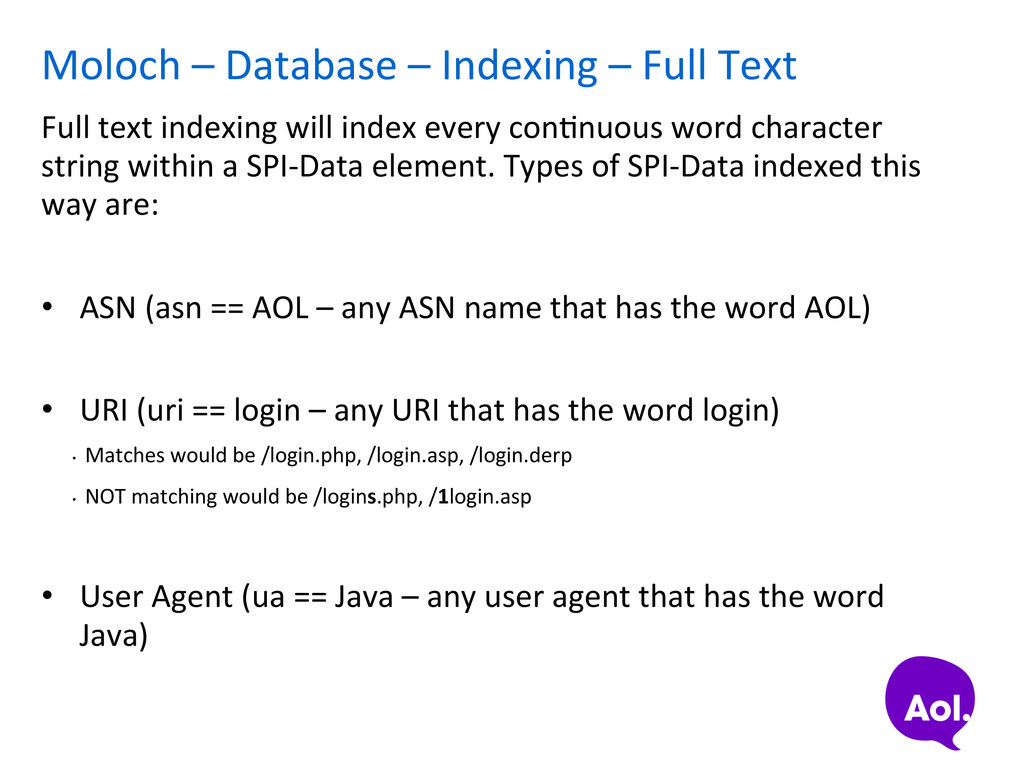
text indexing will index every conSnuous word character string within a SPI-‐Data element. Types of SPI-‐Data indexed this way are: • ASN (asn == AOL – any ASN name that has the word AOL) • URI (uri == login – any URI that has the word login) • Matches would be /login.php, /login.asp, /login.derp • NOT matching would be /logins.php, /1login.asp • User Agent (ua == Java – any user agent that has the word Java)
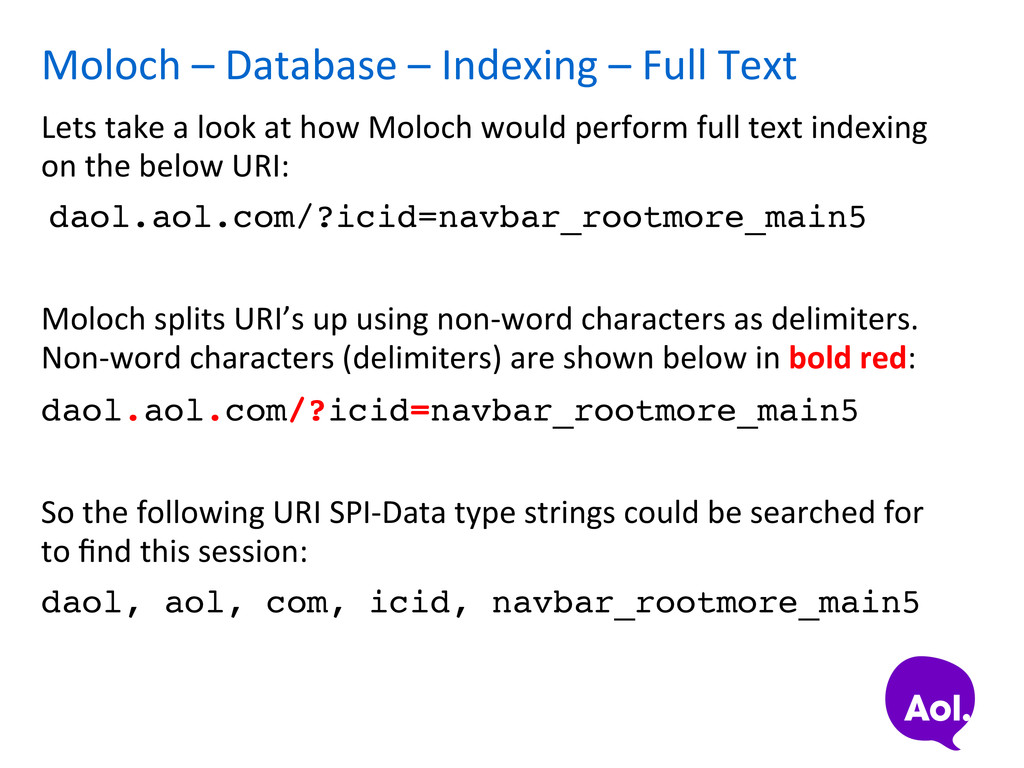
take a look at how Moloch would perform full text indexing on the below URI: daol.aol.com/?icid=navbar_rootmore_main5! Moloch splits URI’s up using non-‐word characters as delimiters. Non-‐word characters (delimiters) are shown below in bold red: daol.aol.com/?icid=navbar_rootmore_main5! So the following URI SPI-‐Data type strings could be searched for to find this session: daol, aol, com, icid, navbar_rootmore_main5!
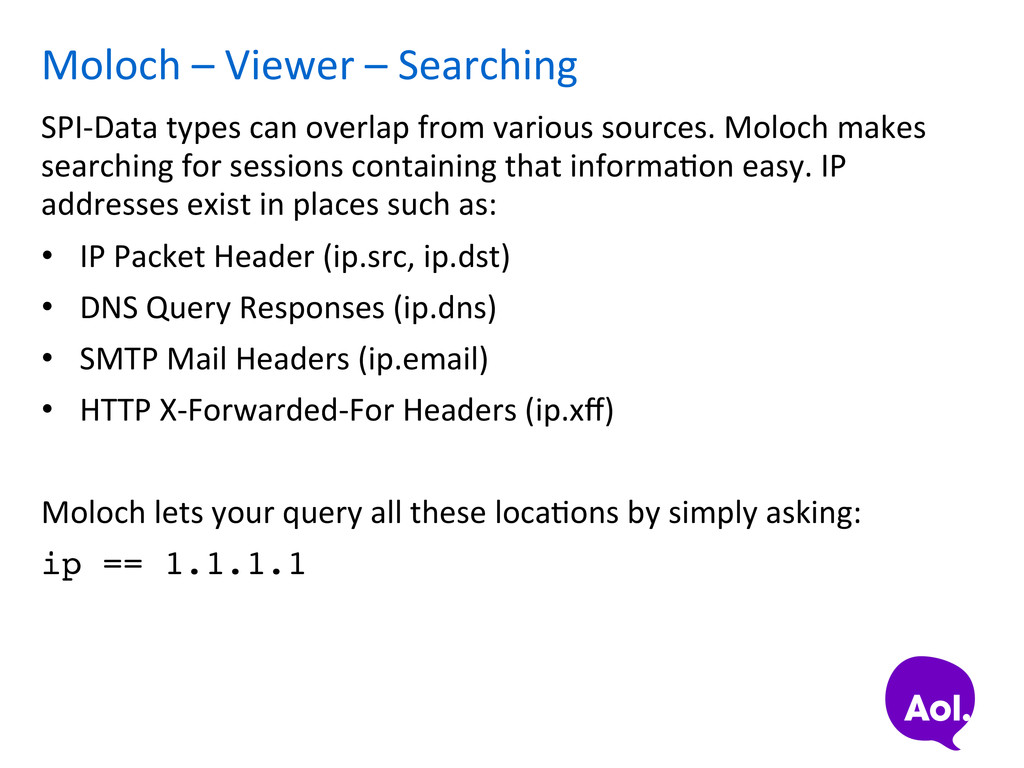
overlap from various sources. Moloch makes searching for sessions containing that informaSon easy. IP addresses exist in places such as: • IP Packet Header (ip.src, ip.dst) • DNS Query Responses (ip.dns) • SMTP Mail Headers (ip.email) • HTTP X-‐Forwarded-‐For Headers (ip.xff) Moloch lets your query all these locaSons by simply asking: ip == 1.1.1.1
• Plugin Architecture • Custom tagging based on lists of IP addresses or hosts • Other stuff… • Submit requests for things in github, this is acSvely maintained hap://github.com/AOL/Moloch


 yappli_developers
 kintotechdev
 chmikata
 yuukiyo
 sansantech
 snoozer05
 kai0707
 kentarofujii
 minorun365
 disconinja
 fufufukakaka
 hamadakoji
 signer
 joshbly
 mraible
 tammyeverts
 eileencodes
.png) helenjbeal
helenjbeal
 danielanewman
 rakko
rakko
 coloredviolet
 ianozsvald