Upgrade to Pro — share decks privately, control downloads, hide ads and more …

ABCS26: Managing the Entra Firewall: Conditiona...

Sponsored · Ship Features Fearlessly Turn features on and off without deploys. Used by thousands of Ruby developers.

ABCS26: Managing the Entra Firewall: Conditional Access Policies by Flavio Meyer & Michele Blum

⭐️ Managing the Entra Firewall: Conditional Access Policies#
In an era where security threats are constantly evolving, protecting your organization’s data has never been more critical. Conditional Access Policies in Microsoft Entra provide a robust framework for enhancing security by allowing you to control access to your apps and resources based on specific conditions.

Join us for a deep dive into the world of Conditional Access Policies, where you’ll learn how to leverage this powerful tool to protect your cloud environment effectively. Through real-world examples from the banking, insurance, and governance sectors, we’ll demonstrate how Conditional Access Policies can address industry-specific challenges and compliance requirements. Whether you’re new to Conditional Access or looking to enhance your existing knowledge, this session is designed to equip you with actionable insights and advanced techniques.
🙂 FLAVIO MEYER ⚡️ Workplace & Azure Expert @ Experts Inside AG | Microsoft Certified Trainer
🙂 MICHELE BLUM ⚡️ Cloud Engineer @ TurnKey Services AG | Microsoft Certified Trainer

More Decks by Azure Zurich User Group

Other Decks in Technology

Transcript

  1. M I C R O S O F T E

    N T R A · I D E N T I T Y & A C C E S S Managing the Entra Firewall Conditional Access Policies Flavio Meyer Azure & Workplace Expert Michele Blum Cloud Engineer
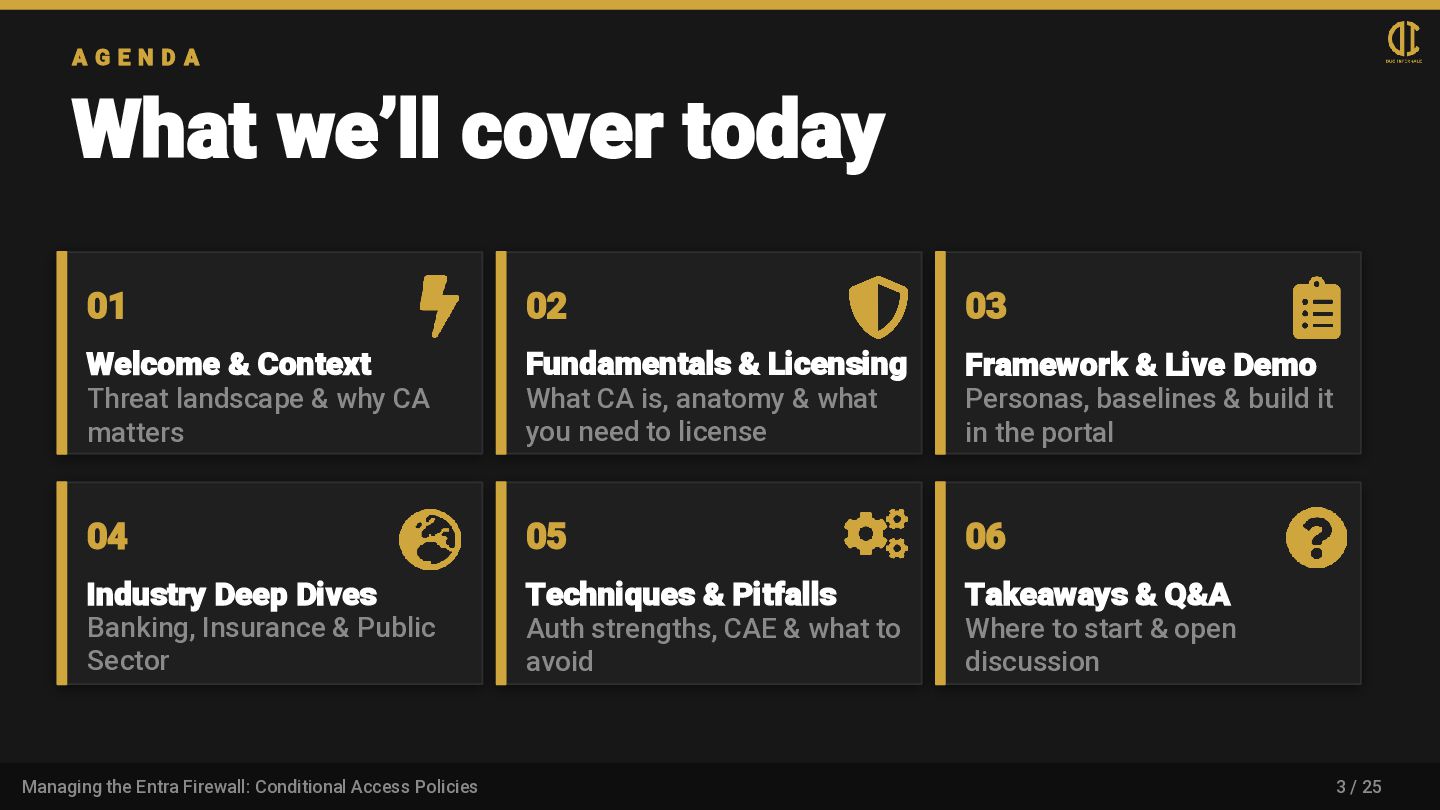
  2. A G E N D A What we’ll cover today

    01 Welcome & Context Threat landscape & why CA matters 02 Fundamentals & Licensing What CA is, anatomy & what you need to license 03 Framework & Live Demo Personas, baselines & build it in the portal 04 Industry Deep Dives Banking, Insurance & Public Sector 05 Techniques & Pitfalls Auth strengths, CAE & what to avoid 06 Takeaways & Q&A Where to start & open discussion 3 / 25 Managing the Entra Firewall: Conditional Access Policies
  3. About Flavio .\private • Swiss; Racket Sport, Travelling .\socials @flaviomeyer.bsky.social

    linkedin.com/in/flaviomeyer [email protected] duo-infernale.ch github.com/flaviomeyer .\tech • Azure & Workplace Expert @Experts Inside AG • Microsoft Certified Trainer • 9x Microsoft Certifications (Expert, Associate, Speciality and Fundamentals) 4 / 25
  4. About Michele .\private • Swiss / Italian; Gym, Cars /

    Motorcycles, Friends and Family, … .\socials linkedin.com/in/michele.blum [email protected] duo-infernale.ch github.com/Quattro99 .\tech • Cloud Engineer @ TurnKey Services AG • Current MCT and former Microsoft Learn Student Ambassador (2024) • More than ten Microsoft certifications (Expert, Associate, Specialty, and Fundamentals) 5 / 25
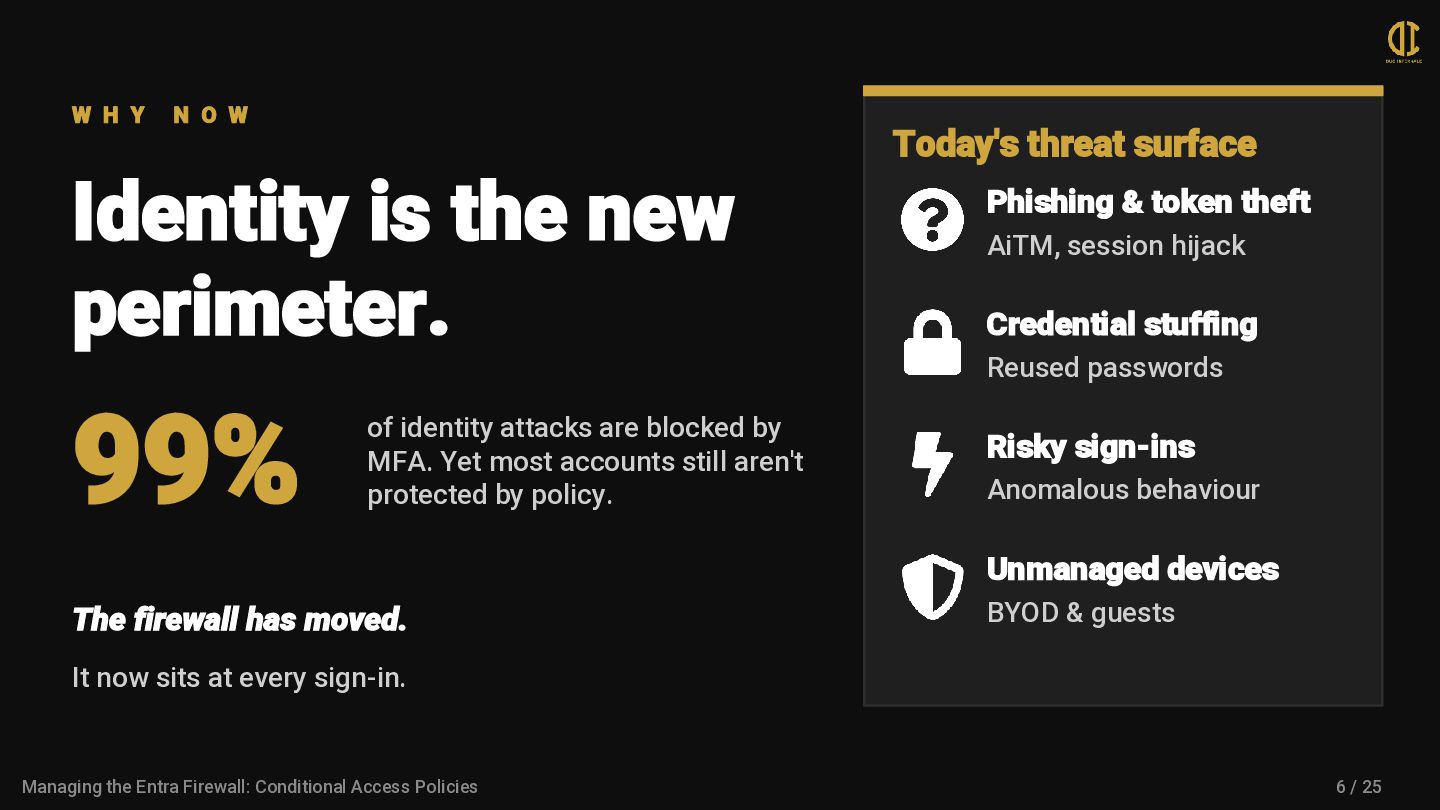
  5. W H Y N O W Identity is the new

    perimeter. 99% of identity attacks are blocked by MFA. Yet most accounts still aren't protected by policy. The firewall has moved. It now sits at every sign-in. Today's threat surface Phishing & token theft AiTM, session hijack Credential stuffing Reused passwords Risky sign-ins Anomalous behaviour Unmanaged devices BYOD & guests 6 / 25 Managing the Entra Firewall: Conditional Access Policies
  6. F U N D A M E N T A

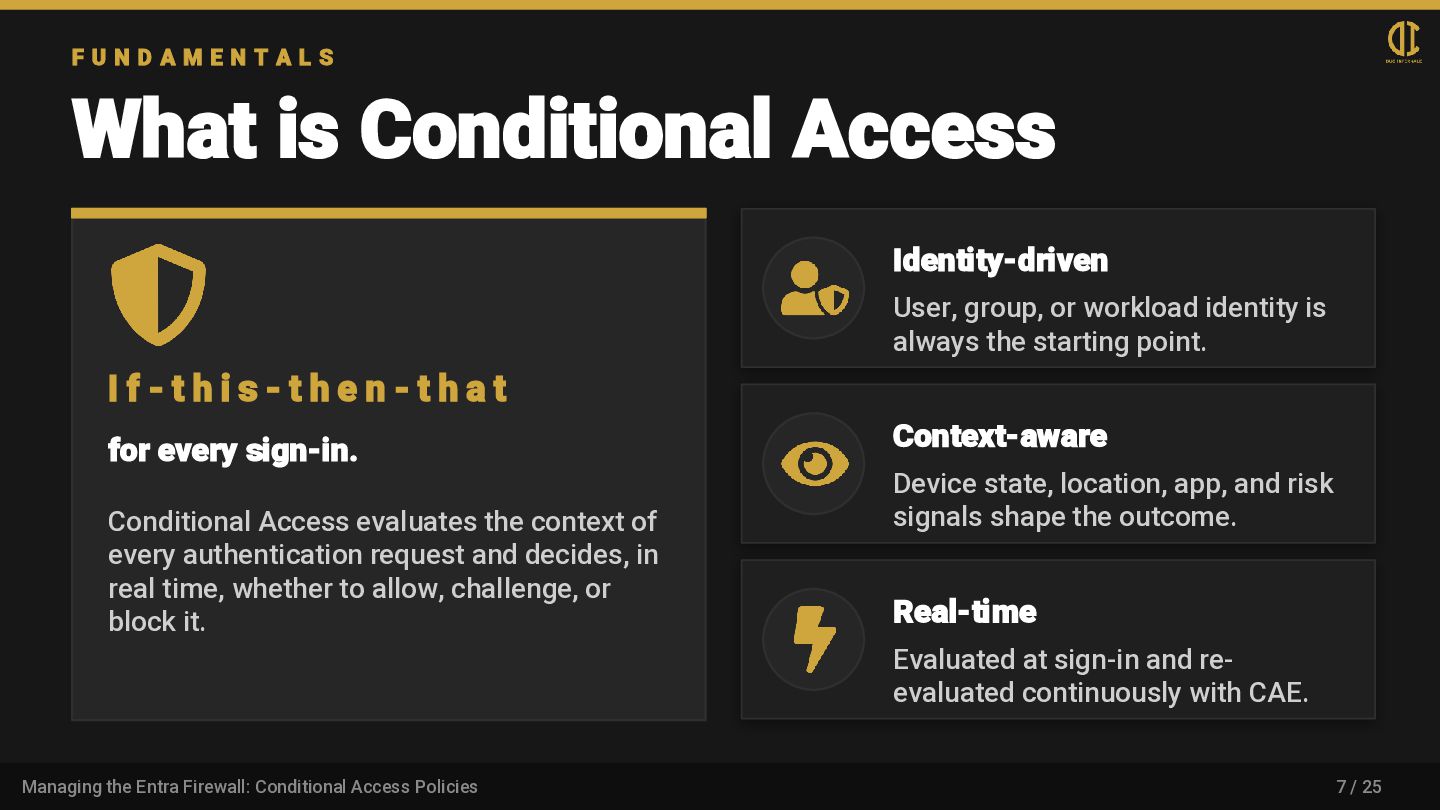
    L S What is Conditional Access I f - t h i s - t h e n - t h a t for every sign-in. Conditional Access evaluates the context of every authentication request and decides, in real time, whether to allow, challenge, or block it. Identity-driven User, group, or workload identity is always the starting point. Context-aware Device state, location, app, and risk signals shape the outcome. Real-time Evaluated at sign-in and re- evaluated continuously with CAE. 7 / 25 Managing the Entra Firewall: Conditional Access Policies
  7. P O L I C Y A N A T

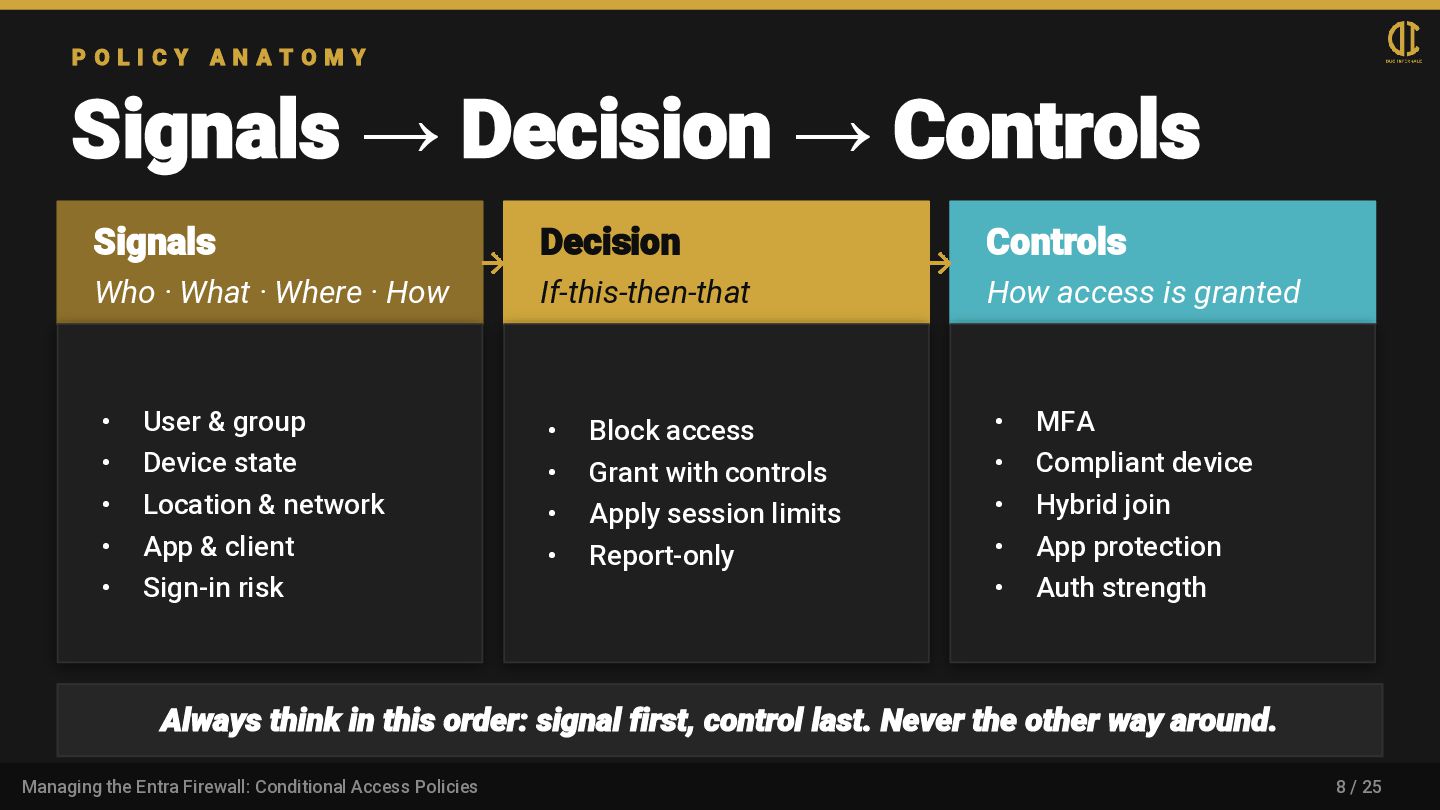
    O M Y Signals → Decision → Controls Signals Who · What · Where · How • User & group • Device state • Location & network • App & client • Sign-in risk Decision If-this-then-that • Block access • Grant with controls • Apply session limits • Report-only Controls How access is granted • MFA • Compliant device • Hybrid join • App protection • Auth strength Always think in this order: signal first, control last. Never the other way around. 8 / 25 Managing the Entra Firewall: Conditional Access Policies
  8. G E T T I N G S T A

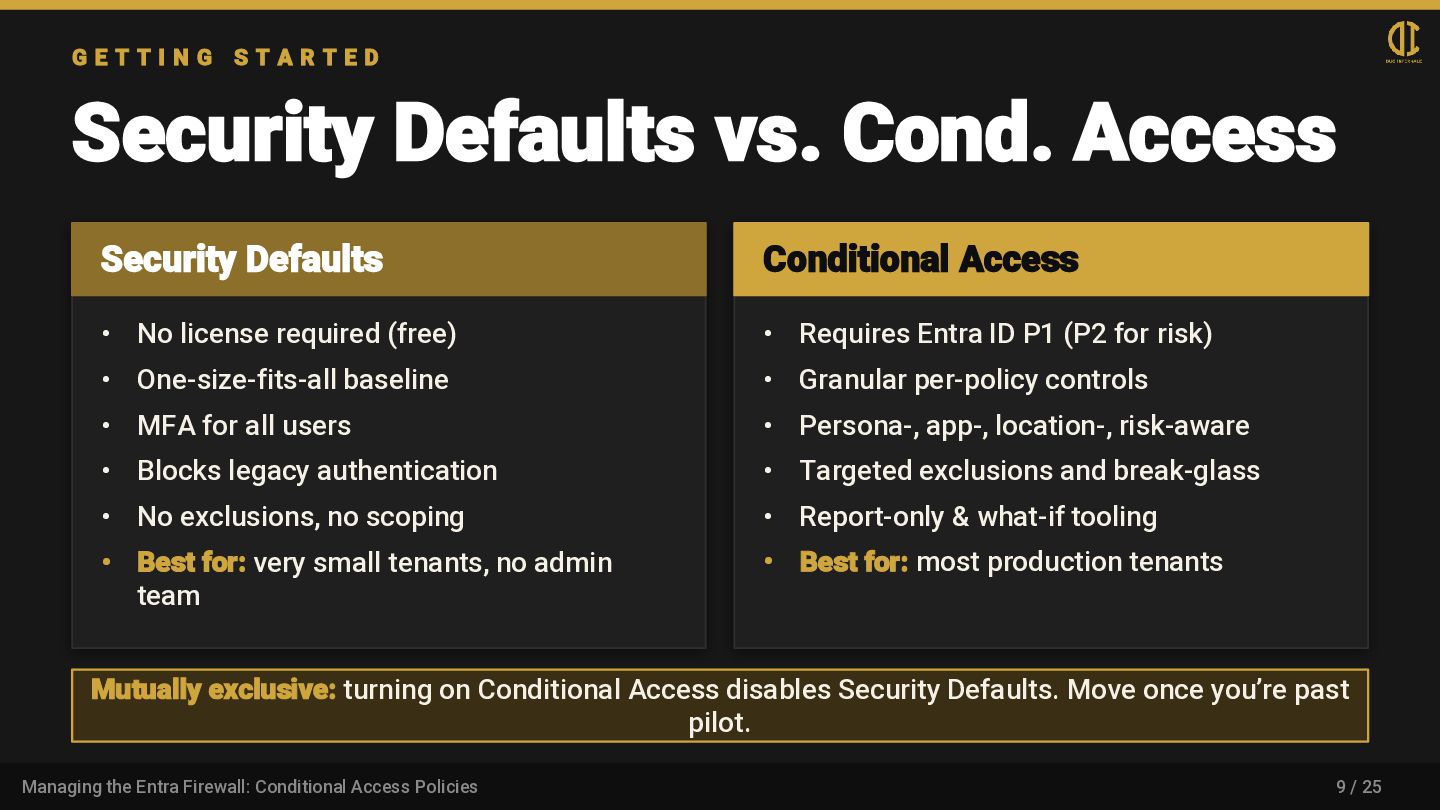
    R T E D Security Defaults vs. Cond. Access Security Defaults • No license required (free) • One-size-fits-all baseline • MFA for all users • Blocks legacy authentication • No exclusions, no scoping • Best for: very small tenants, no admin team Conditional Access • Requires Entra ID P1 (P2 for risk) • Granular per-policy controls • Persona-, app-, location-, risk-aware • Targeted exclusions and break-glass • Report-only & what-if tooling • Best for: most production tenants Mutually exclusive: turning on Conditional Access disables Security Defaults. Move once you’re past pilot. 9 / 25 Managing the Entra Firewall: Conditional Access Policies
  9. L I C E N S I N G What

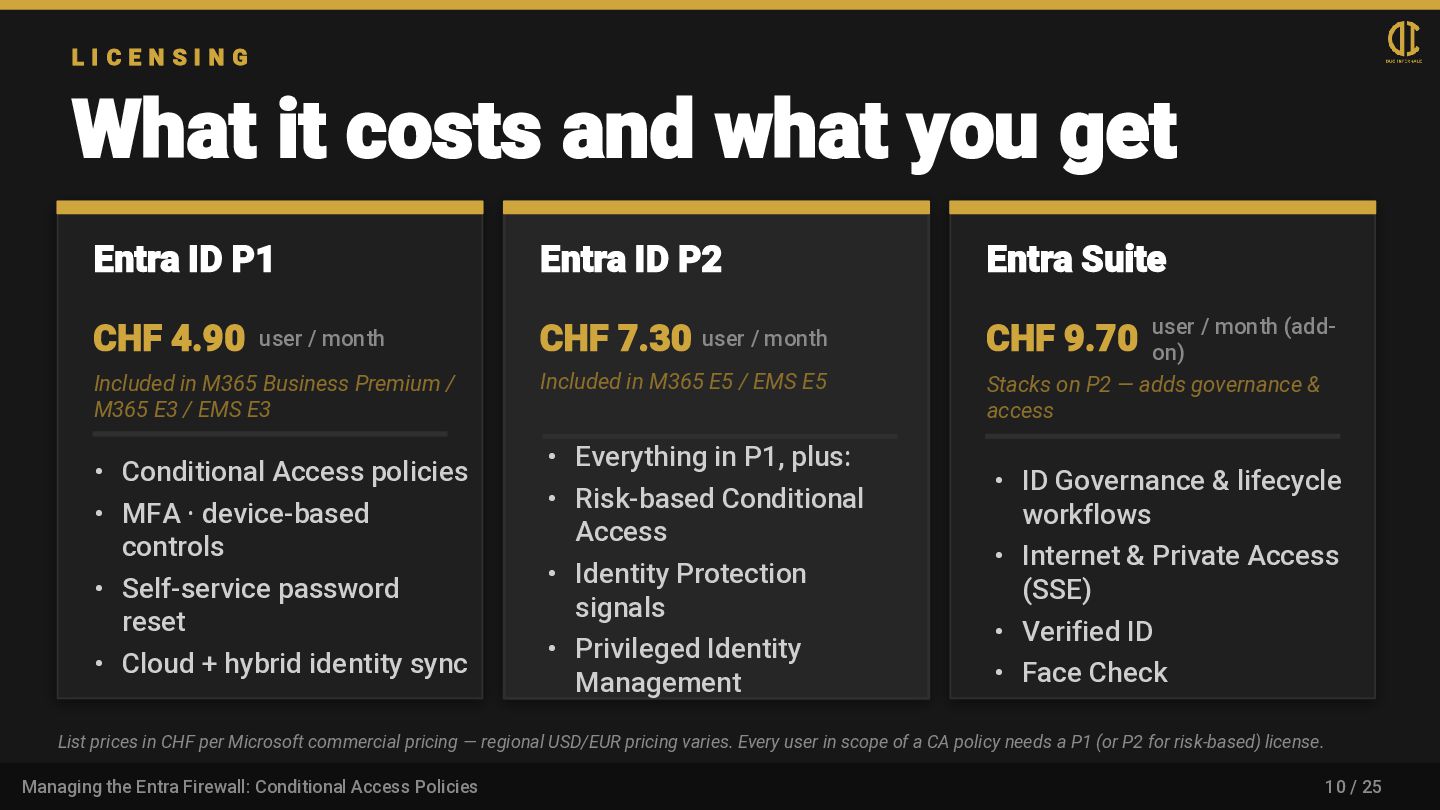
    it costs and what you get Entra ID P1 CHF 4.90 user / month Included in M365 Business Premium / M365 E3 / EMS E3 • Conditional Access policies • MFA · device-based controls • Self-service password reset • Cloud + hybrid identity sync Entra ID P2 CHF 7.30 user / month Included in M365 E5 / EMS E5 • Everything in P1, plus: • Risk-based Conditional Access • Identity Protection signals • Privileged Identity Management Entra Suite CHF 9.70 user / month (add- on) Stacks on P2 — adds governance & access • ID Governance & lifecycle workflows • Internet & Private Access (SSE) • Verified ID • Face Check List prices in CHF per Microsoft commercial pricing — regional USD/EUR pricing varies. Every user in scope of a CA policy needs a P1 (or P2 for risk-based) license. 10 / 25 Managing the Entra Firewall: Conditional Access Policies
  10. L I C E N S I N G What

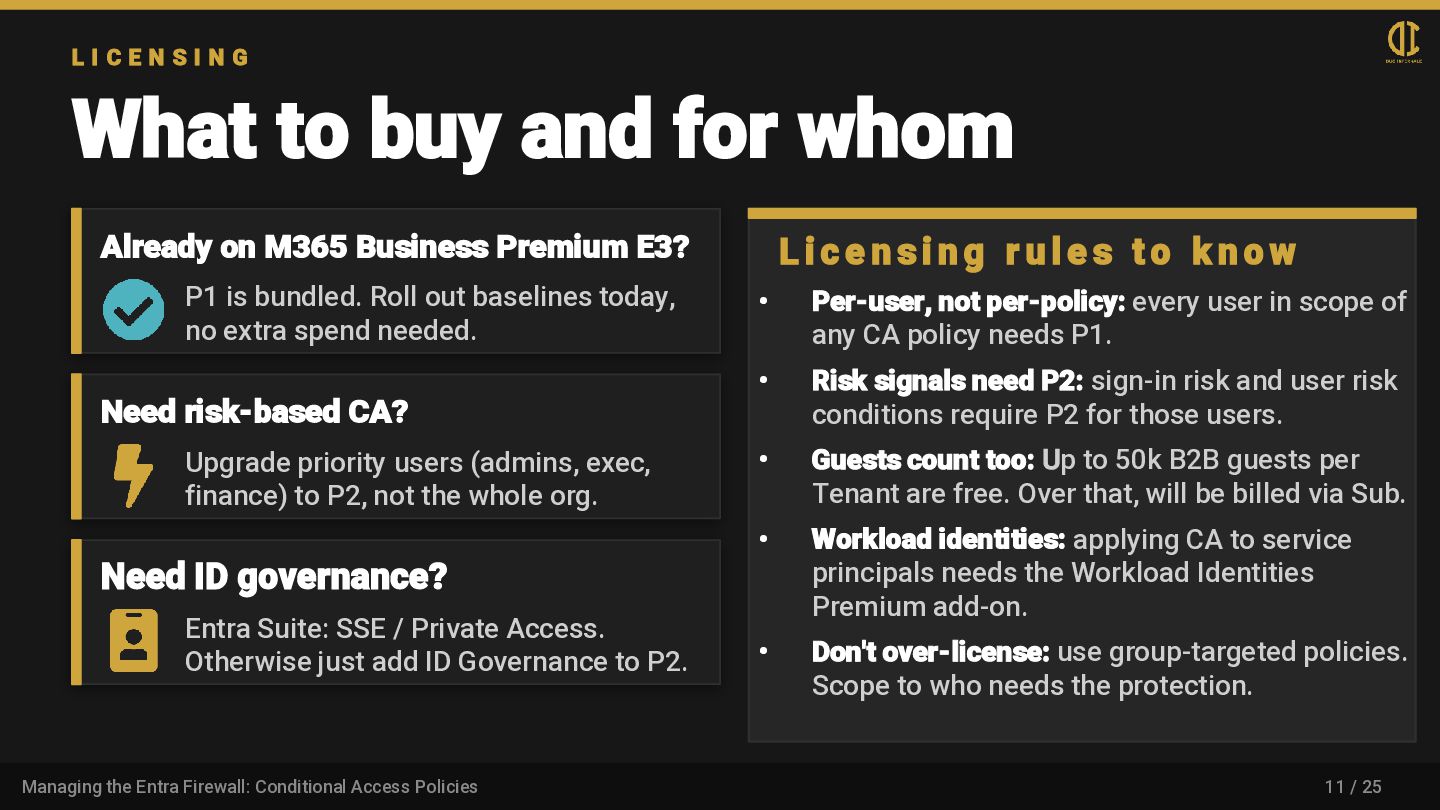
    to buy and for whom Already on M365 Business Premium E3? P1 is bundled. Roll out baselines today, no extra spend needed. Need risk-based CA? Upgrade priority users (admins, exec, finance) to P2, not the whole org. Need ID governance? Entra Suite: SSE / Private Access. Otherwise just add ID Governance to P2. L i c e n s i n g r u l e s t o k n o w • Per-user, not per-policy: every user in scope of any CA policy needs P1. • Risk signals need P2: sign-in risk and user risk conditions require P2 for those users. • Guests count too: Up to 50k B2B guests per Tenant are free. Over that, will be billed via Sub. • Workload identities: applying CA to service principals needs the Workload Identities Premium add-on. • Don't over-license: use group-targeted policies. Scope to who needs the protection. 11 / 25 Managing the Entra Firewall: Conditional Access Policies
  11. F R A M E W O R K Designing

    your policy set Persona-based Group users by risk profile: admins, internals, externals, service accounts. Baseline + targeted A small set of baselines for everyone, with targeted policies for sensitive scopes. Naming convention CAxx — Persona — Signal - App — Platform - Control. Searchable, sortable, audit-friendly. Report-only first Test impact in audit mode before enforcing. Always. No exceptions. 12 / 25 Managing the Entra Firewall: Conditional Access Policies
  12. L I V E D E M O Build it

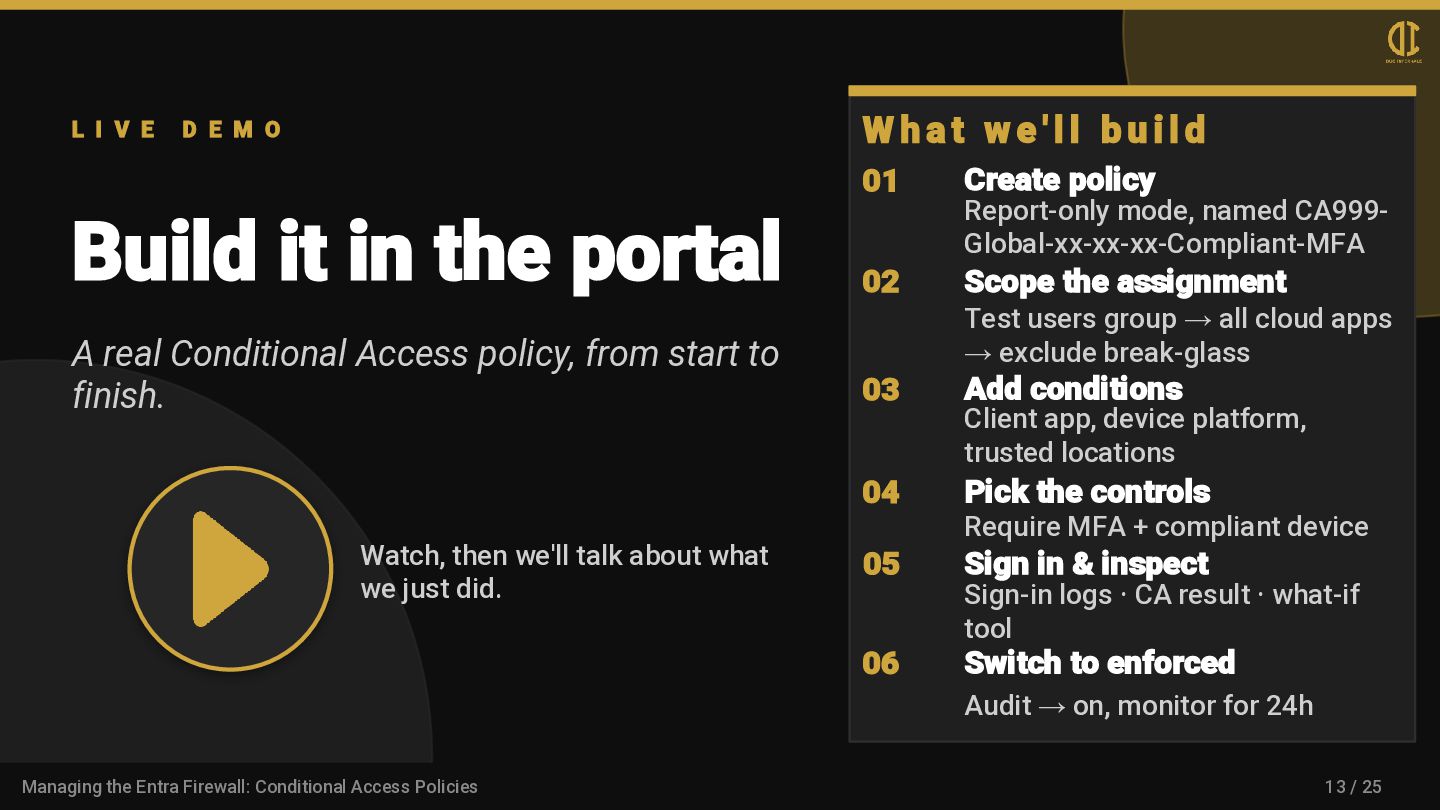
    in the portal A real Conditional Access policy, from start to finish. Watch, then we'll talk about what we just did. W h a t w e ' l l b u i l d 01 Create policy Report-only mode, named CA999- Global-xx-xx-xx-Compliant-MFA 02 Scope the assignment Test users group → all cloud apps → exclude break-glass 03 Add conditions Client app, device platform, trusted locations 04 Pick the controls Require MFA + compliant device 05 Sign in & inspect Sign-in logs · CA result · what-if tool 06 Switch to enforced Audit → on, monitor for 24h 13 / 25 Managing the Entra Firewall: Conditional Access Policies
  13. L I V E D E M O Measuring policy

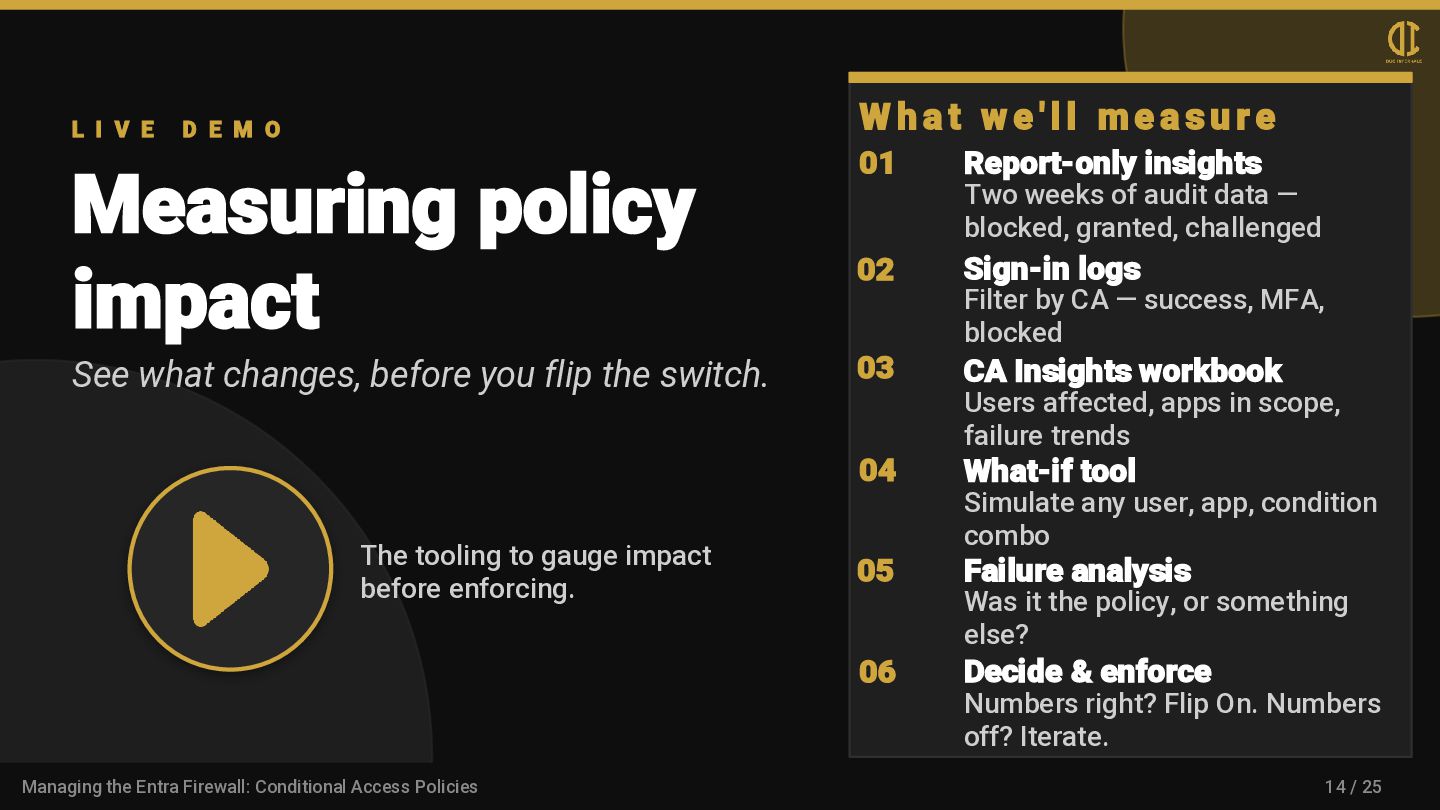
    impact See what changes, before you flip the switch. The tooling to gauge impact before enforcing. W h a t w e ' l l m e a s u r e 01 Report-only insights Two weeks of audit data — blocked, granted, challenged 02 Sign-in logs Filter by CA — success, MFA, blocked 03 CA Insights workbook Users affected, apps in scope, failure trends 04 What-if tool Simulate any user, app, condition combo 05 Failure analysis Was it the policy, or something else? 06 Decide & enforce Numbers right? Flip On. Numbers off? Iterate. 14 / 25 Managing the Entra Firewall: Conditional Access Policies
  14. C O M P L I A N C E

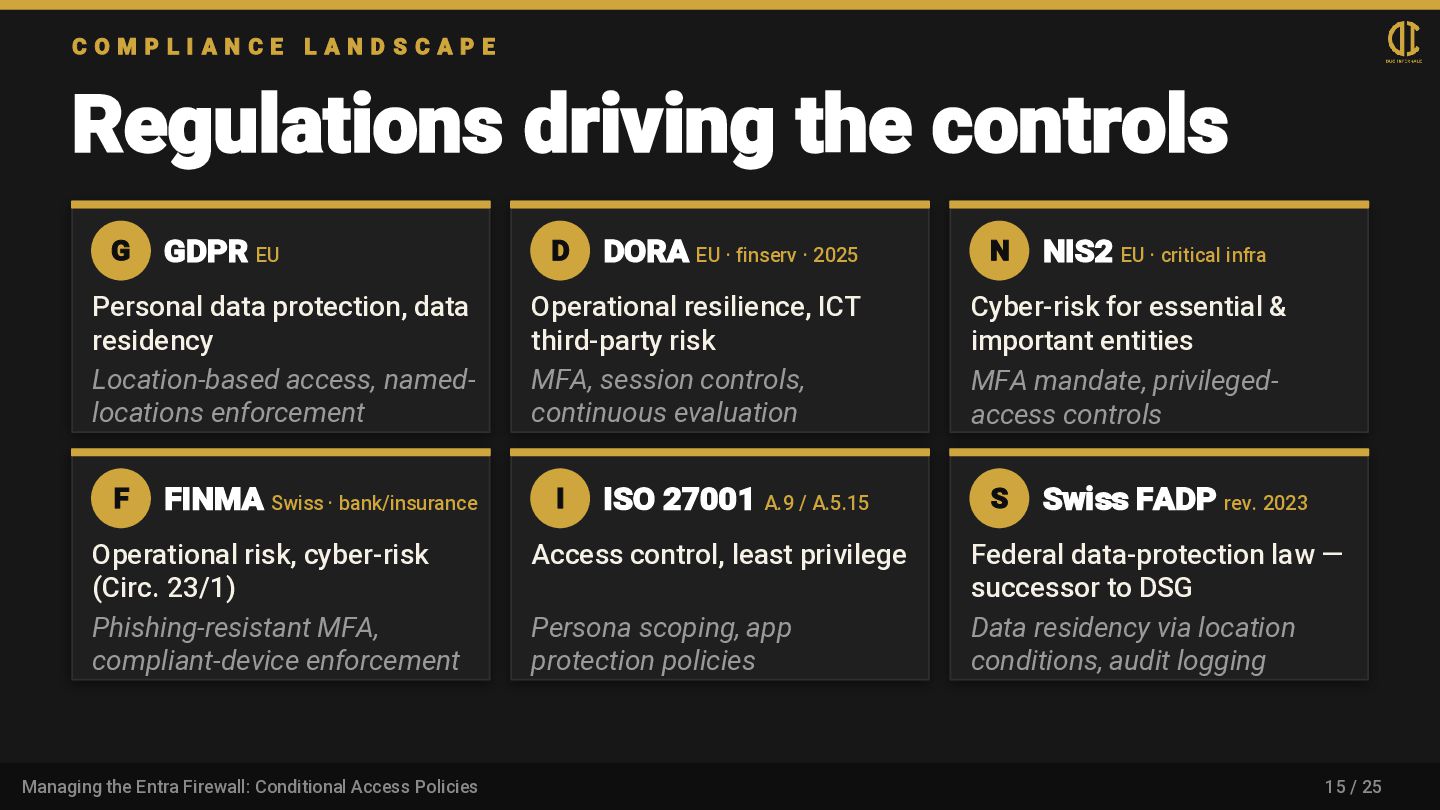
    L A N D S C A P E Regulations driving the controls G GDPR EU Personal data protection, data residency Location-based access, named- locations enforcement D DORA EU · finserv · 2025 Operational resilience, ICT third-party risk MFA, session controls, continuous evaluation N NIS2 EU · critical infra Cyber-risk for essential & important entities MFA mandate, privileged- access controls F FINMA Swiss · bank/insurance Operational risk, cyber-risk (Circ. 23/1) Phishing-resistant MFA, compliant-device enforcement I ISO 27001 A.9 / A.5.15 Access control, least privilege Persona scoping, app protection policies S Swiss FADP rev. 2023 Federal data-protection law — successor to DSG Data residency via location conditions, audit logging 15 / 25 Managing the Entra Firewall: Conditional Access Policies
  15. I N D U S T R Y · B

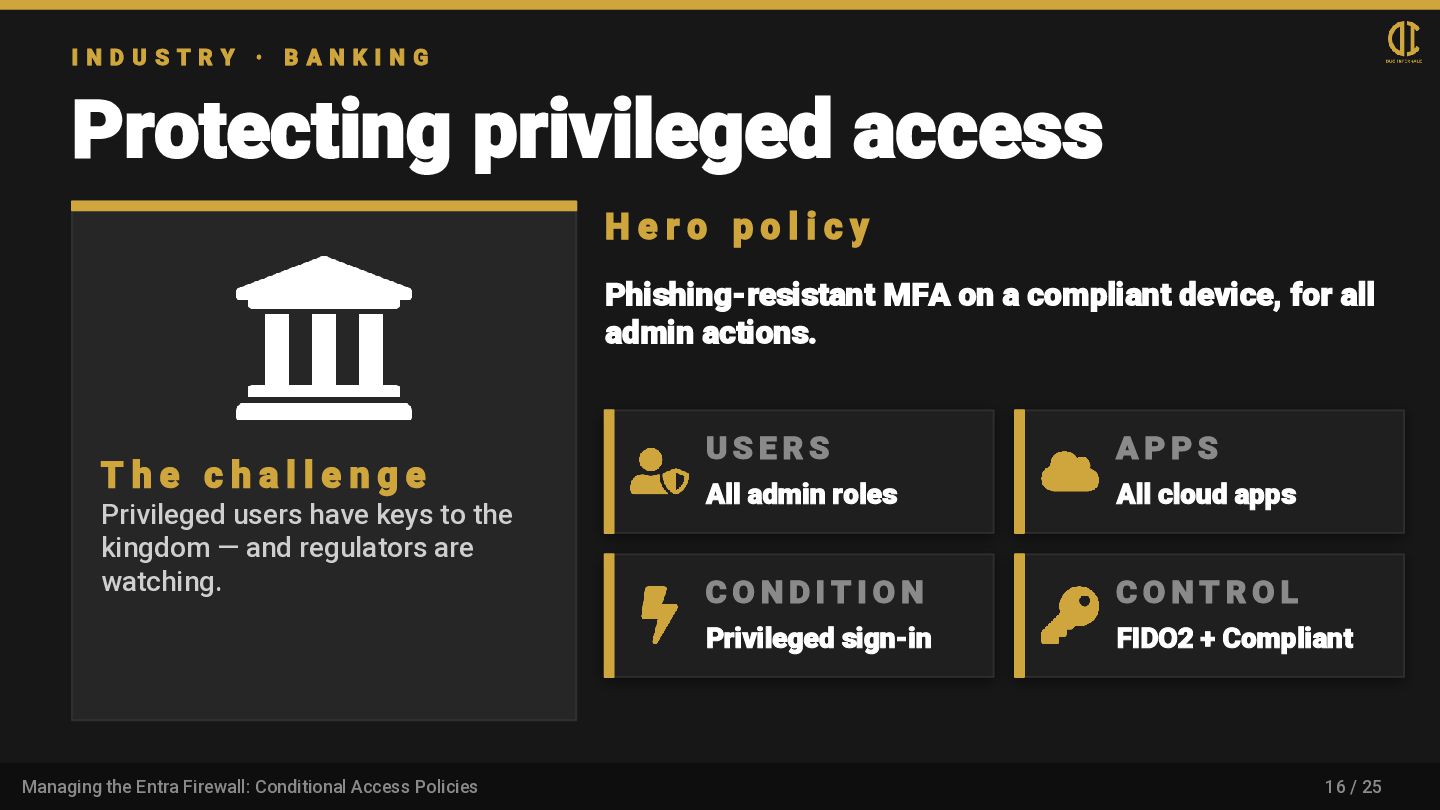
    A N K I N G Protecting privileged access T h e c h a l l e n g e Privileged users have keys to the kingdom — and regulators are watching. H e r o p o l i c y Phishing-resistant MFA on a compliant device, for all admin actions. U S E R S All admin roles A P P S All cloud apps C O N D I T I O N Privileged sign-in C O N T R O L FIDO2 + Compliant 16 / 25 Managing the Entra Firewall: Conditional Access Policies
  16. I N D U S T R Y · I

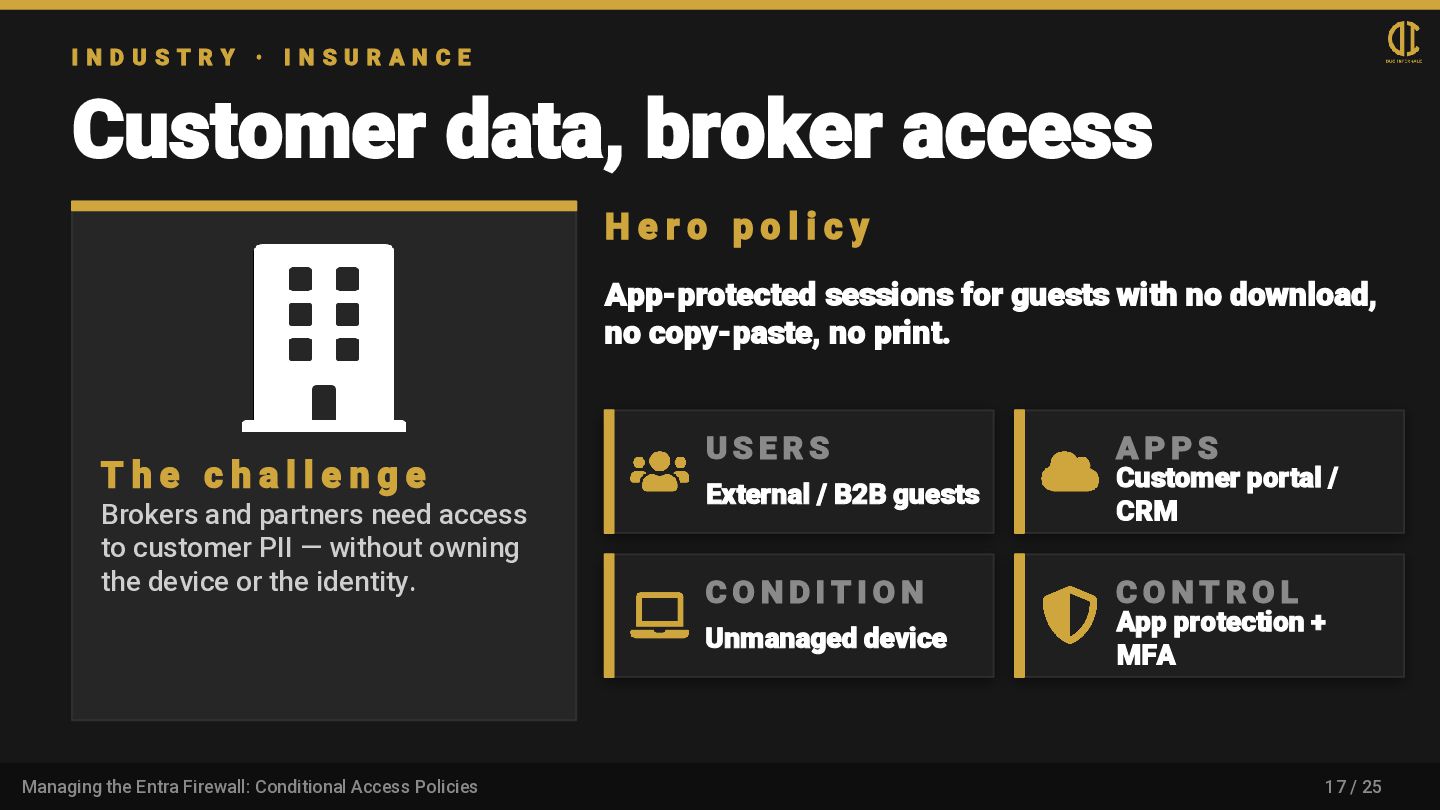
    N S U R A N C E Customer data, broker access T h e c h a l l e n g e Brokers and partners need access to customer PII — without owning the device or the identity. H e r o p o l i c y App-protected sessions for guests with no download, no copy-paste, no print. U S E R S External / B2B guests A P P S Customer portal / CRM C O N D I T I O N Unmanaged device C O N T R O L App protection + MFA 17 / 25 Managing the Entra Firewall: Conditional Access Policies
  17. I N D U S T R Y · P

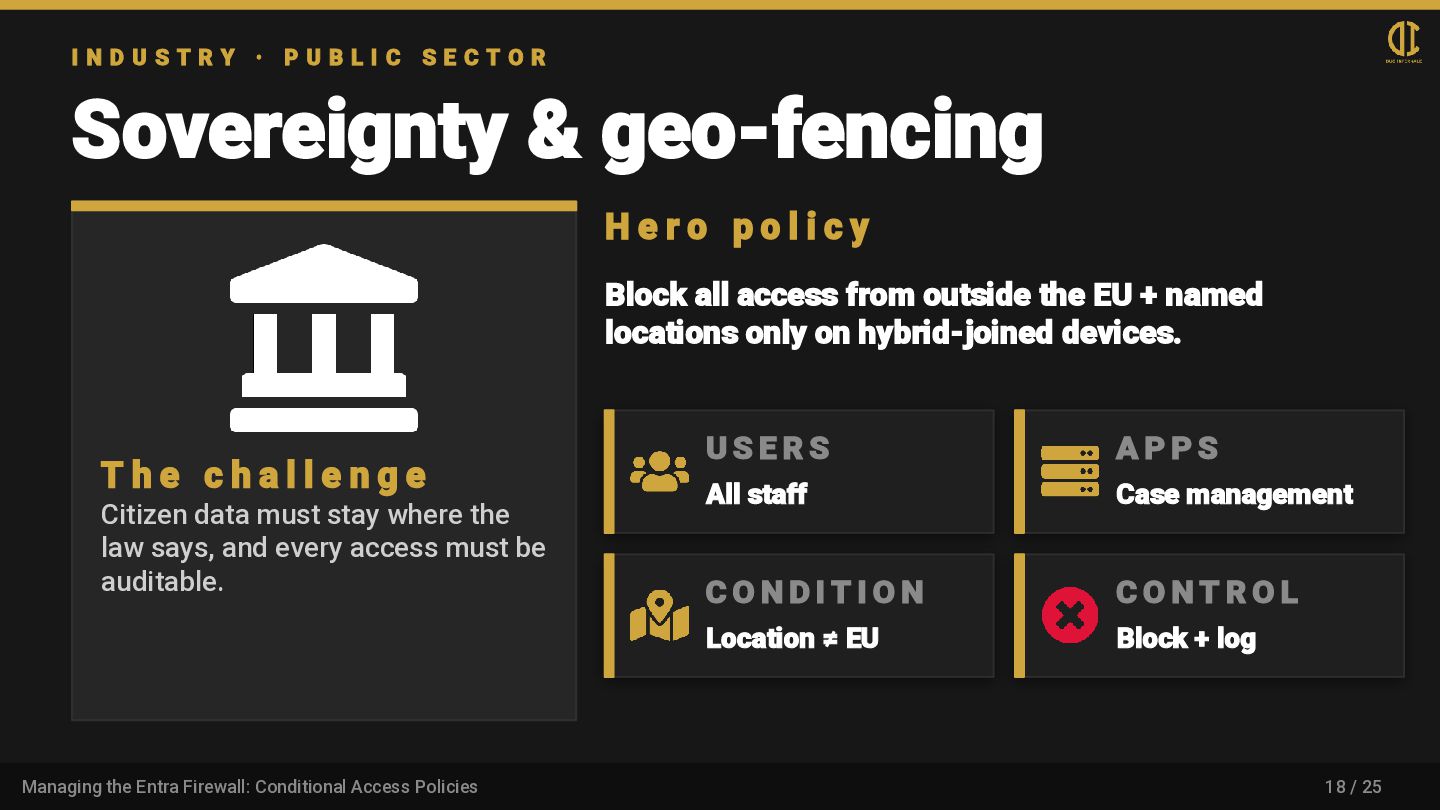
    U B L I C S E C T O R Sovereignty & geo-fencing T h e c h a l l e n g e Citizen data must stay where the law says, and every access must be auditable. H e r o p o l i c y Block all access from outside the EU + named locations only on hybrid-joined devices. U S E R S All staff A P P S Case management C O N D I T I O N Location ≠ EU C O N T R O L Block + log 18 / 25 Managing the Entra Firewall: Conditional Access Policies
  18. A D V A N C E D Beyond the

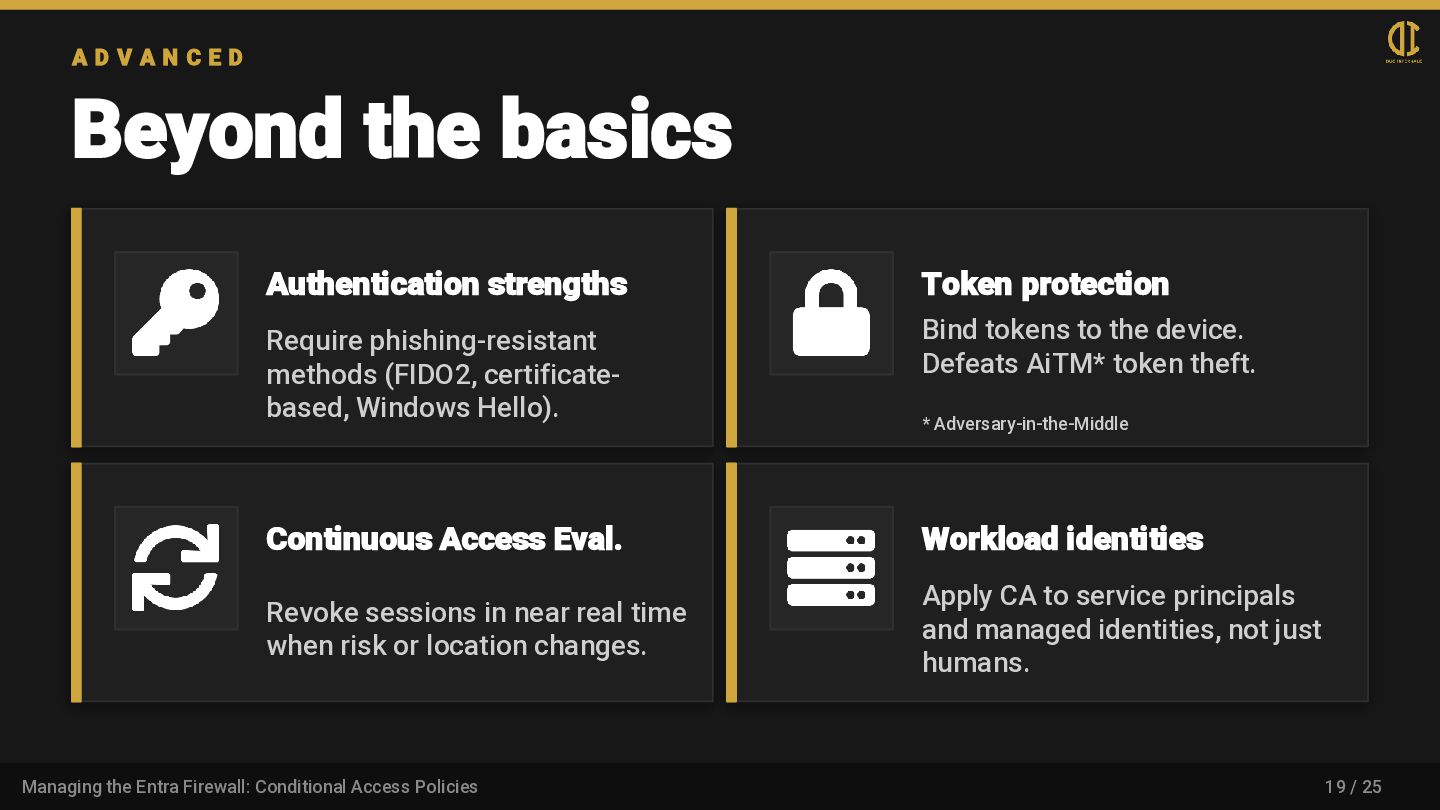
    basics Authentication strengths Require phishing-resistant methods (FIDO2, certificate- based, Windows Hello). Token protection Bind tokens to the device. Defeats AiTM* token theft. * Adversary-in-the-Middle Continuous Access Eval. Revoke sessions in near real time when risk or location changes. Workload identities Apply CA to service principals and managed identities, not just humans. 19 / 25 Managing the Entra Firewall: Conditional Access Policies
  19. L I V E D E M O Tooling &

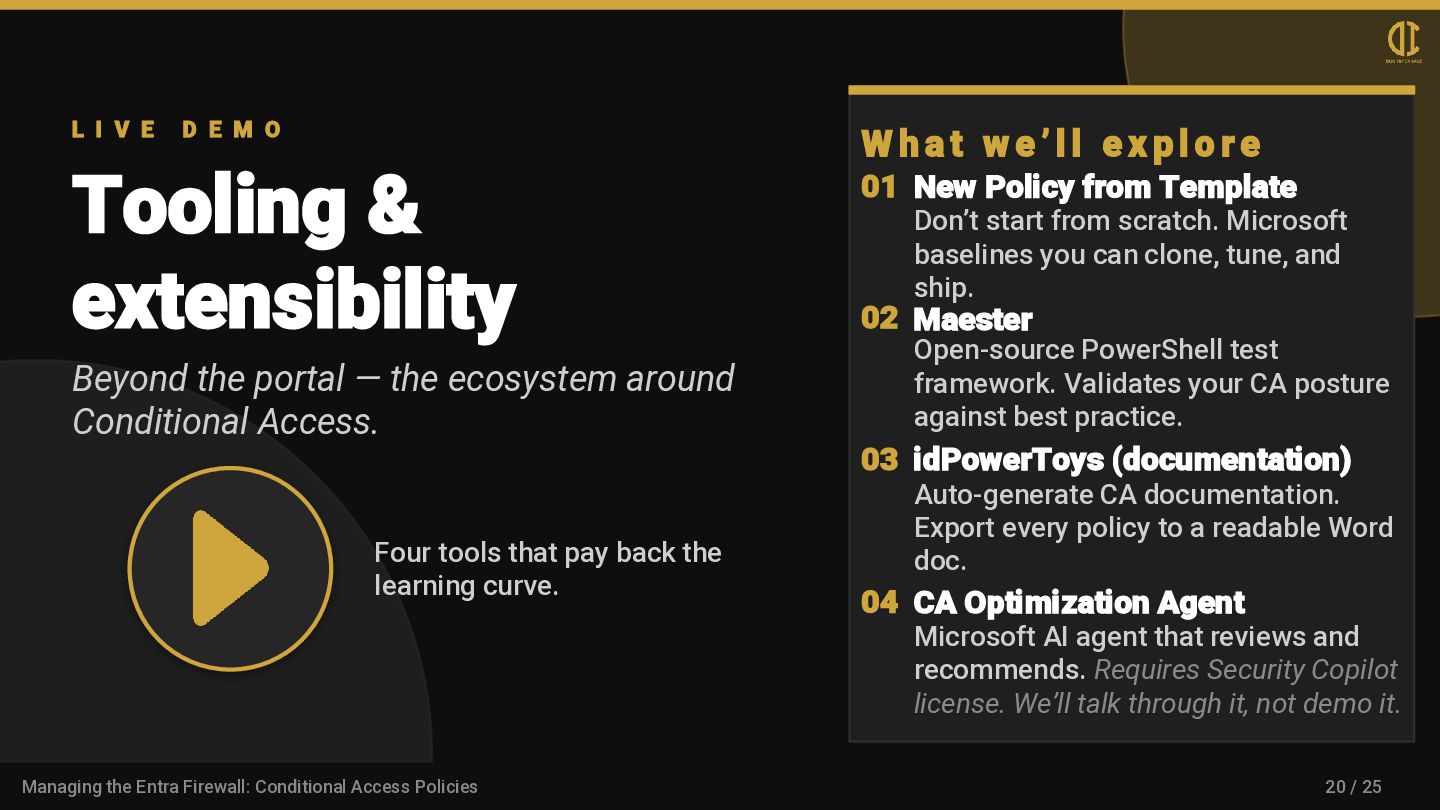
    extensibility Beyond the portal — the ecosystem around Conditional Access. Four tools that pay back the learning curve. W h a t w e ’ l l e x p l o r e 01 New Policy from Template Don’t start from scratch. Microsoft baselines you can clone, tune, and ship. 02 Maester Open-source PowerShell test framework. Validates your CA posture against best practice. 03 idPowerToys (documentation) Auto-generate CA documentation. Export every policy to a readable Word doc. 04 CA Optimization Agent Microsoft AI agent that reviews and recommends. Requires Security Copilot license. We’ll talk through it, not demo it. 20 / 25 Managing the Entra Firewall: Conditional Access Policies
  20. L E S S O N S L E A

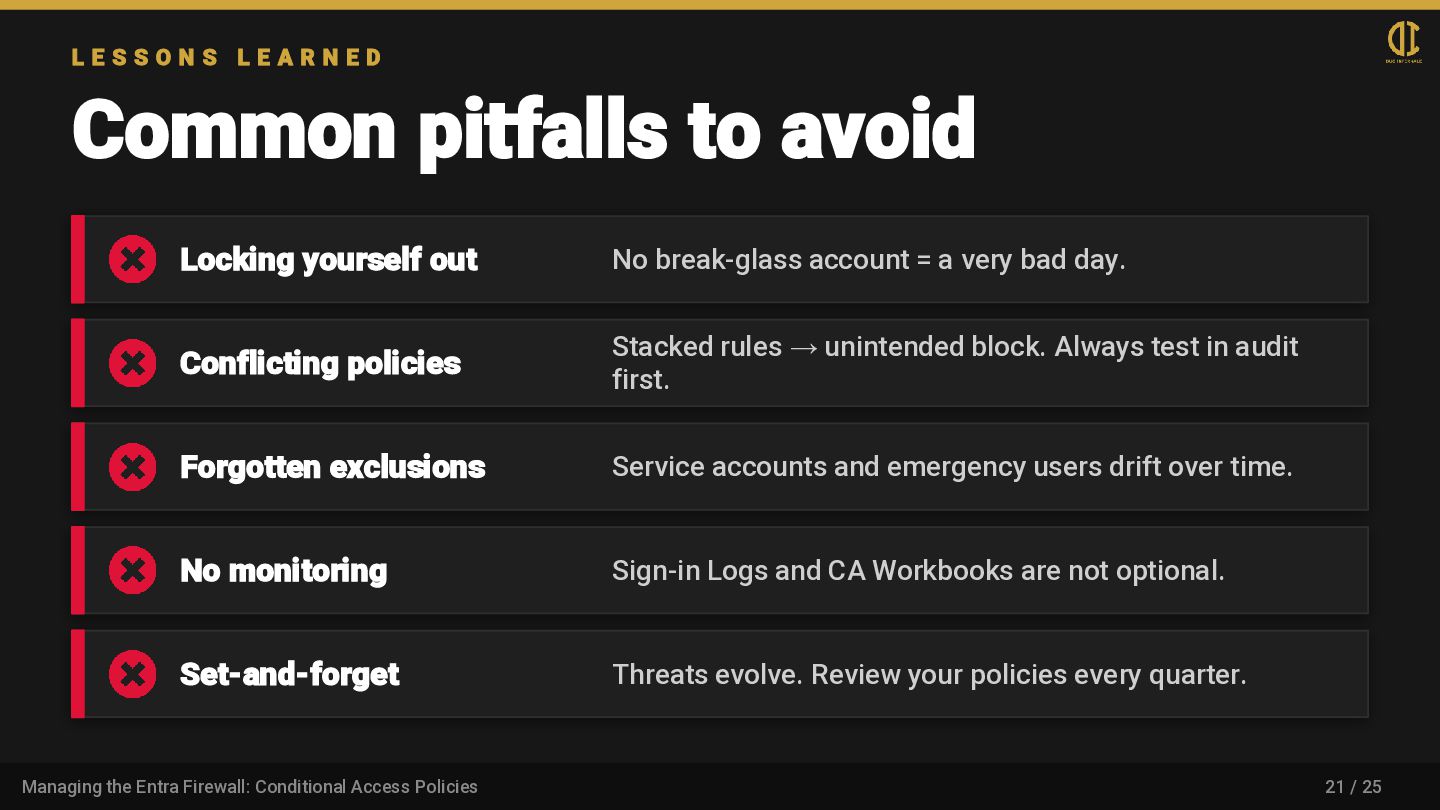
    R N E D Common pitfalls to avoid Locking yourself out No break-glass account = a very bad day. Conflicting policies Stacked rules → unintended block. Always test in audit first. Forgotten exclusions Service accounts and emergency users drift over time. No monitoring Sign-in Logs and CA Workbooks are not optional. Set-and-forget Threats evolve. Review your policies every quarter. 21 / 25 Managing the Entra Firewall: Conditional Access Policies
  21. T A K E A W A Y S Where

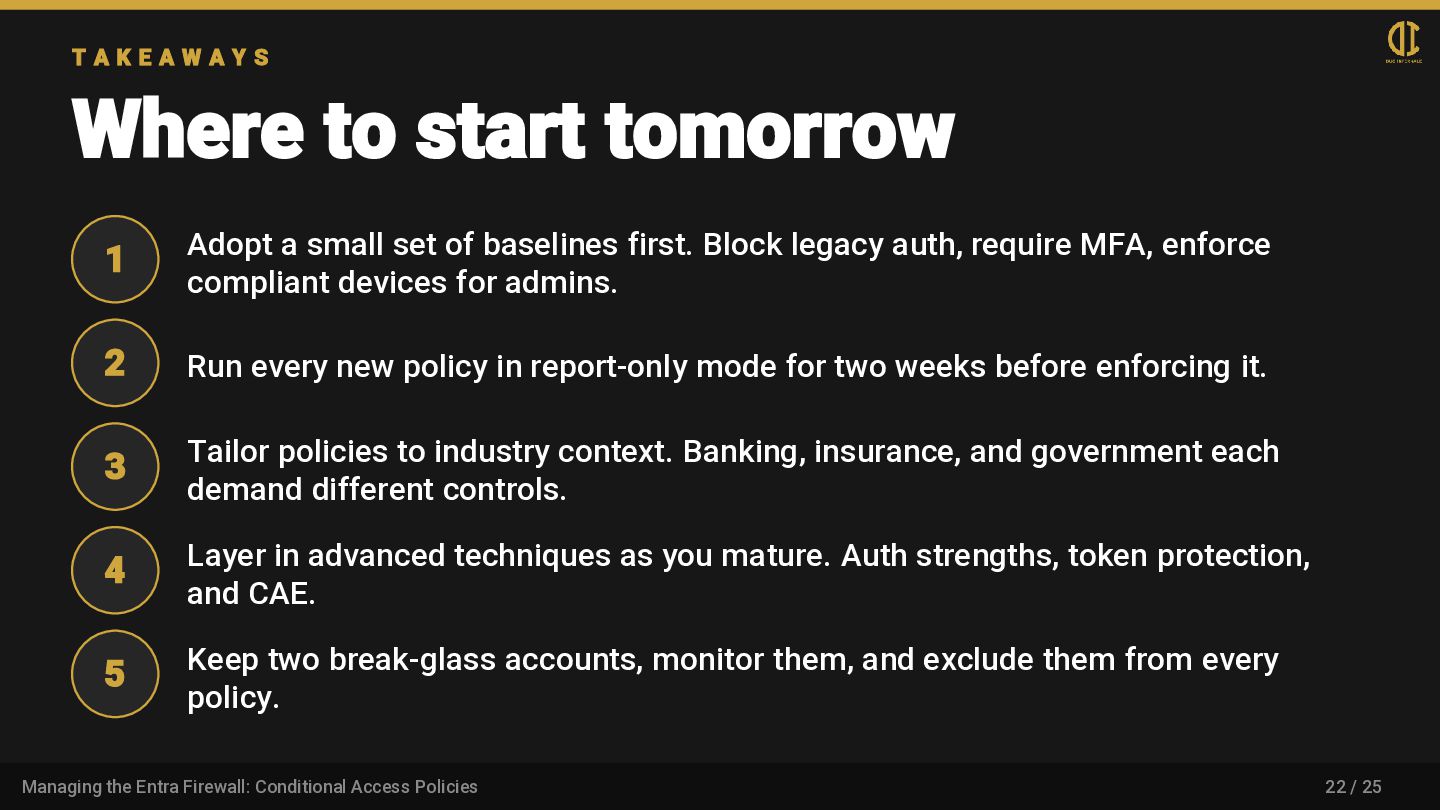
    to start tomorrow 1 Adopt a small set of baselines first. Block legacy auth, require MFA, enforce compliant devices for admins. 2 Run every new policy in report-only mode for two weeks before enforcing it. 3 Tailor policies to industry context. Banking, insurance, and government each demand different controls. 4 Layer in advanced techniques as you mature. Auth strengths, token protection, and CAE. 5 Keep two break-glass accounts, monitor them, and exclude them from every policy. 22 / 25 Managing the Entra Firewall: Conditional Access Policies