Upgrade to Pro — share decks privately, control downloads, hide ads and more …

ABCS26: From Chaos to Control: Streamline Azure...

Sponsored · SiteGround - Reliable hosting with speed, security, and support you can count on.

ABCS26: From Chaos to Control: Streamline Azure Policy Management with EPAC by Pratheep Sinnathurai

From Chaos to Control: Streamline Azure Policy Management with EPAC#
After enabling Microsoft Defender for Cloud, many of my customers end up with a huge list of recommendations for their Azure environments and have no idea where to start. They know they need to deploy Azure Policies based on these recommendations, but the questions are always the same: How do we start? How do we assign Azure Policies correctly? How do we handle exemptions? And what do all these different policy effects mean? In this deep dive, we will bring structure back using Enterprise Azure Policy as Code (EPAC), a set of PowerShell scripts that automate and standardize policy deployment at scale. During this 90-minute hands-on, follow-along session, you will learn how to get a basic overview of Azure Policies, Policy Sets, Assignments, and Exemptions; configure and deploy Azure Policies, Policy Sets, Assignments, and Exemptions using EPAC; and use operational scripts to simplify ongoing policy management. Bring your laptop and an Azure environment so you can follow along and directly explore the concepts.
🙂 PRATHEEP SINNATHURAI ⚡️ Senior Azure Engineer @ baseVISION | Microsoft Azure MVP

More Decks by Azure Zurich User Group

Other Decks in Technology

Transcript

  1. From Chaos to Control: Streamlining Azure Policy Management with EPAC

    #AzureBootcamp Pratheep Sinnathurai | Senior Azure Engineer & Microsoft MVP | Azure Bootcamp Switzerland 2026
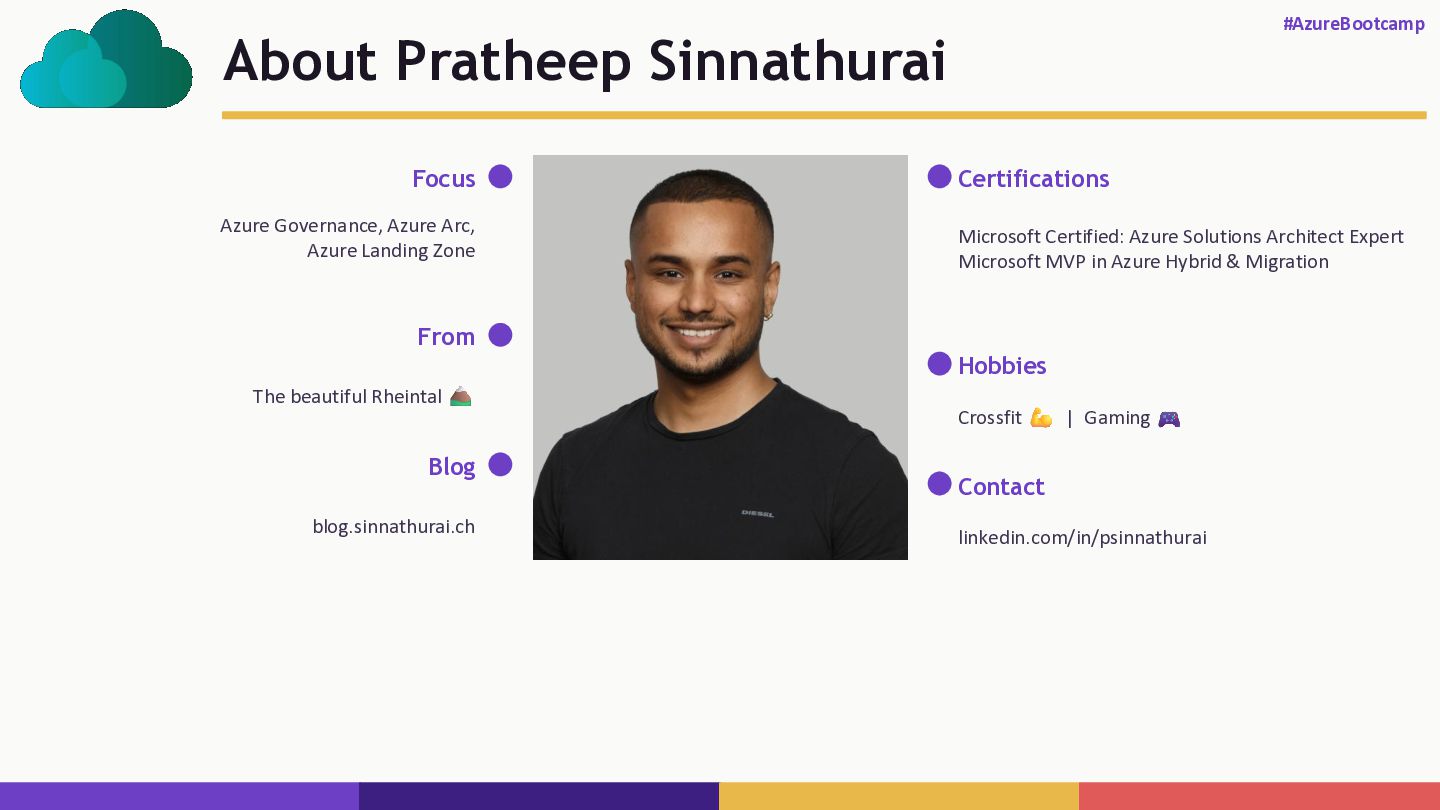
  2. About Pratheep Sinnathurai #AzureBootcamp Focus Azure Governance, Azure Arc, Azure

    Landing Zone From The beautiful Rheintal Blog blog.sinnathurai.ch Certifications Microsoft Certified: Azure Solutions Architect Expert Microsoft MVP in Azure Hybrid & Migration Hobbies Crossfit | Gaming Contact linkedin.com/in/psinnathurai
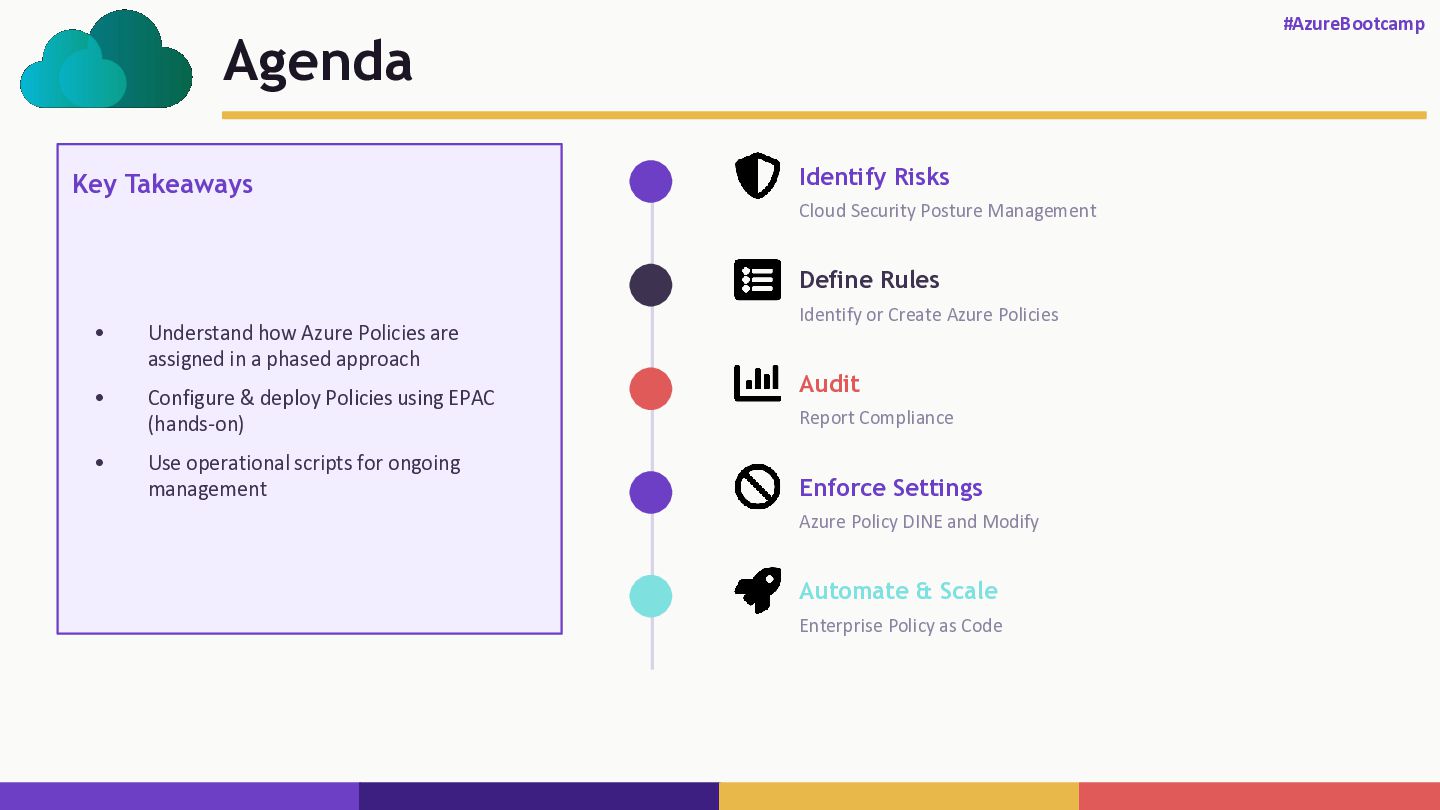
  3. Agenda #AzureBootcamp Key Takeaways • Understand how Azure Policies are

    assigned in a phased approach • Configure & deploy Policies using EPAC (hands-on) • Use operational scripts for ongoing management Identify Risks Cloud Security Posture Management Define Rules Identify or Create Azure Policies Audit Report Compliance Enforce Settings Azure Policy DINE and Modify Automate & Scale Enterprise Policy as Code
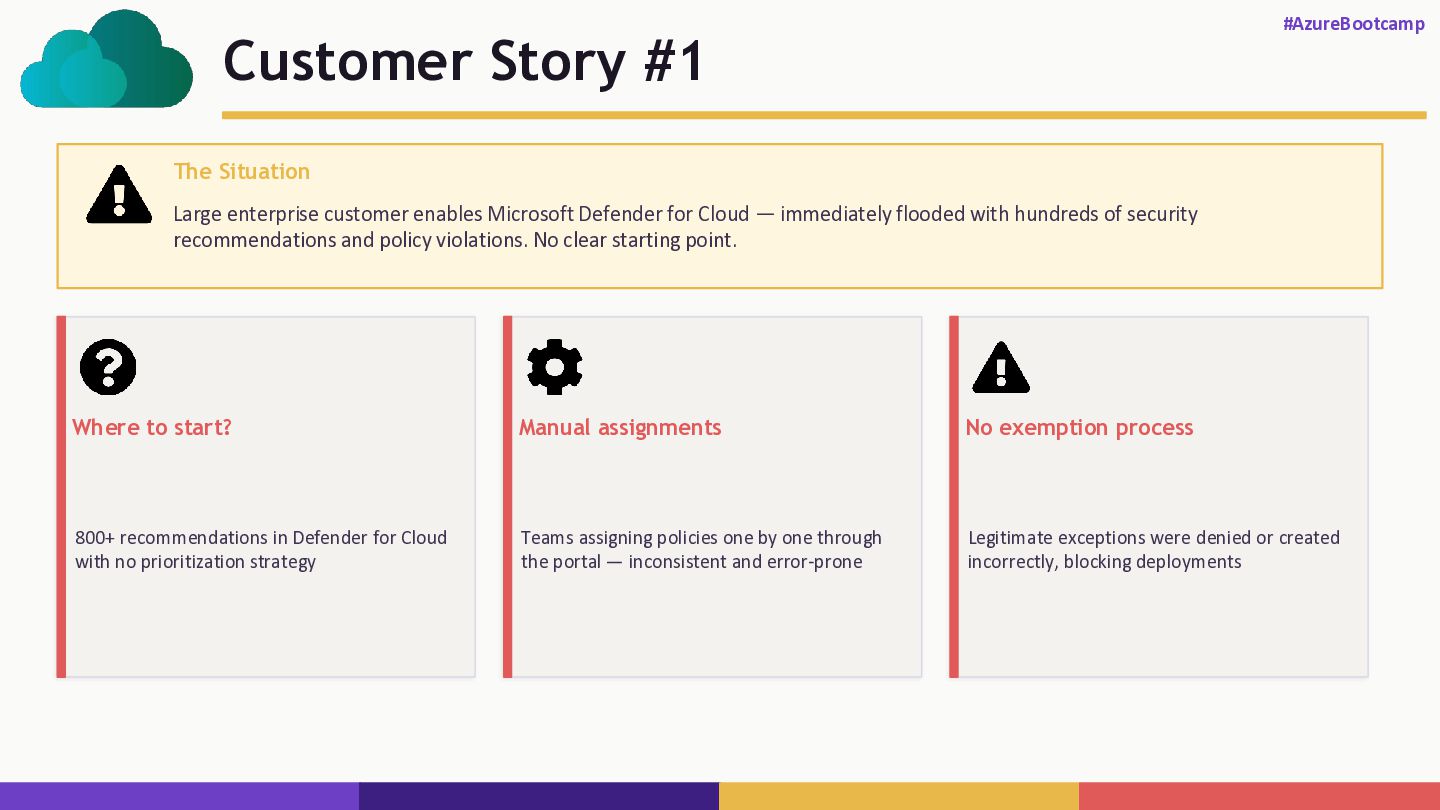
  4. Customer Story #1 #AzureBootcamp The Situation Large enterprise customer enables

    Microsoft Defender for Cloud — immediately flooded with hundreds of security recommendations and policy violations. No clear starting point. Where to start? 800+ recommendations in Defender for Cloud with no prioritization strategy Manual assignments Teams assigning policies one by one through the portal — inconsistent and error-prone No exemption process Legitimate exceptions were denied or created incorrectly, blocking deployments
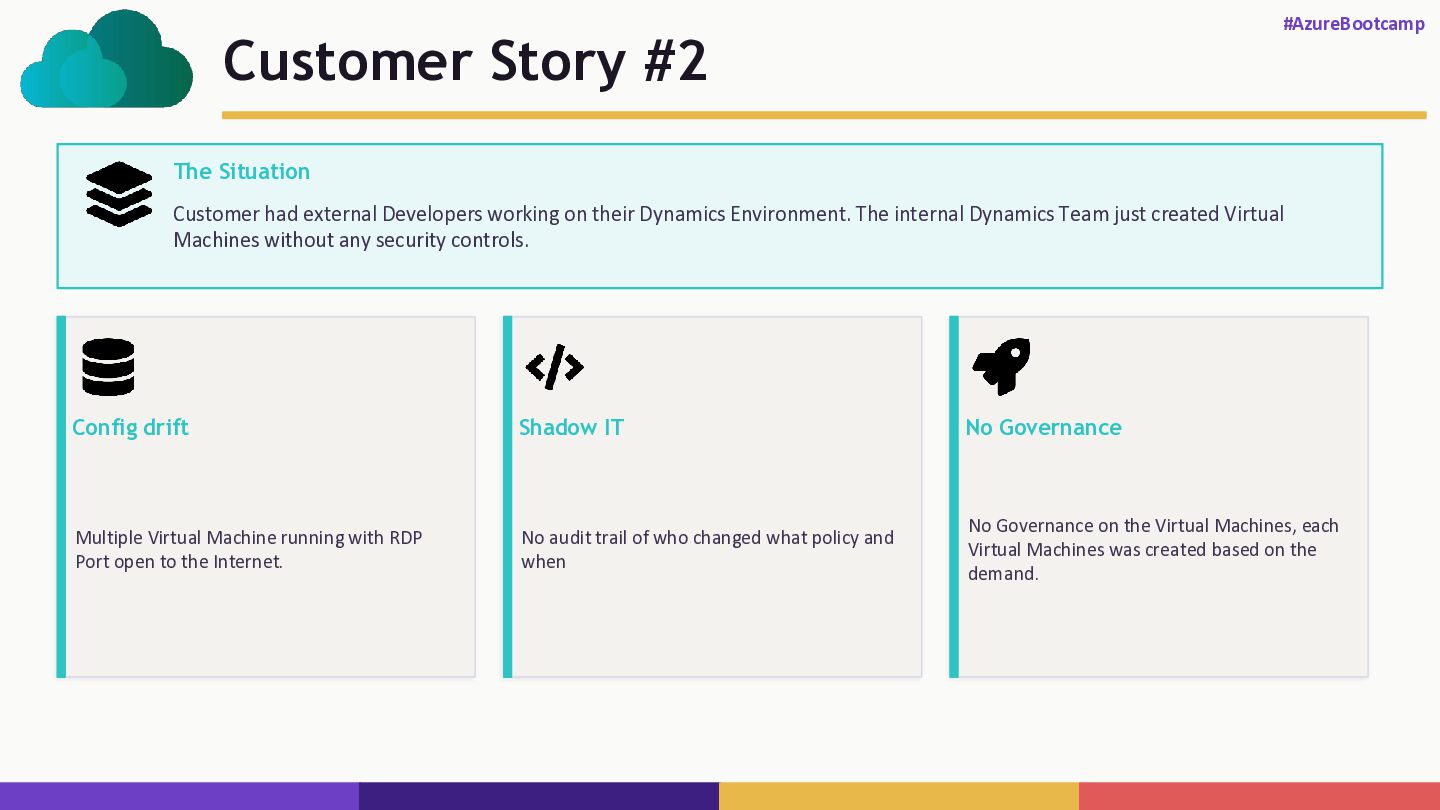
  5. Customer Story #2 #AzureBootcamp The Situation Customer had external Developers

    working on their Dynamics Environment. The internal Dynamics Team just created Virtual Machines without any security controls. Config drift Multiple Virtual Machine running with RDP Port open to the Internet. Shadow IT No audit trail of who changed what policy and when No Governance No Governance on the Virtual Machines, each Virtual Machines was created based on the demand.
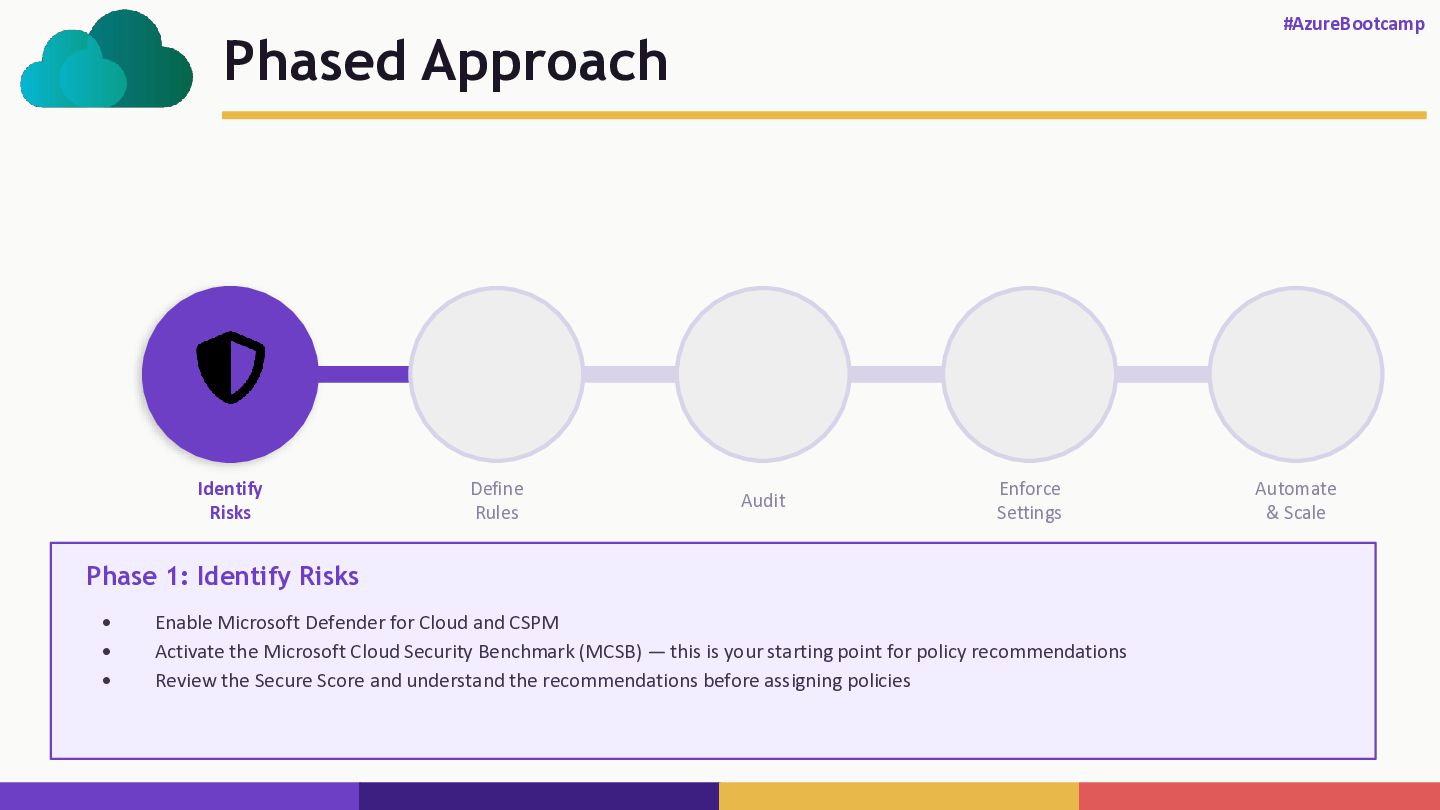
  6. Phased Approach #AzureBootcamp Identify Risks Define Rules Audit Enforce Settings

    Automate & Scale Phase 1: Identify Risks • Enable Microsoft Defender for Cloud and CSPM • Activate the Microsoft Cloud Security Benchmark (MCSB) — this is your starting point for policy recommendations • Review the Secure Score and understand the recommendations before assigning policies
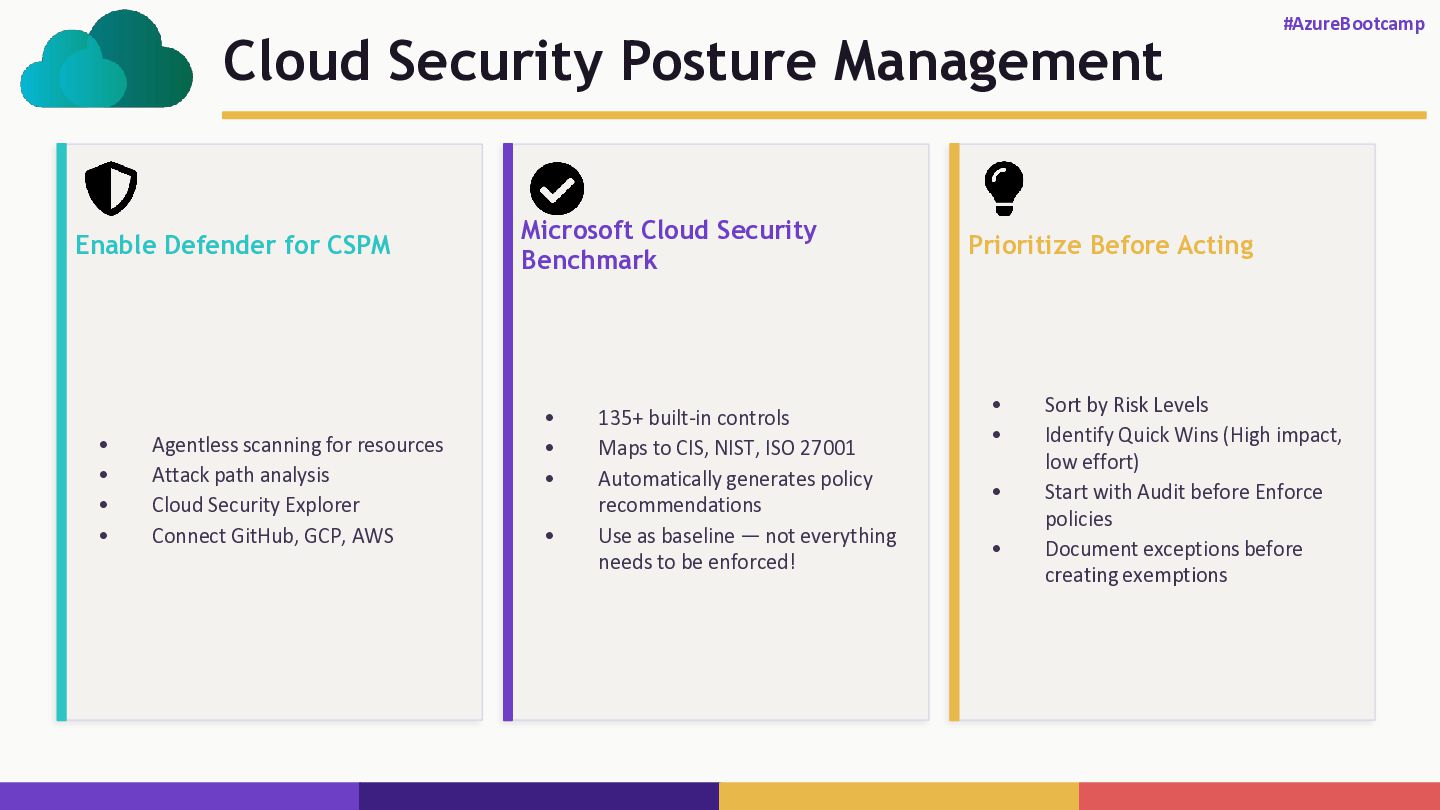
  7. Cloud Security Posture Management #AzureBootcamp Enable Defender for CSPM •

    Agentless scanning for resources • Attack path analysis • Cloud Security Explorer • Connect GitHub, GCP, AWS Microsoft Cloud Security Benchmark • 135+ built-in controls • Maps to CIS, NIST, ISO 27001 • Automatically generates policy recommendations • Use as baseline — not everything needs to be enforced! Prioritize Before Acting • Sort by Risk Levels • Identify Quick Wins (High impact, low effort) • Start with Audit before Enforce policies • Document exceptions before creating exemptions
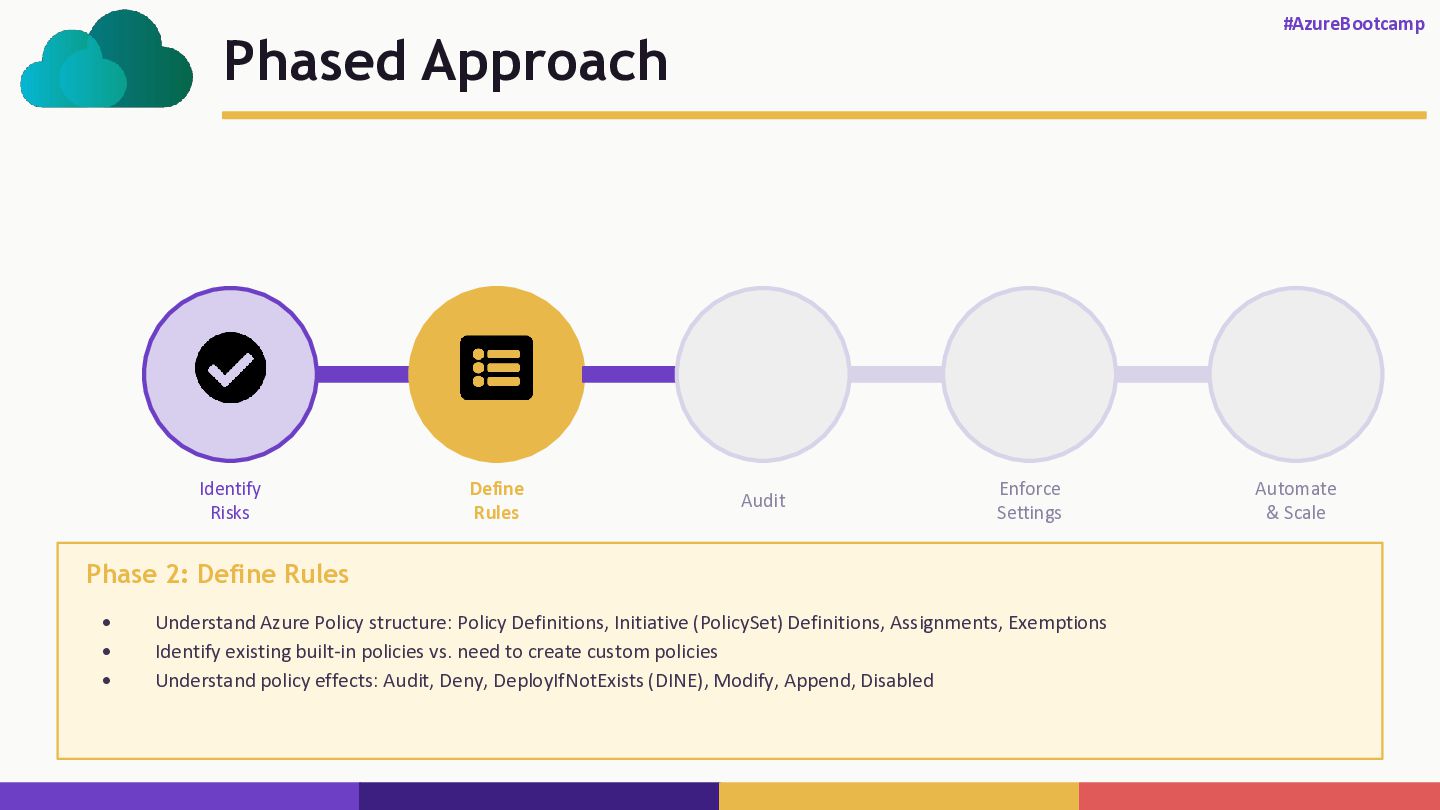
  8. Phased Approach #AzureBootcamp Identify Risks Define Rules Audit Enforce Settings

    Automate & Scale Phase 2: Define Rules • Understand Azure Policy structure: Policy Definitions, Initiative (PolicySet) Definitions, Assignments, Exemptions • Identify existing built-in policies vs. need to create custom policies • Understand policy effects: Audit, Deny, DeployIfNotExists (DINE), Modify, Append, Disabled
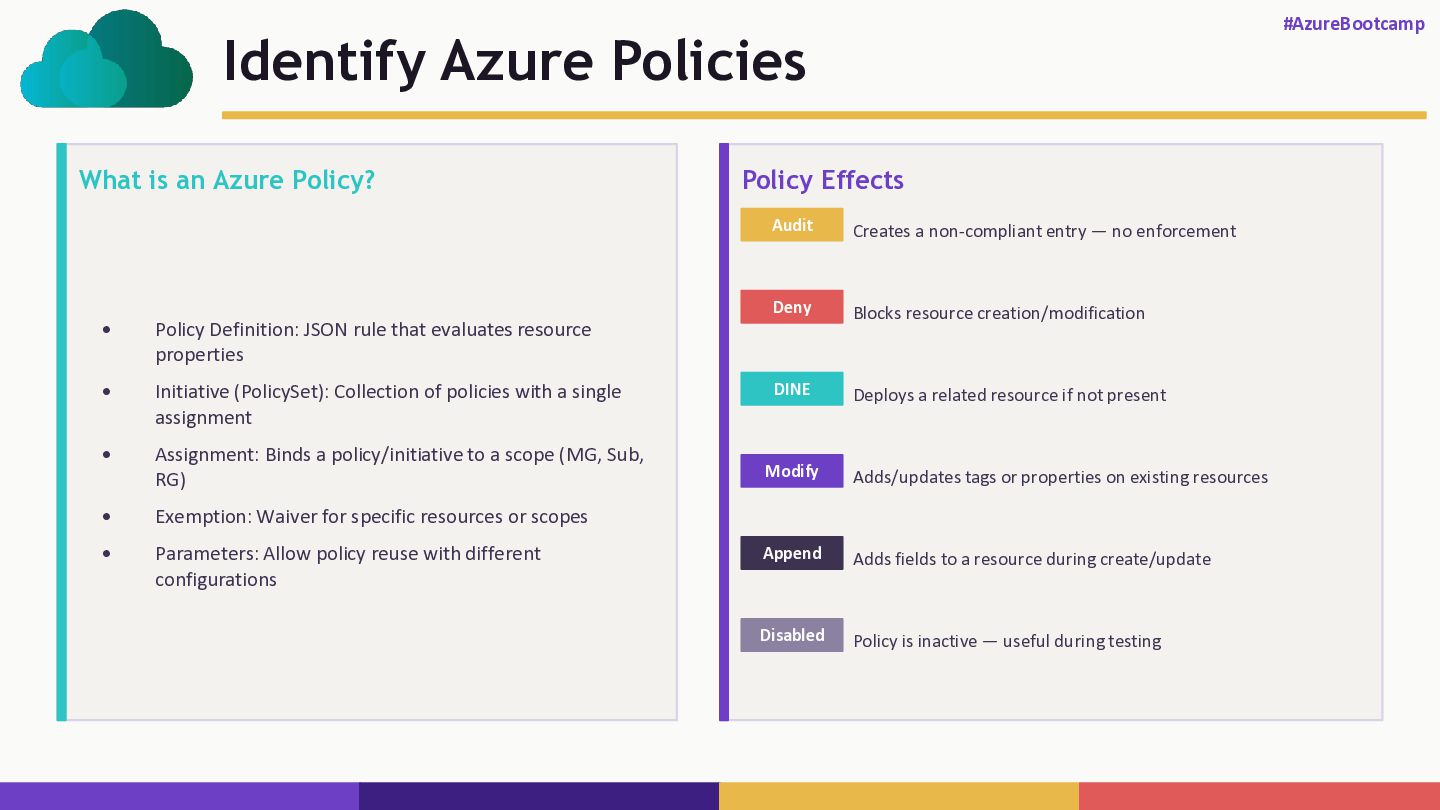
  9. Identify Azure Policies #AzureBootcamp What is an Azure Policy? •

    Policy Definition: JSON rule that evaluates resource properties • Initiative (PolicySet): Collection of policies with a single assignment • Assignment: Binds a policy/initiative to a scope (MG, Sub, RG) • Exemption: Waiver for specific resources or scopes • Parameters: Allow policy reuse with different configurations Policy Effects Audit Creates a non-compliant entry — no enforcement Deny Blocks resource creation/modification DINE Deploys a related resource if not present Modify Adds/updates tags or properties on existing resources Append Adds fields to a resource during create/update Disabled Policy is inactive — useful during testing
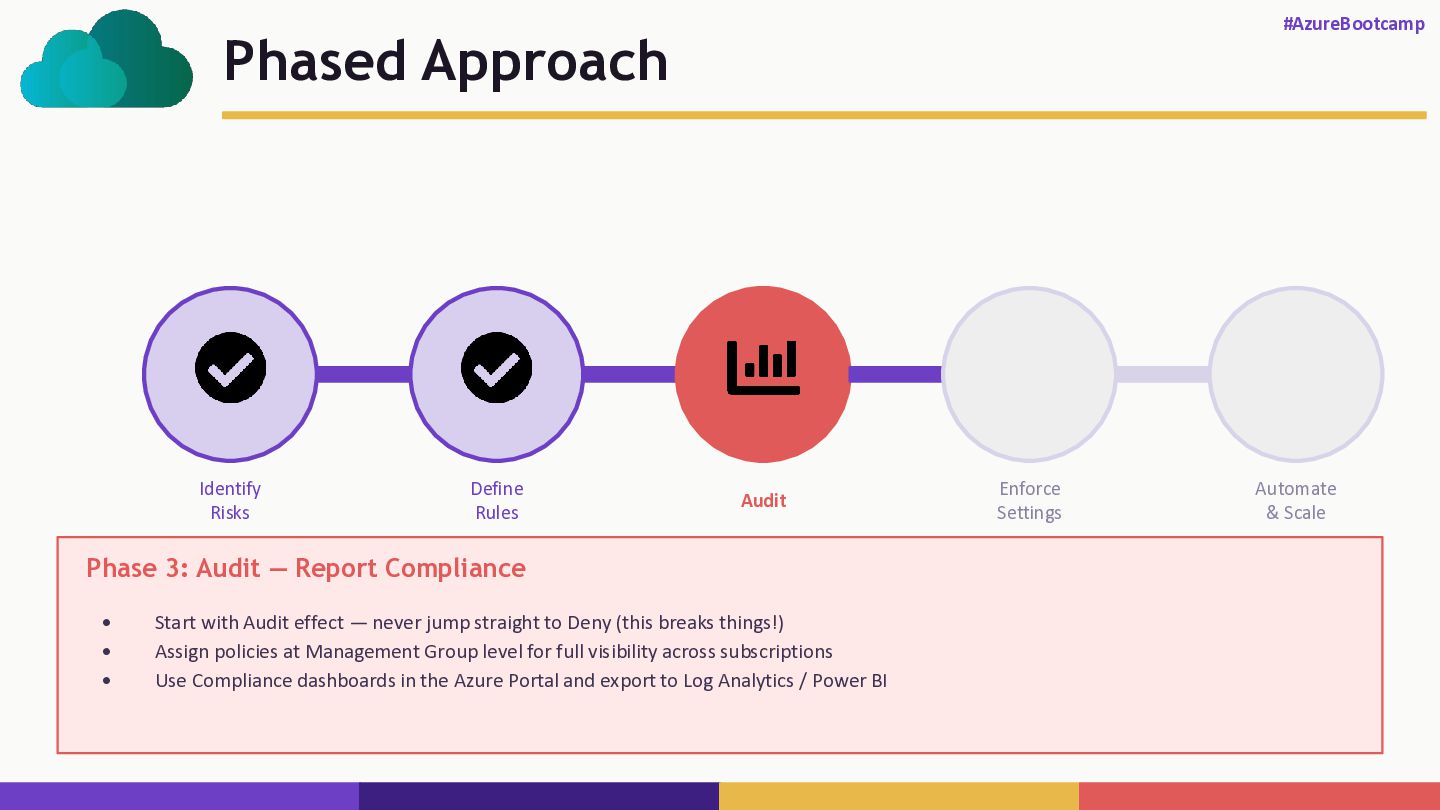
  10. Phased Approach #AzureBootcamp Identify Risks Define Rules Audit Enforce Settings

    Automate & Scale Phase 3: Audit — Report Compliance • Start with Audit effect — never jump straight to Deny (this breaks things!) • Assign policies at Management Group level for full visibility across subscriptions • Use Compliance dashboards in the Azure Portal and export to Log Analytics / Power BI
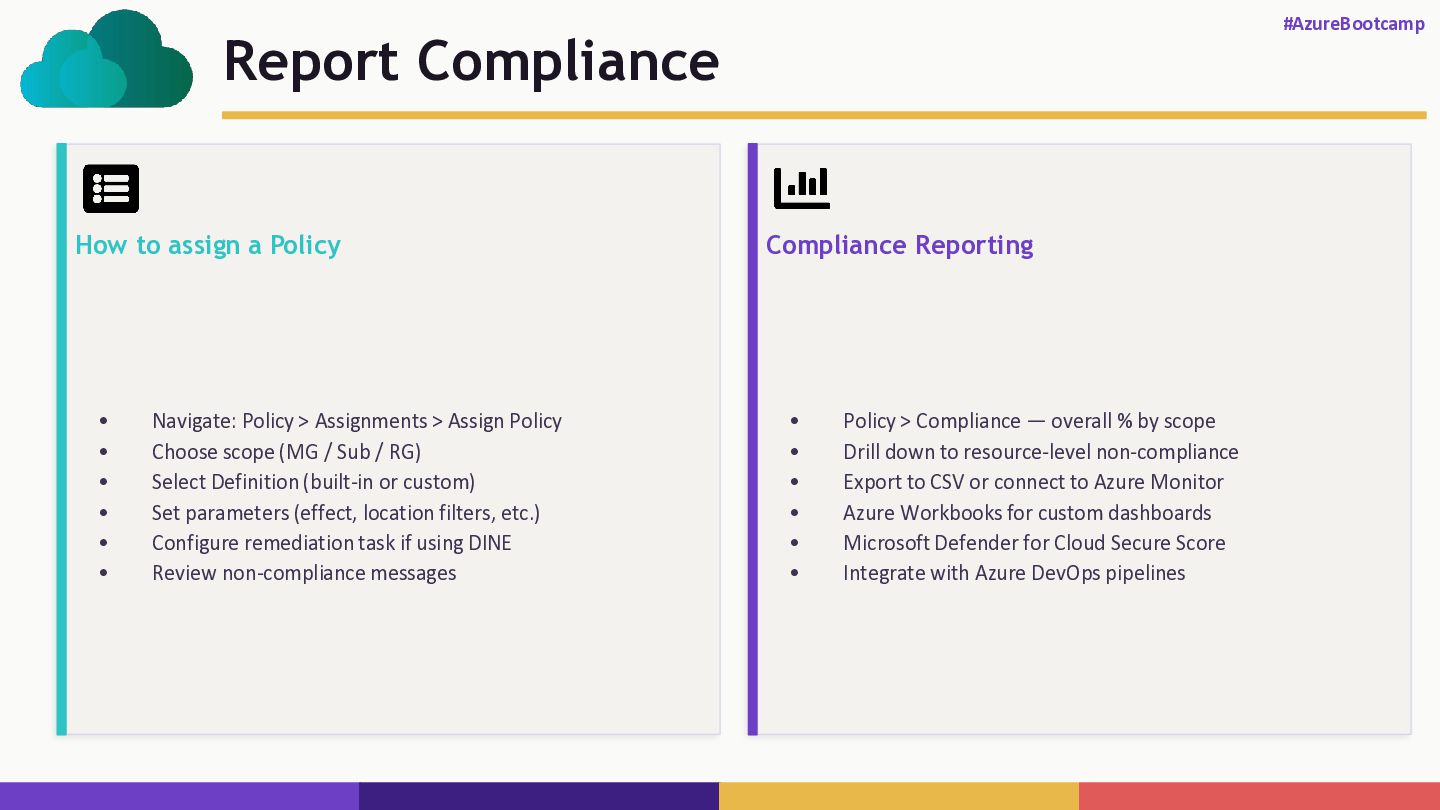
  11. Report Compliance #AzureBootcamp How to assign a Policy • Navigate:

    Policy > Assignments > Assign Policy • Choose scope (MG / Sub / RG) • Select Definition (built-in or custom) • Set parameters (effect, location filters, etc.) • Configure remediation task if using DINE • Review non-compliance messages Compliance Reporting • Policy > Compliance — overall % by scope • Drill down to resource-level non-compliance • Export to CSV or connect to Azure Monitor • Azure Workbooks for custom dashboards • Microsoft Defender for Cloud Secure Score • Integrate with Azure DevOps pipelines
  12. Phased Approach #AzureBootcamp Identify Risks Define Rules Audit Enforce Settings

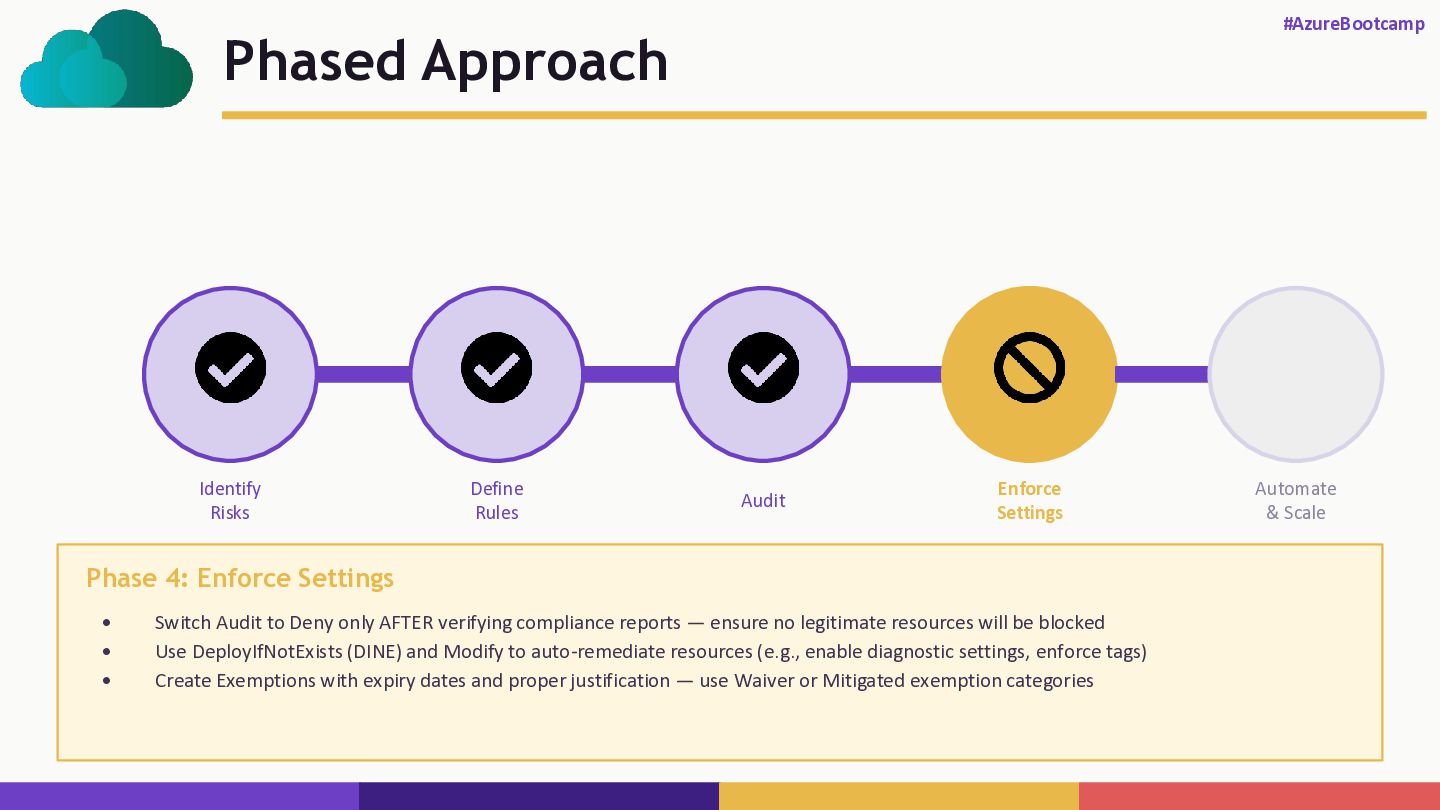
    Automate & Scale Phase 4: Enforce Settings • Switch Audit to Deny only AFTER verifying compliance reports — ensure no legitimate resources will be blocked • Use DeployIfNotExists (DINE) and Modify to auto-remediate resources (e.g., enable diagnostic settings, enforce tags) • Create Exemptions with expiry dates and proper justification — use Waiver or Mitigated exemption categories
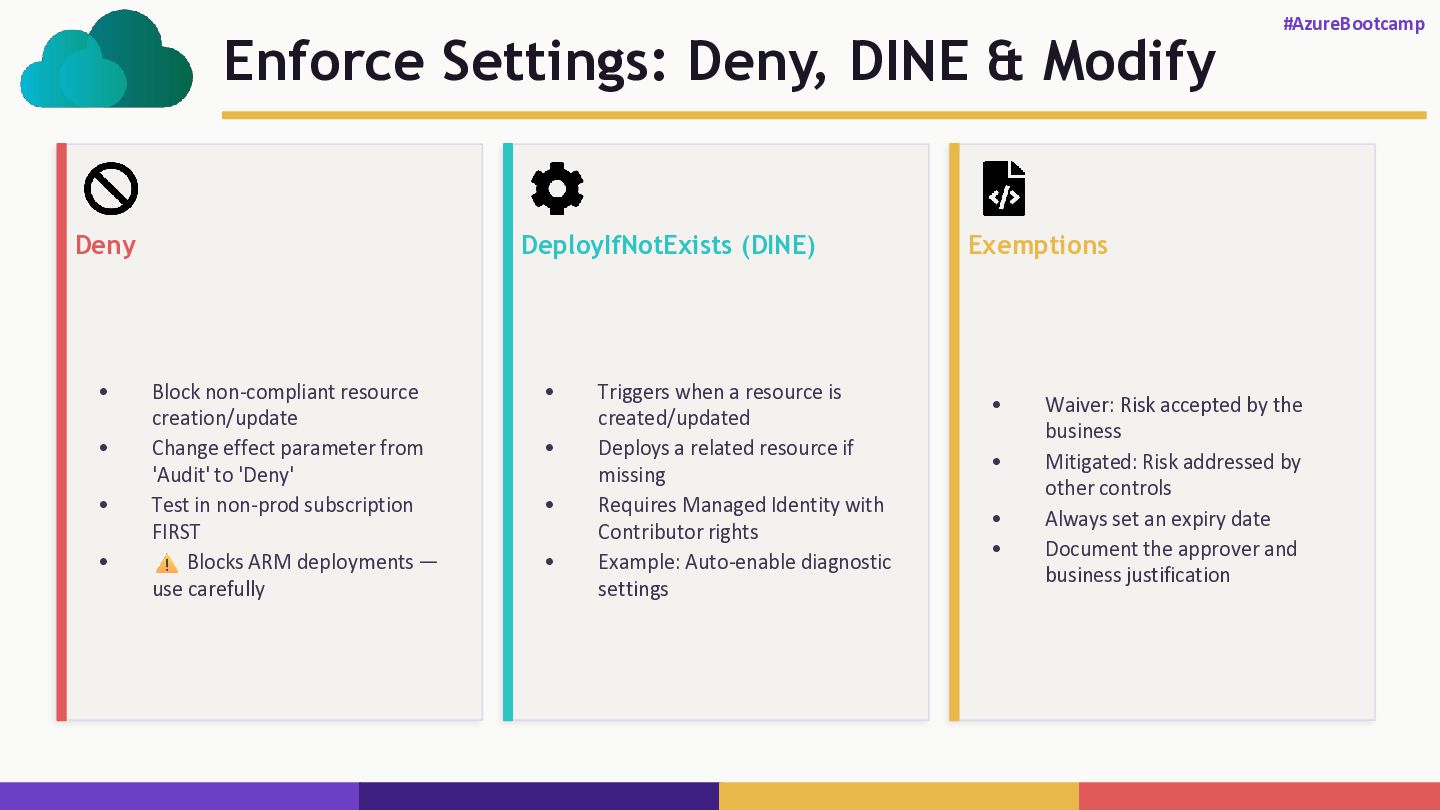
  13. Enforce Settings: Deny, DINE & Modify #AzureBootcamp Deny • Block

    non-compliant resource creation/update • Change effect parameter from 'Audit' to 'Deny' • Test in non-prod subscription FIRST • Blocks ARM deployments — use carefully DeployIfNotExists (DINE) • Triggers when a resource is created/updated • Deploys a related resource if missing • Requires Managed Identity with Contributor rights • Example: Auto-enable diagnostic settings Exemptions • Waiver: Risk accepted by the business • Mitigated: Risk addressed by other controls • Always set an expiry date • Document the approver and business justification
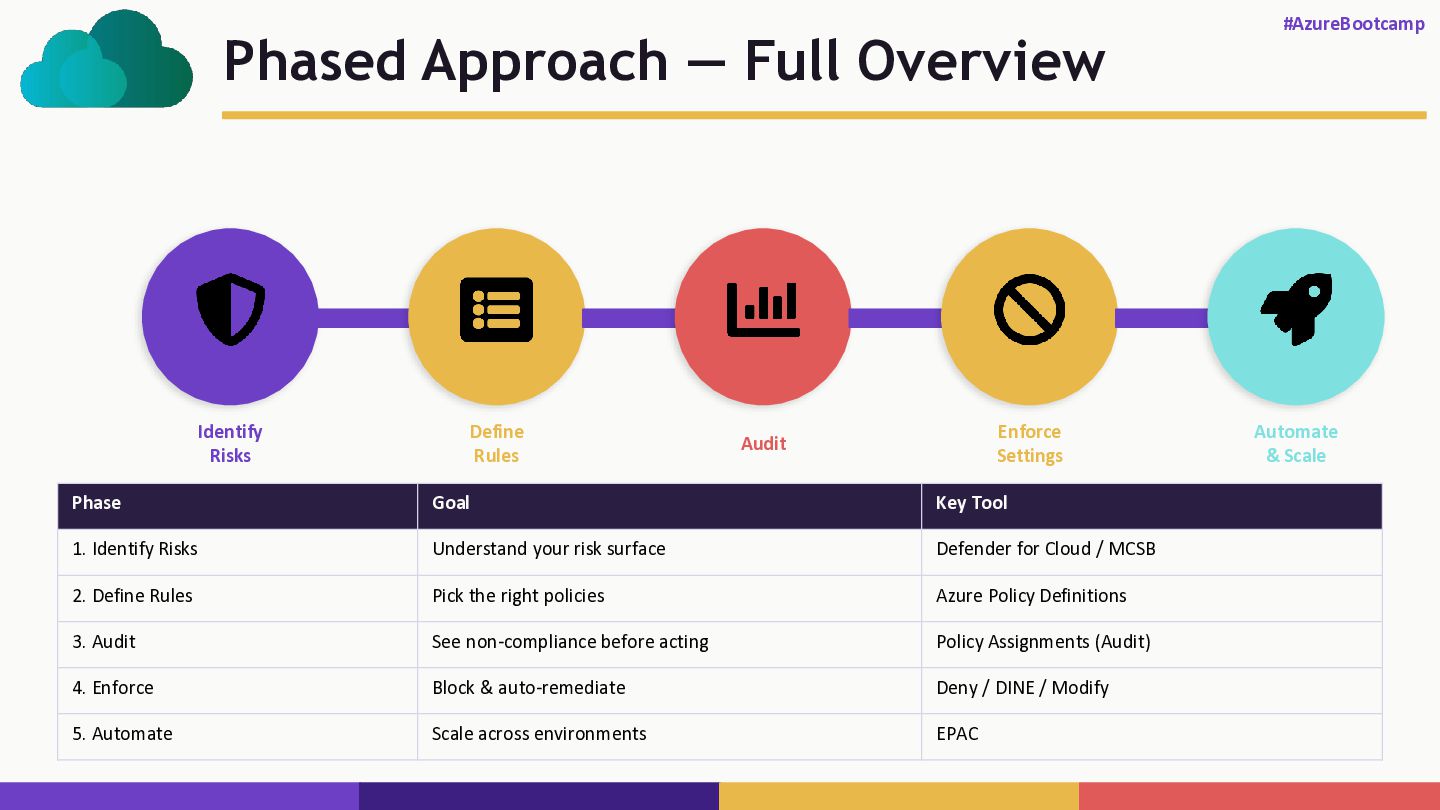
  14. Phased Approach — Full Overview #AzureBootcamp Identify Risks Define Rules

    Audit Enforce Settings Automate & Scale Phase Goal Key Tool 1. Identify Risks Understand your risk surface Defender for Cloud / MCSB 2. Define Rules Pick the right policies Azure Policy Definitions 3. Audit See non-compliance before acting Policy Assignments (Audit) 4. Enforce Block & auto-remediate Deny / DINE / Modify 5. Automate Scale across environments EPAC
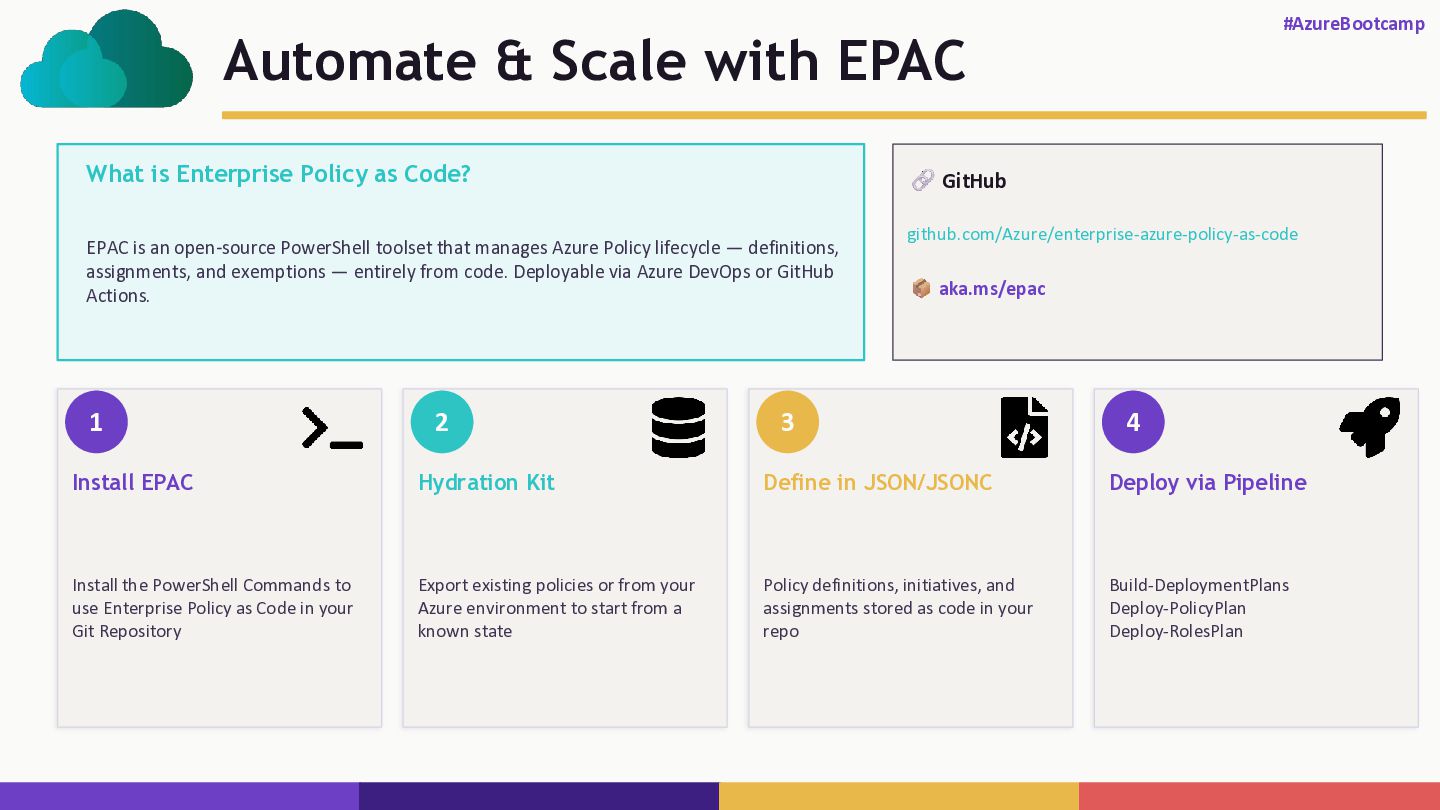
  15. Automate & Scale with EPAC #AzureBootcamp What is Enterprise Policy

    as Code? EPAC is an open-source PowerShell toolset that manages Azure Policy lifecycle — definitions, assignments, and exemptions — entirely from code. Deployable via Azure DevOps or GitHub Actions. GitHub github.com/Azure/enterprise-azure-policy-as-code aka.ms/epac 1 Install EPAC Install the PowerShell Commands to use Enterprise Policy as Code in your Git Repository 2 Hydration Kit Export existing policies or from your Azure environment to start from a known state 3 Define in JSON/JSONC Policy definitions, initiatives, and assignments stored as code in your repo 4 Deploy via Pipeline Build-DeploymentPlans Deploy-PolicyPlan Deploy-RolesPlan
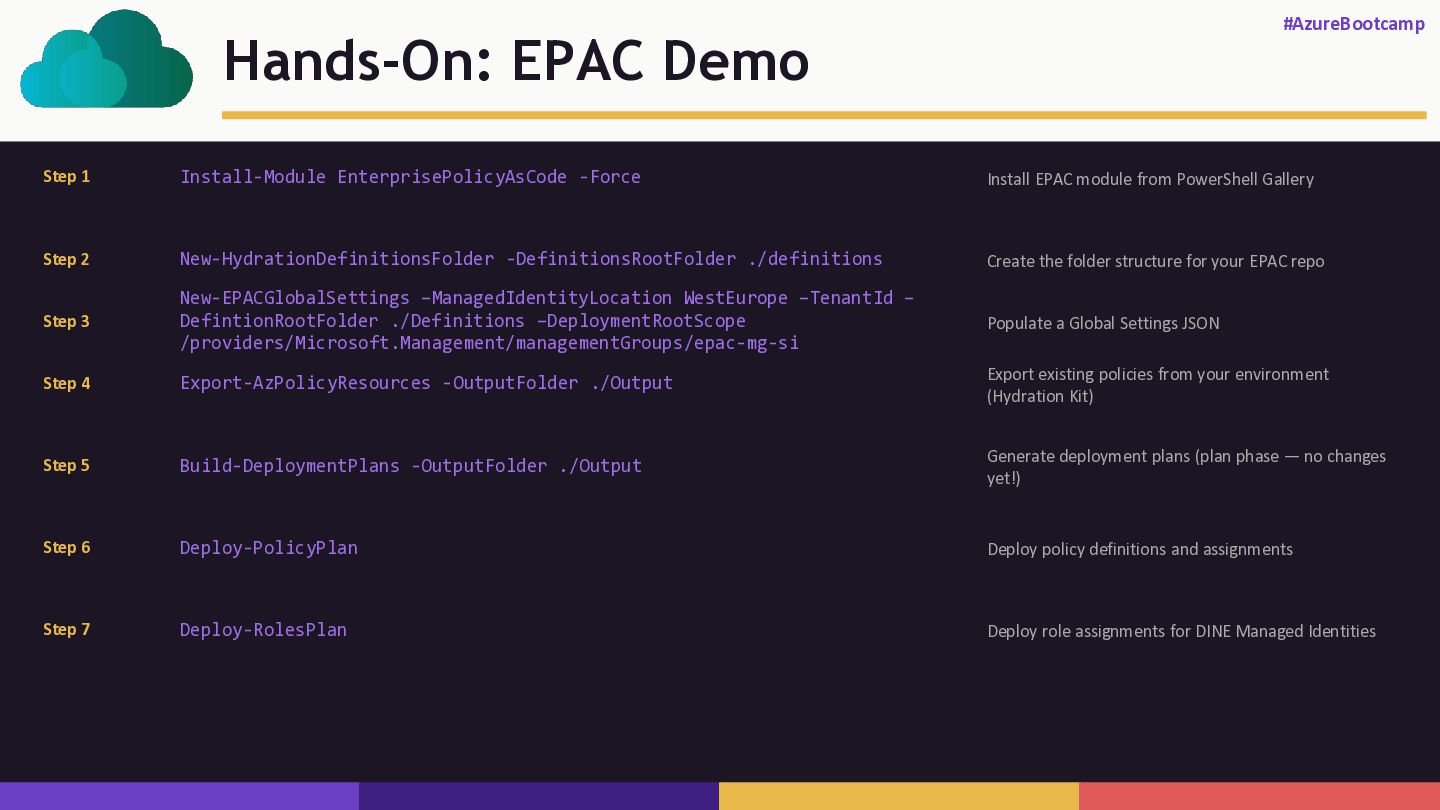
  16. Hands-On: EPAC Demo #AzureBootcamp Step 1 Install-Module EnterprisePolicyAsCode -Force Install

    EPAC module from PowerShell Gallery Step 2 New-HydrationDefinitionsFolder -DefinitionsRootFolder ./definitions Create the folder structure for your EPAC repo Step 4 Export-AzPolicyResources -OutputFolder ./Output Export existing policies from your environment (Hydration Kit) Step 5 Build-DeploymentPlans -OutputFolder ./Output Generate deployment plans (plan phase — no changes yet!) Step 6 Deploy-PolicyPlan Deploy policy definitions and assignments Step 7 Deploy-RolesPlan Deploy role assignments for DINE Managed Identities Step 3 Populate a Global Settings JSON New-EPACGlobalSettings –ManagedIdentityLocation WestEurope –TenantId – DefintionRootFolder ./Definitions –DeploymentRootScope /providers/Microsoft.Management/managementGroups/epac-mg-si
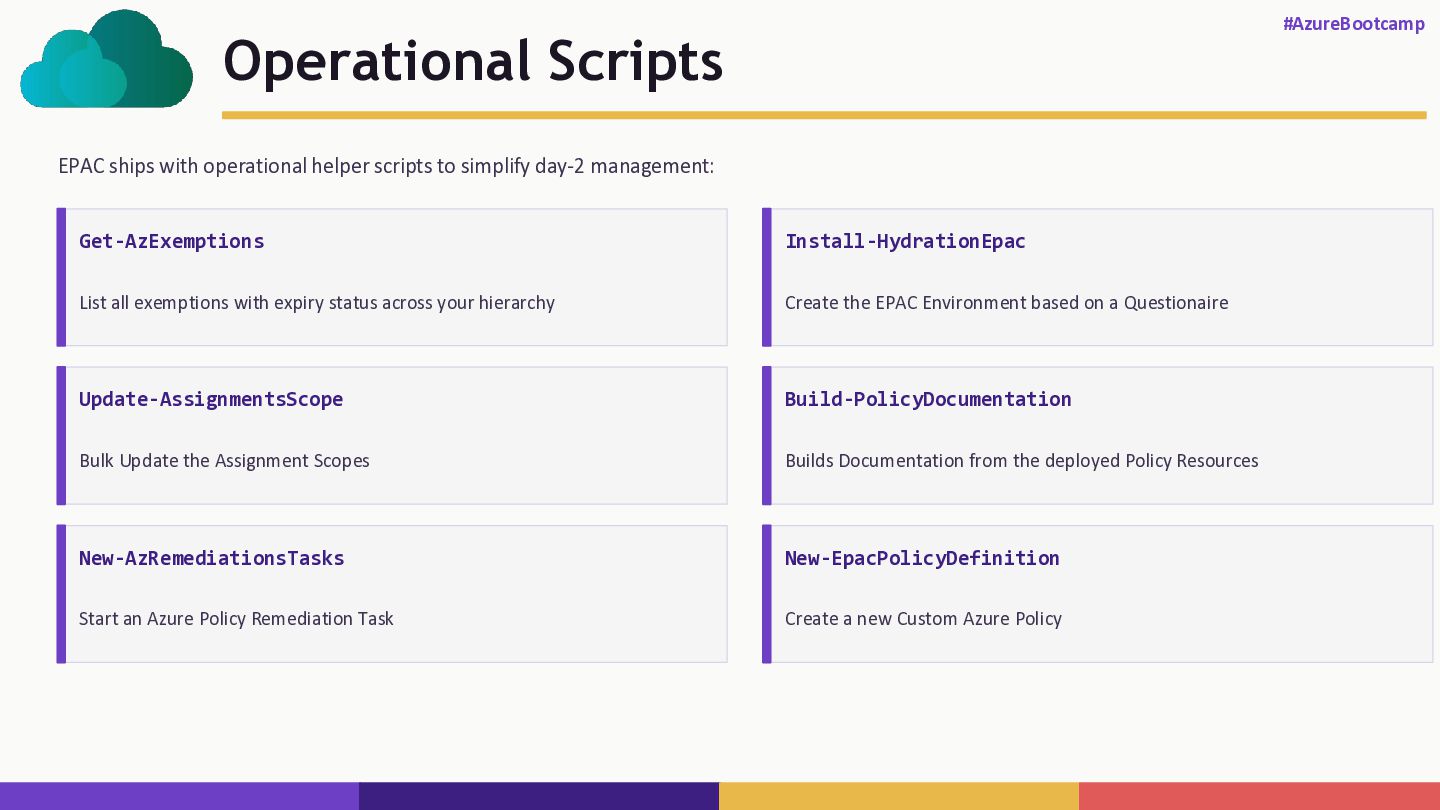
  17. Operational Scripts #AzureBootcamp EPAC ships with operational helper scripts to

    simplify day-2 management: Get-AzExemptions List all exemptions with expiry status across your hierarchy Update-AssignmentsScope Bulk Update the Assignment Scopes New-AzRemediationsTasks Start an Azure Policy Remediation Task Install-HydrationEpac Create the EPAC Environment based on a Questionaire Build-PolicyDocumentation Builds Documentation from the deployed Policy Resources New-EpacPolicyDefinition Create a new Custom Azure Policy
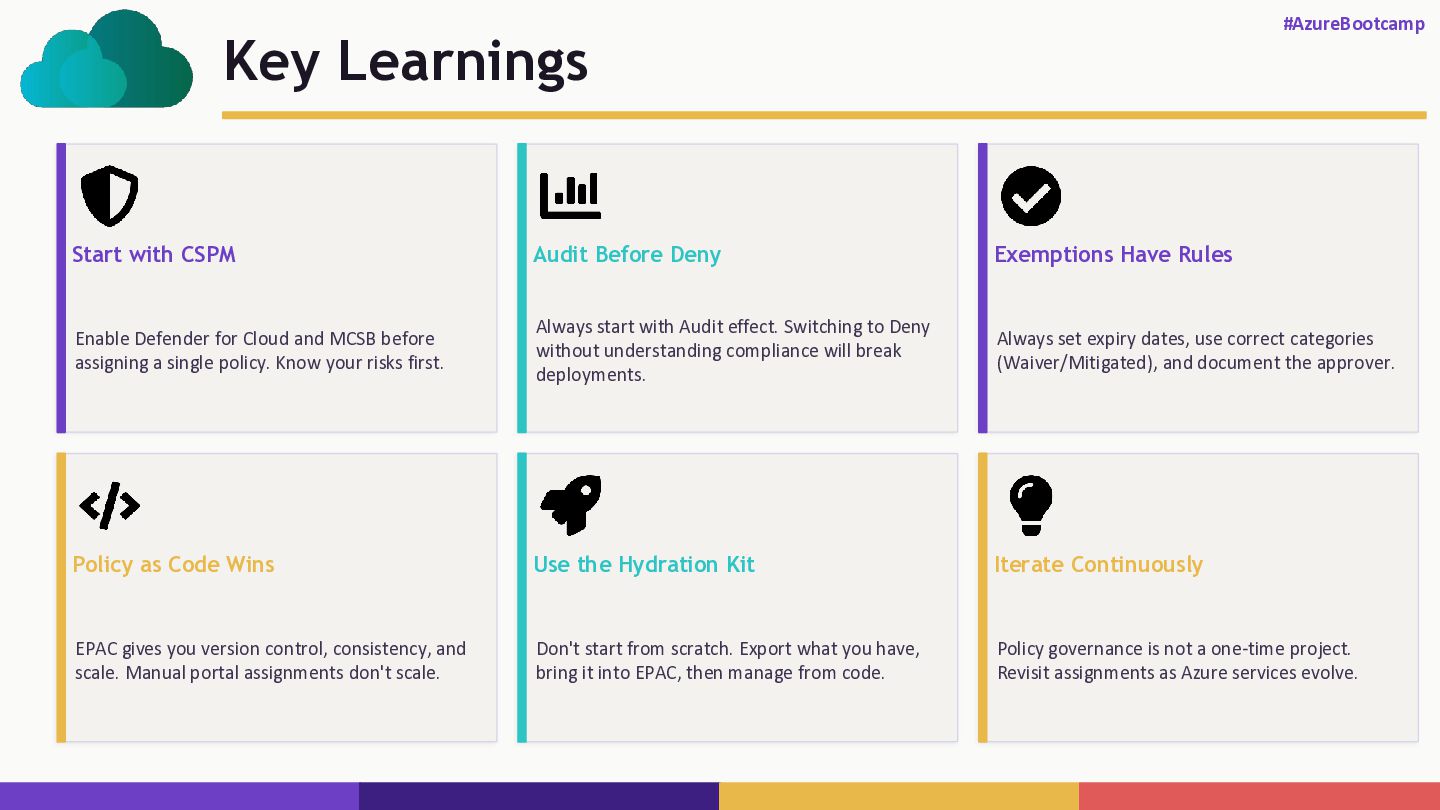
  18. Key Learnings #AzureBootcamp Start with CSPM Enable Defender for Cloud

    and MCSB before assigning a single policy. Know your risks first. Audit Before Deny Always start with Audit effect. Switching to Deny without understanding compliance will break deployments. Exemptions Have Rules Always set expiry dates, use correct categories (Waiver/Mitigated), and document the approver. Policy as Code Wins EPAC gives you version control, consistency, and scale. Manual portal assignments don't scale. Use the Hydration Kit Don't start from scratch. Export what you have, bring it into EPAC, then manage from code. Iterate Continuously Policy governance is not a one-time project. Revisit assignments as Azure services evolve.
  19. Session Feedback #AzureBootcamp Thank you for joining! Feel free to

    contact if you have any questions blog.Sinnathurai.ch | linkedin.com/in/psinnathurai | @psinnathurai