Upgrade to Pro — share decks privately, control downloads, hide ads and more …

ABCS26: From SCCM to Azure: Multi-Cloud Server ...

Sponsored · Your Podcast. Everywhere. Effortlessly. Share. Educate. Inspire. Entertain. You do you. We'll handle the rest.

ABCS26: From SCCM to Azure: Multi-Cloud Server Management with Azure Arc & Defender for Cloud by Aladin Hodzic

From SCCM to Azure: Multi-Cloud Server Management with Azure Arc & Defender for Cloud#
This session covers how we modernized management for around 1,600 servers across on-prem, Google Cloud, and Azure. It walks through the move from SCCM to Azure-native tools, onboarding servers with Azure Arc, automating updates and monitoring with Update Manager and Monitoring Agent, and strengthening security with Defender for Cloud, including practical lessons from our hybrid and multi-cloud experience.
🙂 ALADIN HODZIC ⚡️ Head of Workplace & Collaboration Services @ Sulzer

More Decks by Azure Zurich User Group

Transcript

  1. From SCCM to Azure: Multi-Cloud Server Management with Azure Arc

    & Defender for Cloud Insights from a multi-cloud security journey
  2. 2 ▪ Aladin Hodzic • Head of Workplace & Collaboration

    Services • Role Model Award 2024 ▪ Zug, Switzerland (Bosnian / Swiss) ▪ English, German, Bosnian, and Turkish ▪ BSc in Information Systems and Economics (University of Buckingham, UK) ▪ Technology and Innovation, Cybersecurity, AI About me "If you want to find the secrets of the universe, think in terms of energy, frequency, and vibration." - Nikola Tesla linkedin.com/in/aladin-h/
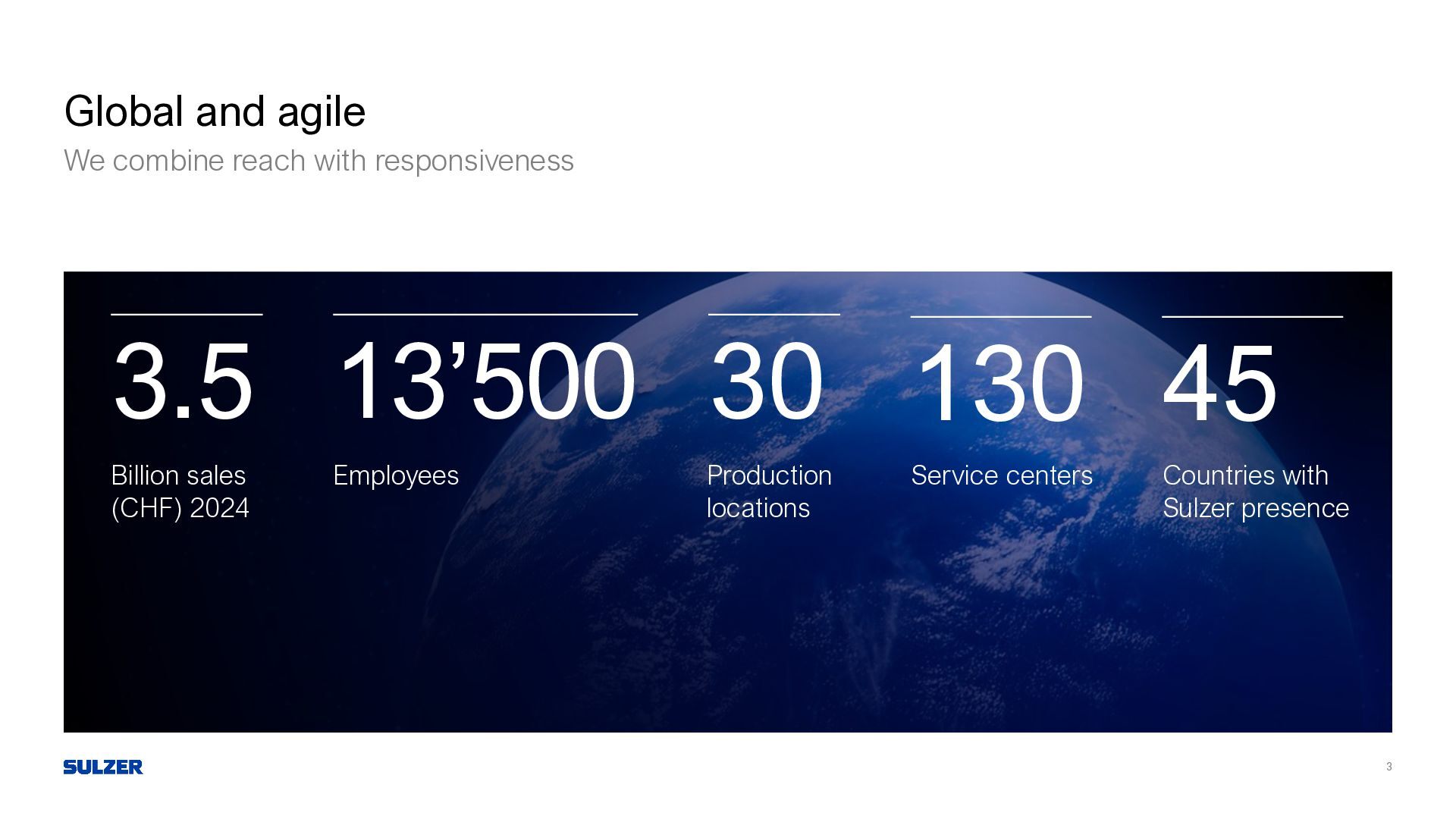
  3. 3 Global and agile We combine reach with responsiveness 13’500

    Employees 30 Production locations 45 Countries with Sulzer presence 3.5 Billion sales (CHF) 2024 130 Service centers
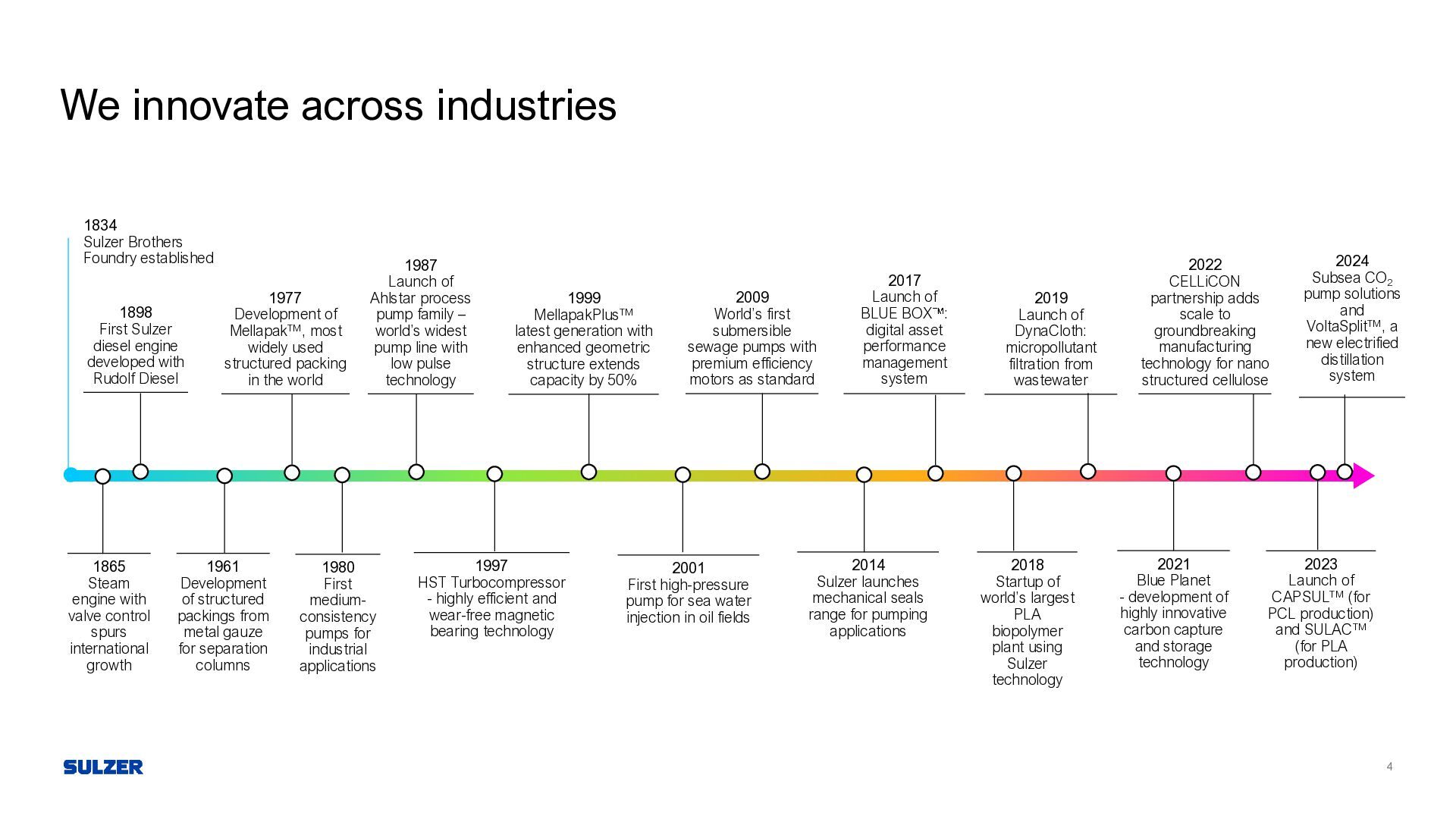
  4. We innovate across industries 1834 Sulzer Brothers Foundry established 1865

    Steam engine with valve control spurs international growth 1898 First Sulzer diesel engine developed with Rudolf Diesel 1961 Development of structured packings from metal gauze for separation columns 1977 Development of MellapakTM, most widely used structured packing in the world 1980 First medium- consistency pumps for industrial applications 2017 Launch of BLUE BOX : digital asset performance management system 2018 Startup of world’s largest PLA biopolymer plant using Sulzer technology 1999 MellapakPlusTM latest generation with enhanced geometric structure extends capacity by 50% 2001 First high-pressure pump for sea water injection in oil fields 2014 Sulzer launches mechanical seals range for pumping applications 2019 Launch of DynaCloth: micropollutant filtration from wastewater 2021 Blue Planet - development of highly innovative carbon capture and storage technology 1987 Launch of Ahlstar process pump family – world’s widest pump line with low pulse technology 1997 HST Turbocompressor - highly efficient and wear-free magnetic bearing technology 2023 Launch of CAPSULTM (for PCL production) and SULACTM (for PLA production) 2022 CELLiCON partnership adds scale to groundbreaking manufacturing technology for nano structured cellulose 2009 World’s first submersible sewage pumps with premium efficiency motors as standard 4 2024 Subsea CO2 pump solutions and VoltaSplitTM, a new electrified distillation system
  5. 5 Microsoft Defender for Cloud One Platform. Complete Protection. ▪

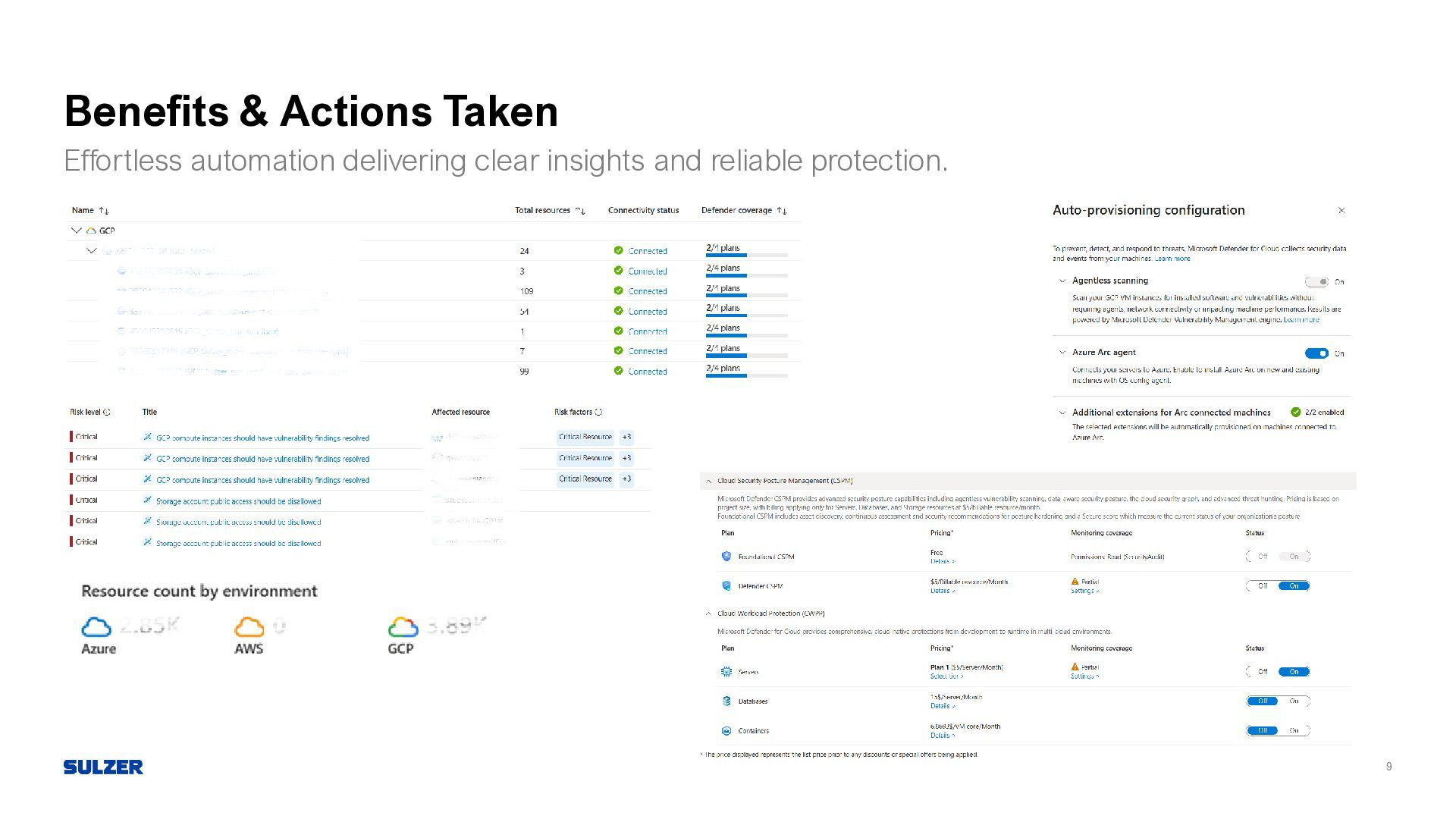
    CNAPP Capabilities • Combines Cloud Security Posture Management (CSPM) and Cloud Workload Protection (CWPP) • Supports multi-cloud and hybrid environments ▪ Unified Visibility • Single dashboard for Azure, AWS, GCP, and on-premises workloads • Centralized security recommendations and compliance insights • Integration with Microsoft Sentinel for SIEM capabilities ▪ Hybrid & On-Prem Integration / Deployment Options • Azure Arc enables onboarding of on-prem servers and non-Azure VMs • GCP connector provides agentless integration and policy management ▪ SQL Server Protection • Defender for SQL supports both Arc-enabled and native cloud instances • Onboarding strategy includes instance rationalization and cost optimization
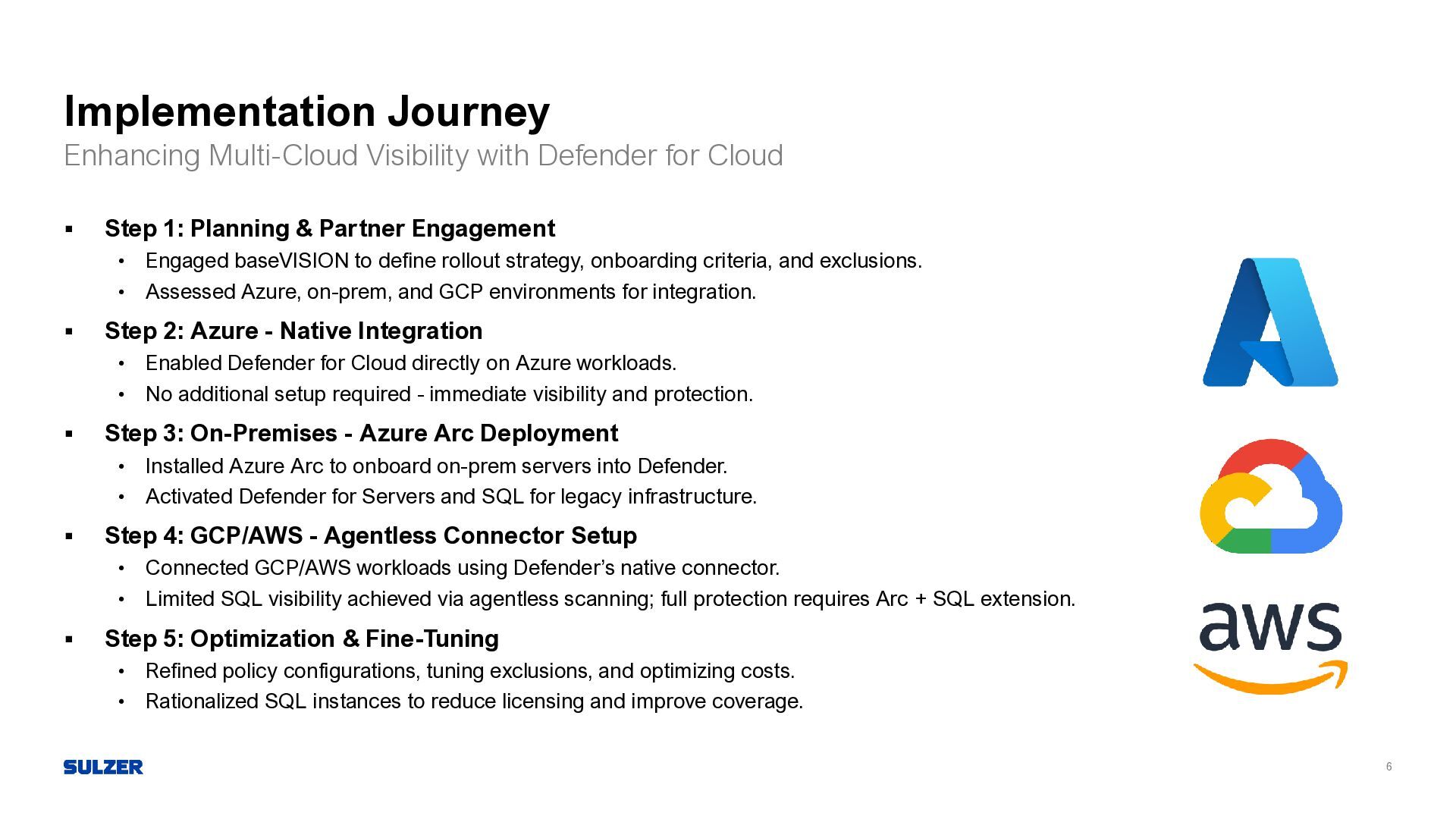
  6. 6 Implementation Journey Enhancing Multi-Cloud Visibility with Defender for Cloud

    ▪ Step 1: Planning & Partner Engagement • Engaged baseVISION to define rollout strategy, onboarding criteria, and exclusions. • Assessed Azure, on-prem, and GCP environments for integration. ▪ Step 2: Azure - Native Integration • Enabled Defender for Cloud directly on Azure workloads. • No additional setup required - immediate visibility and protection. ▪ Step 3: On-Premises - Azure Arc Deployment • Installed Azure Arc to onboard on-prem servers into Defender. • Activated Defender for Servers and SQL for legacy infrastructure. ▪ Step 4: GCP/AWS - Agentless Connector Setup • Connected GCP/AWS workloads using Defender’s native connector. • Limited SQL visibility achieved via agentless scanning; full protection requires Arc + SQL extension. ▪ Step 5: Optimization & Fine-Tuning • Refined policy configurations, tuning exclusions, and optimizing costs. • Rationalized SQL instances to reduce licensing and improve coverage.
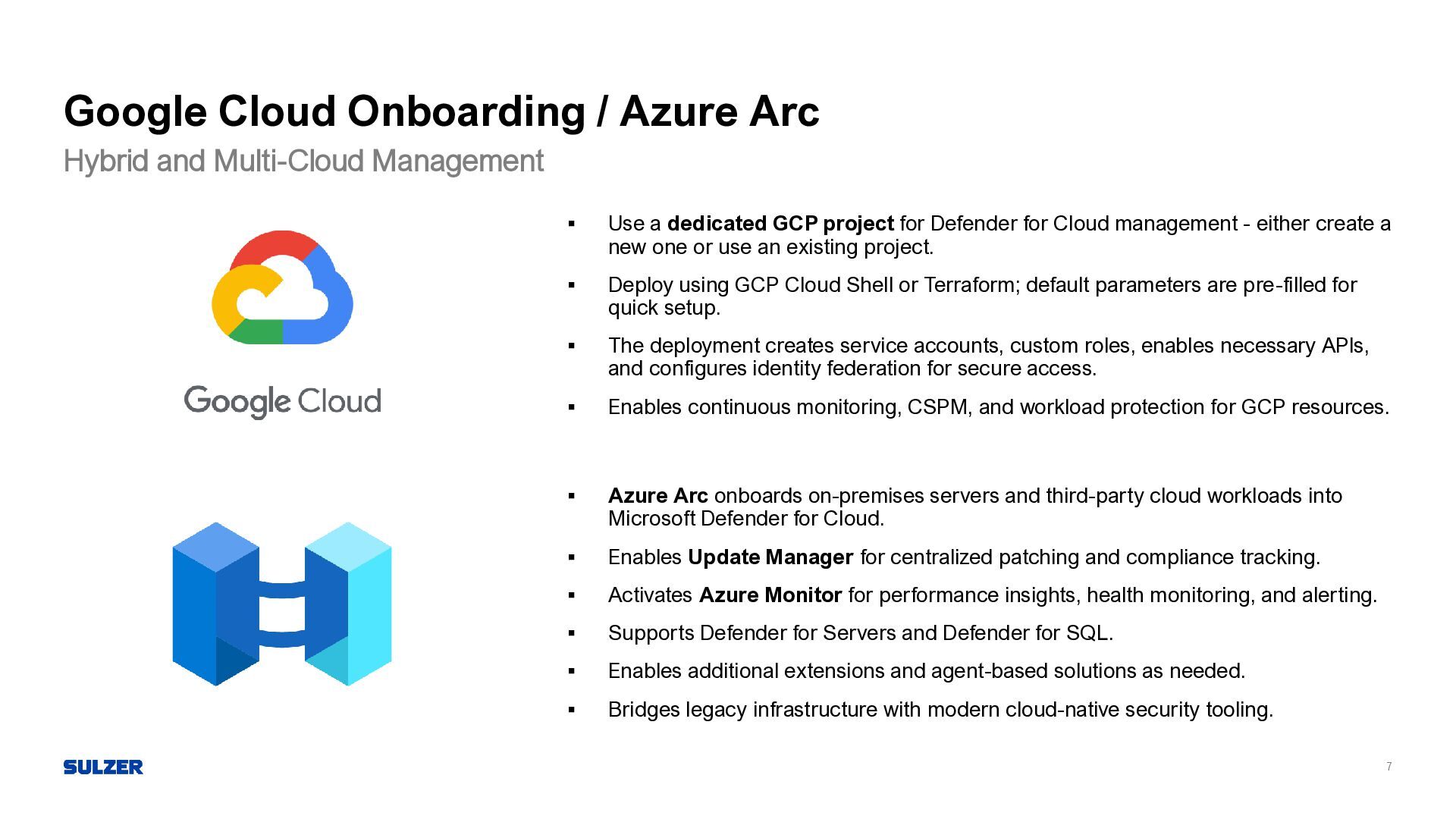
  7. 7 Google Cloud Onboarding / Azure Arc Hybrid and Multi-Cloud

    Management ▪ Use a dedicated GCP project for Defender for Cloud management - either create a new one or use an existing project. ▪ Deploy using GCP Cloud Shell or Terraform; default parameters are pre-filled for quick setup. ▪ The deployment creates service accounts, custom roles, enables necessary APIs, and configures identity federation for secure access. ▪ Enables continuous monitoring, CSPM, and workload protection for GCP resources. ▪ Azure Arc onboards on-premises servers and third-party cloud workloads into Microsoft Defender for Cloud. ▪ Enables Update Manager for centralized patching and compliance tracking. ▪ Activates Azure Monitor for performance insights, health monitoring, and alerting. ▪ Supports Defender for Servers and Defender for SQL. ▪ Enables additional extensions and agent-based solutions as needed. ▪ Bridges legacy infrastructure with modern cloud-native security tooling.
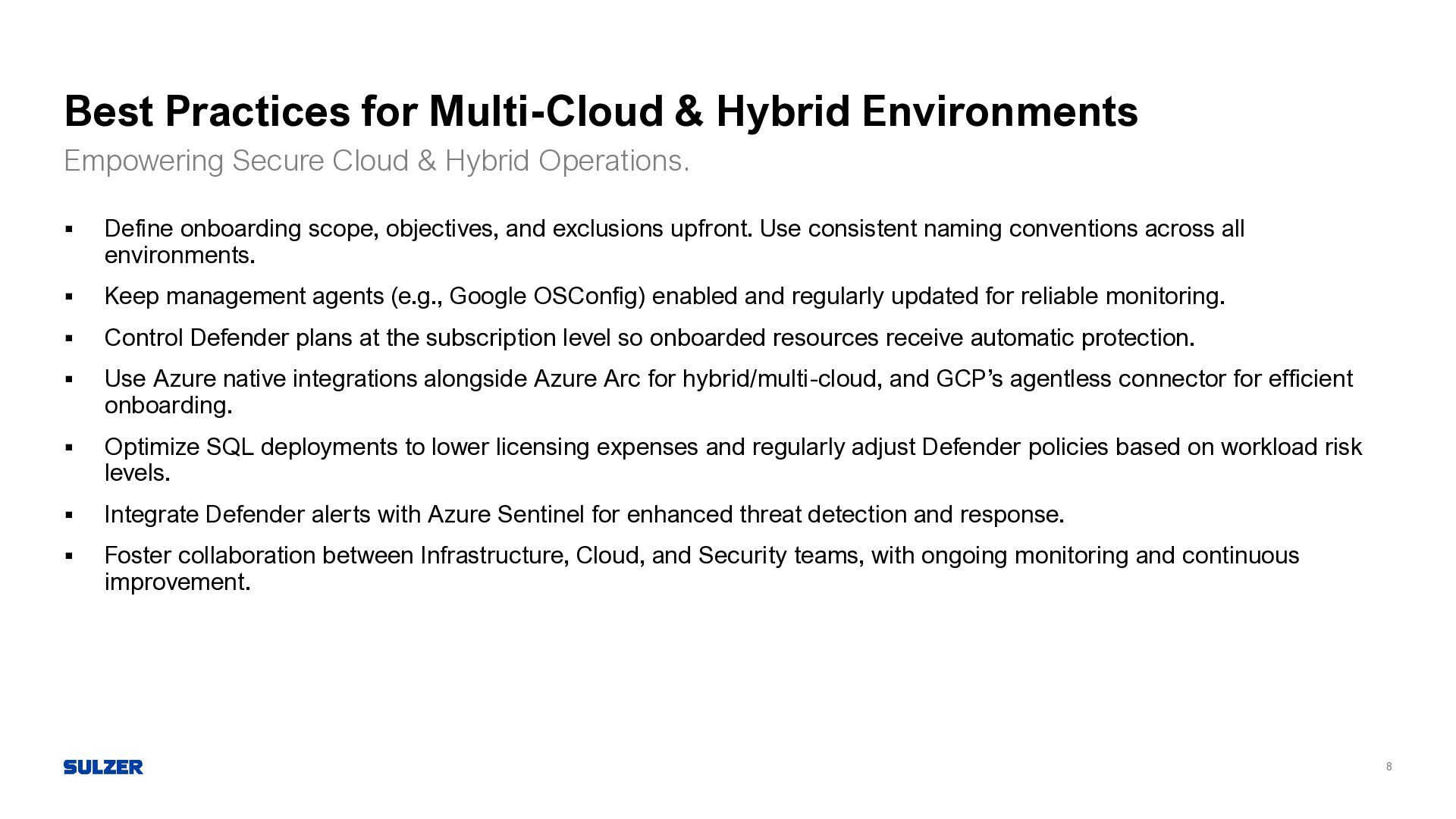
  8. 8 Best Practices for Multi-Cloud & Hybrid Environments Empowering Secure

    Cloud & Hybrid Operations. ▪ Define onboarding scope, objectives, and exclusions upfront. Use consistent naming conventions across all environments. ▪ Keep management agents (e.g., Google OSConfig) enabled and regularly updated for reliable monitoring. ▪ Control Defender plans at the subscription level so onboarded resources receive automatic protection. ▪ Use Azure native integrations alongside Azure Arc for hybrid/multi-cloud, and GCP’s agentless connector for efficient onboarding. ▪ Optimize SQL deployments to lower licensing expenses and regularly adjust Defender policies based on workload risk levels. ▪ Integrate Defender alerts with Azure Sentinel for enhanced threat detection and response. ▪ Foster collaboration between Infrastructure, Cloud, and Security teams, with ongoing monitoring and continuous improvement.
  9. 10 Azure Arc From legacy management to modern, cloud-native operations

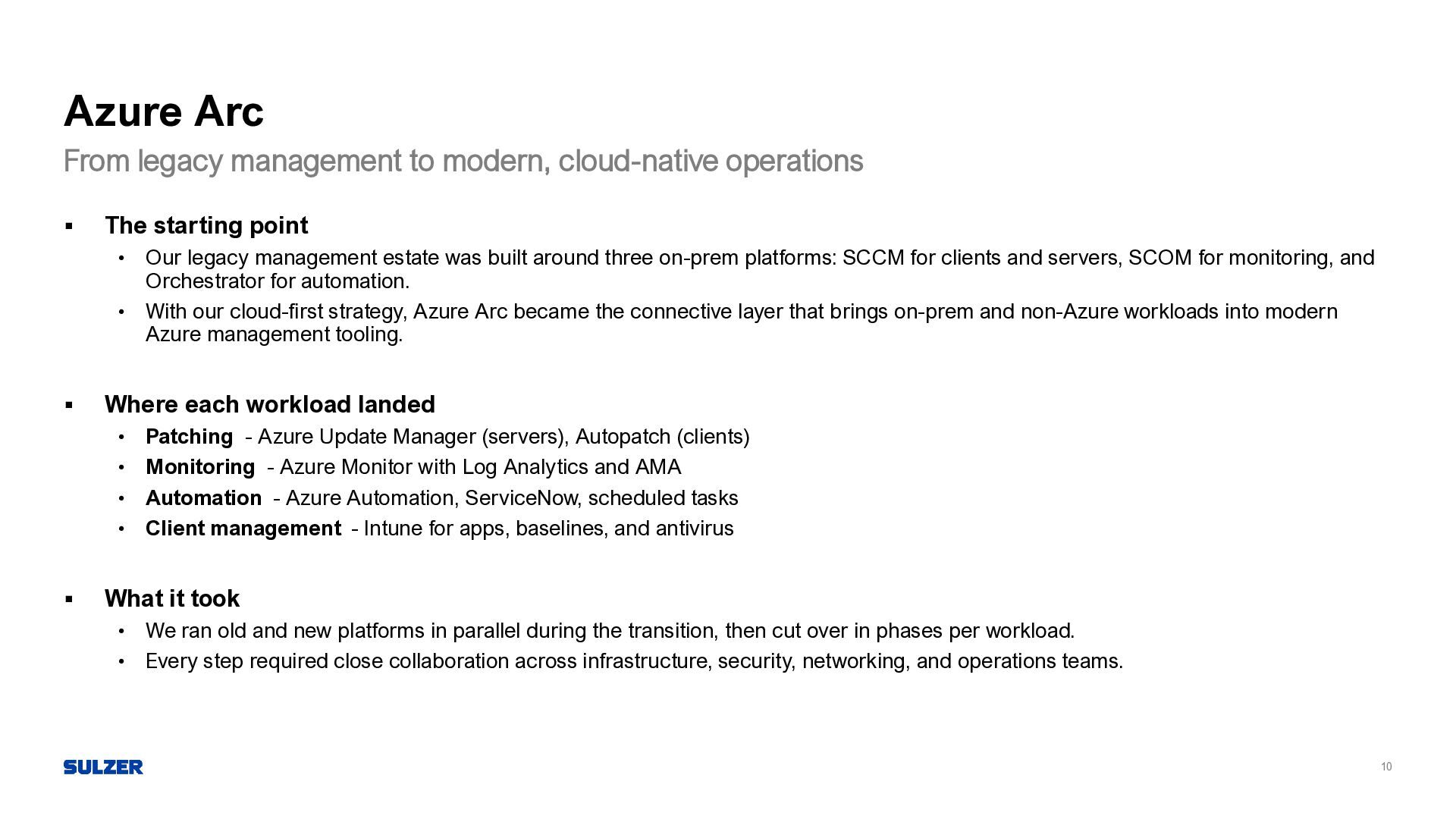
    ▪ The starting point • Our legacy management estate was built around three on-prem platforms: SCCM for clients and servers, SCOM for monitoring, and Orchestrator for automation. • With our cloud-first strategy, Azure Arc became the connective layer that brings on-prem and non-Azure workloads into modern Azure management tooling. ▪ Where each workload landed • Patching - Azure Update Manager (servers), Autopatch (clients) • Monitoring - Azure Monitor with Log Analytics and AMA • Automation - Azure Automation, ServiceNow, scheduled tasks • Client management - Intune for apps, baselines, and antivirus ▪ What it took • We ran old and new platforms in parallel during the transition, then cut over in phases per workload. • Every step required close collaboration across infrastructure, security, networking, and operations teams.
  10. 11 Azure Update Manager SCCM replacement for server patching ▪

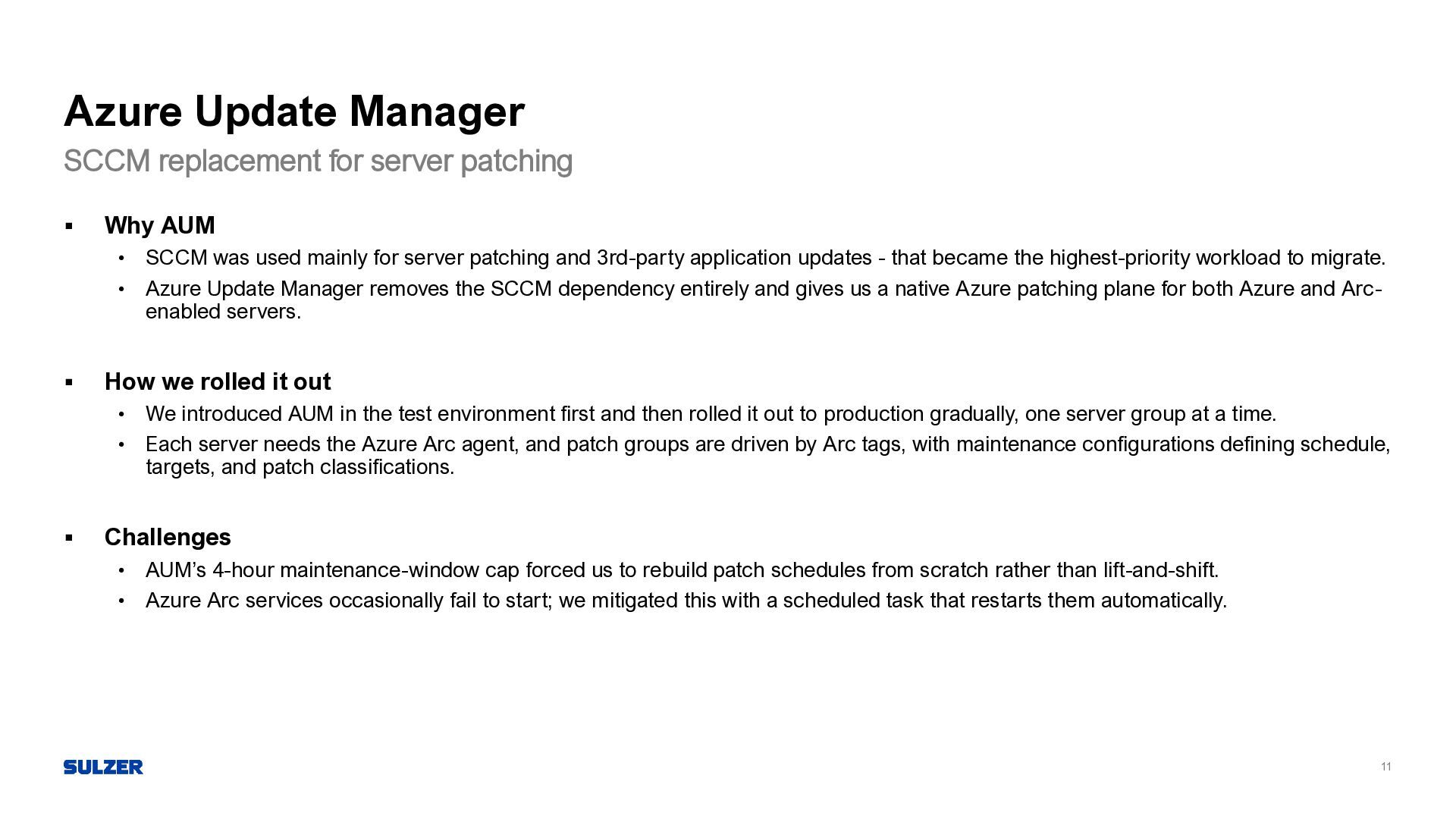
    Why AUM • SCCM was used mainly for server patching and 3rd-party application updates - that became the highest-priority workload to migrate. • Azure Update Manager removes the SCCM dependency entirely and gives us a native Azure patching plane for both Azure and Arc- enabled servers. ▪ How we rolled it out • We introduced AUM in the test environment first and then rolled it out to production gradually, one server group at a time. • Each server needs the Azure Arc agent, and patch groups are driven by Arc tags, with maintenance configurations defining schedule, targets, and patch classifications. ▪ Challenges • AUM’s 4-hour maintenance-window cap forced us to rebuild patch schedules from scratch rather than lift-and-shift. • Azure Arc services occasionally fail to start; we mitigated this with a scheduled task that restarts them automatically.
  11. 12 Azure Monitoring Agent SCOM replacement for server monitoring ▪

    From SCOM to Azure Monitor • Server monitoring is now fully migrated off SCOM and runs on Azure Monitor. • The biggest adjustment was conceptual: SCOM is state-based, Azure Monitor is event-based, so dashboards and alerts had to be designed differently. ▪ What it takes to set up • A Log Analytics workspace acts as central storage for logs and telemetry, and Data Collection Rules define exactly what gets collected and from where. • On each server we use the Azure Arc agent together with the Azure Monitor Agent - Arc was already in place from the AUM rollout. ▪ Still tuning • We’re continuing to refine dashboards for the Operations team and to tune alert rules for better signal-to-noise. • KQL is new for much of the team, so the learning curve is part of the ongoing investment.
  12. 13 ▪ The migration • All in-scope runbooks and processes

    were migrated before decommissioning, with many others retired entirely. • Targets included Azure Automation, ServiceNow, and a small management server running scheduled tasks. ▪ The hard parts • Orchestrator’s graphical workflows had to be reshaped into single or sequential scripts. • ServiceNow handles most workflows well, but not every internal use case fits its model. • All dependencies - firewall rules, SDKs, modules, permissions - had to be reimplemented in the new environment. ▪ Where we landed • The result is a simpler footprint with fewer management servers and a cleaner process catalog. • Complex flows now live in ServiceNow; cloud-native automations sit in Azure Automation and Logic Apps. Orchestrator decommissioning Azure Automation
  13. 14 Intune SCCM replacement for client management ▪ Solved on

    clients • Updates - Autopatch, with existing SCCM update policies adapted to fit • Baselines - rebuilt as Intune configuration profiles • Antivirus - policies cross-referenced and recreated as closest match ▪ Still pending • A large application backlog still needs migration; older packages require re-packaging and troubleshooting, and we built a custom approval flow on top of Intune. • Staging moves from co-managed (SCCM + AD) to Autopilot in cloud-only mode, which depends on a network redesign currently underway with the networking team. ▪ Approach • SCCM and Intune co-exist during the migration so that client experience stays stable. • Networking and security teams are closely involved to make sure modern device trust replaces the AD-tied model cleanly.