DevFest 2019: Hyderabad - Using Kotlin for Android Dev: a 2-year-retrospective
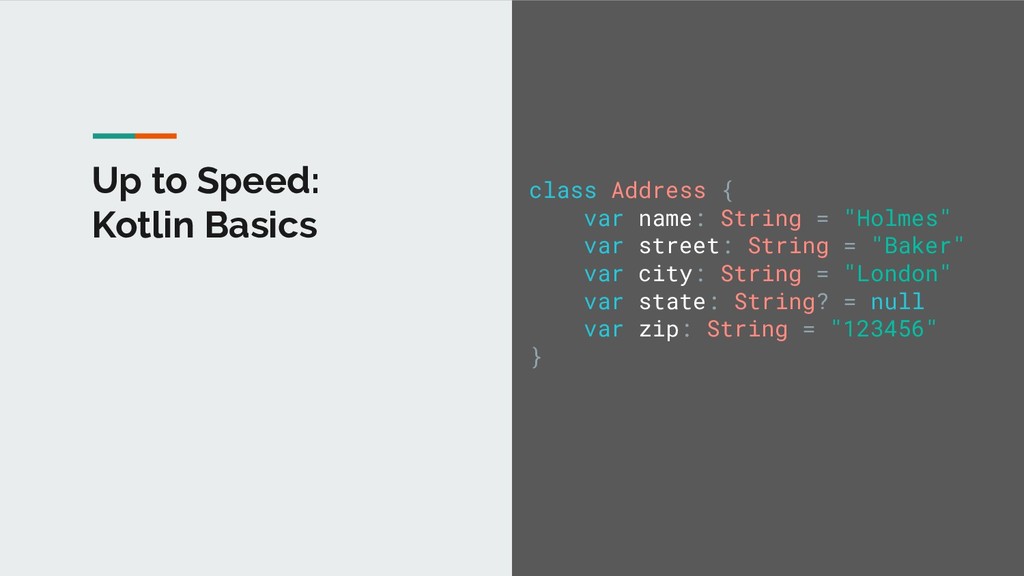
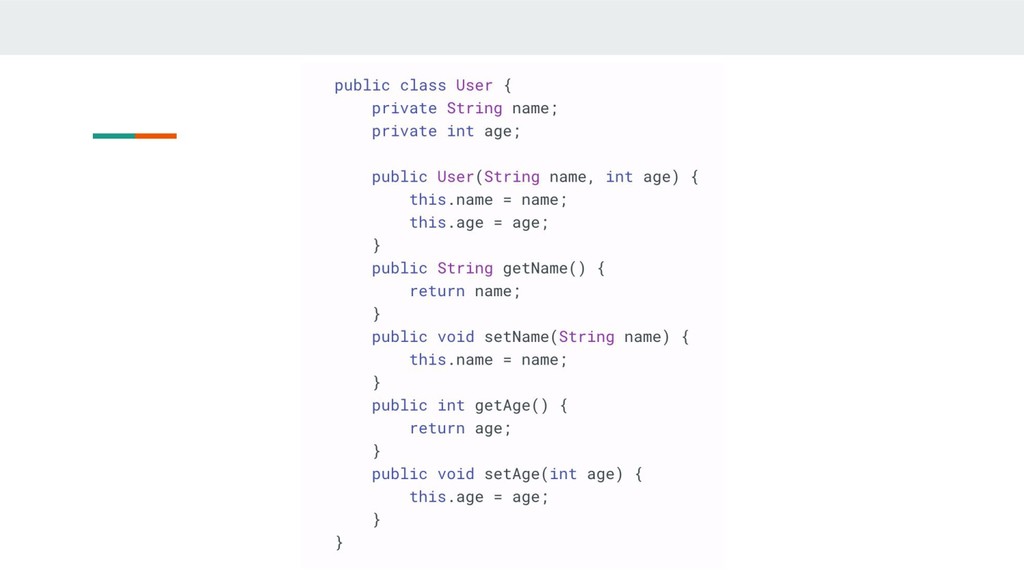
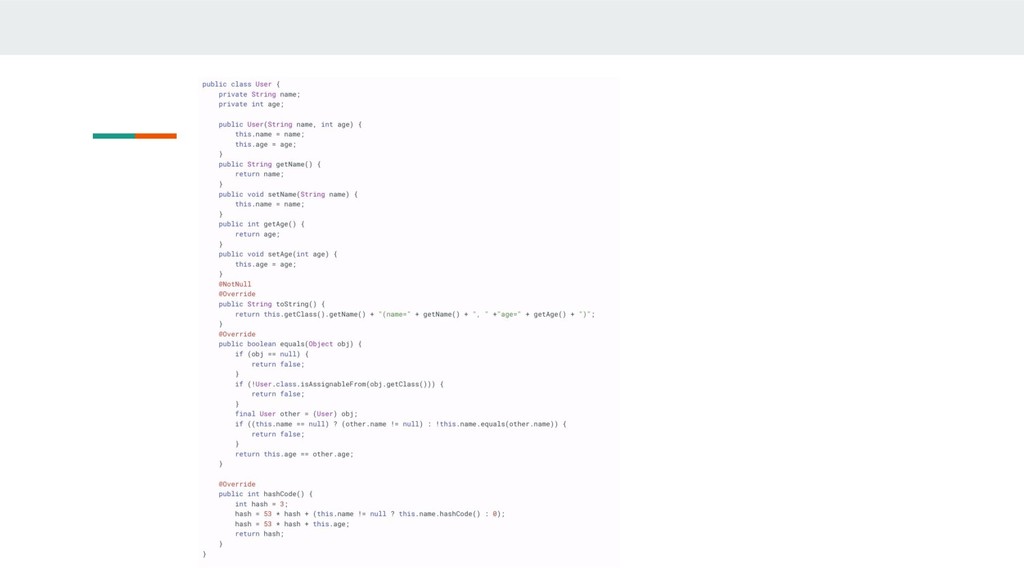
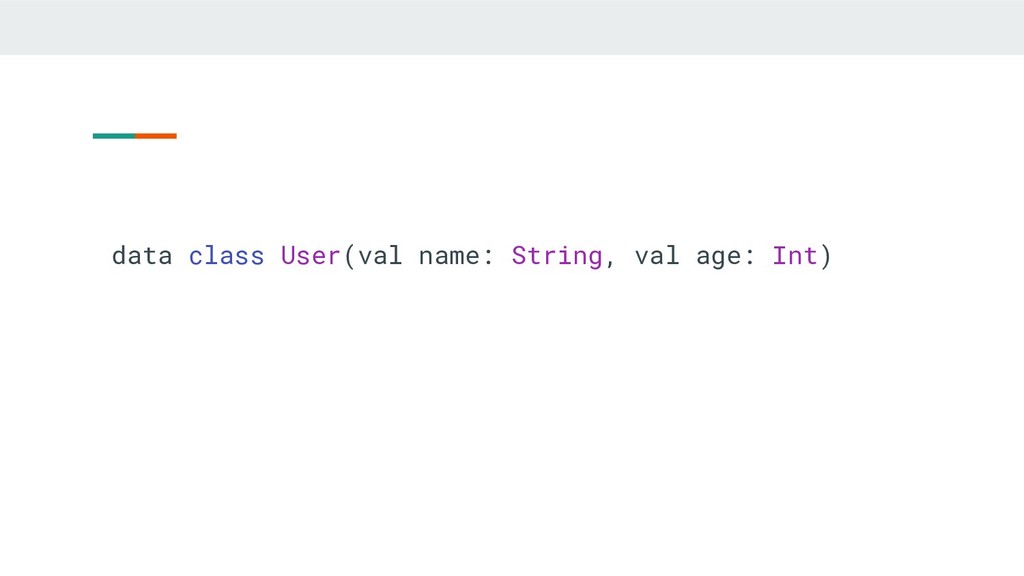
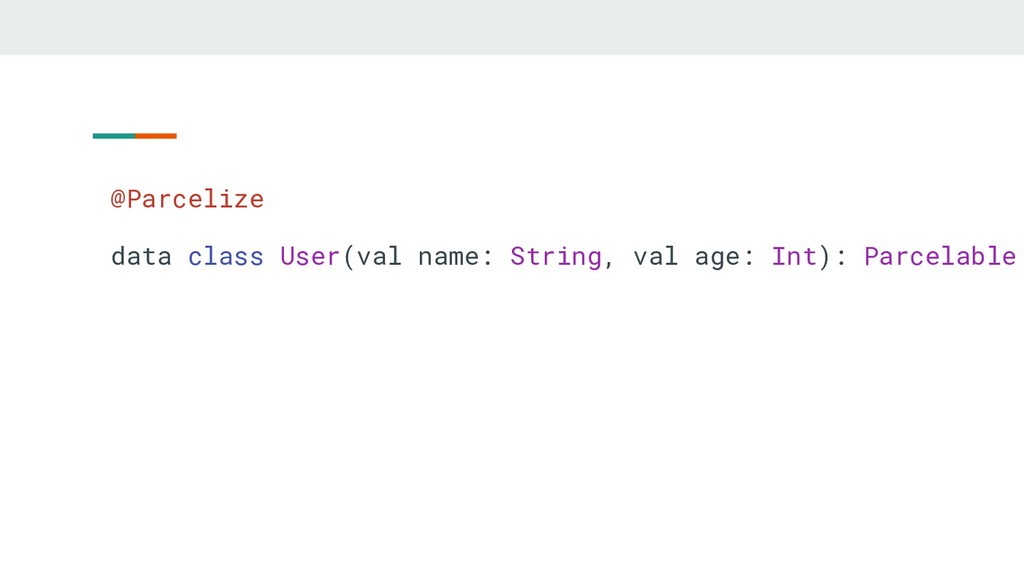
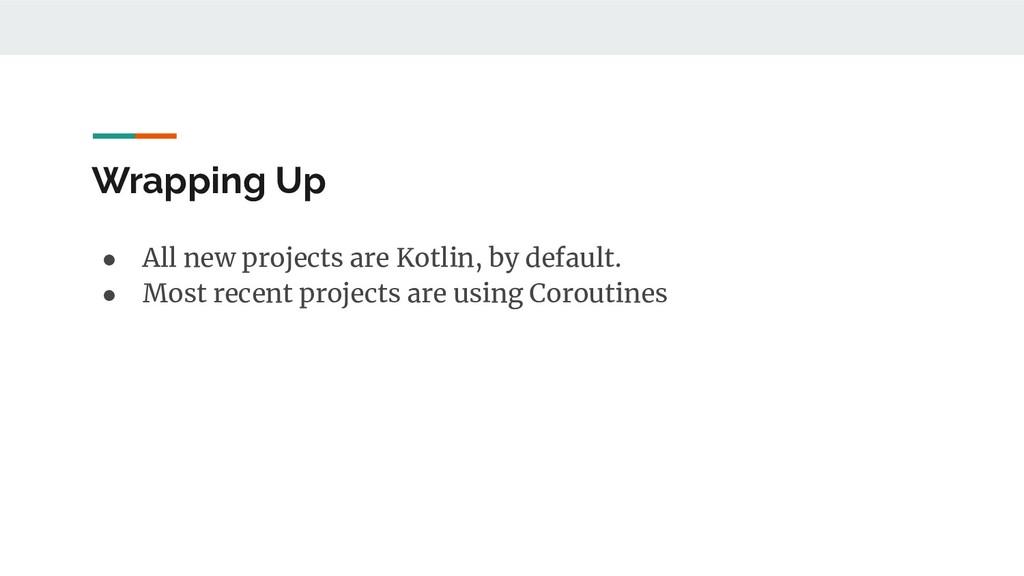
A look back at 2 years of Kotlin development in Android. We’ll see how Kotlin helped us remove boilerplate, improve readability and how easy it is to adopt Kotlin as a Java developer.
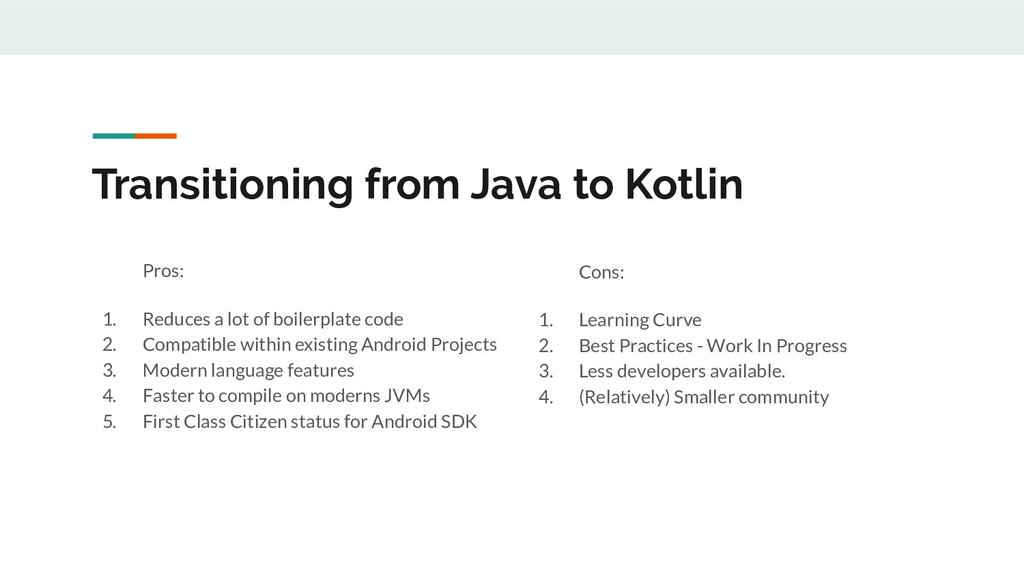
of boilerplate code 2. Compatible within existing Android Projects 3. Modern language features 4. Faster to compile on moderns JVMs 5. First Class Citizen status for Android SDK Cons: 1. Learning Curve 2. Best Practices - Work In Progress 3. Less developers available. 4. (Relatively) Smaller community
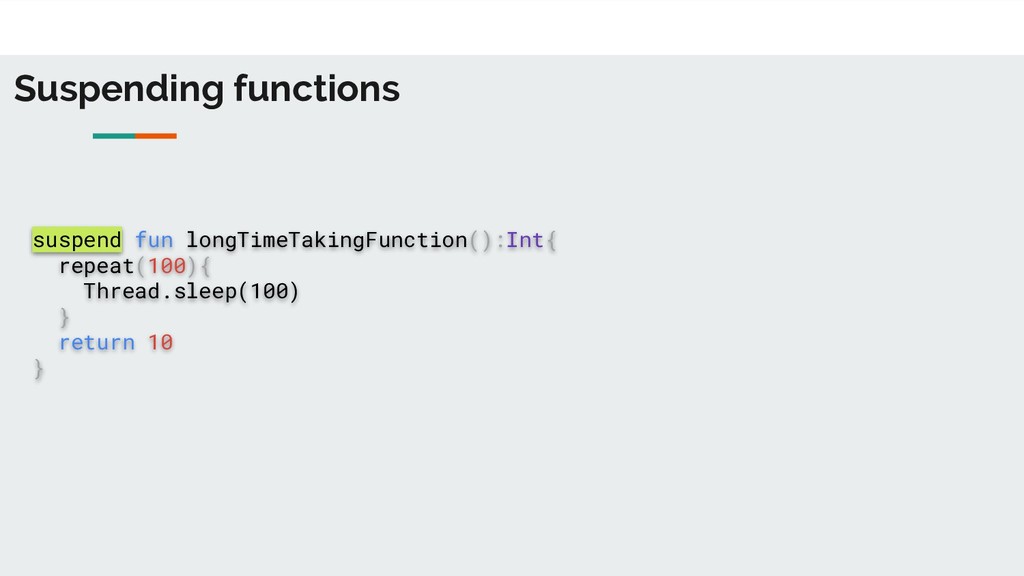
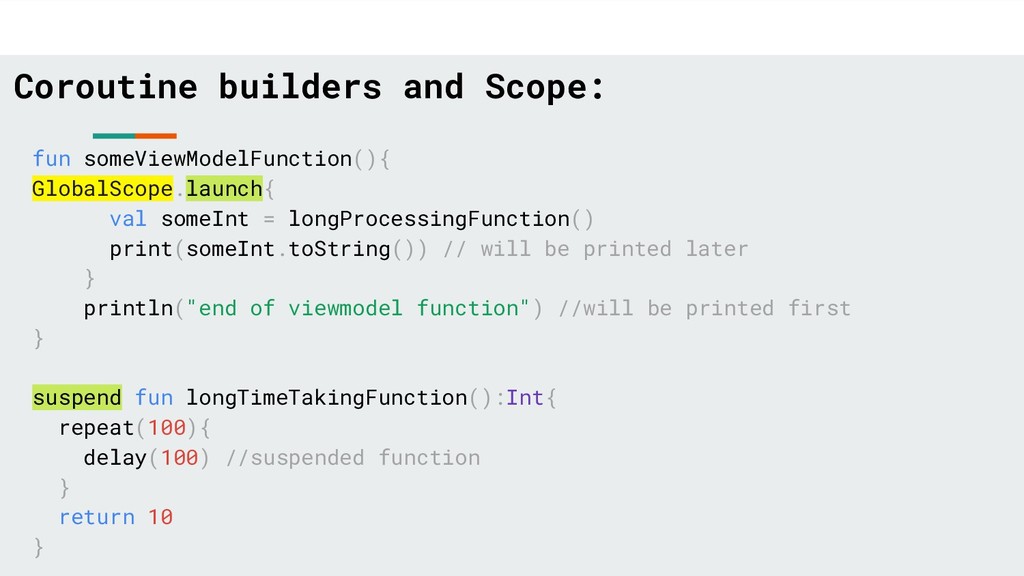
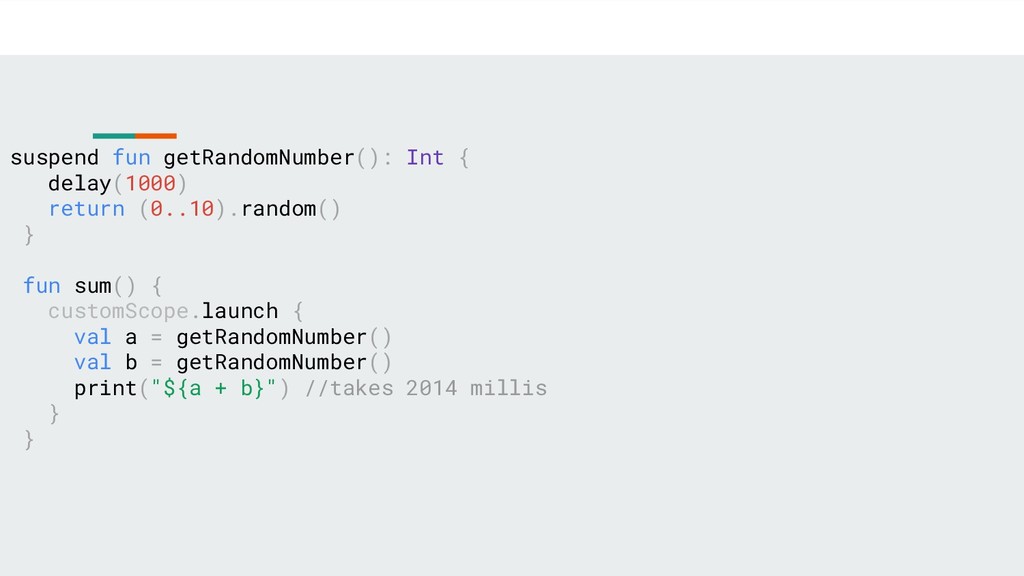
longProcessingFunction() print(someInt.toString()) // will be printed later } println("end of viewmodel function") //will be printed first } suspend fun longTimeTakingFunction():Int{ repeat(100){ delay(100) //suspended function } return 10 }
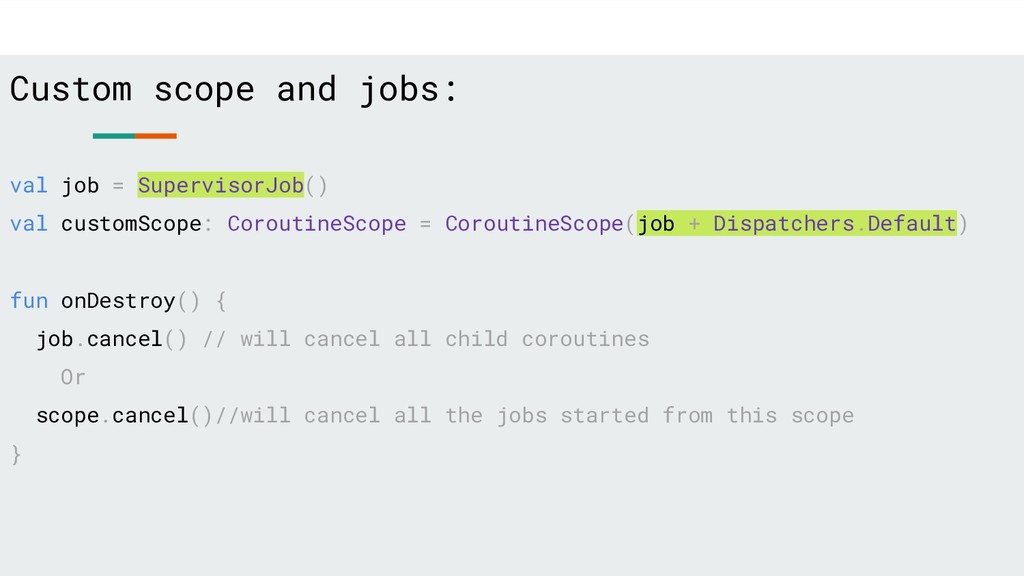
CoroutineScope = CoroutineScope(job + Dispatchers.Default) fun onDestroy() { job.cancel() // will cancel all child coroutines Or scope.cancel()//will cancel all the jobs started from this scope }
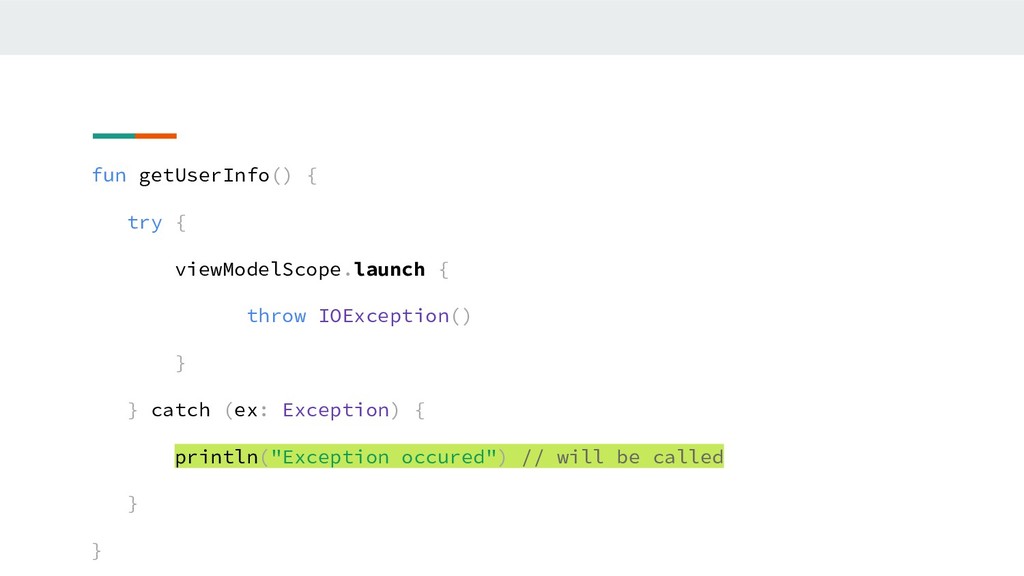
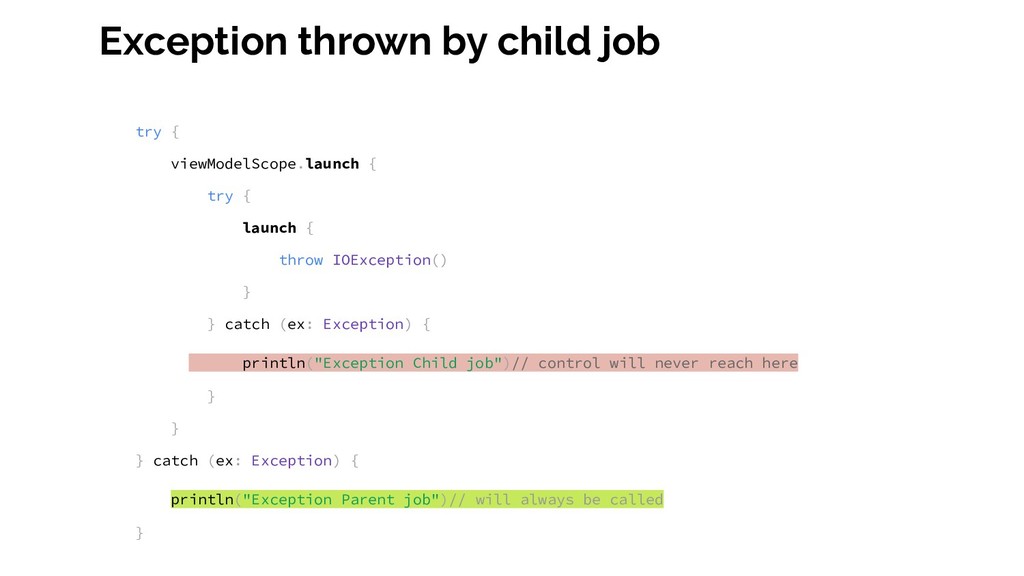
{ launch { throw IOException() } } catch (ex: Exception) { println("Exception Child job")// control will never reach here } } } catch (ex: Exception) { println("Exception Parent job")// will always be called }
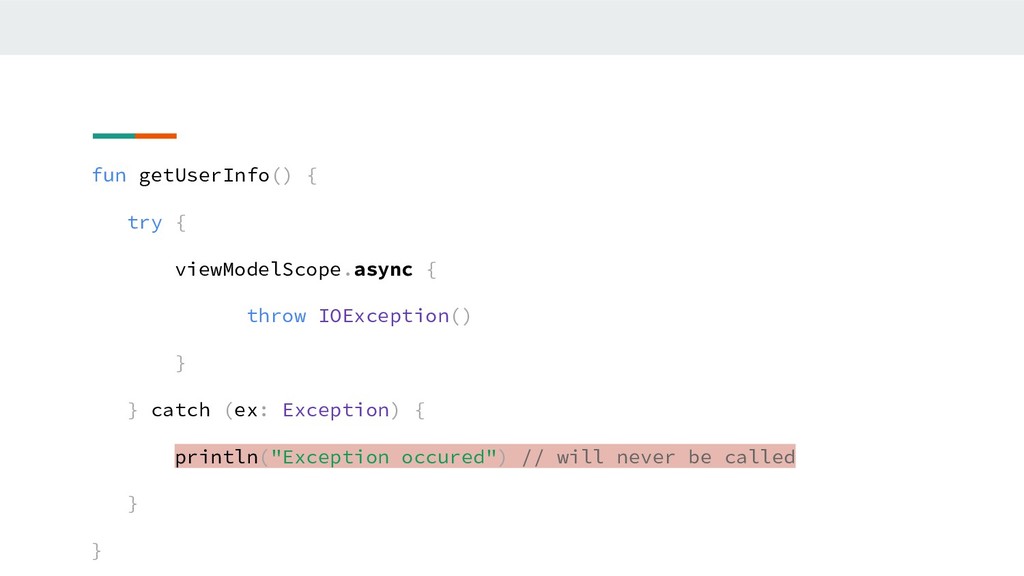
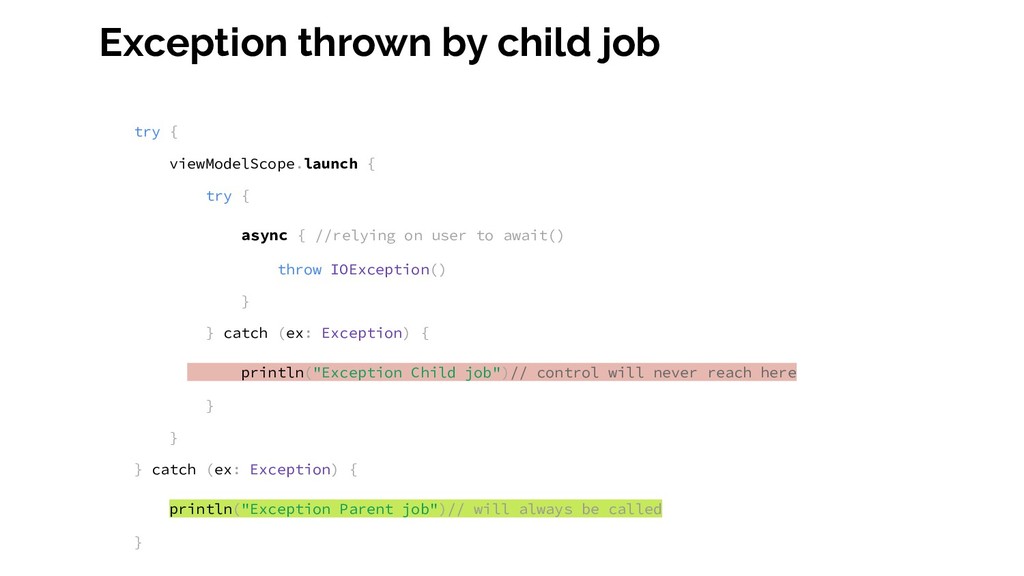
{ async { //relying on user to await() throw IOException() } } catch (ex: Exception) { println("Exception Child job")// control will never reach here } } } catch (ex: Exception) { println("Exception Parent job")// will always be called }
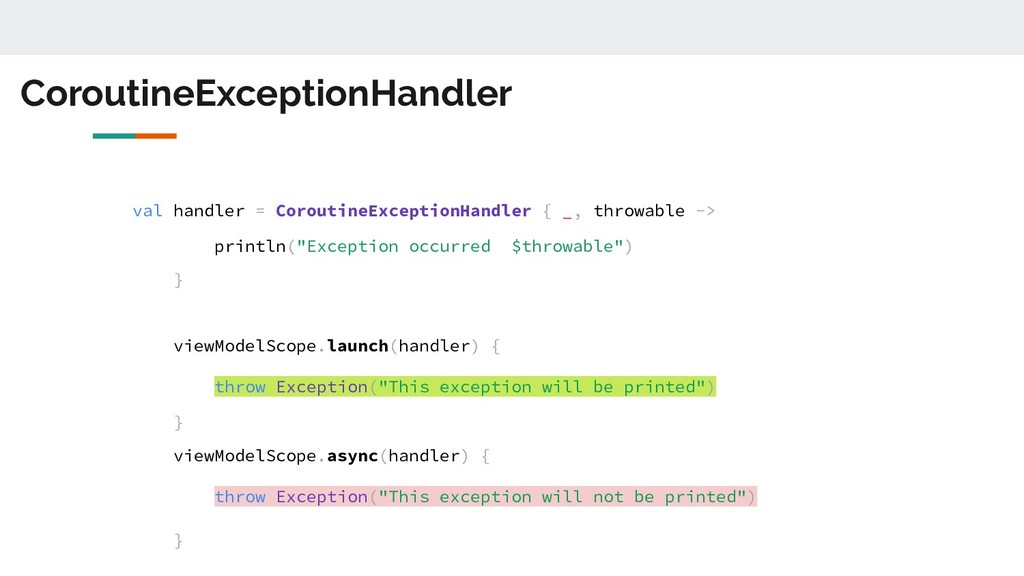
occurred $throwable") } viewModelScope.launch(handler) { throw Exception("This exception will be printed") } viewModelScope.async(handler) { throw Exception("This exception will not be printed") }


 keeg
keeg
 koukihosaka
 sudoakiy
 ueponx
 mhrtech
 yu23ki14
 kash1064
 riyaamemiya
 kworkdev
 yahonda
 akitoshiga
 takahashim
 codingconduct
 reverentgeek
 eileencodes
 aki_iinuma
 bryan
bryan
 sferik
 garrettdimon
 rakko
rakko
 sonatard
 kristinabergwall1
 soysaucechin
 mongodb