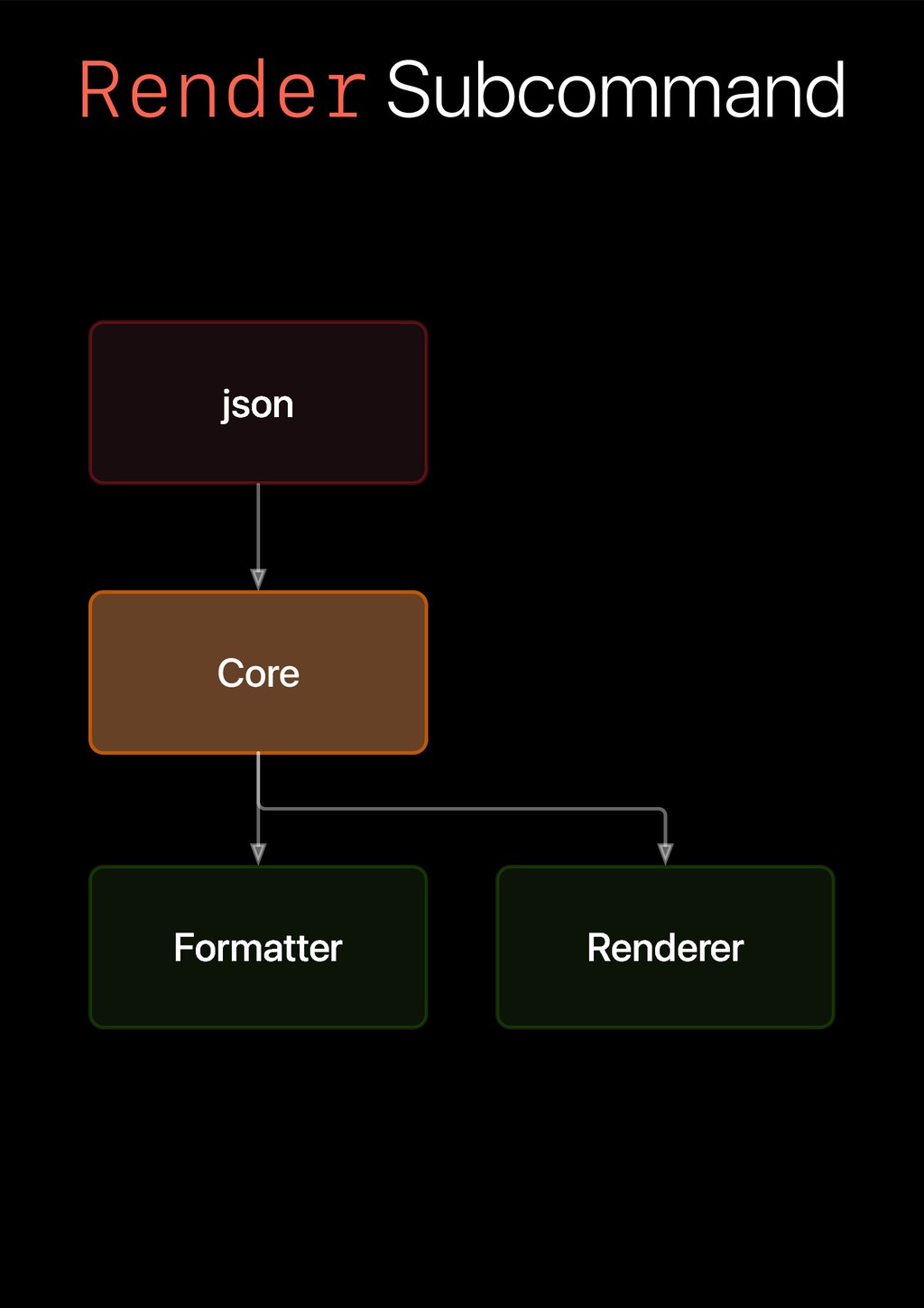
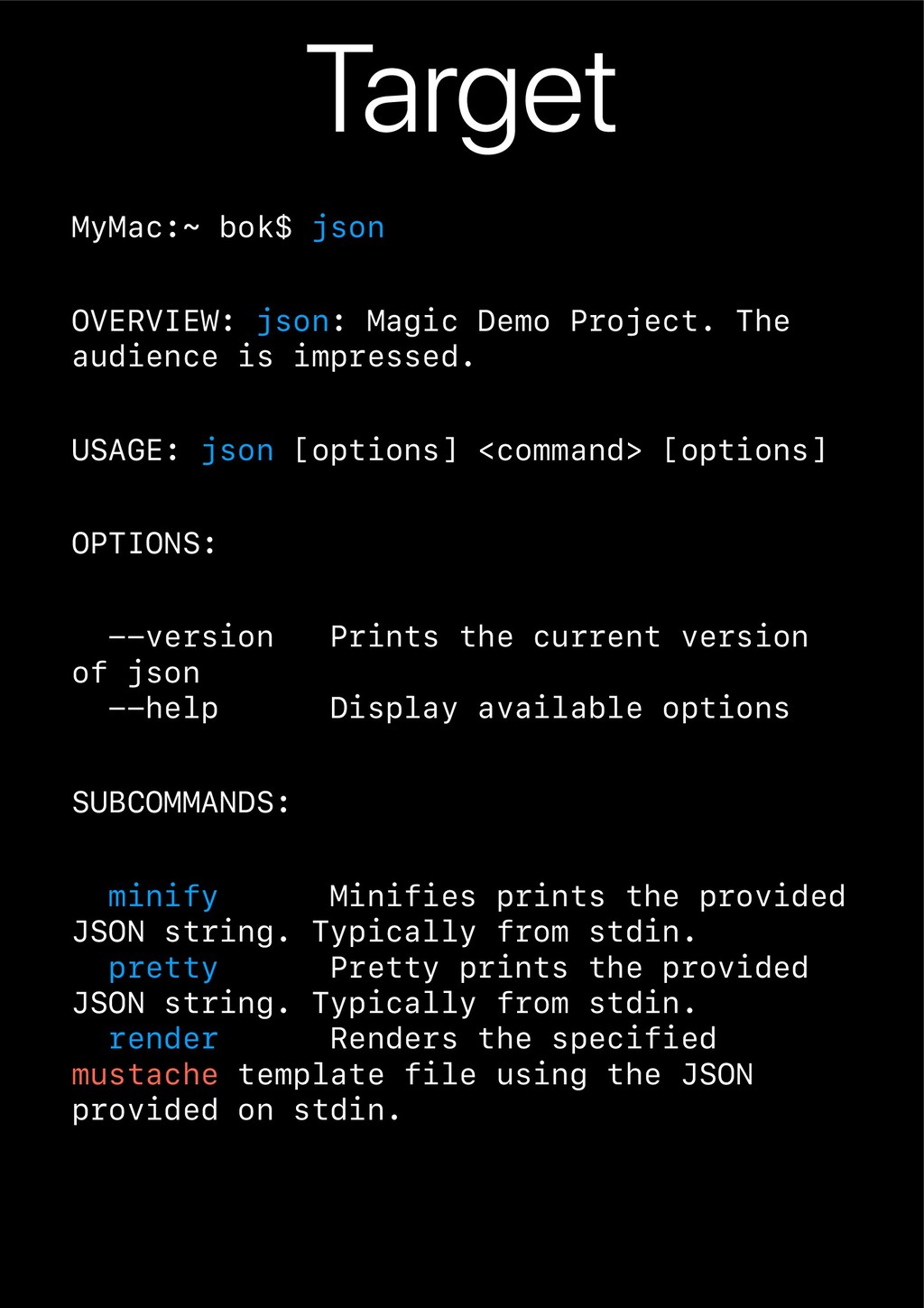
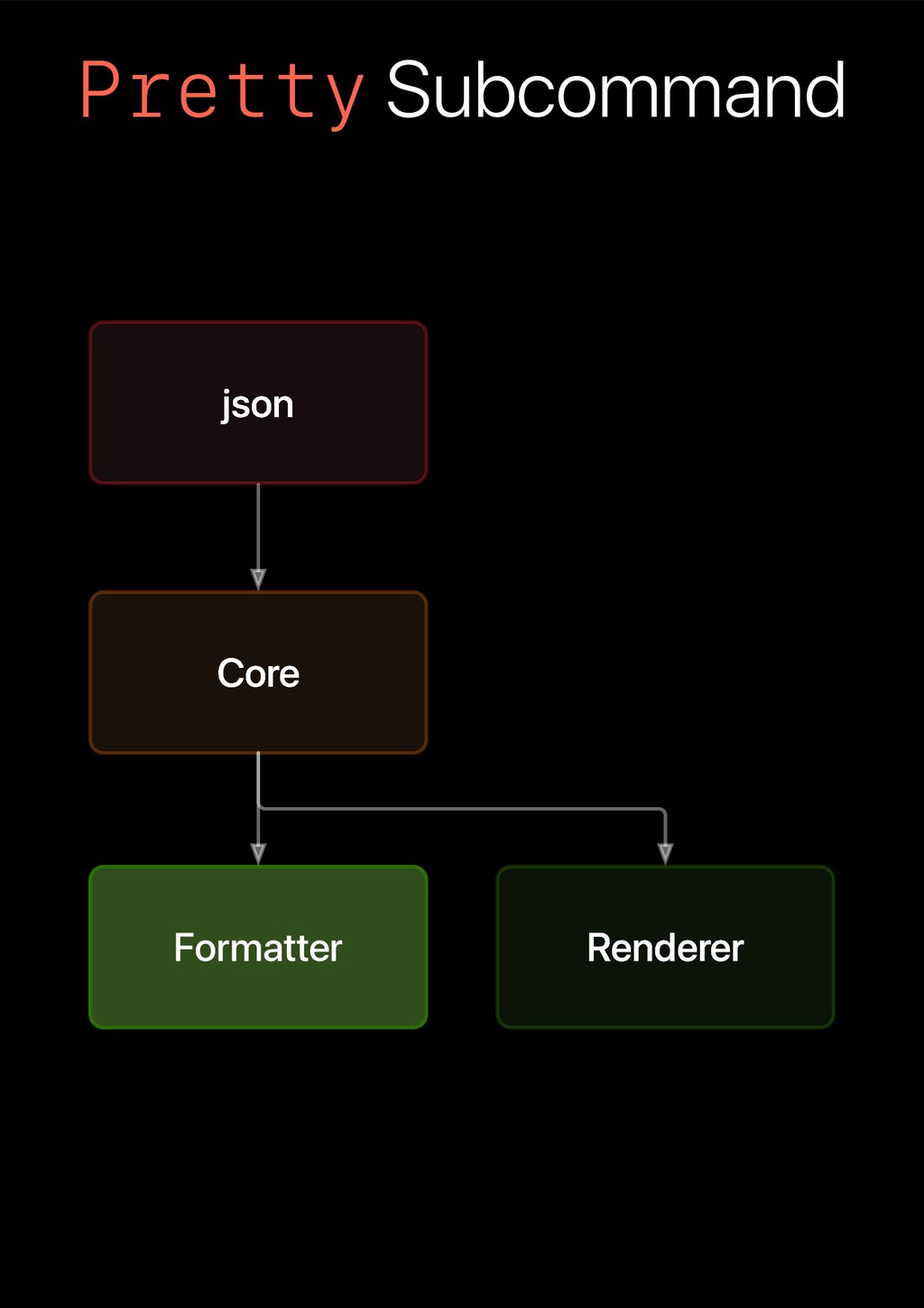
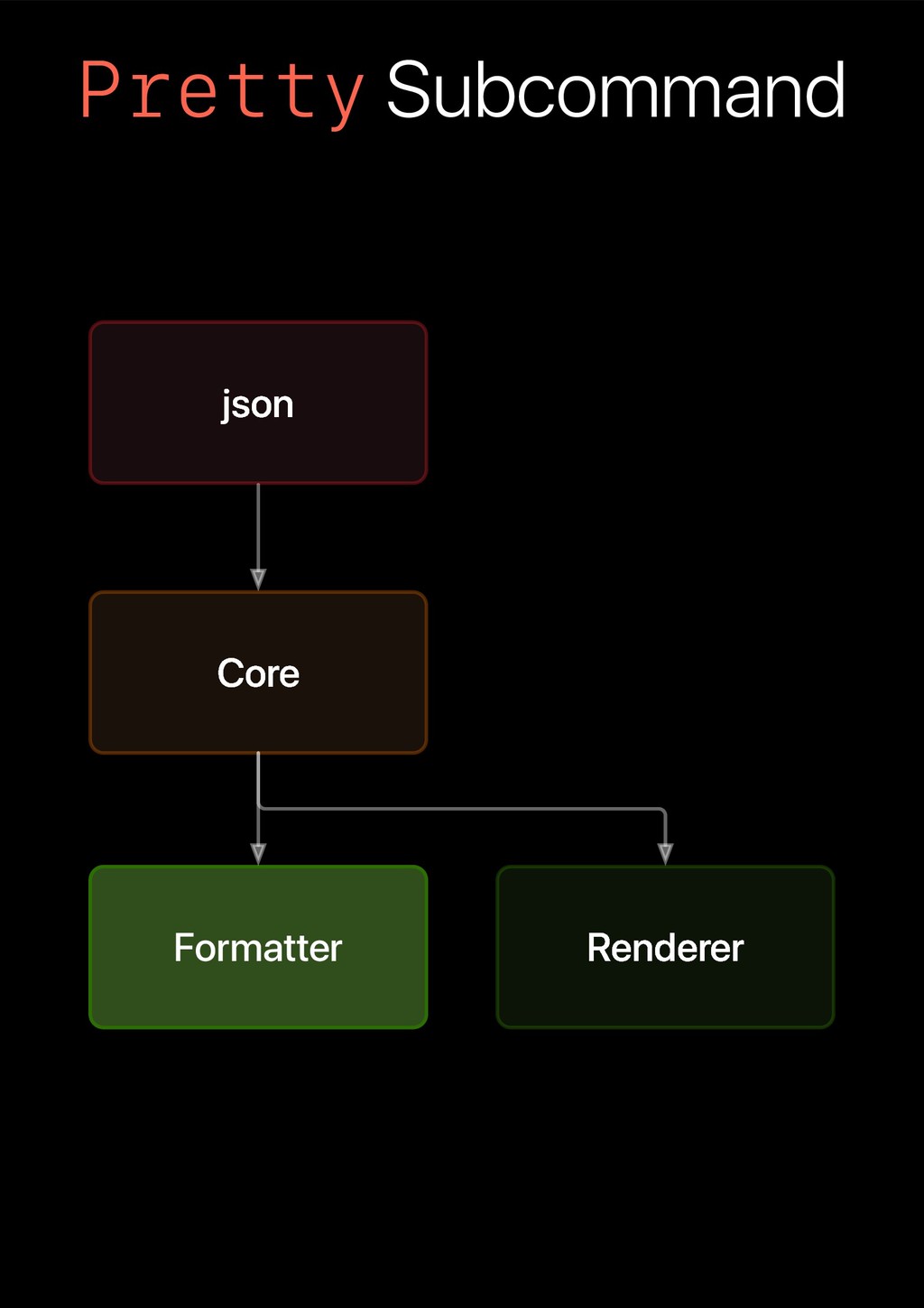
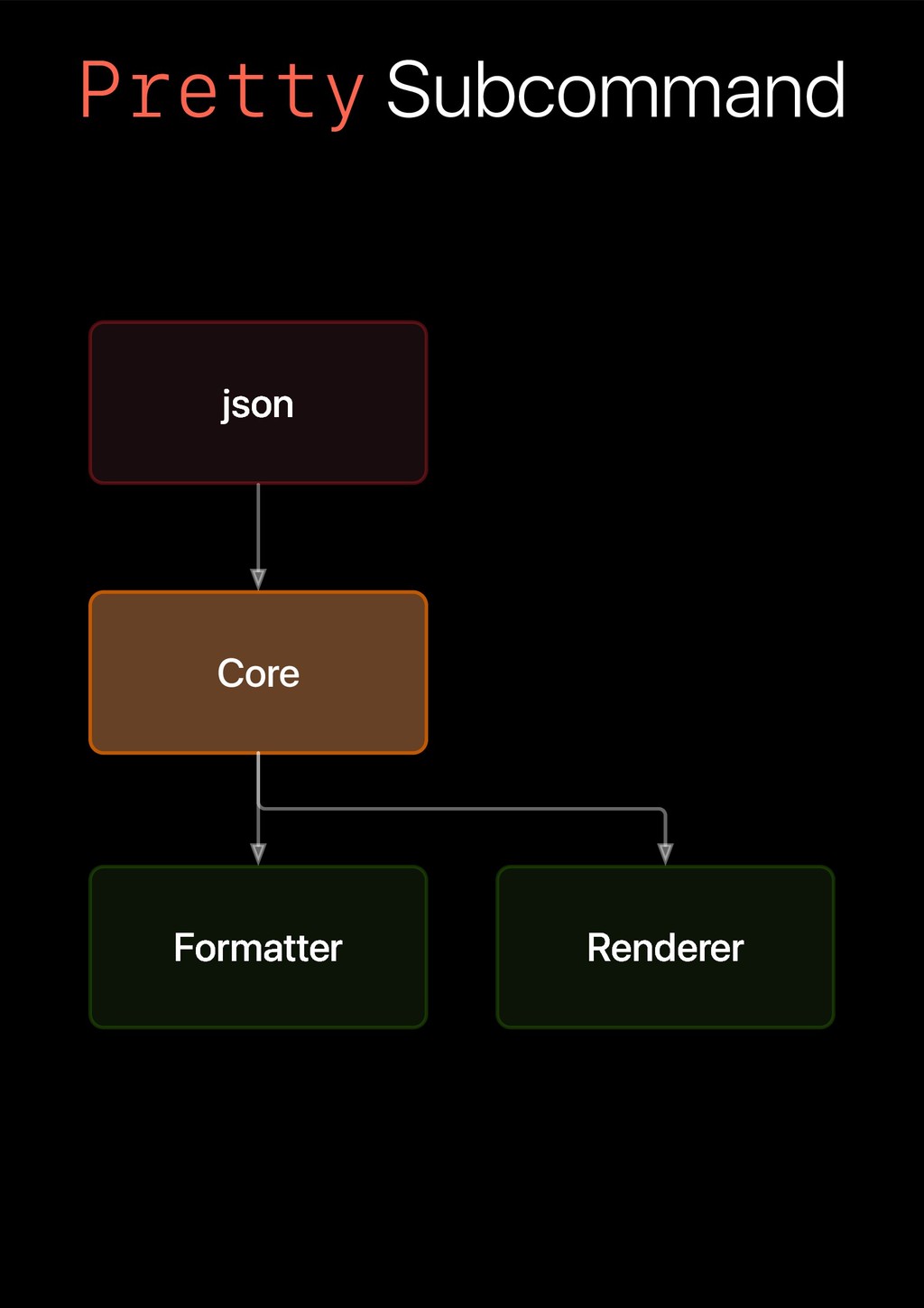
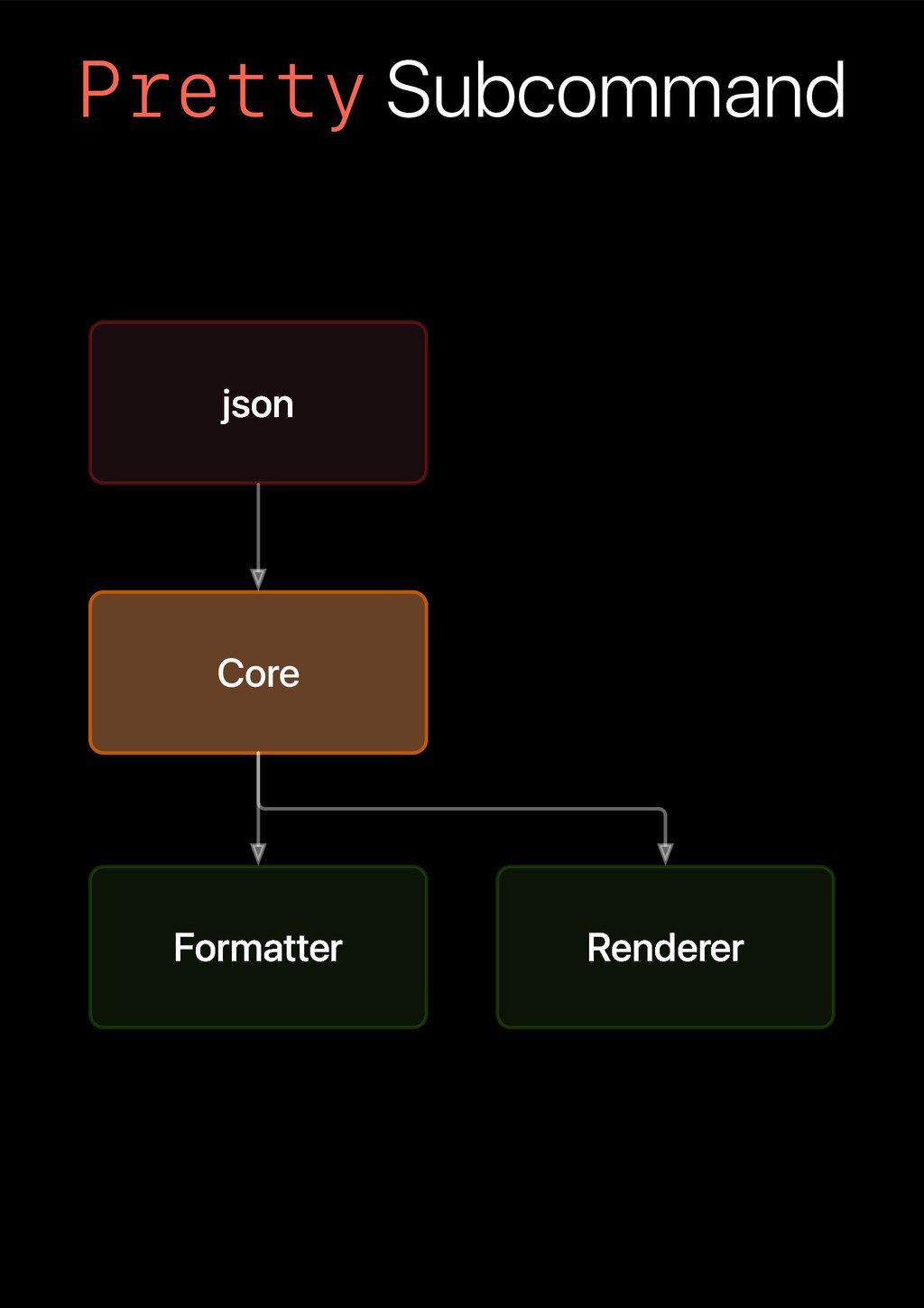
audience is impressed. USAGE: json [options] <command> [options] OPTIONS: --version Prints the current version of json --help Display available options SUBCOMMANDS: minify Minifies prints the provided JSON string. Typically from stdin. pretty Pretty prints the provided JSON string. Typically from stdin. render Renders the specified mustache template file using the JSON provided on stdin.
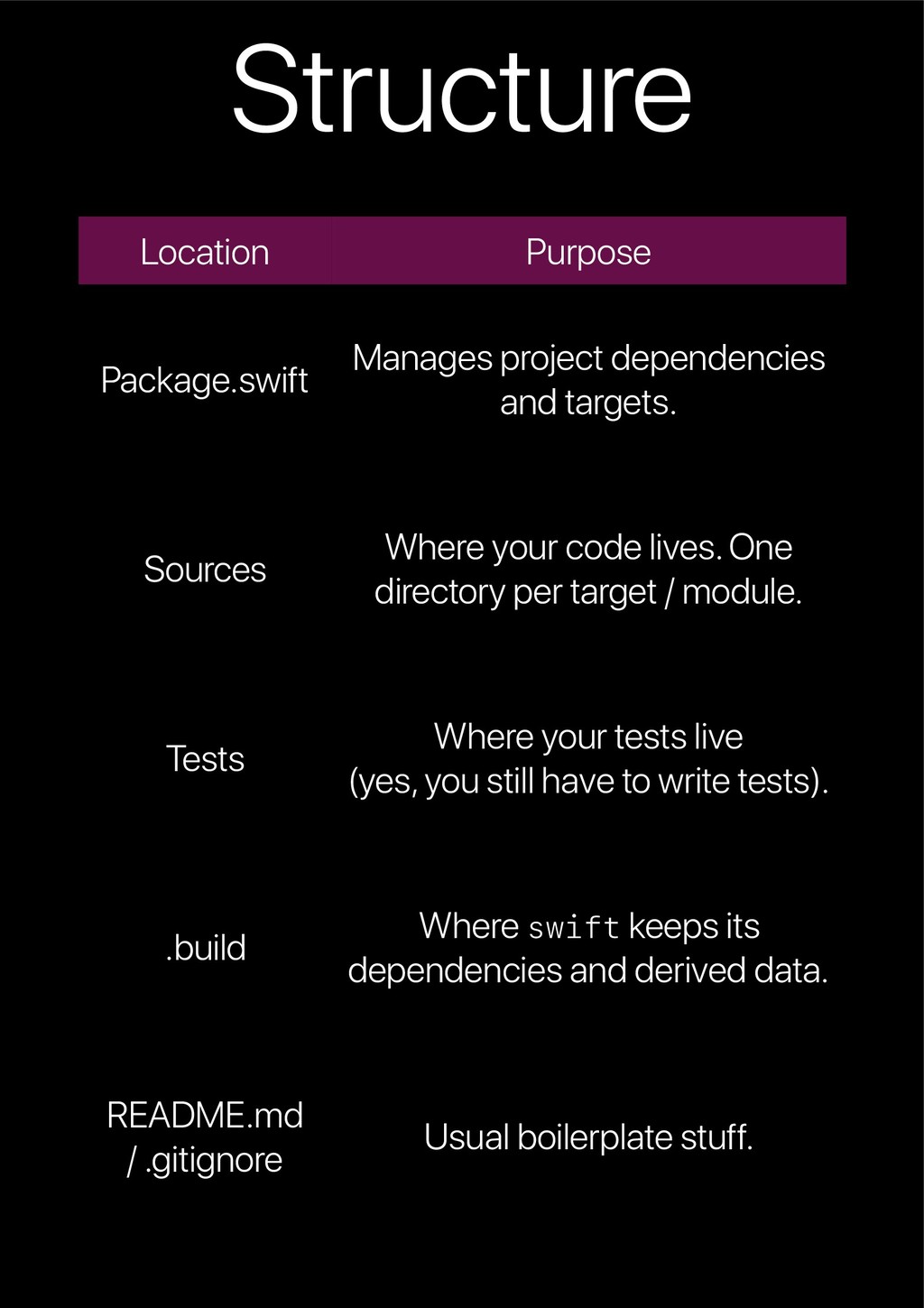
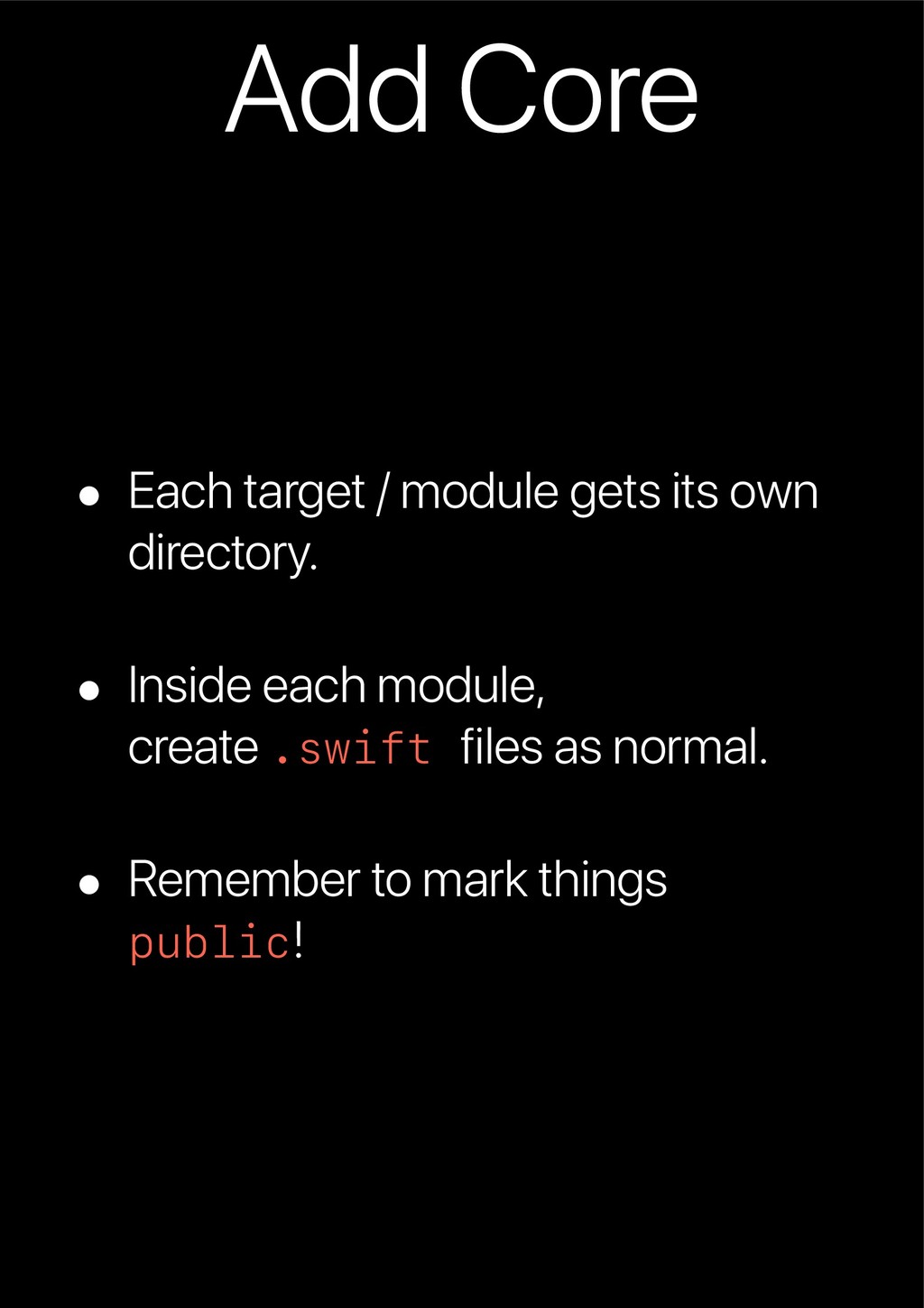
Where your code lives. One directory per target / module. Tests Where your tests live (yes, you still have to write tests). .build Where swift keeps its dependencies and derived data. README.md / .gitignore Usual boilerplate stuff.
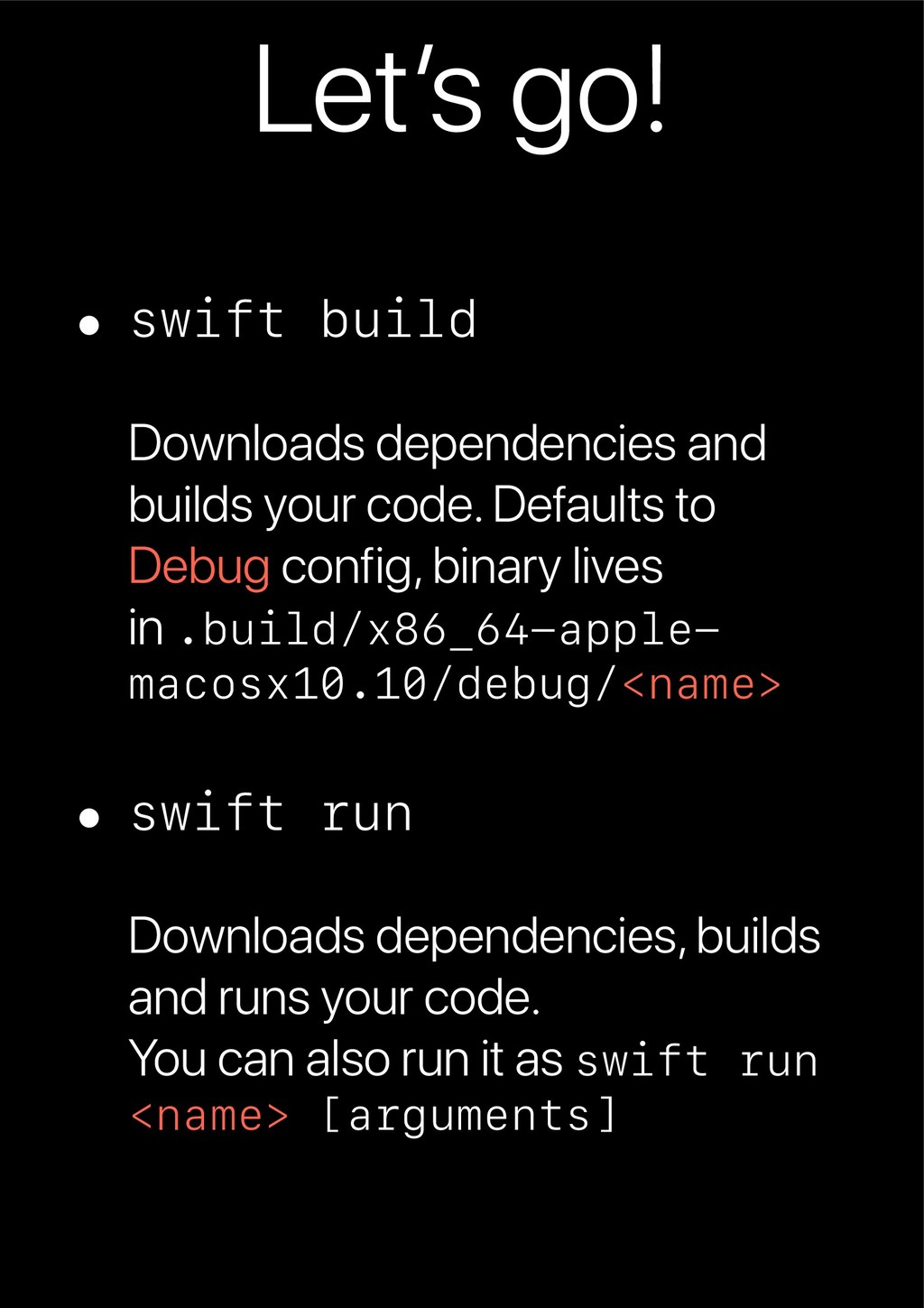
your code. Defaults to Debug config, binary lives in .build/x86_64-apple- macosx10.10/debug/<name> • swift run Downloads dependencies, builds and runs your code. You can also run it as swift run <name> [arguments]
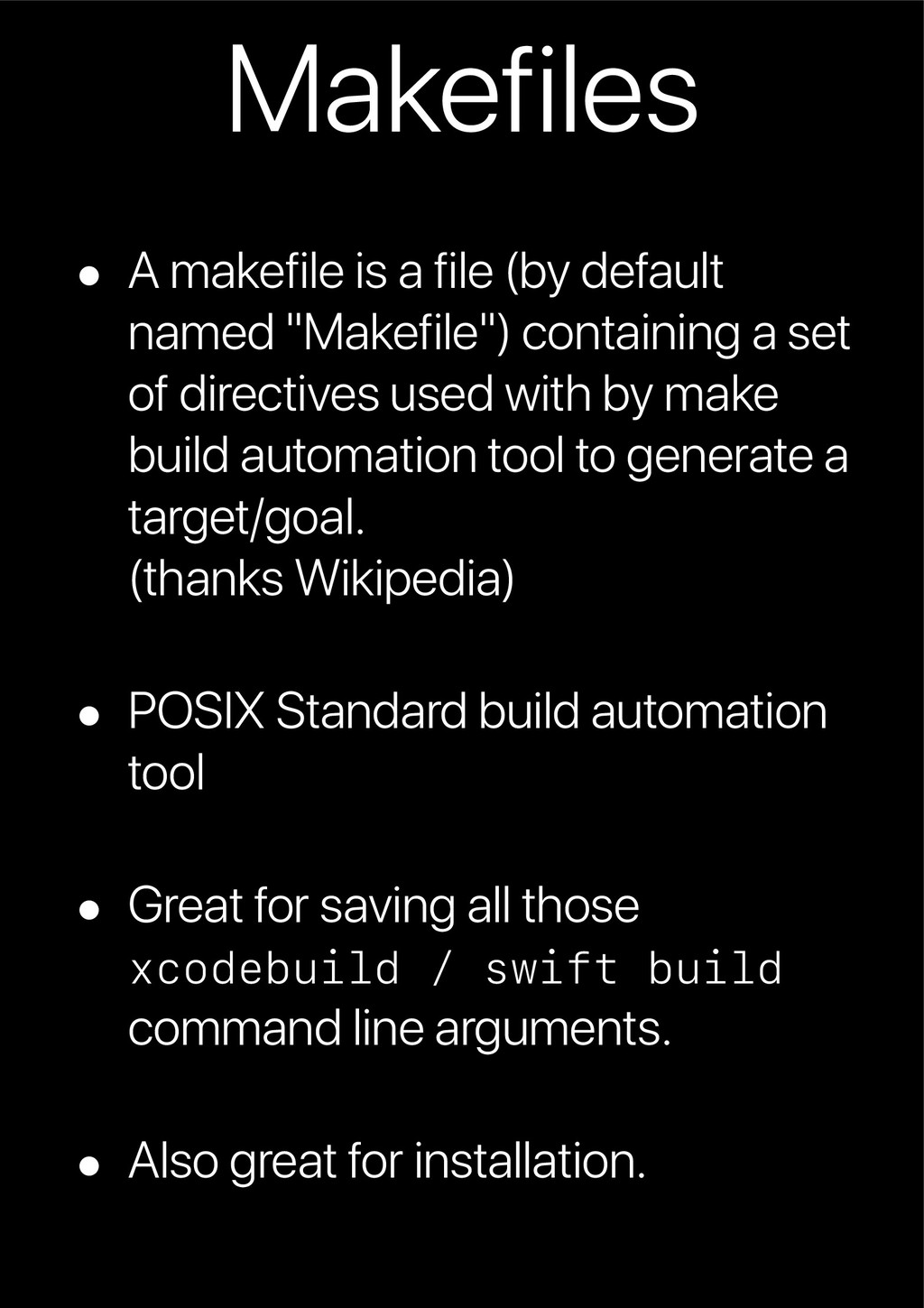
"Makefile") containing a set of directives used with by make build automation tool to generate a target/goal. (thanks Wikipedia) • POSIX Standard build automation tool • Great for saving all those xcodebuild / swift build command line arguments. • Also great for installation.
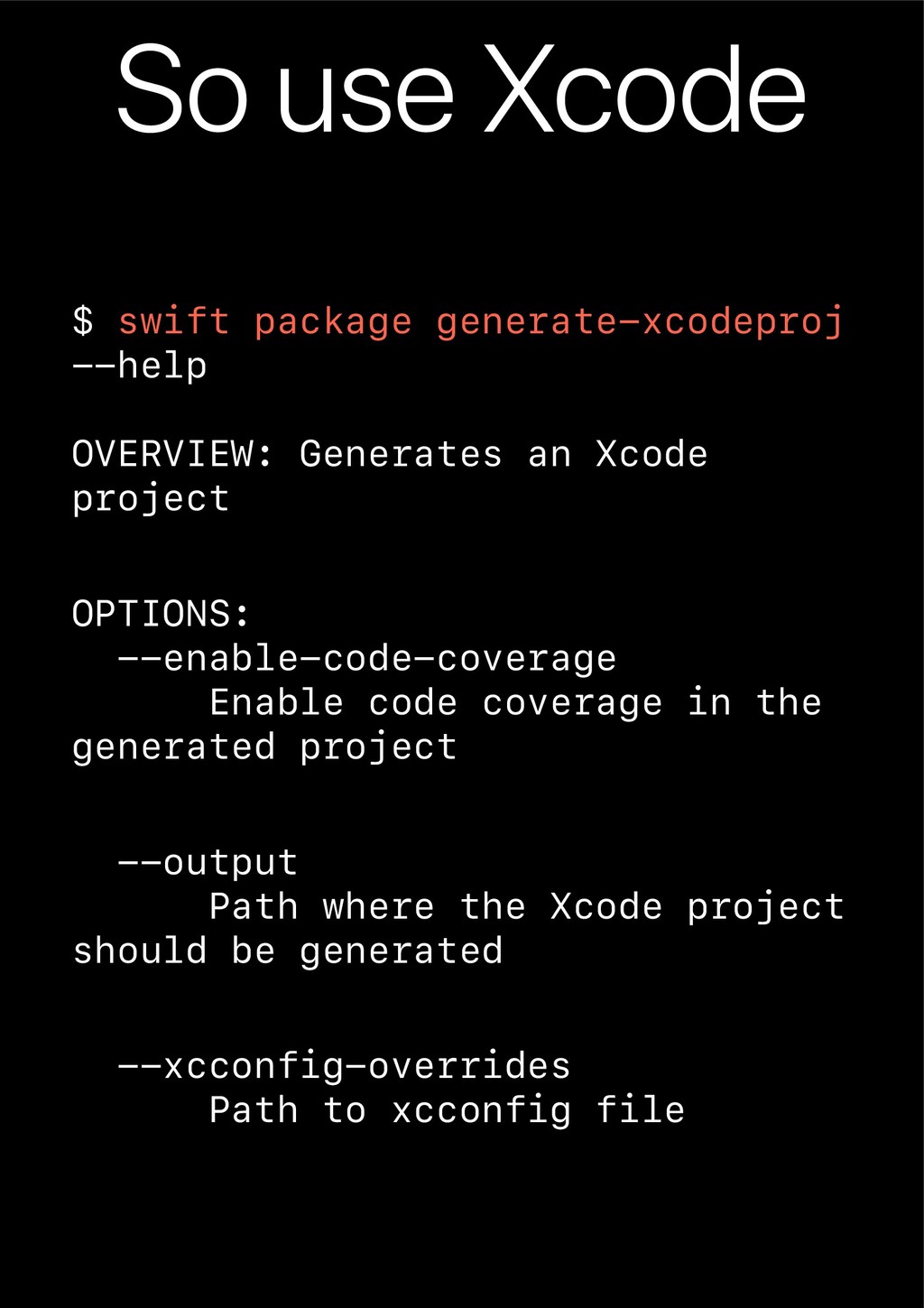
Generates an Xcode project OPTIONS: --enable-code-coverage Enable code coverage in the generated project --output Path where the Xcode project should be generated --xcconfig-overrides Path to xcconfig file
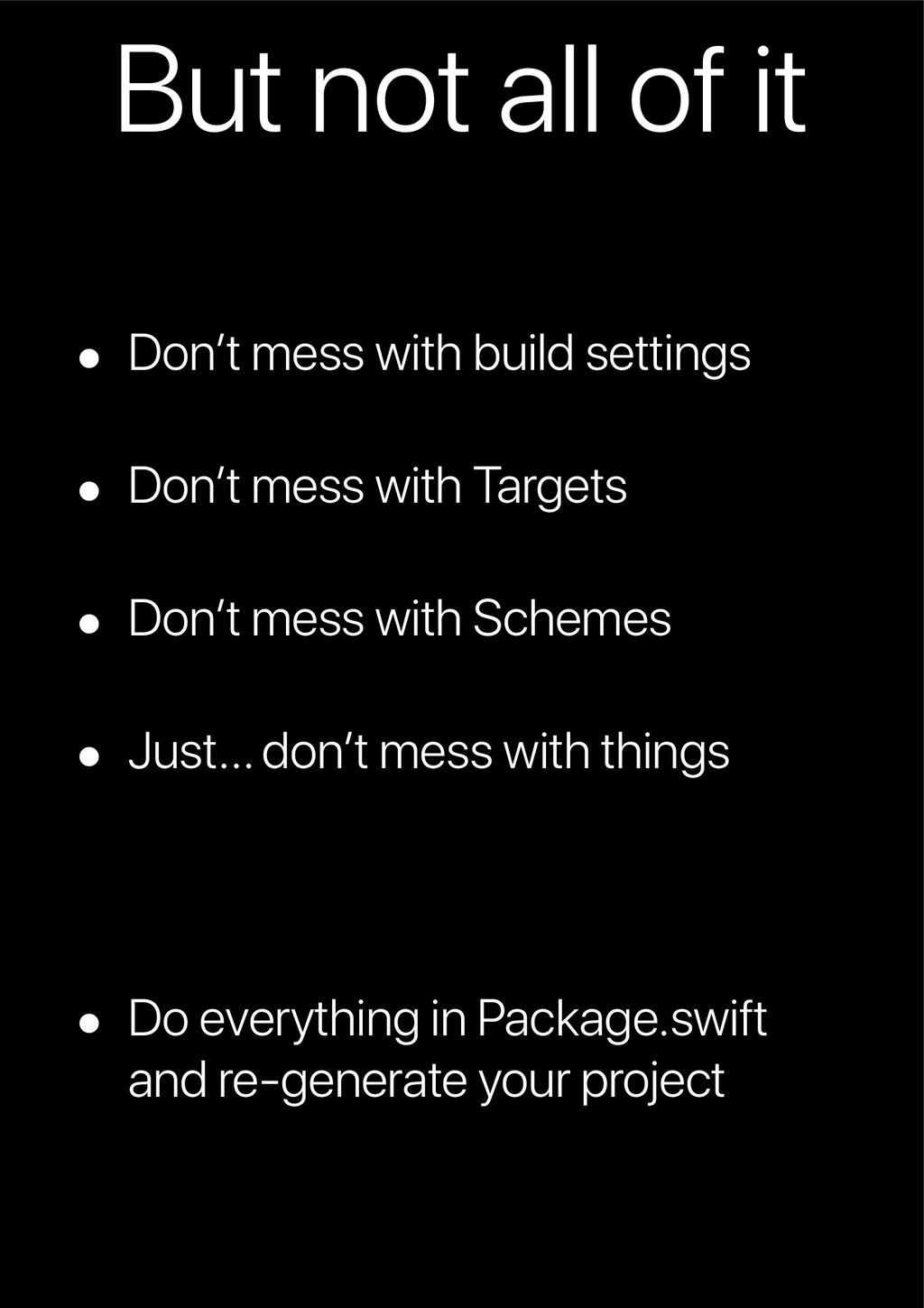
settings • Don’t mess with Targets • Don’t mess with Schemes • Just… don’t mess with things • Do everything in Package.swift and re-generate your project
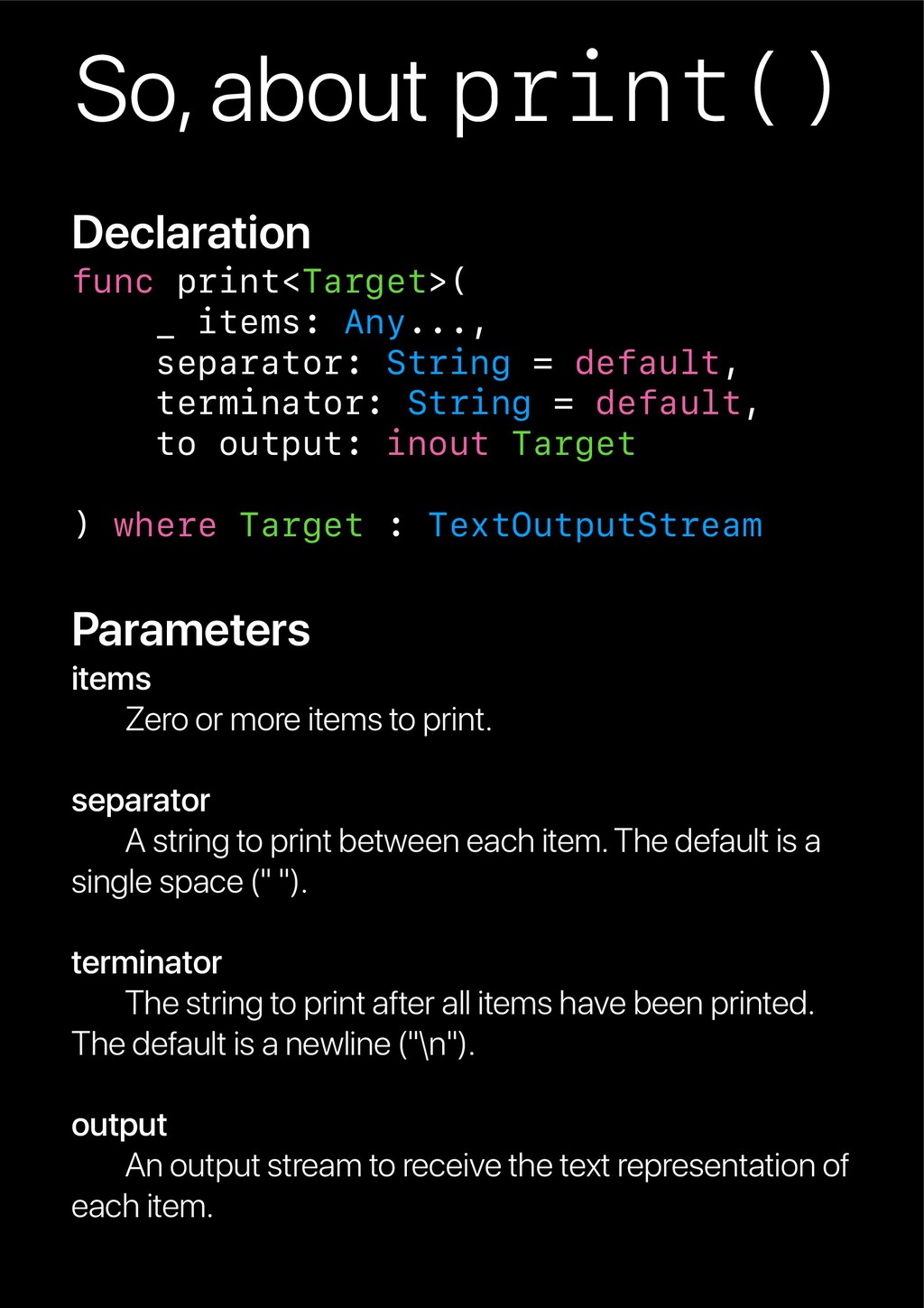
String = default, terminator: String = default, to output: inout Target ) where Target : TextOutputStream Parameters items Zero or more items to print. separator A string to print between each item. The default is a single space (" "). terminator The string to print after all items have been printed. The default is a newline ("\n"). output An output stream to receive the text representation of each item.
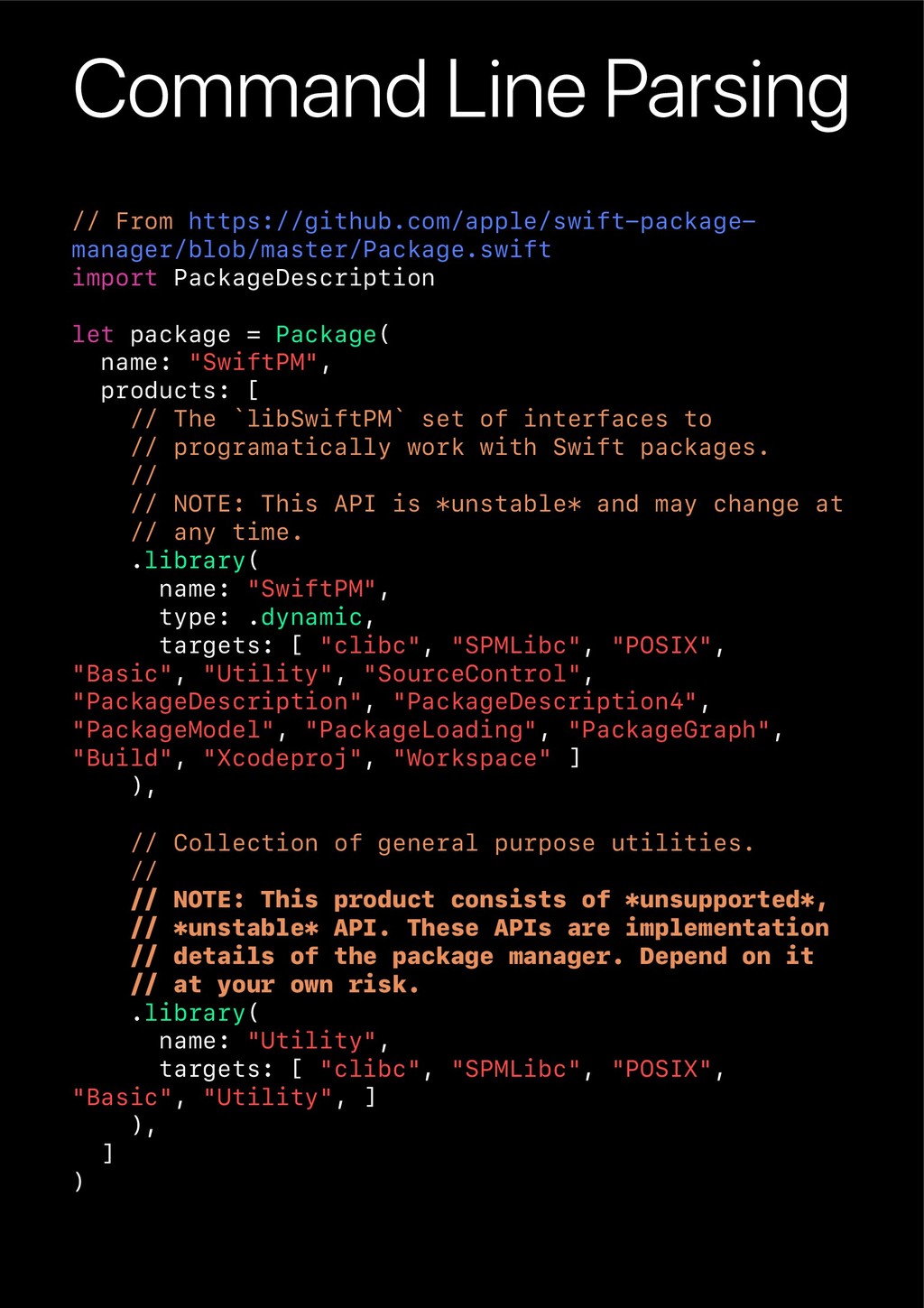
package = Package( name: "SwiftPM", products: [ // The `libSwiftPM` set of interfaces to // programatically work with Swift packages. // // NOTE: This API is *unstable* and may change at // any time. .library( name: "SwiftPM", type: .dynamic, targets: [ "clibc", "SPMLibc", "POSIX", "Basic", "Utility", "SourceControl", "PackageDescription", "PackageDescription4", "PackageModel", "PackageLoading", "PackageGraph", "Build", "Xcodeproj", "Workspace" ] ), // Collection of general purpose utilities. // // NOTE: This product consists of *unsupported*, // *unstable* API. These APIs are implementation // details of the package manager. Depend on it // at your own risk. .library( name: "Utility", targets: [ "clibc", "SPMLibc", "POSIX", "Basic", "Utility", ] ), ] )
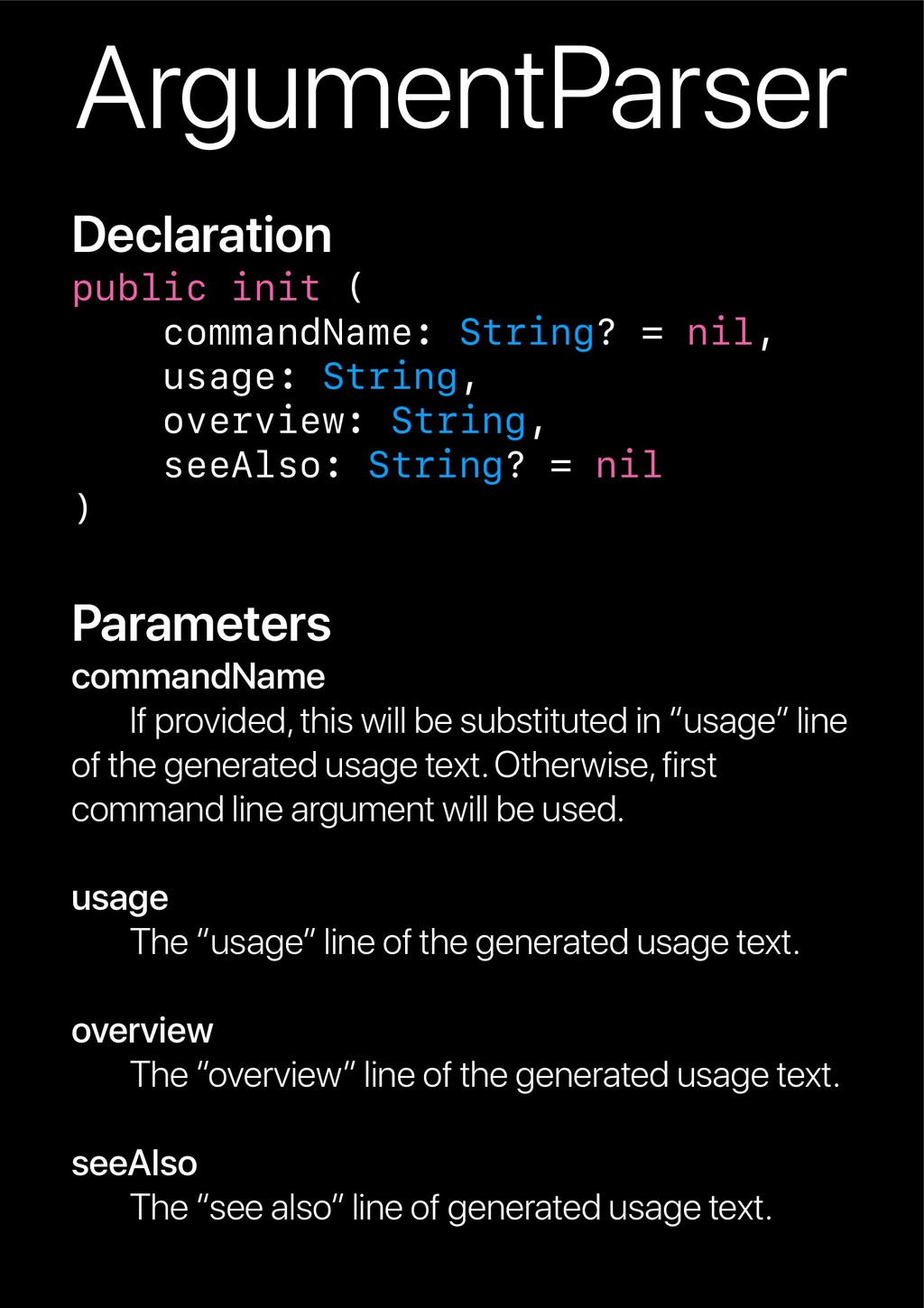
String, overview: String, seeAlso: String? = nil ) Parameters commandName If provided, this will be substituted in “usage” line of the generated usage text. Otherwise, first command line argument will be used. usage The “usage” line of the generated usage text. overview The “overview” line of the generated usage text. seeAlso The “see also” line of generated usage text.
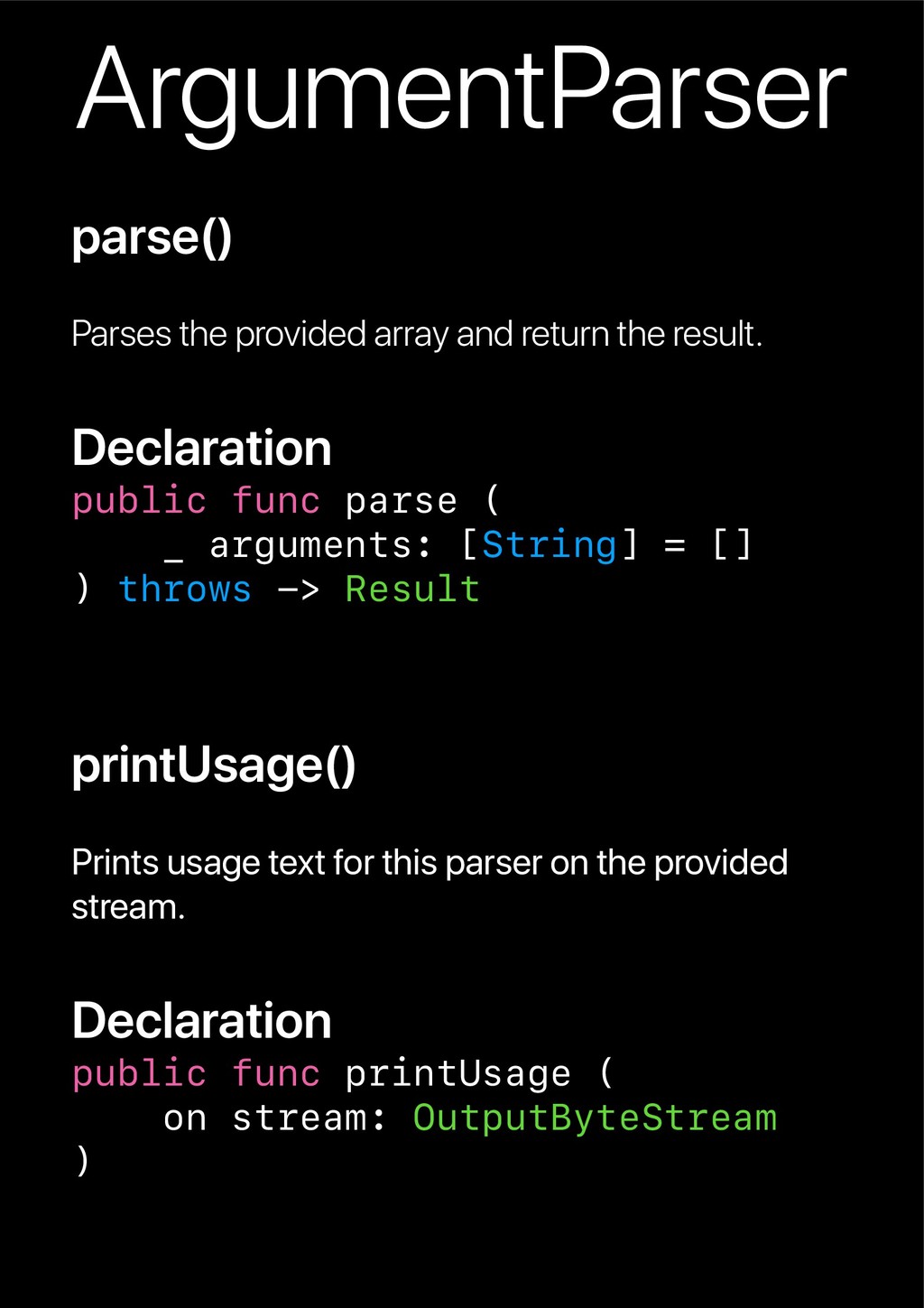
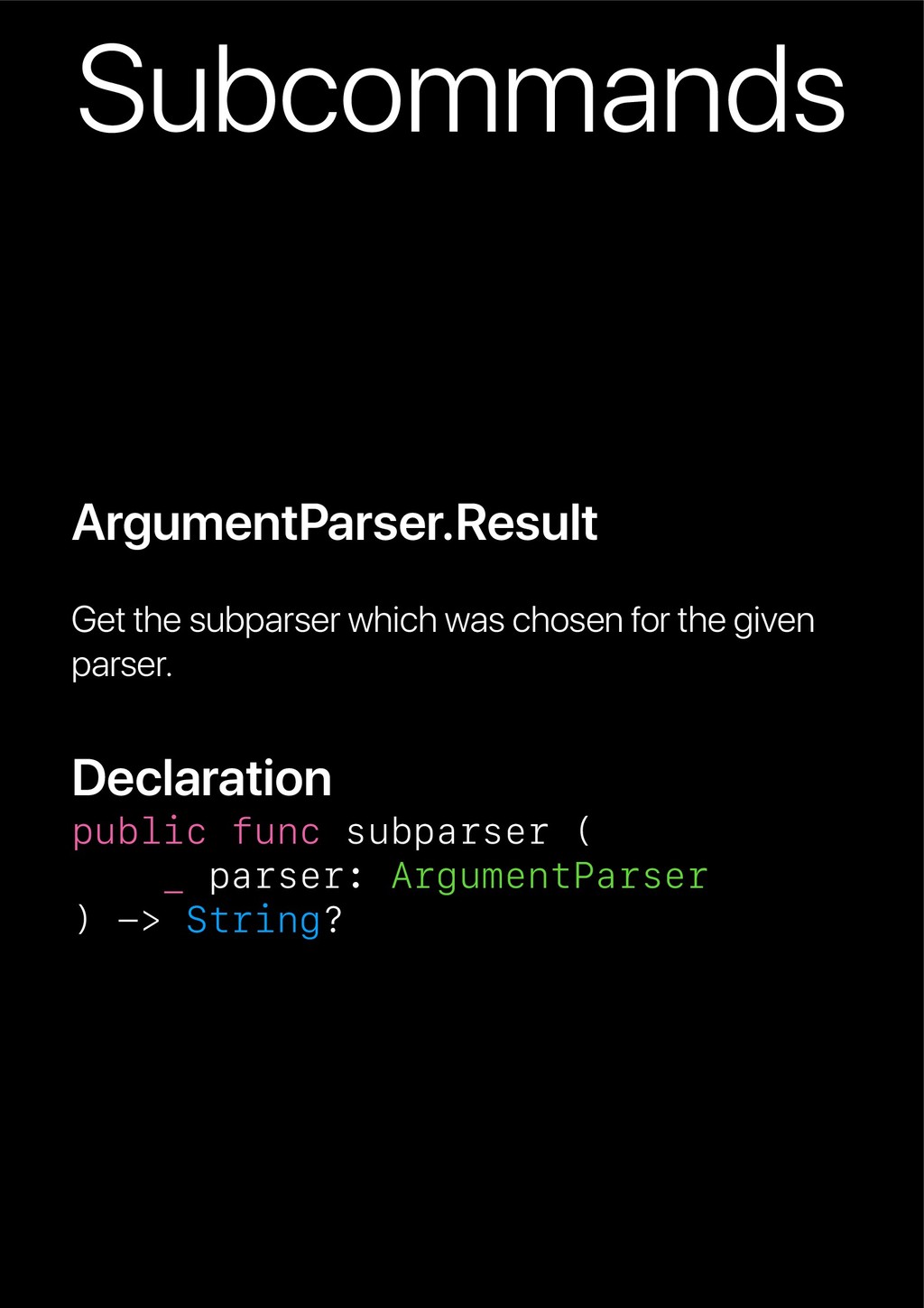
Declaration public func parse ( _ arguments: [String] = [] ) throws -> Result printUsage() Prints usage text for this parser on the provided stream. Declaration public func printUsage ( on stream: OutputByteStream )
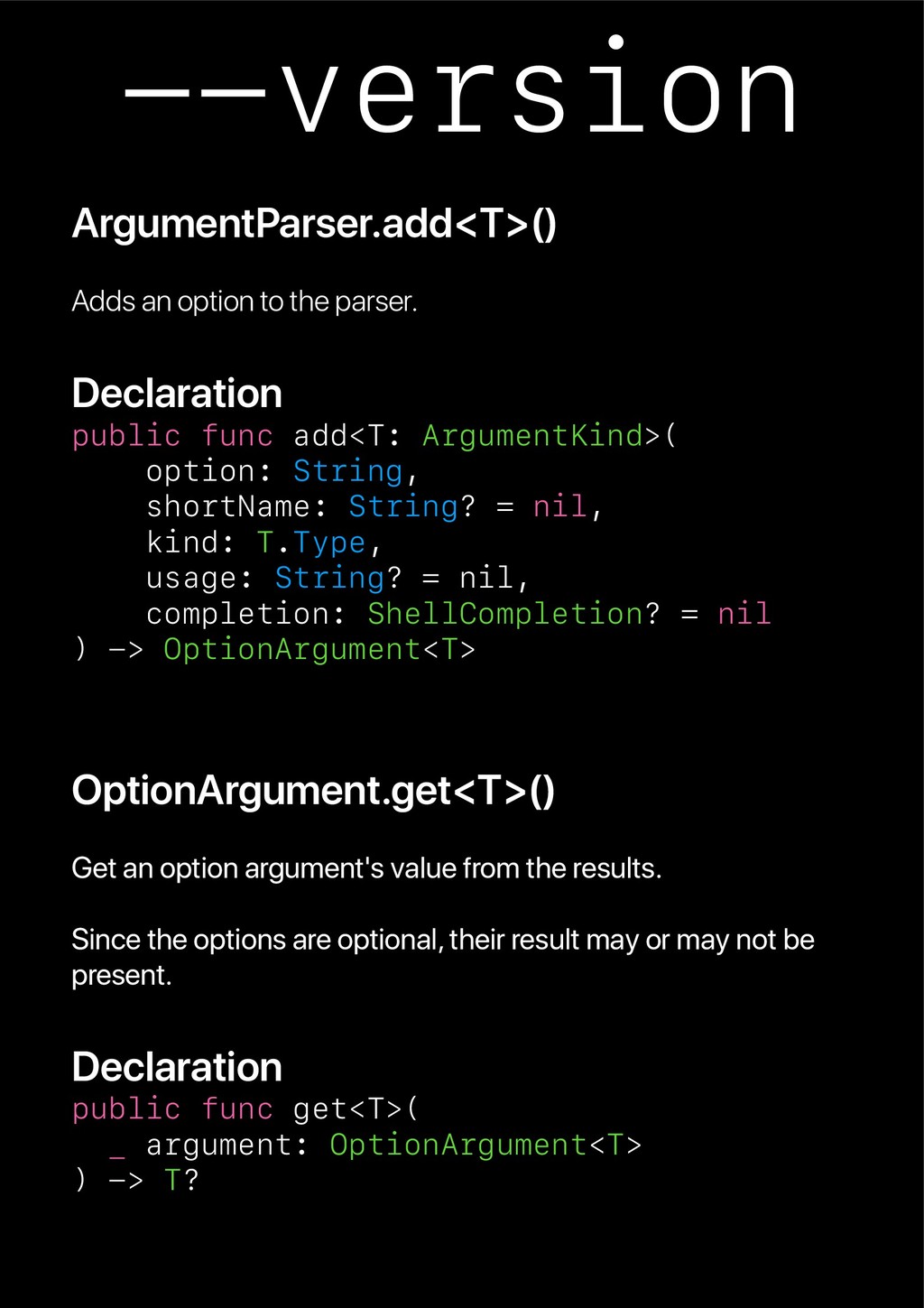
func add<T: ArgumentKind>( option: String, shortName: String? = nil, kind: T.Type, usage: String? = nil, completion: ShellCompletion? = nil ) -> OptionArgument<T> OptionArgument.get<T>() Get an option argument's value from the results. Since the options are optional, their result may or may not be present. Declaration public func get<T>( _ argument: OptionArgument<T> ) -> T?
Keys are compared using NSNumericSearch. The specific sorting method used is subject to change. */ @available(OSX 10.13, *) public static var sortedKeys: JSONSerialization.WritingOptions { get }
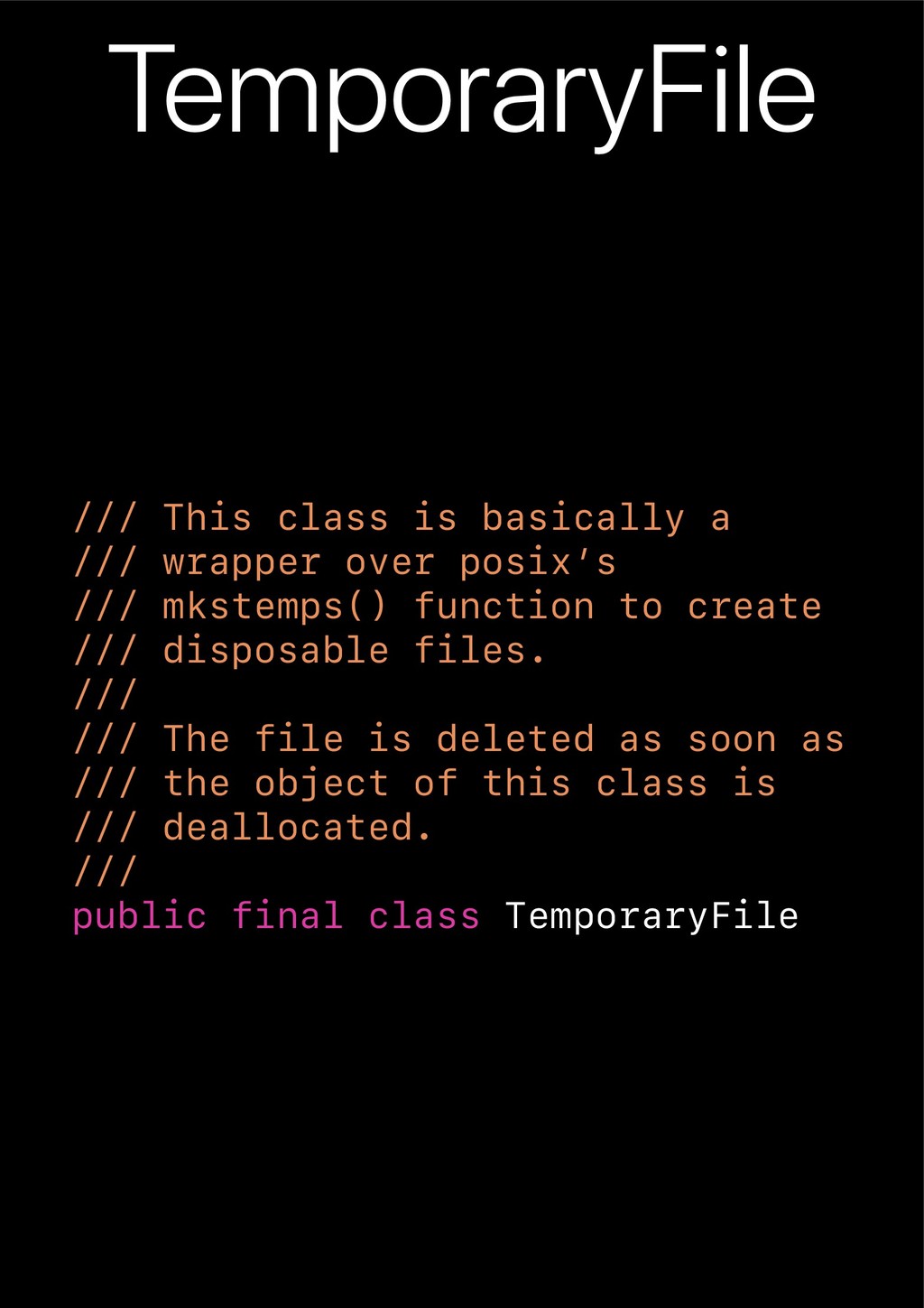
posix’s /// mkstemps() function to create /// disposable files. /// /// The file is deleted as soon as /// the object of this class is /// deallocated. /// public final class TemporaryFile
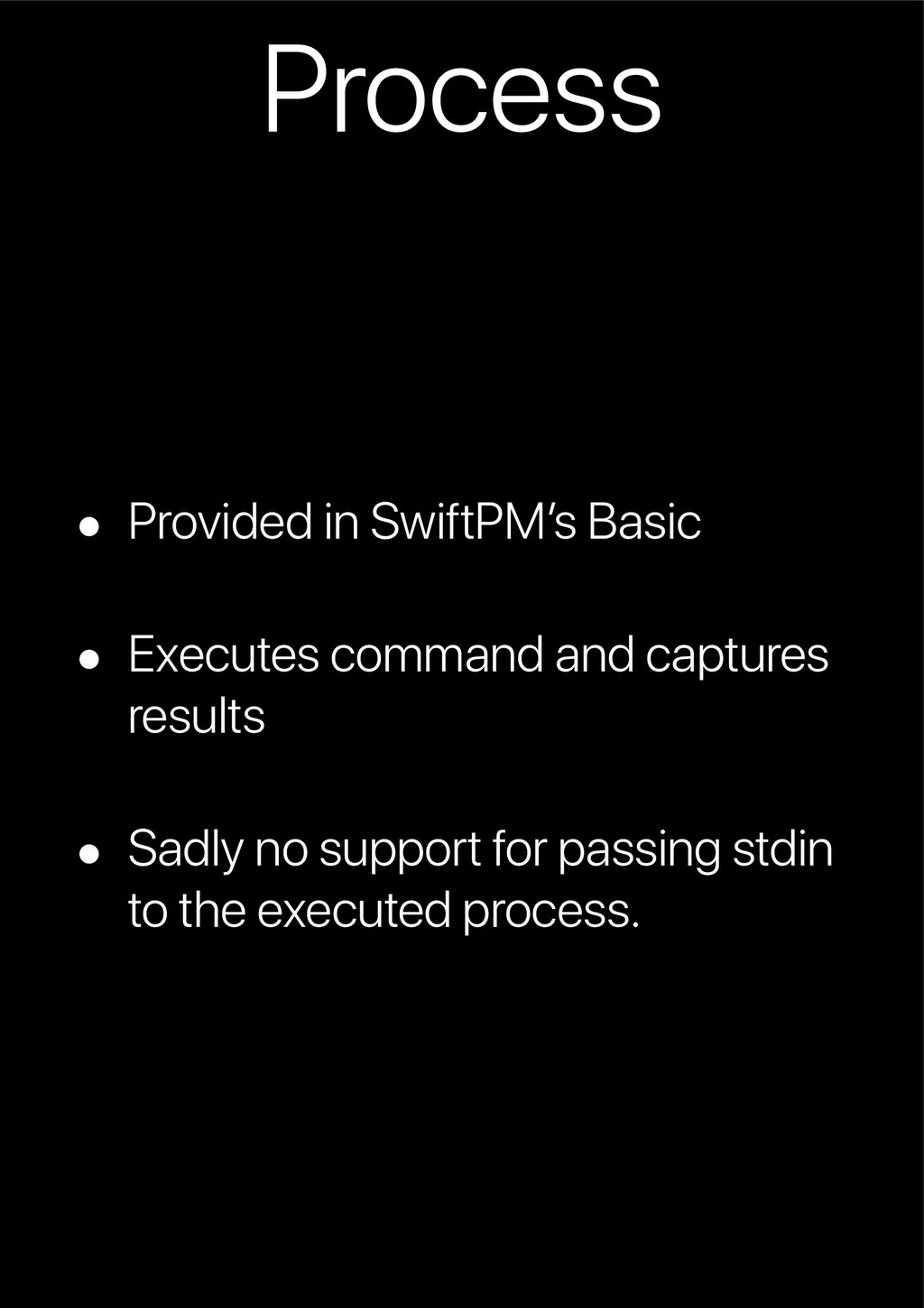
= env, redirectOutput: Bool = true, verbose: Bool = Process.verbose ) Parameters arguments The arguments for the subprocess. environment The environment to pass to subprocess. By default the current process environment will be inherited. redirectOutput Redirect and store stdout/stderr output (of subprocess) in the process result, instead of printing on the standard streams. Default value is true. verbose If true, launch() will print the arguments of the subprocess before launching it.
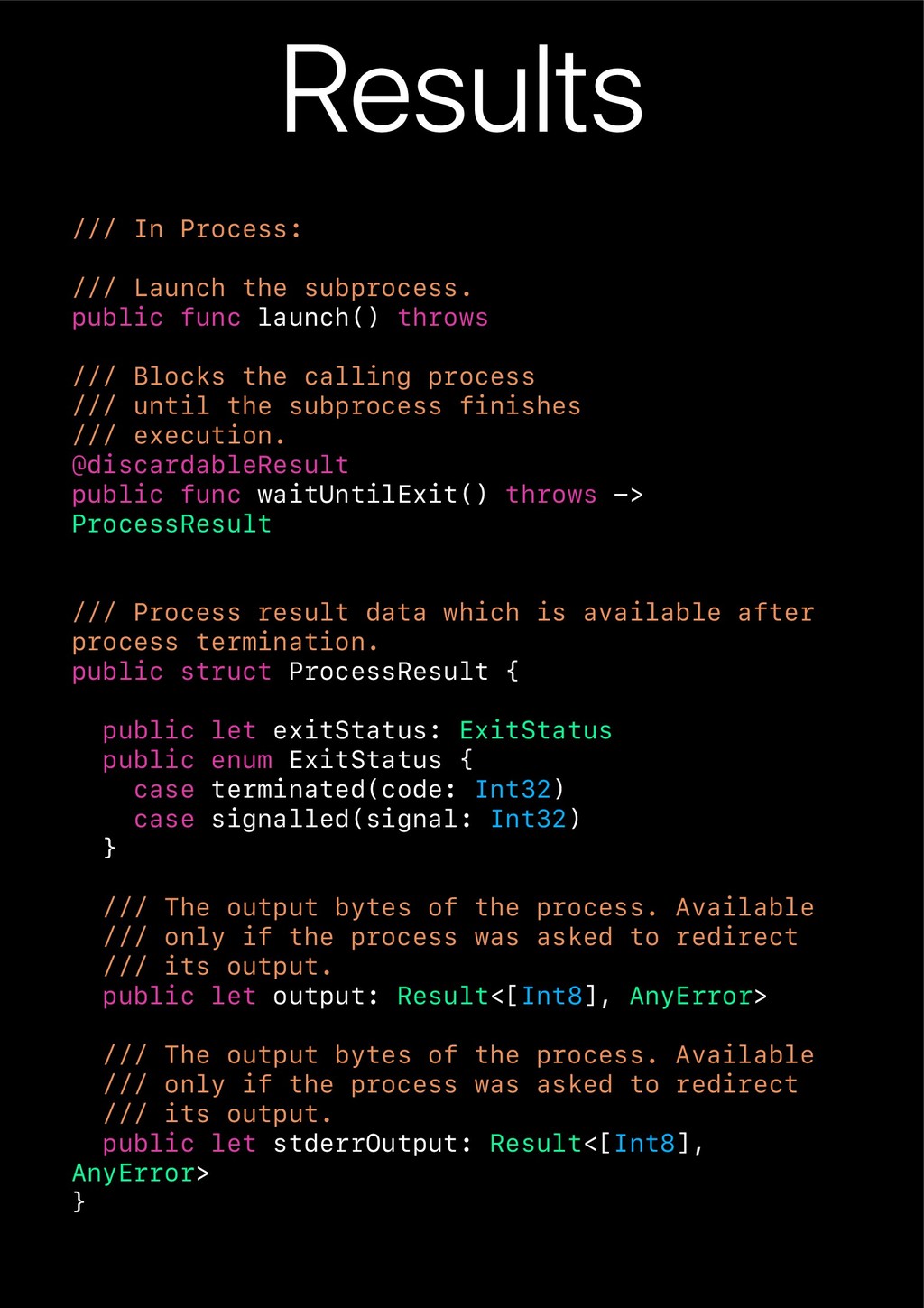
launch() throws /// Blocks the calling process /// until the subprocess finishes /// execution. @discardableResult public func waitUntilExit() throws -> ProcessResult /// Process result data which is available after process termination. public struct ProcessResult { public let exitStatus: ExitStatus public enum ExitStatus { case terminated(code: Int32) case signalled(signal: Int32) } /// The output bytes of the process. Available /// only if the process was asked to redirect /// its output. public let output: Result<[Int8], AnyError> /// The output bytes of the process. Available /// only if the process was asked to redirect /// its output. public let stderrOutput: Result<[Int8], AnyError> }


 kenichiodo
 oikon48
 codmoninc
 yut0naga1_fa
 teamlab
 nttcom
 pfn
pfn
 willnet
 ykanoh
 grimoh
 ipullrank
 addyosmani
 aleyda
 lara
lara
 cassininazir
 madoxten
 tmiket
 inesmontani
 stephaniewalter
 signer
 jonoalderson

![¯\_(π)_/¯ /* Sorts dictionary keys for output using [NSLocale systemLocale].](https://files.speakerdeck.com/presentations/92c82d423aac46f3917b13587029027e/slide_34.jpg)
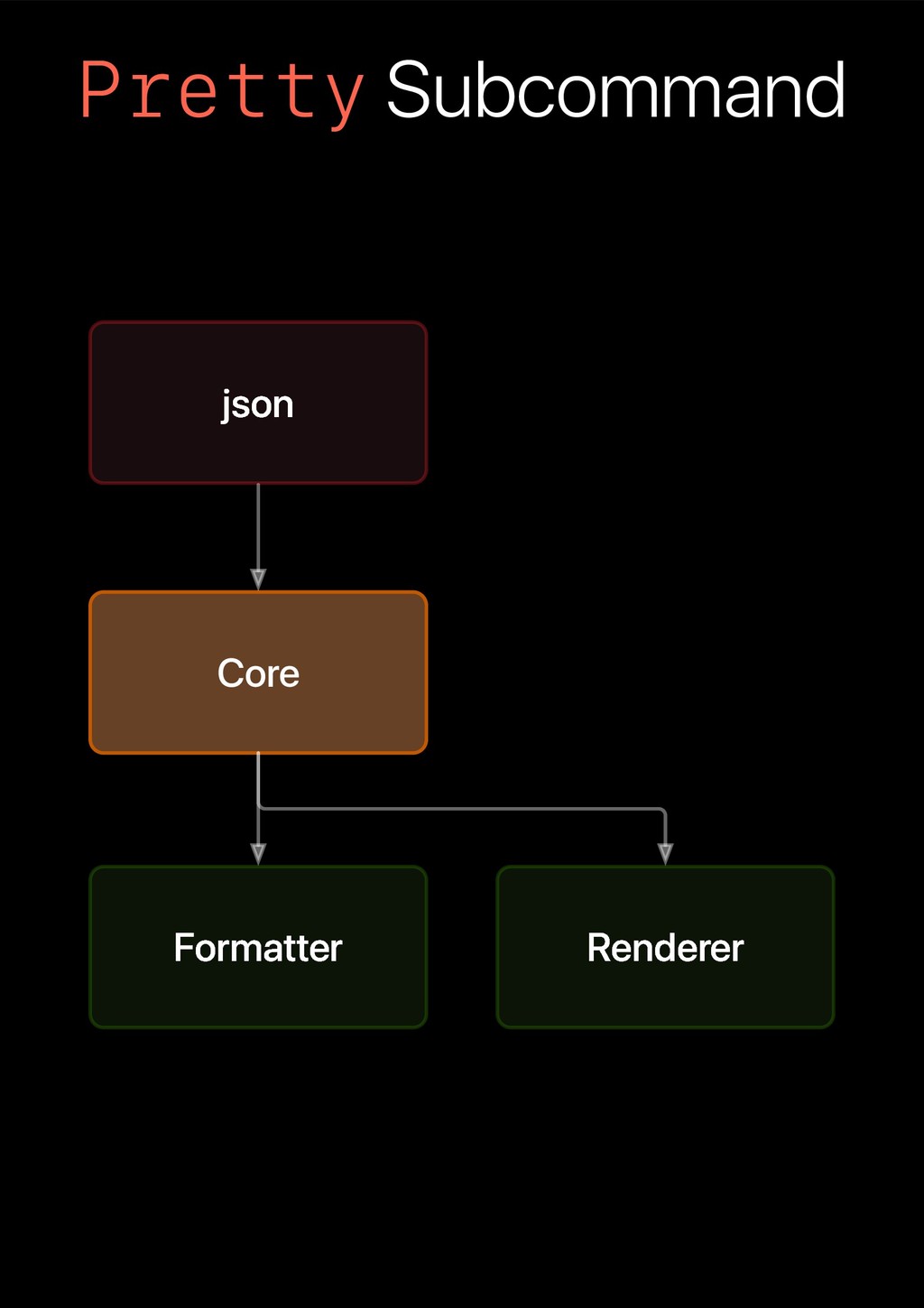
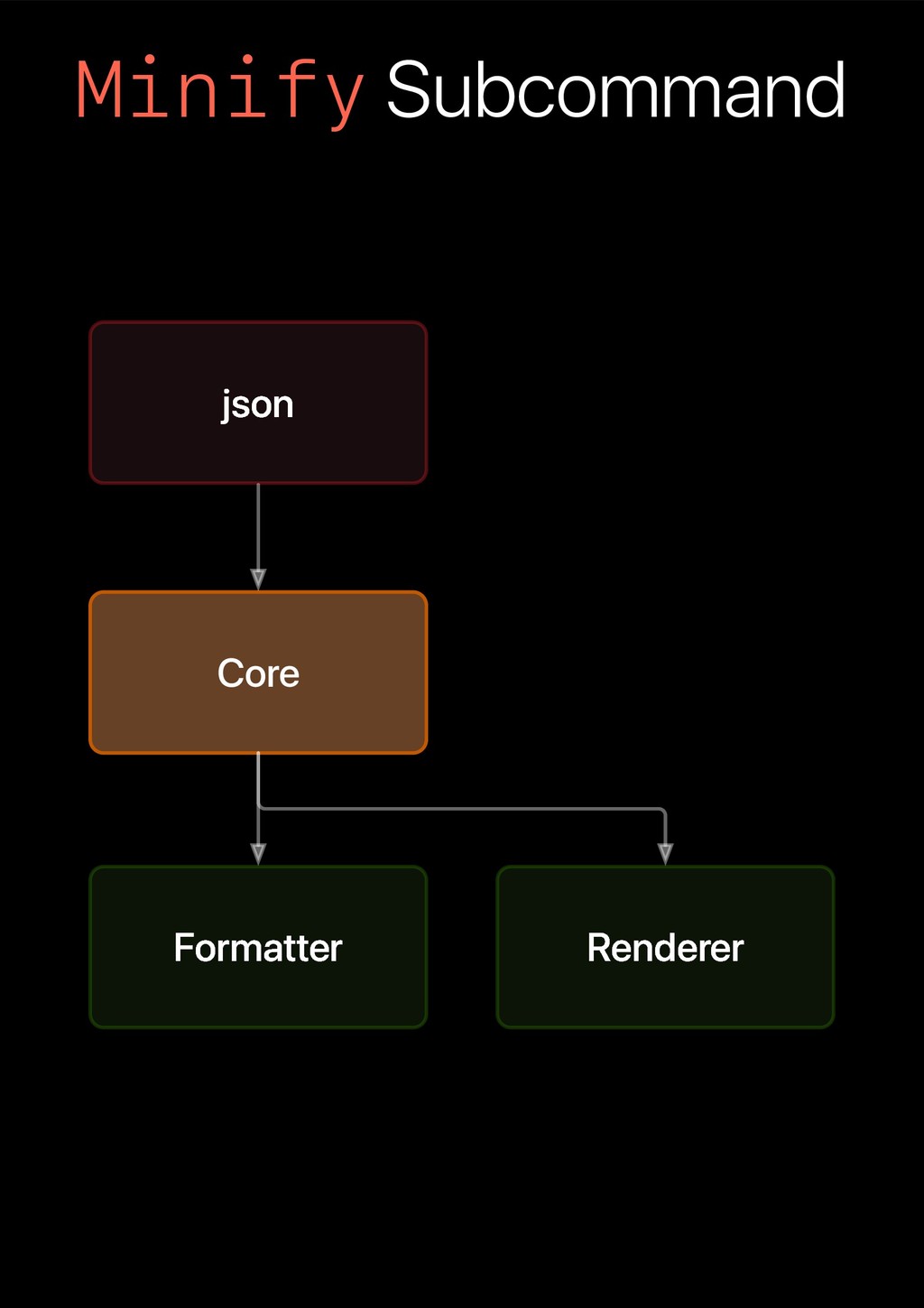
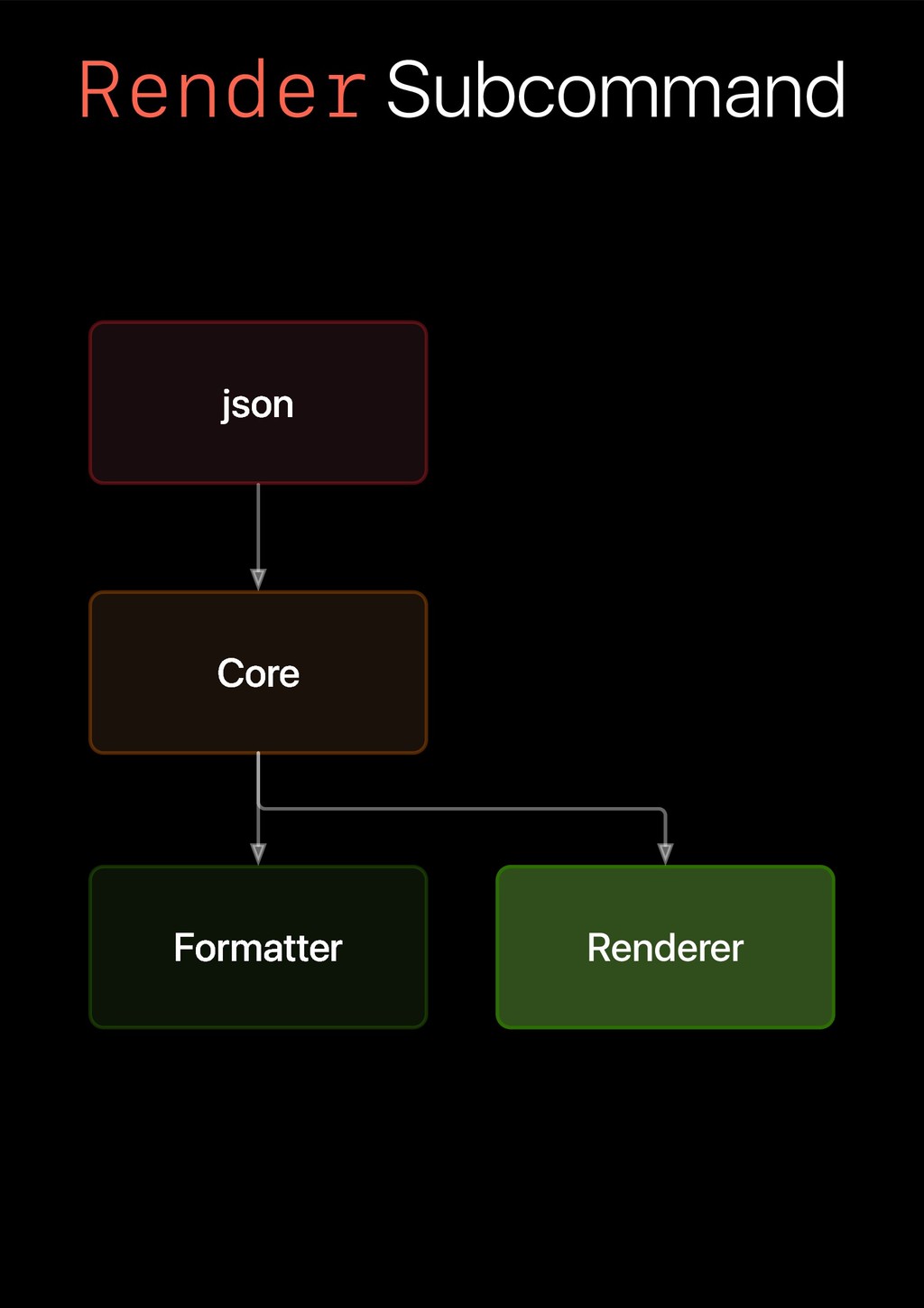
![Mustache $ mustache Usage: mustache [<data-file>] <template-path> mustache <template-path>](https://files.speakerdeck.com/presentations/92c82d423aac46f3917b13587029027e/slide_39.jpg)
![Process Declaration public init ( arguments: [String], environment: [String: String]](https://files.speakerdeck.com/presentations/92c82d423aac46f3917b13587029027e/slide_41.jpg)