Upgrade to Pro — share decks privately, control downloads, hide ads and more …

Design calm | stress model for email

Sponsored · Your Podcast. Everywhere. Effortlessly. Share. Educate. Inspire. Entertain. You do you. We'll handle the rest. →
botaohu
January 14, 2013
67

Design calm | stress model for email

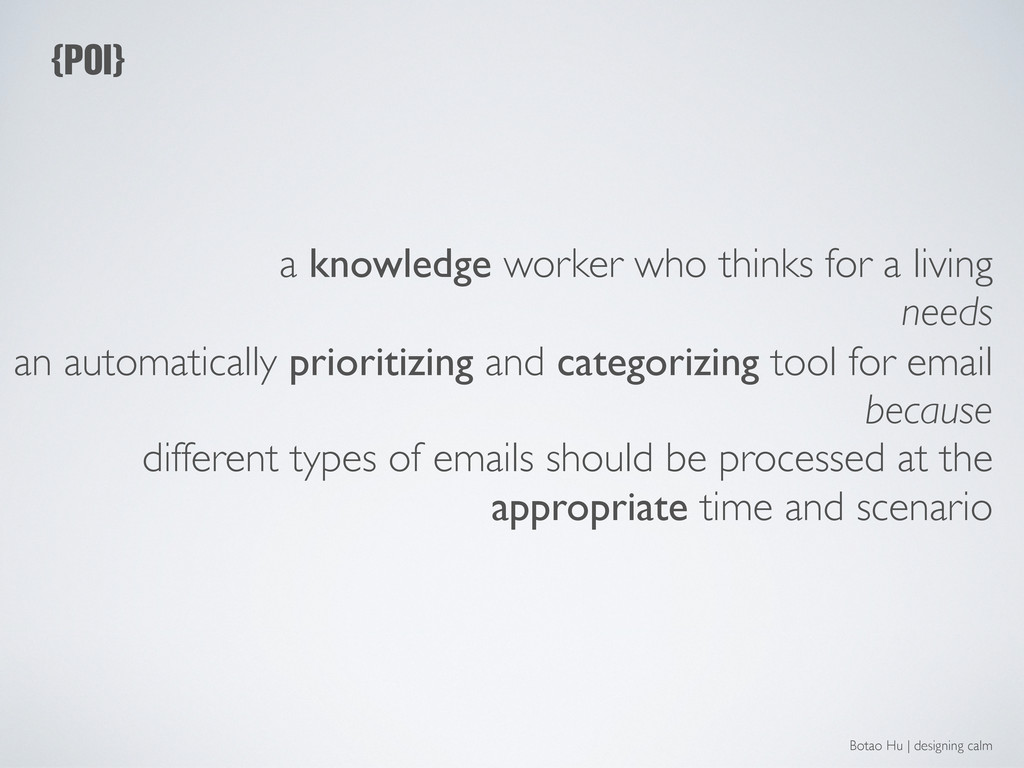
a knowledge worker who thinks for a living needs an automatically prioritizing and categorizing tool for email because different types of emails should be processed at the appropriate time and scenario

botaohu

January 14, 2013

Transcript

3 slides
  1. a knowledge worker who thinks for a living needs an

    automatically prioritizing and categorizing tool for email because different types of emails should be processed at the appropriate time and scenario {POI} Botao Hu | designing calm
  2. Botao Hu | designing calm {Scenario 1} Have to find

    Joe’s phone # in Gmail Contact. “Due is coming. Call Joe for asking for help of homework asap.” Open Gmail “OMG! Massive unreads.” Find a long message from a old friend Bob. “Aha, interesting!” Skim it. “What! He got married!” Star it. “because I have no time to reply now.” Back to inbox. “What am I proposed to do? Cannot remember.” Close tab. Back to Homework. “Damned! I should find Joe’s phone #. I feel guilty of wasting 5mins again.” Open a new tab of Gmail. .... Sky 27, user-experience designer Sophie 24, CS graduate student {Scenario 2} “Ring~” her phone receives an email notification while writing her report. “Yet another info session reminder.” “Huge # of job recruiting reminders these days. ” She subscribes many job-recruiting mail-lists. “Mail list is the most efficient way to gather information. ” She complains, “It’s annoying. But I have to check one by one. I don’t want to ignore anything important for my summer internship. ” “The better time to process them is not when I am working. But, if I’m aware there are new messages, I have a strong pressure that I have to zero my inbox. It really interrupts my work. “
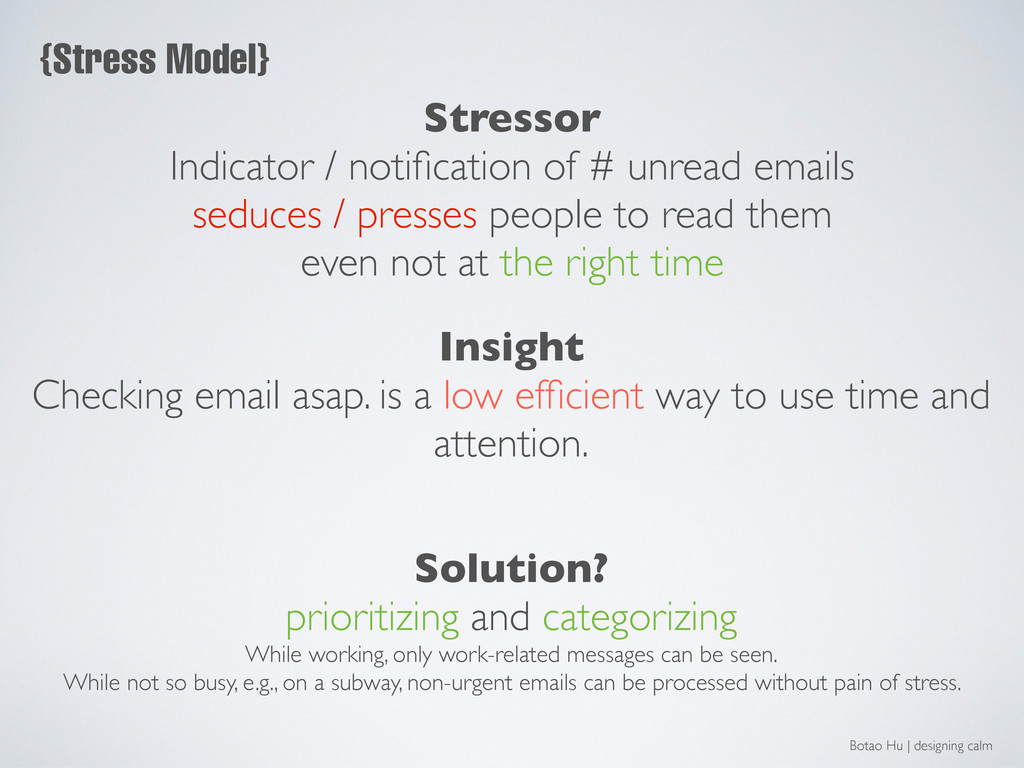
  3. {Stress Model} Stressor Indicator / notification of # unread emails

    seduces / presses people to read them even not at the right time Insight Checking email asap. is a low efficient way to use time and attention. Solution? prioritizing and categorizing While working, only work-related messages can be seen. While not so busy, e.g., on a subway, non-urgent emails can be processed without pain of stress. Botao Hu | designing calm