Upgrade to Pro — share decks privately, control downloads, hide ads and more …

Website Traffic Dropping? 12 Reasons Your Traff...

Website Traffic Dropping? 12 Reasons Your Traffic Is Declining & How to Fix It

Seeing a sudden drop in website traffic? Don’t panic—find out what could be causing it and how to fix it. This infographic covers 12 major traffic-drop causes, from Google ranking updates and technical SEO errors to indexing issues, outdated content, low CTR, poor UX, keyword cannibalization, declining search demand, and AI-powered search. Use these actionable SEO tips to diagnose the problem, recover lost traffic, and build sustainable website growth.

Avatar for boulderdecisions

boulderdecisions

October 08, 2026

Other Decks in Marketing & SEO

Transcript

  1. Why Is Your Website Traffic Dropping? 12 Causes & Fixes

    Diagnose the root causes of lost website traffic and recover momentum with practical, data-driven fixes.
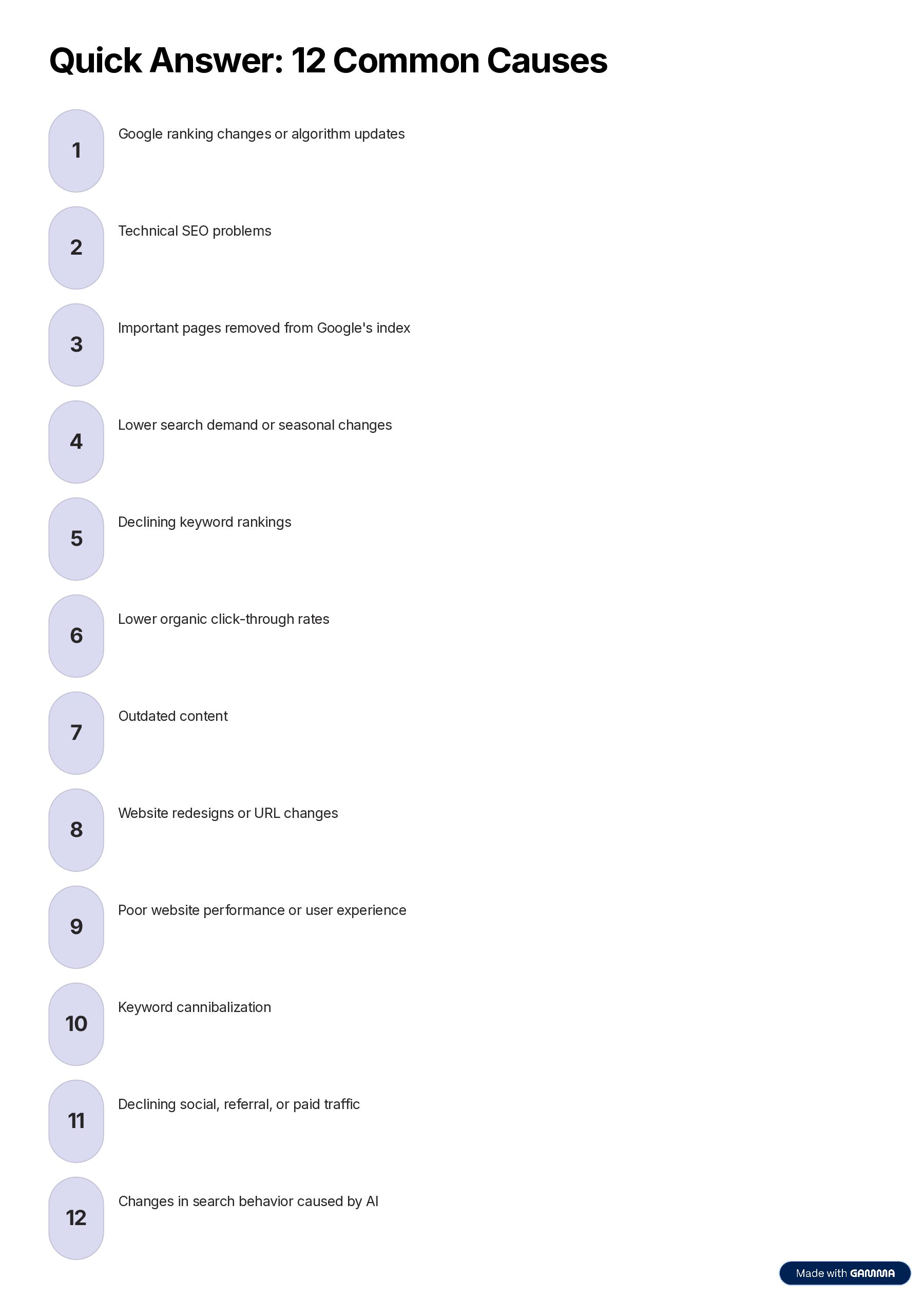
  2. Quick Answer: 12 Common Causes 1 2 3 4 5

    6 7 8 9 10 11 12 Google ranking changes or algorithm updates Technical SEO problems Important pages removed from Google's index Lower search demand or seasonal changes Declining keyword rankings Lower organic click-through rates Outdated content Website redesigns or URL changes Poor website performance or user experience Keyword cannibalization Declining social, referral, or paid traffic Changes in search behavior caused by AI
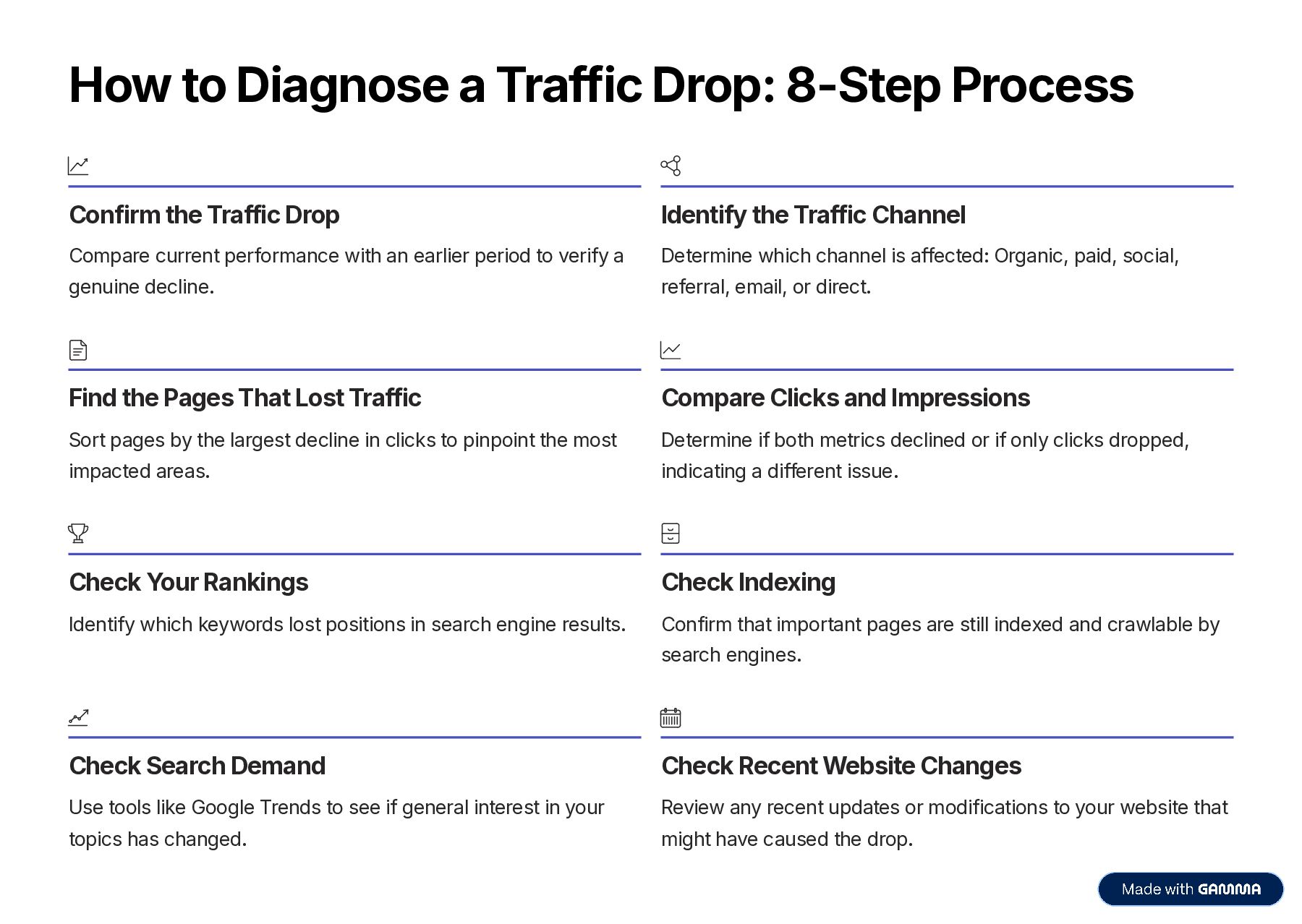
  3. How to Diagnose a Traffic Drop: 8-Step Process Confirm the

    Traffic Drop Identify the Traffic Channel Compare current performance with an earlier period to verify a Determine which channel is affected: Organic, paid, social, genuine decline. referral, email, or direct. Find the Pages That Lost Traffic Compare Clicks and Impressions Sort pages by the largest decline in clicks to pinpoint the most Determine if both metrics declined or if only clicks dropped, impacted areas. indicating a different issue. Check Your Rankings Check Indexing Identify which keywords lost positions in search engine results. Confirm that important pages are still indexed and crawlable by search engines. Check Search Demand Check Recent Website Changes Use tools like Google Trends to see if general interest in your Review any recent updates or modifications to your website that topics has changed. might have caused the drop.
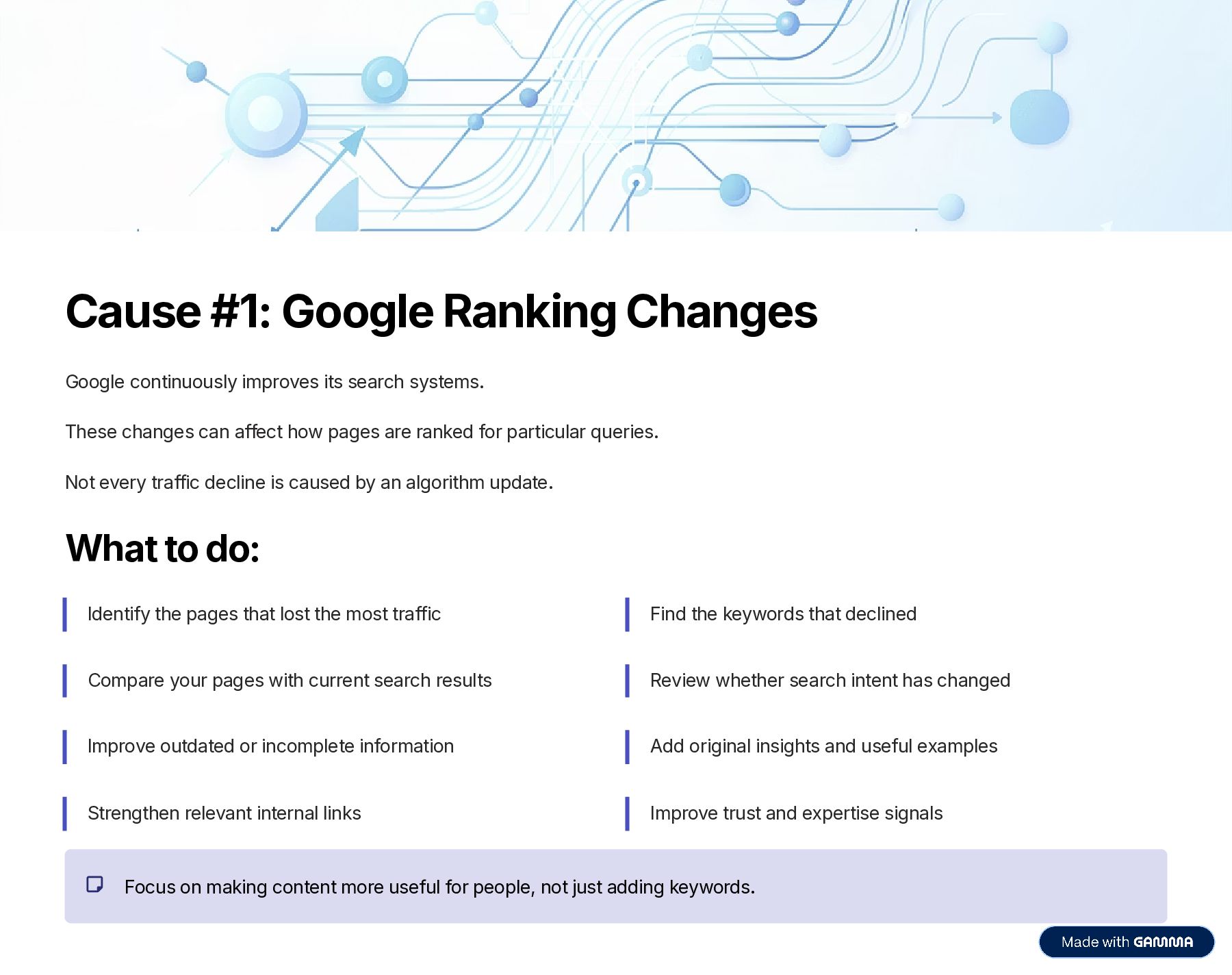
  4. Cause #1: Google Ranking Changes Google continuously improves its search

    systems. These changes can affect how pages are ranked for particular queries. Not every traffic decline is caused by an algorithm update. What to do: Identify the pages that lost the most traffic Find the keywords that declined Compare your pages with current search results Review whether search intent has changed Improve outdated or incomplete information Add original insights and useful examples Strengthen relevant internal links Improve trust and expertise signals Focus on making content more useful for people, not just adding keywords.
  5. Cause #2: Technical SEO Problems Technical SEO problems can block

    search engines from properly crawling, indexing, or accessing important pages. Common technical issues: Accidental noindex directives Incorrect canonical tags Robots.txt problems Server errors Broken redirects 404 errors Broken internal links Incorrect sitemap URLs Website migration problems JavaScript rendering issues Hosting outages How to check: Use Google Search Console to review your indexing reports. Look for: Not indexed pages Server errors Redirect errors Duplicate URLs Crawled but not indexed pages Discovered but not indexed pages Key insight: These issues can cause important pages to lose visibility even when the content itself hasn't changed.
  6. Cause #3: Pages Dropped from Google's Index Important pages can

    drop out of Google's index, causing associated traffic to disappear. This can happen after: Website redesign CMS changes SEO plugin changes URL restructuring Content consolidation Incorrect canonical tags Accidental noindex settings Website migrations Page deletion Example scenario: A blog post that generated hundreds of organic visitors every month and ranked for dozens of keywords. If Google stops indexing that page, all the traffic from those rankings disappears. How to check: Take your most important declining URLs and inspect them in Google Search Console. Check whether: Google can access the URL The page is indexed The correct canonical URL is selected The page returns a successful status code The URL is included in the XML sitemap The URL has recently changed Action: Fix the underlying problem before repeatedly requesting indexing.
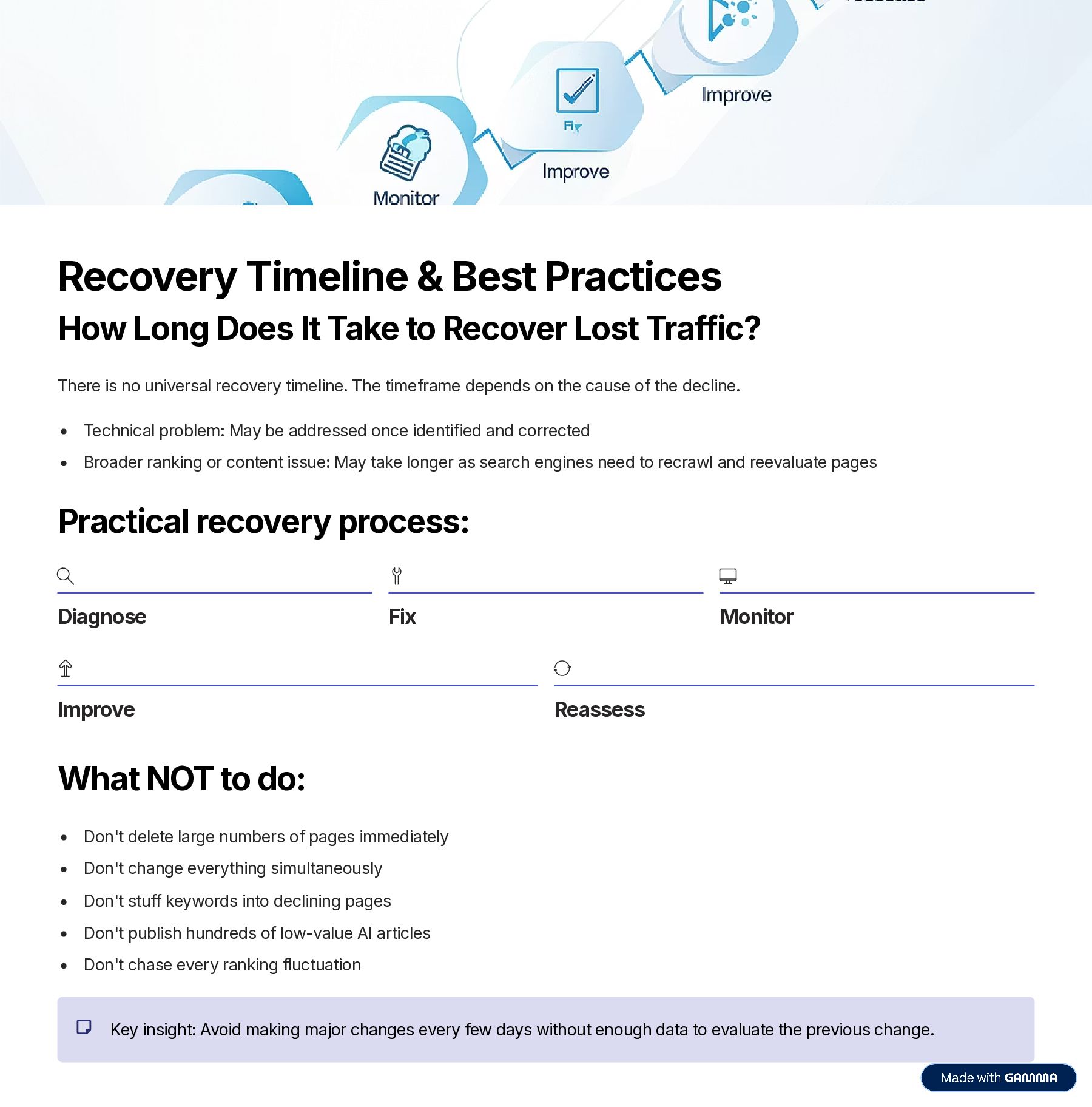
  7. Recovery Timeline & Best Practices How Long Does It Take

    to Recover Lost Traffic? There is no universal recovery timeline. The timeframe depends on the cause of the decline. Technical problem: May be addressed once identified and corrected Broader ranking or content issue: May take longer as search engines need to recrawl and reevaluate pages Practical recovery process: Diagnose Fix Improve Monitor Reassess What NOT to do: Don't delete large numbers of pages immediately Don't change everything simultaneously Don't stuff keywords into declining pages Don't publish hundreds of low-value AI articles Don't chase every ranking fluctuation Key insight: Avoid making major changes every few days without enough data to evaluate the previous change.
  8. Prevent Future Traffic Drops You cannot prevent every fluctuation in

    website traffic, but you can make your website more resilient. Create a regular monitoring process that tracks: Google Search Console Google Analytics Organic landing pages Keyword rankings Search impressions Conversion rates Indexing Technical SEO Core Web Vitals Content performance Internal links Search demand Competitor changes Also maintain a record of major website changes: New pages Deleted pages URL changes Redirects Website redesigns Content updates SEO campaigns Paid campaigns Key benefit: This makes future traffic declines easier to diagnose because you can compare the timing of the traffic change with changes made to the website.
  9. Key Takeaway: Data-Driven Diagnosis When your website traffic drops, do

    NOT immediately assume that your SEO has failed. Start with the data. Find out: 1. When did the decline begin? 2. Which traffic channel declined? 3. Which pages lost visitors? 4. Which keywords lost rankings? 5. Did impressions decline? 6. Did clicks decline while impressions stayed stable? 7. Are important pages still indexed? 8. Did search demand change? 9. Did your website recently change? 10. Did competitors become more relevant? 11. Did the search results change? 12. Did your content become outdated? The most effective response to a traffic decline is not a random collection of SEO changes. It is a STRUCTURED DIAGNOSIS followed by TARGETED IMPROVEMENTS. For sustainable growth: SEO should work alongside content, paid advertising, website experience, social media, and conversion optimization. The objective is not simply to recover a traffic number. It is to attract the RIGHT VISITORS, provide genuinely useful information, and turn qualified website traffic into meaningful business results.