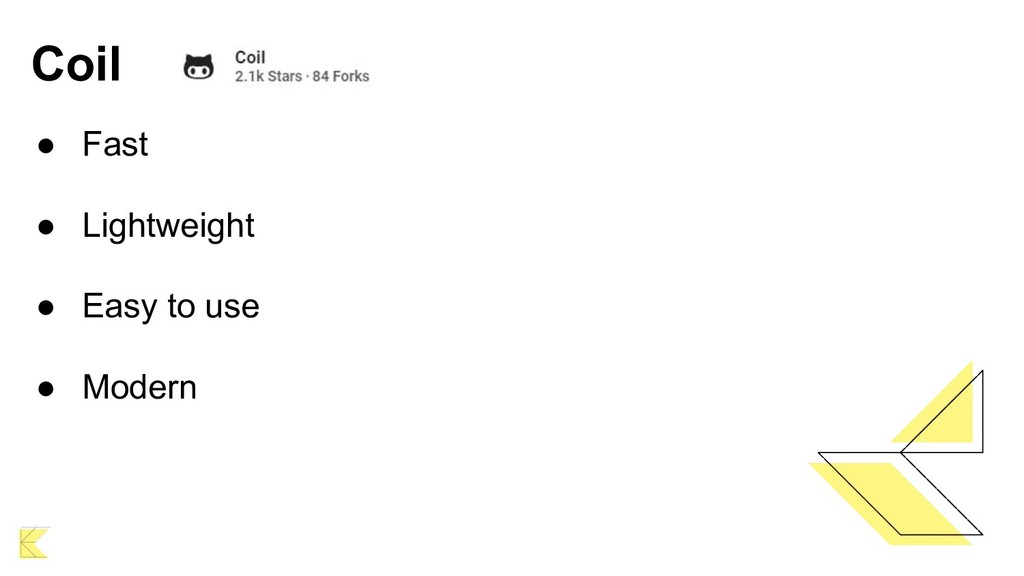
Introducing the first Android image upload library made in Kotlin. Fast, light, easy to use and modern are the features of this wonderful tool that will captivate you.
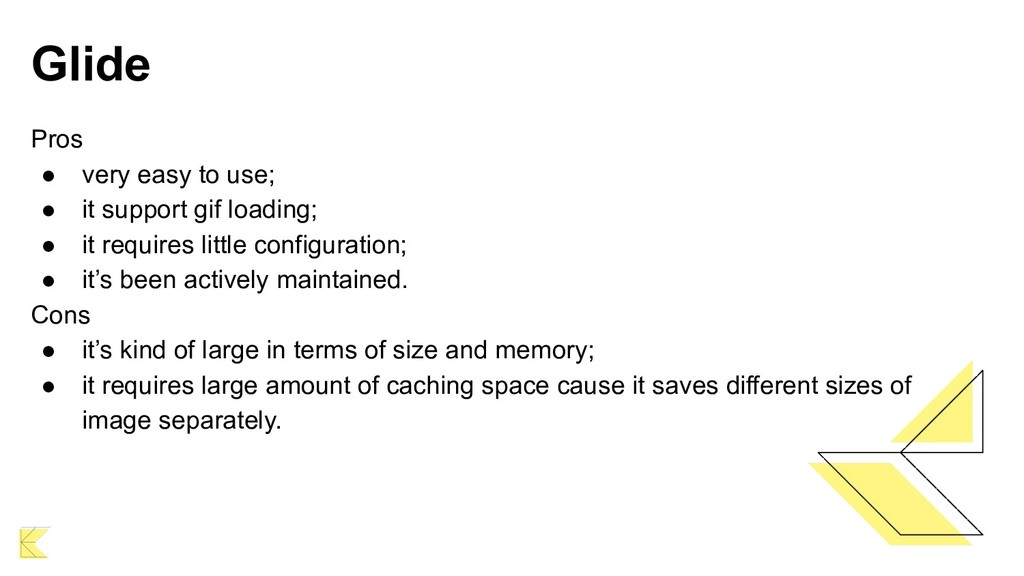
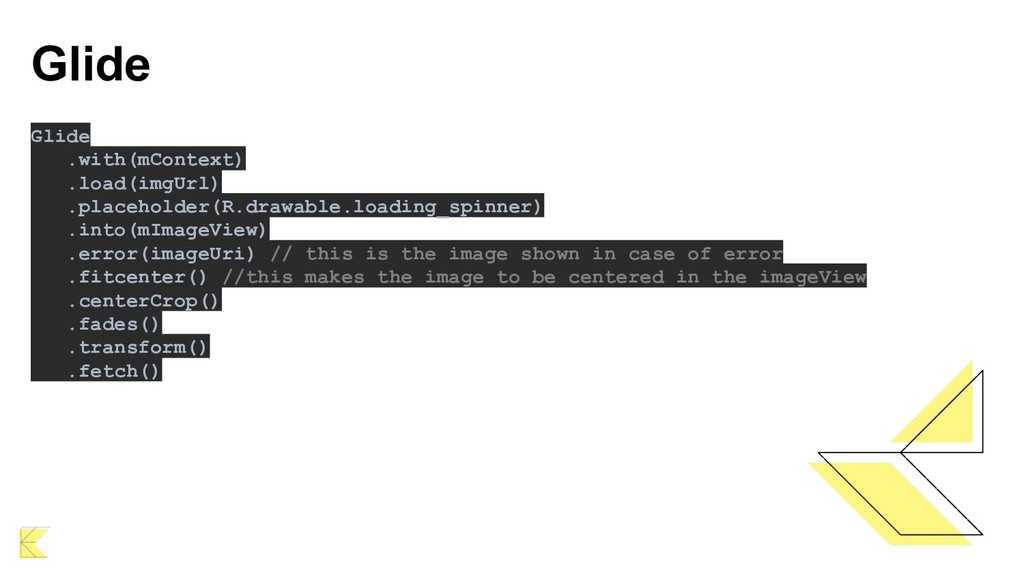
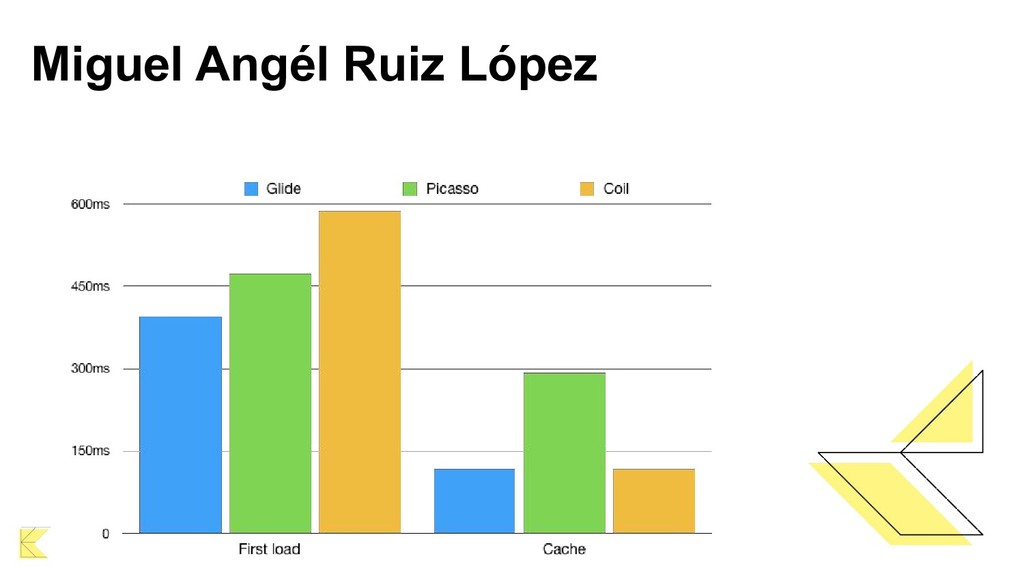
gif loading; • it requires little configuration; • it’s been actively maintained. Cons • it’s kind of large in terms of size and memory; • it requires large amount of caching space cause it saves different sizes of image separately.
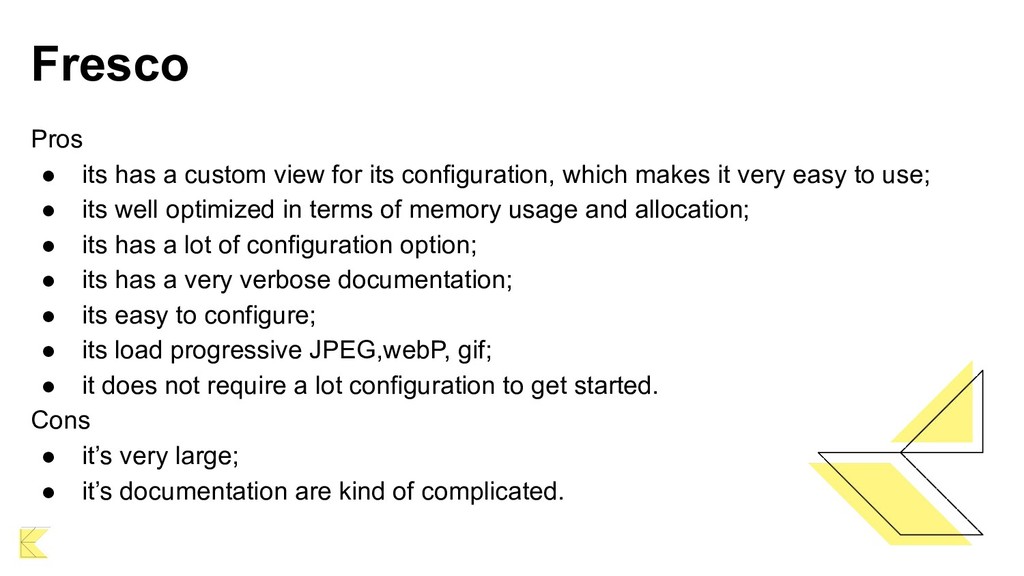
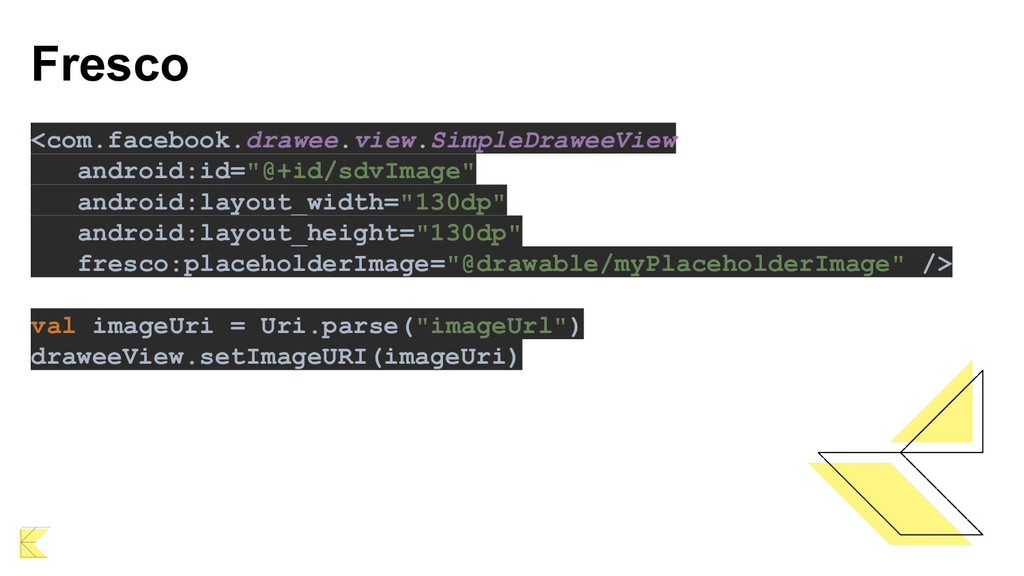
configuration, which makes it very easy to use; • its well optimized in terms of memory usage and allocation; • its has a lot of configuration option; • its has a very verbose documentation; • its easy to configure; • its load progressive JPEG,webP, gif; • it does not require a lot configuration to get started. Cons • it’s very large; • it’s documentation are kind of complicated.
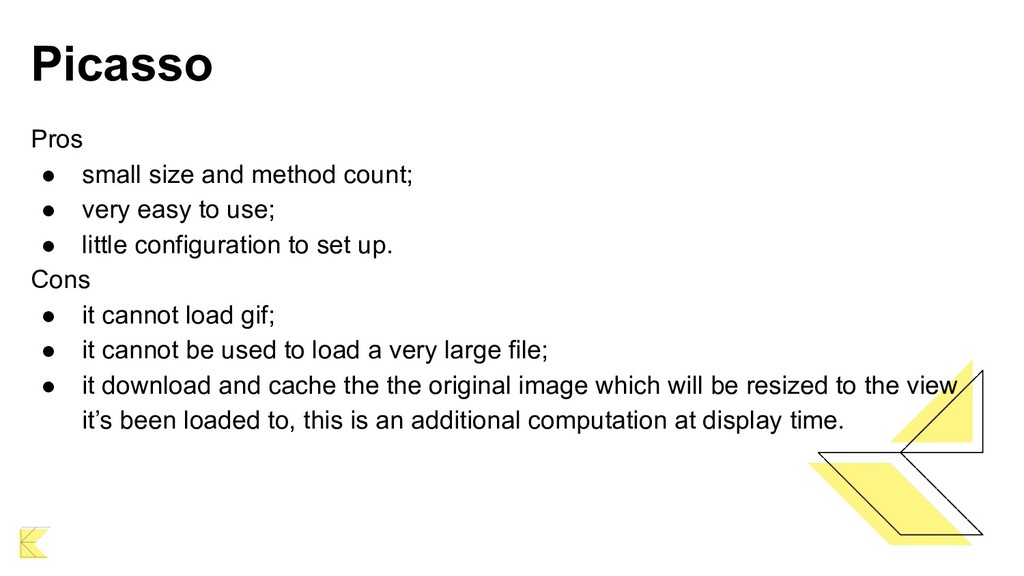
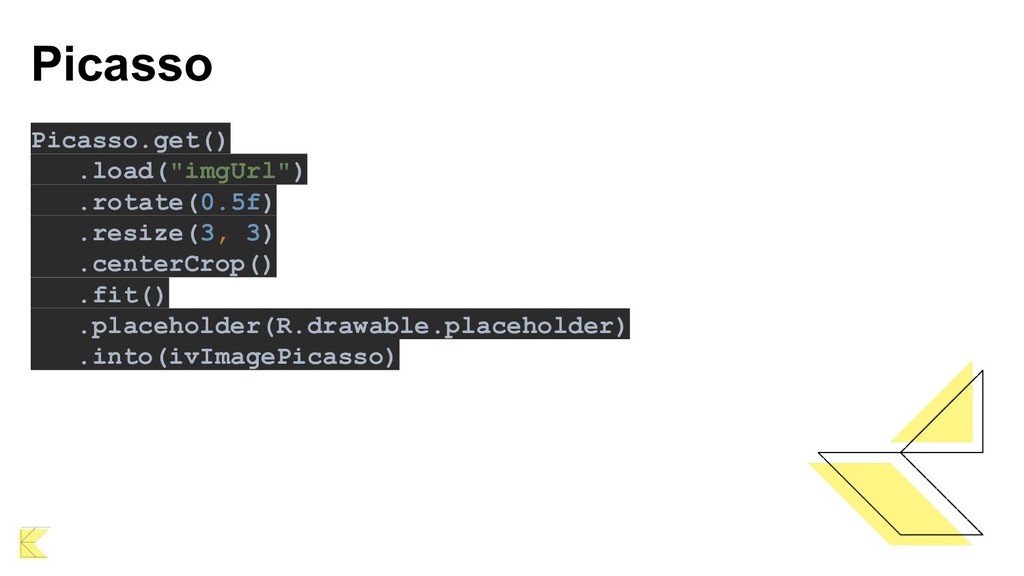
easy to use; • little configuration to set up. Cons • it cannot load gif; • it cannot be used to load a very large file; • it download and cache the the original image which will be resized to the view it’s been loaded to, this is an additional computation at display time.


 iwatsukayura
 kinopeee
 drumath2237
 irinanazarova
 yutobara
 kenjiyoneyama
 tanahiro2010
 akase244
 ichirokano2
.jpg) yumnumm
yumnumm
 seike460
 rshindo
 axbom
axbom
 skipperchong
 marketingsoph
 maltzj
 garrettdimon
 holman
 codingconduct
 jdejongh
 inesmontani
 sergeychernyshev
 marcelosomers
 uxyall
![Thanks for all! [email protected] https://www.linkedin.com/in/ogonzaga/ https://twitter.com/celiogj](https://files.speakerdeck.com/presentations/c2585e0bf81d478795d7a841cbf84d8b/slide_26.jpg)