If FileMaker Go is running on a device is lost or stolen, what steps can be taken to protect the data contained in the application, and how will the application become aware that it has been lost or stolen?
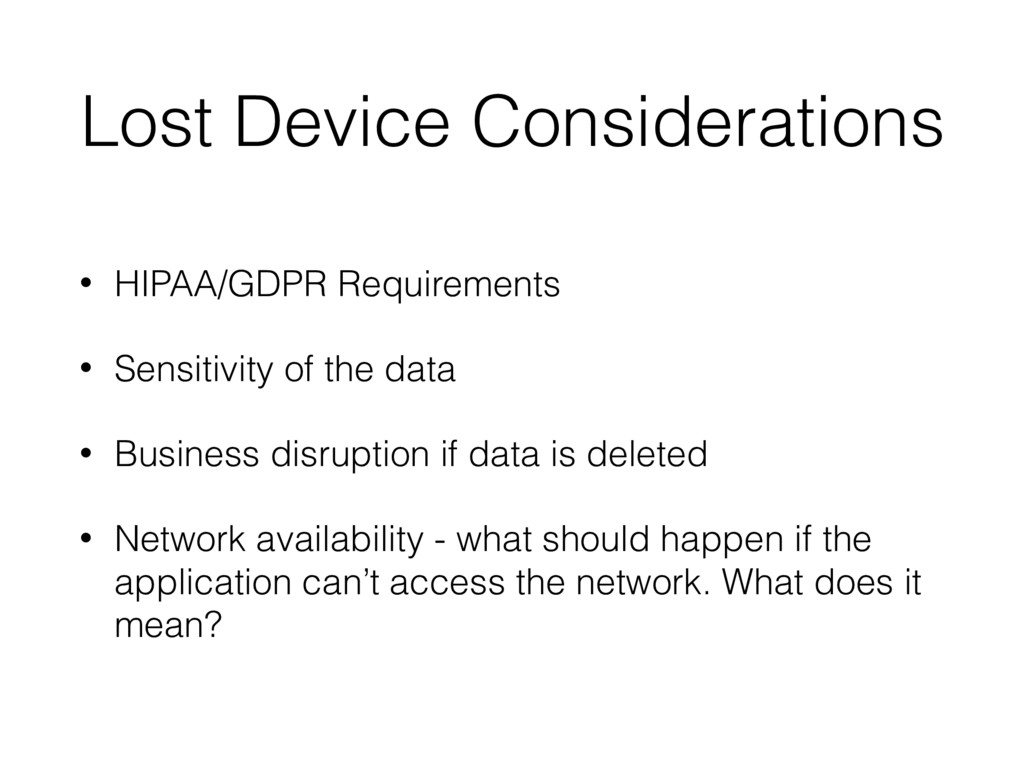
data • Business disruption if data is deleted • Network availability - what should happen if the application can’t access the network. What does it mean?
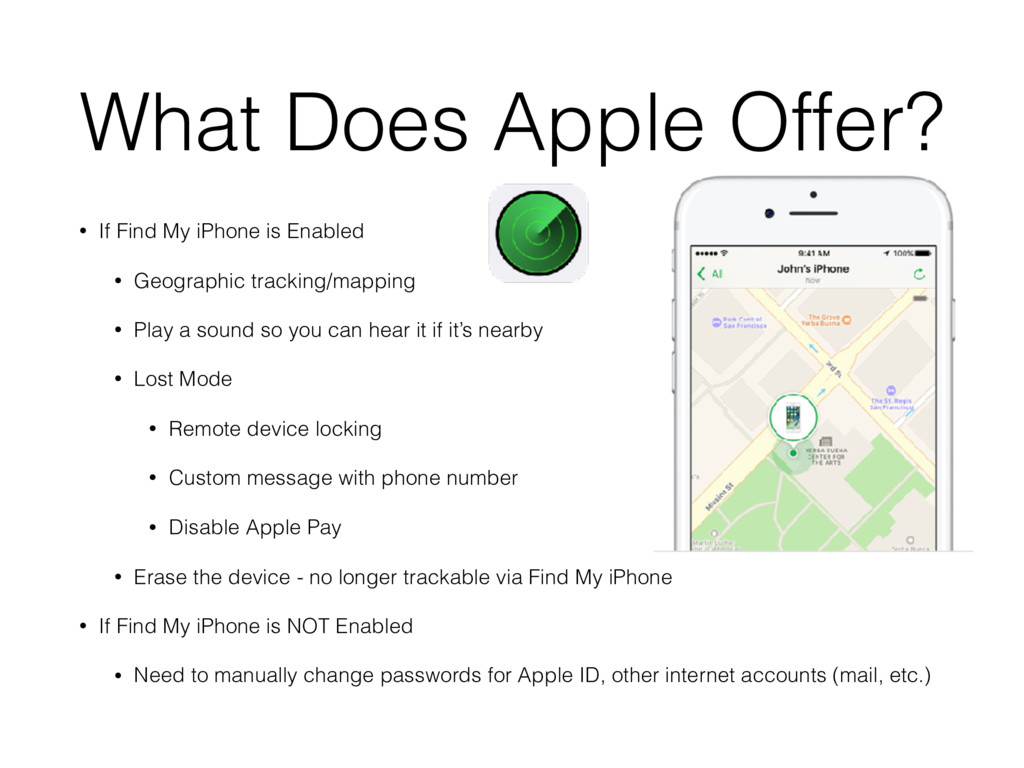
Enabled • Geographic tracking/mapping • Play a sound so you can hear it if it’s nearby • Lost Mode • Remote device locking • Custom message with phone number • Disable Apple Pay • Erase the device - no longer trackable via Find My iPhone • If Find My iPhone is NOT Enabled • Need to manually change passwords for Apple ID, other internet accounts (mail, etc.)
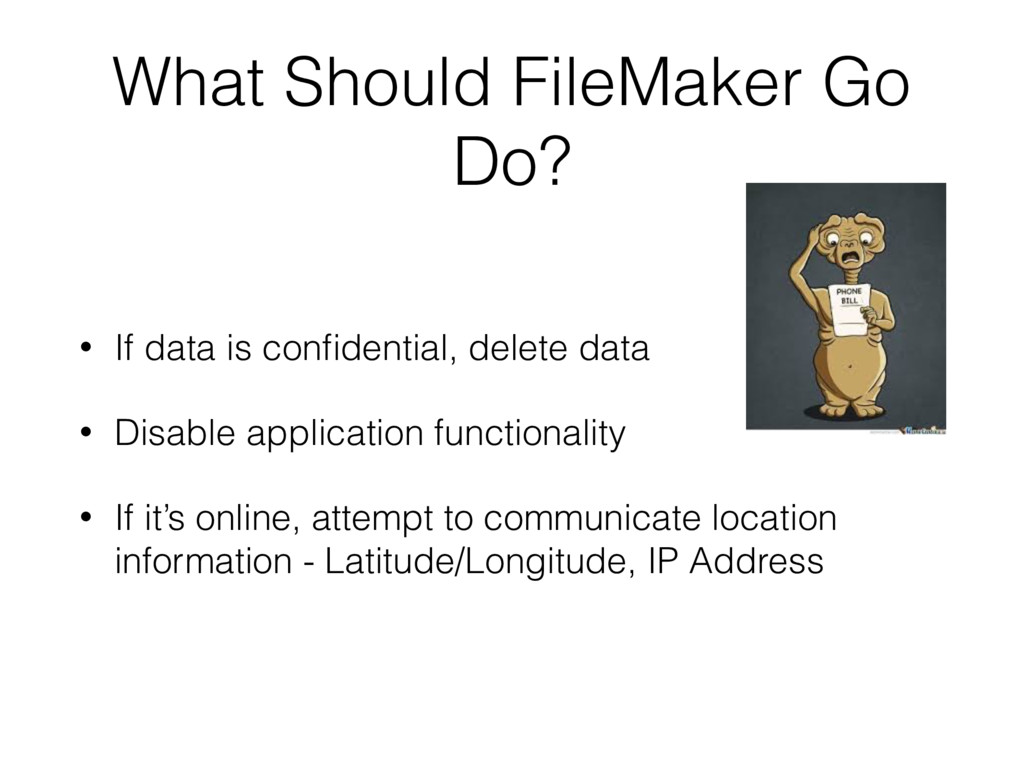
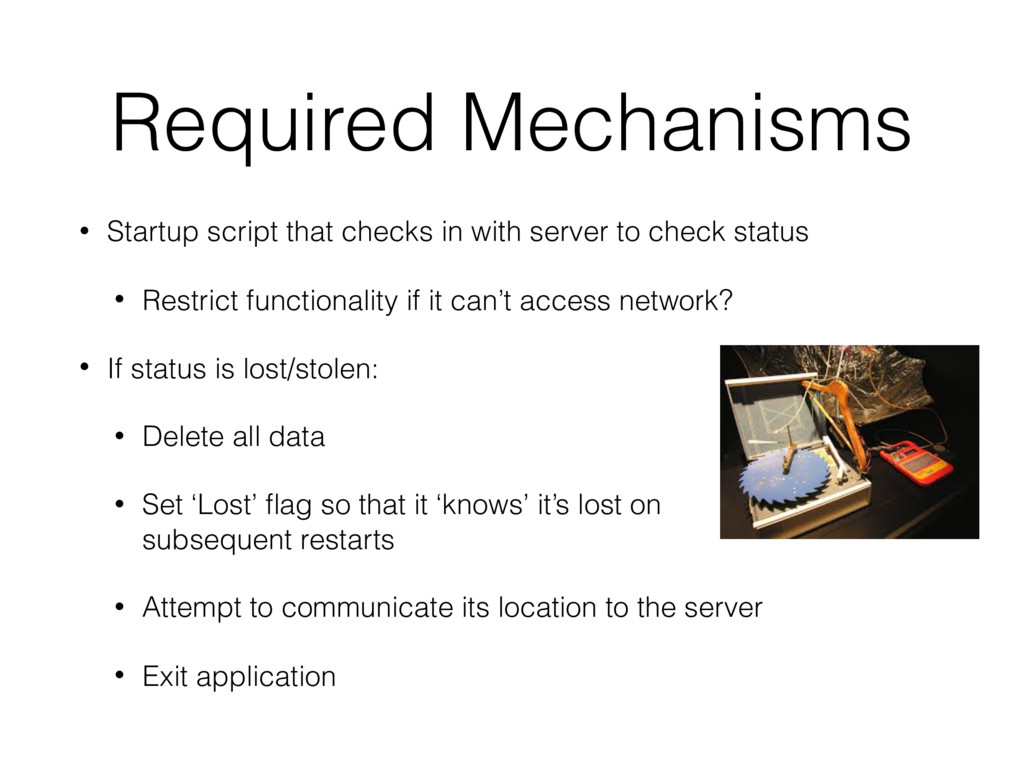
to check status • Restrict functionality if it can’t access network? • If status is lost/stolen: • Delete all data • Set ‘Lost’ flag so that it ‘knows’ it’s lost on subsequent restarts • Attempt to communicate its location to the server • Exit application
it’s lightweight and fast, and use POST instead of GET • Leverage the new geofencing capabilities so that when the device is outside of its normal operating area, the following actions occur: • User is prompted to re-authenticate • If authentication fails, either encrypt all data, sending new, unsynchronized data to server, and disable application OR • If medical or personally identifying data is on the device, destroy the data and disable the application. • Encryption: generate the key on the server and have the device retrieve it on check in. If encryption is required, use the retrieved key, then delete it so that if the application is forced open and the logic inspected, the key can’t be discovered.


 rshindo
 yukiny
 teyamagu
 sylph01
.jpg) yumnumm
yumnumm
 naokihaba
 oniak3ibm
 uyuki234
 prota
prota
 skydoves
 eed3si9n
 lynnandtonic
 aleyda
 codingconduct
 garrettdimon
 marketingsoph
 morganepeng
 seathinner
 sugarenia
 ryanjones
 bethany
 pedronauck
 mayunak