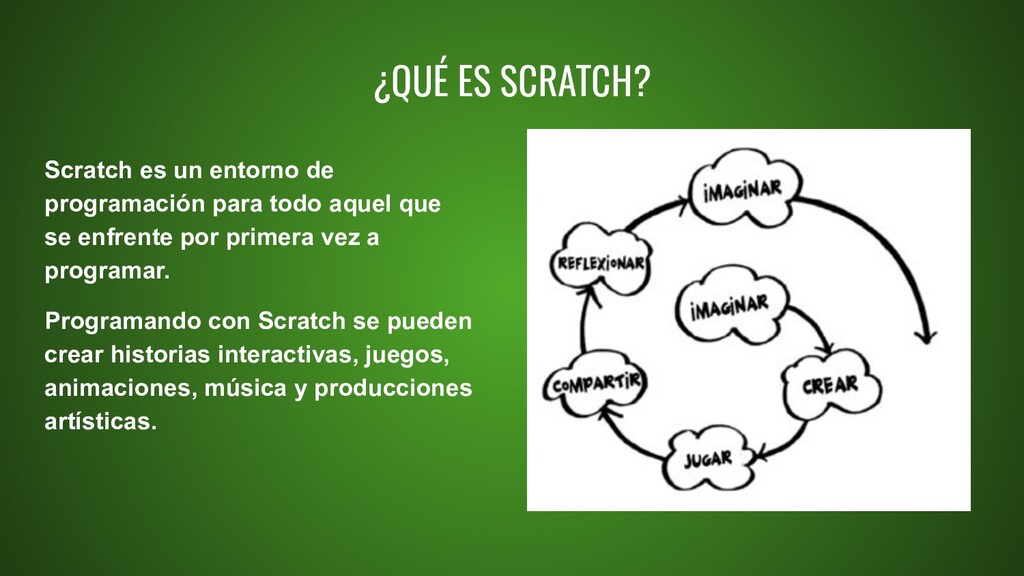
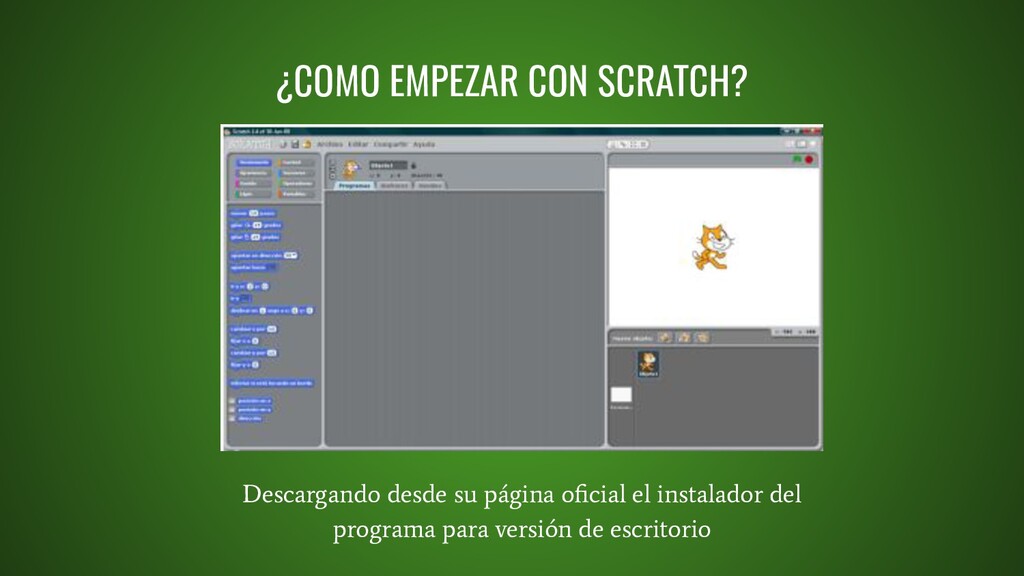
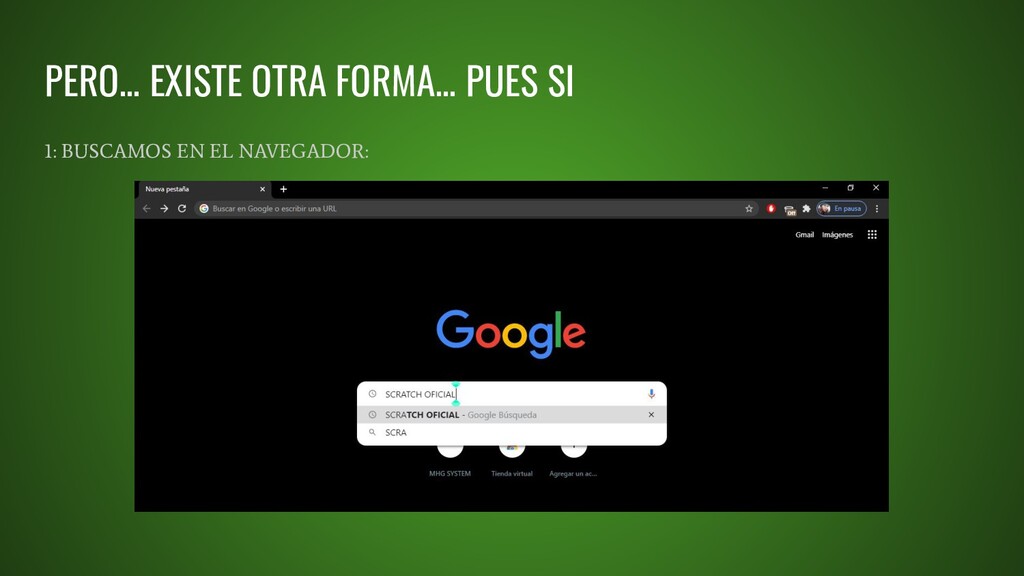
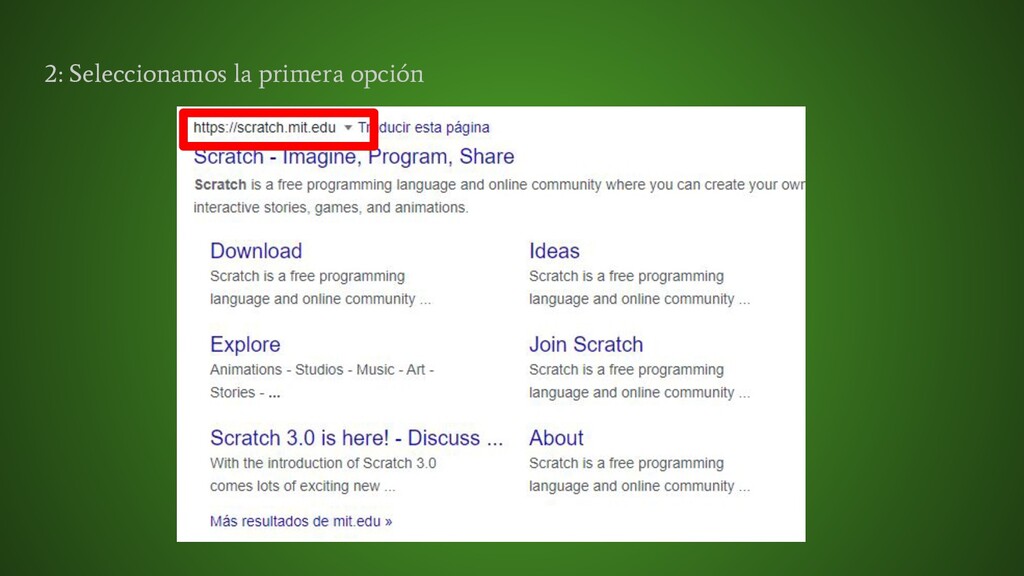
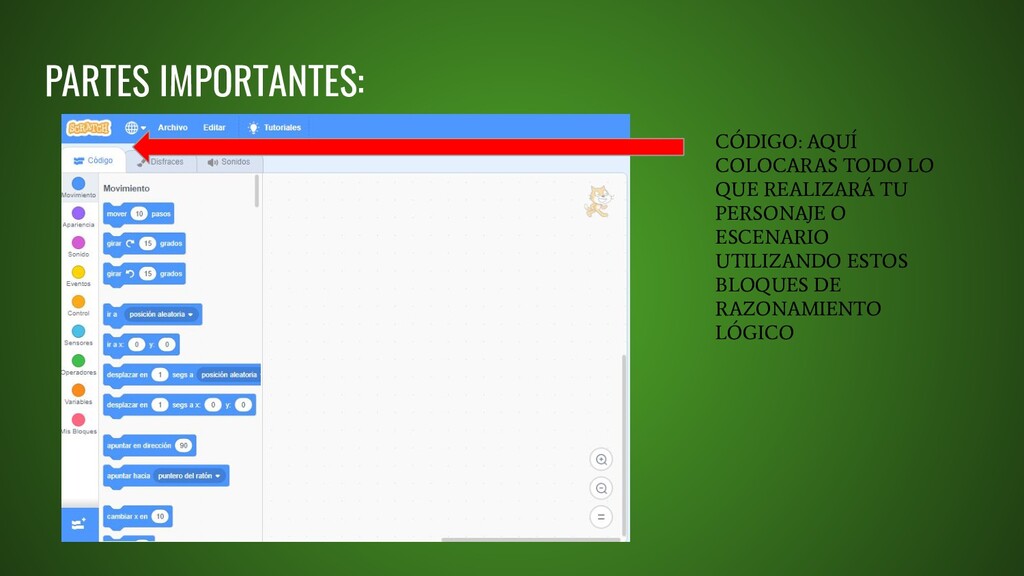
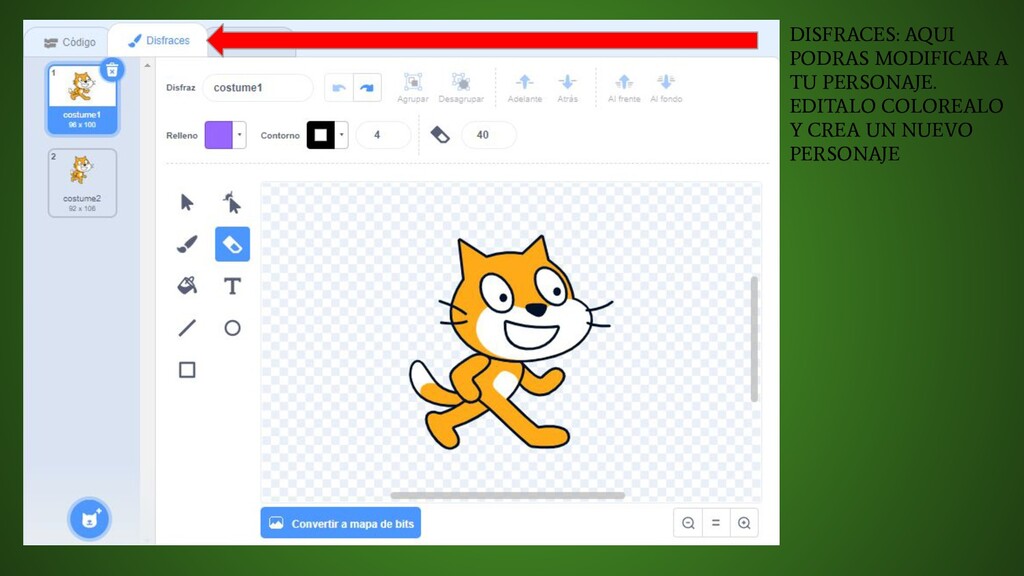
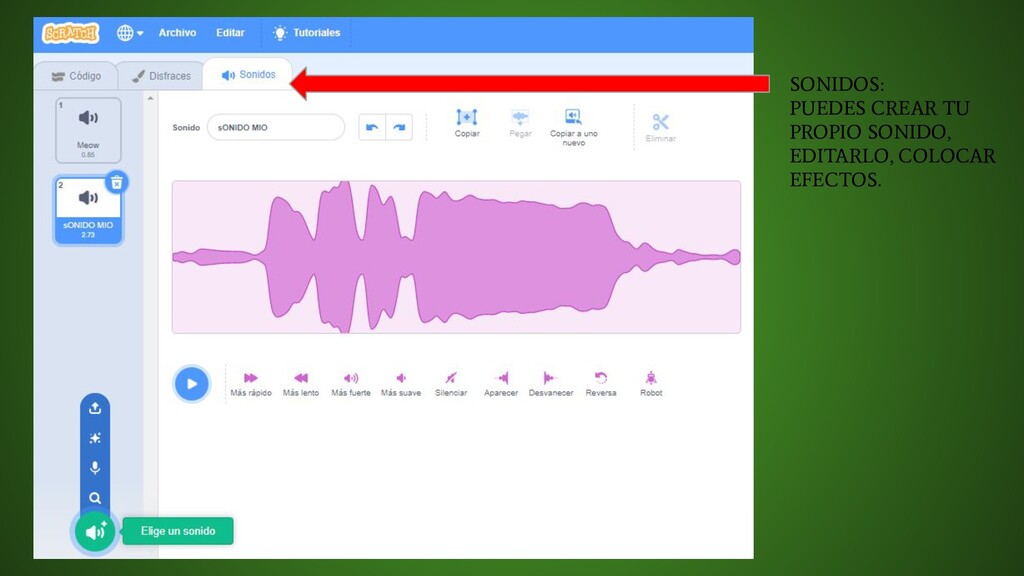
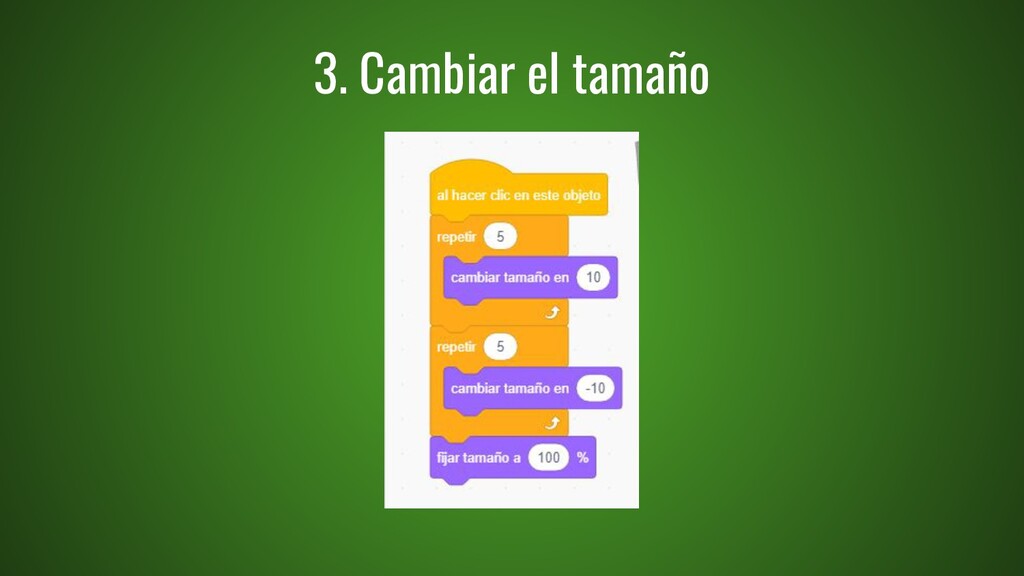
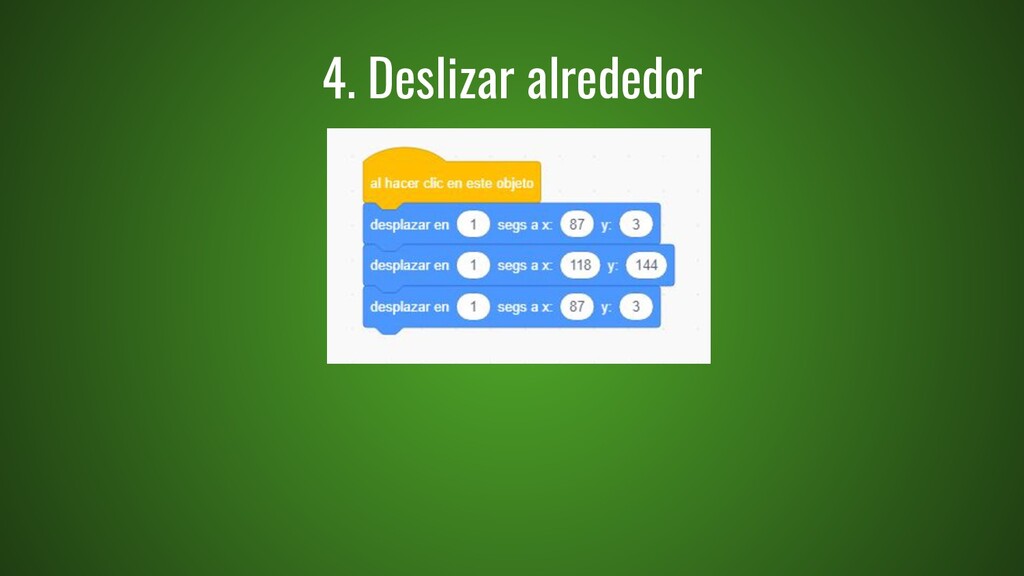
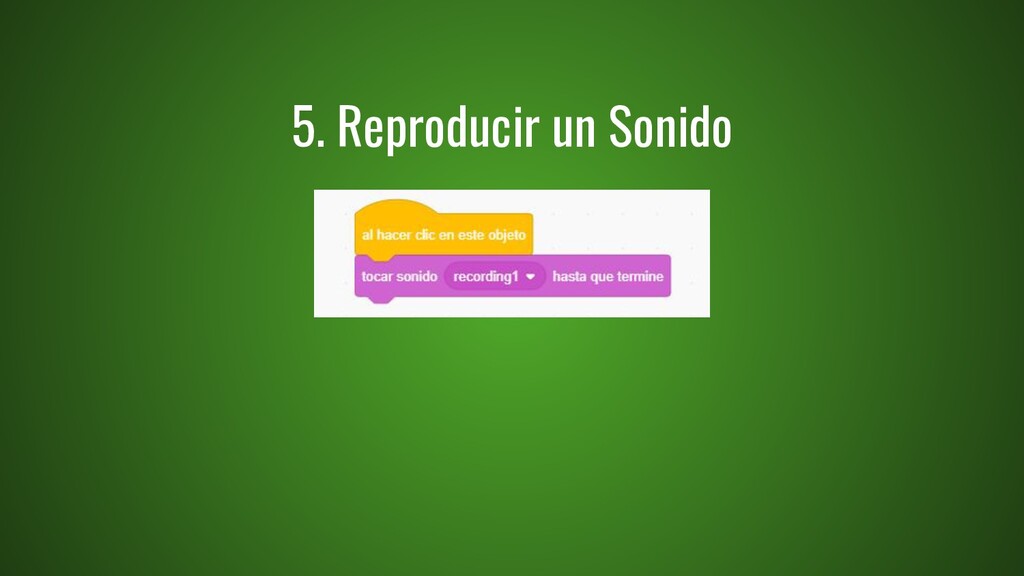
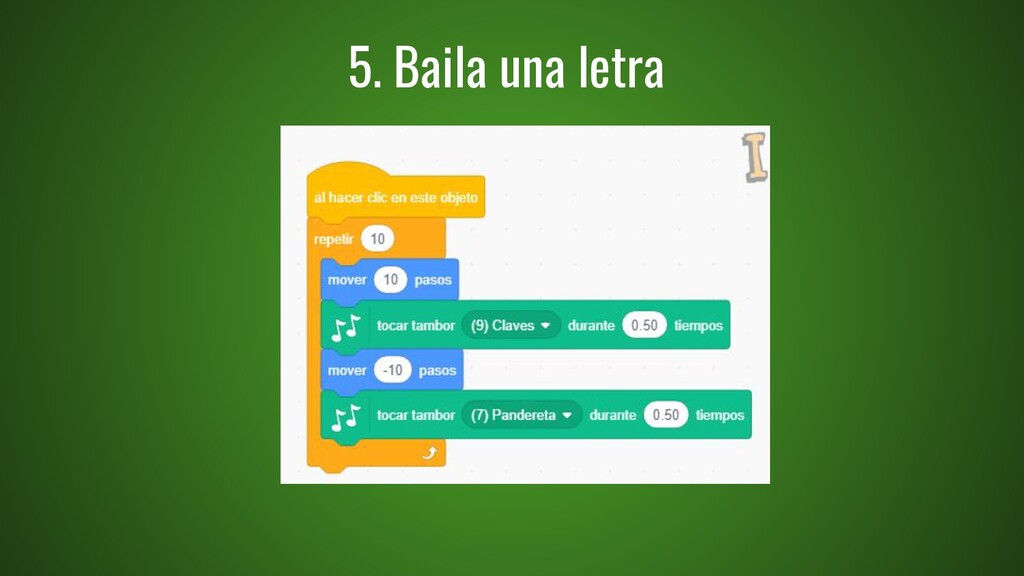
todo aquel que se enfrente por primera vez a programar. Programando con Scratch se pueden crear historias interactivas, juegos, animaciones, música y producciones artísticas.
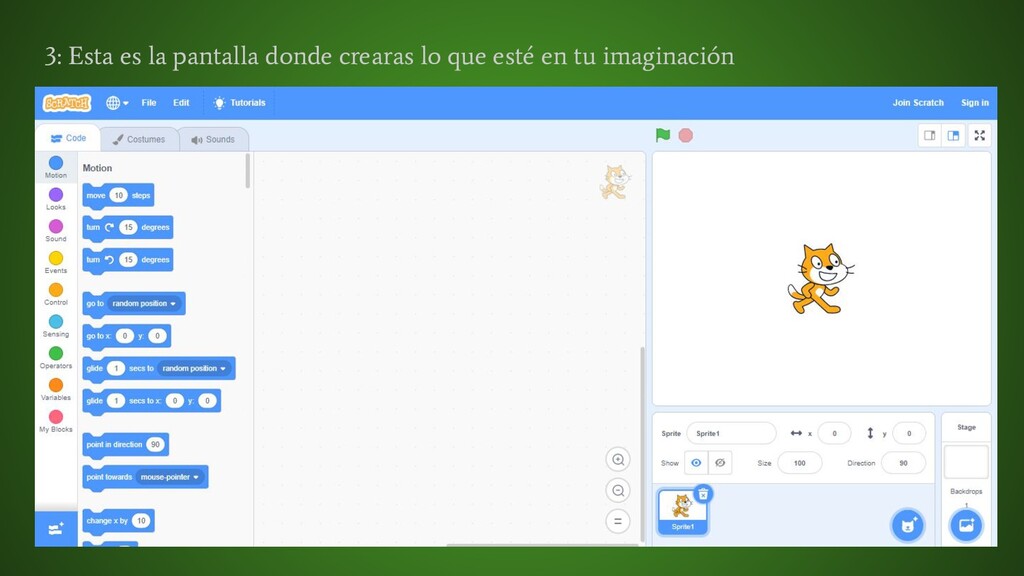
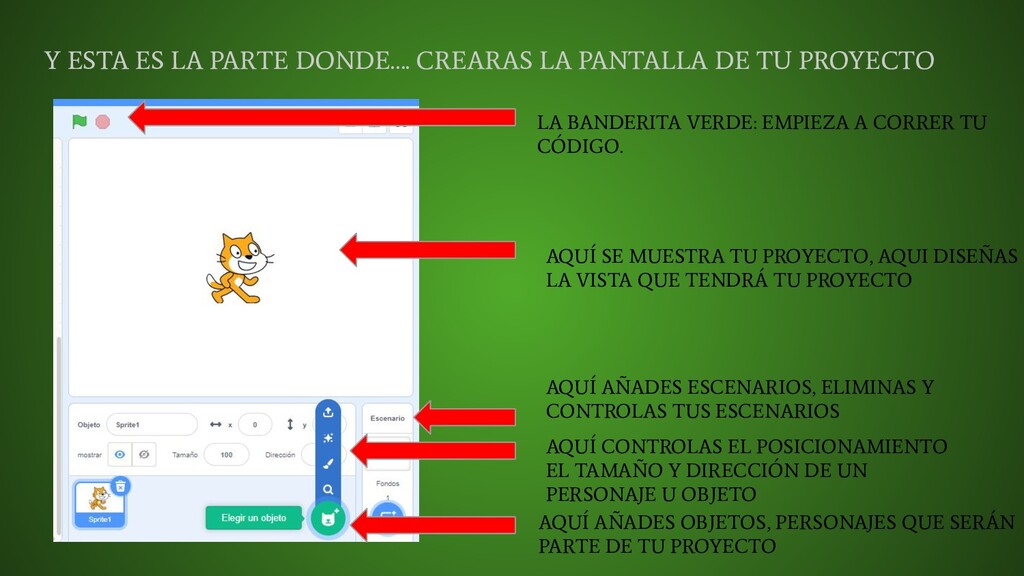
TU PROYECTO LA BANDERITA VERDE: EMPIEZA A CORRER TU CÓDIGO. AQUÍ SE MUESTRA TU PROYECTO, AQUI DISEÑAS LA VISTA QUE TENDRÁ TU PROYECTO AQUÍ AÑADES ESCENARIOS, ELIMINAS Y CONTROLAS TUS ESCENARIOS AQUÍ AÑADES OBJETOS, PERSONAJES QUE SERÁN PARTE DE TU PROYECTO AQUÍ CONTROLAS EL POSICIONAMIENTO EL TAMAÑO Y DIRECCIÓN DE UN PERSONAJE U OBJETO


 coralidiana
 bunnchinn3
 terasawat
 spring_aki
 kentaroy47
 yatabe
 juanmartin2026
 hiola
hiola
 pawan_pharm
 arnoknobbe
 doratex
 signer
 tmiket
 chrisshort
 nonsquared
 thekraken
 aemeredith
 jonoalderson
 marktimemedia
 tammyeverts
 davidcarrasco
 nikkihalliwell
 geoffreycrofte