Upgrade to Pro — share decks privately, control downloads, hide ads and more …

Three Things I Check First When a Local Busines...

Three Things I Check First When a Local Business Website Isn't Bringing in Calls

When a business tells me its website isn't bringing in calls, I start with three questions: Can a customer call in one tap? Does the top of the page say what you do and where, in plain words? Can you update the site yourself? This deck walks through each check, why it matters, and what to look at next if all three are in place. Presented by Danielle Lemons, Vice President of Operations at DirecTech Connect. More at daniellelemons.com.

Danielle Lemons

October 27, 2026

Transcript

12 slides
  1. SMALL BUSINESS WEBSITES Three Things I Check First When a

    Local Business Website Isn't Bringing in Calls Danielle Lemons Vice President of Operations, DirecTech Connect daniellelemons.com 1
  2. T H E S TA RT I N G P

    O I N T When a business says its website isn't bringing in calls, I don't start with the design. I start with three questions. Most of the time, the answer is in one of them. Danielle Lemons · DirecTech Connect 2
  3. CHECK 1 OF 3 Can a customer call you in

    one tap on a phone? Most visitors are on a phone. If the number is buried in the footer, or shows up as an image they can't tap, many of them will hit the back button and call the next business on the list. Danielle Lemons · DirecTech Connect 3
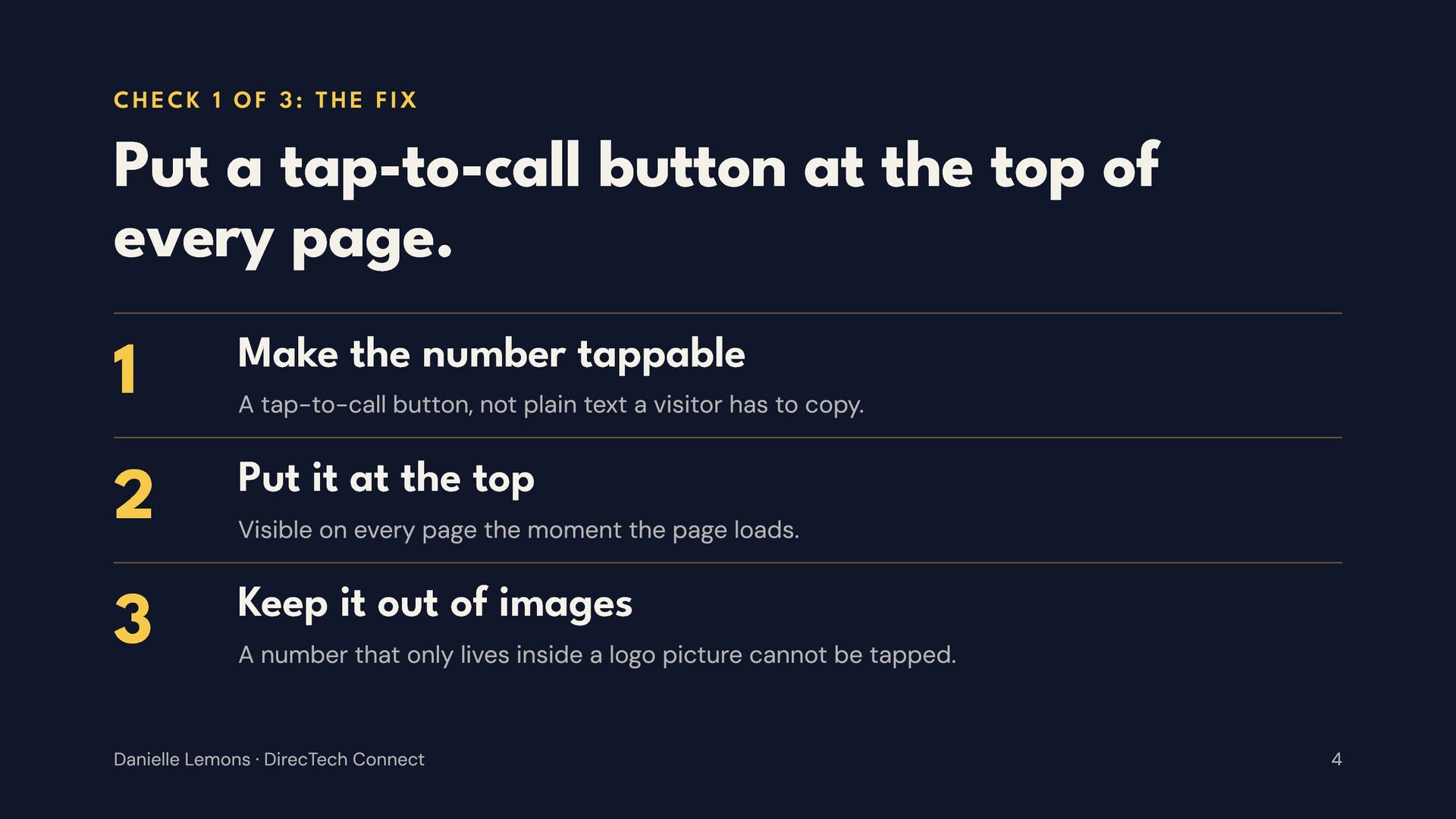
  4. CHECK 1 OF 3: THE FIX Put a tap-to-call button

    at the top of every page. 1 2 3 Make the number tappable A tap-to-call button, not plain text a visitor has to copy. Put it at the top Visible on every page the moment the page loads. Keep it out of images A number that only lives inside a logo picture cannot be tapped. Danielle Lemons · DirecTech Connect 4
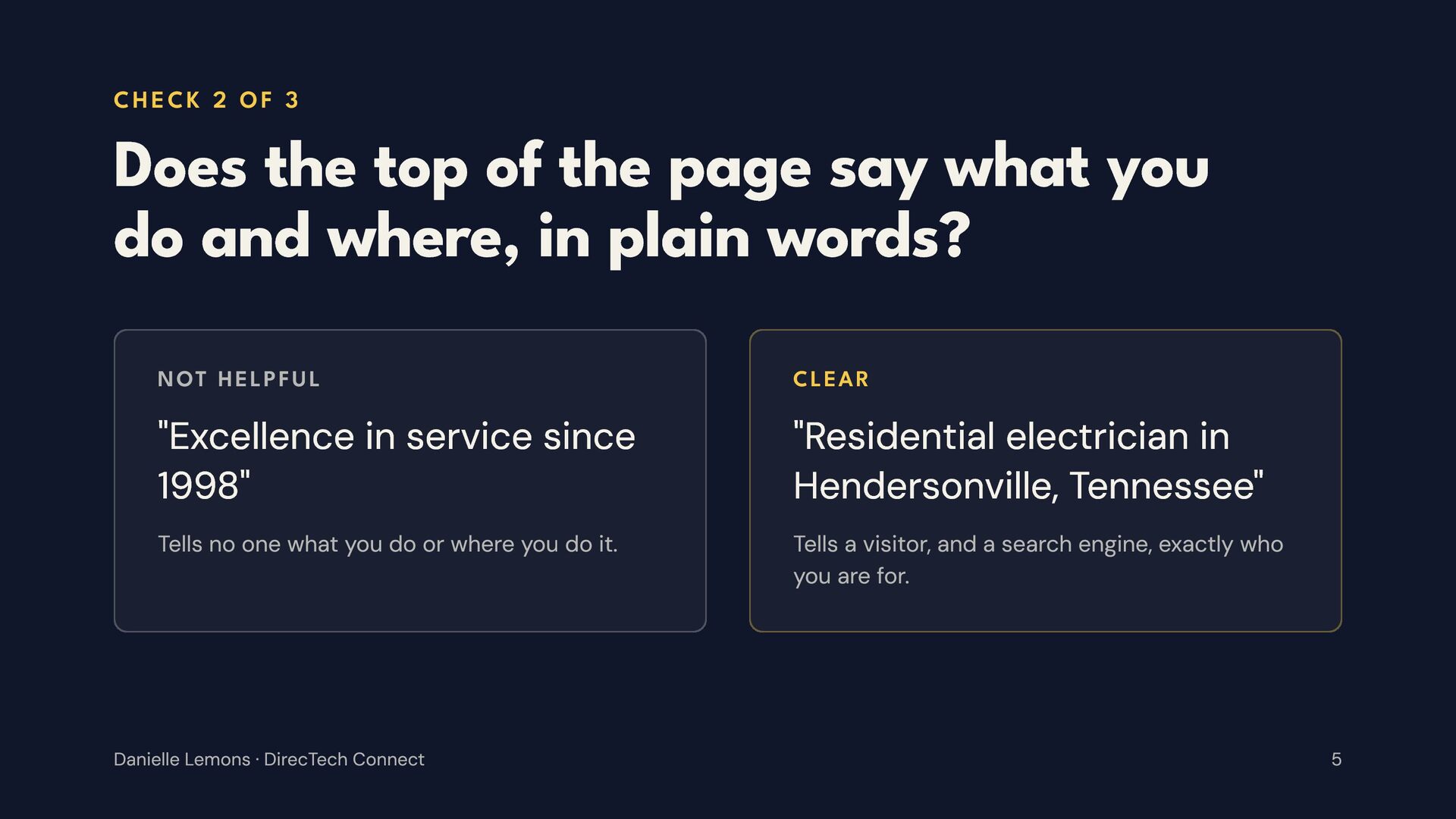
  5. CHECK 2 OF 3 Does the top of the page

    say what you do and where, in plain words? NOT HELPFUL CLEAR "Excellence in service since 1998" "Residential electrician in Hendersonville, Tennessee" Tells no one what you do or where you do it. Tells a visitor, and a search engine, exactly who you are for. Danielle Lemons · DirecTech Connect 5
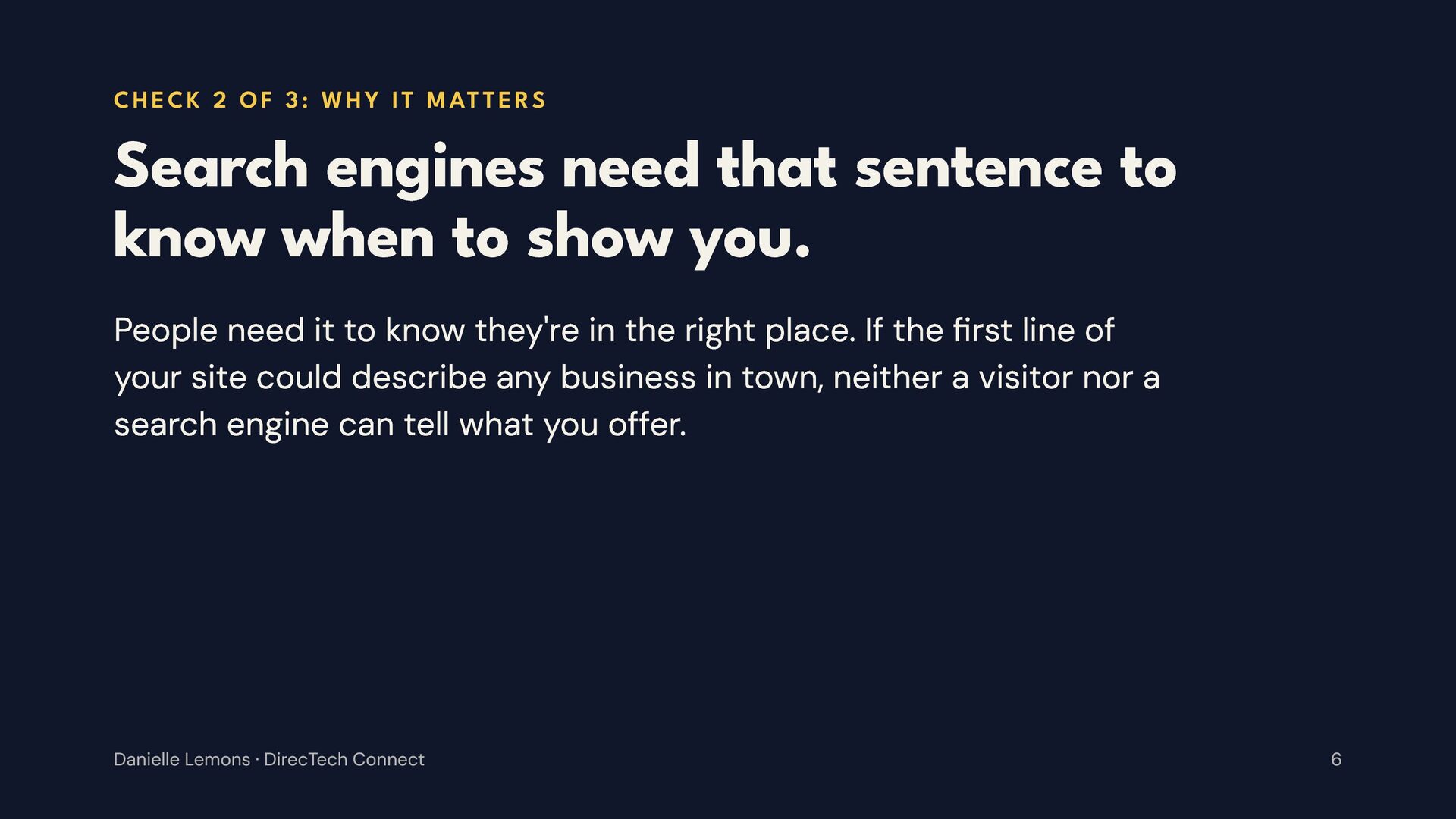
  6. C H E C K 2 O F 3 :

    W H Y I T M AT T E R S Search engines need that sentence to know when to show you. People need it to know they're in the right place. If the {rst line of your site could describe any business in town, neither a visitor nor a search engine can tell what you offer. Danielle Lemons · DirecTech Connect 6
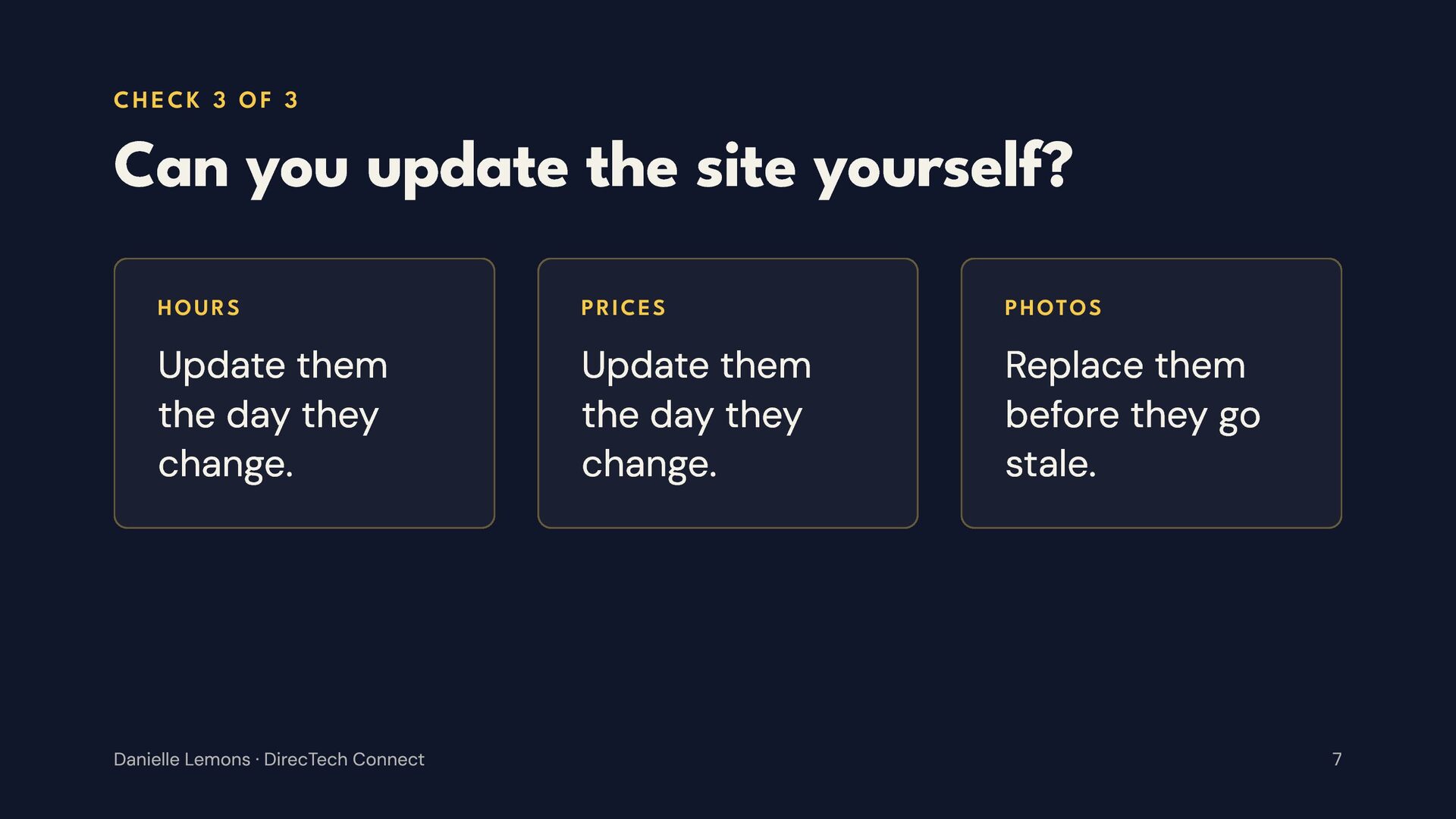
  7. CHECK 3 OF 3 Can you update the site yourself?

    HOURS PRICES PHOTOS Update them the day they change. Update them the day they change. Replace them before they go stale. Danielle Lemons · DirecTech Connect 7
  8. C H E C K 3 O F 3 :

    W H Y I T M AT T E R S An out-of-date site quietly tells customers you might be out of date too. If every small change needs a developer, the site slowly drifts out of date. Danielle Lemons · DirecTech Connect 8
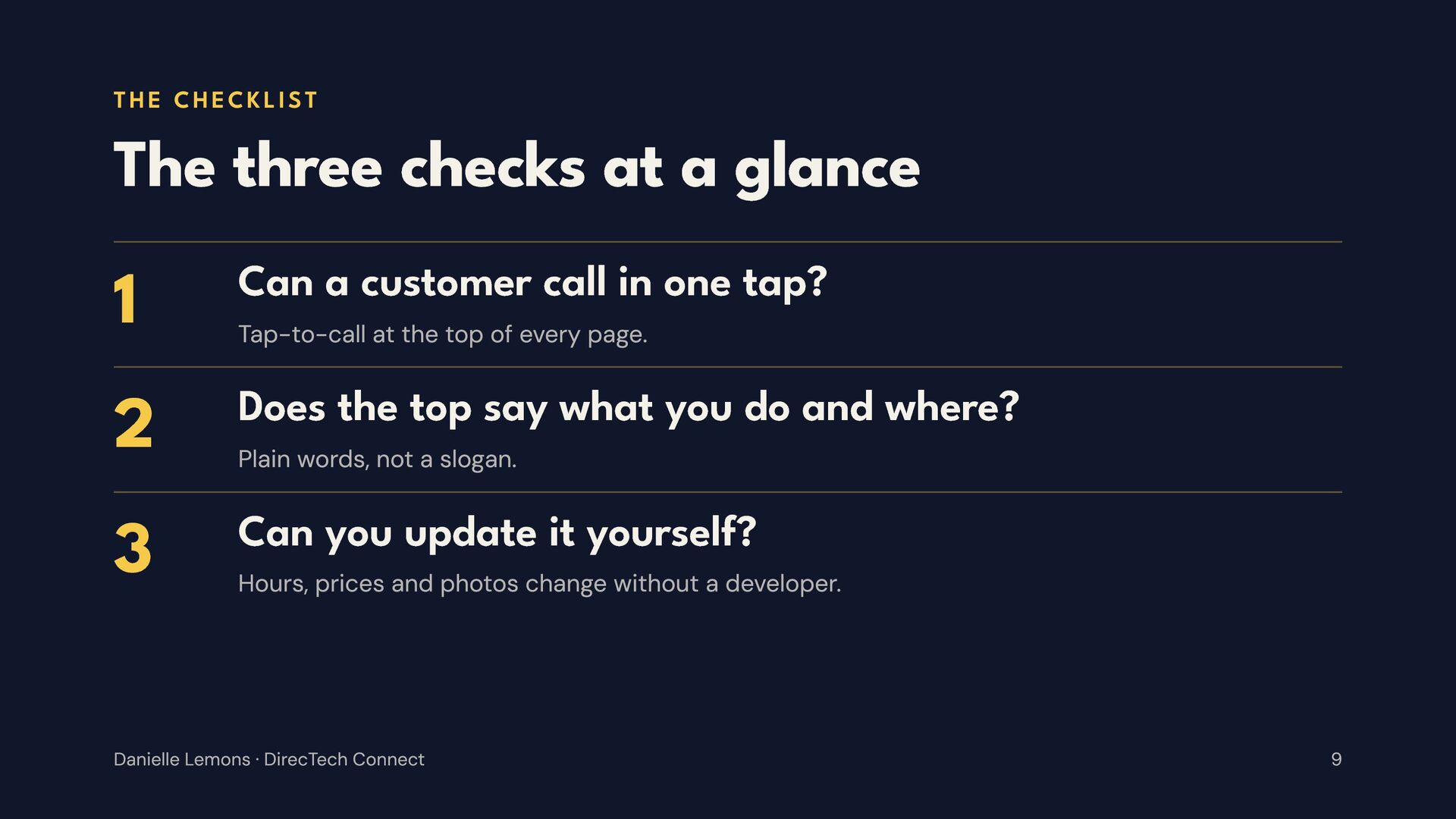
  9. THE CHECKLIST The three checks at a glance 1 Can

    a customer call in one tap? Tap-to-call at the top of every page. 2 Does the top say what you do and where? 3 Can you update it yourself? Plain words, not a slogan. Hours, prices and photos change without a developer. Danielle Lemons · DirecTech Connect 9
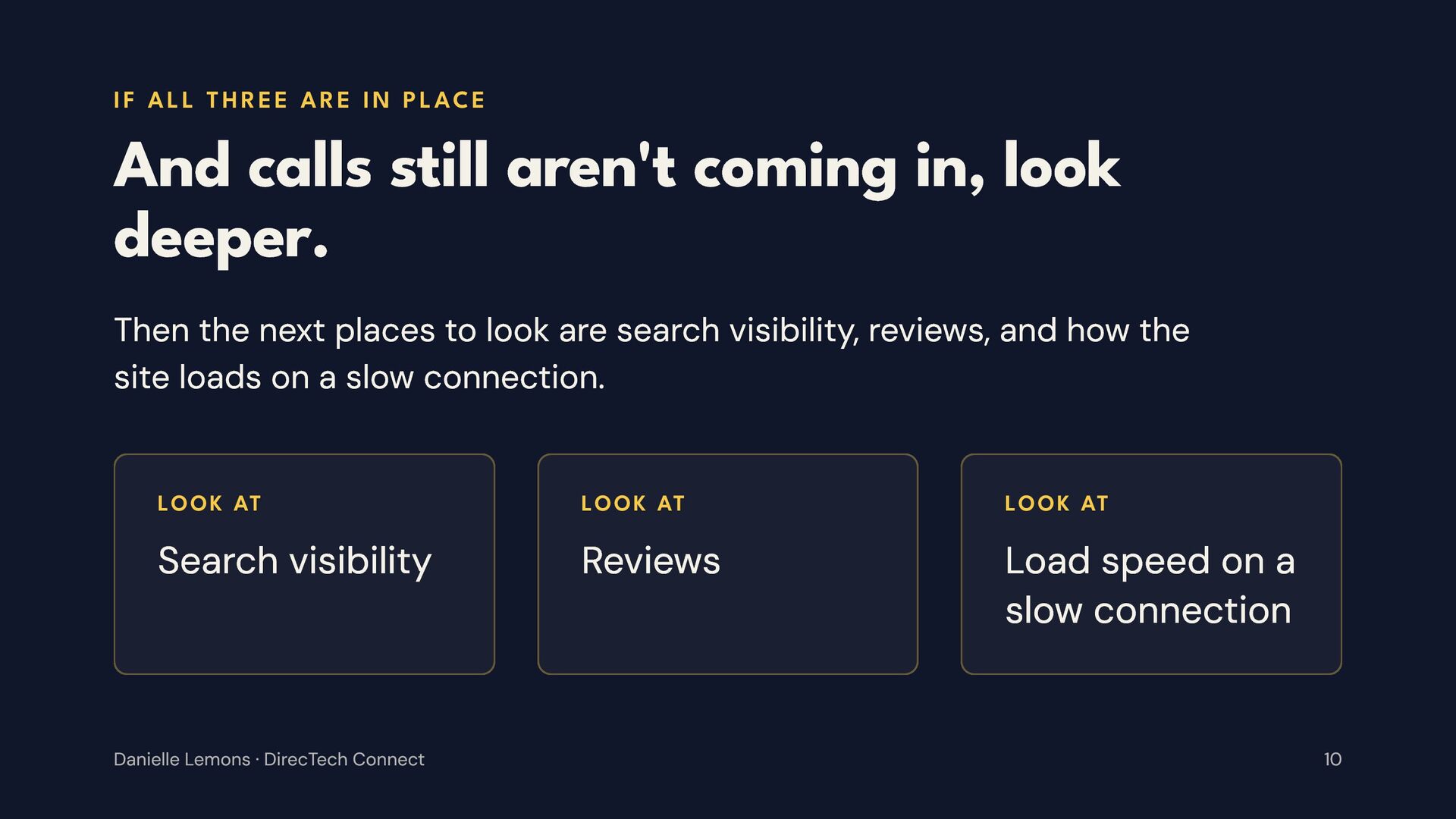
  10. I F A L L T H R E E

    A R E I N P L AC E And calls still aren't coming in, look deeper. Then the next places to look are search visibility, reviews, and how the site loads on a slow connection. LOOK AT LOOK AT LOOK AT Search visibility Reviews Load speed on a slow connection Danielle Lemons · DirecTech Connect 10
  11. S TA RT H E R E Start with these

    three. They're free to check. Fixing them often makes the biggest difference, so run the checks on your own site today. Danielle Lemons · DirecTech Connect 11
  12. DA N I E L L E L E M

    O N S Vice President of Operations, DirecTech Connect daniellelemons.com daniellelemons.com/guide Nashville, Tennessee 12

More Decks by Danielle Lemons

Other Decks in Marketing & SEO