$30 off During Our Annual Pro Sale. View Details »

Garbage collection on JVM

Avatar for dimitry dimitry
October 18, 2014

Garbage collection on JVM

Talk from Austin Code Camp 2014.

Ever wondered what garbage collection is and how various JVMs clean up resources? Did you know that different JVM implementations have different GC policies? Whether you're developing in Scala, Groovy, or plain old Java, if you want to know how to speed up your application and what open source tools available to navigate the GC world, this talk is for you.
We will use a production application to navigate through these concepts with examples.

Avatar for dimitry

dimitry

October 18, 2014
Tweet

More Decks by dimitry

Other Decks in Programming

Transcript

  1. Thank you to our sponsors … GOLD Bronze Happy Hour

    sponsor Austin .Net User Group Codecamp 2014
  2. JVM? —  Java virtual machine —  Can execute any java

    bytecode —  Can be anything that compiles to java bytecode —  Scala, Clojure, Java, Jython, JRuby, etc.
  3. Garbage Collection? —  Automatic memory management —  Objects no longer

    in use are cleaned up by a “collector” —  Developers don’t need to worry about memory cleanup (sorta)
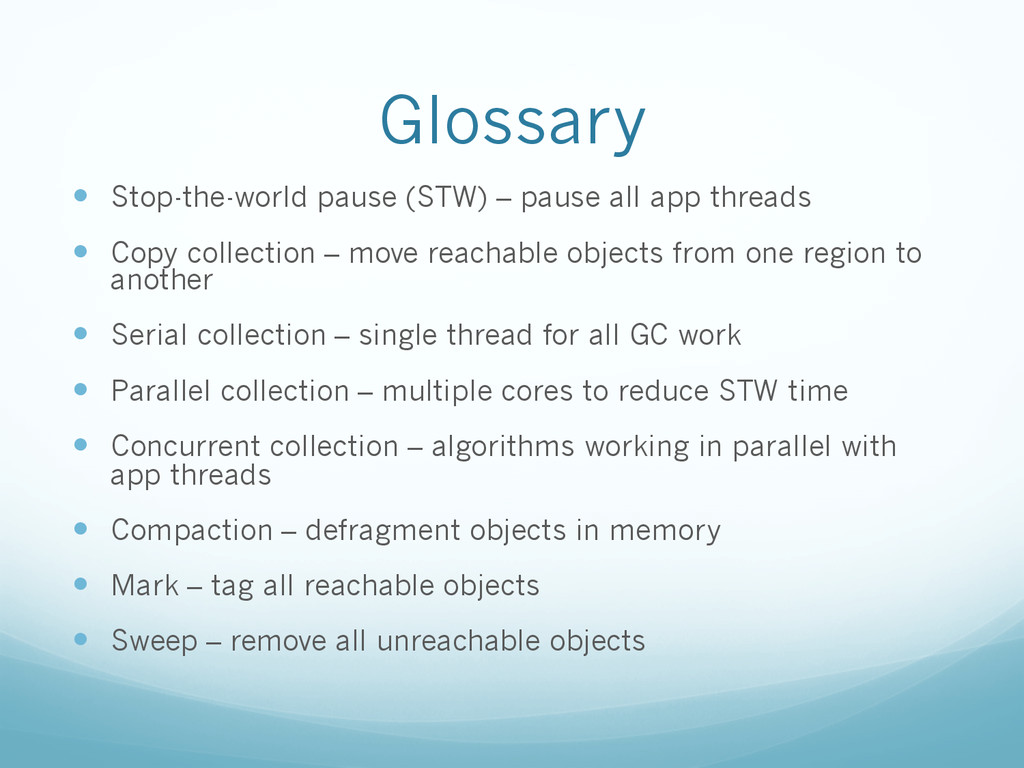
  4. Glossary —  Stop-the-world pause (STW) – pause all app threads

    —  Copy collection – move reachable objects from one region to another —  Serial collection – single thread for all GC work —  Parallel collection – multiple cores to reduce STW time —  Concurrent collection – algorithms working in parallel with app threads —  Compaction – defragment objects in memory —  Mark – tag all reachable objects —  Sweep – remove all unreachable objects
  5. Glossary, cont. —  Roots – pointers from thread stacks — 

    TLAB – each thread gets a block in eden where it can allocate new objects
  6. What are we looking for? —  Maximum pause time goal

    —  Throughput goal —  Memory footprint goal
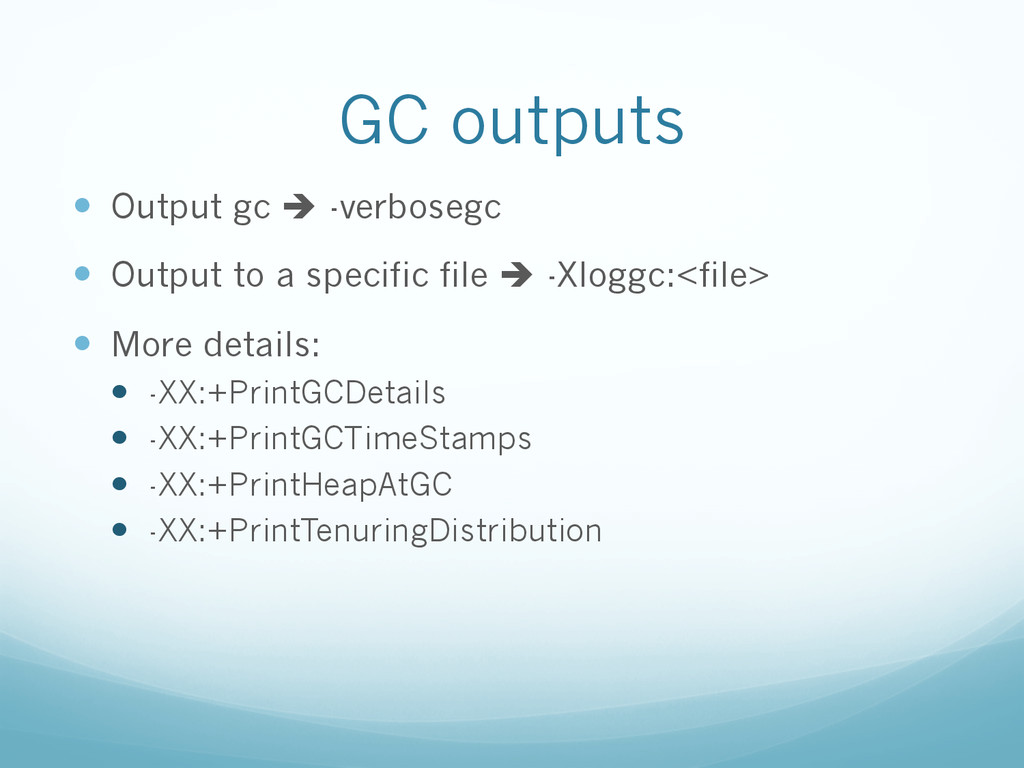
  7. GC outputs —  Output gc è -verbosegc —  Output to

    a specific file è -Xloggc:<file> —  More details: —  -XX:+PrintGCDetails —  -XX:+PrintGCTimeStamps —  -XX:+PrintHeapAtGC —  -XX:+PrintTenuringDistribution
  8. Output example —  [GC 325407K->83000K(776768K), 0.2300771 secs] —  [GC 325816K->83372K(776768K),

    0.2454258 secs] —  [Full GC 267628K->83769K(776768K), 1.8479984 secs]
  9. Output example - CMS GC [1 CMS-initial-mark: 13991K(20288K)] 14103K(22400K), 0.0023781

    secs] [GC [DefNew: 2112K->64K(2112K), 0.0837052 secs] 16103K->15476K(22400K), 0.0838519 secs] ... [GC [DefNew: 2077K->63K(2112K), 0.0126205 secs] 17552K->15855K(22400K), 0.0127482 secs] [CMS-concurrent-mark: 0.267/0.374 secs] [GC [DefNew: 2111K->64K(2112K), 0.0190851 secs] 17903K->16154K(22400K), 0.0191903 secs] [CMS-concurrent-preclean: 0.044/0.064 secs] [GC [1 CMS-remark: 16090K(20288K)] 17242K(22400K), 0.0210460 secs] [GC [DefNew: 2112K->63K(2112K), 0.0716116 secs] 18177K->17382K(22400K), 0.0718204 secs] [GC [DefNew: 2111K->63K(2112K), 0.0830392 secs] 19363K->18757K(22400K), 0.0832943 secs] ... [GC [DefNew: 2111K->0K(2112K), 0.0035190 secs] 17527K->15479K(22400K), 0.0036052 secs] [CMS-concurrent-sweep: 0.291/0.662 secs] [GC [DefNew: 2048K->0K(2112K), 0.0013347 secs] 17527K->15479K(27912K), 0.0014231 secs] [CMS-concurrent-reset: 0.016/0.016 secs] [GC [DefNew: 2048K->1K(2112K), 0.0013936 secs] 17527K->15479K(27912K), 0.0014814
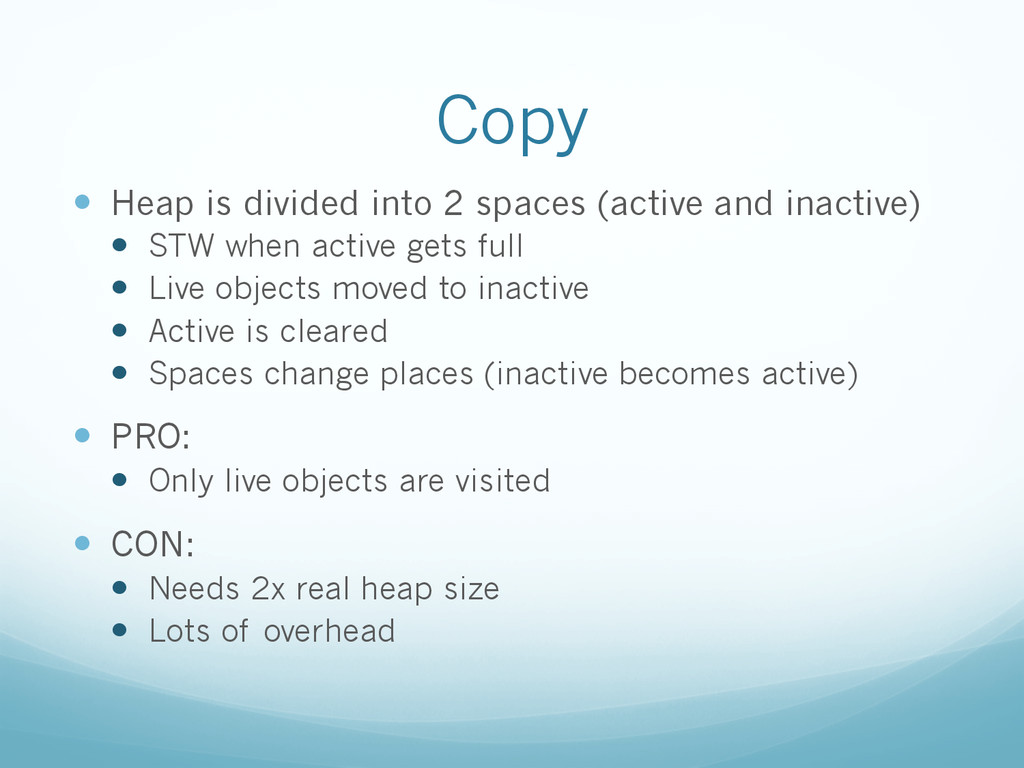
  10. Copy —  Heap is divided into 2 spaces (active and

    inactive) —  STW when active gets full —  Live objects moved to inactive —  Active is cleared —  Spaces change places (inactive becomes active) —  PRO: —  Only live objects are visited —  CON: —  Needs 2x real heap size —  Lots of overhead
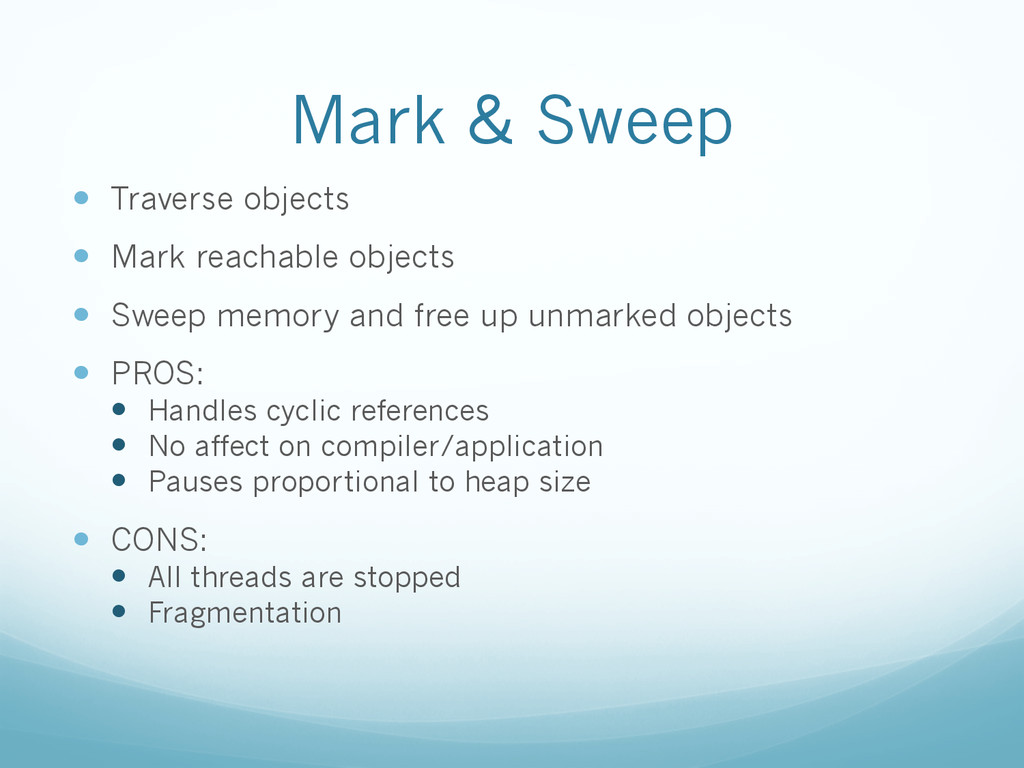
  11. Mark & Sweep —  Traverse objects —  Mark reachable objects

    —  Sweep memory and free up unmarked objects —  PROS: —  Handles cyclic references —  No affect on compiler/application —  Pauses proportional to heap size —  CONS: —  All threads are stopped —  Fragmentation
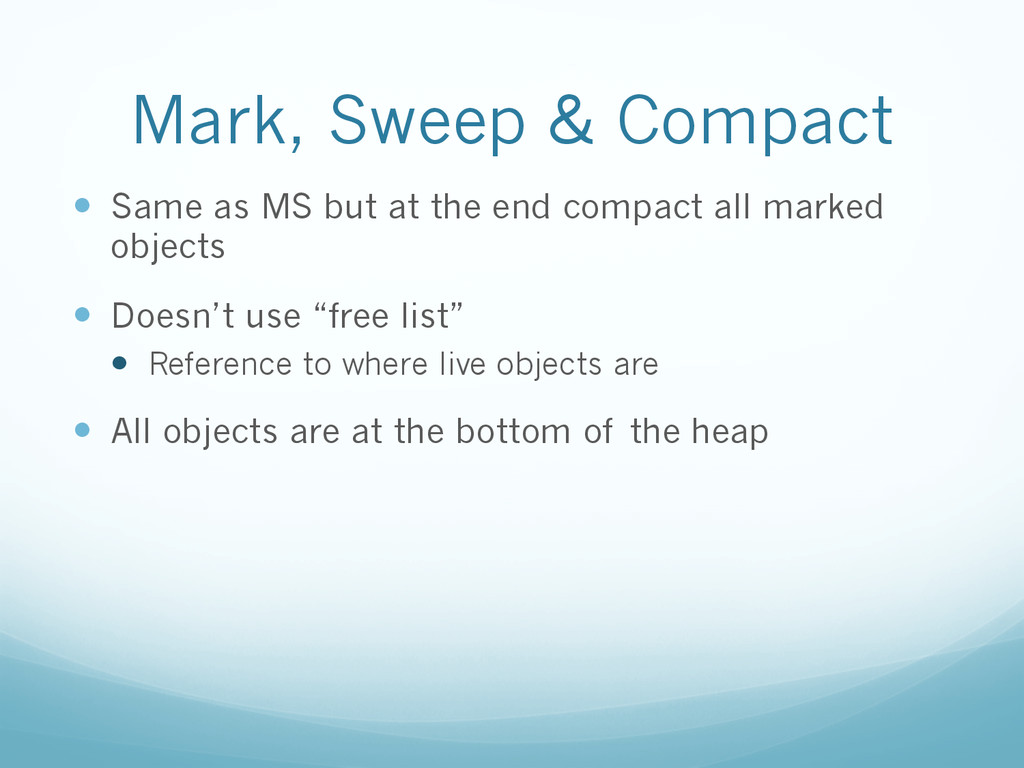
  12. Mark, Sweep & Compact —  Same as MS but at

    the end compact all marked objects —  Doesn’t use “free list” —  Reference to where live objects are —  All objects are at the bottom of the heap
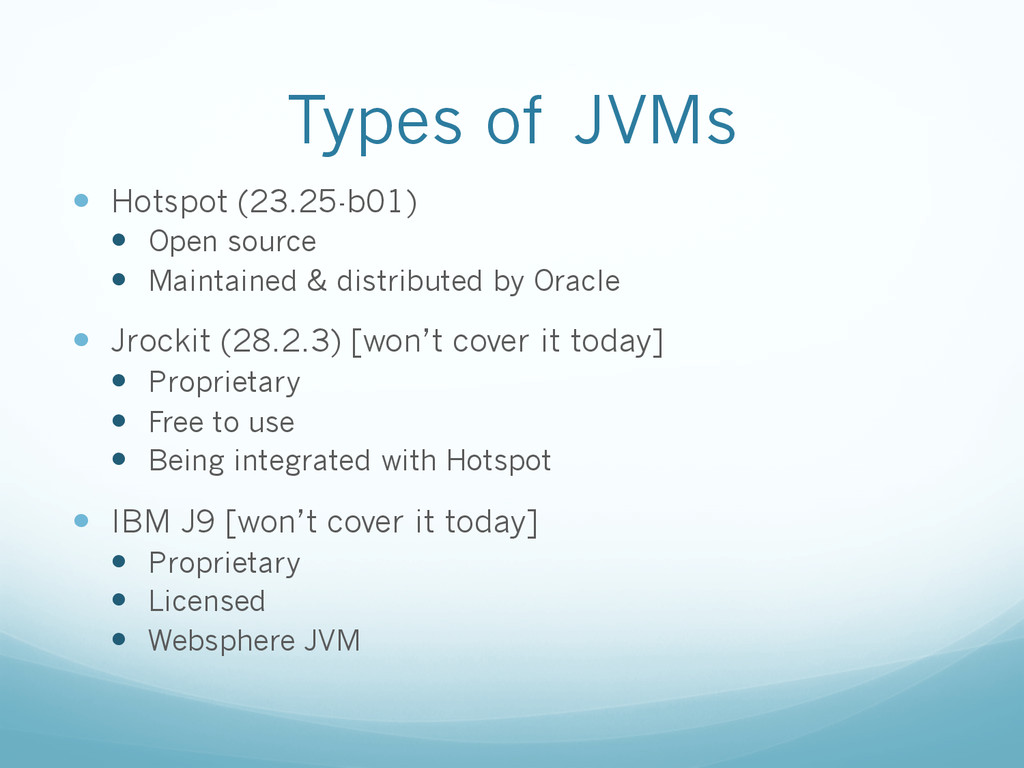
  13. Types of JVMs —  Hotspot (23.25-b01) —  Open source — 

    Maintained & distributed by Oracle —  Jrockit (28.2.3) [won’t cover it today] —  Proprietary —  Free to use —  Being integrated with Hotspot —  IBM J9 [won’t cover it today] —  Proprietary —  Licensed —  Websphere JVM
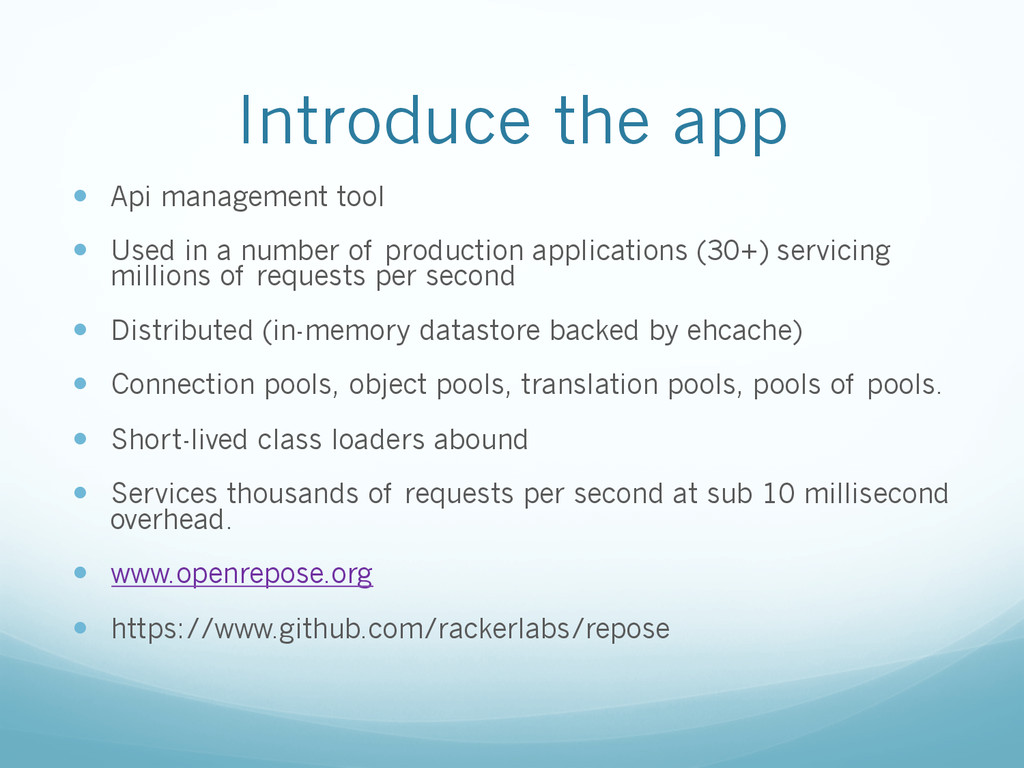
  14. Introduce the app —  Api management tool —  Used in

    a number of production applications (30+) servicing millions of requests per second —  Distributed (in-memory datastore backed by ehcache) —  Connection pools, object pools, translation pools, pools of pools. —  Short-lived class loaders abound —  Services thousands of requests per second at sub 10 millisecond overhead. —  www.openrepose.org —  https://www.github.com/rackerlabs/repose
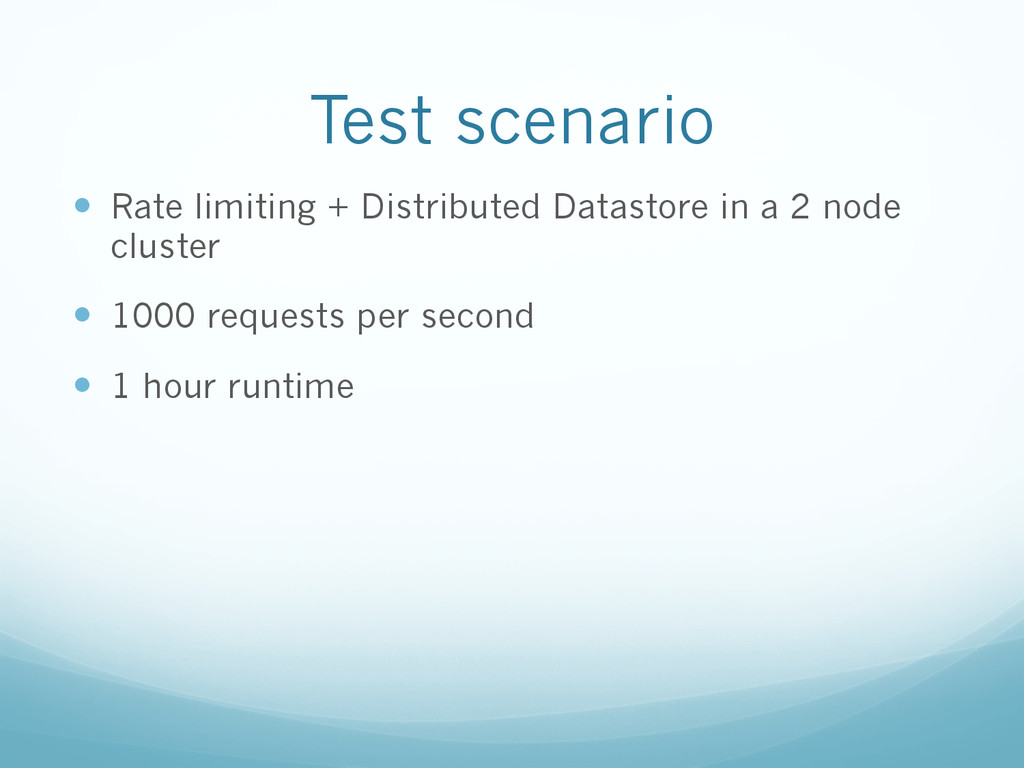
  15. Test scenario —  Rate limiting + Distributed Datastore in a

    2 node cluster —  1000 requests per second —  1 hour runtime
  16. Introduce the tools —  VisualVM (with VisualGC plugin) —  http://visualvm.java.net/

    —  IBM Heap analyzer —  https://www.ibm.com/developerworks/community/groups/service/html/ communityview?communityUuid=4544bafe-c7a2-455f-9d43-eb866ea60091 —  GC analyzer —  https://www.ibm.com/developerworks/community/groups/service/html/ communityview?communityUuid=22d56091-3a7b-4497-b36e-634b51838e11 —  New Relic —  http://newrelic.com/ —  Jhiccup —  http://www.azulsystems.com/jHiccup
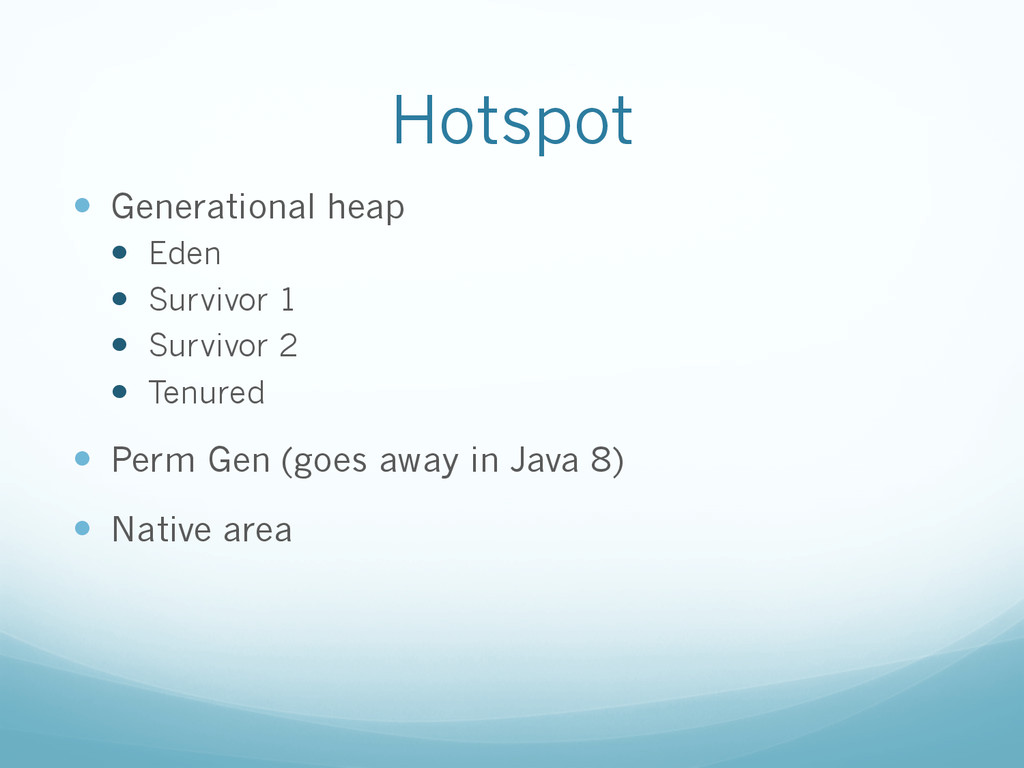
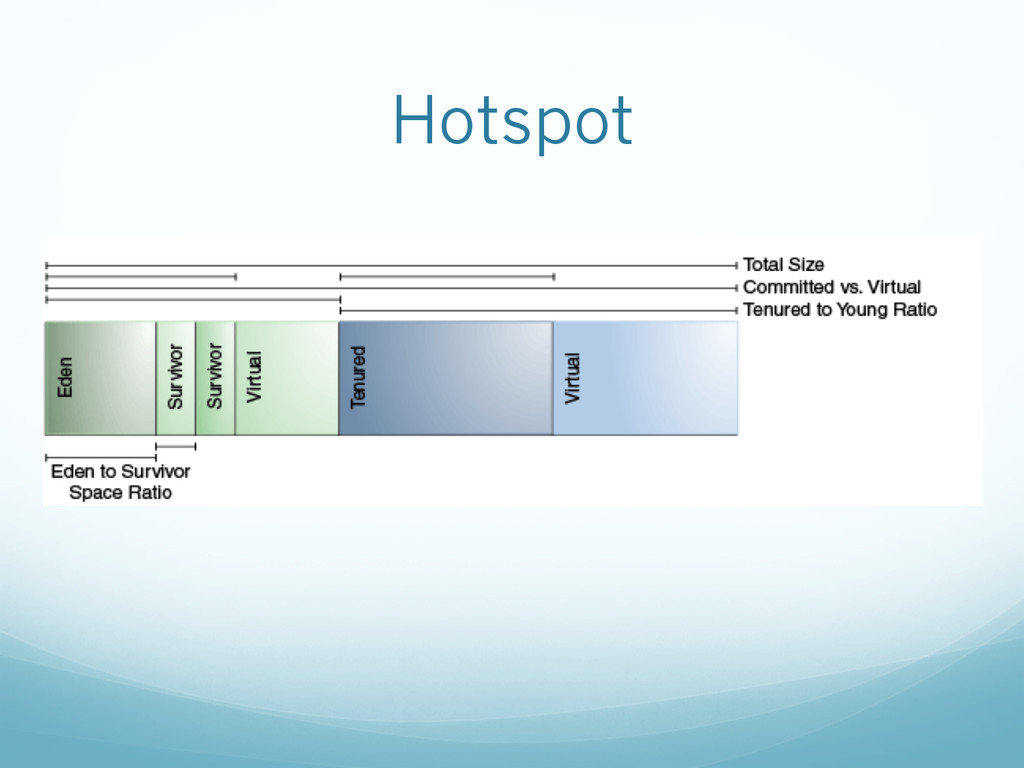
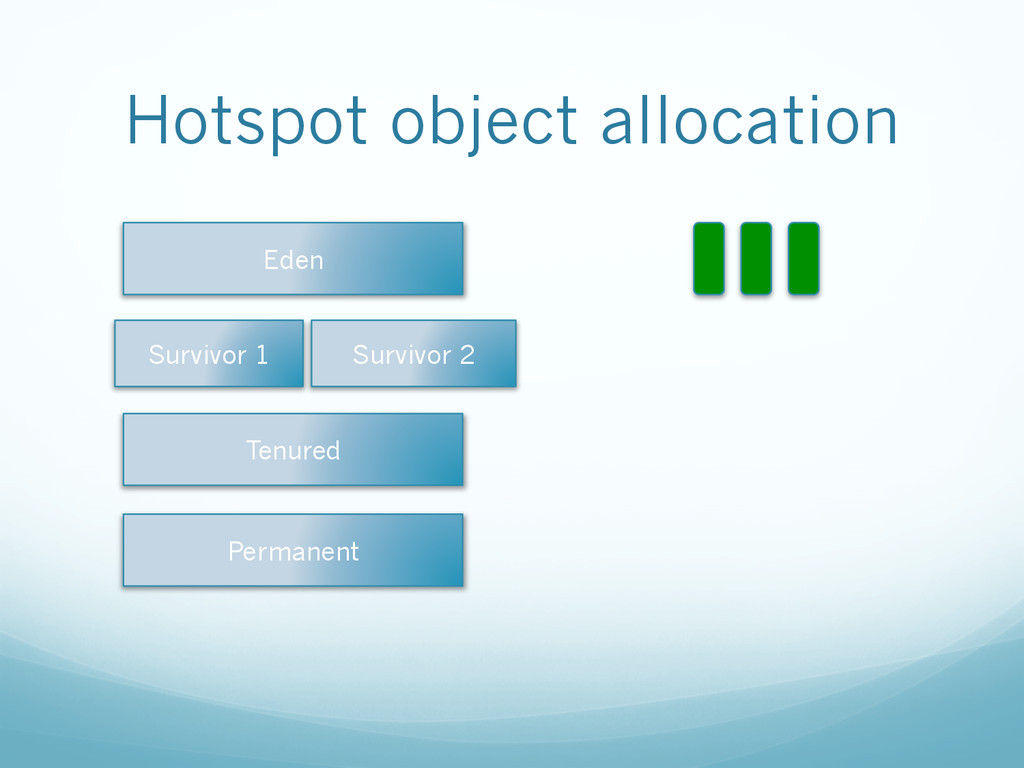
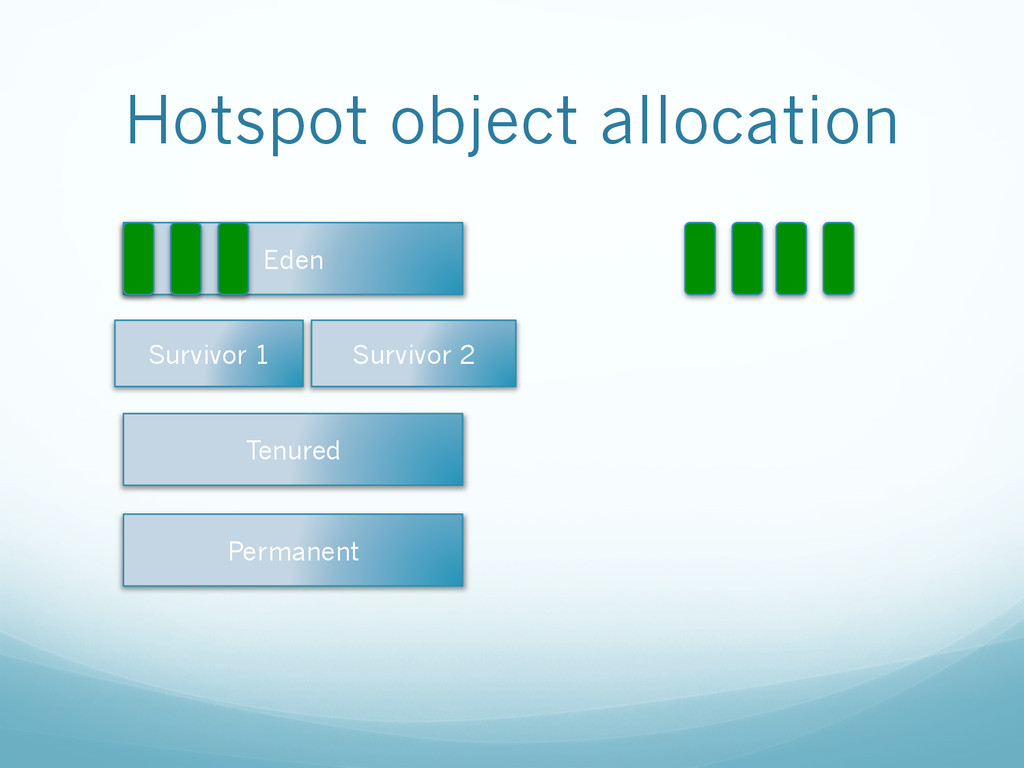
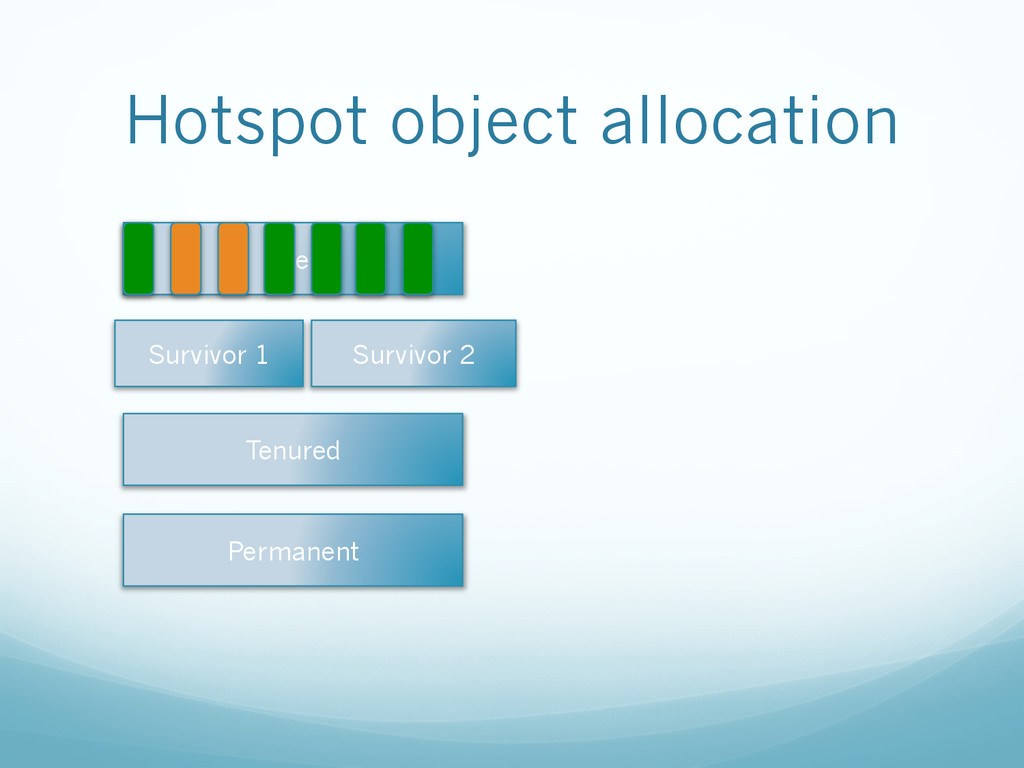
  17. Hotspot —  Generational heap —  Eden —  Survivor 1 — 

    Survivor 2 —  Tenured —  Perm Gen (goes away in Java 8) —  Native area
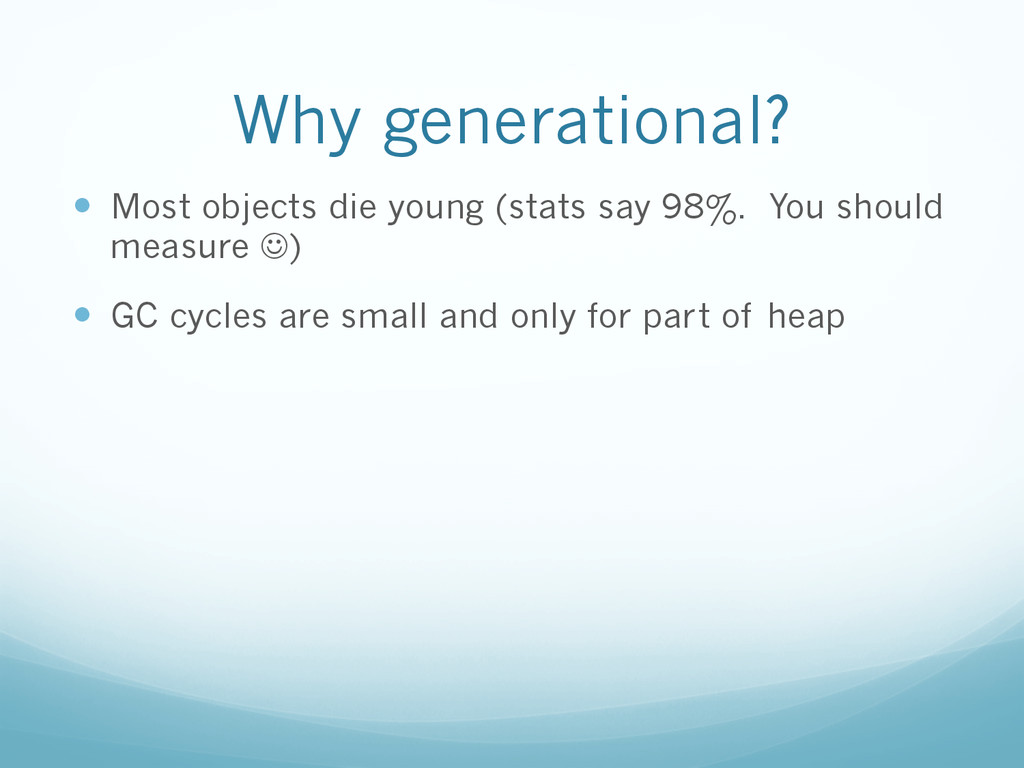
  18. Why generational? —  Most objects die young (stats say 98%.

    You should measure J) —  GC cycles are small and only for part of heap
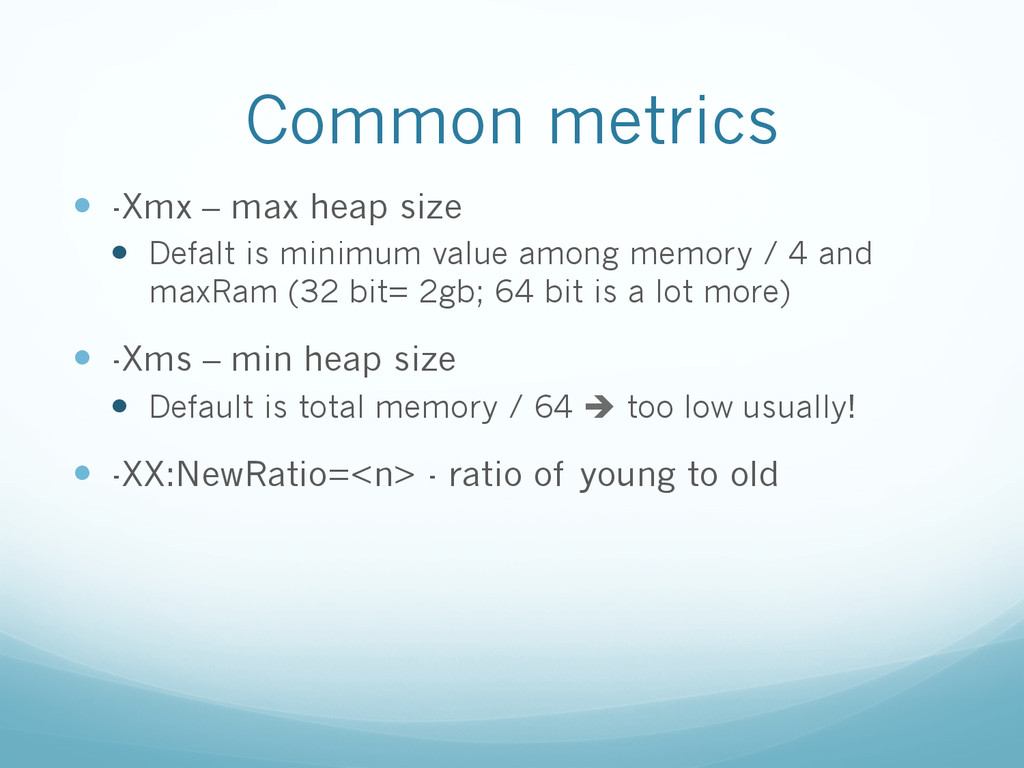
  19. Common metrics —  -Xmx – max heap size —  Defalt

    is minimum value among memory / 4 and maxRam (32 bit= 2gb; 64 bit is a lot more) —  -Xms – min heap size —  Default is total memory / 64 è too low usually! —  -XX:NewRatio=<n> - ratio of young to old
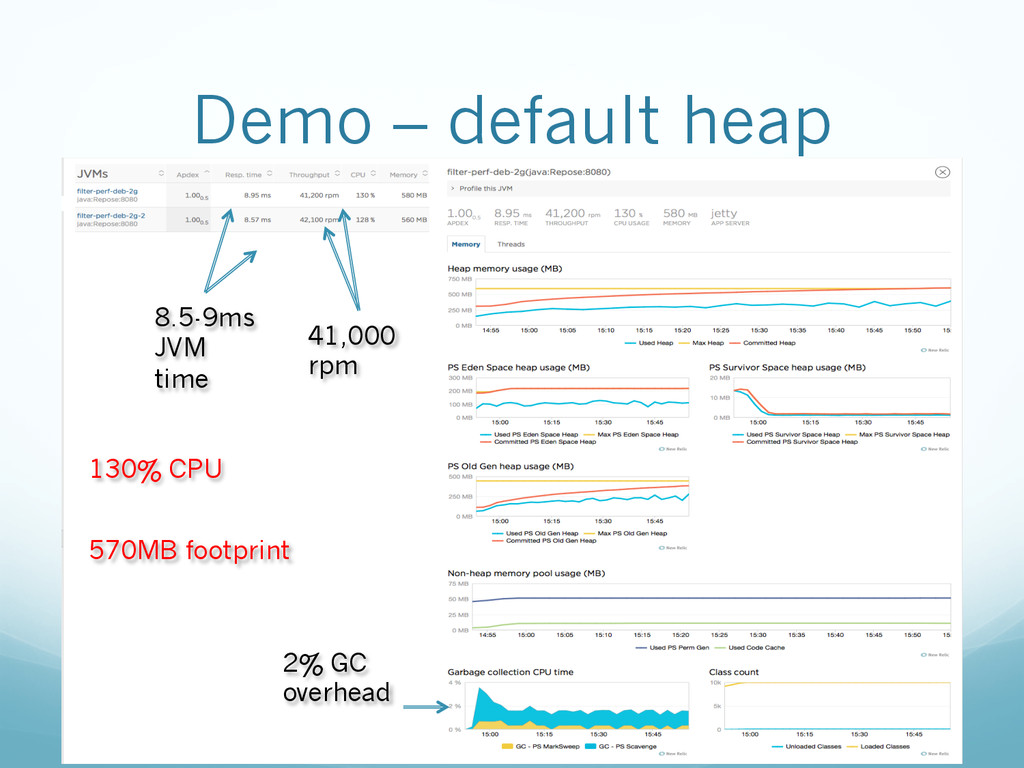
  20. Demo – default heap 8.5-9ms JVM time 41,000 rpm 130%

    CPU 570MB footprint 2% GC overhead
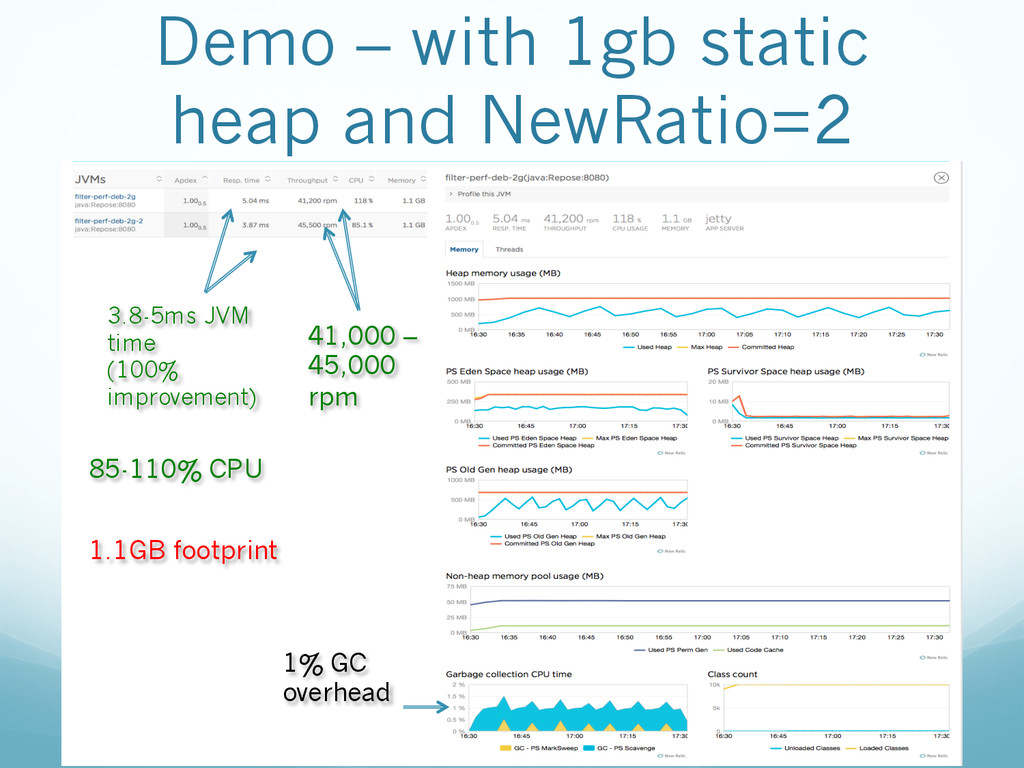
  21. Demo – with 1gb static heap and NewRatio=2 3.8-5ms JVM

    time (100% improvement) 41,000 – 45,000 rpm 85-110% CPU 1.1GB footprint 1% GC overhead
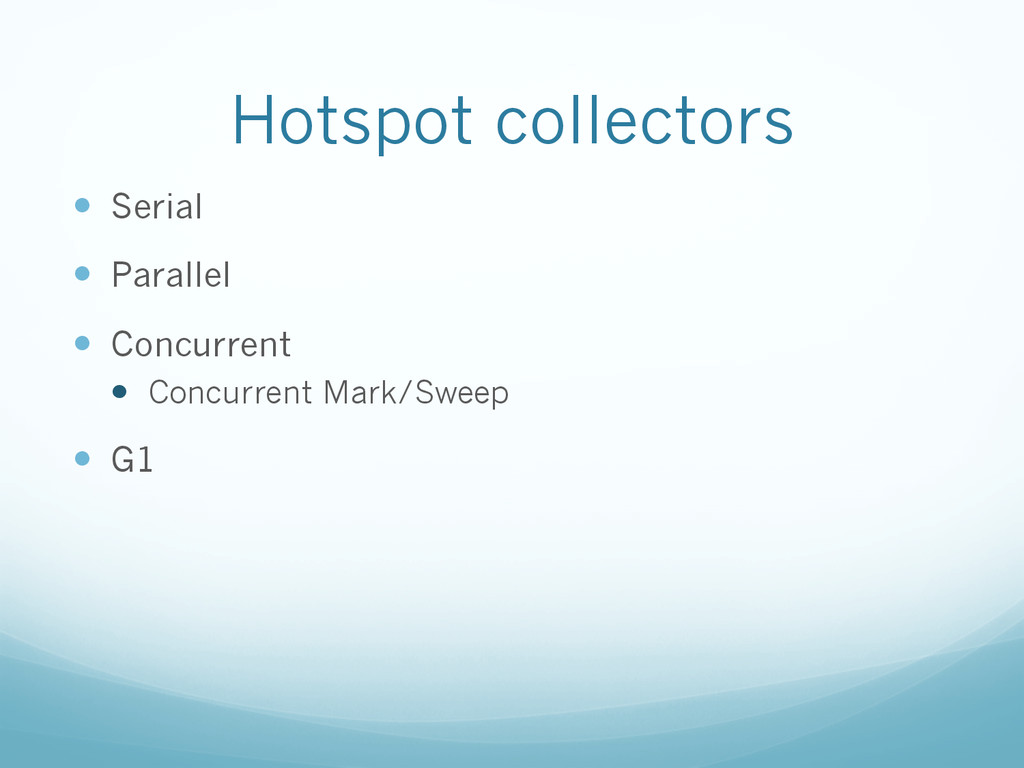
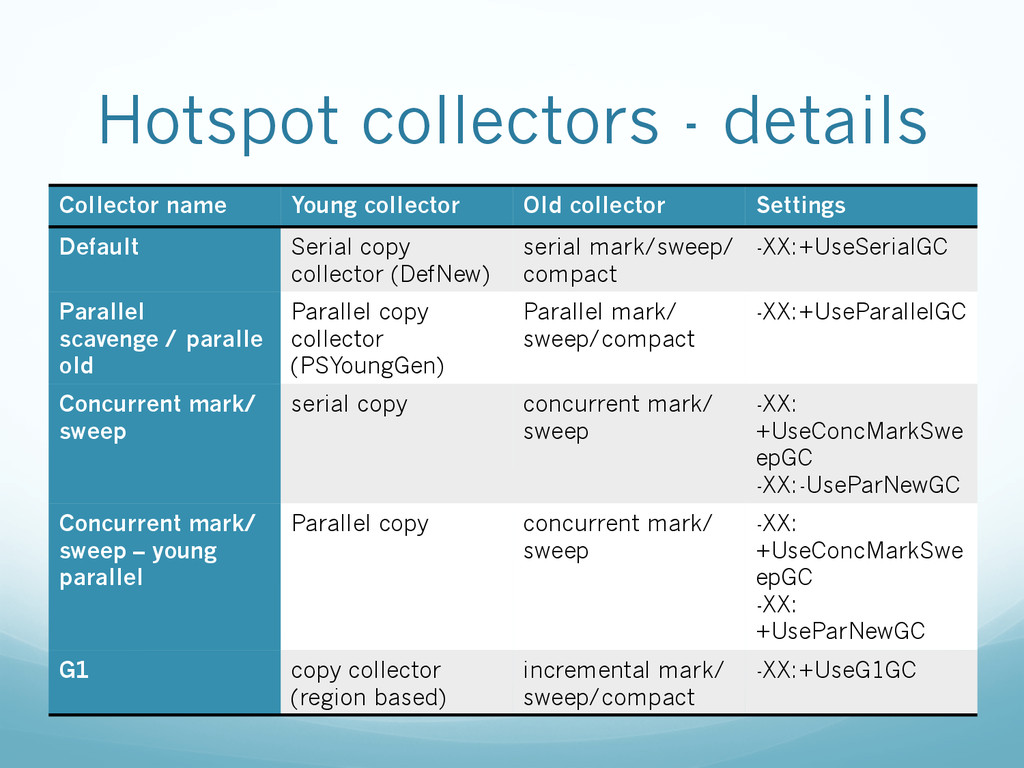
  22. Hotspot collectors - details Collector name Young collector Old collector

    Settings Default Serial copy collector (DefNew) serial mark/sweep/ compact -XX:+UseSerialGC Parallel scavenge / paralle old Parallel copy collector (PSYoungGen) Parallel mark/ sweep/compact -XX:+UseParallelGC Concurrent mark/ sweep serial copy concurrent mark/ sweep -XX: +UseConcMarkSwe epGC -XX:-UseParNewGC Concurrent mark/ sweep – young parallel Parallel copy concurrent mark/ sweep -XX: +UseConcMarkSwe epGC -XX: +UseParNewGC G1 copy collector (region based) incremental mark/ sweep/compact -XX:+UseG1GC
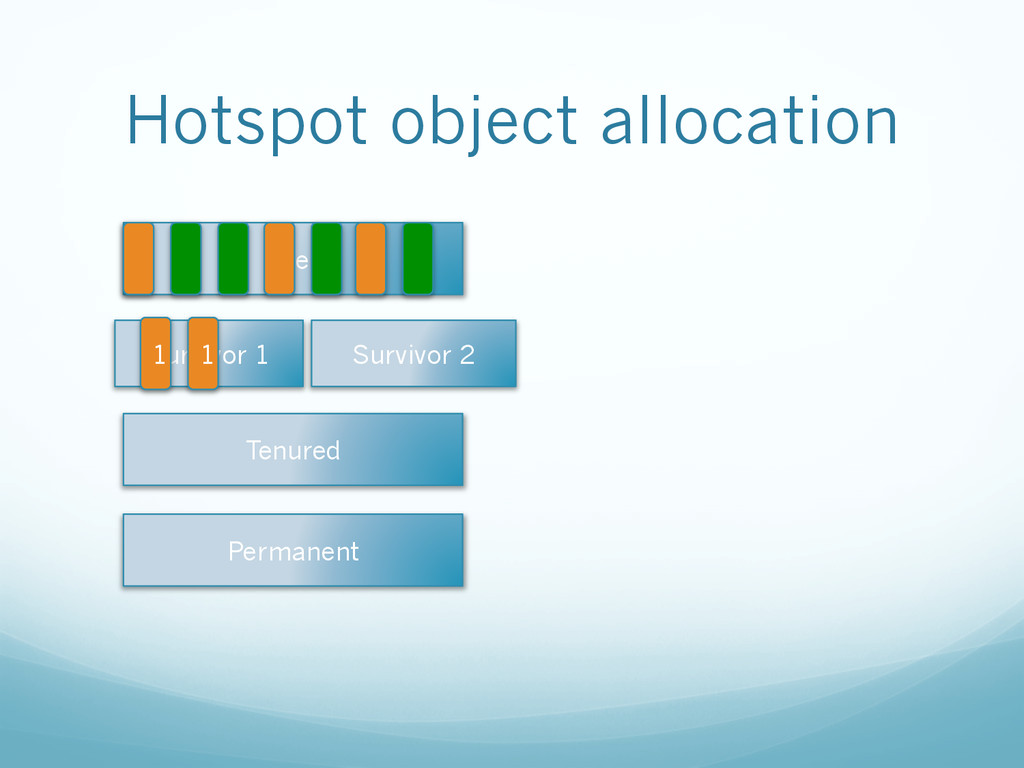
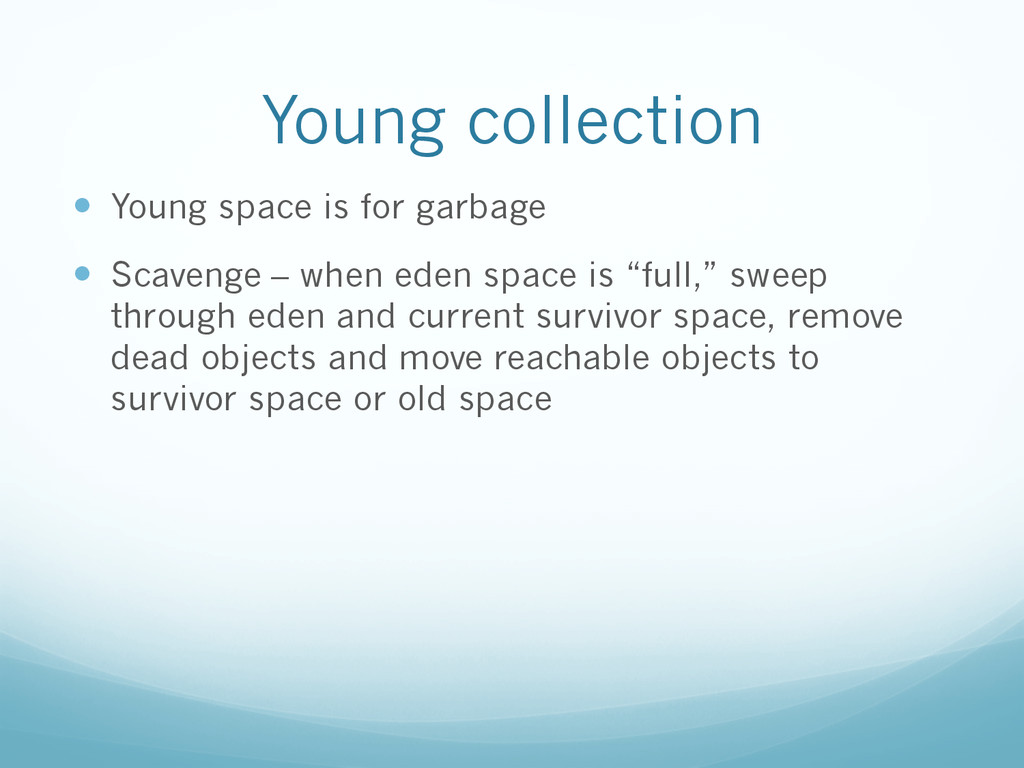
  23. Young collection —  Young space is for garbage —  Scavenge

    – when eden space is “full,” sweep through eden and current survivor space, remove dead objects and move reachable objects to survivor space or old space
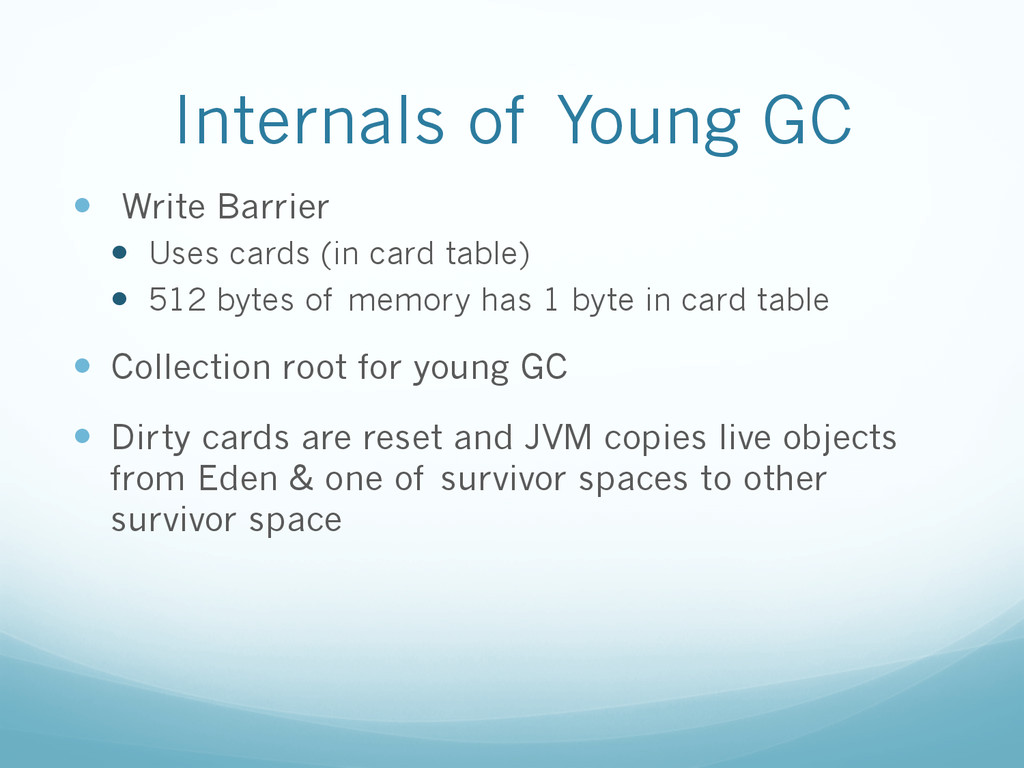
  24. Internals of Young GC —  Write Barrier —  Uses cards

    (in card table) —  512 bytes of memory has 1 byte in card table —  Collection root for young GC —  Dirty cards are reset and JVM copies live objects from Eden & one of survivor spaces to other survivor space
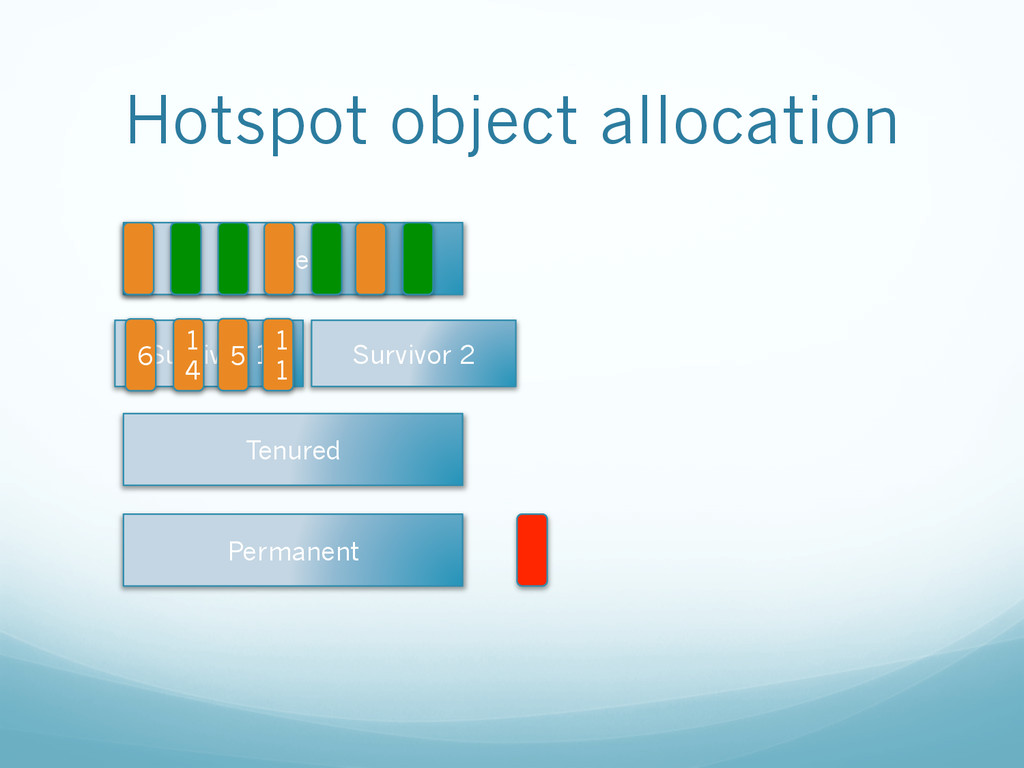
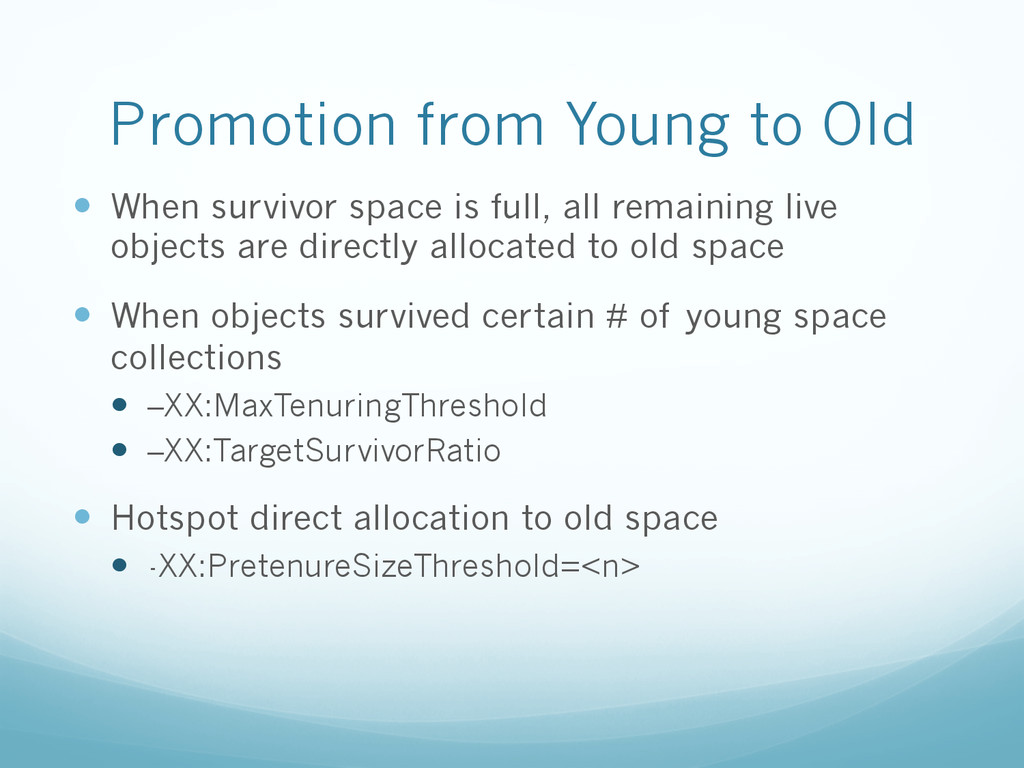
  25. Promotion from Young to Old —  When survivor space is

    full, all remaining live objects are directly allocated to old space —  When objects survived certain # of young space collections —  –XX:MaxTenuringThreshold —  –XX:TargetSurvivorRatio —  Hotspot direct allocation to old space —  -XX:PretenureSizeThreshold=<n>
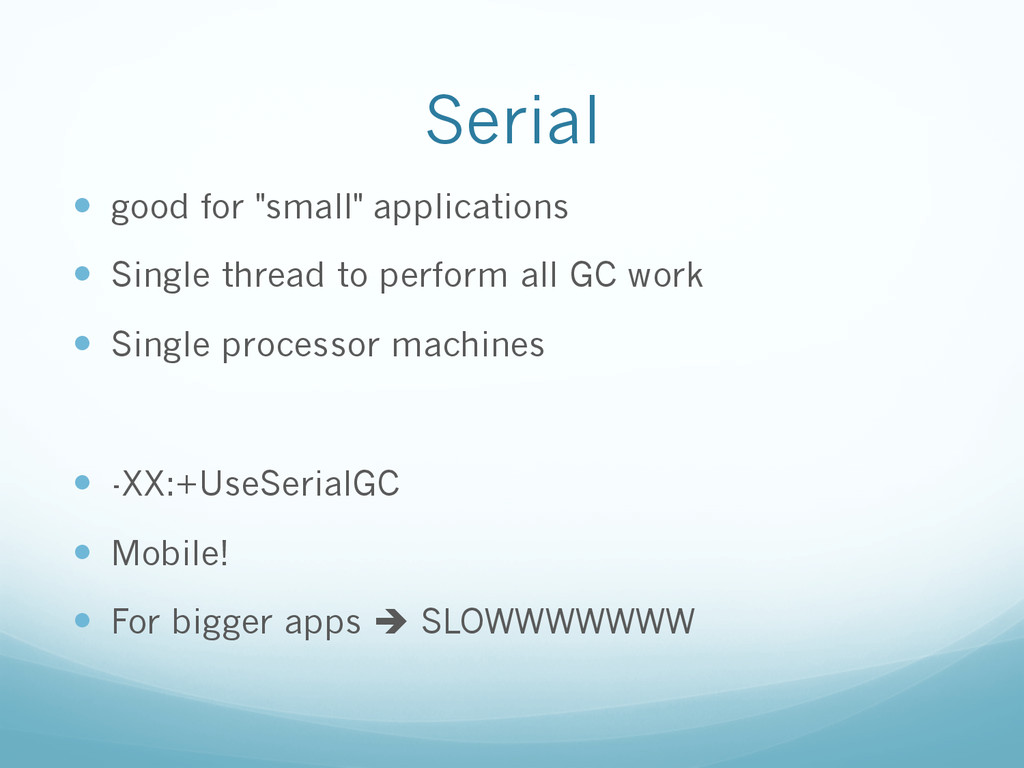
  26. Serial —  good for "small" applications —  Single thread to

    perform all GC work —  Single processor machines —  -XX:+UseSerialGC —  Mobile! —  For bigger apps è SLOWWWWWWW
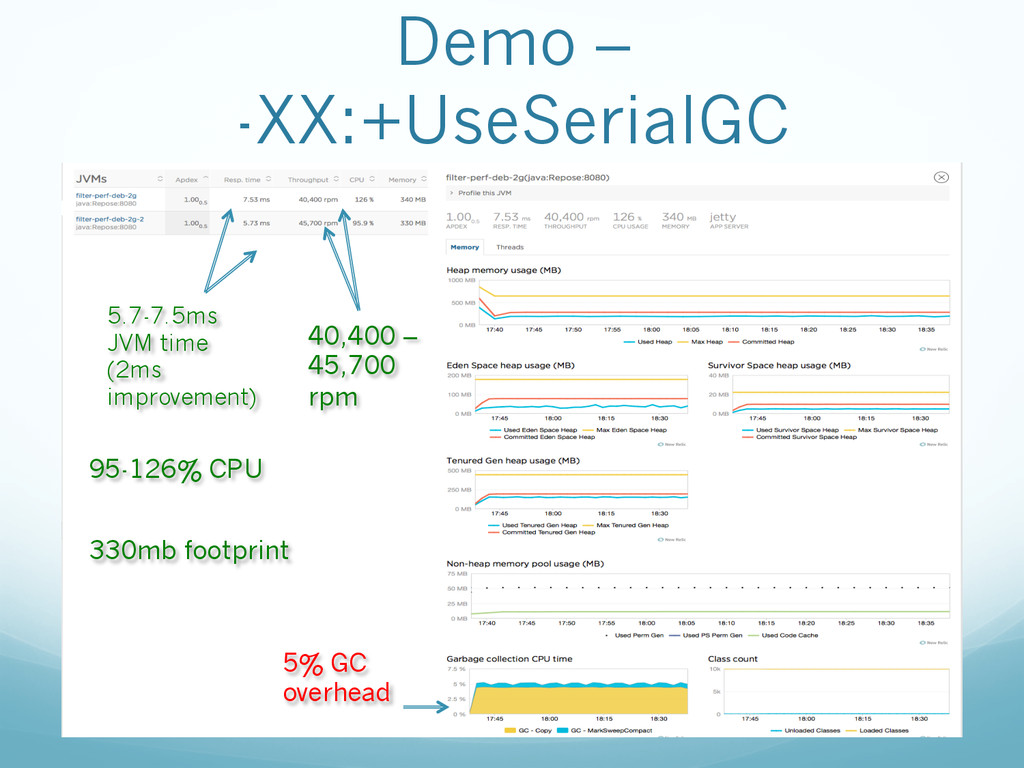
  27. Demo – -XX:+UseSerialGC 5.7-7.5ms JVM time (2ms improvement) 40,400 –

    45,700 rpm 95-126% CPU 330mb footprint 5% GC overhead
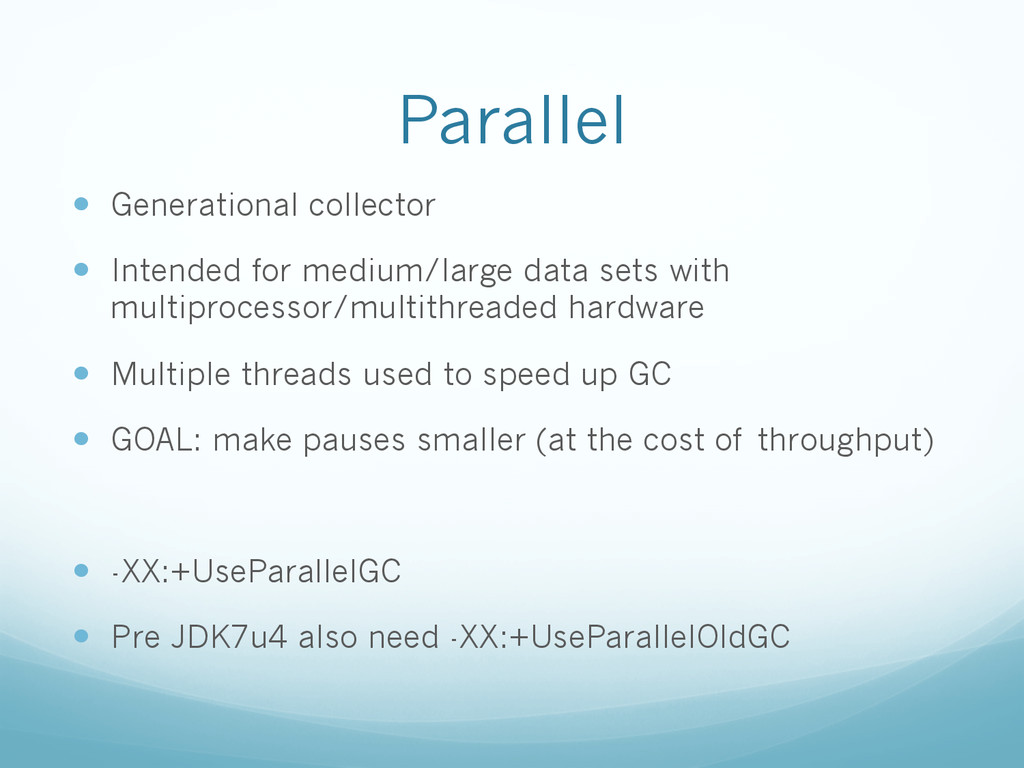
  28. Parallel —  Generational collector —  Intended for medium/large data sets

    with multiprocessor/multithreaded hardware —  Multiple threads used to speed up GC —  GOAL: make pauses smaller (at the cost of throughput) —  -XX:+UseParallelGC —  Pre JDK7u4 also need -XX:+UseParallelOldGC
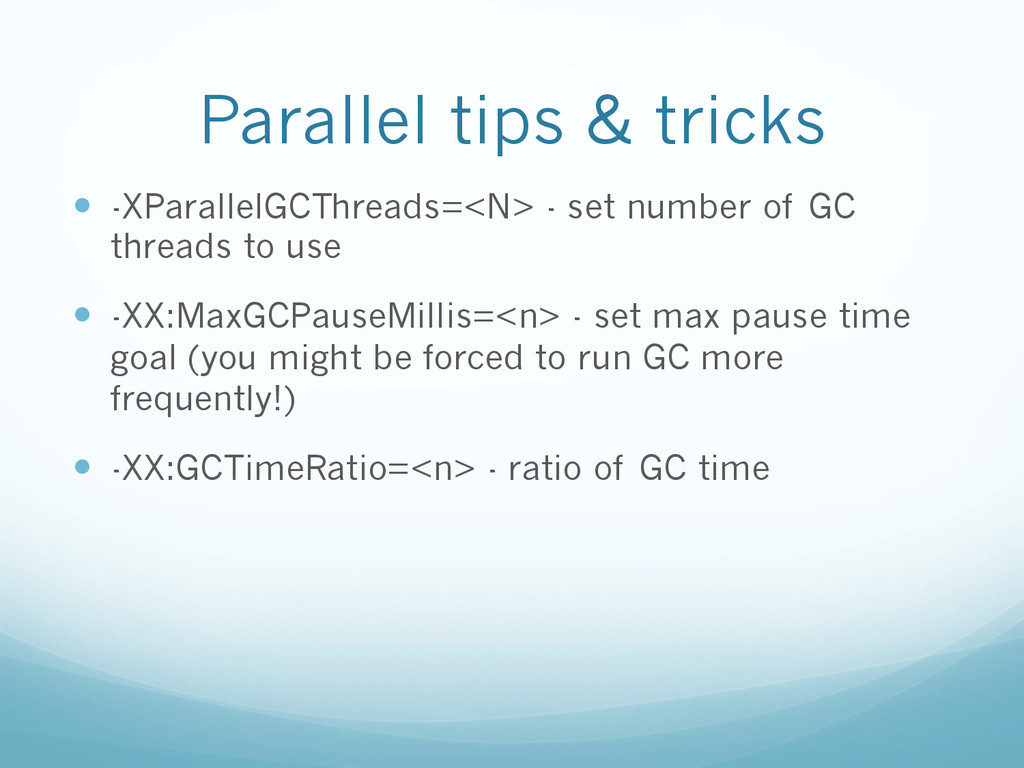
  29. Parallel tips & tricks —  -XParallelGCThreads=<N> - set number of

    GC threads to use —  -XX:MaxGCPauseMillis=<n> - set max pause time goal (you might be forced to run GC more frequently!) —  -XX:GCTimeRatio=<n> - ratio of GC time
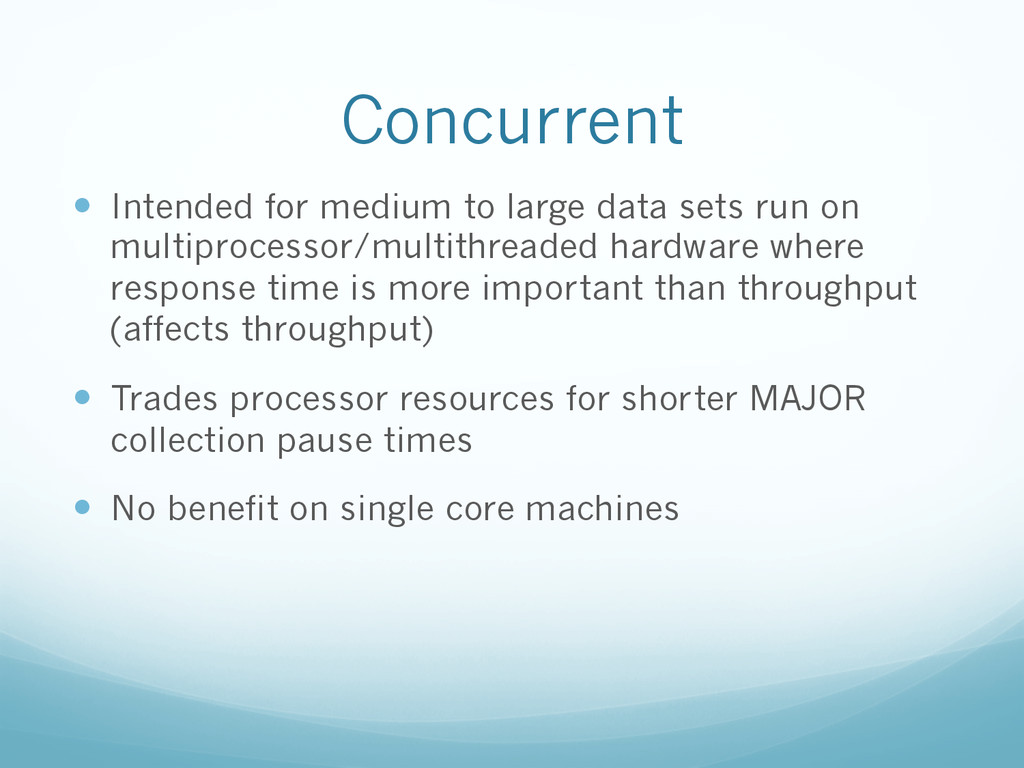
  30. Concurrent —  Intended for medium to large data sets run

    on multiprocessor/multithreaded hardware where response time is more important than throughput (affects throughput) —  Trades processor resources for shorter MAJOR collection pause times —  No benefit on single core machines
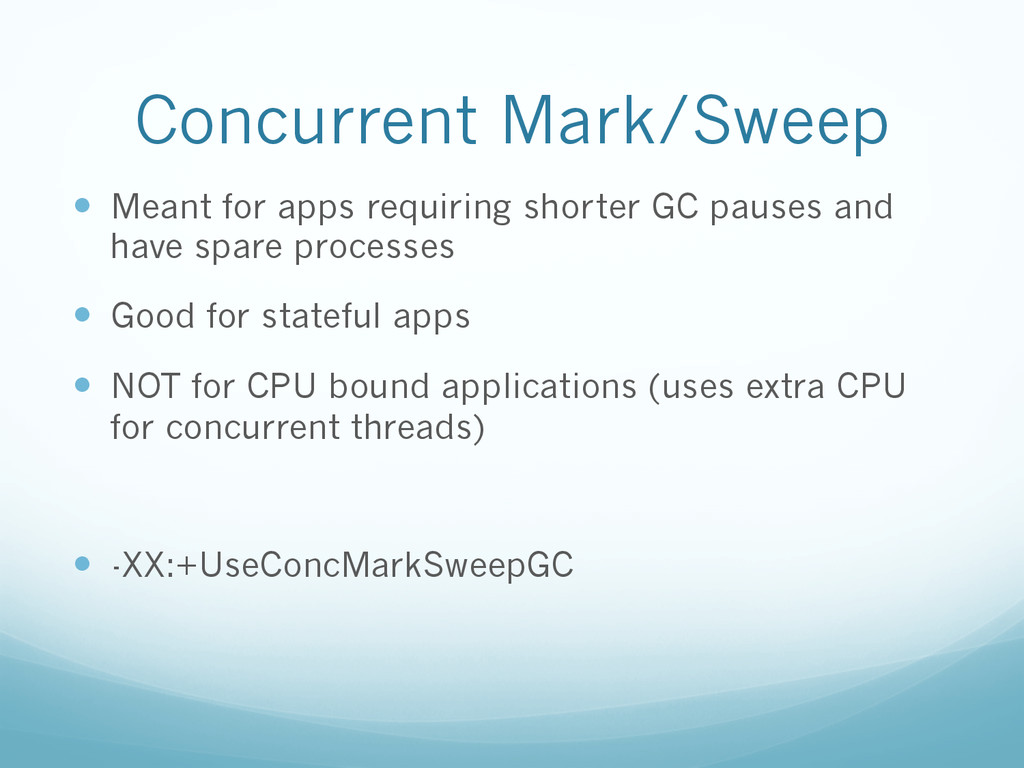
  31. Concurrent Mark/Sweep —  Meant for apps requiring shorter GC pauses

    and have spare processes —  Good for stateful apps —  NOT for CPU bound applications (uses extra CPU for concurrent threads) —  -XX:+UseConcMarkSweepGC
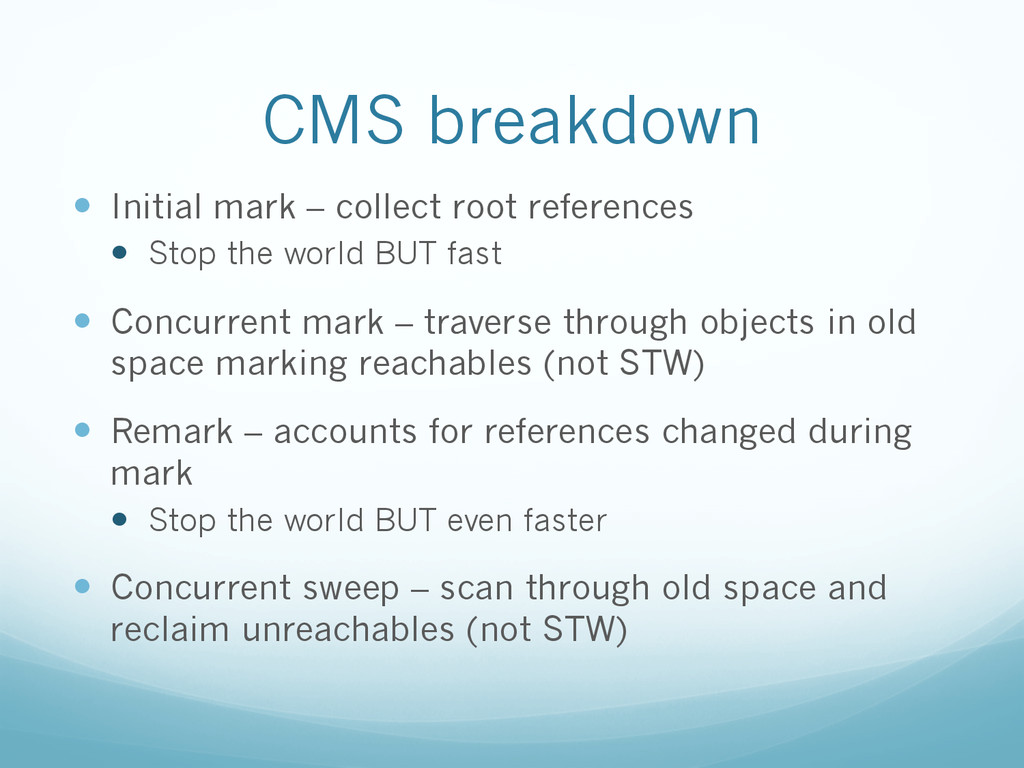
  32. CMS breakdown —  Initial mark – collect root references — 

    Stop the world BUT fast —  Concurrent mark – traverse through objects in old space marking reachables (not STW) —  Remark – accounts for references changed during mark —  Stop the world BUT even faster —  Concurrent sweep – scan through old space and reclaim unreachables (not STW)
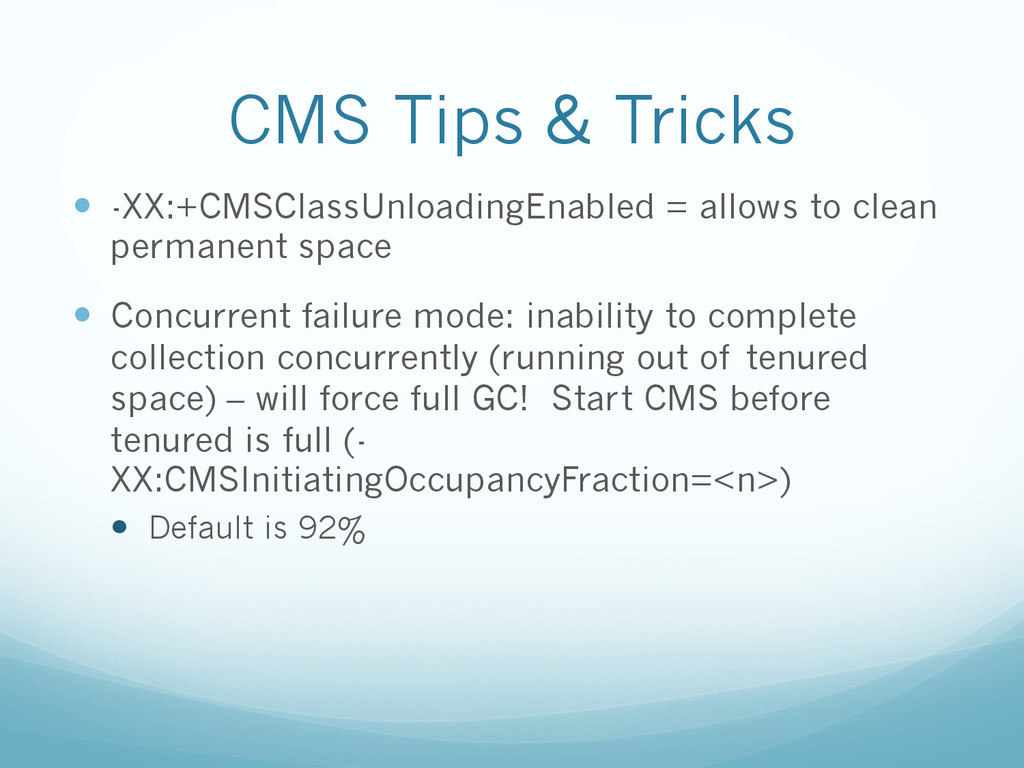
  33. CMS Tips & Tricks —  -XX:+CMSClassUnloadingEnabled = allows to clean

    permanent space —  Concurrent failure mode: inability to complete collection concurrently (running out of tenured space) – will force full GC! Start CMS before tenured is full (- XX:CMSInitiatingOccupancyFraction=<n>) —  Default is 92%
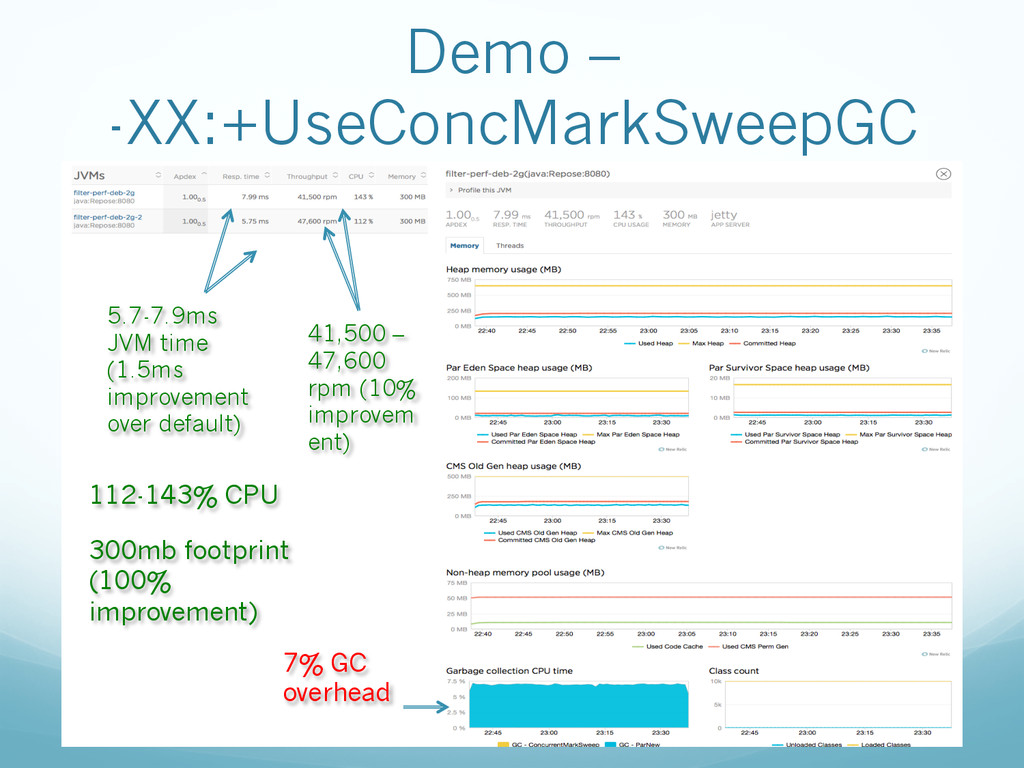
  34. Demo – -XX:+UseConcMarkSweepGC 5.7-7.9ms JVM time (1.5ms improvement over default)

    41,500 – 47,600 rpm (10% improvem ent) 112-143% CPU 300mb footprint (100% improvement) 7% GC overhead
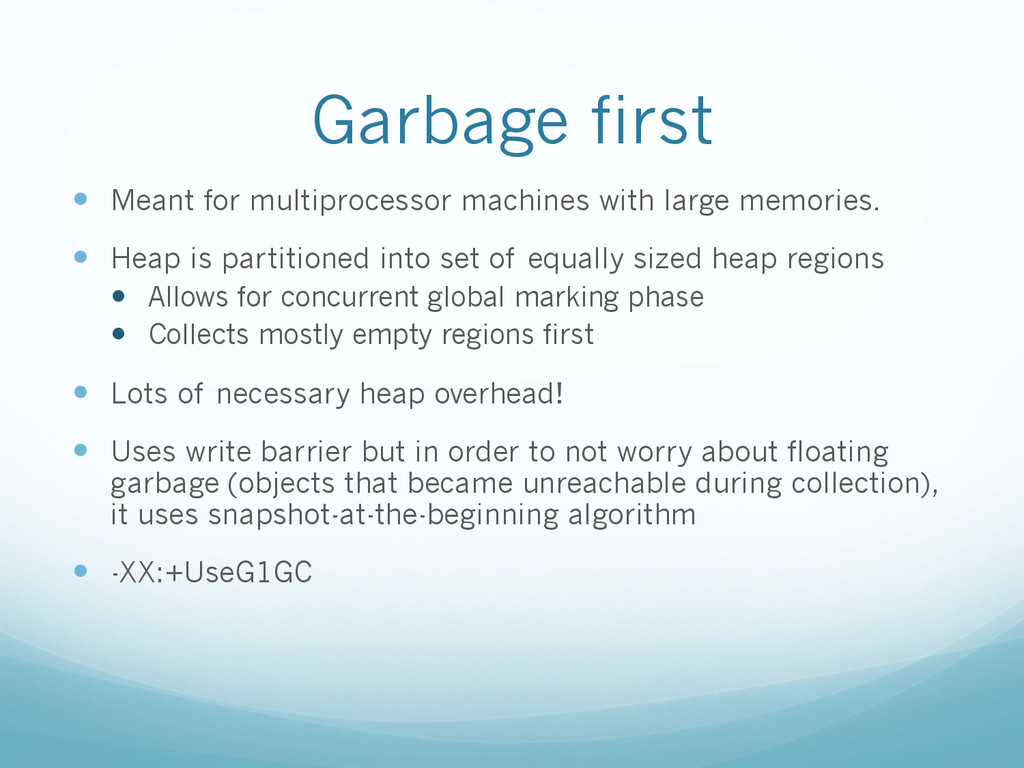
  35. Garbage first —  Meant for multiprocessor machines with large memories.

    —  Heap is partitioned into set of equally sized heap regions —  Allows for concurrent global marking phase —  Collects mostly empty regions first —  Lots of necessary heap overhead! —  Uses write barrier but in order to not worry about floating garbage (objects that became unreachable during collection), it uses snapshot-at-the-beginning algorithm —  -XX:+UseG1GC
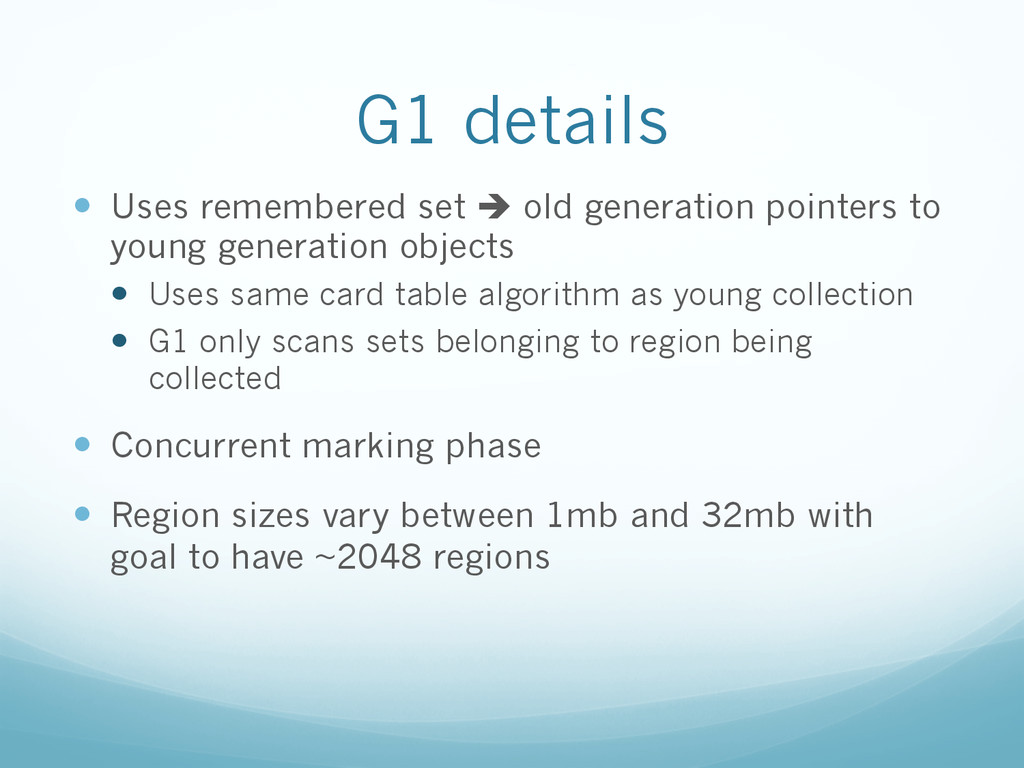
  36. G1 details —  Uses remembered set è old generation pointers

    to young generation objects —  Uses same card table algorithm as young collection —  G1 only scans sets belonging to region being collected —  Concurrent marking phase —  Region sizes vary between 1mb and 32mb with goal to have ~2048 regions
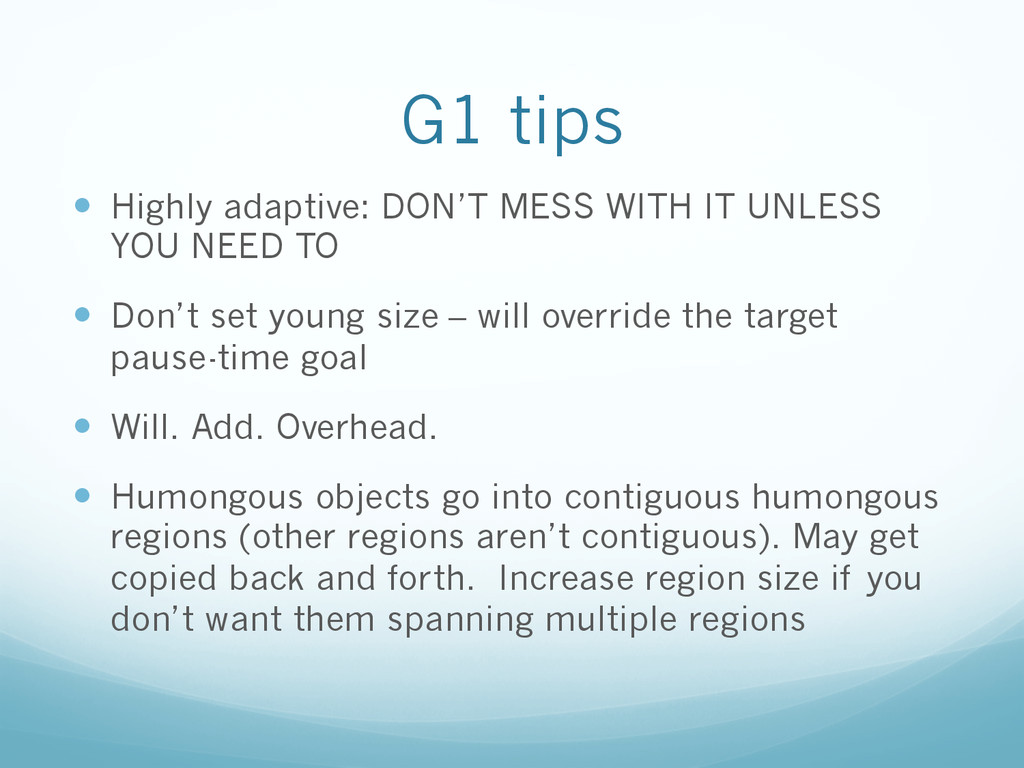
  37. G1 tips —  Highly adaptive: DON’T MESS WITH IT UNLESS

    YOU NEED TO —  Don’t set young size – will override the target pause-time goal —  Will. Add. Overhead. —  Humongous objects go into contiguous humongous regions (other regions aren’t contiguous). May get copied back and forth. Increase region size if you don’t want them spanning multiple regions
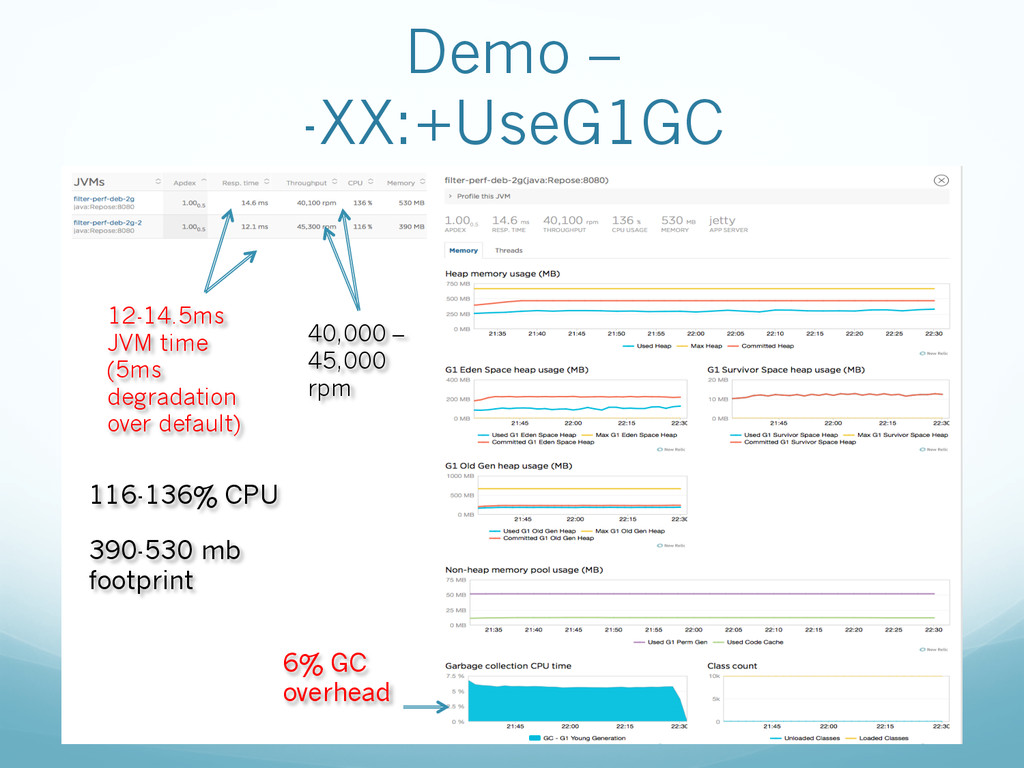
  38. Demo – -XX:+UseG1GC 12-14.5ms JVM time (5ms degradation over default)

    40,000 – 45,000 rpm 116-136% CPU 390-530 mb footprint 6% GC overhead
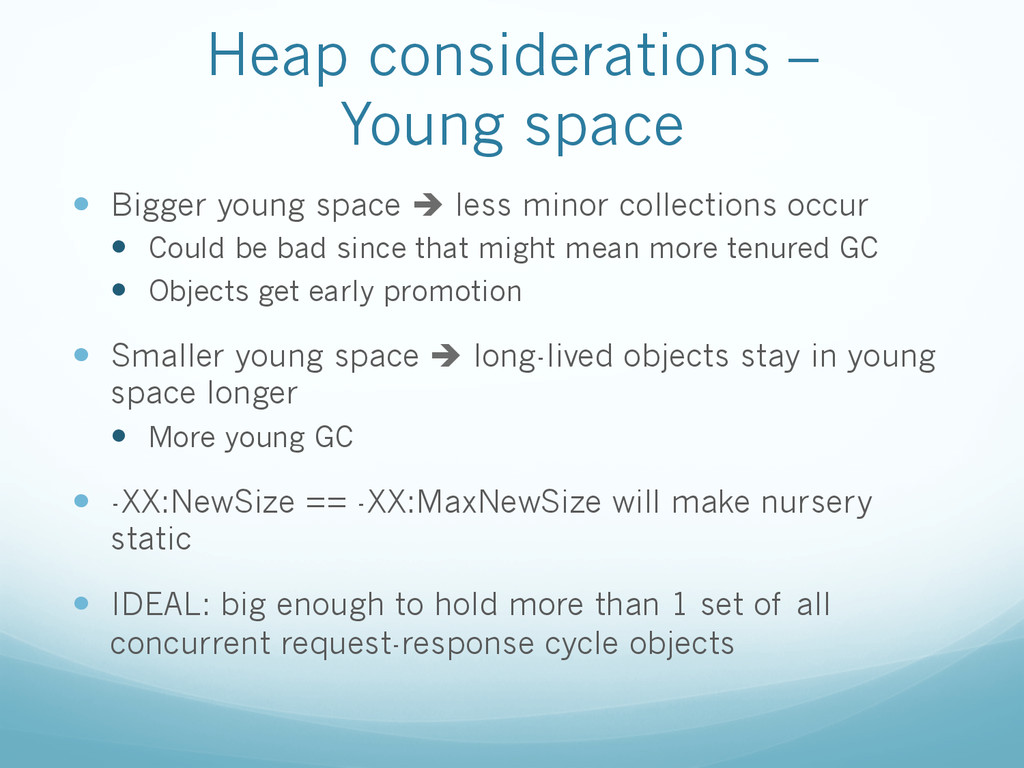
  39. Heap considerations – Young space —  Bigger young space è

    less minor collections occur —  Could be bad since that might mean more tenured GC —  Objects get early promotion —  Smaller young space è long-lived objects stay in young space longer —  More young GC —  -XX:NewSize == -XX:MaxNewSize will make nursery static —  IDEAL: big enough to hold more than 1 set of all concurrent request-response cycle objects
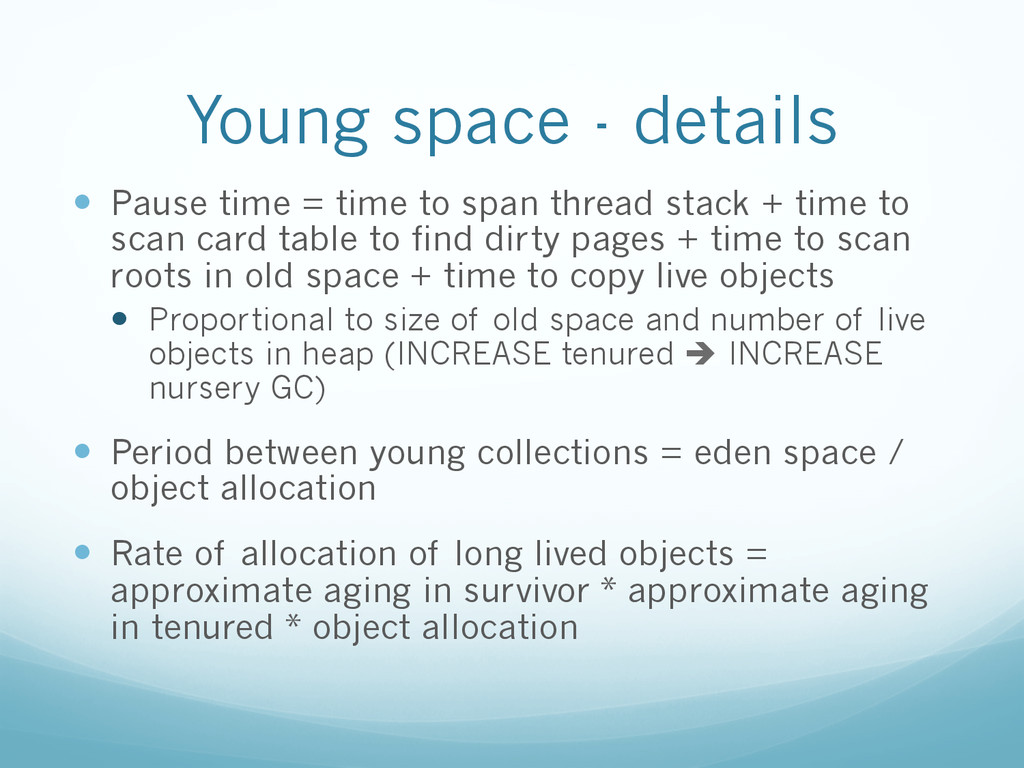
  40. Young space - details —  Pause time = time to

    span thread stack + time to scan card table to find dirty pages + time to scan roots in old space + time to copy live objects —  Proportional to size of old space and number of live objects in heap (INCREASE tenured è INCREASE nursery GC) —  Period between young collections = eden space / object allocation —  Rate of allocation of long lived objects = approximate aging in survivor * approximate aging in tenured * object allocation
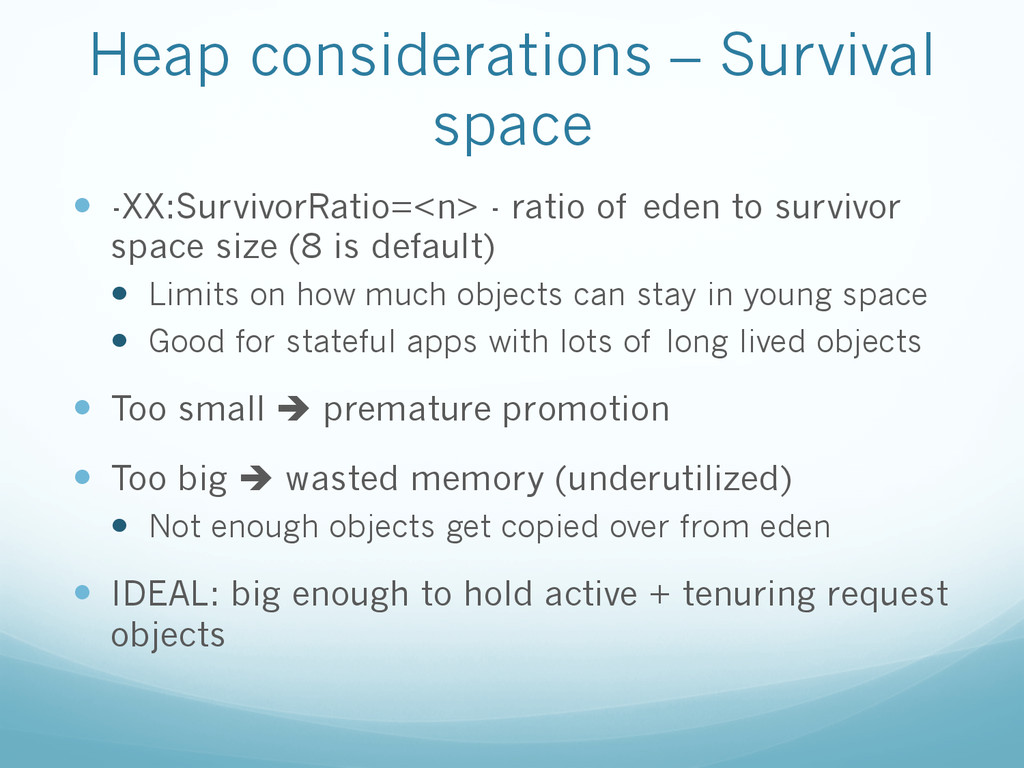
  41. Heap considerations – Survival space —  -XX:SurvivorRatio=<n> - ratio of

    eden to survivor space size (8 is default) —  Limits on how much objects can stay in young space —  Good for stateful apps with lots of long lived objects —  Too small è premature promotion —  Too big è wasted memory (underutilized) —  Not enough objects get copied over from eden —  IDEAL: big enough to hold active + tenuring request objects
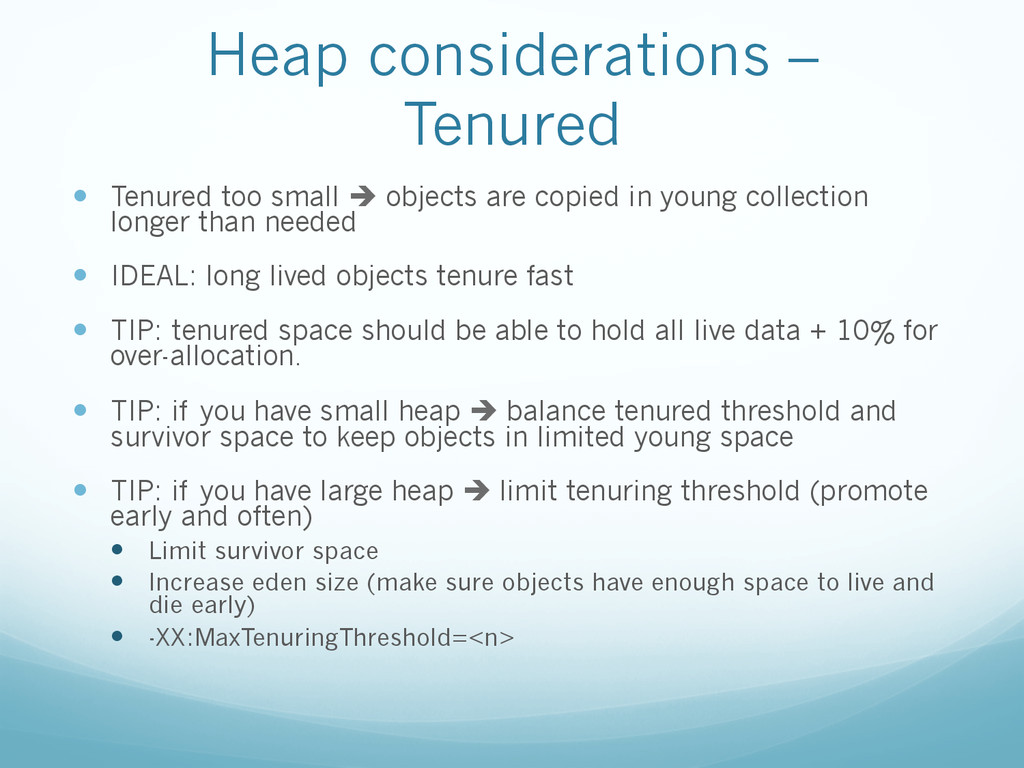
  42. Heap considerations – Tenured —  Tenured too small è objects

    are copied in young collection longer than needed —  IDEAL: long lived objects tenure fast —  TIP: tenured space should be able to hold all live data + 10% for over-allocation. —  TIP: if you have small heap è balance tenured threshold and survivor space to keep objects in limited young space —  TIP: if you have large heap è limit tenuring threshold (promote early and often) —  Limit survivor space —  Increase eden size (make sure objects have enough space to live and die early) —  -XX:MaxTenuringThreshold=<n>
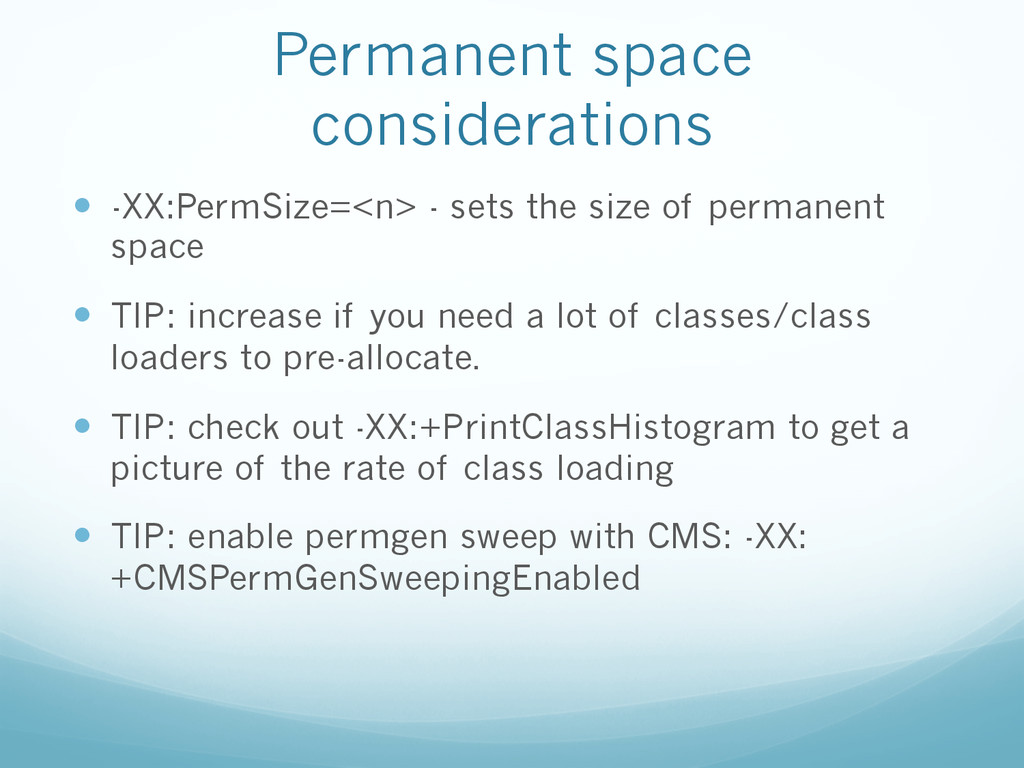
  43. Permanent space considerations —  -XX:PermSize=<n> - sets the size of

    permanent space —  TIP: increase if you need a lot of classes/class loaders to pre-allocate. —  TIP: check out -XX:+PrintClassHistogram to get a picture of the rate of class loading —  TIP: enable permgen sweep with CMS: -XX: +CMSPermGenSweepingEnabled
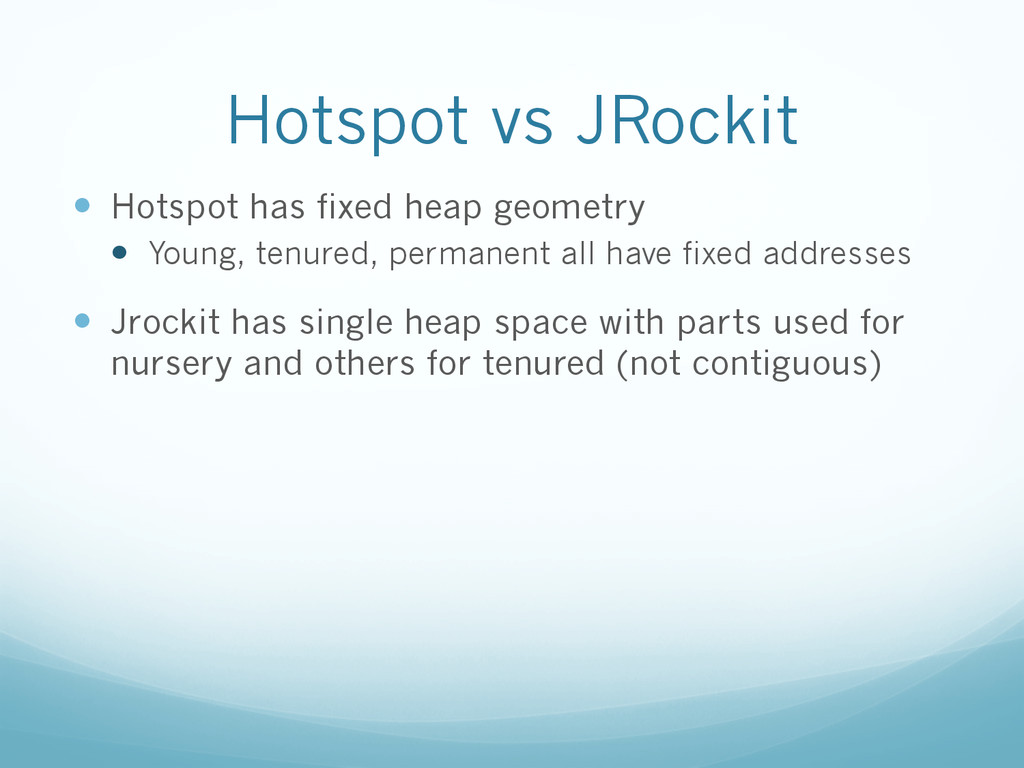
  44. Hotspot vs JRockit —  Hotspot has fixed heap geometry — 

    Young, tenured, permanent all have fixed addresses —  Jrockit has single heap space with parts used for nursery and others for tenured (not contiguous)
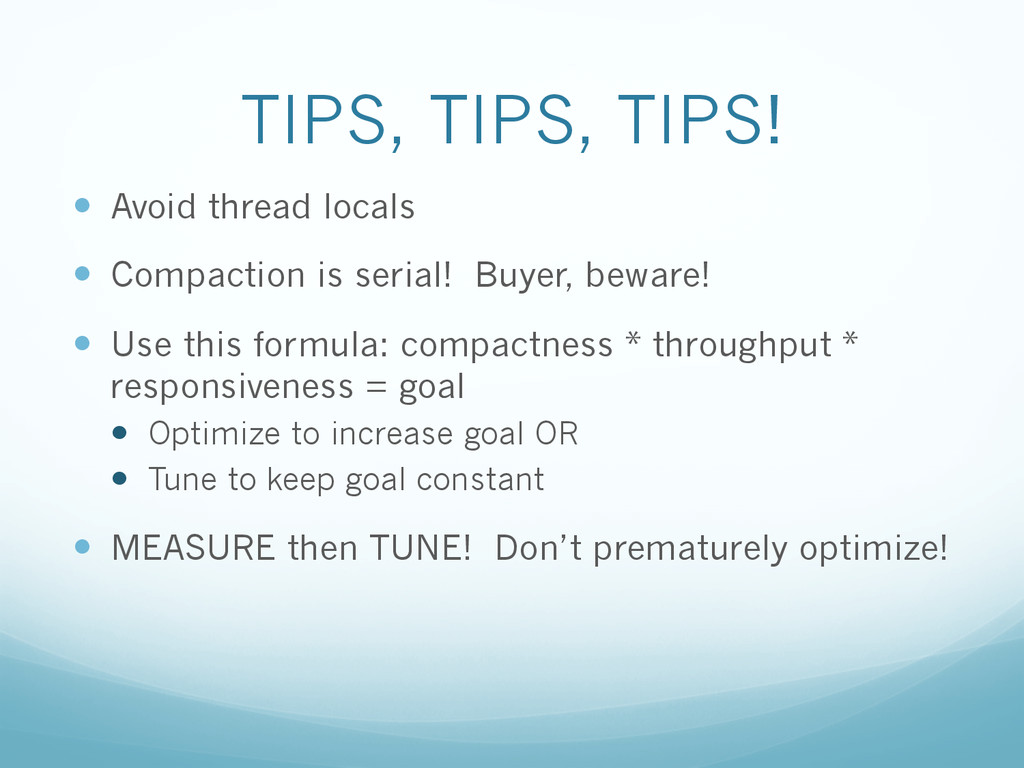
  45. TIPS, TIPS, TIPS! —  Avoid thread locals —  Compaction is

    serial! Buyer, beware! —  Use this formula: compactness * throughput * responsiveness = goal —  Optimize to increase goal OR —  Tune to keep goal constant —  MEASURE then TUNE! Don’t prematurely optimize!
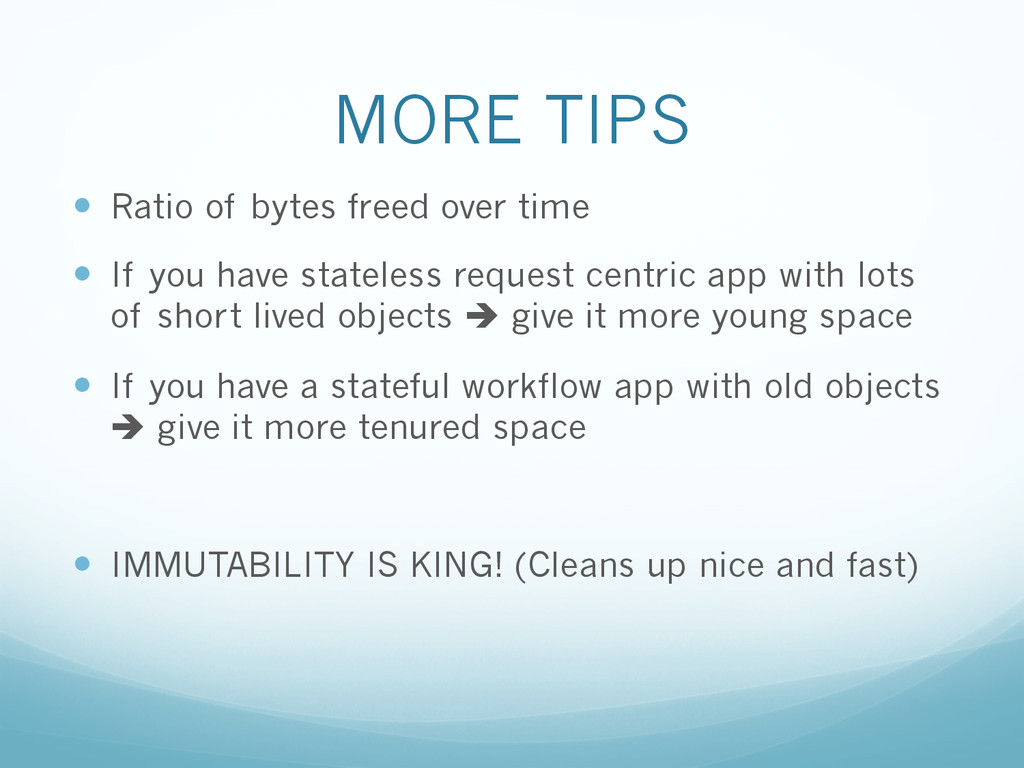
  46. MORE TIPS —  Ratio of bytes freed over time — 

    If you have stateless request centric app with lots of short lived objects è give it more young space —  If you have a stateful workflow app with old objects è give it more tenured space —  IMMUTABILITY IS KING! (Cleans up nice and fast)
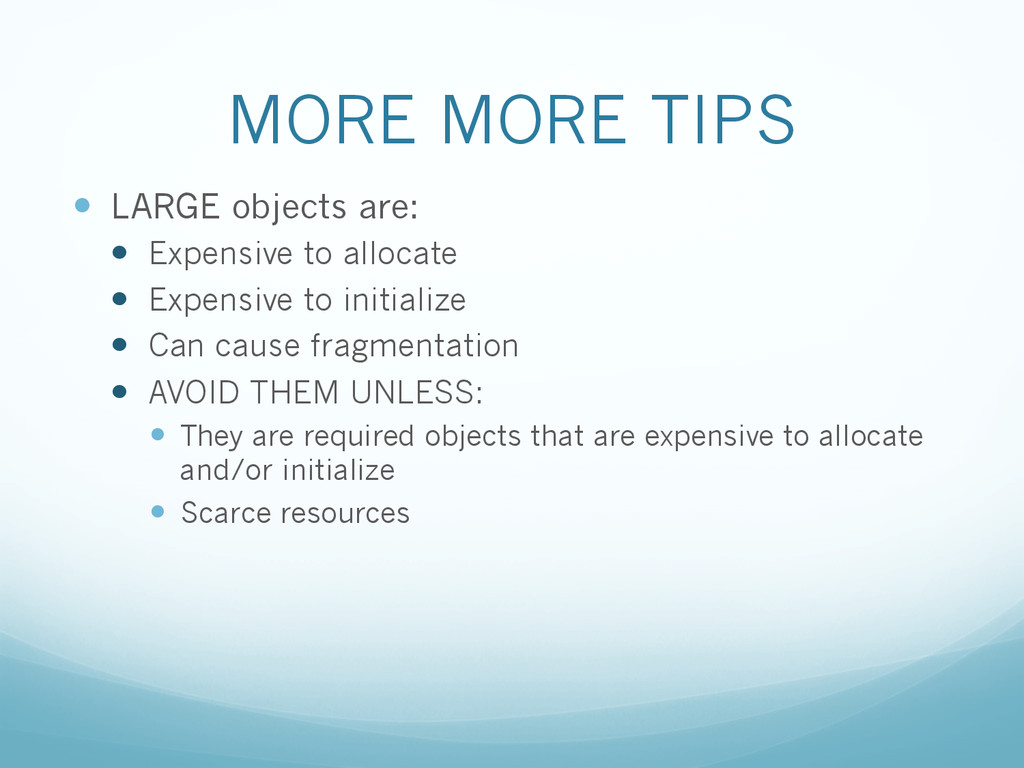
  47. MORE MORE TIPS —  LARGE objects are: —  Expensive to

    allocate —  Expensive to initialize —  Can cause fragmentation —  AVOID THEM UNLESS: —  They are required objects that are expensive to allocate and/or initialize —  Scarce resources
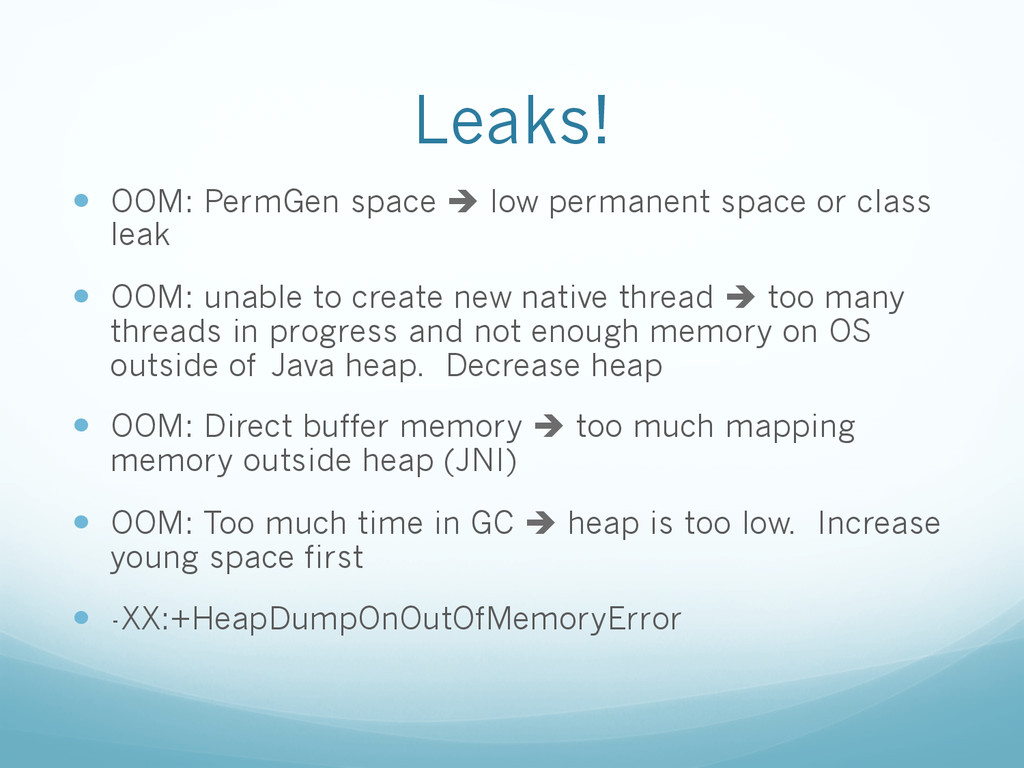
  48. Leaks! —  OOM: PermGen space è low permanent space or

    class leak —  OOM: unable to create new native thread è too many threads in progress and not enough memory on OS outside of Java heap. Decrease heap —  OOM: Direct buffer memory è too much mapping memory outside heap (JNI) —  OOM: Too much time in GC è heap is too low. Increase young space first —  -XX:+HeapDumpOnOutOfMemoryError