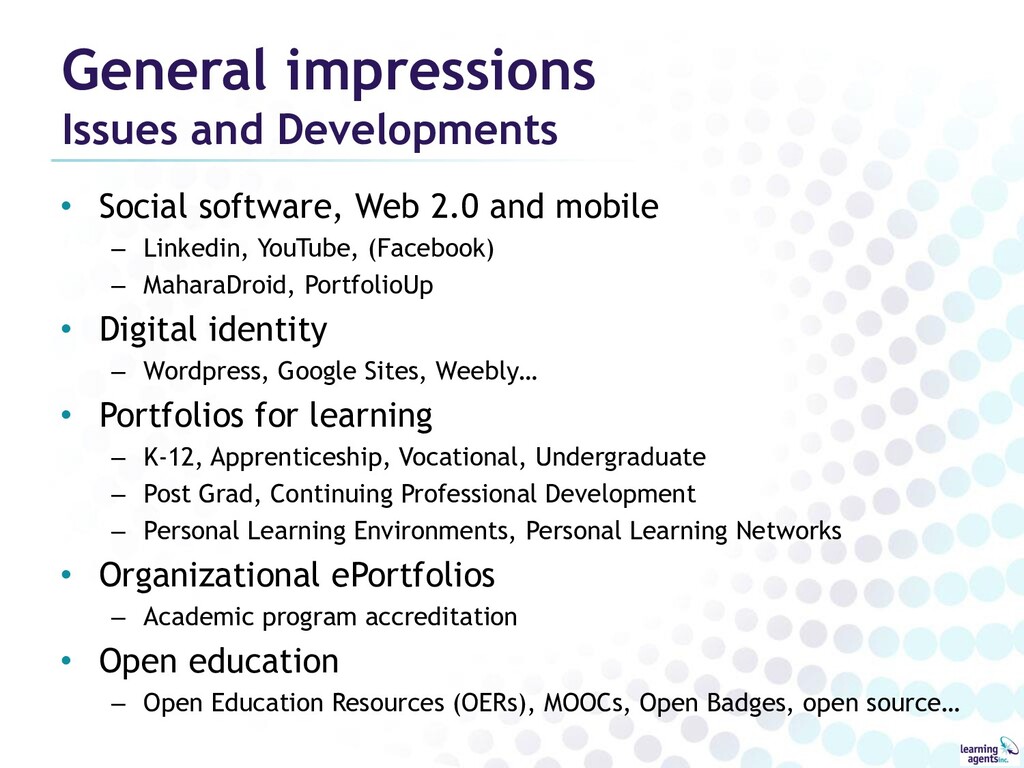
and mobile – Linkedin, YouTube, (Facebook) – MaharaDroid, PortfolioUp • Digital identity – Wordpress, Google Sites, Weebly… • Portfolios for learning – K-12, Apprenticeship, Vocational, Undergraduate – Post Grad, Continuing Professional Development – Personal Learning Environments, Personal Learning Networks • Organizational ePortfolios – Academic program accreditation • Open education – Open Education Resources (OERs), MOOCs, Open Badges, open source…
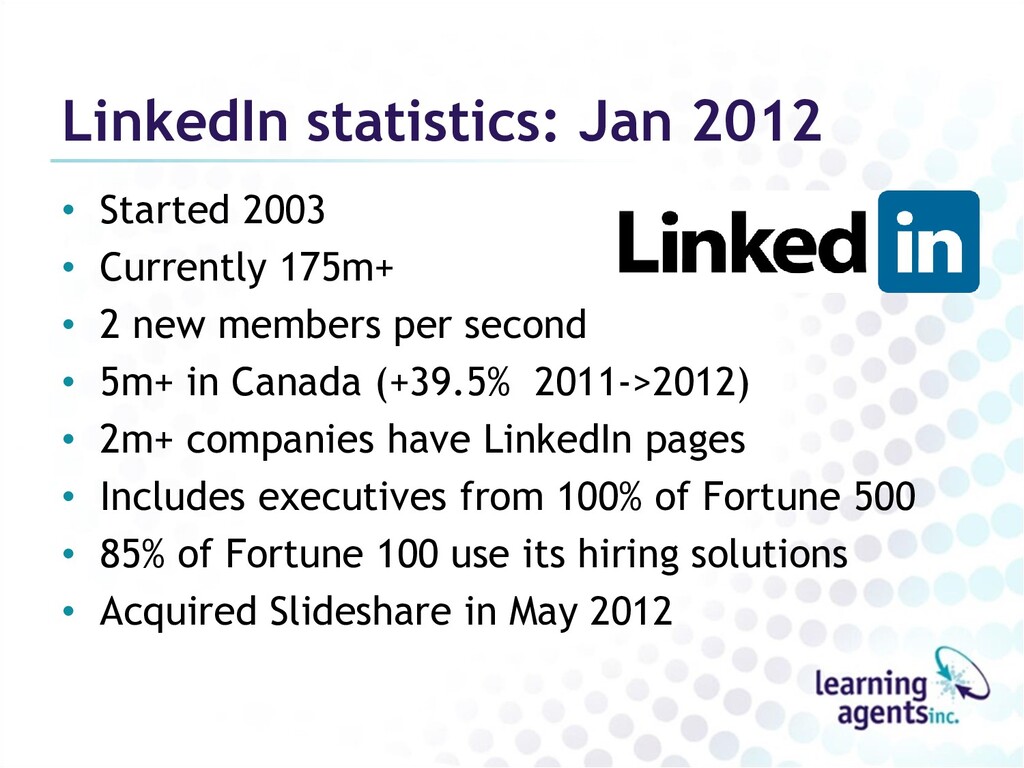
• 2 new members per second • 5m+ in Canada (+39.5% 2011->2012) • 2m+ companies have LinkedIn pages • Includes executives from 100% of Fortune 500 • 85% of Fortune 100 use its hiring solutions • Acquired Slideshare in May 2012
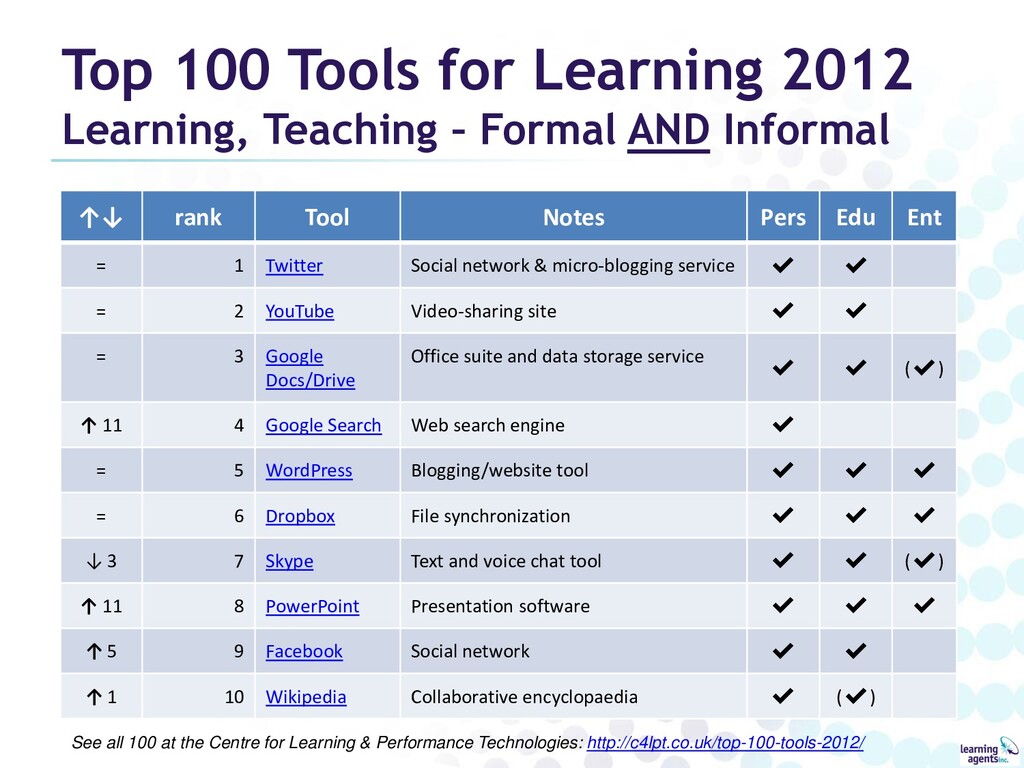
AND Informal ↑↓ rank Tool Notes Pers Edu Ent = 1 Twitter Social network & micro-blogging service ✔ ✔ = 2 YouTube Video-sharing site ✔ ✔ = 3 Google Docs/Drive Office suite and data storage service ✔ ✔ (✔) ↑ 11 4 Google Search Web search engine ✔ = 5 WordPress Blogging/website tool ✔ ✔ ✔ = 6 Dropbox File synchronization ✔ ✔ ✔ ↓ 3 7 Skype Text and voice chat tool ✔ ✔ (✔) ↑ 11 8 PowerPoint Presentation software ✔ ✔ ✔ ↑ 5 9 Facebook Social network ✔ ✔ ↑ 1 10 Wikipedia Collaborative encyclopaedia ✔ (✔) See all 100 at the Centre for Learning & Performance Technologies: http://c4lpt.co.uk/top-100-tools-2012/
Evidence-Based Learning • “a non-profit, professional organization for the world eportfolio community” • 106 Institutional Members in 5 countries • Harvard, Notre Dame, Columbia, Purdue, Washington, Stanford, Tufts… • Publish International Journal of ePortfolio • Annual conference, regional conferences
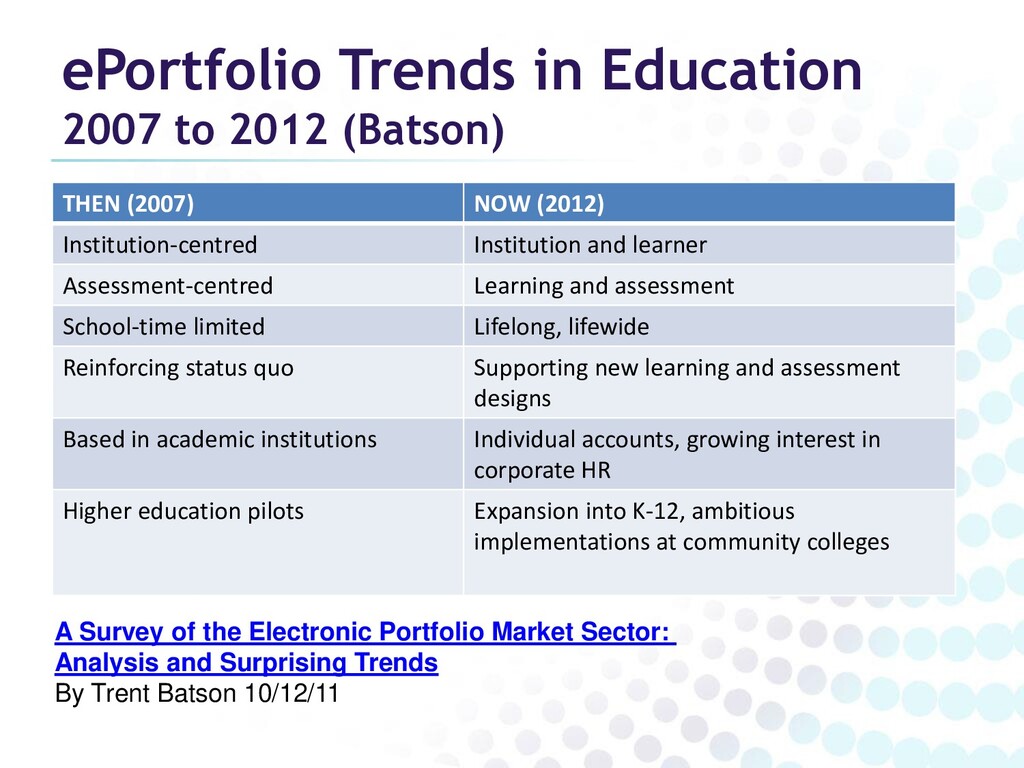
NOW (2012) Institution-centred Institution and learner Assessment-centred Learning and assessment School-time limited Lifelong, lifewide Reinforcing status quo Supporting new learning and assessment designs Based in academic institutions Individual accounts, growing interest in corporate HR Higher education pilots Expansion into K-12, ambitious implementations at community colleges A Survey of the Electronic Portfolio Market Sector: Analysis and Surprising Trends By Trent Batson 10/12/11
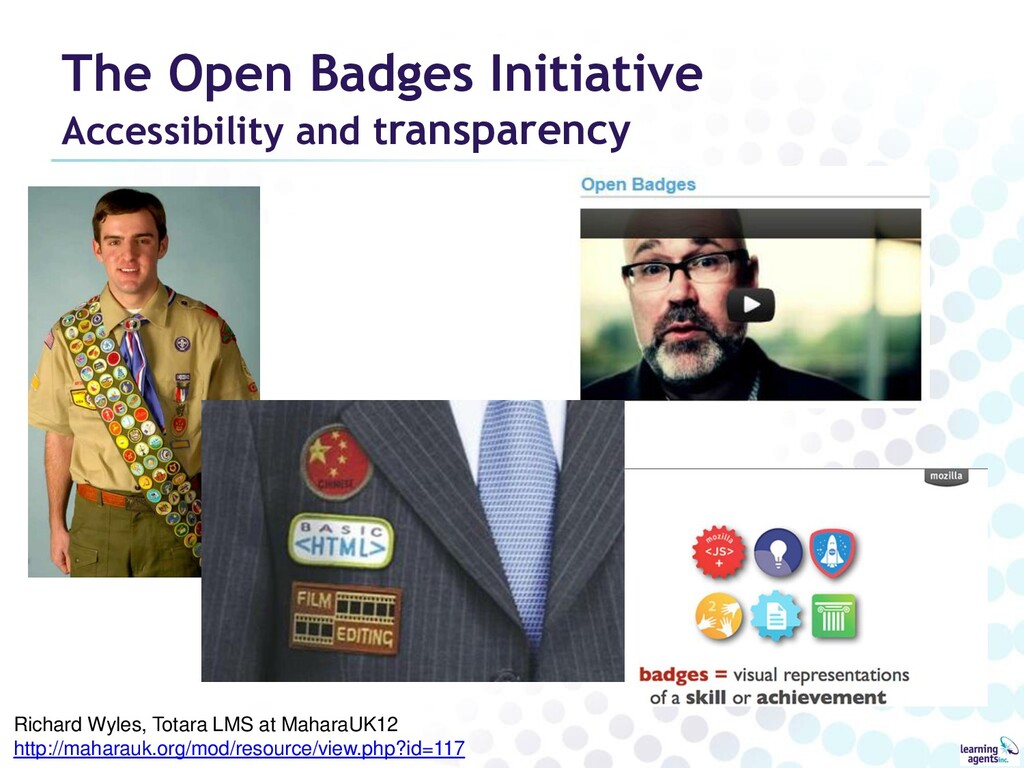
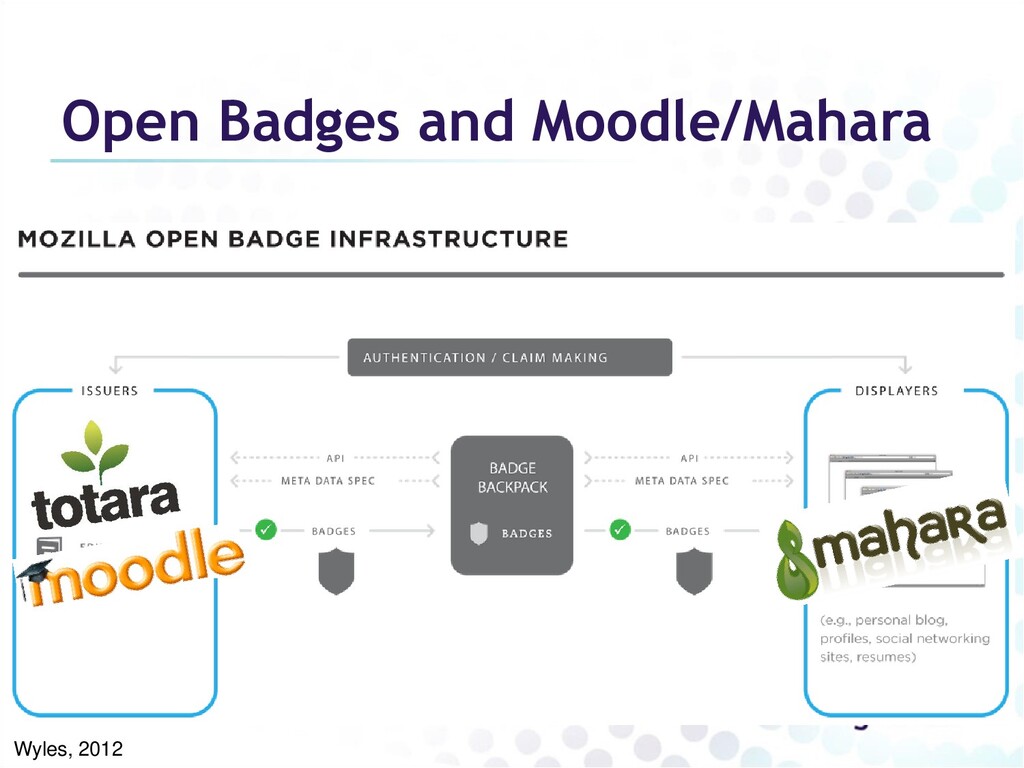
value will differ based on the “use case”, or community. A wide variety of badge systems will emerge; ➢Formal education ➢Professional bodies ➢Peer to peer recognition ➢Corporate, workplace learning • Infrastructure to support diversity of contexts with better robustness and connection to Issuer. Wyles, 2012
• Brief description of how badge was earned • Links to artefacts, testimonials etc. – i.e. the e-portfolio • Web service for verification. – “Did the Issuer issue the badge?” – “Is it still valid?” Wyles, 2012
– Modern society demands new and dynamic skills and literacies. Requires innovation and flexibility in learning environments • Anyone can issue accreditations about anything? Won’t this lead to badge “bling” and therefore badges become meaningless? – Badges need credibility but it’s within context – Only some will gain credibility Wyles, 2012
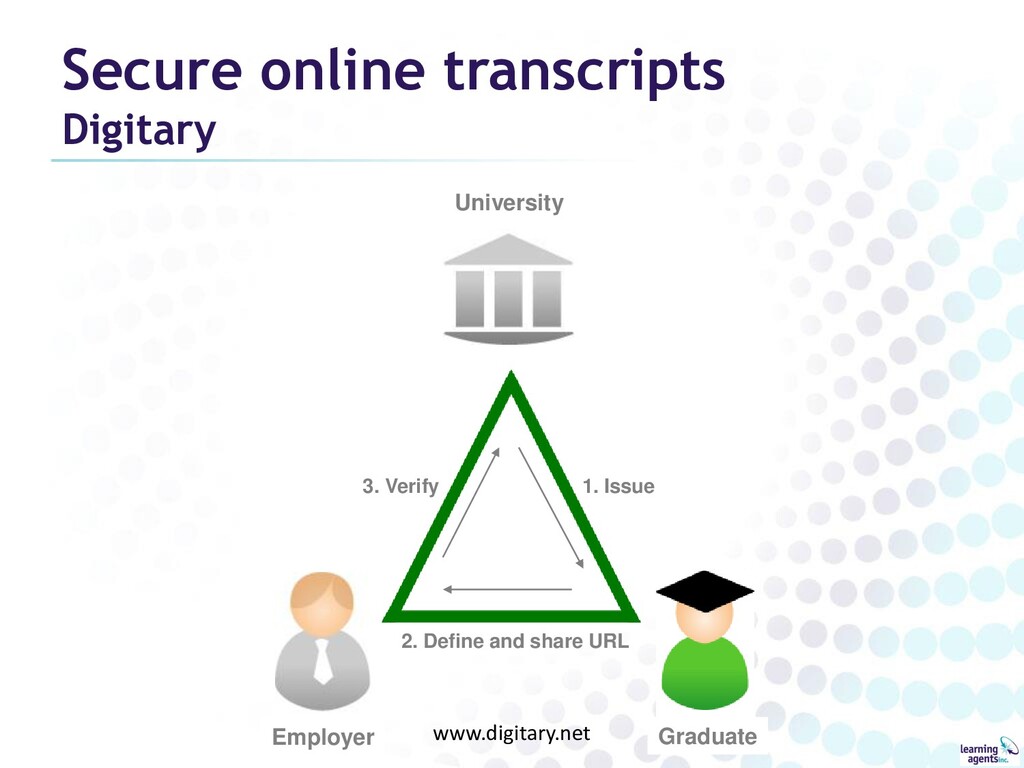
US standards • Vision/models: ATM/credit card networks, electronic toll booths • Educational and private sector consortium – Co-opetition: no competition on data transport • Take-up in Canada: 2011 • Draft schema for Academic e-Portfolio – Embody “folio thinking” for reflective learning – Link to PESC stds, Leap2A, HR-XML & Europass CV – Available for comment Fall 2012 www.pesc.org
(OERs) – MIT first, many following – Open text books: easy to understand • Massive Open Online Courses (MOOCs) – Large scale, open access, no embedded credit – Began 2007; in 2011, >160,000 take MOOC on AI – 2 types: • Connectivist: peer-review, group collaboration • Broadcast: automated feedback – Coursera (>Stanford), edX (MIT+), Udacity, Khan Academy Wikipedia
Nonprofit partnerships of Government, Business and Labour • WEM: workplace education in Essential Skills • WPLAR: workplace Recognition of Prior Learning wplar.ca wem.mb.ca
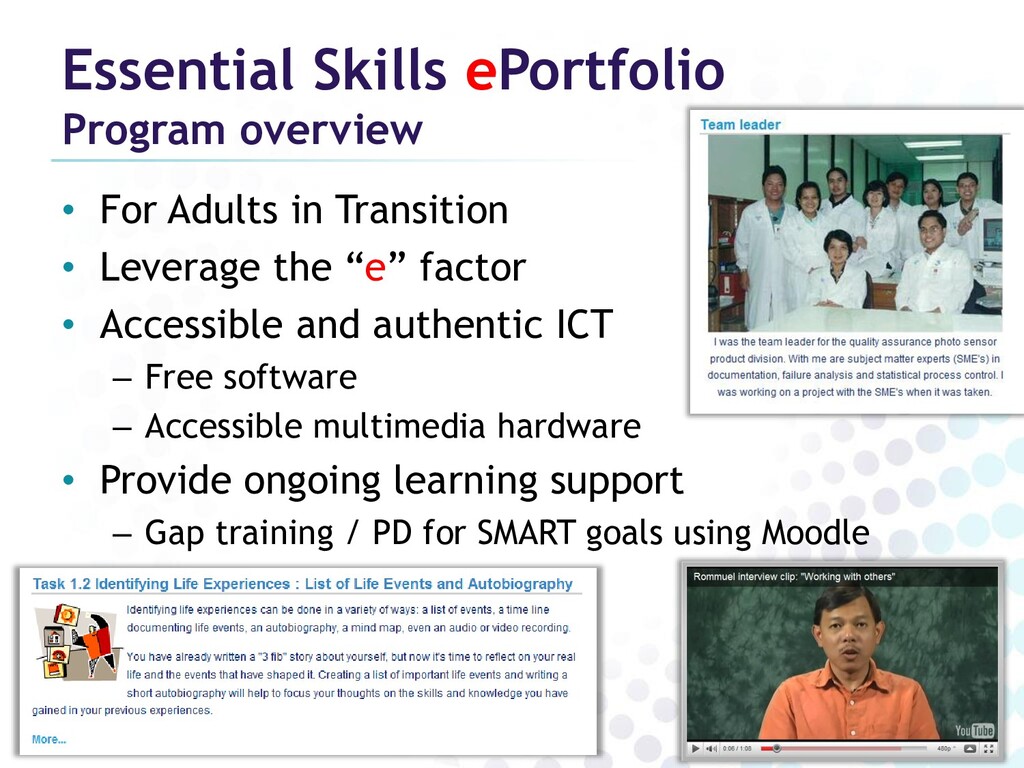
• Leverage the “e” factor • Accessible and authentic ICT – Free software – Accessible multimedia hardware • Provide ongoing learning support – Gap training / PD for SMART goals using Moodle
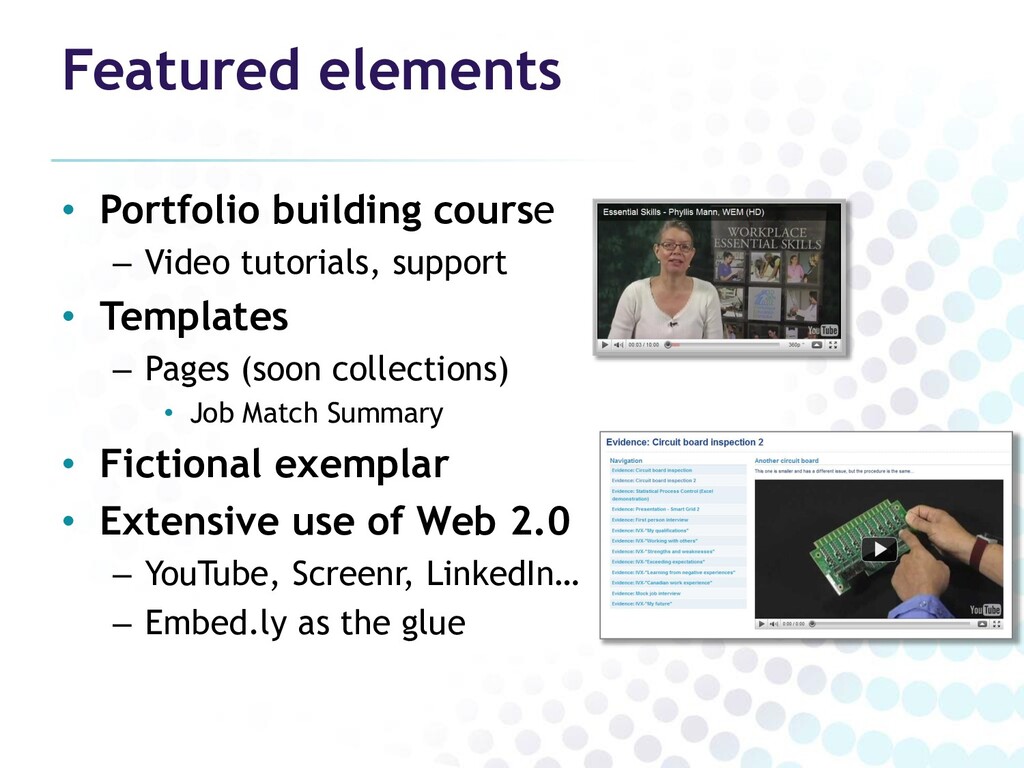
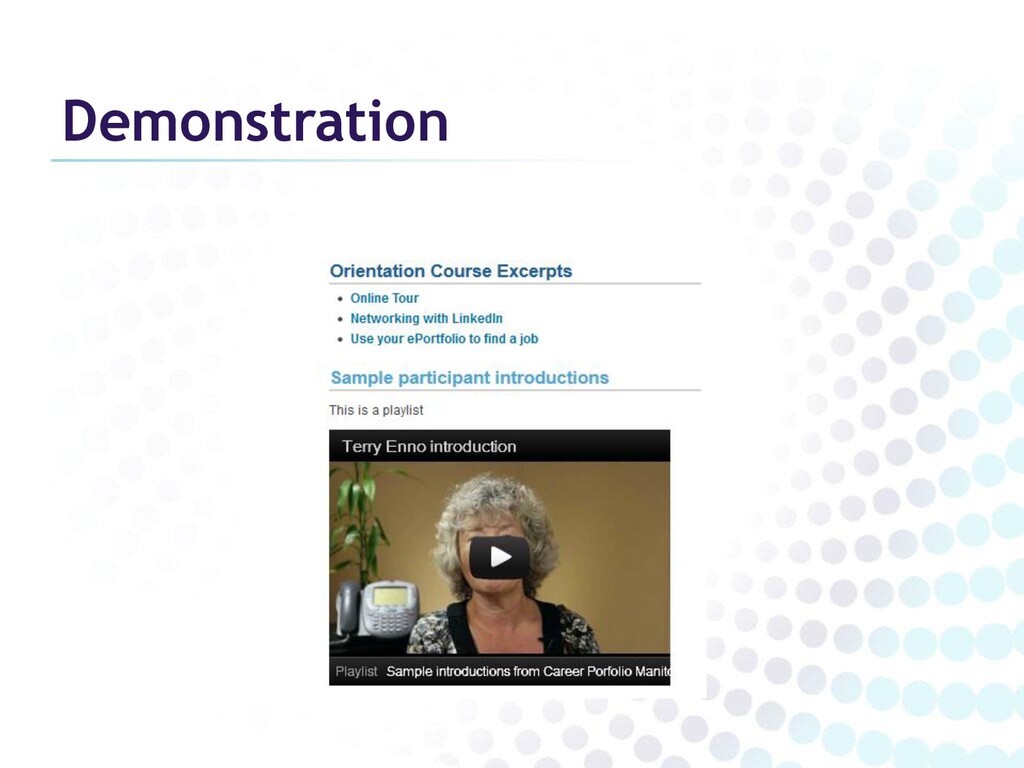
• Templates – Pages (soon collections) • Job Match Summary • Fictional exemplar • Extensive use of Web 2.0 – YouTube, Screenr, LinkedIn… – Embed.ly as the glue
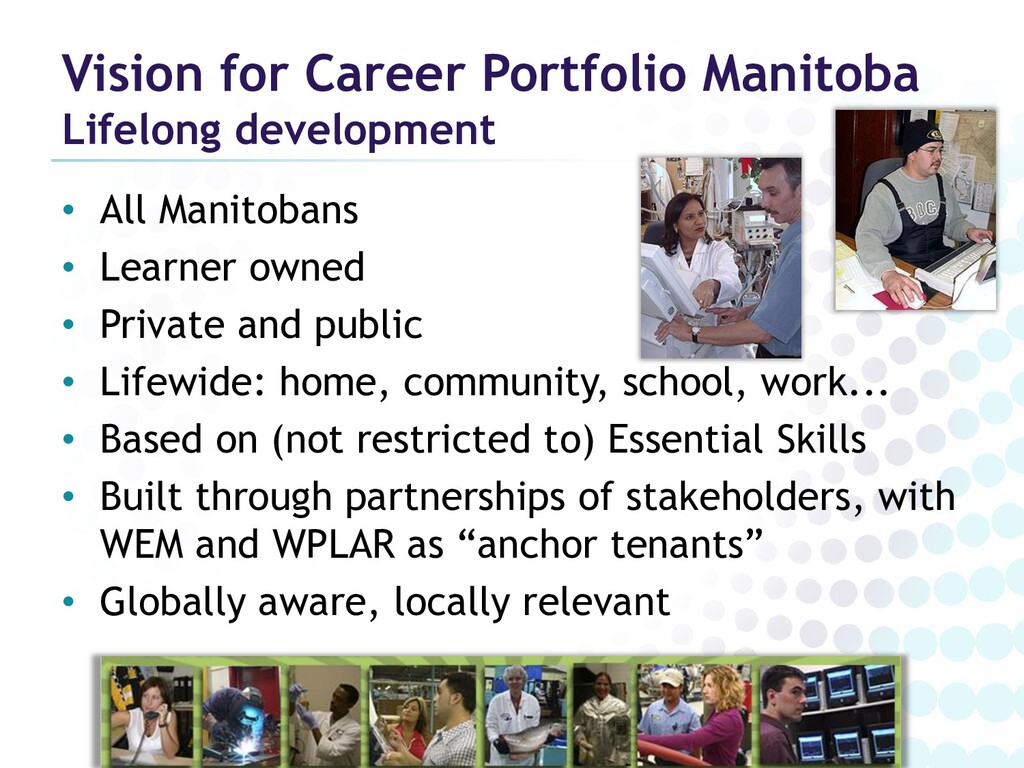
• Learner owned • Private and public • Lifewide: home, community, school, work... • Based on (not restricted to) Essential Skills • Built through partnerships of stakeholders, with WEM and WPLAR as “anchor tenants” • Globally aware, locally relevant
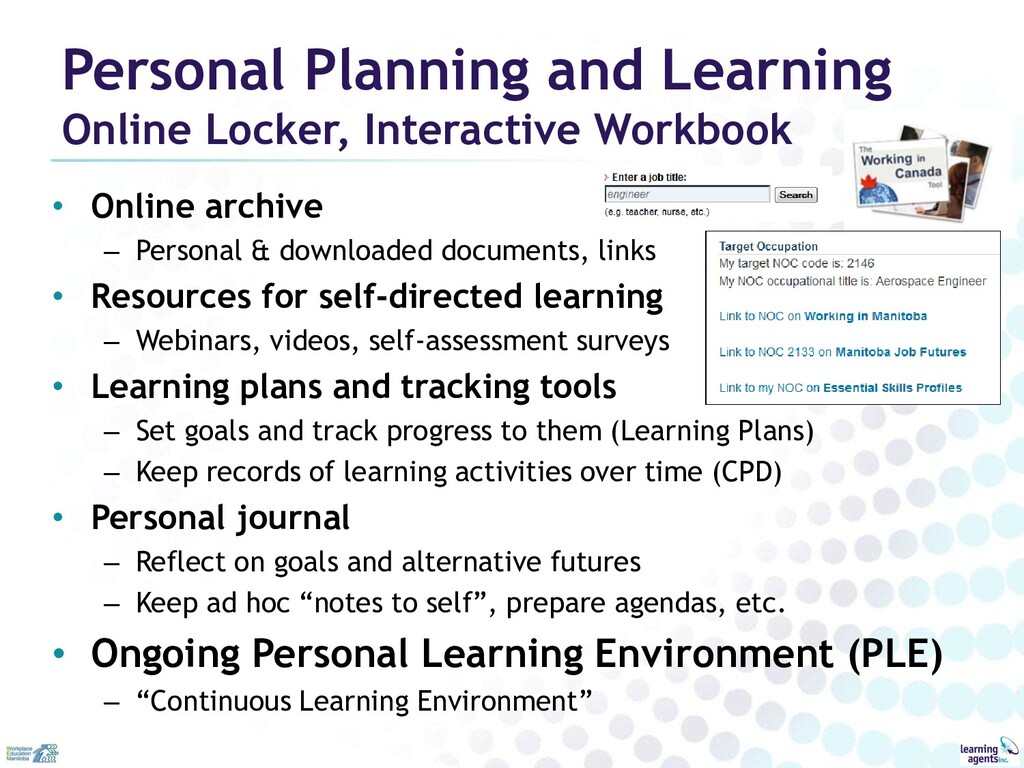
archive – Personal & downloaded documents, links • Resources for self-directed learning – Webinars, videos, self-assessment surveys • Learning plans and tracking tools – Set goals and track progress to them (Learning Plans) – Keep records of learning activities over time (CPD) • Personal journal – Reflect on goals and alternative futures – Keep ad hoc “notes to self”, prepare agendas, etc. • Ongoing Personal Learning Environment (PLE) – “Continuous Learning Environment”
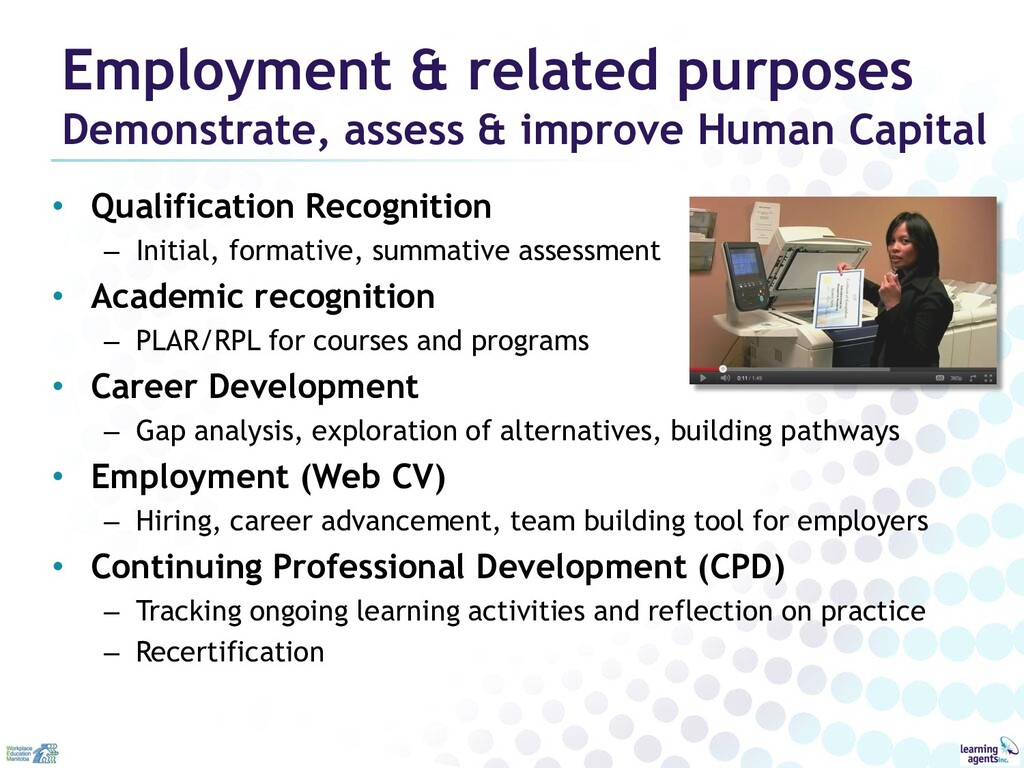
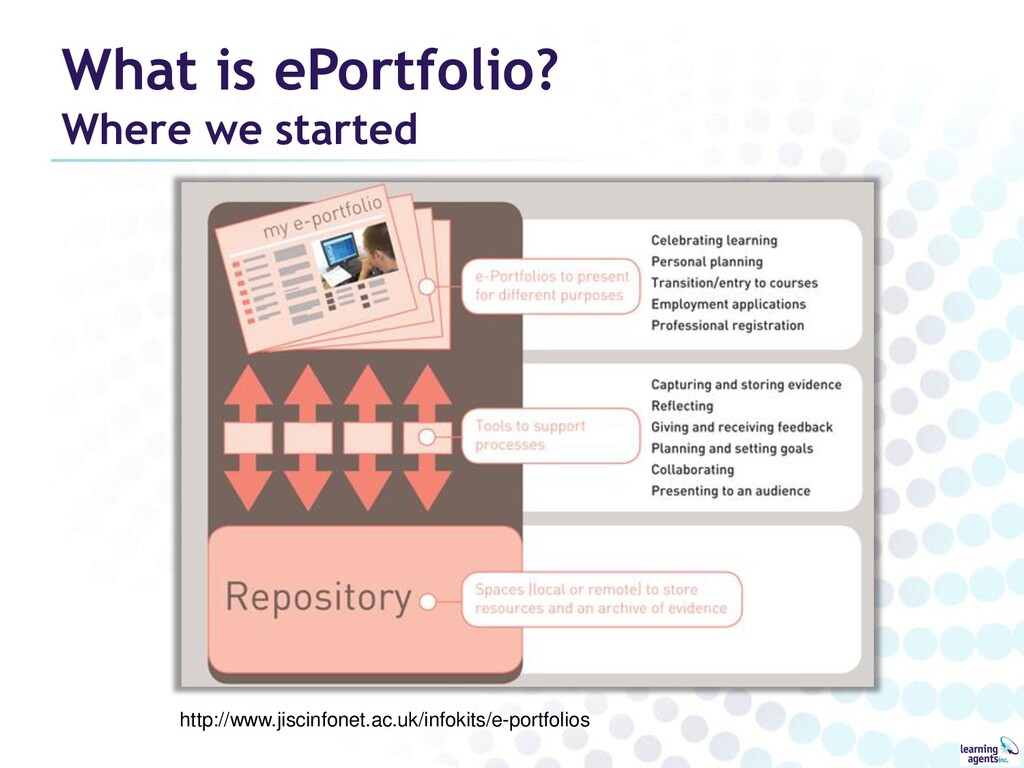
• Qualification Recognition – Initial, formative, summative assessment • Academic recognition – PLAR/RPL for courses and programs • Career Development – Gap analysis, exploration of alternatives, building pathways • Employment (Web CV) – Hiring, career advancement, team building tool for employers • Continuing Professional Development (CPD) – Tracking ongoing learning activities and reflection on practice – Recertification
– RPL for admission & course challenge – Gap learning • Undergraduate learning – First year general studies – Course specific/program wide – Work experience, internships • Capstone – Graduate Attributes – Employability (“School to work”) • Continuing Education/ Professional Development – Including course/program/credential challenge • Personal Learning Environment
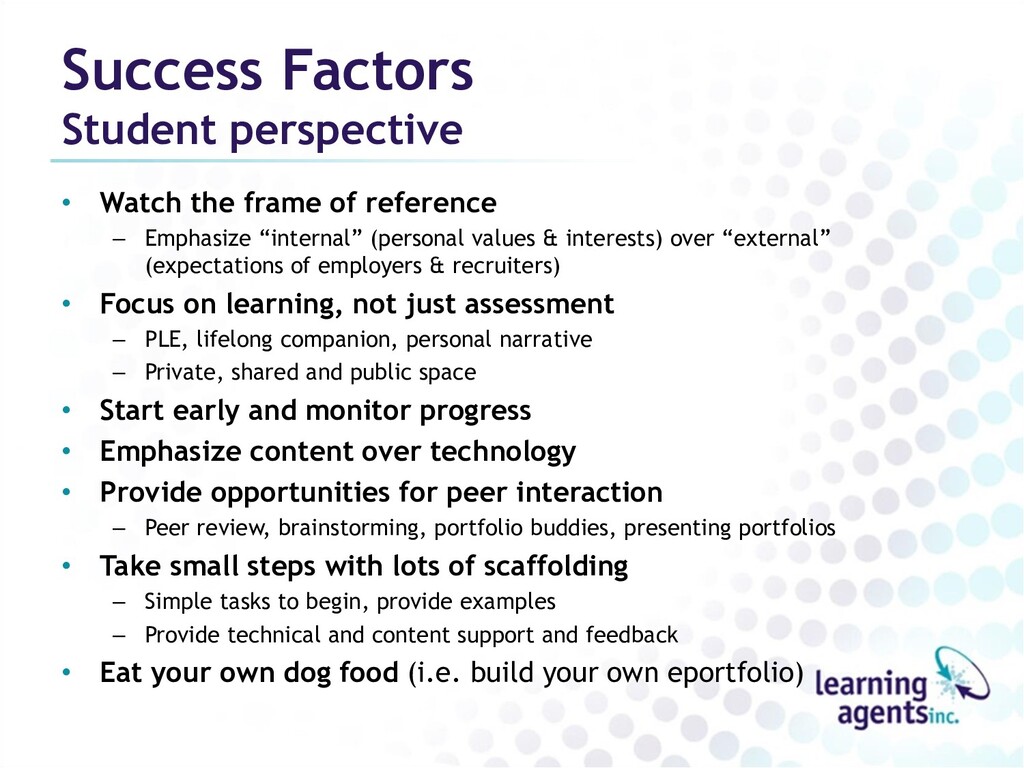
– Emphasize “internal” (personal values & interests) over “external” (expectations of employers & recruiters) • Focus on learning, not just assessment – PLE, lifelong companion, personal narrative – Private, shared and public space • Start early and monitor progress • Emphasize content over technology • Provide opportunities for peer interaction – Peer review, brainstorming, portfolio buddies, presenting portfolios • Take small steps with lots of scaffolding – Simple tasks to begin, provide examples – Provide technical and content support and feedback • Eat your own dog food (i.e. build your own eportfolio)
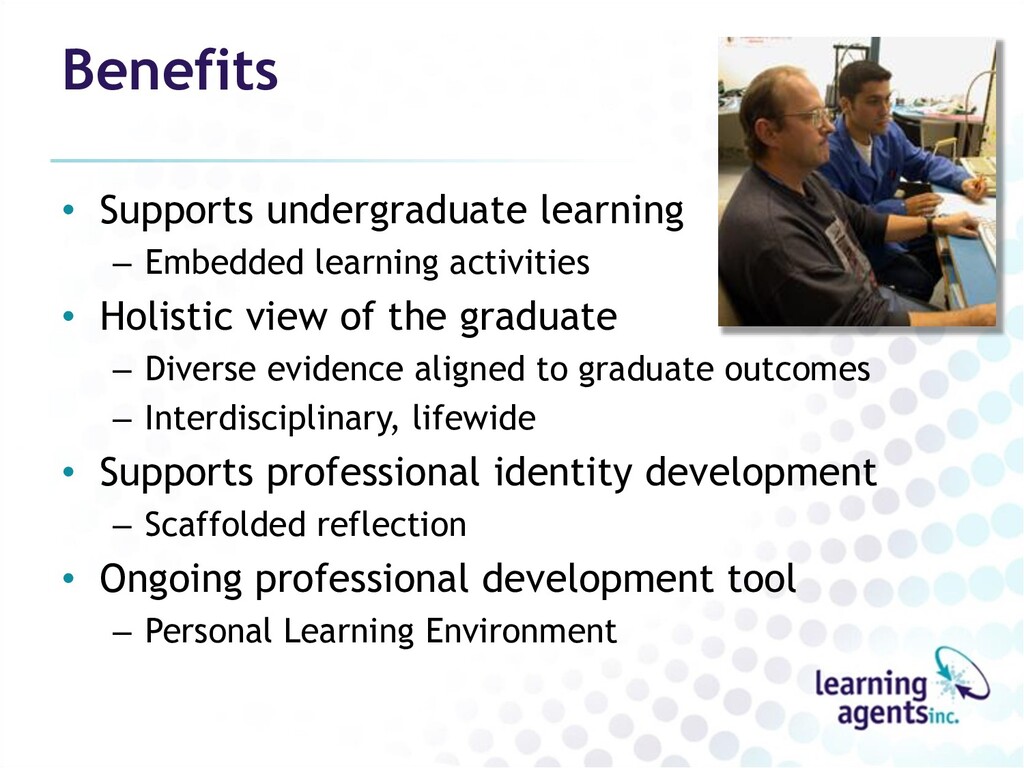
Holistic view of the graduate – Diverse evidence aligned to graduate outcomes – Interdisciplinary, lifewide • Supports professional identity development – Scaffolded reflection • Ongoing professional development tool – Personal Learning Environment
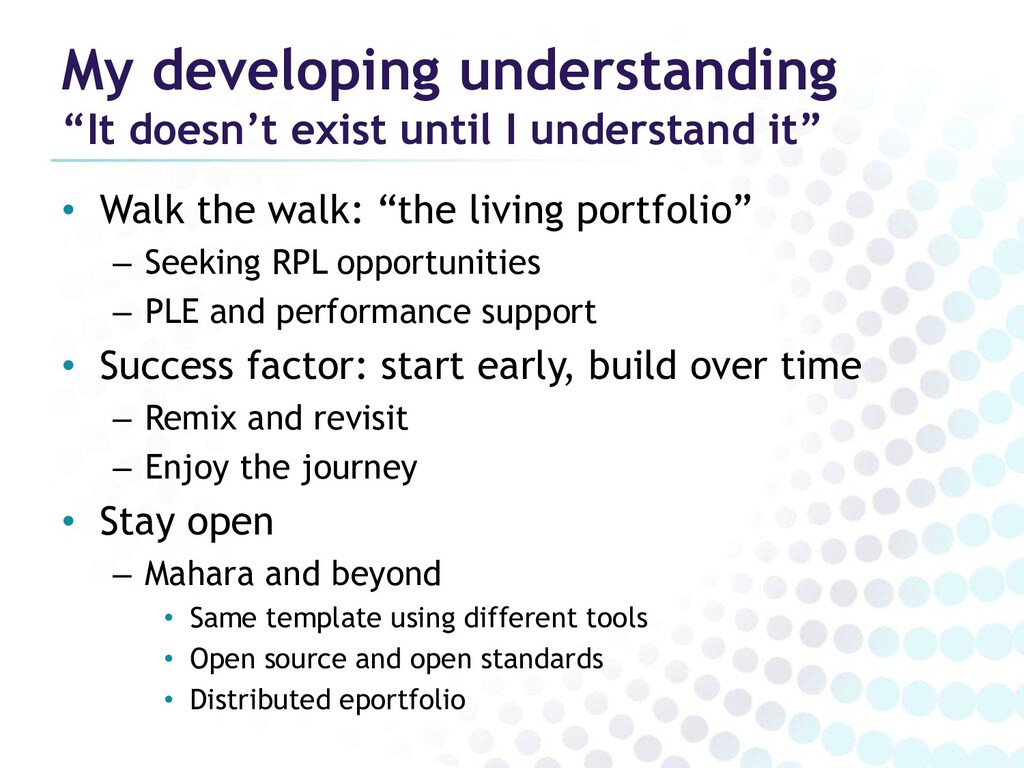
• Walk the walk: “the living portfolio” – Seeking RPL opportunities – PLE and performance support • Success factor: start early, build over time – Remix and revisit – Enjoy the journey • Stay open – Mahara and beyond • Same template using different tools • Open source and open standards • Distributed eportfolio


 auctria
 pawan_pharm
 bunnchinn3
 cbtlibrary
 bvr7352
 ainischool
 matleenalaakso
 eller86
 masakiokuda
 hiragahh
 tammyeverts
 tmiket
 marktimemedia
 bluesmoon
 orderedlist
 sergeychernyshev
 rasagy
 gurzu
gurzu
 schlessera
 soudai
 rasmusluckow
 trishagee







![[email protected] (204) 219-5933 Don Presant PRESENTATION SUPPORT PAGE http://bit.ly/epin2012](https://files.speakerdeck.com/presentations/242ac0c753a04a1c8476f7384b81320d/slide_44.jpg)