Upgrade to Pro
— share decks privately, control downloads, hide ads and more …
Speaker Deck
Sign up for free
Menu
Search
Features
All features
Private URLs
Password Protection
Custom URLS
Scheduled publishing
Remove Branding
Restrict embedding
Deck Collections
Notes
Features
All features
Private URLs
Password Protection
Custom URLS
Scheduled publishing
Remove Branding
Restrict embedding
Deck Collections
Notes
Explore
Featured decks
Featured speakers
Programming
Technology
Storyboards
Explore
Featured decks
Featured speakers
Programming
Technology
Storyboards
Pricing
Search
Sign in
Sign up for free
.NET Day 2026 The death of Passwords, Implement...
Search
Sponsored
·
Your Podcast. Everywhere. Effortlessly.
Share. Educate. Inspire. Entertain. You do you. We'll handle the rest.
→
.NET Day
September 01, 2026
Technology
53
0
Share
Embed
Copy iframe code
Copy JS code
Copy link
Start on current slide
.NET Day 2026 The death of Passwords, Implementing Passkeys in .NET 10
.NET Day
September 01, 2026
More Decks by .NET Day
See All by .NET Day
.NET Day 2026 What I learned from modernizing a microservices architecture
dotnetday
0
47
.NET Day 2026 The impact and relevance of code reviews on software quality
dotnetday
0
48
.NET Day 2026 From Co-Pilot to Co-Worker: Mastering GitHub Copilot Agent Mode
dotnetday
0
53
.NET Day 2026 Are you sure your access tokens are really secure?
dotnetday
0
38
.NET Day 2026 How Banks Protect Their Applications with FAPI
dotnetday
0
34
.NET Day 2026 AI Your Way: MCPs vs Skills vs SubAgents 🤖🚀
dotnetday
0
46
.NET Day 2026 The Past, Present and Future of Programming Languages
dotnetday
0
66
.NET Day 2026 Mis-Estimating – why estimating effort does not work
dotnetday
0
48
.NET Day 2026 Supercharge Your Agents: Custom Tools, MCP, and Microsoft Foundry
dotnetday
0
52
Other Decks in Technology
See All in Technology
新米を「売り越さない」、Aurora DSQLで作る在庫ゼロ死守の限定ドロップEC
yama3133
0
130
Flutter Webを「SDK」として配る — 50以上のゲームを支える埋め込みアーキテクチャ
masayukisuda
0
170
200人の配信コメント、 全部Jevが仕分けます 〜 マサカリガードを作ってみた 〜
katayamatg
1
500
Content Mapper APIの応用例~CSS Modules、言語ファイル~
uhyo
2
480
1週間、Opus封印でお願いします
kintotechdev
1
430
Claude Codeから見る、エンジニアの世界の変容とその先
oikon48
8
5.1k
データマネジメント × 法務で作りあげる、 freeeの新しいデータガバナンスへの軌跡
freee
PRO
3
610
(swiftc) NonCopyableとライフタイム修飾子
teamhimeh
0
160
Agent 活用環境の構築・運用のための AWS サービスのご紹介/agentcore-for-building-and-operating-agents
ren8k
1
310
ALBのLCU予約とトラフィックの波によるプロダクト理解 / Understanding ALB LCU and Traffic Spikes
mito201
1
130
Oracle Database Security 詳細解説
oracle4engineer
PRO
1
190
Agent Loopを組み込んだ アンビエントなAI機能を実現する / Ambient AI fetures with Agent Loop
nekorush14
0
120
Featured
See All Featured
Heart Work Chapter 1 - Part 1
lfama
PRO
10
37k
Thoughts on Productivity
jonyablonski
76
5.4k
How to Talk to Developers About Accessibility
jct
2
600
"I'm Feeling Lucky" - Building Great Search Experiences for Today's Users (#IAC19)
danielanewman
230
23k
Joys of Absence: A Defence of Solitary Play
codingconduct
1
570
4 Signs Your Business is Dying
shpigford
187
23k
No one is an island. Learnings from fostering a developers community.
thoeni
21
3.9k
How to Grow Your eCommerce with AI & Automation
katarinadahlin
PRO
2
340
Max Prin - Stacking Signals: How International SEO Comes Together (And Falls Apart)
techseoconnect
PRO
0
520
The Power of CSS Pseudo Elements
geoffreycrofte
82
6.6k
I Don’t Have Time: Getting Over the Fear to Launch Your Podcast
jcasabona
35
2.9k
Mozcon NYC 2025: Stop Losing SEO Traffic
samtorres
1
590
Transcript
Passkeys .NET 10 Andrew Clymer © 2026 Rock Solid Knowledge
Agenda • Why do we need to move away from
Passwords • Introducing Passkeys, the antidote to Passwords • Adding Passkeys to a WebApp with .NET 10 © 2026 Rock Solid Knowledge 2
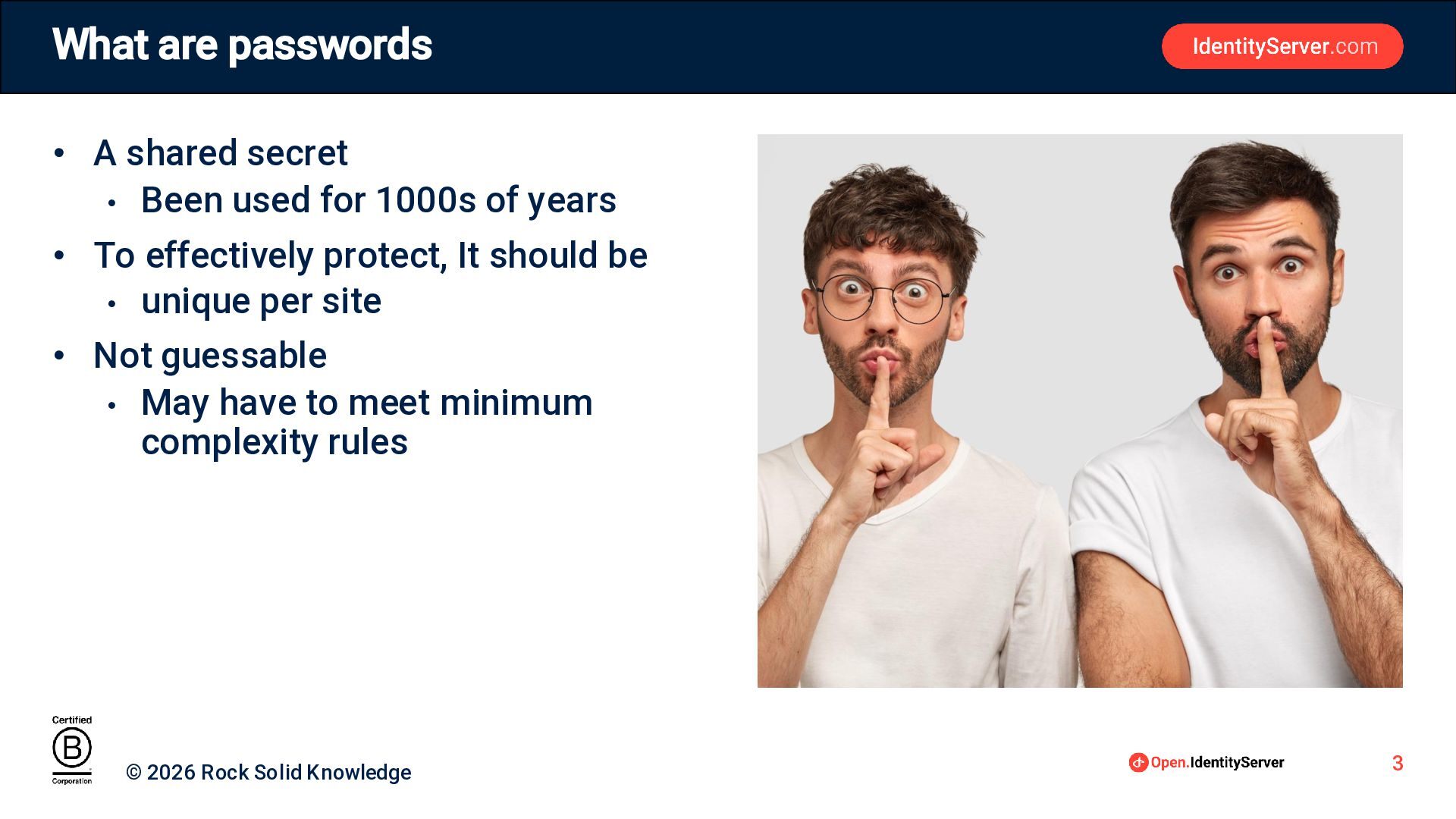
What are passwords • A shared secret • Been used
for 1000s of years • To effectively protect, It should be • unique per site • Not guessable • May have to meet minimum complexity rules © 2026 Rock Solid Knowledge 3
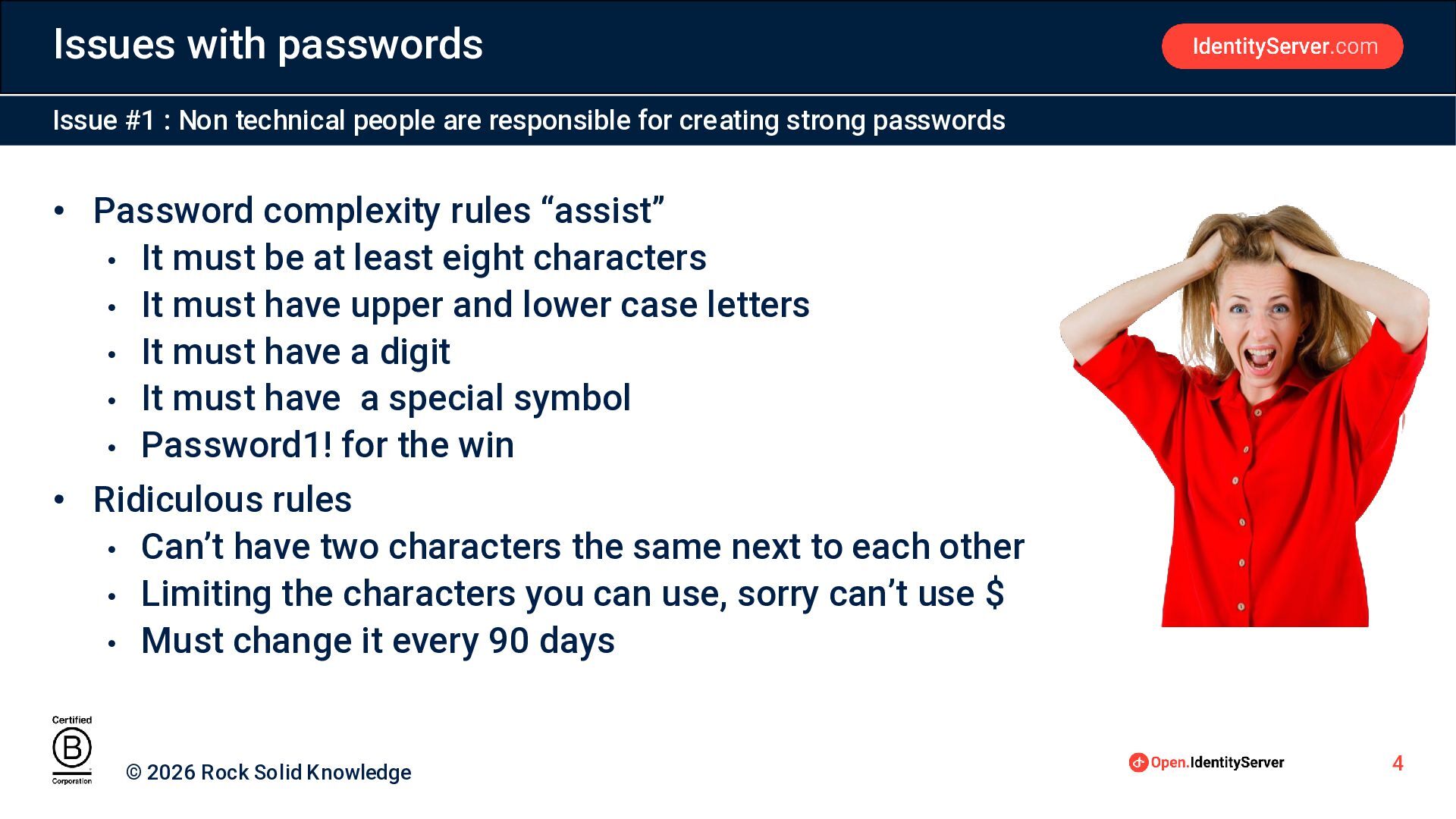
Issues with passwords Issue #1 : Non technical people are
responsible for creating strong passwords • Password complexity rules “assist” • It must be at least eight characters • It must have upper and lower case letters • It must have a digit • It must have a special symbol • Password1! for the win • Ridiculous rules • Can’t have two characters the same next to each other • Limiting the characters you can use, sorry can’t use $ • Must change it every 90 days © 2026 Rock Solid Knowledge 4
Issues with passwords Issue #2, Make it strong, make it
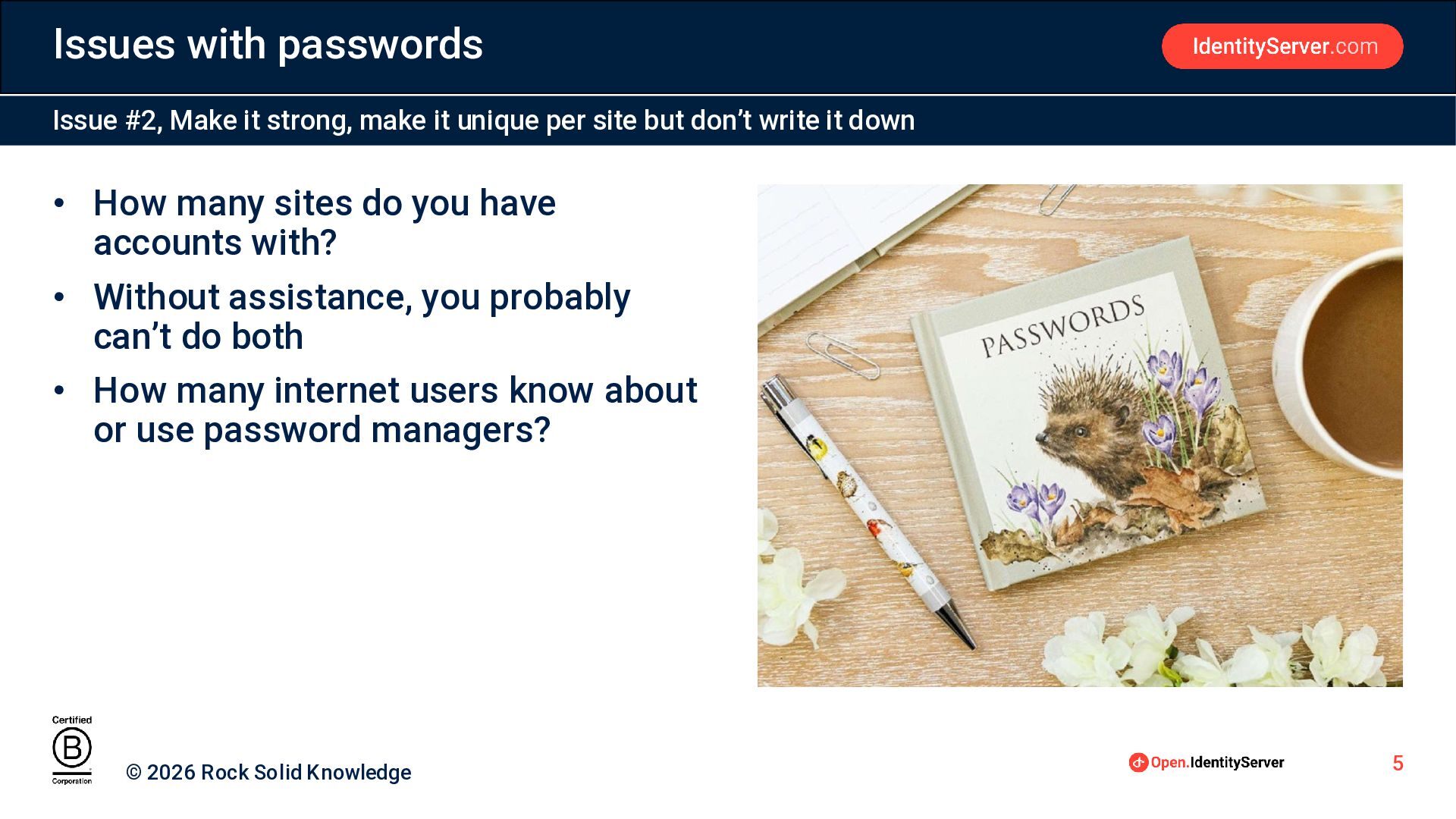
unique per site but don’t write it down • How many sites do you have accounts with? • Without assistance, you probably can’t do both • How many internet users know about or use password managers? © 2026 Rock Solid Knowledge 5
Issues with passwords Issue #3: One big honey pot •
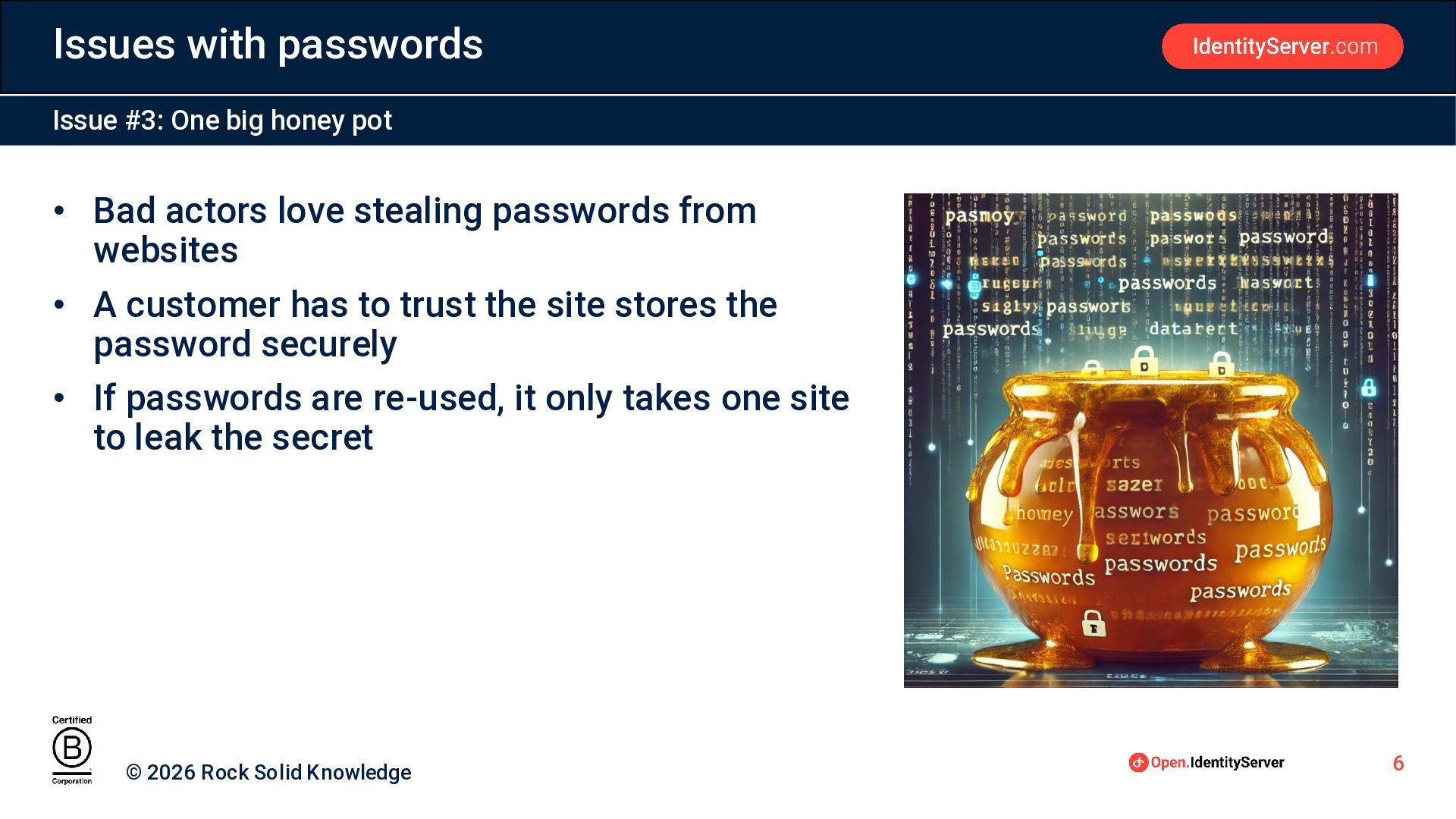
Bad actors love stealing passwords from websites • A customer has to trust the site stores the password securely • If passwords are re-used, it only takes one site to leak the secret © 2026 Rock Solid Knowledge 6
Issues with passwords Issue #5: Multiple Attack Vectors • Can
be susceptible to many attack vectors • Password Spraying • Credential Stuffing • Phishing • When “stolen”, can be hard to know © 2026 Rock Solid Knowledge 7
Phishing • What percentage of cyber security incidents start with
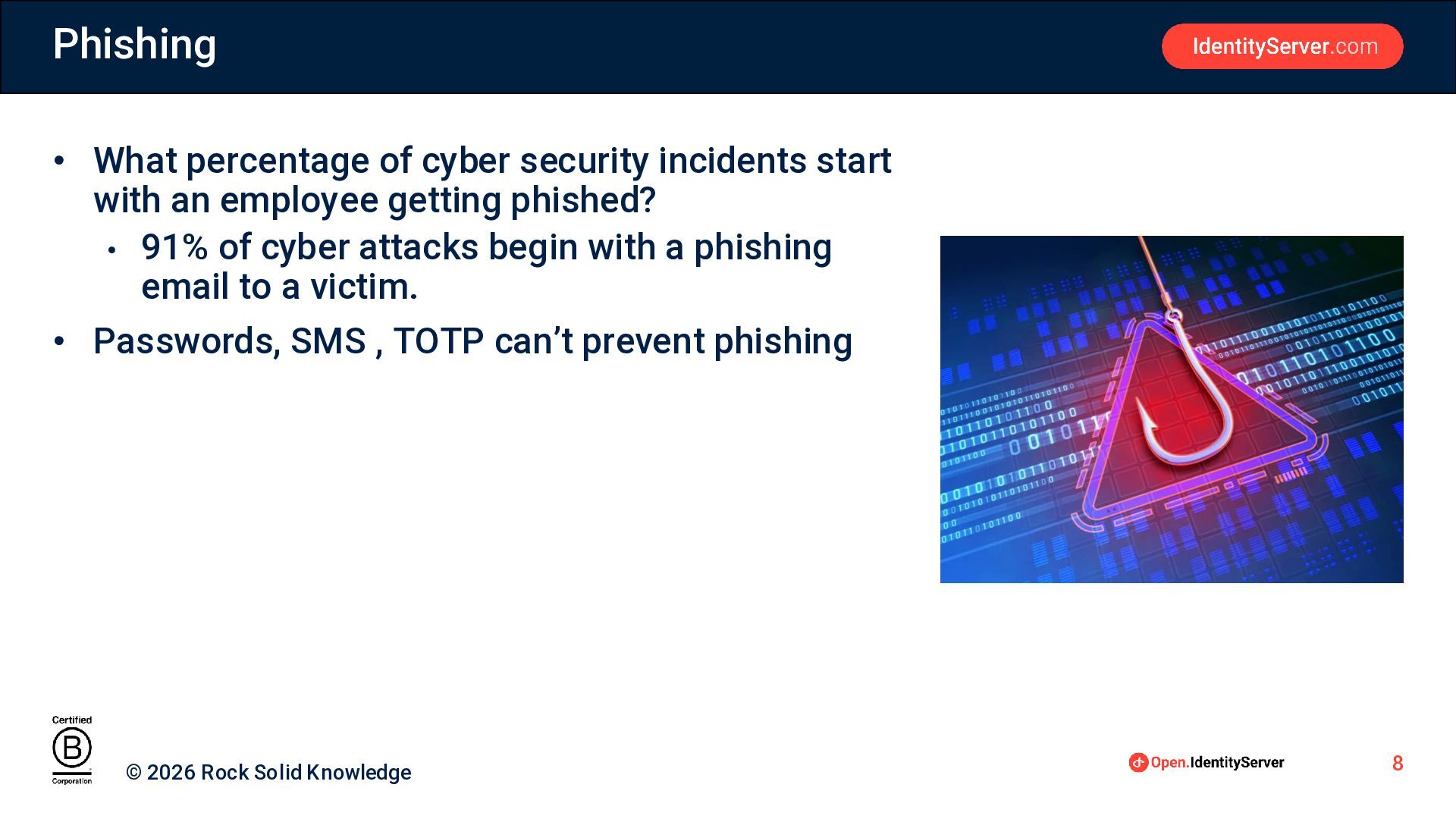
an employee getting phished? • 91% of cyber attacks begin with a phishing email to a victim. • Passwords, SMS , TOTP can’t prevent phishing © 2026 Rock Solid Knowledge 8
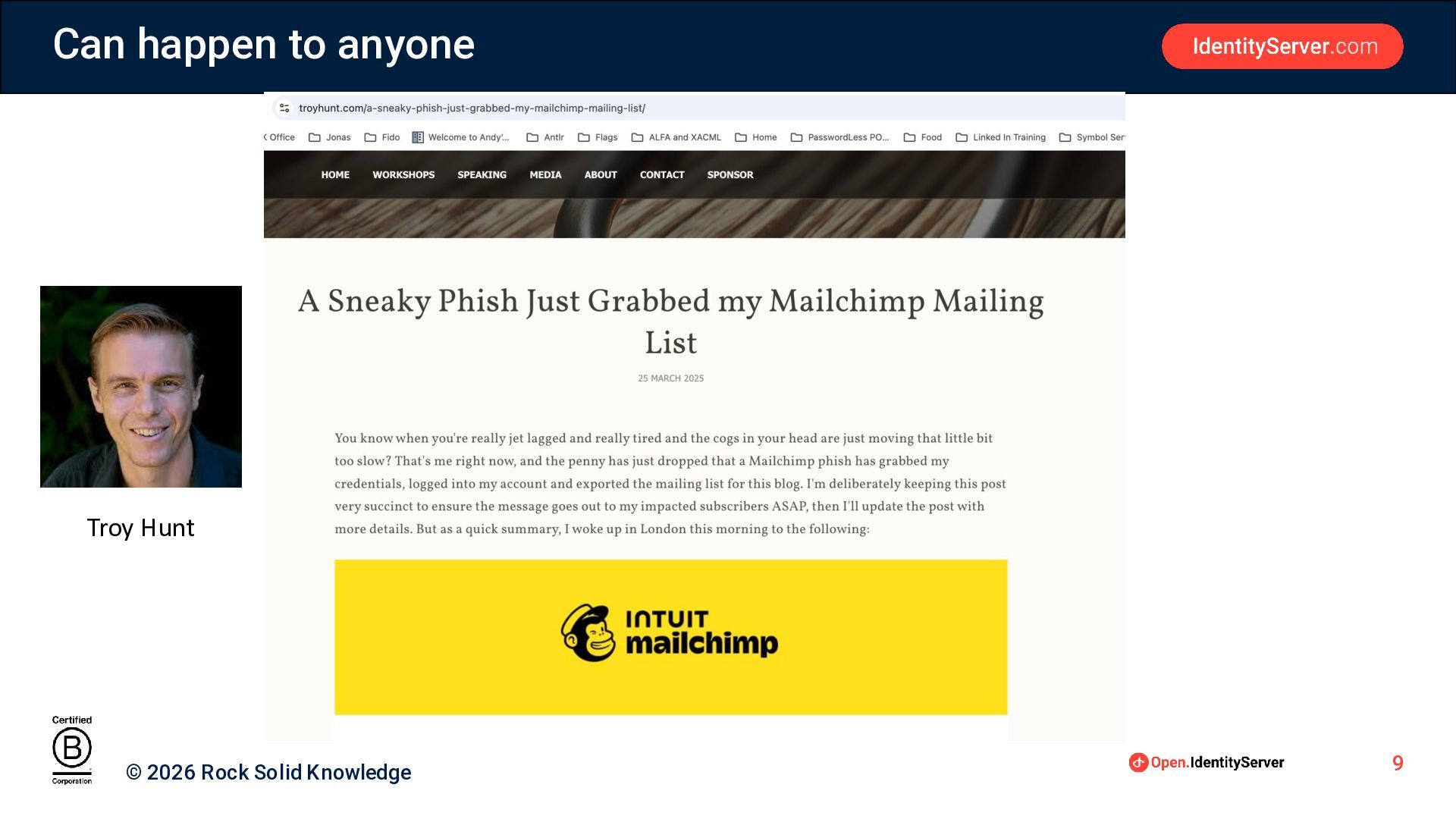
Can happen to anyone Troy Hunt © 2026 Rock Solid
Knowledge 9
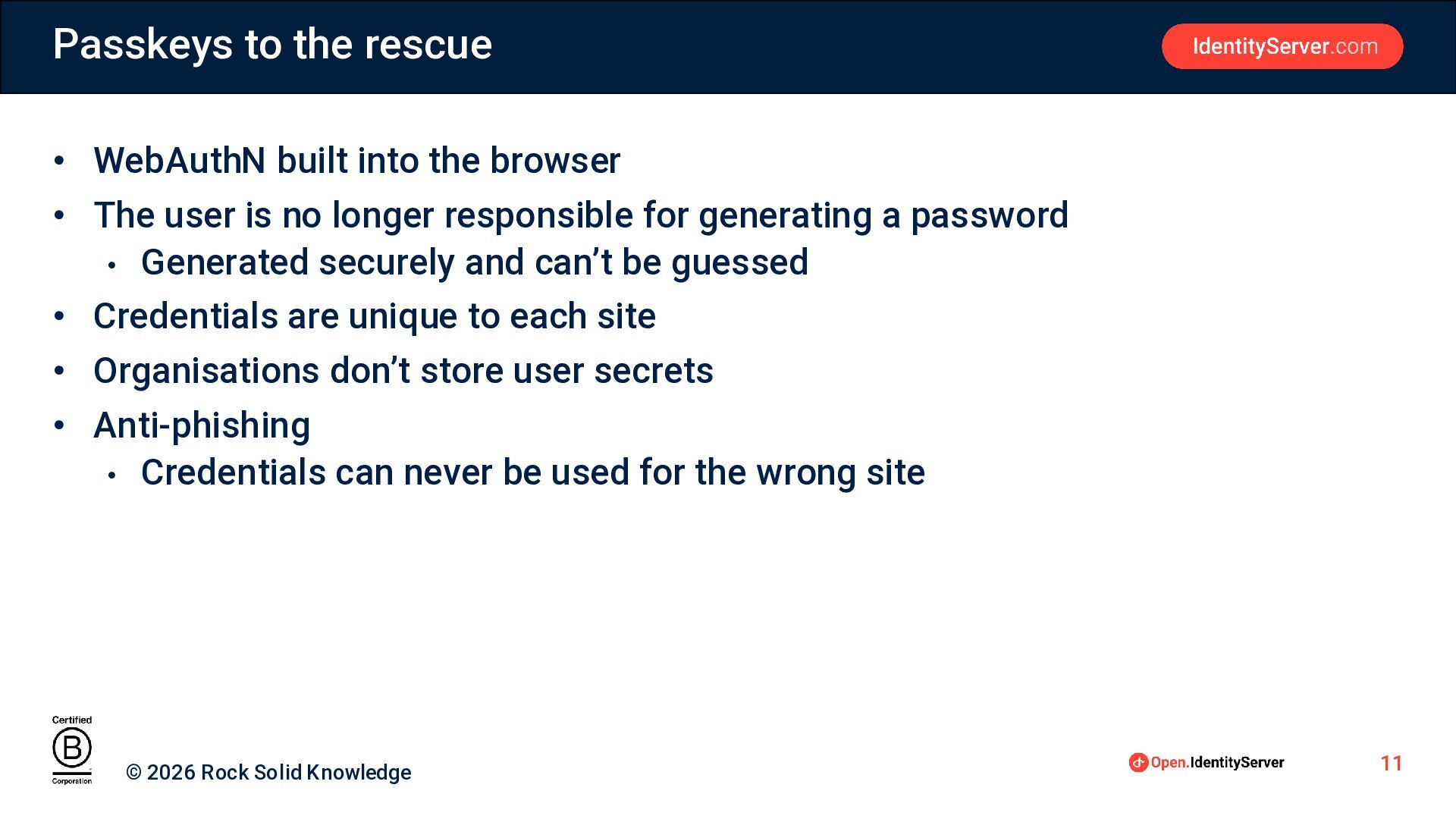
Passkeys to the rescue • WebAuthN built into the browser
• The user is no longer responsible for generating a password • Generated securely and can’t be guessed • Credentials are unique to each site • Organisations don’t store user secrets • Anti-phishing • Credentials can never be used for the wrong site © 2026 Rock Solid Knowledge 11
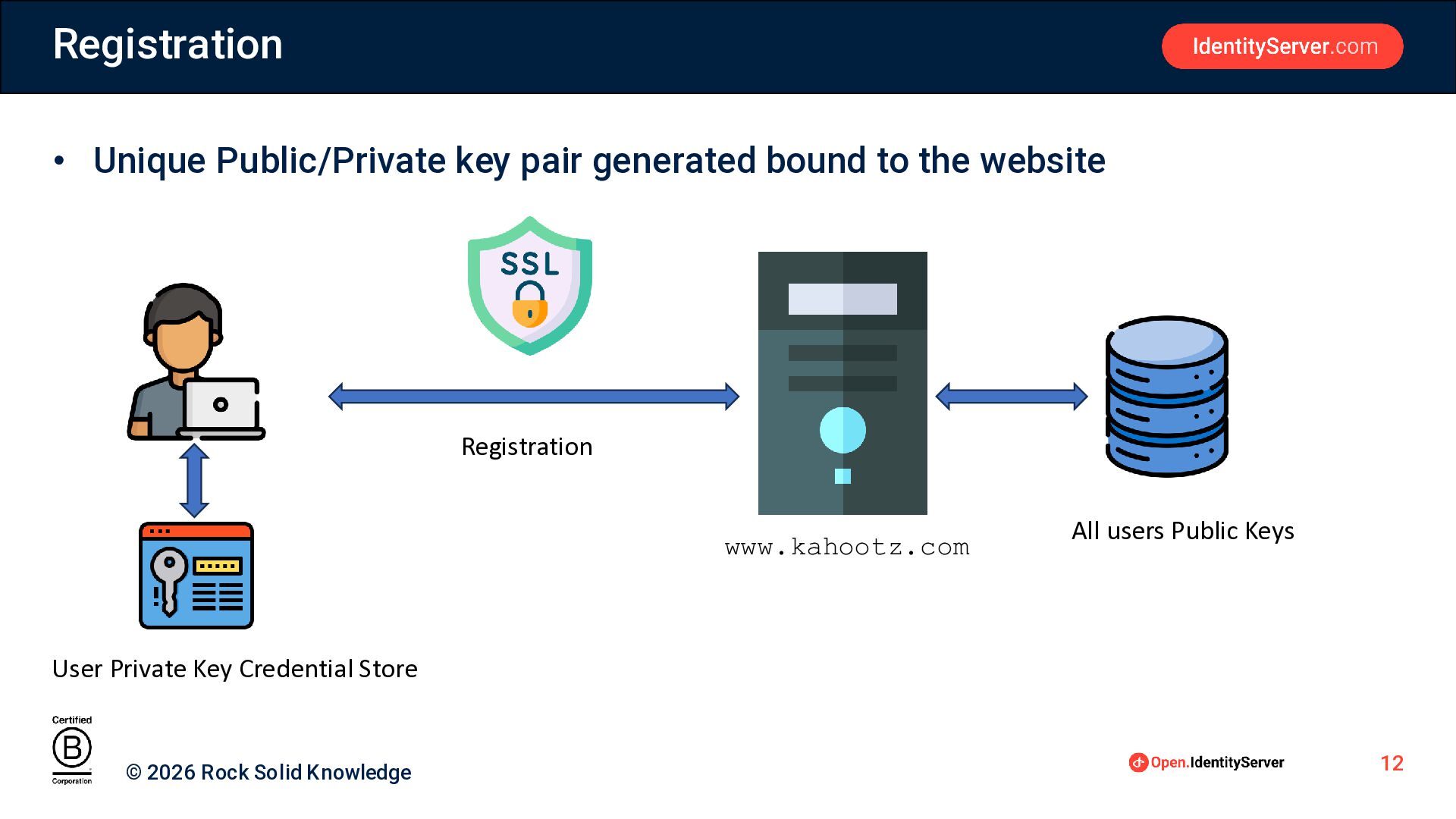
Registration • Unique Public/Private key pair generated bound to the
website Registration www.kahootz.com All users Public Keys User Private Key Credential Store © 2026 Rock Solid Knowledge 12
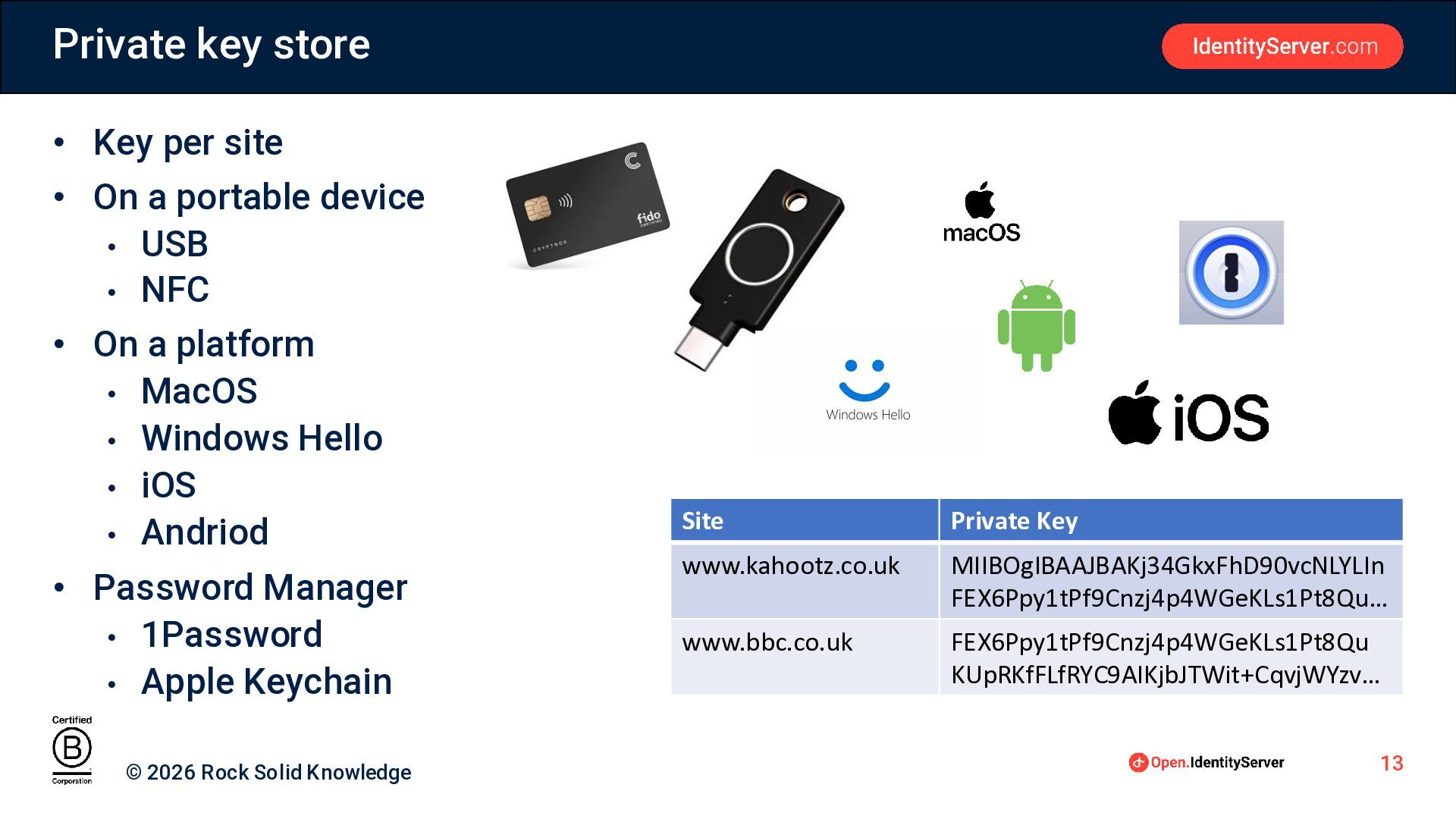
Private key store • Key per site • On a
portable device • USB • NFC • On a platform • MacOS • Windows Hello • iOS • Andriod • Password Manager • 1Password • Apple Keychain © 2026 Rock Solid Knowledge Site Private Key www.kahootz.co.uk MIIBOgIBAAJBAKj34GkxFhD90vcNLYLIn FEX6Ppy1tPf9Cnzj4p4WGeKLs1Pt8Qu… www.bbc.co.uk FEX6Ppy1tPf9Cnzj4p4WGeKLs1Pt8Qu KUpRKfFLfRYC9AIKjbJTWit+CqvjWYzv… 13
Authentication Request to Sign in with Passkey www.kahootz.com Server sends
challenge User unlocks key, bound to kahootz Browser encrypts challenge with private key, sends to server Server gets user public key Server creates session © 2026 Rock Solid Knowledge The server verifies the encrypted challenge with public key
Anti phishing authentication Request to Sign in with Passkey www.kahoootz.com
Server sends challenge User unlocks key, bound to kahoootz FAILS, No KEY © 2026 Rock Solid Knowledge 15
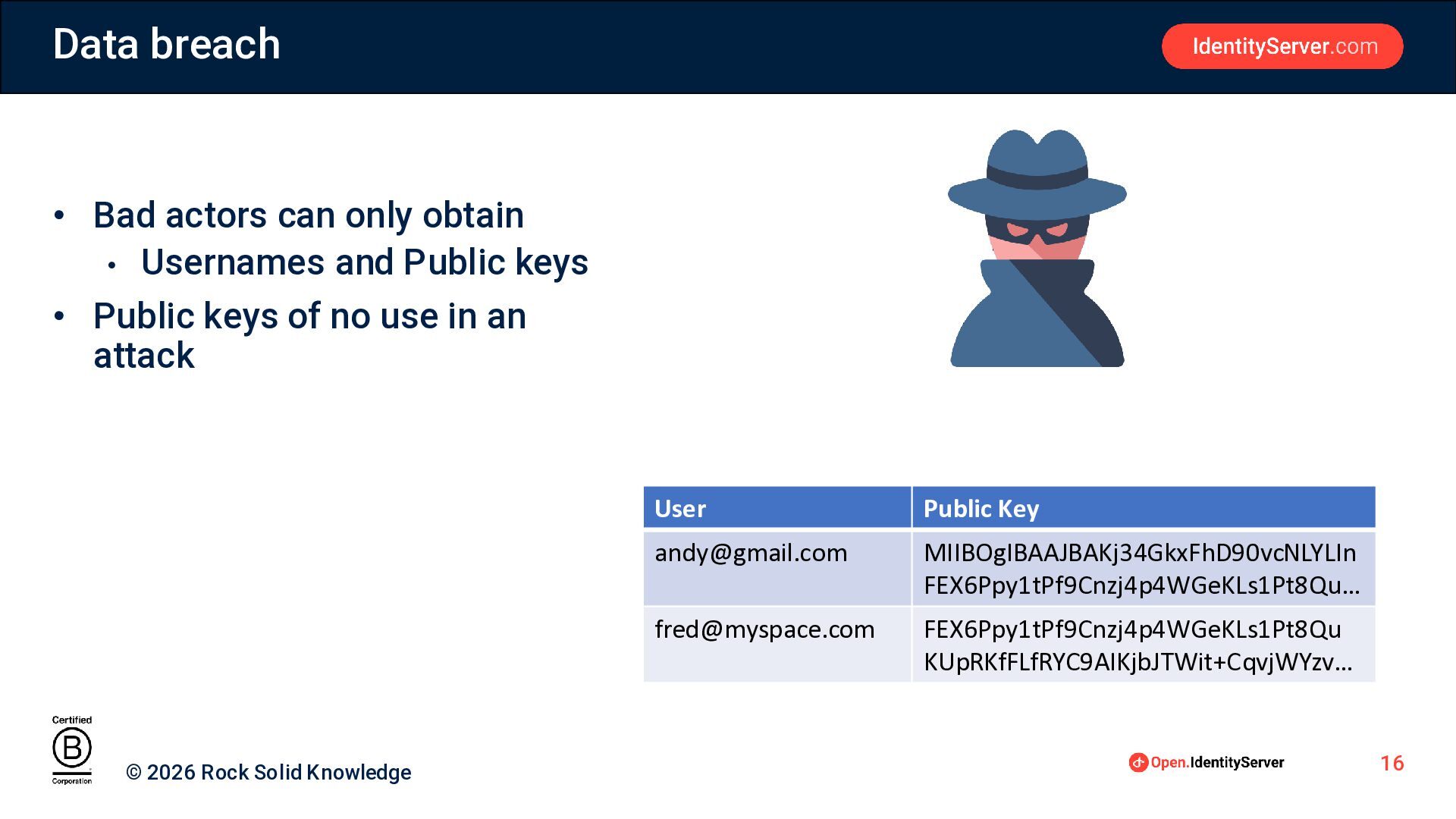
Data breach • Bad actors can only obtain • Usernames
and Public keys • Public keys of no use in an attack © 2026 Rock Solid Knowledge User Public Key
[email protected]
MIIBOgIBAAJBAKj34GkxFhD90vcNLYLIn FEX6Ppy1tPf9Cnzj4p4WGeKLs1Pt8Qu…
[email protected]
FEX6Ppy1tPf9Cnzj4p4WGeKLs1Pt8Qu KUpRKfFLfRYC9AIKjbJTWit+CqvjWYzv… 16
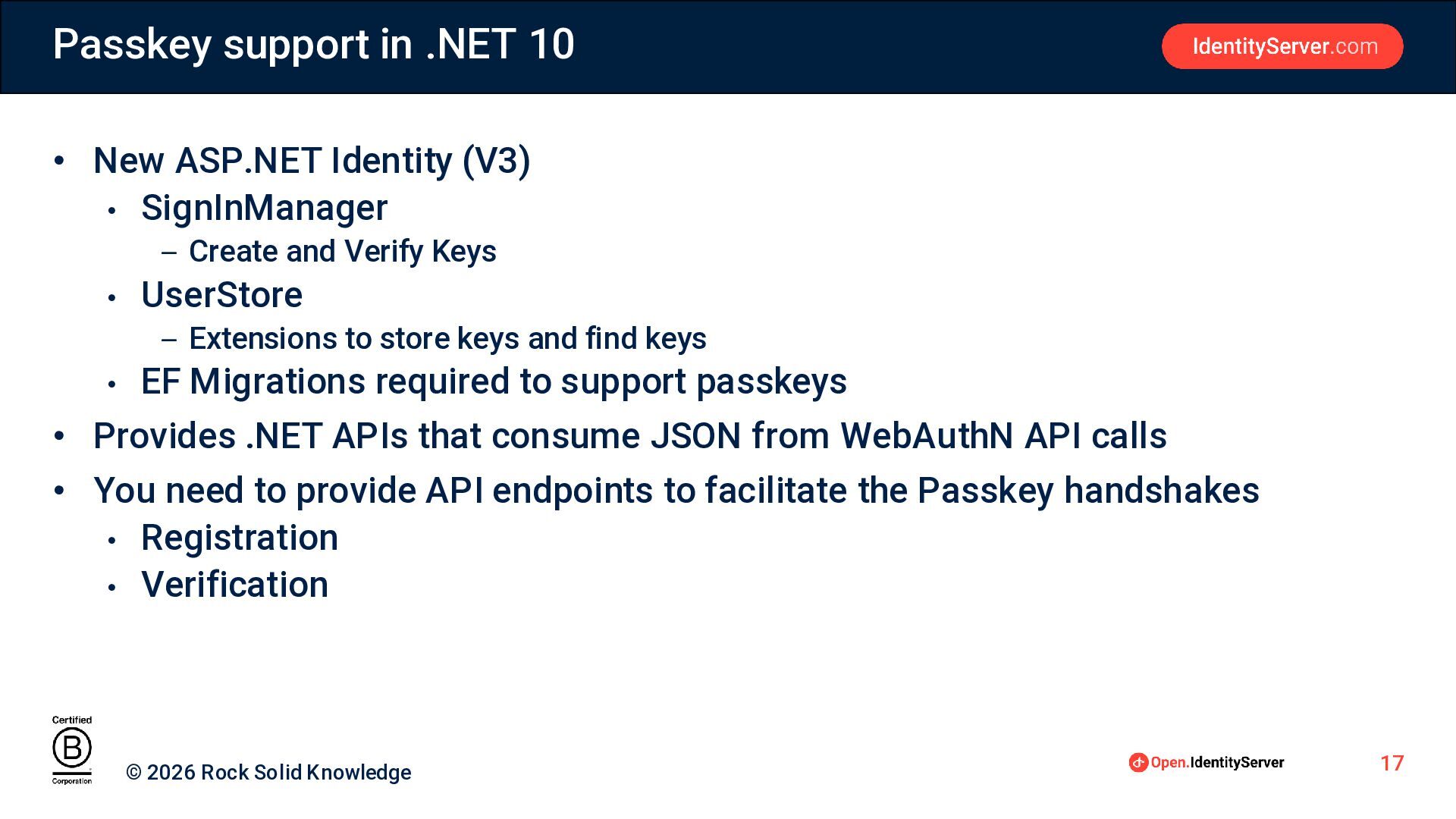
Passkey support in .NET 10 • New ASP.NET Identity (V3)
• SignInManager – Create and Verify Keys • UserStore – Extensions to store keys and find keys • EF Migrations required to support passkeys • Provides .NET APIs that consume JSON from WebAuthN API calls • You need to provide API endpoints to facilitate the Passkey handshakes • Registration • Verification © 2026 Rock Solid Knowledge 17
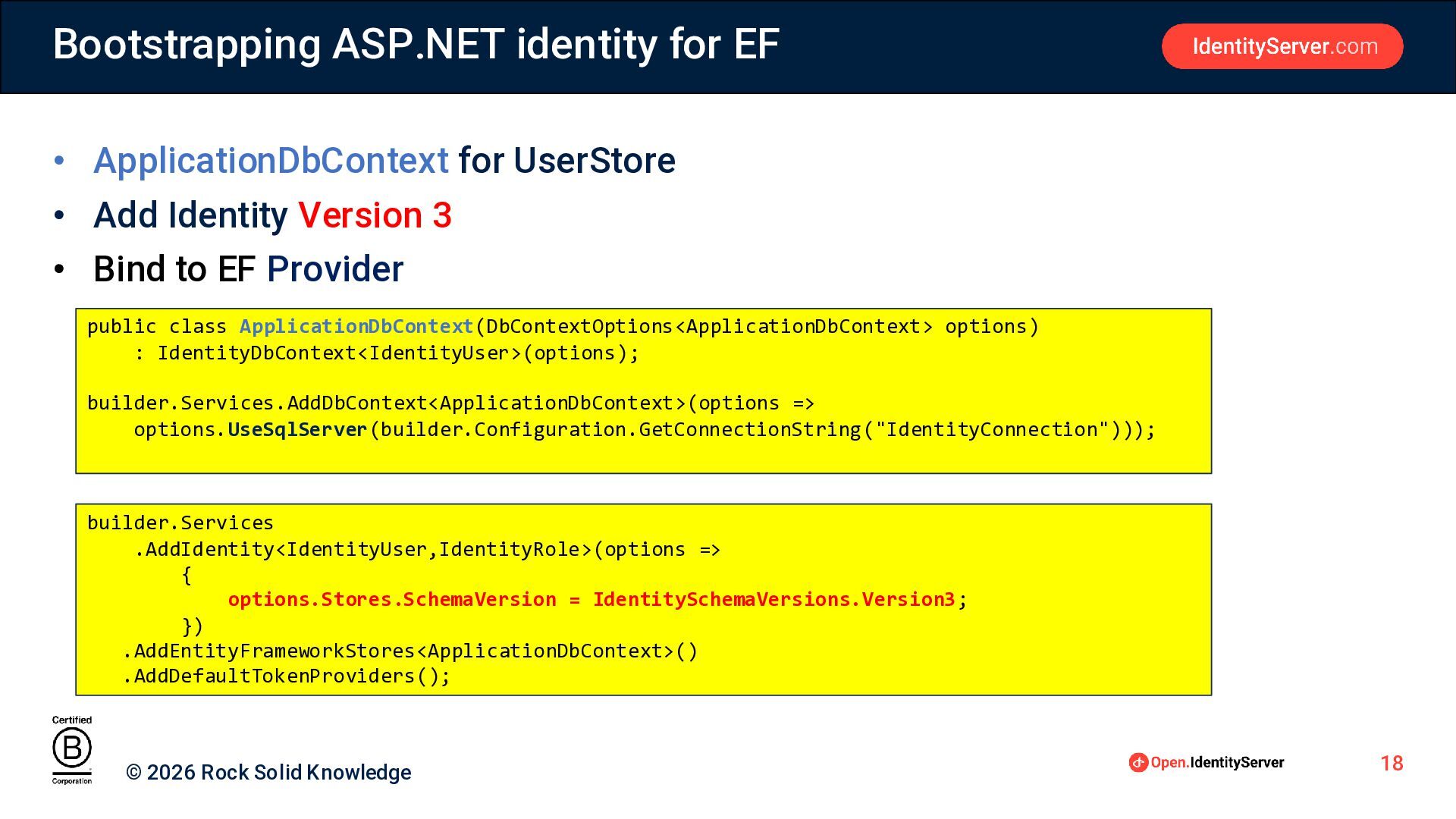
Bootstrapping ASP.NET identity for EF • ApplicationDbContext for UserStore •
Add Identity Version 3 • Bind to EF Provider public class ApplicationDbContext(DbContextOptions<ApplicationDbContext> options) : IdentityDbContext<IdentityUser>(options); builder.Services.AddDbContext<ApplicationDbContext>(options => options.UseSqlServer(builder.Configuration.GetConnectionString("IdentityConnection"))); builder.Services .AddIdentity<IdentityUser,IdentityRole>(options => { options.Stores.SchemaVersion = IdentitySchemaVersions.Version3; }) .AddEntityFrameworkStores<ApplicationDbContext>() .AddDefaultTokenProviders(); © 2026 Rock Solid Knowledge 18
Registering a passkey © 2026 Rock Solid Knowledge 19
Registering a passkey Client Side • Server side generates the
options to supply to navigate.credentials.create • navigate.credentials.create requires some of the options to be in a binary format • PublicKeyCredential.parseCreationOptionsFromJSON converts the JSON format returned by the server into a compatible form (binary encoded) const options = await PublicKeyCredential.parseCreationOptionsFromJSON(optionsAsJson); // Browser interacts with user to create the passkey // credentials returned contains, credential id and public key, (server side will process this) const credentials = await navigator.credentials.create({publicKey:options}); © 2026 Rock Solid Knowledge 20
Registering a passkey Server Side • Create two API endpoints
• Start registration – issue create credential options • Complete registration – validate browser response, store credentials © 2026 Rock Solid Knowledge 21
Registering a passkey Server Side – Passkey Creation Options •
Id : Server side id for the user (typically a guid) • Display Name: The name of the key (e.g. 1Password Key) • Name : Server side sign-in name for the user var passKeyEntity = new PasskeyUserEntity() { Id = …, DisplayName = …, Name = … }; string creationOptions = await signInManager.MakePasskeyCreationOptionsAsync(passKeyEntity); return Ok(creationOptions); © 2026 Rock Solid Knowledge 22
Registering a passkey Server Side – Verify and Store New
Passkey Credentials • passkeyCredentialsAsJson: JSON result from WebAuthN • user: IdentityUser to bind the passkey credential to • PerformPasskeyAttestationAsync validates the new credential • AddOrUpdatePasskeyAsync associates the credential with a user PasskeyAttestationResult attestationResult = await signInManager.PerformPasskeyAttestationAsync(passkeyCredentialsAsJson); var addResult = await userManager.AddOrUpdatePasskeyAsync(user, attestationResult.Passkey); © 2026 Rock Solid Knowledge 23
Registering a Passkey Authenticators • An authenticator will only allow
one credential per site • If the authenticators support usernames, can have multiple credentials, but only one per username • Avoids the situation where you create multiple passkeys for the same site on the same Authenticator © 2026 Rock Solid Knowledge 24
Sign-in with a Passkey © 2026 Rock Solid Knowledge 25
Sign-in with a Passkey Client Side • Server side generates
the options to supply to navigate.credentials.get • navigate.credentials.get requires some of the options to be in a binary format • PublicKeyCredential.parseRequestOptionsFromJSON converts the JSON format returned by the server into a compatible form (binary encoded) const options = await PublicKeyCredential.parseRequestOptionsFromJSON(optionsAsJson); // Browser attempts to find credentials for site from an authenticator // If found encrypts challenge with private key const credentials = await navigator.credentials.get({publicKey:options}) // send credentials to server to validate © 2026 Rock Solid Knowledge 26
Sign-in with a Passkey Server Side – Passkey Request Options
• user : the IdentityUser if known • requestOptions : JSON to return to browser for input to navigator.credentials.get method string requestOptions = await signInManager.MakePasskeyRequestOptionsAsync(user); © 2026 Rock Solid Knowledge 27
Sign-in With a Passkeys Server Side – Passkey Credential Validation
• credentials : stringyified JSON from the browser navigator.credentials.get method • requestOptions : JSON to return to browser for input to navigator.credentials.get • PasskeySignInAsync validates credentials, and if ok signs the user in SignInResult result = await signInManager.PasskeySignInAsync(credentials); if (!result.Succeeded) { return Unauthorized(); } © 2026 Rock Solid Knowledge 28
Username can be optional at sign-in • Only for resident
Passkeys • Providing a username provides hint to authenticators • If you have multiple Passkey authenticators, routes quicker { "challenge" : "4ig2yq3yQvMhuN85ezYR0V5-aaNEyFu3_U5BWQezPDXh6Gv8YRgidQdRCFLK3wynOVvwJRdVfqMVgNooGb6pOw", "timeout" : 180000, "rpId" : "localhost", "allowCredentials" : [ { "type" : "public-key", "id" : "0mBp9IY-nedaWsU_eQ4WkMImjY0", "transports" : [ "hybrid", "internal" ] } ], "userVerification" : "required", "hints" : [ ] } © 2026 Rock Solid Knowledge 29
Auto sign-in • Does NOT show a modal popup •
Integrates with the login form • Passkeys in the username field dropdown • Works like password autofill • Makes for a good user experience <input type="text" id="userName" name="userName" class="form-control” autocomplete="username webauthn"/> . . . const credentials = await navigator.credentials.get({publicKey:options,mediation:"conditional"}); © 2026 Rock Solid Knowledge 30
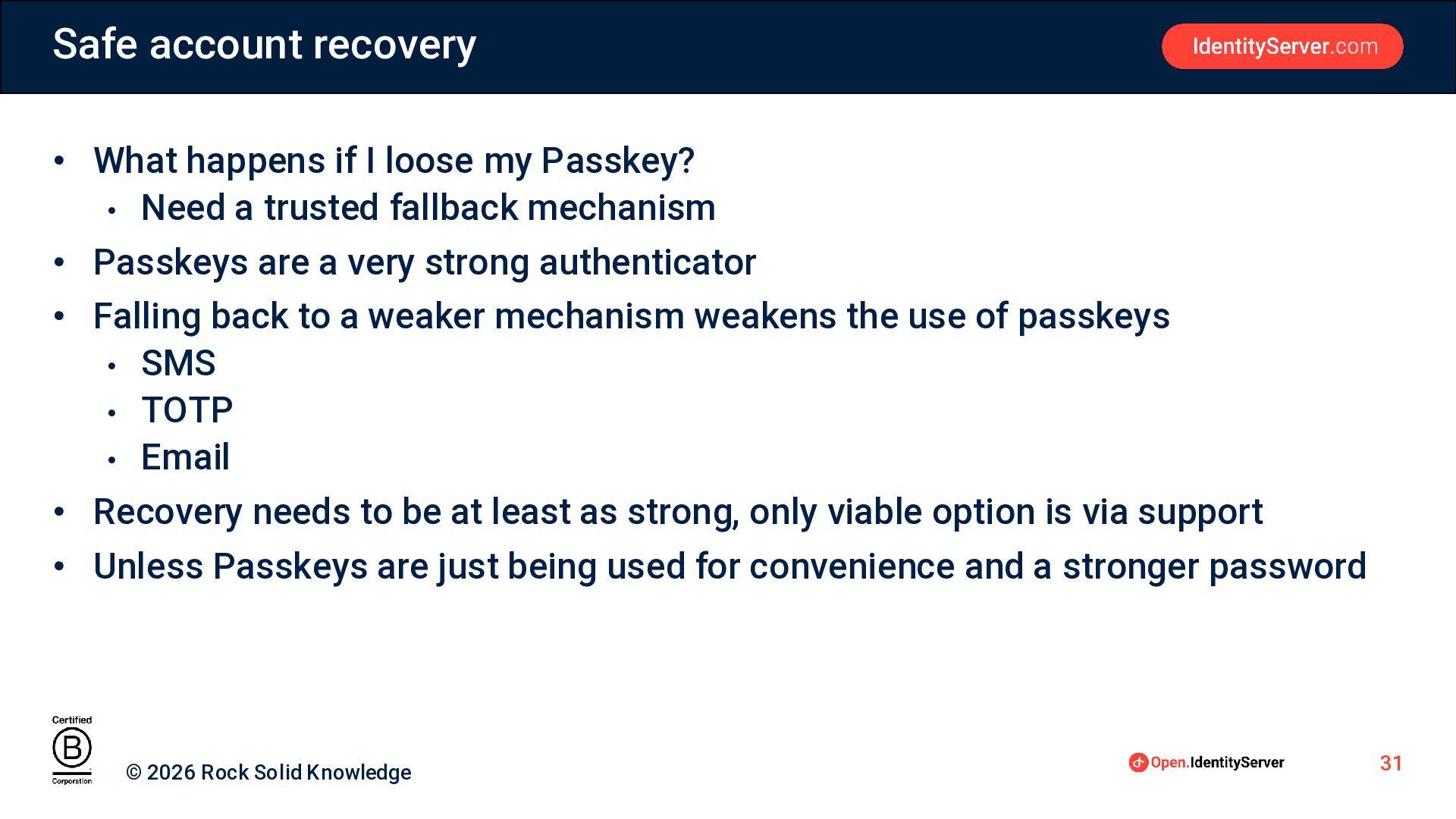
Safe account recovery • What happens if I loose my
Passkey? • Need a trusted fallback mechanism • Passkeys are a very strong authenticator • Falling back to a weaker mechanism weakens the use of passkeys • SMS • TOTP • Email • Recovery needs to be at least as strong, only viable option is via support • Unless Passkeys are just being used for convenience and a stronger password © 2026 Rock Solid Knowledge 31
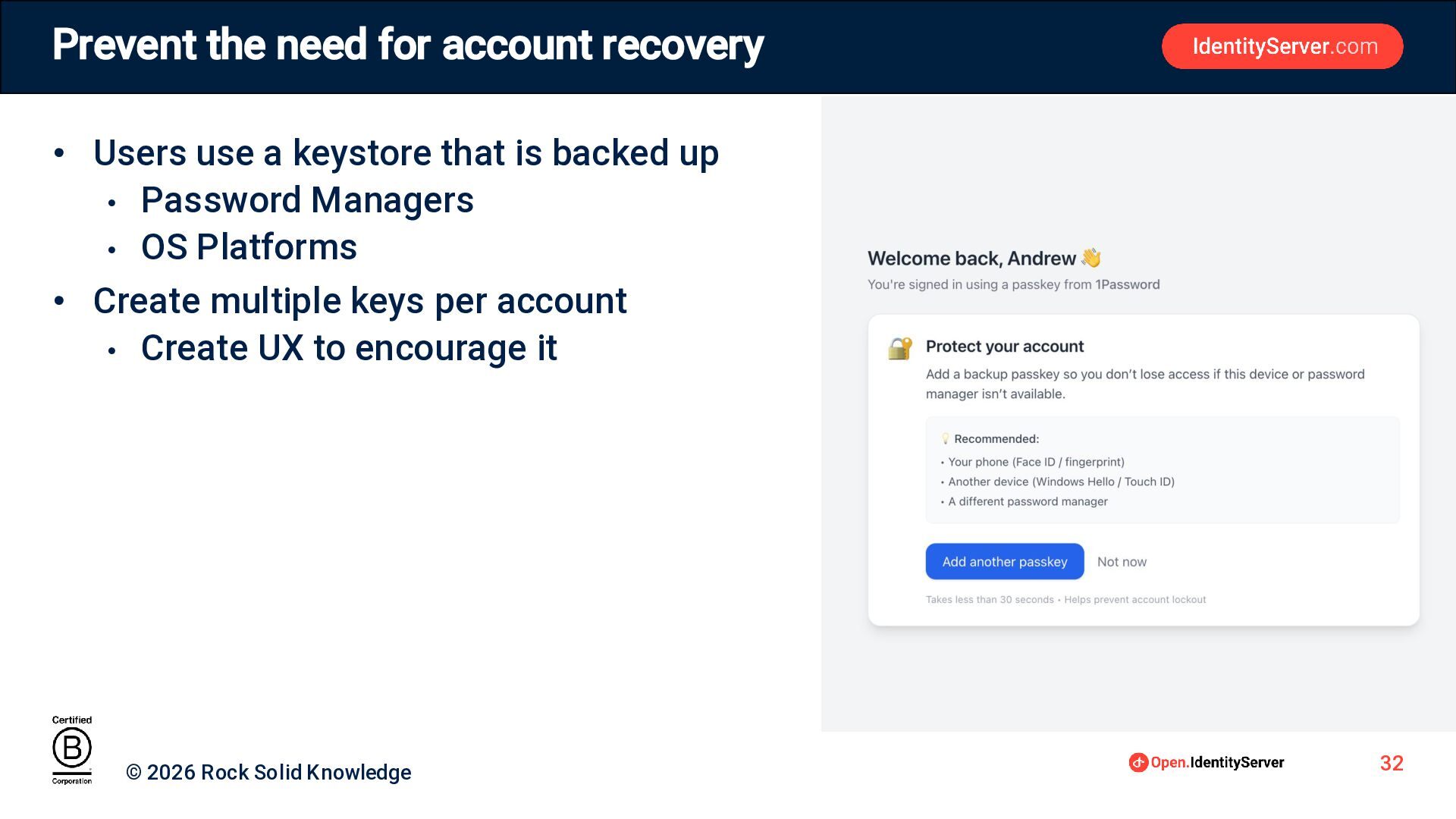
Prevent the need for account recovery • Users use a
keystore that is backed up • Password Managers • OS Platforms • Create multiple keys per account • Create UX to encourage it © 2026 Rock Solid Knowledge 32
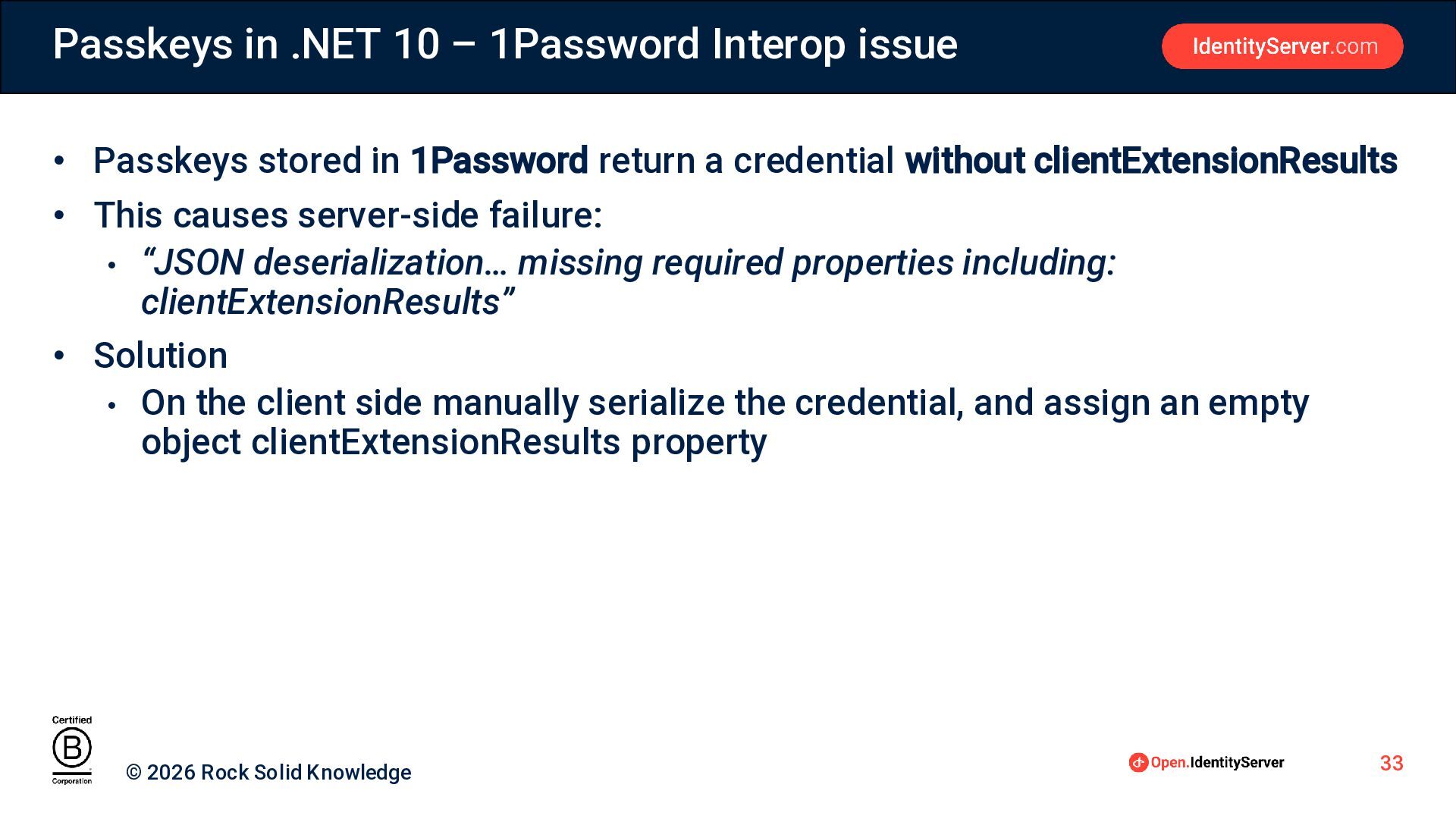
Passkeys in .NET 10 – 1Password Interop issue • Passkeys
stored in 1Password return a credential without clientExtensionResults • This causes server-side failure: • “JSON deserialization… missing required properties including: clientExtensionResults” • Solution • On the client side manually serialize the credential, and assign an empty object clientExtensionResults property © 2026 Rock Solid Knowledge 33
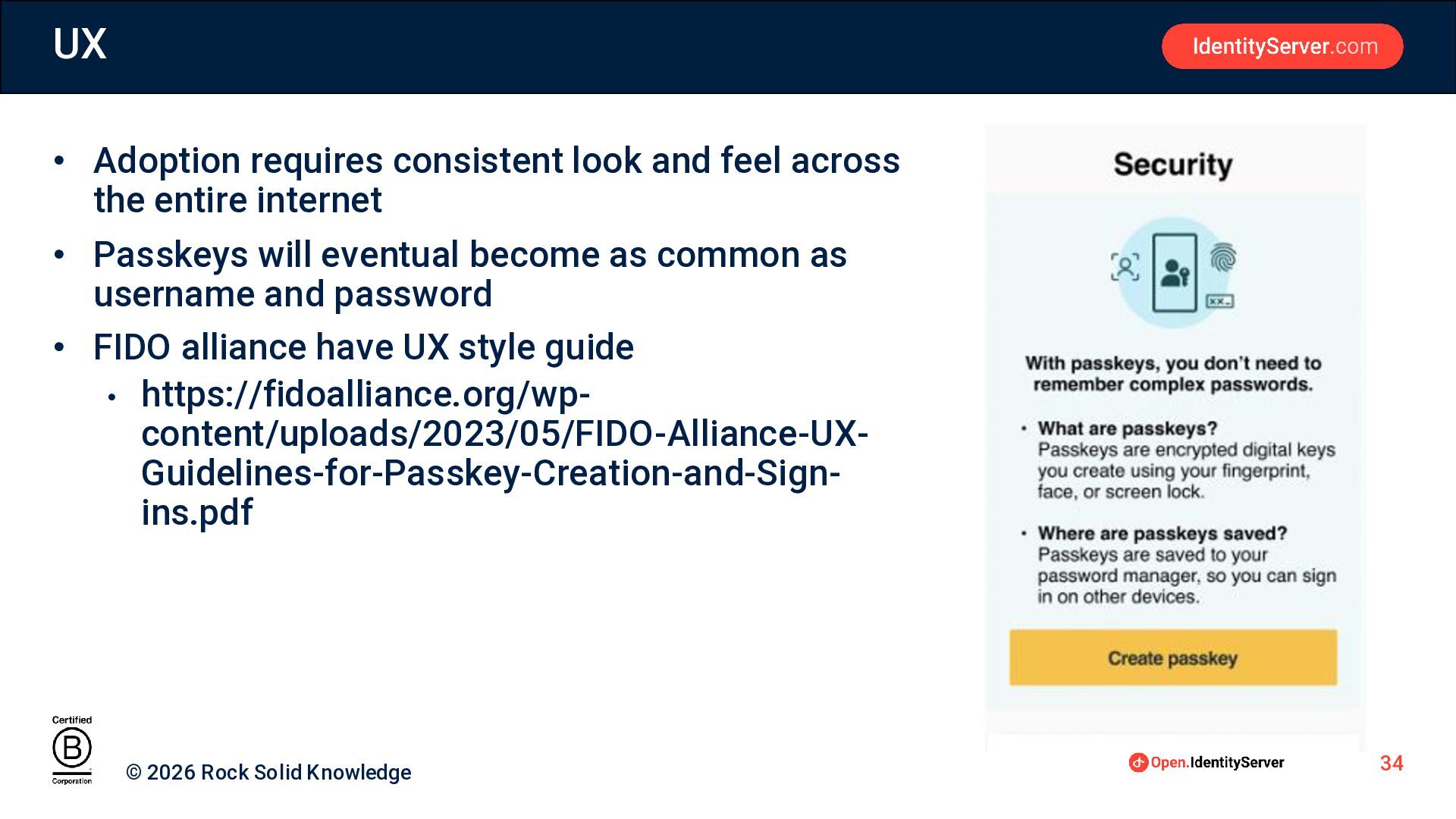
UX • Adoption requires consistent look and feel across the
entire internet • Passkeys will eventual become as common as username and password • FIDO alliance have UX style guide • https://fidoalliance.org/wpcontent/uploads/2023/05/FIDO-Alliance-UXGuidelines-for-Passkey-Creation-and-Signins.pdf © 2026 Rock Solid Knowledge 34
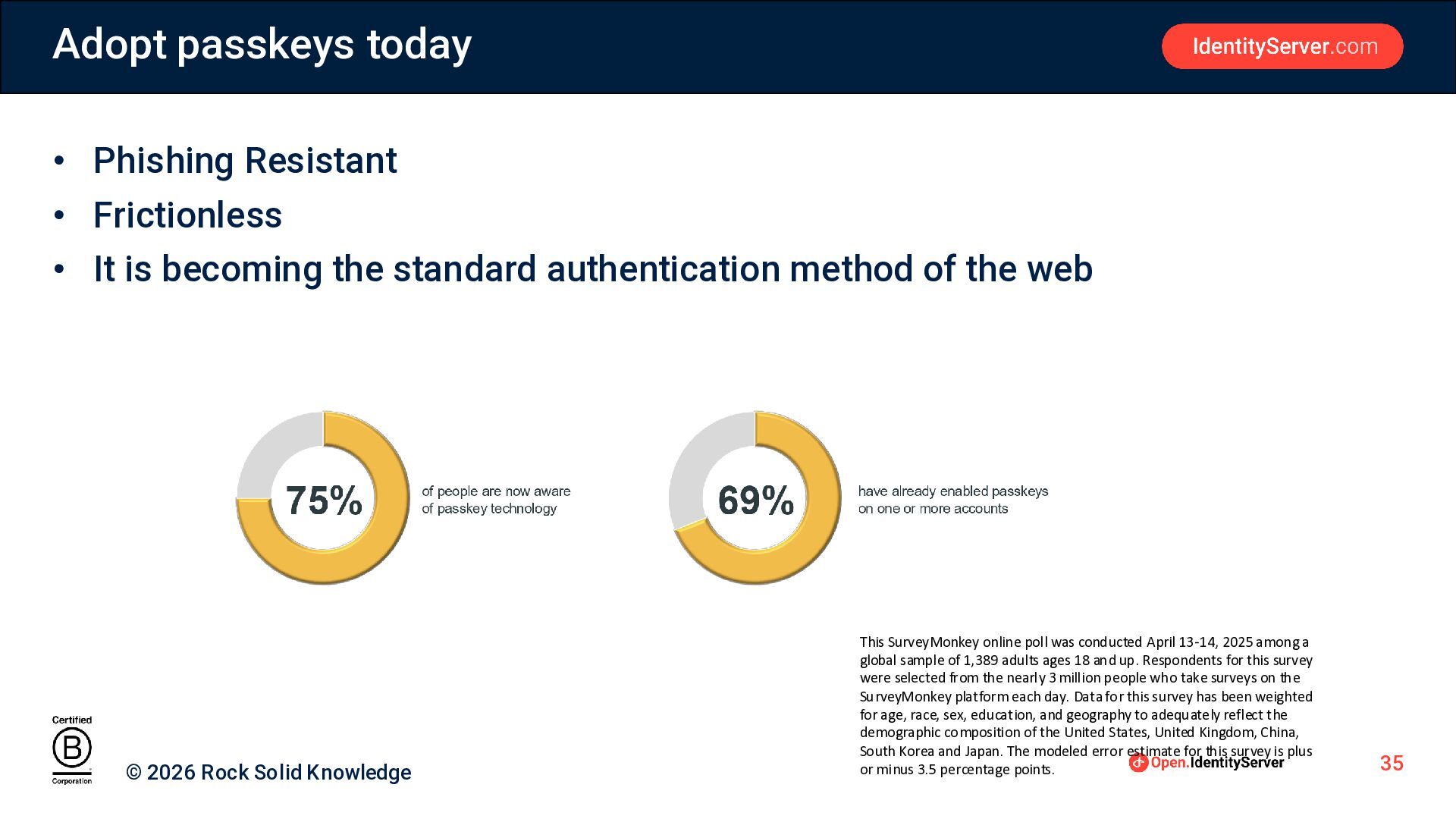
Adopt passkeys today • Phishing Resistant • Frictionless • It
is becoming the standard authentication method of the web © 2026 Rock Solid Knowledge This SurveyMonkey online poll was conducted April 13-14, 2025 among a global sample of 1,389 adults ages 18 and up. Respondents for this survey were selected from the nearly 3 million people who take surveys on the SurveyMonkey platform each day. Data for this survey has been weighted for age, race, sex, education, and geography to adequately reflect the demographic composition of the United States, United Kingdom, China, South Korea and Japan. The modeled error estimate for this survey is plus or minus 3.5 percentage points. 35
Summary • Passwords are not safe for the modern age
• Hard to manage • Multiple attack vectors • Passkeys • Easy to manage, Strong credentials • Anti-phishing • Need to action today © 2026 Rock Solid Knowledge 36
Contact Information •
[email protected]
• https://www.linkedin.com/in/andy-clymer/ • Want to know
more about Passkeys • fido.identityserver.com • For help and advice
[email protected]
• Open.IdentityServer, the free forever OIDC/OAuth platform • Single Sign-On (SSO) • Identity and Access Management • Authorization © 2026 Rock Solid Knowledge 37


 dotnetday
 yama3133
 masayukisuda
 katayamatg
 uhyo
uhyo
 kintotechdev
 oikon48
 freee
freee
 teamhimeh
 ren8k
ren8k
 mito201
 oracle4engineer
 nekorush14
 lfama
lfama
 jonyablonski
 jct
jct
 danielanewman
 codingconduct
 shpigford
 thoeni
 katarinadahlin
 techseoconnect
 geoffreycrofte
 jcasabona
 samtorres




![Contact Information • [email protected] • https://www.linkedin.com/in/andy-clymer/ • Want to know](https://files.speakerdeck.com/presentations/7a2dd5713b67470b99c9f3085c6191bf/slide_35.jpg)