Share
Embed
Affordable Data Migration Services for Business Accounting
Professional Data Migration Services help businesses move customer information, invoices, vendor details, financial transactions, and accounting records between different platforms. A well-organized migration process includes data assessment, secure backups, file conversion, accurate mapping, and detailed verification.
Esolution
October 31, 2026
Transcript
5 slides
-
Affordable Data Migration Services for Business Accounting Moving to a
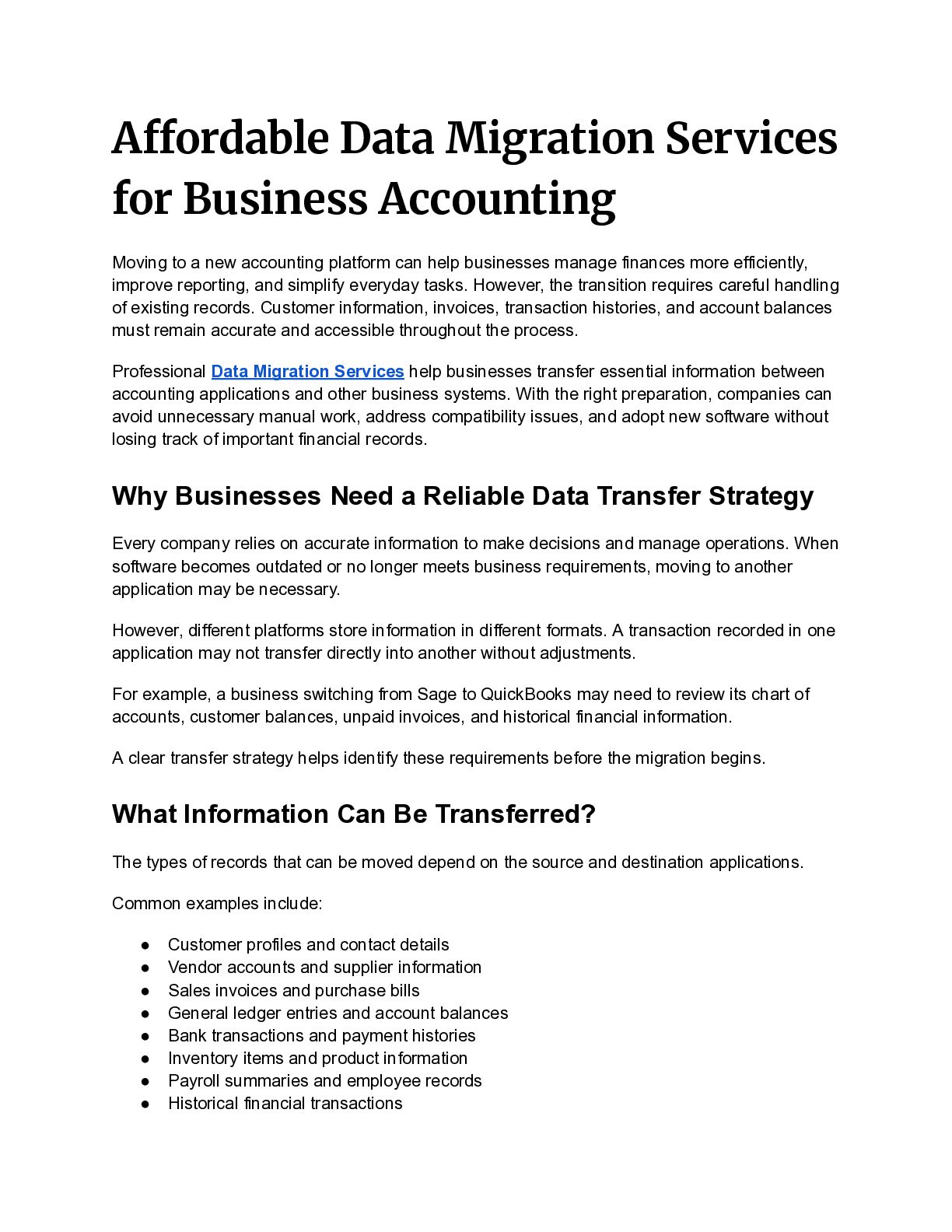
new accounting platform can help businesses manage finances more efficiently, improve reporting, and simplify everyday tasks. However, the transition requires careful handling of existing records. Customer information, invoices, transaction histories, and account balances must remain accurate and accessible throughout the process. Professional Data Migration Services help businesses transfer essential information between accounting applications and other business systems. With the right preparation, companies can avoid unnecessary manual work, address compatibility issues, and adopt new software without losing track of important financial records. Why Businesses Need a Reliable Data Transfer Strategy Every company relies on accurate information to make decisions and manage operations. When software becomes outdated or no longer meets business requirements, moving to another application may be necessary. However, different platforms store information in different formats. A transaction recorded in one application may not transfer directly into another without adjustments. For example, a business switching from Sage to QuickBooks may need to review its chart of accounts, customer balances, unpaid invoices, and historical financial information. A clear transfer strategy helps identify these requirements before the migration begins. What Information Can Be Transferred? The types of records that can be moved depend on the source and destination applications. Common examples include: • • • • • • • • Customer profiles and contact details Vendor accounts and supplier information Sales invoices and purchase bills General ledger entries and account balances Bank transactions and payment histories Inventory items and product information Payroll summaries and employee records Historical financial transactions -
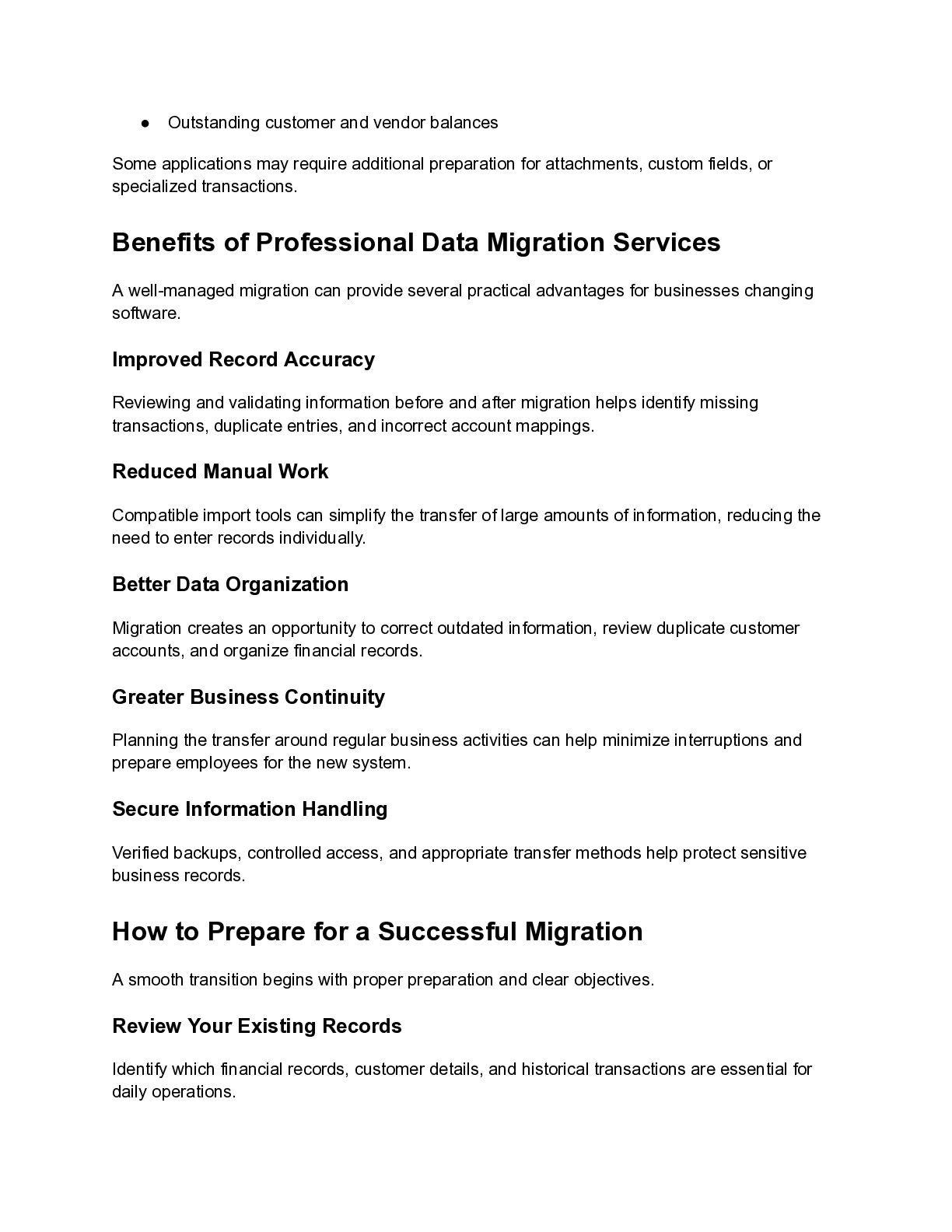
• Outstanding customer and vendor balances Some applications may require
additional preparation for attachments, custom fields, or specialized transactions. Benefits of Professional Data Migration Services A well-managed migration can provide several practical advantages for businesses changing software. Improved Record Accuracy Reviewing and validating information before and after migration helps identify missing transactions, duplicate entries, and incorrect account mappings. Reduced Manual Work Compatible import tools can simplify the transfer of large amounts of information, reducing the need to enter records individually. Better Data Organization Migration creates an opportunity to correct outdated information, review duplicate customer accounts, and organize financial records. Greater Business Continuity Planning the transfer around regular business activities can help minimize interruptions and prepare employees for the new system. Secure Information Handling Verified backups, controlled access, and appropriate transfer methods help protect sensitive business records. How to Prepare for a Successful Migration A smooth transition begins with proper preparation and clear objectives. Review Your Existing Records Identify which financial records, customer details, and historical transactions are essential for daily operations. -
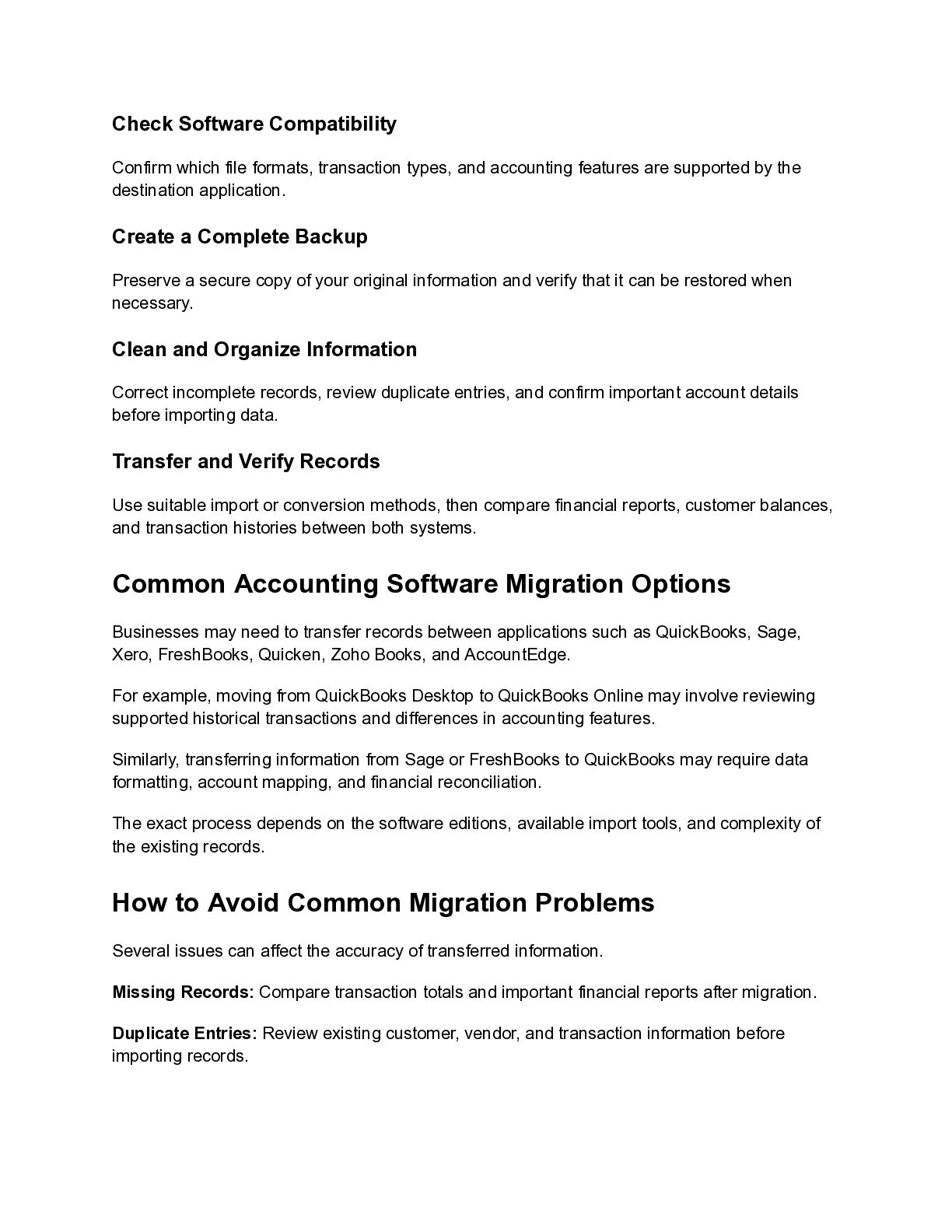
Check Software Compatibility Confirm which file formats, transaction types, and
accounting features are supported by the destination application. Create a Complete Backup Preserve a secure copy of your original information and verify that it can be restored when necessary. Clean and Organize Information Correct incomplete records, review duplicate entries, and confirm important account details before importing data. Transfer and Verify Records Use suitable import or conversion methods, then compare financial reports, customer balances, and transaction histories between both systems. Common Accounting Software Migration Options Businesses may need to transfer records between applications such as QuickBooks, Sage, Xero, FreshBooks, Quicken, Zoho Books, and AccountEdge. For example, moving from QuickBooks Desktop to QuickBooks Online may involve reviewing supported historical transactions and differences in accounting features. Similarly, transferring information from Sage or FreshBooks to QuickBooks may require data formatting, account mapping, and financial reconciliation. The exact process depends on the software editions, available import tools, and complexity of the existing records. How to Avoid Common Migration Problems Several issues can affect the accuracy of transferred information. Missing Records: Compare transaction totals and important financial reports after migration. Duplicate Entries: Review existing customer, vendor, and transaction information before importing records. -
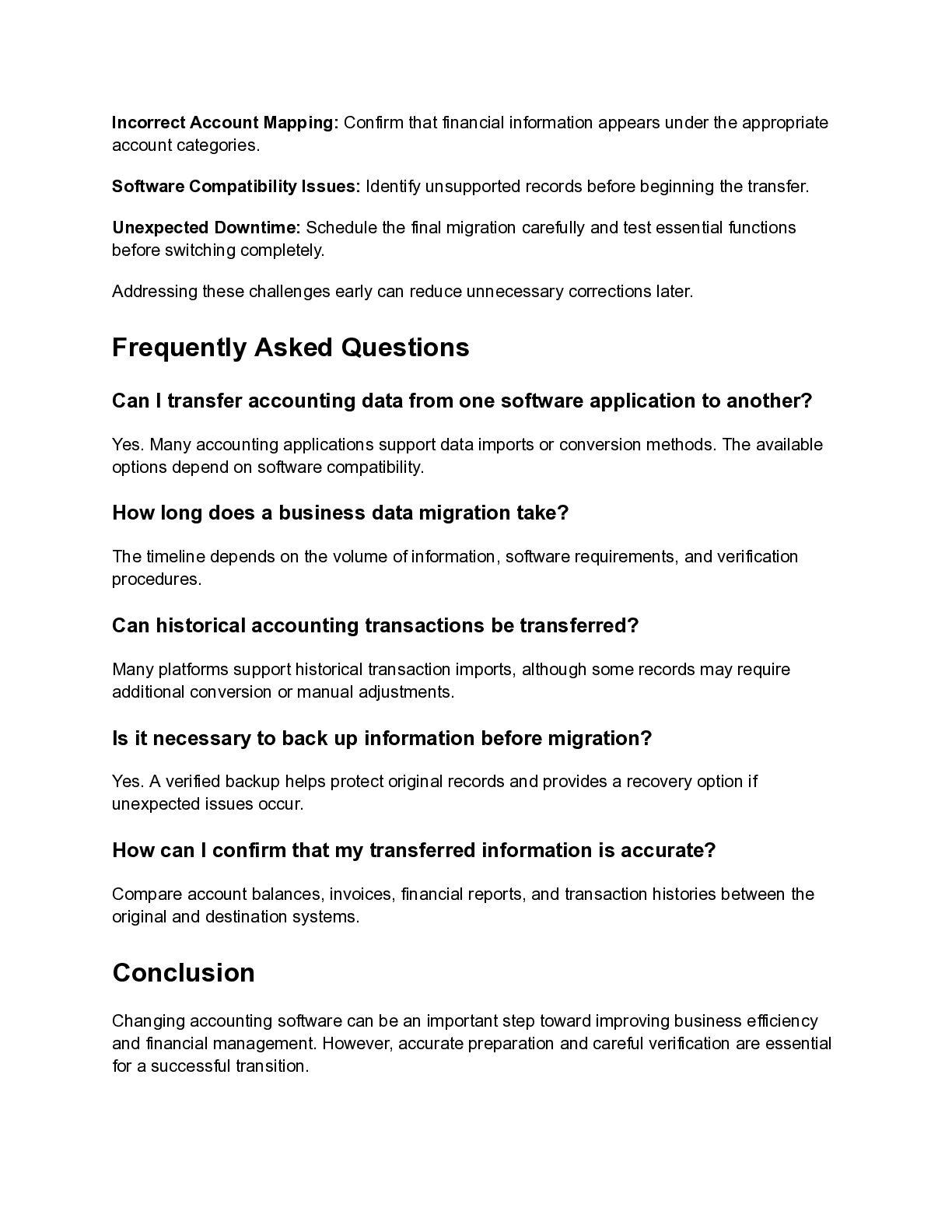
Incorrect Account Mapping: Confirm that financial information appears under the
appropriate account categories. Software Compatibility Issues: Identify unsupported records before beginning the transfer. Unexpected Downtime: Schedule the final migration carefully and test essential functions before switching completely. Addressing these challenges early can reduce unnecessary corrections later. Frequently Asked Questions Can I transfer accounting data from one software application to another? Yes. Many accounting applications support data imports or conversion methods. The available options depend on software compatibility. How long does a business data migration take? The timeline depends on the volume of information, software requirements, and verification procedures. Can historical accounting transactions be transferred? Many platforms support historical transaction imports, although some records may require additional conversion or manual adjustments. Is it necessary to back up information before migration? Yes. A verified backup helps protect original records and provides a recovery option if unexpected issues occur. How can I confirm that my transferred information is accurate? Compare account balances, invoices, financial reports, and transaction histories between the original and destination systems. Conclusion Changing accounting software can be an important step toward improving business efficiency and financial management. However, accurate preparation and careful verification are essential for a successful transition. -
Reliable Data Migration Services help businesses manage compatibility challenges, reduce
manual effort, and maintain organized financial records. With secure backups, proper data mapping, and detailed testing, companies can move to new software with greater confidence while keeping essential business information accessible and ready for future growth.