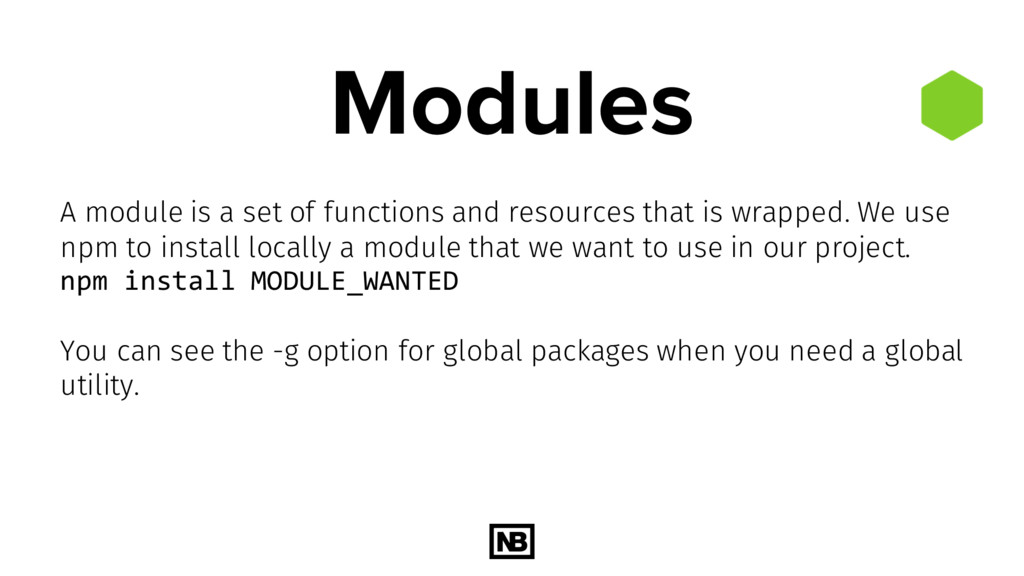
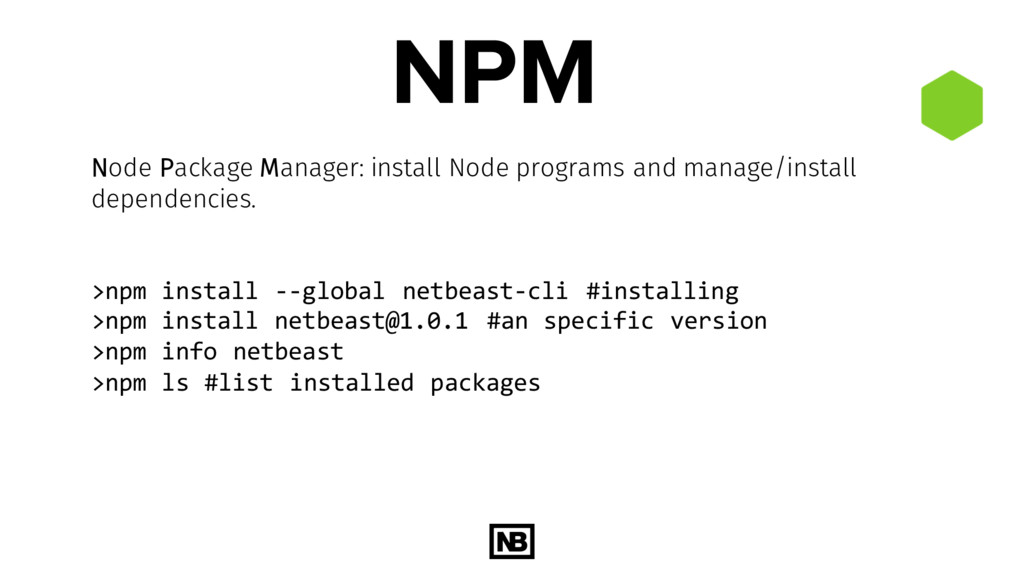
that is wrapped. We use npm to install locally a module that we want to use in our project. npm install MODULE_WANTED You can see the -g option for global packages when you need a global utility.
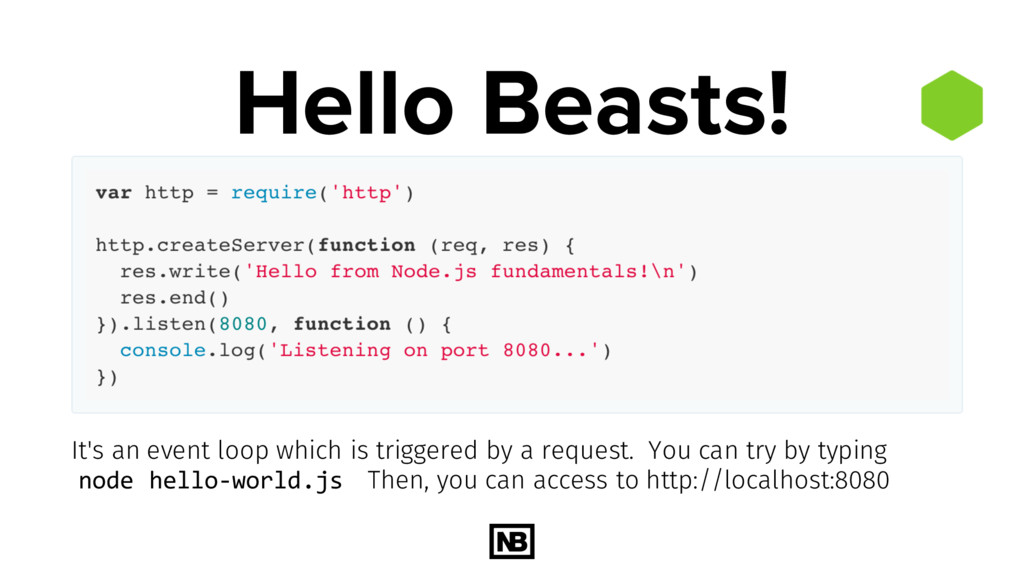
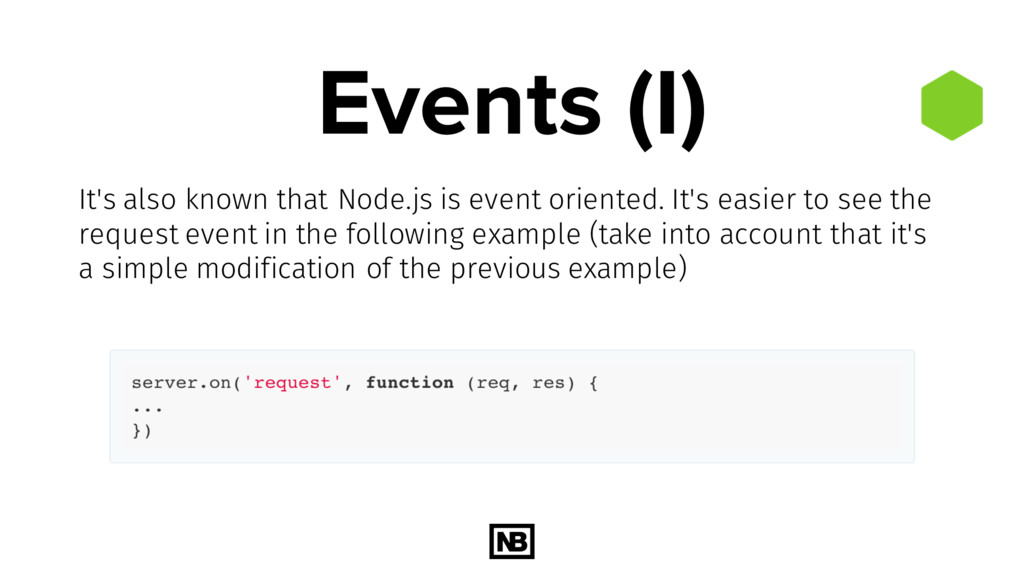
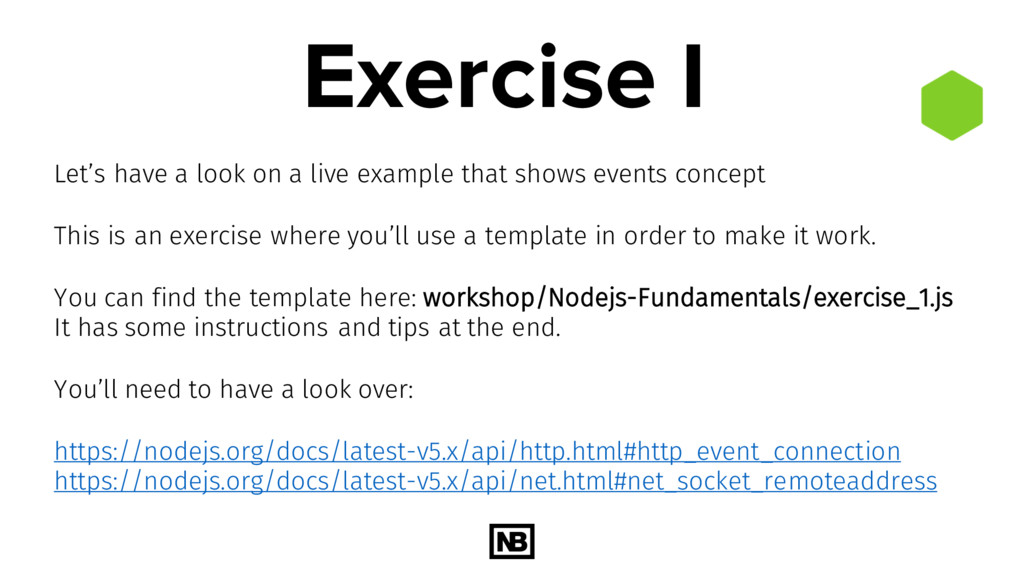
that shows events concept This is an exercise where you’ll use a template in order to make it work. You can find the template here: workshop/Nodejs-Fundamentals/exercise_1.js It has some instructions and tips at the end. You’ll need to have a look over: https://nodejs.org/docs/latest-v5.x/api/http.html#http_event_connection https://nodejs.org/docs/latest-v5.x/api/net.html#net_socket_remoteaddress
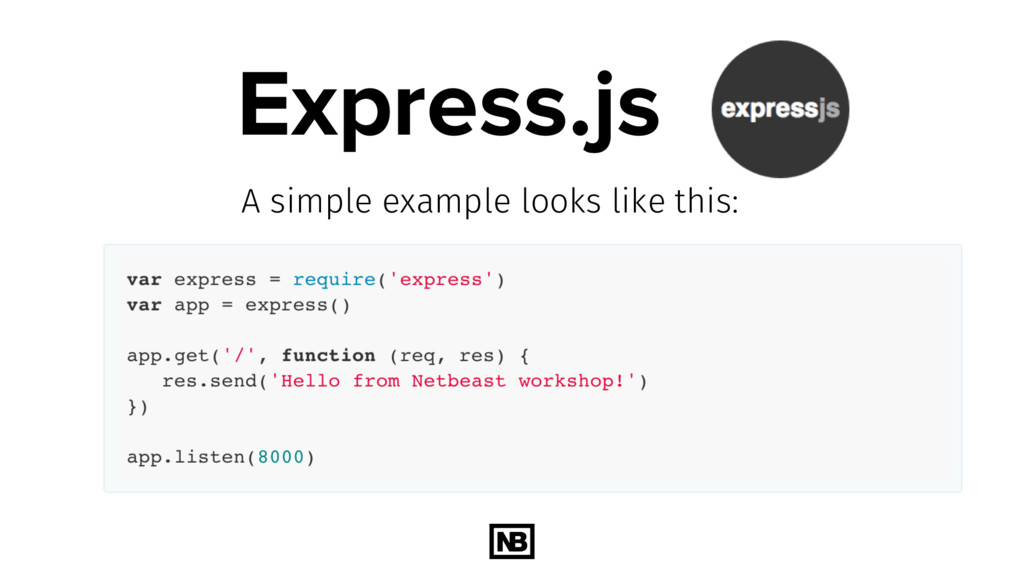
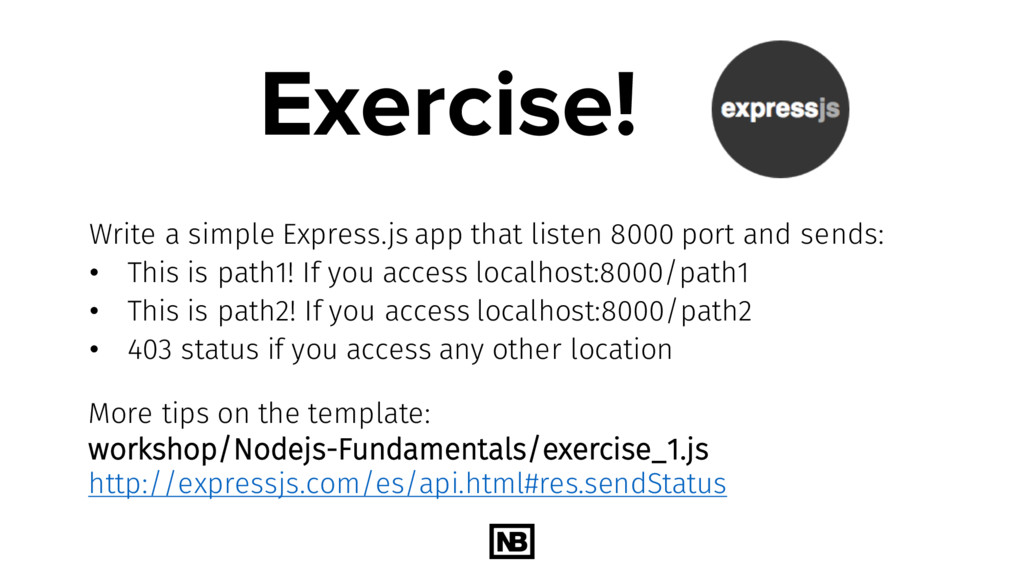
and sends: • This is path1! If you access localhost:8000/path1 • This is path2! If you access localhost:8000/path2 • 403 status if you access any other location More tips on the template: workshop/Nodejs-Fundamentals/exercise_1.js http://expressjs.com/es/api.html#res.sendStatus
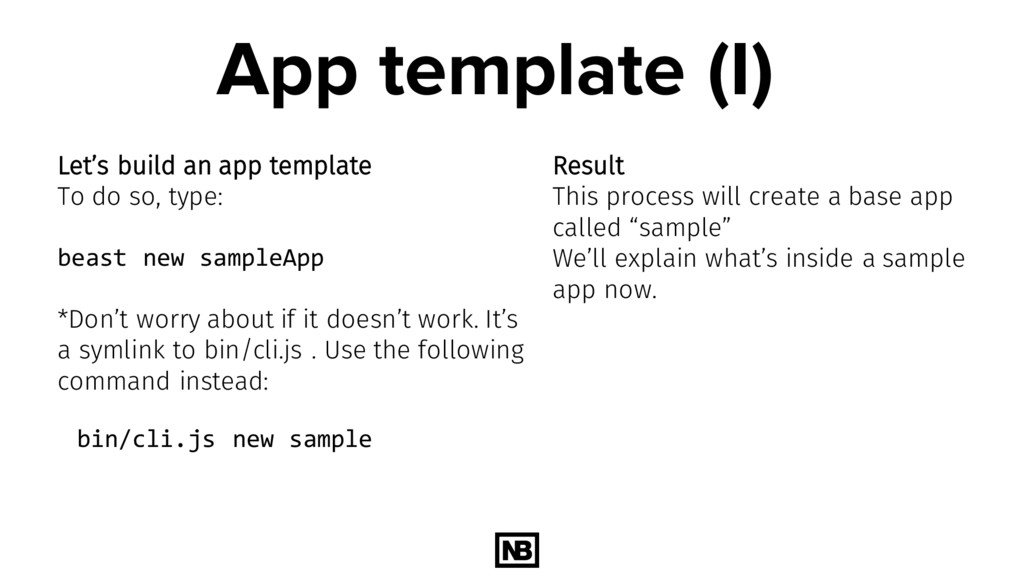
so, type: beast new sampleApp *Don’t worry about if it doesn’t work. It’s a symlink to bin/cli.js . Use the following command instead: bin/cli.js new sample Result This process will create a base app called “sample” We’ll explain what’s inside a sample app now.
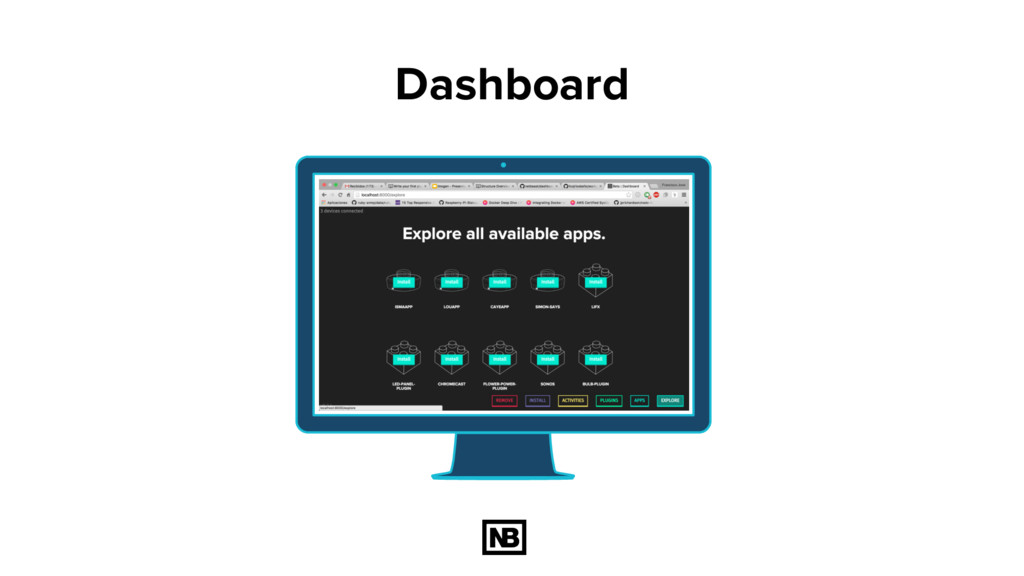
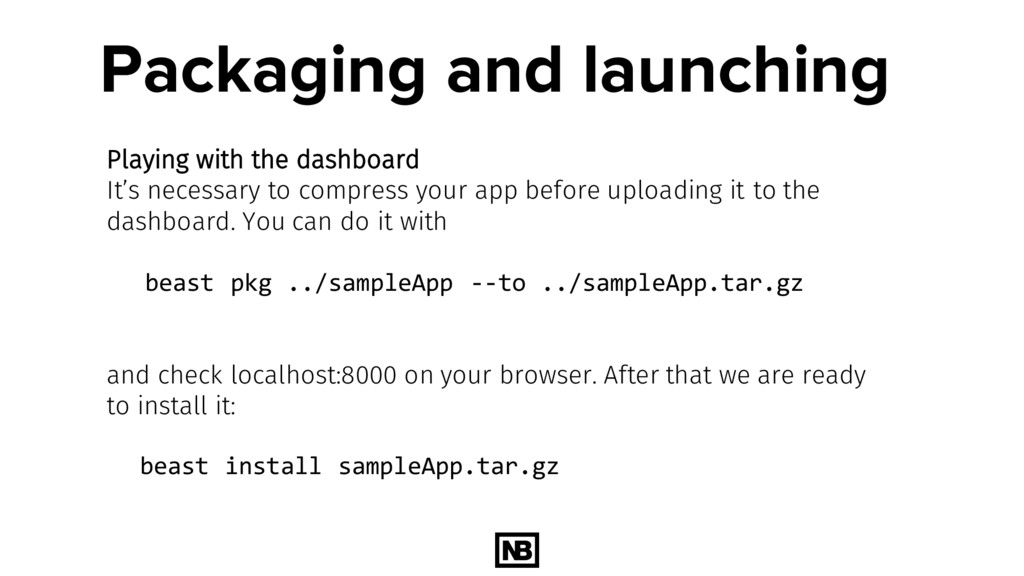
compress your app before uploading it to the dashboard. You can do it with beast pkg ../sampleApp --to ../sampleApp.tar.gz and check localhost:8000 on your browser. After that we are ready to install it: beast install sampleApp.tar.gz
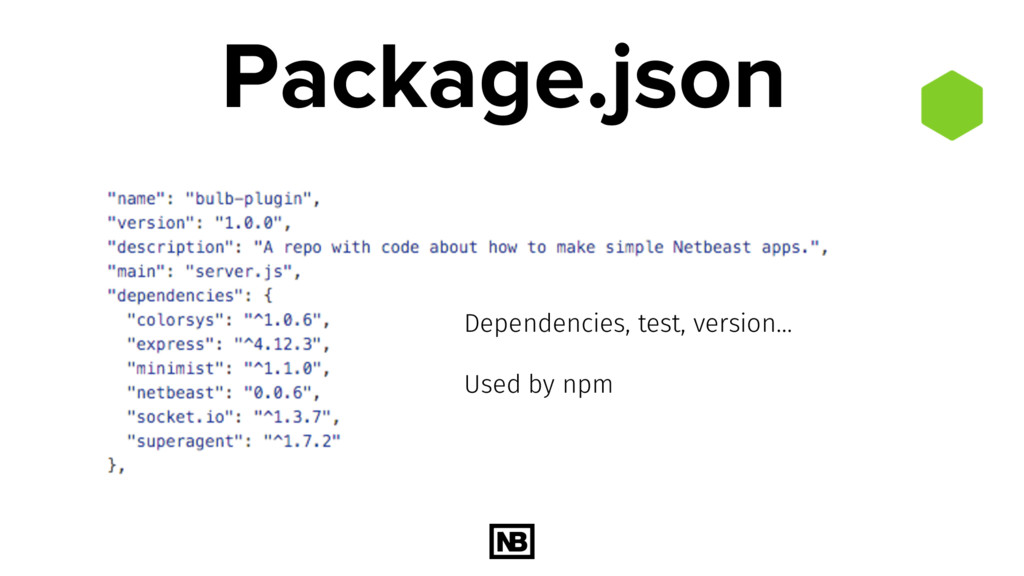
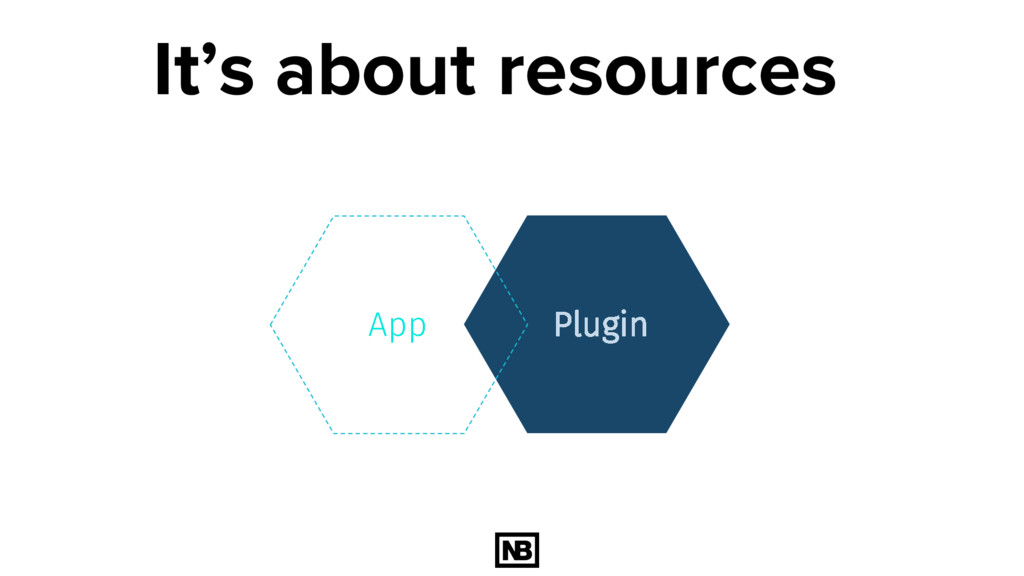
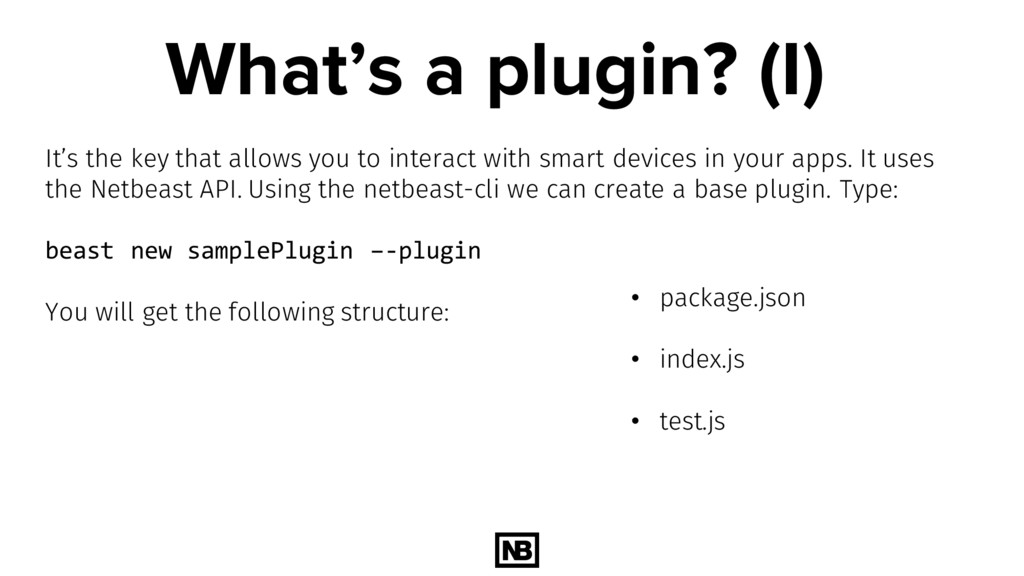
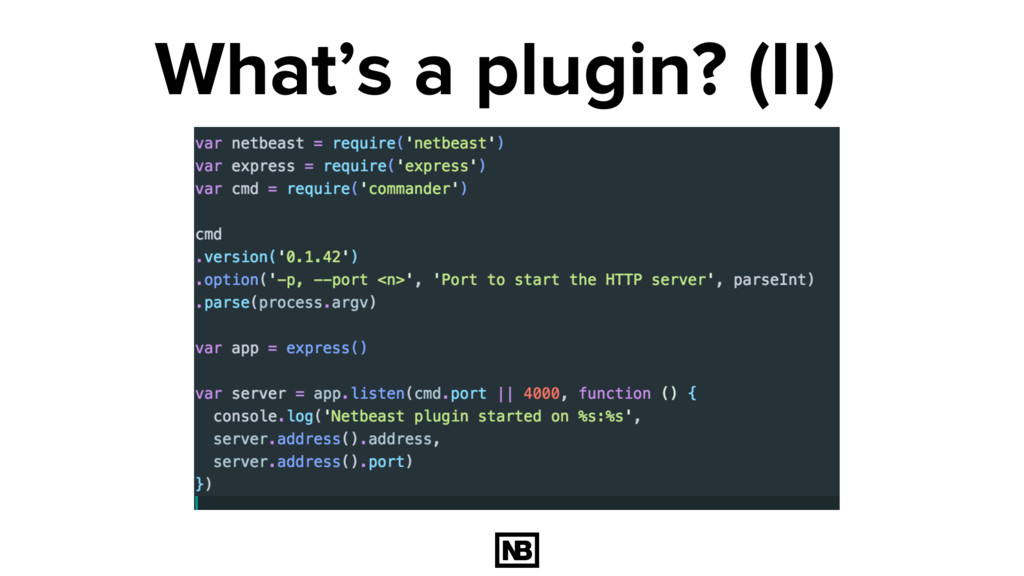
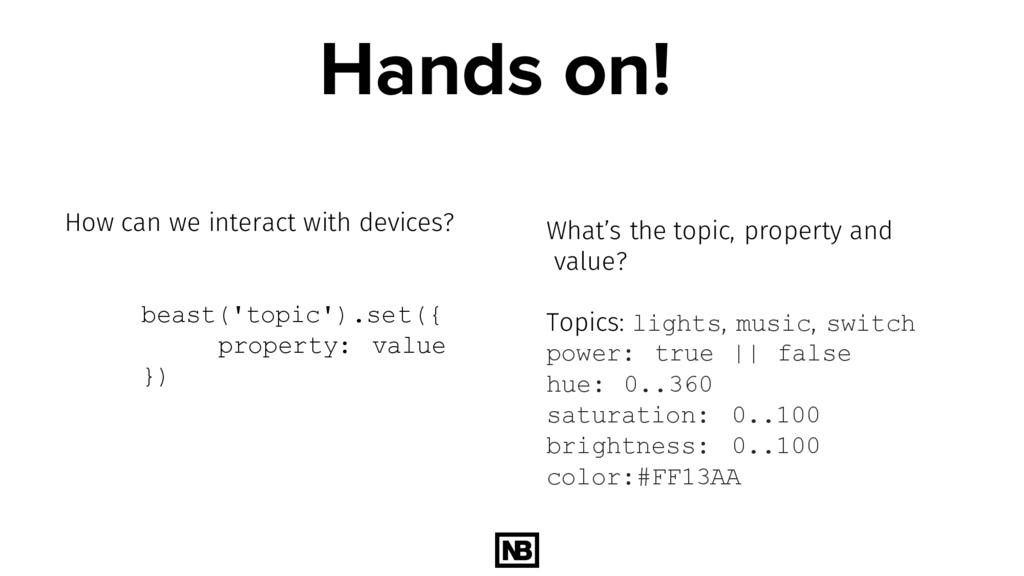
to interact with smart devices in your apps. It uses the Netbeast API. Using the netbeast-cli we can create a base plugin. Type: beast new samplePlugin –-plugin You will get the following structure: • package.json • index.js • test.js
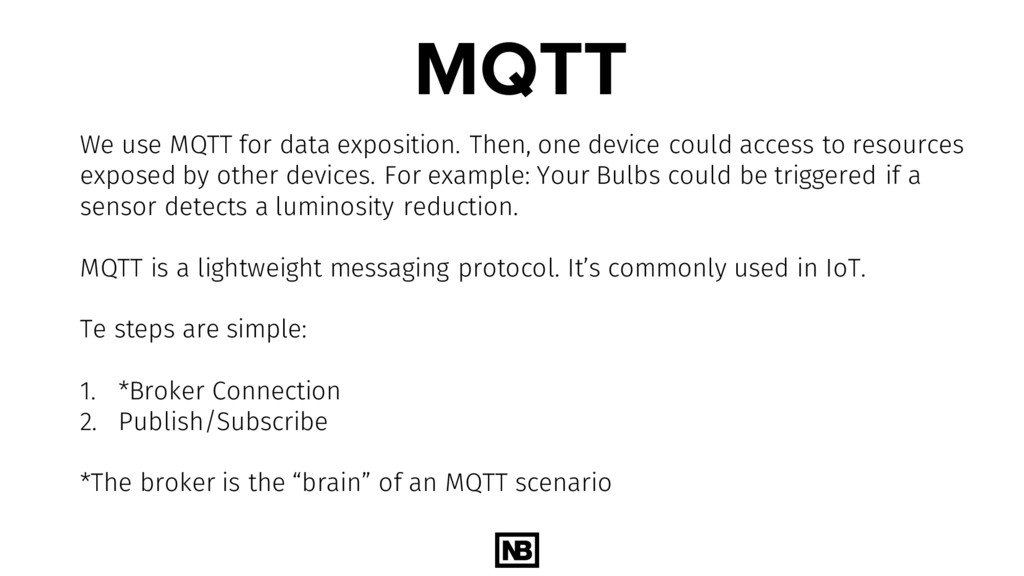
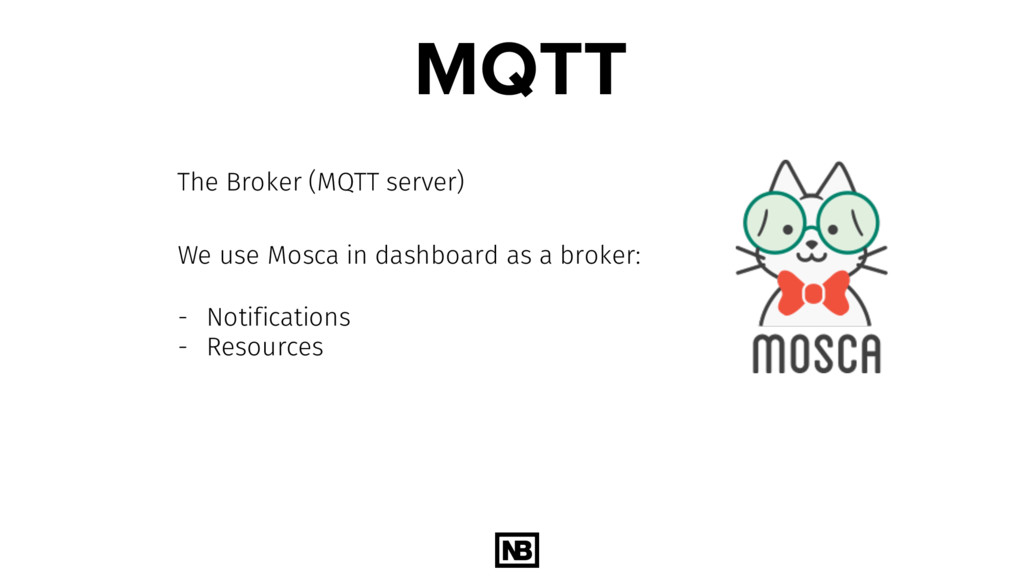
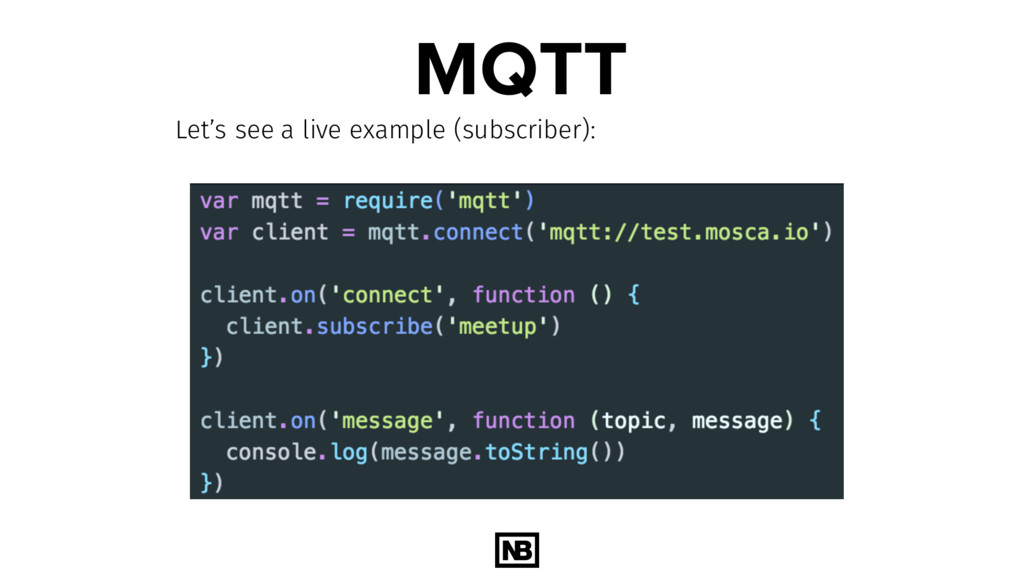
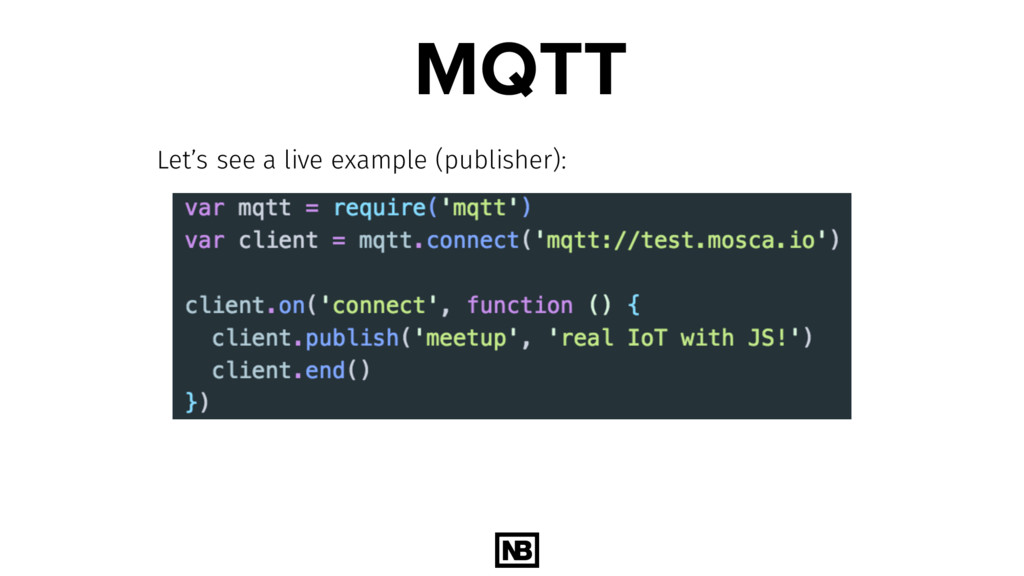
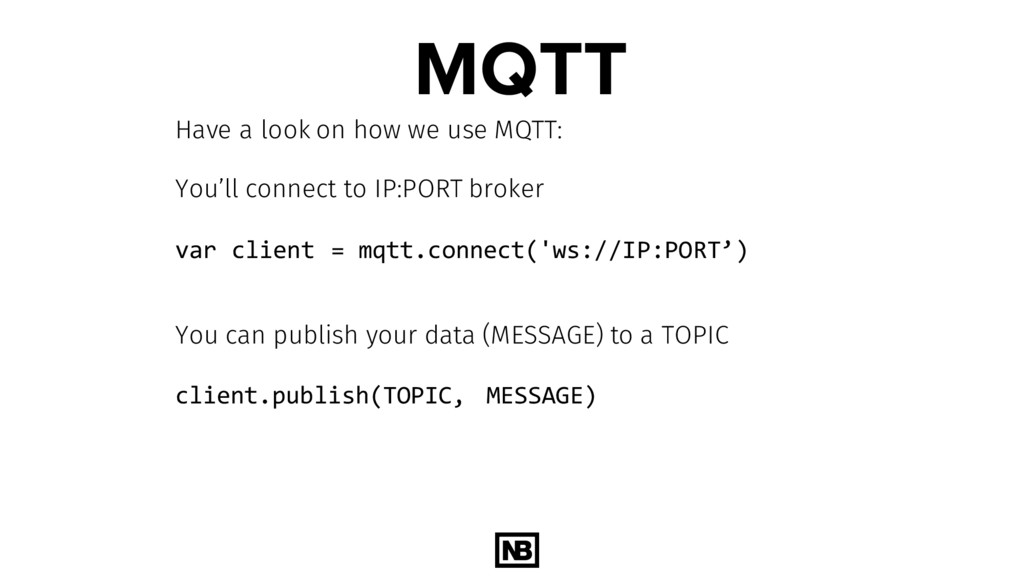
could access to resources exposed by other devices. For example: Your Bulbs could be triggered if a sensor detects a luminosity reduction. MQTT is a lightweight messaging protocol. It’s commonly used in IoT. Te steps are simple: 1. *Broker Connection 2. Publish/Subscribe *The broker is the “brain” of an MQTT scenario


 fcojriosbello
 nttcom
.png) codatum
codatum
 ivry_presentationmaterials
 prog893
 ykanoh
 persolserverworks
 pfn
pfn
 ueponx
 mohab1
 4o1sobblue
 shugo
shugo
 shogo4131
 3n
3n
 varn
varn
 bryan
bryan
 bkeepers
 raygrieselhuber
 schlessera
 marcelosomers
 rasmusluckow
 chrislema
 jonoalderson
 katiecoart
 kevinliebholz
![thanks! Any questions? You can find me at: [email protected]](https://files.speakerdeck.com/presentations/40f5cdda7a534002a205ecc162db0c03/slide_60.jpg)