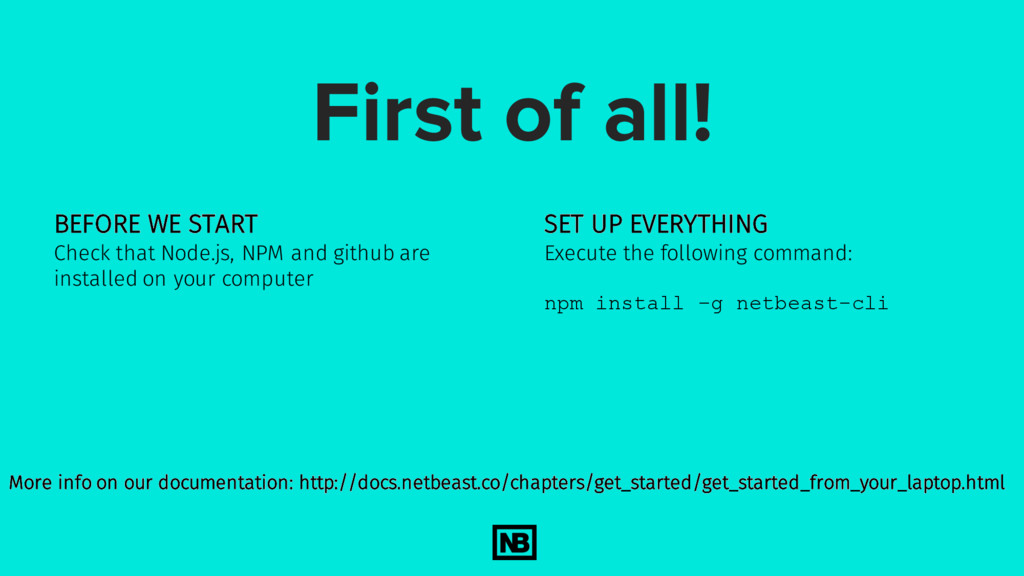
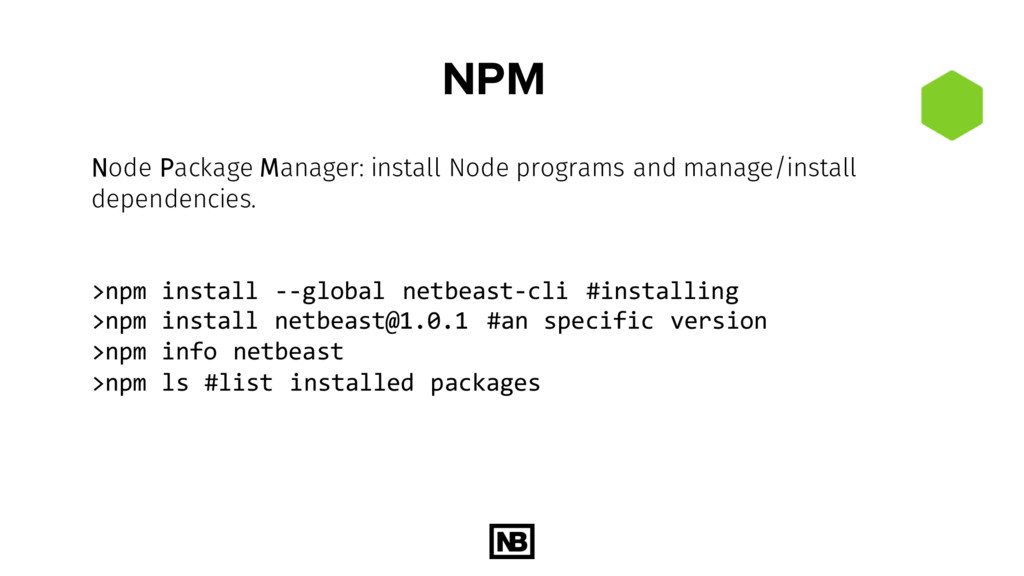
and github are installed on your computer SET UP EVERYTHING Execute the following command: npm install –g netbeast-cli More info on our documentation: http://docs.netbeast.co/chapters/get_started/get_started_from_your_laptop.html
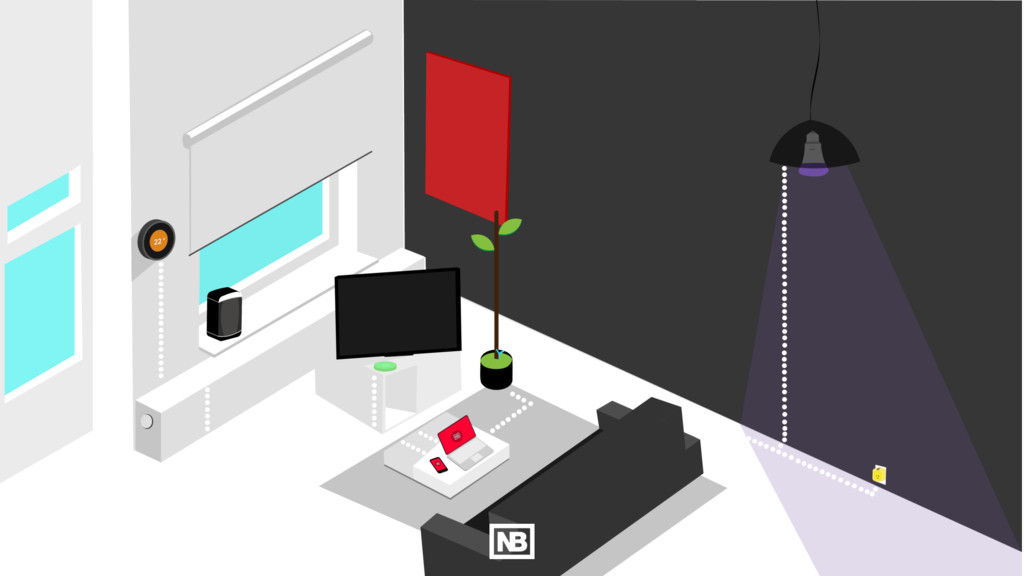
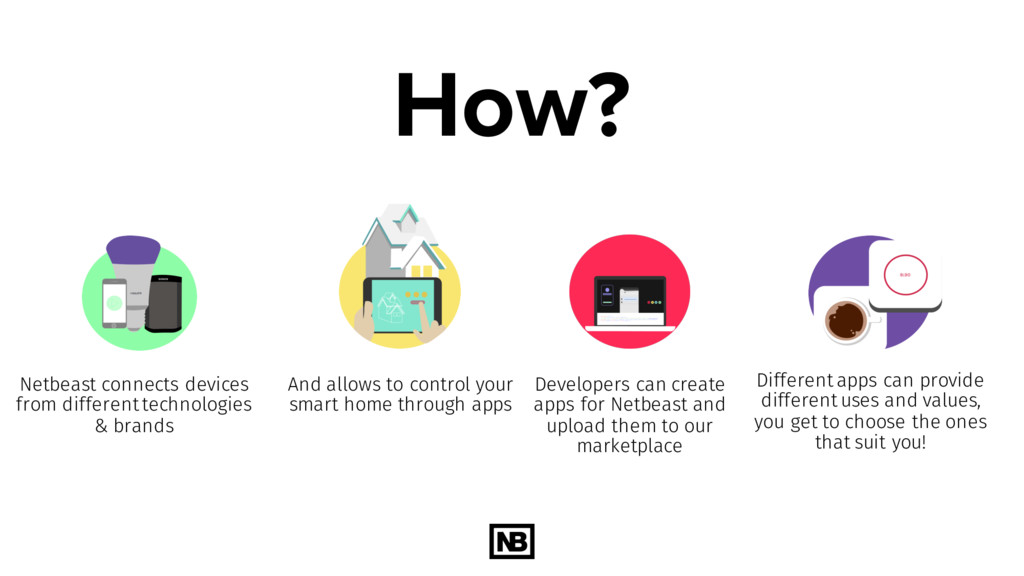
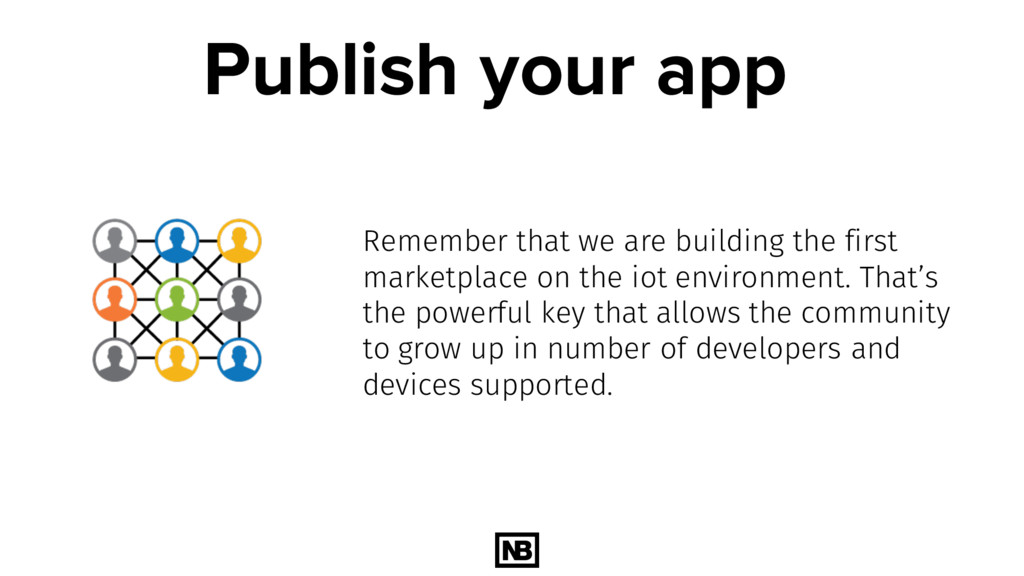
can create apps for Netbeast and upload them to our marketplace Different apps can provide different uses and values, you get to choose the ones that suit you! And allows to control your smart home through apps
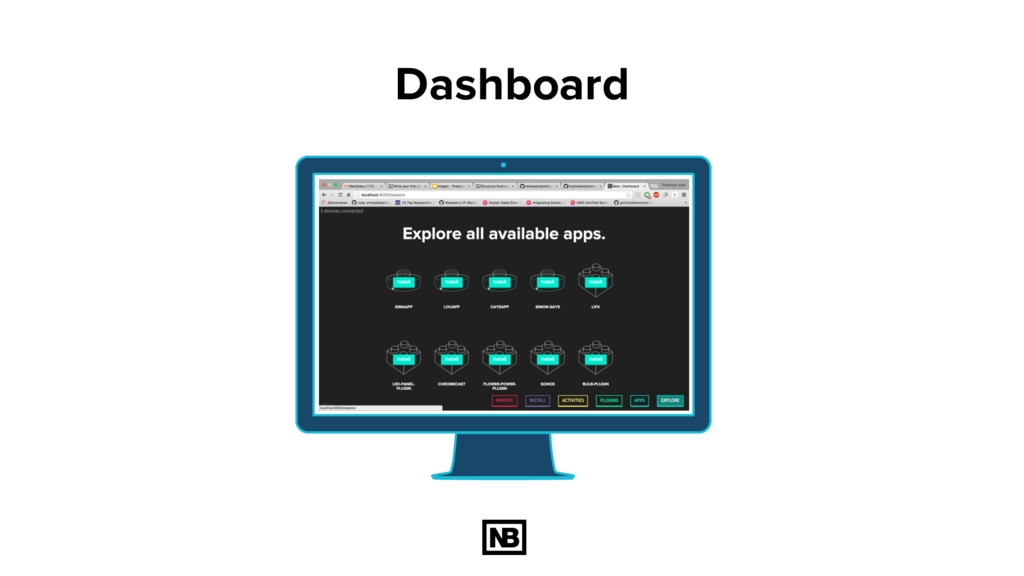
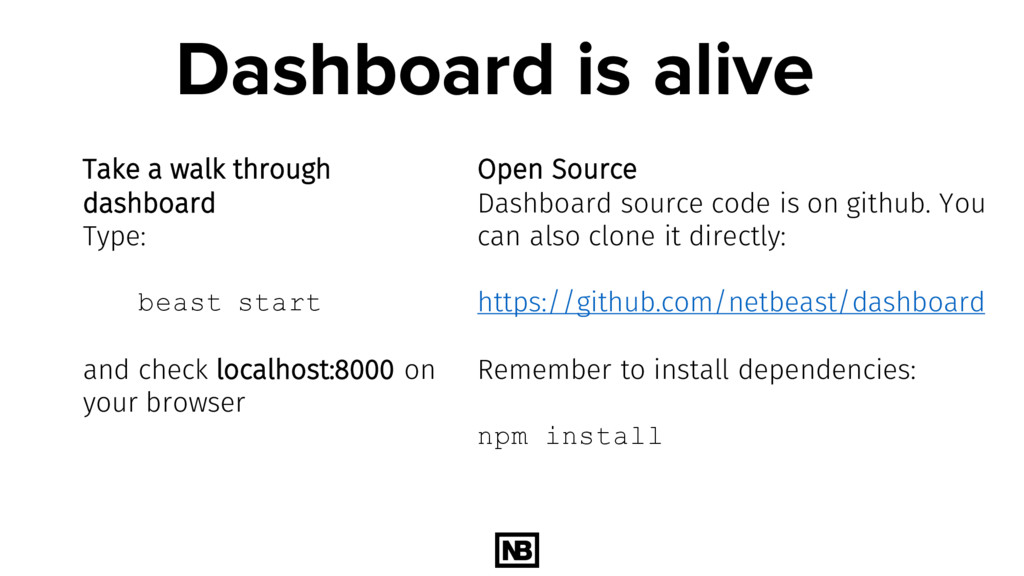
start and check localhost:8000 on your browser Open Source Dashboard source code is on github. You can also clone it directly: https://github.com/netbeast/dashboard Remember to install dependencies: npm install
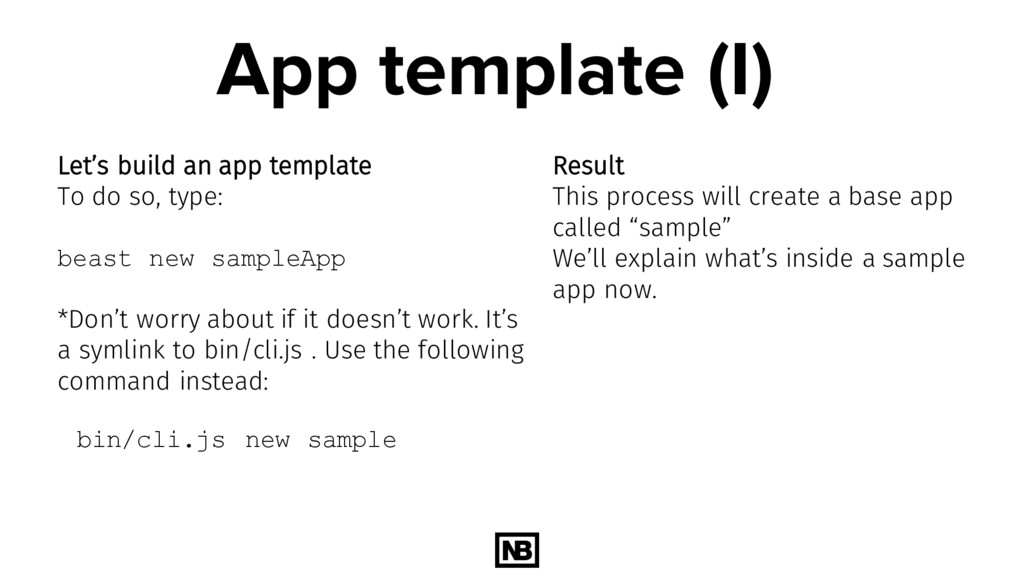
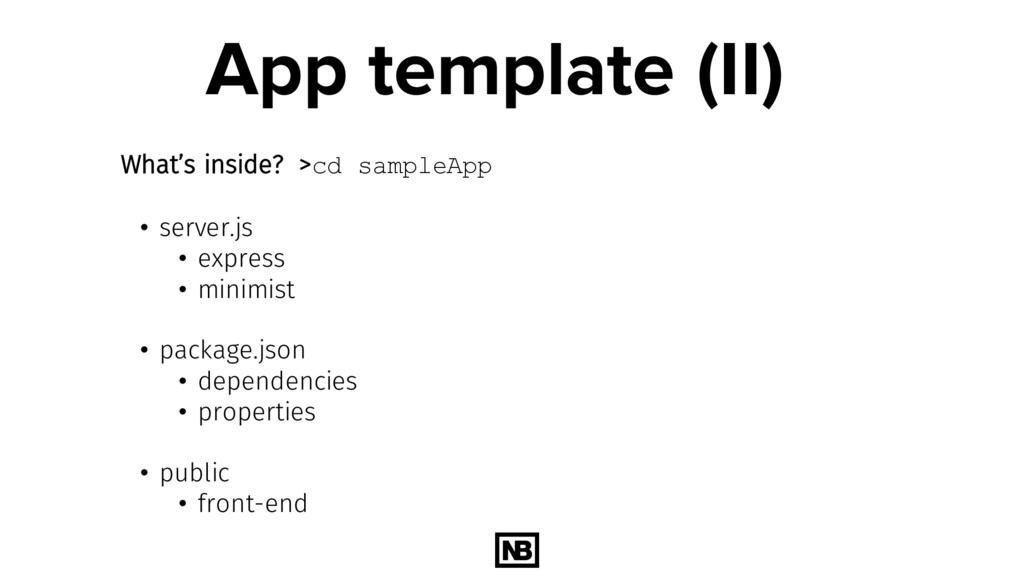
so, type: beast new sampleApp *Don’t worry about if it doesn’t work. It’s a symlink to bin/cli.js . Use the following command instead: bin/cli.js new sample Result This process will create a base app called “sample” We’ll explain what’s inside a sample app now.
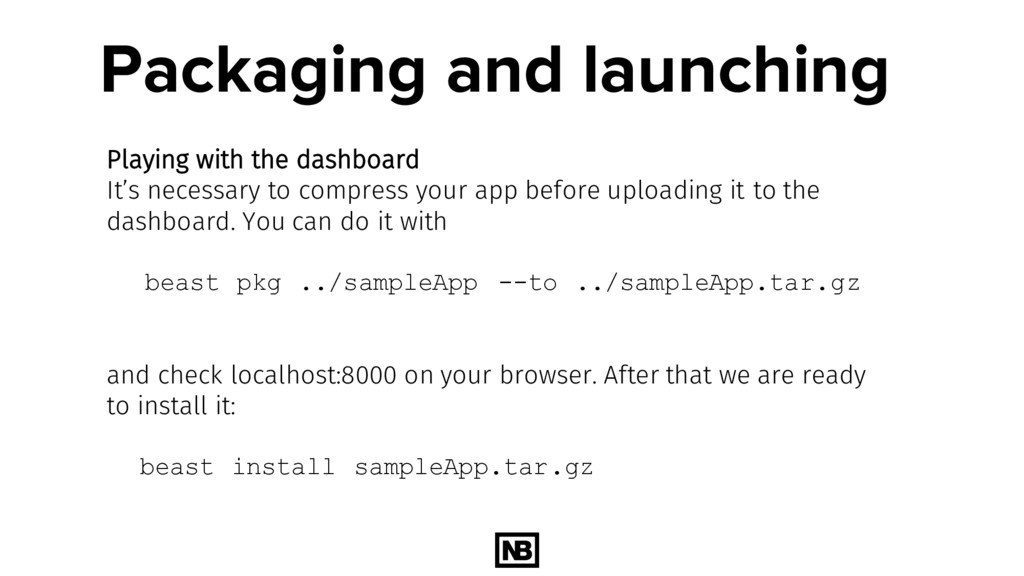
compress your app before uploading it to the dashboard. You can do it with beast pkg ../sampleApp --to ../sampleApp.tar.gz and check localhost:8000 on your browser. After that we are ready to install it: beast install sampleApp.tar.gz
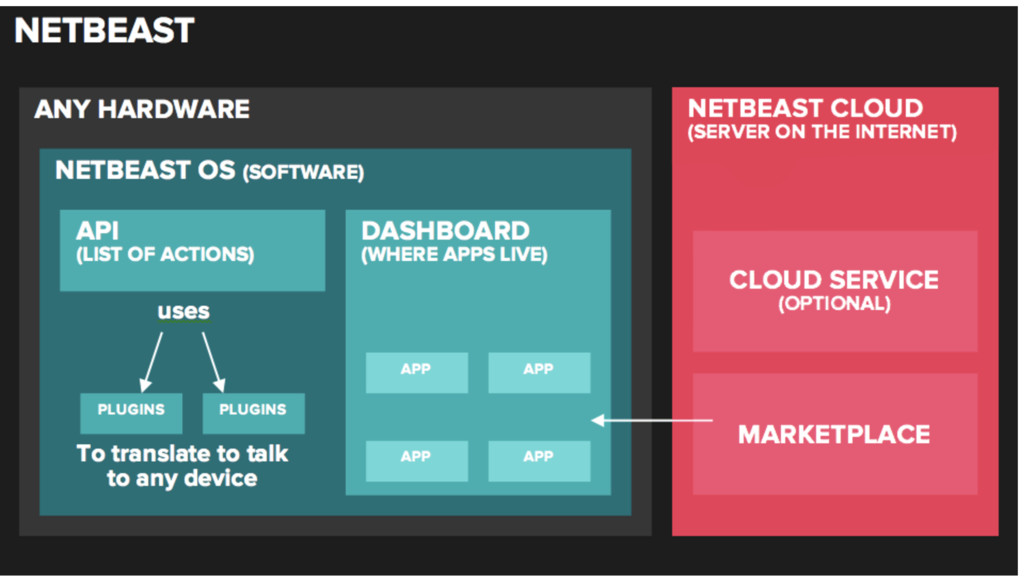
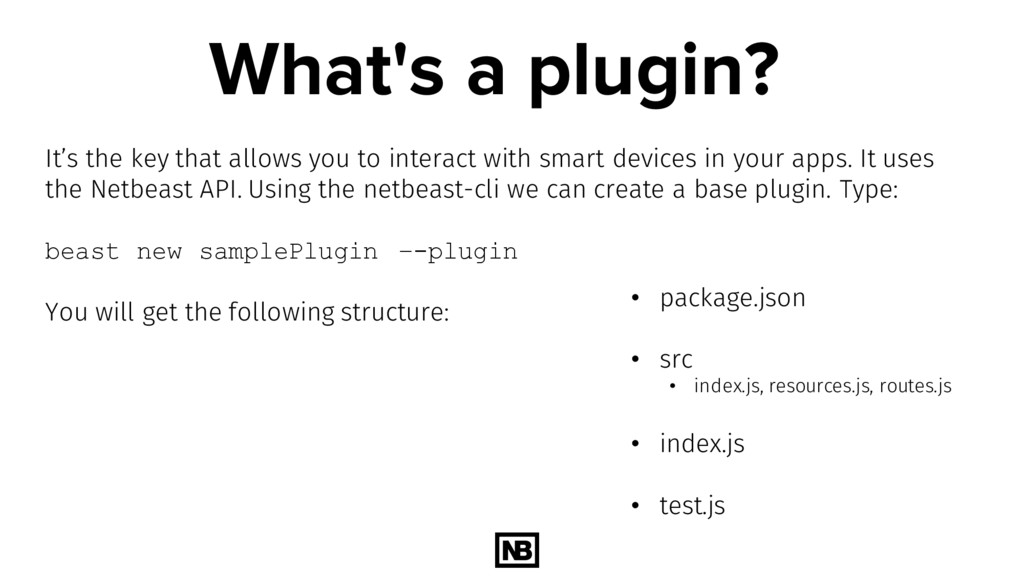
interact with smart devices in your apps. It uses the Netbeast API. Using the netbeast-cli we can create a base plugin. Type: beast new samplePlugin –-plugin You will get the following structure: • package.json • src • index.js, resources.js, routes.js • index.js • test.js
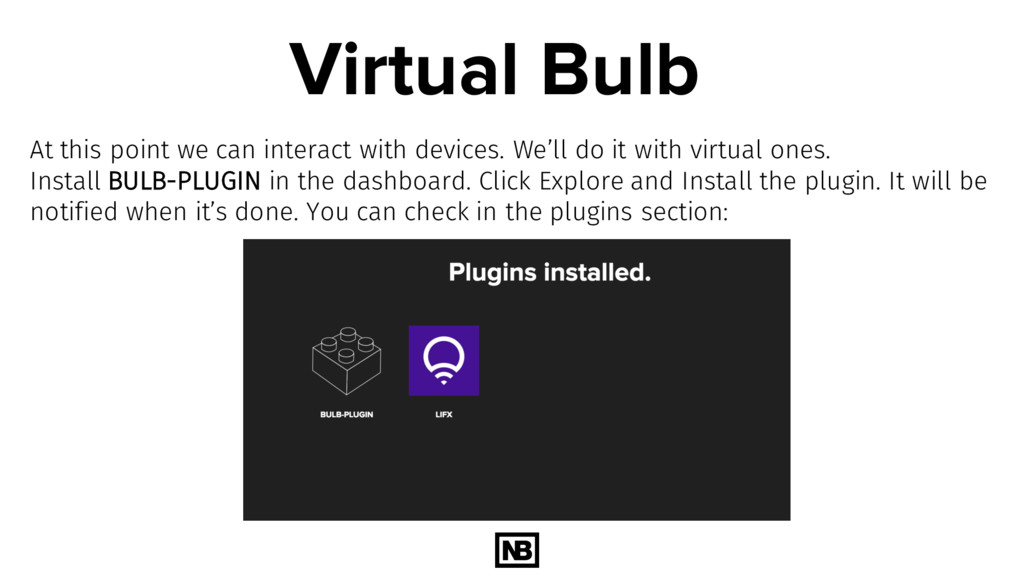
We’ll do it with virtual ones. Install BULB-PLUGIN in the dashboard. Click Explore and Install the plugin. It will be notified when it’s done. You can check in the plugins section:
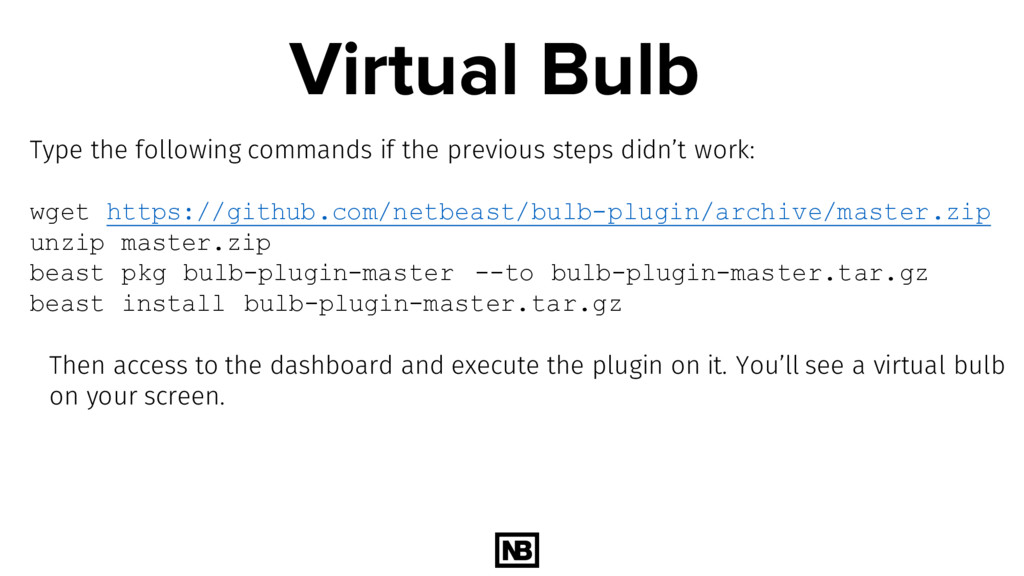
didn’t work: wget https://github.com/netbeast/bulb-plugin/archive/master.zip unzip master.zip beast pkg bulb-plugin-master --to bulb-plugin-master.tar.gz beast install bulb-plugin-master.tar.gz Then access to the dashboard and execute the plugin on it. You’ll see a virtual bulb on your screen.
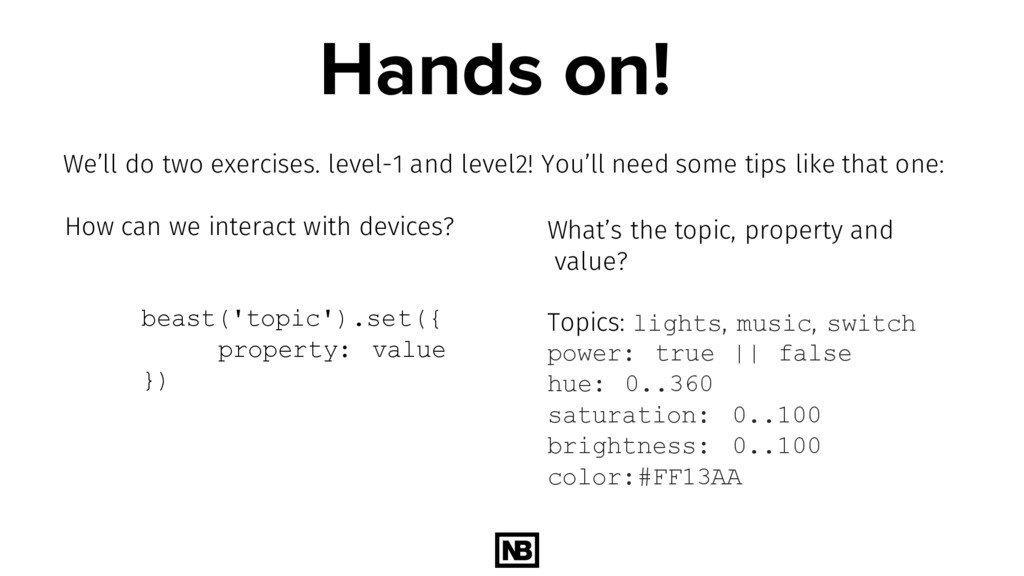
value }) We’ll do two exercises. level-1 and level2! You’ll need some tips like that one: What’s the topic, property and value? Topics: lights, music, switch power: true || false hue: 0..360 saturation: 0..100 brightness: 0..100 color:#FF13AA
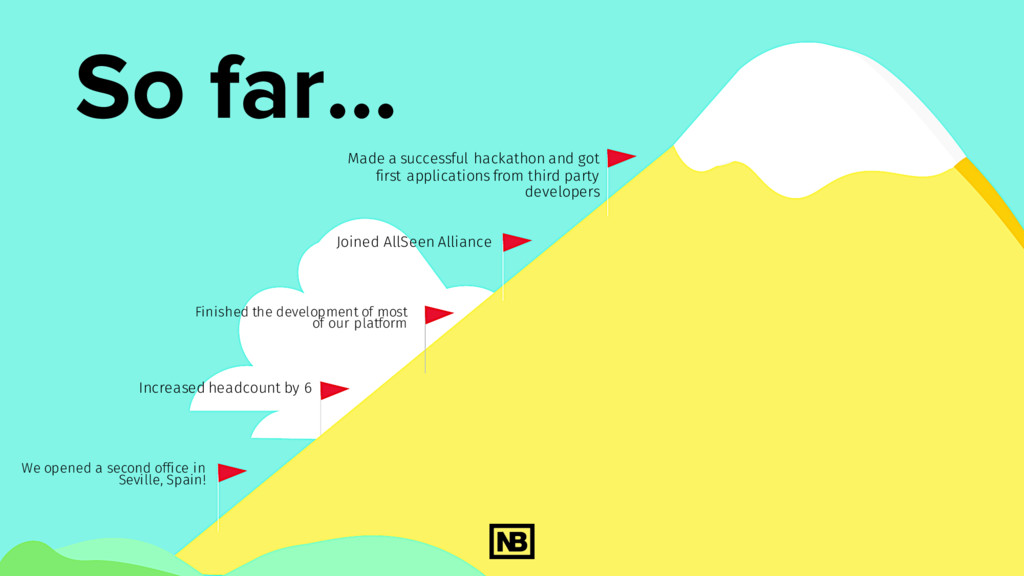
Increased headcount by 6 Made a successful hackathon and got first applications from third party developers We opened a second office in Seville, Spain! Joined AllSeen Alliance


 fcojriosbello
 bgpat
bgpat
 shogo4131
 terapyon
 kizawa2020
 occhi
occhi
 willnet
 gionn
gionn
 riyaamemiya
 kentapapa
 tomokusaba
 jozono
 shuta13
 aleyda
 lara
lara
 deanohume
 emna__ayadi
 eitanlees
 ipullrank
 badams
 kevinliebholz
 addyosmani
 livdayseo
 takai
takai