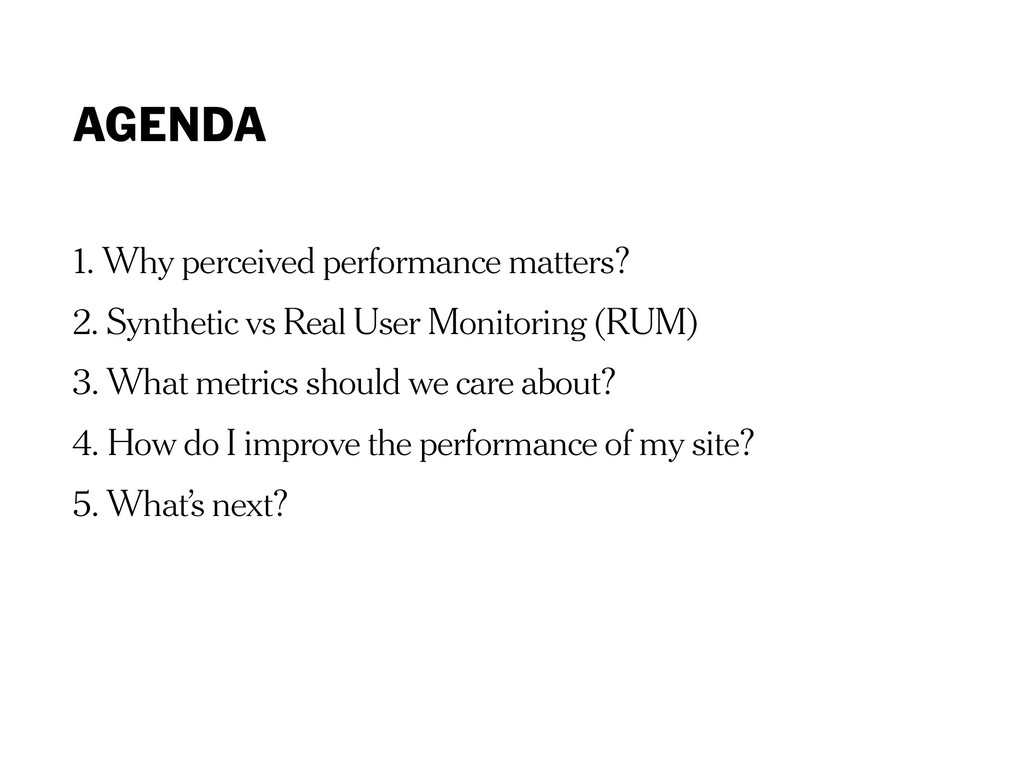
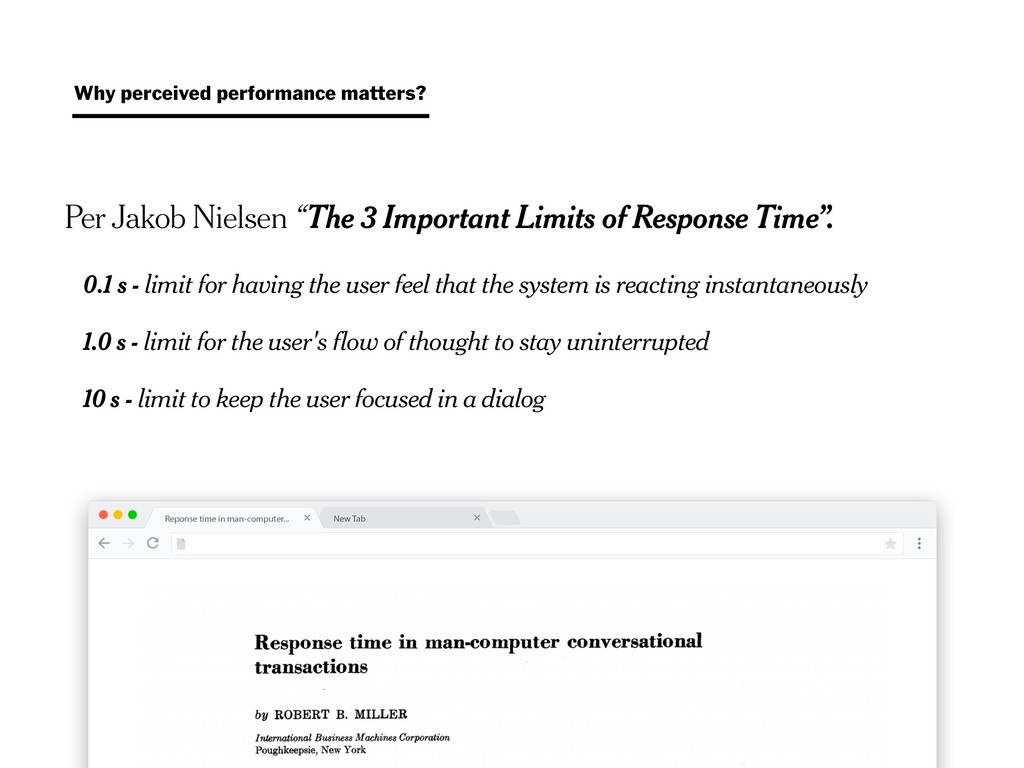
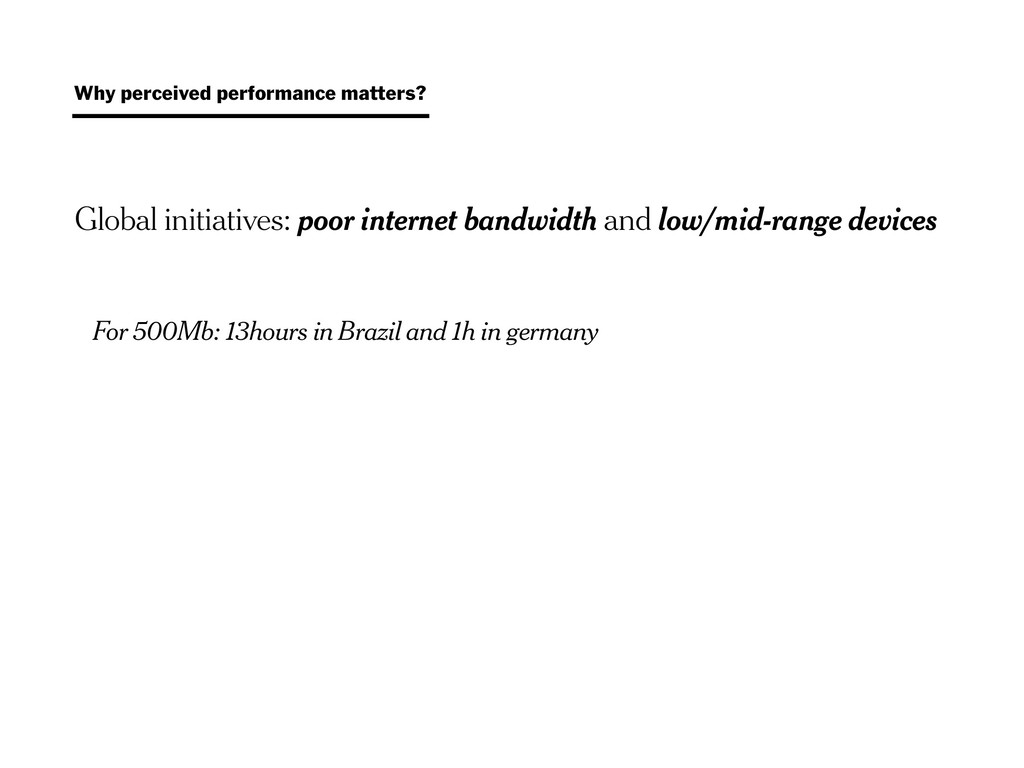
0.1 s - limit for having the user feel that the system is reacting instantaneously 1.0 s - limit for the user's flow of thought to stay uninterrupted 10 s - limit to keep the user focused in a dialog Why perceived performance matters?
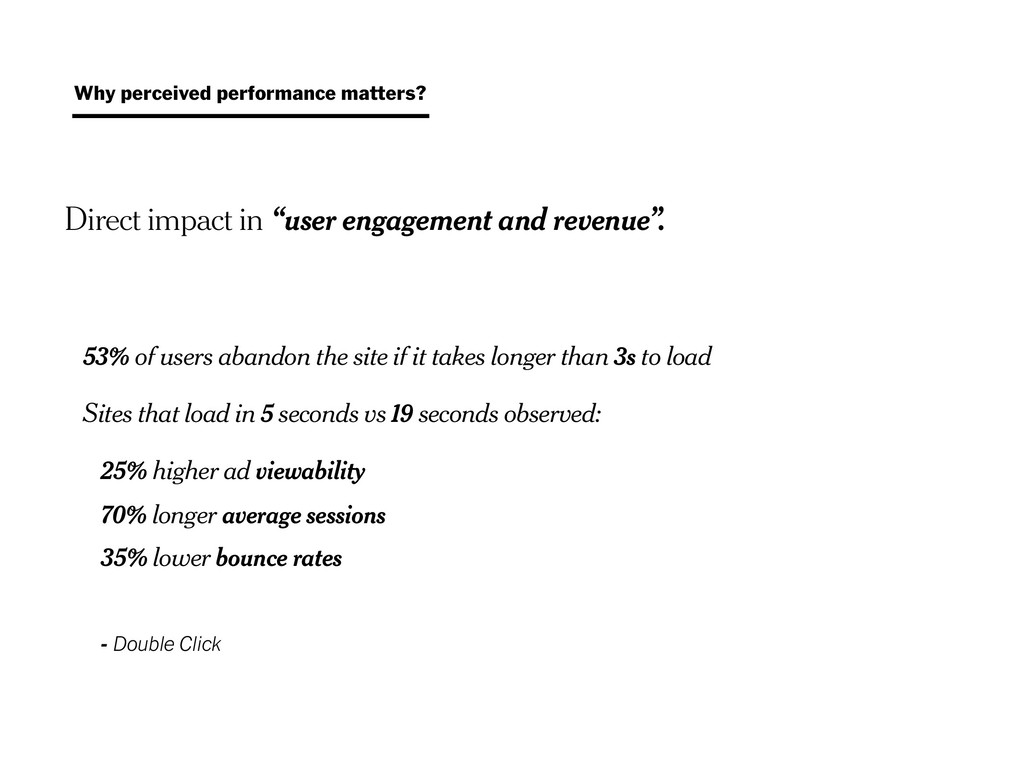
abandon the site if it takes longer than 3s to load Sites that load in 5 seconds vs 19 seconds observed: 25% higher ad viewability 70% longer average sessions 35% lower bounce rates - Double Click Why perceived performance matters?
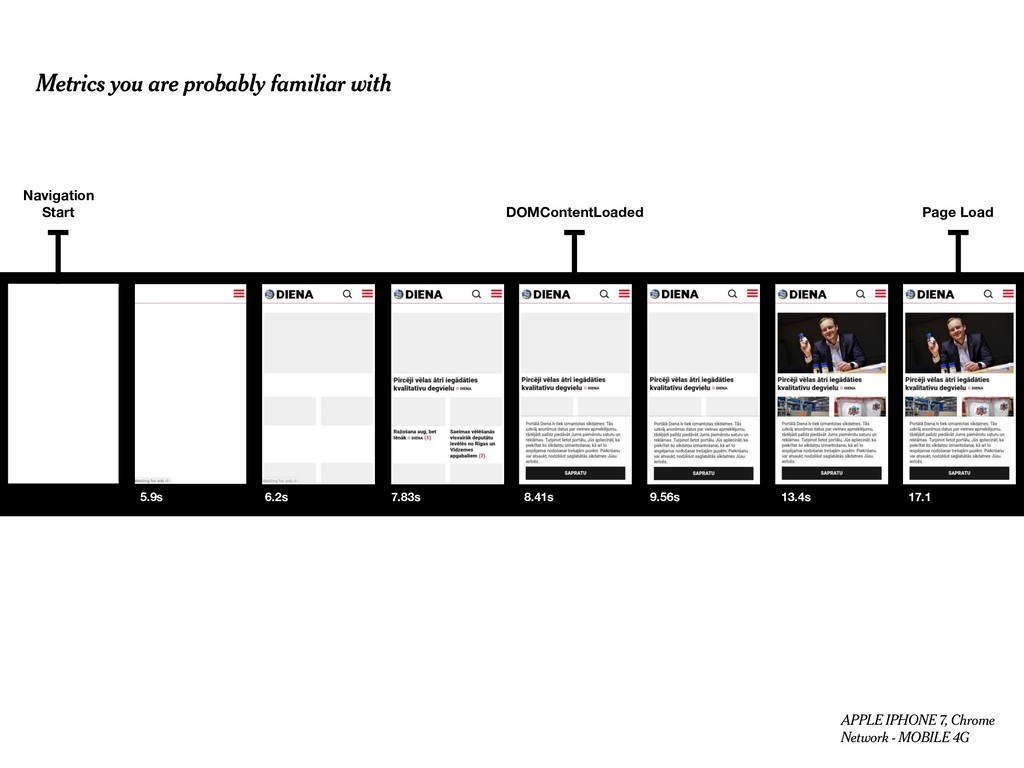
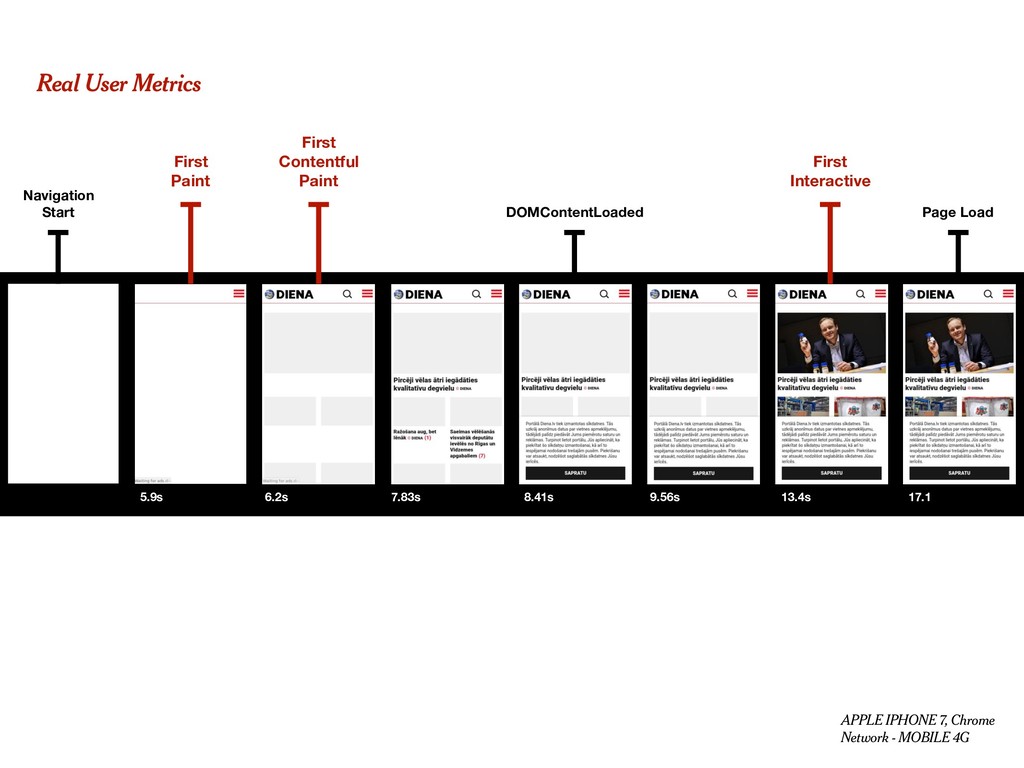
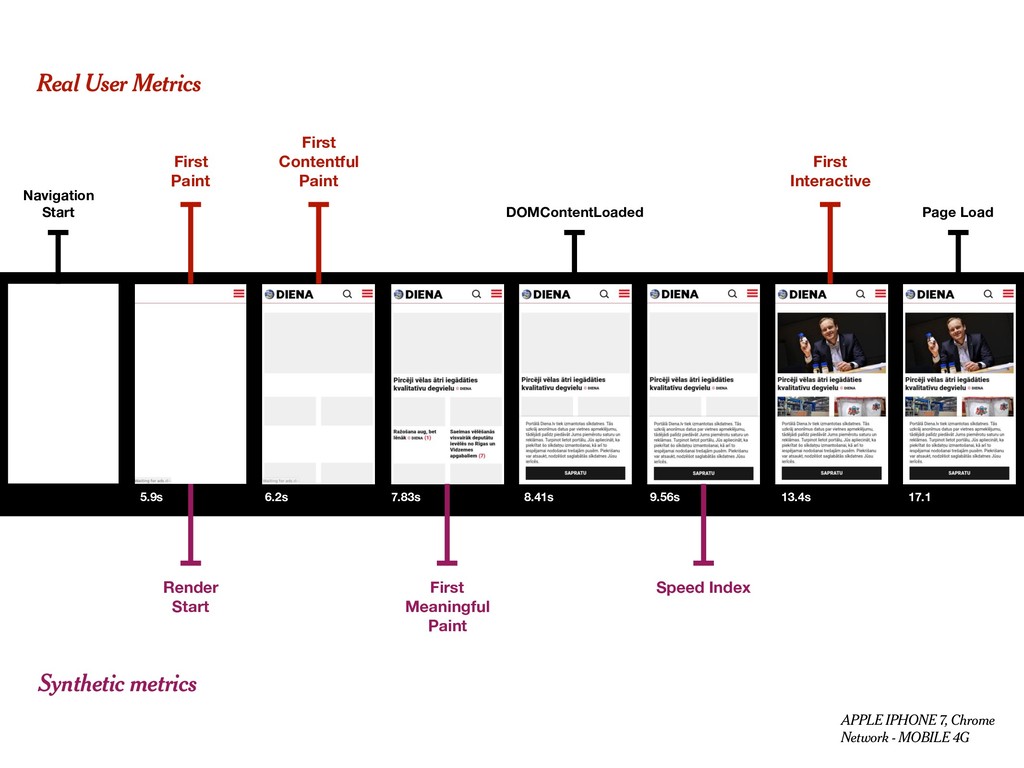
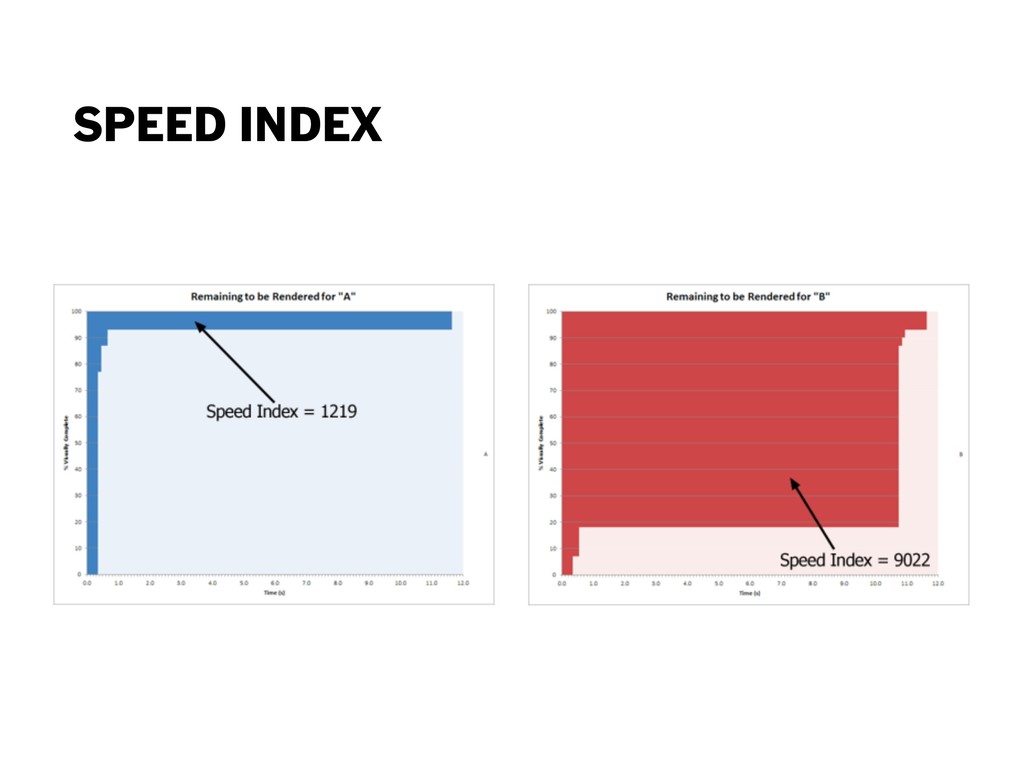
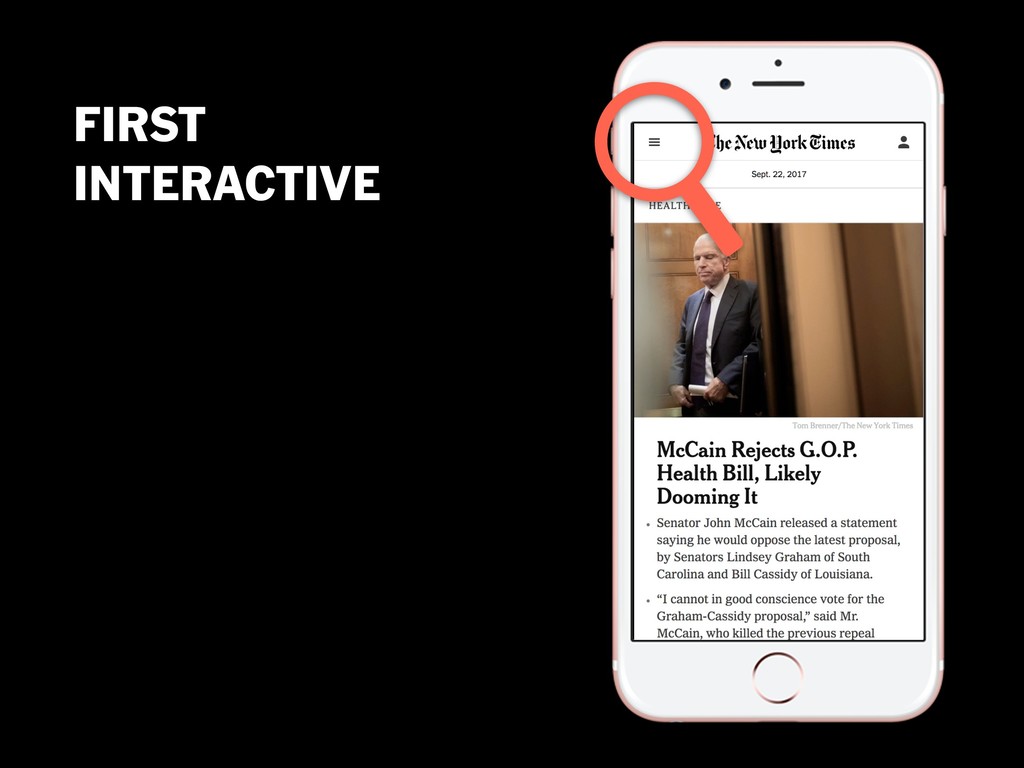
13.4s 17.1 DOMContentLoaded Page Load APPLE IPHONE 7, Chrome Network - MOBILE 4G 9.56s Render Start First Paint First Contentful Paint First Interactive Real User Metrics Synthetic metrics Speed Index
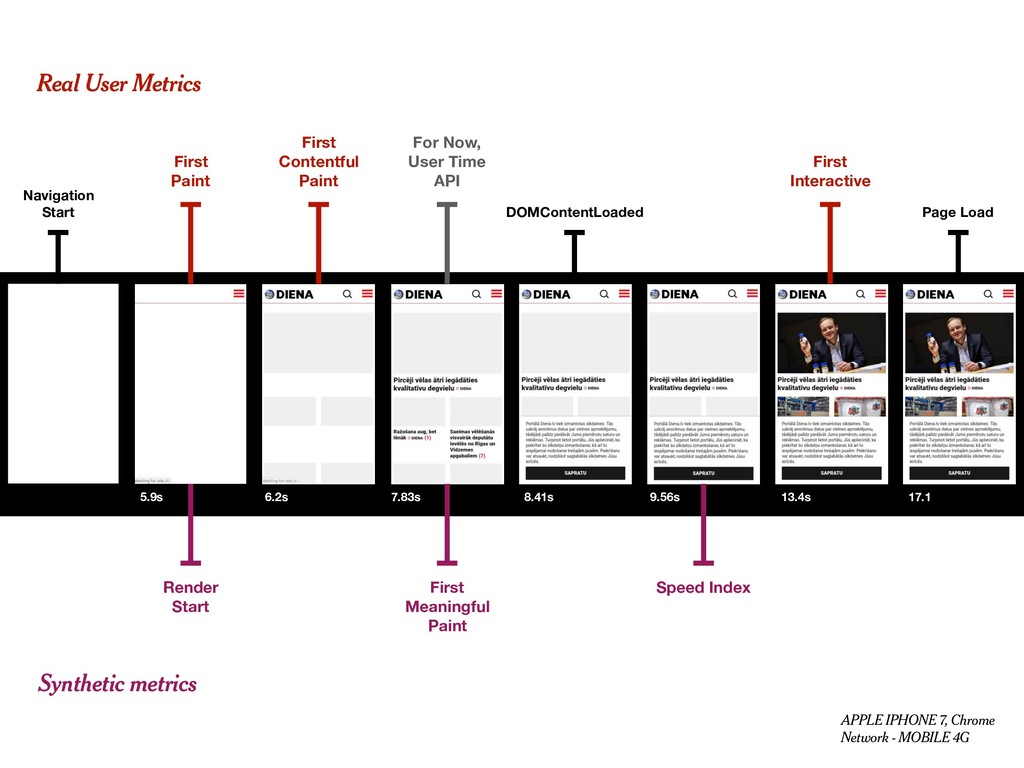
13.4s 17.1 DOMContentLoaded Page Load APPLE IPHONE 7, Chrome Network - MOBILE 4G 9.56s Render Start For Now, User Time API First Paint First Contentful Paint First Interactive Real User Metrics Synthetic metrics Speed Index
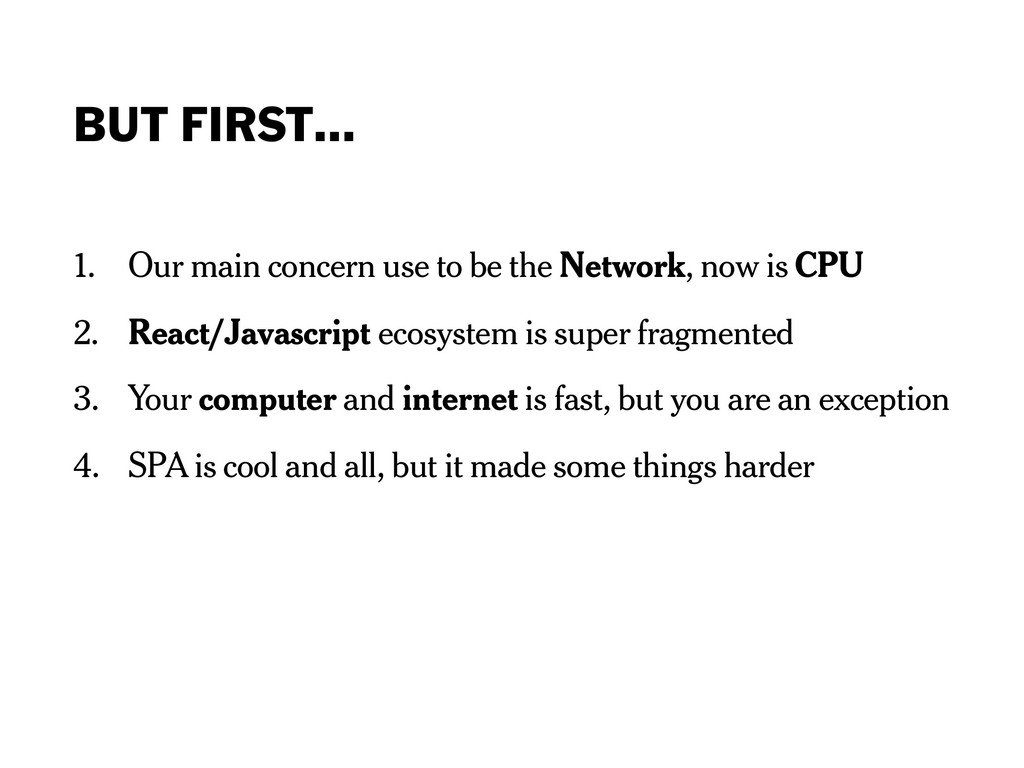
Network, now is CPU 2. React/Javascript ecosystem is super fragmented 3. Your computer and internet is fast, but you are an exception 4. SPA is cool and all, but it made some things harder
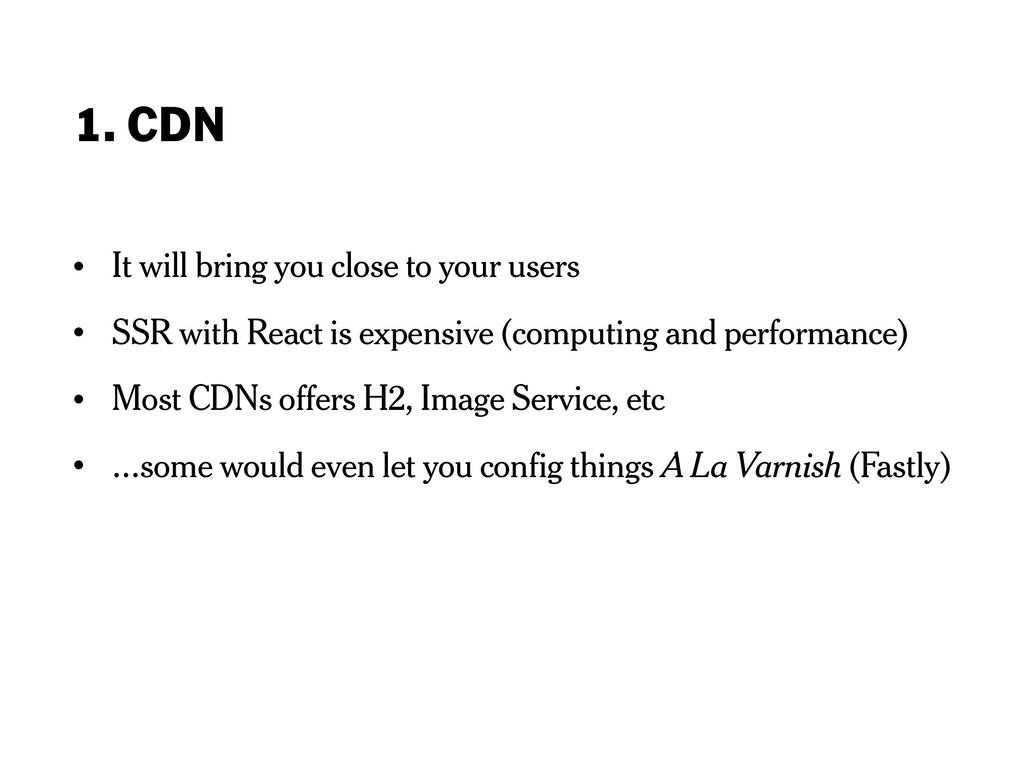
users • SSR with React is expensive (computing and performance) • Most CDNs offers H2, Image Service, etc • …some would even let you config things A La Varnish (Fastly)
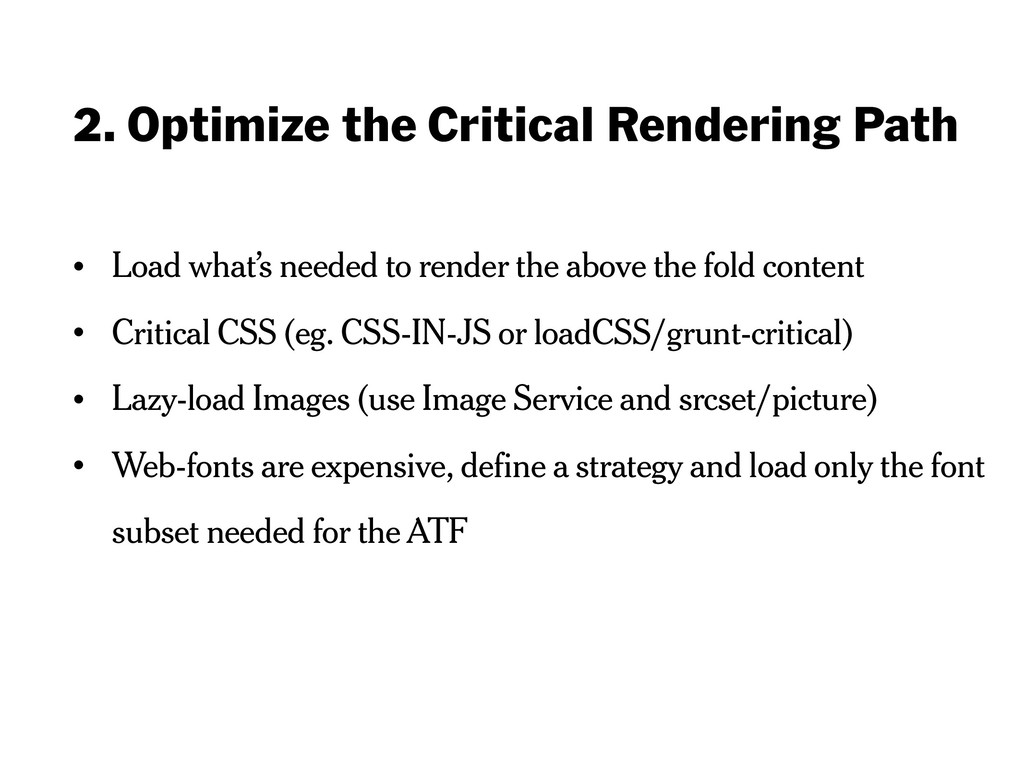
to render the above the fold content • Critical CSS (eg. CSS-IN-JS or loadCSS/grunt-critical) • Lazy-load Images (use Image Service and srcset/picture) • Web-fonts are expensive, define a strategy and load only the font subset needed for the ATF
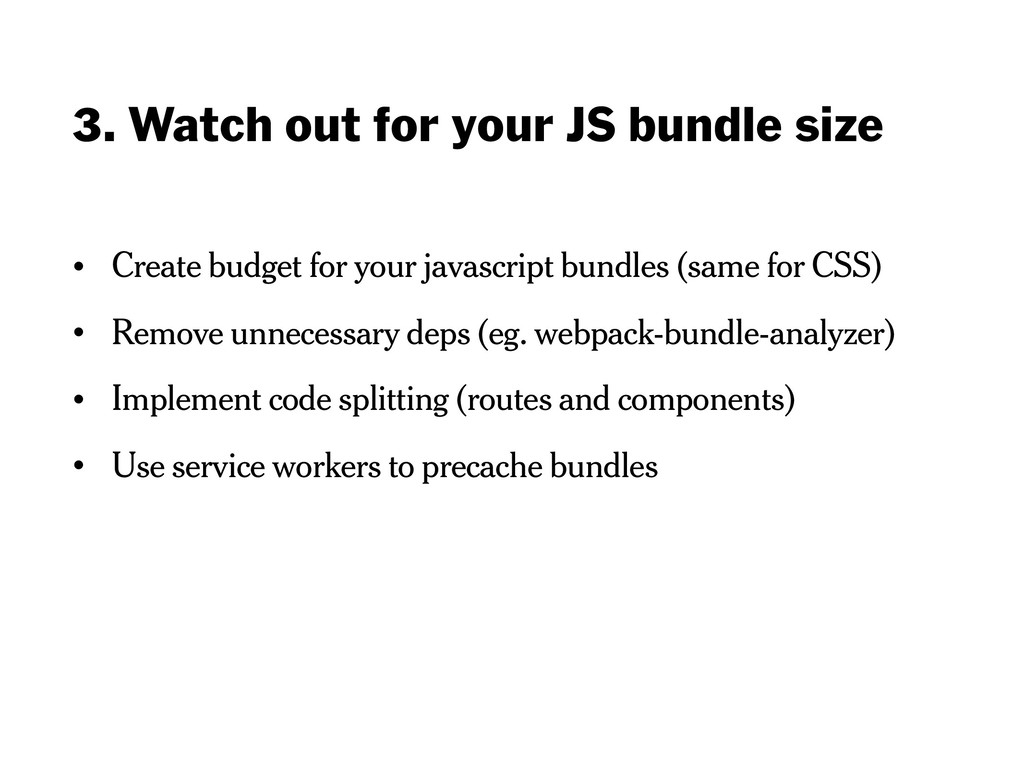
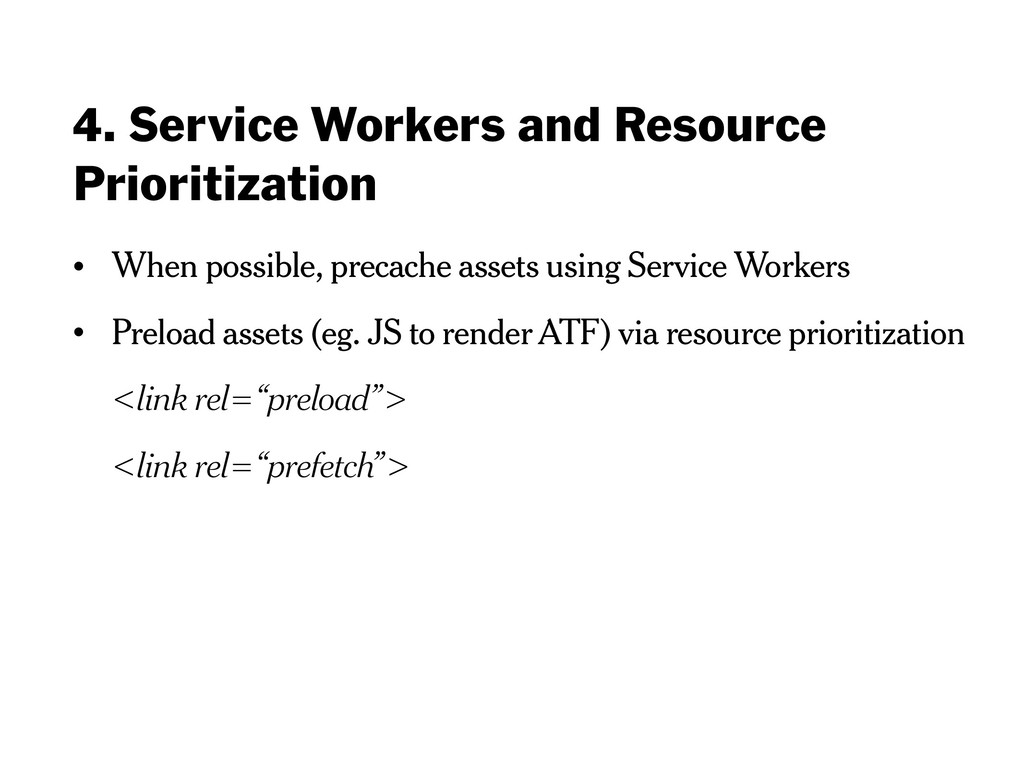
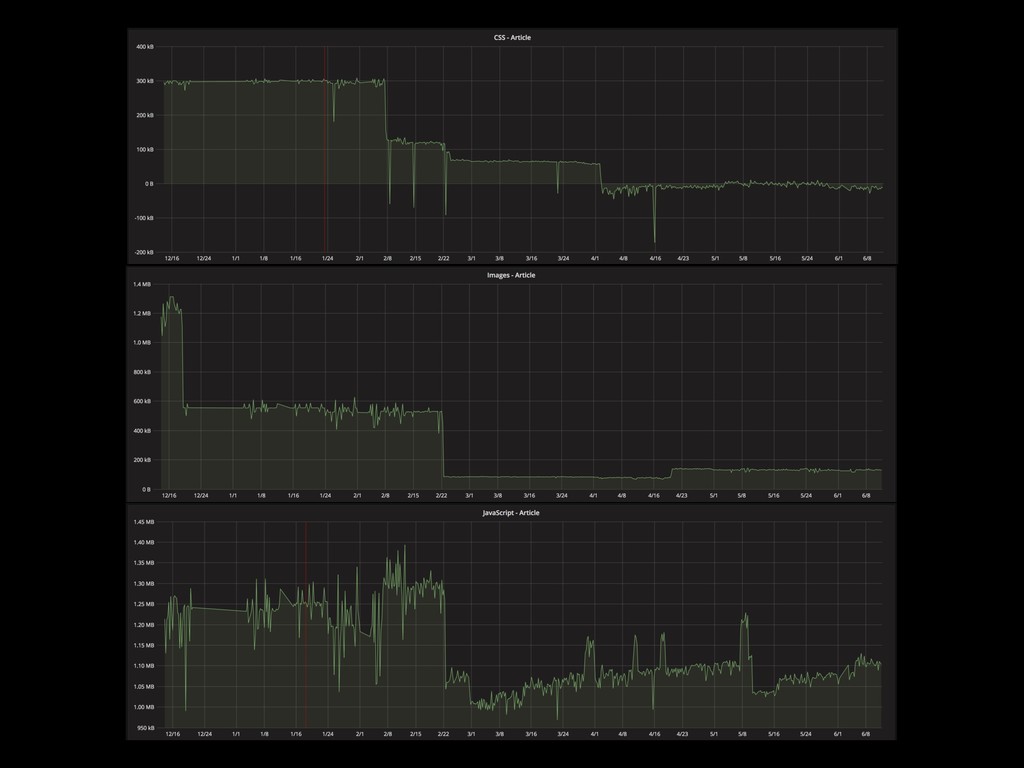
budget for your javascript bundles (same for CSS) • Remove unnecessary deps (eg. webpack-bundle-analyzer) • Implement code splitting (routes and components) • Use service workers to precache bundles
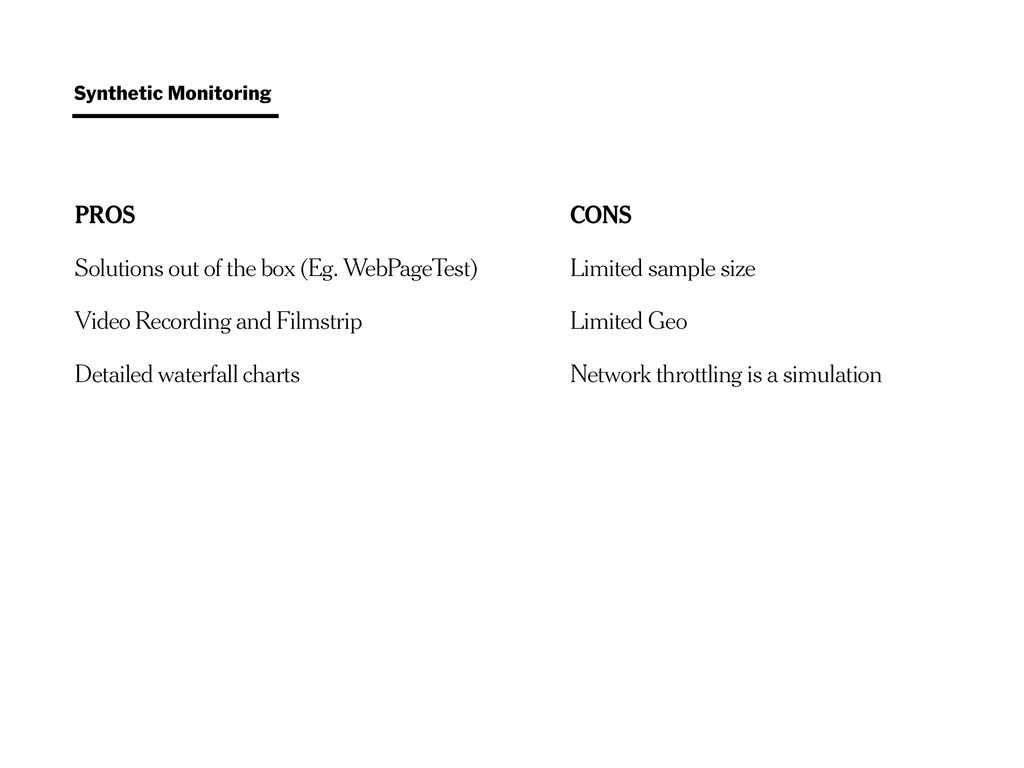
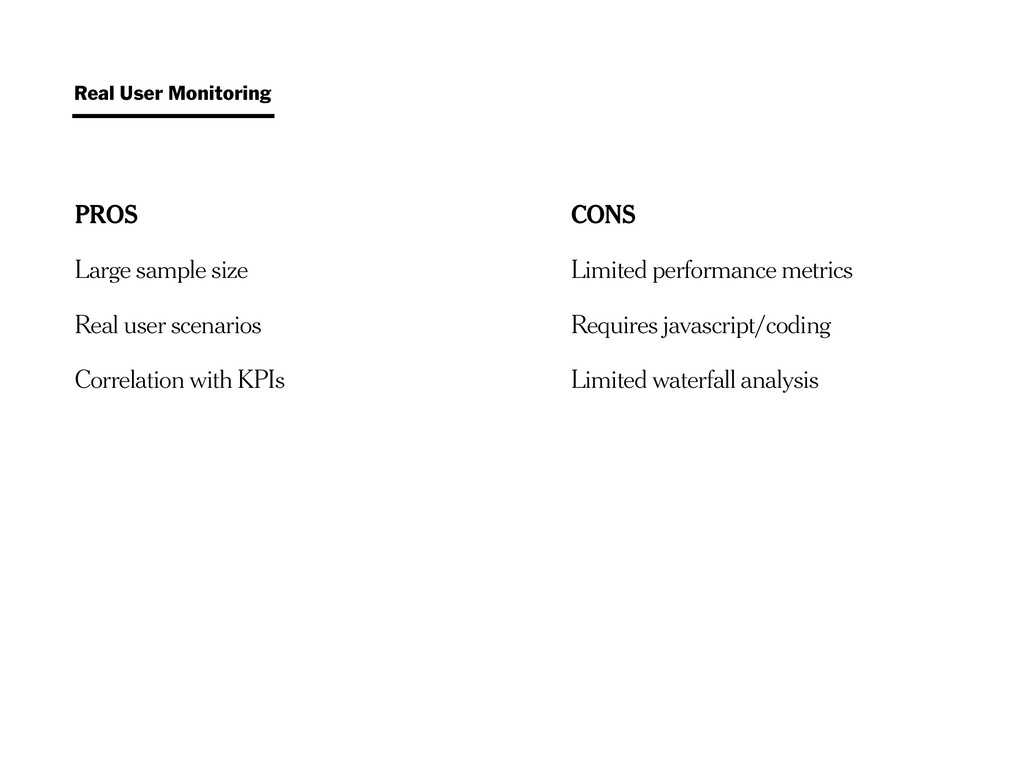
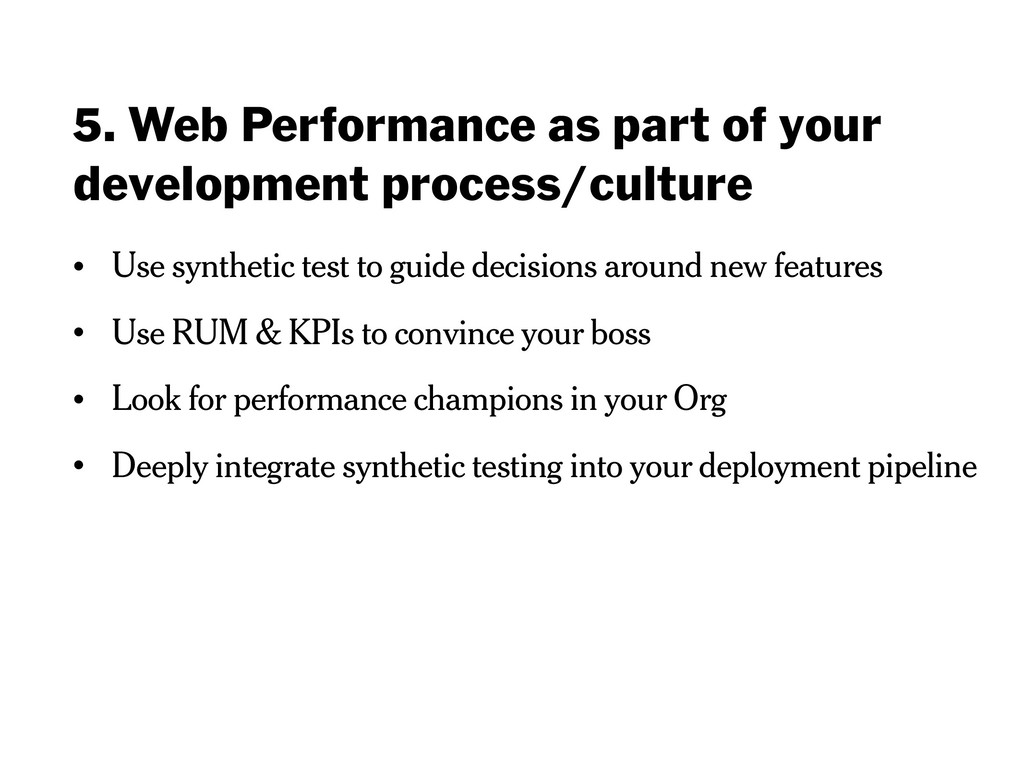
Use synthetic test to guide decisions around new features • Use RUM & KPIs to convince your boss • Look for performance champions in your Org • Deeply integrate synthetic testing into your deployment pipeline

 SiteGround - Reliable hosting with speed, security, and support you can count on.


 felipesilva
 prog893
 hiracky16
 pfn
pfn
 tetsuya28
 kentapapa
 iktakahiro
 yazm
yazm
 takonda
 sudoakiy
 teamlab
 ivry_presentationmaterials
 inesmontani
 wjessup
 kastner
 chrisshort
 soudai
 sergeychernyshev
 axbom
axbom
 ryanjones
 auna
auna
 sstephenson
 nikkihalliwell
 bcantrill