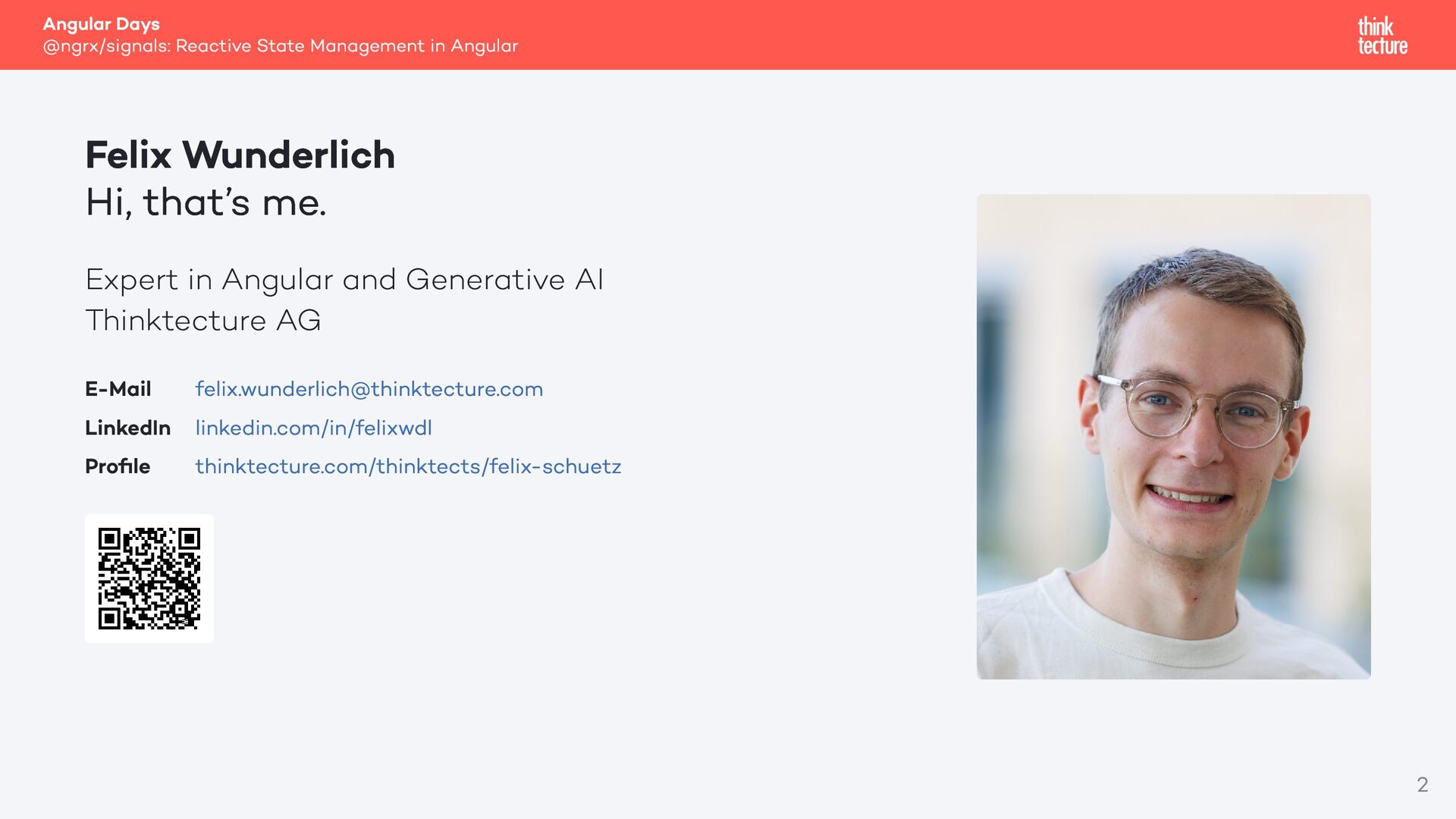
Hi, that’s me. Expert in Angular and Generative AI Thinktecture AG E-Mail [email protected] LinkedIn linkedin.com/in/felixwdl Profile thinktecture.com/thinktects/felix-schuetz 2
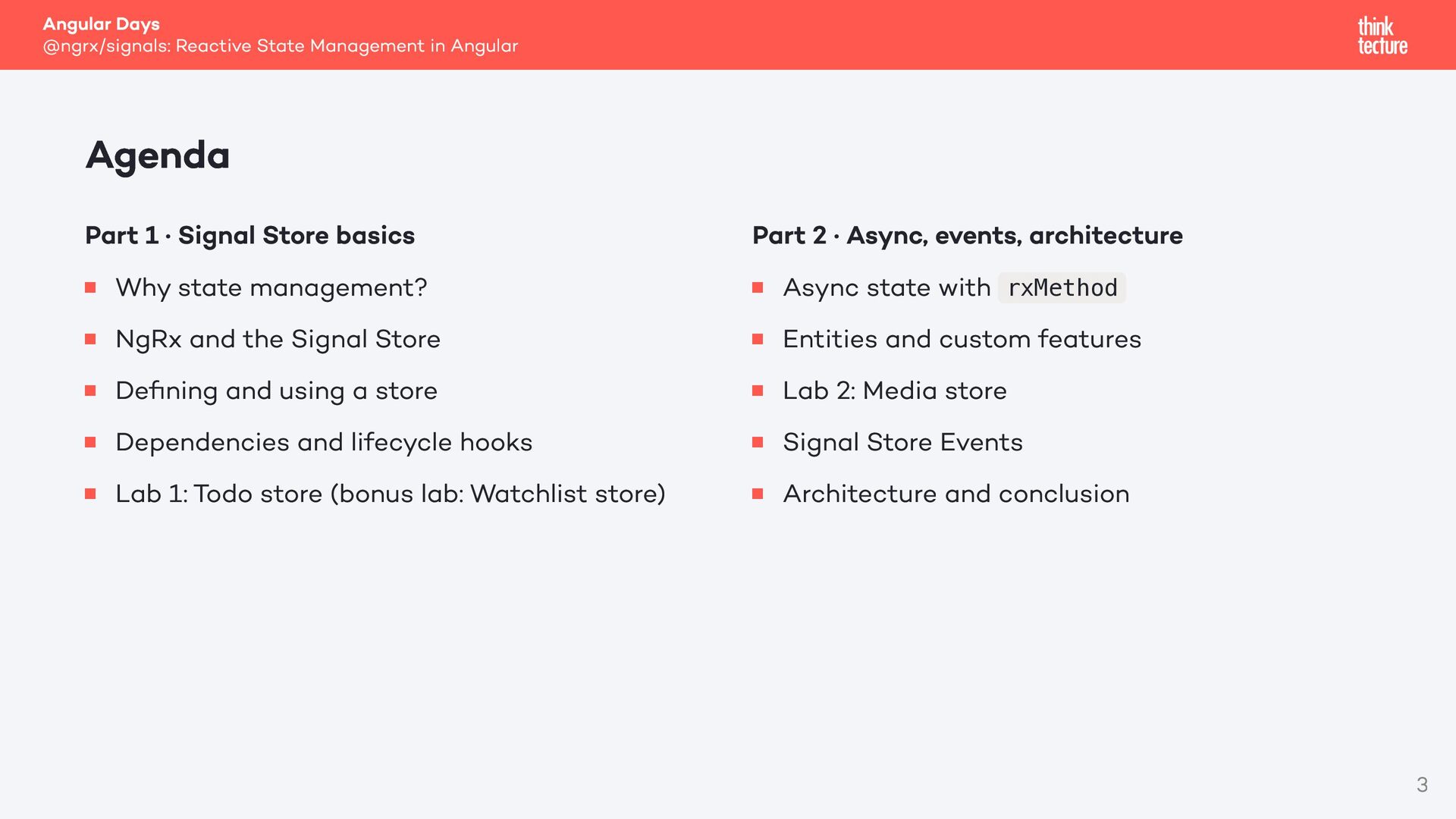
1 · Signal Store basics Why state management? NgRx and the Signal Store Defining and using a store Dependencies and lifecycle hooks Lab 1: Todo store (bonus lab: Watchlist store) Part 2 · Async, events, architecture Async state with rxMethod Entities and custom features Lab 2: Media store Signal Store Events Architecture and conclusion 3
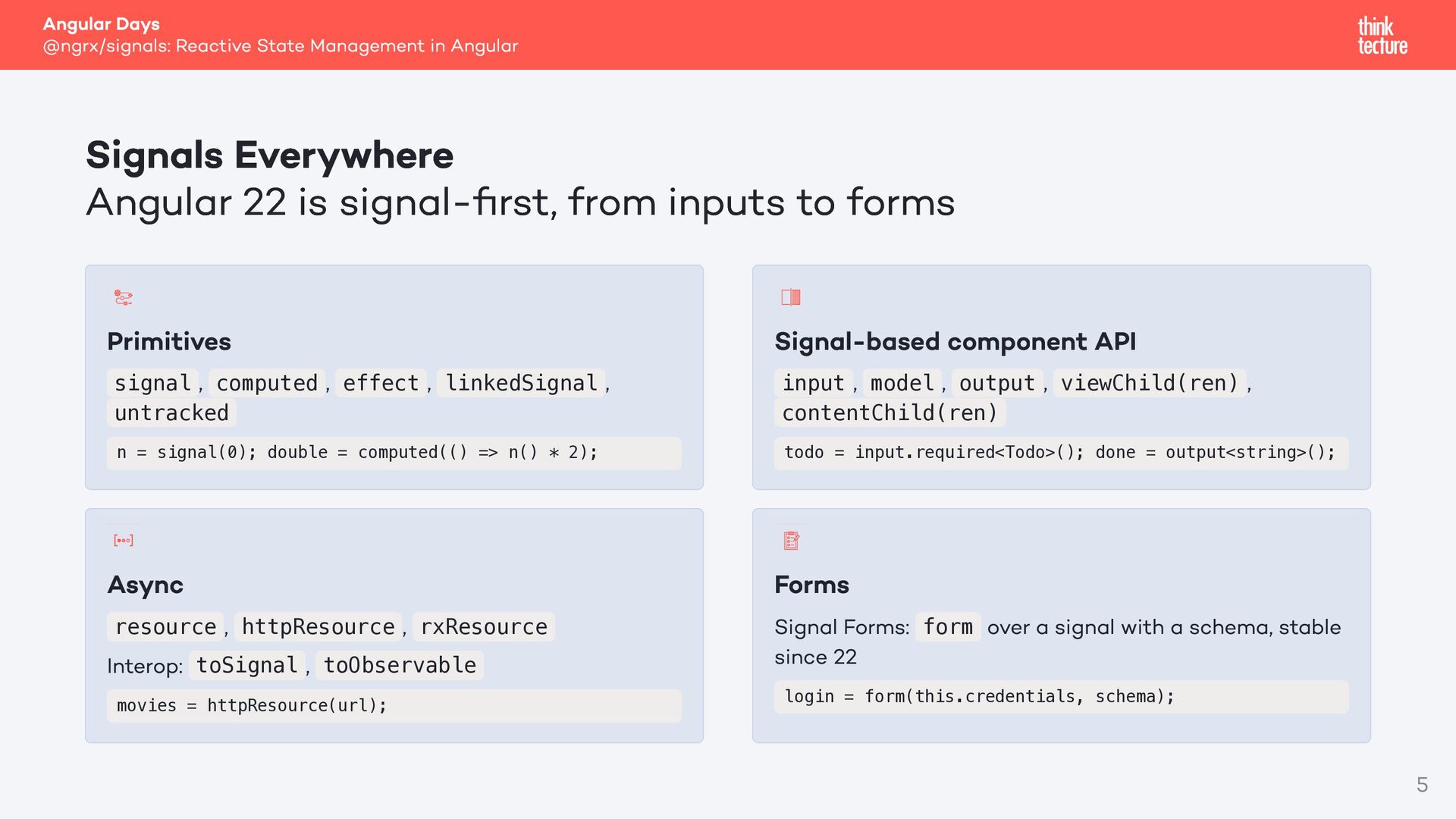
Angular 22 is signal-first, from inputs to forms Primitives , signal computed untracked , effect , linkedSignal , Signal-based component API , , input model output contentChild(ren) , viewChild(ren) , n = signal(0); double = computed(() => n() * 2); todo = input.required<Todo>(); done = output<string>(); Async Forms , httpResource , rxResource Interop: toSignal , toObservable resource movies = httpResource(url); Signal Forms: form over a signal with a schema, stable since 22 login = form(this.credentials, schema); 5
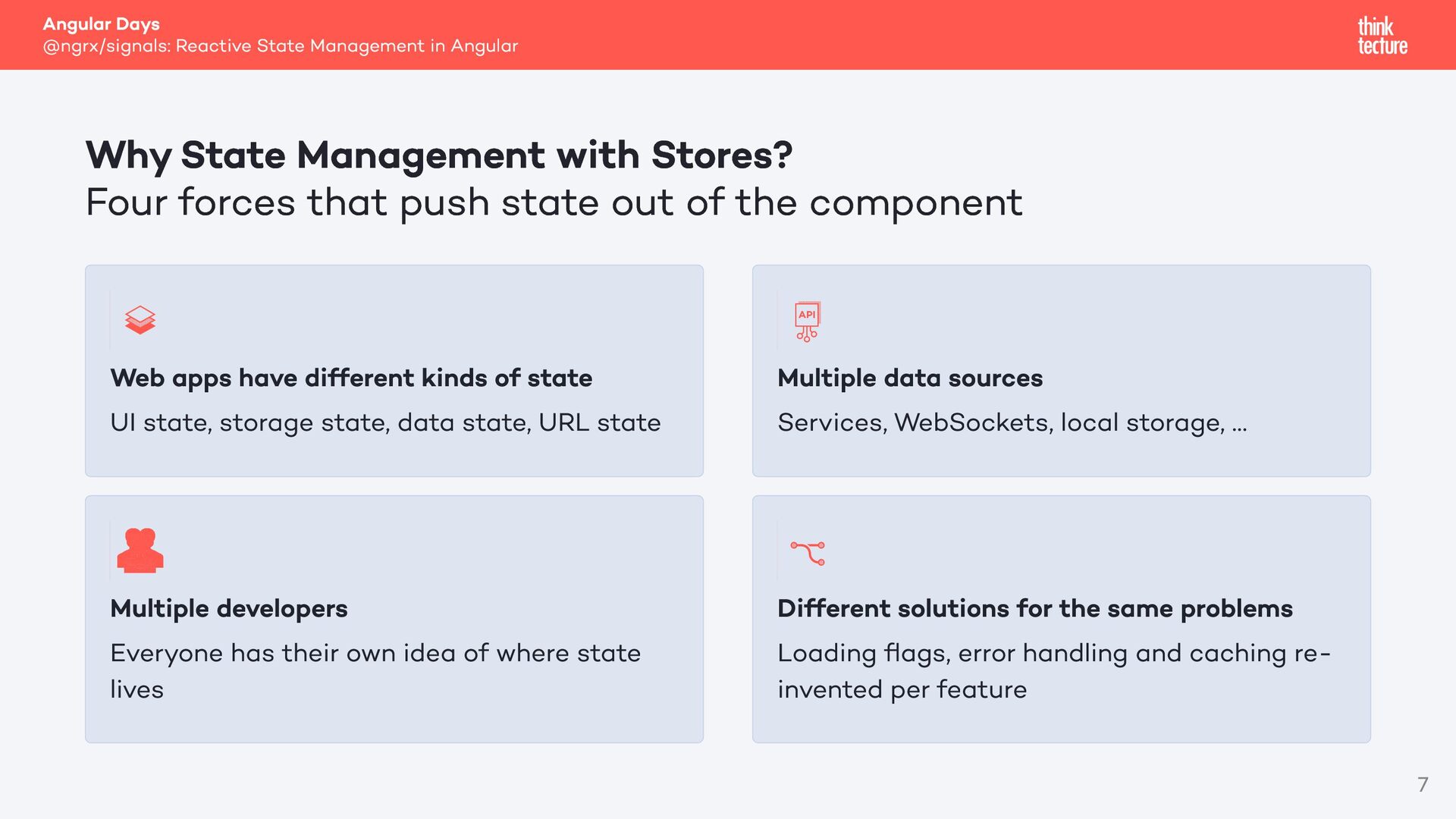
Management with Stores? Four forces that push state out of the component Web apps have different kinds of state UI state, storage state, data state, URL state Multiple data sources Services, WebSockets, local storage, … Multiple developers Everyone has their own idea of where state lives Different solutions for the same problems Loading flags, error handling and caching reinvented per feature 7
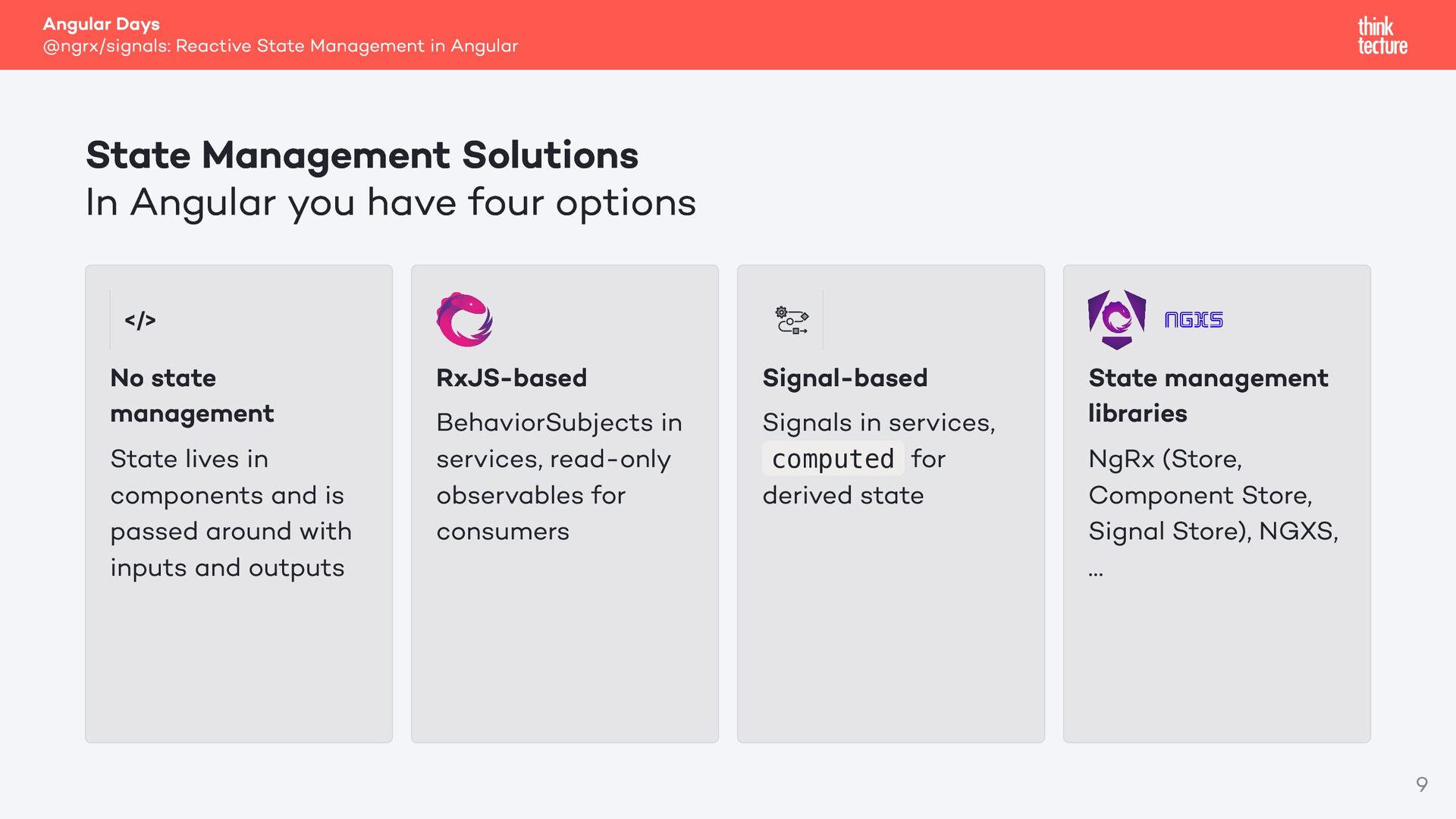
Solutions In Angular you have four options No state management State lives in components and is passed around with inputs and outputs RxJS-based BehaviorSubjects in services, read-only observables for consumers Signal-based Signals in services, computed for derived state State management libraries NgRx (Store, Component Store, Signal Store), NGXS, … 9
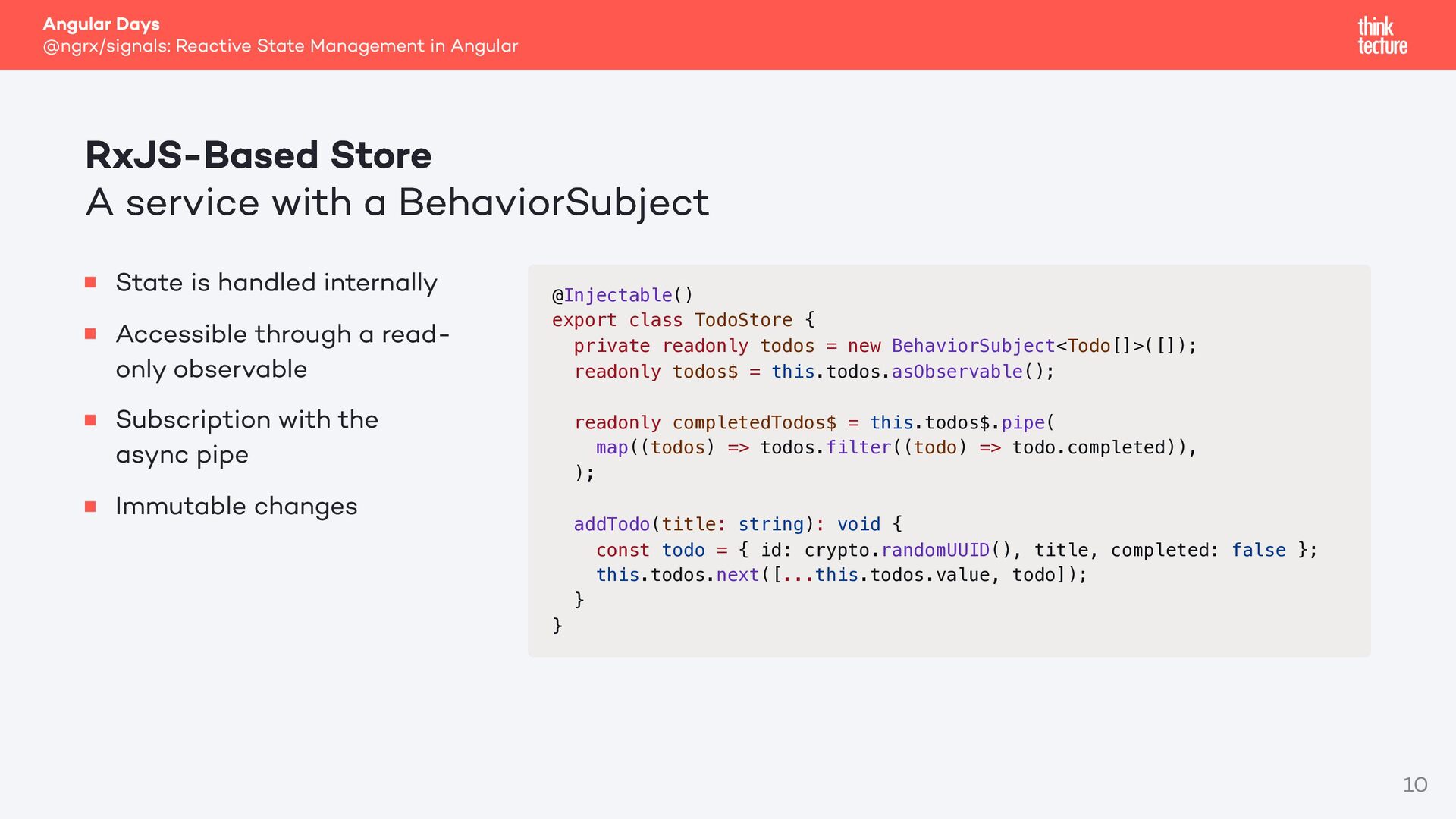
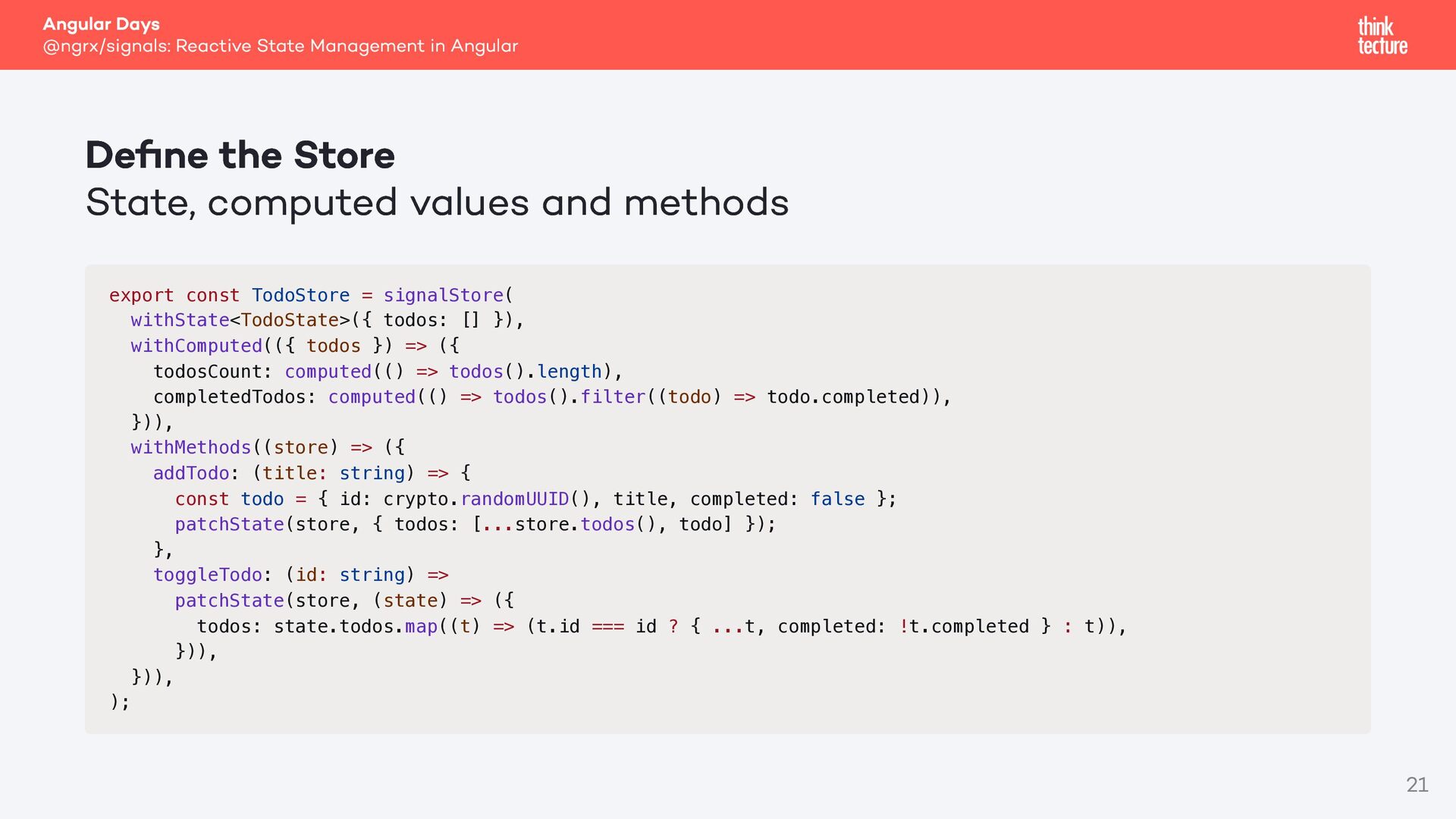
A service with a BehaviorSubject State is handled internally Accessible through a readonly observable Subscription with the async pipe Immutable changes @Injectable() export class TodoStore { private readonly todos = new BehaviorSubject<Todo[]>([]); readonly todos$ = this.todos.asObservable(); readonly completedTodos$ = this.todos$.pipe( map((todos) => todos.filter((todo) => todo.completed)), ); addTodo(title: string): void { const todo = { id: crypto.randomUUID(), title, completed: false }; this.todos.next([...this.todos.value, todo]); } } 10
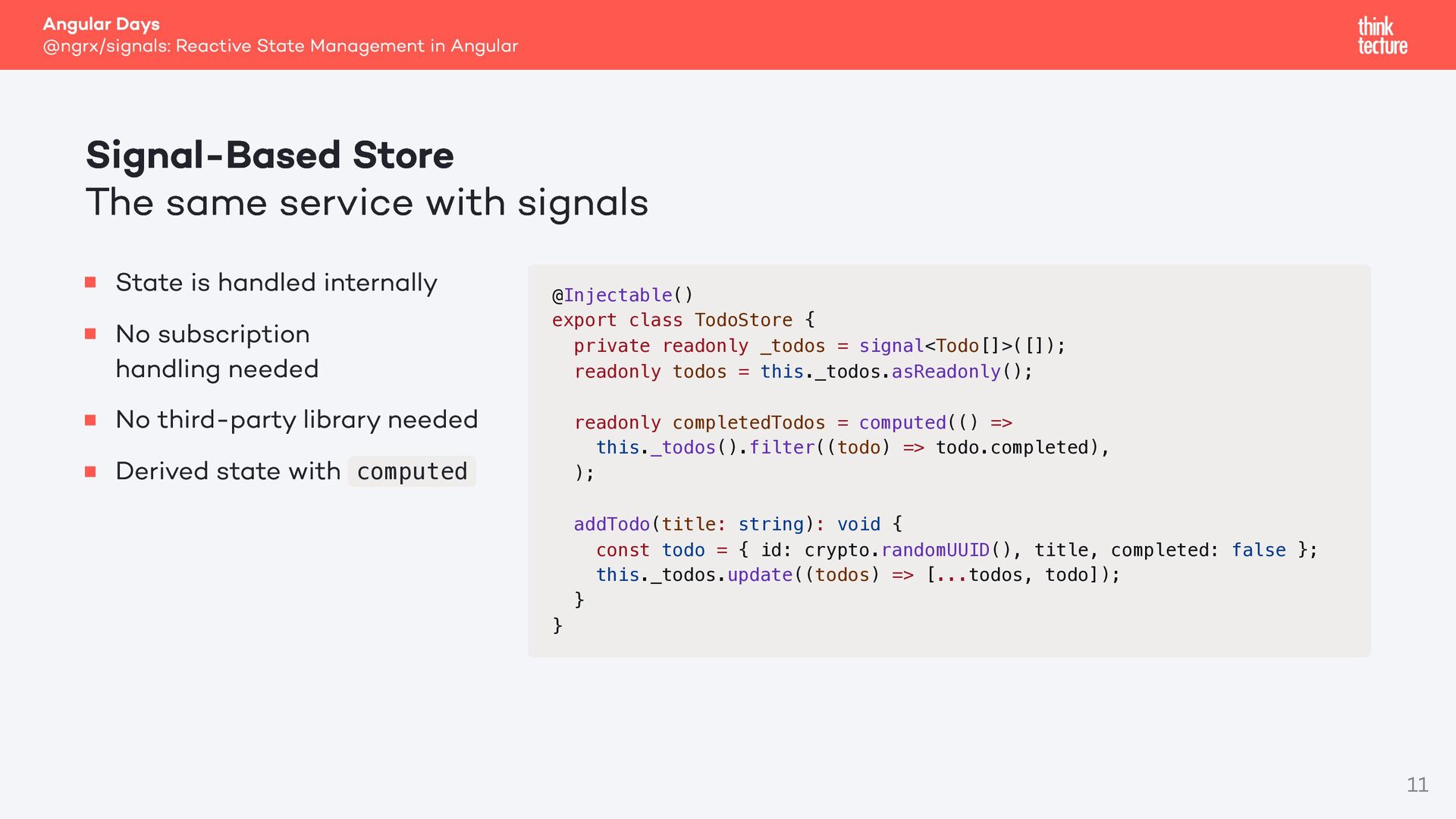
The same service with signals State is handled internally No subscription handling needed No third-party library needed Derived state with computed @Injectable() export class TodoStore { private readonly _todos = signal<Todo[]>([]); readonly todos = this._todos.asReadonly(); readonly completedTodos = computed(() => this._todos().filter((todo) => todo.completed), ); addTodo(title: string): void { const todo = { id: crypto.randomUUID(), title, completed: false }; this._todos.update((todos) => [...todos, todo]); } } 11
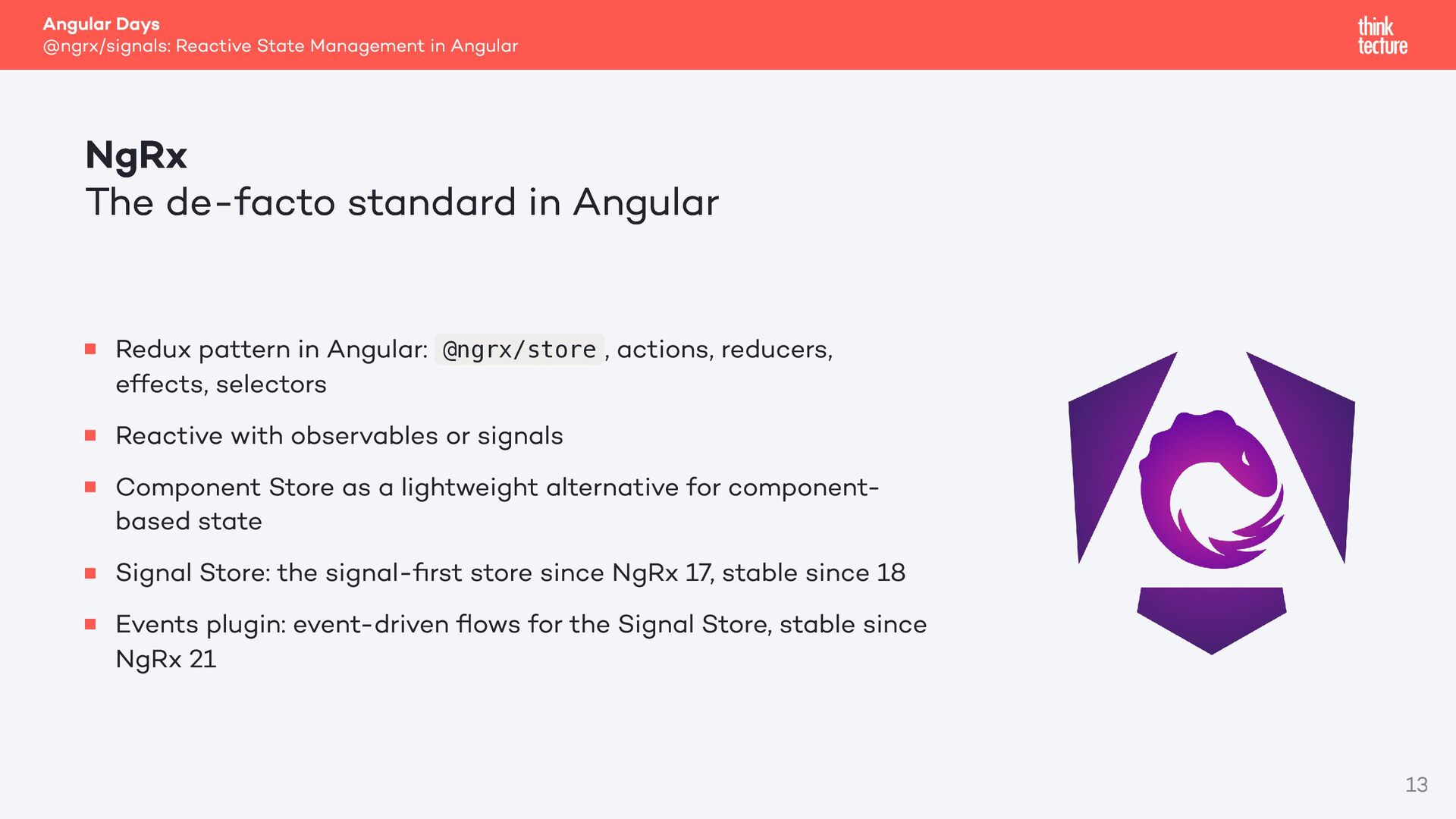
de-facto standard in Angular Redux pattern in Angular: @ngrx/store , actions, reducers, effects, selectors Reactive with observables or signals Component Store as a lightweight alternative for componentbased state Signal Store: the signal-first store since NgRx 17, stable since 18 Events plugin: event-driven flows for the Signal Store, stable since NgRx 21 13
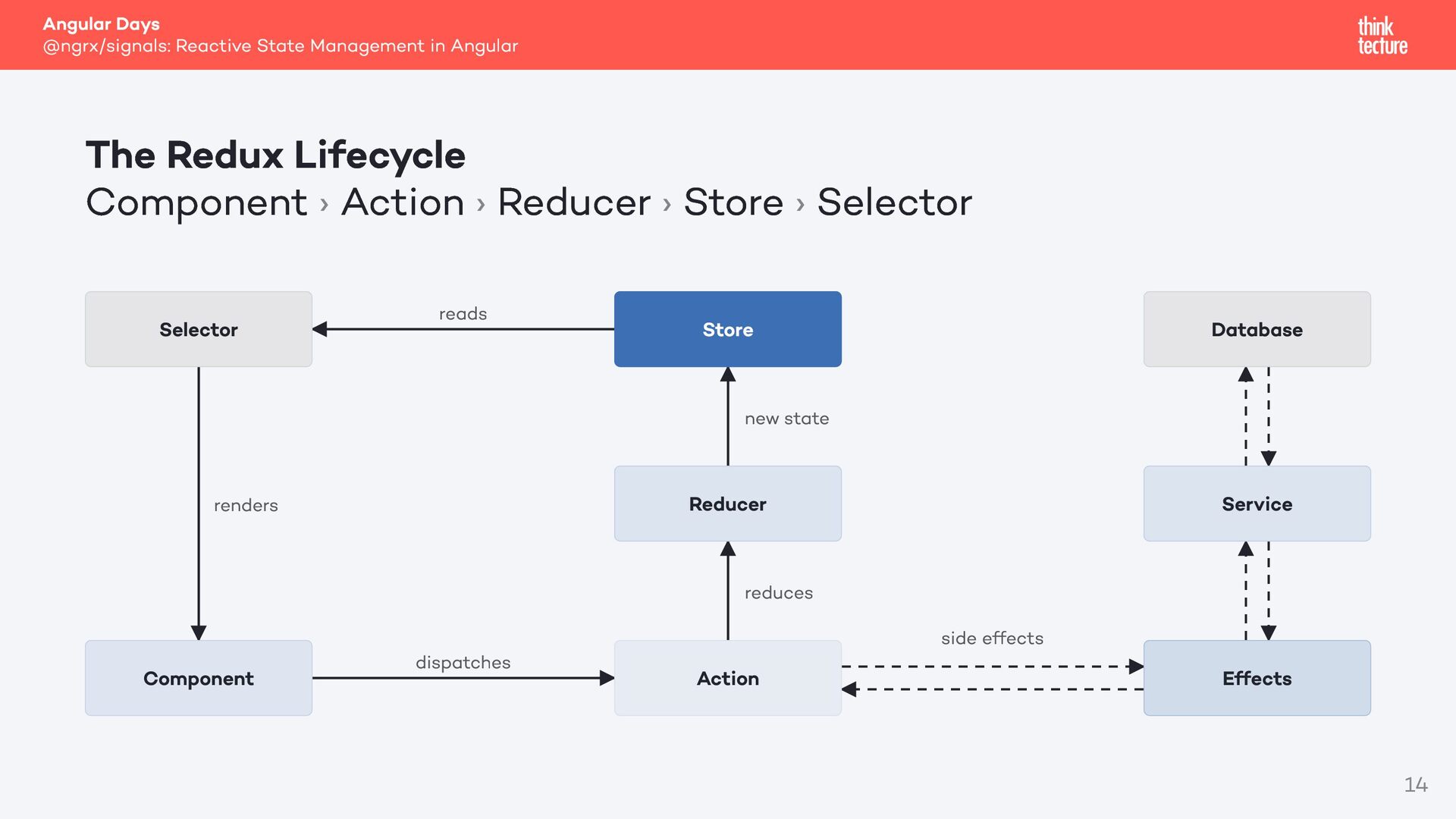
Lifecycle Component › Action › Reducer › Store › Selector Selector reads Store Database new state Reducer renders Service reduces Component dispatches Action side effects Effects 14
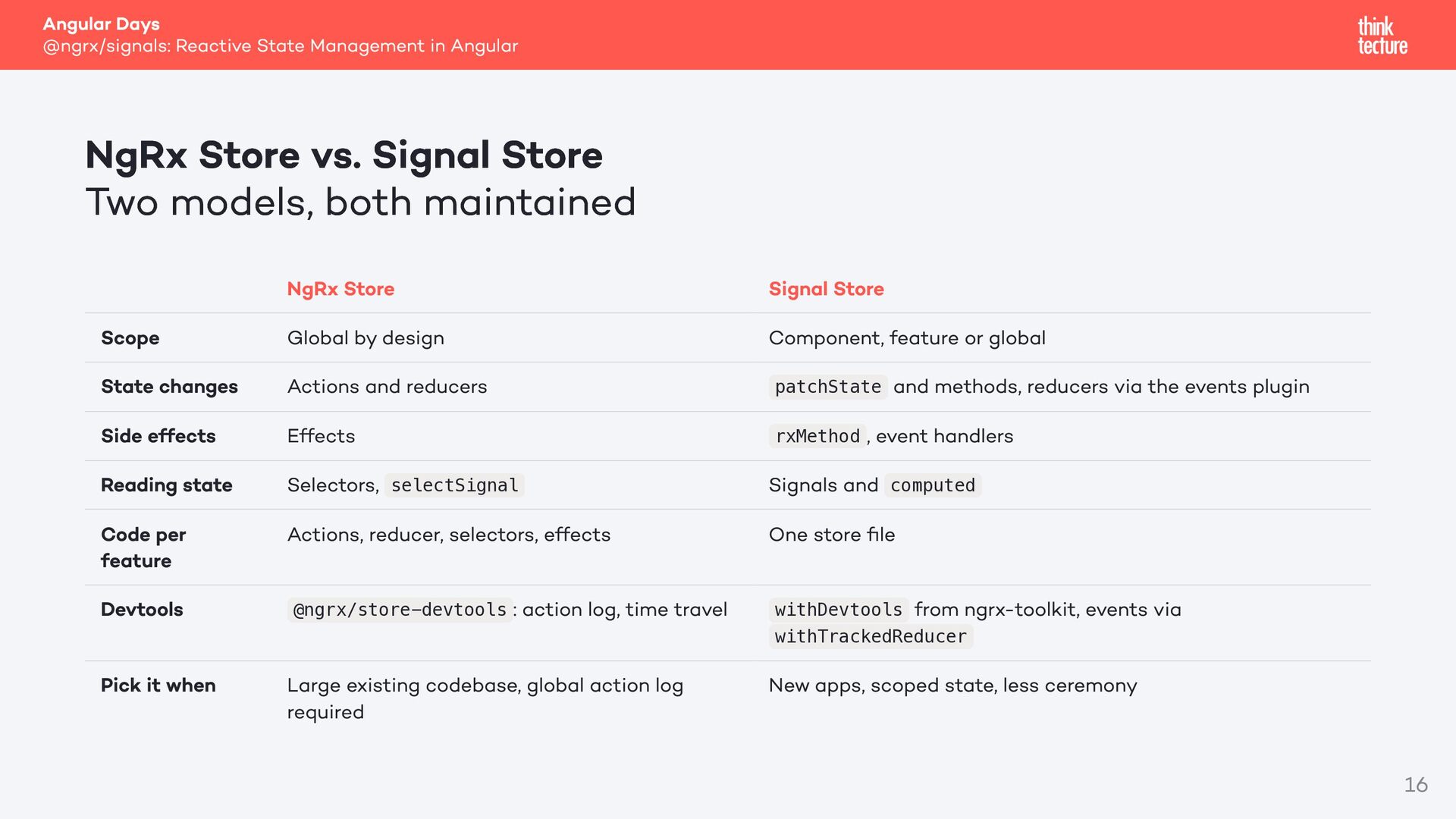
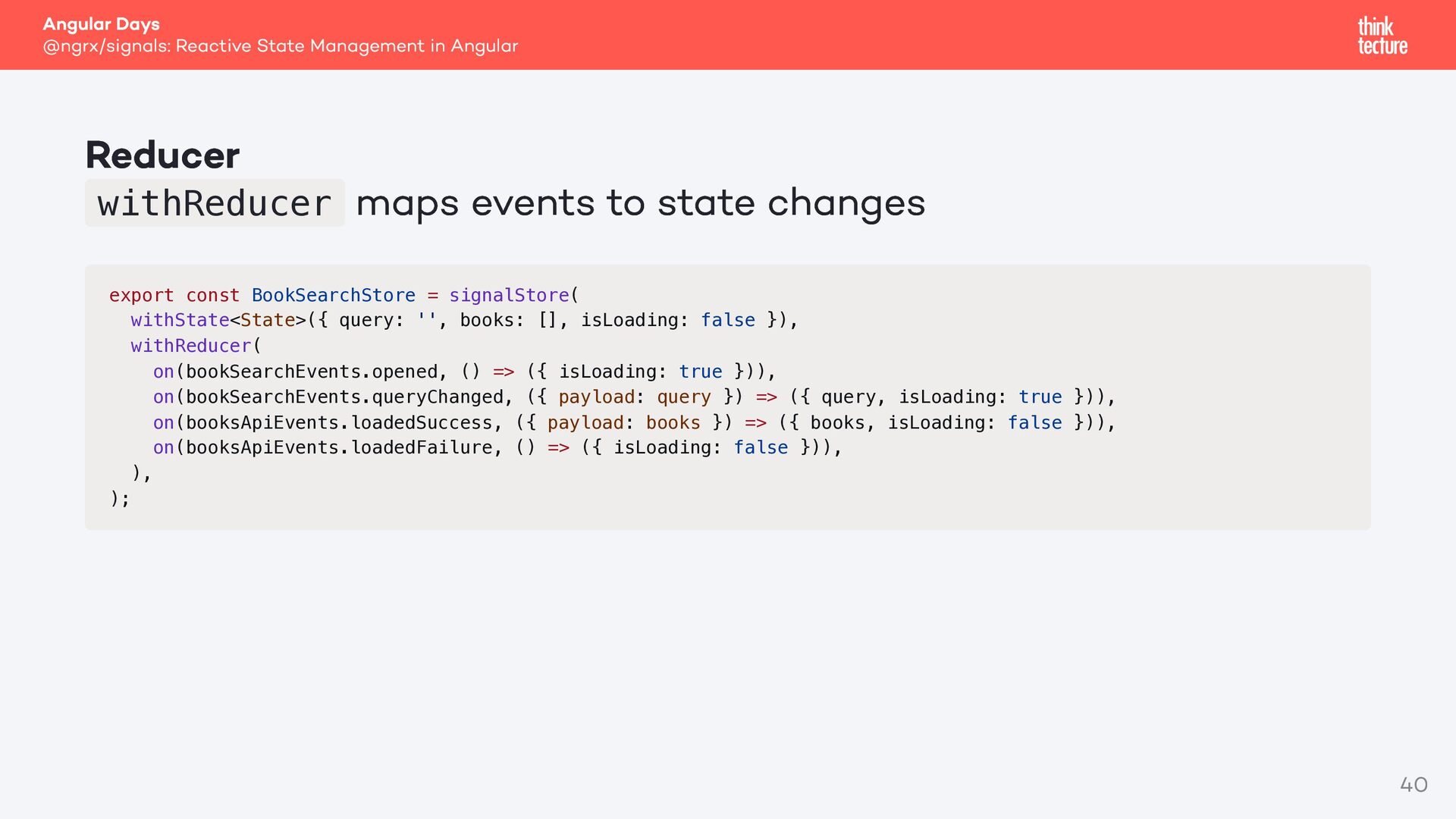
vs. Signal Store Two models, both maintained Scope State changes Side effects Reading state Code per feature Devtools Pick it when NgRx Store Global by design Actions and reducers Effects Selectors, selectSignal Actions, reducer, selectors, effects @ngrx/store-devtools : action log, time travel Large existing codebase, global action log required Signal Store Component, feature or global patchState and methods, reducers via the events plugin rxMethod , event handlers Signals and computed One store file from ngrx-toolkit, events via withDevtools withTrackedReducer New apps, scoped state, less ceremony 16
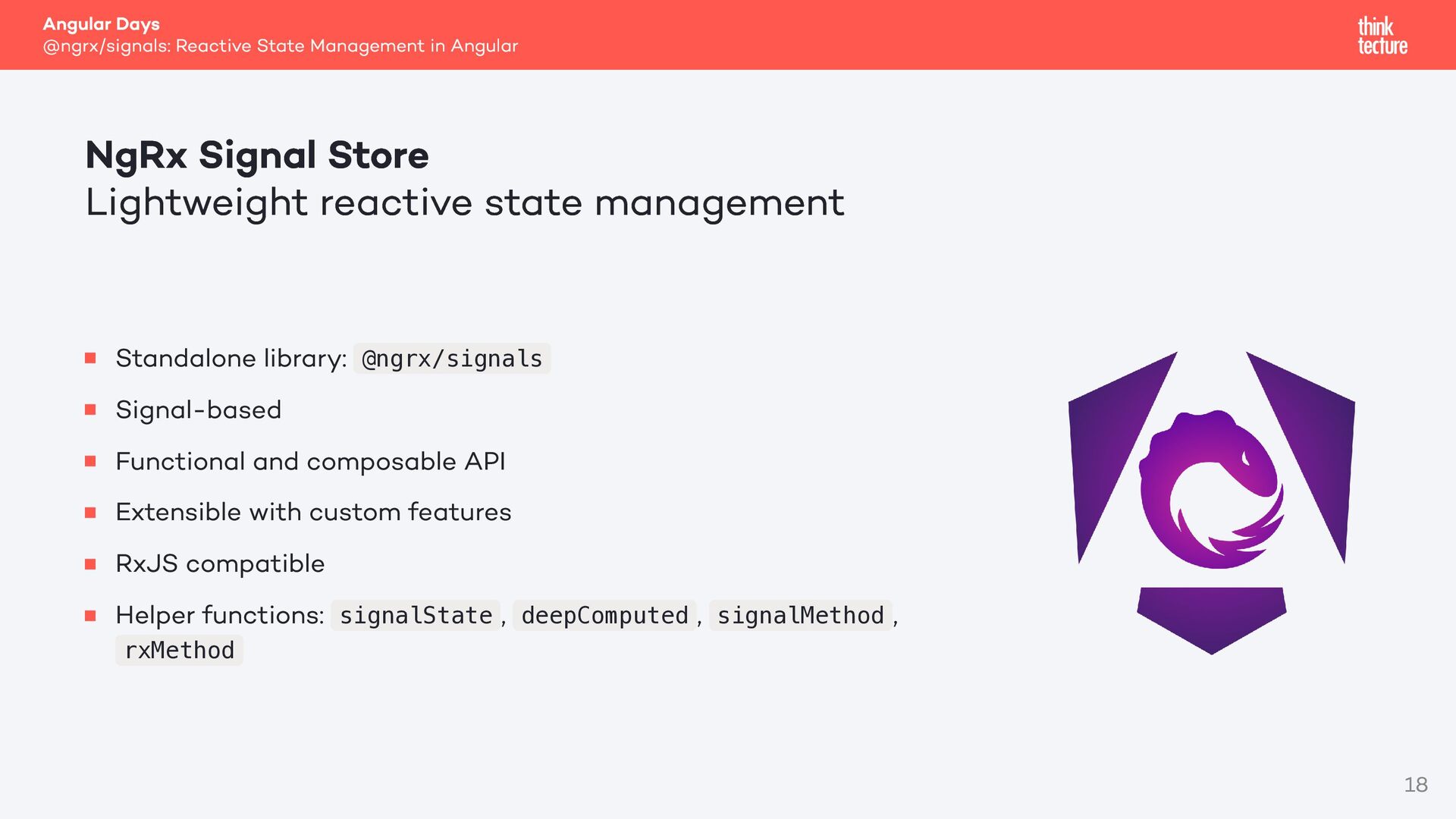
Store Lightweight reactive state management Standalone library: @ngrx/signals Signal-based Functional and composable API Extensible with custom features RxJS compatible Helper functions: signalState , deepComputed , signalMethod , rxMethod 18
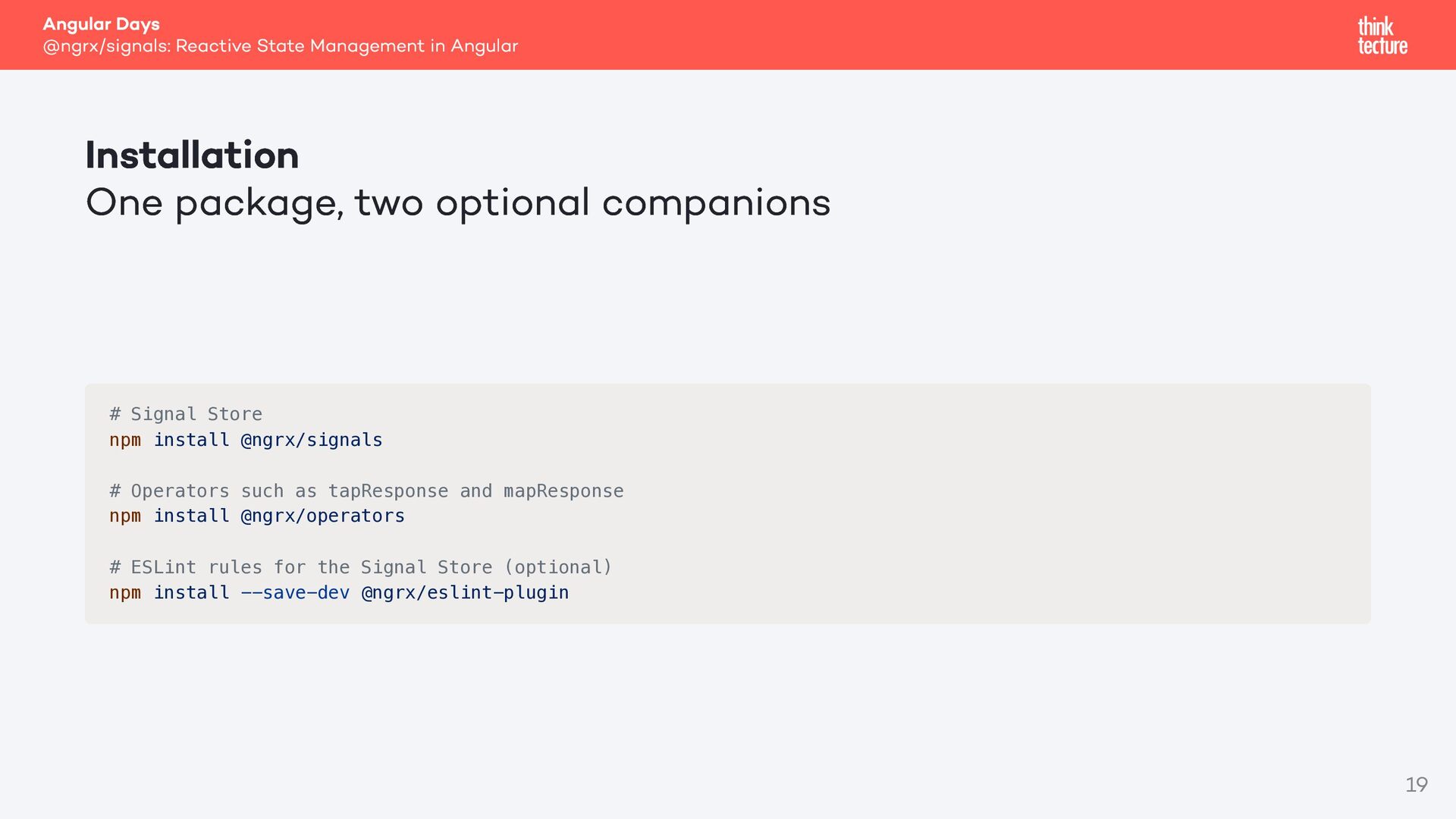
package, two optional companions # Signal Store npm install @ngrx/signals # Operators such as tapResponse and mapResponse npm install @ngrx/operators # ESLint rules for the Signal Store (optional) npm install --save-dev @ngrx/eslint-plugin 19
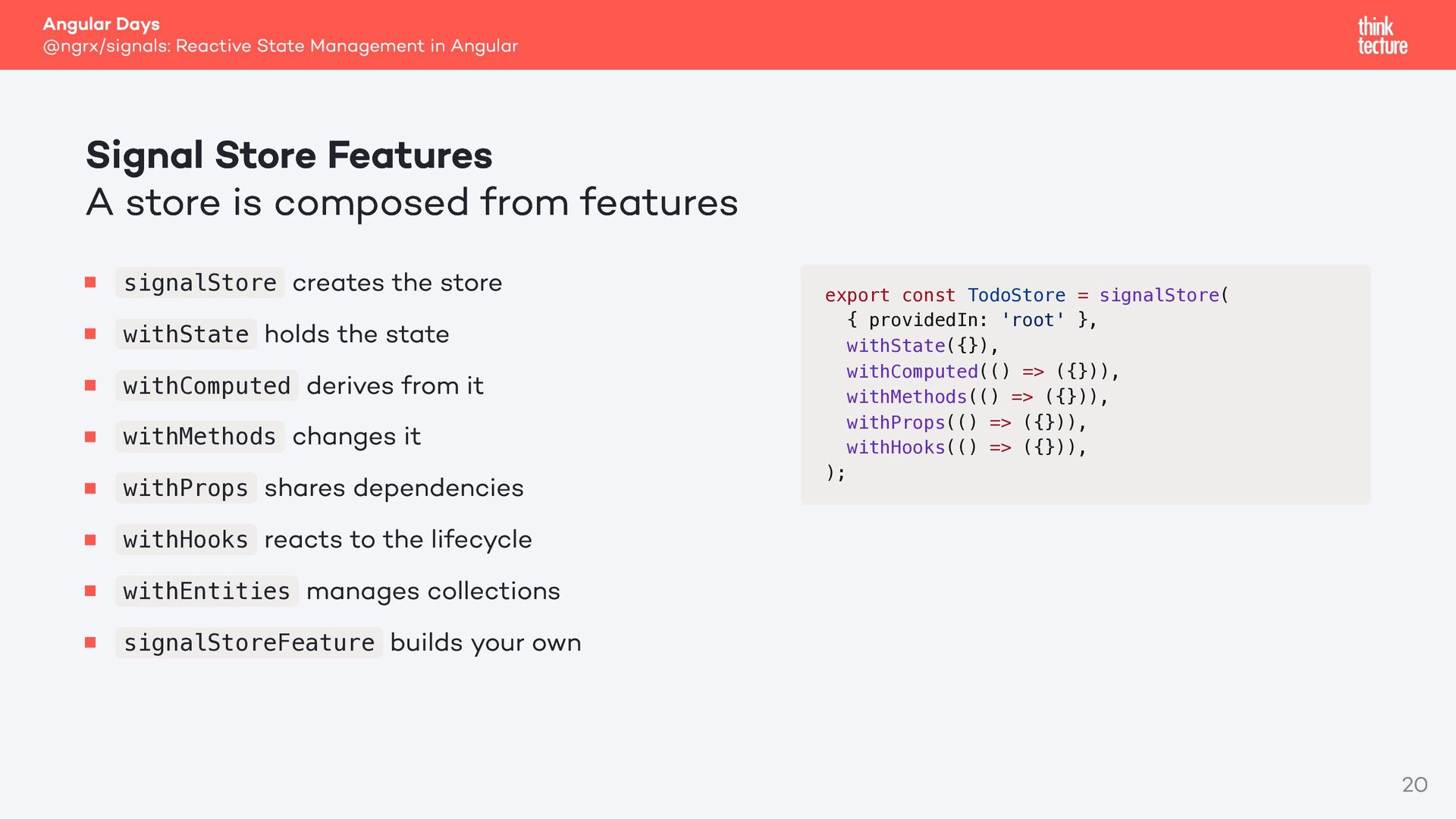
Features A store is composed from features creates the store withState holds the state withComputed derives from it withMethods changes it withProps shares dependencies withHooks reacts to the lifecycle withEntities manages collections signalStoreFeature builds your own signalStore export const TodoStore = signalStore( { providedIn: 'root' }, withState({}), withComputed(() => ({})), withMethods(() => ({})), withProps(() => ({})), withHooks(() => ({})), ); 20
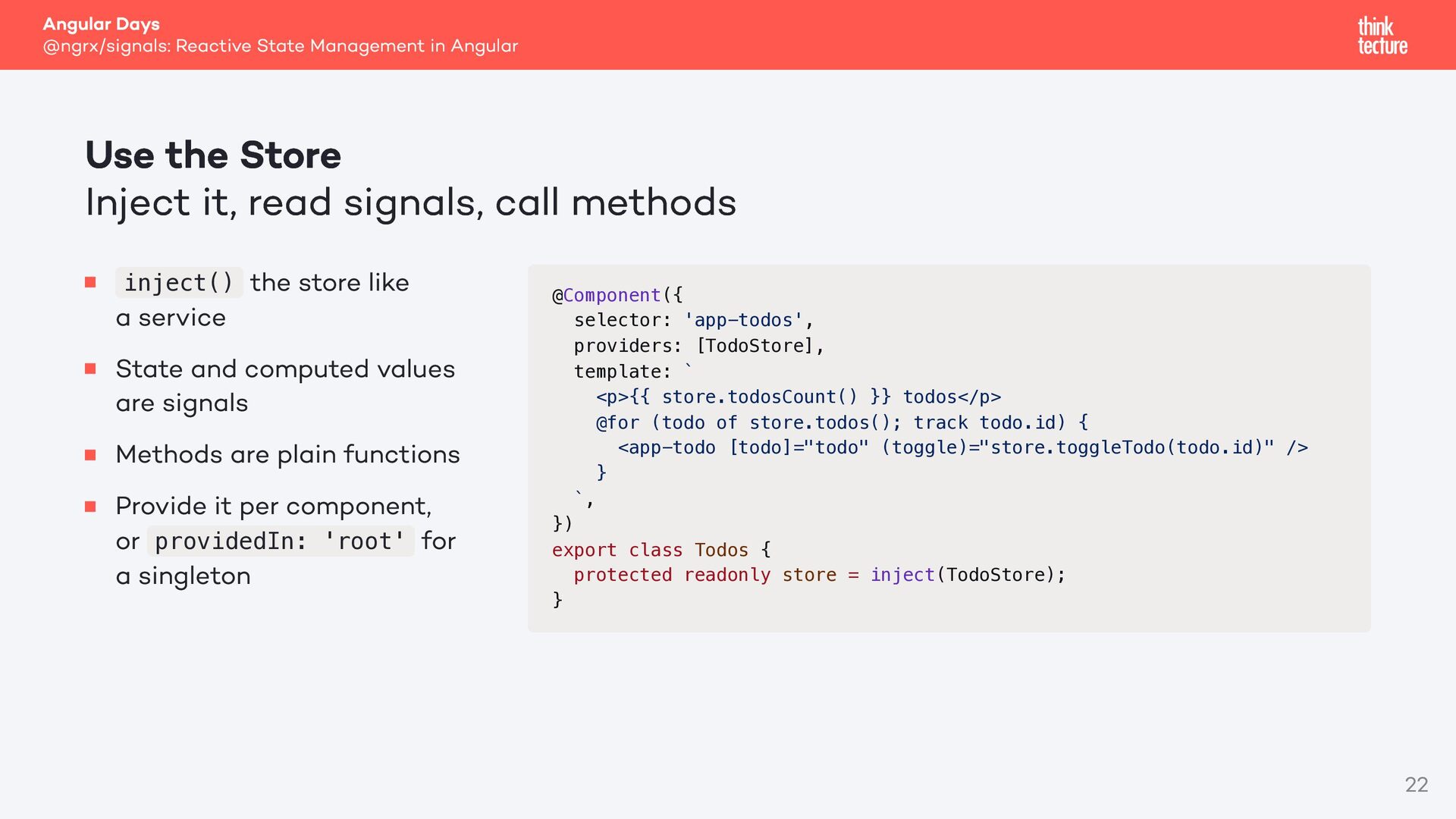
Store Inject it, read signals, call methods inject() the store like a service State and computed values are signals Methods are plain functions Provide it per component, or providedIn: 'root' for a singleton @Component({ selector: 'app-todos', providers: [TodoStore], template: ` <p>{{ store.todosCount() }} todos</p> @for (todo of store.todos(); track todo.id) { <app-todo [todo]="todo" (toggle)="store.toggleTodo(todo.id)" /> } `, }) export class Todos { protected readonly store = inject(TodoStore); } 22
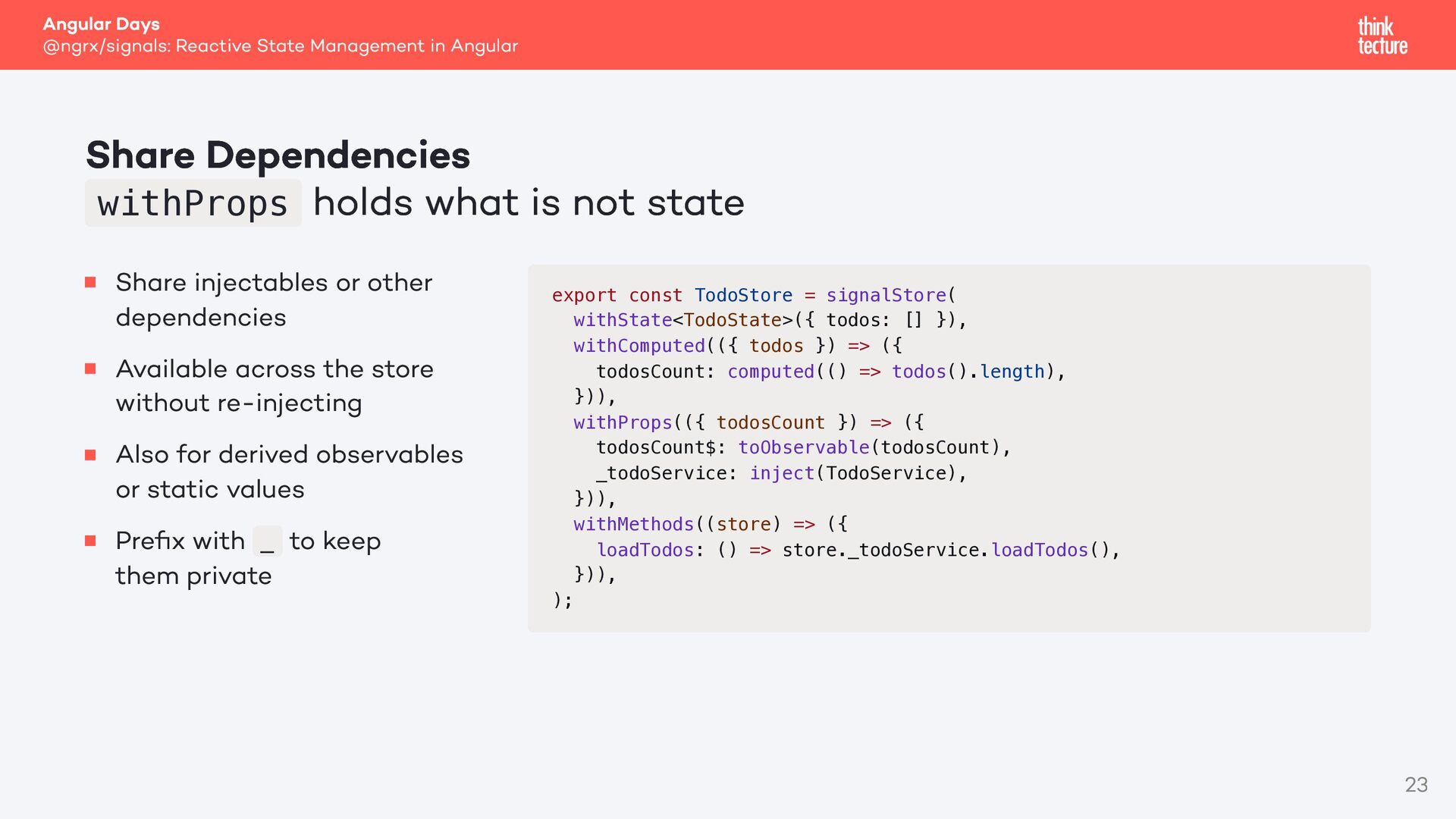
withProps holds what is not state Share injectables or other dependencies Available across the store without re-injecting Also for derived observables or static values Prefix with _ to keep them private export const TodoStore = signalStore( withState<TodoState>({ todos: [] }), withComputed(({ todos }) => ({ todosCount: computed(() => todos().length), })), withProps(({ todosCount }) => ({ todosCount$: toObservable(todosCount), _todoService: inject(TodoService), })), withMethods((store) => ({ loadTodos: () => store._todoService.loadTodos(), })), ); 23
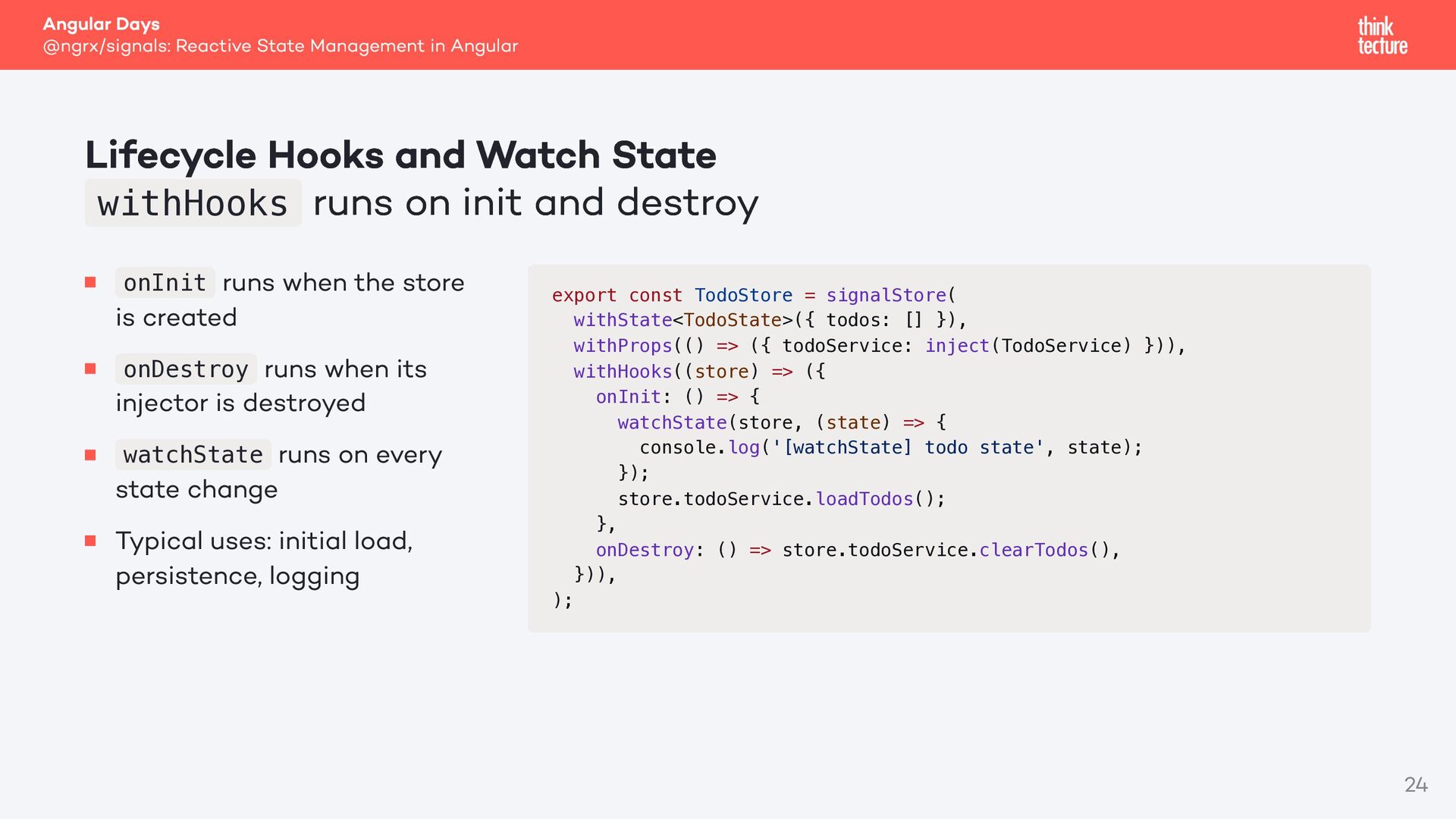
and Watch State withHooks runs on init and destroy runs when the store is created onDestroy runs when its injector is destroyed watchState runs on every state change Typical uses: initial load, persistence, logging onInit export const TodoStore = signalStore( withState<TodoState>({ todos: [] }), withProps(() => ({ todoService: inject(TodoService) })), withHooks((store) => ({ onInit: () => { watchState(store, (state) => { console.log('[watchState] todo state', state); }); store.todoService.loadTodos(); }, onDestroy: () => store.todoService.clearTodos(), })), ); 24
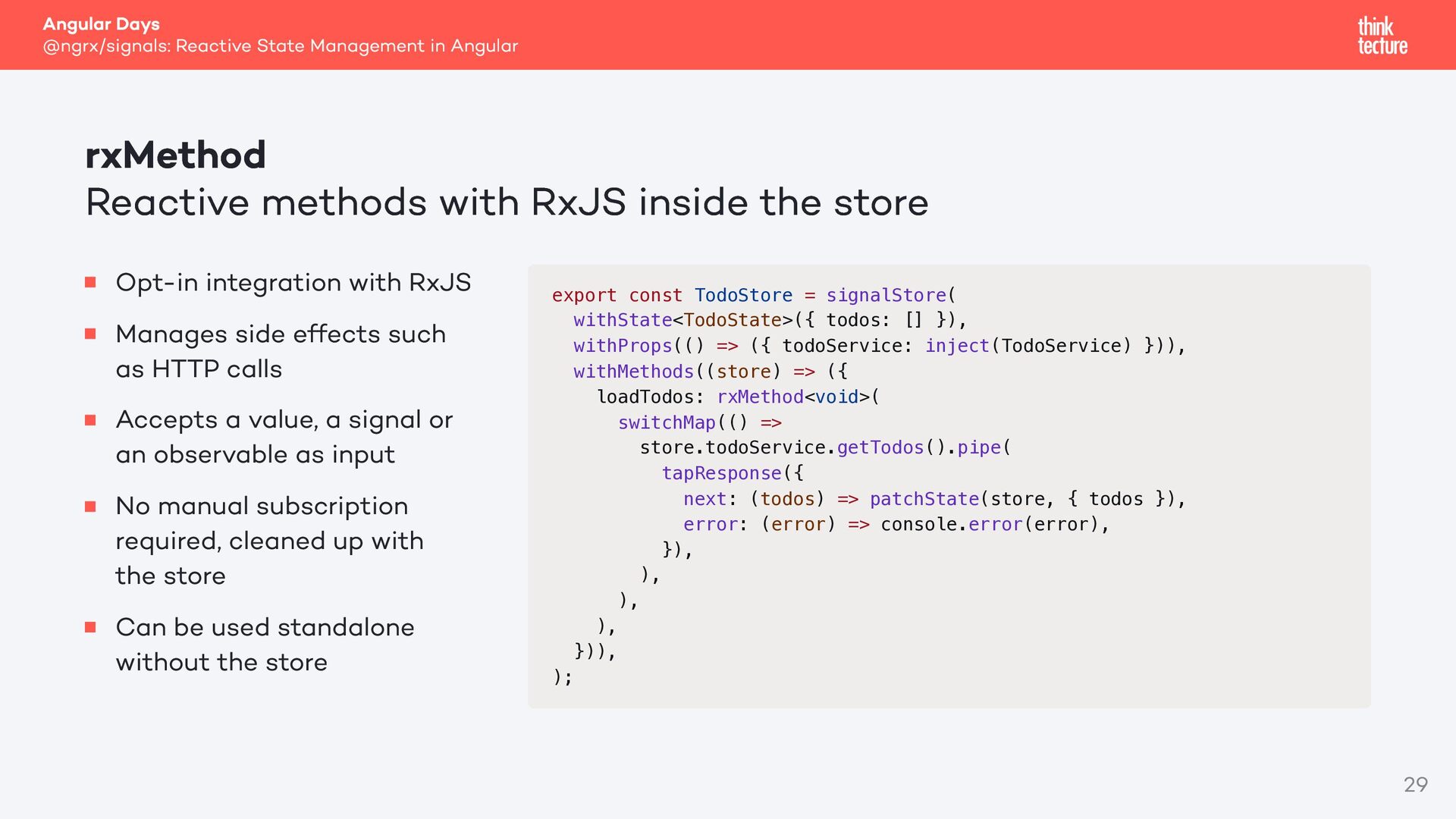
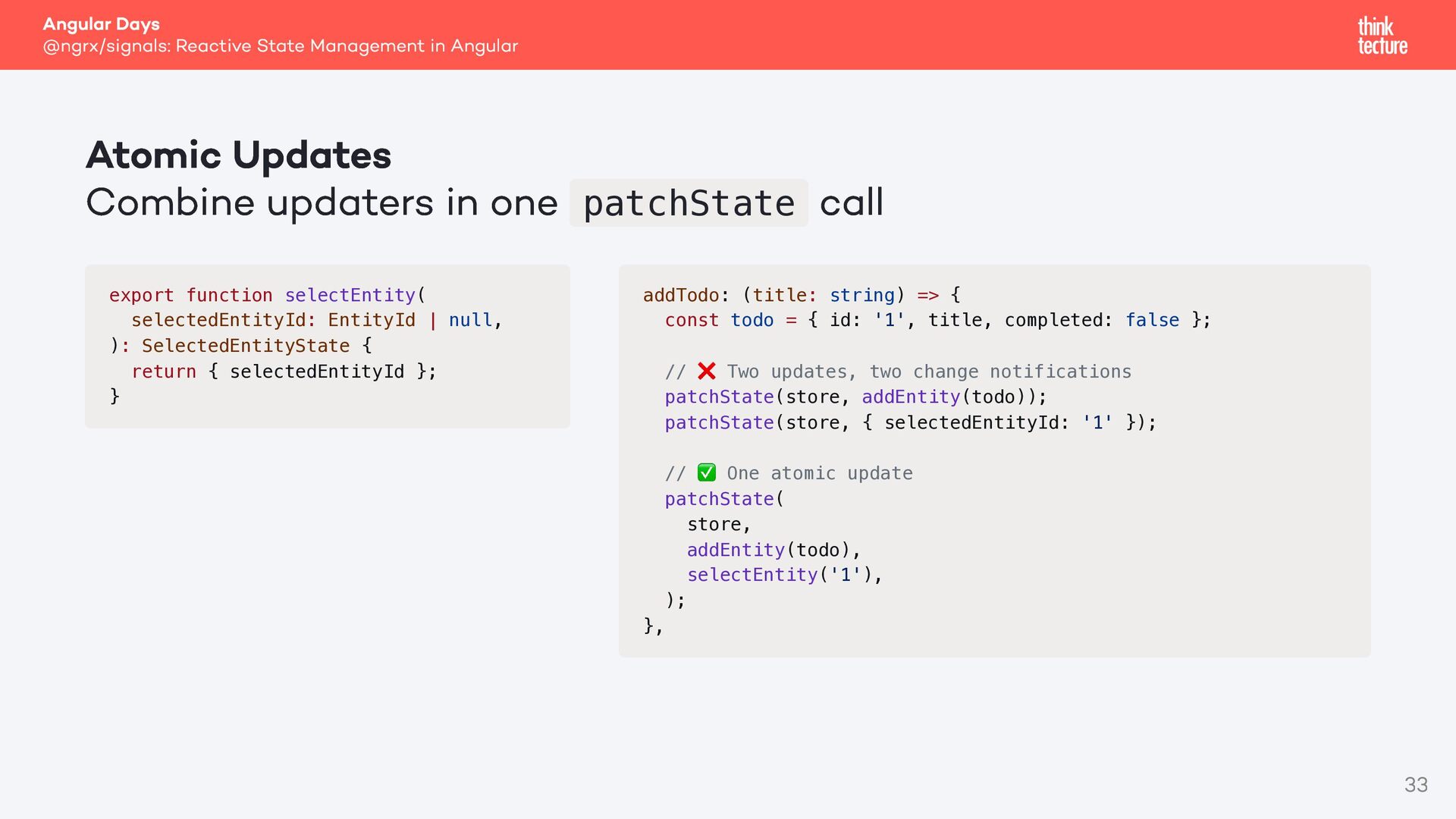
methods with RxJS inside the store Opt-in integration with RxJS Manages side effects such as HTTP calls Accepts a value, a signal or an observable as input No manual subscription required, cleaned up with the store Can be used standalone without the store export const TodoStore = signalStore( withState<TodoState>({ todos: [] }), withProps(() => ({ todoService: inject(TodoService) })), withMethods((store) => ({ loadTodos: rxMethod<void>( switchMap(() => store.todoService.getTodos().pipe( tapResponse({ next: (todos) => patchState(store, { todos }), error: (error) => console.error(error), }), ), ), ), })), ); 29
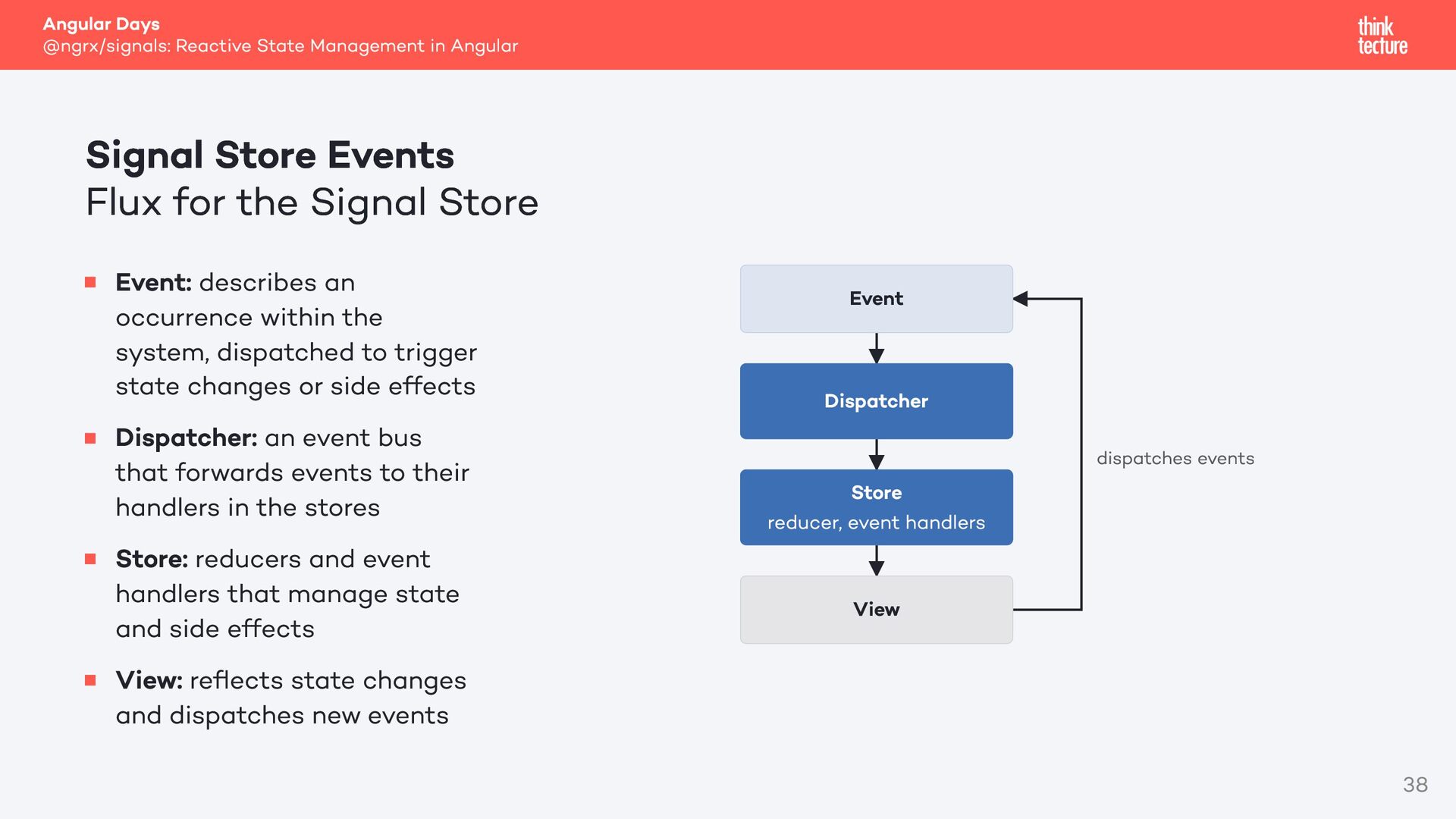
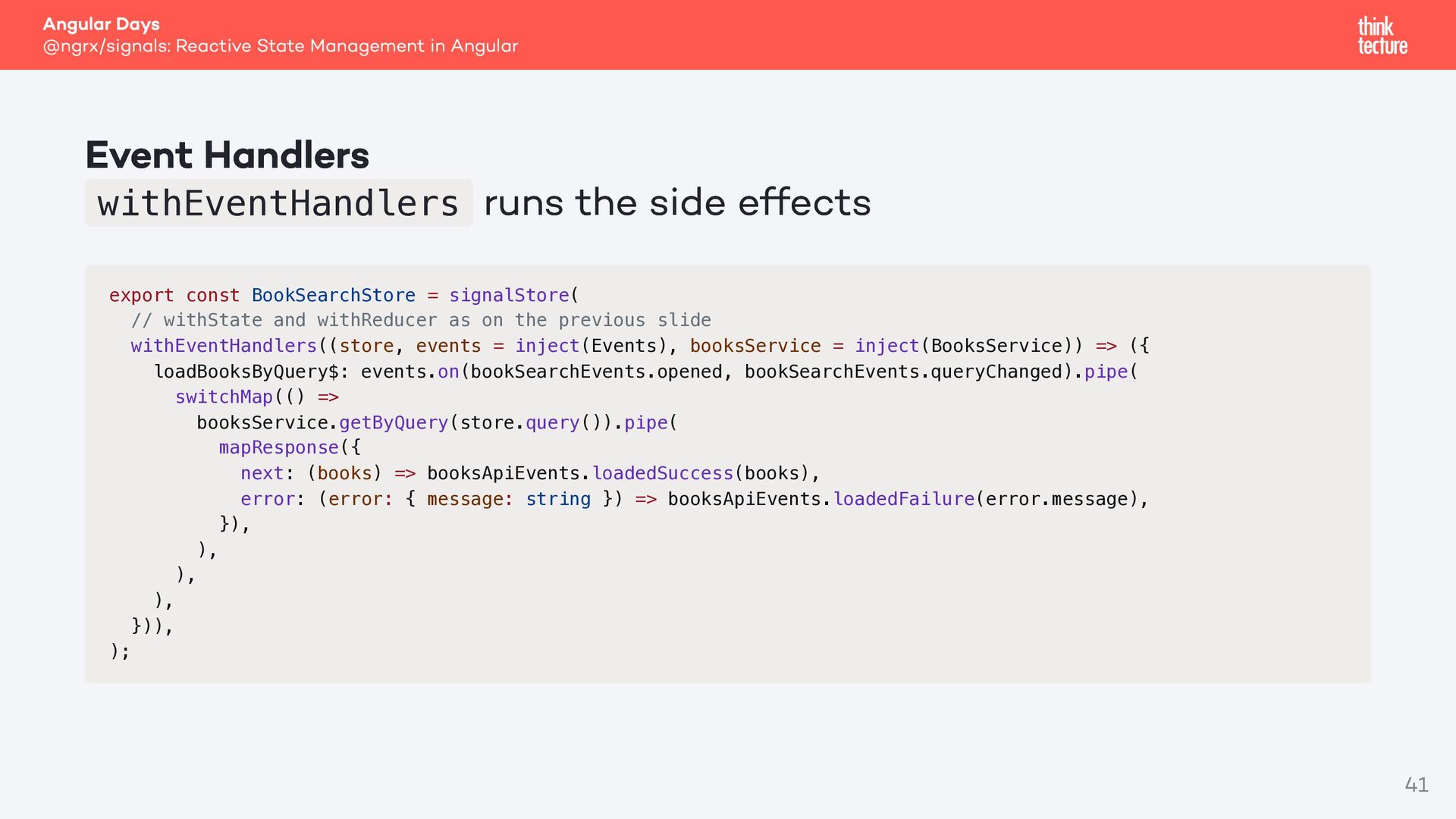
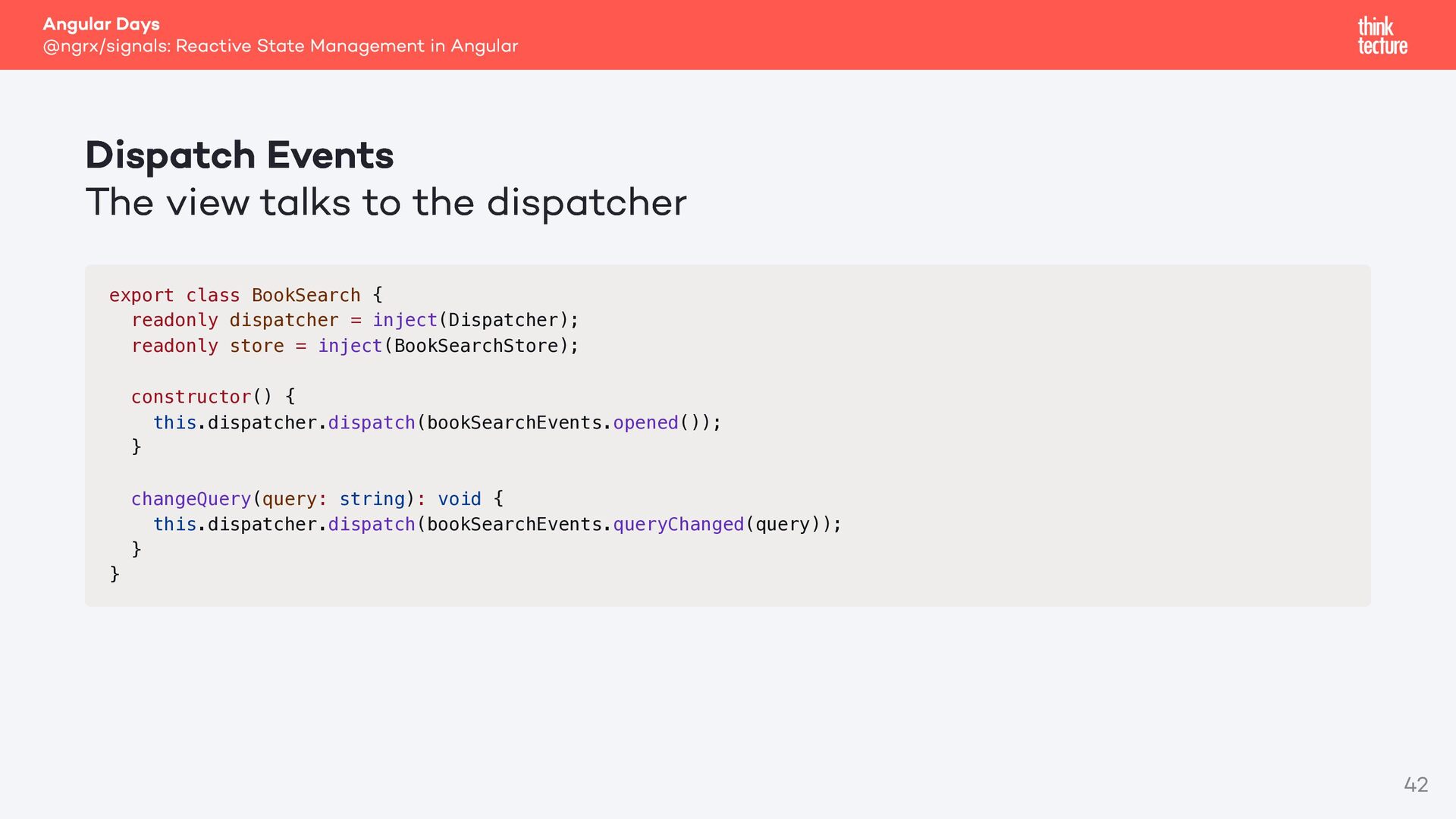
Events Flux for the Signal Store Event: describes an occurrence within the system, dispatched to trigger state changes or side effects Dispatcher: an event bus that forwards events to their handlers in the stores Store: reducers and event handlers that manage state and side effects View: reflects state changes and dispatches new events Event Dispatcher Store reducer, event handlers dispatches events View 38
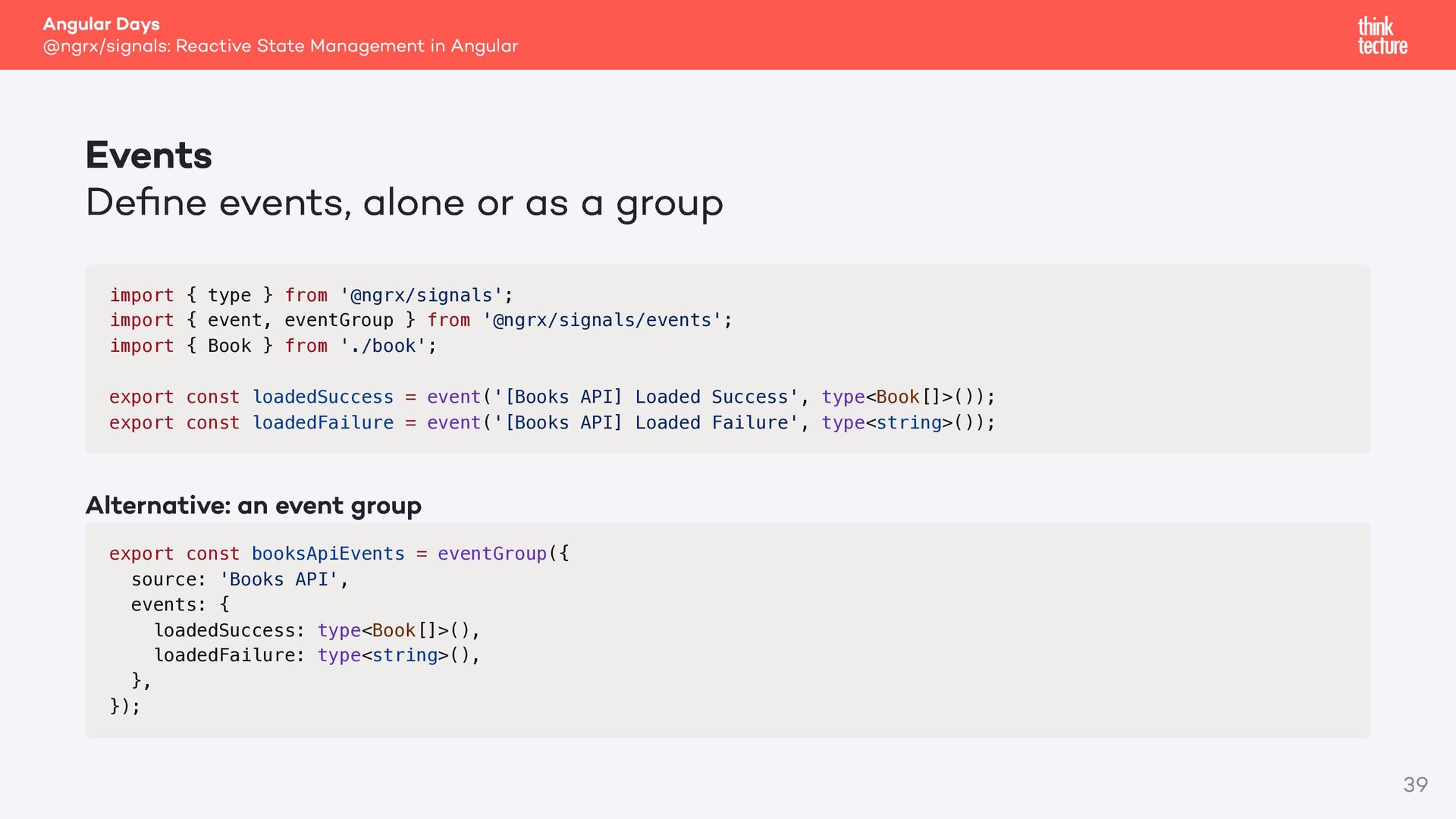
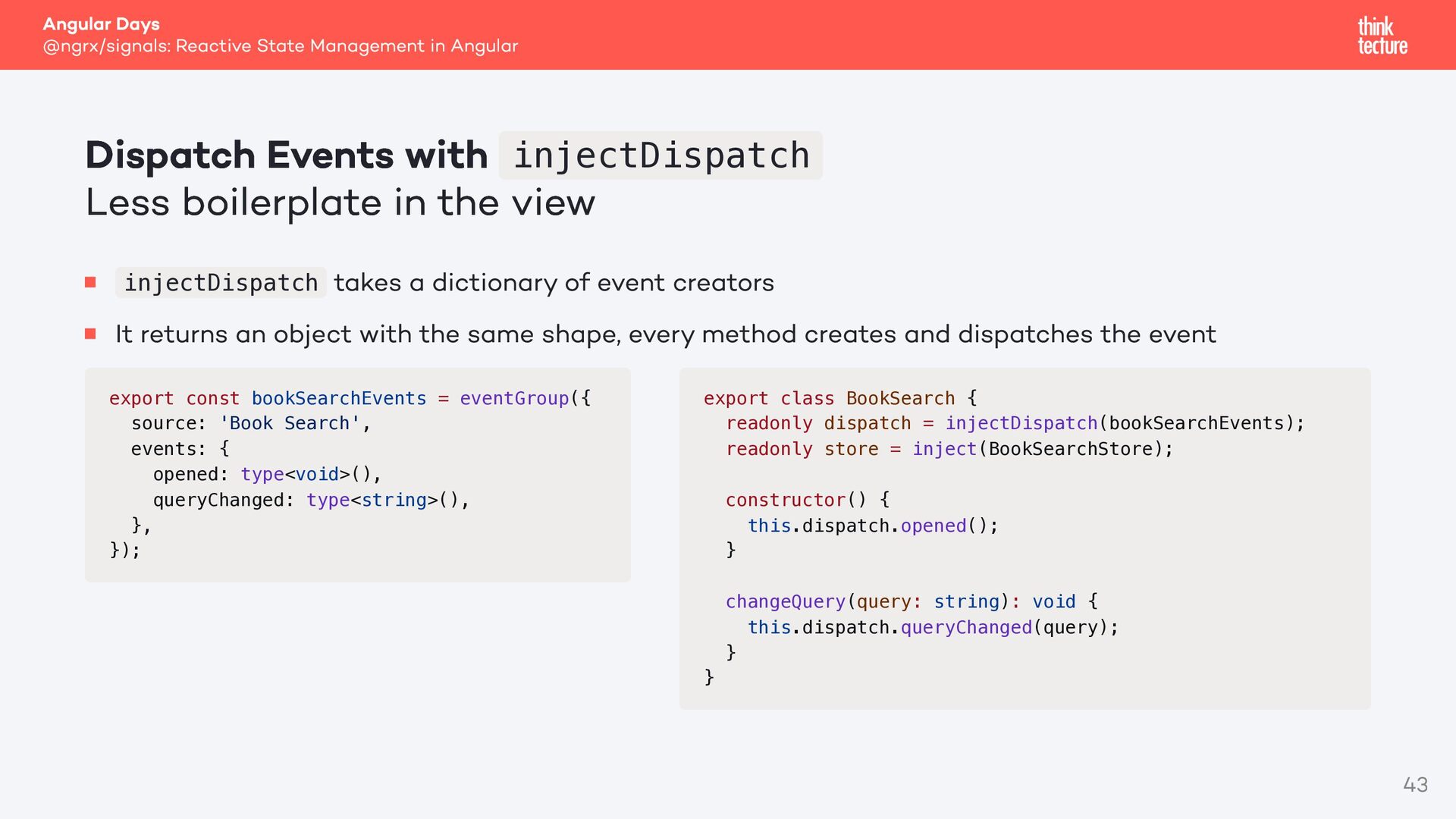
with injectDispatch Less boilerplate in the view takes a dictionary of event creators It returns an object with the same shape, every method creates and dispatches the event injectDispatch export const bookSearchEvents = eventGroup({ source: 'Book Search', events: { opened: type<void>(), queryChanged: type<string>(), }, }); export class BookSearch { readonly dispatch = injectDispatch(bookSearchEvents); readonly store = inject(BookSearchStore); constructor() { this.dispatch.opened(); } changeQuery(query: string): void { this.dispatch.queryChanged(query); } } 43
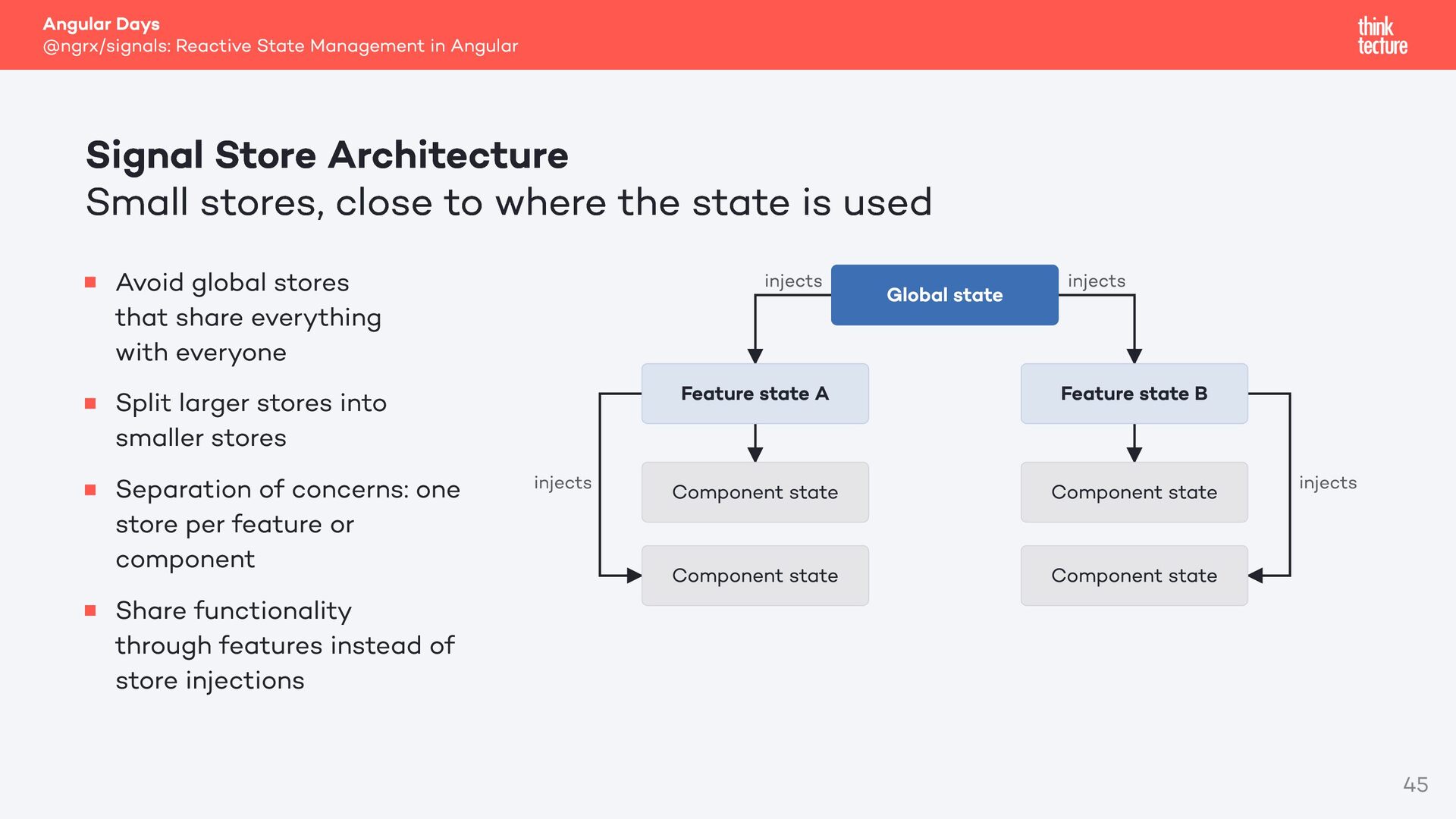
Architecture Small stores, close to where the state is used Avoid global stores that share everything with everyone Split larger stores into smaller stores Separation of concerns: one store per feature or component Share functionality through features instead of store injections injects injects Global state injects Feature state A Feature state B Component state Component state Component state Component state injects 45
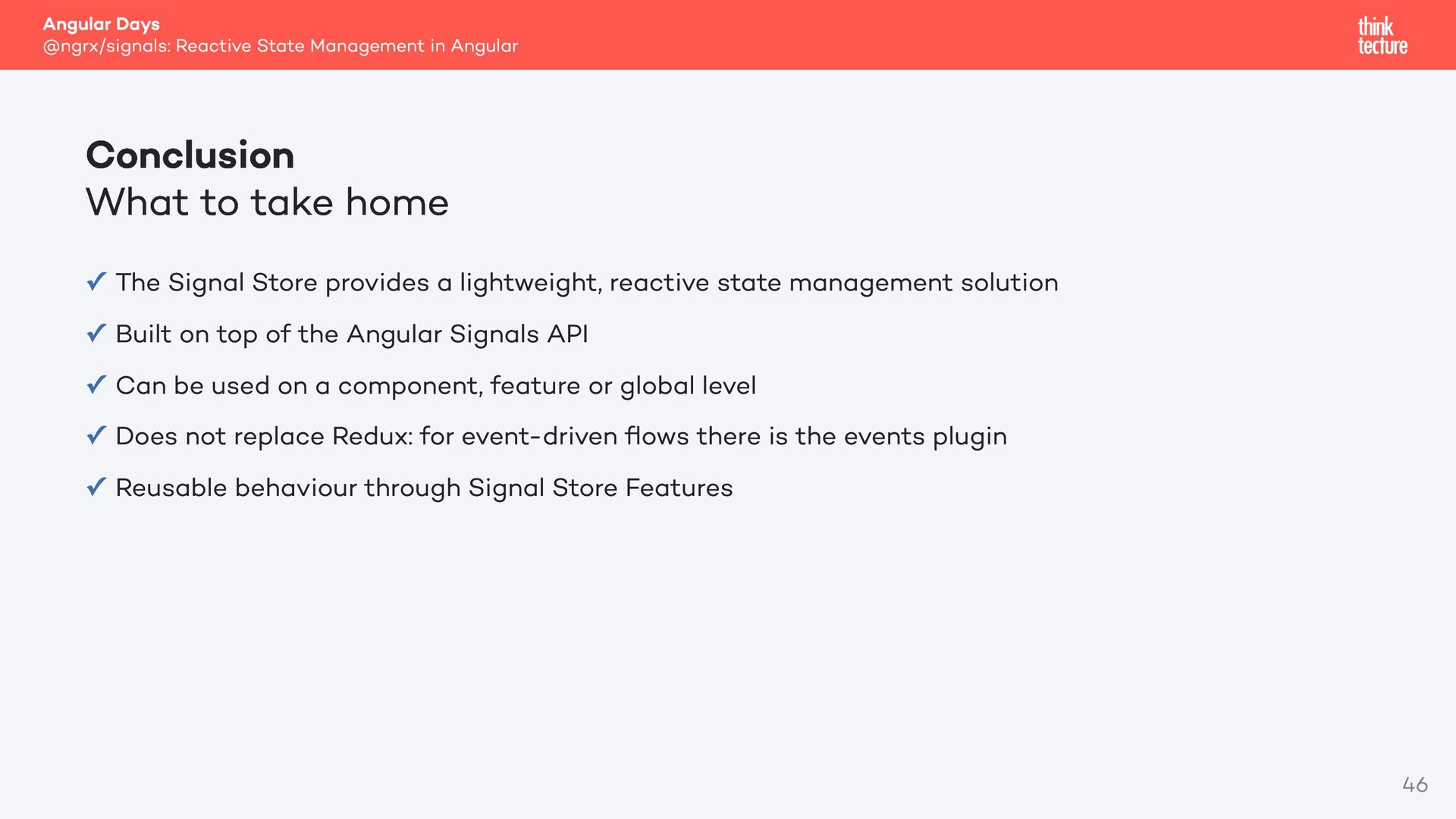
to take home The Signal Store provides a lightweight, reactive state management solution ✓ Built on top of the Angular Signals API ✓ Can be used on a component, feature or global level ✓ Does not replace Redux: for event-driven flows there is the events plugin ✓ Reusable behaviour through Signal Store Features ✓ 46


 felixwunderlich
 marktimemedia
 sonatard
 rasagy
 oripsolob
 scottboms
 uxyall
 sabderemane
 livdayseo
 philnash
 andyhume
 katiecoart
 afnizarnur
![Thank you for your attention! Felix Wunderlich [email protected]](https://files.speakerdeck.com/presentations/c0ecf82b29854e6eabae2922ae97bee7/slide_46.jpg)