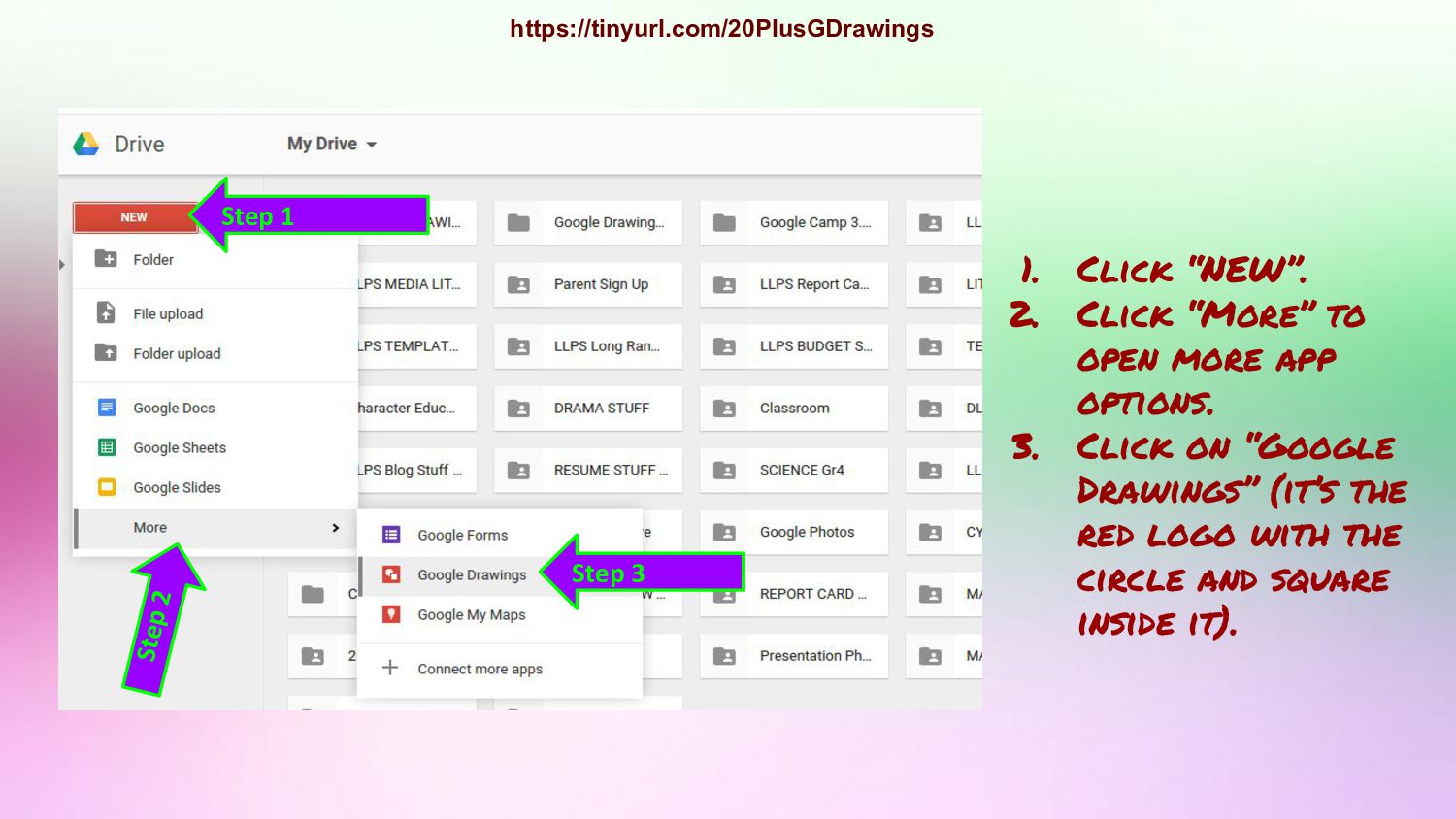
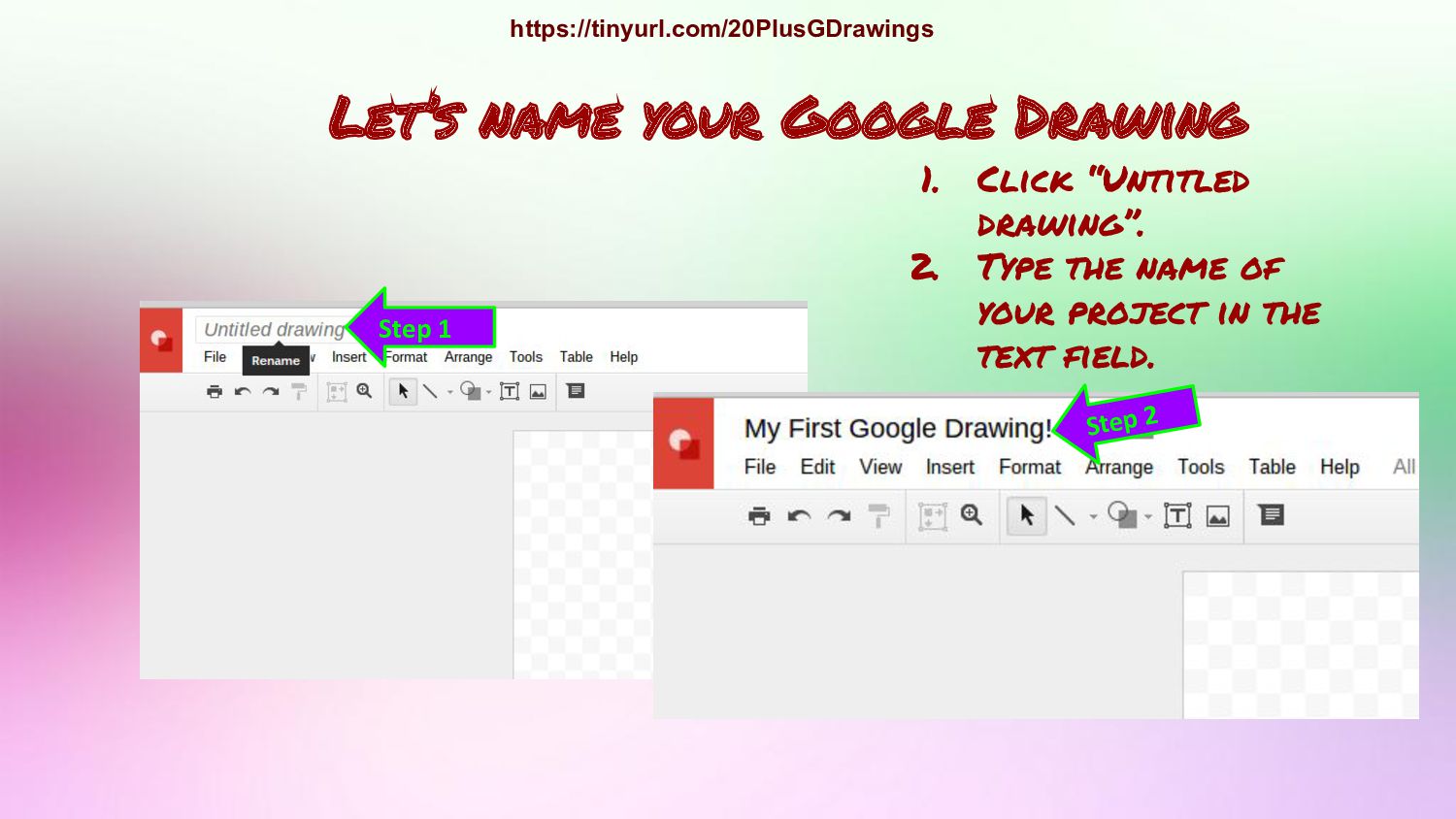
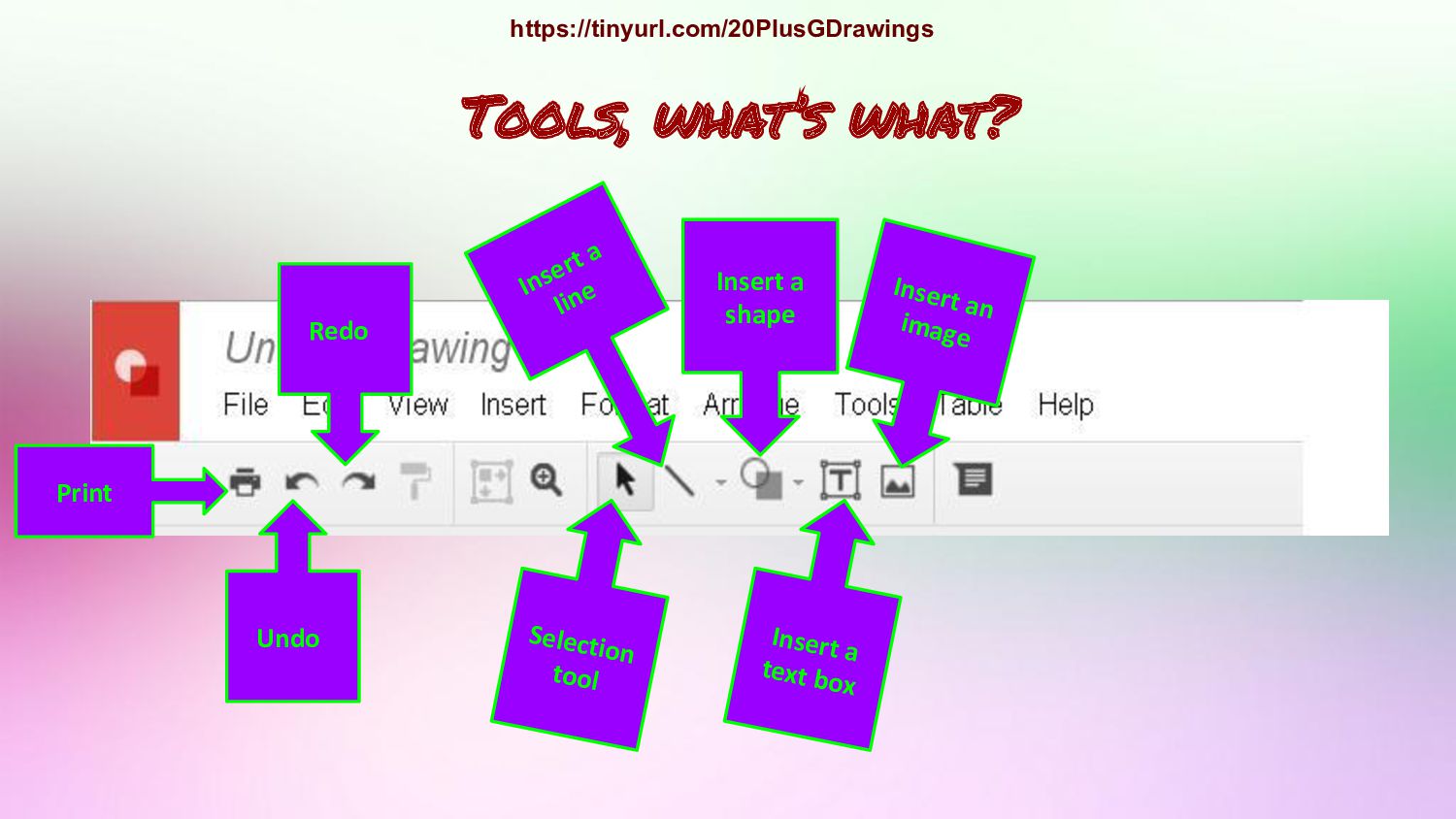
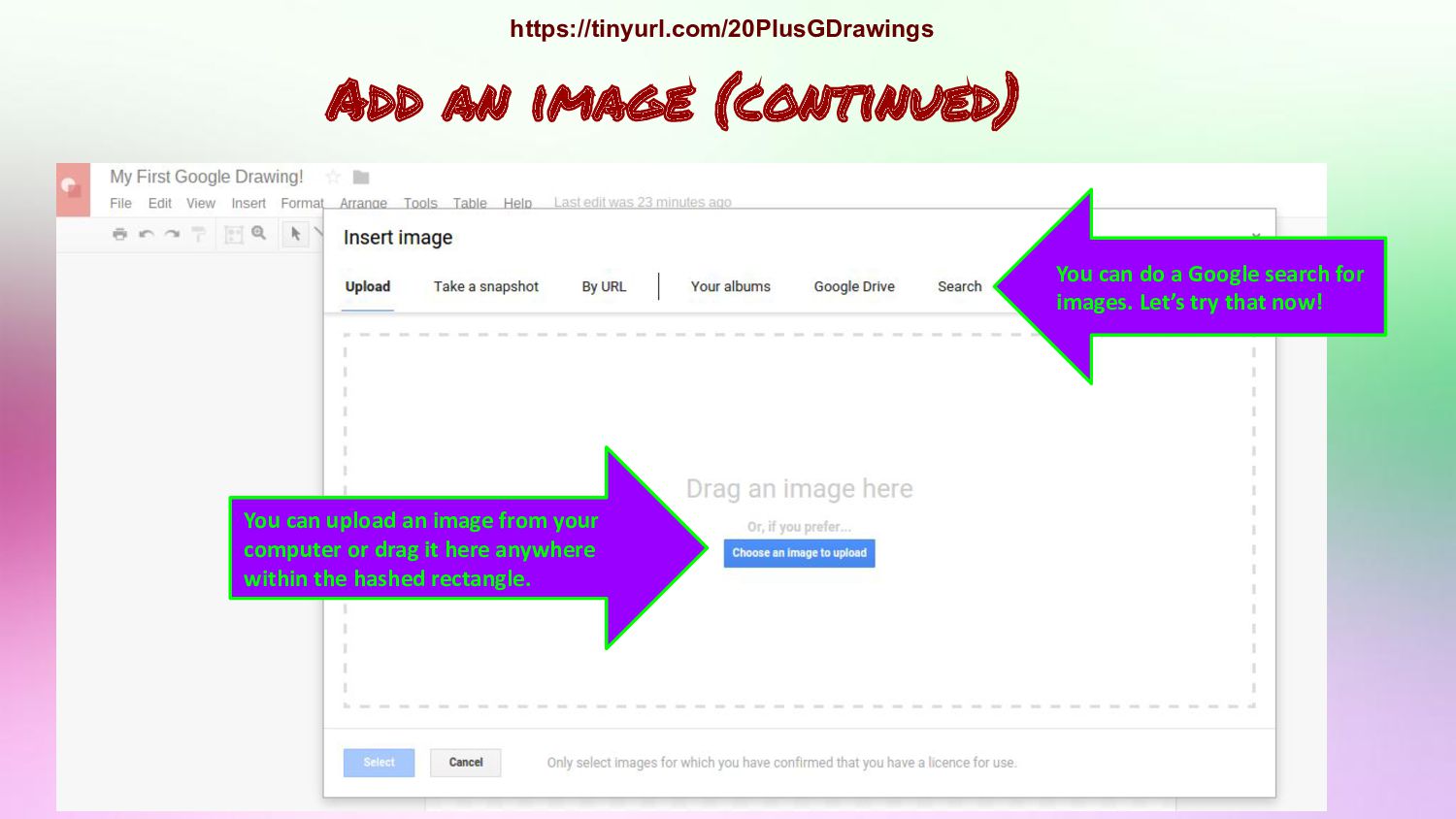
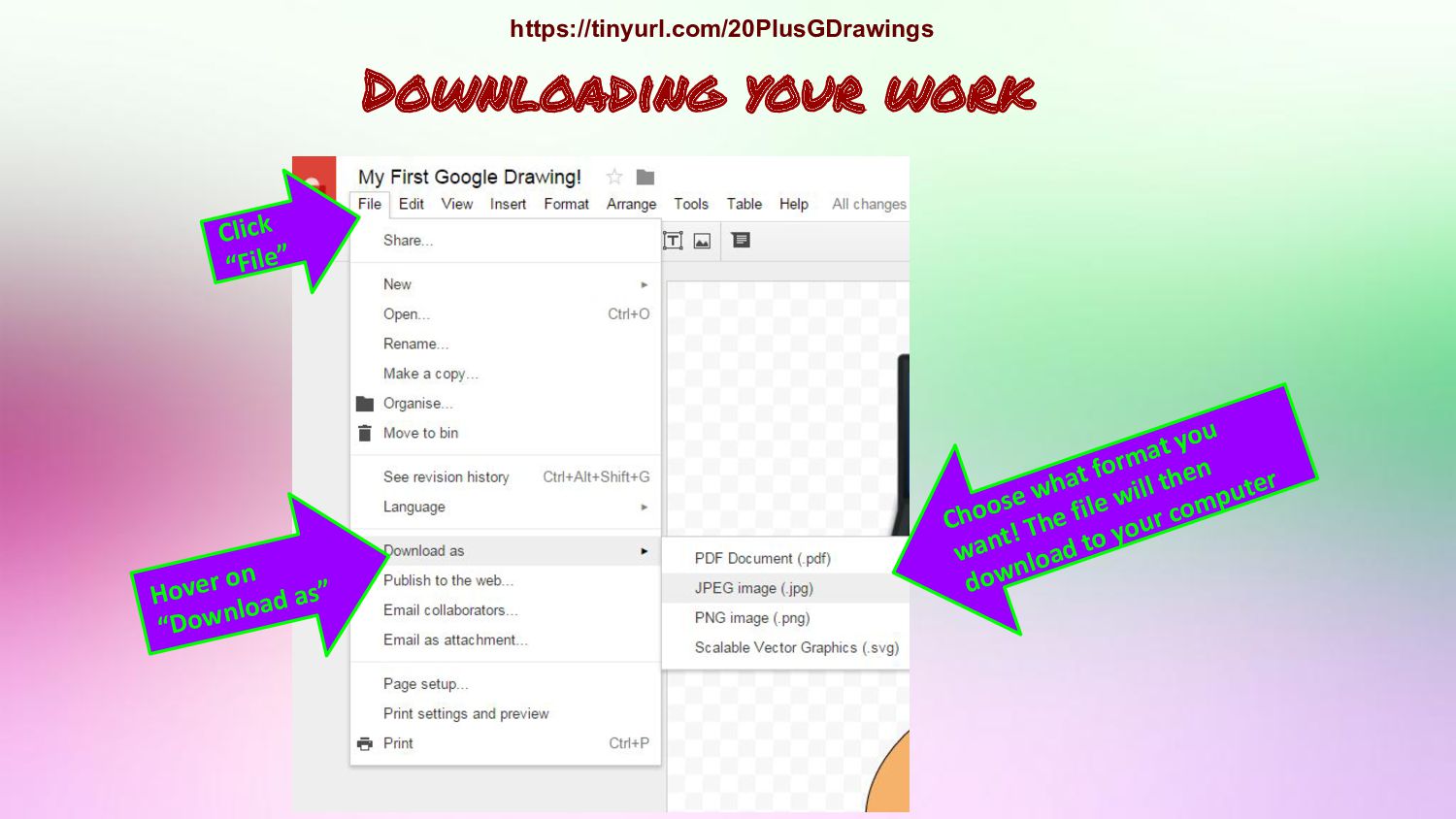
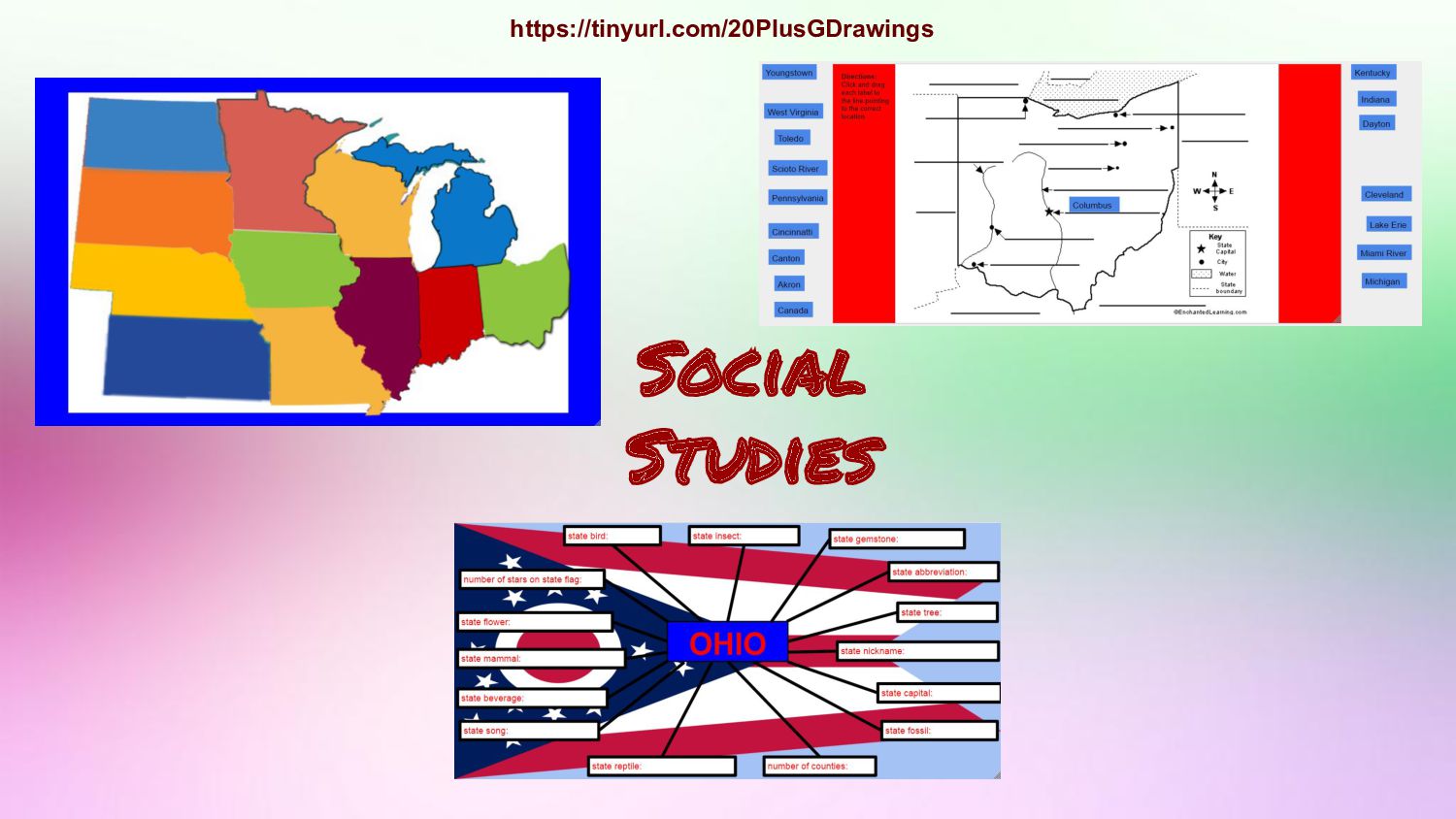
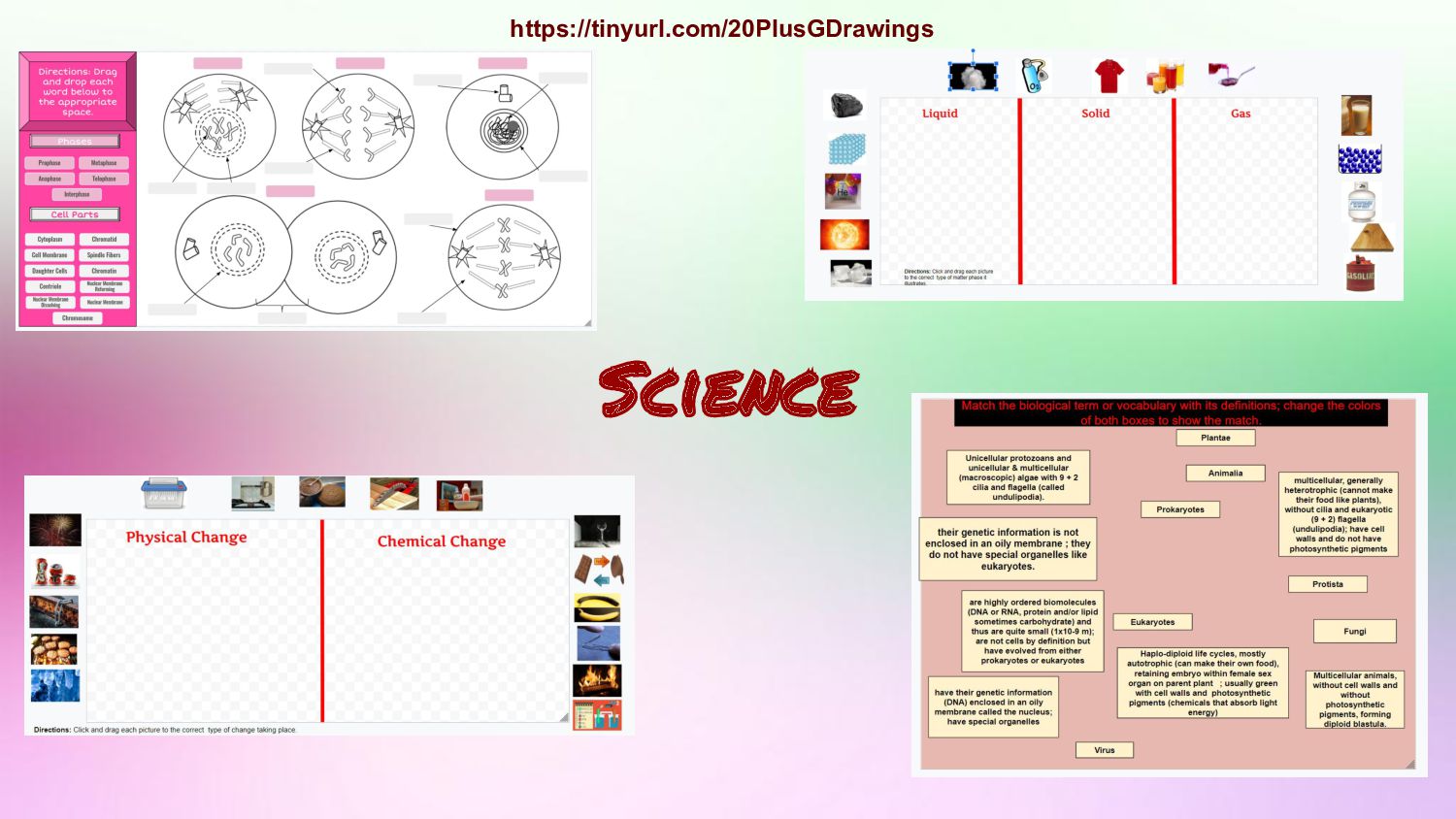
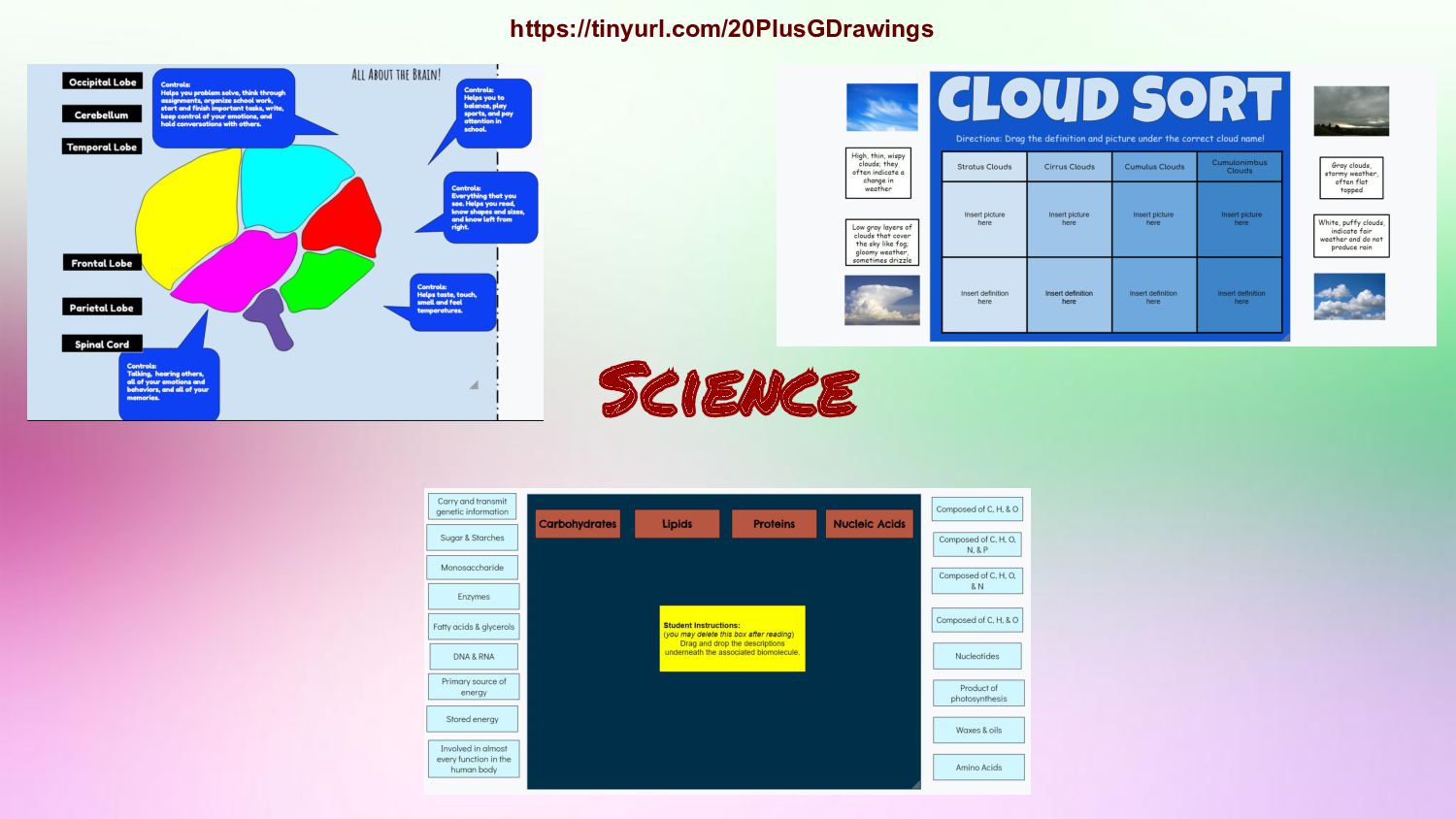
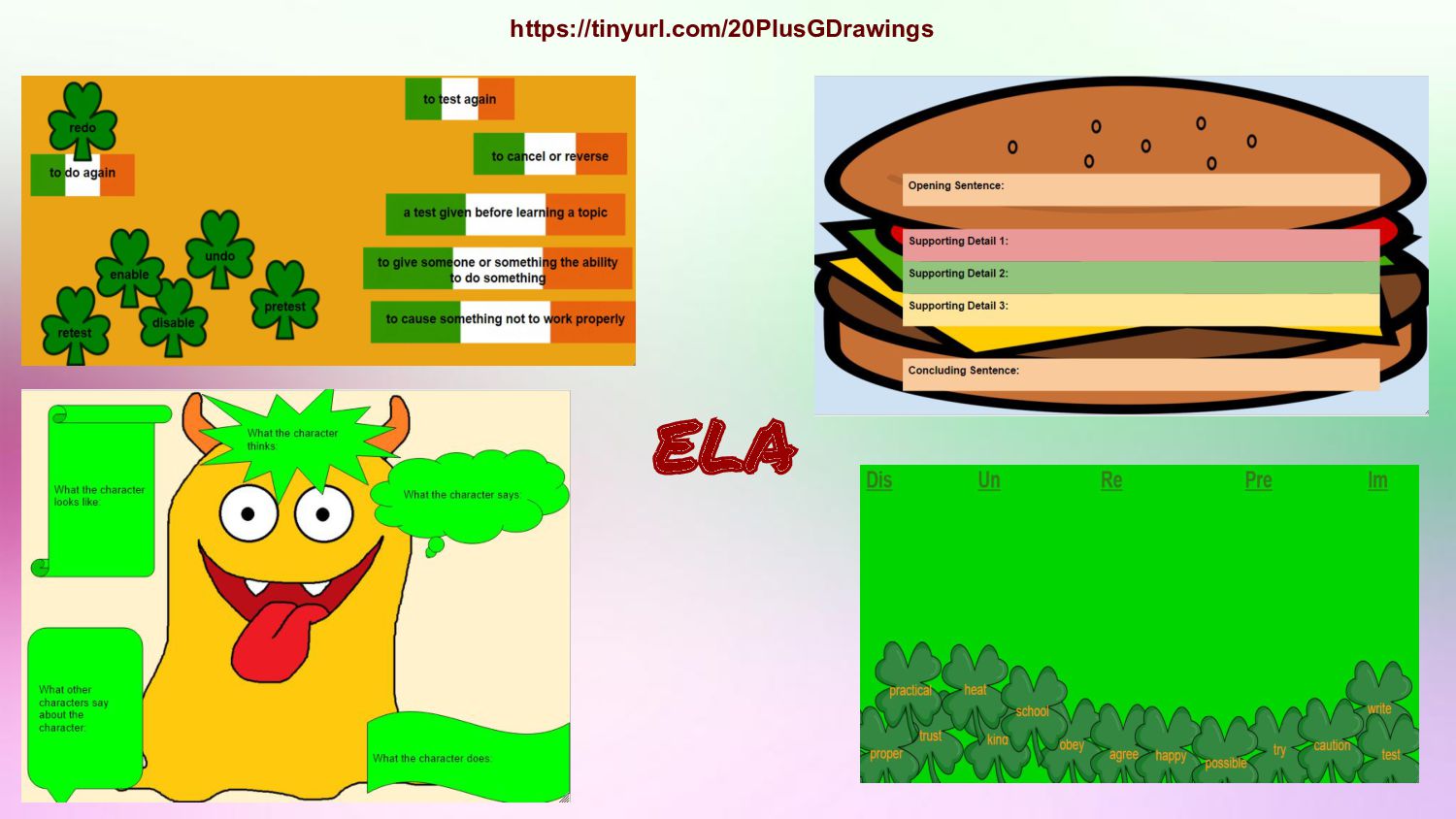
Click “More” to open more app options. 3. Click on “Google Drawings” (it’s the red logo with the circle and square inside it). https://tinyurl.com/20PlusGDrawings
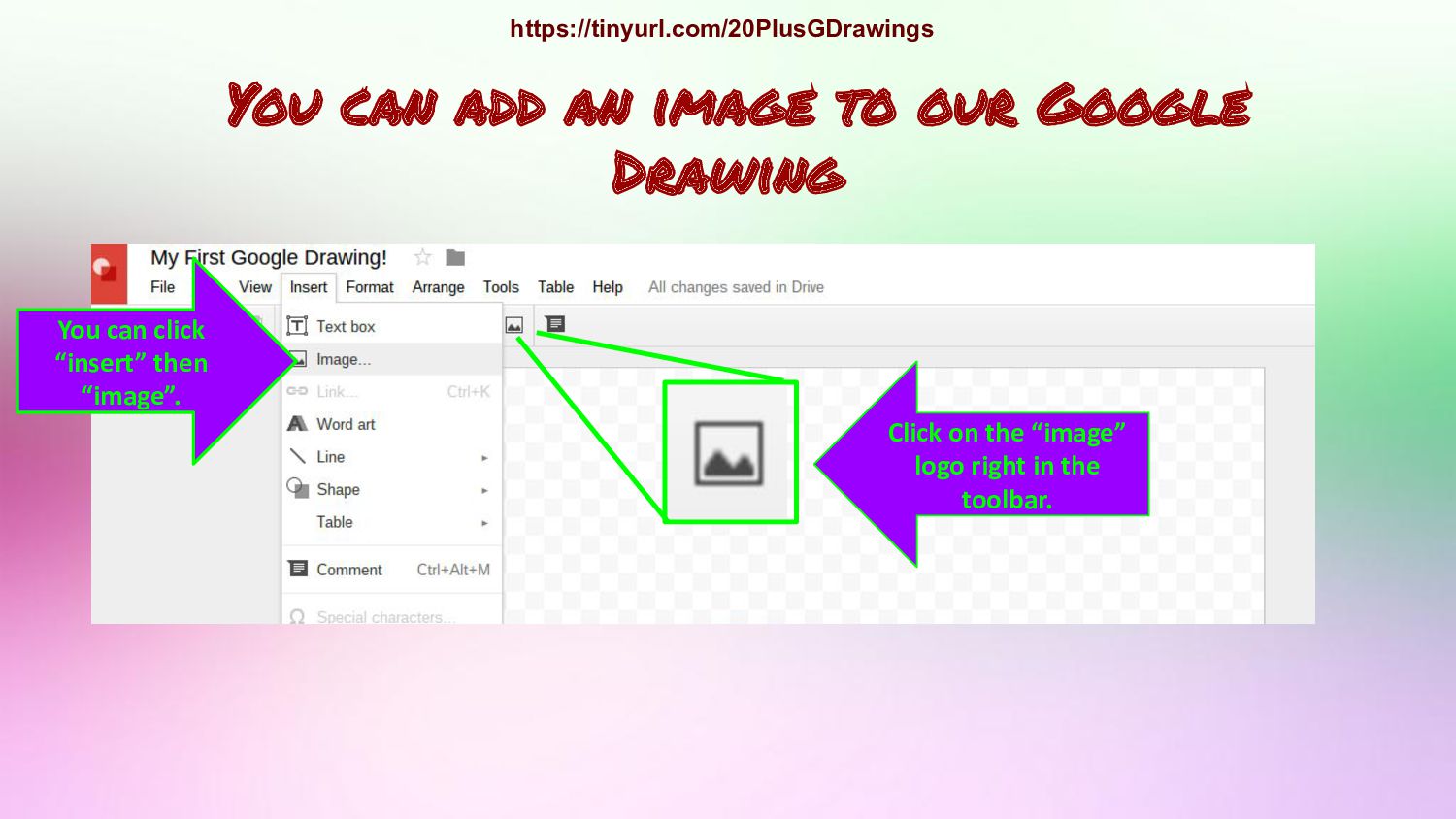
it here anywhere within the hashed rectangle. You can do a Google search for images. Let’s try that now! Add an image (continued) https://tinyurl.com/20PlusGDrawings
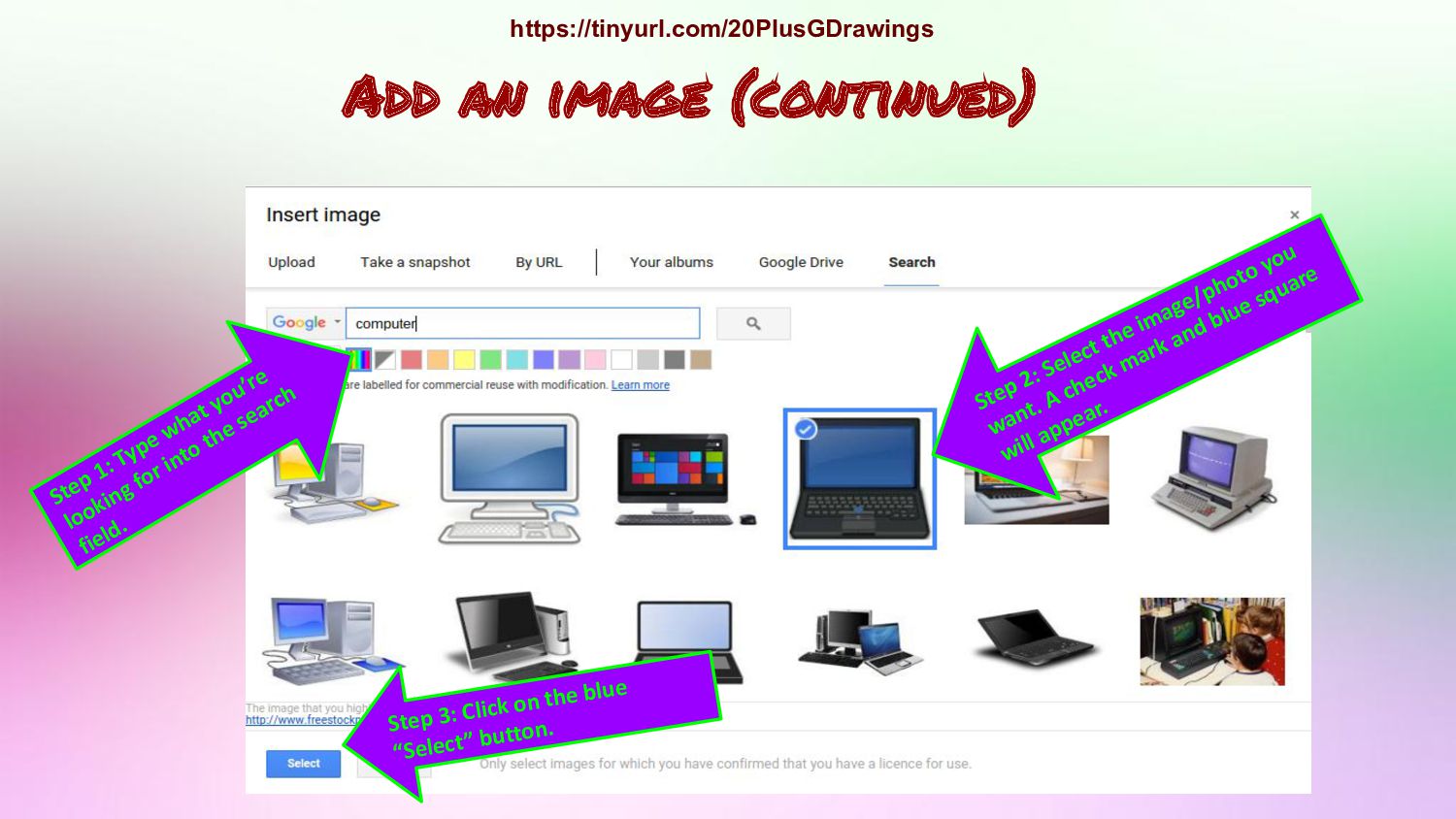
for into the search field. Step 2: Select the image/photo you want. A check mark and blue square will appear. Step 3: Click on the blue “Select” button. https://tinyurl.com/20PlusGDrawings

 Your Podcast. Everywhere. Effortlessly.


 akiraasano
 juanmartin2026
 hiola
hiola
 yasslab
 3l4l5
3l4l5
 uranoken
 terazawa
 yoshimura_datam
 bunnchinn3
 signer
 sciencetokyo
 tonyrice
 ipullrank
 portentint
 rkendrick25
 aleyda
 techseoconnect
 lara
lara
 rabernat
 rmw
rmw
 codingconduct
 madoxten
![Regina Geither Technology Integration Specialist [email protected] https://tinyurl.com/20PlusGDrawings](https://files.speakerdeck.com/presentations/8efebdded71e464b8eaf5569ca31809e/slide_0.jpg)