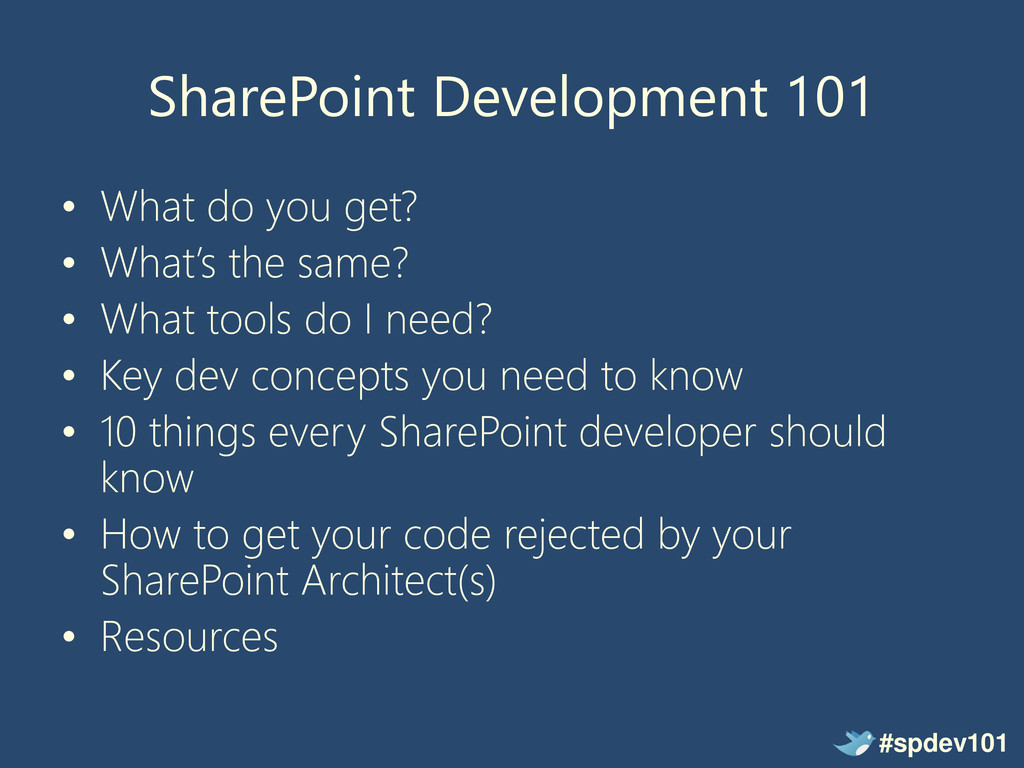
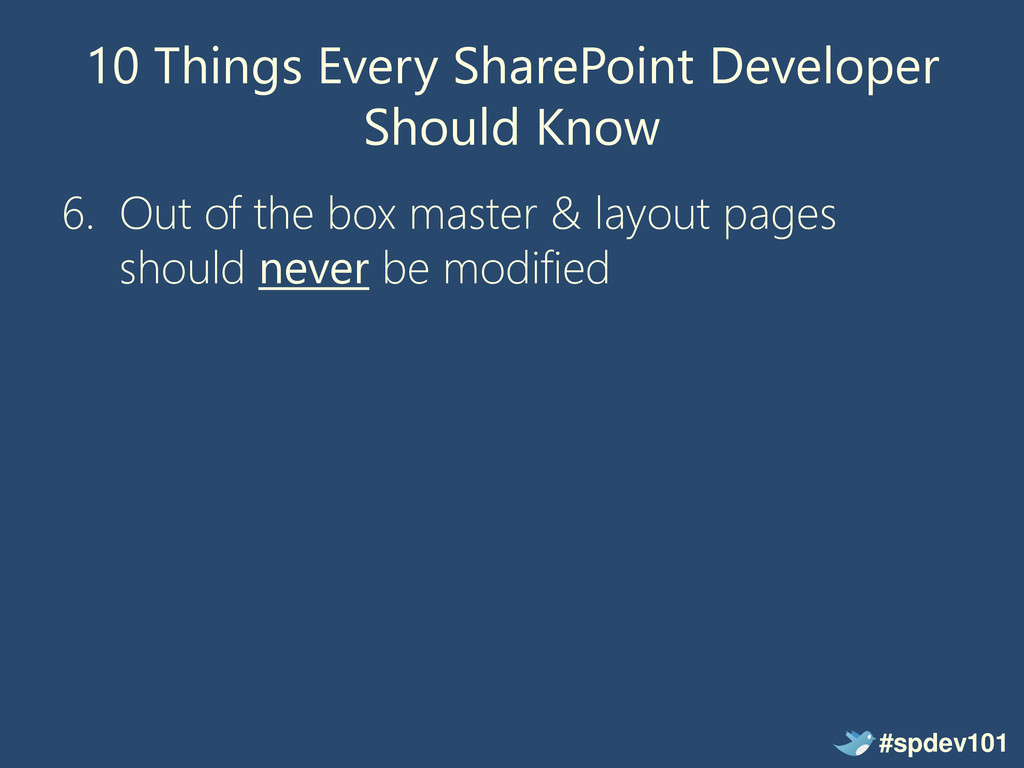
the same? • What tools do I need? • Key dev concepts you need to know • 10 things every SharePoint developer should know • How to get your code rejected by your SharePoint Architect(s) • Resources #spdev101
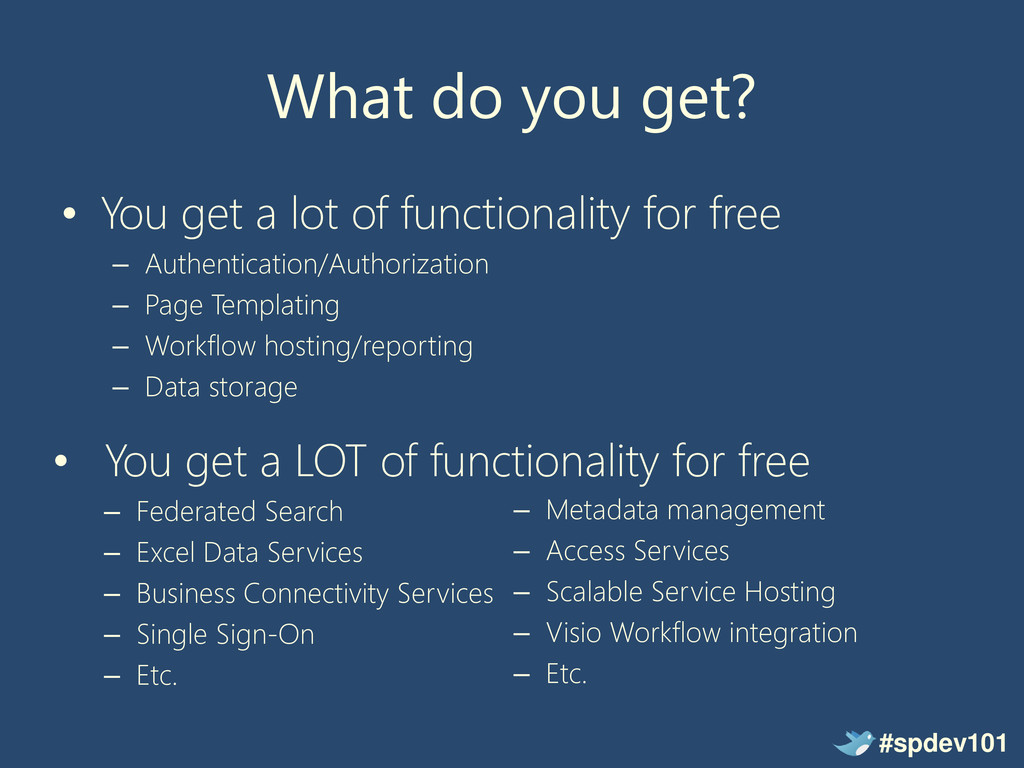
Federated Search – Excel Data Services – Business Connectivity Services – Single Sign-On – Etc. What do you get? • You get a lot of functionality for free – Authentication/Authorization – Page Templating – Workflow hosting/reporting – Data storage – Metadata management – Access Services – Scalable Service Hosting – Visio Workflow integration – Etc. #spdev101
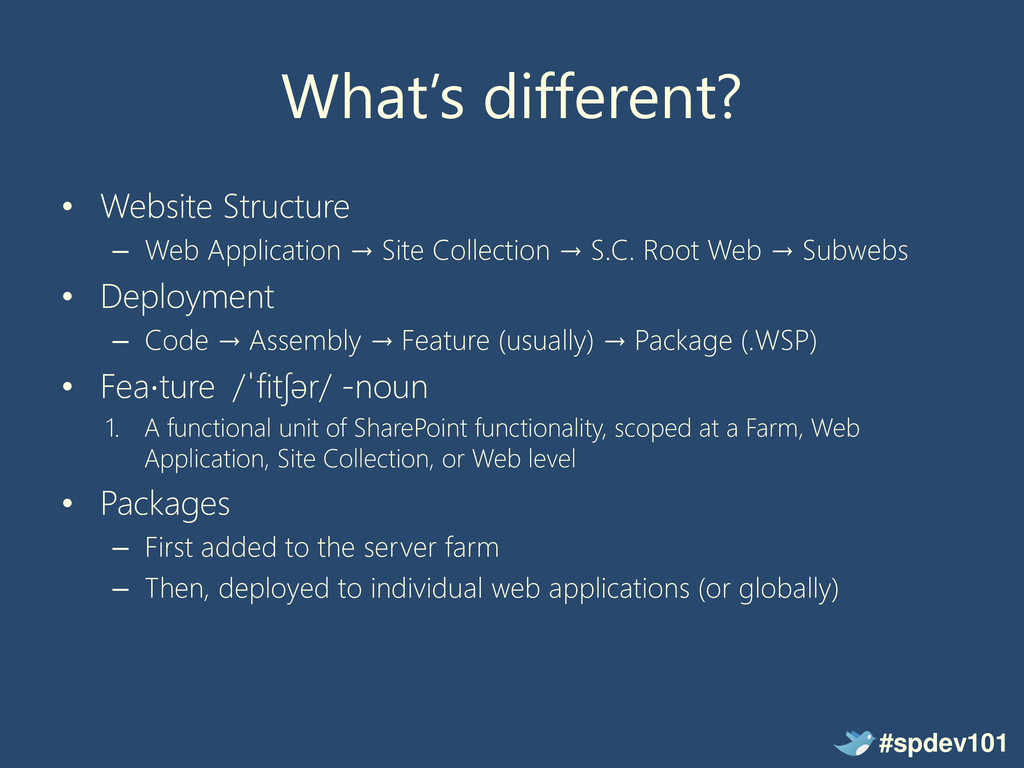
Collection → S.C. Root Web → Subwebs • Deployment – Code → Assembly → Feature (usually) → Package (.WSP) • Fea⋅ture /ˈfitʃər/ -noun 1. A functional unit of SharePoint functionality, scoped at a Farm, Web Application, Site Collection, or Web level • Packages – First added to the server farm – Then, deployed to individual web applications (or globally) #spdev101
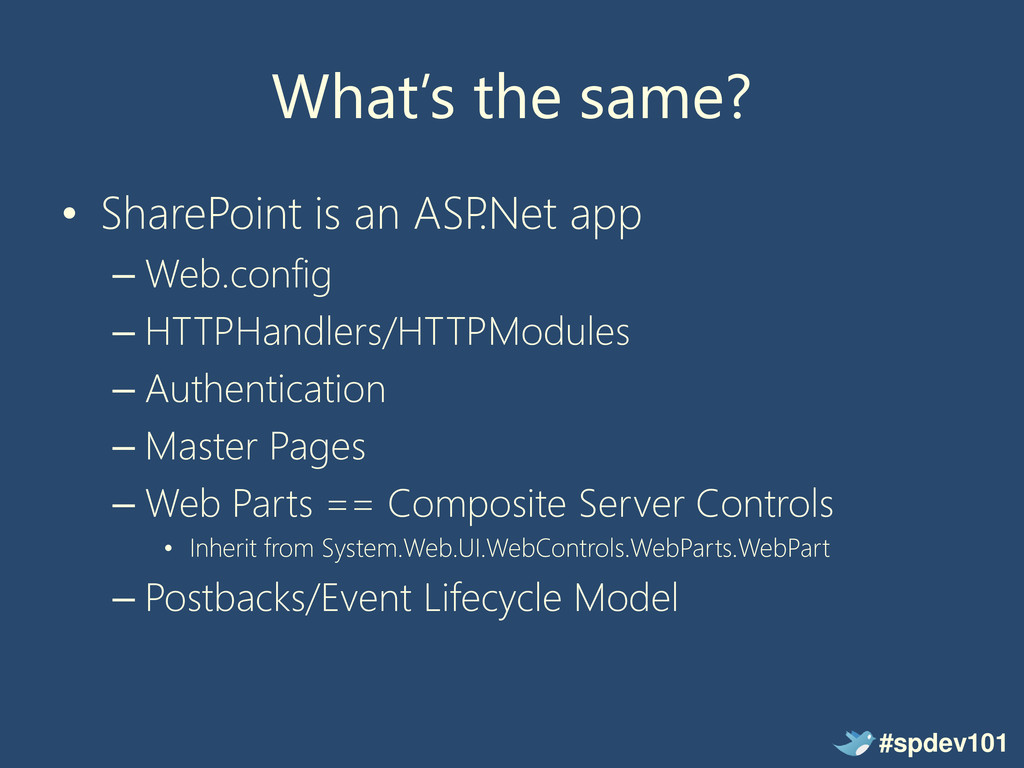
– Web.config – HTTPHandlers/HTTPModules – Authentication – Master Pages – Web Parts == Composite Server Controls • Inherit from System.Web.UI.WebControls.WebParts.WebPart – Postbacks/Event Lifecycle Model #spdev101
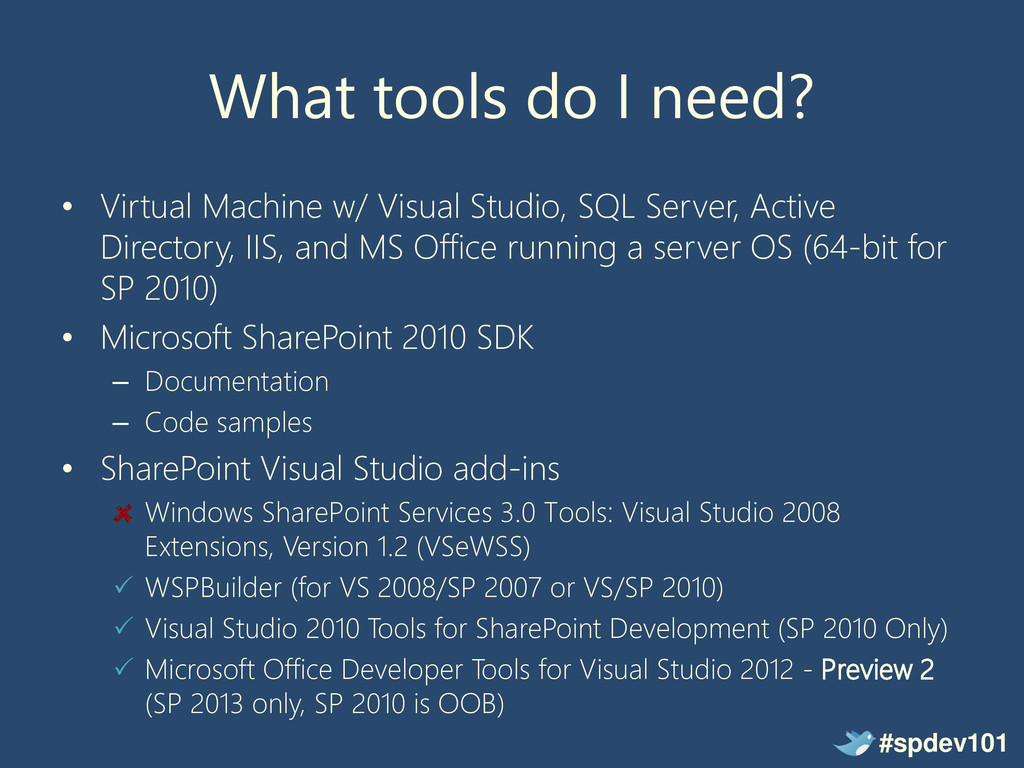
Studio, SQL Server, Active Directory, IIS, and MS Office running a server OS (64-bit for SP 2010) • Microsoft SharePoint 2010 SDK – Documentation – Code samples • SharePoint Visual Studio add-ins Windows SharePoint Services 3.0 Tools: Visual Studio 2008 Extensions, Version 1.2 (VSeWSS) WSPBuilder (for VS 2008/SP 2007 or VS/SP 2010) Visual Studio 2010 Tools for SharePoint Development (SP 2010 Only) Microsoft Office Developer Tools for Visual Studio 2012 - Preview 2 (SP 2013 only, SP 2010 is OOB) #spdev101
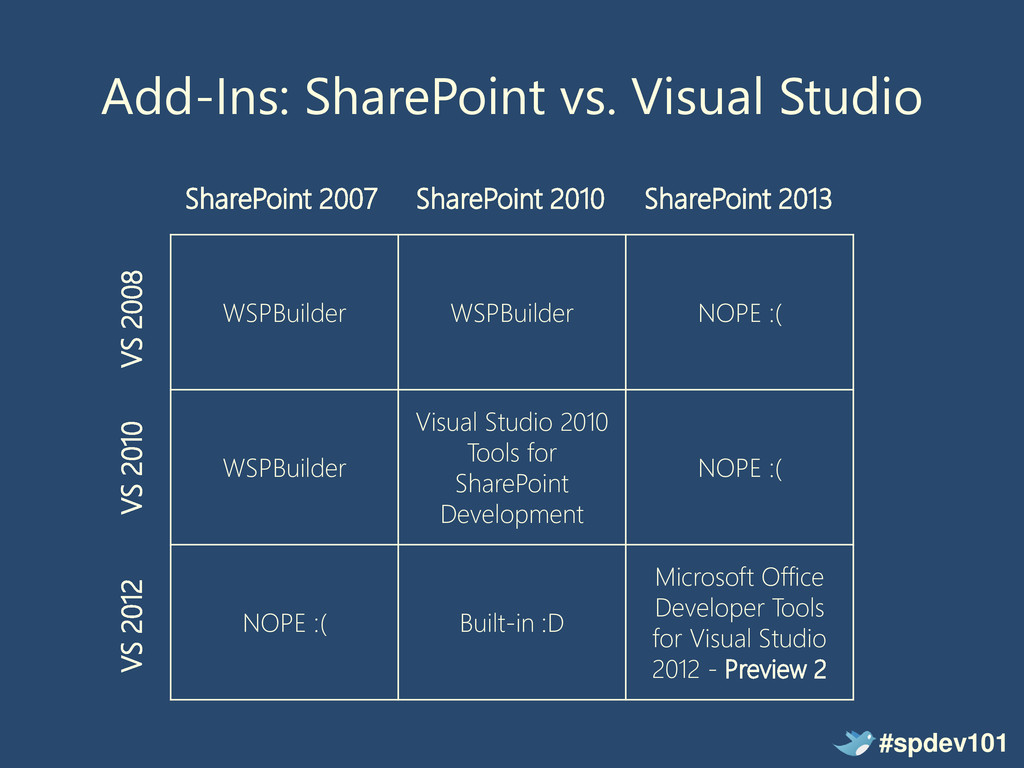
Visual Studio 2010 Tools for SharePoint Development NOPE :( NOPE :( Built-in :D Microsoft Office Developer Tools for Visual Studio 2012 - Preview 2 SharePoint 2007 SharePoint 2010 VS 2008 VS 2010 #spdev101 SharePoint 2013 VS 2012
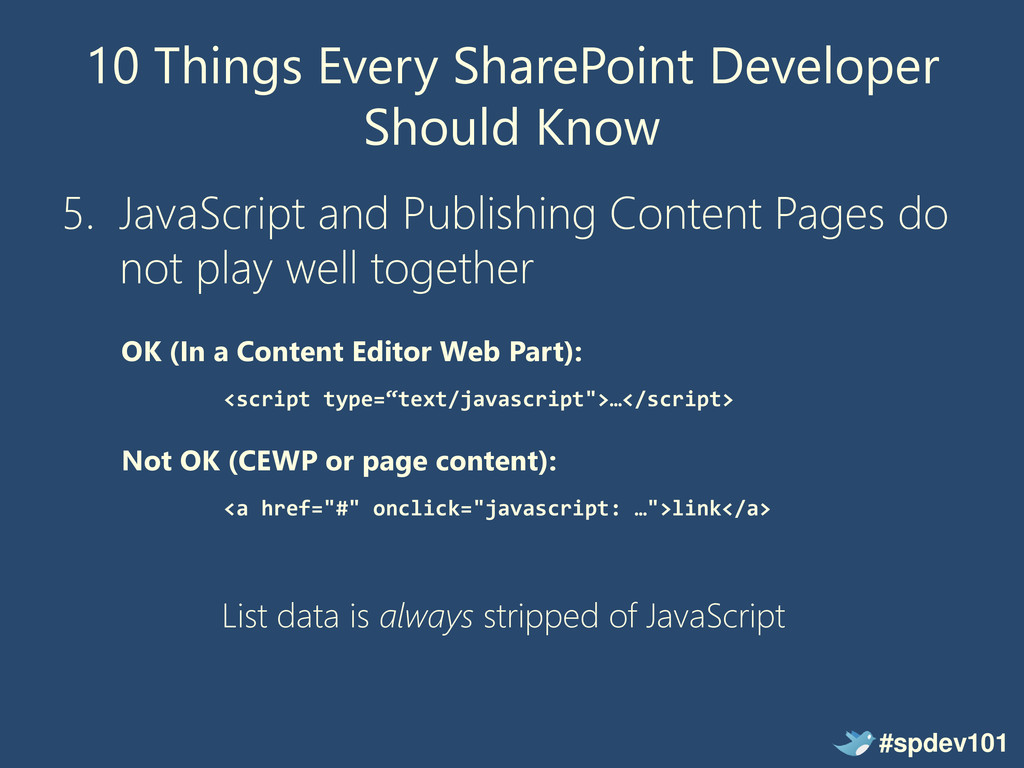
Publishing Content Pages do not play well together OK (In a Content Editor Web Part): <script type=“text/javascript">…</script> Not OK (CEWP or page content): <a href="#" onclick="javascript: …">link</a> List data is always stripped of JavaScript #spdev101
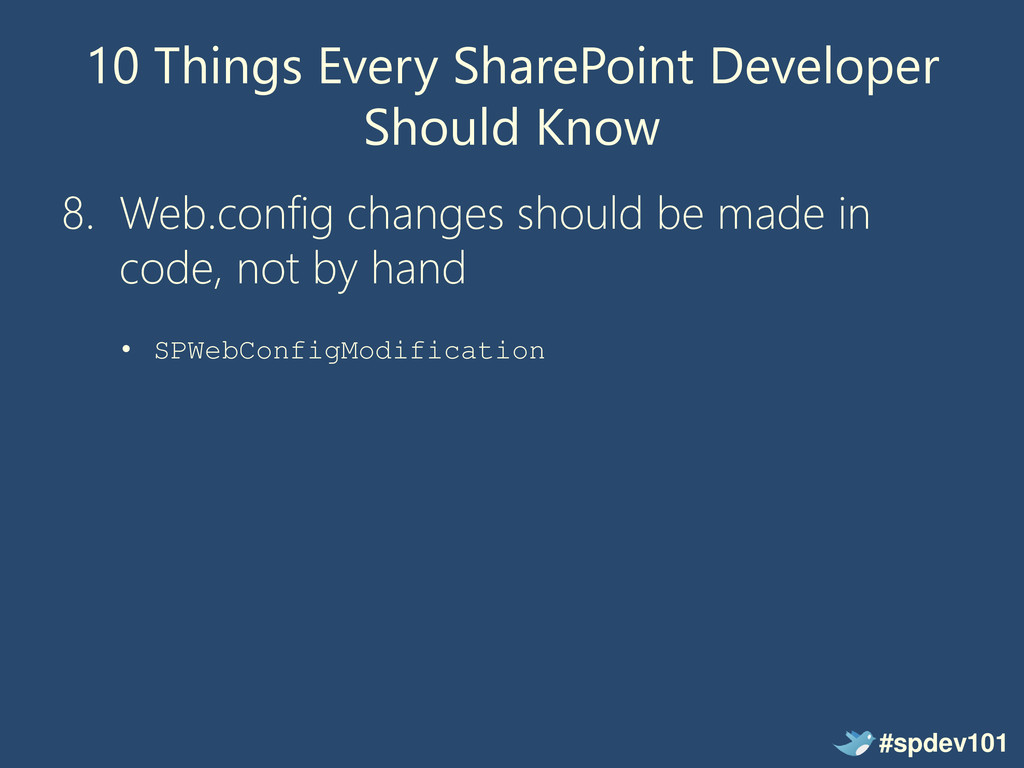
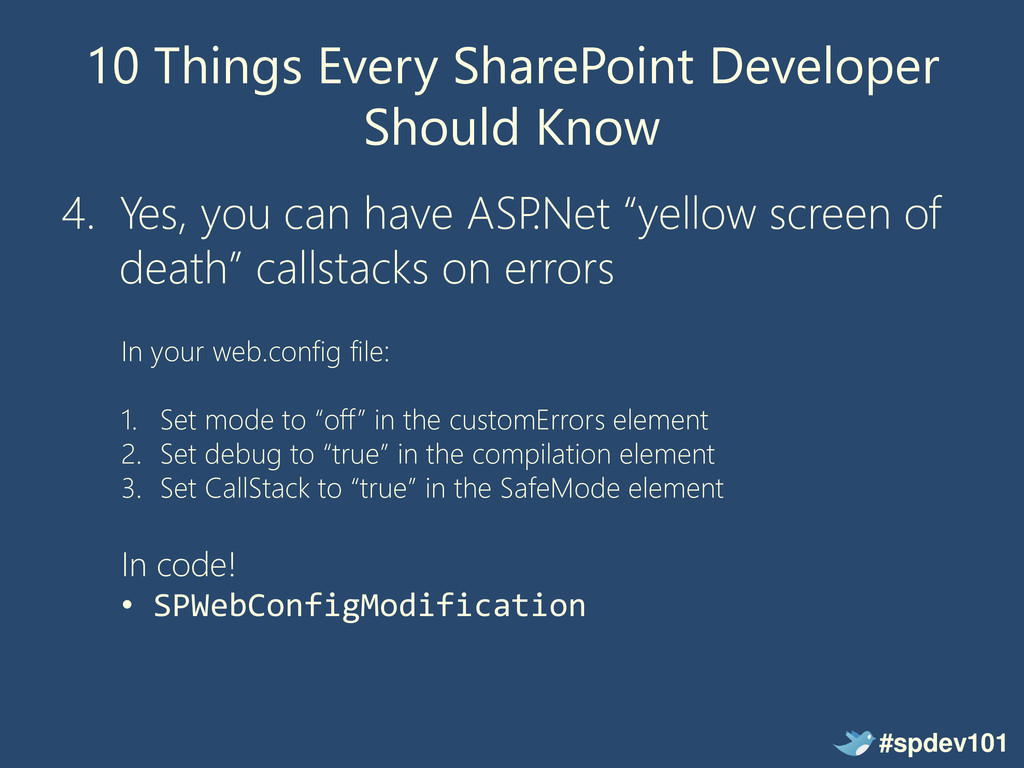
can have ASP .Net “yellow screen of death” callstacks on errors In your web.config file: 1. Set mode to “off” in the customErrors element 2. Set debug to “true” in the compilation element 3. Set CallStack to “true” in the SafeMode element In code! • SPWebConfigModification #spdev101
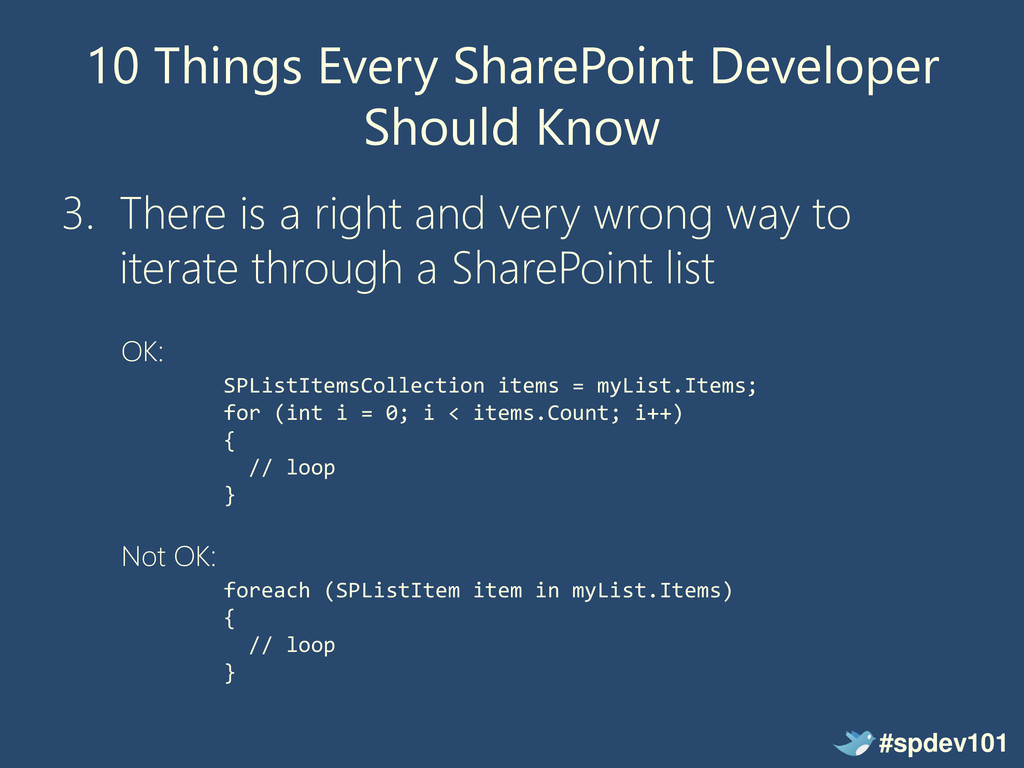
a right and very wrong way to iterate through a SharePoint list OK: SPListItemsCollection items = myList.Items; for (int i = 0; i < items.Count; i++) { // loop } Not OK: foreach (SPListItem item in myList.Items) { // loop } #spdev101
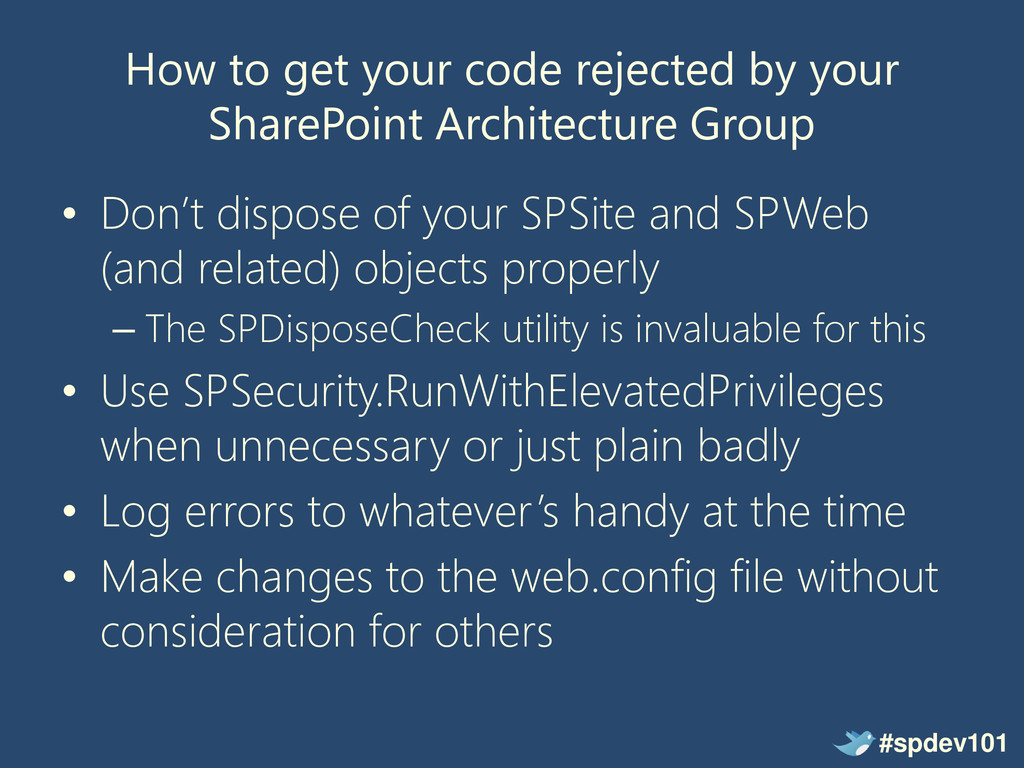
Group • Don’t dispose of your SPSite and SPWeb (and related) objects properly – The SPDisposeCheck utility is invaluable for this • Use SPSecurity.RunWithElevatedPrivileges when unnecessary or just plain badly • Log errors to whatever’s handy at the time • Make changes to the web.config file without consideration for others #spdev101
can find me at: • Blog: http://greghurlman.com • Twitter: @ghurlman • Email: [email protected] • Princeton Area SharePoint User Group • SharePoint Saturday New York & New Jersey • Manticore Theatre @ PAX East #spdev101


 neuecc
 optim
optim
 naokihaba
 ivargrimstad
 minodriven
 mixplace
 sylph01
 andpad
 yukiny
 yuta_onishi_97
 akase244
 clockmaker
 holman
 sugarenia
 hatefulcrawdad
 morganepeng
 nwiizo
 inesmontani
 aleyda
 ryanjones
 uxyall
 greggifford
 livdayseo
 lemiorhan