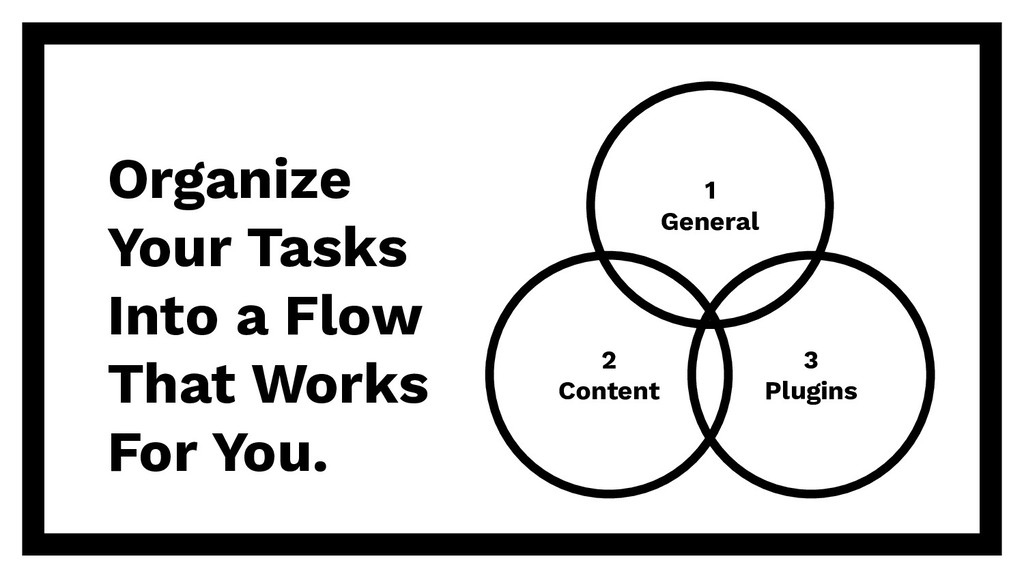
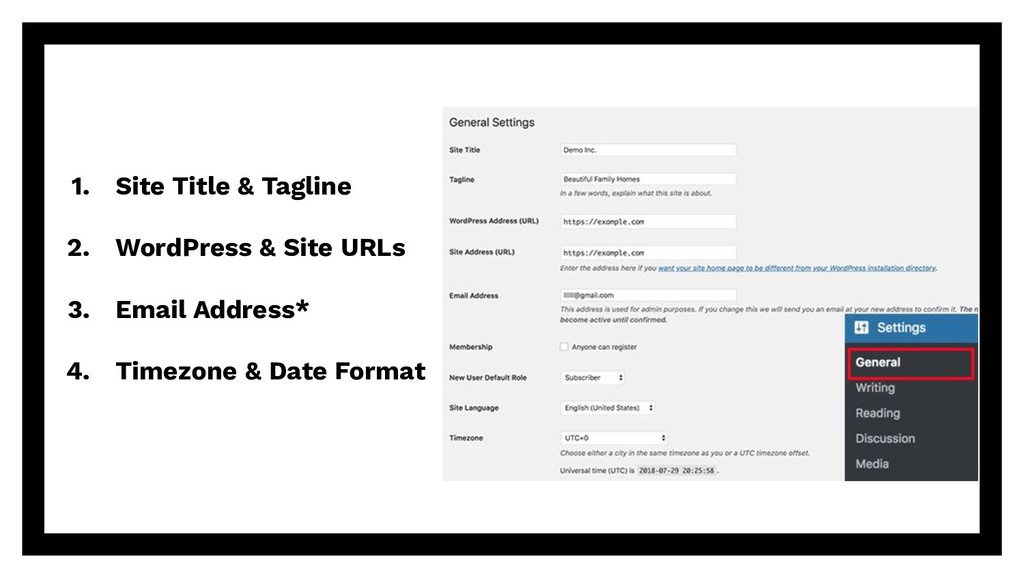
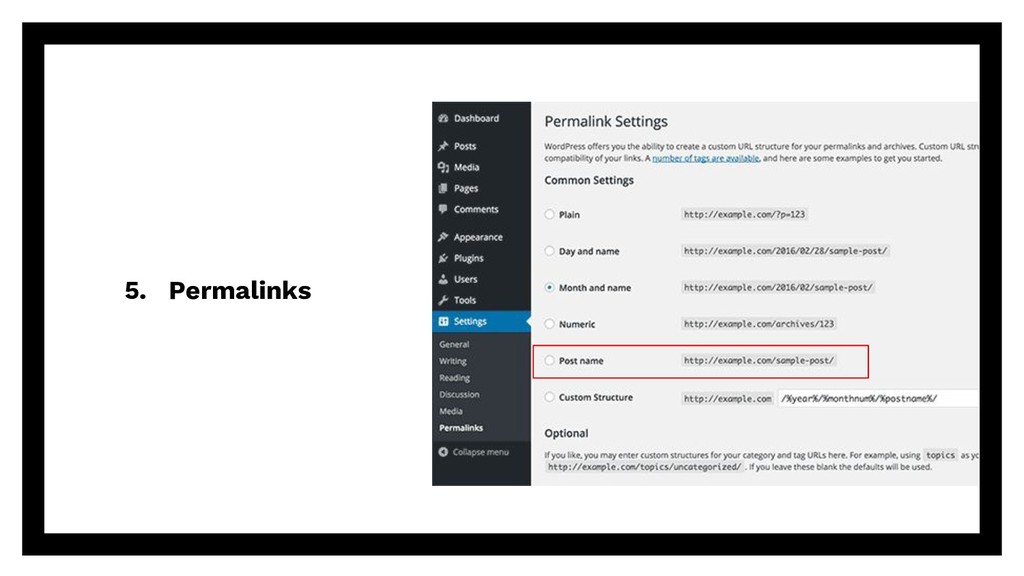
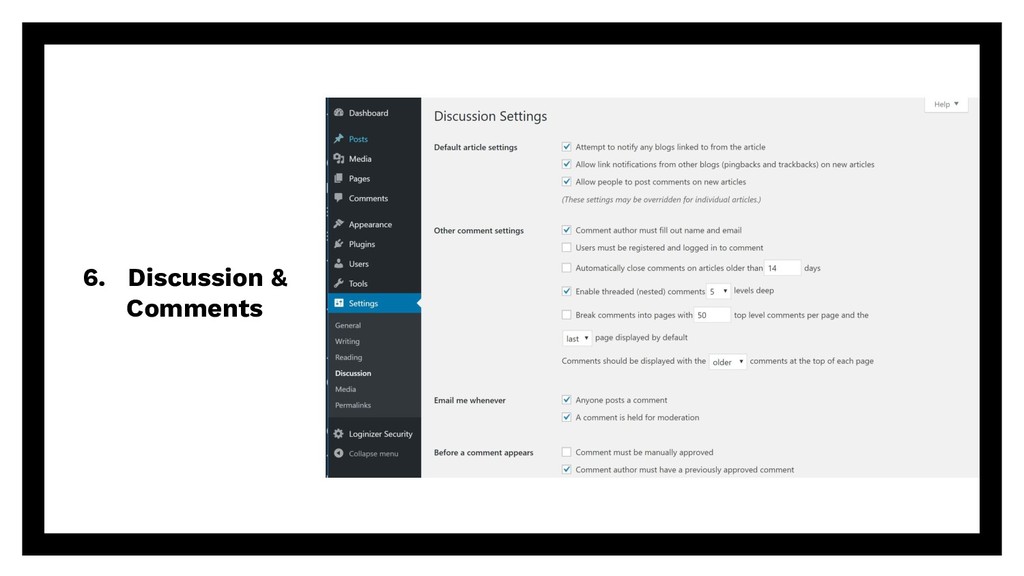
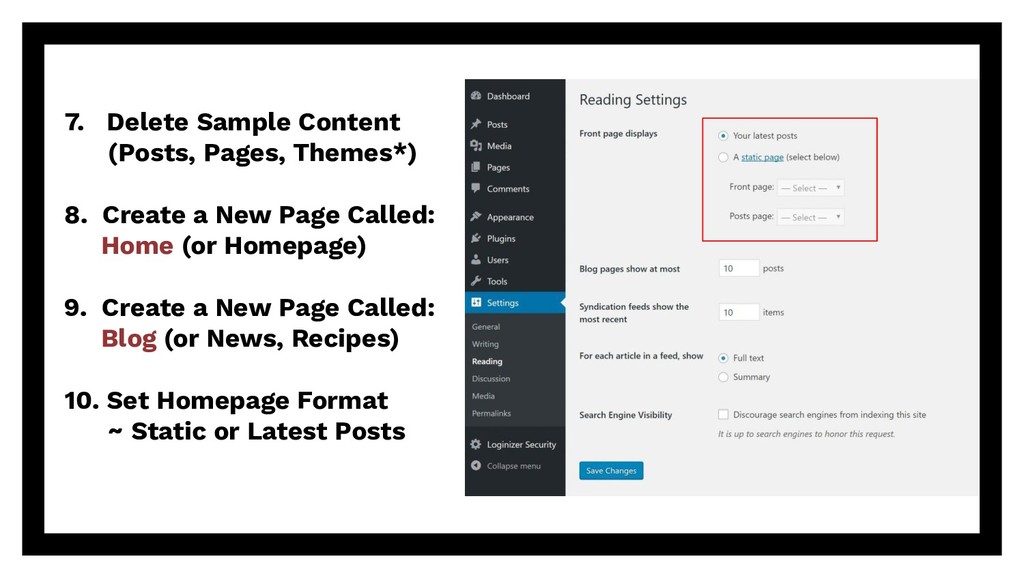
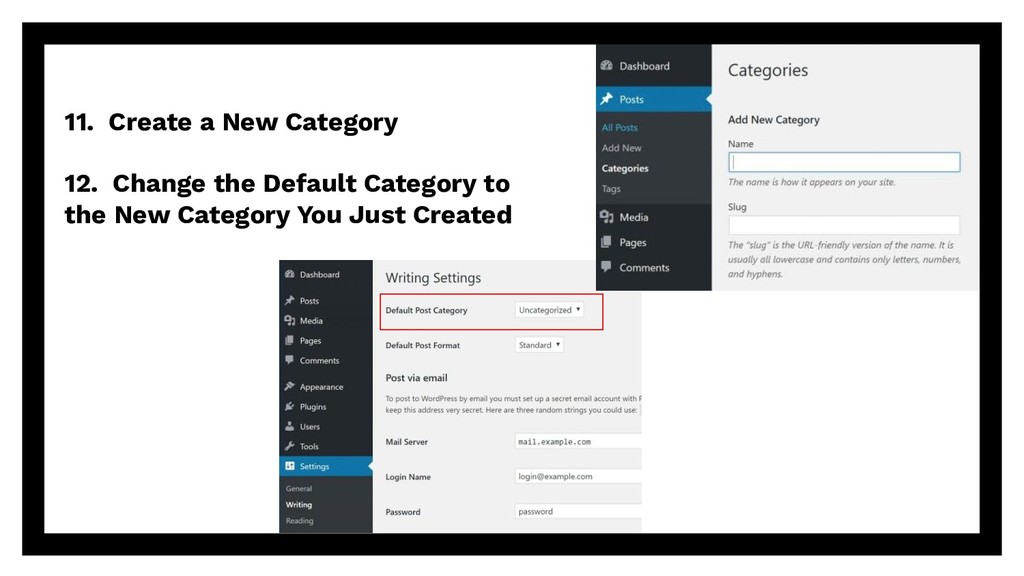
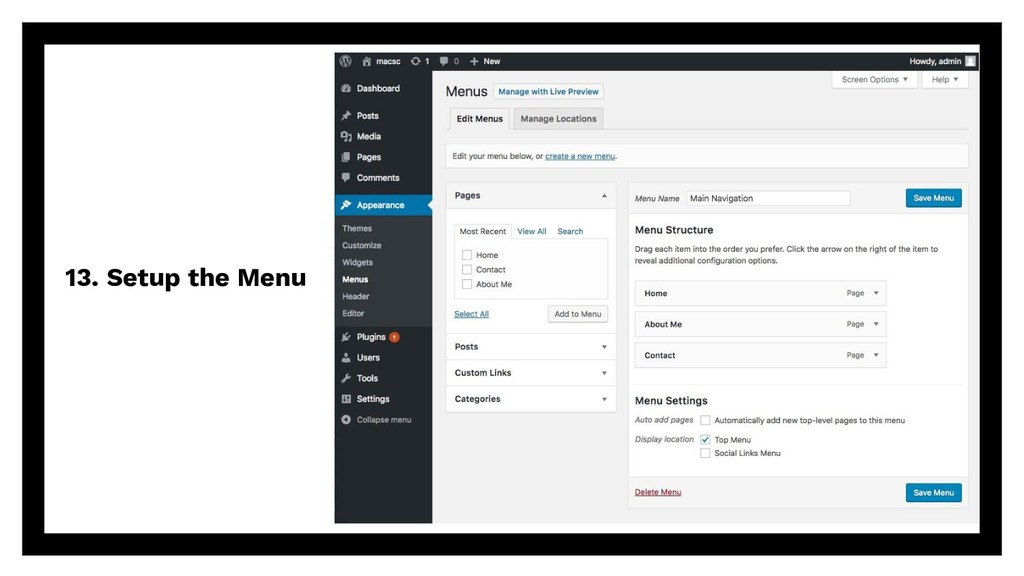
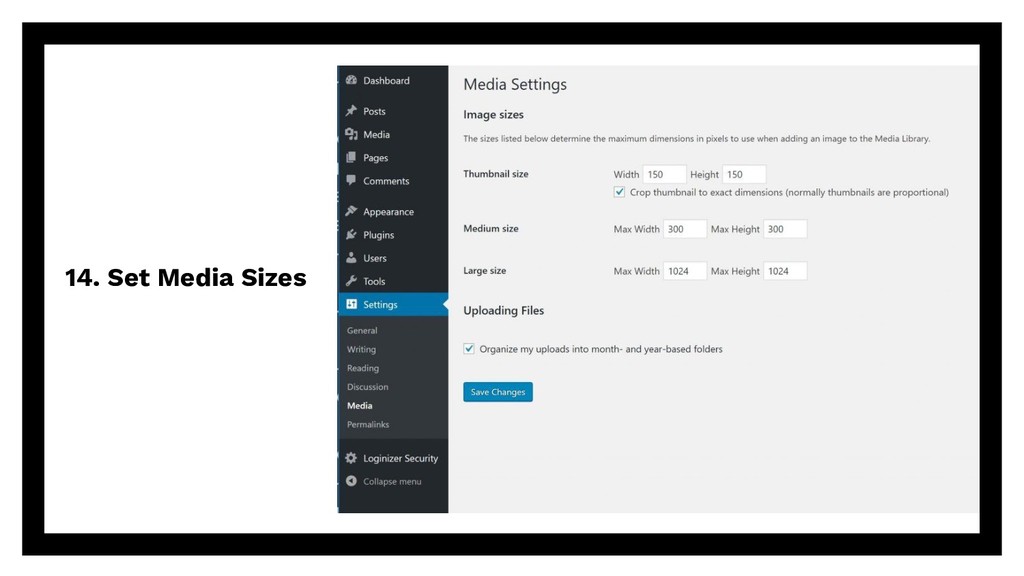
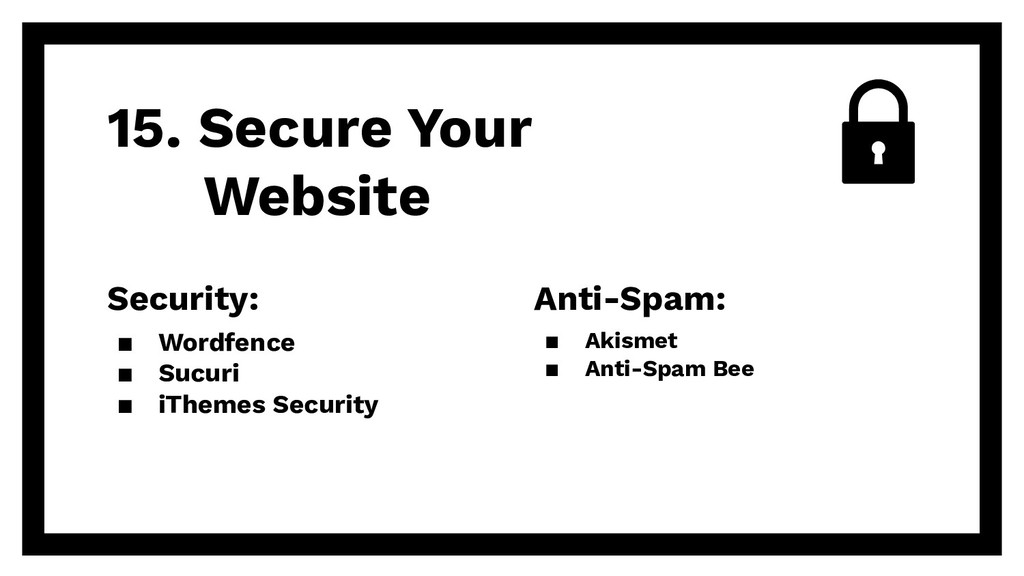
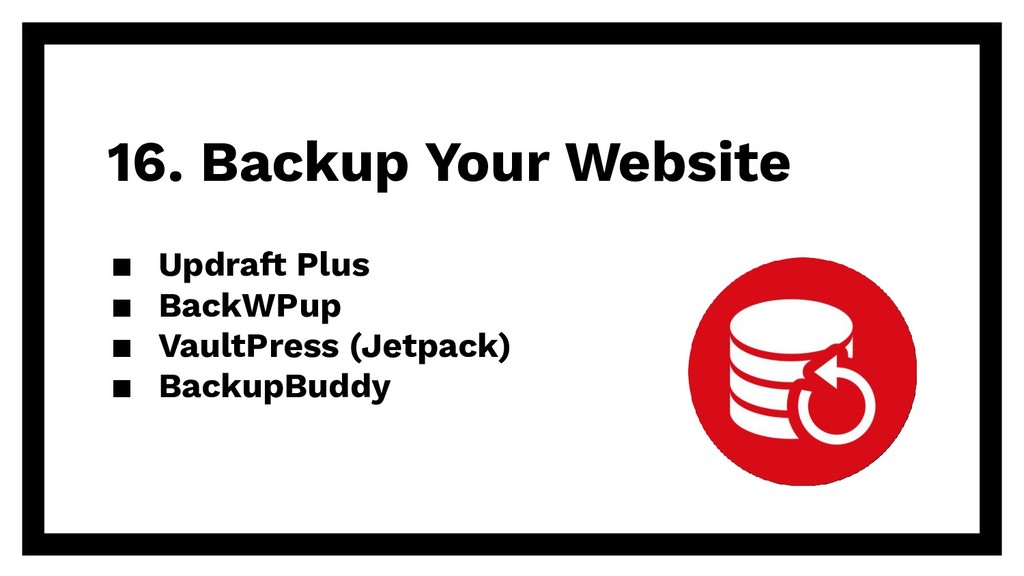
Presentation at the August WordPress Meetup in Southwest Florida on the 15+ things you should do after installing WordPress. A walk-through of numerous general site settings, content format and settings, as well as useful plugins to install and configure on a new WordPress website.


 guycicinelli
 takahashim
 taketakekaho
 mhrtech
 codmoninc
 genda
genda
 terapyon
 carta_engineering
 riyaamemiya
 tetsuya28
 koukihosaka
 makocchi
 shumei_ito
 sugarenia
 inesmontani
 asonas
 soudai
 aleyda
 kimpetersen
 tammyeverts
 vanstee
 jonoalderson
 lynnandtonic
 techseoconnect