Upgrade to Pro — share decks privately, control downloads, hide ads and more …

WordPress: Managing Clients, On-Boarding, and B...

Sponsored · Ship Features Fearlessly Turn features on and off without deploys. Used by thousands of Ruby developers. →

WordPress: Managing Clients, On-Boarding, and Backups

Presentation talking about managing clients - and their websites, including a discussion about on-boarding new clients and creating backups.

Avatar for Guy Cicinelli

Guy Cicinelli

June 05, 2019

More Decks by Guy Cicinelli

Other Decks in Technology

Transcript

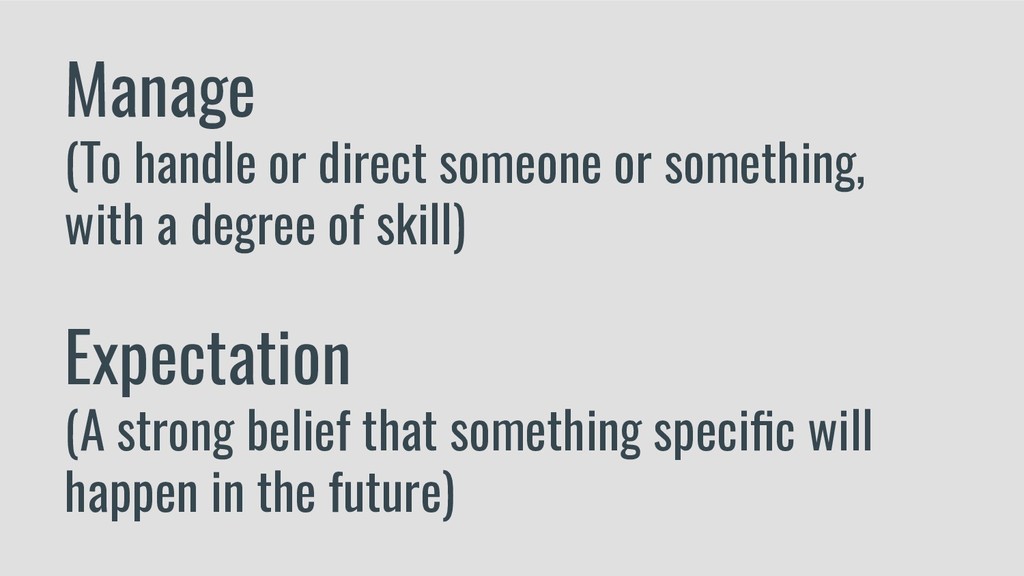
  1. Manage (To handle or direct someone or something, with a

    degree of skill) Expectation (A strong belief that something specific will happen in the future)
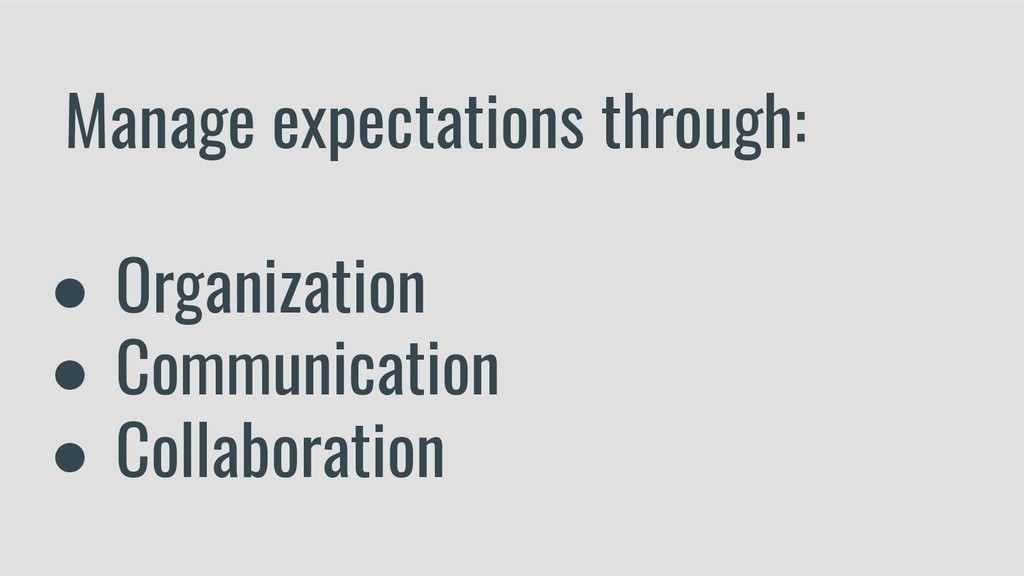
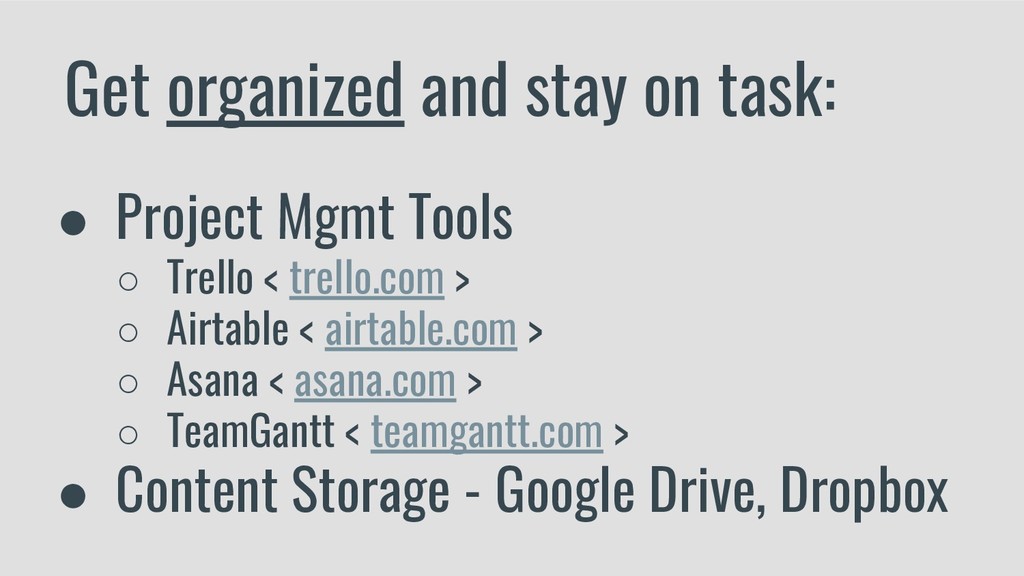
  2. Get organized and stay on task: • Project Mgmt Tools

    ◦ Trello < trello.com > ◦ Airtable < airtable.com > ◦ Asana < asana.com > ◦ TeamGantt < teamgantt.com > • Content Storage - Google Drive, Dropbox
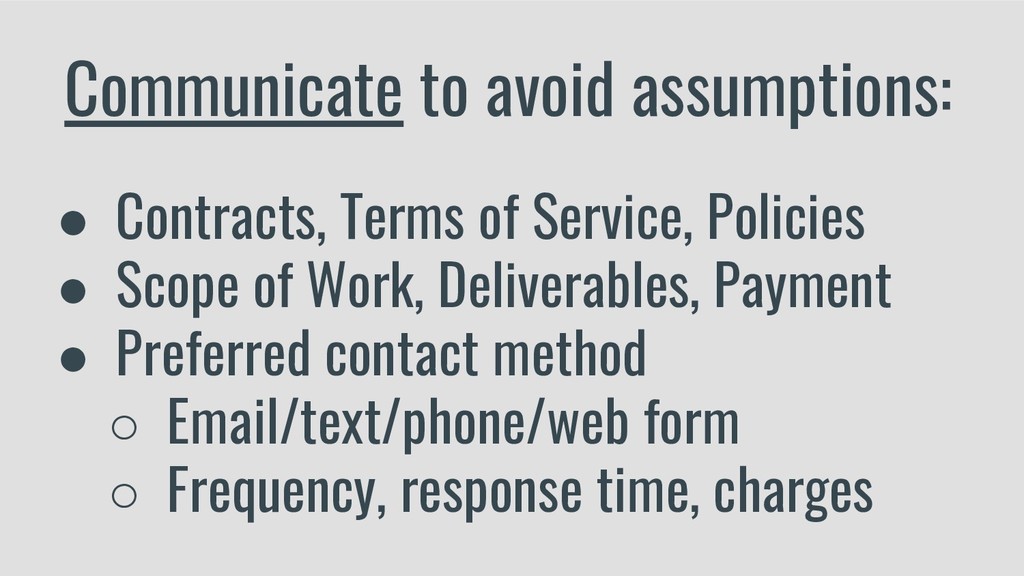
  3. Communicate to avoid assumptions: • Contracts, Terms of Service, Policies

    • Scope of Work, Deliverables, Payment • Preferred contact method ◦ Email/text/phone/web form ◦ Frequency, response time, charges
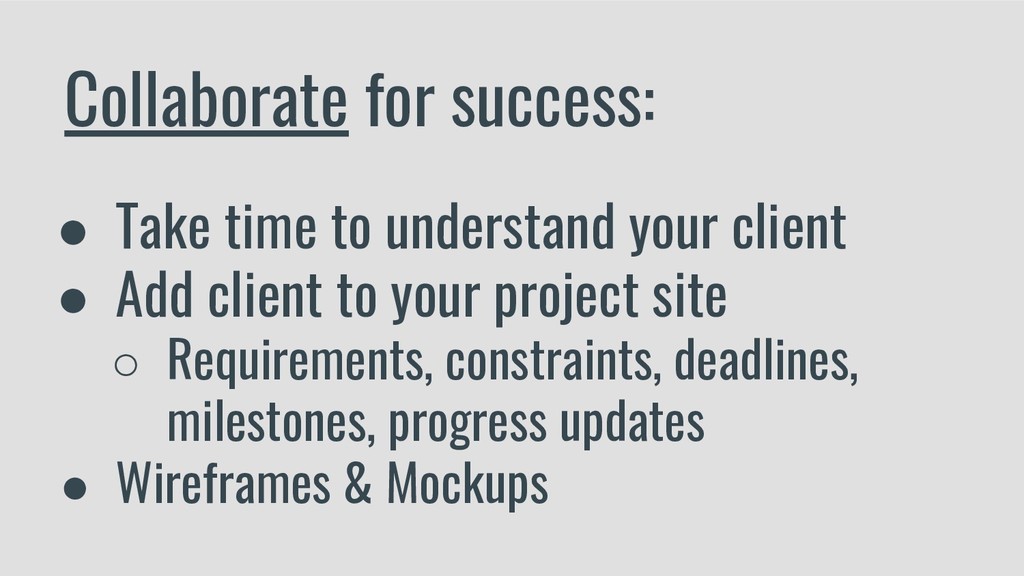
  4. Collaborate for success: • Take time to understand your client

    • Add client to your project site ◦ Requirements, constraints, deadlines, milestones, progress updates • Wireframes & Mockups
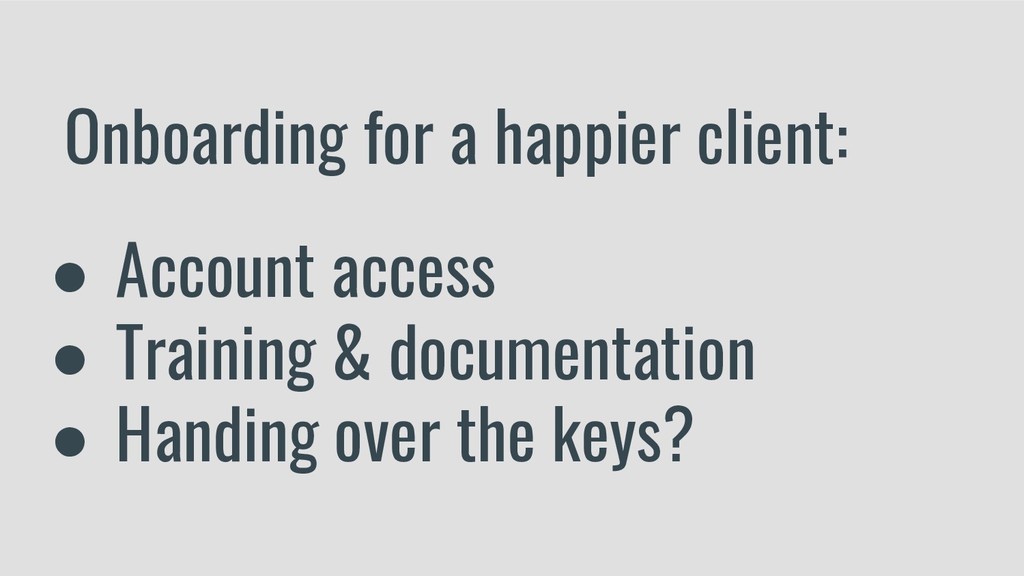
  5. Onboarding for a happier client: • Account access • Training

    & documentation • Handing over the keys?
  6. Get access to necessary accounts: • Domain Registration • Web

    Hosting • WordPress.com ◦ Jetpack & WooCommerce services
  7. Create training & documentation: • Provide a Quick Start Guide

    ◦ WordPress basics ◦ Post/page creation process • Document accounts, emails, & procedures • Create YouTube videos, WP101 plugin
  8. Project is complete - now what? • Handing over the

    keys (documentation) • Testimonials & referrals • Monthly maintenance plan options ◦ New contract! Discuss SLA’s ◦ White label (wpbuffs, manageWP)
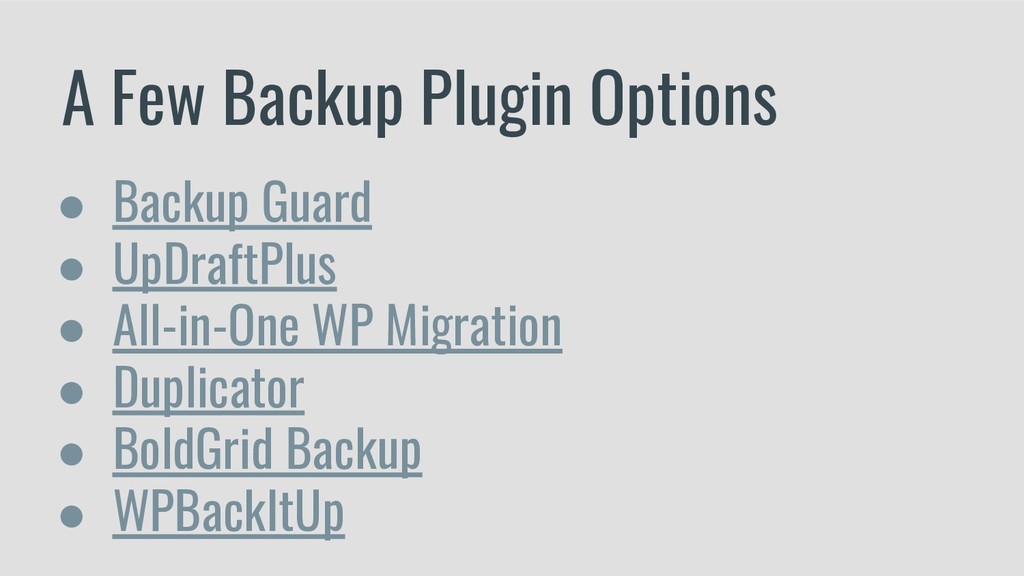
  9. A Few Backup Plugin Options • Backup Guard • UpDraftPlus

    • All-in-One WP Migration • Duplicator • BoldGrid Backup • WPBackItUp