As we all know google io'18 announced jetpack.. as a set of library including architectural components i am sharing some of components which would be helpful to us for improved coding archituecture in our application.
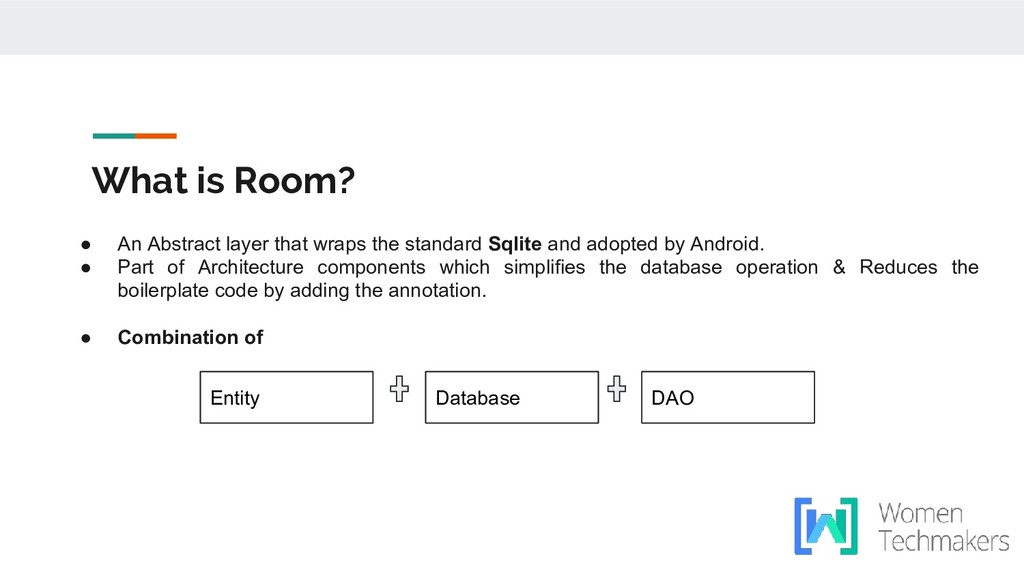
standard Sqlite and adopted by Android. • Part of Architecture components which simplifies the database operation & Reduces the boilerplate code by adding the annotation. • Combination of Entity DAO Database
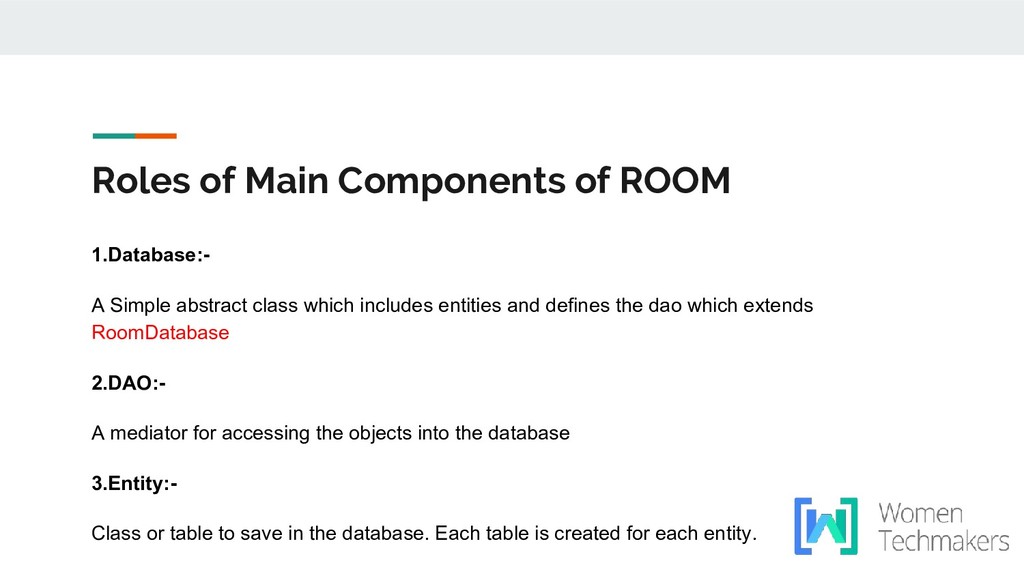
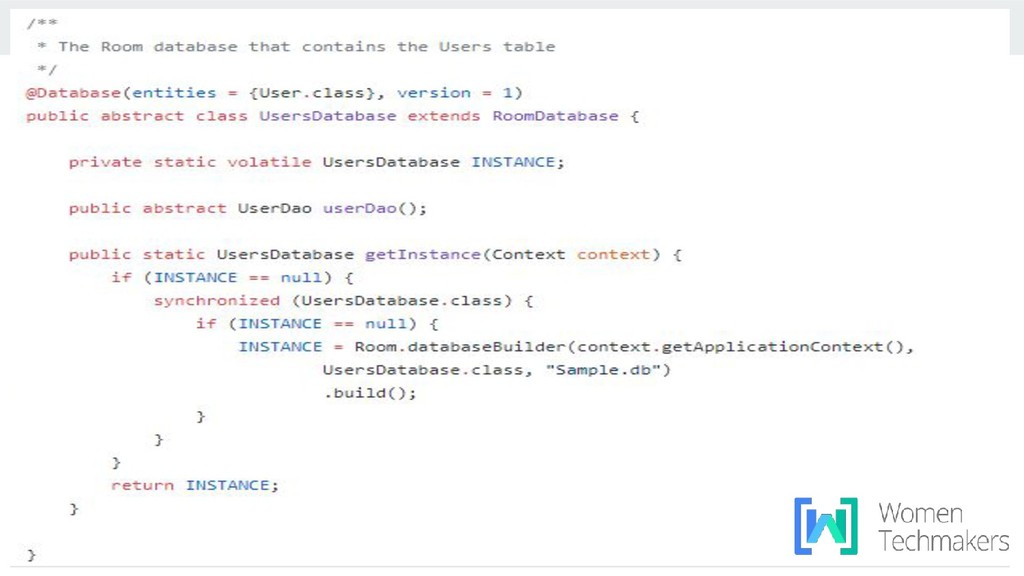
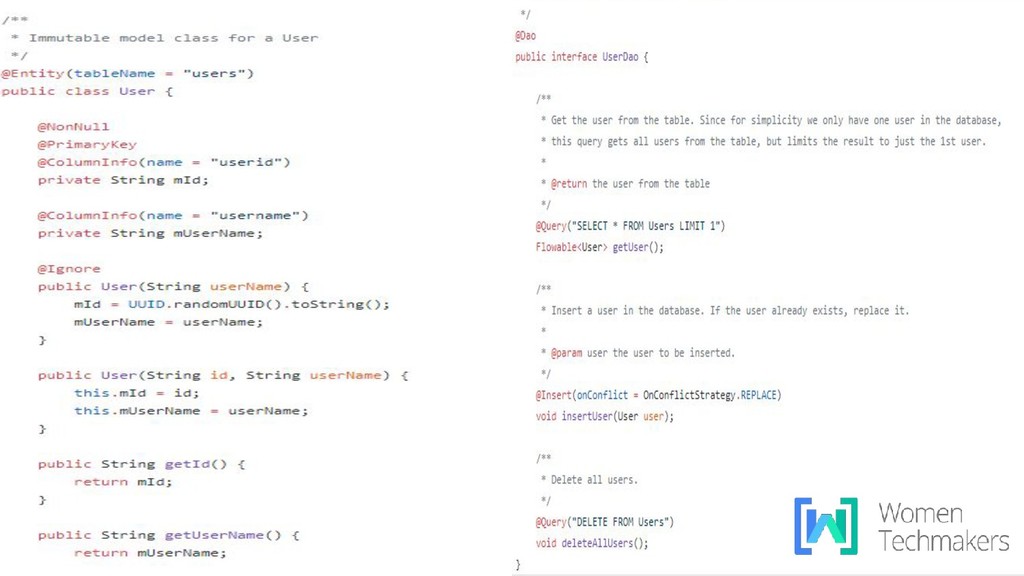
class which includes entities and defines the dao which extends RoomDatabase 2.DAO:- A mediator for accessing the objects into the database 3.Entity:- Class or table to save in the database. Each table is created for each entity.
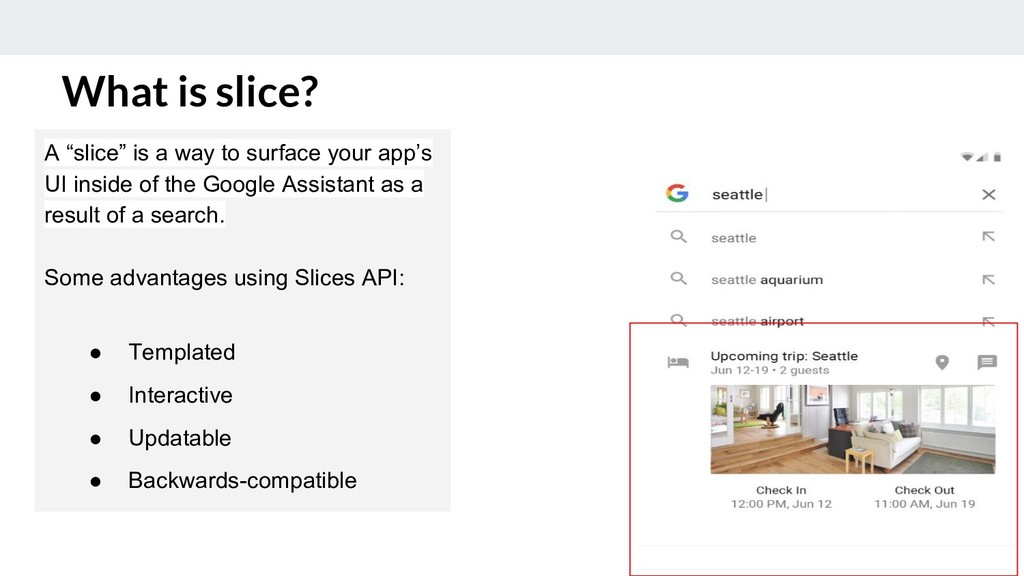
your app’s UI inside of the Google Assistant as a result of a search. Some advantages using Slices API: • Templated • Interactive • Updatable • Backwards-compatible What is slice?
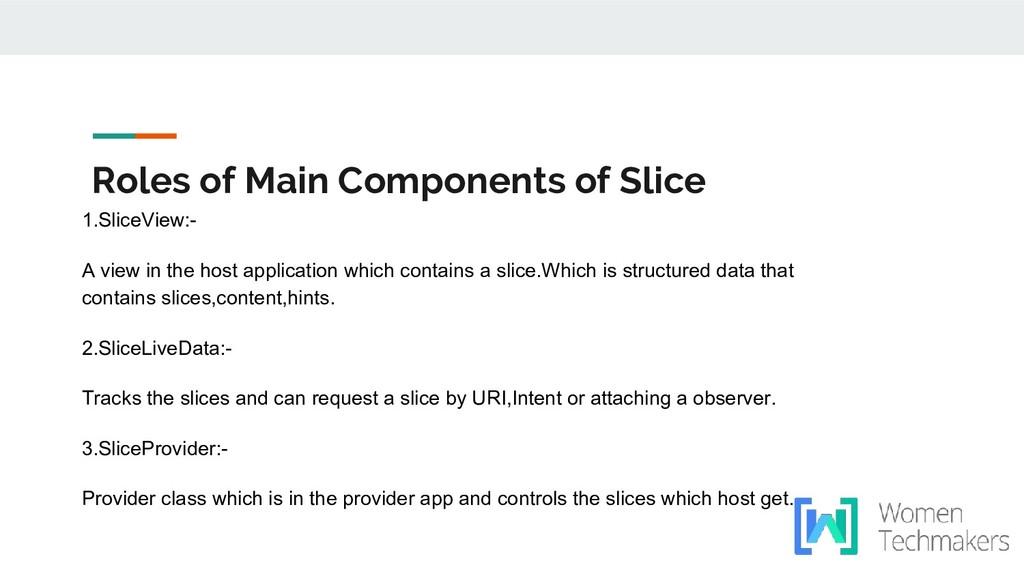
the host application which contains a slice.Which is structured data that contains slices,content,hints. 2.SliceLiveData:- Tracks the slices and can request a slice by URI,Intent or attaching a observer. 3.SliceProvider:- Provider class which is in the provider app and controls the slices which host get.
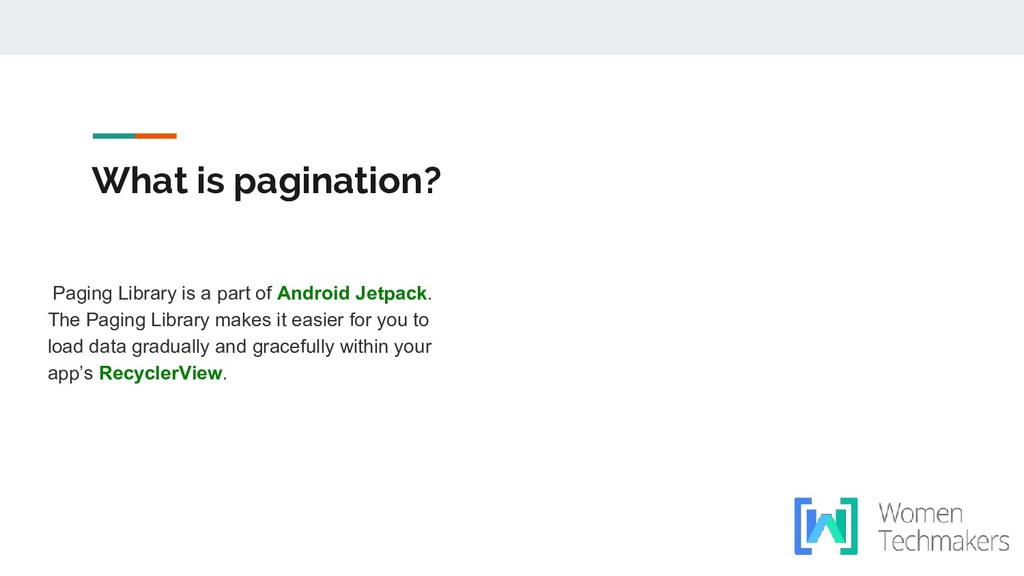
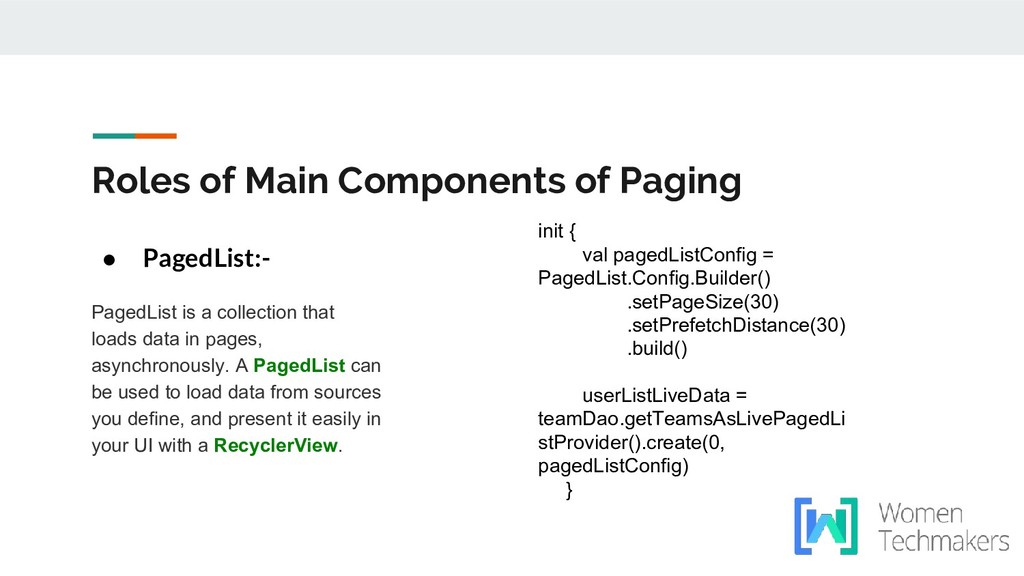
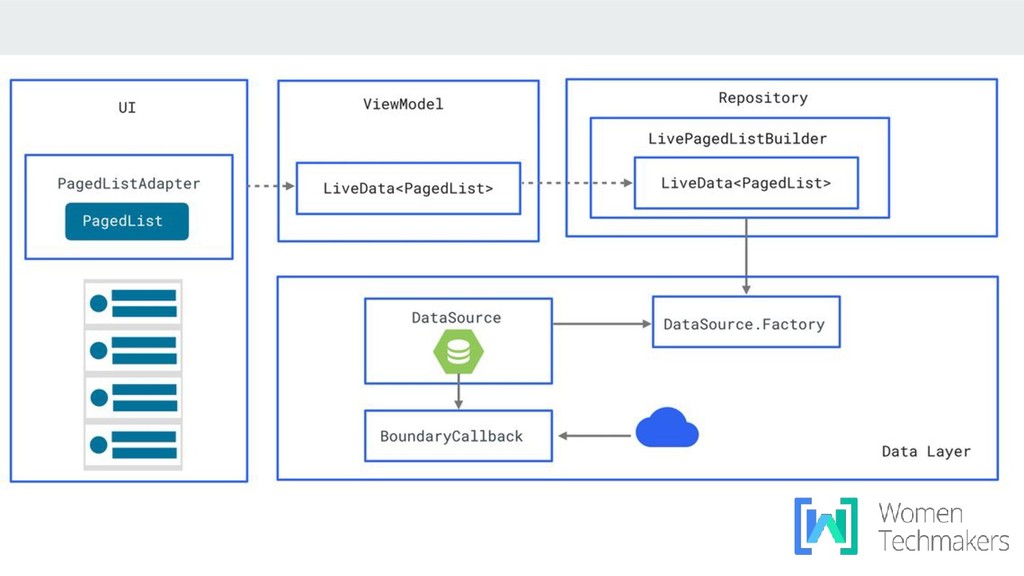
pages, asynchronously. A PagedList can be used to load data from sources you define, and present it easily in your UI with a RecyclerView. Roles of Main Components of Paging init { val pagedListConfig = PagedList.Config.Builder() .setPageSize(30) .setPrefetchDistance(30) .build() userListLiveData = teamDao.getTeamsAsLivePagedLi stProvider().create(0, pagedListConfig) }
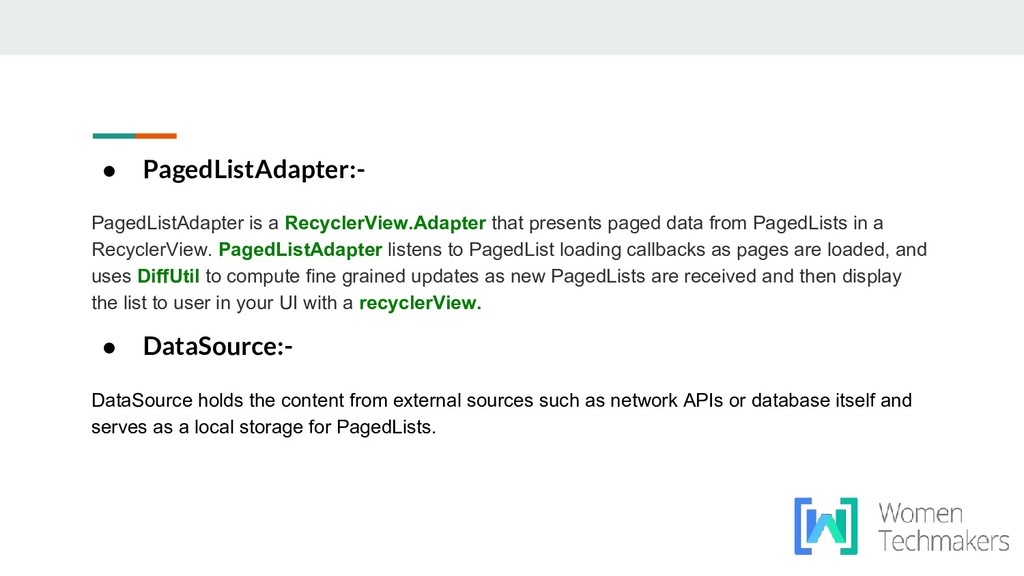
from PagedLists in a RecyclerView. PagedListAdapter listens to PagedList loading callbacks as pages are loaded, and uses DiffUtil to compute fine grained updates as new PagedLists are received and then display the list to user in your UI with a recyclerView. • DataSource:- DataSource holds the content from external sources such as network APIs or database itself and serves as a local storage for PagedLists.


 hardy
hardy
 siroemk
 falcon8823
 sorah
sorah
 rkaga
rkaga
 koic
koic
 deka_morita
 akit37
 econanringo
 kishida
 marcoroth
 uyuki234
 lcolladotor
 mojombo
 akosma
 letsgokoyo
 bluesmoon
 palkan
 reverentgeek
 bethany
 skipperchong
 mfonobong
 asonas
 trishagee
![JetPack Components by:Hardi Patel [email protected]](https://files.speakerdeck.com/presentations/da340541fd364e4fb64ee4ed17d92aa3/slide_0.jpg)