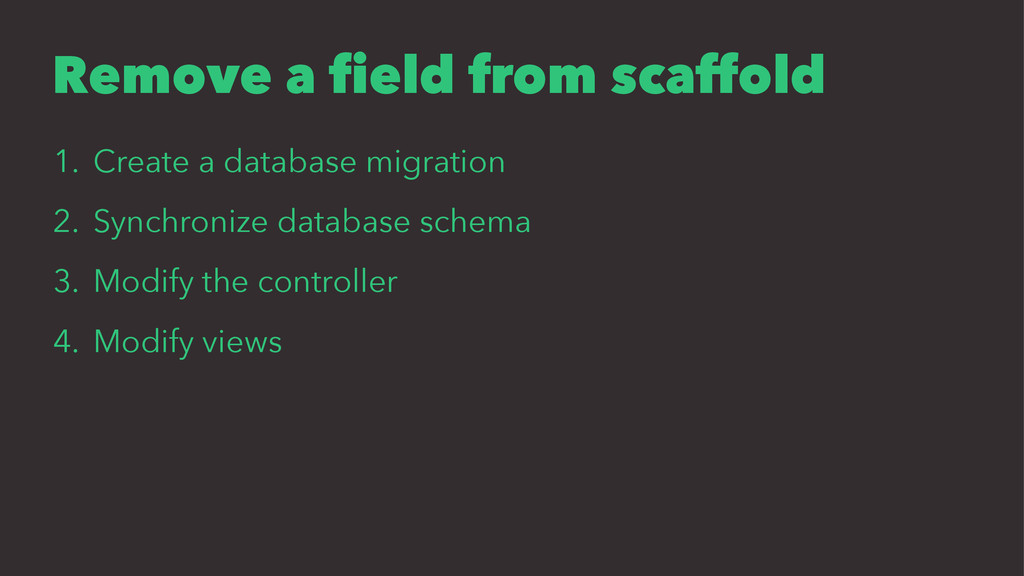
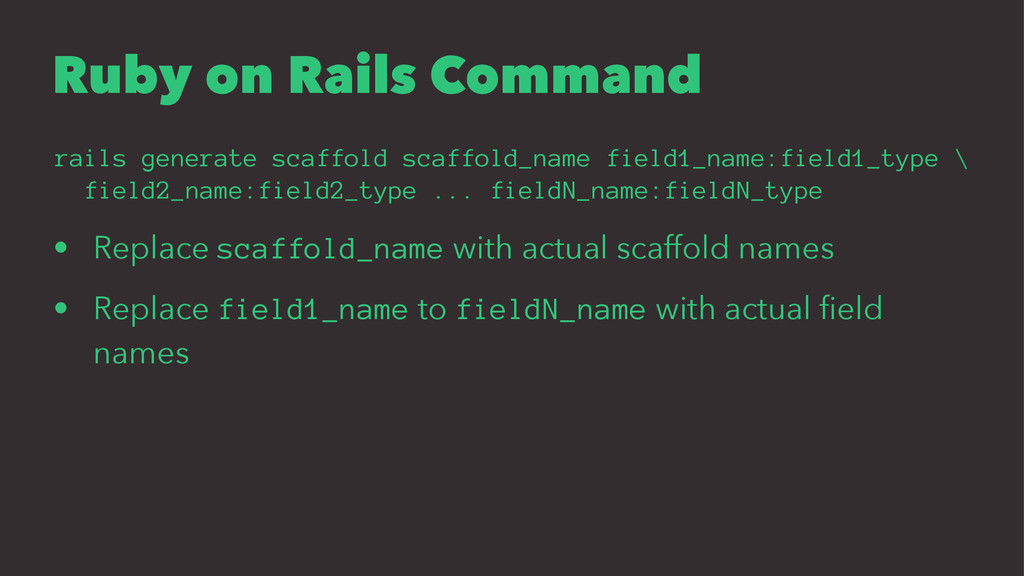
field2_name:field2_type ... fieldN_name:fieldN_type • Replace scaffold_name with actual scaffold names • Replace field1_name to fieldN_name with actual field names
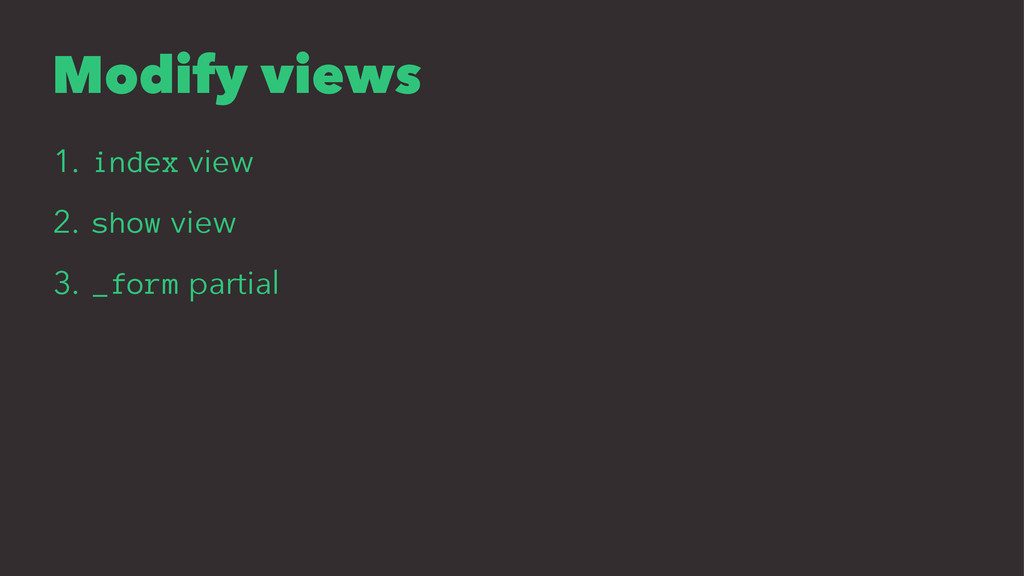
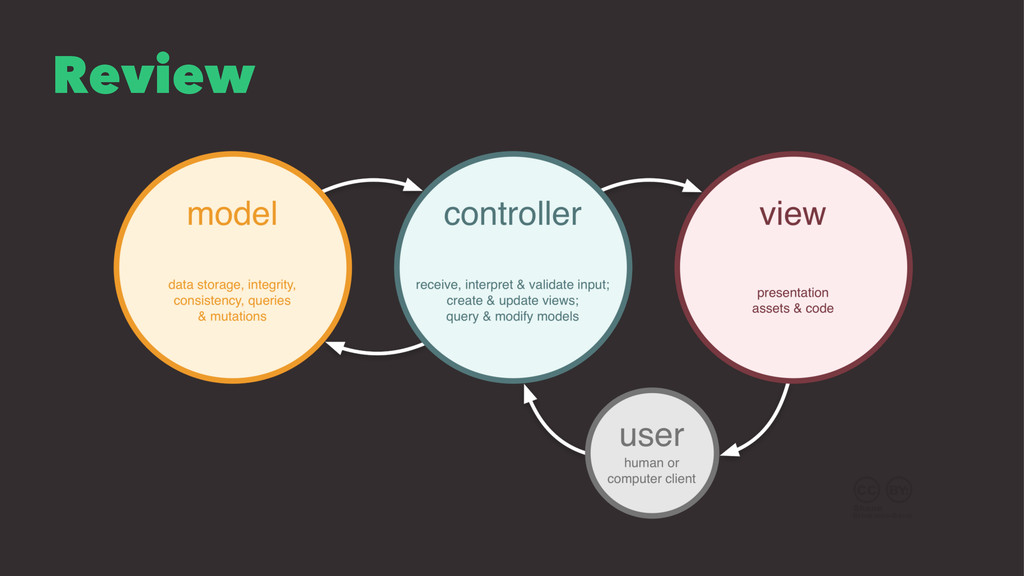
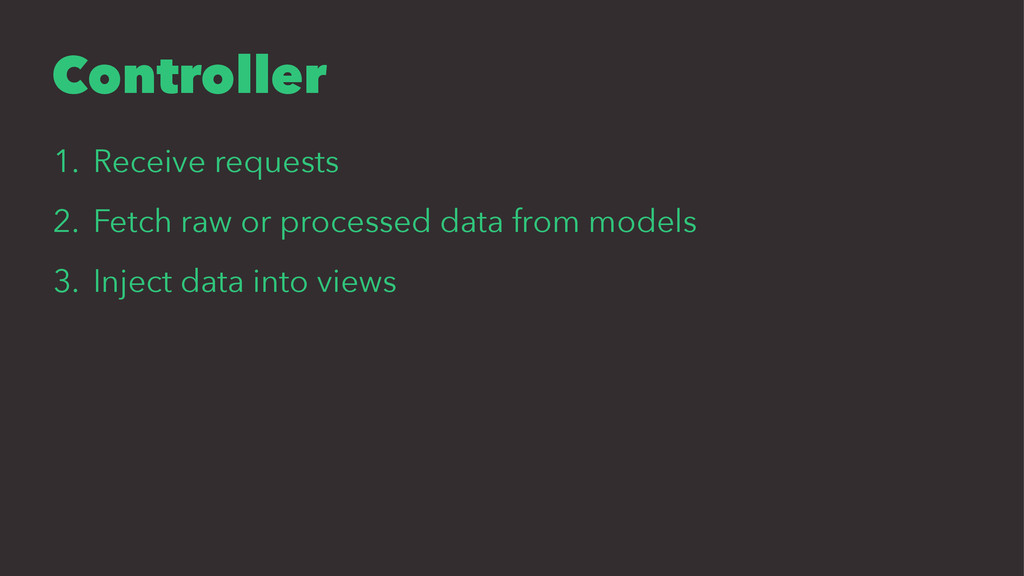
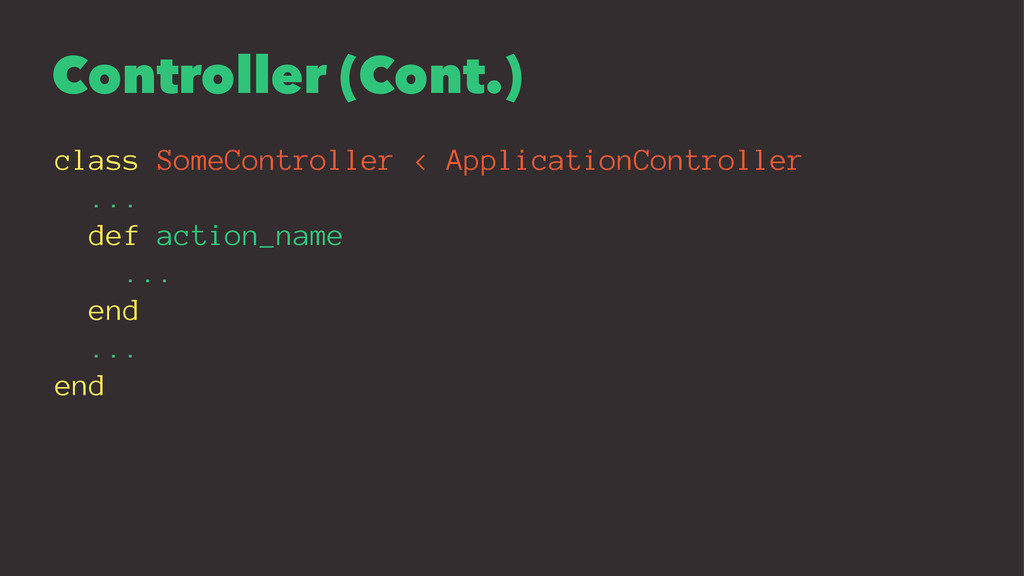
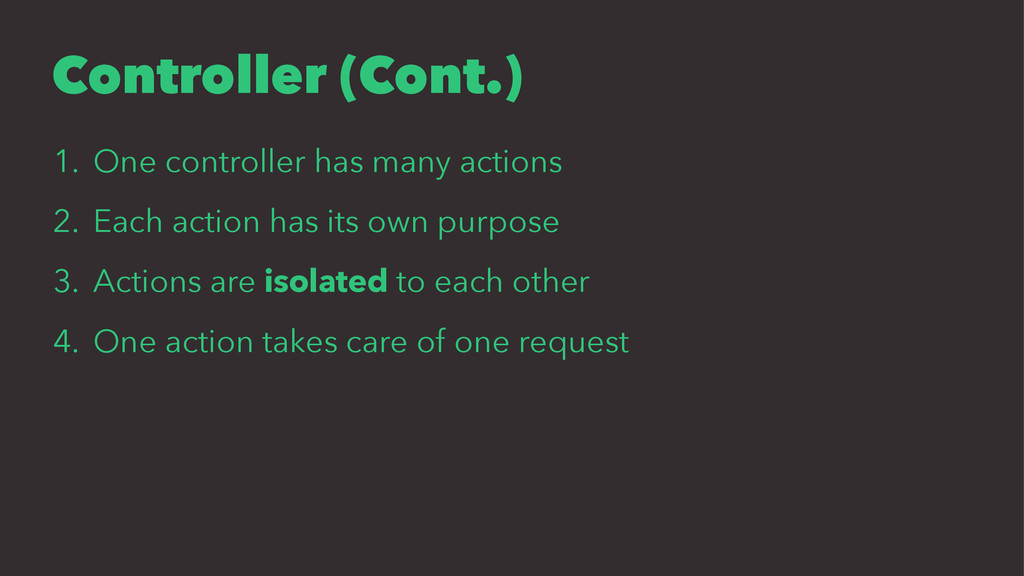
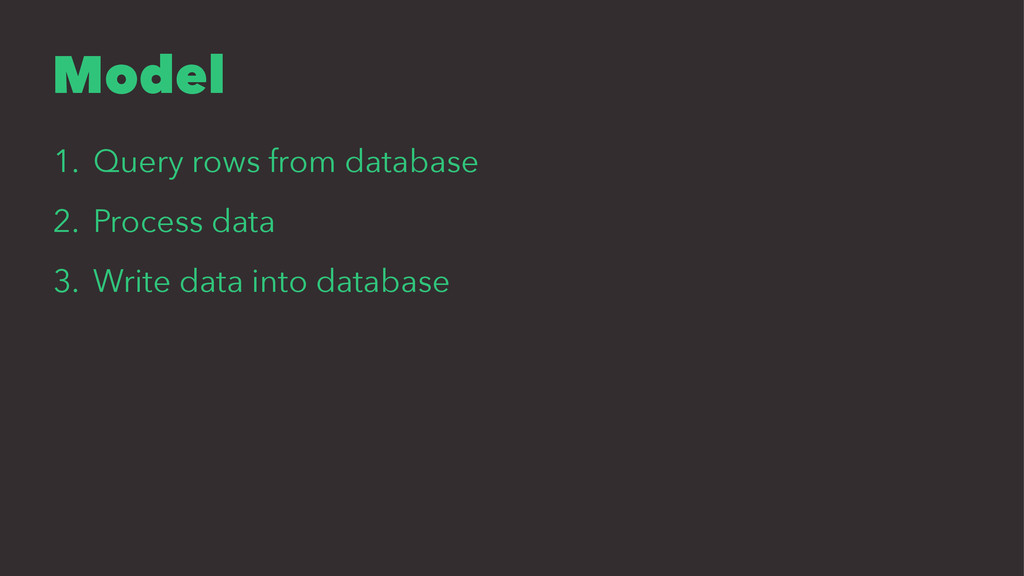
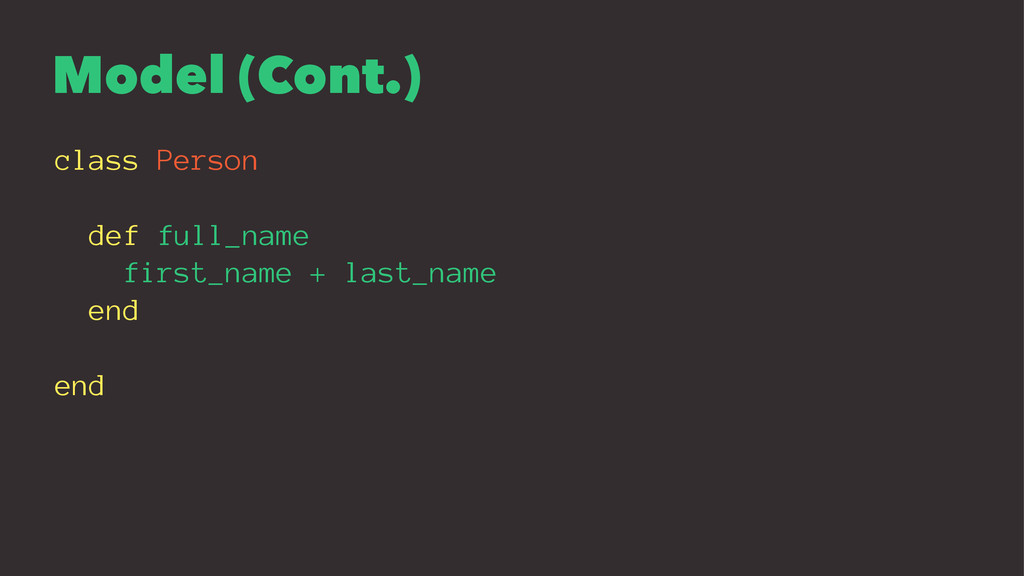
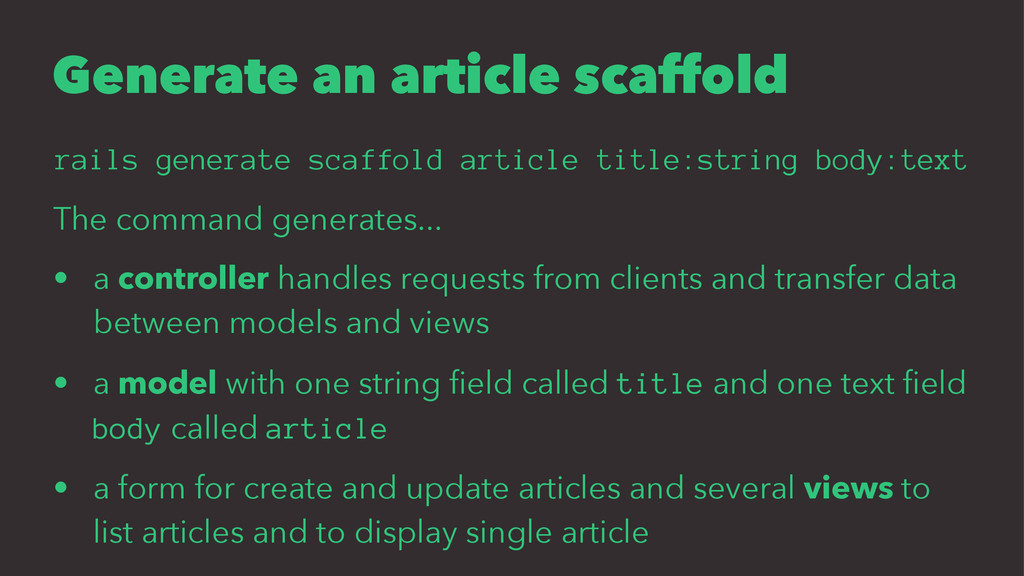
The command generates... • a controller handles requests from clients and transfer data between models and views • a model with one string field called title and one text field body called article • a form for create and update articles and several views to list articles and to display single article
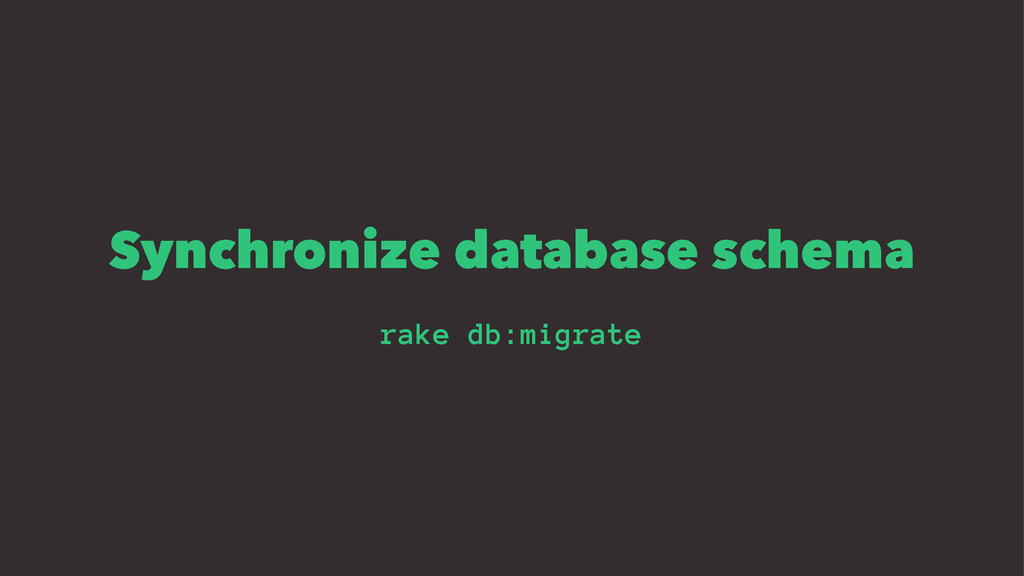
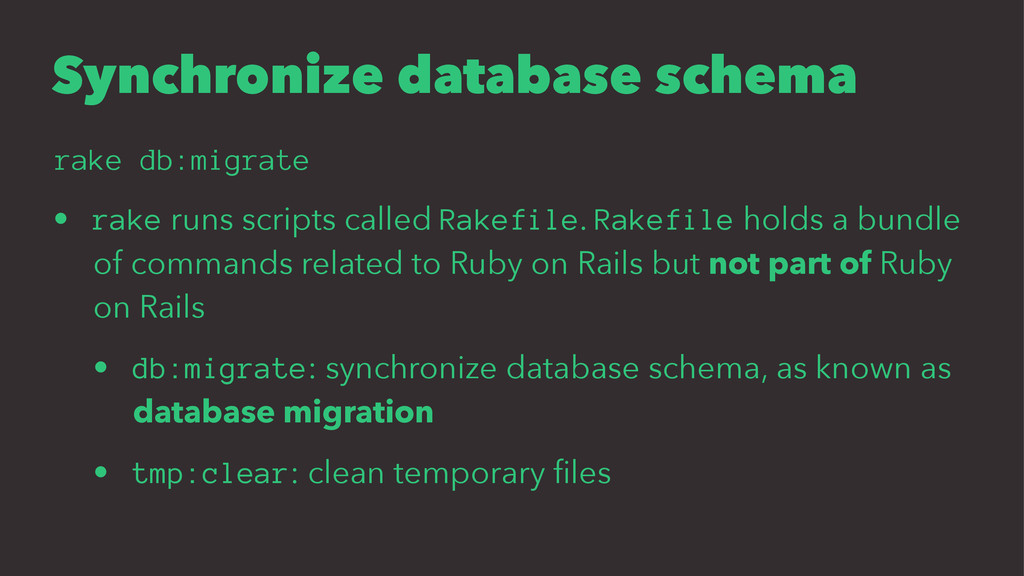
Rakefile. Rakefile holds a bundle of commands related to Ruby on Rails but not part of Ruby on Rails • db:migrate: synchronize database schema, as known as database migration • tmp:clear: clean temporary files
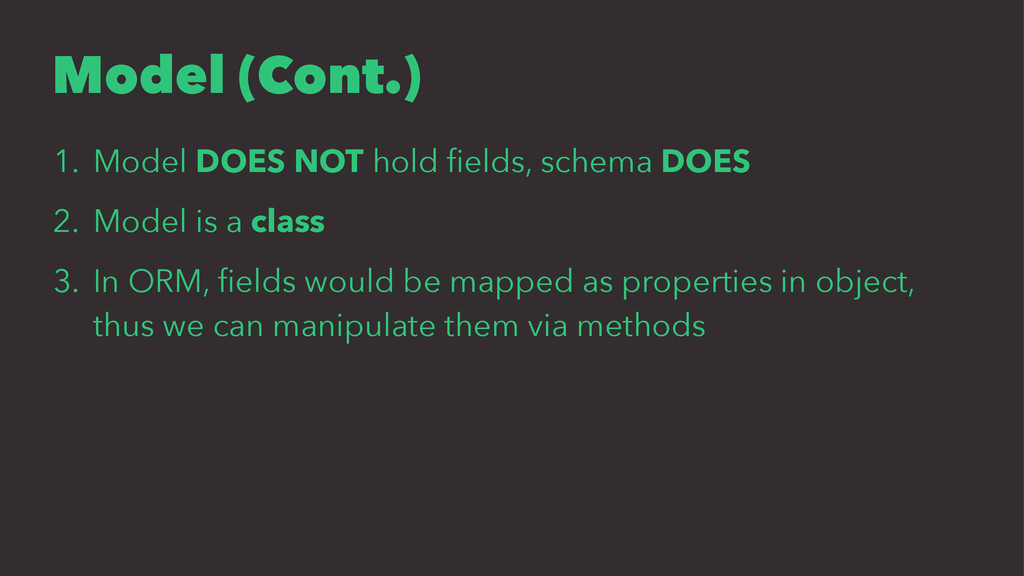
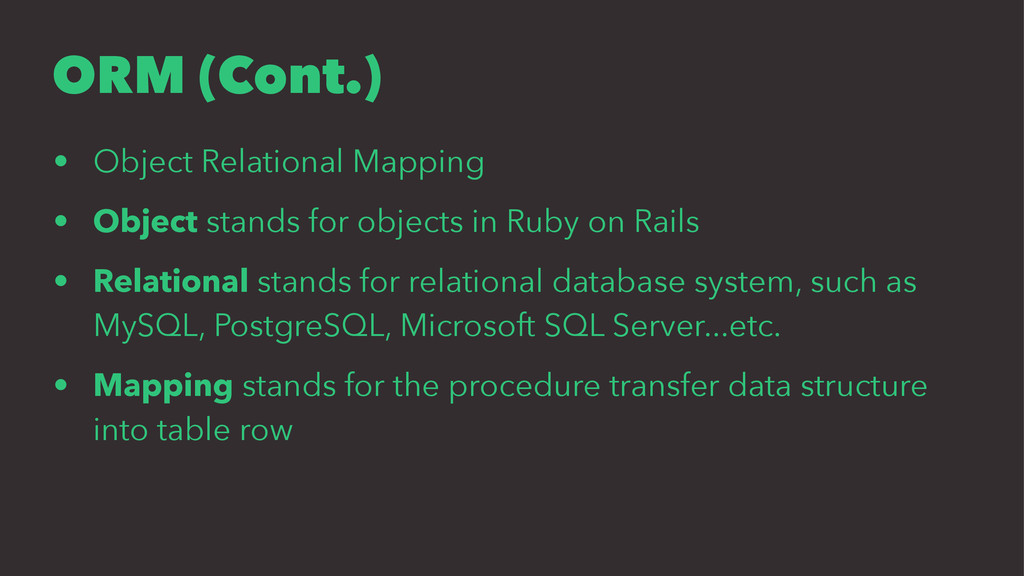
objects in Ruby on Rails • Relational stands for relational database system, such as MySQL, PostgreSQL, Microsoft SQL Server...etc. • Mapping stands for the procedure transfer data structure into table row
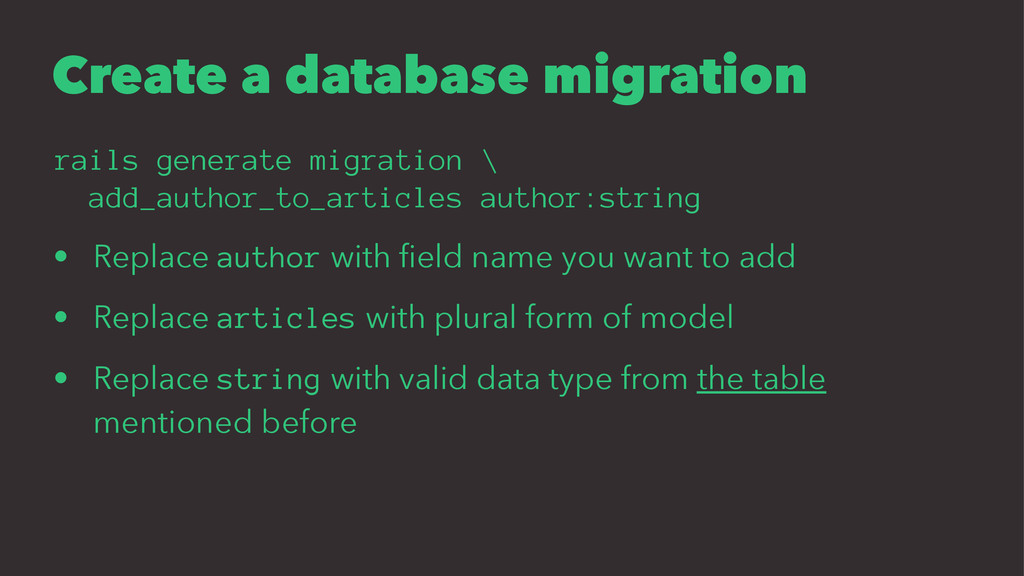
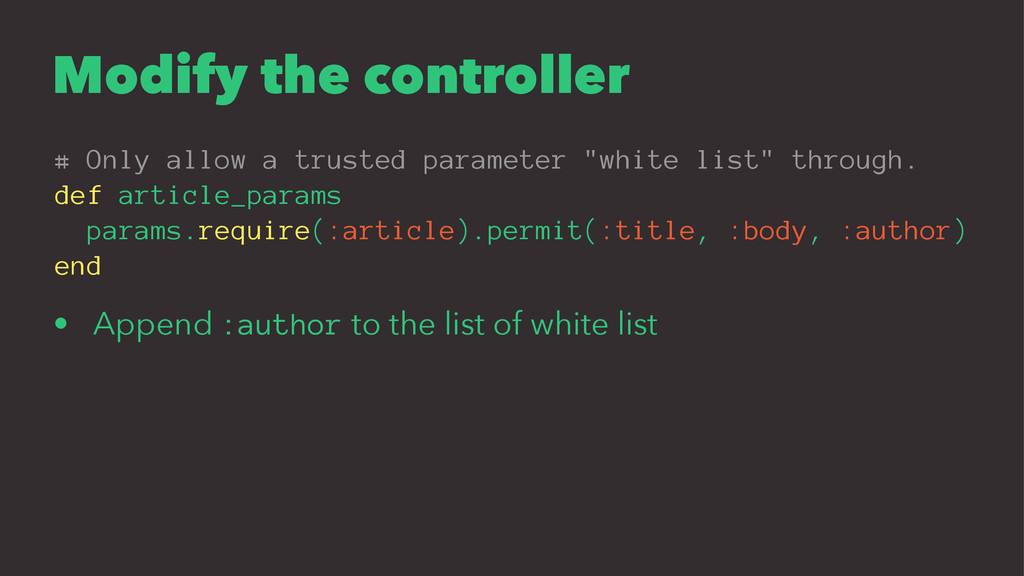
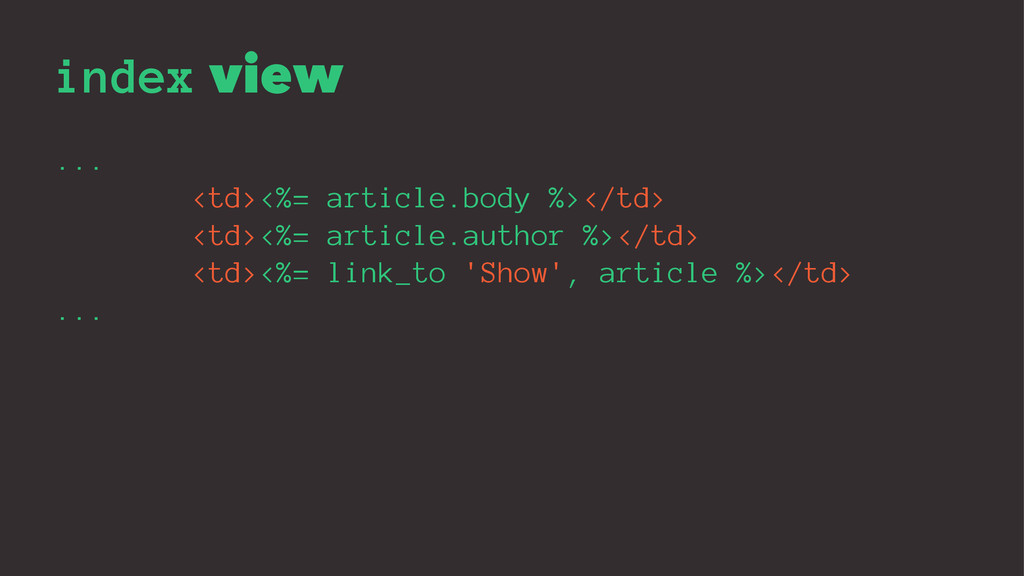
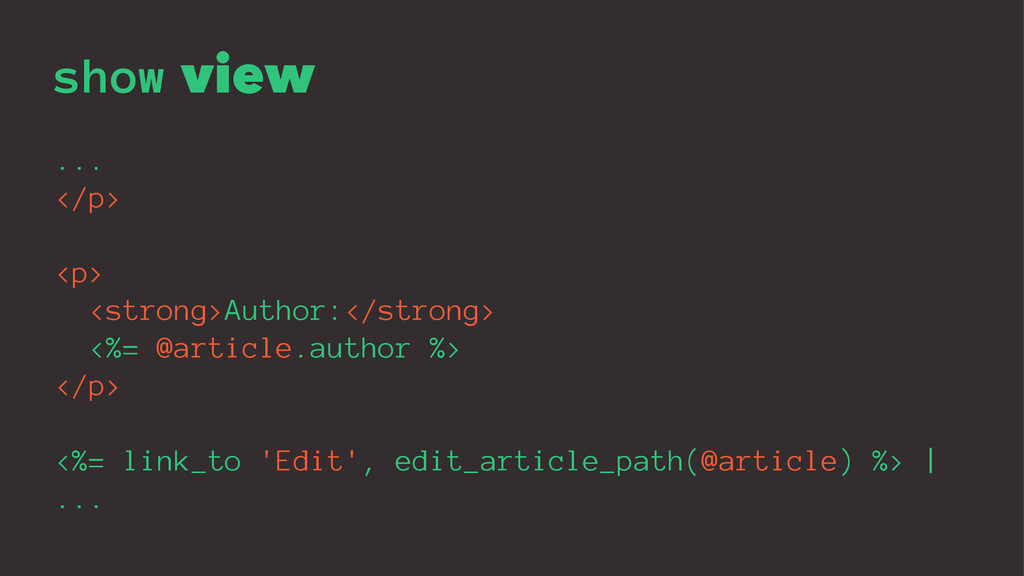
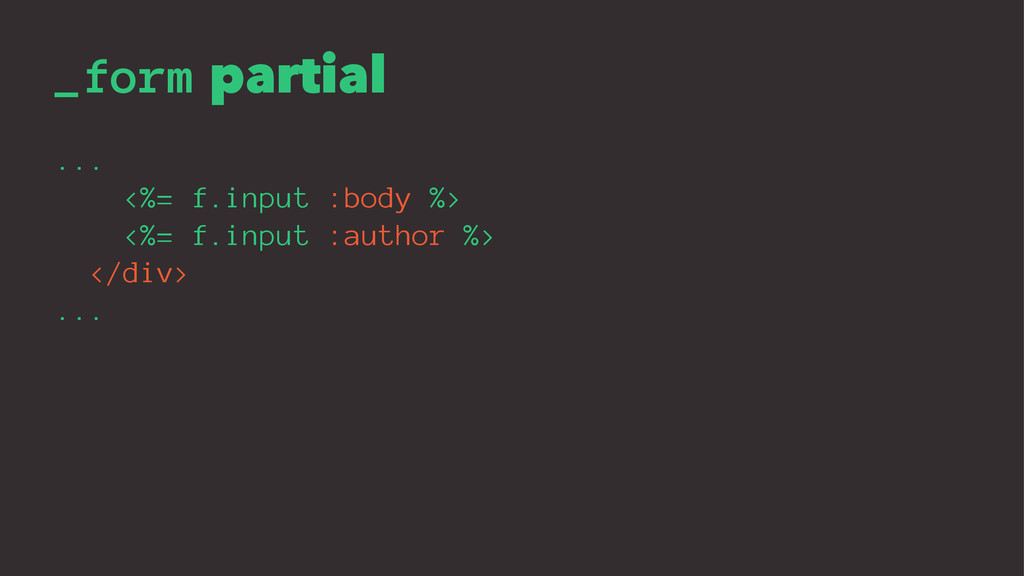
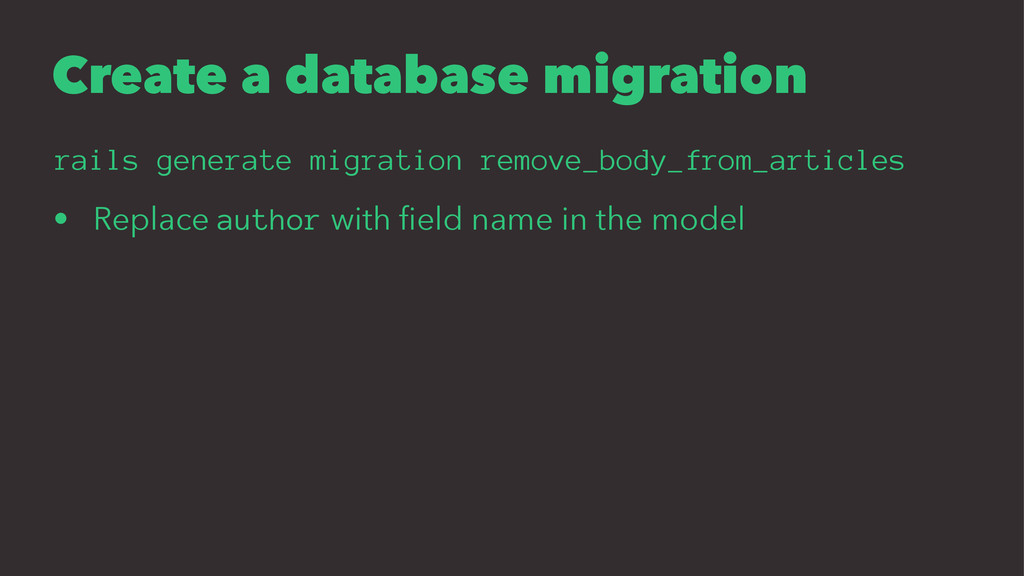
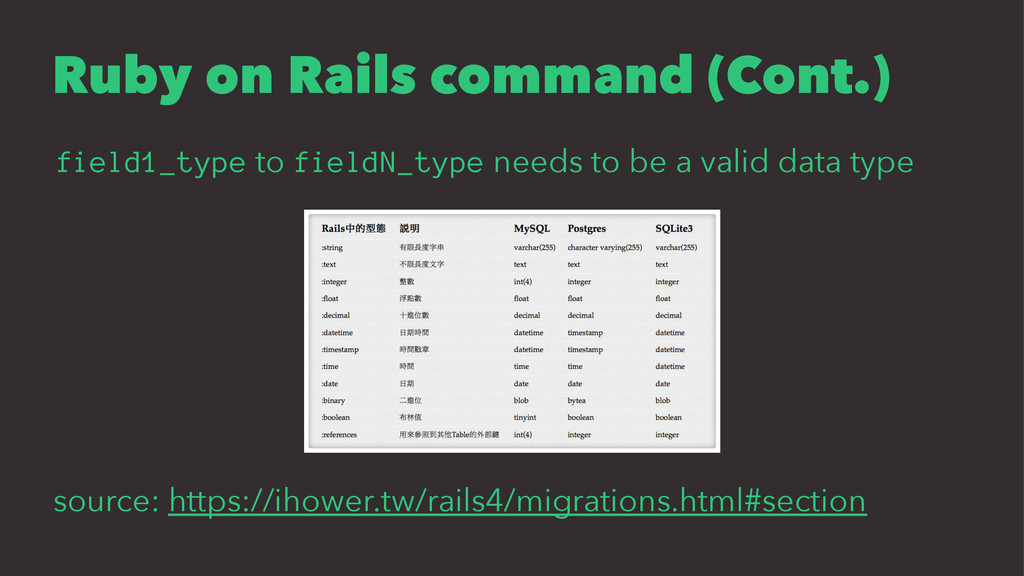
• Replace author with field name you want to add • Replace articles with plural form of model • Replace string with valid data type from the table mentioned before


 henry40408
 satoshi256kbyte
 tmikov2023
 shihochan
 kenjiyoneyama
 skydoves
 sorah
sorah
 optim
optim
 y0hgi
y0hgi
 falcon8823
 siroemk
 ___akari11
 palkan
 nmsamuel
 inesmontani
 bluesmoon
 colly
colly
 matthewcrist
 asonas
 lfama
lfama
 raygrieselhuber
 pauljervisheath
 sachag
 aarron
 jonoalderson



![Why bothered? In PHP $title = mysql_real_escape_string($_POST['title']); $body = mysql_real_escape_string($_POST['body']);](https://files.speakerdeck.com/presentations/86d46cdf65364fecbb4eb4de14bc62ac/slide_10.jpg)
![Don't bother In Ruby on Rails # params[:article] = {](https://files.speakerdeck.com/presentations/86d46cdf65364fecbb4eb4de14bc62ac/slide_12.jpg)

![Open browser https://[your-cloud9-preview-url]/articles If you see this, you got it](https://files.speakerdeck.com/presentations/86d46cdf65364fecbb4eb4de14bc62ac/slide_16.jpg)