Upgrade to Pro — share decks privately, control downloads, hide ads and more …

Node.js for Noobs: Build Twitter using Node.js

Node.js for Noobs: Build Twitter using Node.js

A Hacktorial (hacking tutorial) on node.js presented at University of Maryland on November 13, 2013.

Event details: https://www.facebook.com/events/320129064794341/.

Organization:
https://www.facebook.com/groups/hackersofmaryland/
http://www.terrapinhackers.com/

Avatar for Hitesh Maidasani

Hitesh Maidasani

November 13, 2013

Other Decks in Programming

Transcript

  1. Welcome to the First Hacktorial! Presenter: Hitesh Maidasani Terrapin Hackers

    https://www.facebook.com/groups/hackersofmaryland/
  2. Hacking • Hacktorials • Hack nights • Hackathons (win them

    too!) • = Terrapin Hackers • Join Facebook group and spread the word ! • Interested in presenting or organizing?
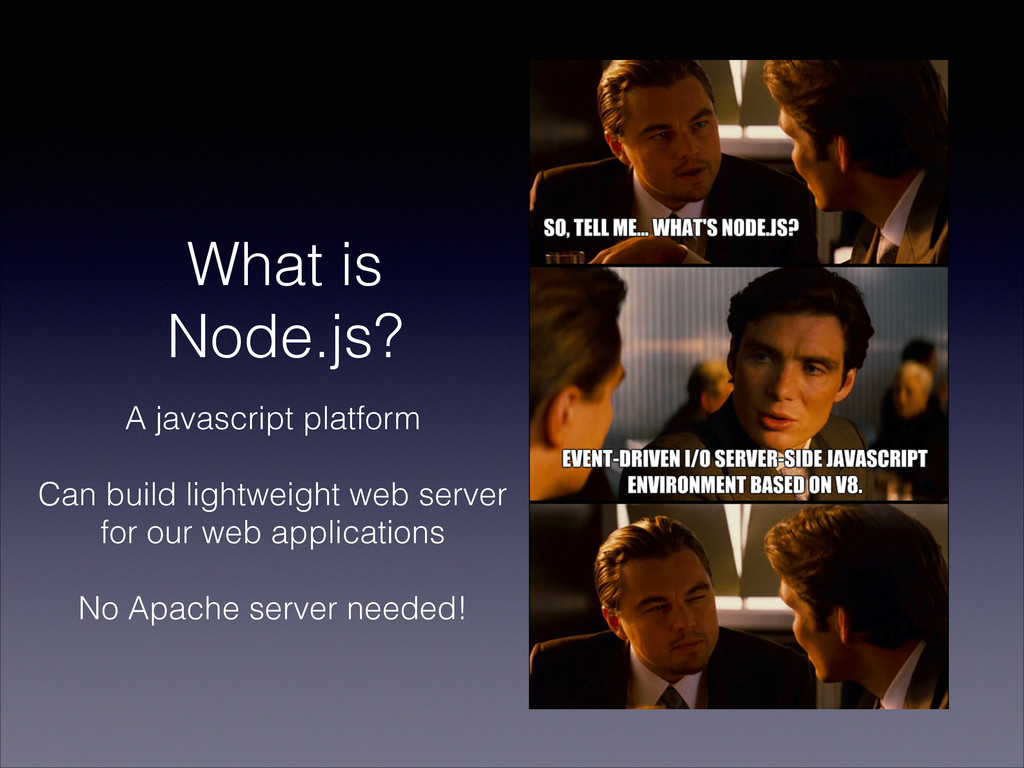
  3. What is Node.js? A javascript platform ! Can build lightweight

    web server for our web applications ! No Apache server needed!
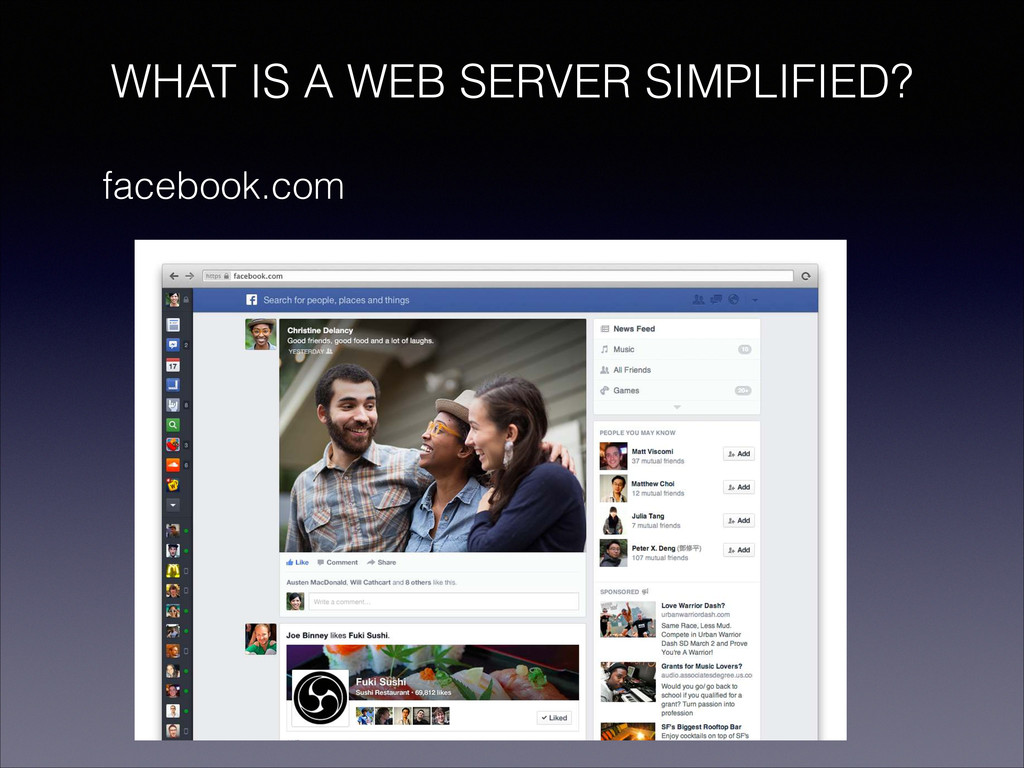
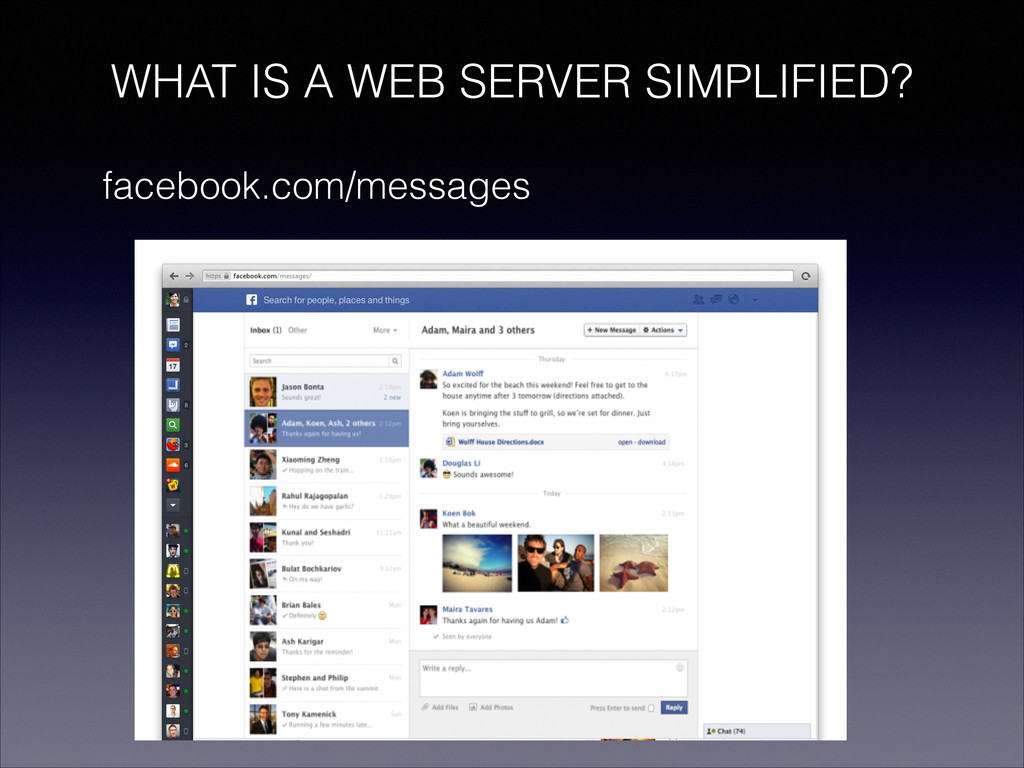
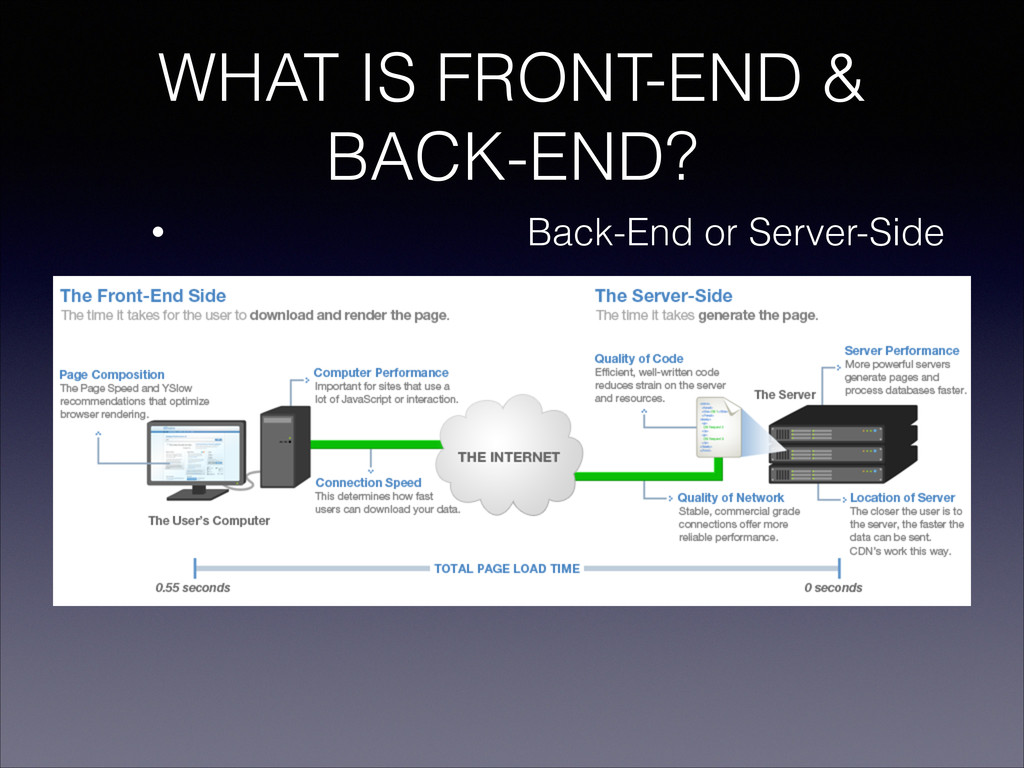
  4. WHAT IS A WEB SERVER? • Handles web requests and

    routes them to appropriate web pages
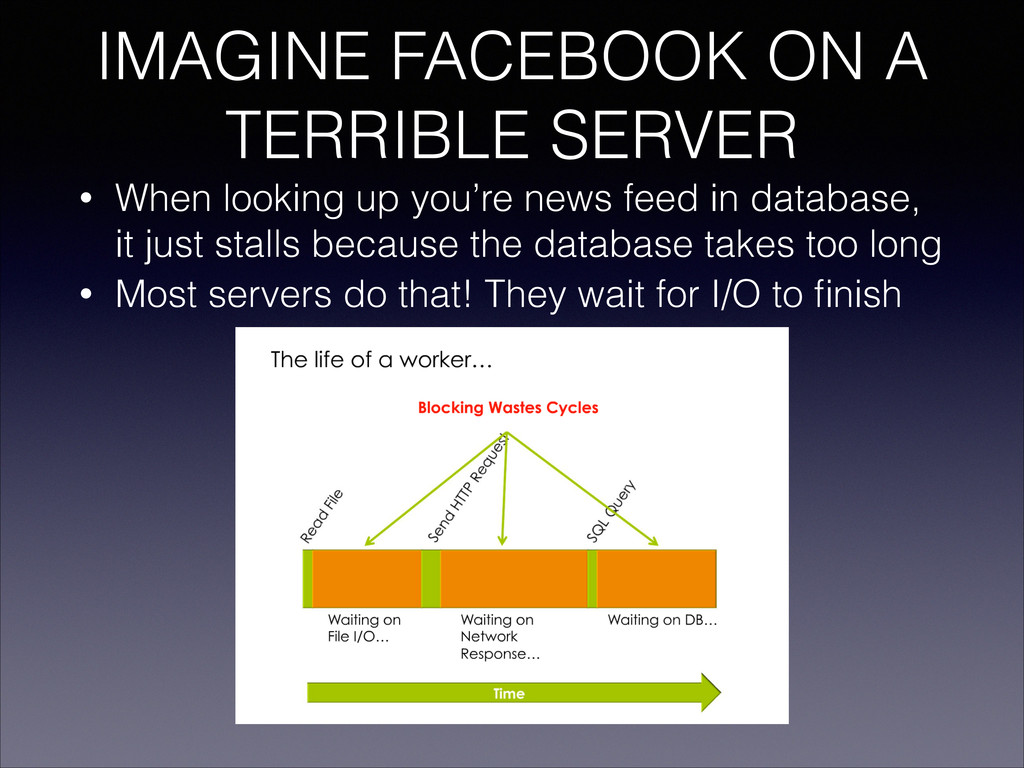
  5. IMAGINE FACEBOOK ON A TERRIBLE SERVER • When looking up

    you’re news feed in database, it just stalls because the database takes too long • Most servers do that! They wait for I/O to finish
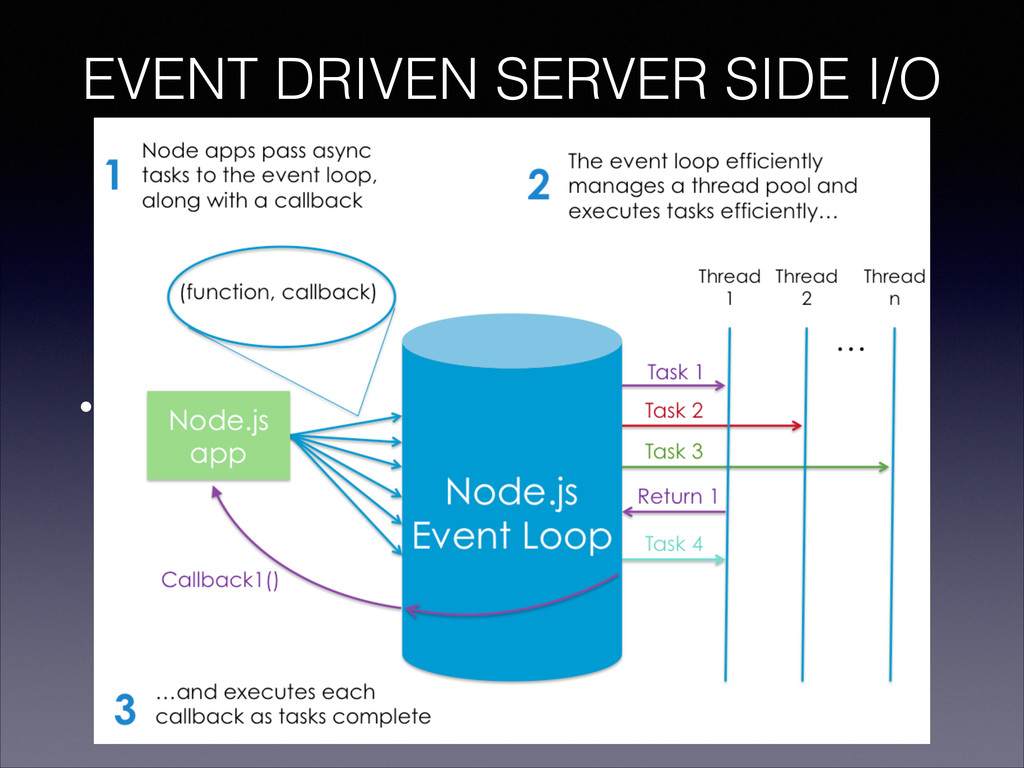
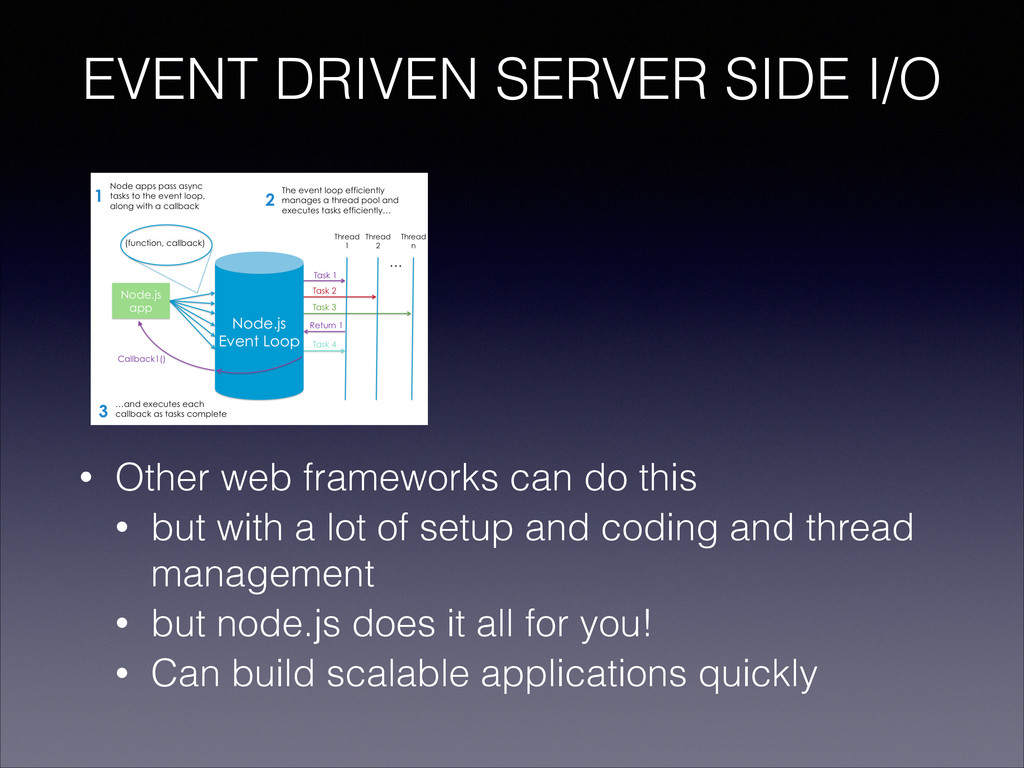
  6. EVENT DRIVEN SERVER SIDE I/O • others can do this

    but with a lot of setup and coding and thread management, but node.js does it all for you
  7. EVENT DRIVEN SERVER SIDE I/O • Other web frameworks can

    do this • but with a lot of setup and coding and thread management • but node.js does it all for you! • Can build scalable applications quickly
  8. WHEN SHOULD YOU USE NODE.JS? • Great for real-time applications:

    • online games, collaboration tools, … • anything quick and event driven
  9. WHEN SHOULD YOU NOT USE NODE.JS? • Your server request

    is dependent on heavy CPU consuming algorithm/job
  10. PURPOSE • Learn basics of Node.js • avoiding databases to

    keep things simple • First start with hello world, and then go on to twitter feed
  11. THINGS NEEDED • a pair of hands • a computer

    (mac, windows, linux, etc.) • a text editor (http://www.sublimetext.com/2) • a hacker’s instinct
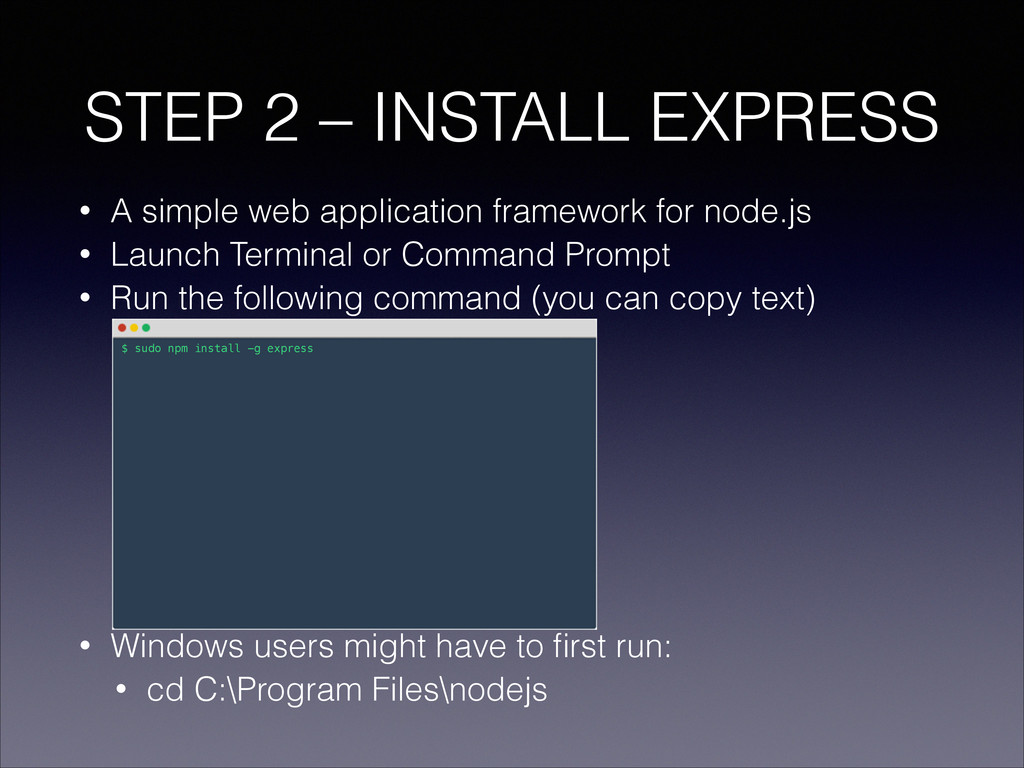
  12. • A simple web application framework for node.js • Launch

    Terminal or Command Prompt • Run the following command (you can copy text) ! ! ! ! ! ! ! • Windows users might have to first run: • cd C:\Program Files\nodejs STEP 2 – INSTALL EXPRESS $ sudo npm install -g express
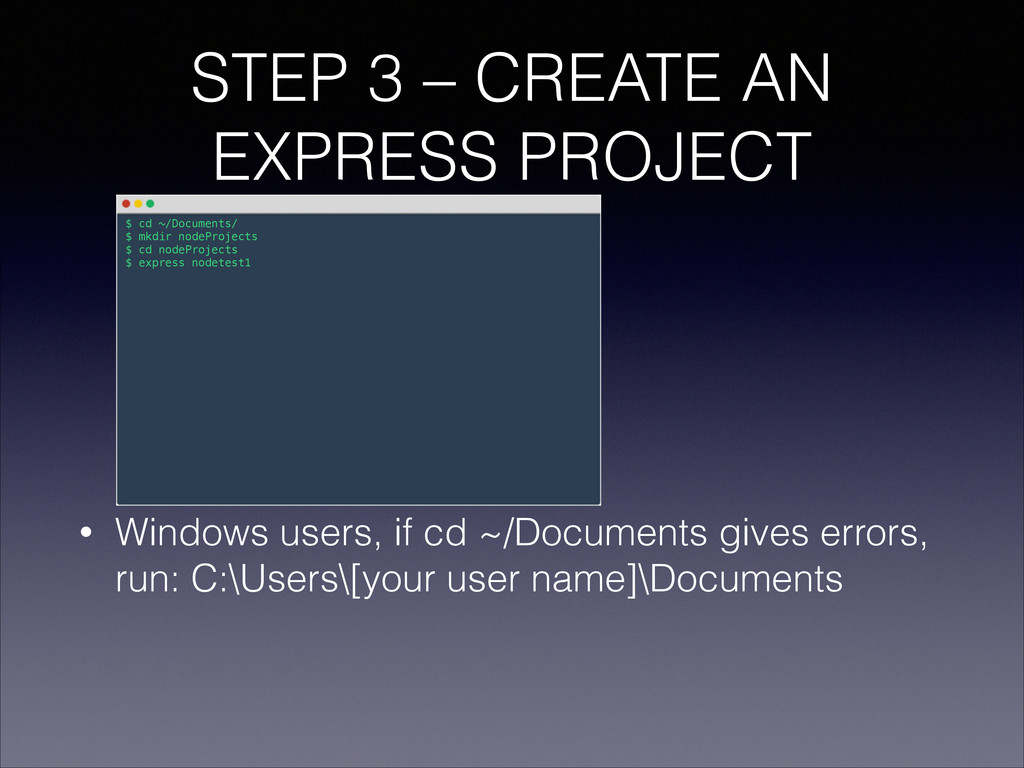
  13. STEP 3 – CREATE AN EXPRESS PROJECT ! ! !

    ! ! ! • Windows users, if cd ~/Documents gives errors, run: C:\Users\[your user name]\Documents $ cd ~/Documents/ $ mkdir nodeProjects $ cd nodeProjects $ express nodetest1
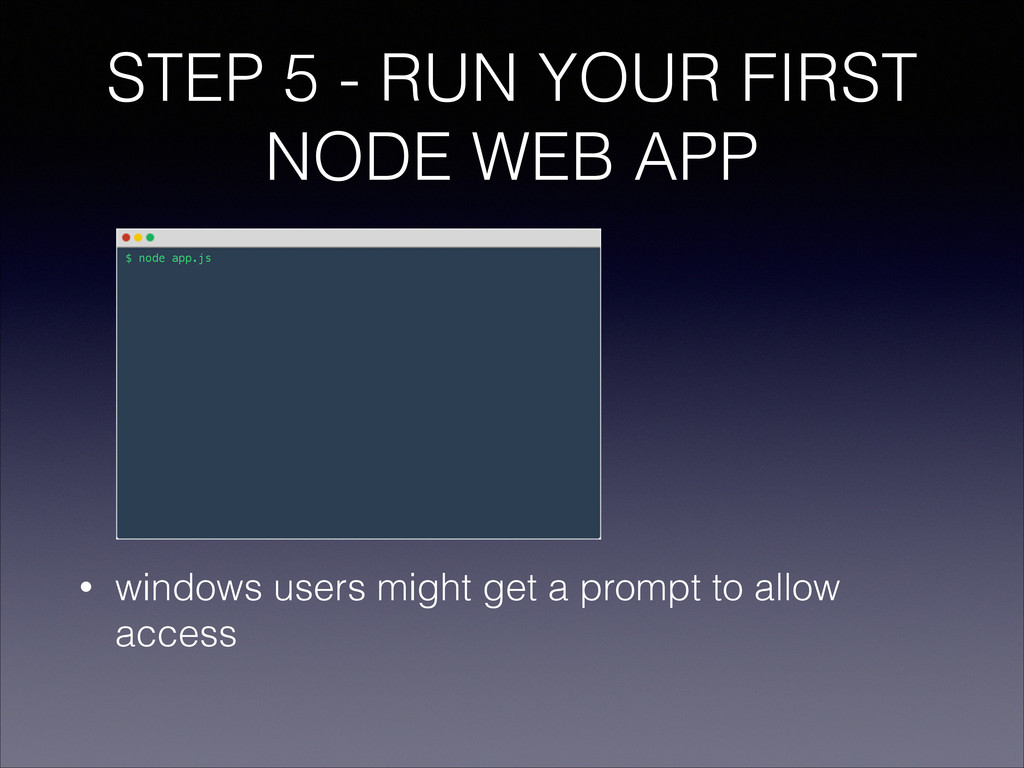
  14. STEP 5 - RUN YOUR FIRST NODE WEB APP !

    ! ! ! ! ! • windows users might get a prompt to allow access $ node app.js
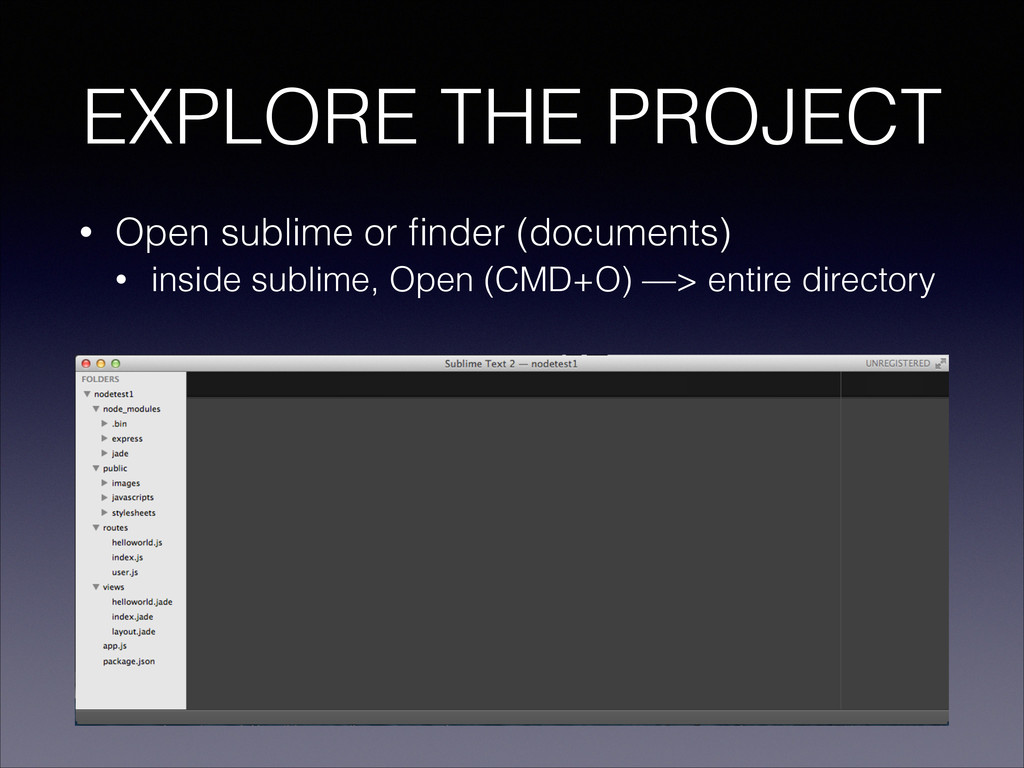
  15. EXPLORE THE PROJECT • Open sublime or finder (documents) •

    inside sublime, Open (CMD+O) —> entire directory
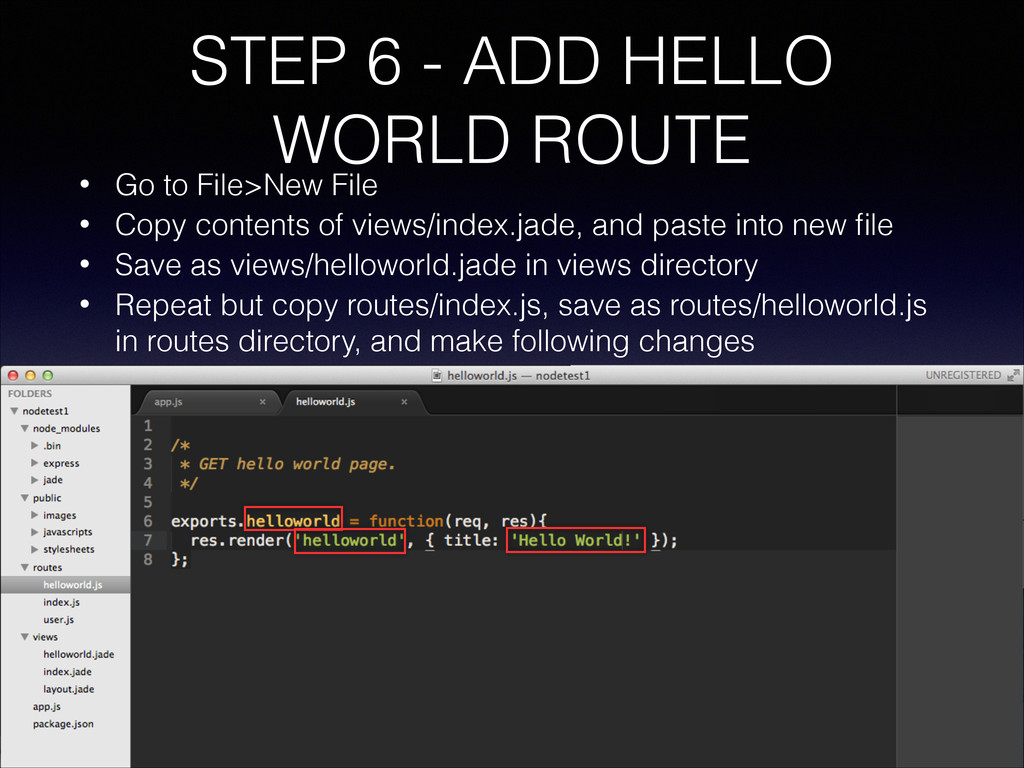
  16. STEP 6 - ADD HELLO WORLD ROUTE • Go to

    File>New File • Copy contents of views/index.jade, and paste into new file • Save as views/helloworld.jade in views directory • Repeat but copy routes/index.js, save as routes/helloworld.js in routes directory, and make following changes
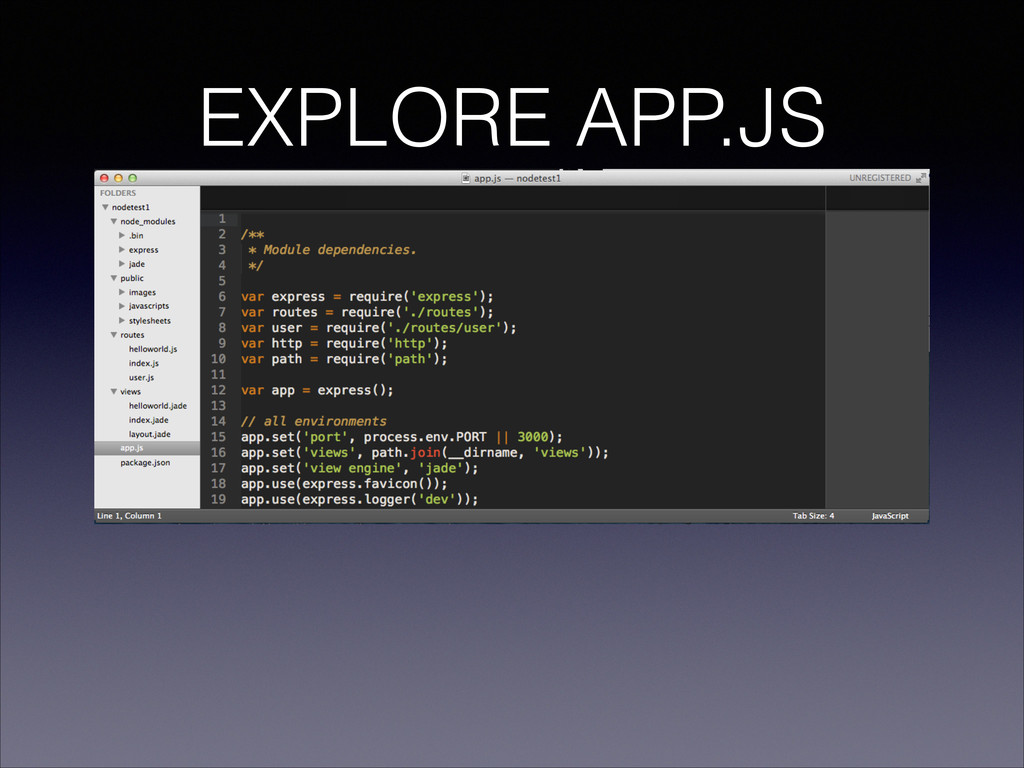
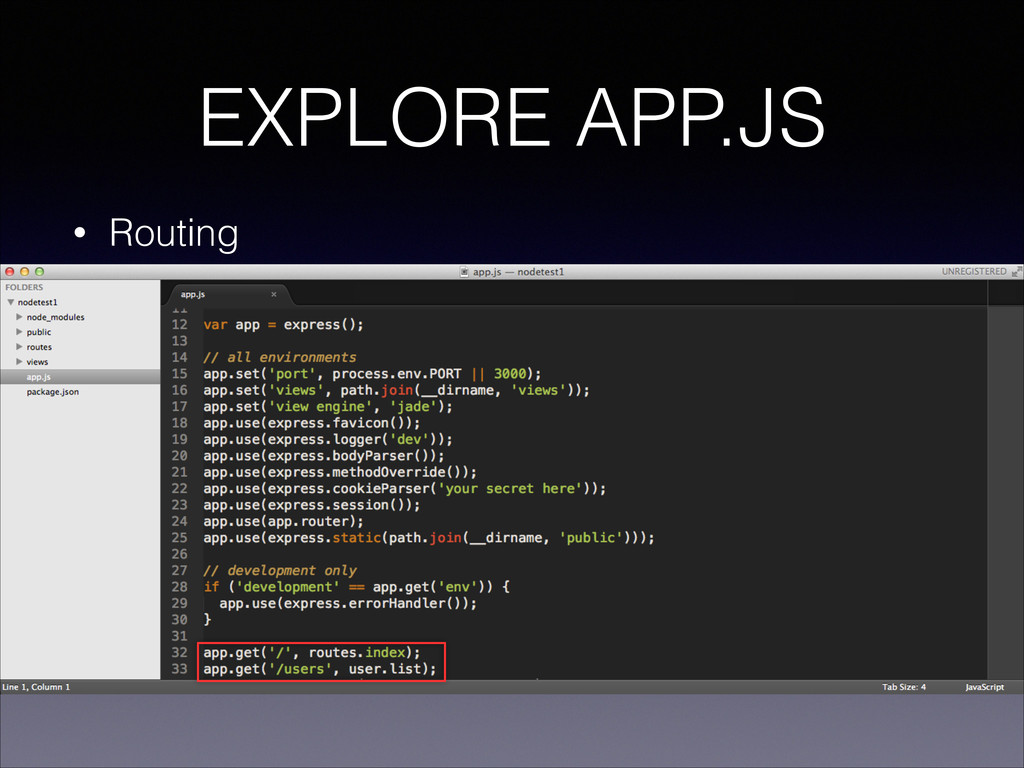
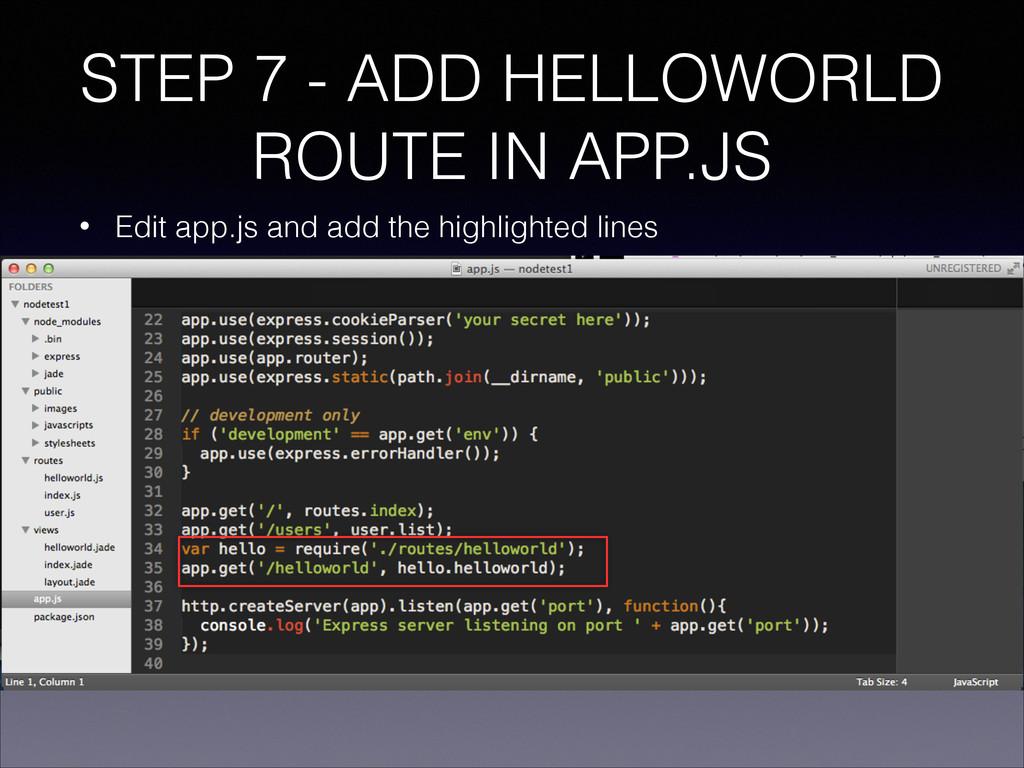
  17. STEP 7 - ADD HELLOWORLD ROUTE IN APP.JS • Edit

    app.js and add the highlighted lines
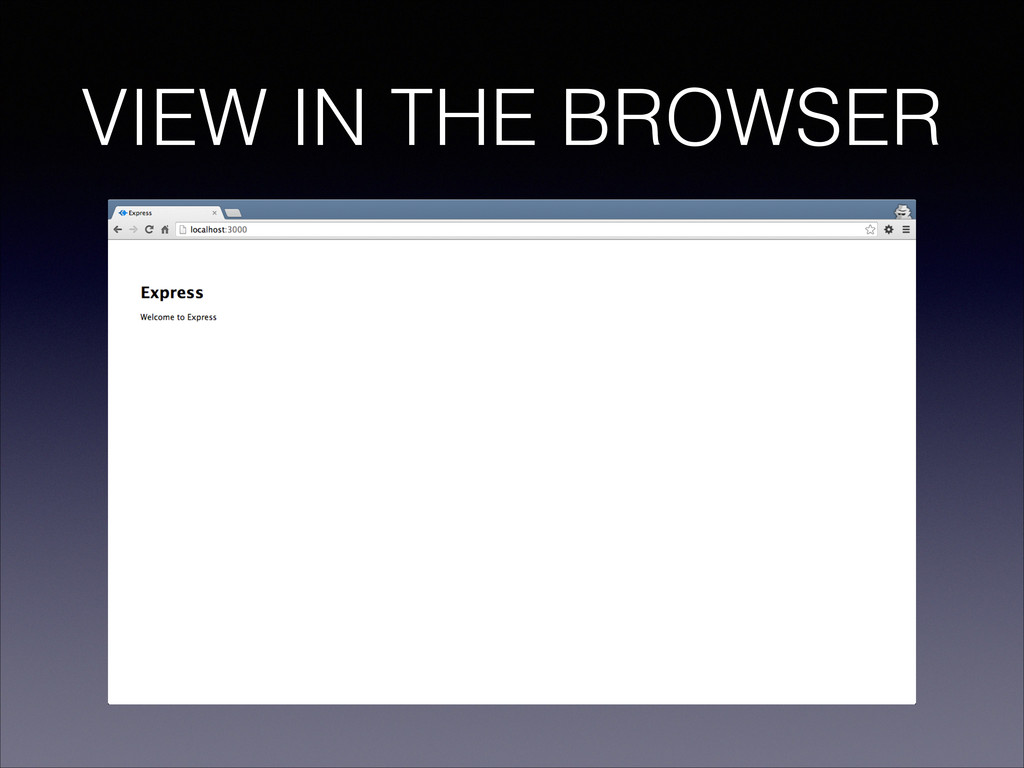
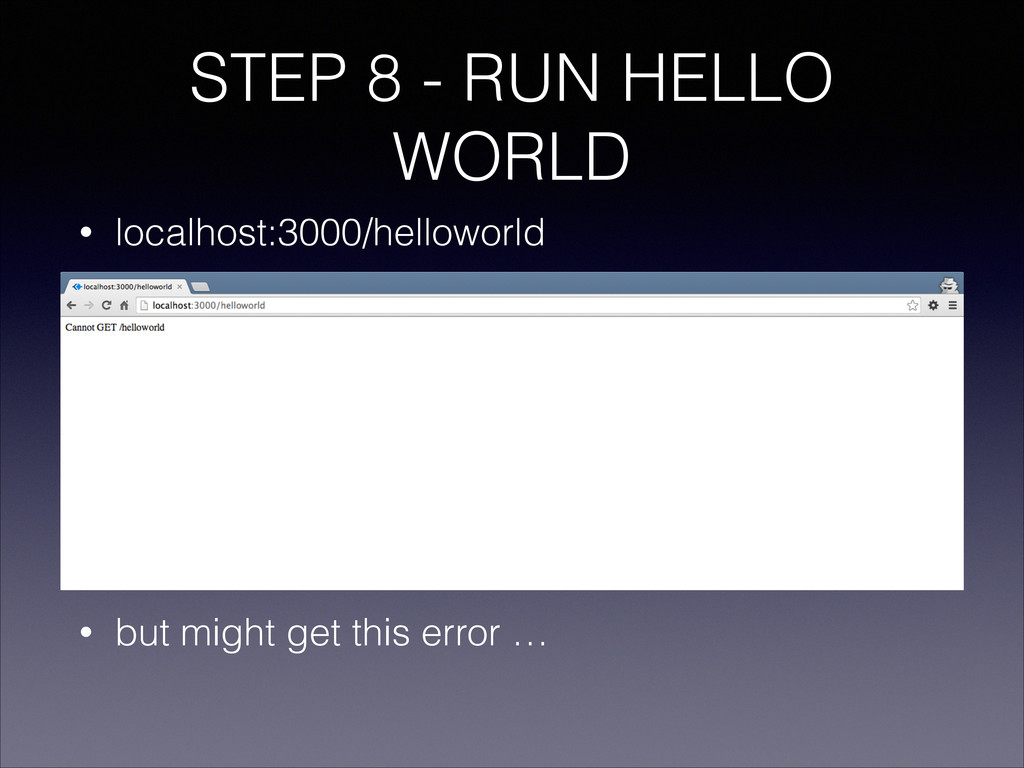
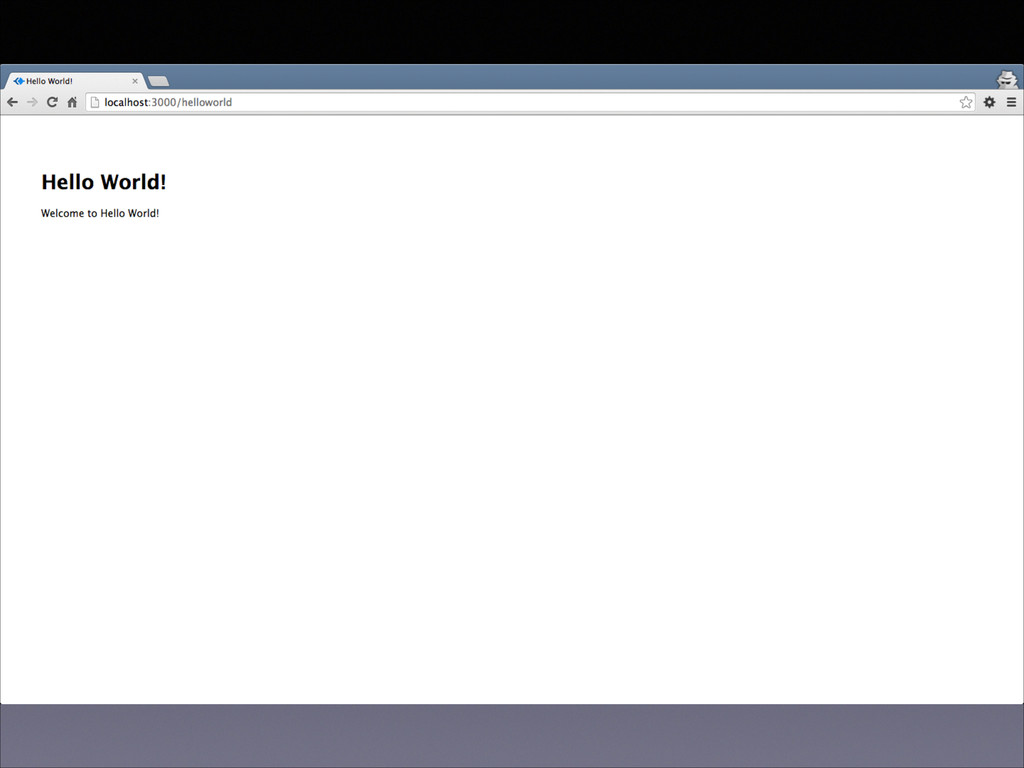
  18. STEP 8 - RUN HELLO WORLD • localhost:3000/helloworld ! !

    ! ! ! ! ! • but might get this error …
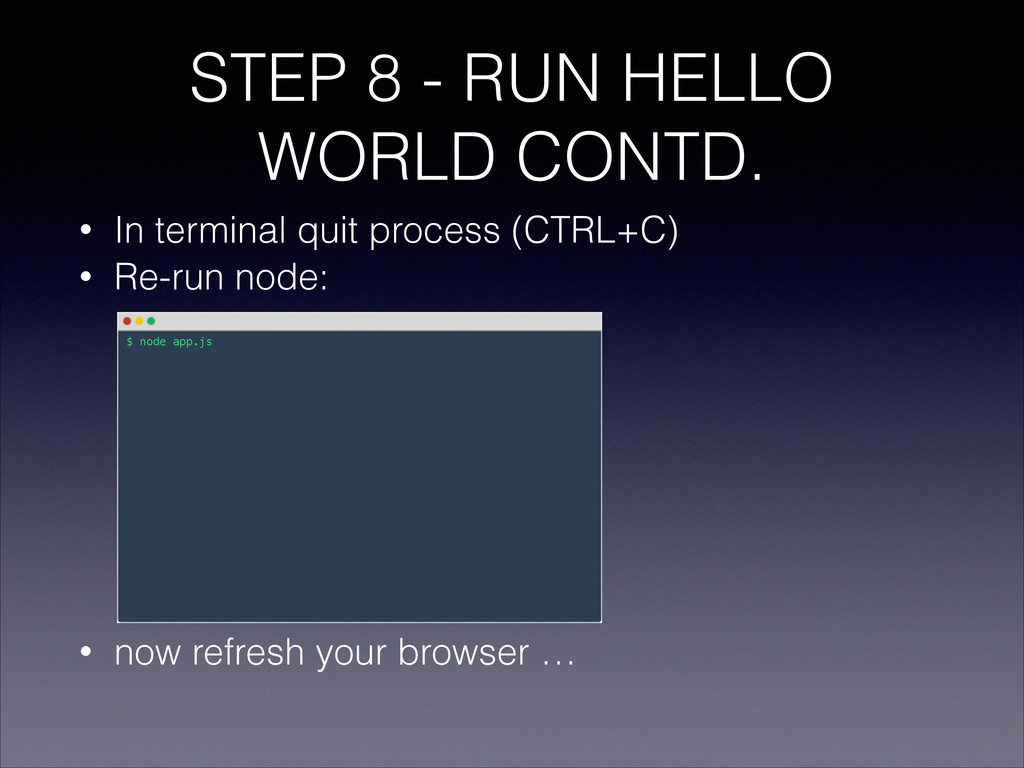
  19. STEP 8 - RUN HELLO WORLD CONTD. • In terminal

    quit process (CTRL+C) • Re-run node: ! ! ! ! ! ! ! • now refresh your browser … $ node app.js
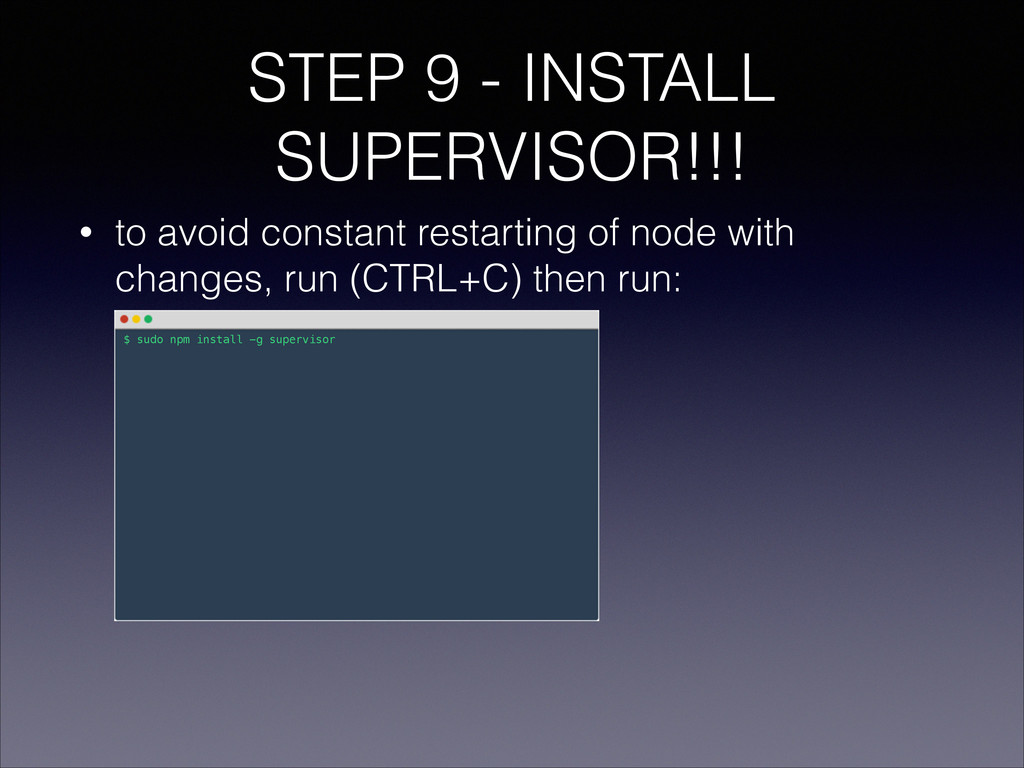
  20. STEP 9 - INSTALL SUPERVISOR!!! • to avoid constant restarting

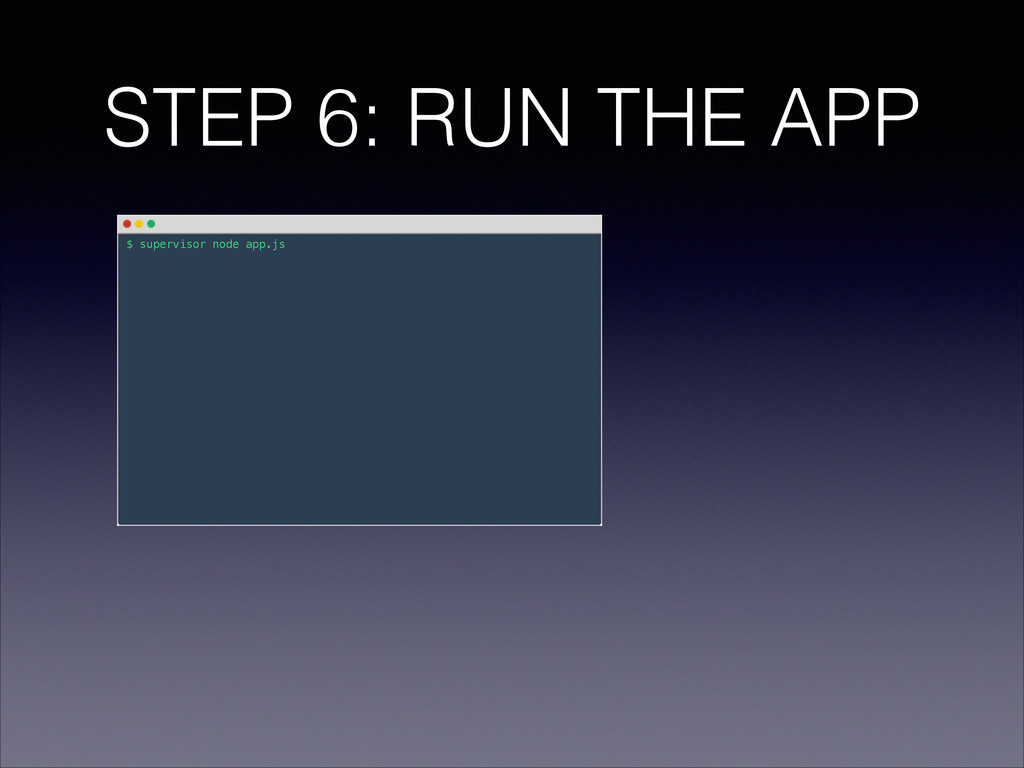
    of node with changes, run (CTRL+C) then run: $ sudo npm install -g supervisor
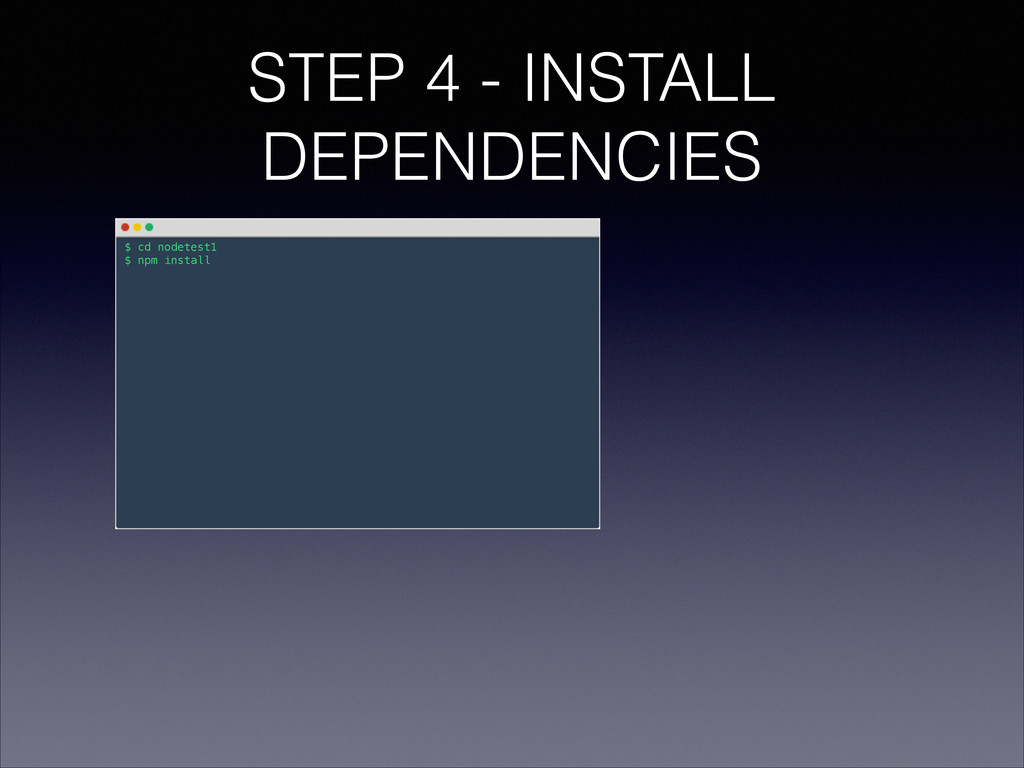
  21. STEP 1 - CREATE PROJECT & INSTALL DEPENDENCIES ! !

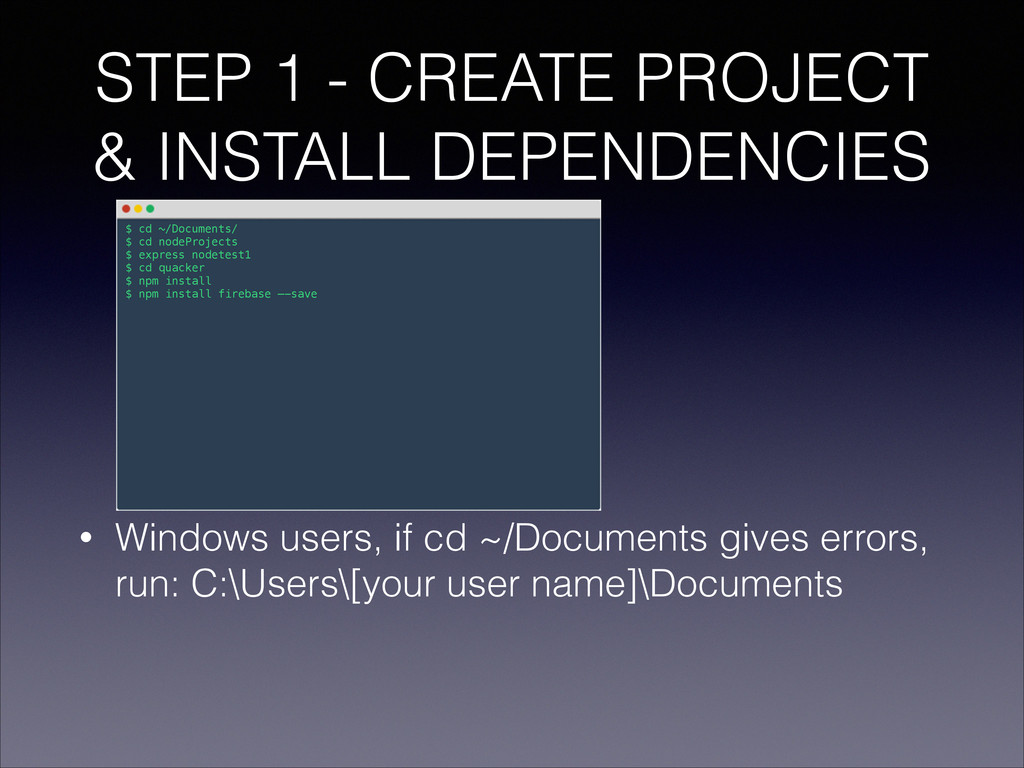
    ! ! ! ! • Windows users, if cd ~/Documents gives errors, run: C:\Users\[your user name]\Documents $ cd ~/Documents/ $ cd nodeProjects $ express nodetest1 $ cd quacker $ npm install $ npm install firebase —-save
  22. STEP 3 - HANDLE QUACK SUBMISSION • Under routes/ create

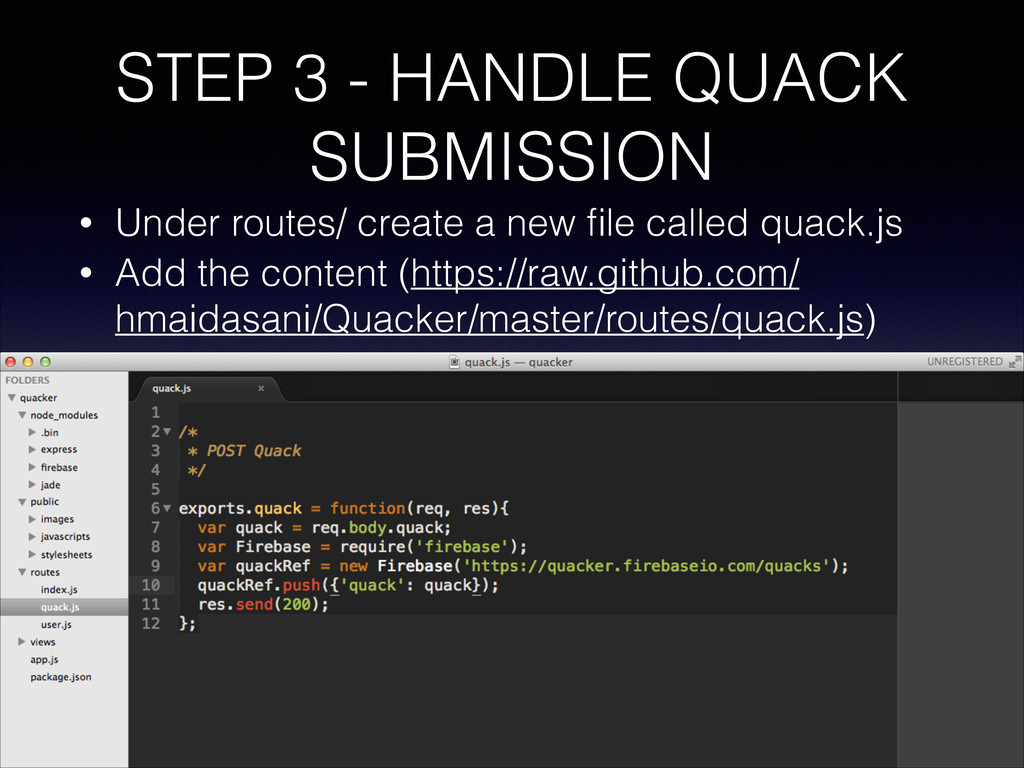
    a new file called quack.js • Add the content (https://raw.github.com/ hmaidasani/Quacker/master/routes/quack.js)
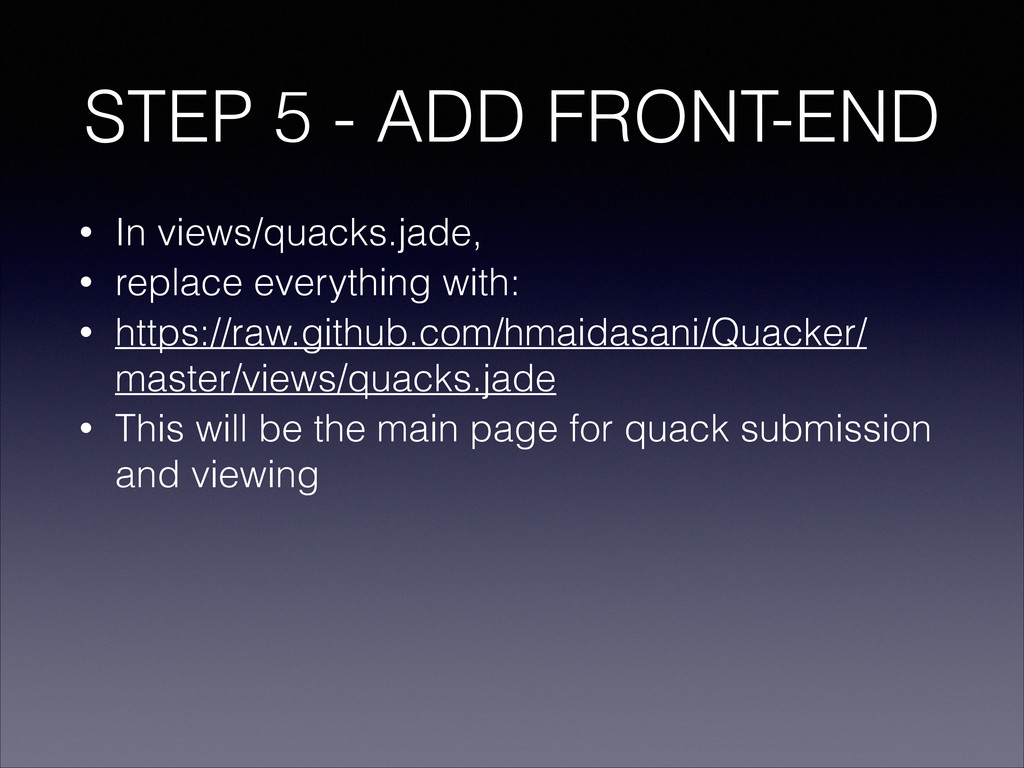
  23. STEP 5 - ADD FRONT-END • In views/quacks.jade, • replace

    everything with: • https://raw.github.com/hmaidasani/Quacker/ master/views/quacks.jade • This will be the main page for quack submission and viewing
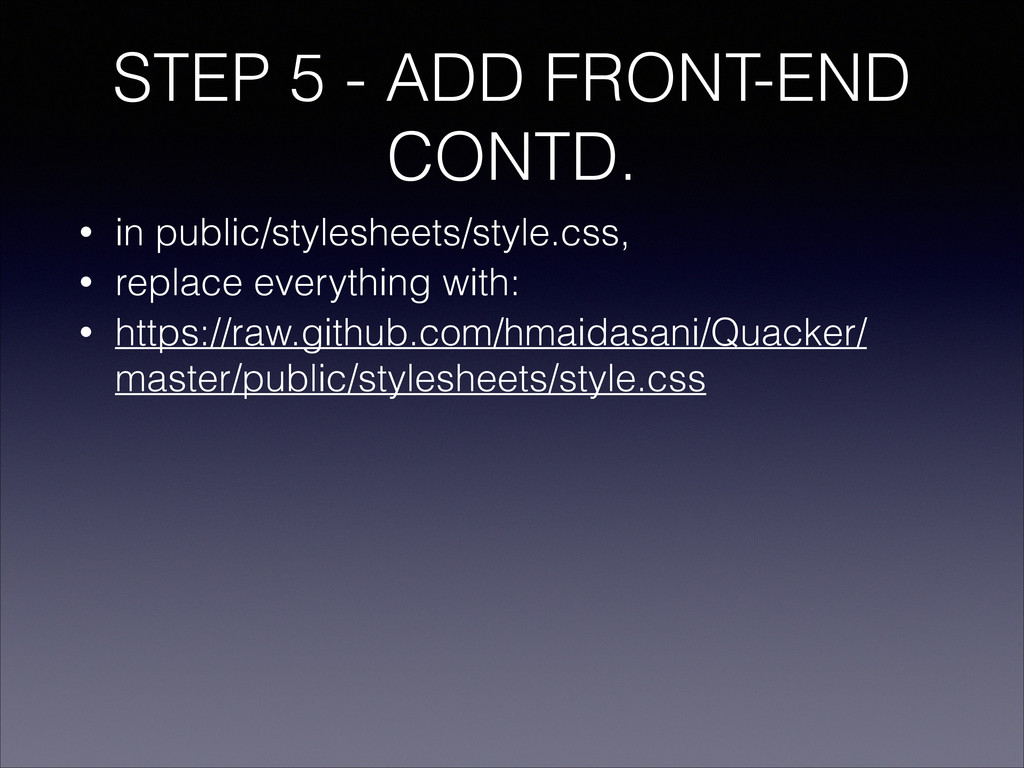
  24. STEP 5 - ADD FRONT-END CONTD. • in public/stylesheets/style.css, •

    replace everything with: • https://raw.github.com/hmaidasani/Quacker/ master/public/stylesheets/style.css
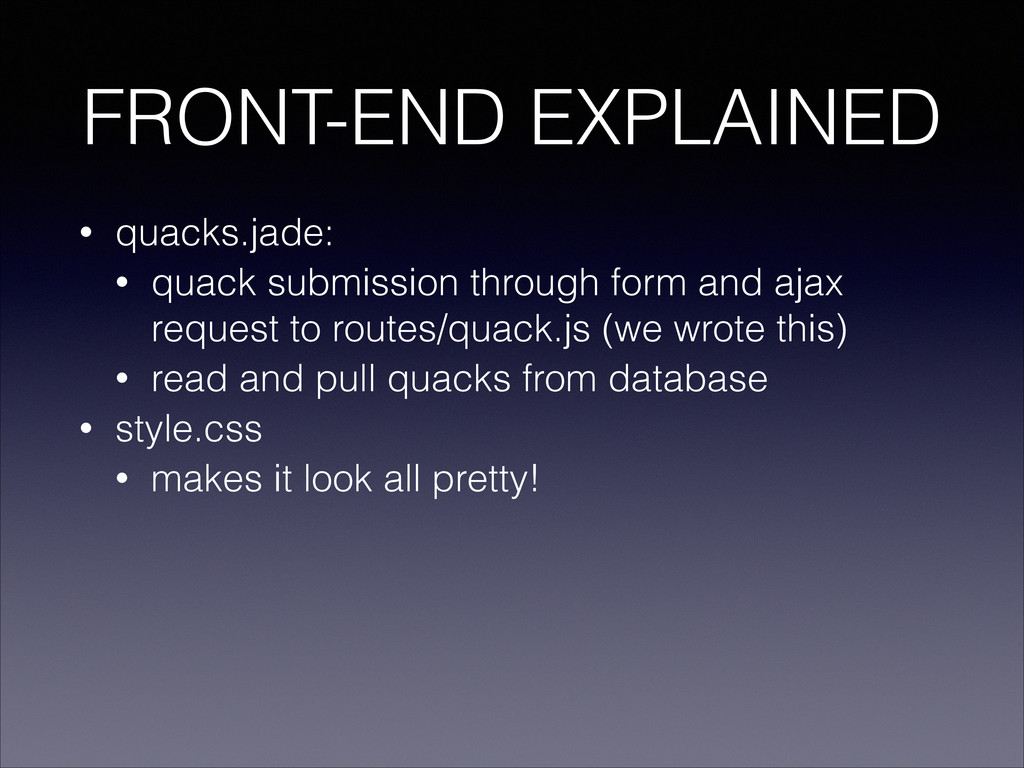
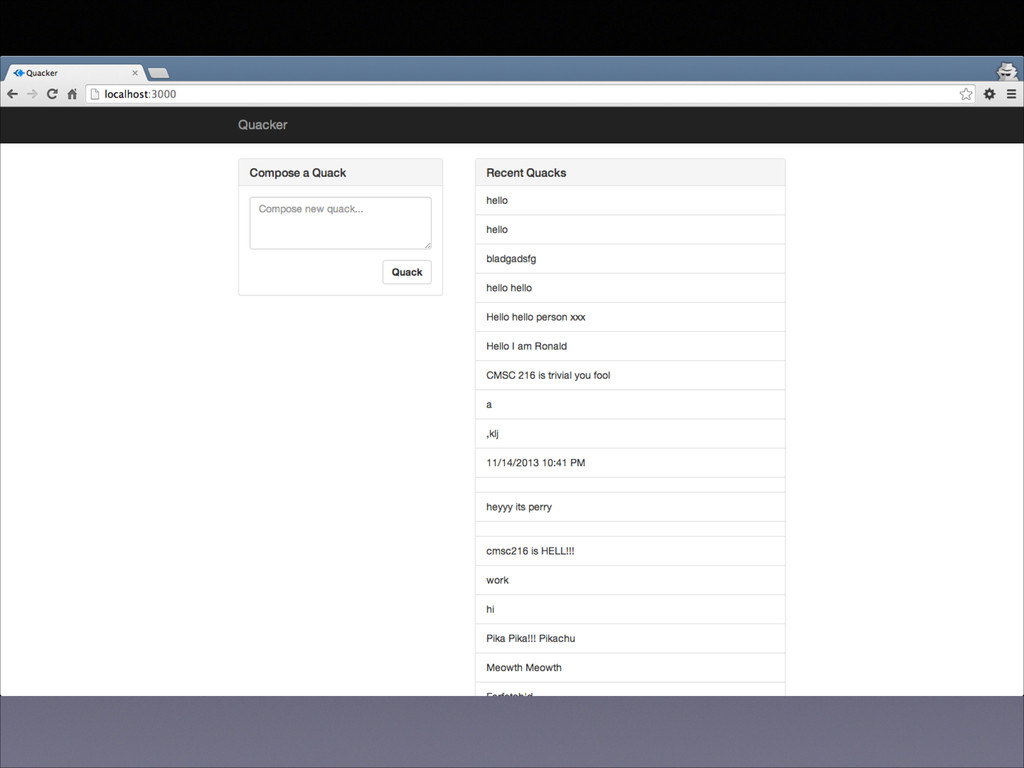
  25. FRONT-END EXPLAINED • quacks.jade: • quack submission through form and

    ajax request to routes/quack.js (we wrote this) • read and pull quacks from database • style.css • makes it look all pretty!
  26. THIS IS AWESOME! • You all are running instances of

    the server • In real applications, there will be just one* • there are multiple front-end instances in each browser • but the data is shared, and pushed to each one • by Firebase!
  27. YOU’VE BUILT YOUR OWN WEB APPLICATION • Add more features:
    • add user accounts • add a database (mongodb) • learn the frontend • html, css and javascript, jQuery parts • learn how firebase! • add other pages/routes for hashtags • host it on heroku/git or other hosting services • basically, attend our next workshops • And keep hacking!