This presentation is an introduction to using test driven development (TDD) to develop a solution for model context protocol (MCP) primarily using Java.
The content is suitable for beginner to intermediate learners of either TDD or MCP.
The presentation was originally delivered to a group of my peers in an academic context.


 icodealot
 clockmaker
 rollbear
 akit37
 deka_morita
 steliosf
 siroemk
 yukiny
 mpyw
mpyw
 oniak3ibm
 gam0022
 htkym
htkym
 seike460
 mojombo
 marktimemedia
 tessaabrams
 matthewcrist
 lara
lara
 pauljervisheath
 marketingsoph
 gr2m
gr2m
 lemiorhan
 malarkey
 tmiket
 chriscoyier
![MCP Tools[3] are to AI, as Remote Method Invocation (RMI)](https://files.speakerdeck.com/presentations/4c4dd9e7d77a4201b4b6044eee47ab61/slide_3.jpg)
![CONTEXT We are here… MCP Tools[3] are to AI, as](https://files.speakerdeck.com/presentations/4c4dd9e7d77a4201b4b6044eee47ab61/slide_4.jpg)
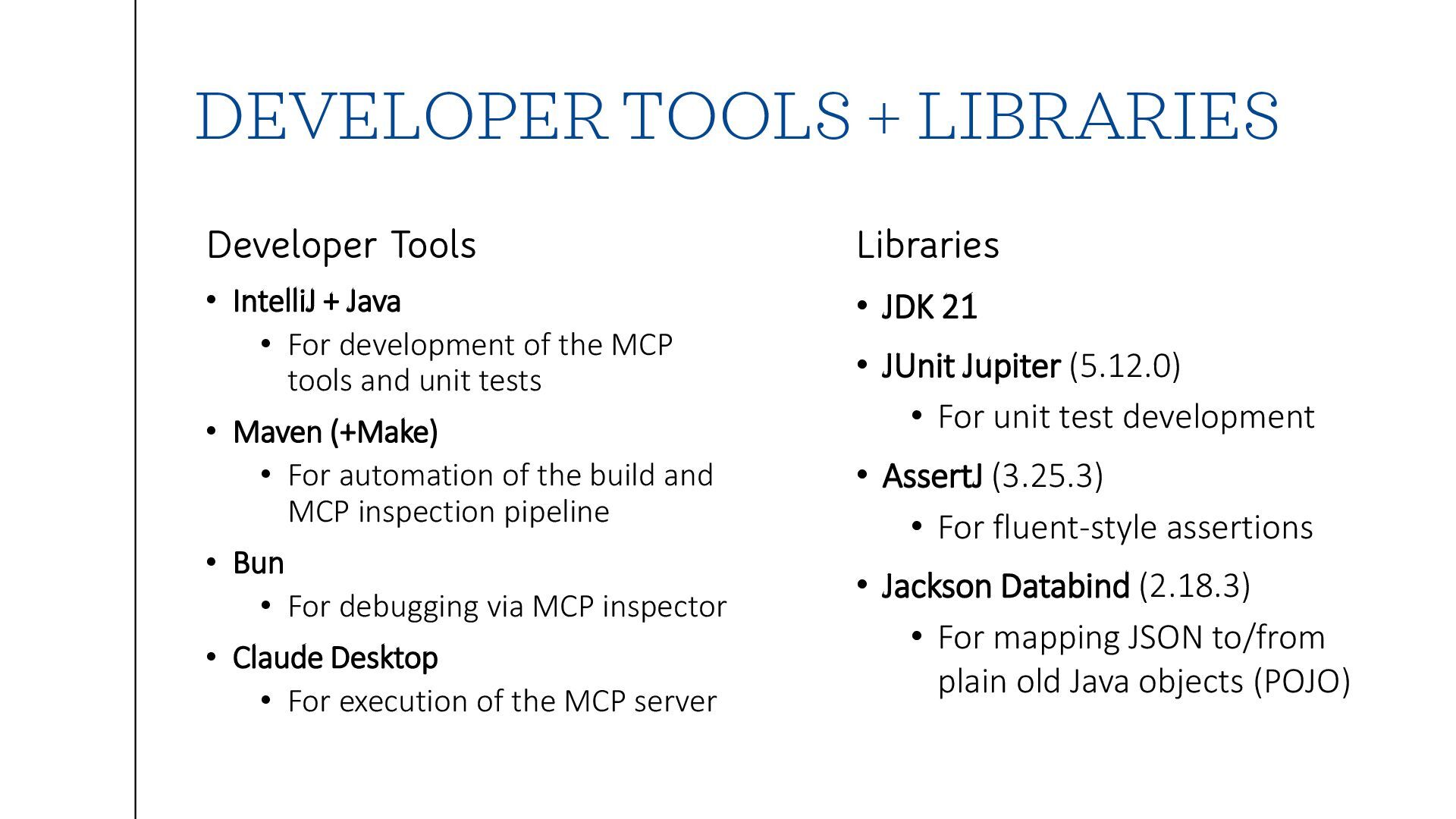
![THE PROCESS (THEORY) Test Driven Development[5]: requirement / test /](https://files.speakerdeck.com/presentations/4c4dd9e7d77a4201b4b6044eee47ab61/slide_7.jpg)
![THE PROCESS (PRACTICE) Test Driven Development[5]: requirement / test /](https://files.speakerdeck.com/presentations/4c4dd9e7d77a4201b4b6044eee47ab61/slide_8.jpg)
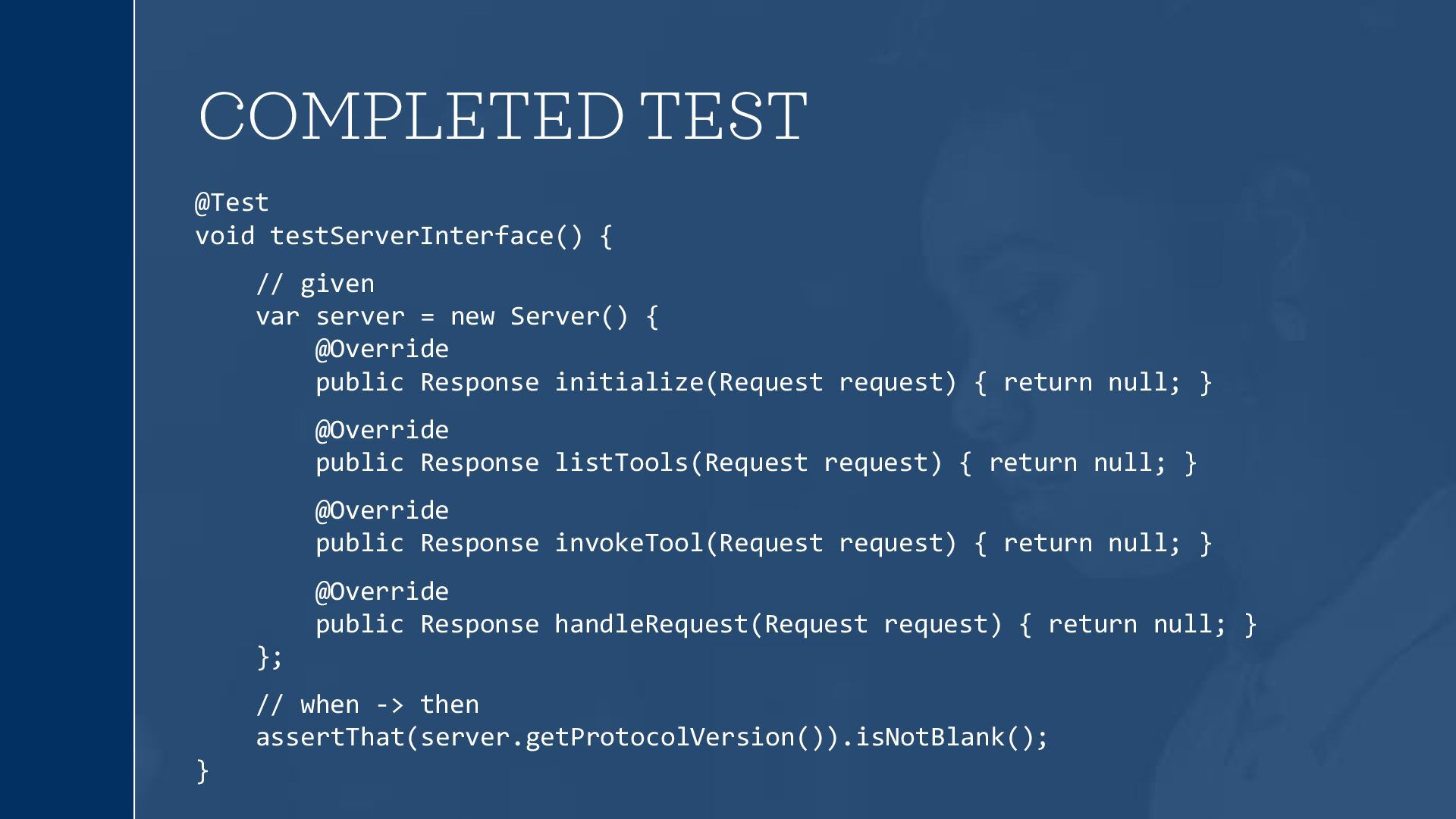
![TEST • Pick a requirement (“initialize server”[2]) and blocked out](https://files.speakerdeck.com/presentations/4c4dd9e7d77a4201b4b6044eee47ab61/slide_10.jpg)
![TEST • Pick a requirement (“initialize server”[2]) and blocked out](https://files.speakerdeck.com/presentations/4c4dd9e7d77a4201b4b6044eee47ab61/slide_11.jpg)
![TEST • Pick a requirement (“initialize server”[2]) and blocked out](https://files.speakerdeck.com/presentations/4c4dd9e7d77a4201b4b6044eee47ab61/slide_12.jpg)
![USING THE MCP TOOL IN CLAUDE[4] // claude_desktop_config.json { "mcpServers":](https://files.speakerdeck.com/presentations/4c4dd9e7d77a4201b4b6044eee47ab61/slide_14.jpg)
![USING THE MCP TOOL IN CLAUDE[4] // claude_desktop_config.json { "mcpServers":](https://files.speakerdeck.com/presentations/4c4dd9e7d77a4201b4b6044eee47ab61/slide_15.jpg)
![USING THE MCP TOOL IN CLAUDE[4] // claude_desktop_config.json { "mcpServers":](https://files.speakerdeck.com/presentations/4c4dd9e7d77a4201b4b6044eee47ab61/slide_16.jpg)
![USING THE MCP TOOL IN CLAUDE[4]](https://files.speakerdeck.com/presentations/4c4dd9e7d77a4201b4b6044eee47ab61/slide_17.jpg)

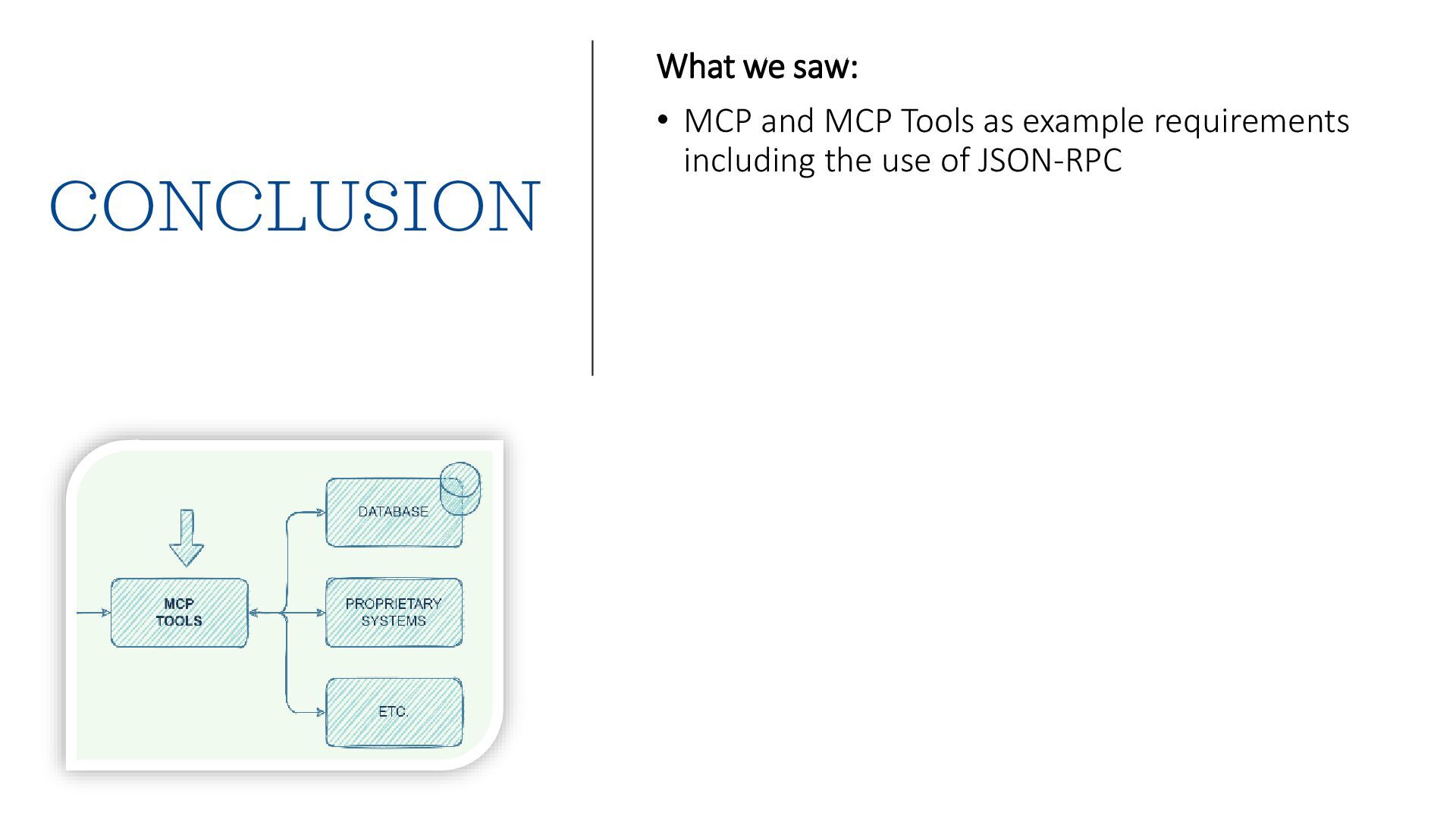
![REFERENCES • [1] JSON-RPC 2.0 https://www.jsonrpc.org/specification • [2] MCP Lifecycle](https://files.speakerdeck.com/presentations/4c4dd9e7d77a4201b4b6044eee47ab61/slide_22.jpg)