Analytics not working Dropped in SEO ranking Can’t access Online Marketing Page is running slow Can’t access admin area Seeing error pages Etc… Make sure you site is ready ready and not just finished @ileshmistry | #KenticoConnection
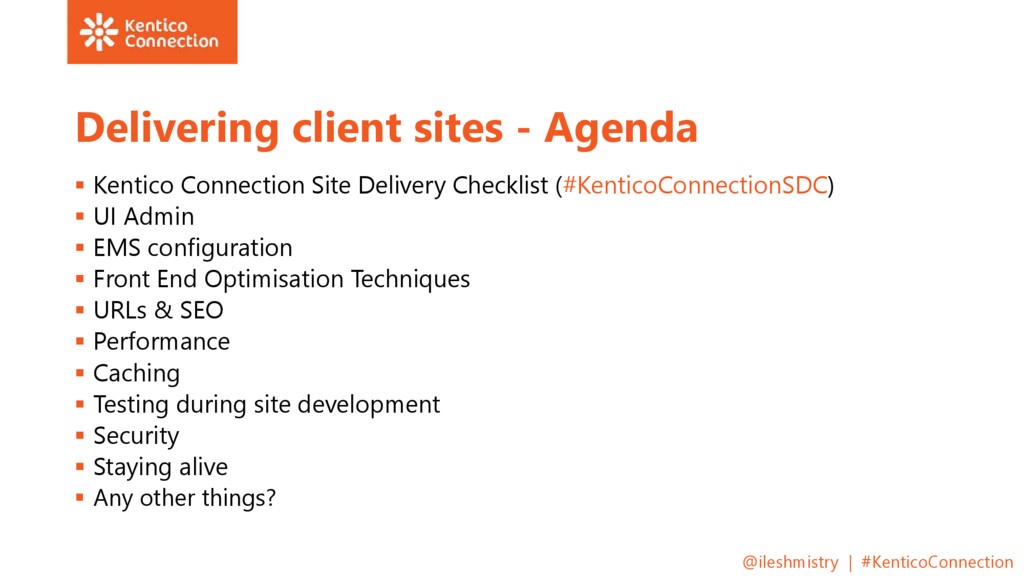
Checklist (#KenticoConnectionSDC) UI Admin EMS configuration Front End Optimisation Techniques URLs & SEO Performance Caching Testing during site development Security Staying alive Any other things? @ileshmistry | #KenticoConnection
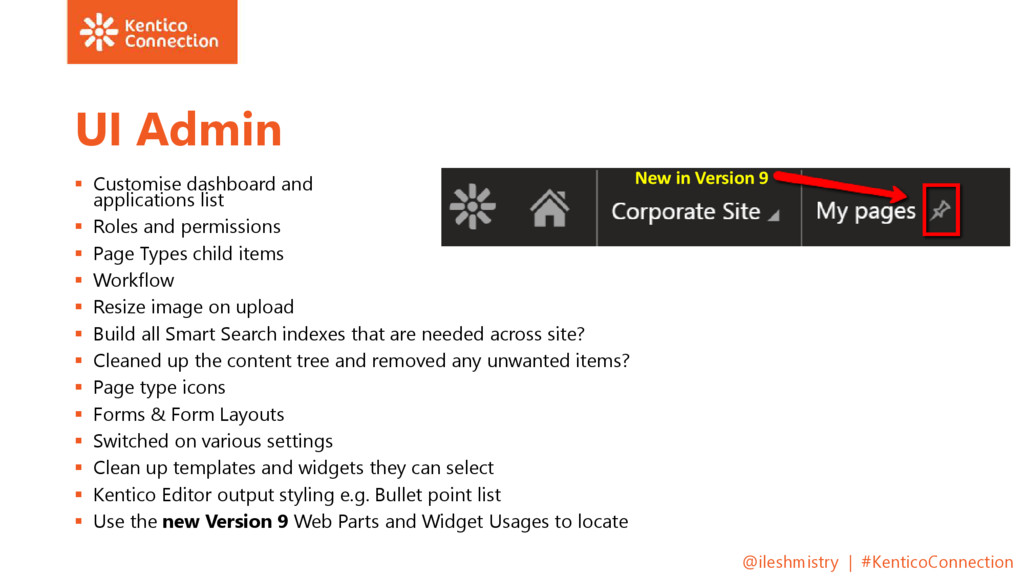
and permissions Page Types child items Workflow Resize image on upload Build all Smart Search indexes that are needed across site? Cleaned up the content tree and removed any unwanted items? Page type icons Forms & Form Layouts Switched on various settings Clean up templates and widgets they can select Kentico Editor output styling e.g. Bullet point list Use the new Version 9 Web Parts and Widget Usages to locate @ileshmistry | #KenticoConnection New in Version 9
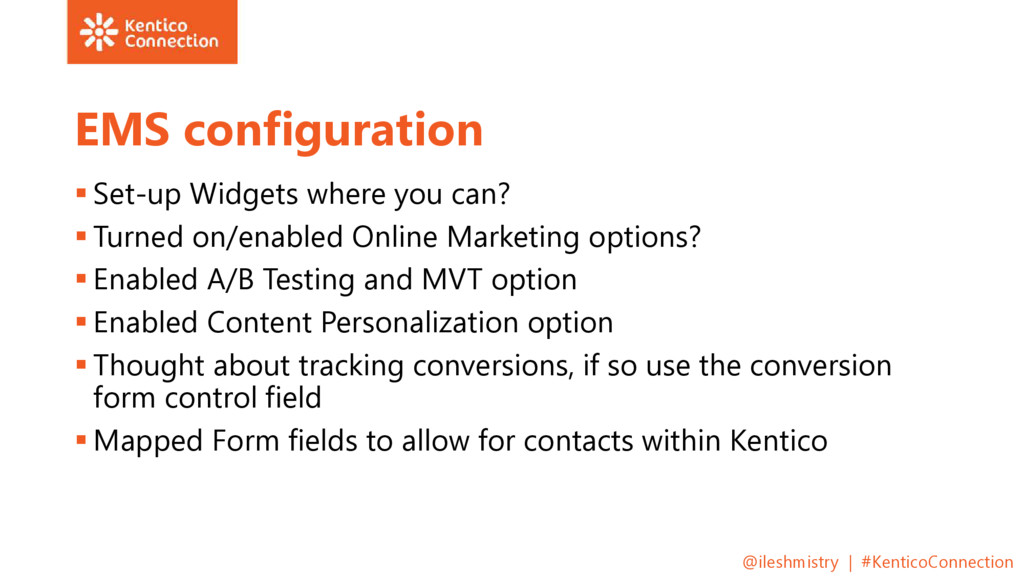
on/enabled Online Marketing options? Enabled A/B Testing and MVT option Enabled Content Personalization option Thought about tracking conversions, if so use the conversion form control field Mapped Form fields to allow for contacts within Kentico @ileshmistry | #KenticoConnection
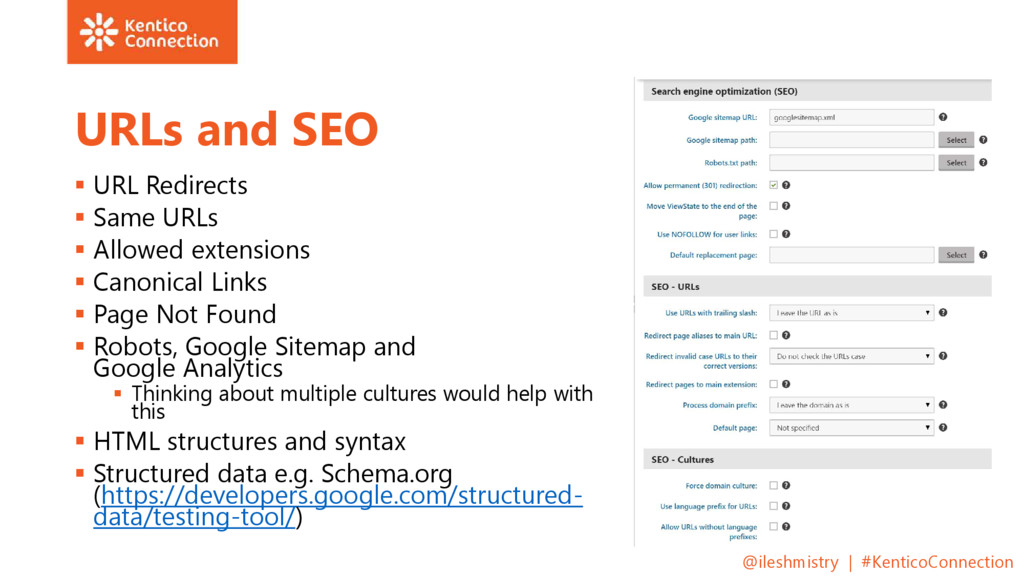
Allowed extensions Canonical Links Page Not Found Robots, Google Sitemap and Google Analytics Thinking about multiple cultures would help with this HTML structures and syntax Structured data e.g. Schema.org (https://developers.google.com/structured- data/testing-tool/) @ileshmistry | #KenticoConnection
Web part performance best practice Only render what is required for that section not unrequired items (e.g. non mandatory fields markup showing up) Bad backend coding @ileshmistry | #KenticoConnection
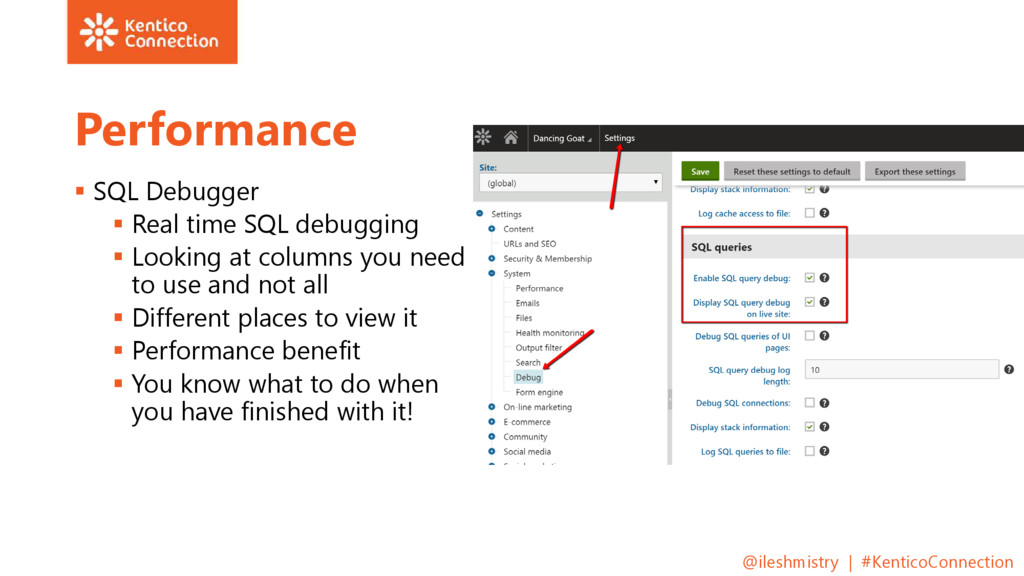
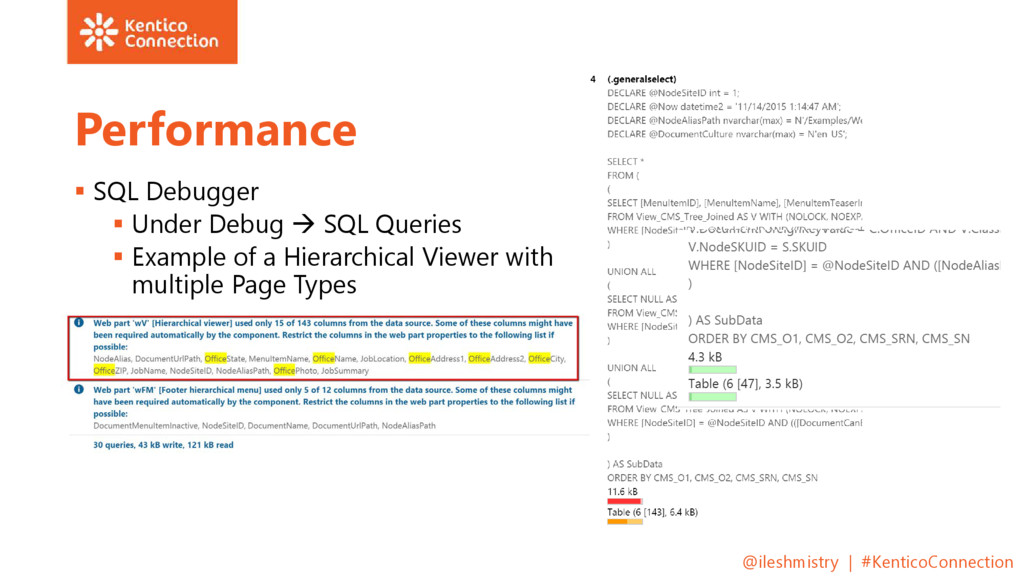
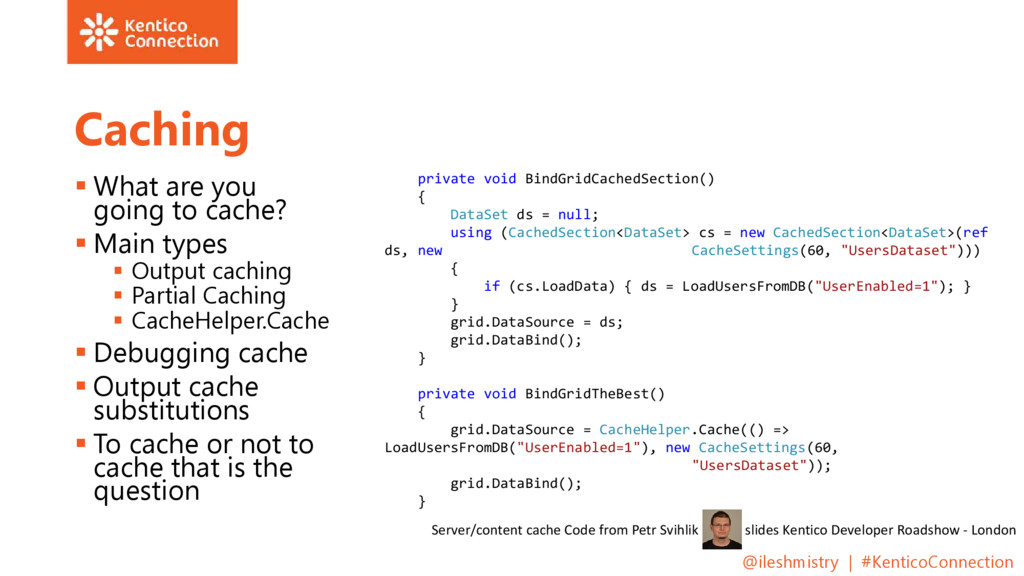
Looking at columns you need to use and not all Different places to view it Performance benefit You know what to do when you have finished with it! @ileshmistry | #KenticoConnection
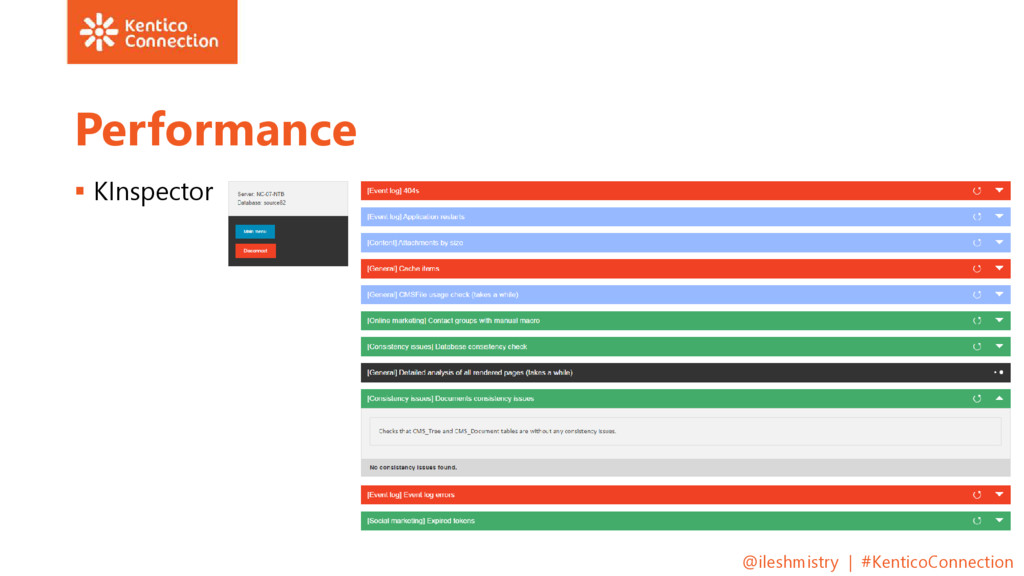
the SQL Debugger / Kinspector Then if things look bad, use the web part with SQL Query in them so you define what the query / data source is and it is not something you just let Kentico handle There are always and will be different scenarios to use some options over others, it all depends per project @ileshmistry | #KenticoConnection
Concurrent Testing e.g. Seige Penetration Testing Open Web Application Security Project (OWASP) Top 10 Security Vulnerabilities Injection Cross Site Scripting Anti CSRF (Cross-Site Request Forgery) Etc… Now improved in version 9 protection against CSRF by employing anti-CSRF tokens Great article by Juraj Komlosi on this @ileshmistry | #KenticoConnection
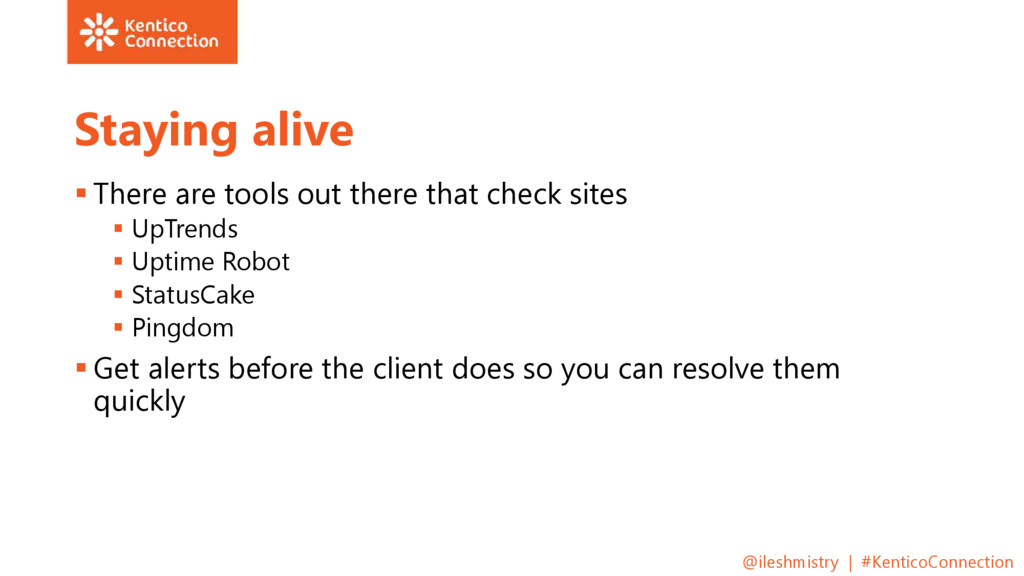
sites UpTrends Uptime Robot StatusCake Pingdom Get alerts before the client does so you can resolve them quickly @ileshmistry | #KenticoConnection


 kworkdev
 genda
genda
 sansan33
 iktakahiro
 greenmidori
 sansantech
 oasis1994liveforever
 nttcom
 ivry_presentationmaterials
 prog893
 carta_engineering
 kizawa2020
 colly
colly
 kneath
 greggifford
 marcoroth
 axbom
axbom
 chriscoyier
 techseoconnect
 konakalab
 moore
moore
 rkendrick25
 madoxten
 rakko
rakko

![Ilesh Mistry - http://www.mmtdigital.co.uk /Ilesh-mistry/blog - @ileshmistry - [email protected] @ileshmistry](https://files.speakerdeck.com/presentations/d8a1dd46d5d44a9f83b8f1b9694f6f2b/slide_5.jpg)


![Thank you! http://www.mmtdigital.co.uk/Ilesh-Mistry https://twitter.com/ileshmistry https://www.facebook.com/ilesh.mistry https://www.linkedin.com/in/ileshmistry https://plus.google.com/+IleshMistry [email protected] @ileshmistry |](https://files.speakerdeck.com/presentations/d8a1dd46d5d44a9f83b8f1b9694f6f2b/slide_35.jpg)