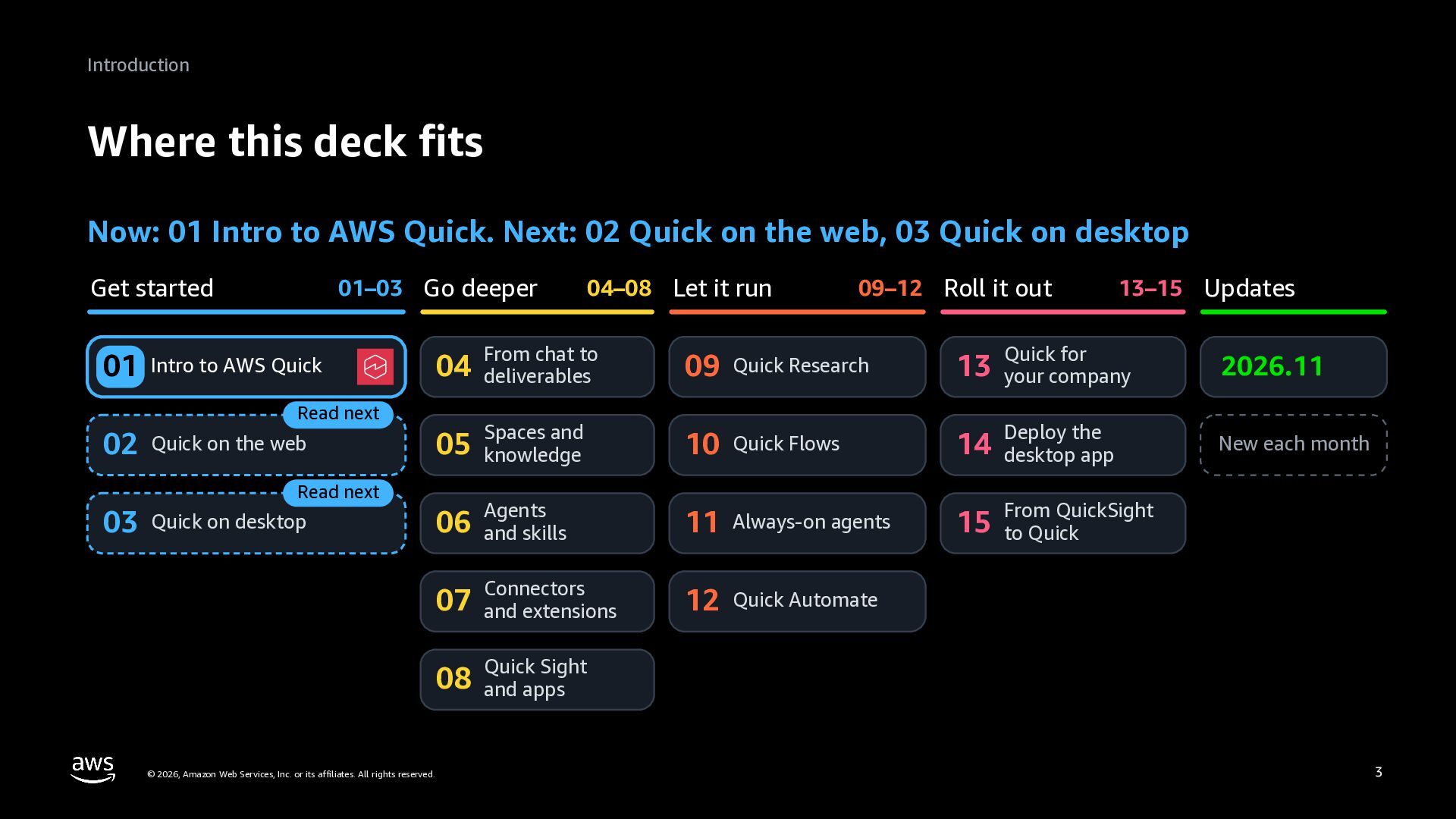
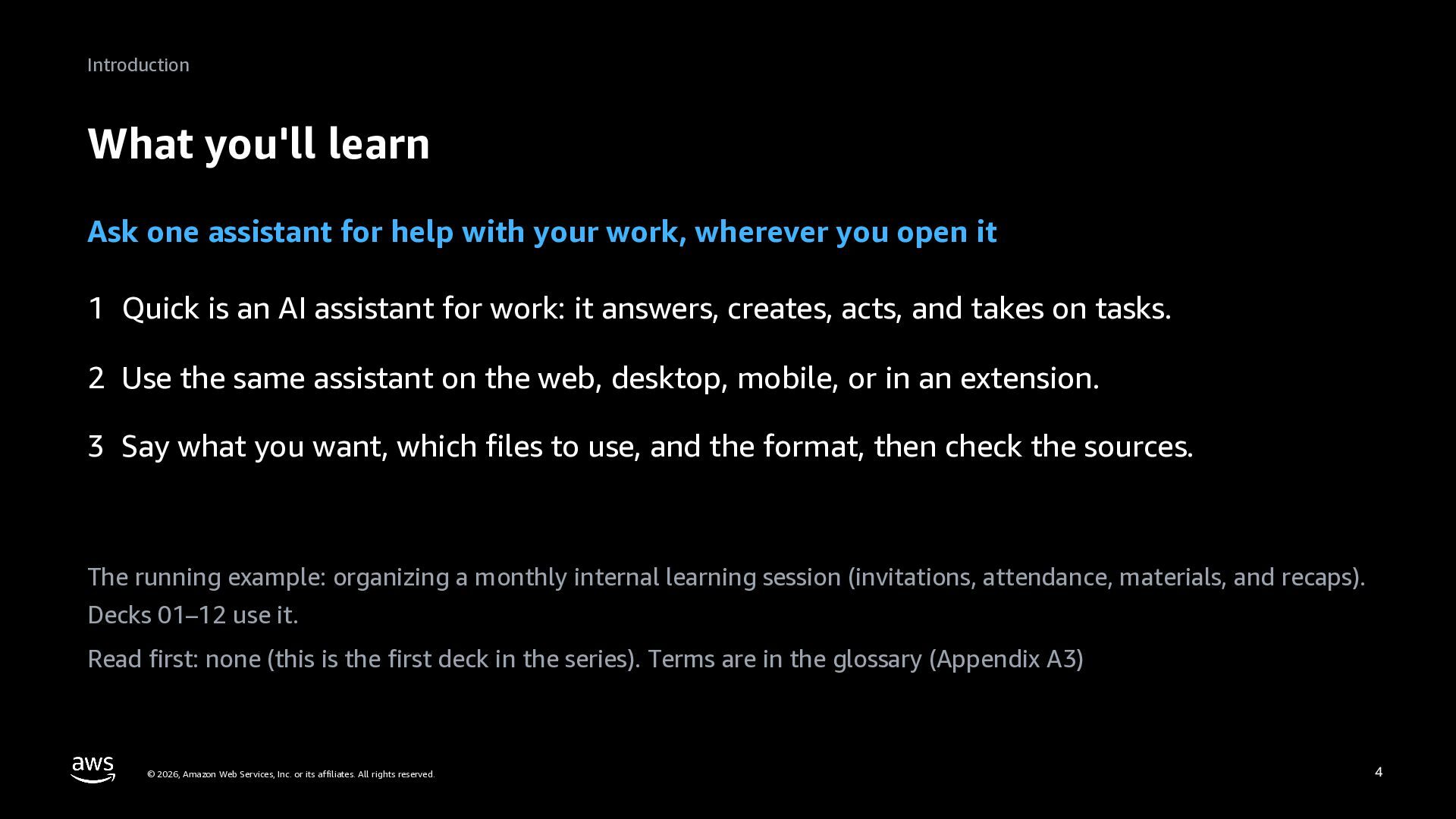
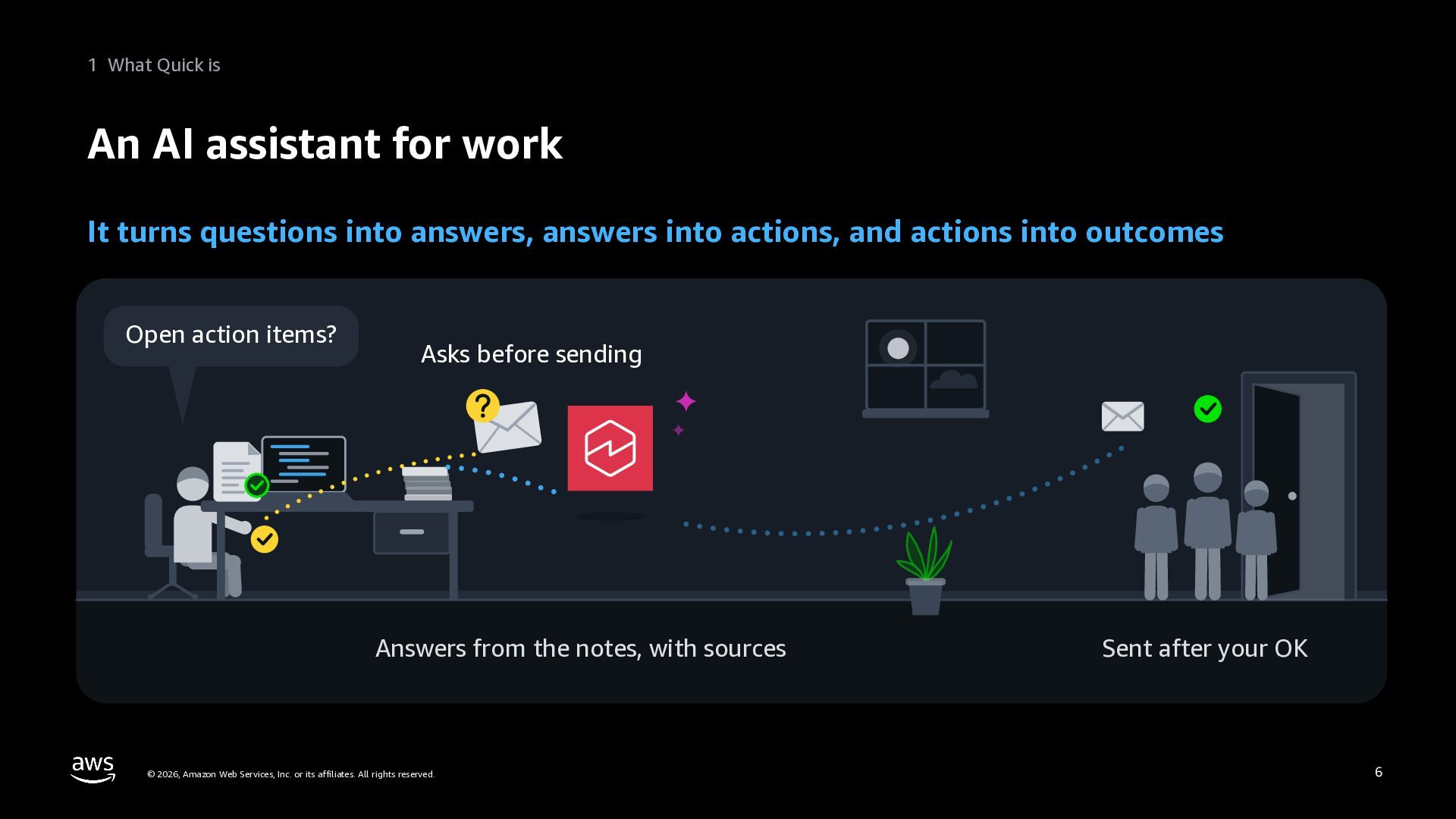
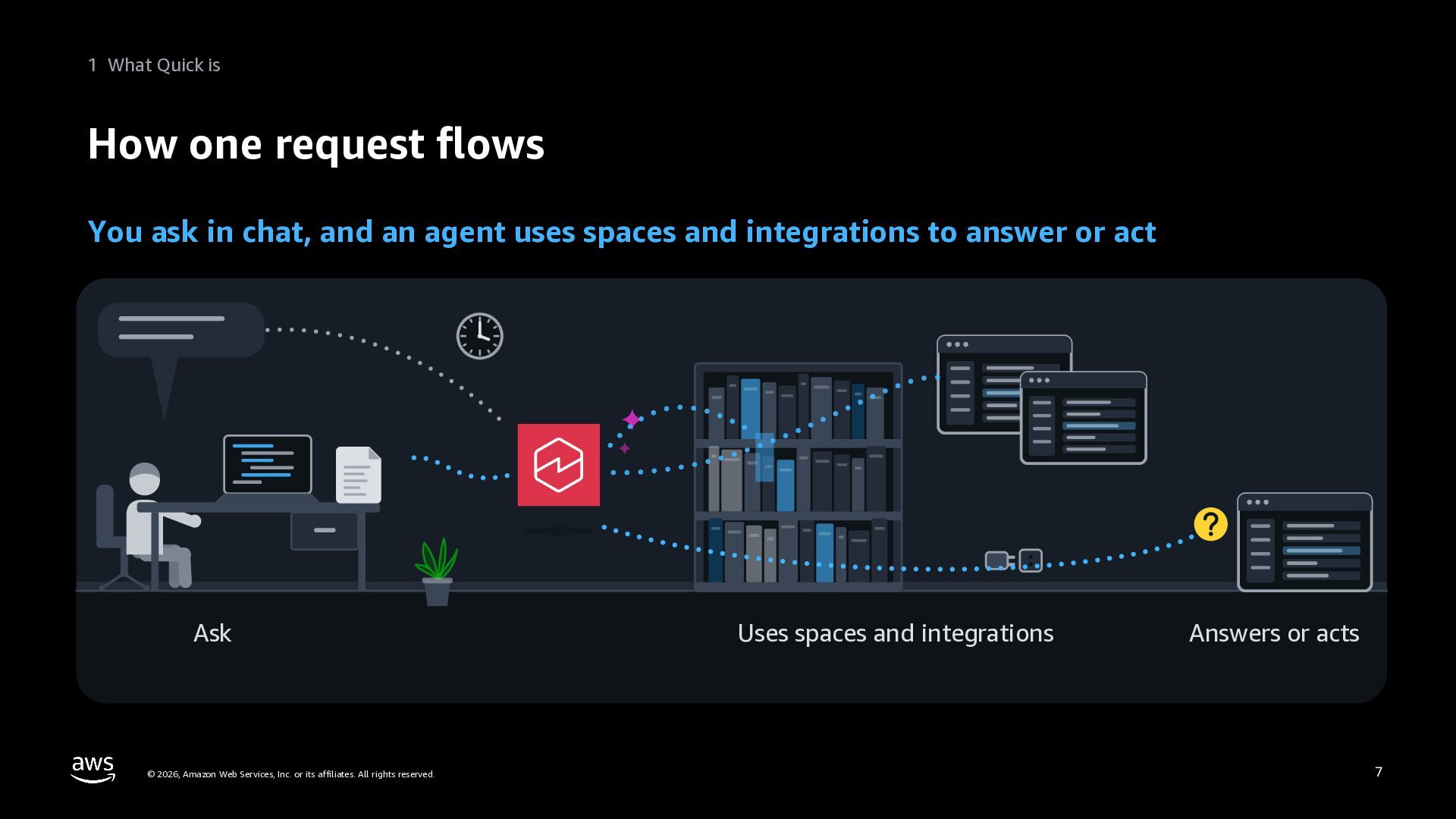
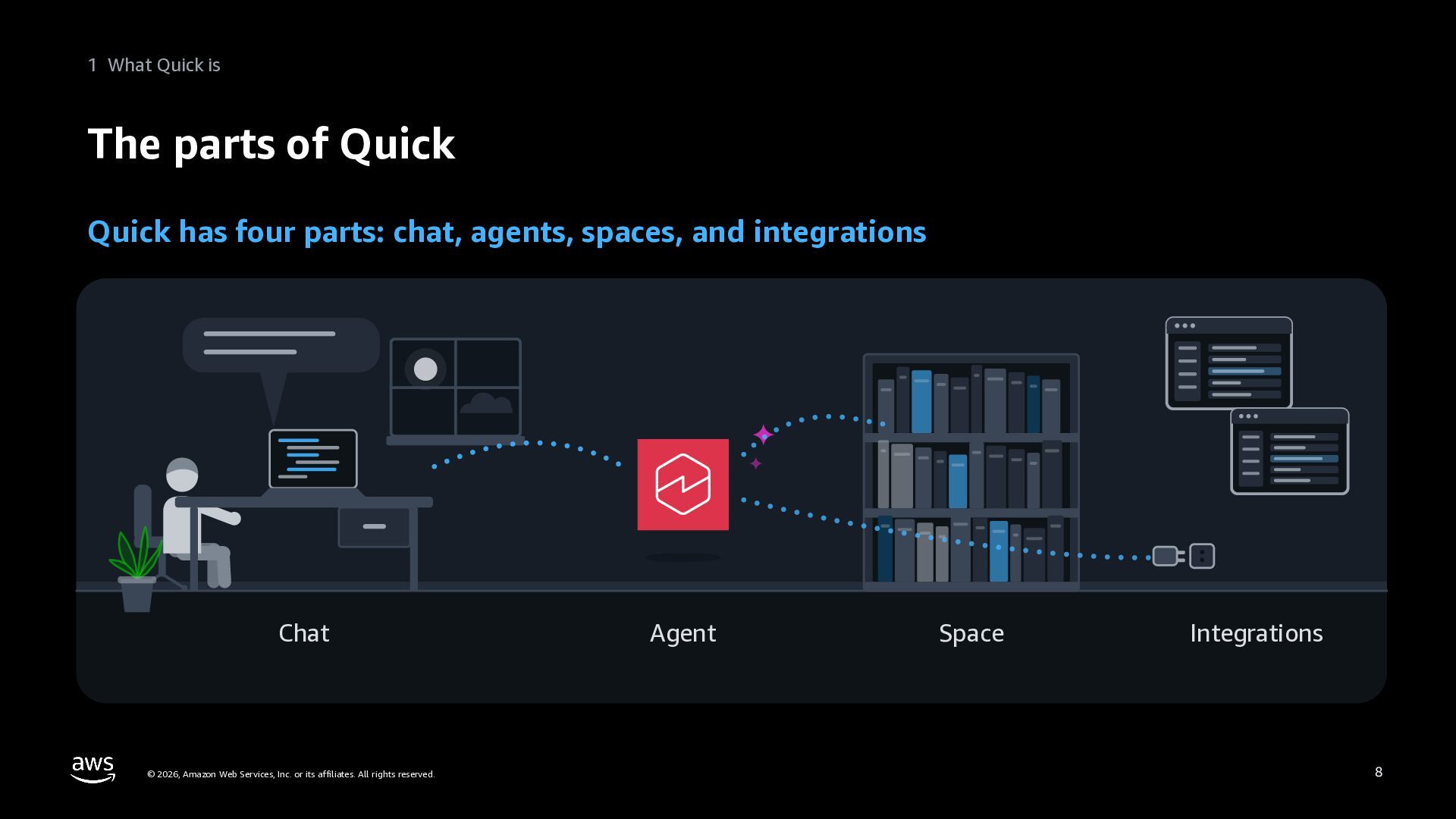
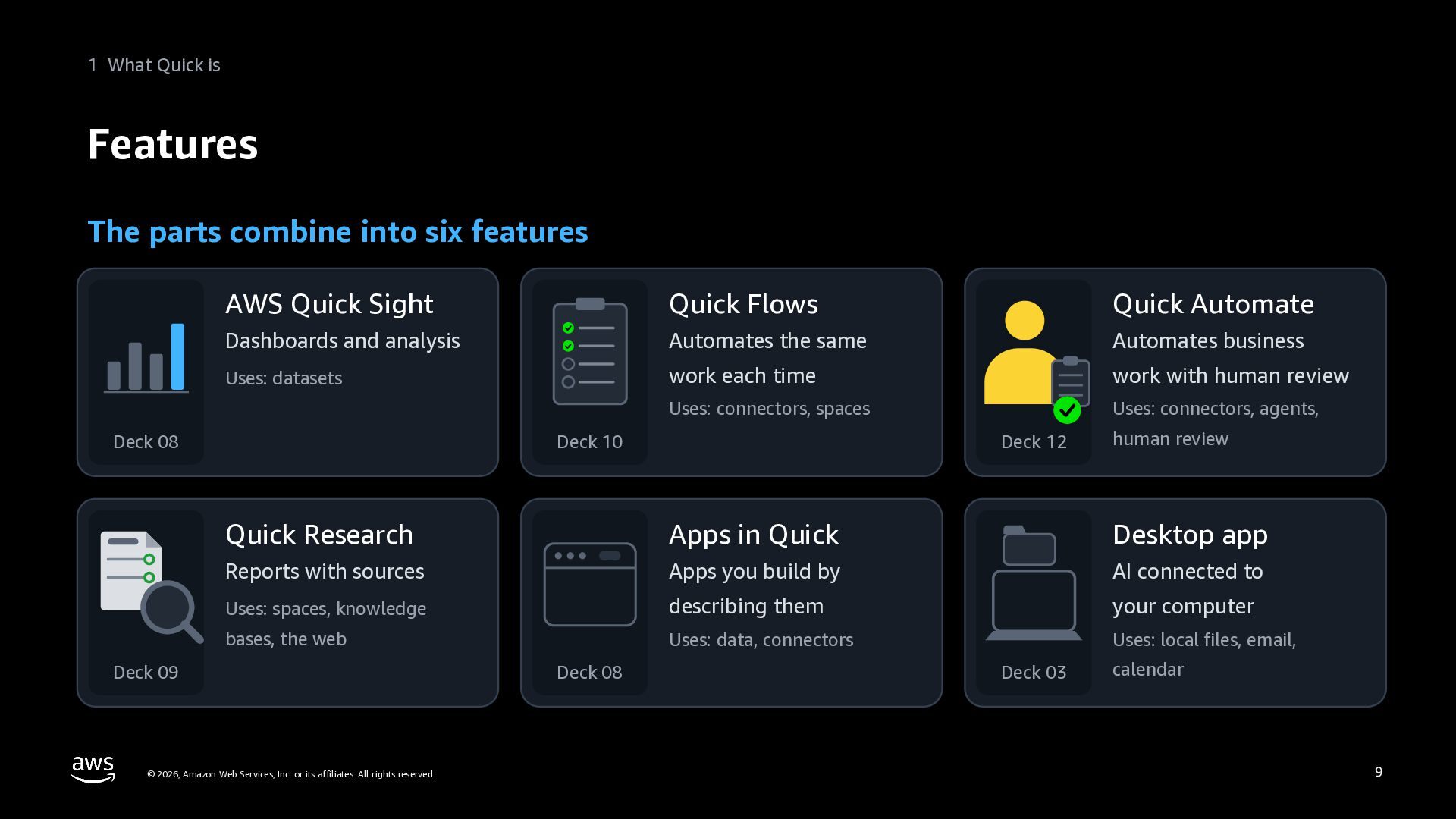
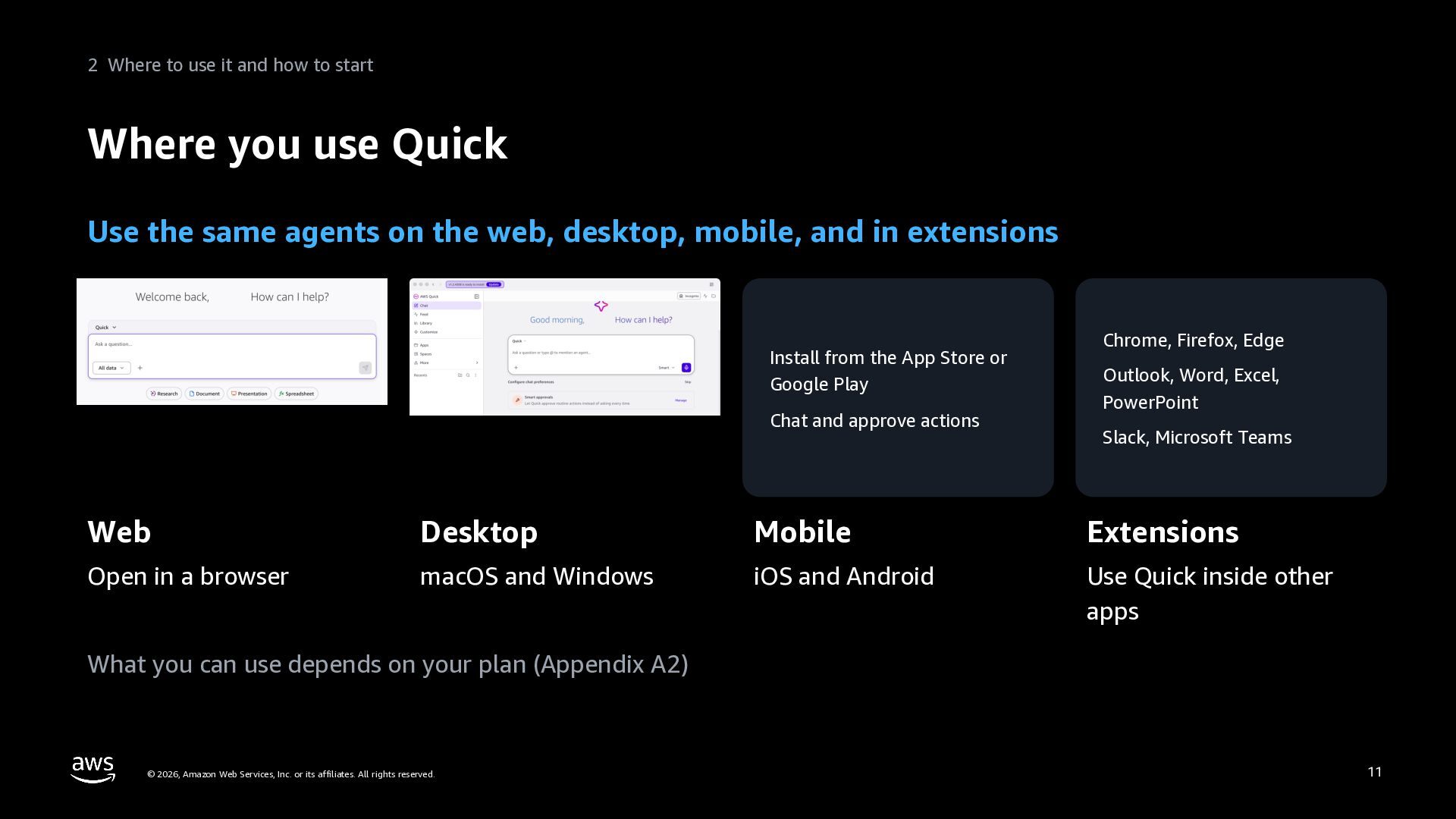
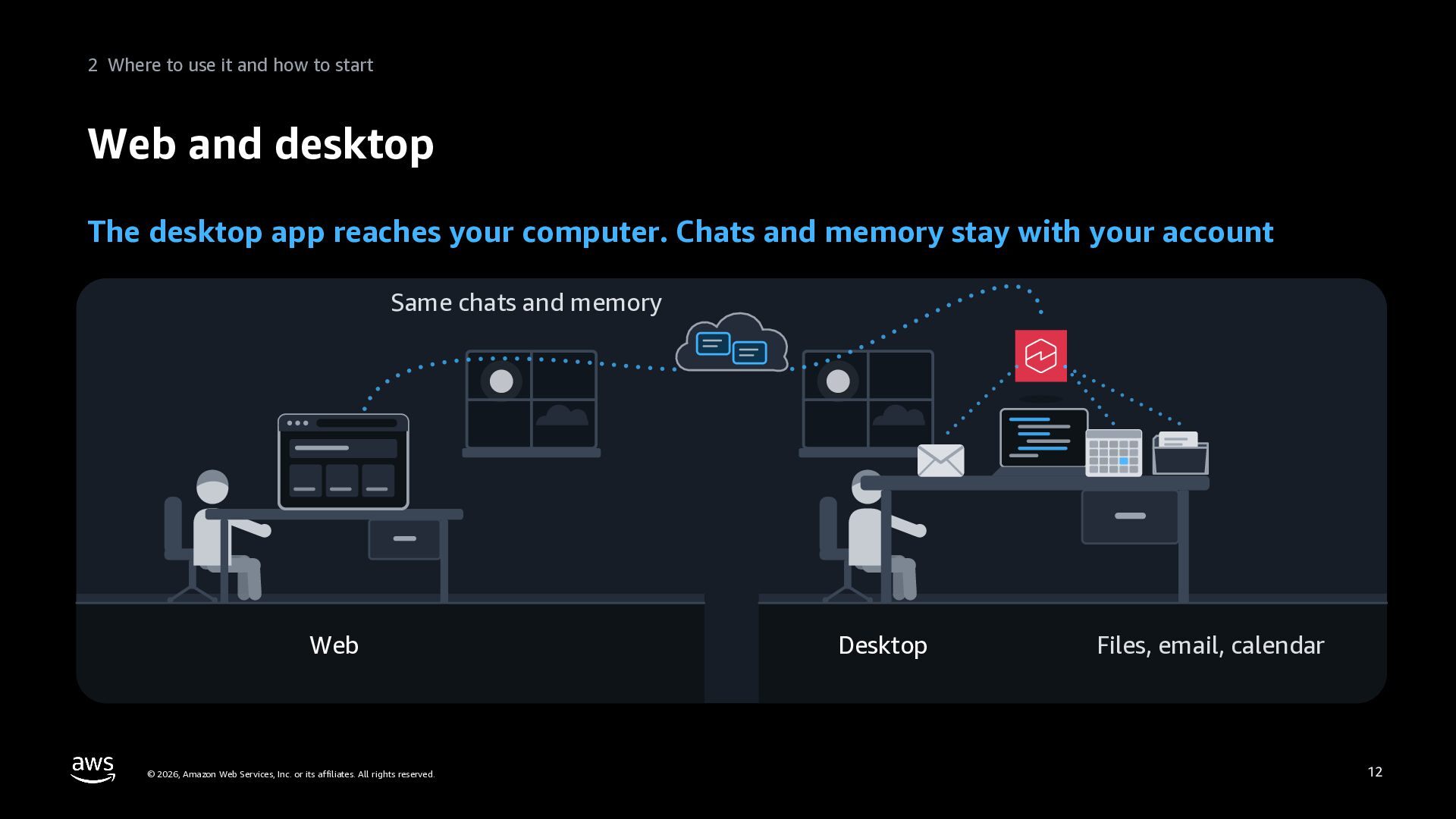
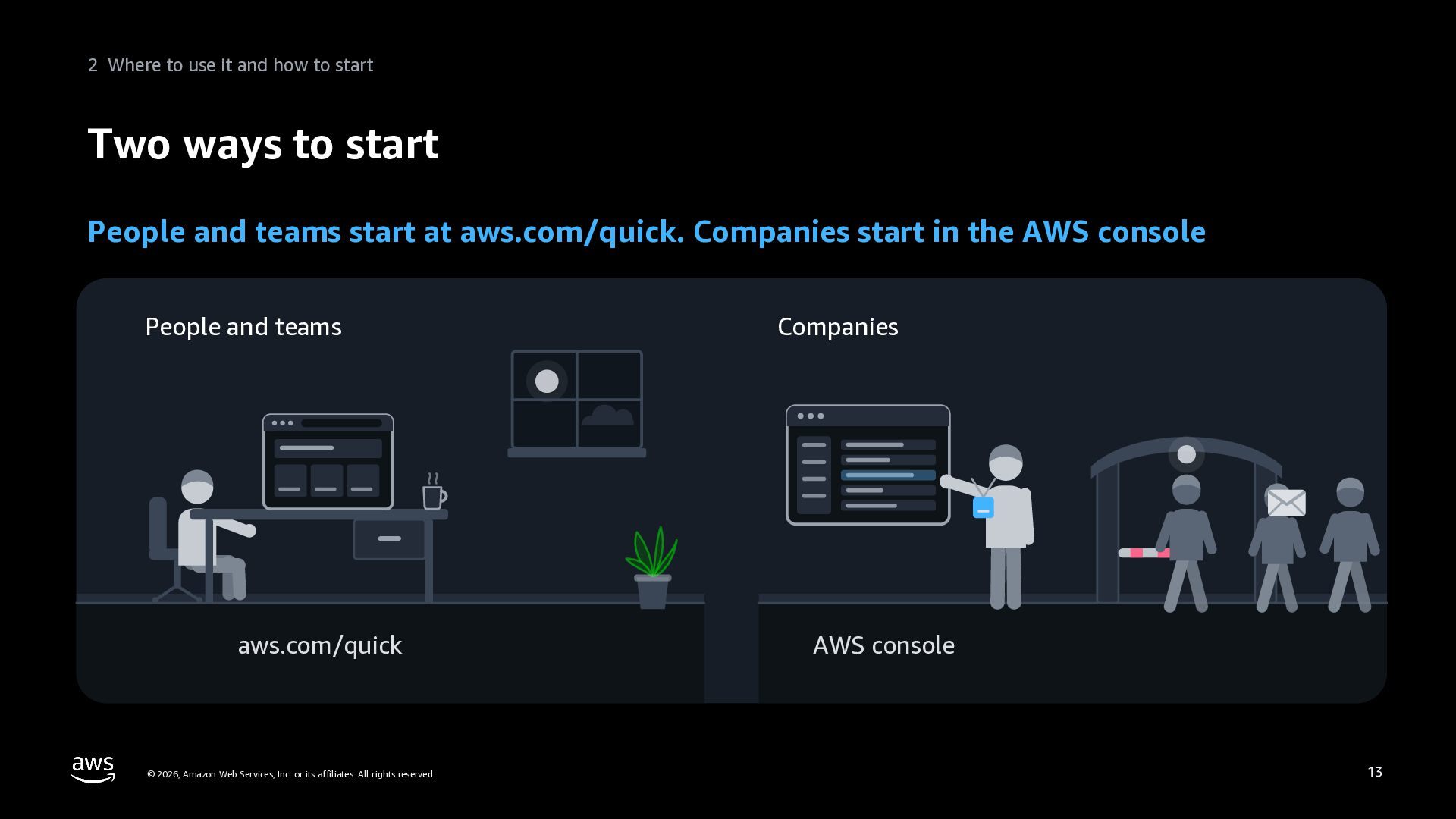
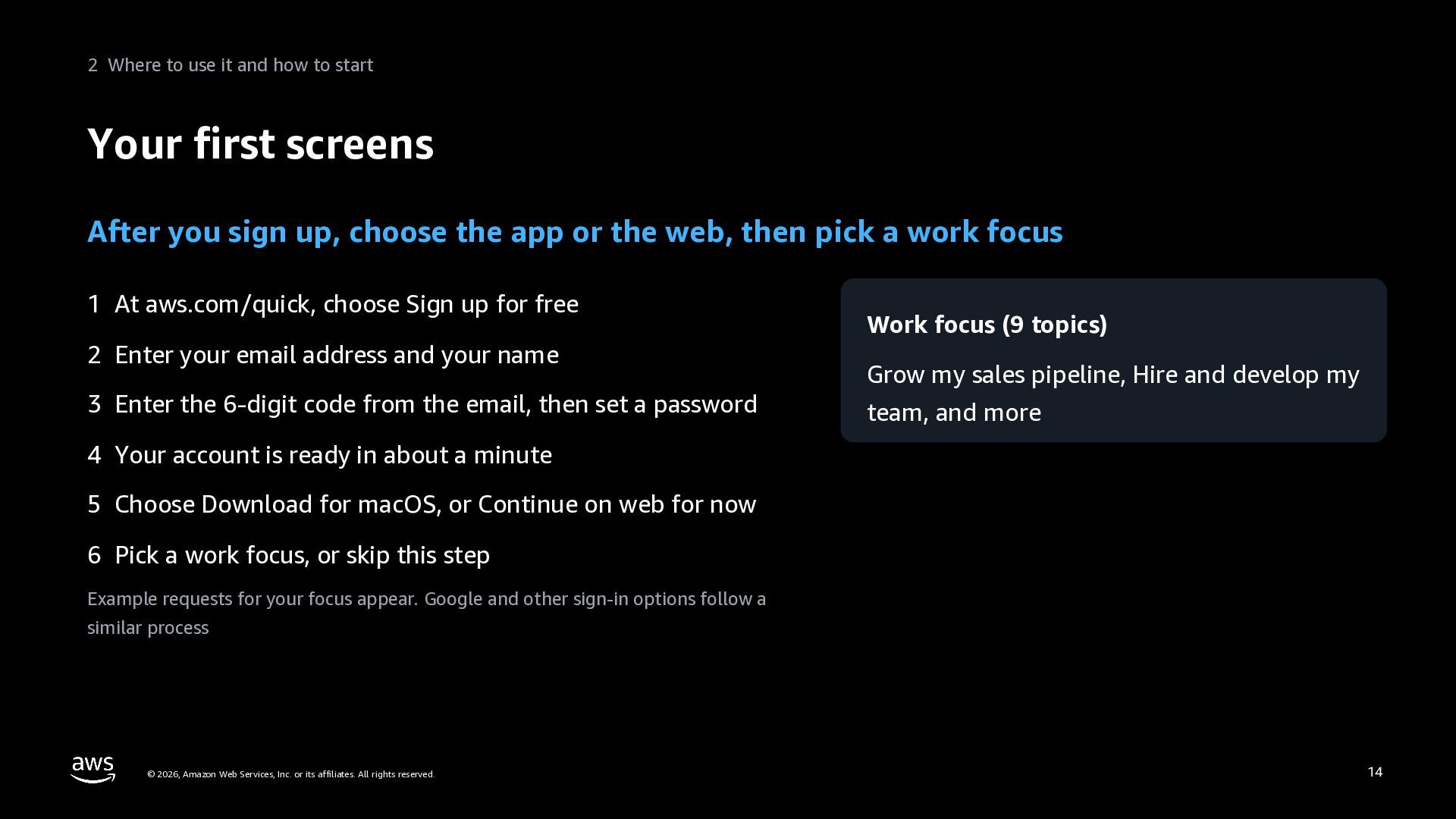
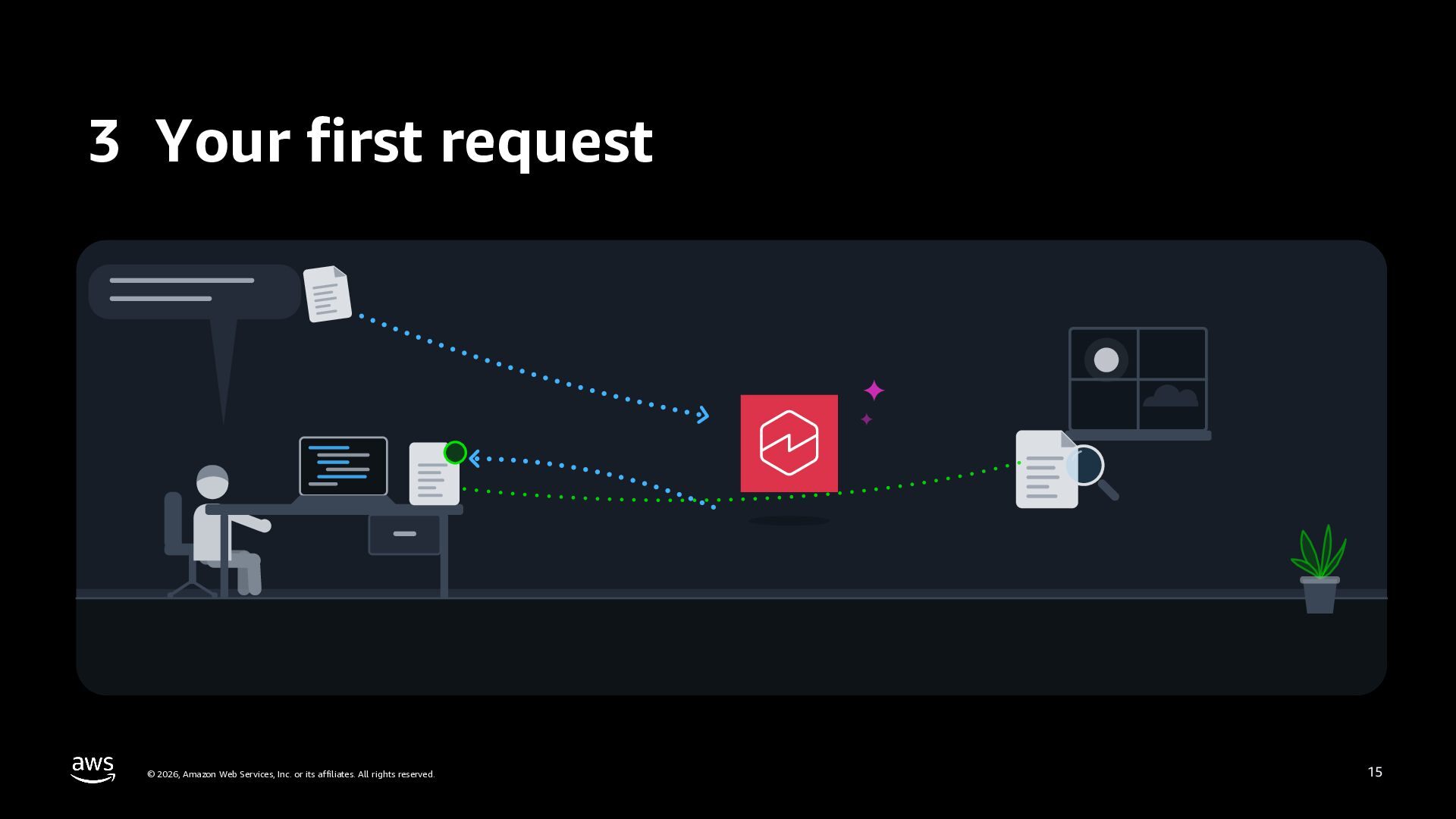
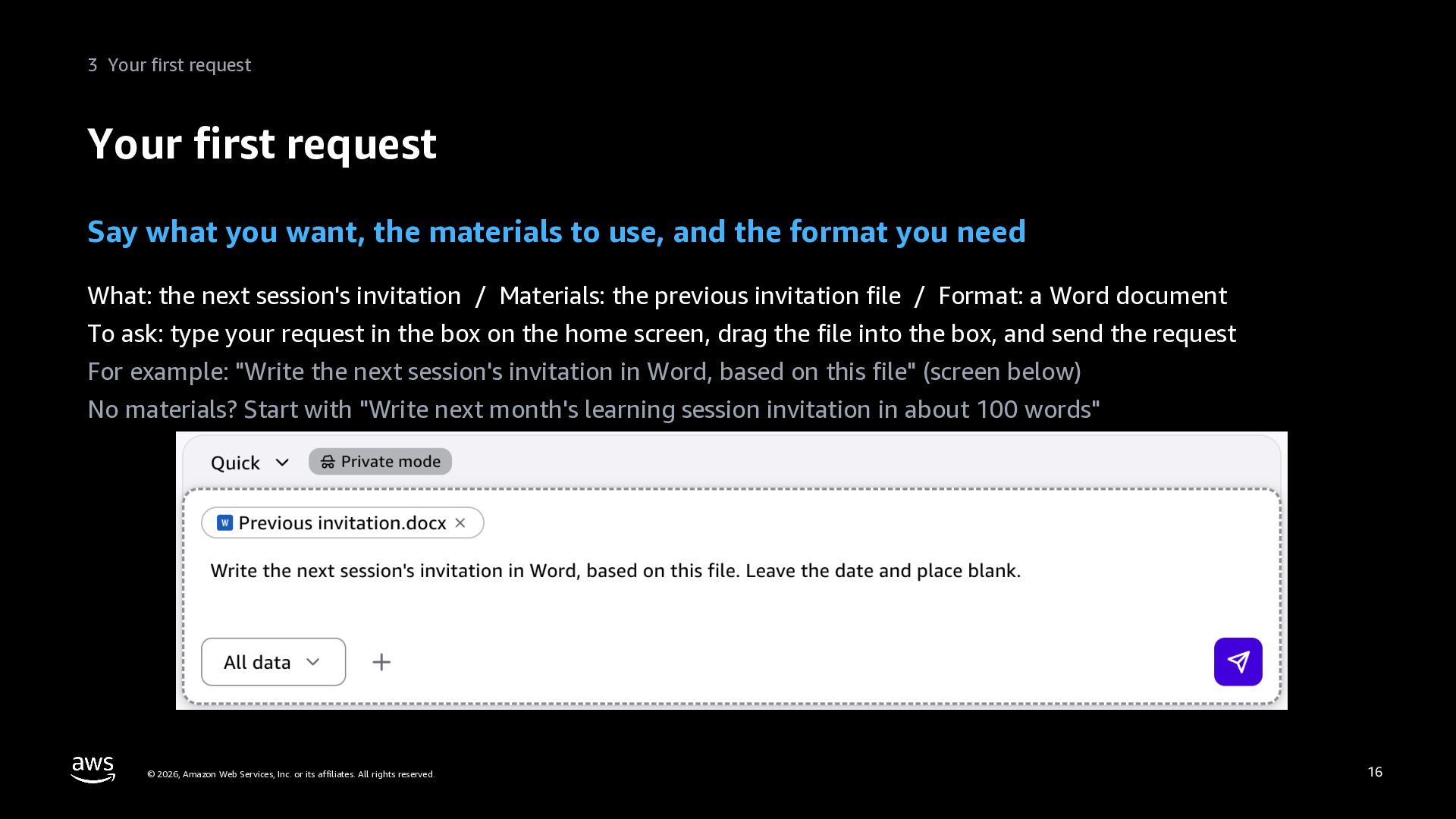
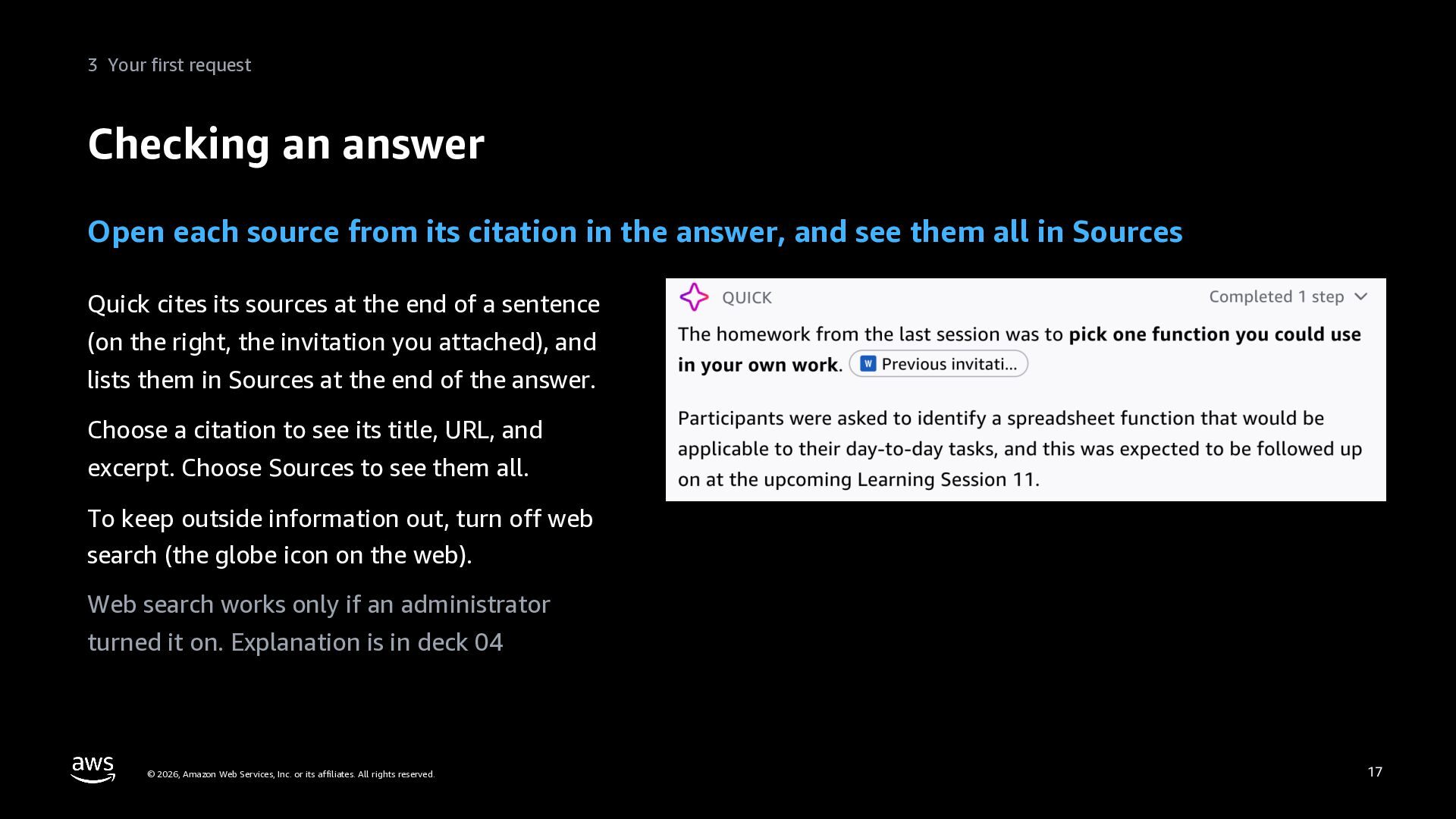
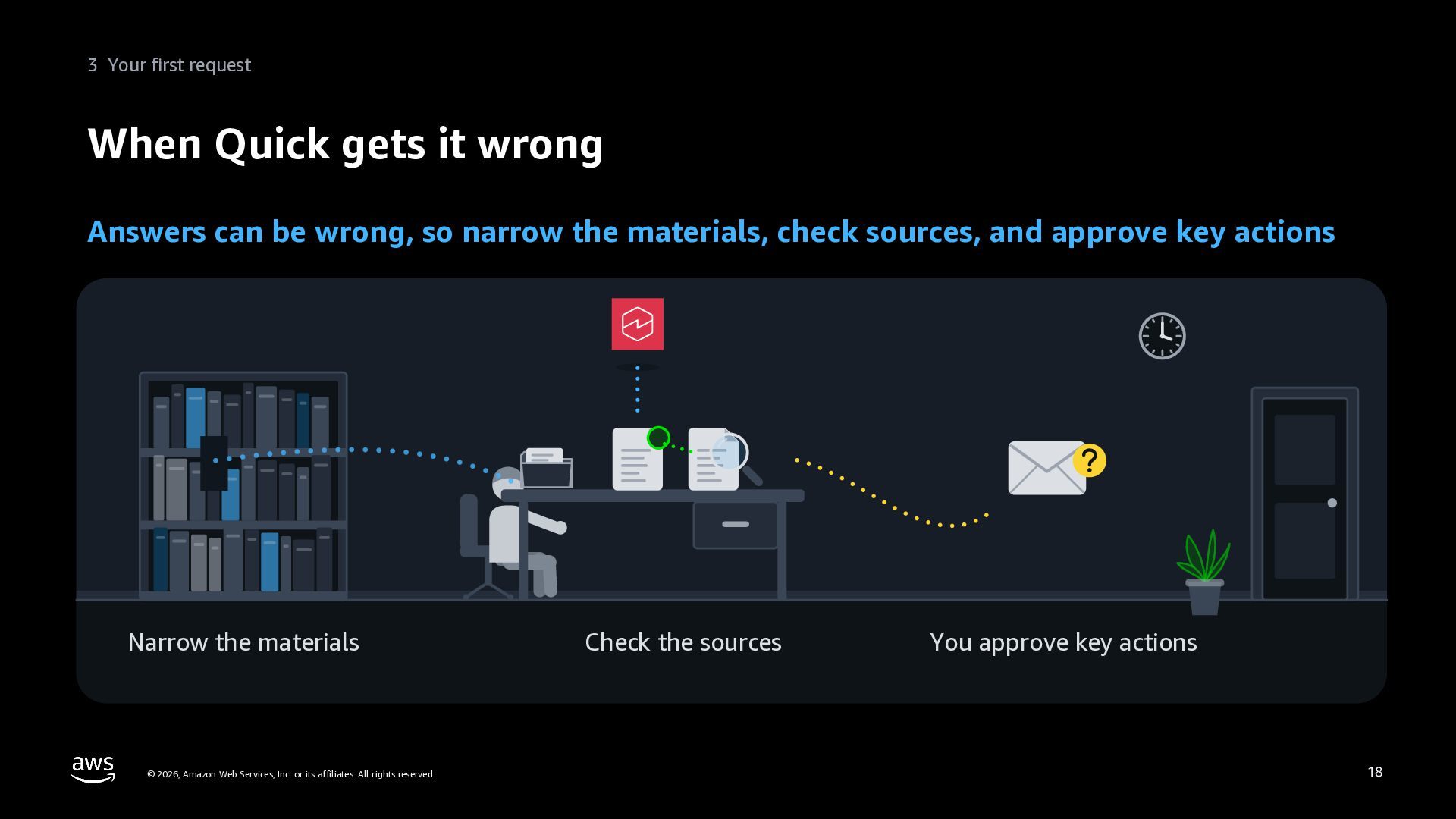
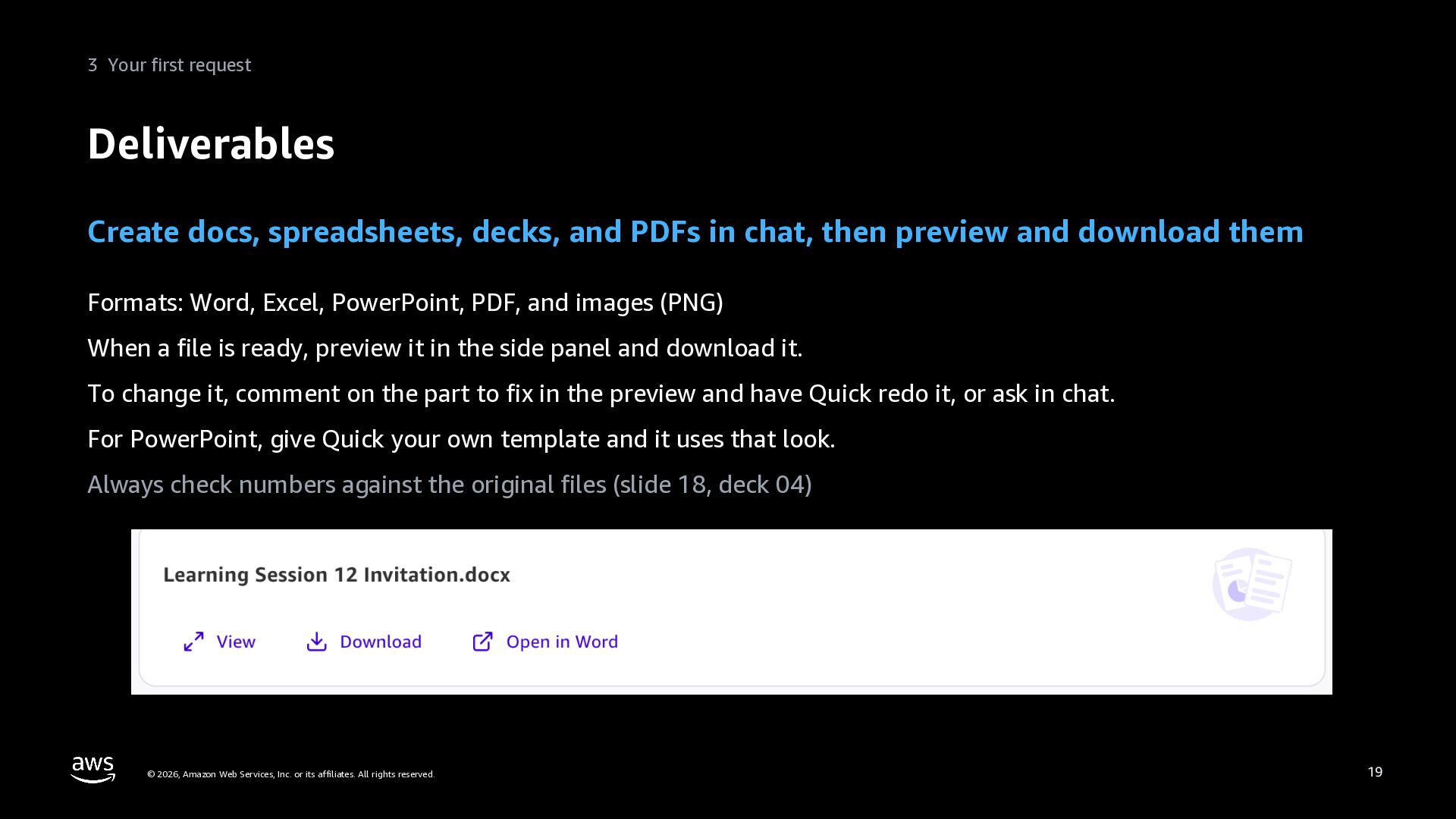
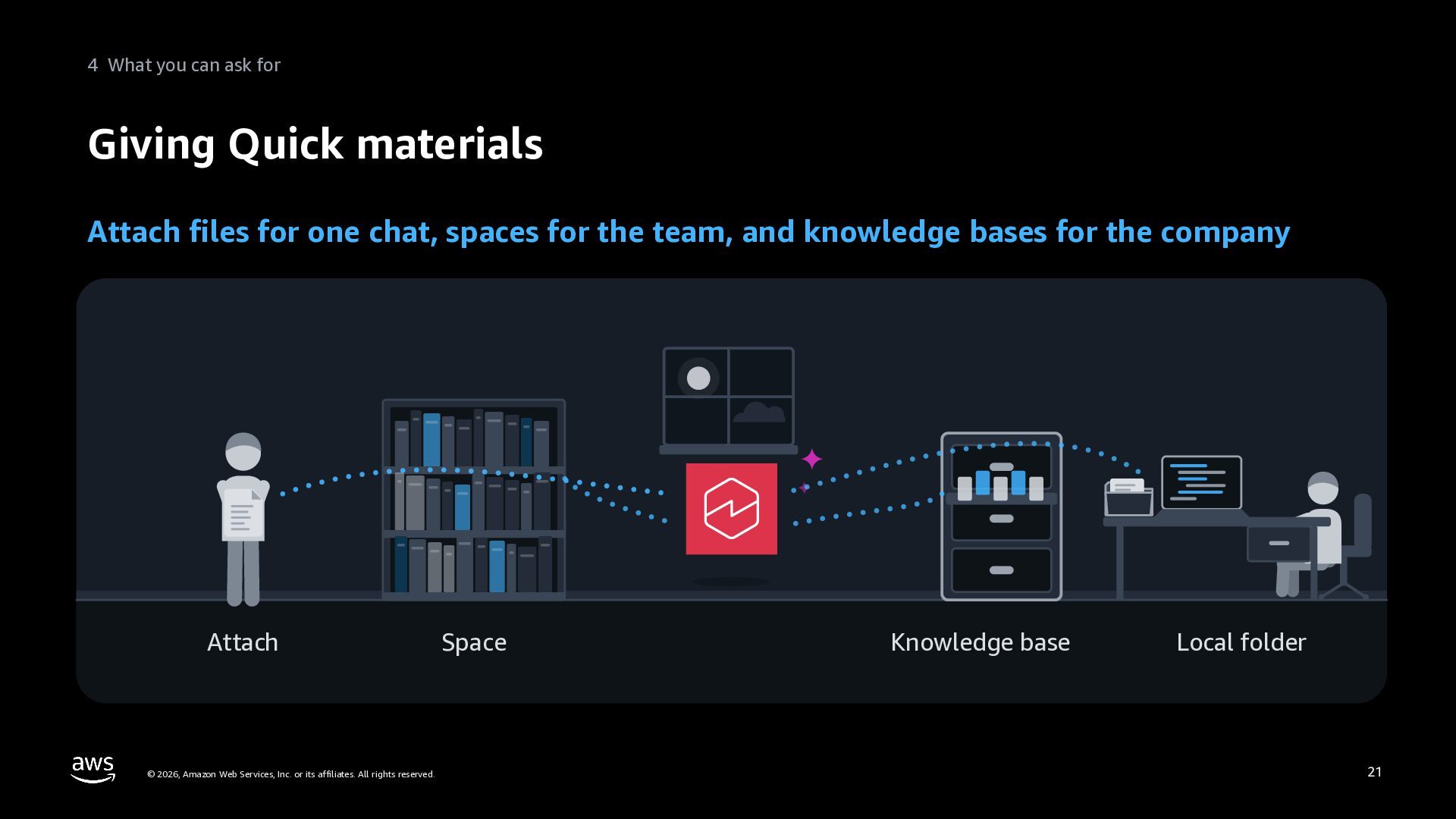
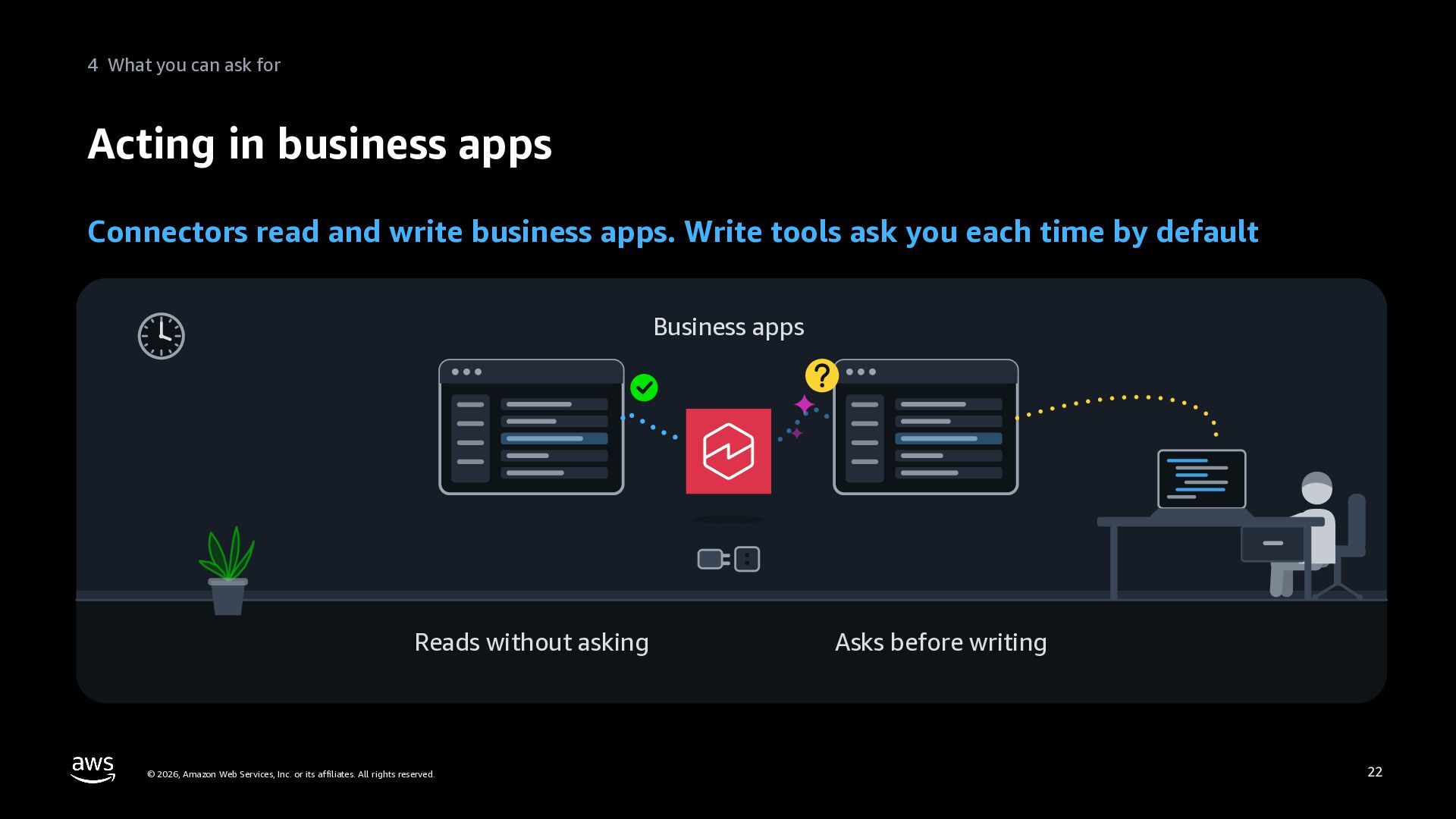
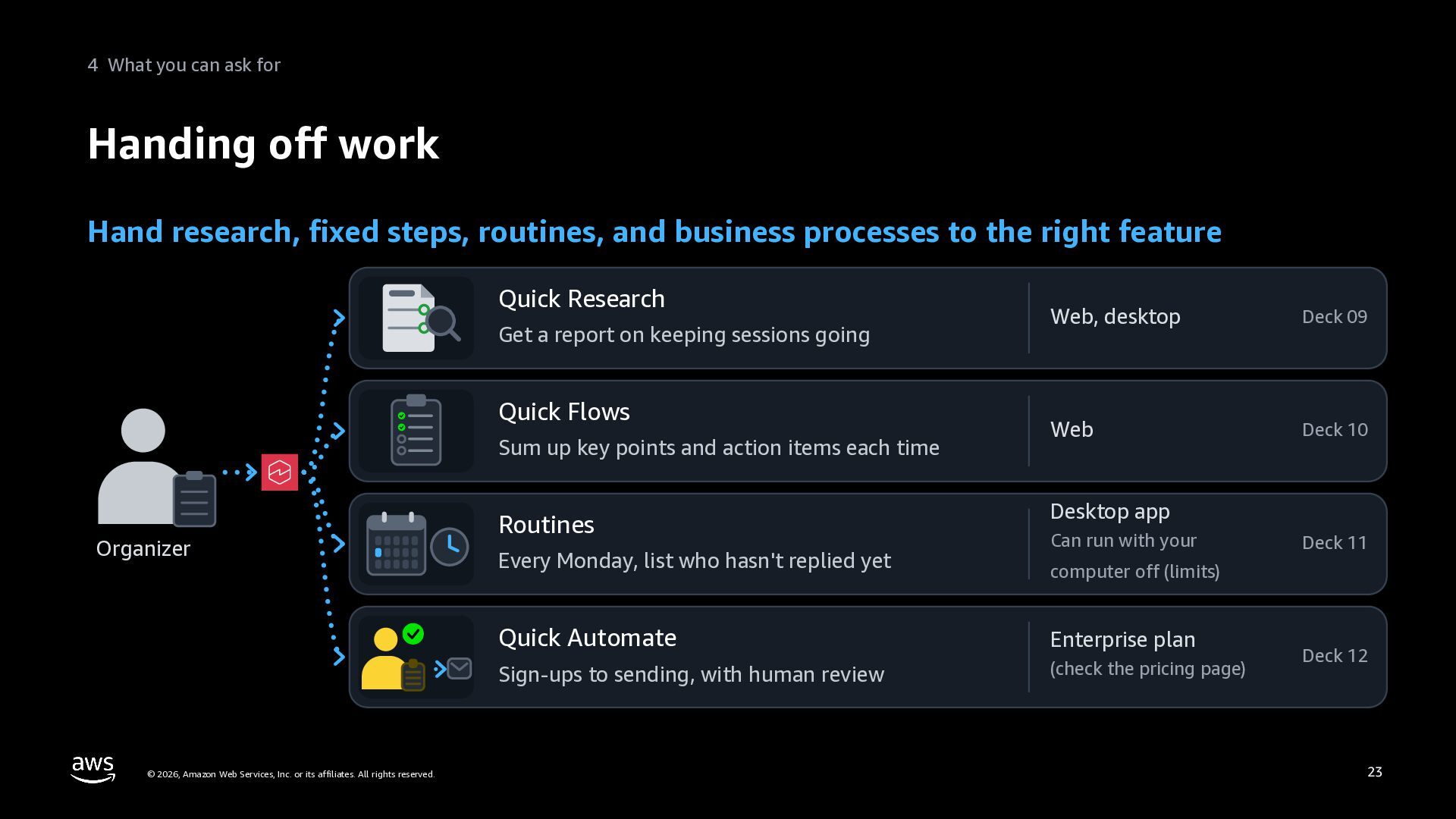
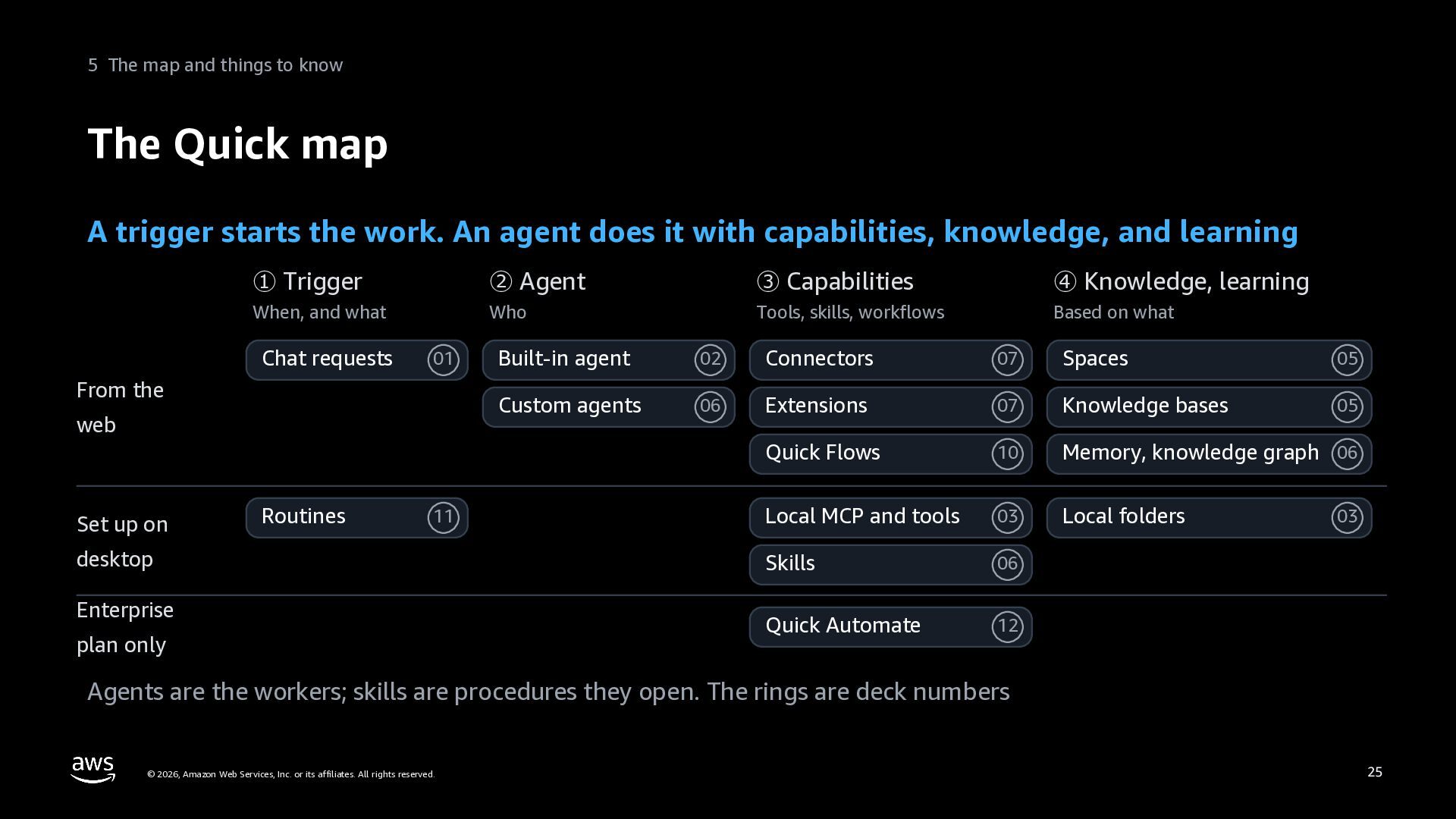
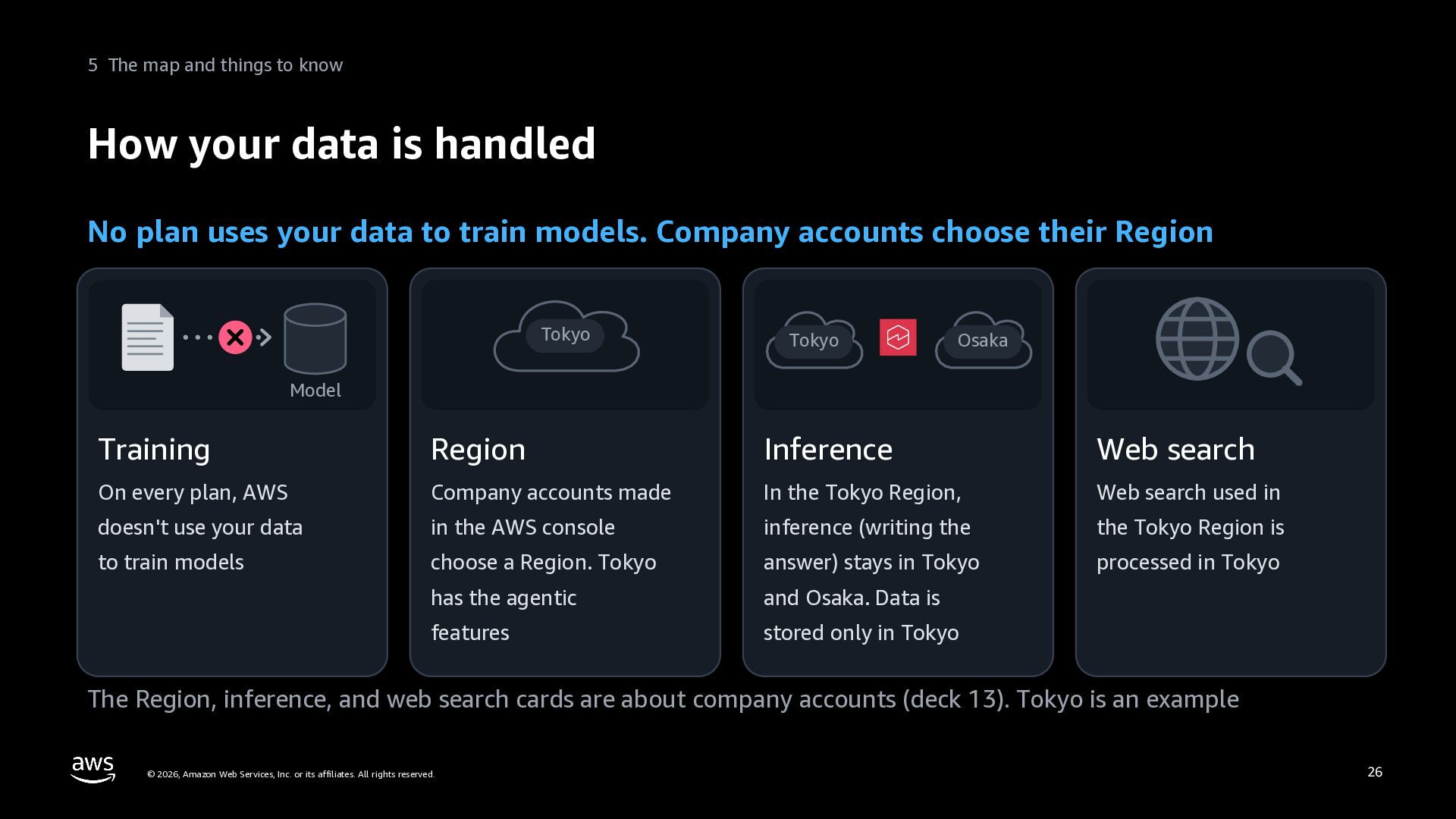
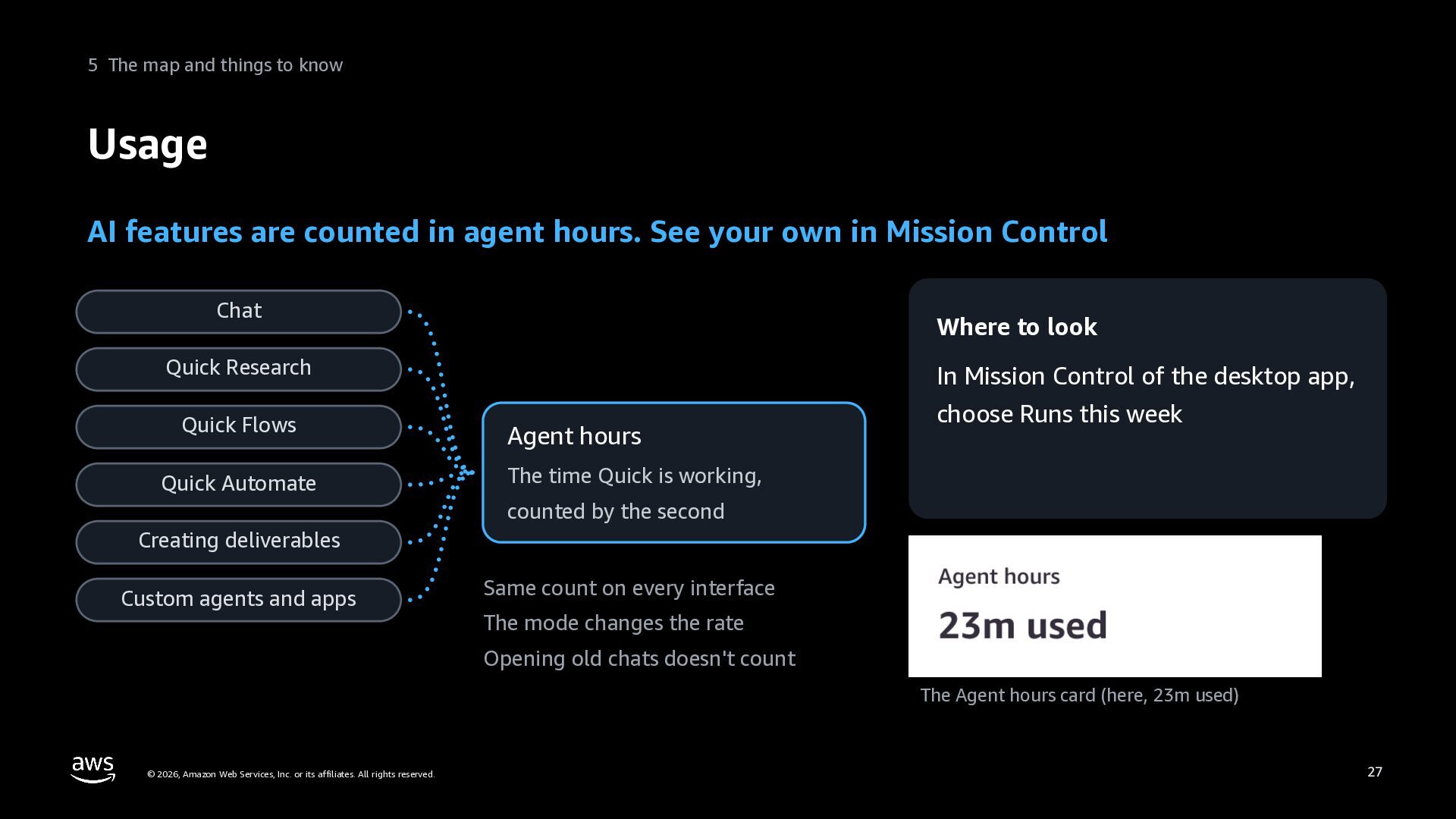
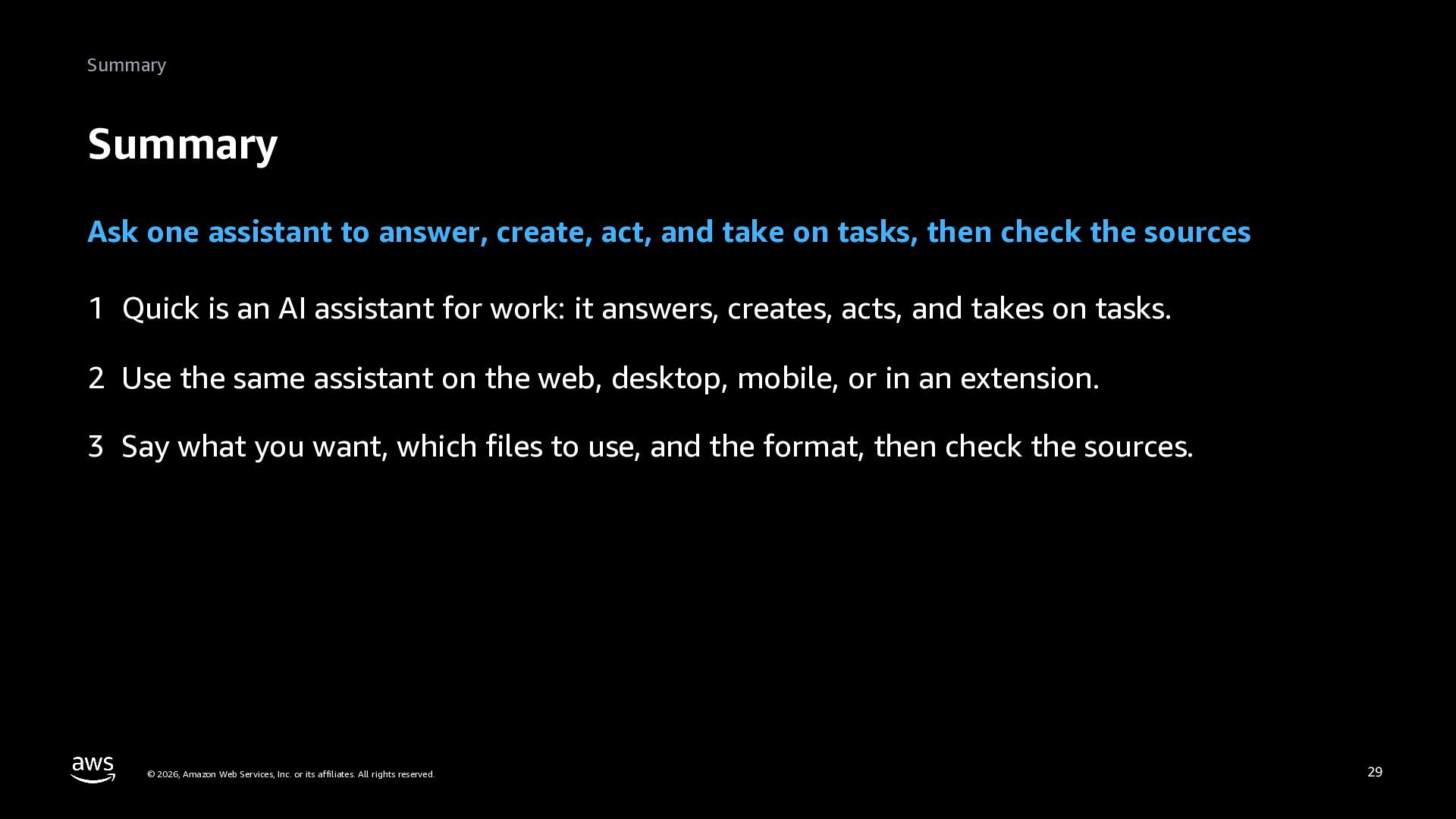
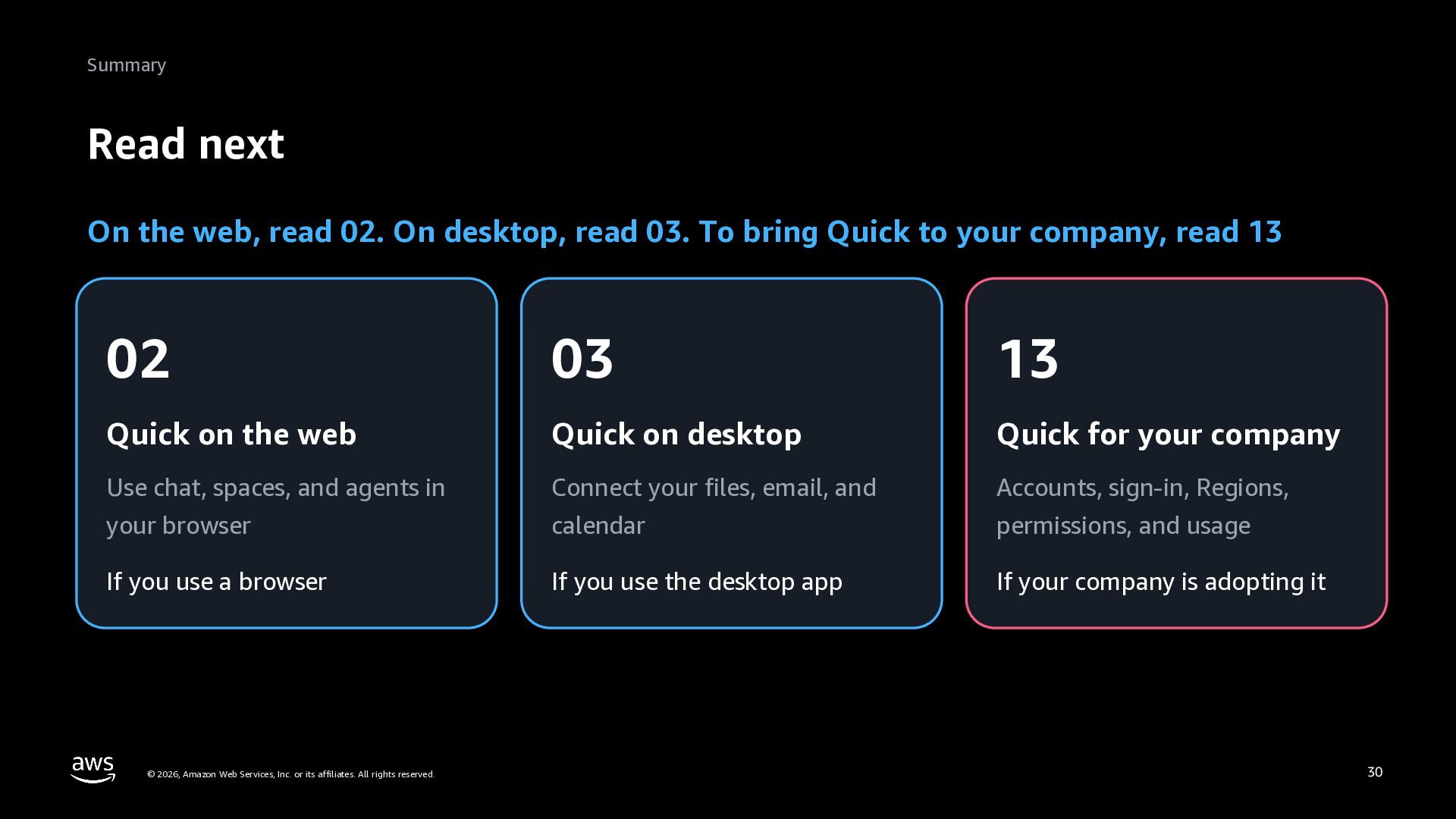
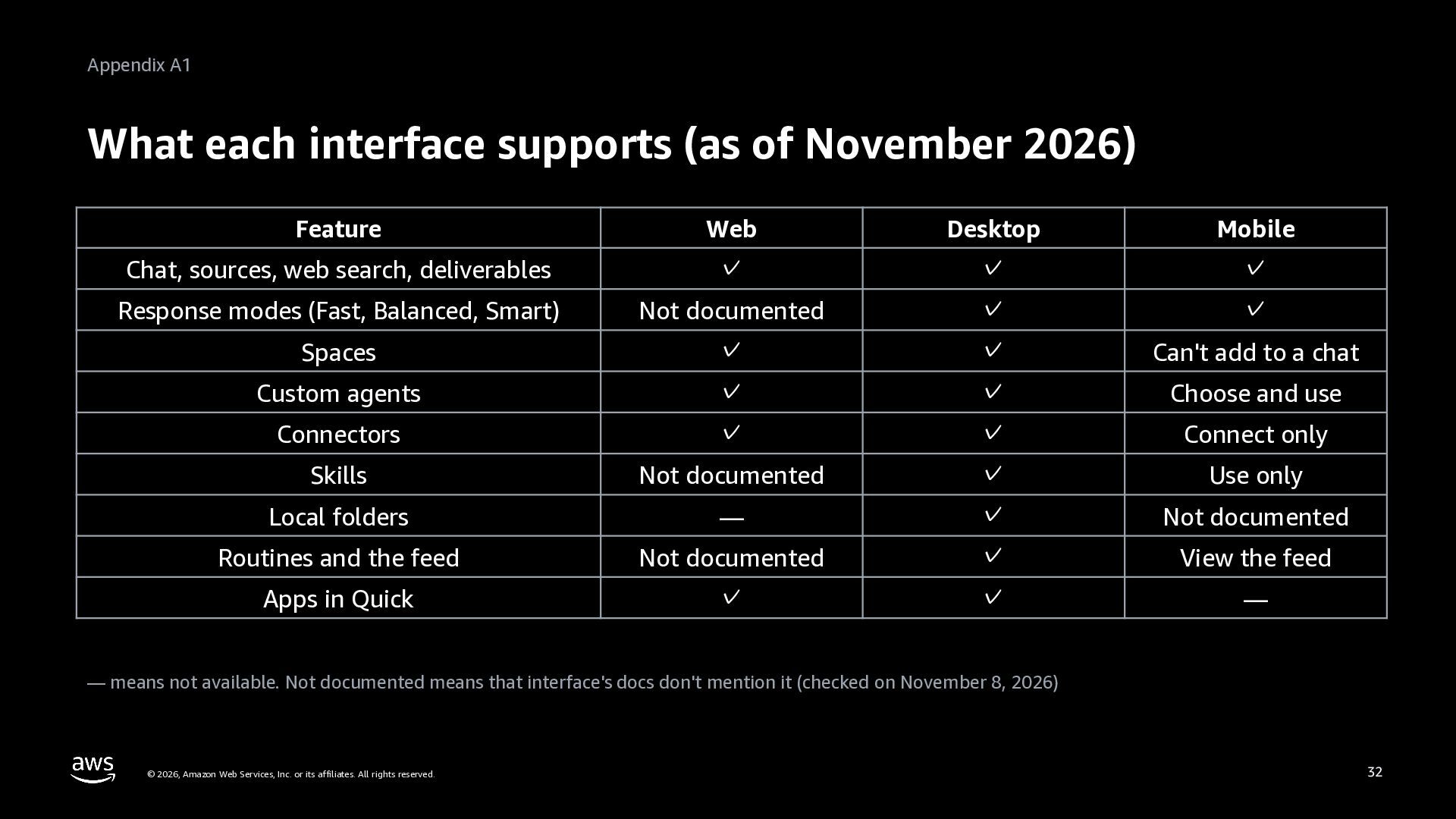
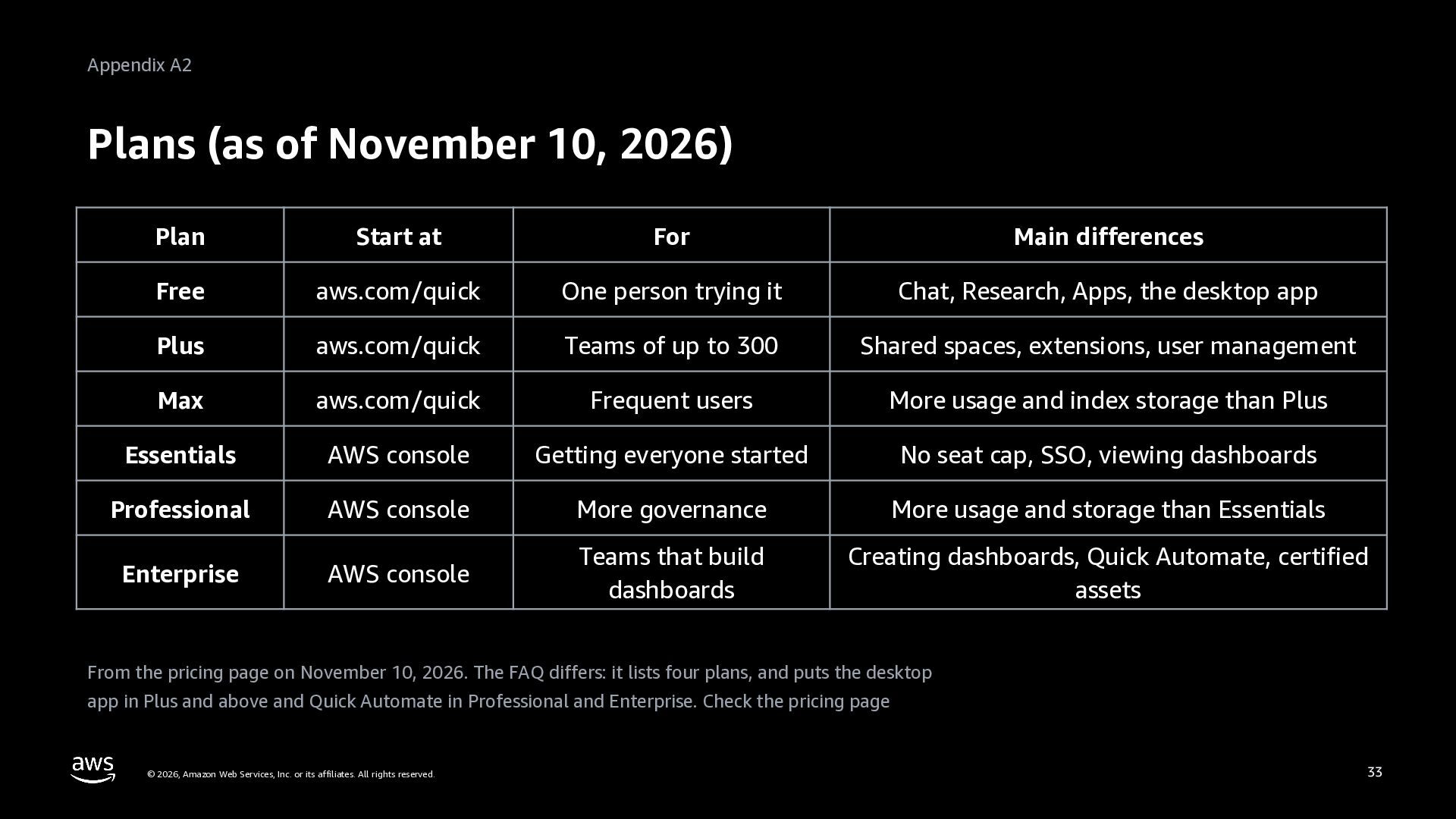
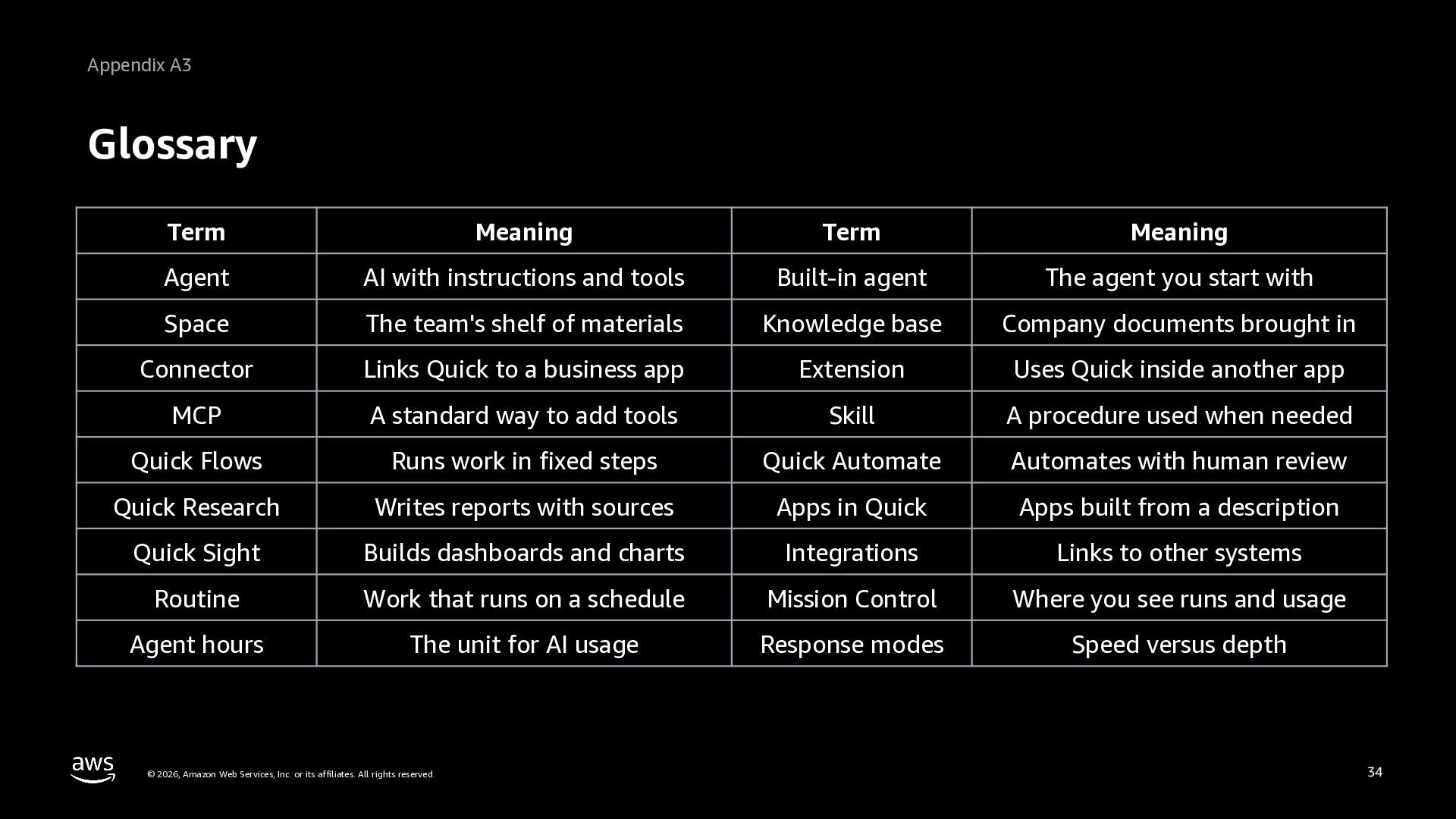
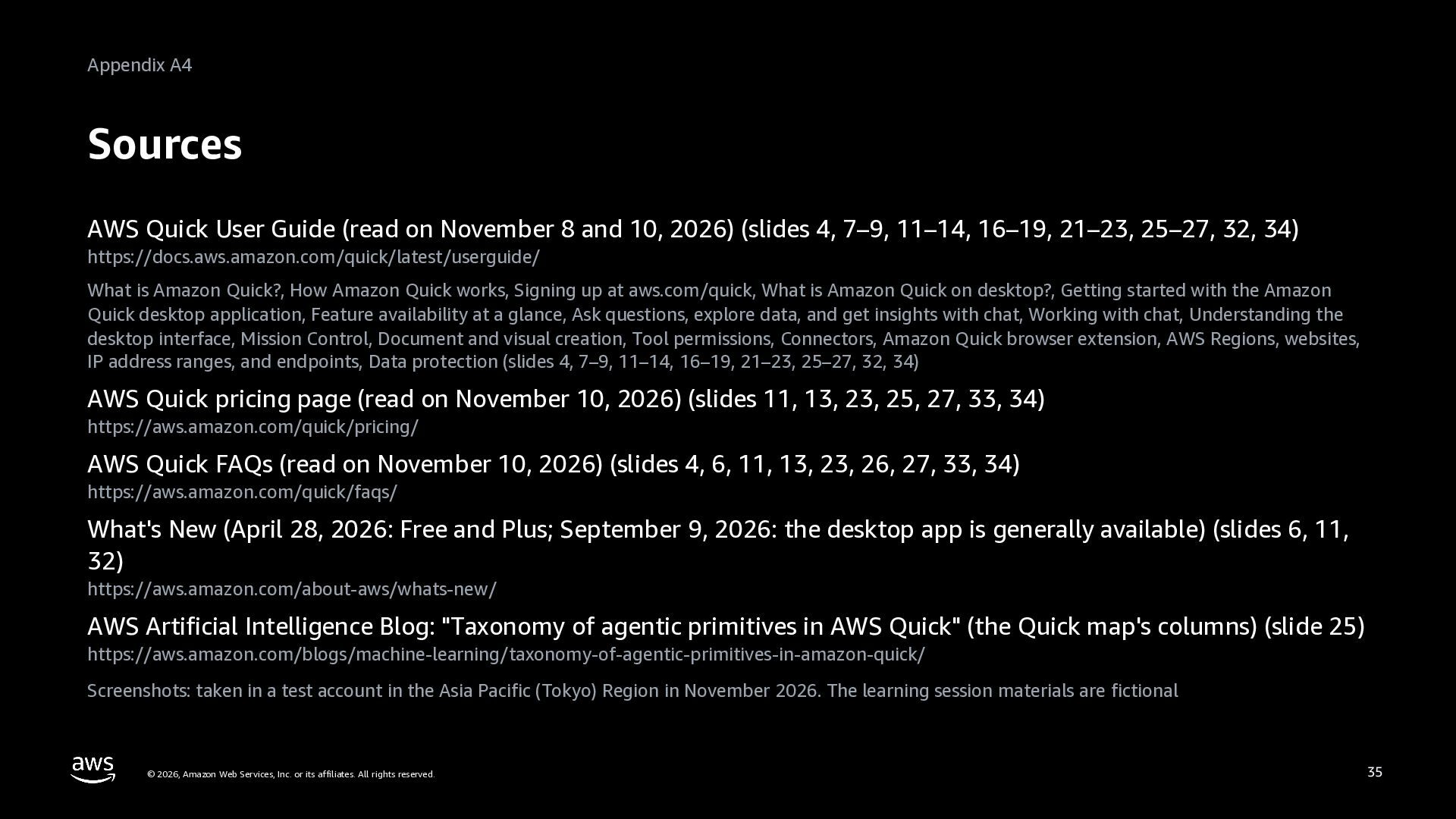
Level 100. A handout for anyone starting with AWS Quick, the AI assistant for work on the web, desktop, and mobile. What Quick is: one assistant that answers, creates, acts, and takes on tasks; its four parts (chat, agents, spaces, and integrations); and six features (AWS Quick Sight, Quick Flows, Quick Automate, Quick Research, Apps in Quick, and the desktop app). Where to use it and how to start: the web, desktop, mobile, and extensions; starting at aws.com/quick for people and teams or in the AWS console for companies; and the first screens. Your first request, with a running example of organizing a monthly internal learning session: say what you want, the materials to use, and the format; check the sources cited in the answer; what to do when Quick gets it wrong; and Word, Excel, PowerPoint, and PDF deliverables. What you can ask for: giving Quick materials (attachments, spaces, knowledge bases, local folders), acting in business apps through connectors, and handing work off to Quick Research, Quick Flows, routines, and Quick Automate. The map of Quick, how your data is handled (no plan uses your data to train models; the Tokyo Region as an example), and usage in agent hours. Screens of the web app and the desktop app show the home screens, a request, the sources, and a Word deliverable. The appendix has what each interface supports, the plans, a glossary, and sources. Based on public documentation as of November 2026. Deck 01 (Get started) of the series AWS Quick: Zero to Hero.


 inariku
 orimanabu
 toru_kubota
 hiccupps
 ham0215
 nagisa53
 uhyo
 jozono
 atsushieno
 cscengineer
 kota2and3kan
 techniczna
 okiyuki99
 bethany
 aleyda
 reverentgeek
 swwweet
 portentint
 gurzu
 eileencodes
 sarafernandez
 thirion
 brettharned
 akademiya2063