Ruby framework for building interactive, real-time web applications. It's designed for creative coding: the kind of work where you want to experiment freely, see results immediately, and stay in Ruby the whole time. Lively Real-time Ruby web applications, from a single file. Slide 1 of 31 010-welcome.md Elapsed: 00:00 Slide: 00:16
to the browser in real time over a WebSocket. You define views, the server runs your logic, and the browser just renders what it receives. Build interactive web apps in Ruby — no JavaScript required. Slide 2 of 31 020-what-is-lively.md Elapsed: 00:16 Slide: 00:12
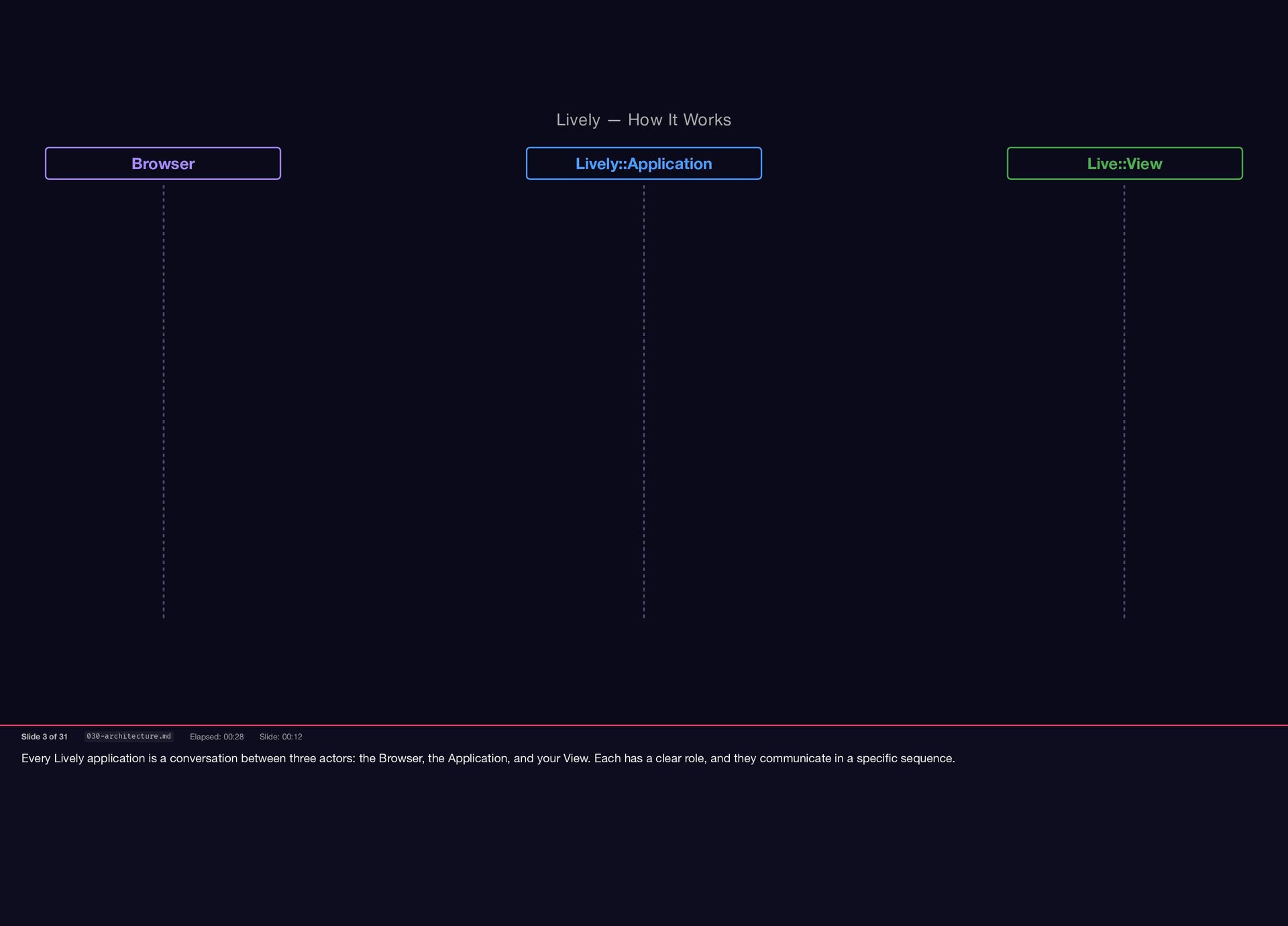
Browser, the Application, and your View. Each has a clear role, and they communicate in a specific sequence. Lively — How It Works Browser Lively::Application Live::View Slide 3 of 31 030-architecture.md Elapsed: 00:28 Slide: 00:12
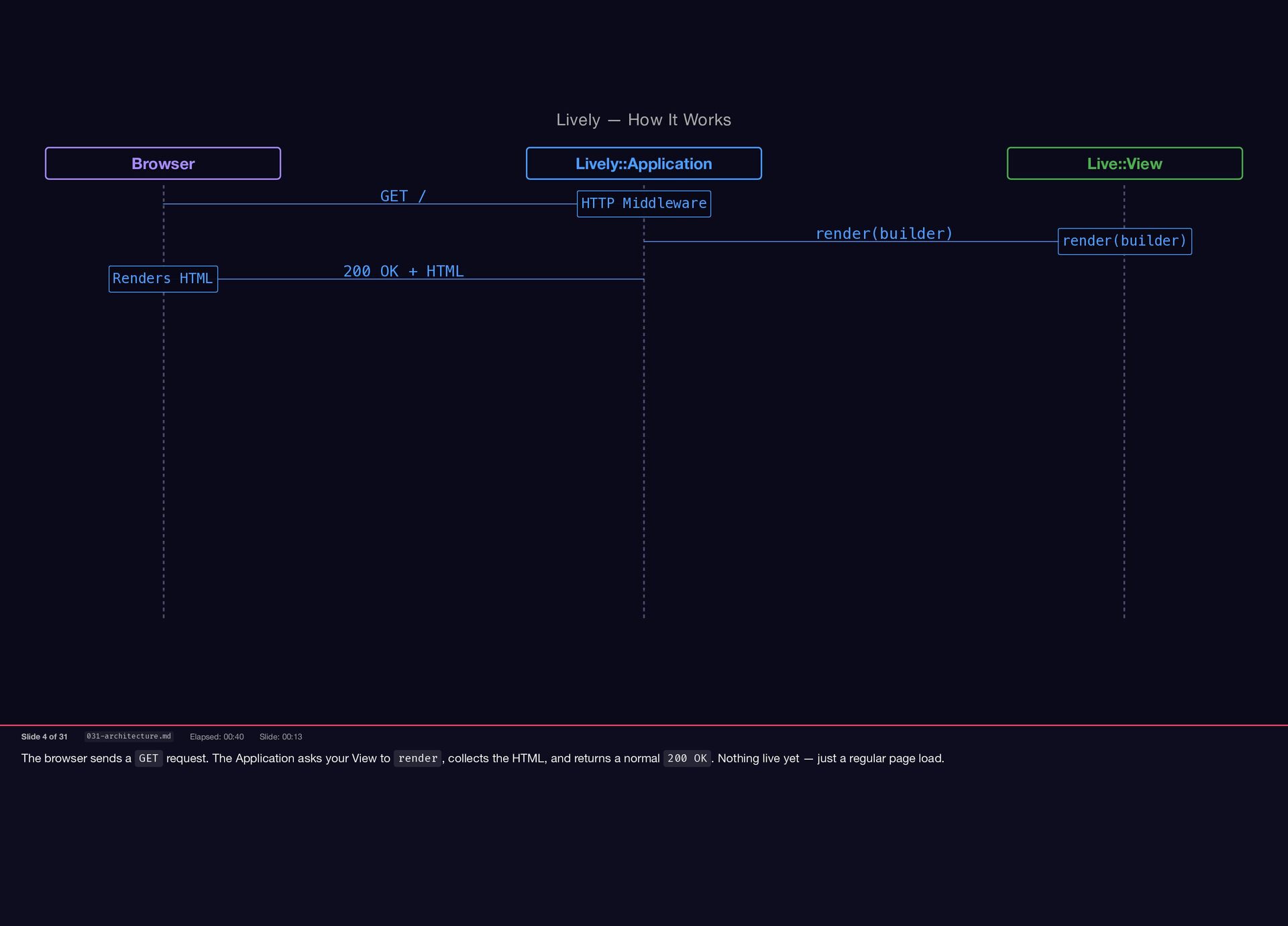
View to render , collects the HTML, and returns a normal 200 OK . Nothing live yet — just a regular page load. Lively — How It Works Browser Lively::Application Live::View GET / HTTP Middleware render(builder) render(builder) 200 OK + HTML Renders HTML Slide 4 of 31 031-architecture.md Elapsed: 00:40 Slide: 00:13
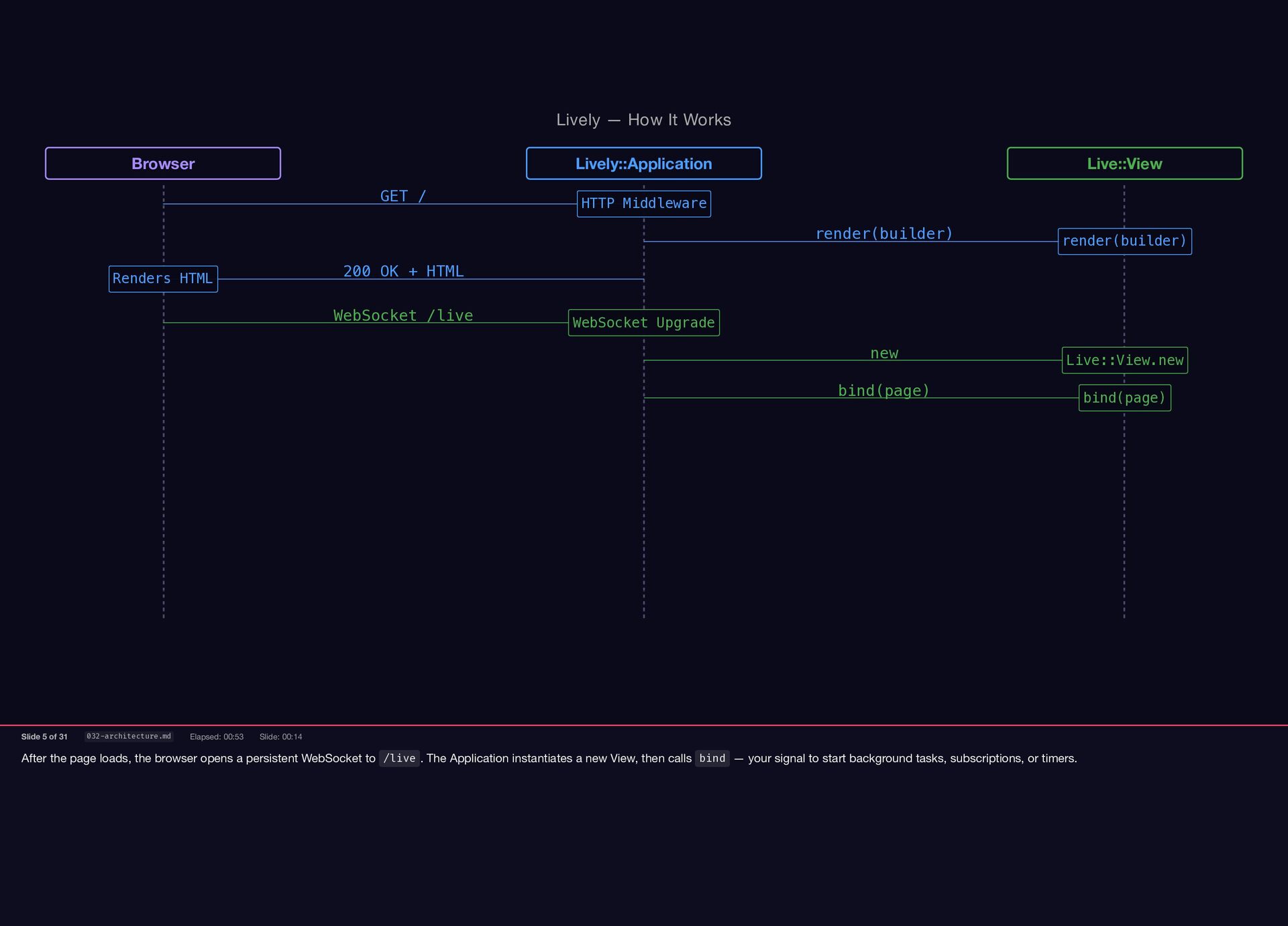
to /live . The Application instantiates a new View, then calls bind — your signal to start background tasks, subscriptions, or timers. Lively — How It Works Browser Lively::Application Live::View GET / HTTP Middleware render(builder) render(builder) 200 OK + HTML Renders HTML WebSocket /live WebSocket Upgrade new Live::View.new bind(page) bind(page) Slide 5 of 31 032-architecture.md Elapsed: 00:53 Slide: 00:14
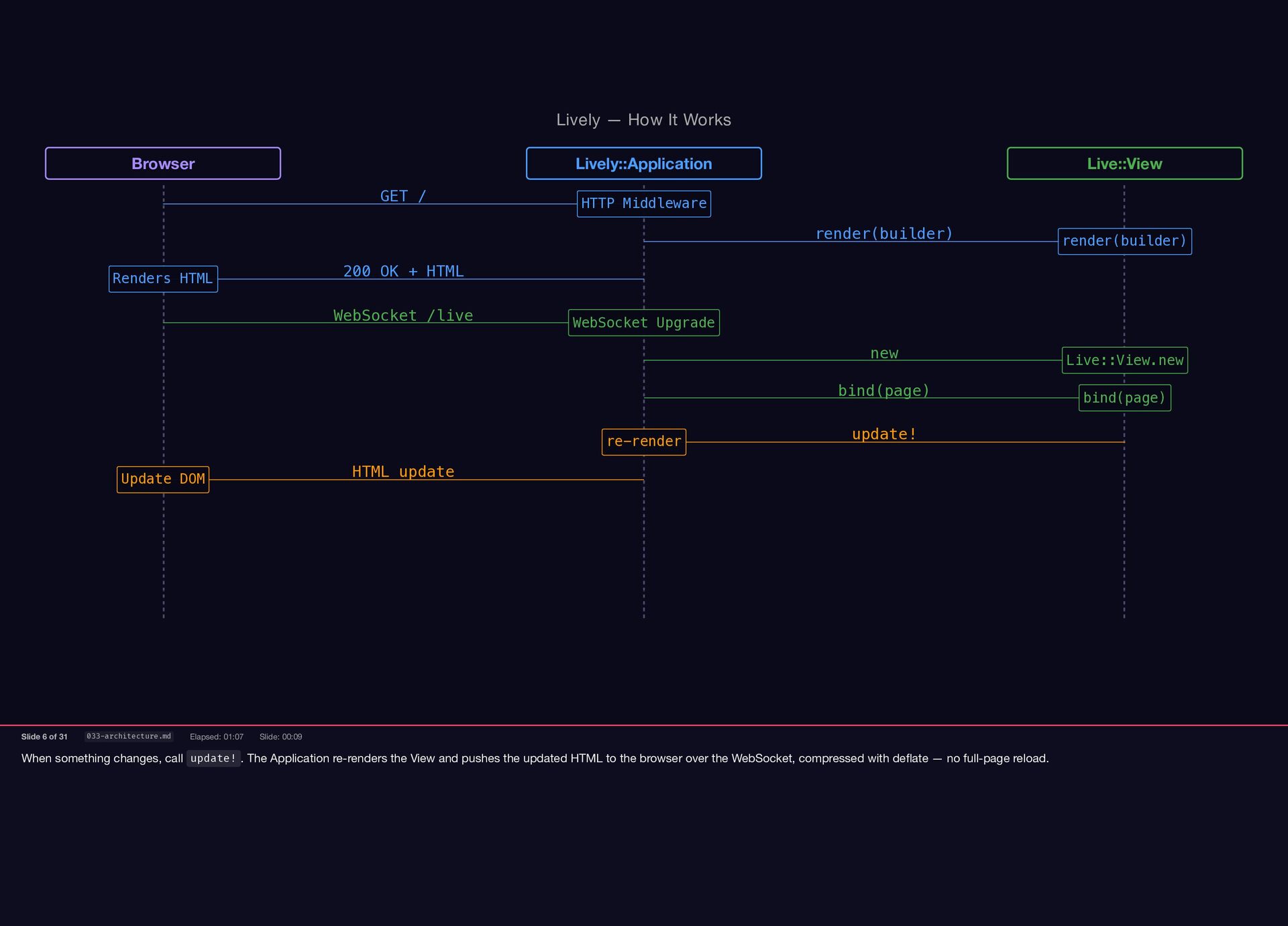
View and pushes the updated HTML to the browser over the WebSocket, compressed with deflate — no full-page reload. Lively — How It Works Browser Lively::Application Live::View GET / HTTP Middleware render(builder) render(builder) 200 OK + HTML Renders HTML WebSocket /live WebSocket Upgrade new Live::View.new bind(page) bind(page) update! re-render HTML update Update DOM Slide 6 of 31 033-architecture.md Elapsed: 01:07 Slide: 00:09
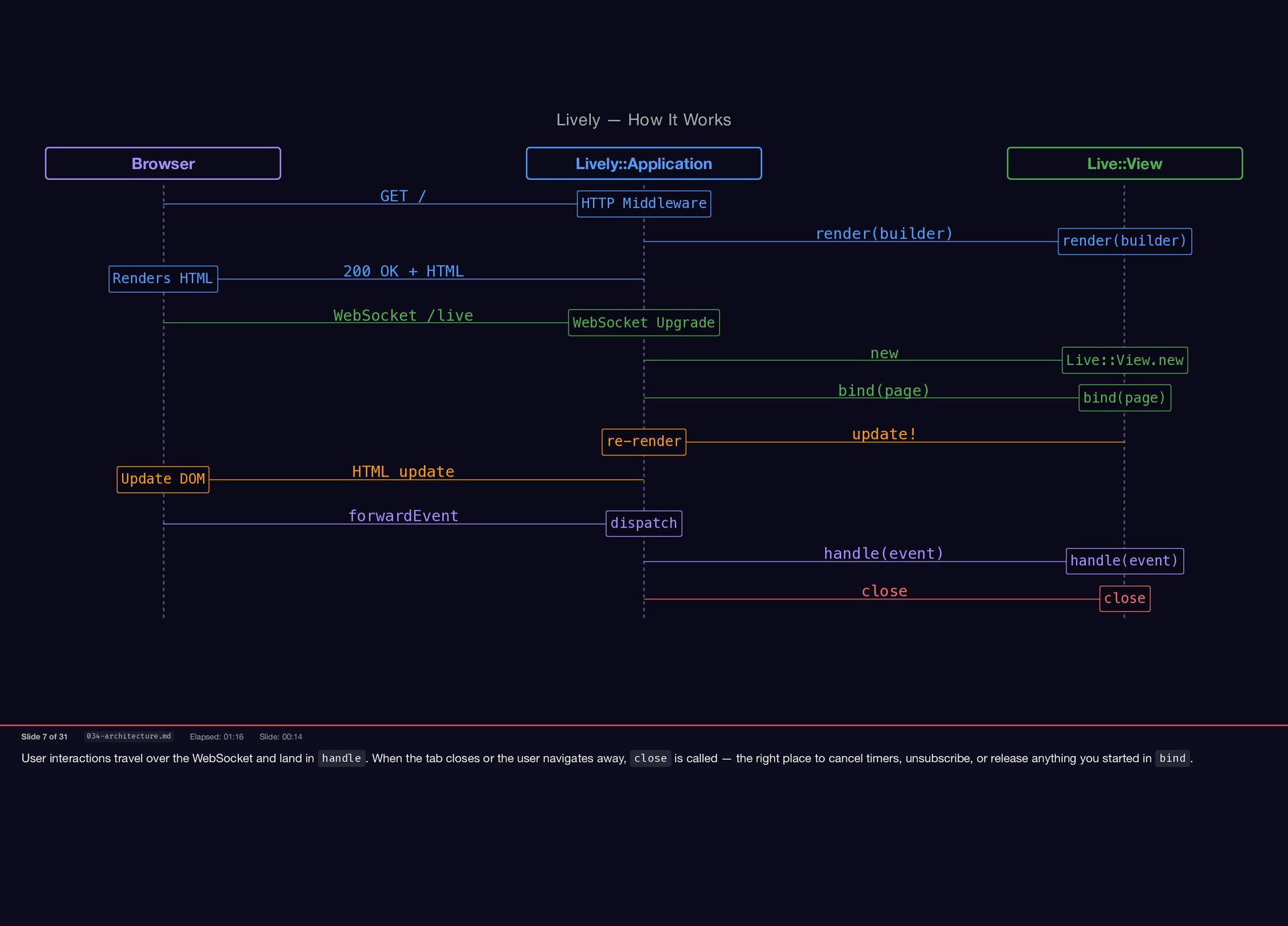
. When the tab closes or the user navigates away, close is called — the right place to cancel timers, unsubscribe, or release anything you started in bind . Lively — How It Works Browser Lively::Application Live::View GET / HTTP Middleware render(builder) render(builder) 200 OK + HTML Renders HTML WebSocket /live WebSocket Upgrade new Live::View.new bind(page) bind(page) update! re-render HTML update Update DOM forwardEvent dispatch handle(event) handle(event) close close Slide 7 of 31 034-architecture.md Elapsed: 01:16 Slide: 00:14
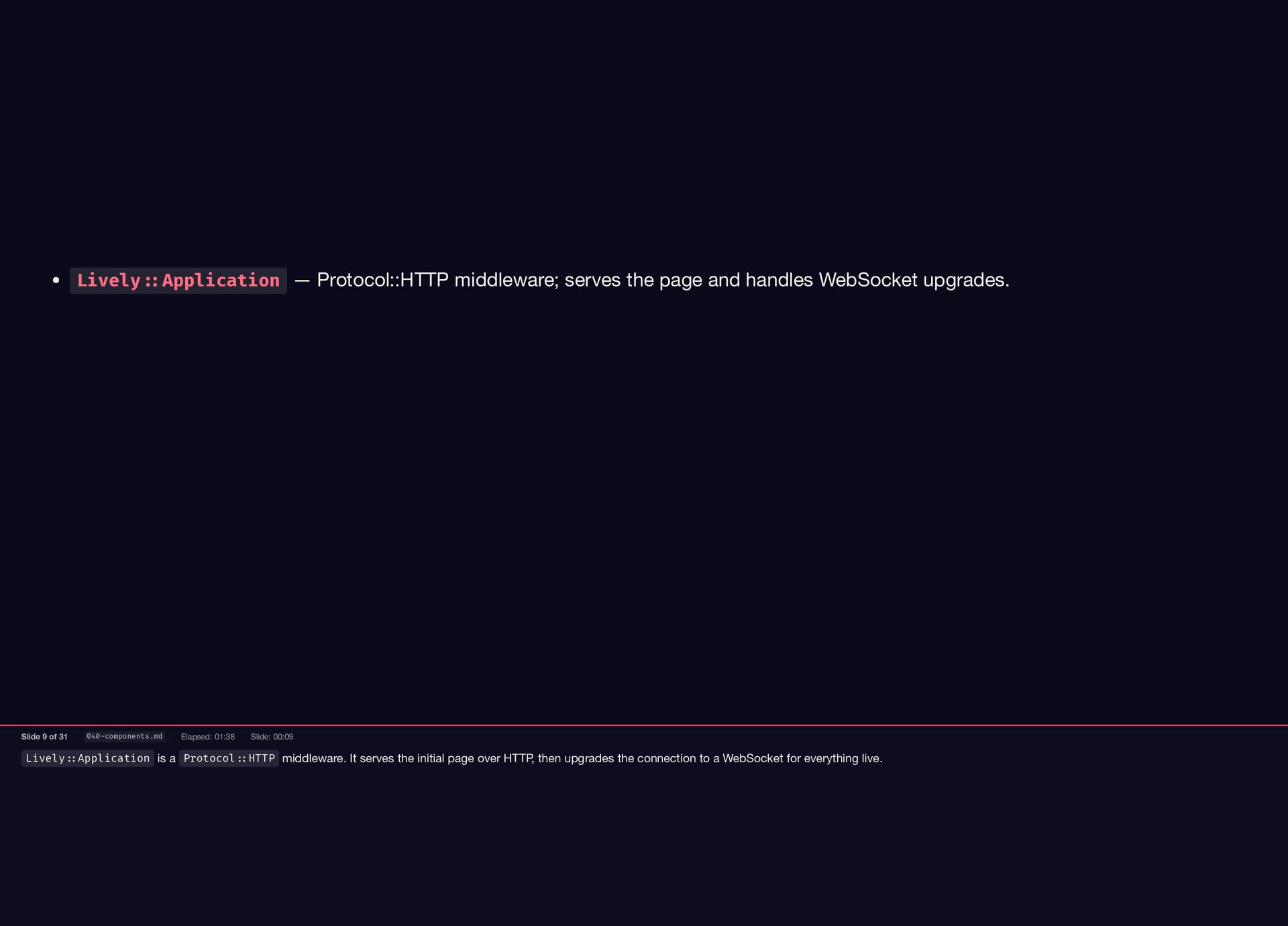
over HTTP, then upgrades the connection to a WebSocket for everything live. Lively::Application — Protocol::HTTP middleware; serves the page and handles WebSocket upgrades. Slide 9 of 31 040-components.md Elapsed: 01:38 Slide: 00:09
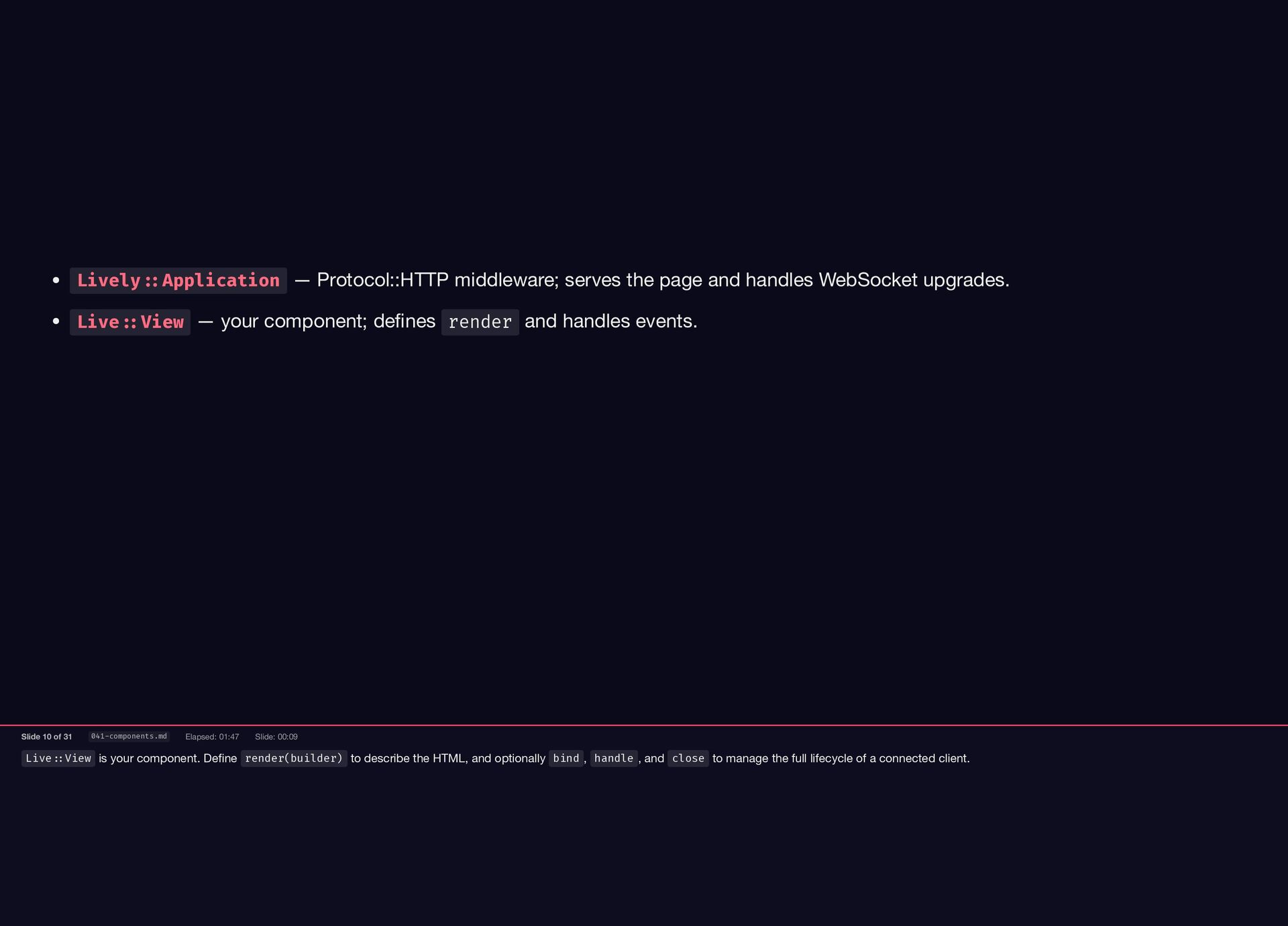
and optionally bind , handle , and close to manage the full lifecycle of a connected client. Lively::Application — Protocol::HTTP middleware; serves the page and handles WebSocket upgrades. Live::View — your component; defines render and handles events. Slide 10 of 31 041-components.md Elapsed: 01:47 Slide: 00:09
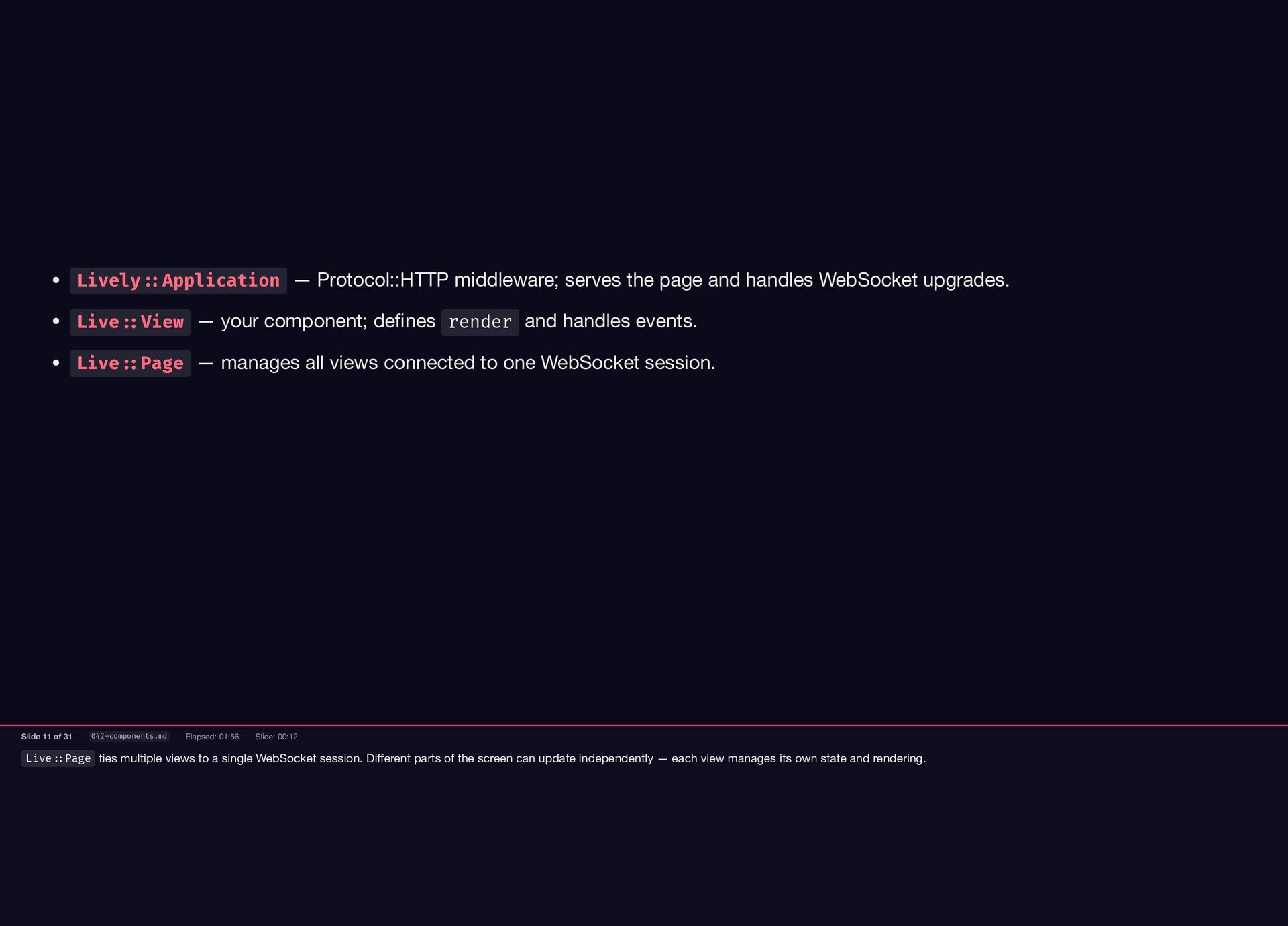
parts of the screen can update independently — each view manages its own state and rendering. Lively::Application — Protocol::HTTP middleware; serves the page and handles WebSocket upgrades. Live::View — your component; defines render and handles events. Live::Page — manages all views connected to one WebSocket session. Slide 11 of 31 042-components.md Elapsed: 01:56 Slide: 00:12
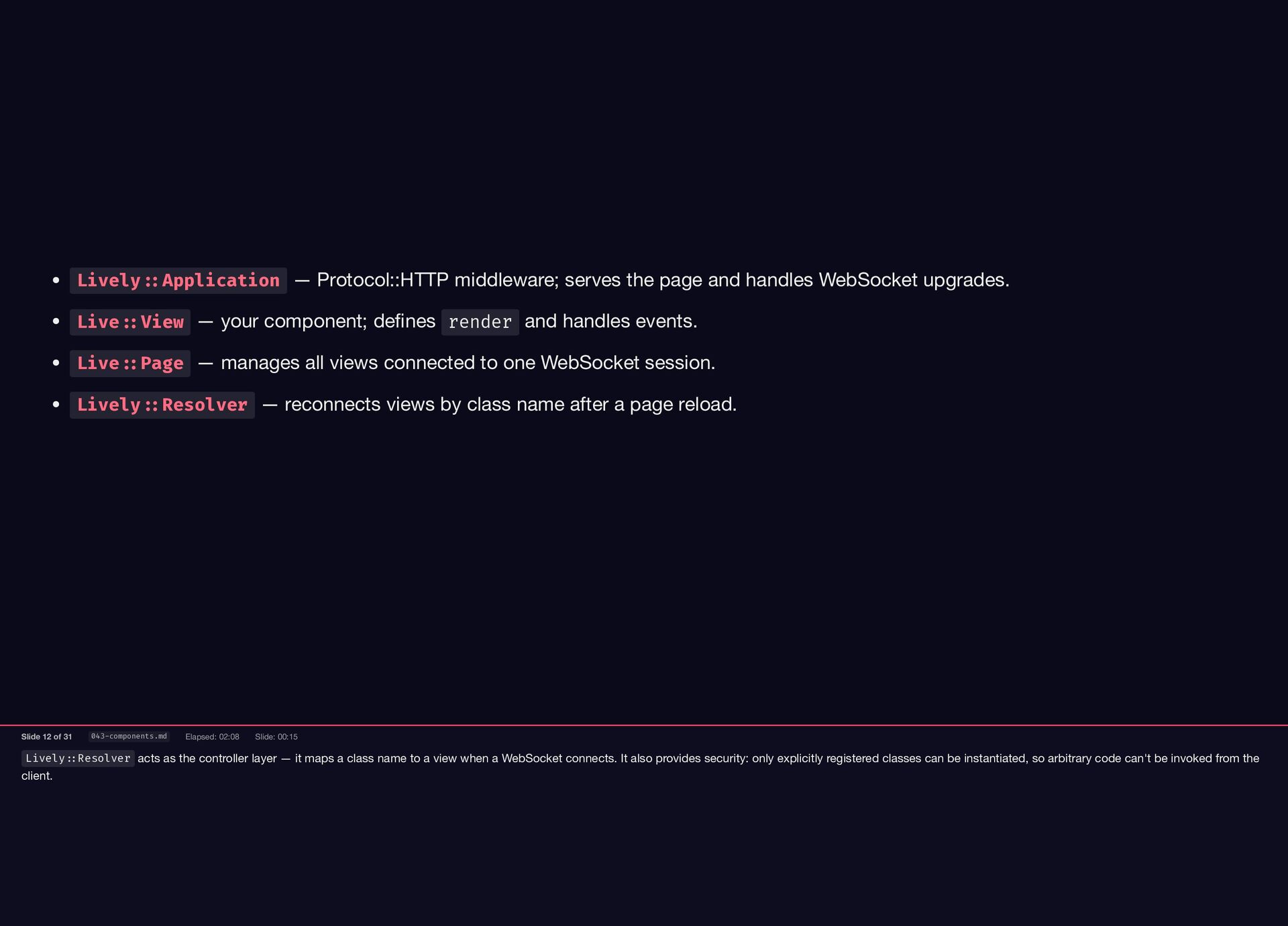
class name to a view when a WebSocket connects. It also provides security: only explicitly registered classes can be instantiated, so arbitrary code can't be invoked from the client. Lively::Application — Protocol::HTTP middleware; serves the page and handles WebSocket upgrades. Live::View — your component; defines render and handles events. Live::Page — manages all views connected to one WebSocket session. Lively::Resolver — reconnects views by class name after a page reload. Slide 12 of 31 043-components.md Elapsed: 02:08 Slide: 00:15
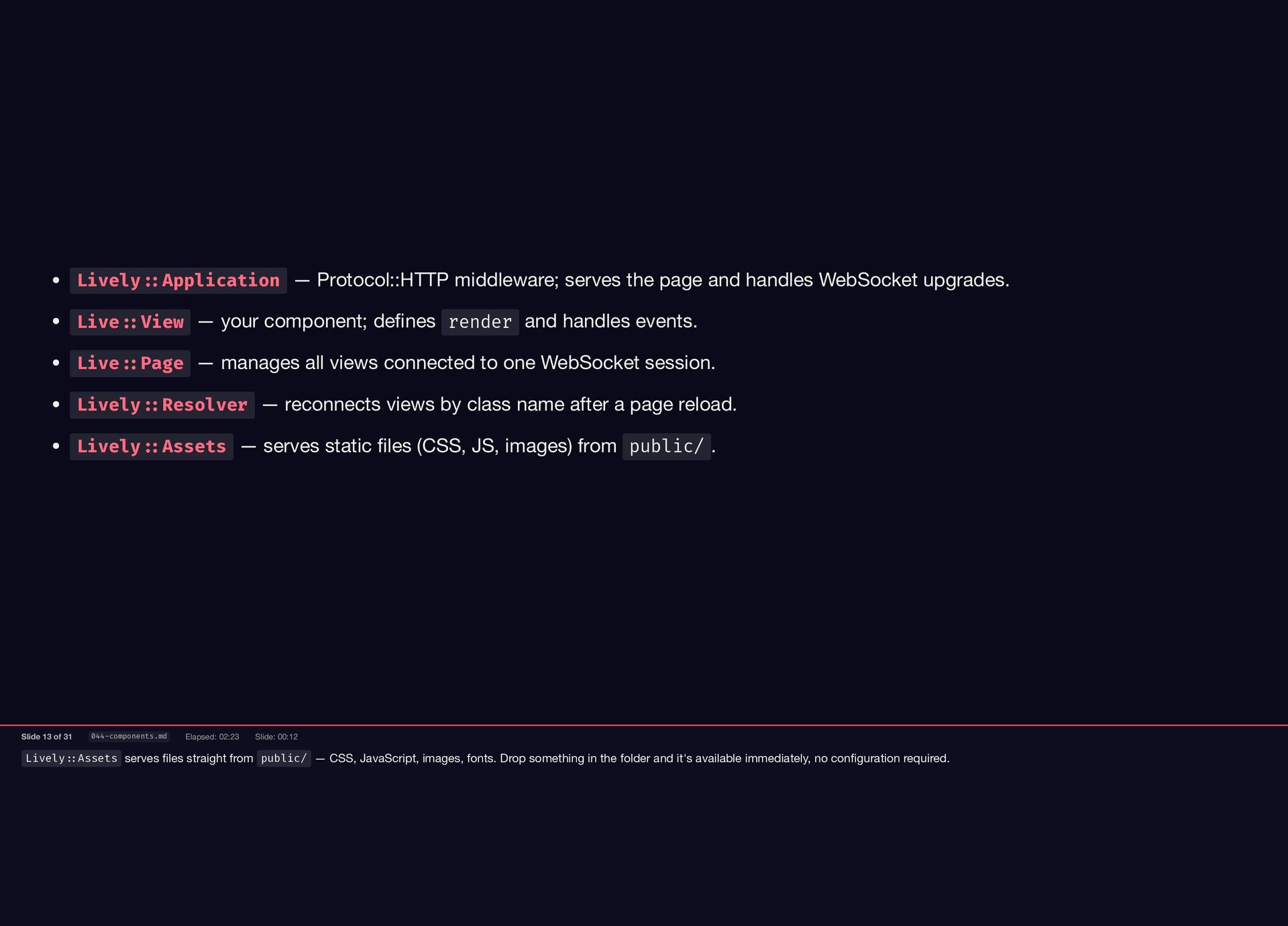
fonts. Drop something in the folder and it's available immediately, no configuration required. Lively::Application — Protocol::HTTP middleware; serves the page and handles WebSocket upgrades. Live::View — your component; defines render and handles events. Live::Page — manages all views connected to one WebSocket session. Lively::Resolver — reconnects views by class name after a page reload. Lively::Assets — serves static files (CSS, JS, images) from public/ . Slide 13 of 31 044-components.md Elapsed: 02:23 Slide: 00:12
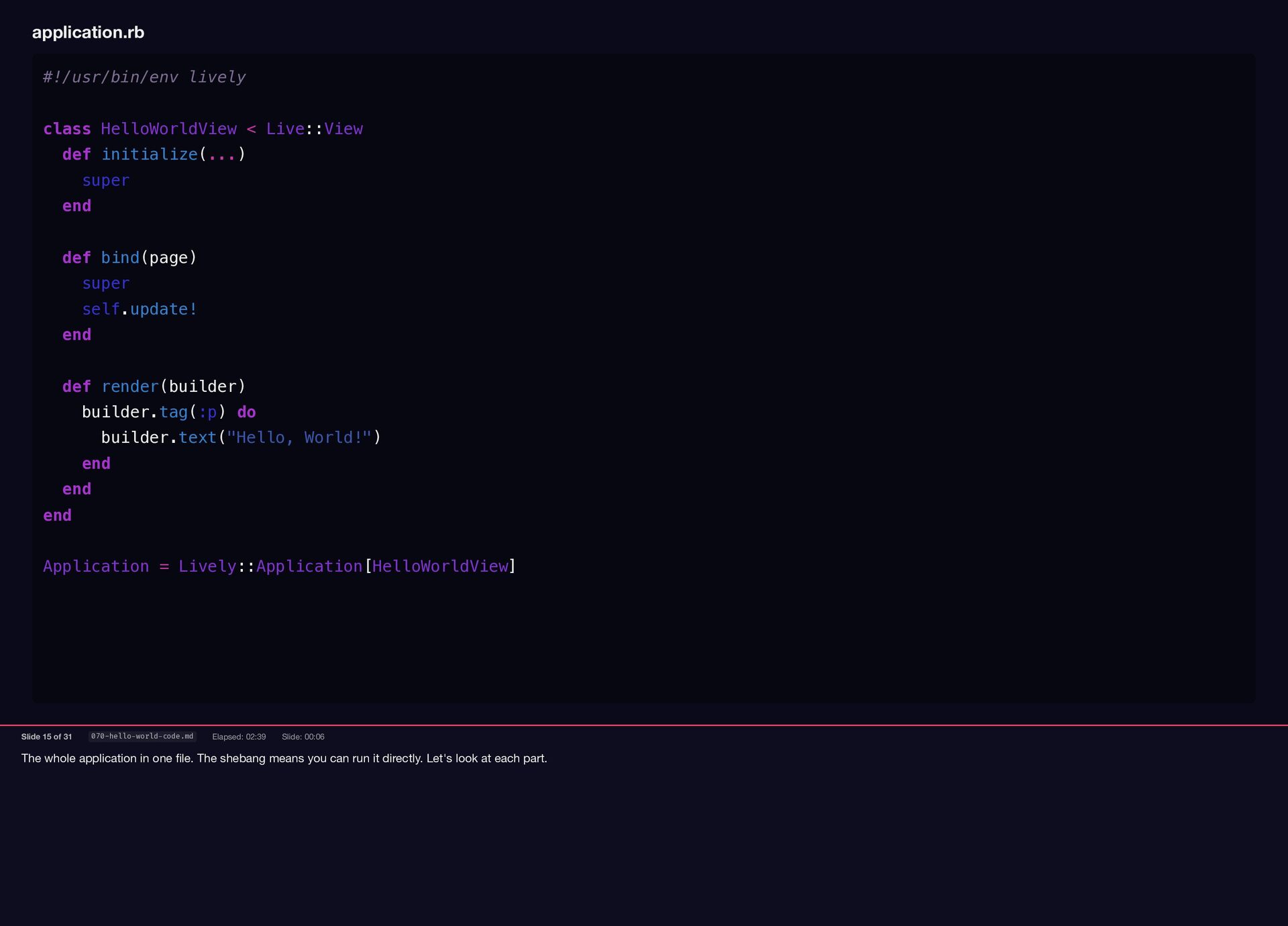
can run it directly. Let's look at each part. application.rb #!/usr/bin/env lively class HelloWorldView < Live::View def initialize(...) super end def bind(page) super self.update! end def render(builder) builder.tag(:p) do builder.text("Hello, World!") end end end Application = Lively::Application[HelloWorldView] Slide 15 of 31 070-hello-world-code.md Elapsed: 02:39 Slide: 00:06
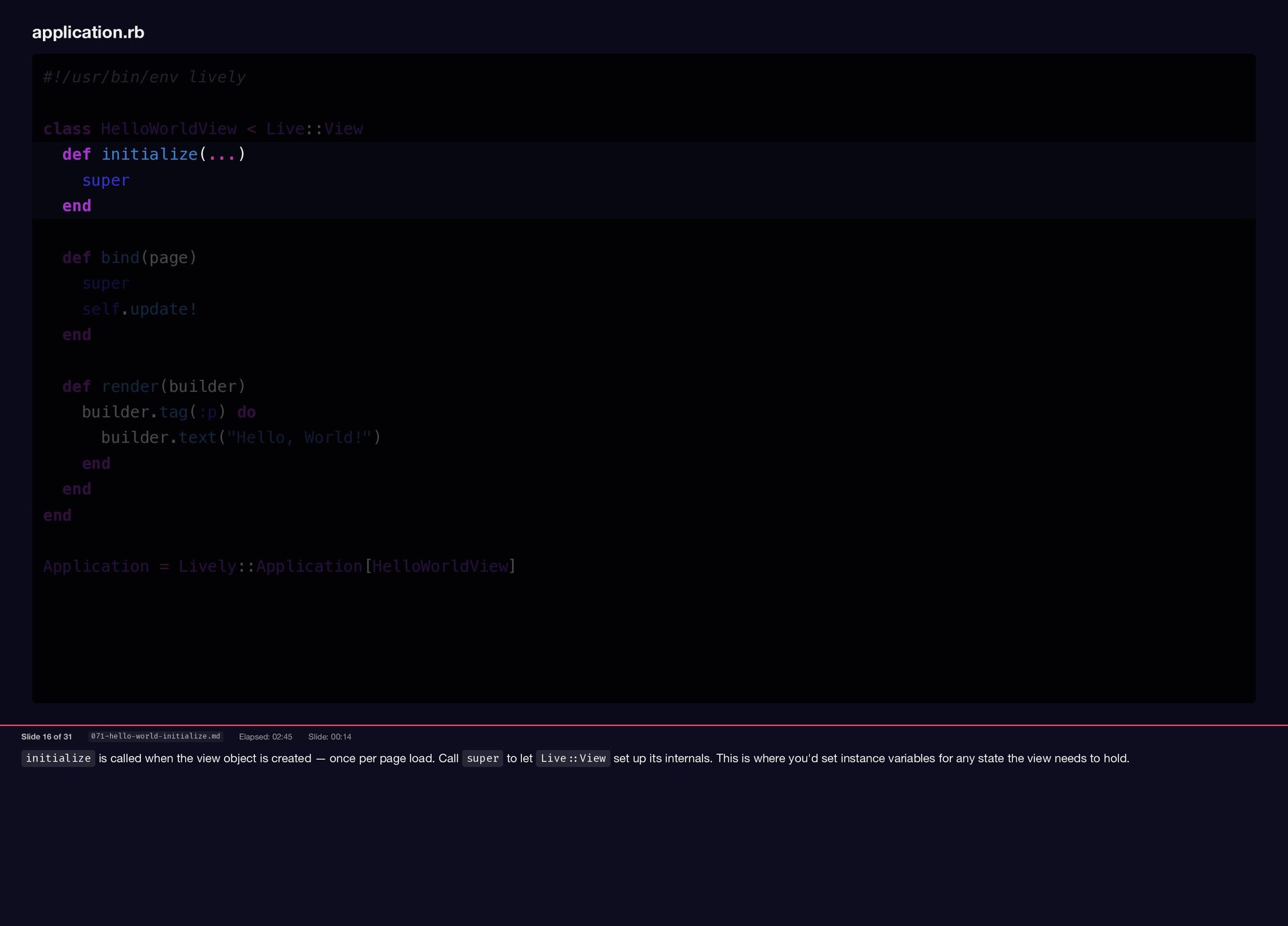
once per page load. Call super to let Live::View set up its internals. This is where you'd set instance variables for any state the view needs to hold. application.rb #!/usr/bin/env lively class HelloWorldView < Live::View def initialize(...) super end def bind(page) super self.update! end def render(builder) builder.tag(:p) do builder.text("Hello, World!") end end end Application = Lively::Application[HelloWorldView] Slide 16 of 31 071-hello-world-initialize.md Elapsed: 02:45 Slide: 00:14
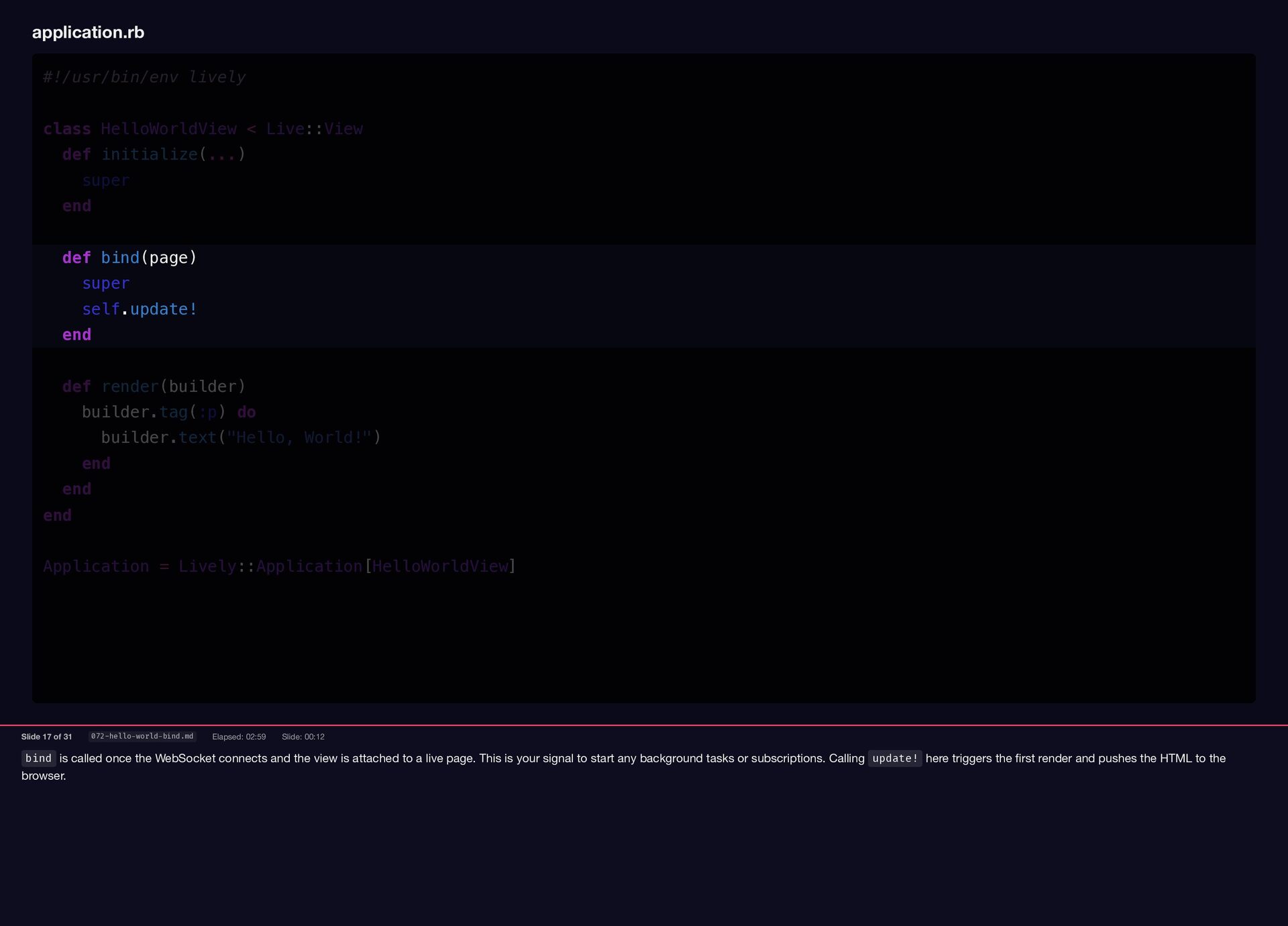
is attached to a live page. This is your signal to start any background tasks or subscriptions. Calling update! here triggers the first render and pushes the HTML to the browser. application.rb #!/usr/bin/env lively class HelloWorldView < Live::View def initialize(...) super end def bind(page) super self.update! end def render(builder) builder.tag(:p) do builder.text("Hello, World!") end end end Application = Lively::Application[HelloWorldView] Slide 17 of 31 072-hello-world-bind.md Elapsed: 02:59 Slide: 00:12
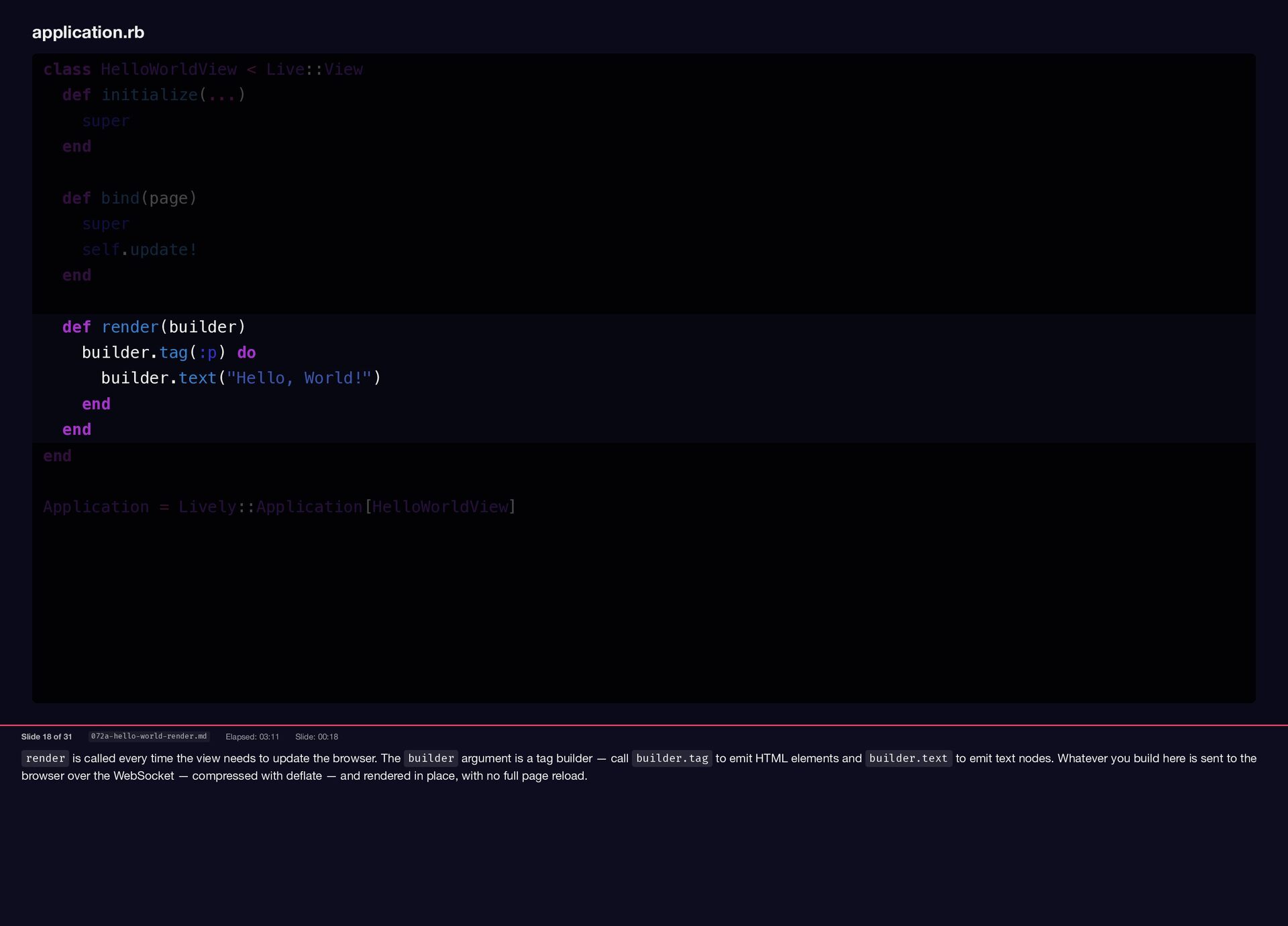
the browser. The builder argument is a tag builder — call builder.tag to emit HTML elements and builder.text to emit text nodes. Whatever you build here is sent to the browser over the WebSocket — compressed with deflate — and rendered in place, with no full page reload. application.rb class HelloWorldView < Live::View def initialize(...) super end def bind(page) super self.update! end def render(builder) builder.tag(:p) do builder.text("Hello, World!") end end end Application = Lively::Application[HelloWorldView] Slide 18 of 31 072a-hello-world-render.md Elapsed: 03:11 Slide: 00:18
application class that knows which view to serve and how to resolve WebSocket reconnections. Assign it to Application and Lively picks it up automatically. application.rb def bind(page) super self.update! end def render(builder) builder.tag(:p) do builder.text("Hello, World!") end end end Application = Lively::Application[HelloWorldView] Slide 19 of 31 073-hello-world-application.md Elapsed: 03:29 Slide: 00:16
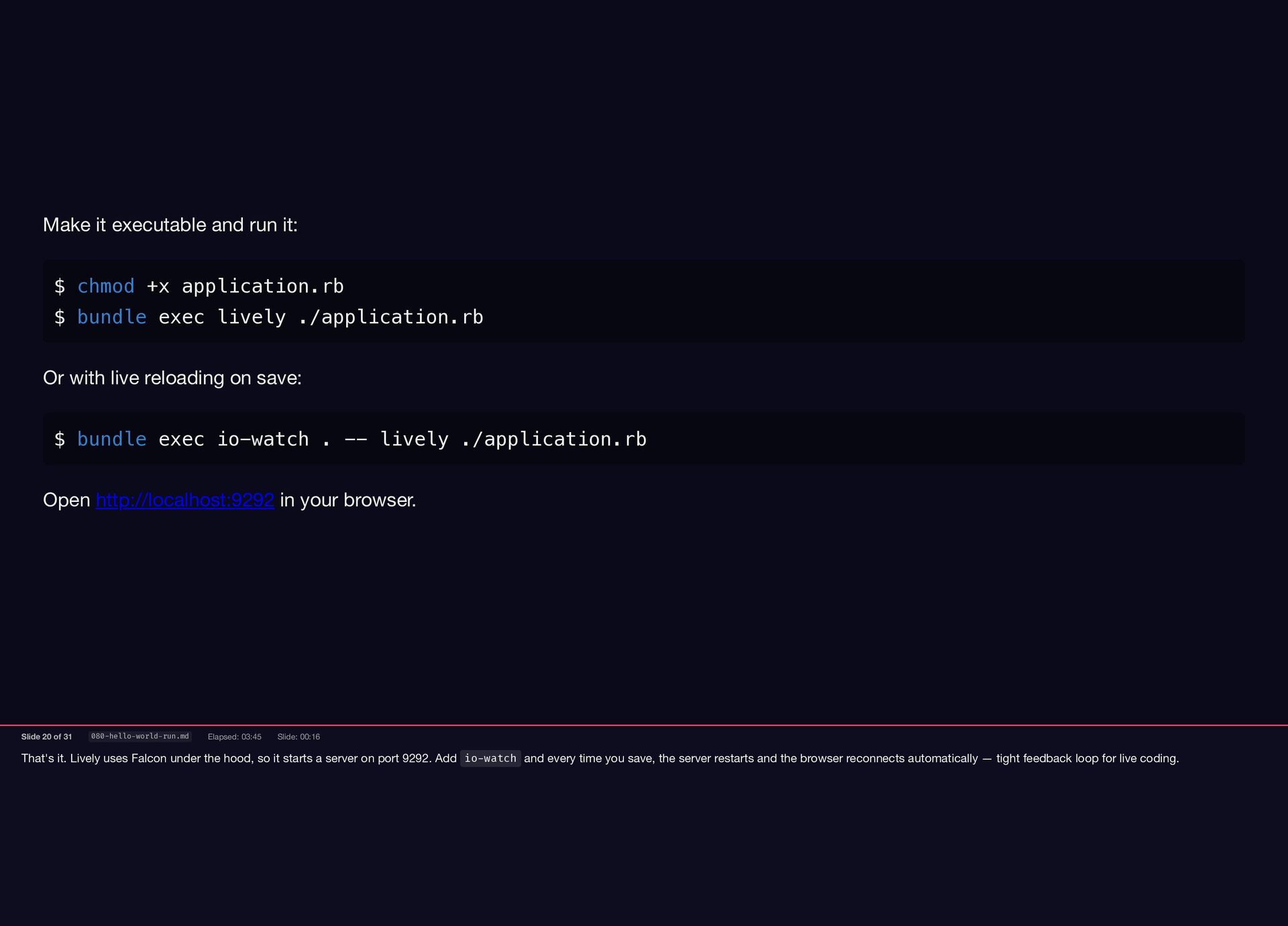
starts a server on port 9292. Add io-watch and every time you save, the server restarts and the browser reconnects automatically — tight feedback loop for live coding. Make it executable and run it: $ chmod +x application.rb $ bundle exec lively ./application.rb Or with live reloading on save: $ bundle exec io-watch . -- lively ./application.rb Open http://localhost:9292 in your browser. Slide 20 of 31 080-hello-world-run.md Elapsed: 03:45 Slide: 00:16
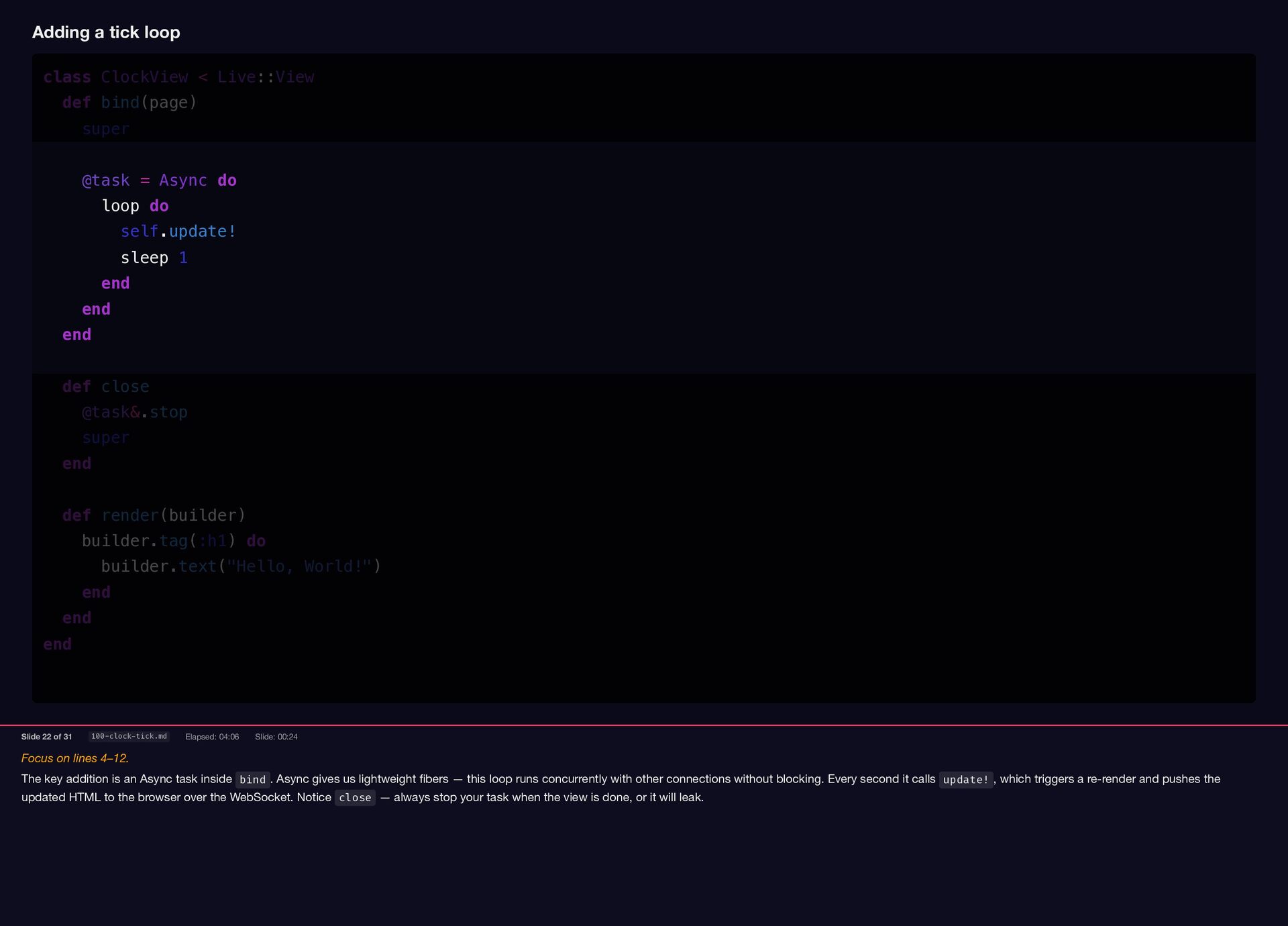
task inside bind . Async gives us lightweight fibers — this loop runs concurrently with other connections without blocking. Every second it calls update! , which triggers a re-render and pushes the updated HTML to the browser over the WebSocket. Notice close — always stop your task when the view is done, or it will leak. Adding a tick loop class ClockView < Live::View def bind(page) super @task = Async do loop do self.update! sleep 1 end end end def close @task&.stop super end def render(builder) builder.tag(:h1) do builder.text("Hello, World!") end end end Slide 22 of 31 100-clock-tick.md Elapsed: 04:06 Slide: 00:24
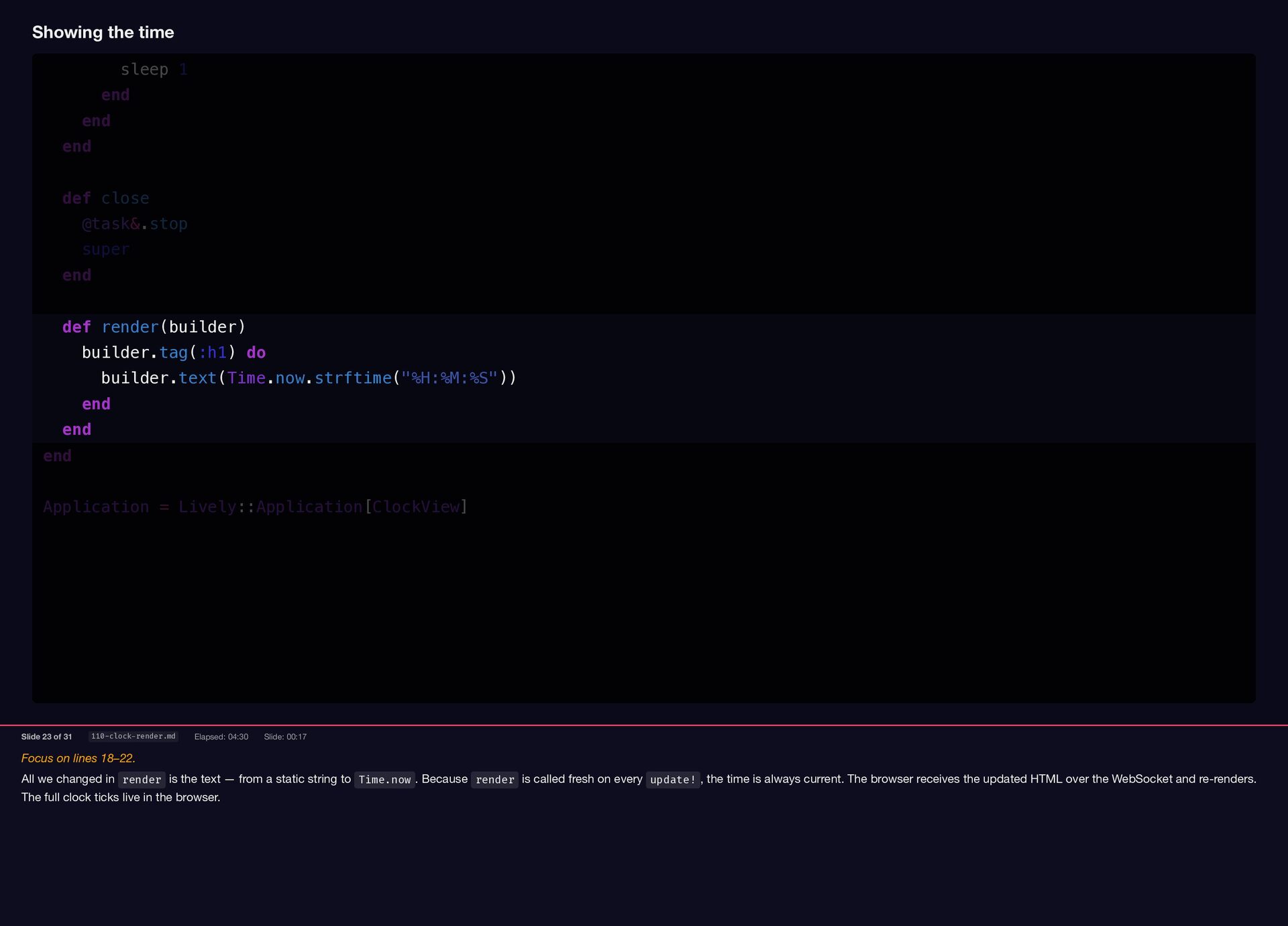
the text — from a static string to Time.now . Because render is called fresh on every update! , the time is always current. The browser receives the updated HTML over the WebSocket and re-renders. The full clock ticks live in the browser. Showing the time sleep 1 end end end def close @task&.stop super end def render(builder) builder.tag(:h1) do builder.text(Time.now.strftime("%H:%M:%S")) end end end Application = Lively::Application[ClockView] Slide 23 of 31 110-clock-render.md Elapsed: 04:30 Slide: 00:17
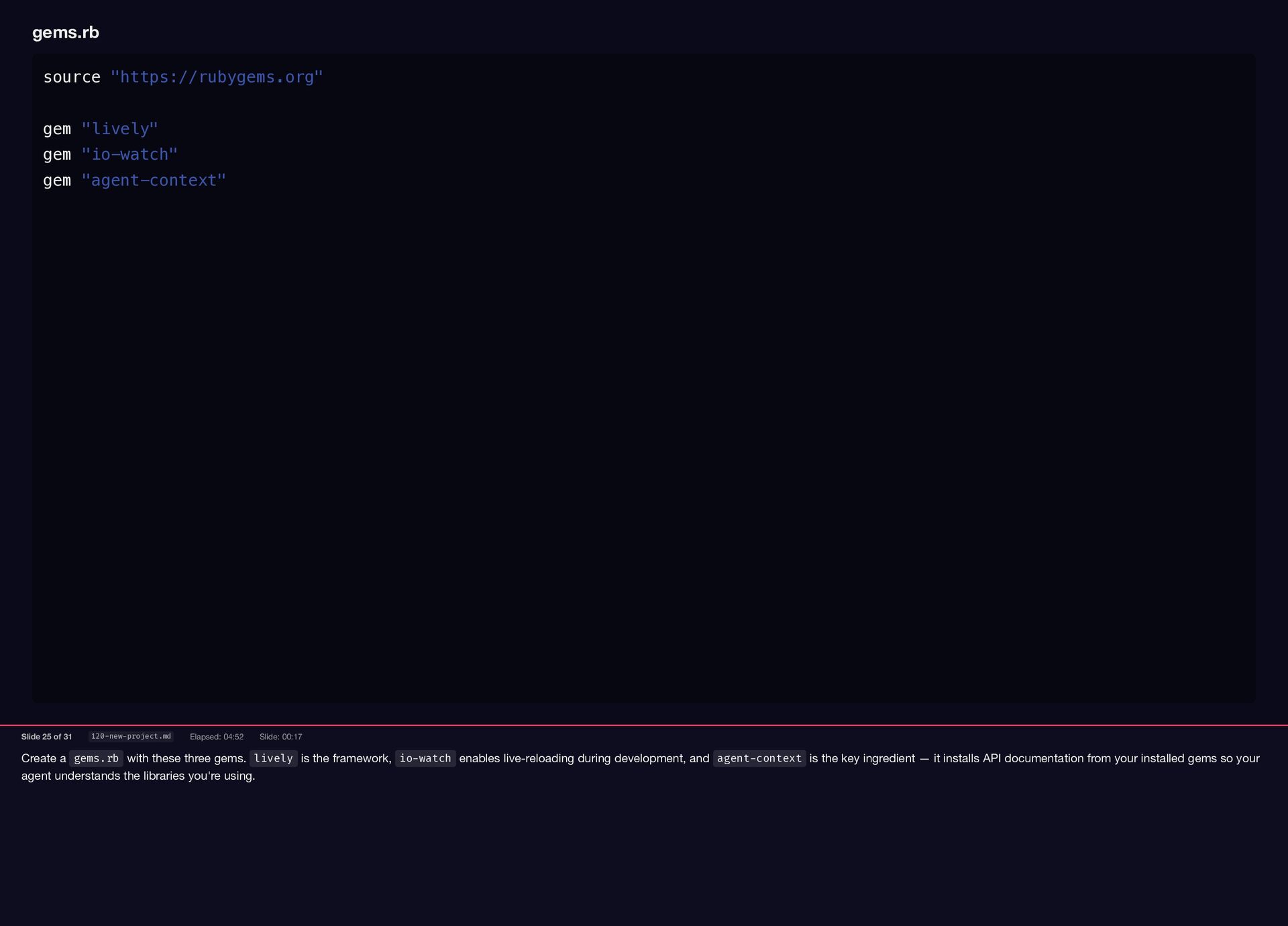
framework, io-watch enables live-reloading during development, and agent-context is the key ingredient — it installs API documentation from your installed gems so your agent understands the libraries you're using. gems.rb source "https://rubygems.org" gem "lively" gem "io-watch" gem "agent-context" Slide 25 of 31 120-new-project.md Elapsed: 04:52 Slide: 00:17
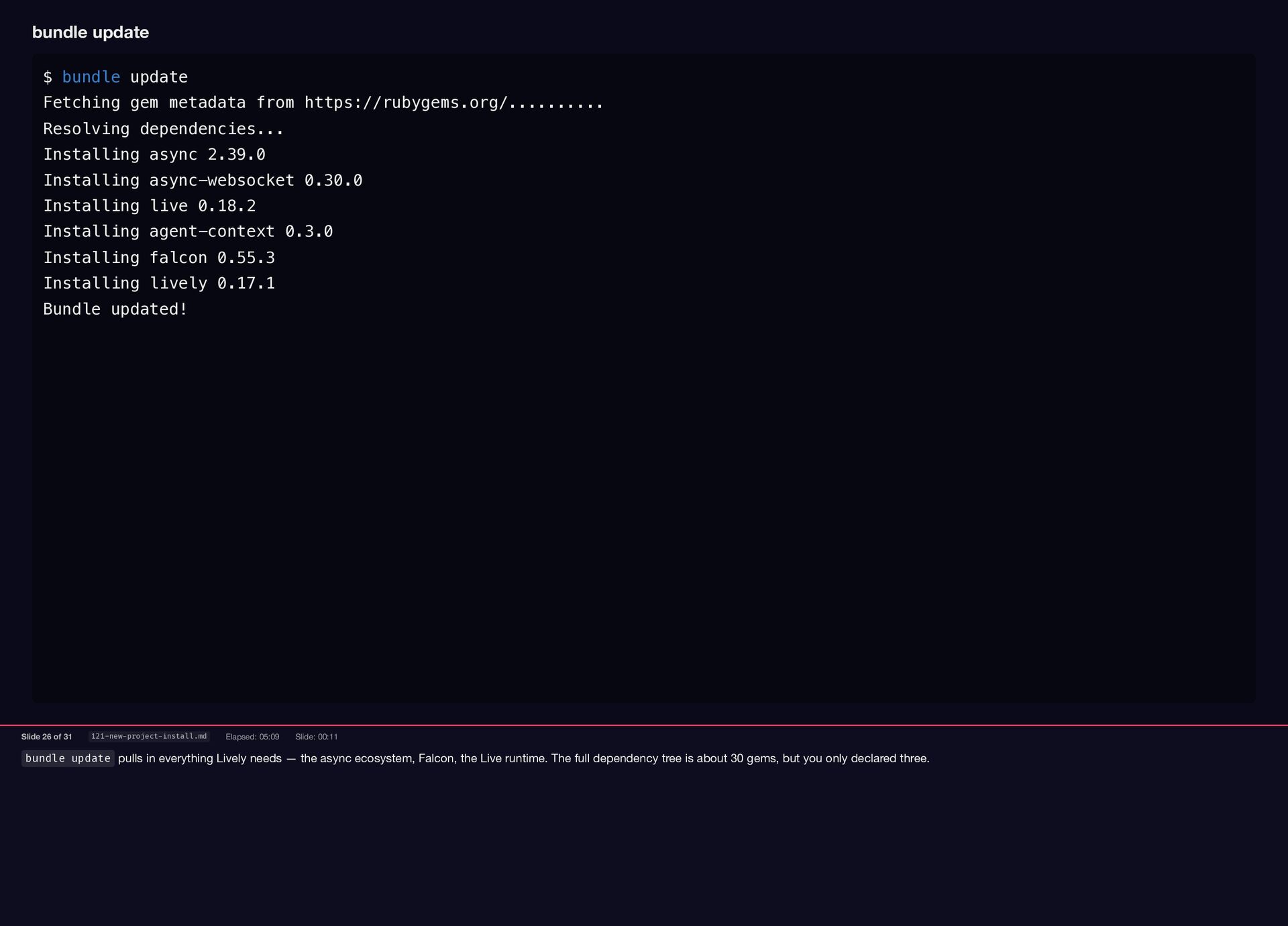
ecosystem, Falcon, the Live runtime. The full dependency tree is about 30 gems, but you only declared three. bundle update $ bundle update Fetching gem metadata from https://rubygems.org/.......... Resolving dependencies... Installing async 2.39.0 Installing async-websocket 0.30.0 Installing live 0.18.2 Installing agent-context 0.3.0 Installing falcon 0.55.3 Installing lively 0.17.1 Bundle updated! Slide 26 of 31 121-new-project-install.md Elapsed: 05:09 Slide: 00:11
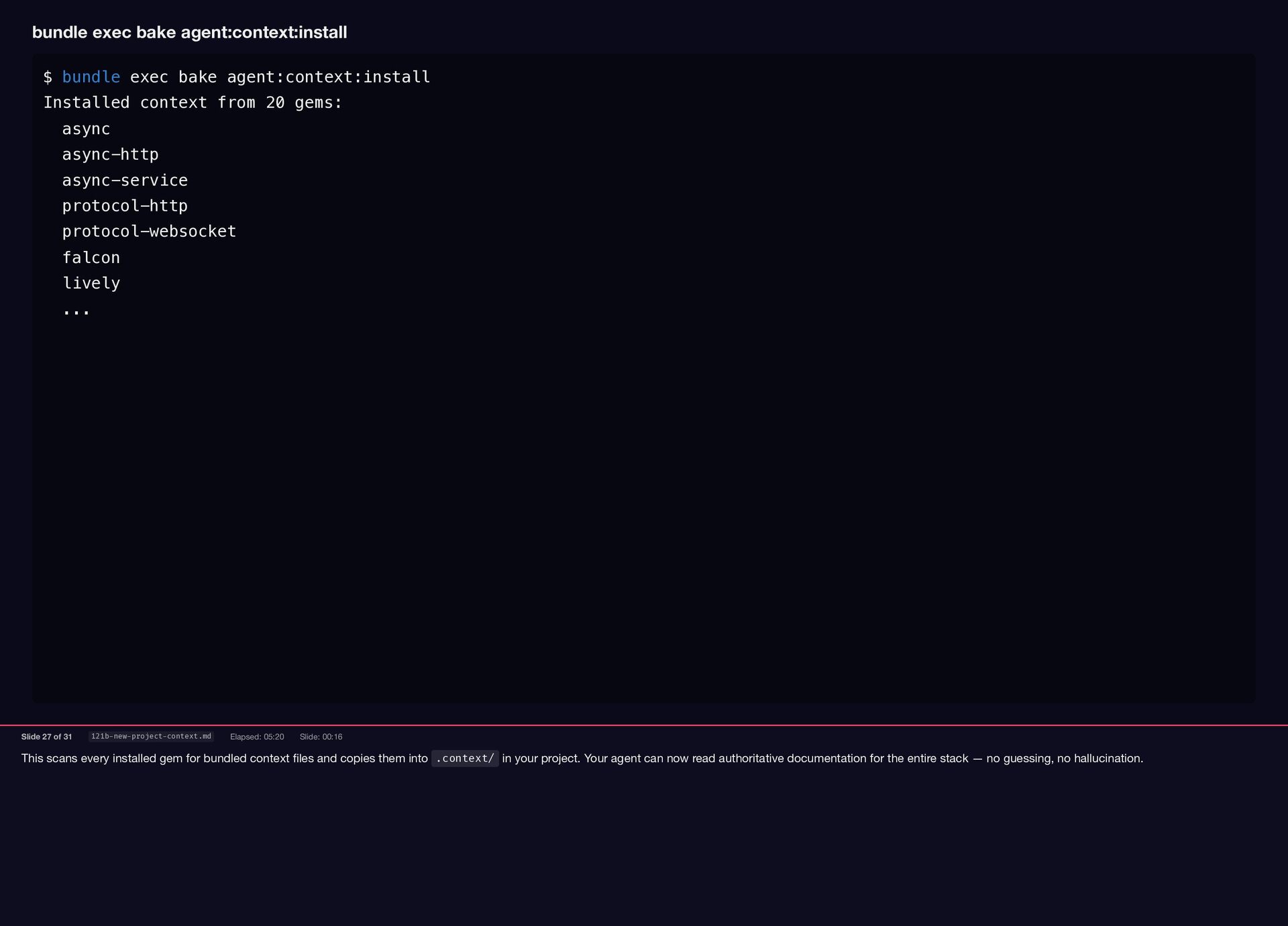
copies them into .context/ in your project. Your agent can now read authoritative documentation for the entire stack — no guessing, no hallucination. bundle exec bake agent:context:install $ bundle exec bake agent:context:install Installed context from 20 gems: async async-http async-service protocol-http protocol-websocket falcon lively ... Slide 27 of 31 121b-new-project-context.md Elapsed: 05:20 Slide: 00:16
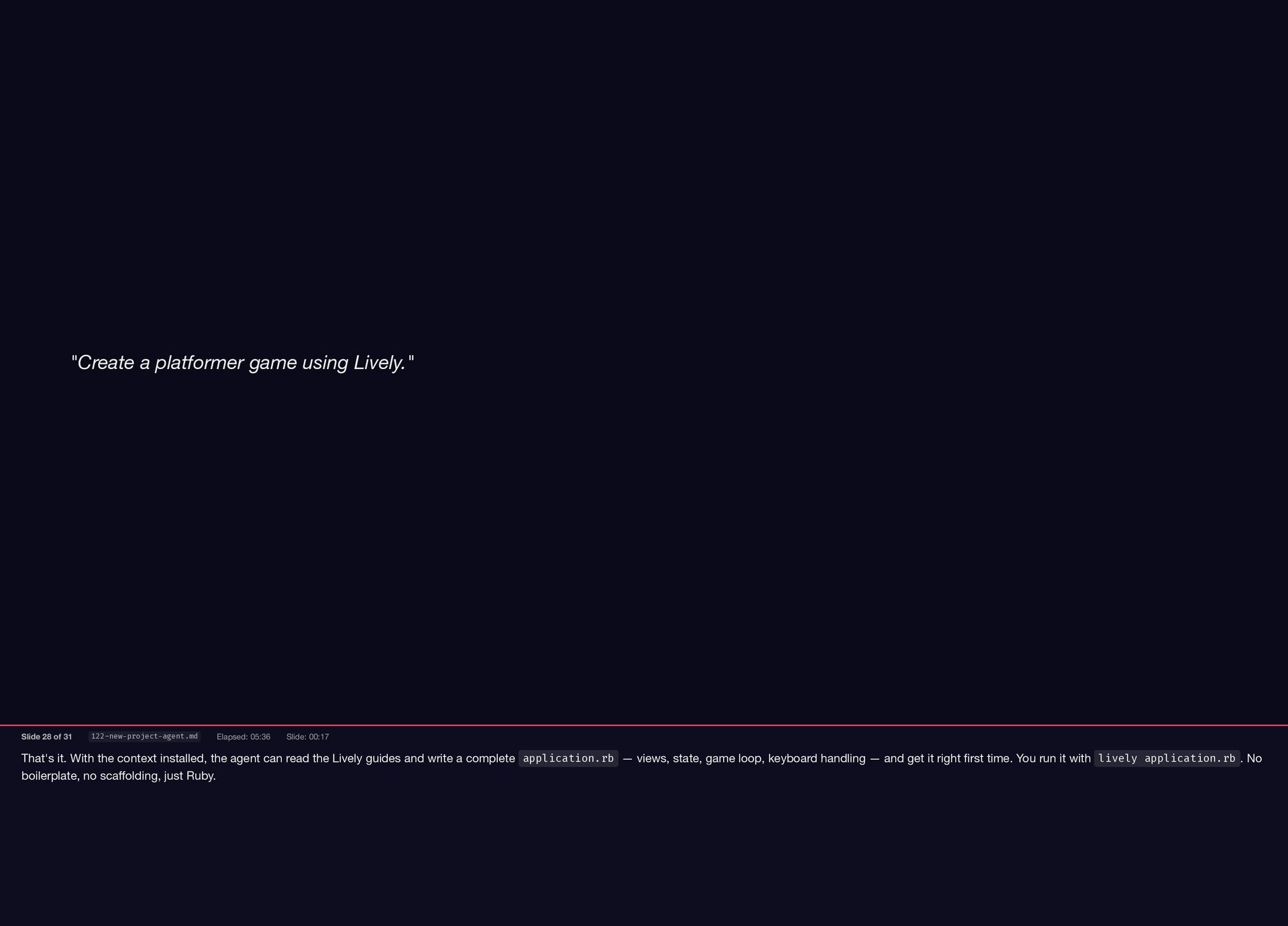
the Lively guides and write a complete application.rb — views, state, game loop, keyboard handling — and get it right first time. You run it with lively application.rb . No boilerplate, no scaffolding, just Ruby. "Create a platformer game using Lively." Slide 28 of 31 122-new-project-agent.md Elapsed: 05:36 Slide: 00:17
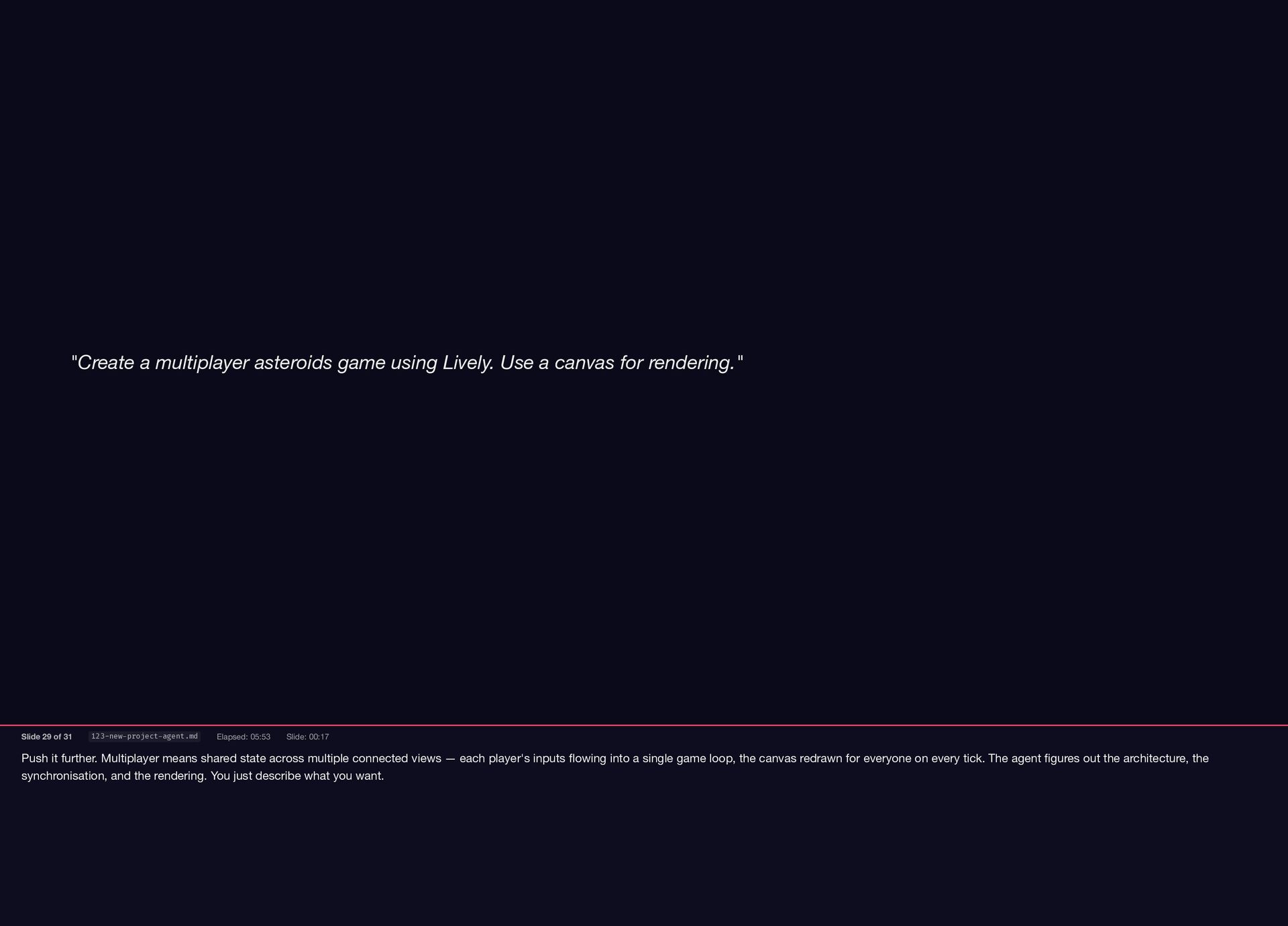
views — each player's inputs flowing into a single game loop, the canvas redrawn for everyone on every tick. The agent figures out the architecture, the synchronisation, and the rendering. You just describe what you want. "Create a multiplayer asteroids game using Lively. Use a canvas for rendering." Slide 29 of 31 123-new-project-agent.md Elapsed: 05:53 Slide: 00:17
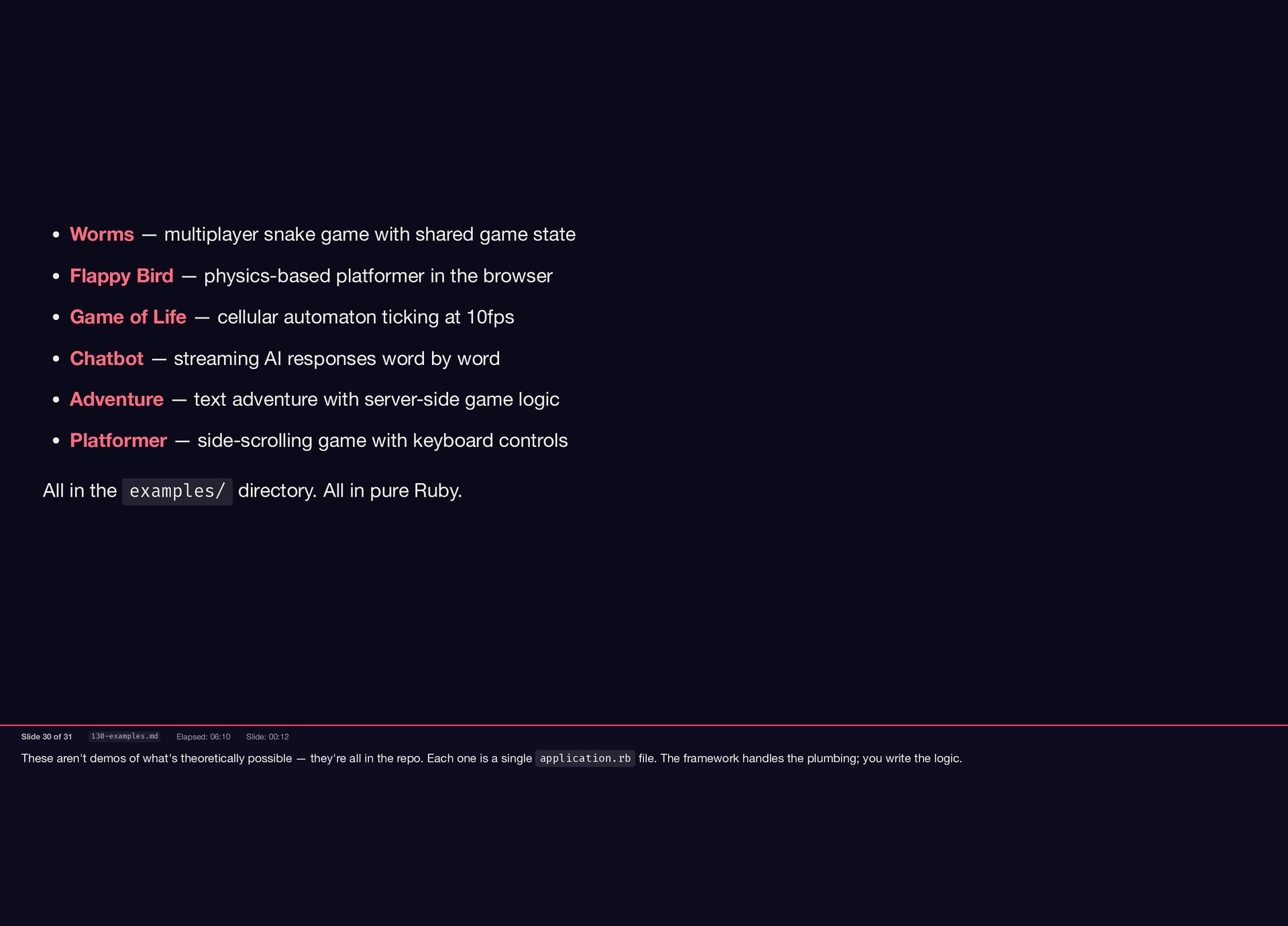
in the repo. Each one is a single application.rb file. The framework handles the plumbing; you write the logic. All in the examples/ directory. All in pure Ruby. Worms — multiplayer snake game with shared game state Flappy Bird — physics-based platformer in the browser Game of Life — cellular automaton ticking at 10fps Chatbot — streaming AI responses word by word Adventure — text adventure with server-side game logic Platformer — side-scrolling game with keyboard controls Slide 30 of 31 130-examples.md Elapsed: 06:10 Slide: 00:12
can find it on GitHub under socketry. If you build something with it, I'd love to see it. Happy to take any questions. Thank You! https://github.com/socketry/lively Slide 31 of 31 140-thanks.md Elapsed: 06:22 Slide: 00:09


 ioquatix
 prota
prota
 monolithic_adam
 elmetal
 neuecc
 colorful12
 florets1
 skydoves
 glassfiber
 lynnswap
 bells17
 otouto
 gam0022
 ryanjones
 rabernat
 frankvandijk
 swwweet
 aleyda
 ianozsvald
 kneath
 lcolladotor
 jct
jct
 codingconduct
 eileencodes
![Lively::Application[HelloWorldView] wires your view into the framework. It returns an](https://files.speakerdeck.com/presentations/943058f9d61b4cbcb223798dad8614a2/slide_18.jpg)