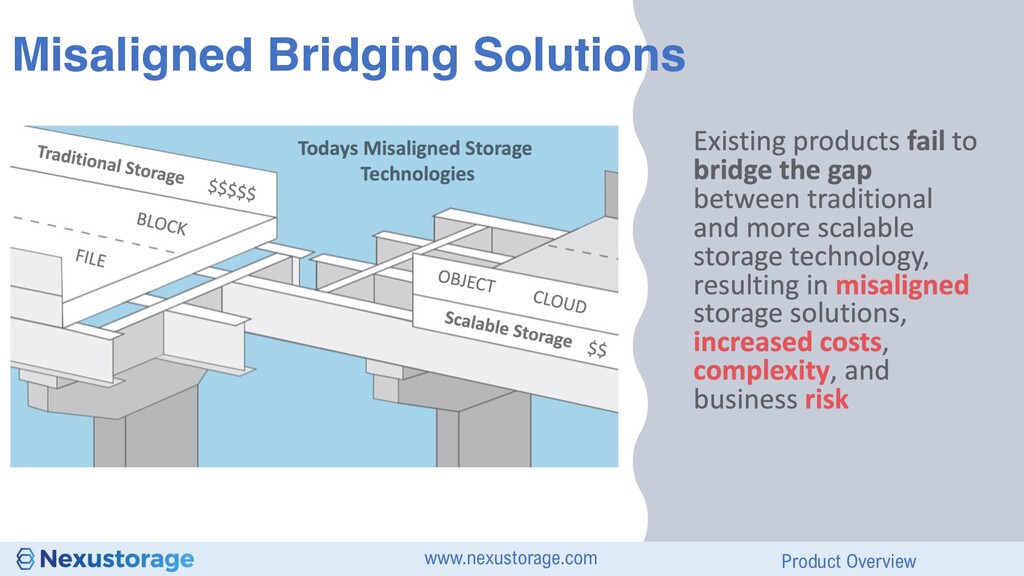
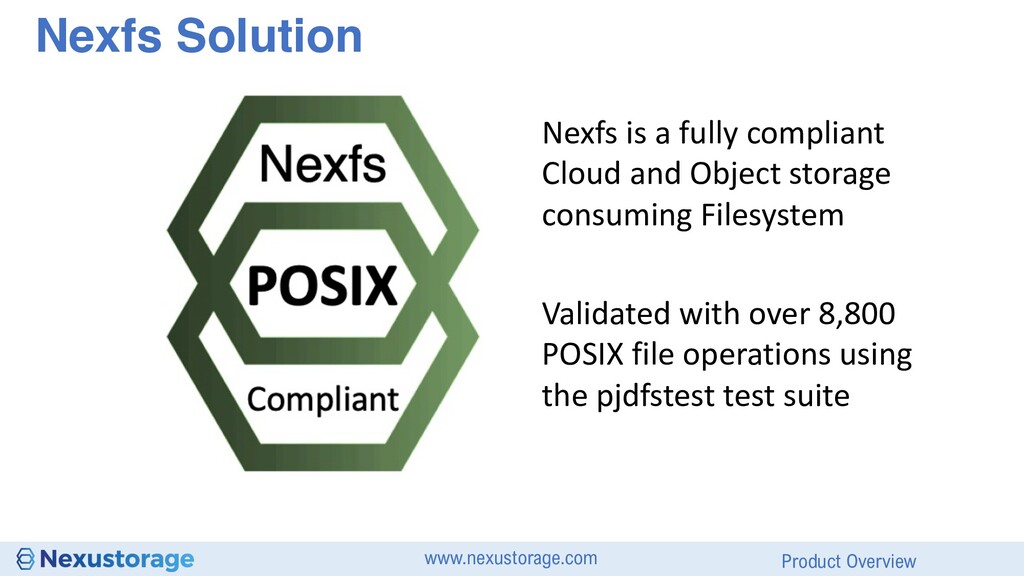
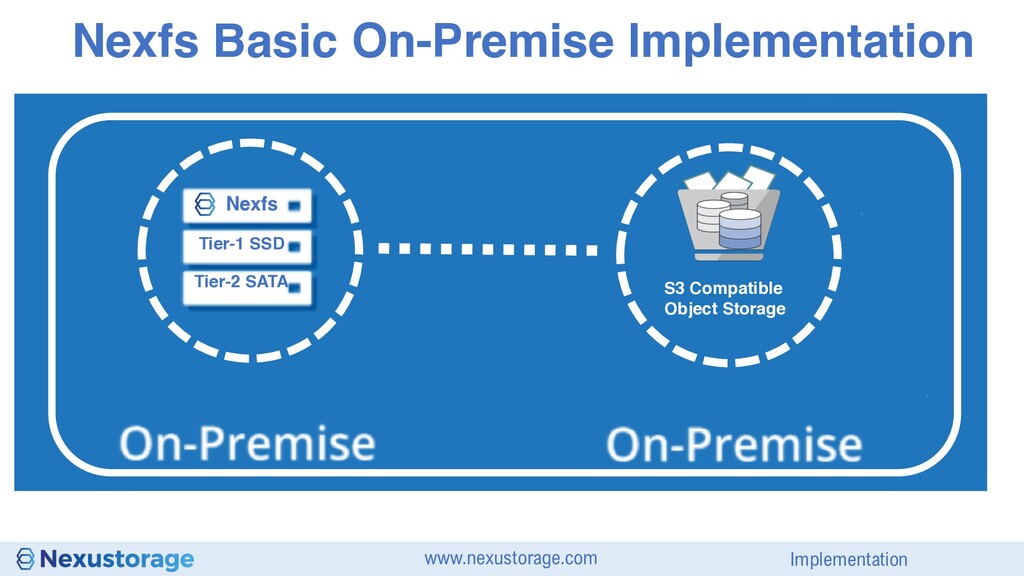
S3 Cloud storage, people have attempted to use Object as File and to scale out File as Object Block style workloads on Object as a use case, until now has not been achieved
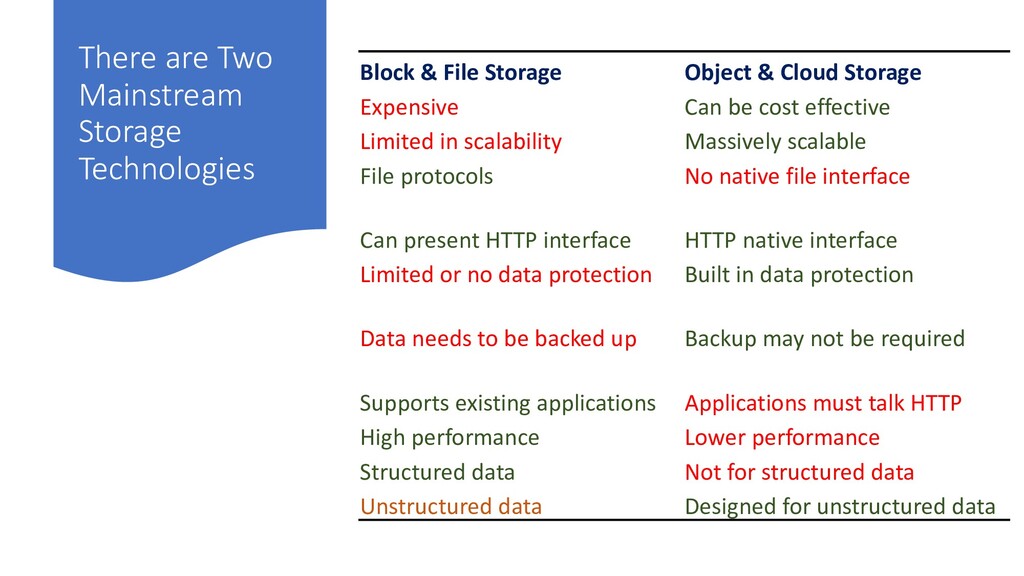
Object & Cloud Storage Expensive Can be cost effective Limited in scalability Massively scalable File protocols No native file interface Can present HTTP interface HTTP native interface Limited or no data protection Built in data protection Data needs to be backed up Backup may not be required Supports existing applications Applications must talk HTTP High performance Lower performance Structured data Not for structured data Unstructured data Designed for unstructured data
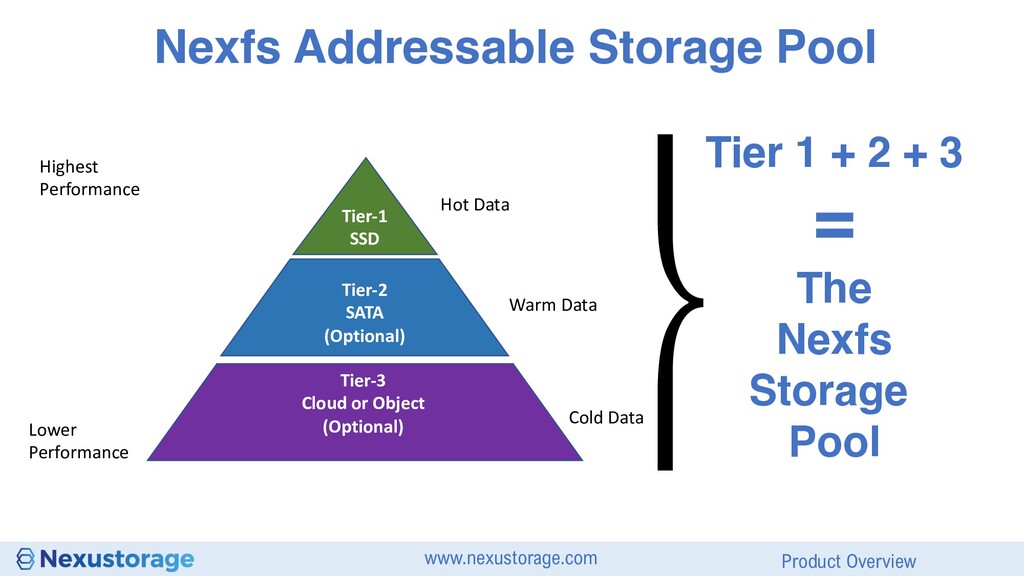
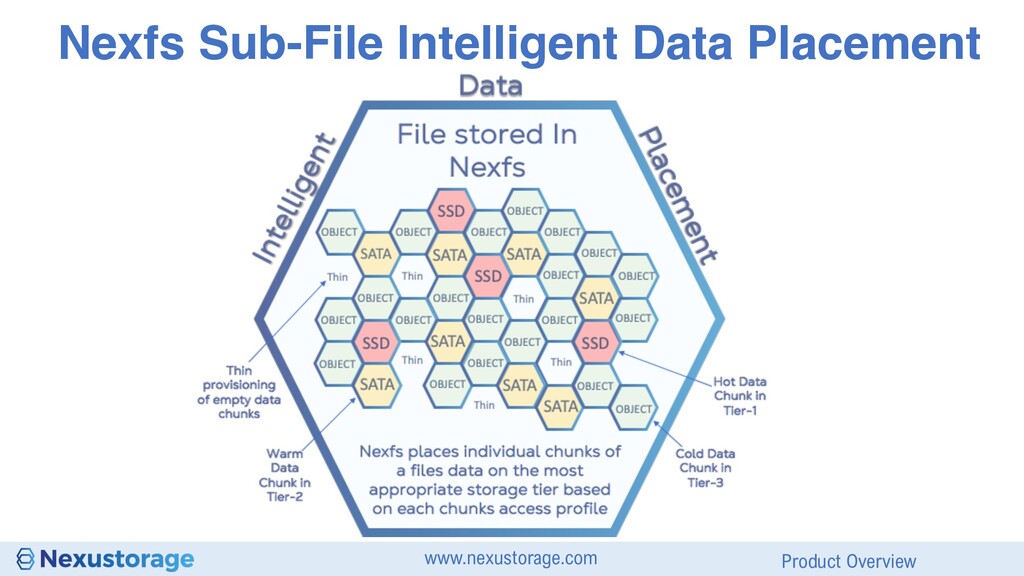
SATA (Optional) Tier-3 Cloud or Object (Optional) Hot Data Warm Data Cold Data Highest Performance Lower Performance ⎬ Tier 1 + 2 + 3 = The Nexfs Storage Pool
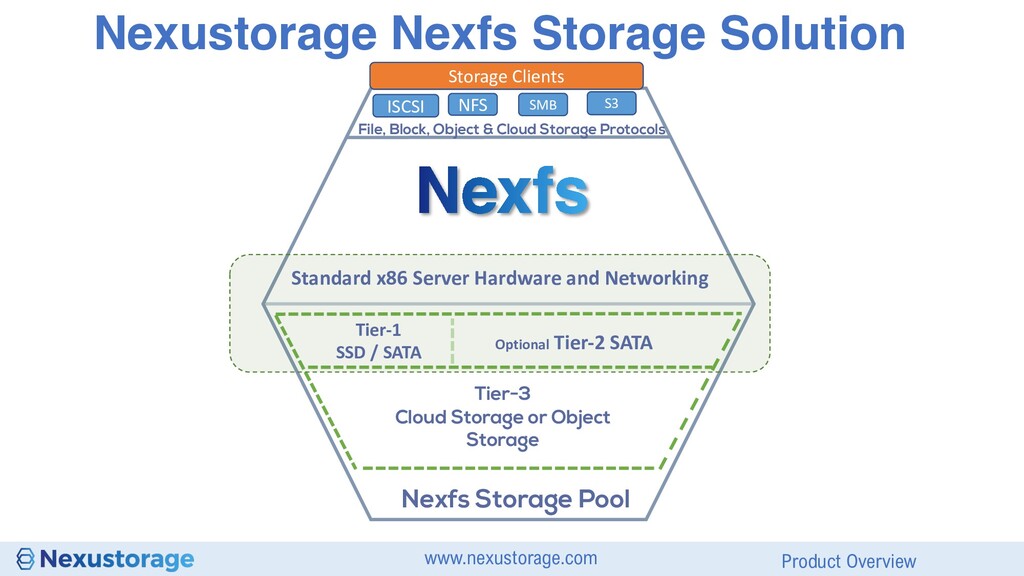
Storage Clients NFS SMB S3 ISCSI File, Block, Object & Cloud Storage Protocols Standard x86 Server Hardware and Networking Tier-1 SSD / SATA Optional Tier-2 SATA Tier-3 Cloud Storage or Object Storage
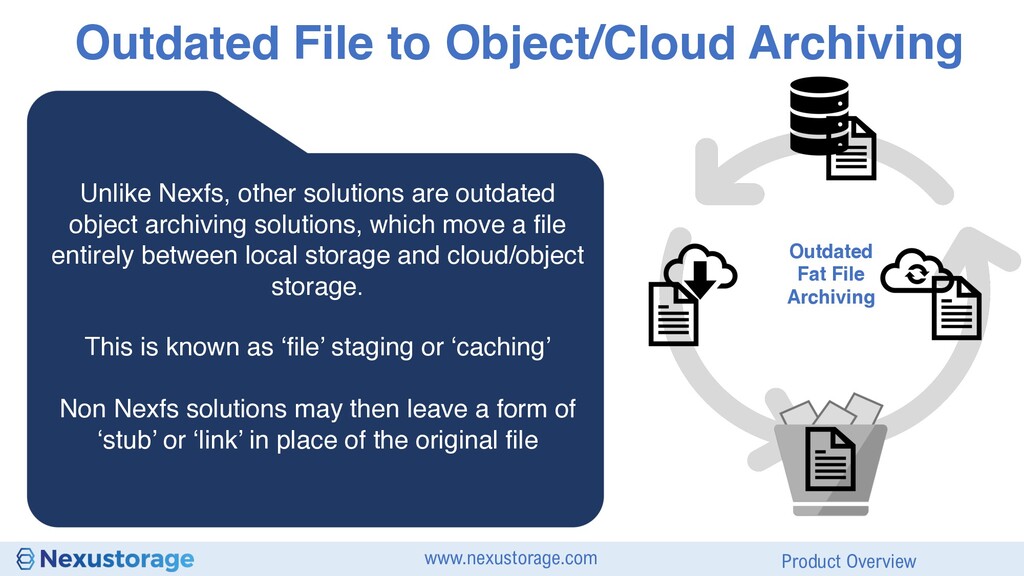
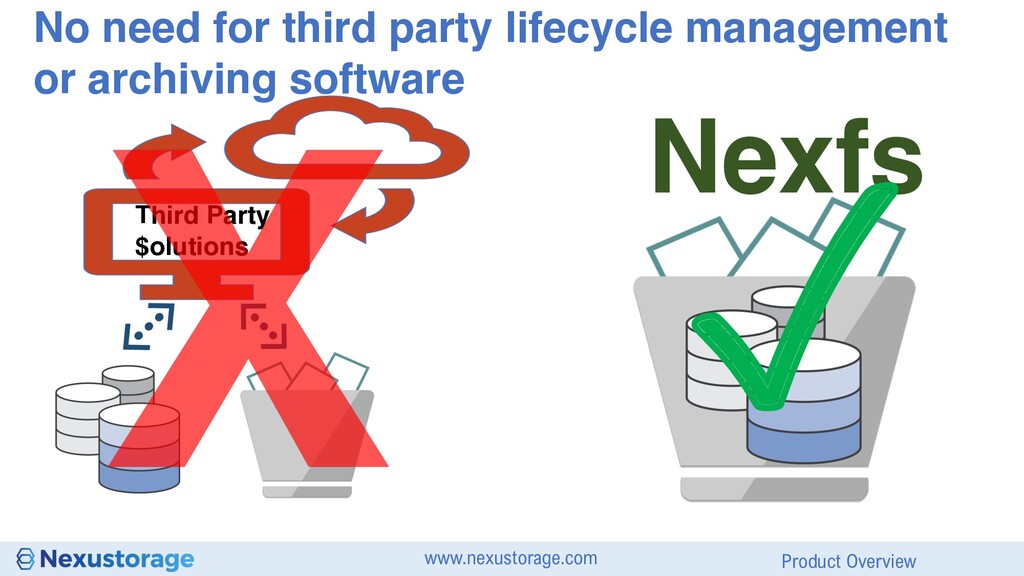
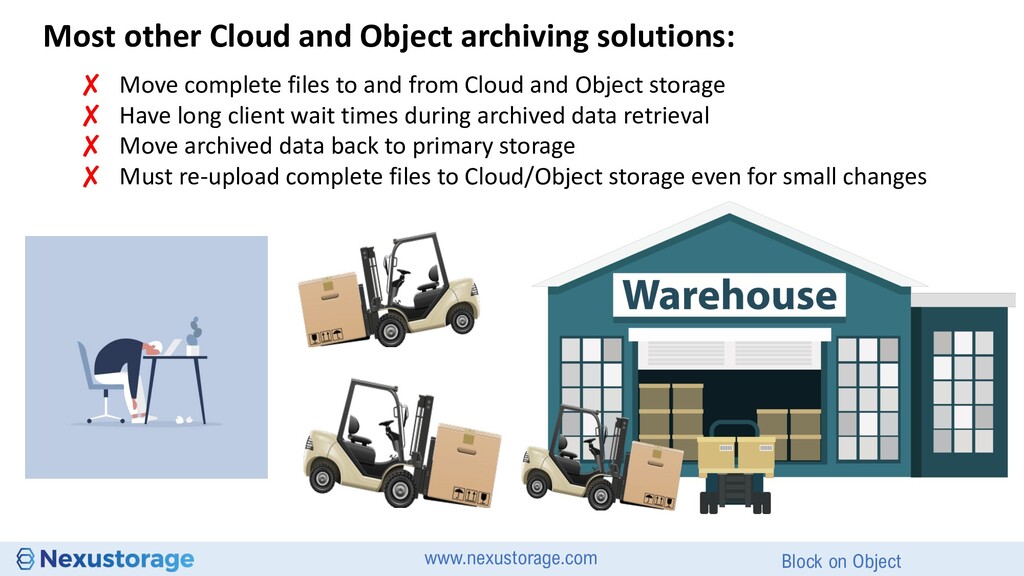
archiving solutions, which move a file entirely between local storage and cloud/object storage. This is known as ‘file’ staging or ‘caching’ Non Nexfs solutions may then leave a form of ‘stub’ or ‘link’ in place of the original file Outdated File to Object/Cloud Archiving Outdated Fat File Archiving
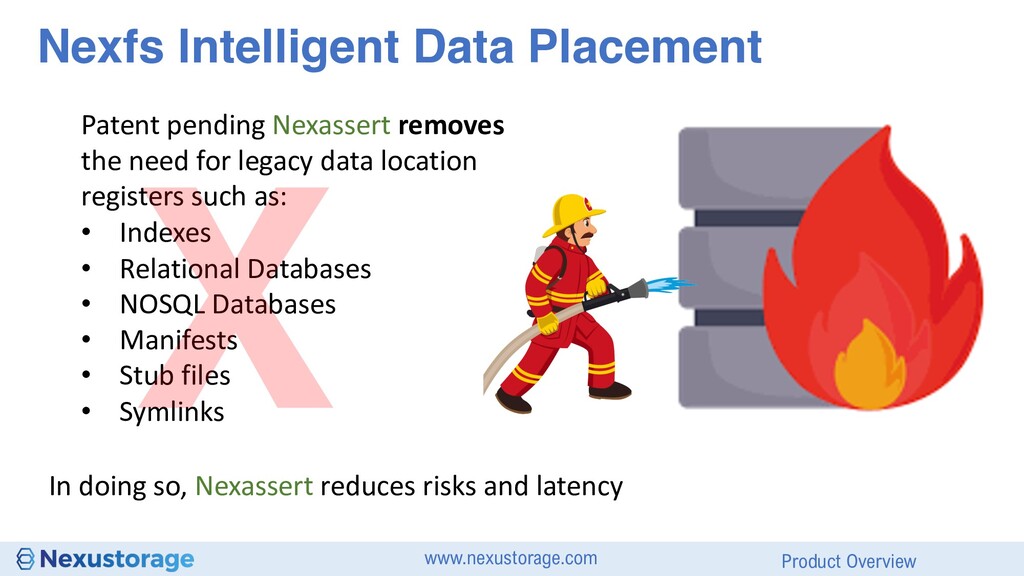
removes the need for legacy data location registers such as: • Indexes • Relational Databases • NOSQL Databases • Manifests • Stub files • Symlinks In doing so, Nexassert reduces risks and latency
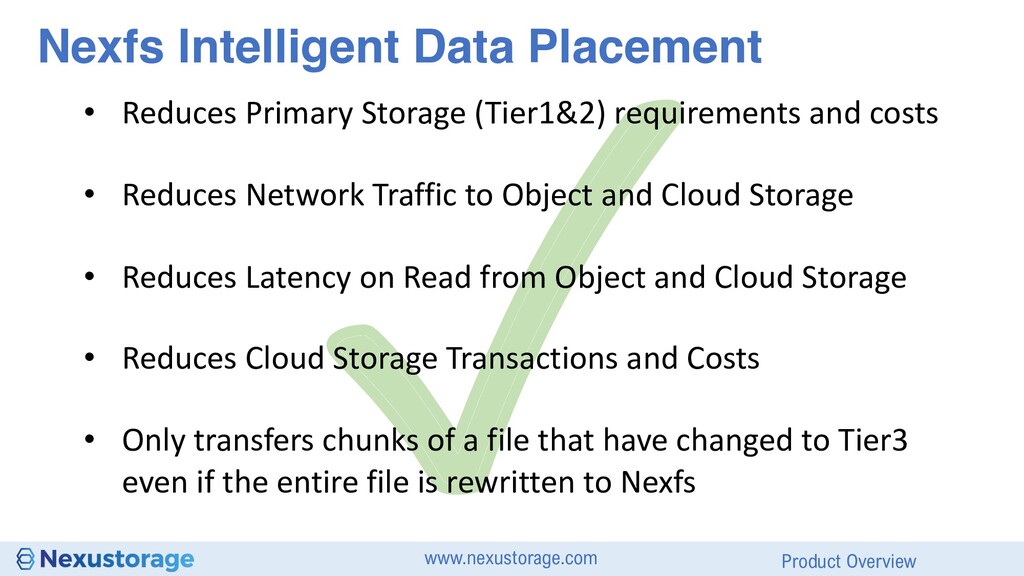
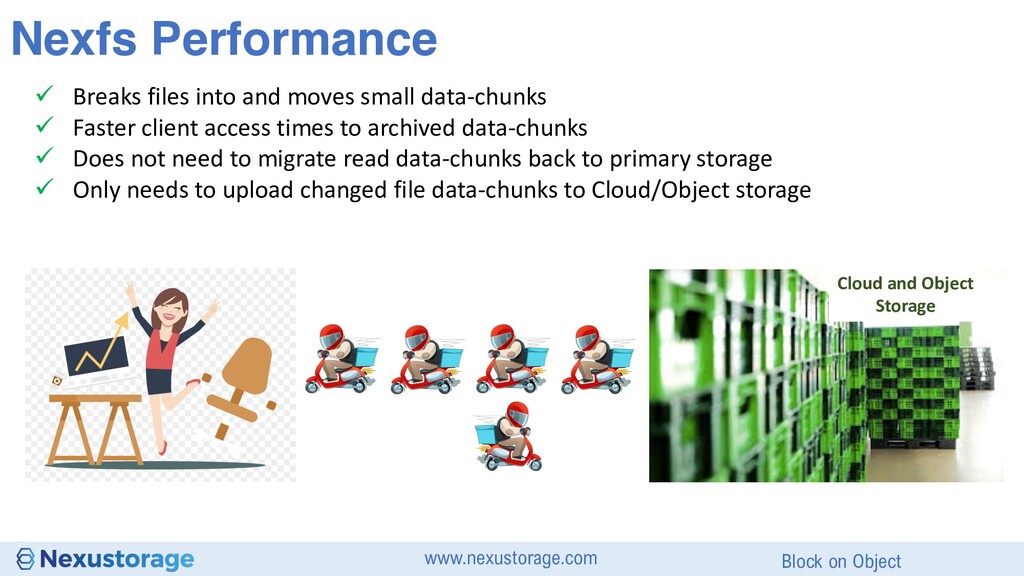
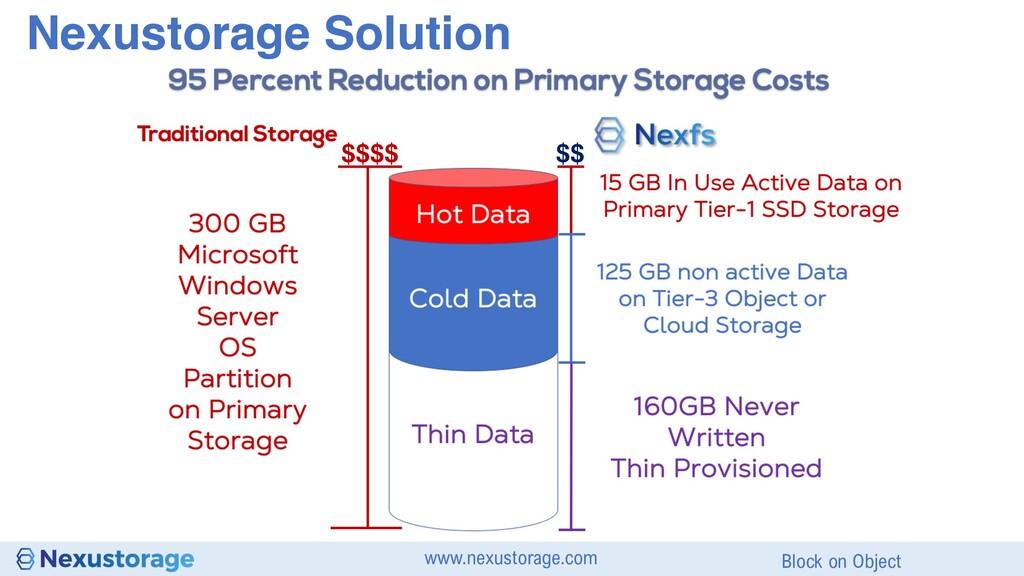
Primary Storage (Tier1&2) requirements and costs • Reduces Network Traffic to Object and Cloud Storage • Reduces Latency on Read from Object and Cloud Storage • Reduces Cloud Storage Transactions and Costs • Only transfers chunks of a file that have changed to Tier3 even if the entire file is rewritten to Nexfs
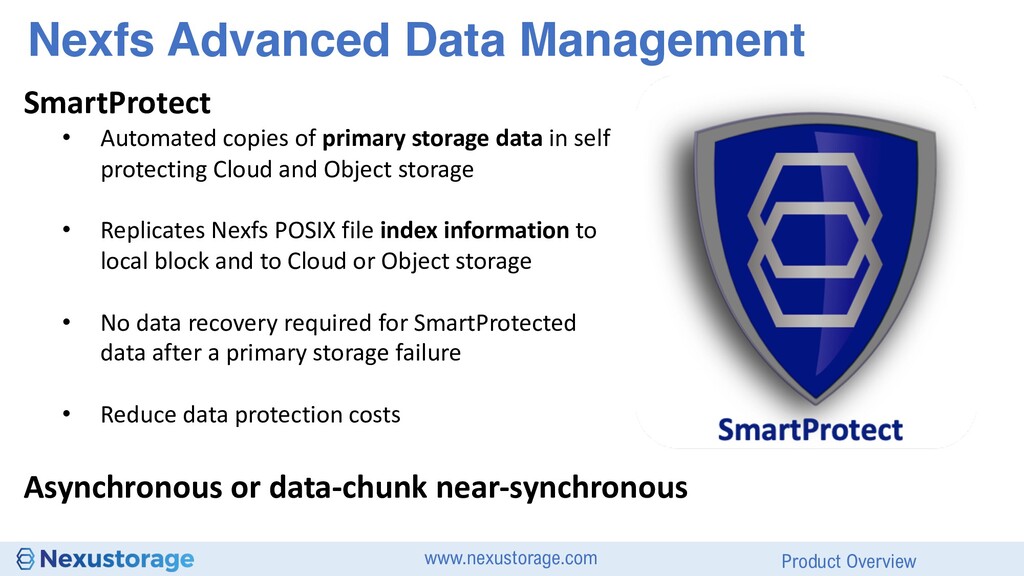
copies of primary storage data in self protecting Cloud and Object storage • Replicates Nexfs POSIX file index information to local block and to Cloud or Object storage • No data recovery required for SmartProtected data after a primary storage failure • Reduce data protection costs Asynchronous or data-chunk near-synchronous
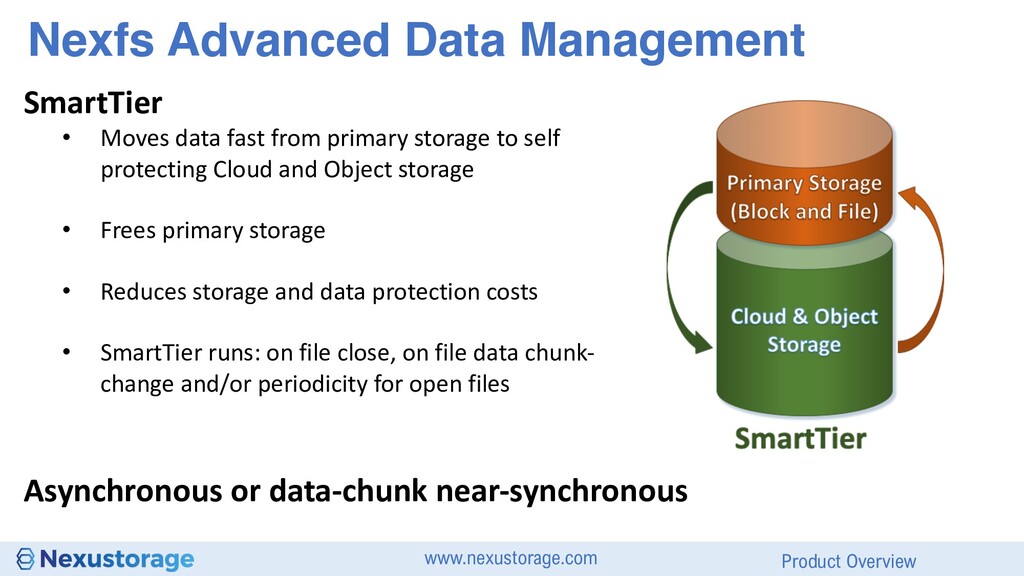
data fast from primary storage to self protecting Cloud and Object storage • Frees primary storage • Reduces storage and data protection costs • SmartTier runs: on file close, on file data chunk- change and/or periodicity for open files Asynchronous or data-chunk near-synchronous
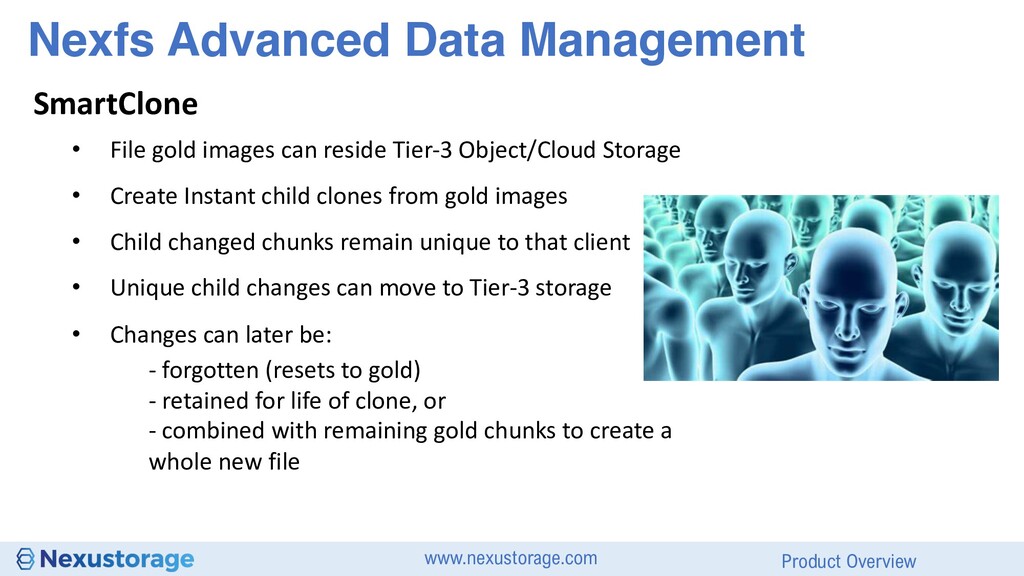
gold images can reside Tier-3 Object/Cloud Storage • Create Instant child clones from gold images • Child changed chunks remain unique to that client • Unique child changes can move to Tier-3 storage • Changes can later be: - forgotten (resets to gold) - retained for life of clone, or - combined with remaining gold chunks to create a whole new file
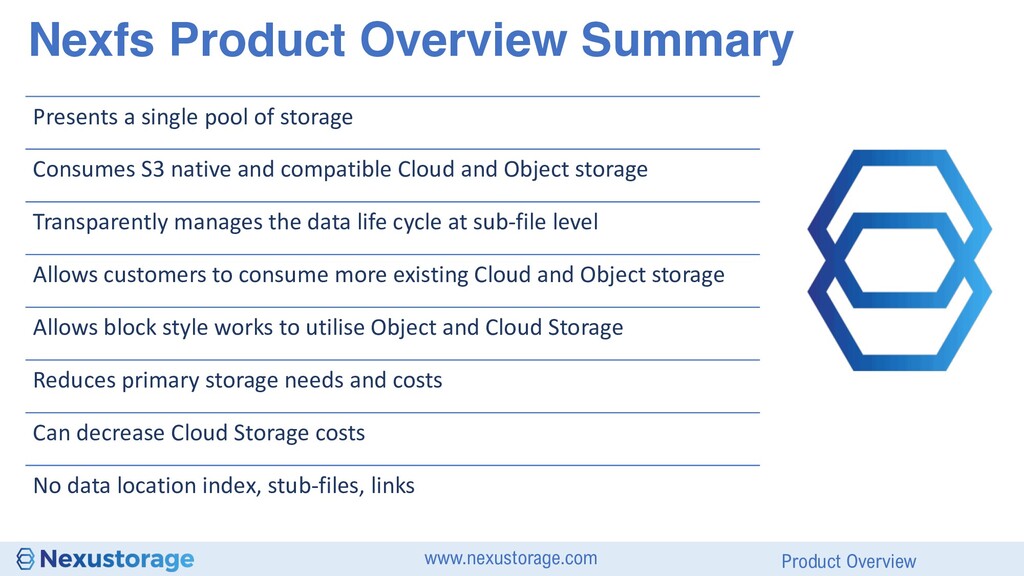
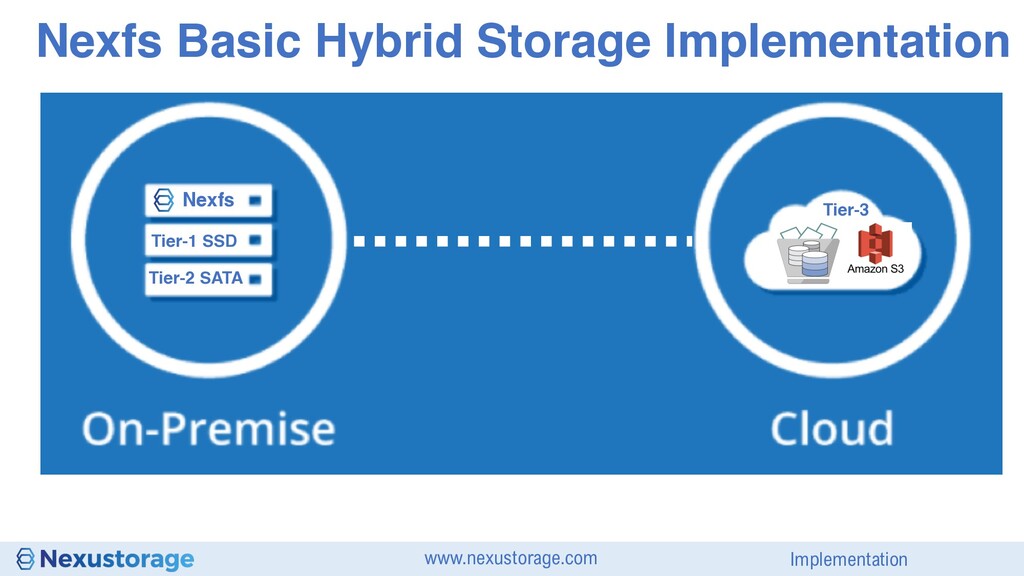
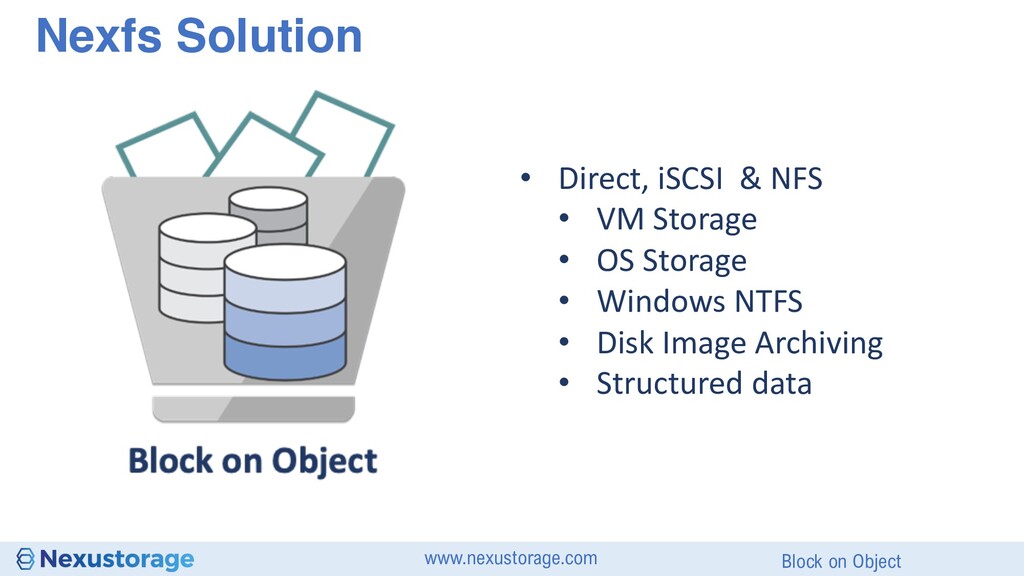
pool of storage Consumes S3 native and compatible Cloud and Object storage Transparently manages the data life cycle at sub-file level Allows customers to consume more existing Cloud and Object storage Allows block style works to utilise Object and Cloud Storage Reduces primary storage needs and costs Can decrease Cloud Storage costs No data location index, stub-files, links
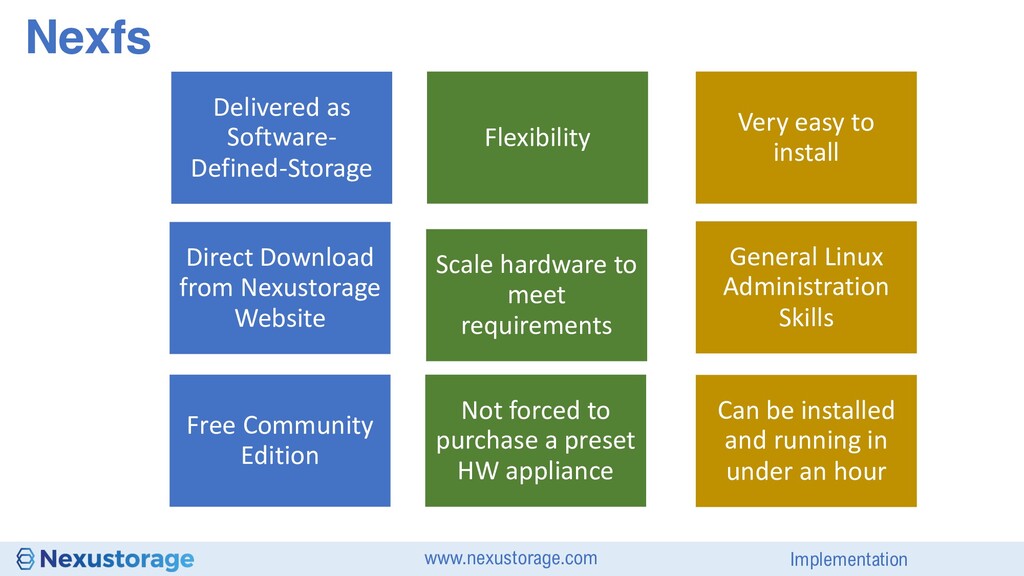
to meet requirements Not forced to purchase a preset HW appliance Direct Download from Nexustorage Website Free Community Edition General Linux Administration Skills Very easy to install Can be installed and running in under an hour
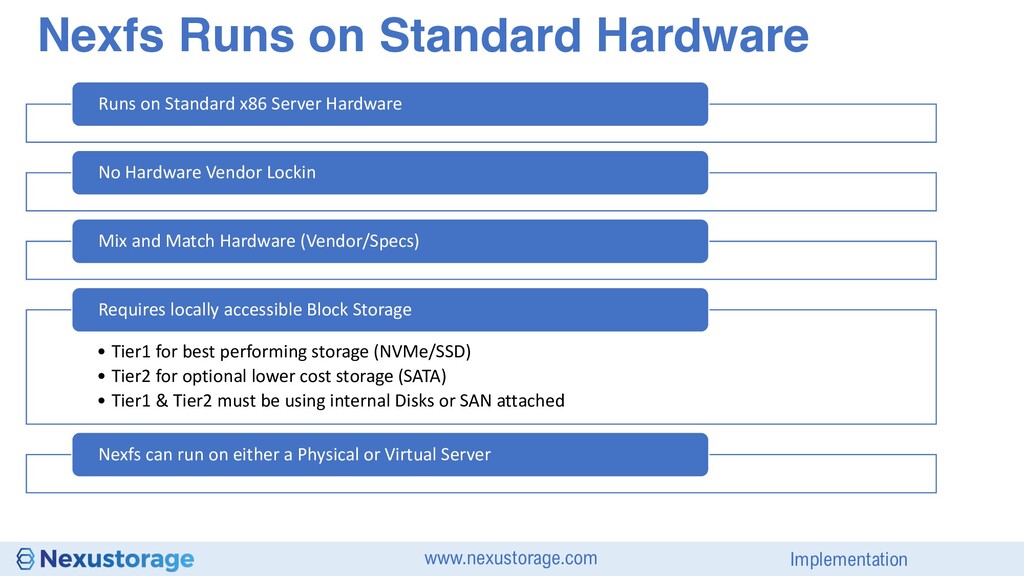
x86 Server Hardware No Hardware Vendor Lockin Mix and Match Hardware (Vendor/Specs) • Tier1 for best performing storage (NVMe/SSD) • Tier2 for optional lower cost storage (SATA) • Tier1 & Tier2 must be using internal Disks or SAN attached Requires locally accessible Block Storage Nexfs can run on either a Physical or Virtual Server
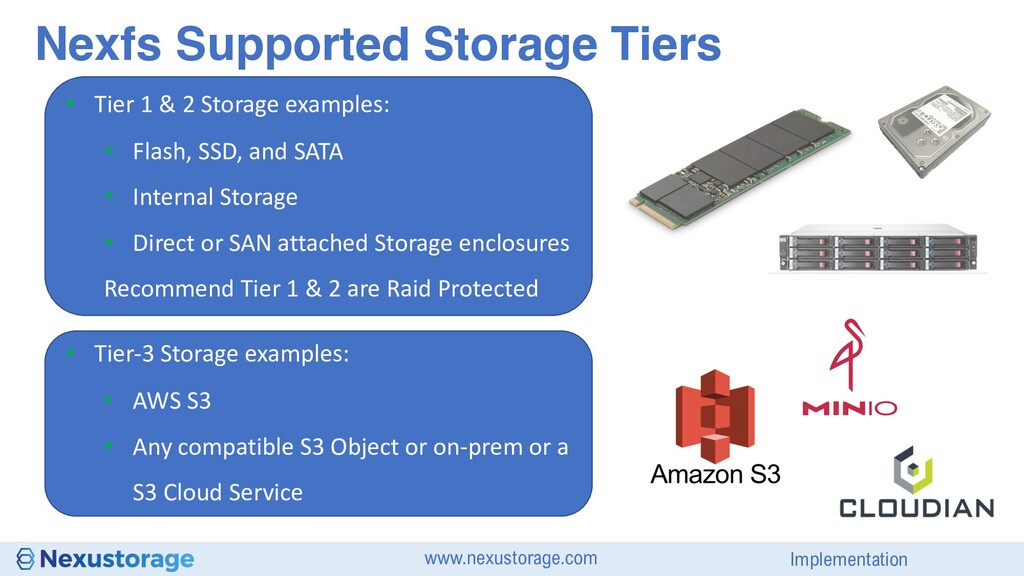
Flash, SSD, and SATA • Internal Storage • Direct or SAN attached Storage enclosures Recommend Tier 1 & 2 are Raid Protected • Tier-3 Storage examples: • AWS S3 • Any compatible S3 Object or on-prem or a S3 Cloud Service Nexfs Supported Storage Tiers
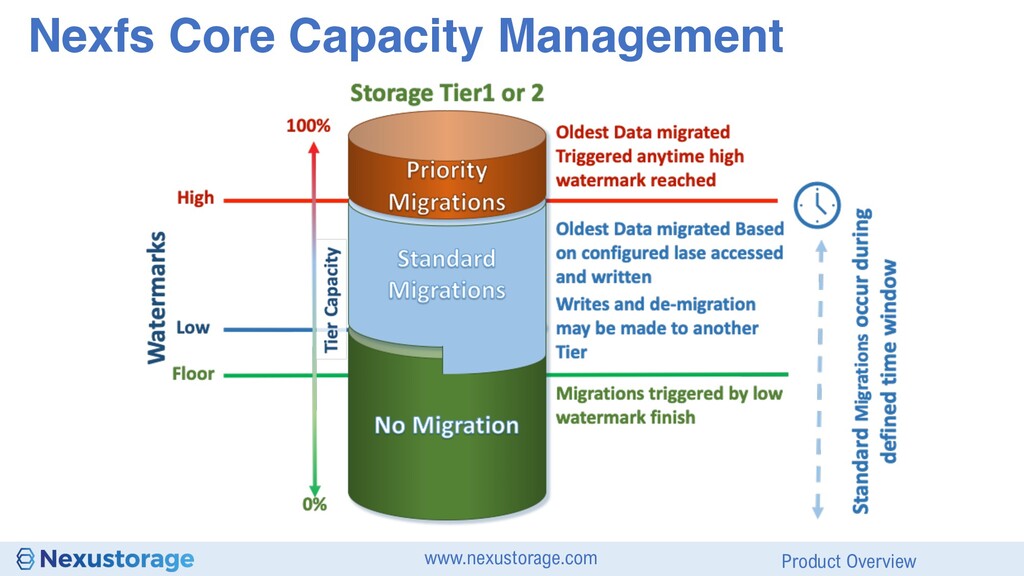
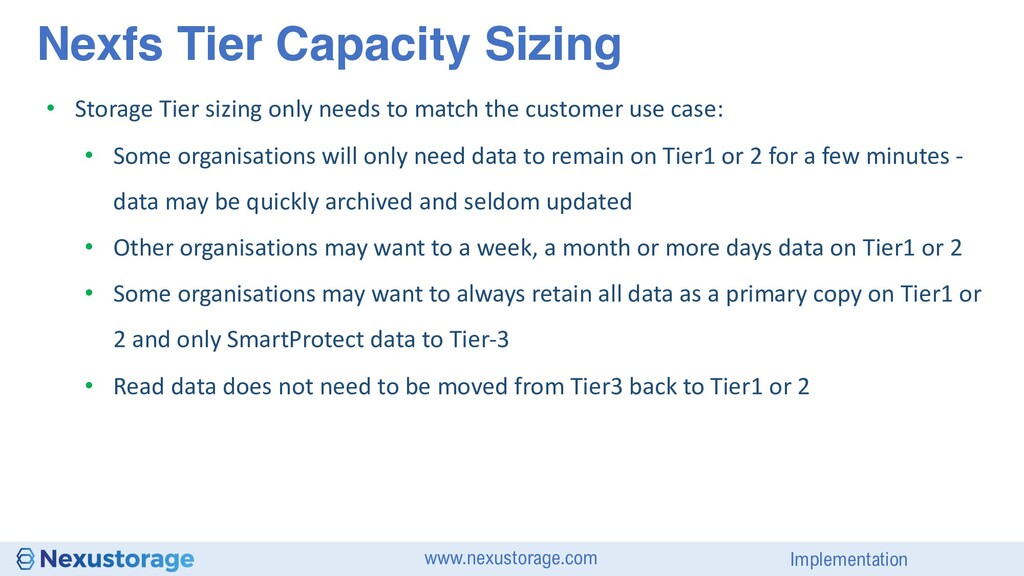
the customer use case: • Some organisations will only need data to remain on Tier1 or 2 for a few minutes - data may be quickly archived and seldom updated • Other organisations may want to a week, a month or more days data on Tier1 or 2 • Some organisations may want to always retain all data as a primary copy on Tier1 or 2 and only SmartProtect data to Tier-3 • Read data does not need to be moved from Tier3 back to Tier1 or 2 Nexfs Tier Capacity Sizing
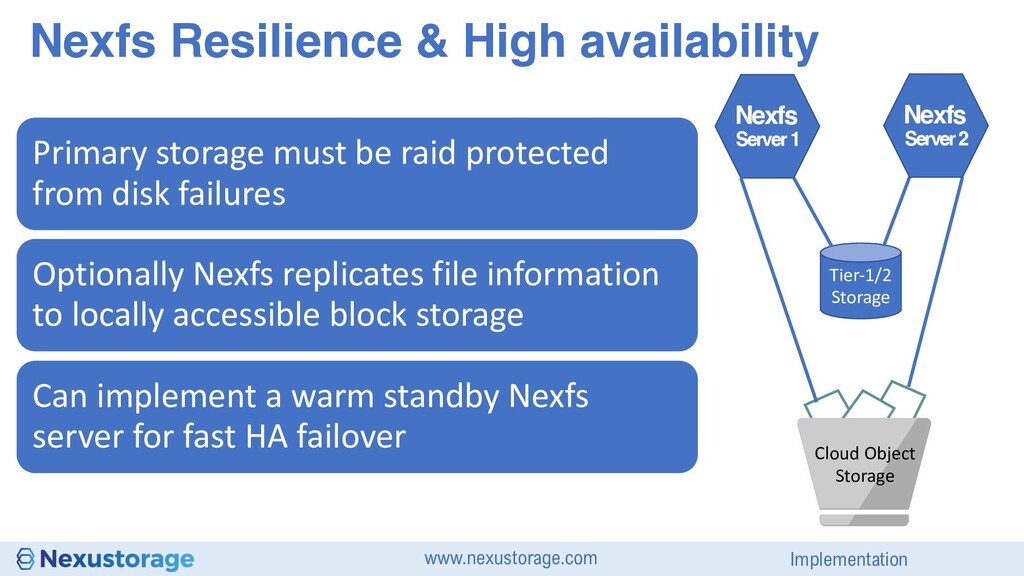
1 Nexfs Cloud Object Storage Primary storage must be raid protected from disk failures Optionally Nexfs replicates file information to locally accessible block storage Can implement a warm standby Nexfs server for fast HA failover Server 2 Nexfs
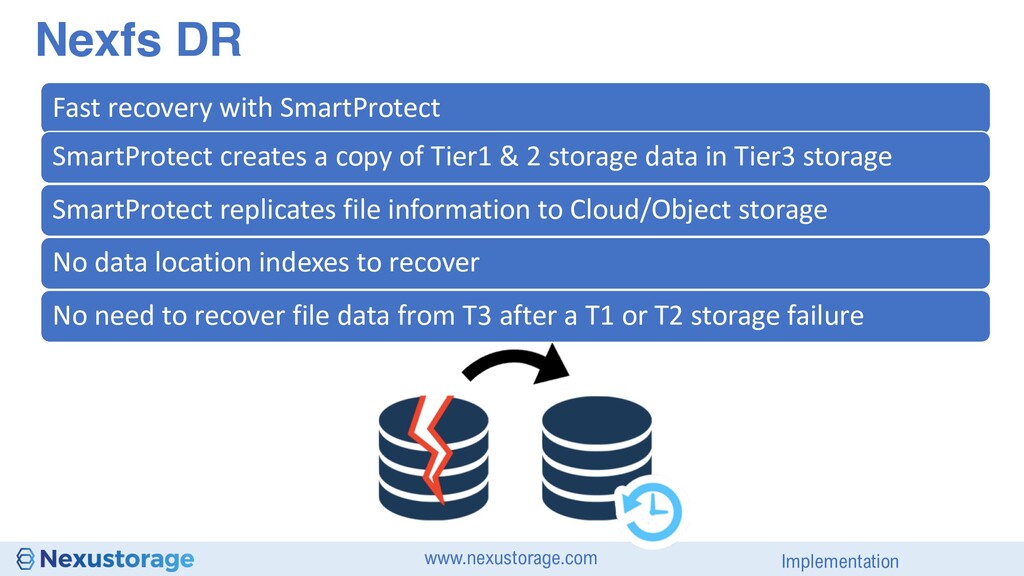
a copy of Tier1 & 2 storage data in Tier3 storage SmartProtect replicates file information to Cloud/Object storage No data location indexes to recover No need to recover file data from T3 after a T1 or T2 storage failure
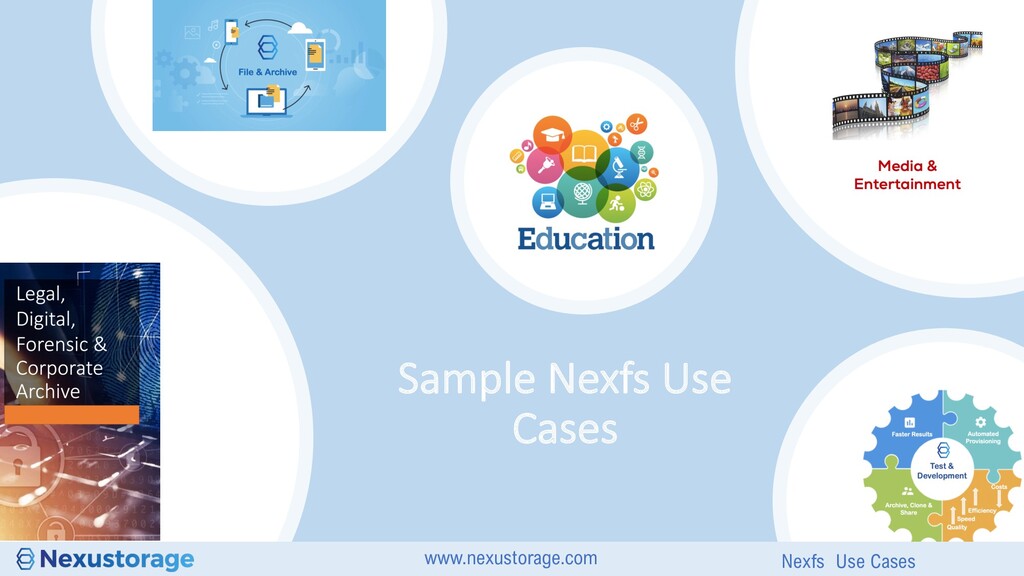
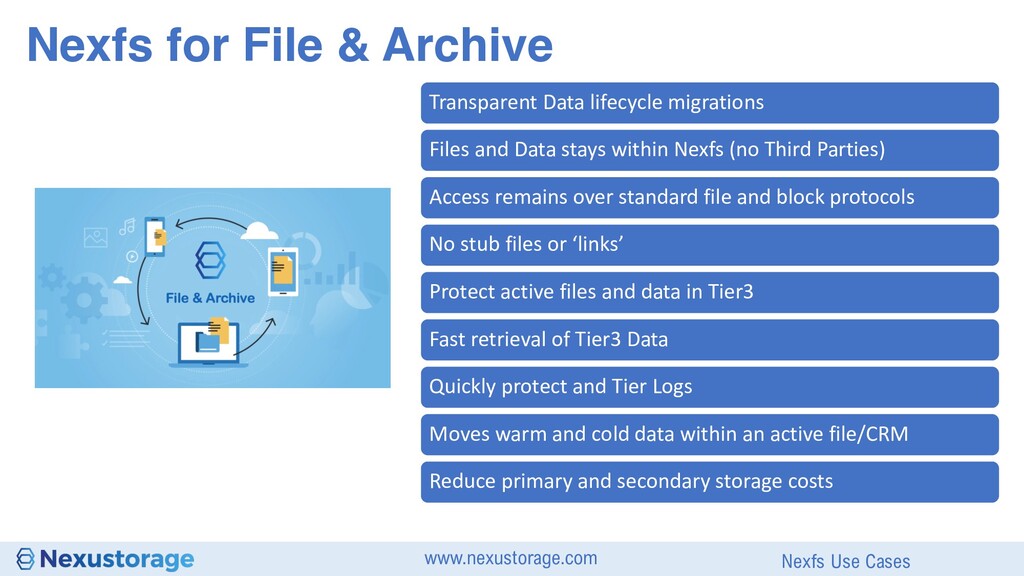
Data lifecycle migrations Files and Data stays within Nexfs (no Third Parties) Access remains over standard file and block protocols No stub files or ‘links’ Protect active files and data in Tier3 Fast retrieval of Tier3 Data Quickly protect and Tier Logs Moves warm and cold data within an active file/CRM Reduce primary and secondary storage costs
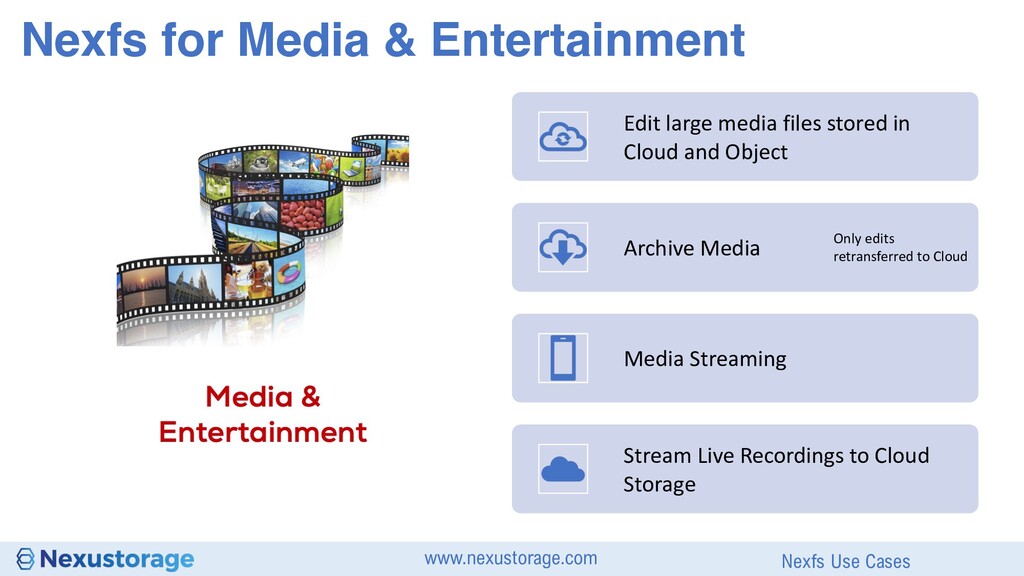
Archive Media Only edits retransferred to Cloud Media Streaming Stream Live Recordings to Cloud Storage Nexfs for Media & Entertainment Nexfs Use Cases
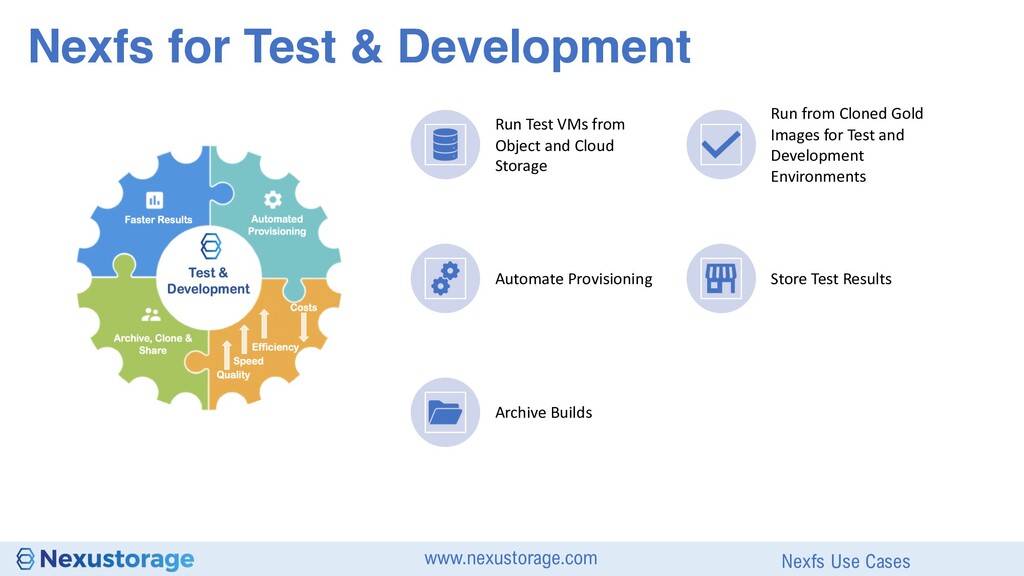
from Cloned Gold Images for Test and Development Environments Automate Provisioning Store Test Results Archive Builds Nexfs for Test & Development Nexfs Use Cases
solutions: ✘ Move complete files to and from Cloud and Object storage ✘ Have long client wait times during archived data retrieval ✘ Move archived data back to primary storage ✘ Must re-upload complete files to Cloud/Object storage even for small changes
small data-chunks ü Faster client access times to archived data-chunks ü Does not need to migrate read data-chunks back to primary storage ü Only needs to upload changed file data-chunks to Cloud/Object storage Nexfs Performance Cloud and Object Storage
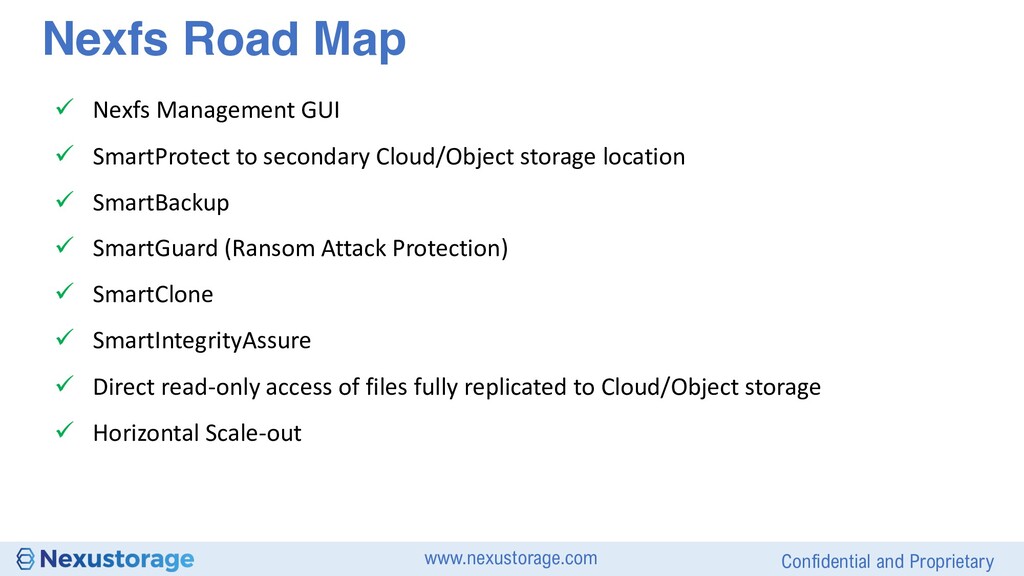
to secondary Cloud/Object storage location ü SmartBackup ü SmartGuard (Ransom Attack Protection) ü SmartClone ü SmartIntegrityAssure ü Direct read-only access of files fully replicated to Cloud/Object storage ü Horizontal Scale-out Nexfs Road Map


 itpresstour
 yoshiakiyamasaki
 yama3133
 ichiki1023
 kawametho
 foursue
 pensuke628
 mtpooh
 tanakaseiya
 vivion
 oracle4engineer
 hacobu
 kohbis
 codingconduct
 ammeep
 swwweet
 ianozsvald
 thirion
 smashingmag
 lynnandtonic
 jct
jct
 morganepeng
 elsirapls
 cassininazir
 kristinabergwall1