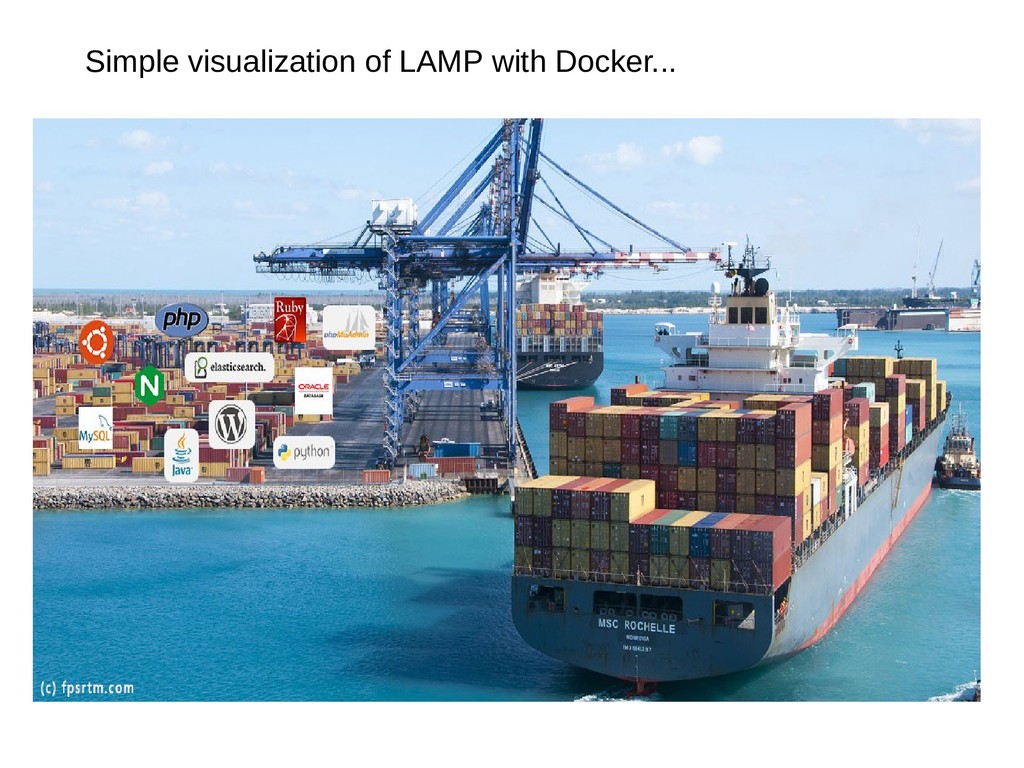
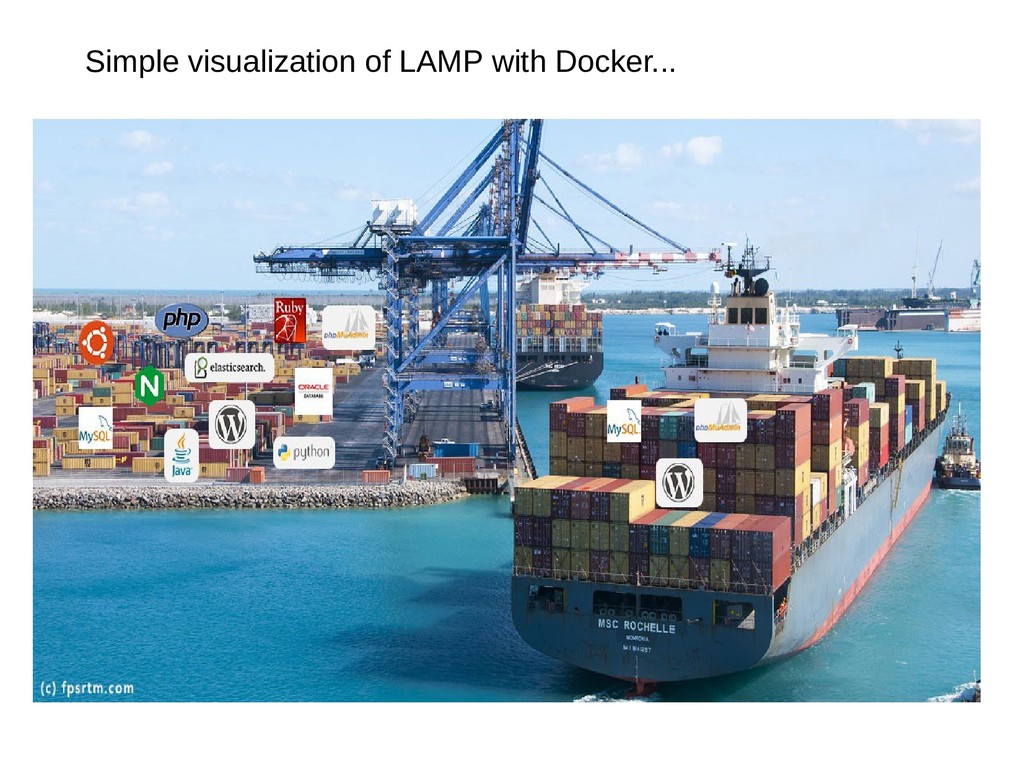
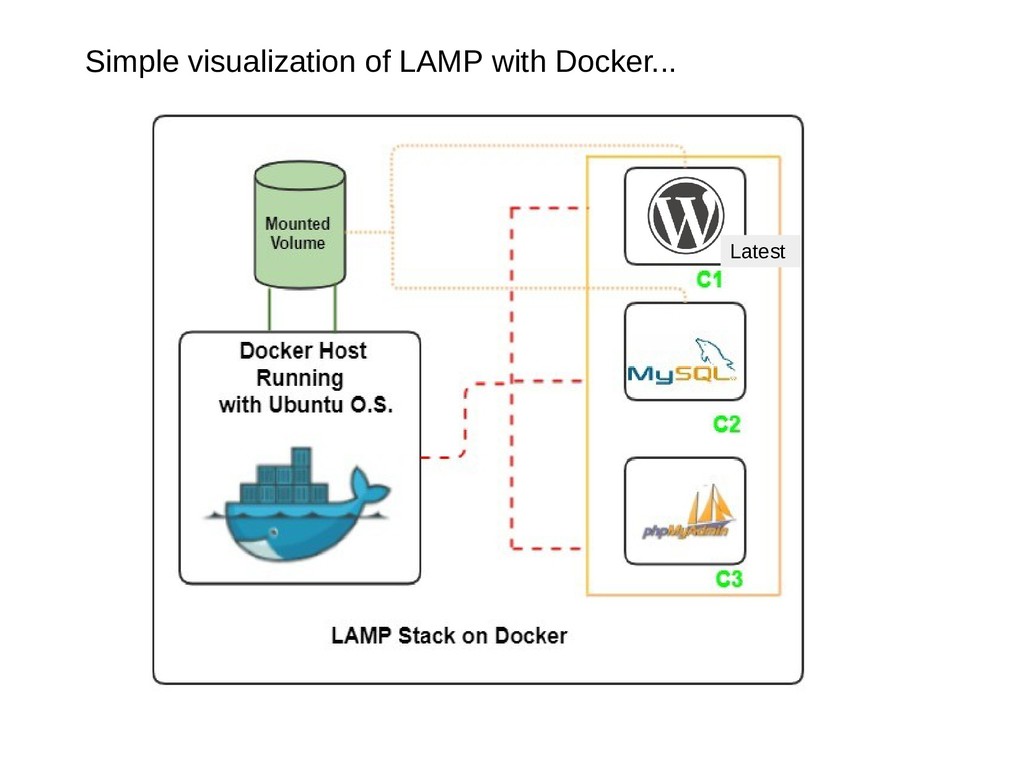
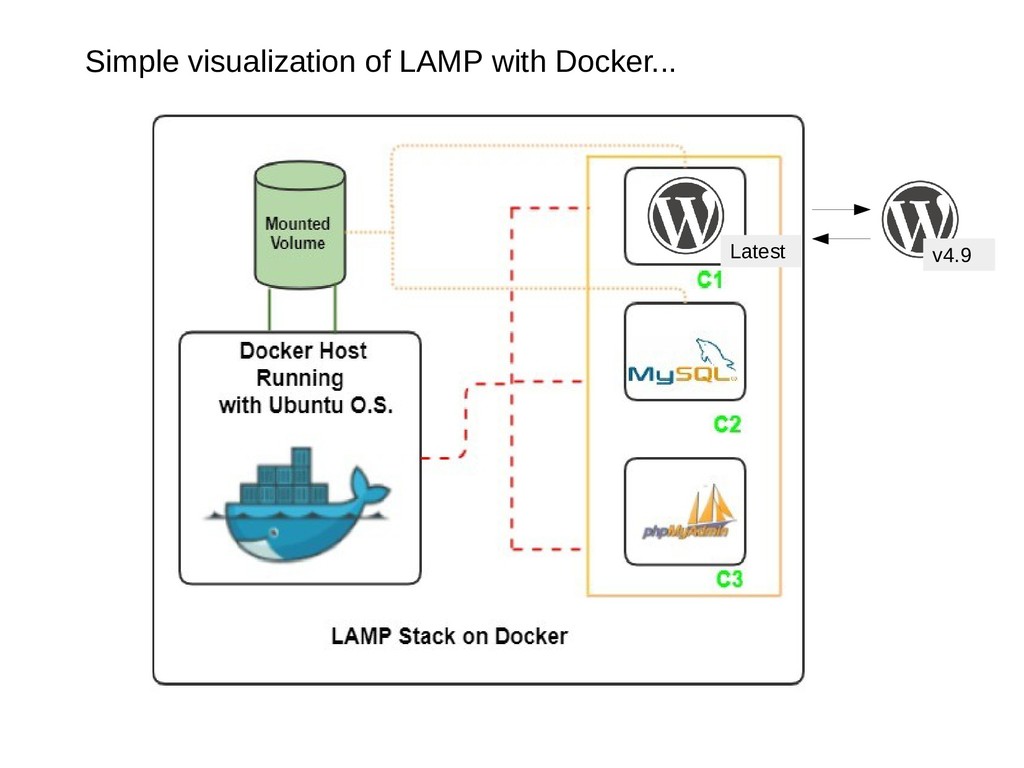
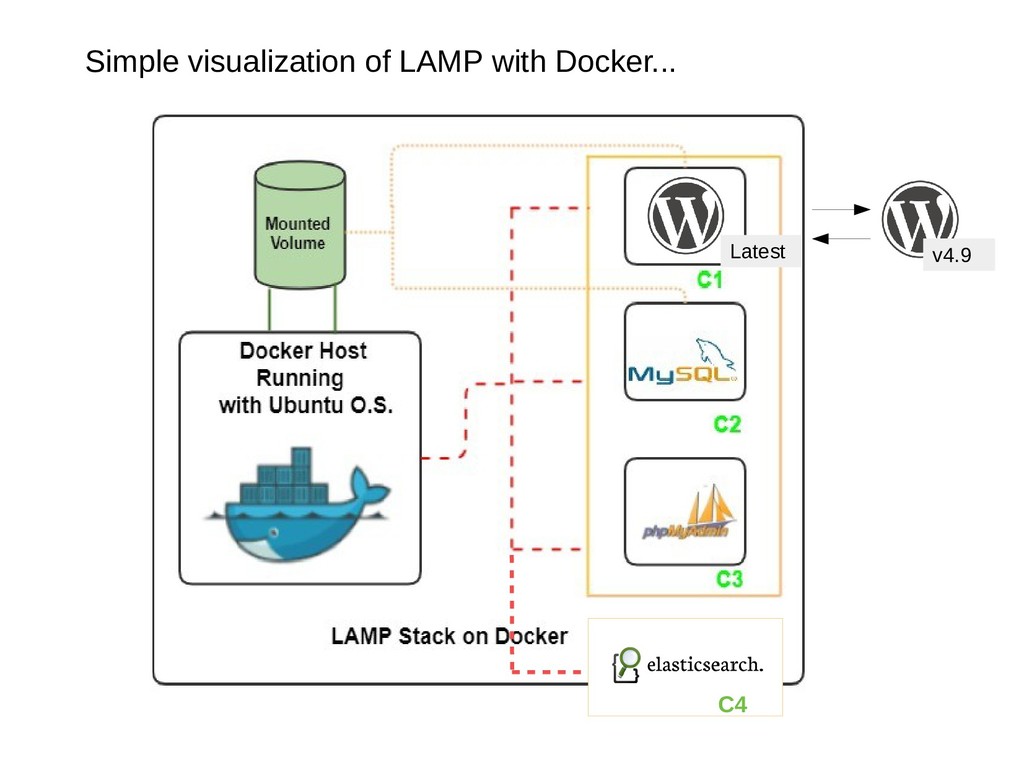
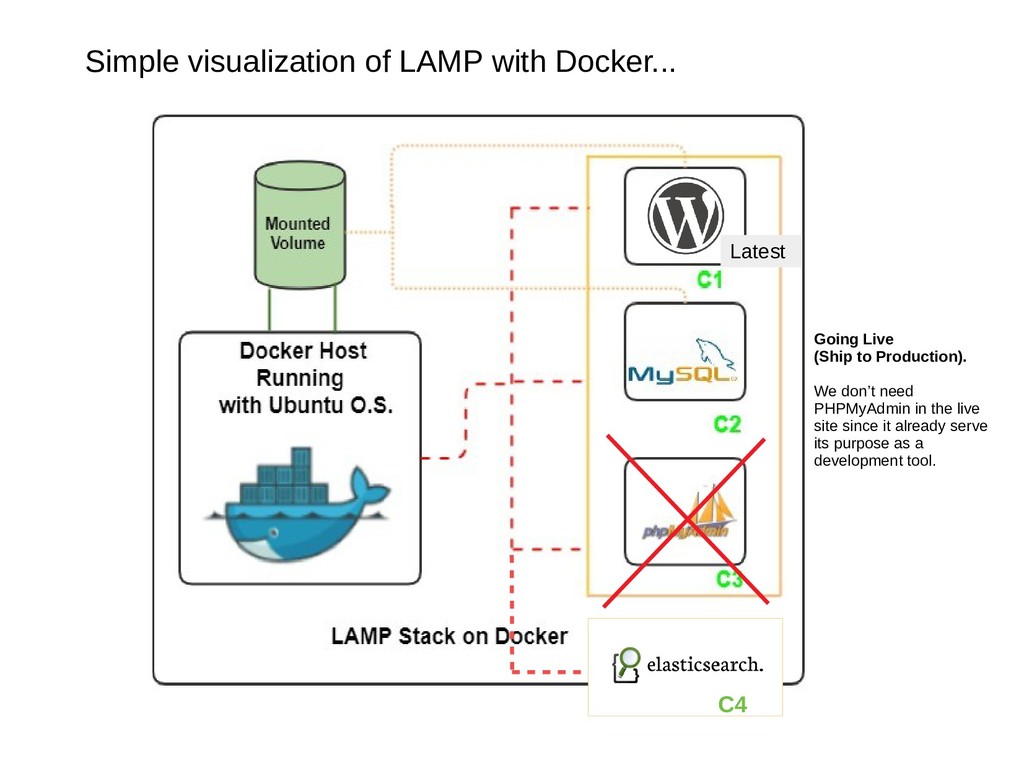
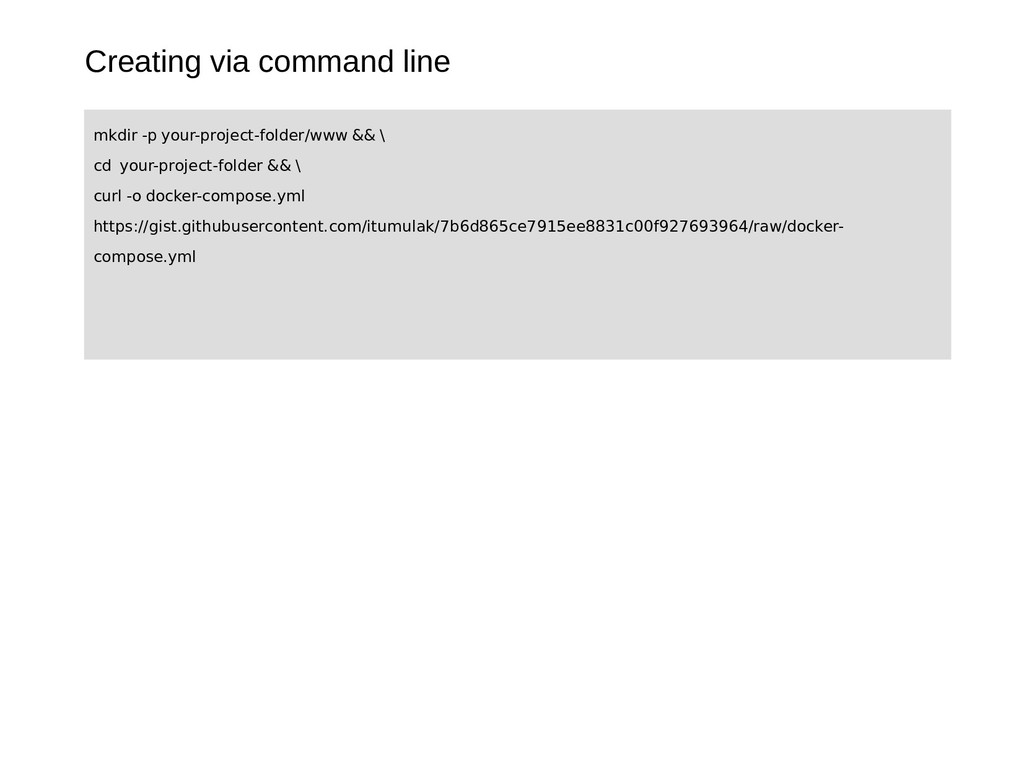
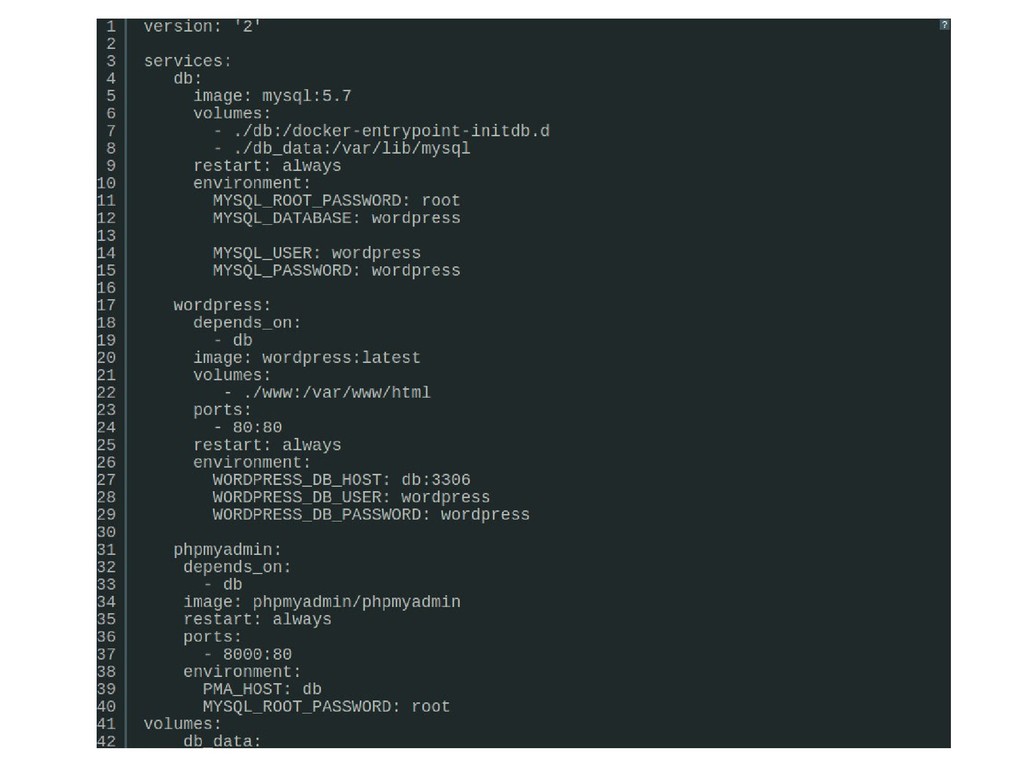
Docker • The concept and visualization of Containerization • Getting started • Prerequisites/Installation • Creating our WordPress install via command-line • Creating our WordPress install with Docker Compose
make it easier to create, deploy, and run applications by using containers. With containerization, it allows us to package an application with all the parts it needs, such as libraries and other dependencies, and then ship it as one package.
make it easier to create, deploy, and run applications by using containers. With containerization, it allows us to package an application with all the parts it needs, such as libraries and other dependencies, and then ship it as one package. In essence, we can create our web service stack including WordPress in Docker!
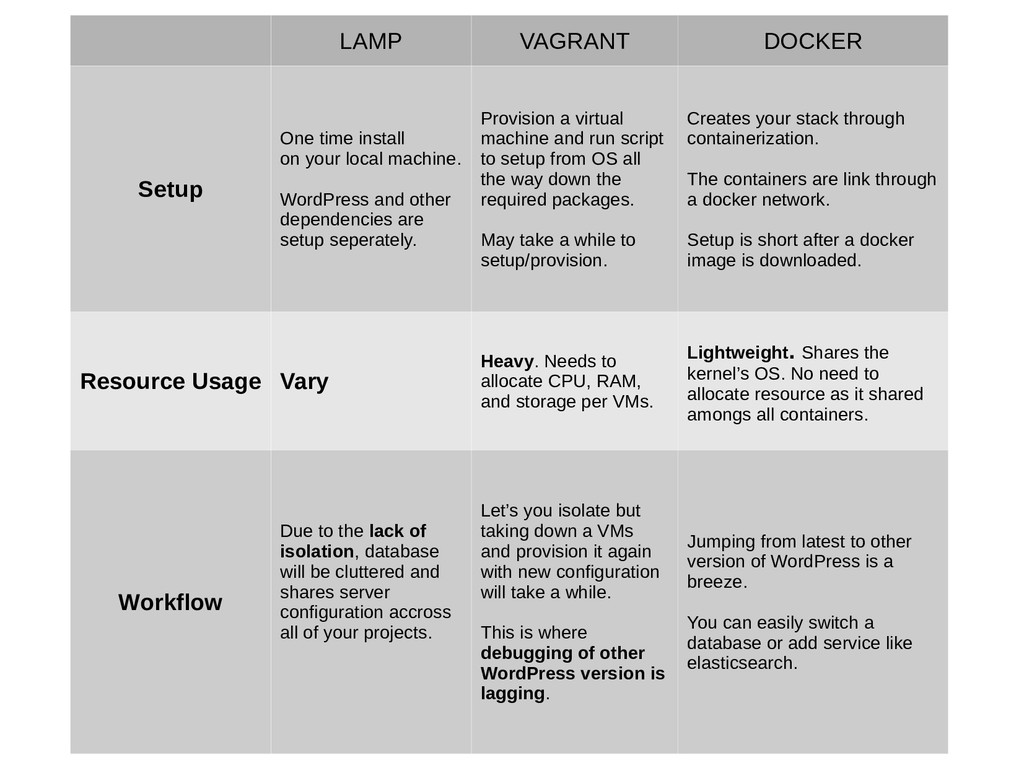
machine. WordPress and other dependencies are setup seperately. Provision a virtual machine and run script to setup from OS all the way down the required packages. May take a while to setup/provision. Creates your stack through containerization. The containers are link through a docker network. Setup is short after a docker image is downloaded. Resource Usage Vary Heavy. Needs to allocate CPU, RAM, and storage per VMs. Lightweight. Shares the kernel’s OS. No need to allocate resource as it shared amongs all containers. Workflow Due to the lack of isolation, database will be cluttered and shares server configuration accross all of your projects. Let’s you isolate but taking down a VMs and provision it again with new configuration will take a while. This is where debugging of other WordPress version is lagging. Jumping from latest to other version of WordPress is a breeze. You can easily switch a database or add service like elasticsearch.
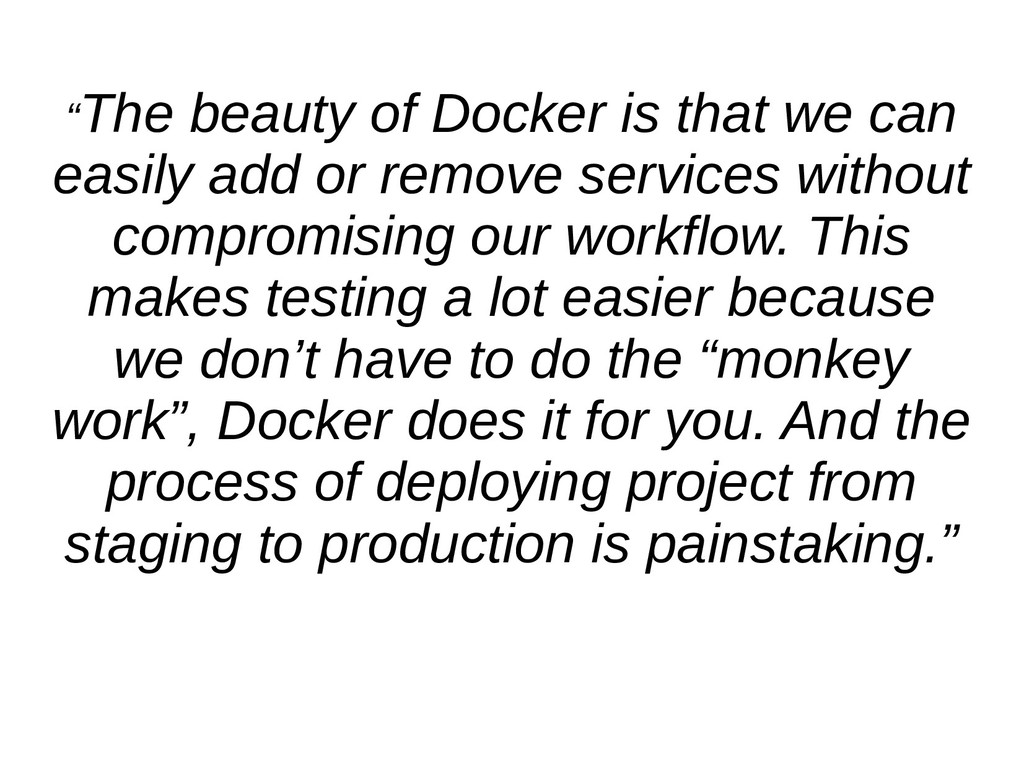
or remove services without compromising our workflow. This makes testing a lot easier because we don’t have to do the “monkey work”, Docker does it for you. And the process of deploying project from staging to production is painstaking.”
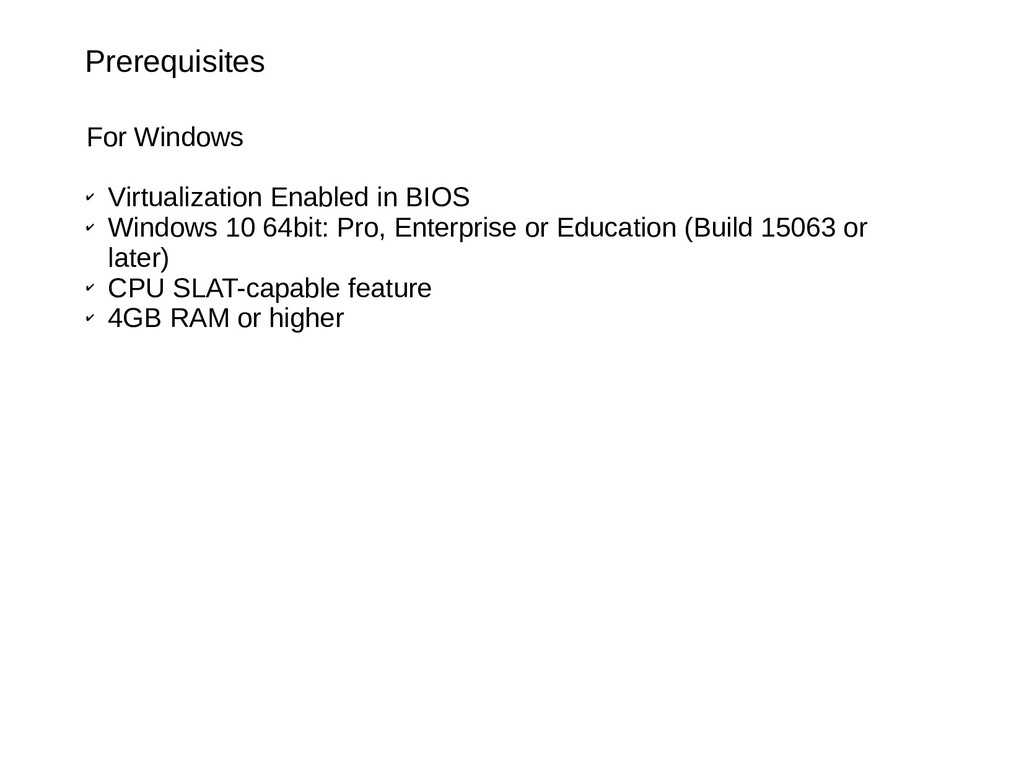
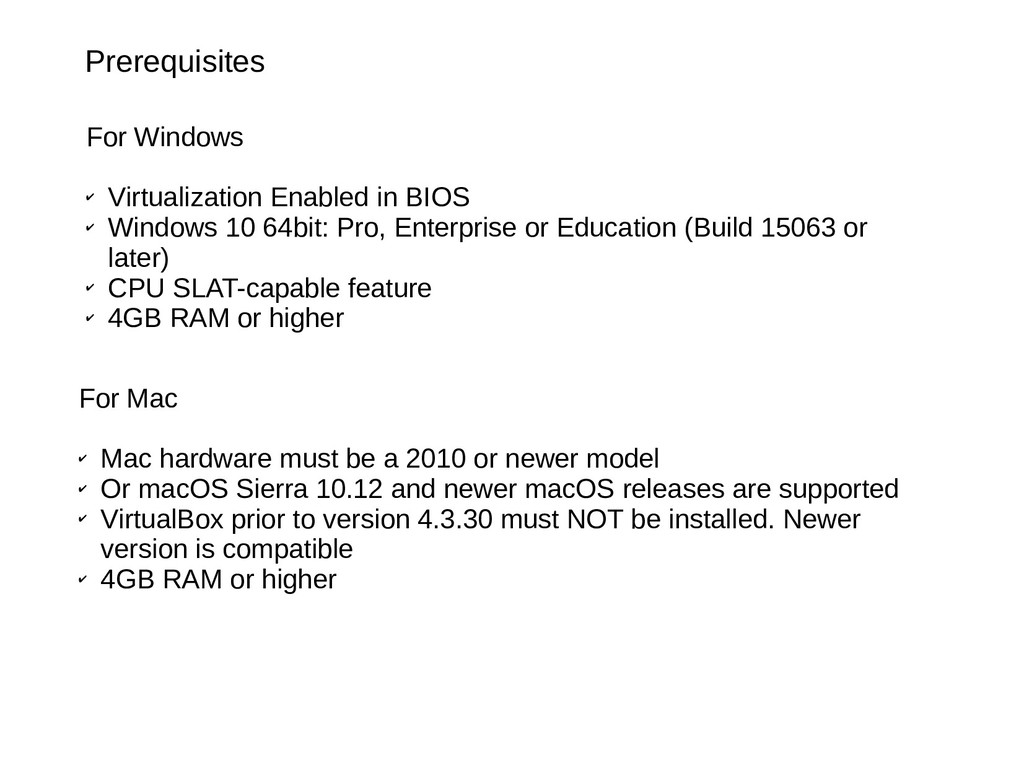
10 64bit: Pro, Enterprise or Education (Build 15063 or later) ✔ CPU SLAT-capable feature ✔ 4GB RAM or higher For Mac ✔ Mac hardware must be a 2010 or newer model ✔ Or macOS Sierra 10.12 and newer macOS releases are supported ✔ VirtualBox prior to version 4.3.30 must NOT be installed. Newer version is compatible ✔ 4GB RAM or higher
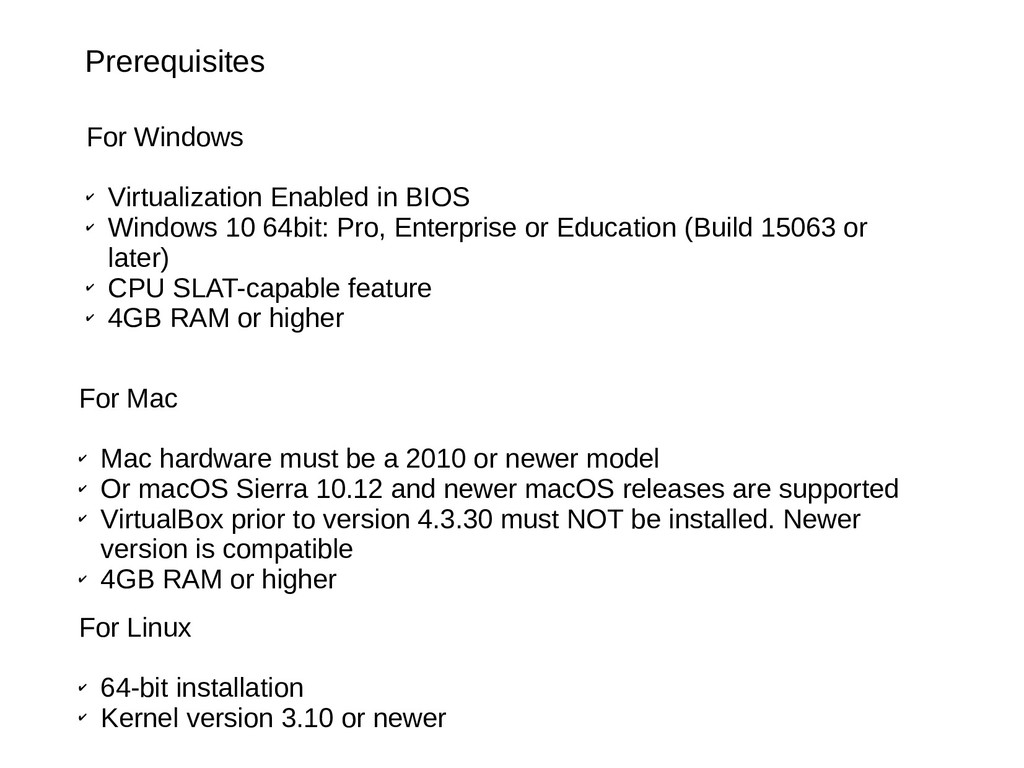
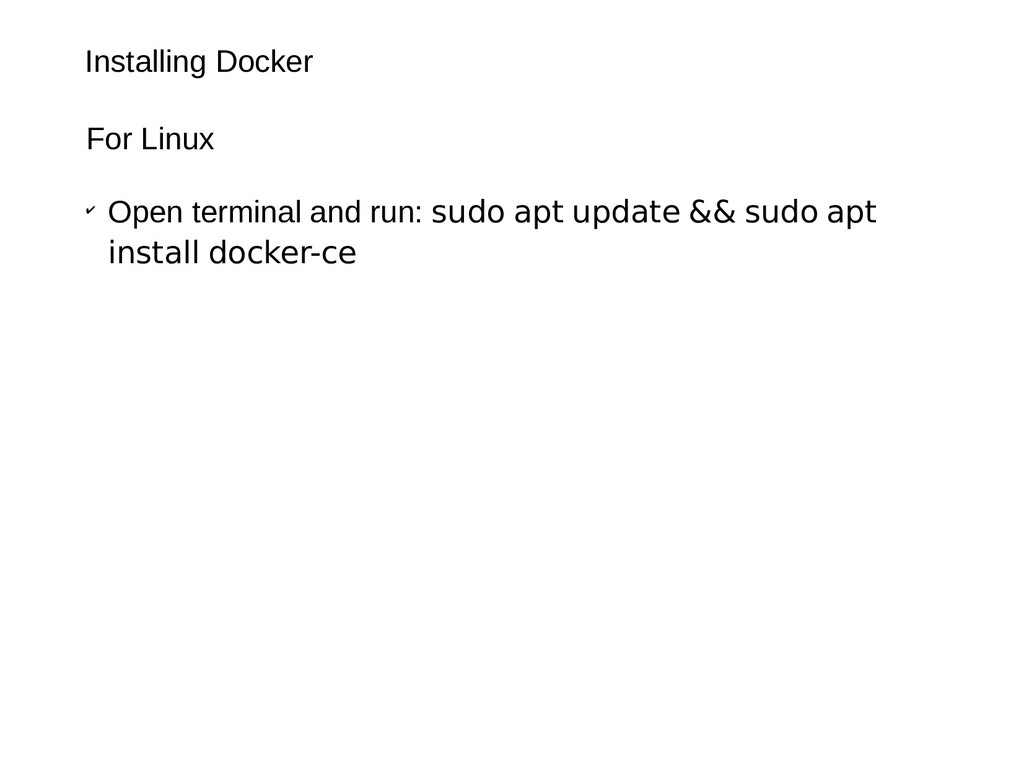
10 64bit: Pro, Enterprise or Education (Build 15063 or later) ✔ CPU SLAT-capable feature ✔ 4GB RAM or higher For Linux ✔ 64-bit installation ✔ Kernel version 3.10 or newer For Mac ✔ Mac hardware must be a 2010 or newer model ✔ Or macOS Sierra 10.12 and newer macOS releases are supported ✔ VirtualBox prior to version 4.3.30 must NOT be installed. Newer version is compatible ✔ 4GB RAM or higher
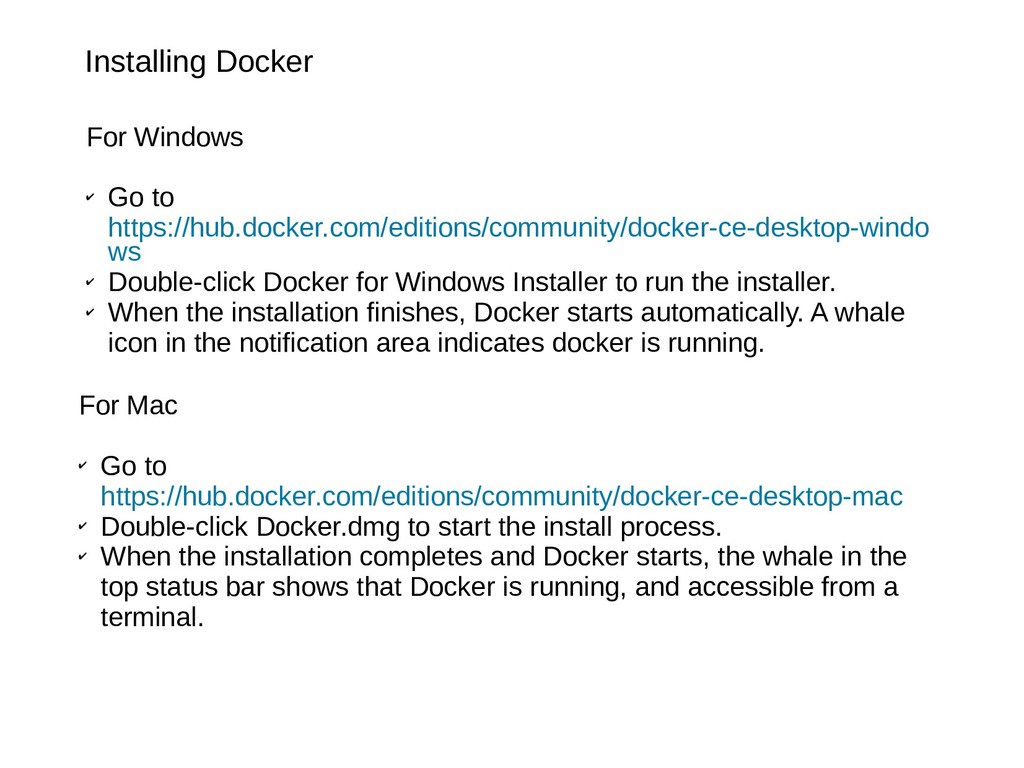
Double-click Docker for Windows Installer to run the installer. ✔ When the installation finishes, Docker starts automatically. A whale icon in the notification area indicates docker is running. For Mac ✔ Go to https://hub.docker.com/editions/community/docker-ce-desktop-mac ✔ Double-click Docker.dmg to start the install process. ✔ When the installation completes and Docker starts, the whale in the top status bar shows that Docker is running, and accessible from a terminal.
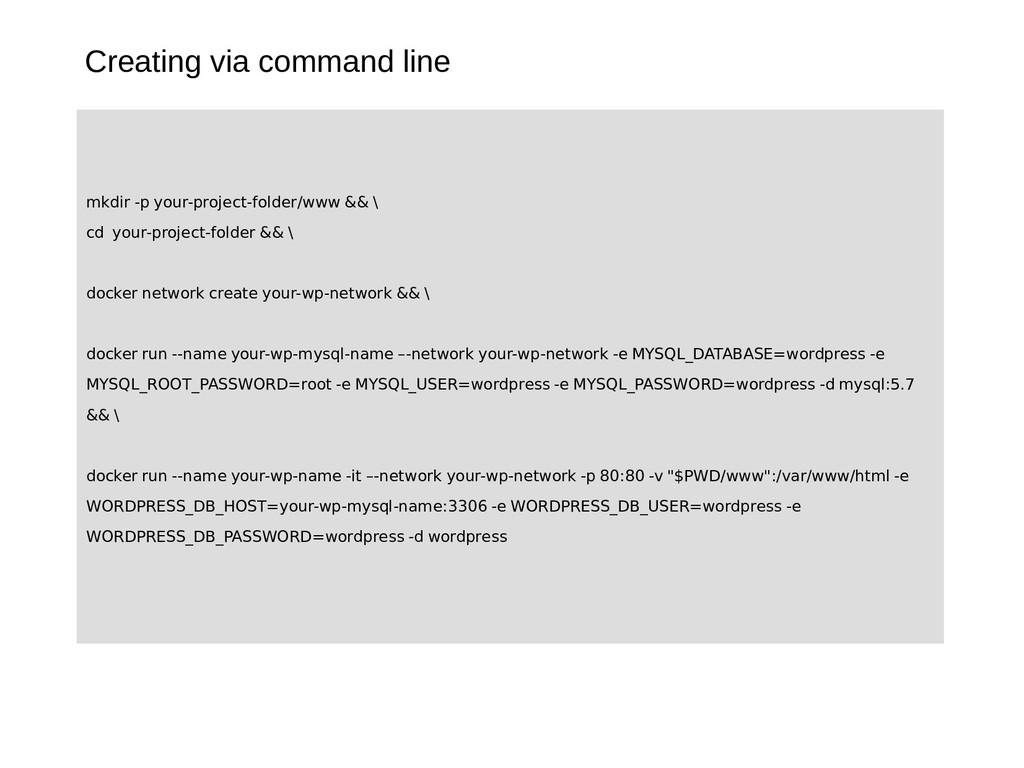
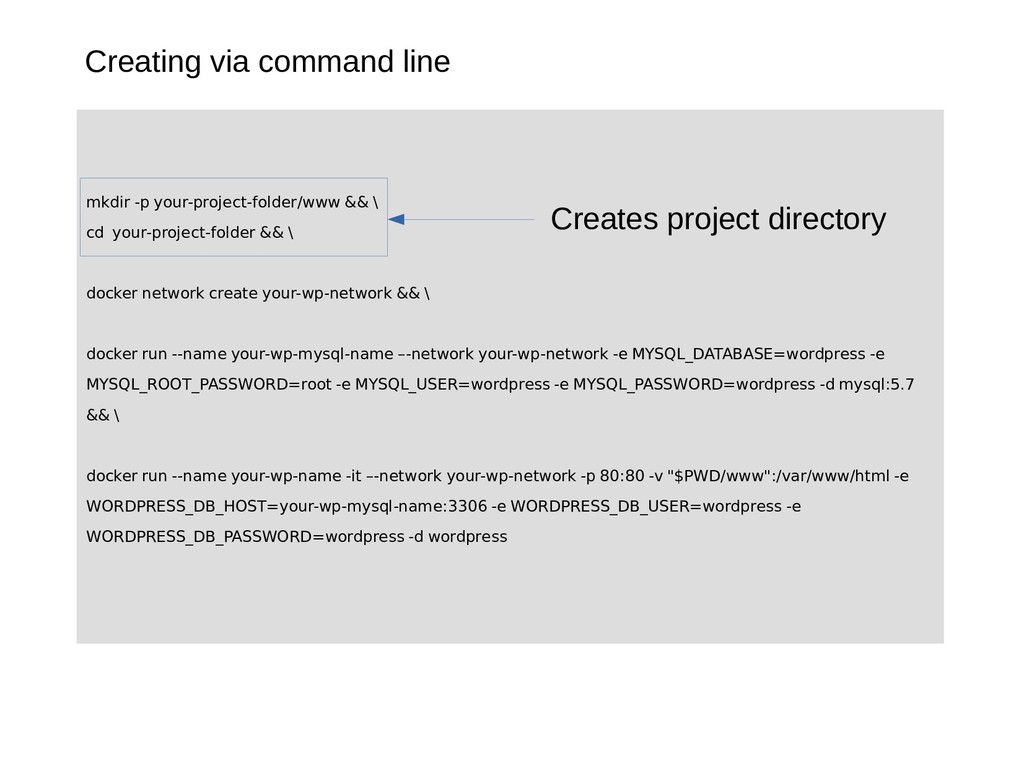
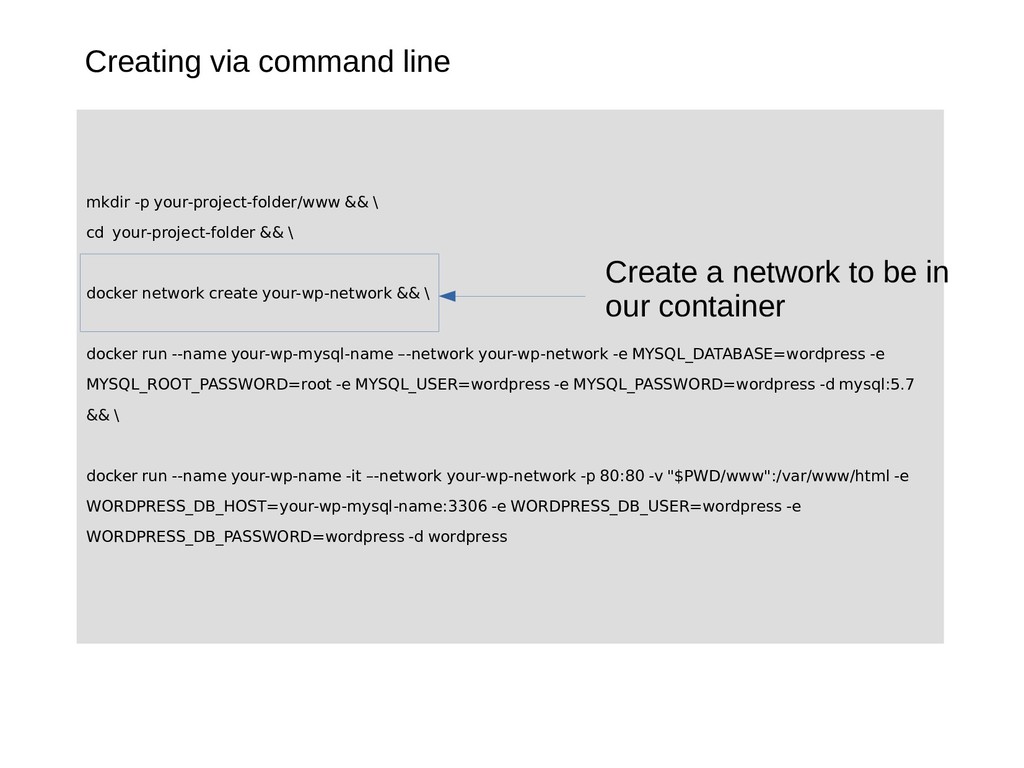
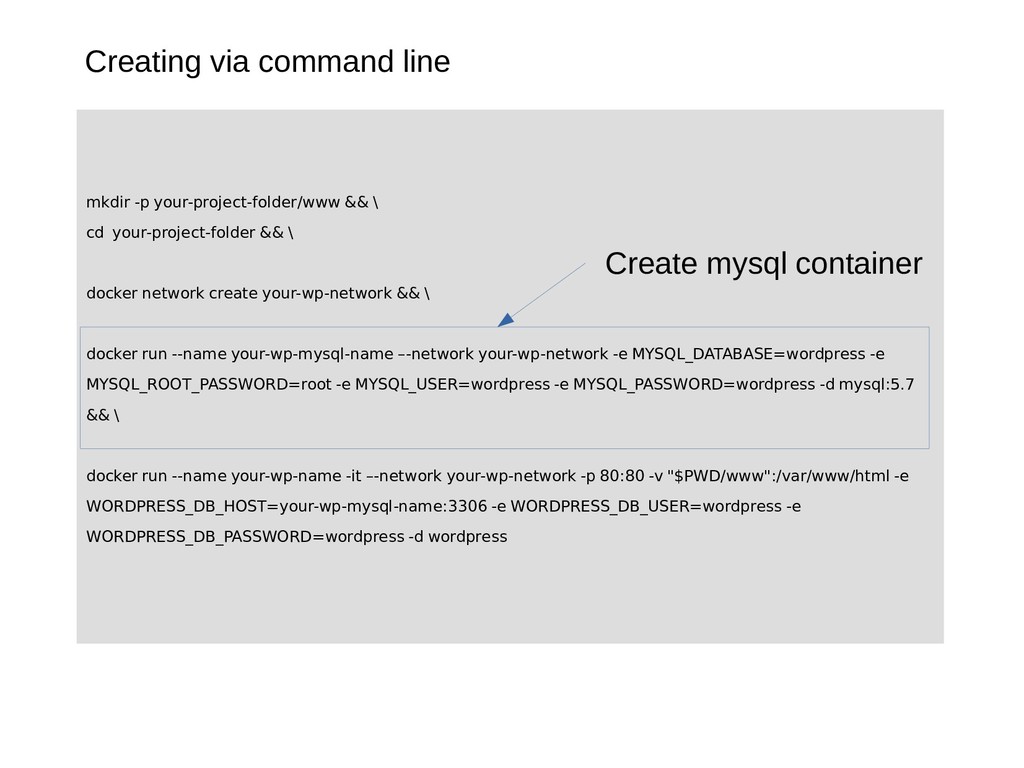
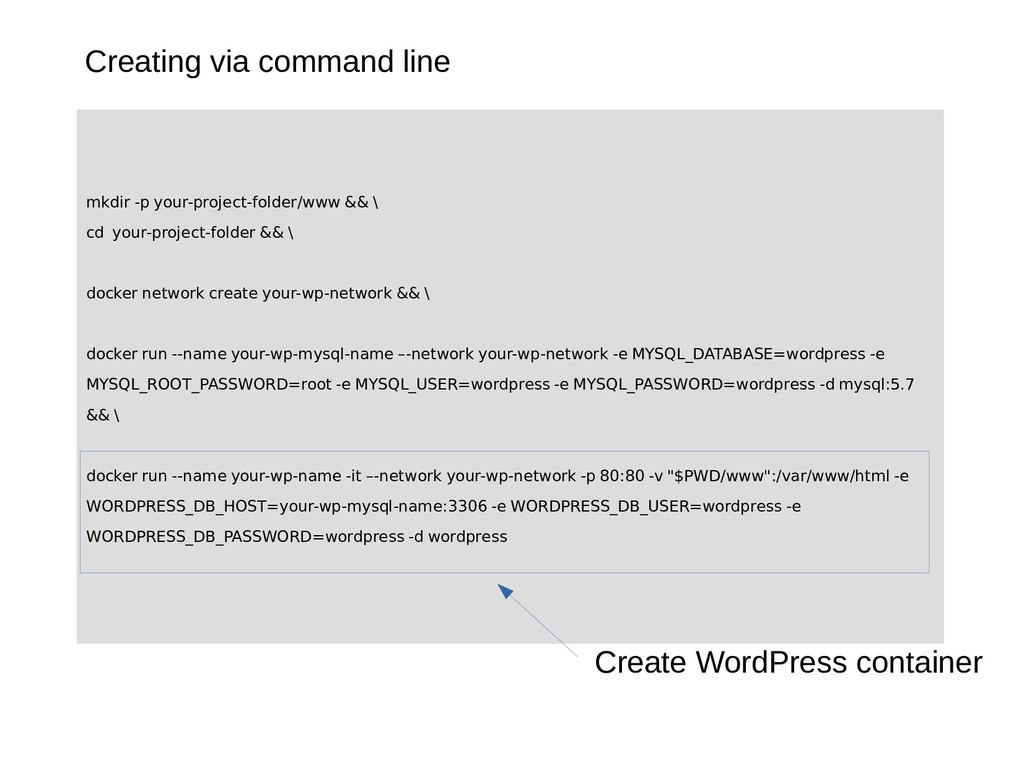
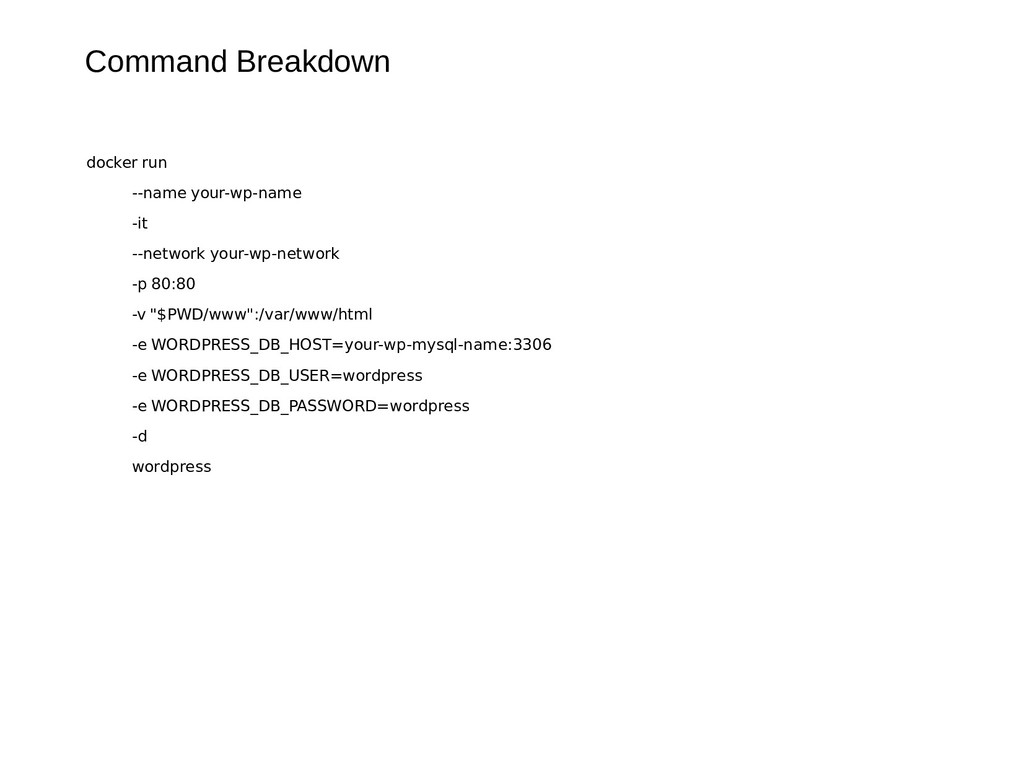
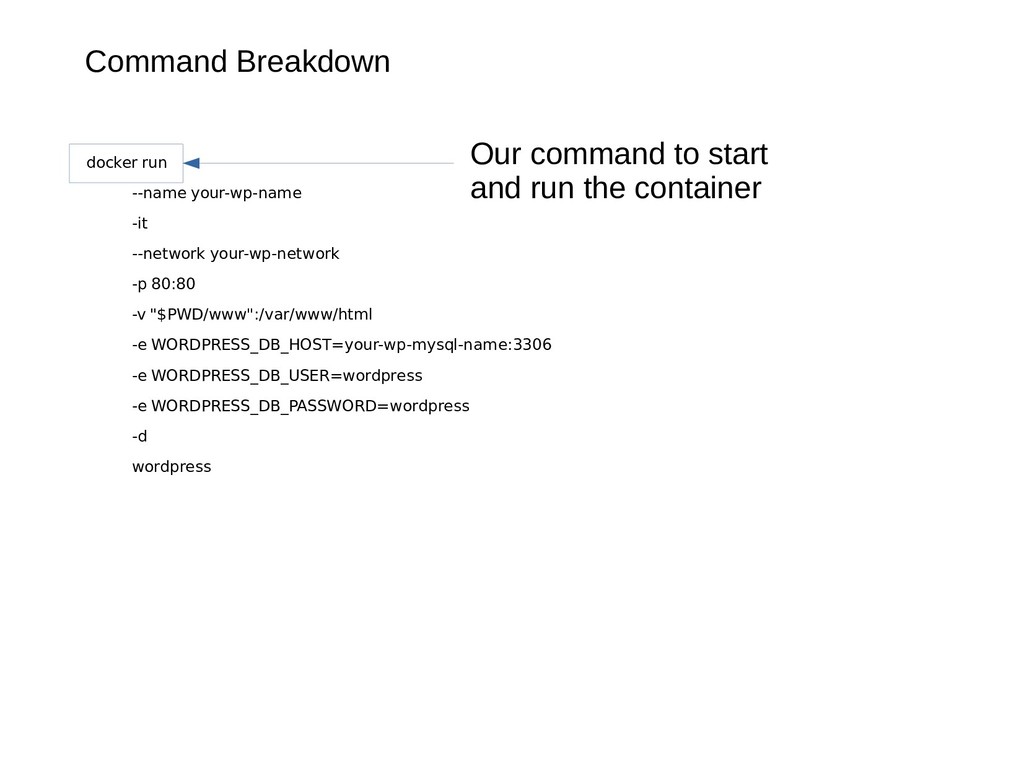
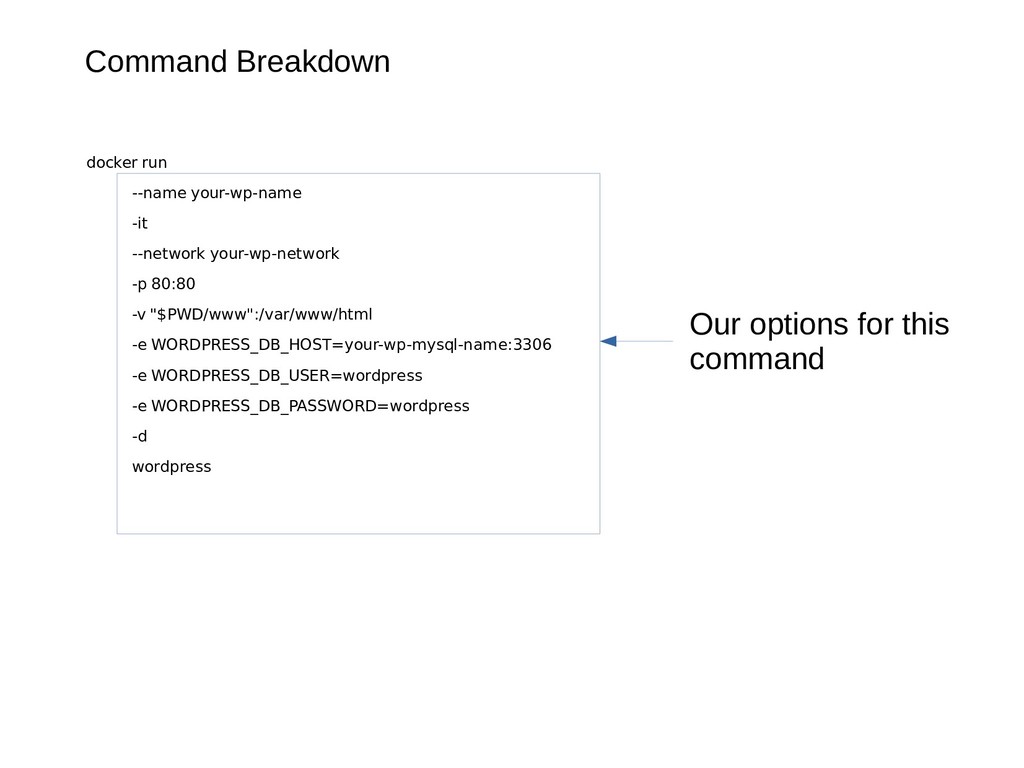
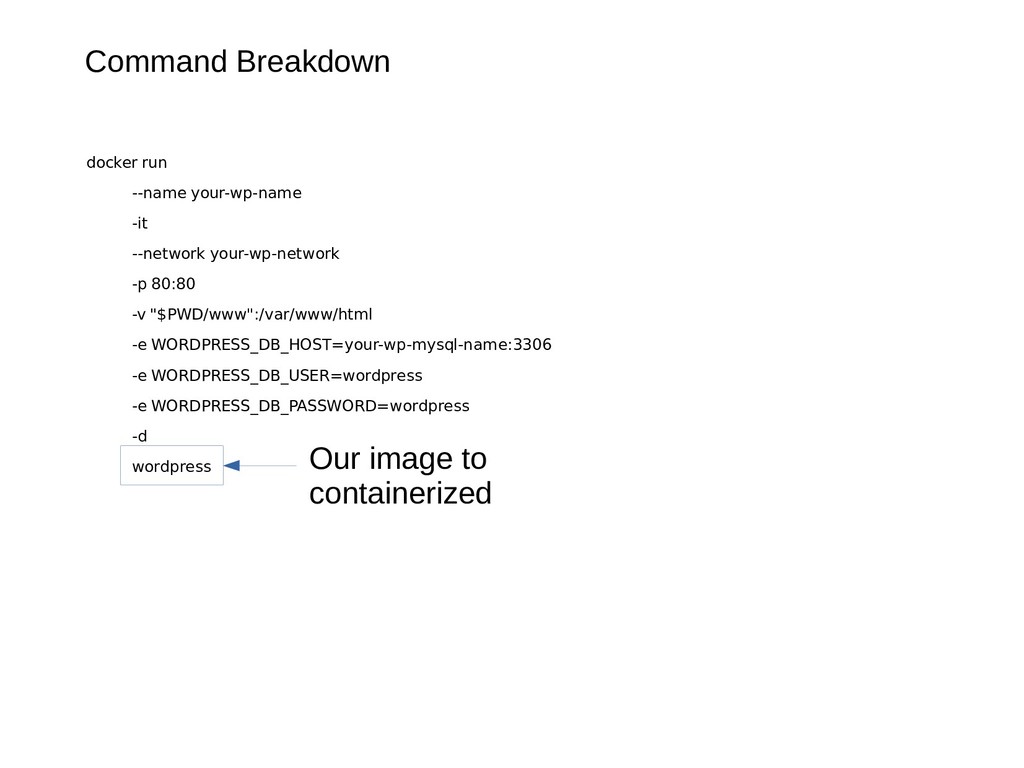
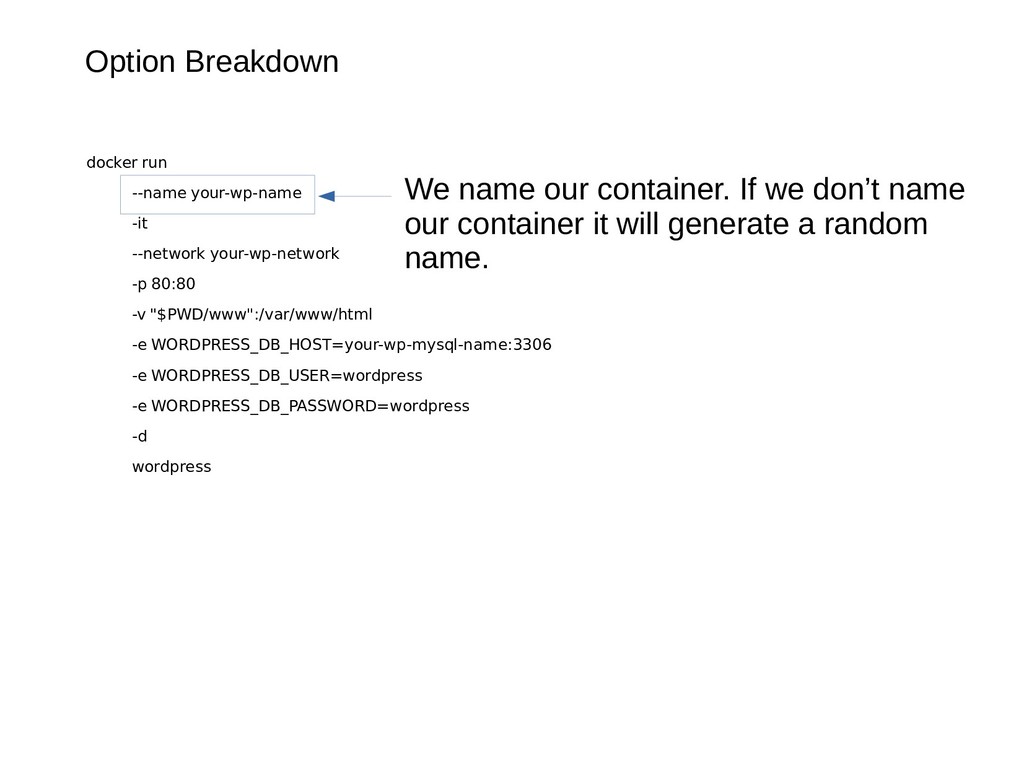
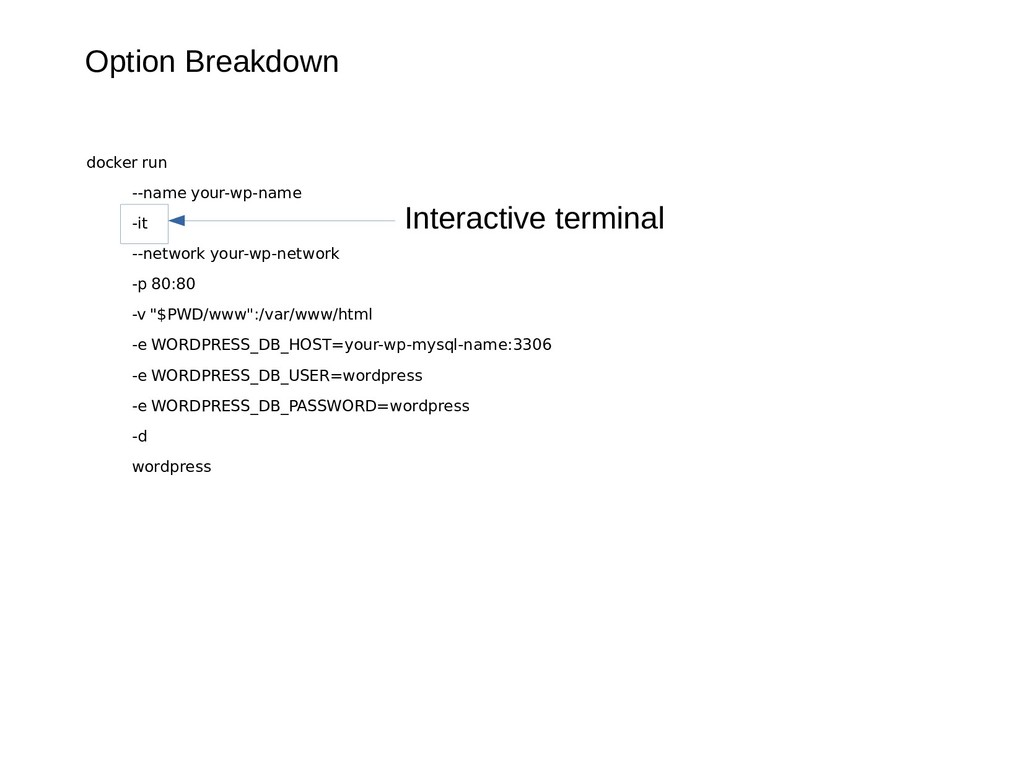
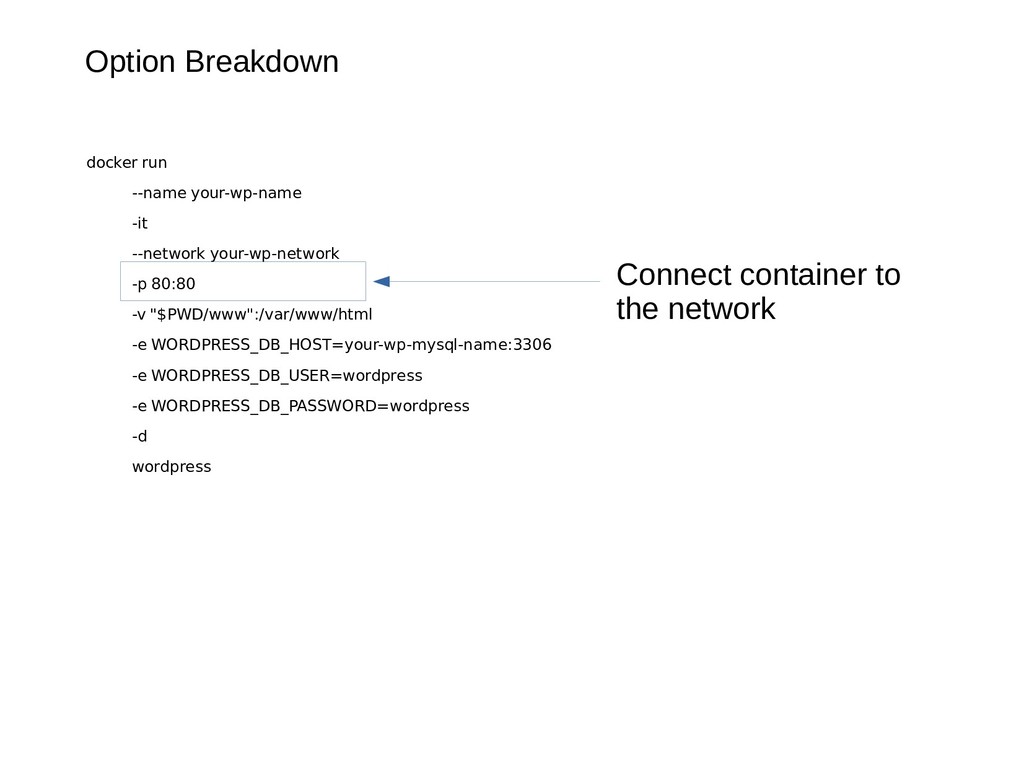
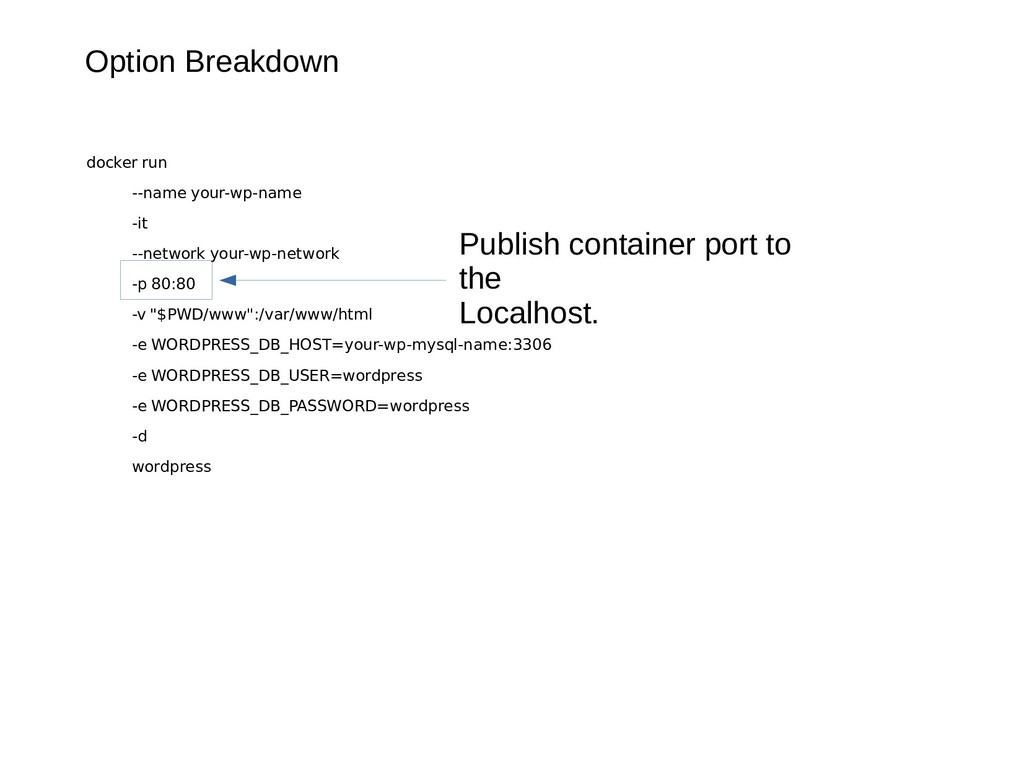
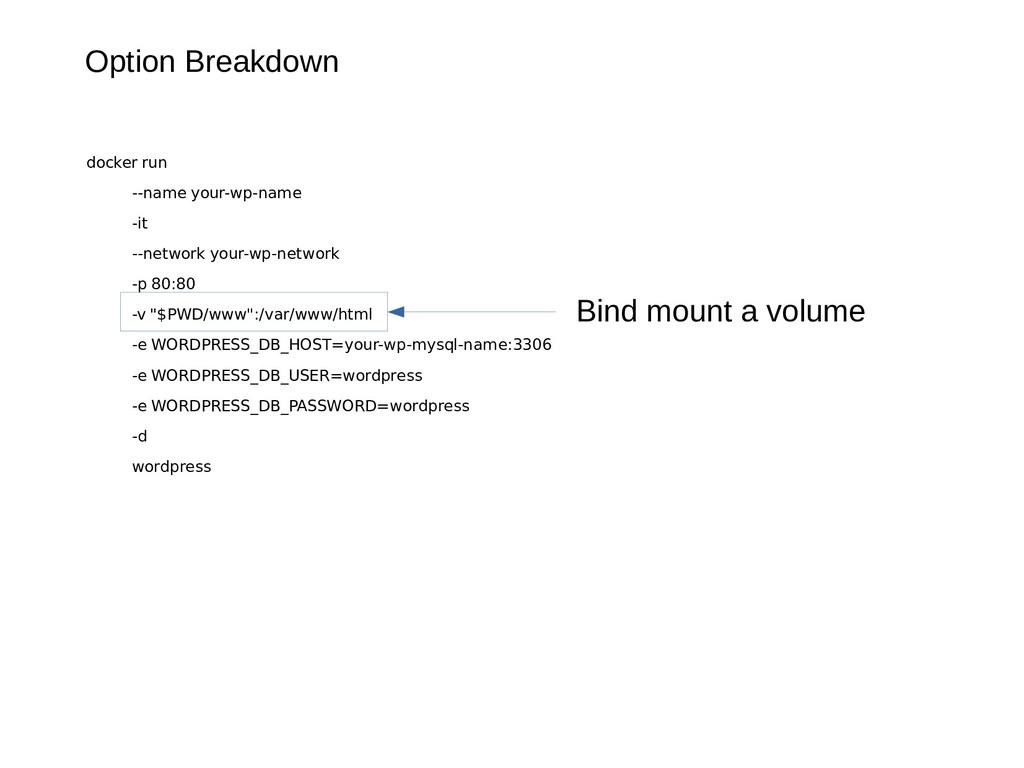
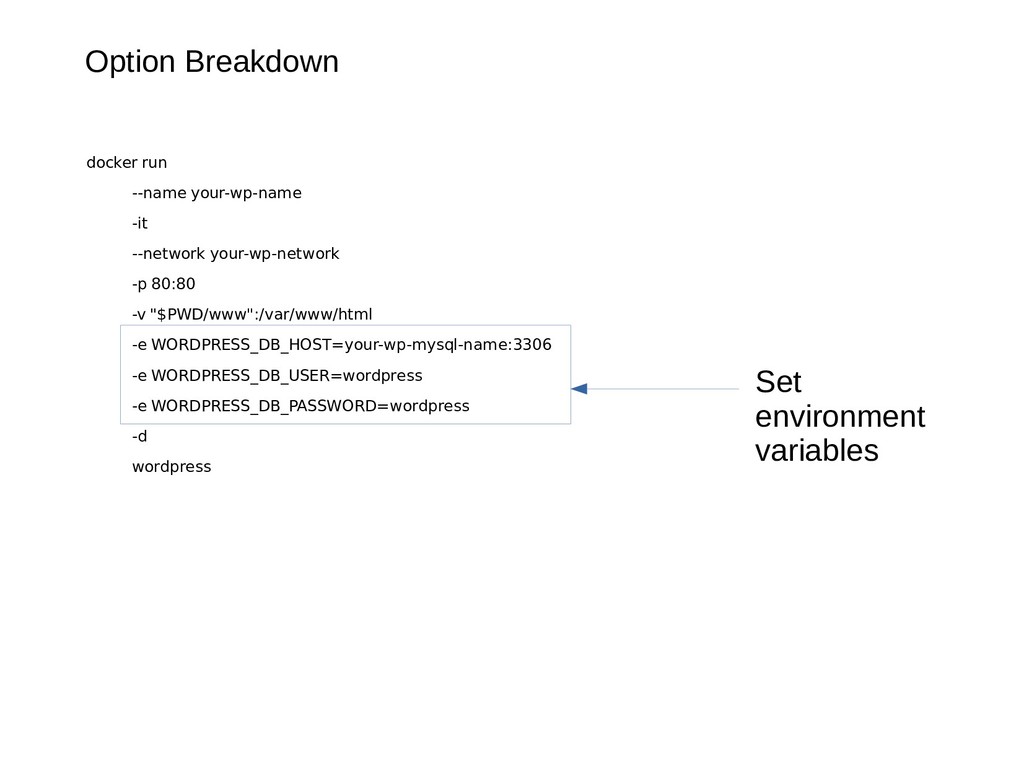
80:80 -v "$PWD/www":/var/www/html -e WORDPRESS_DB_HOST=your-wp-mysql-name:3306 -e WOR -e WORDPRESS_DB_USER=wordpress -e WORDPRESS_DB_PASSWORD=wordpress -d wordpress We name our container. If we don’t name our container it will generate a random name.
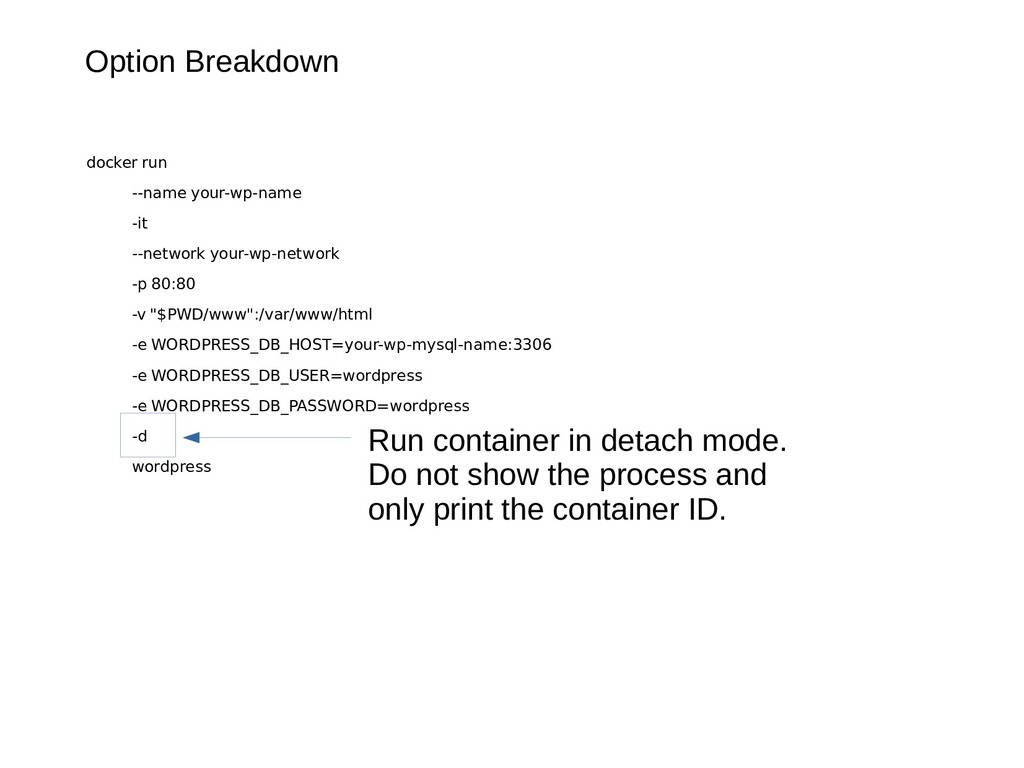
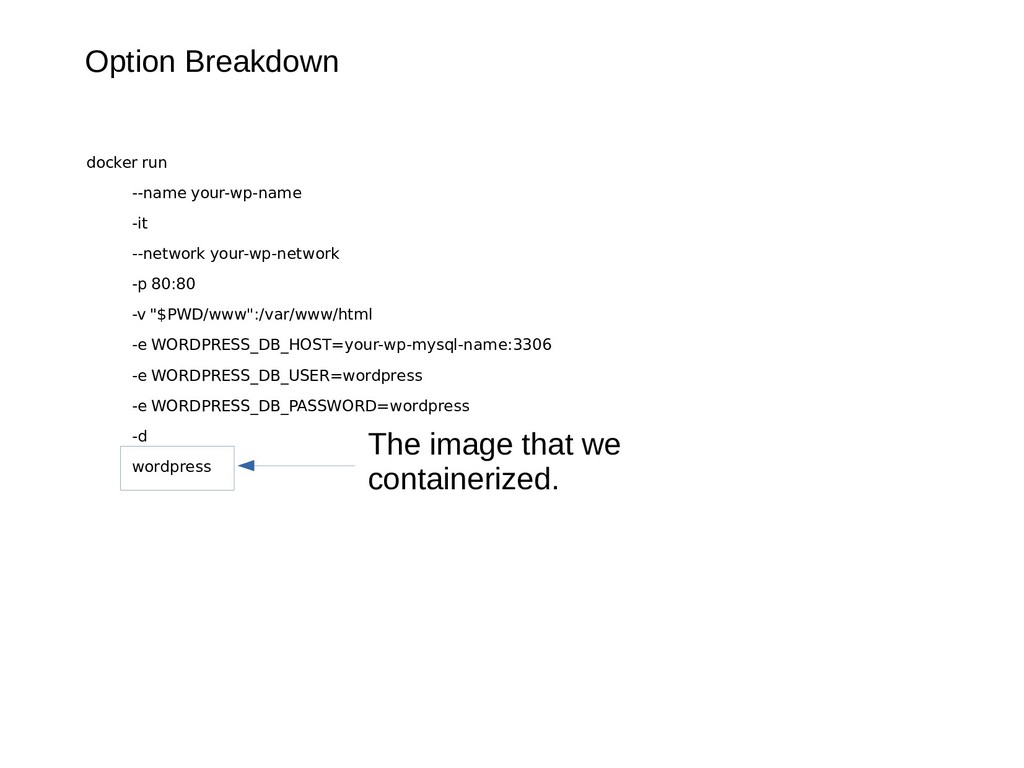
80:80 -v "$PWD/www":/var/www/html -e WORDPRESS_DB_HOST=your-wp-mysql-name:3306 -e WOR -e WORDPRESS_DB_USER=wordpress -e WORDPRESS_DB_PASSWORD=wordpress -d wordpress Run container in detach mode. Do not show the process and only print the container ID.
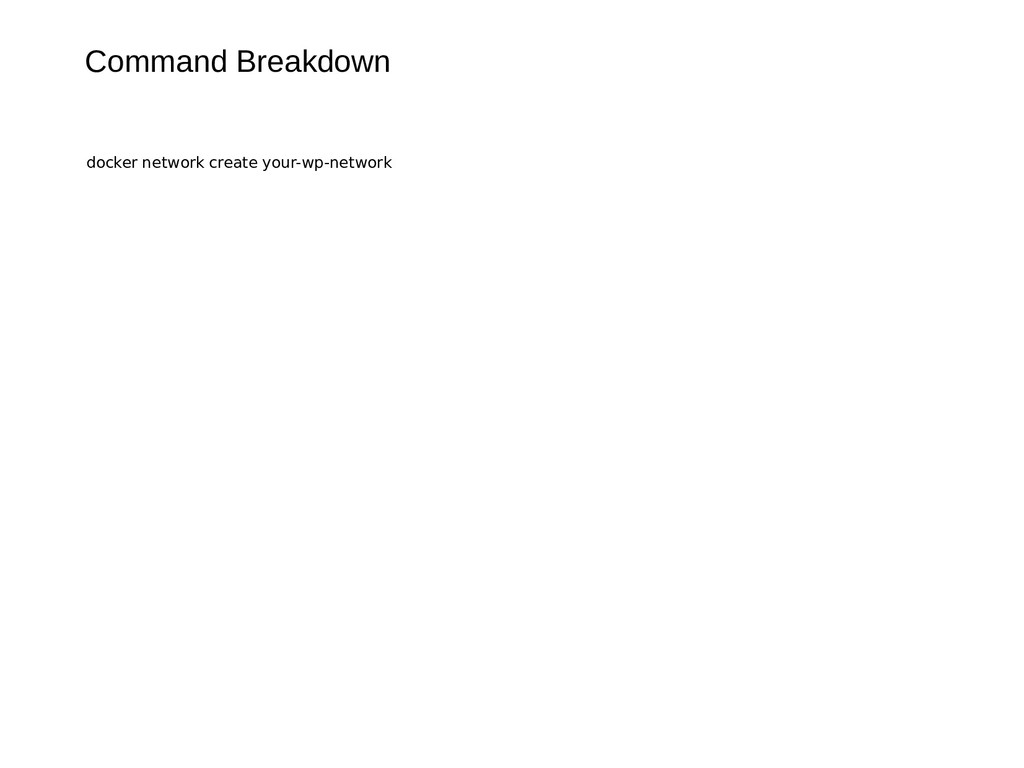
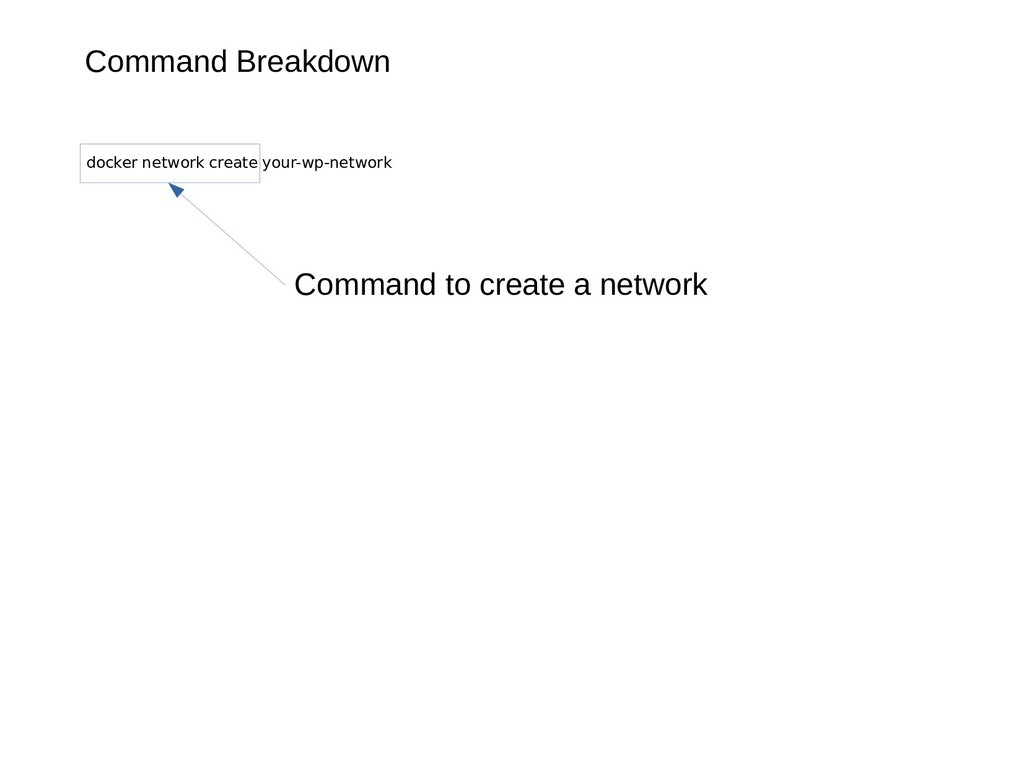
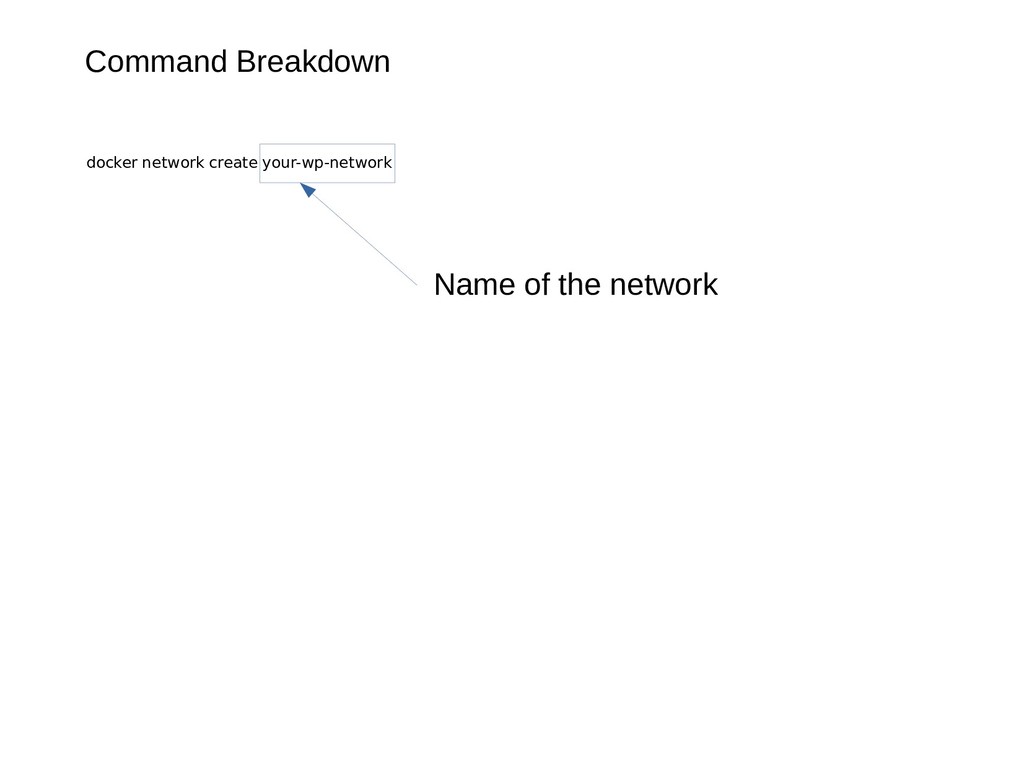
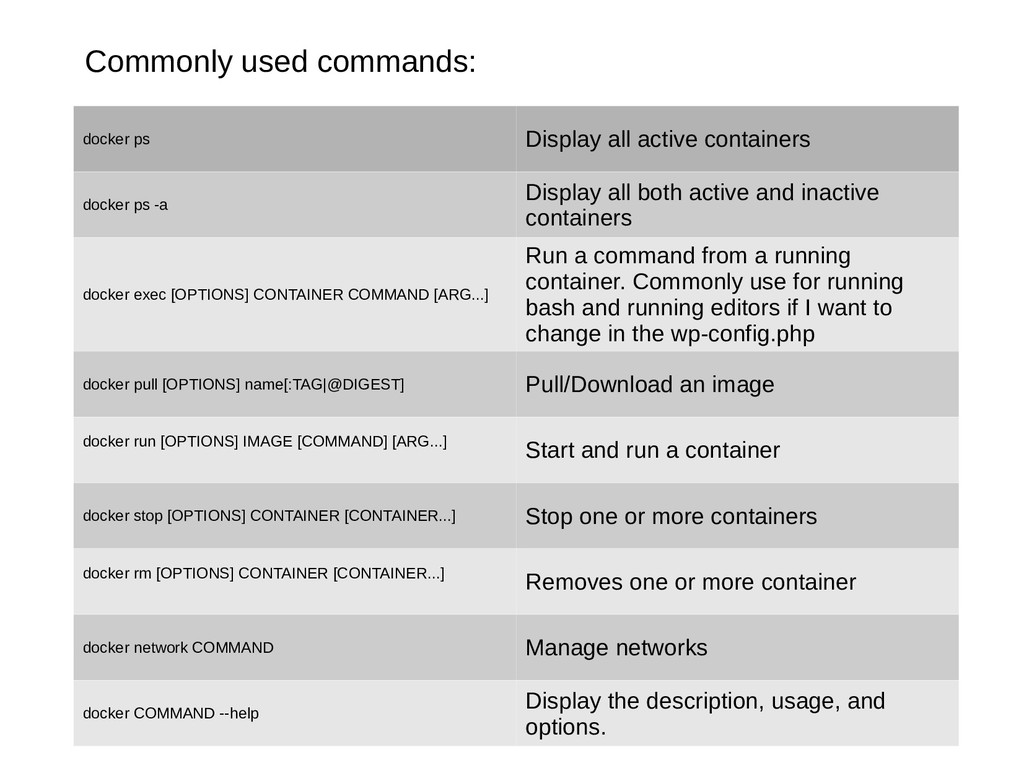
ps -a Display all both active and inactive containers docker exec [OPTIONS] CONTAINER COMMAND [ARG...] Run a command from a running container. Commonly use for running bash and running editors if I want to change in the wp-config.php docker pull [OPTIONS] name[:TAG|@DIGEST] Pull/Download an image docker run [OPTIONS] IMAGE [COMMAND] [ARG...] Start and run a container docker stop [OPTIONS] CONTAINER [CONTAINER...] Stop one or more containers docker rm [OPTIONS] CONTAINER [CONTAINER...] Removes one or more container docker network COMMAND Manage networks docker COMMAND --help Display the description, usage, and options.
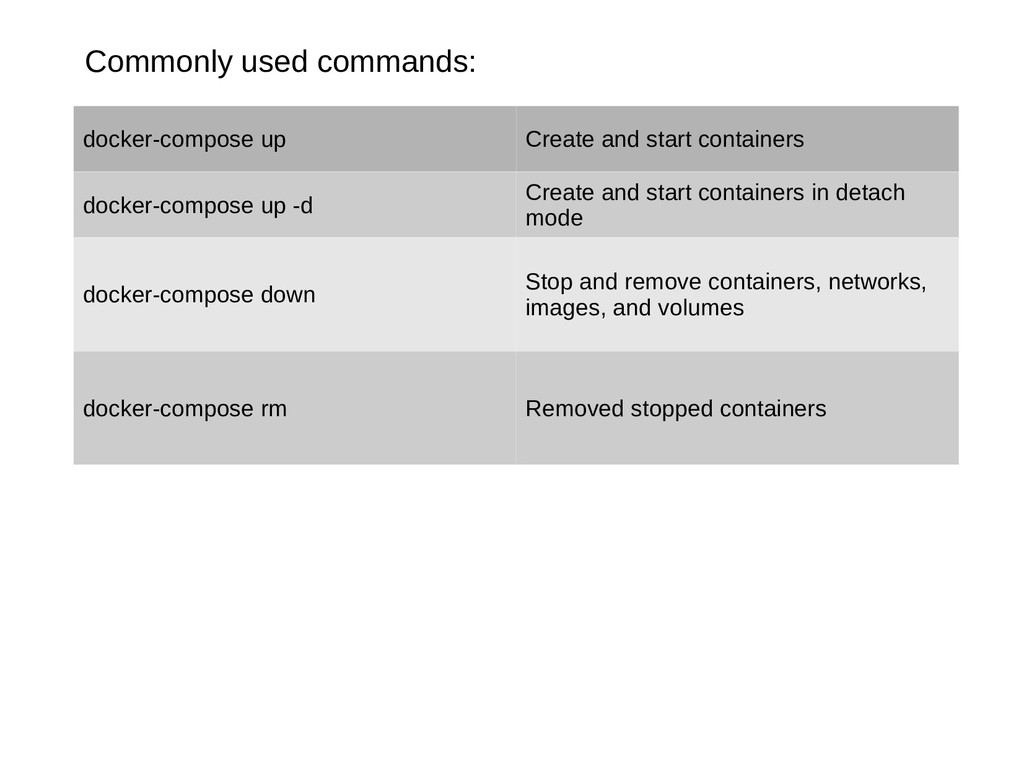
up -d Create and start containers in detach mode docker-compose down Stop and remove containers, networks, images, and volumes docker-compose rm Removed stopped containers


 florets1
 kmars0605
 irinanazarova
 suneo3476
 uyuki234
 timakin
 tmikov2023
 kasacchiful
 panda728
 rollbear
 utakaha
 twada
twada
 stuffmc
 tanoku
 konakalab
 uxyall
 swwweet
 mongodb
 cromwellryan
 marktimemedia
 tonyrice
 palkan
 tapps
tapps