Upgrade to Pro — share decks privately, control downloads, hide ads and more …

Documenting your open source projects for machines

Documenting your open source projects for machines

As coding agents grow in popularity, open source project documentation is increasingly consumed by LLMs. When people build things with your open source library their agent will read your documentation and write code based on what it discovers there. To ensure your users have a good experience we need to start thinking about how to write and publish our documentation to make sure agents produce the best code possible.

Coding agents are now on the critical path for making decisions around which libraries to use. For open source developers it’s important to market your projects to LLMs as well as humans. Publishing material about the project in a way that is easy to discover and parse for models is key to increasing adoption.

This talk will cover key things you need to know to make your project successful in a coding agent world:

SEO for the LLM age
Publishing your docs in context efficient formats like markdown
Providing plentiful examples that ensure agents produce idiomatic code for your library
Adding LLM specific information to the documentation to help shape behaviour

Avatar for Jacob Tomlinson

Jacob Tomlinson

June 07, 2026

More Decks by Jacob Tomlinson

Other Decks in Technology

Transcript

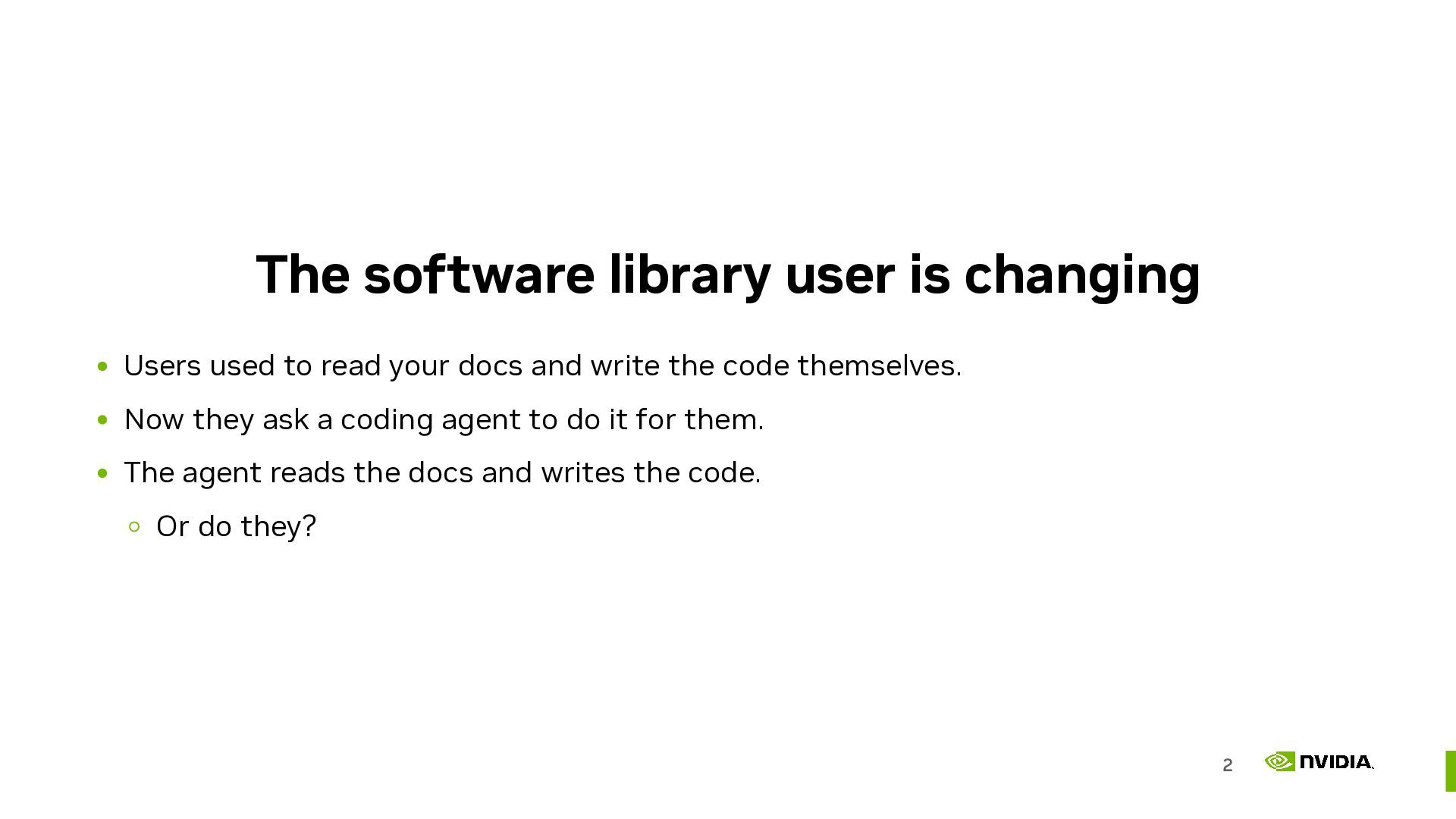
  1. The software library user is changing Users used to read

    your docs and write the code themselves. Now they ask a coding agent to do it for them. The agent reads the docs and writes the code. Or do they? 2
  2. Agents are your users if your library is hard for

    an agent, it's invisible to a growing slice of your users 3
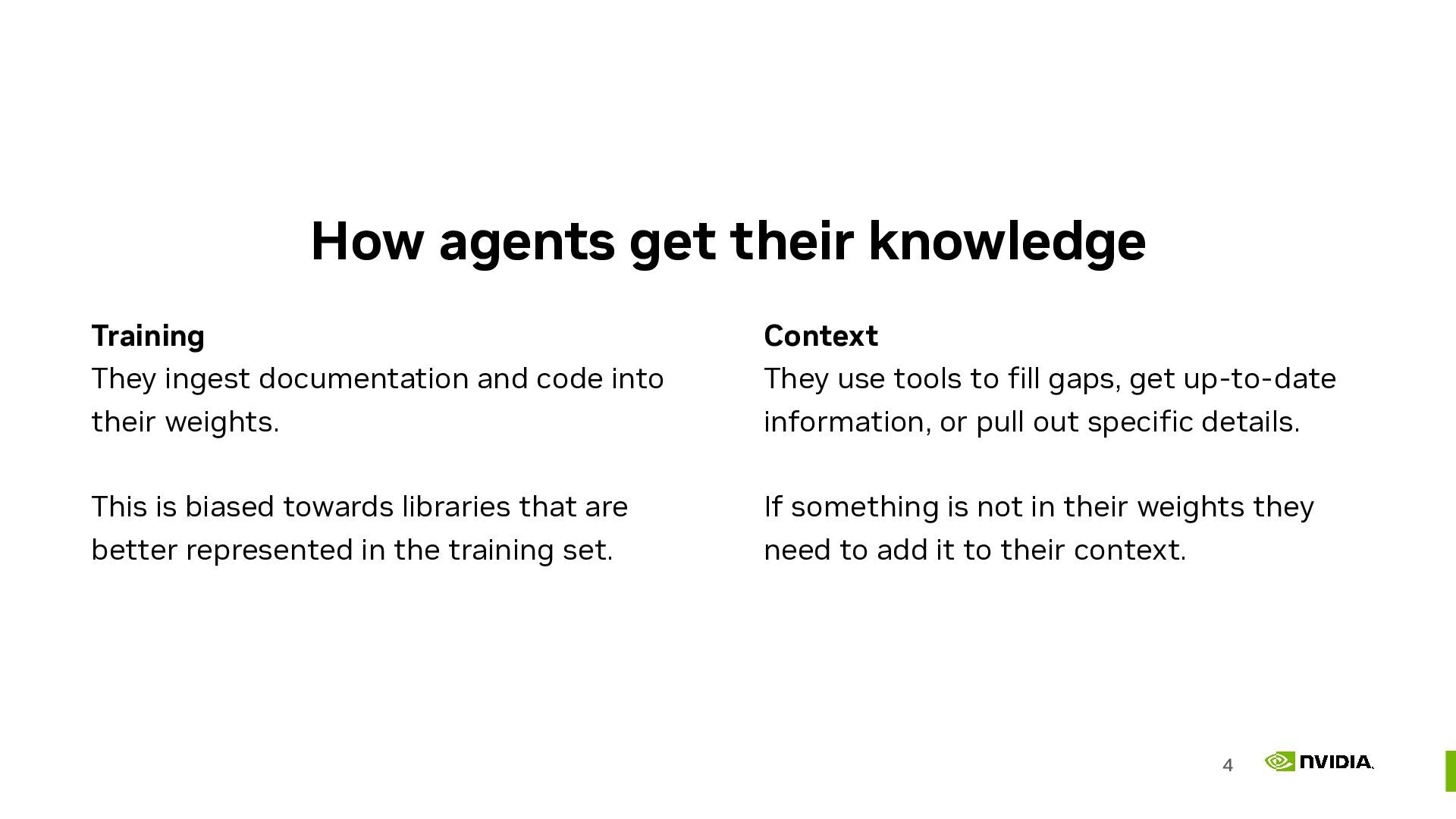
  3. How agents get their knowledge Training They ingest documentation and

    code into their weights. This is biased towards libraries that are better represented in the training set. Context They use tools to fill gaps, get up-to-date information, or pull out specific details. If something is not in their weights they need to add it to their context. 4
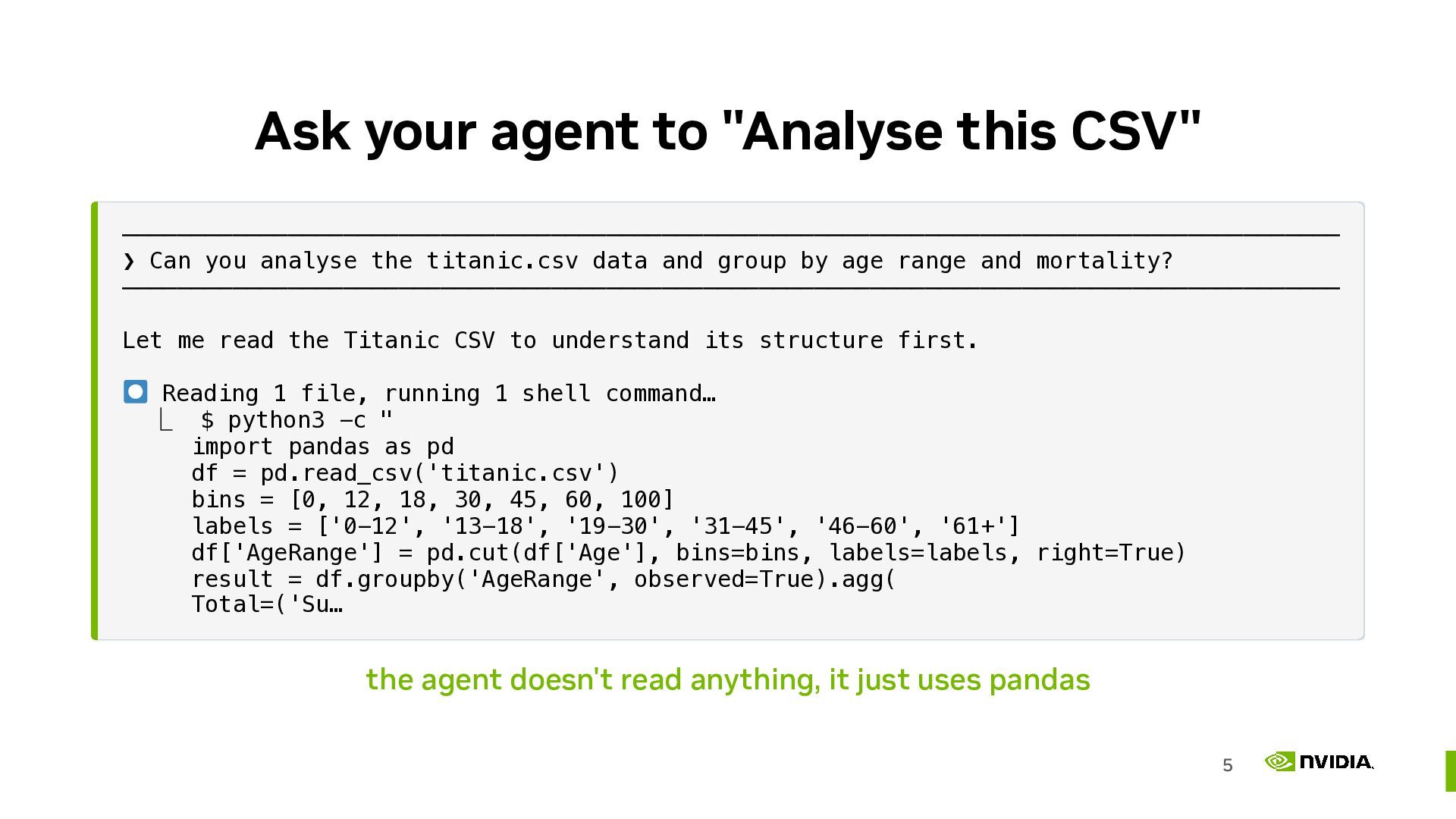
  4. Ask your agent to "Analyse this CSV" ──────────────────────────────────────────────────────────────────────────────────────── ❯ Can

    you analyse the titanic.csv data and group by age range and mortality? ──────────────────────────────────────────────────────────────────────────────────────── Let me read the Titanic CSV to understand its structure first. Reading 1 file, running 1 shell command… ⎿ $ python3 -c " import pandas as pd df = pd.read_csv('titanic.csv') bins = [0, 12, 18, 30, 45, 60, 100] labels = ['0-12', '13-18', '19-30', '31-45', '46-60', '61+'] df['AgeRange'] = pd.cut(df['Age'], bins=bins, labels=labels, right=True) result = df.groupby('AgeRange', observed=True).agg( Total=('Su… the agent doesn't read anything, it just uses pandas 5
  5. Agents lean on what they know Left unsteered, an agent

    reaches for the entrenched libraries already in its weights. Getting new libraries into the weights takes years of building an online presence. Internal, proprietary, and niche libraries will never get there. If you steer the agent to the library of your choice it has to discover the rest for itself. 6
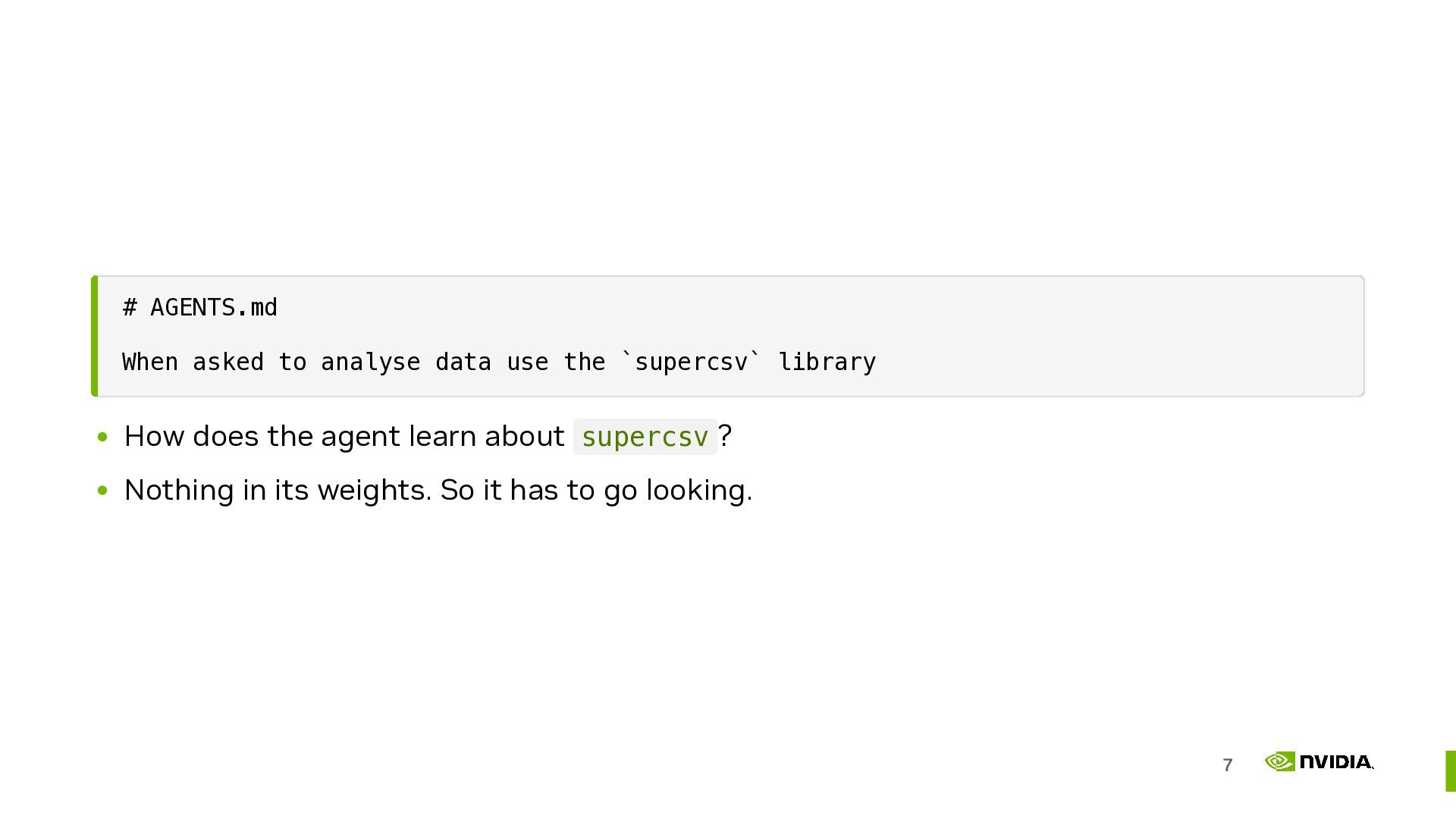
  6. # AGENTS.md When asked to analyse data use the `supercsv`

    library How does the agent learn about supercsv ? Nothing in its weights. So it has to go looking. 7
  7. Everything it reads is its documentation Installed source in site-packages

    , version-exact and offline. Tests show real, working, idiomatic usage. README examples give a quick orientation. Search will follow conventions like "supercsv CSV analysis 2026". The docs site may be discovered via search, but might be a different version to what you have. 8
  8. It opens __init__.py first the most information per token __all__

    tells it your public API. Imports show where everything lives. A module docstring can hand it a working example. Miss this and it guesses, reaching for internals you never meant to expose. 9
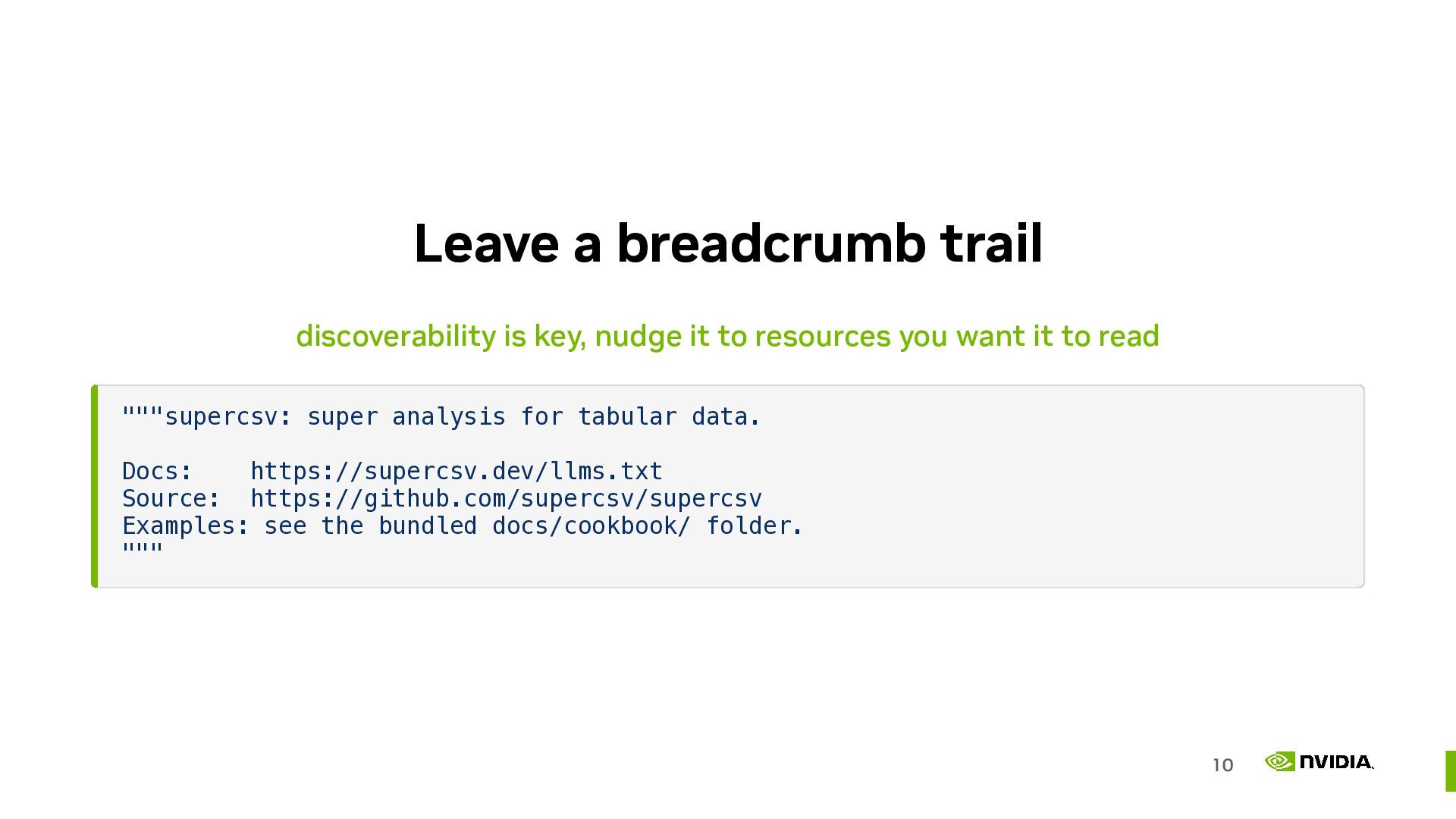
  9. Leave a breadcrumb trail discoverability is key, nudge it to

    resources you want it to read """supercsv: super analysis for tabular data. Docs: https://supercsv.dev/llms.txt Source: https://github.com/supercsv/supercsv Examples: see the bundled docs/cookbook/ folder. """ 10
  10. Progressive disclosure reveal detail only when it's needed An old

    interface design idea. Show the essentials and keep the detail one step away. A settings screen does this. So does an agent skill. Follow the trail to the part you need and ignore the rest. 11
  11. Publish markdown documentation Clean, link-navigable markdown an agent can cheaply

    read. HTML makes it pay to parse nav bars and CSS. Markdown doesn't. Much of the community is rallying around llms.txt as a standard to get behind See https://llmstxt.org/ 13
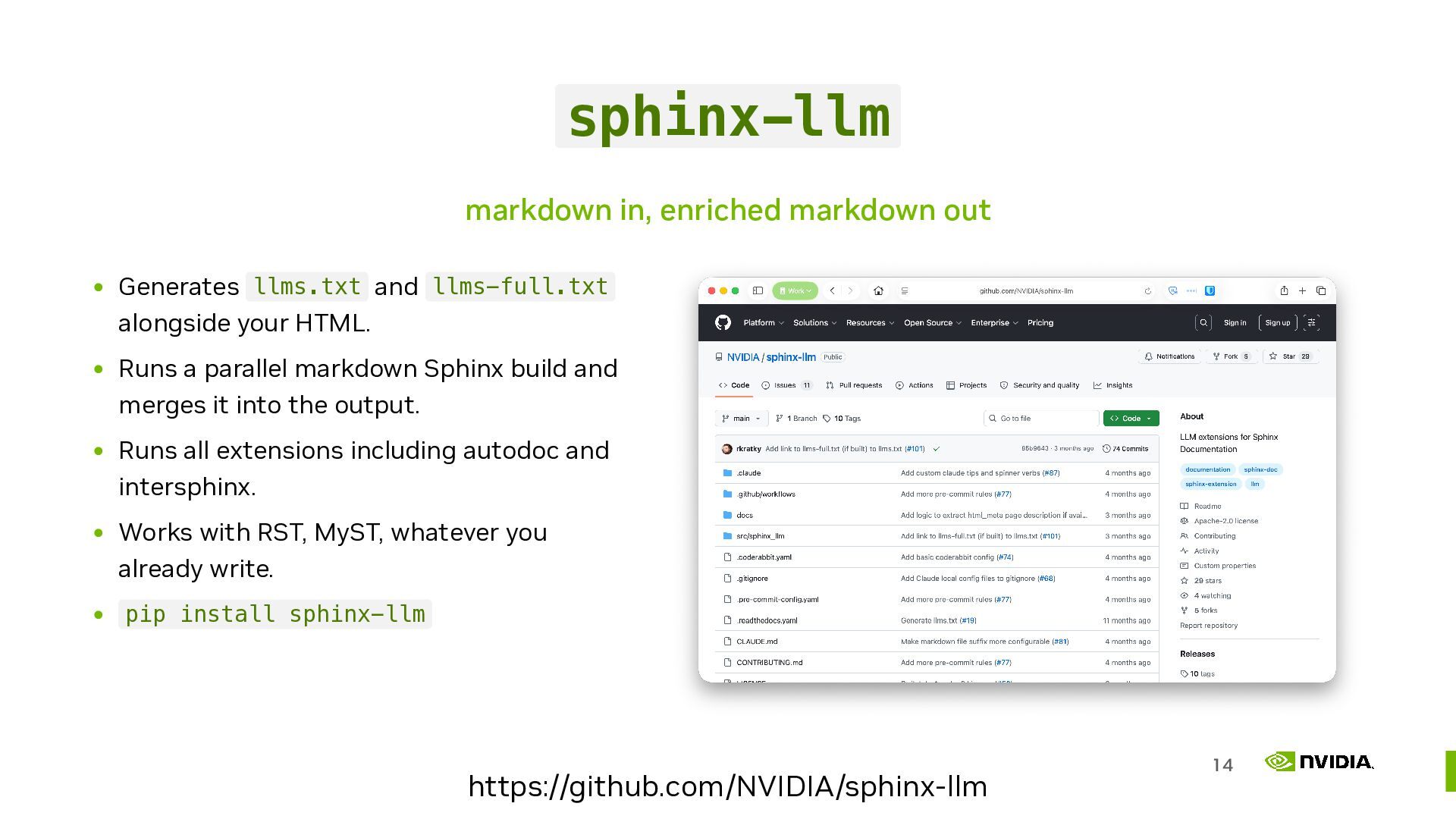
  12. sphinx-llm markdown in, enriched markdown out Generates llms.txt and llms-full.txt

    alongside your HTML. Runs a parallel markdown Sphinx build and merges it into the output. Runs all extensions including autodoc and intersphinx. Works with RST, MyST, whatever you already write. pip install sphinx-llm https://github.com/NVIDIA/sphinx-llm 14
  13. Also ship it in the wheel Docs in the artifact

    match the version someone actually installed. The live website is usually "latest", and may describe an API they don't have. Breadcrumb from __init__.py → docs/index.md . "Won't this bloat my wheel?" It's just text, it compresses nicely. 15
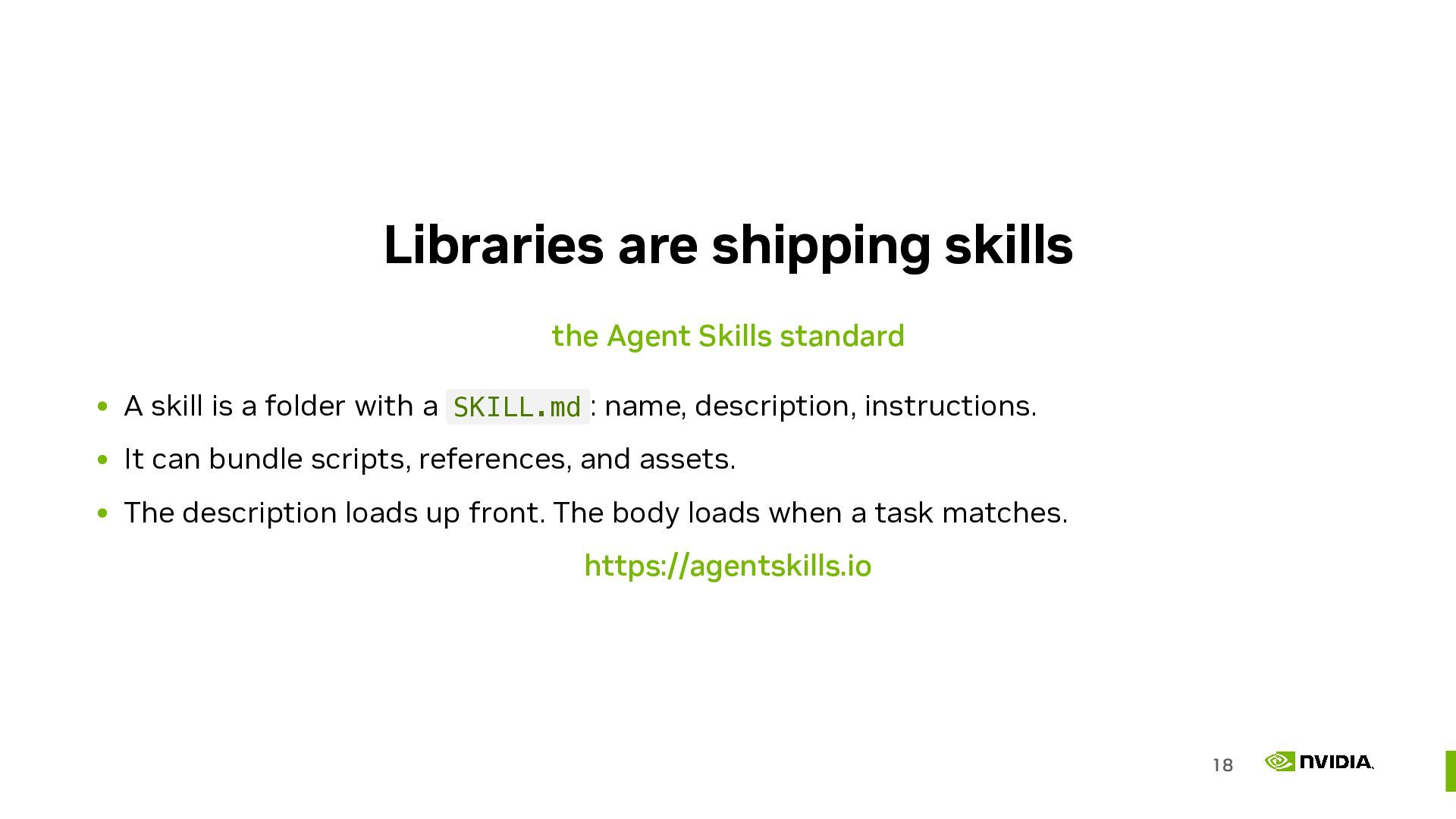
  14. Libraries are shipping skills the Agent Skills standard A skill

    is a folder with a SKILL.md : name, description, instructions. It can bundle scripts, references, and assets. The description loads up front. The body loads when a task matches. https://agentskills.io 18
  15. A skill is a recipe It's a how-to guide the

    agent loads when the task matches. 19
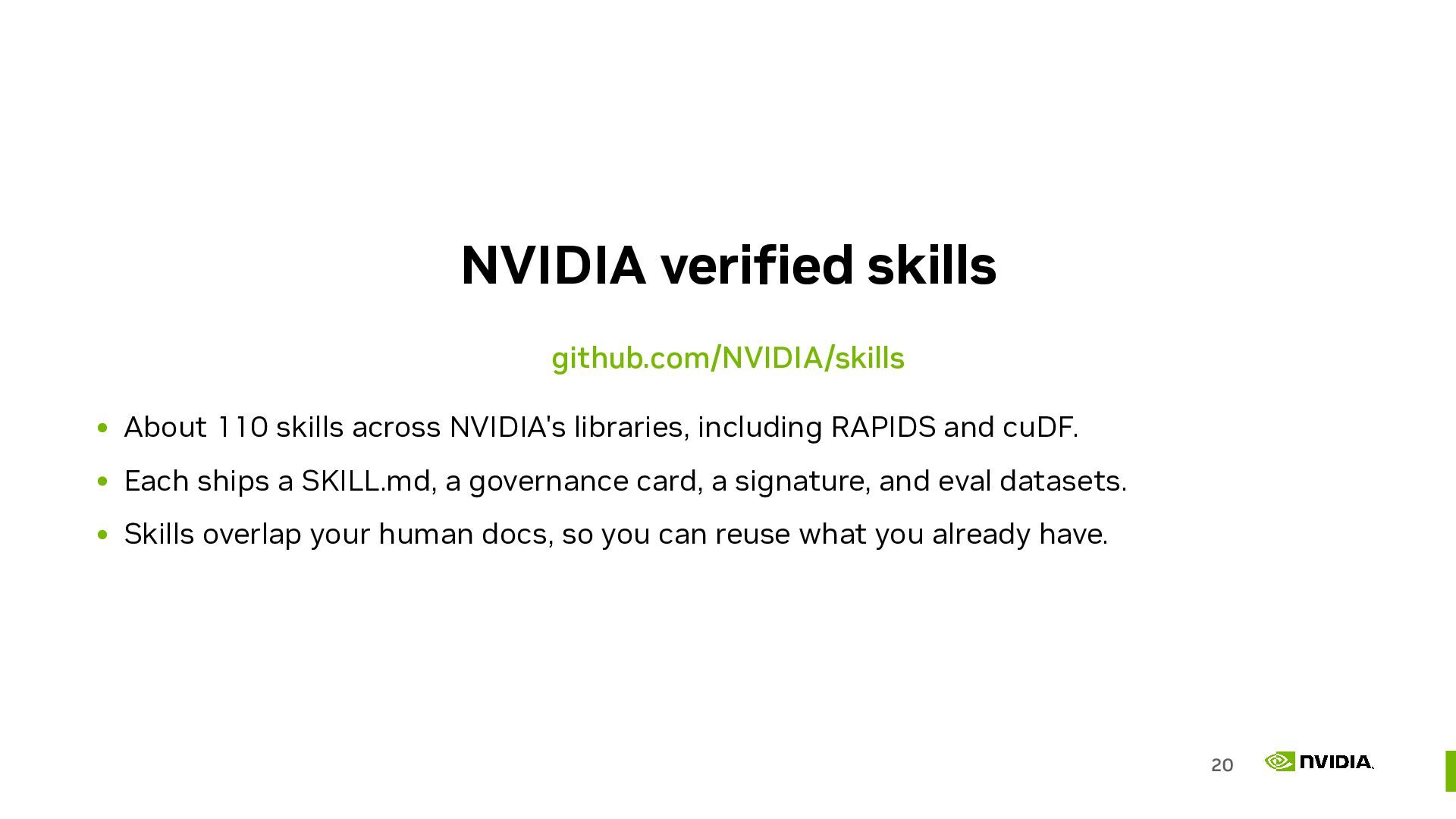
  16. NVIDIA verified skills github.com/NVIDIA/skills About 110 skills across NVIDIA's libraries,

    including RAPIDS and cuDF. Each ships a SKILL.md, a governance card, a signature, and eval datasets. Skills overlap your human docs, so you can reuse what you already have. 20
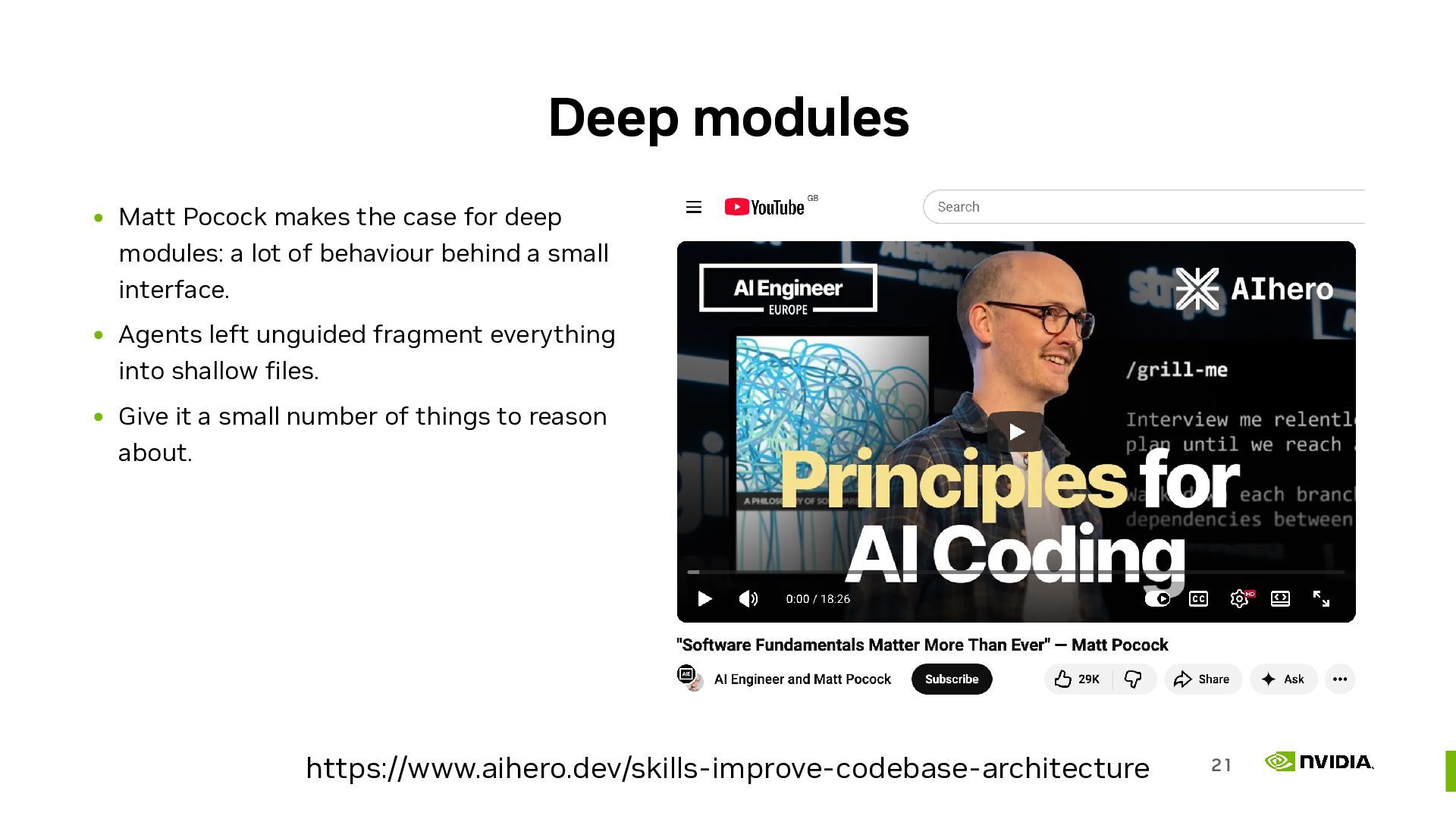
  17. Deep modules Matt Pocock makes the case for deep modules:

    a lot of behaviour behind a small interface. Agents left unguided fragment everything into shallow files. Give it a small number of things to reason about. https://www.aihero.dev/skills-improve-codebase-architecture 21
  18. Chunk your docs like your code the code layout is

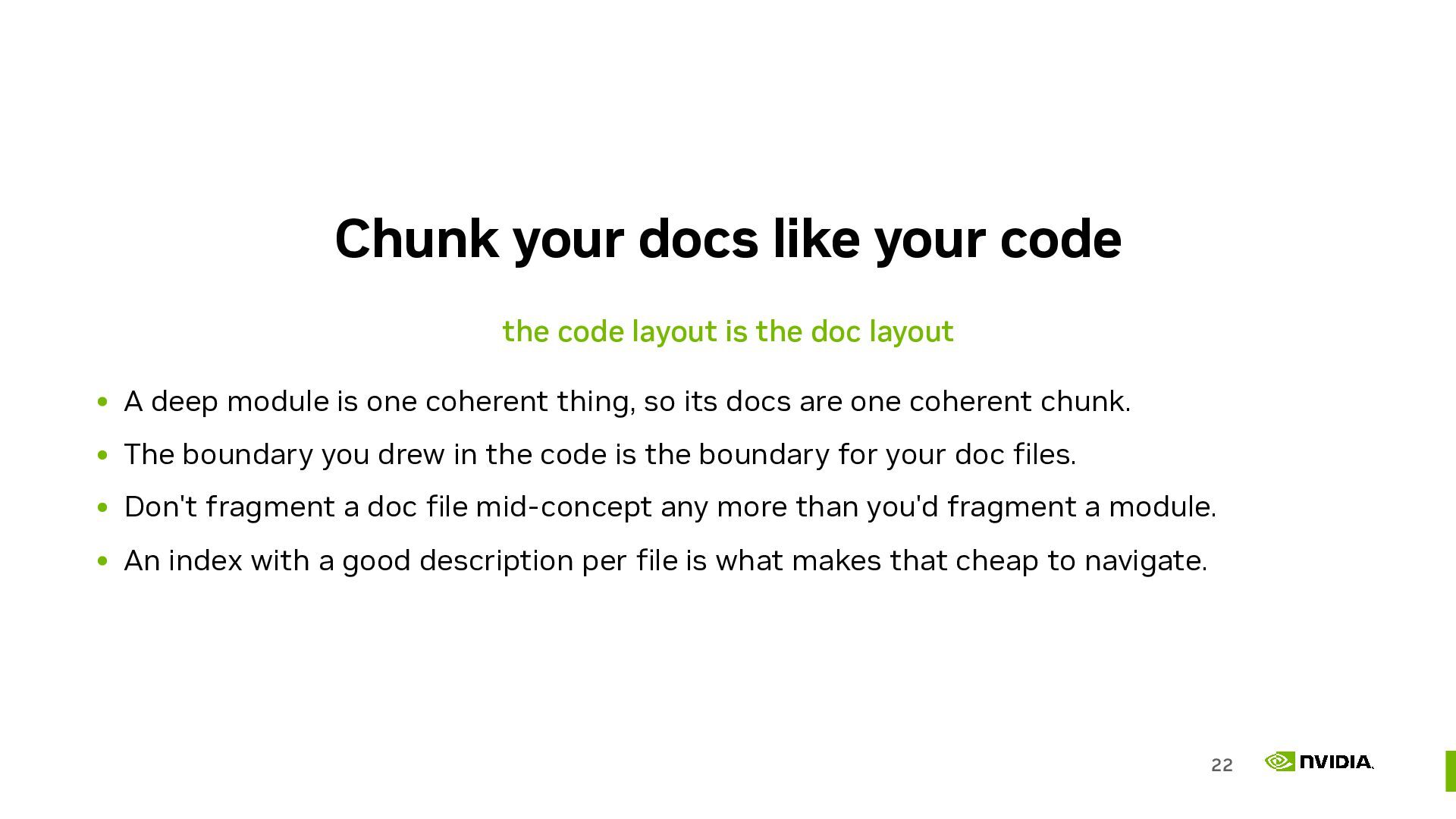
    the doc layout A deep module is one coherent thing, so its docs are one coherent chunk. The boundary you drew in the code is the boundary for your doc files. Don't fragment a doc file mid-concept any more than you'd fragment a module. An index with a good description per file is what makes that cheap to navigate. 22
  19. Type hints are documentation the agent reads them directly def

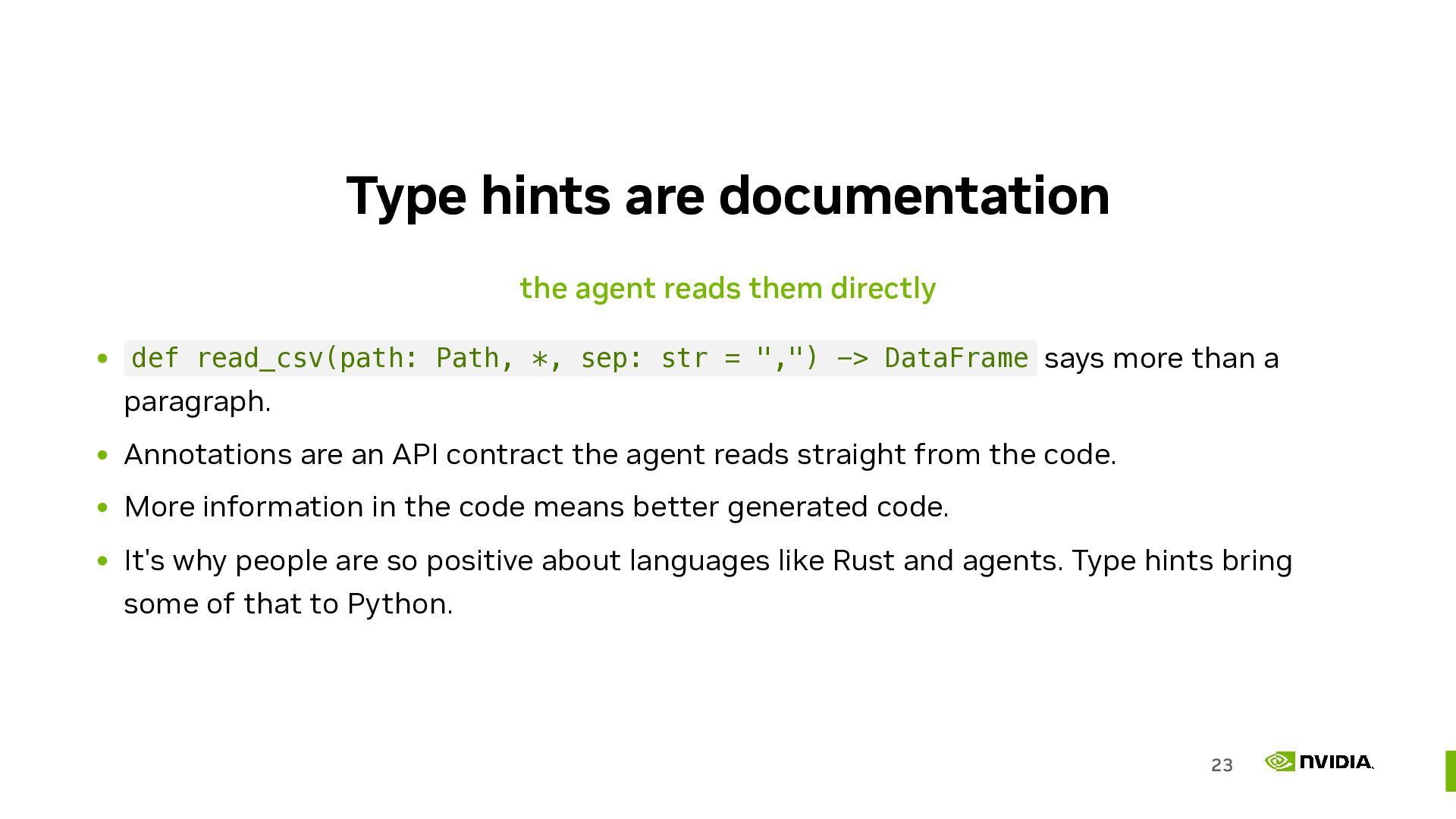
    read_csv(path: Path, *, sep: str = ",") -> DataFrame says more than a paragraph. Annotations are an API contract the agent reads straight from the code. More information in the code means better generated code. It's why people are so positive about languages like Rust and agents. Type hints bring some of that to Python. 23
  20. Error messages are documentation they close a self-correction loop I've

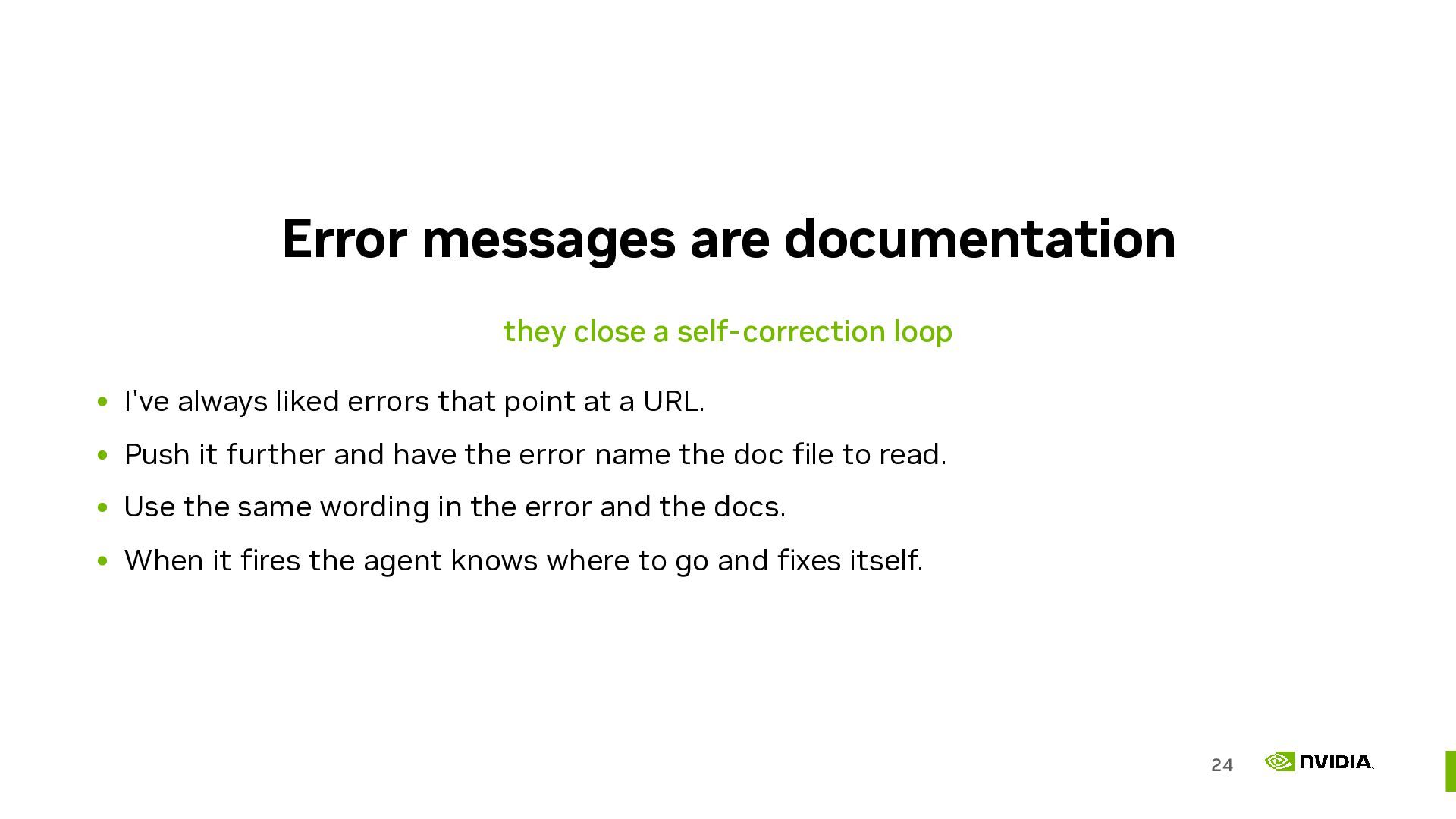
    always liked errors that point at a URL. Push it further and have the error name the doc file to read. Use the same wording in the error and the docs. When it fires the agent knows where to go and fixes itself. 24
  21. QA your docs with an agent something to try this

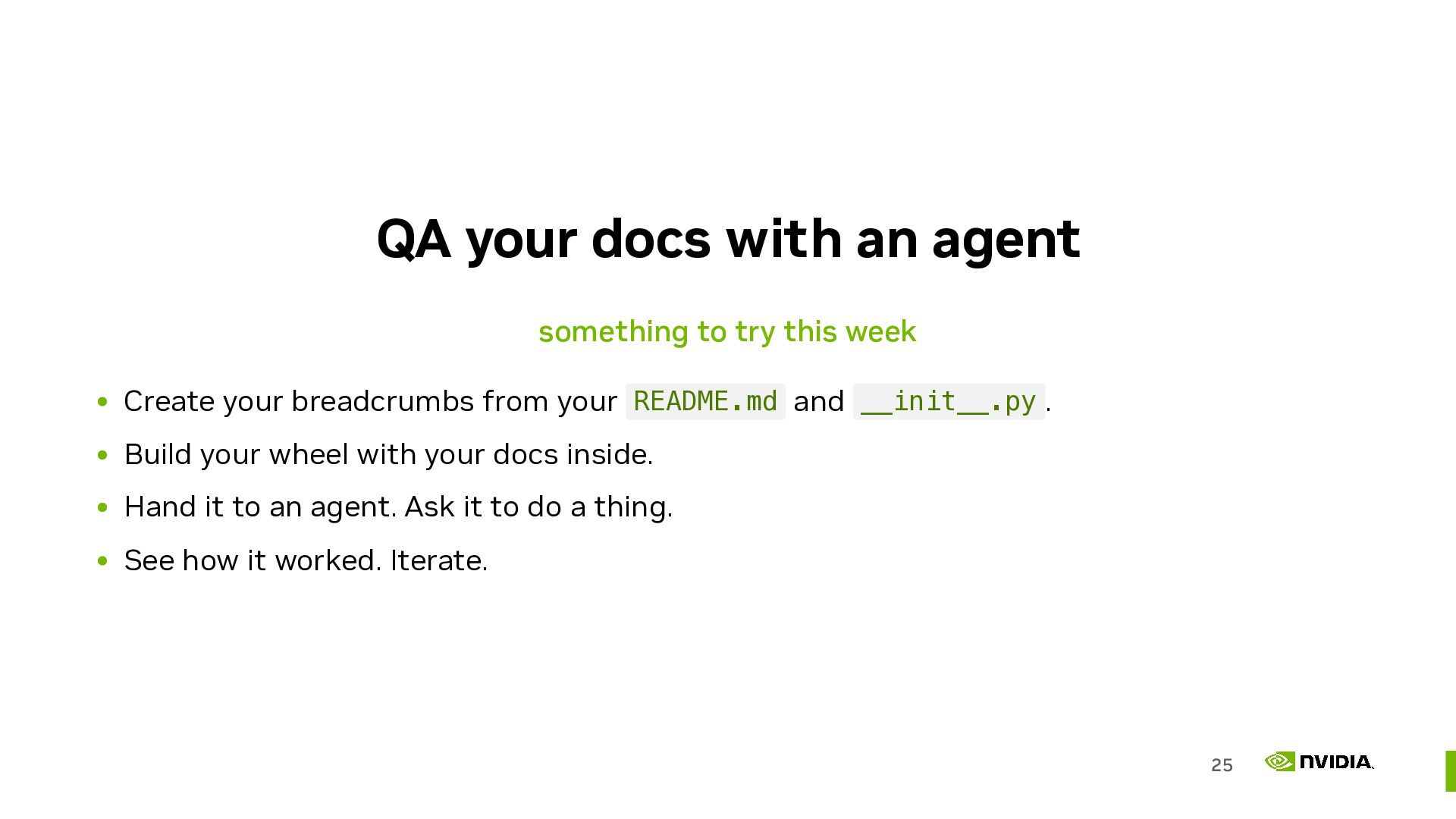
    week Create your breadcrumbs from your README.md and __init__.py . Build your wheel with your docs inside. Hand it to an agent. Ask it to do a thing. See how it worked. Iterate. 25
  22. …so, ship man pages again none of this is new,

    it's just the unix philosophy to the rescue again 26