Upgrade to Pro — share decks privately, control downloads, hide ads and more …

CSC510 Lecture 18

CSC510 Lecture 18

Docker + Robotics
(20261019)

Avatar for Javier Gonzalez-Sanchez

Javier Gonzalez-Sanchez PRO

October 18, 2026

Transcript

  1. CSC 5100 Modern Software Engineering Lecture 18. Docker for Simulation

    Dr. Javier Gonzalez-Sanchez [email protected] www.javiergs.info ffi o ce: 14 -227
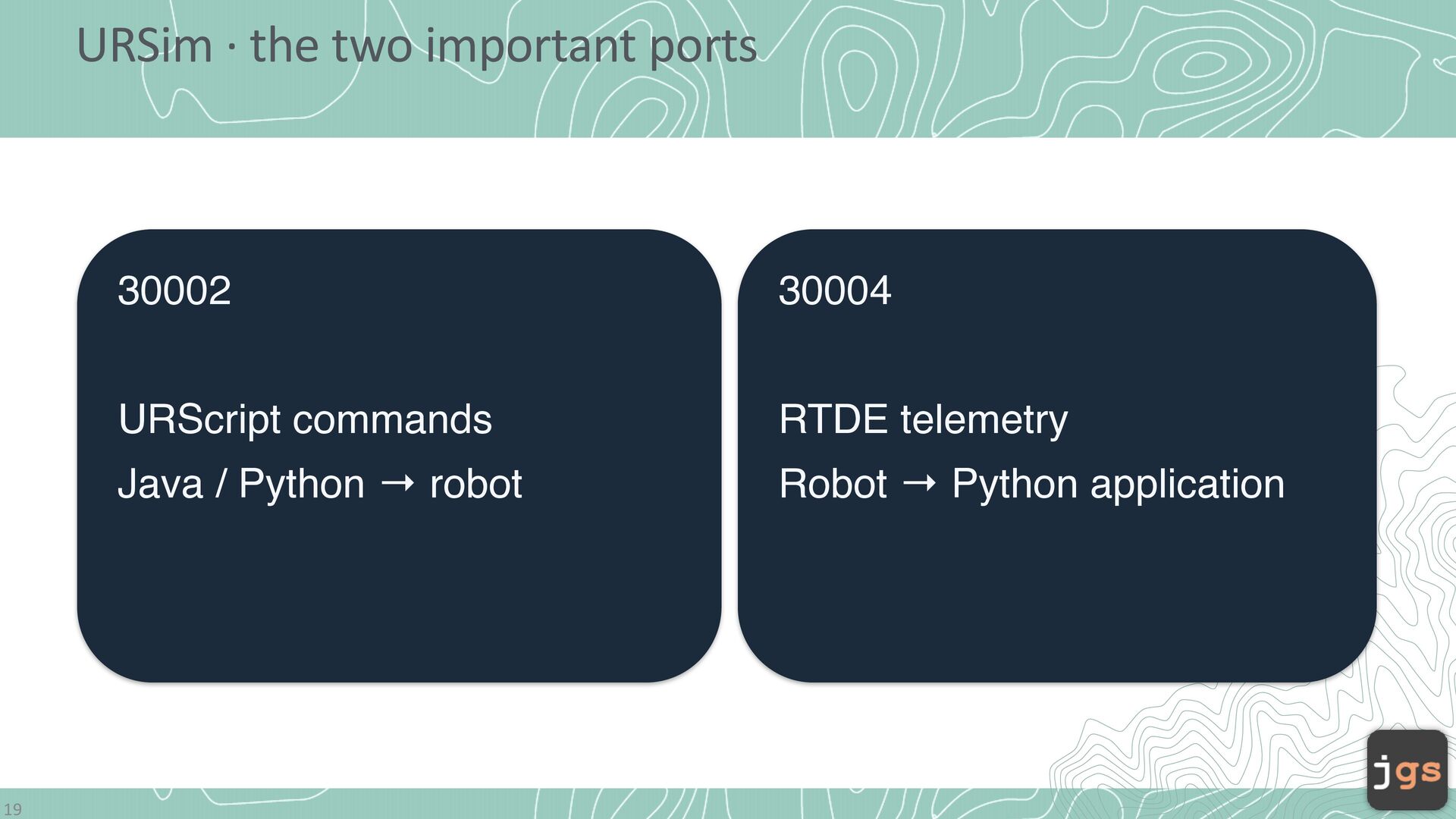
  2. URSim · the two important ports 19 30002 30004 URScript

    commands RTDE telemetry Java / Python → robot Robot → Python application

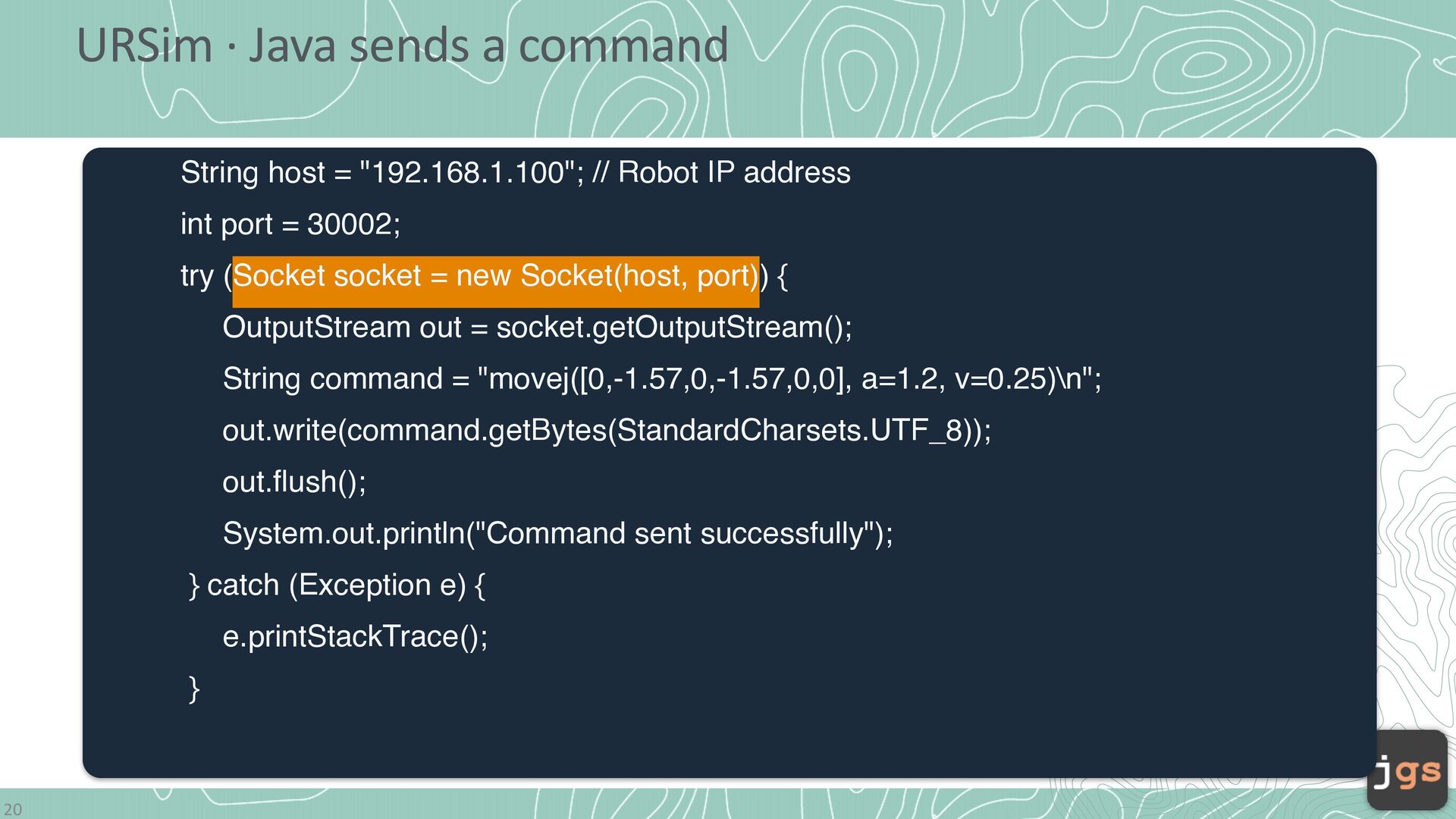
  3. URSim · Java sends a command String host = "192.168.1.100";

    // Robot IP address int port = 30002; try (Socket socket = new Socket(host, port)) { OutputStream out = socket.getOutputStream(); String command = "movej([0,-1.57,0,-1.57,0,0], a=1.2, v=0.25)\n"; out.write(command.getBytes(StandardCharsets.UTF_8)); out.flush(); System.out.println("Command sent successfully"); } catch (Exception e) { e.printStackTrace(); } 20
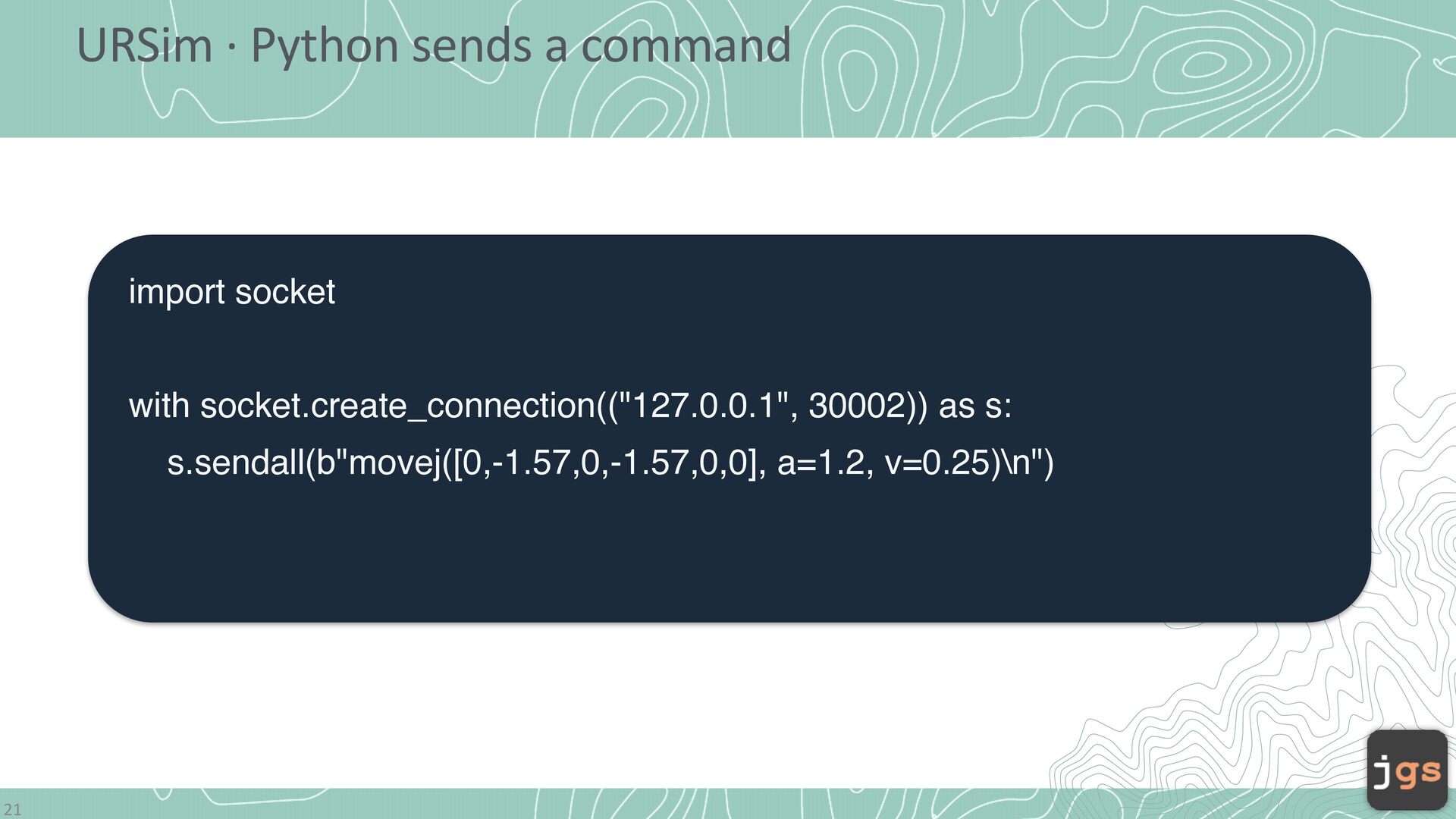
  4. URSim · Python sends a command import socket with socket.create_connection(("127.0.0.1",

    30002)) as s: s.sendall(b"movej([0,-1.57,0,-1.57,0,0], a=1.2, v=0.25)\n") 21
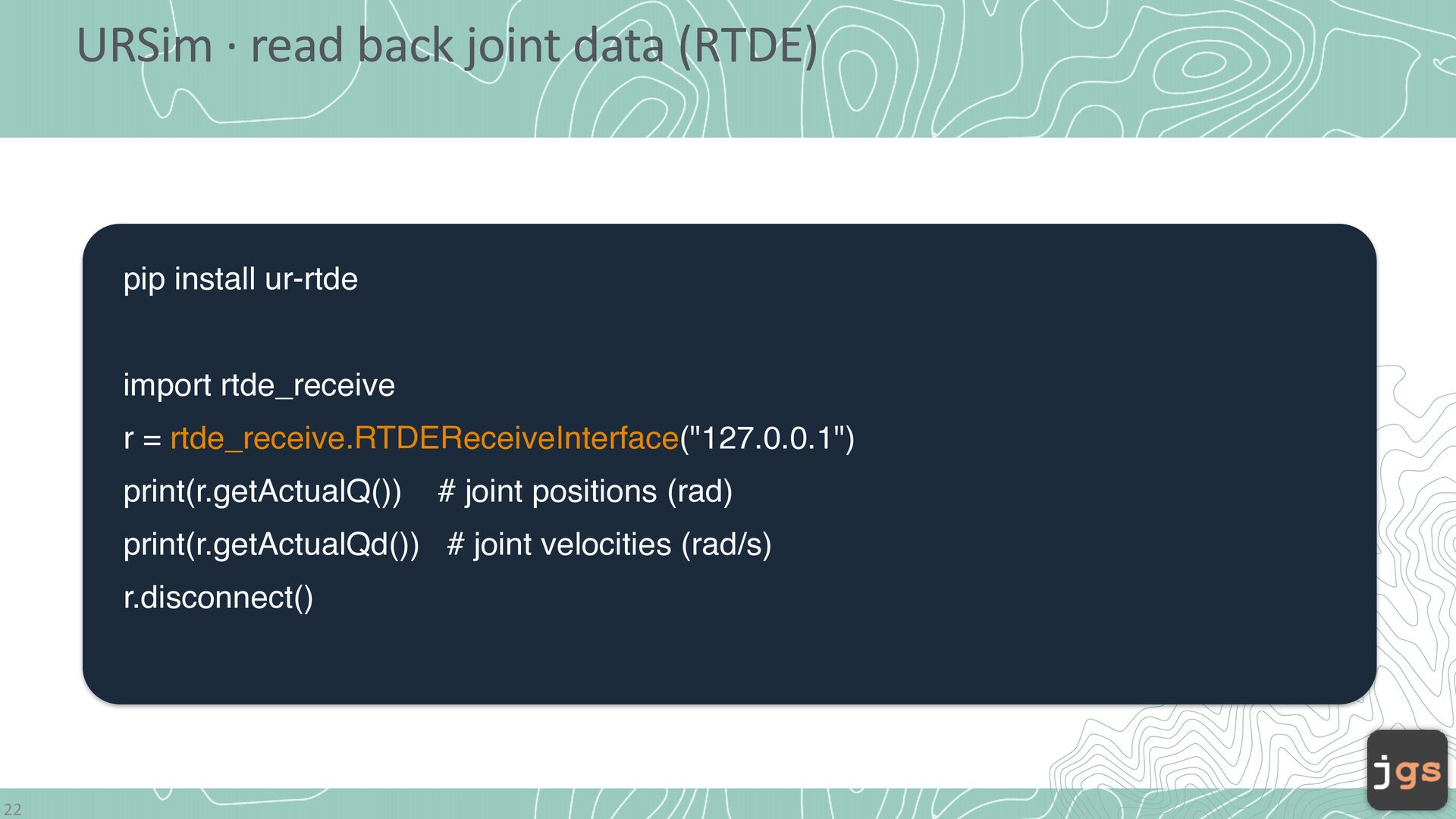
  5. URSim · read back joint data (RTDE) pip install ur-rtde

    import rtde_receive r = rtde_receive.RTDEReceiveInterface("127.0.0.1") print(r.getActualQ()) # joint positions (rad) print(r.getActualQd()) # joint velocities (rad/s) r.disconnect() 22
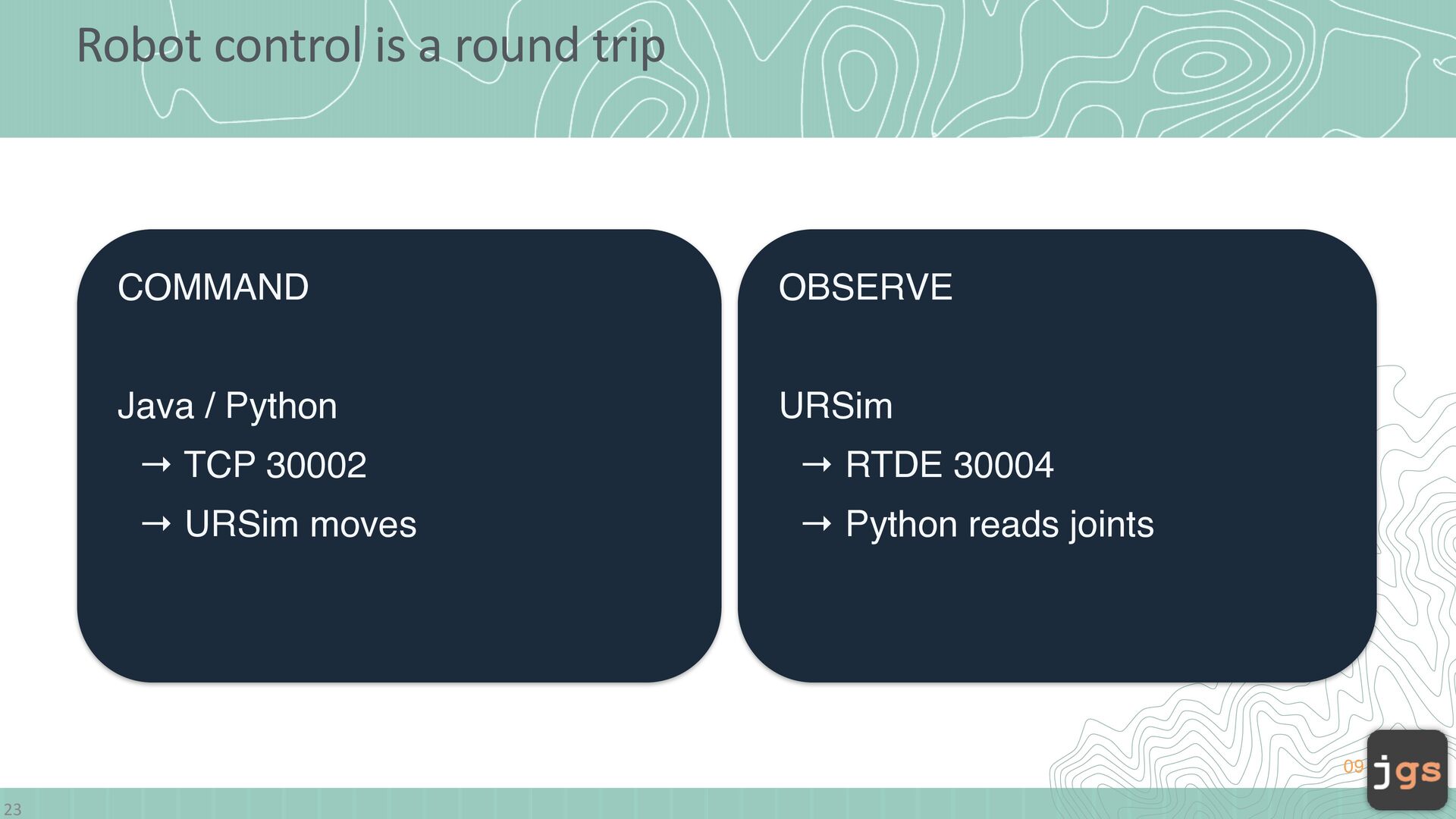
  6. Robot control is a round trip COMMAND OBSERVE Java /

    Python URSim → TCP 30002 → RTDE 30004 → URSim moves → Python reads joints 09 23
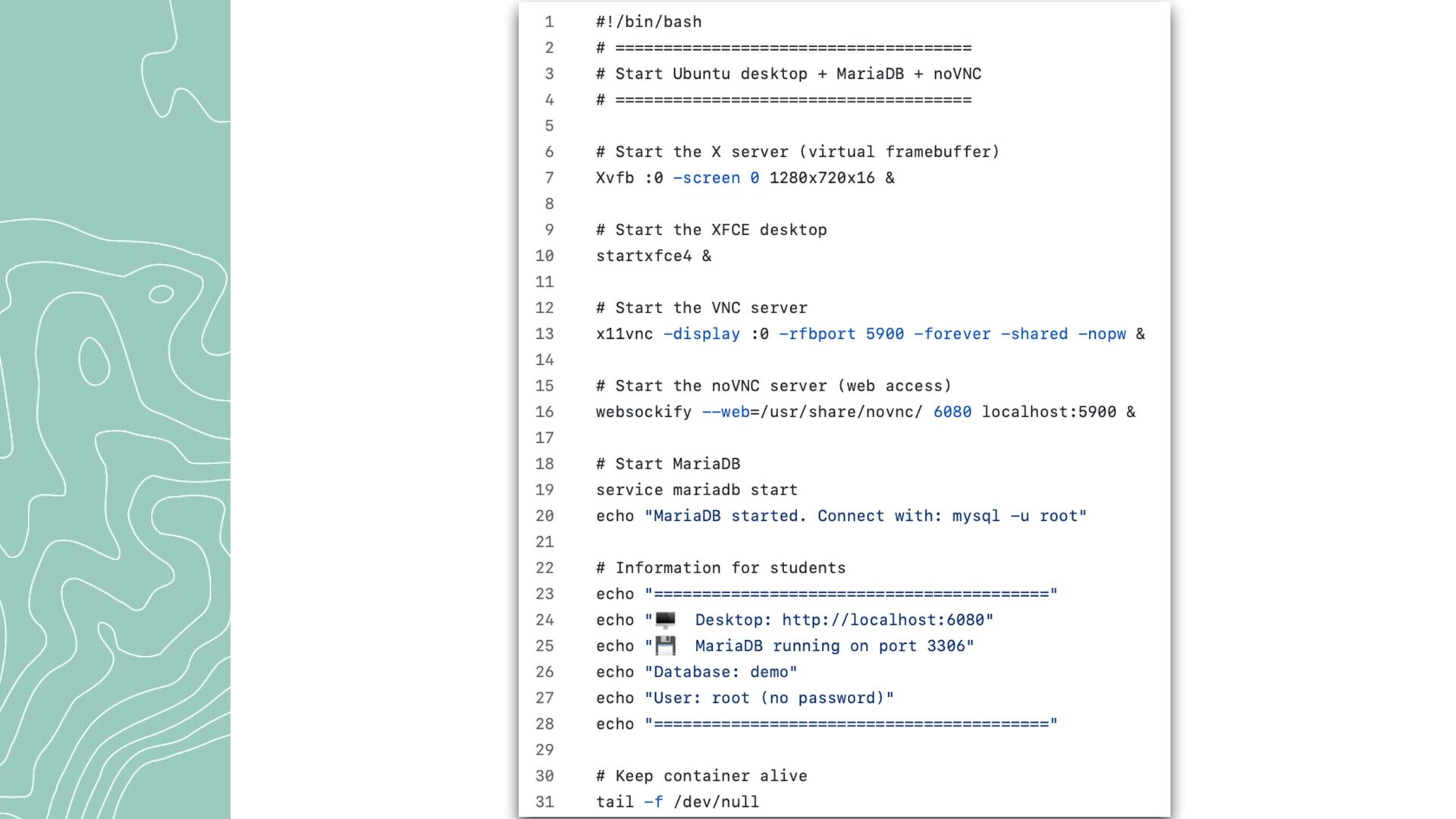
  7. Docker ile # Environment variables for MySQL ENV MYSQL_ROOT_PASSWORD=root ENV

    MYSQL_DATABASE=yourdbname # Start MySQL and the Java application 25 f CMD service mysql start && \ sleep 10 && \ mysql -u root -proot yourdbname < /docker-entrypoint-initdb.d/init.sql && \ java -jar /app/your-app.jar
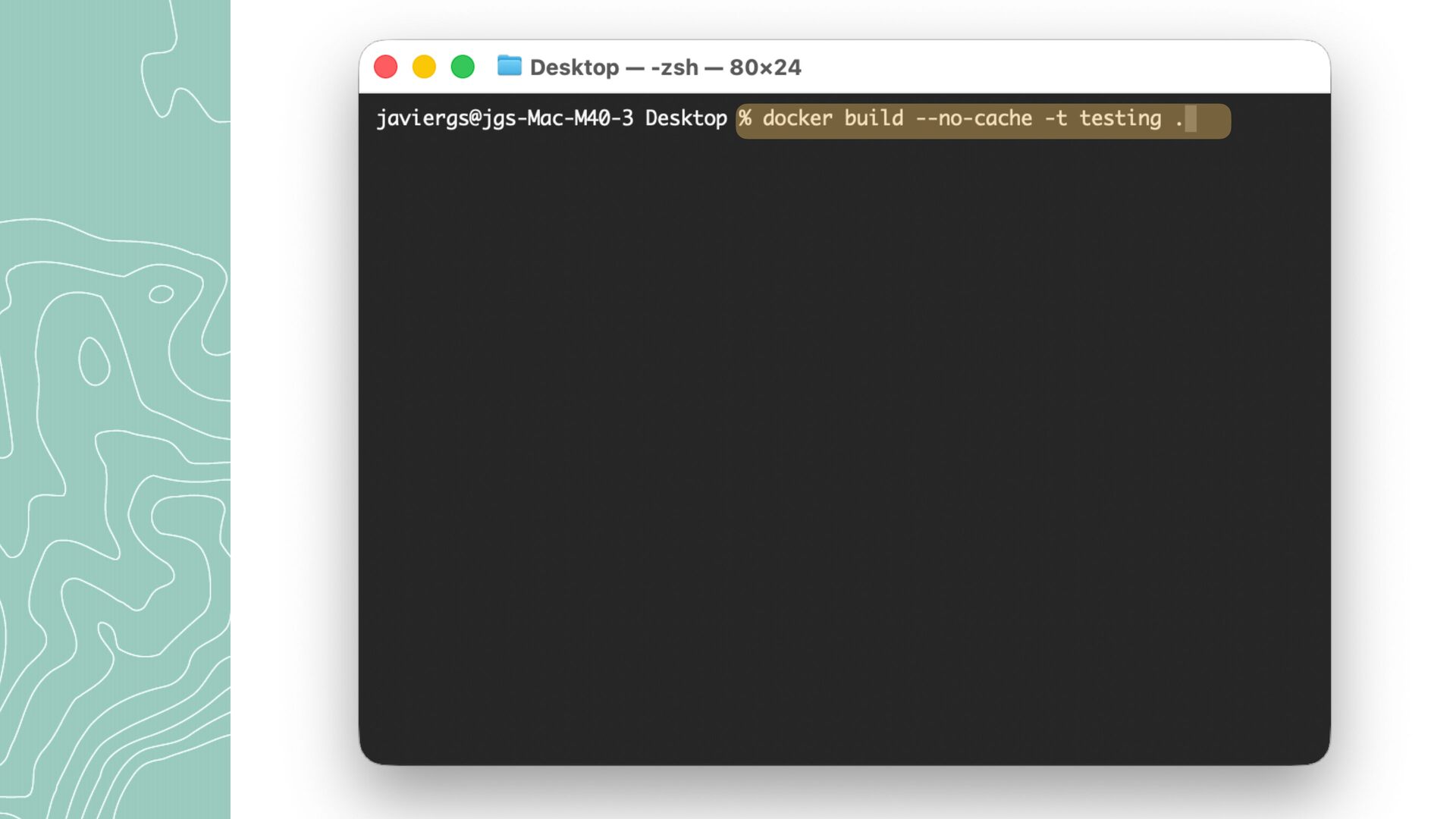
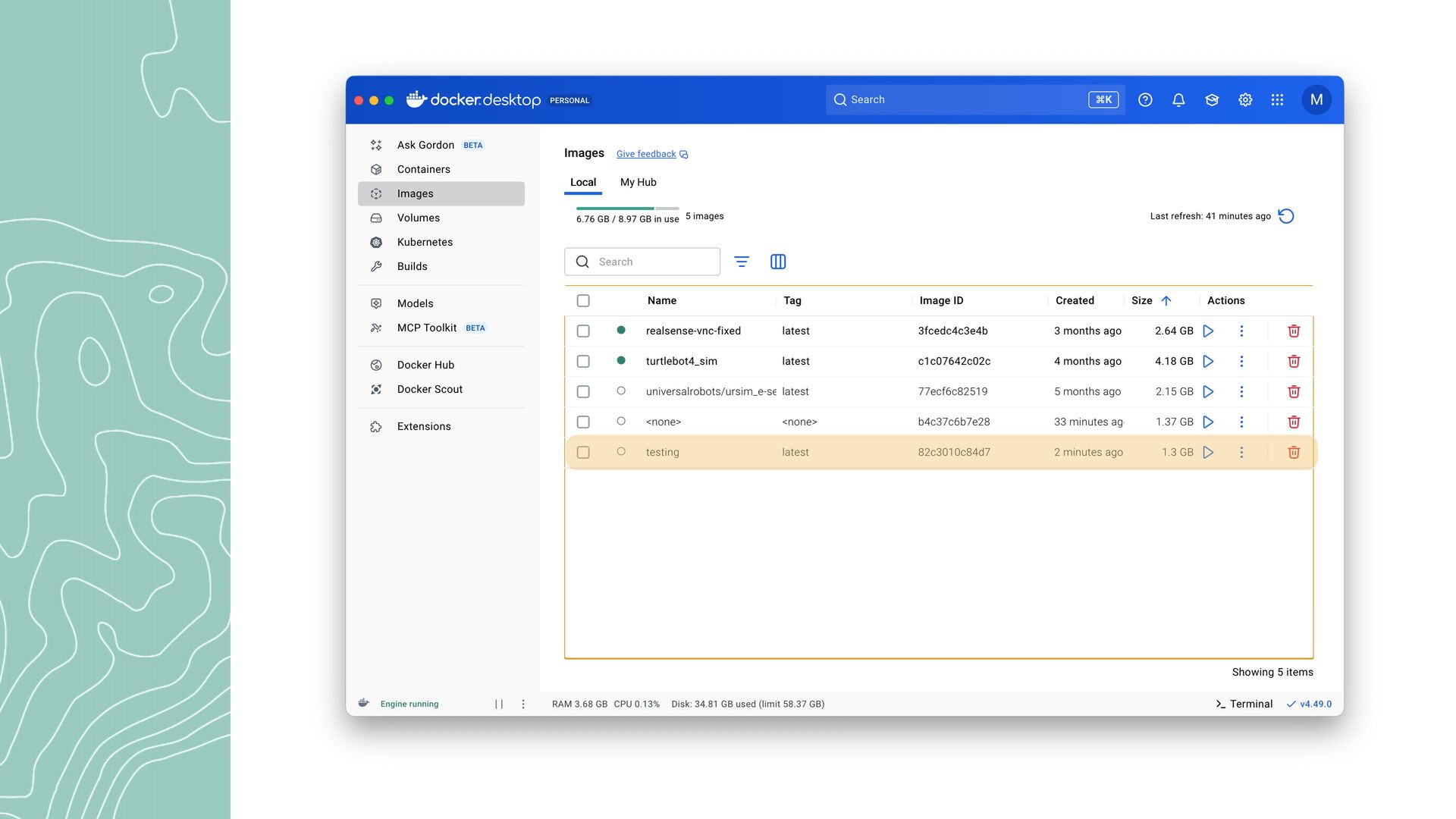
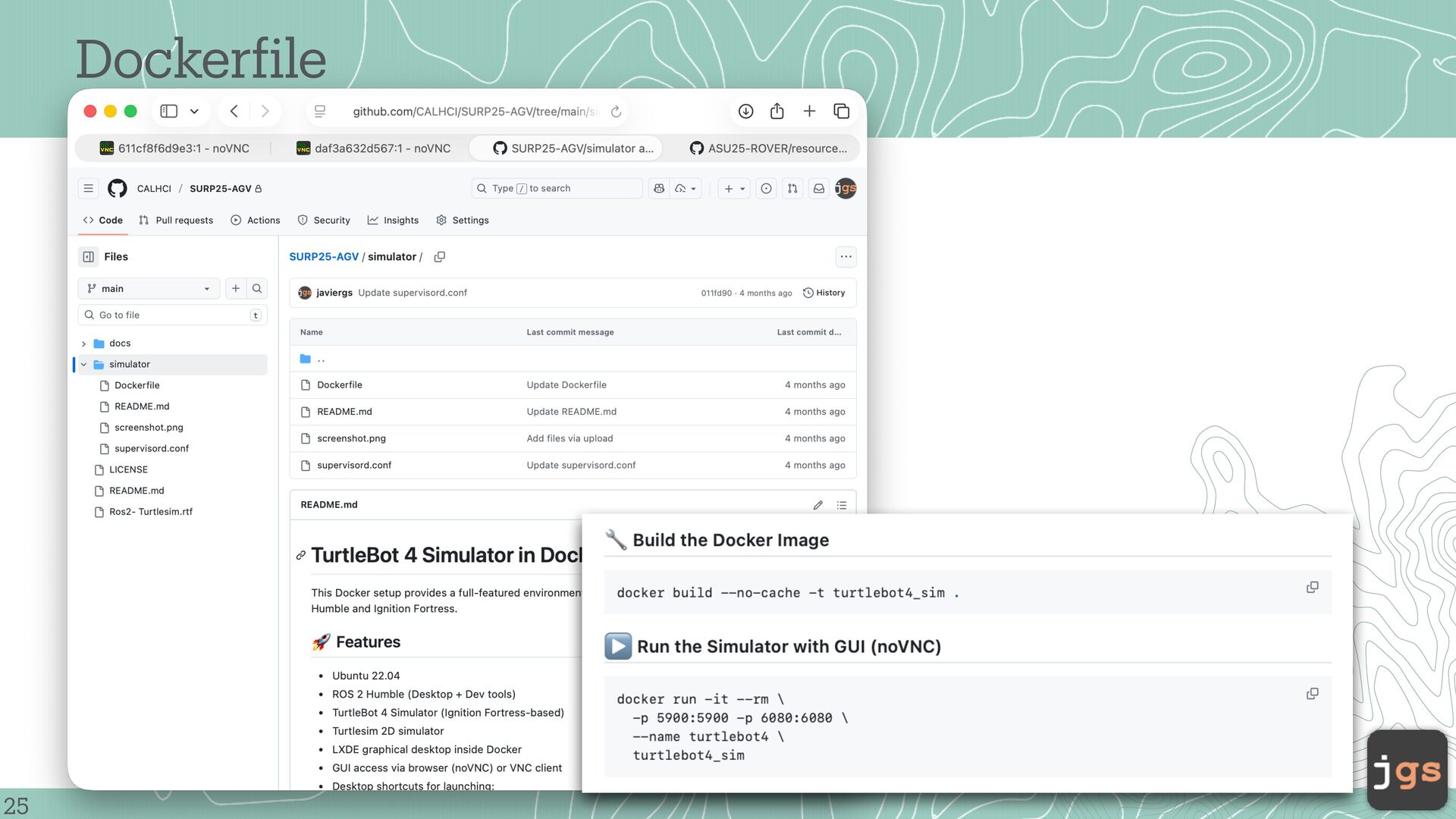
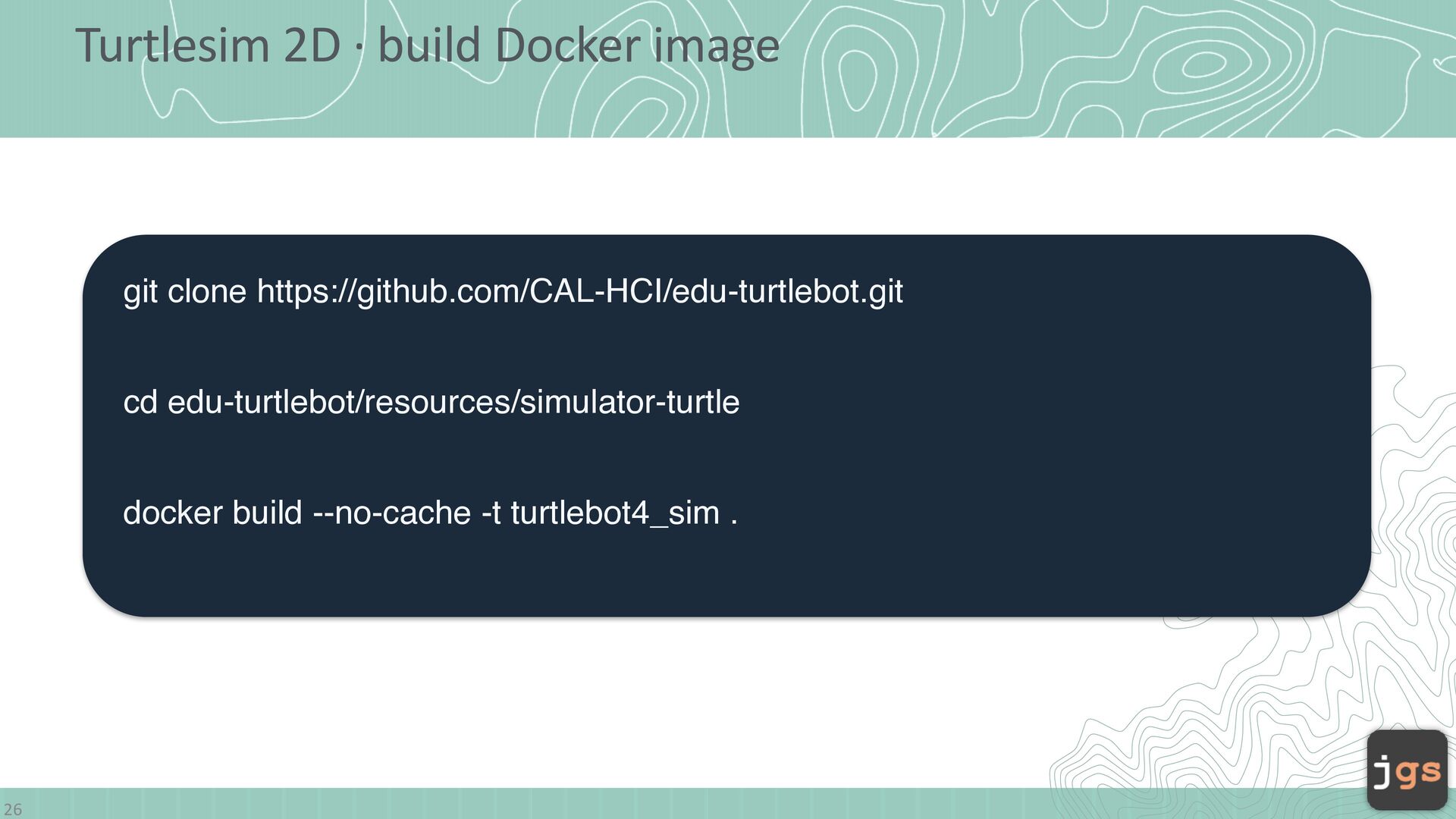
  8. Turtlesim 2D · build Docker image git clone https://github.com/CAL-HCI/edu-turtlebot.git cd

    edu-turtlebot/resources/simulator-turtle docker build --no-cache -t turtlebot4_sim . 26
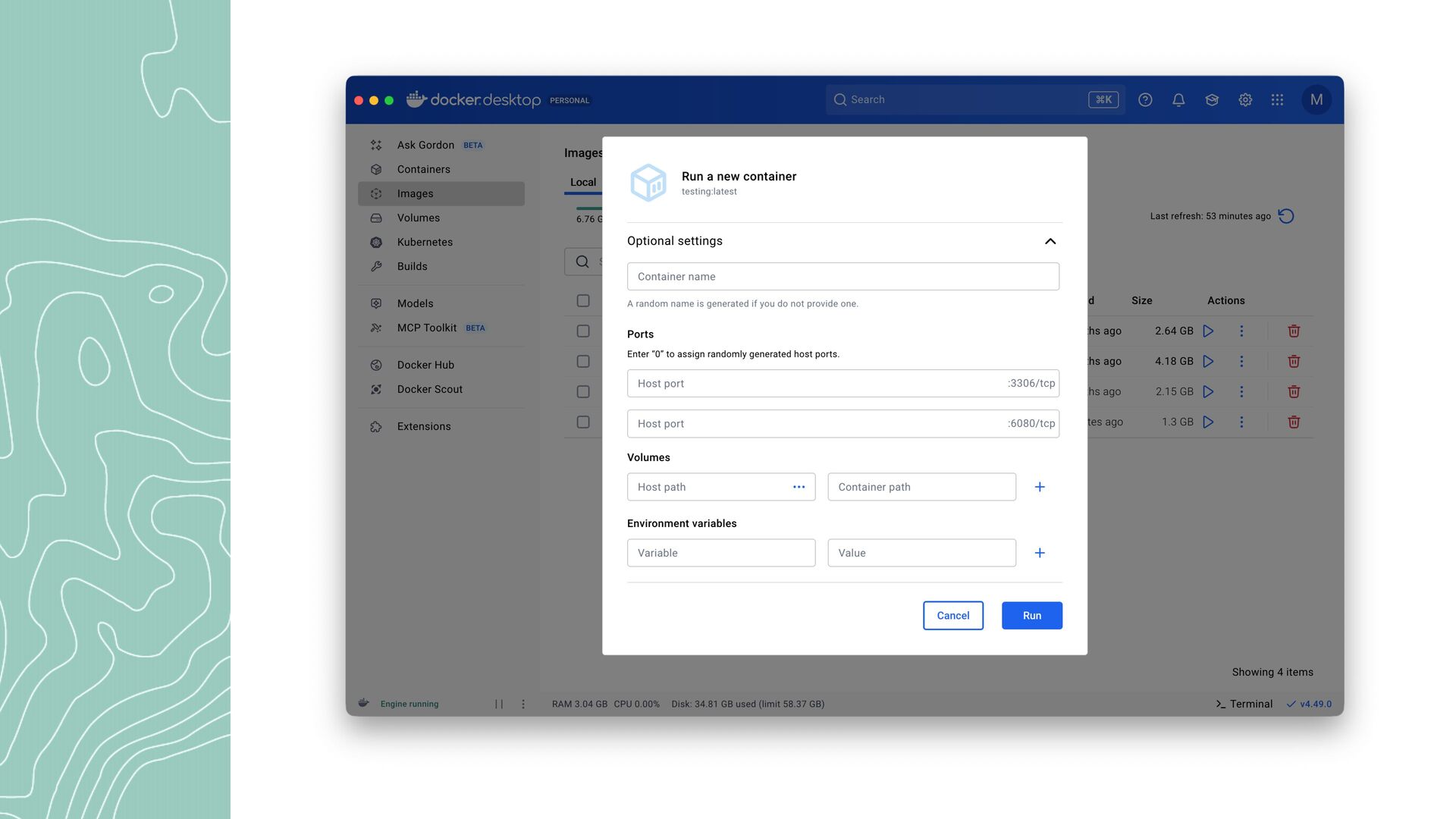
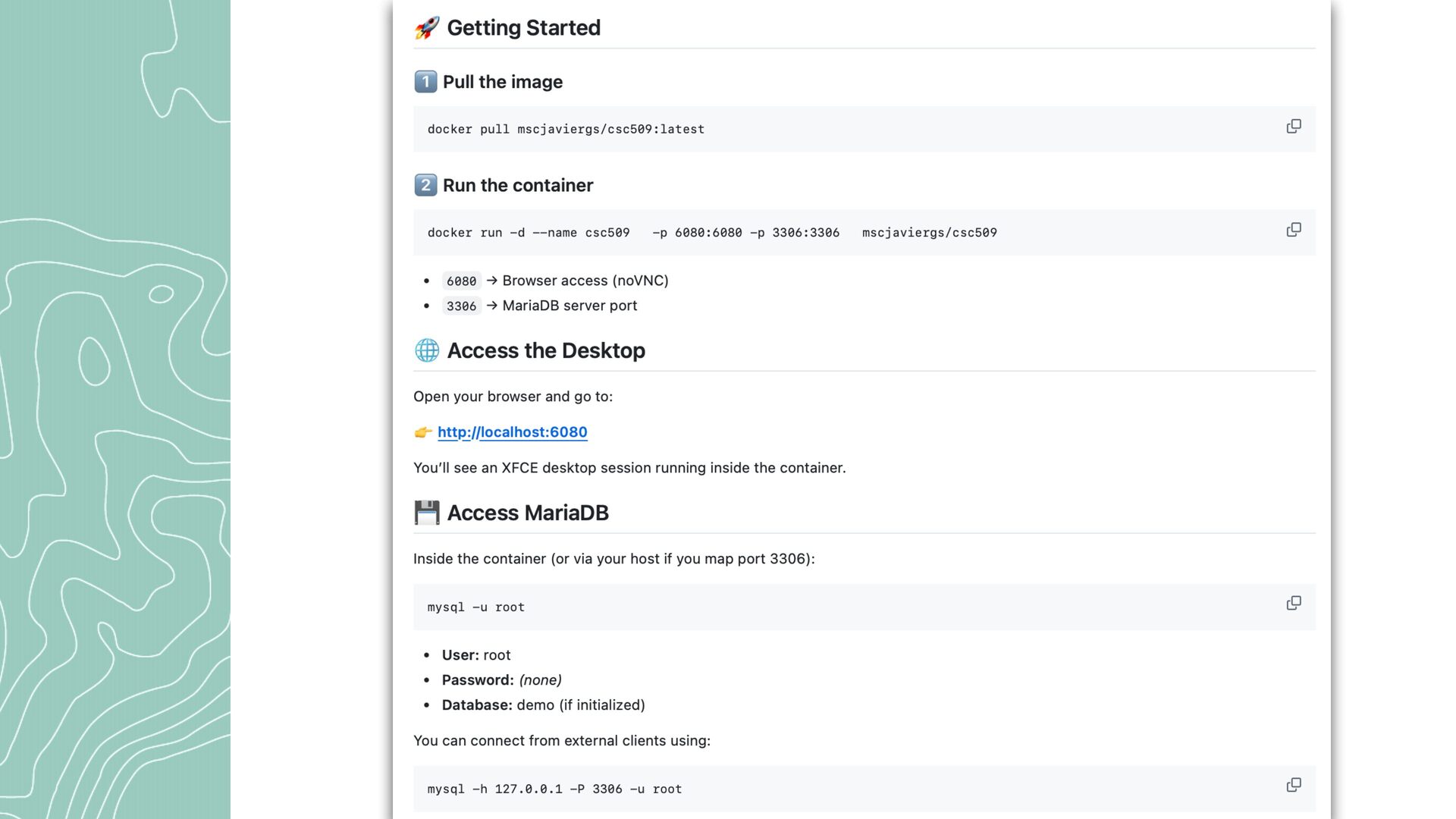
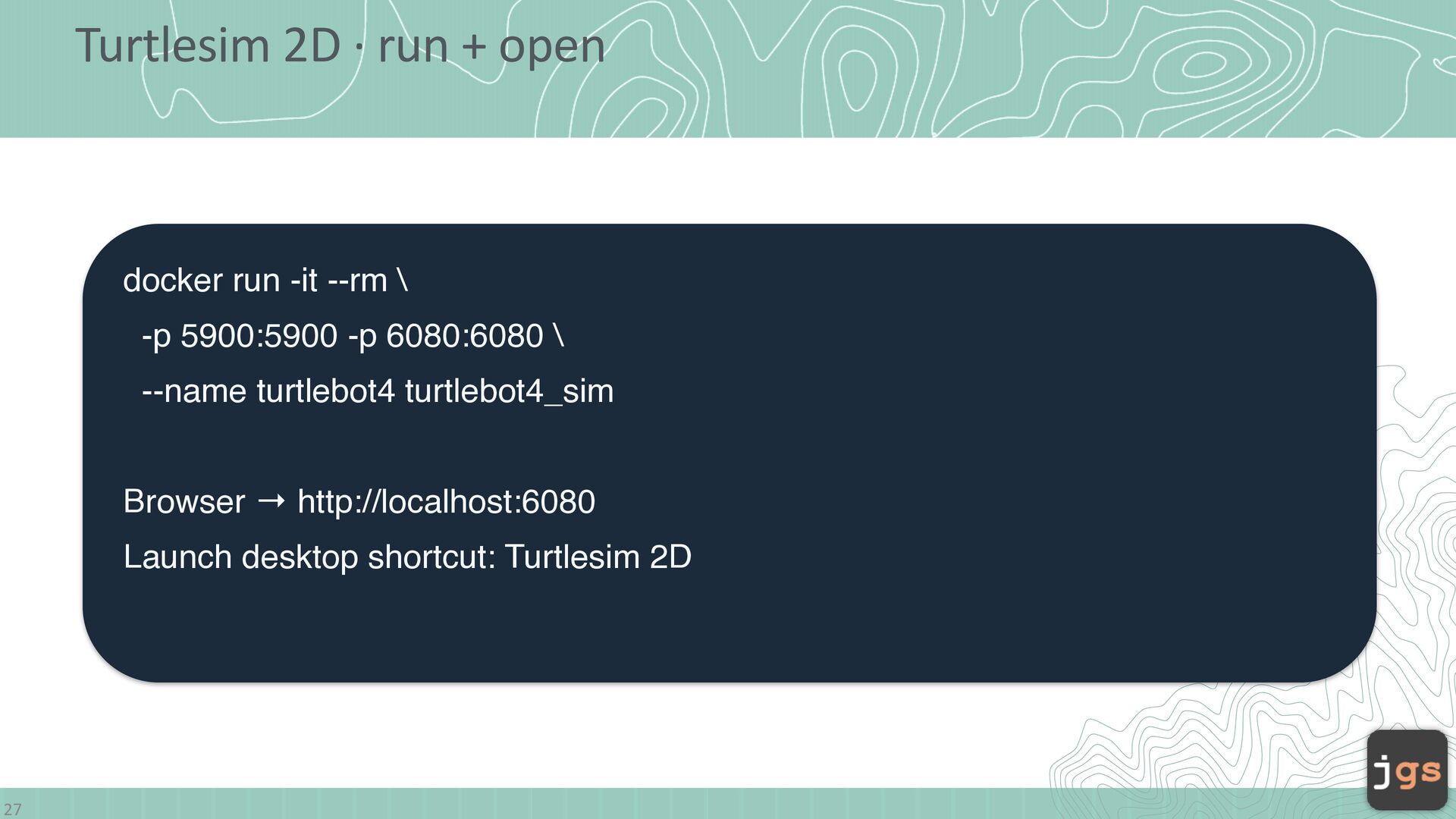
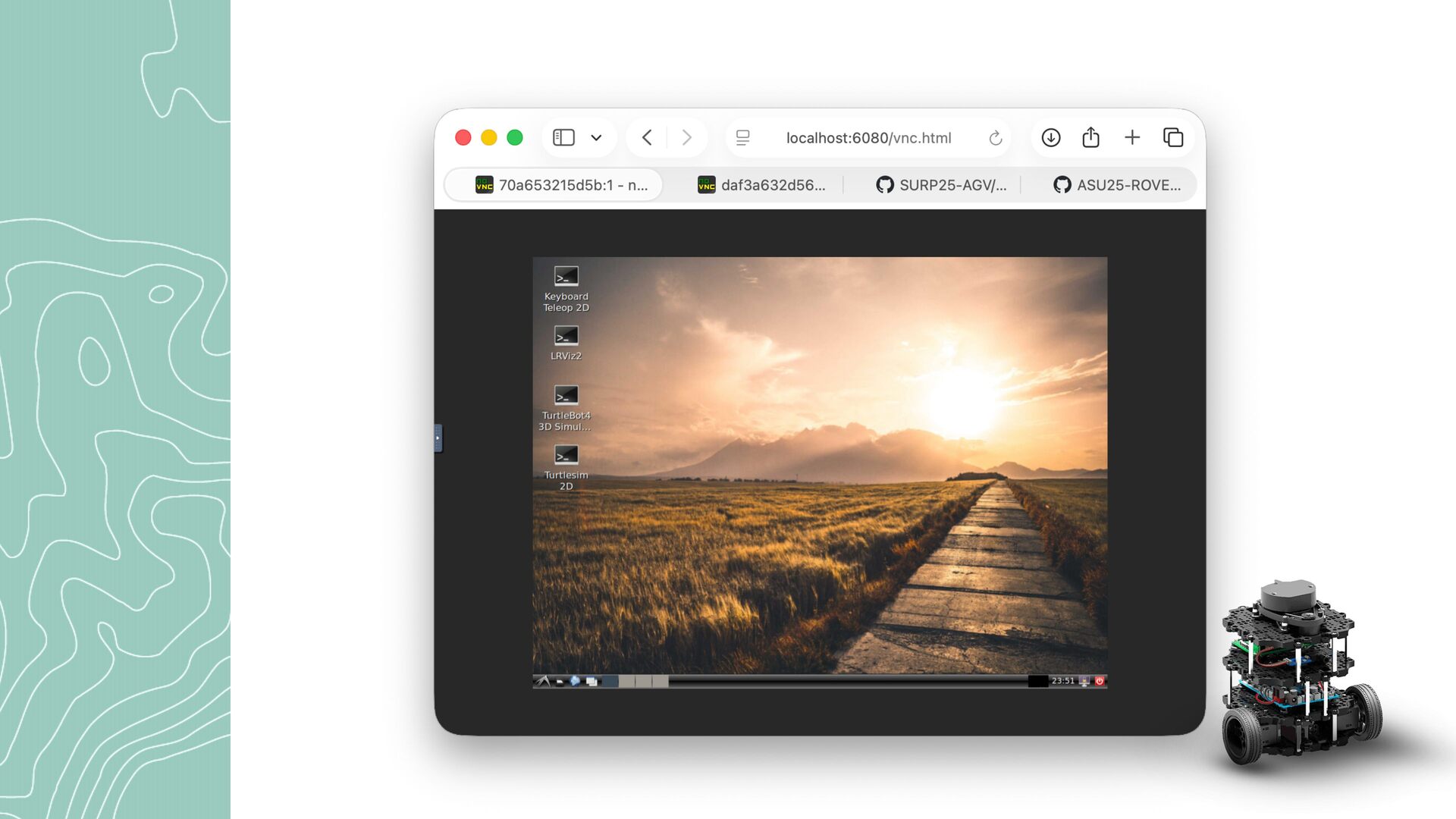
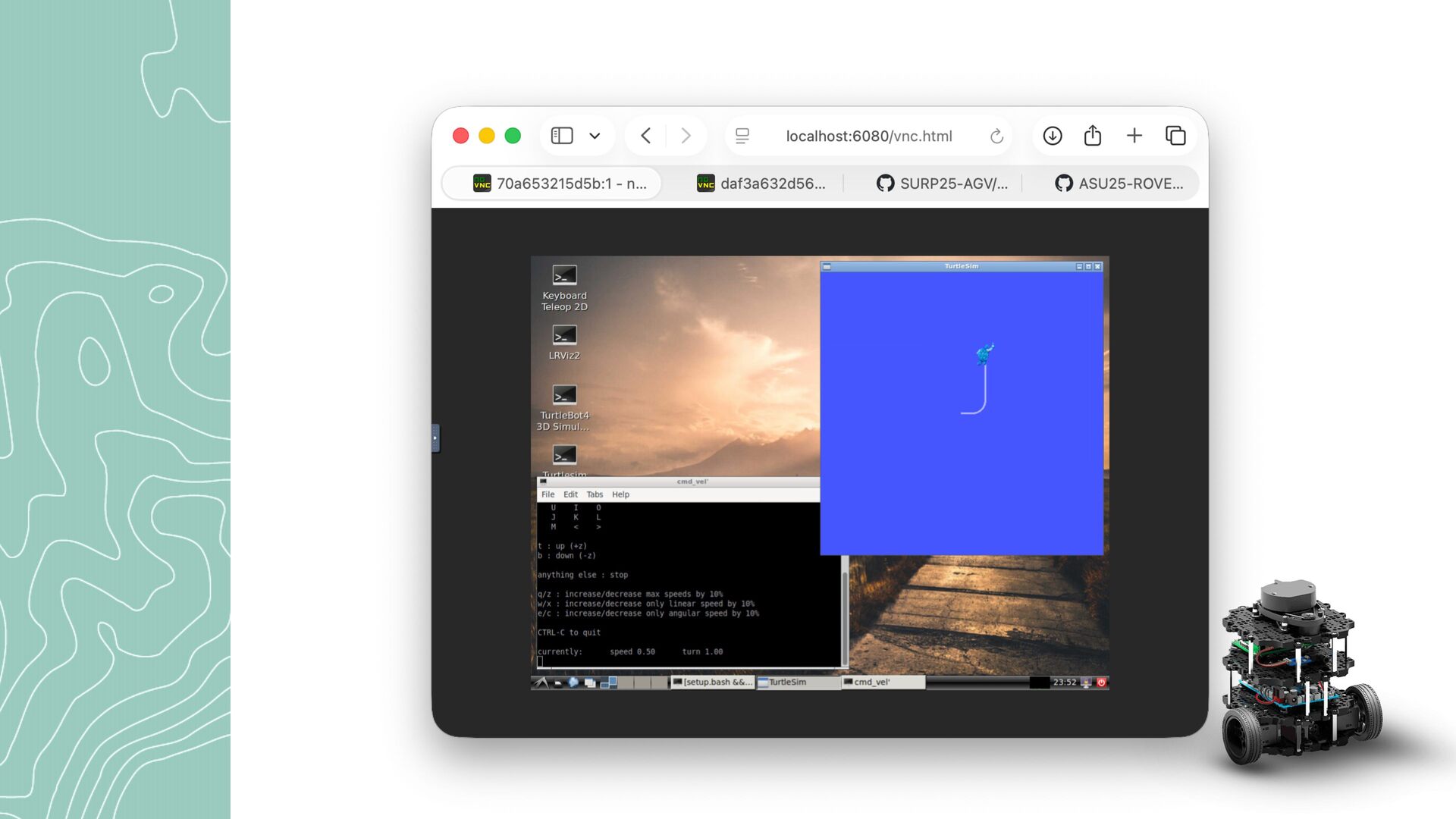
  9. Turtlesim 2D · run + open docker run -it --rm

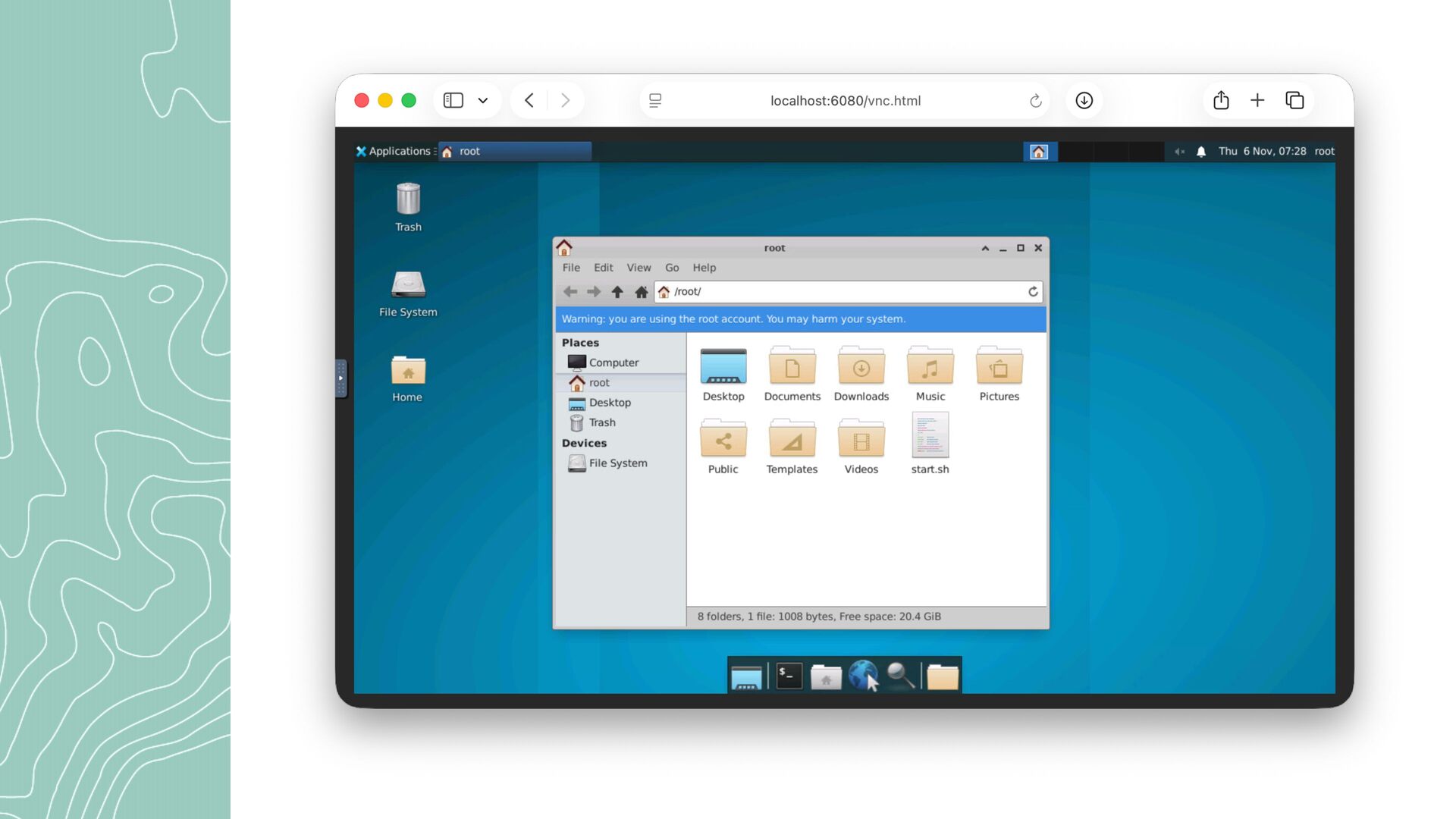
    \ -p 5900:5900 -p 6080:6080 \ --name turtlebot4 turtlebot4_sim Browser → http://localhost:6080 Launch desktop shortcut: Turtlesim 2D 27
  10. Turtlesim 2D · verify the window Turtlesim 2D window +

    ROS 2 terminal + moving turtle Live screenshot to capture: 2D turtle window and terminal inside noVNC. 30 12
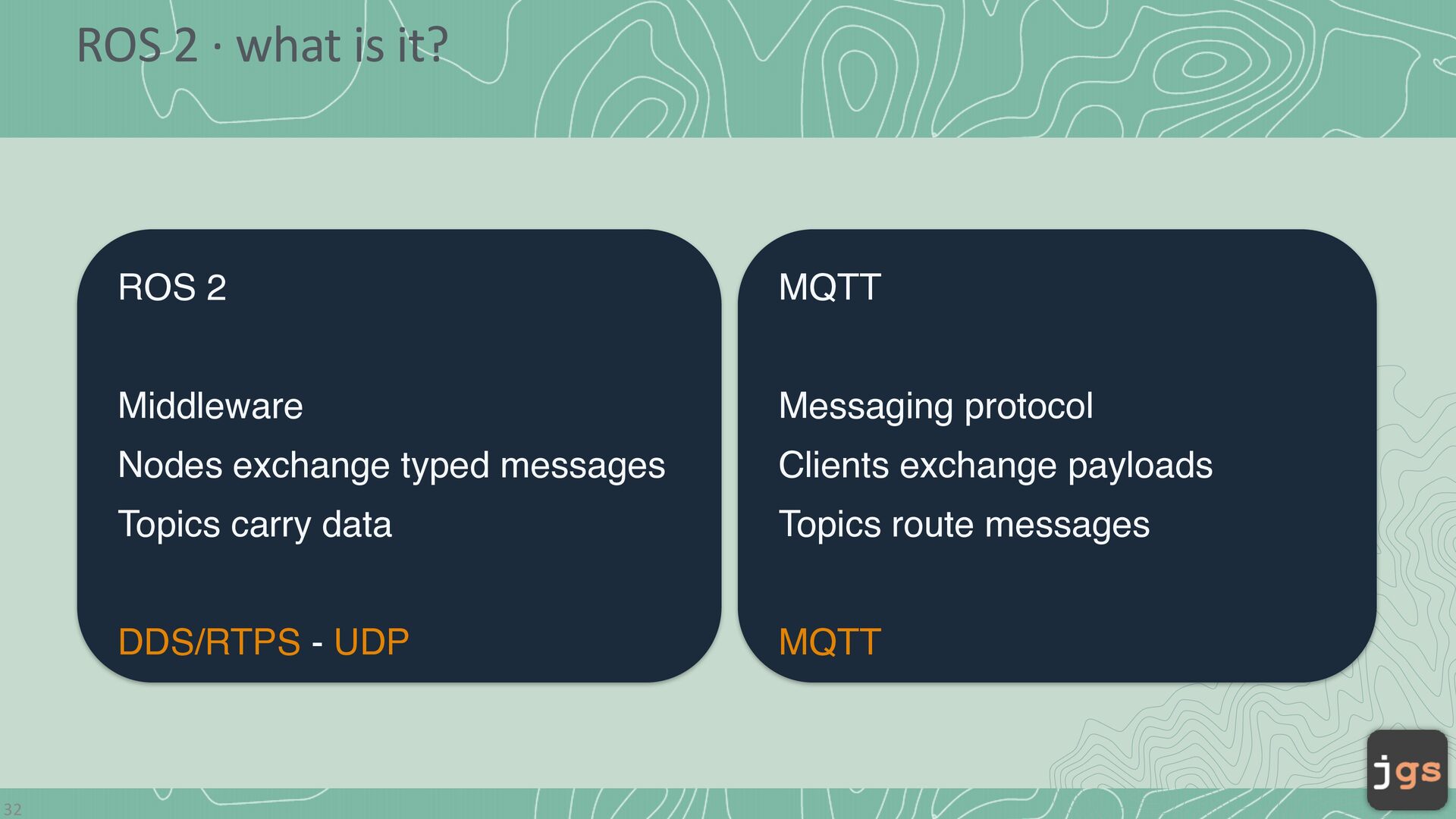
  11. ROS 2 · what is it? 32 ROS 2 MQTT

    Middleware Messaging protocol Nodes exchange typed messages Clients exchange payloads Topics carry data Topics route messages DDS/RTPS - UDP MQTT
  12. ROS 2 · nodes, topics, messages Nodes = running programs

    · Topic = channel · Twist = message type Think of a topic as a named channel, similar to MQTT. 33 14
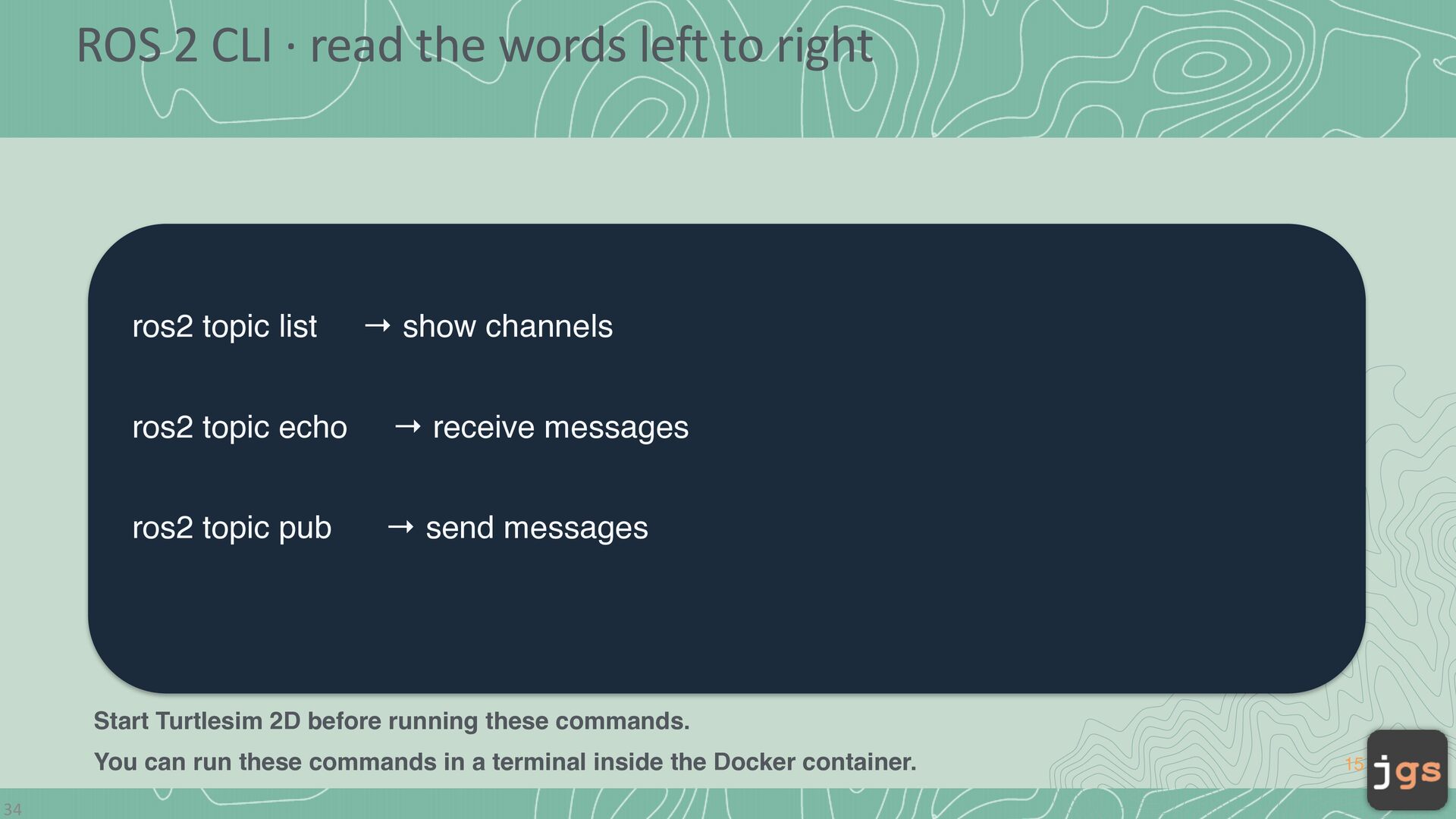
  13. ROS 2 CLI · read the words left to right

    ros2 topic list → show channels ros2 topic echo → receive messages ros2 topic pub → send messages Start Turtlesim 2D before running these commands. You can run these commands in a terminal inside the Docker container. 34 15
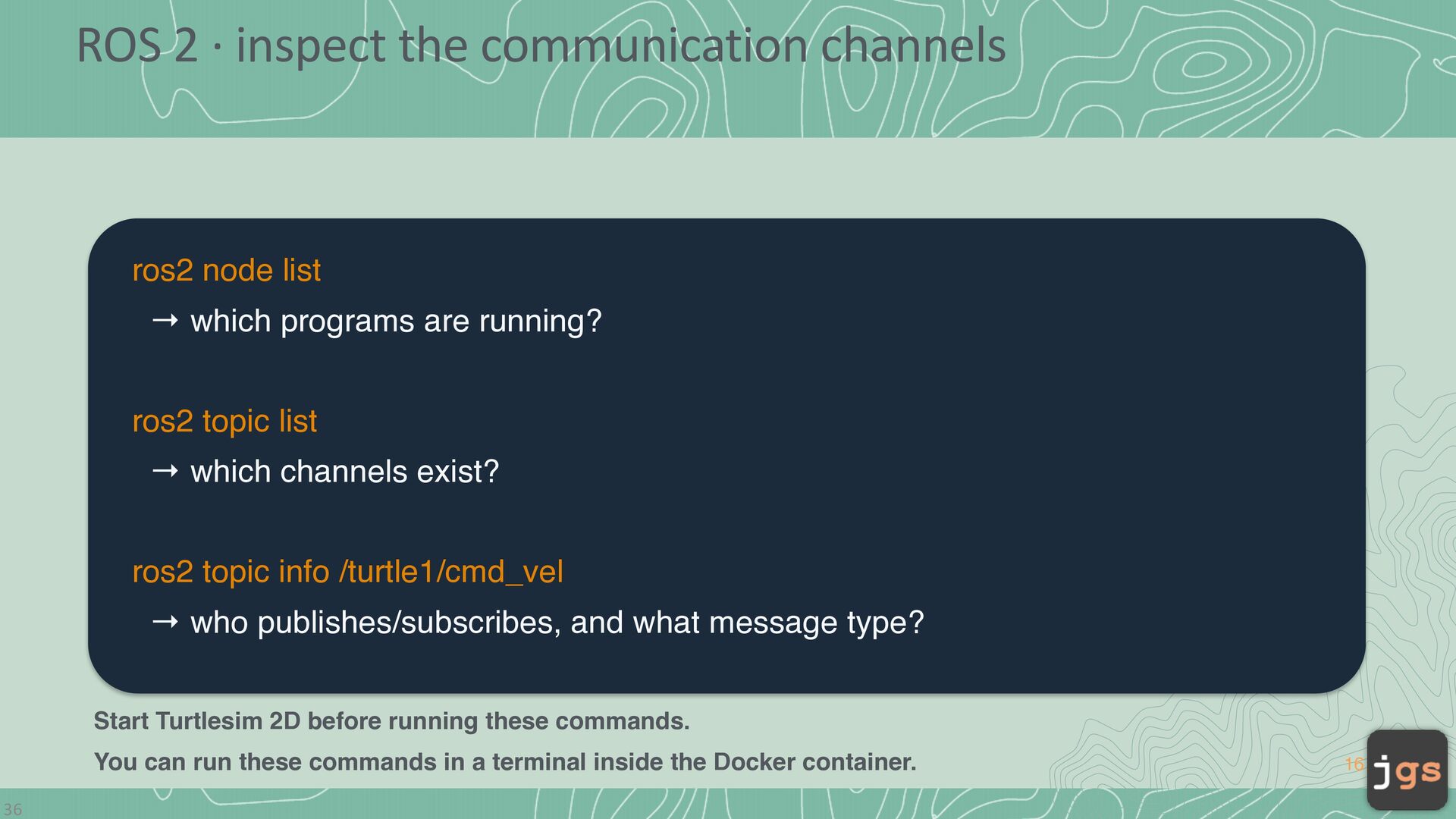
  14. ROS 2 · inspect the communication channels ros2 node list

    → which programs are running? ros2 topic list → which channels exist? ros2 topic info /turtle1/cmd_vel → who publishes/subscribes, and what message type? Start Turtlesim 2D before running these commands. You can run these commands in a terminal inside the Docker container. 36 16
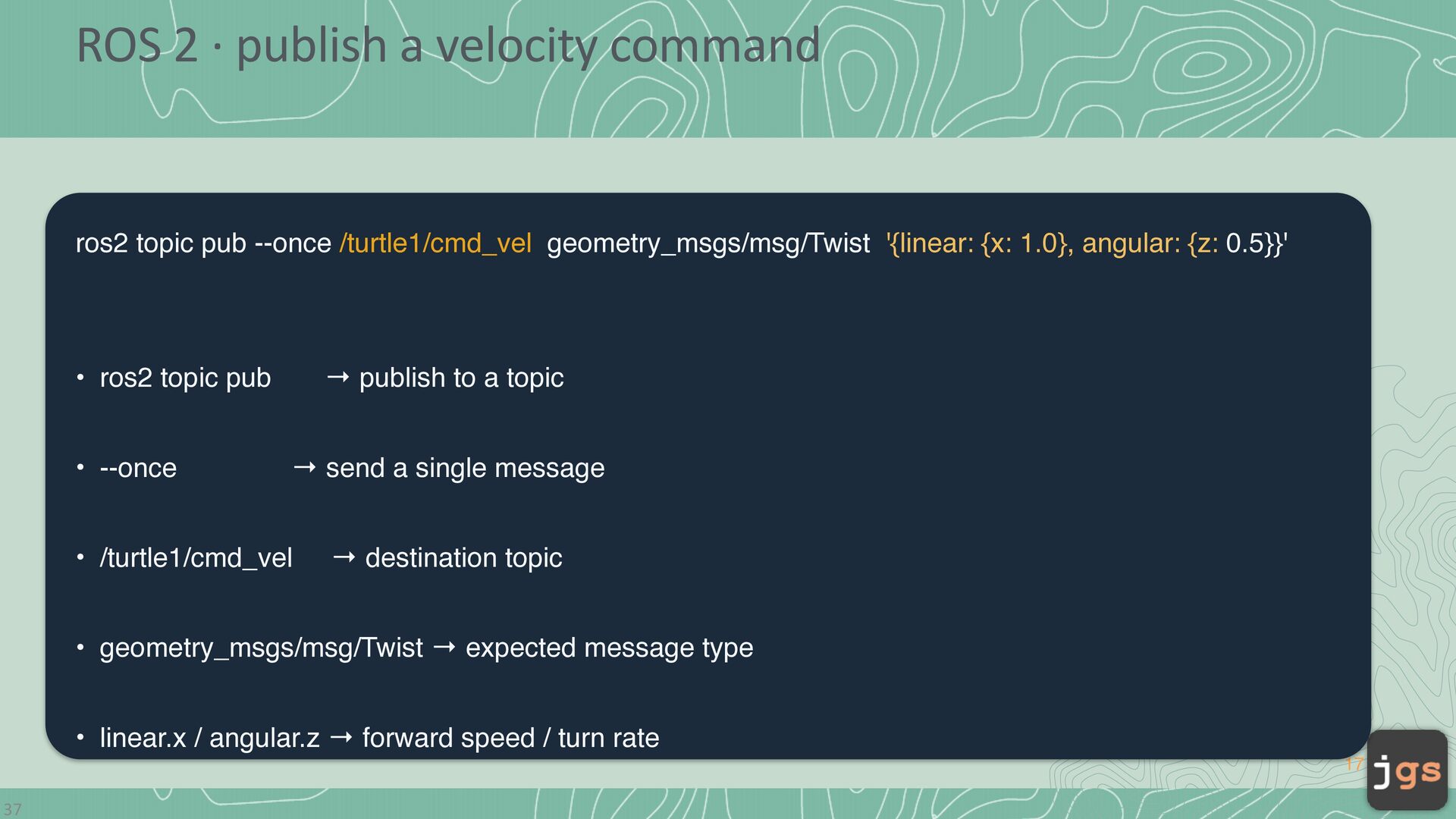
  15. ROS 2 · publish a velocity command ros2 topic pub

    --once /turtle1/cmd_vel geometry_msgs/msg/Twist '{linear: {x: 1.0}, angular: {z: 0.5}}' → publish to a topic • ros2 topic pub • --once → send a single message • /turtle1/cmd_vel → destination topic • geometry_msgs/msg/Twist → expected message type • linear.x / angular.z → forward speed / turn rate 17 37
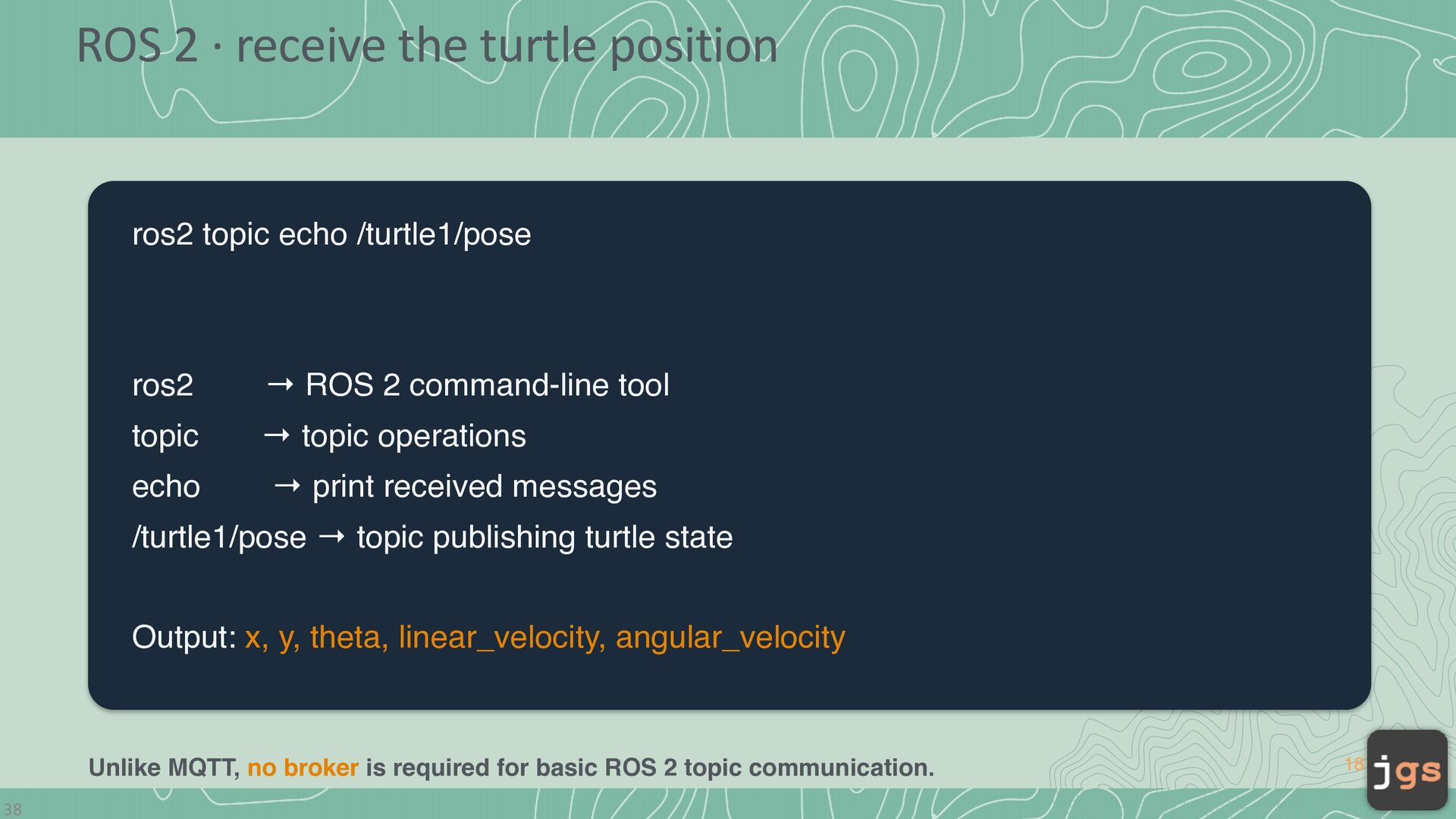
  16. ROS 2 · receive the turtle position ros2 topic echo

    /turtle1/pose ros2 → ROS 2 command-line tool topic → topic operations echo → print received messages /turtle1/pose → topic publishing turtle state Output: x, y, theta, linear_velocity, angular_velocity Unlike MQTT, no broker is required for basic ROS 2 topic communication. 38 18
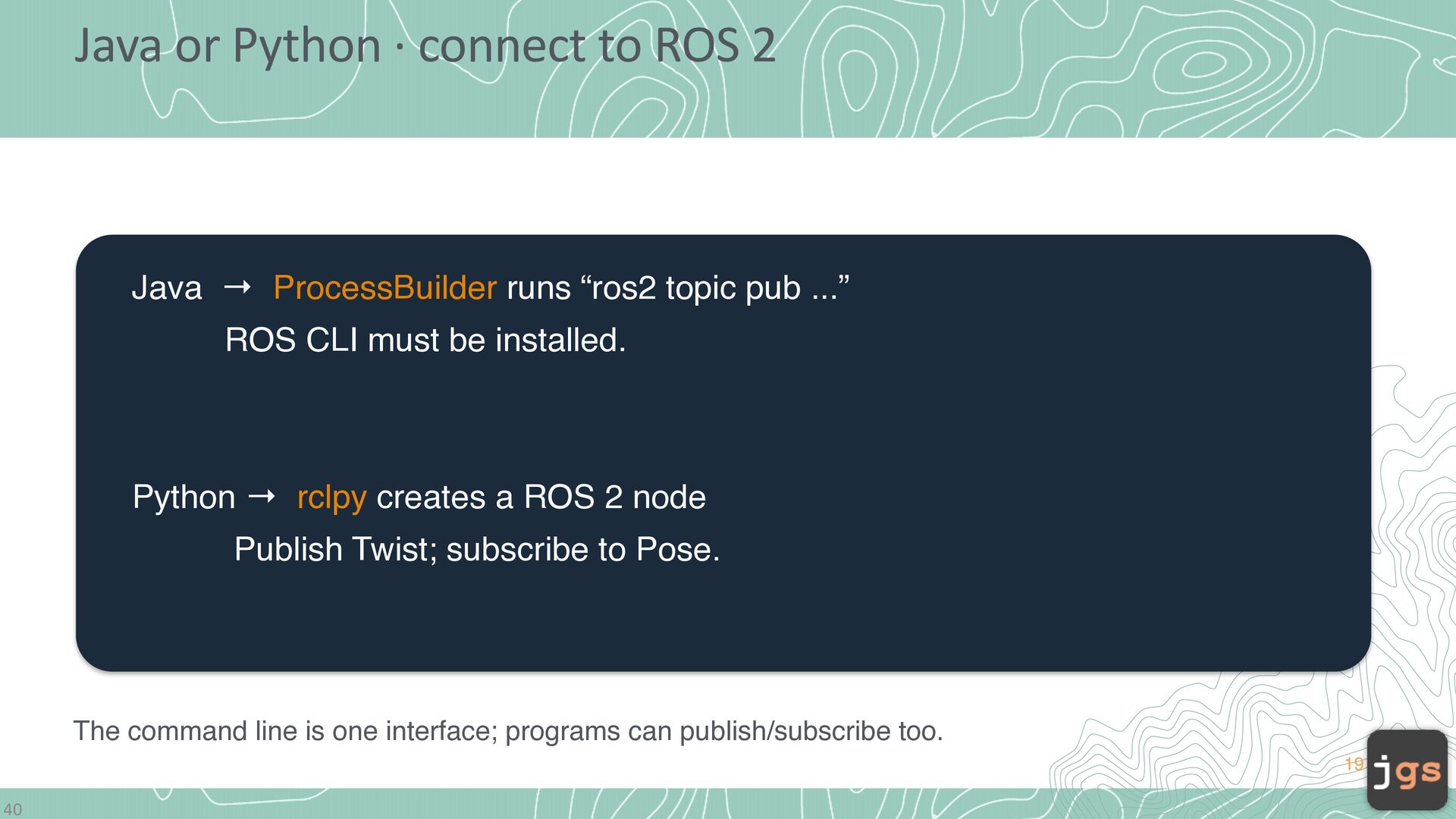
  17. Java or Python · connect to ROS 2 Java →

    ProcessBuilder runs “ros2 topic pub ...” ROS CLI must be installed. Python → rclpy creates a ROS 2 node Publish Twist; subscribe to Pose. The command line is one interface; programs can publish/subscribe too. 19 40
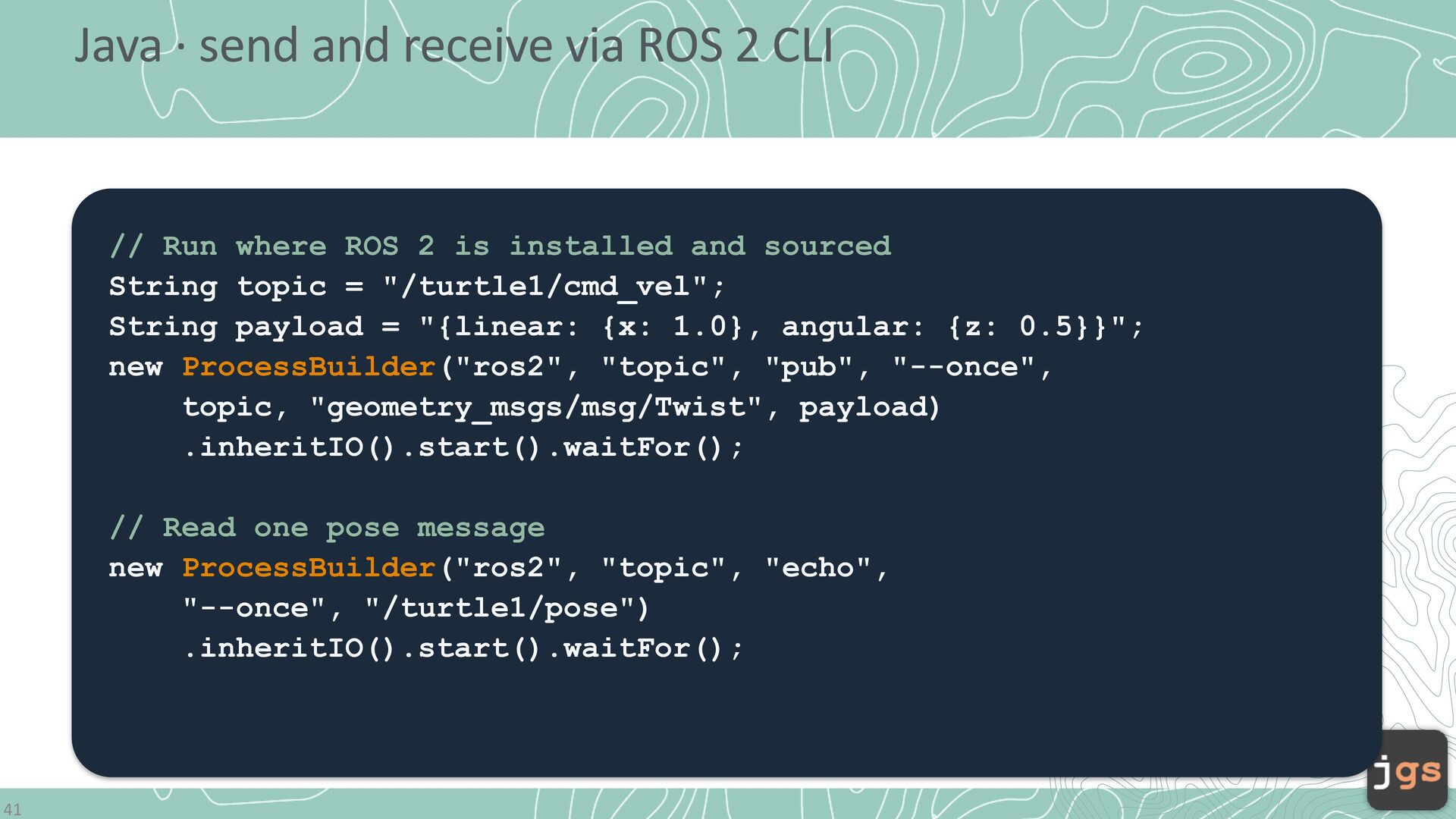
  18. Java · send and receive via ROS 2 CLI //

    Run where ROS 2 is installed and sourced String topic = "/turtle1/cmd_vel"; String payload = "{linear: {x: 1.0}, angular: {z: 0.5}}"; new ProcessBuilder("ros2", "topic", "pub", "--once", topic, "geometry_msgs/msg/Twist", payload) .inheritIO().start().waitFor(); // Read one pose message new ProcessBuilder("ros2", "topic", "echo", "--once", "/turtle1/pose") .inheritIO().start().waitFor(); 41
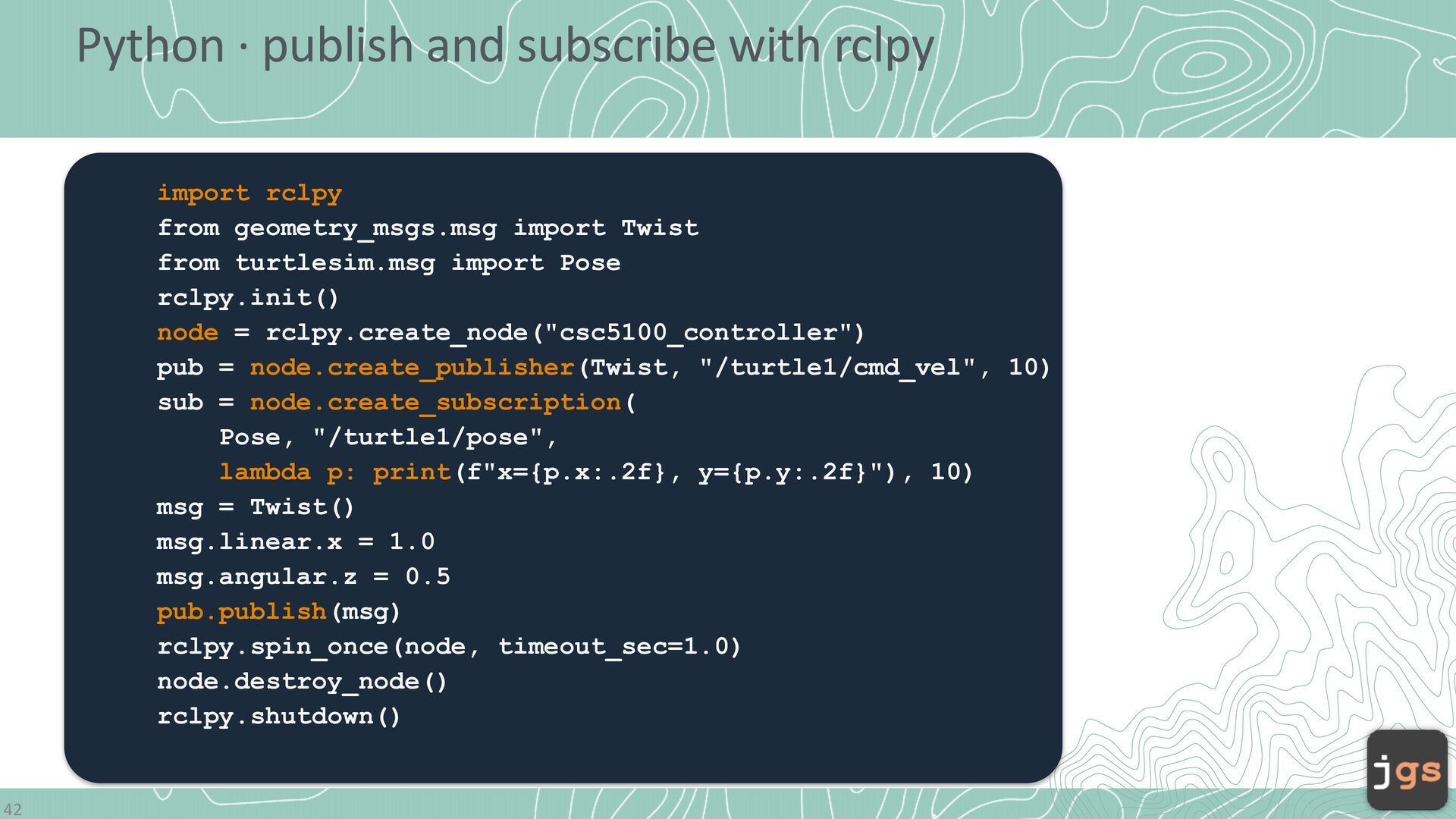
  19. Python · publish and subscribe with rclpy import rclpy from

    geometry_msgs.msg import Twist from turtlesim.msg import Pose rclpy.init() node = rclpy.create_node("csc5100_controller") pub = node.create_publisher(Twist, "/turtle1/cmd_vel", 10) sub = node.create_subscription( Pose, "/turtle1/pose", lambda p: print(f"x={p.x:.2f}, y={p.y:.2f}"), 10) msg = Twist() msg.linear.x = 1.0 msg.angular.z = 0.5 pub.publish(msg) rclpy.spin_once(node, timeout_sec=1.0) node.destroy_node() rclpy.shutdown() 42
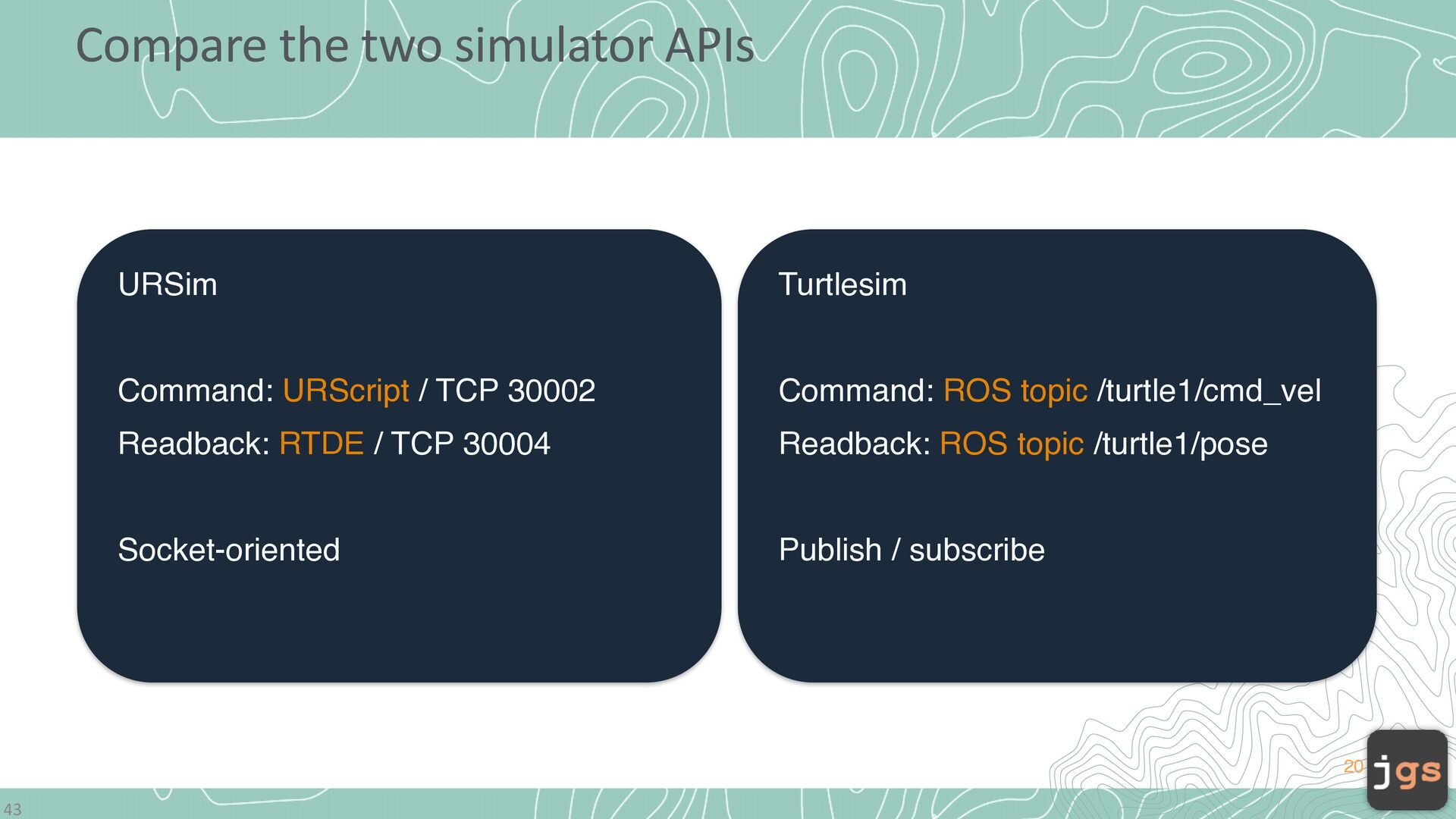
  20. Compare the two simulator APIs URSim Turtlesim Command: URScript /

    TCP 30002 Command: ROS topic /turtle1/cmd_vel Readback: RTDE / TCP 30004 Readback: ROS topic /turtle1/pose Socket-oriented Publish / subscribe 20 43
  21. CSC 3100 Software Engineering Javier Gonzalez-Sanchez, Ph.D. [email protected] Fall 2026

    Copyright. These slides may be used only as study material for CSC 5100 within the California State University system. They may not be distributed or used for any other purpose.