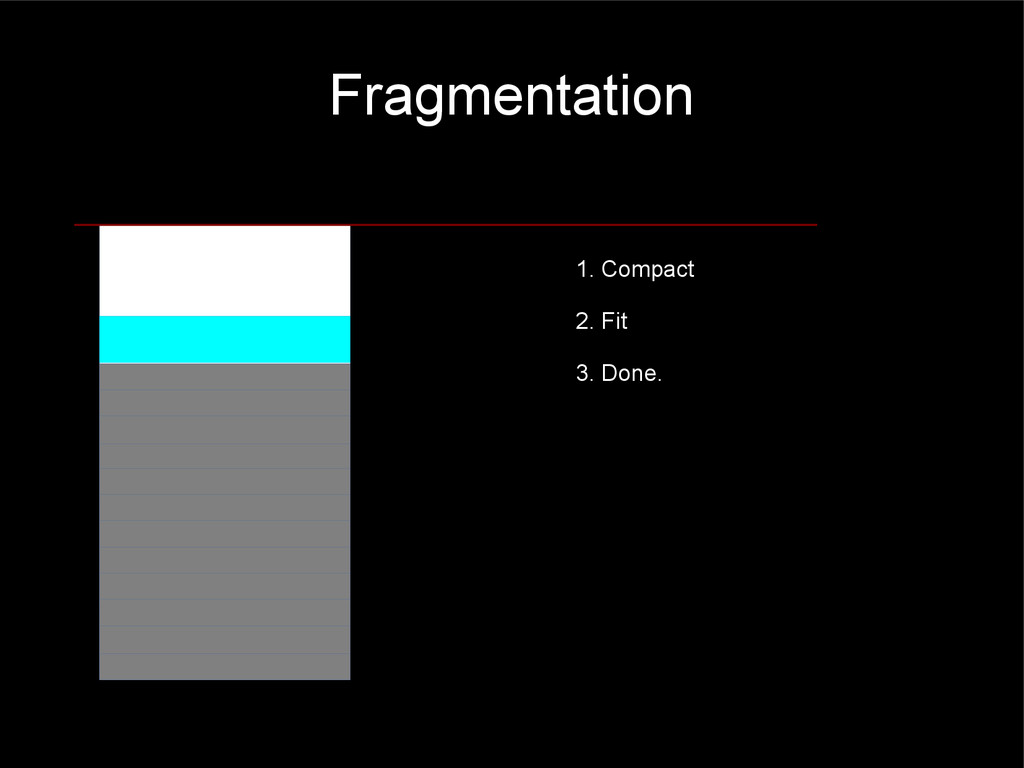
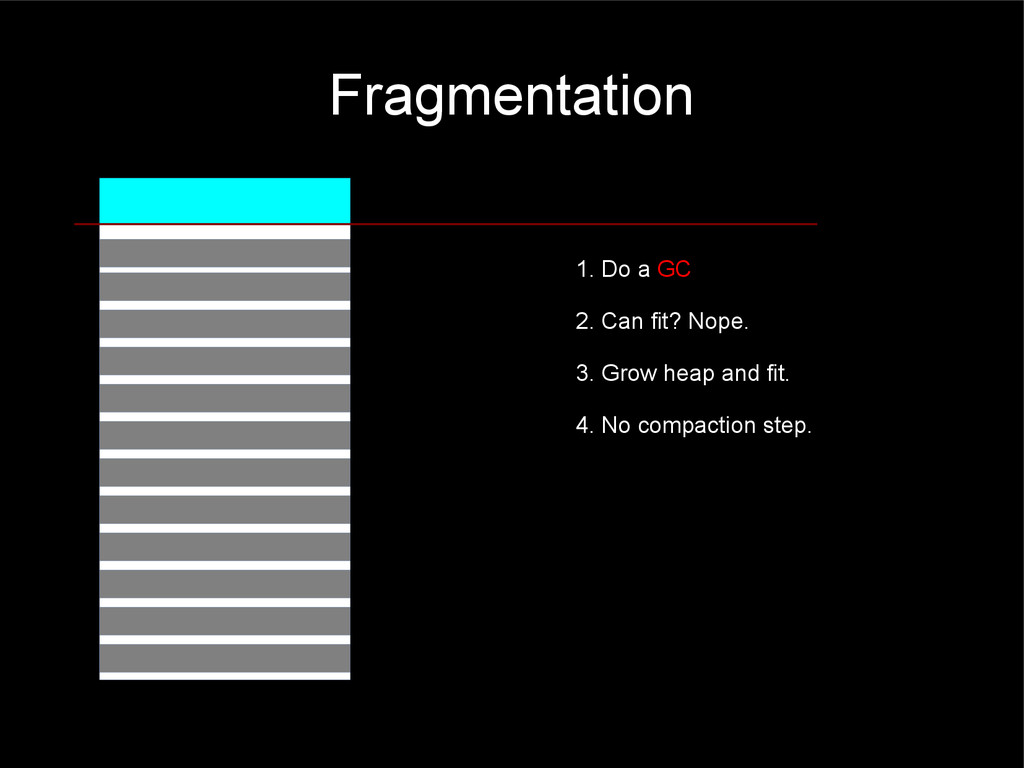
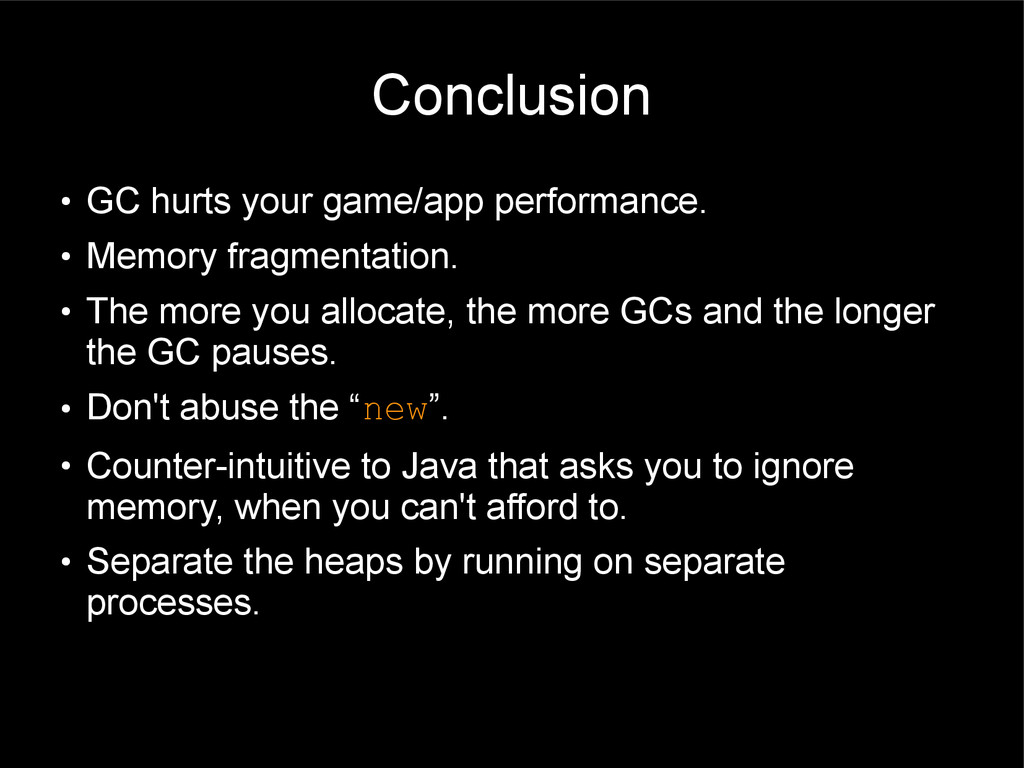
in situations where you can afford to pay for it. • Code readability and maintainability is great. • You can still have readability and maintainability AND avoid paying for GCs. • That's the craft of Software Engineering.
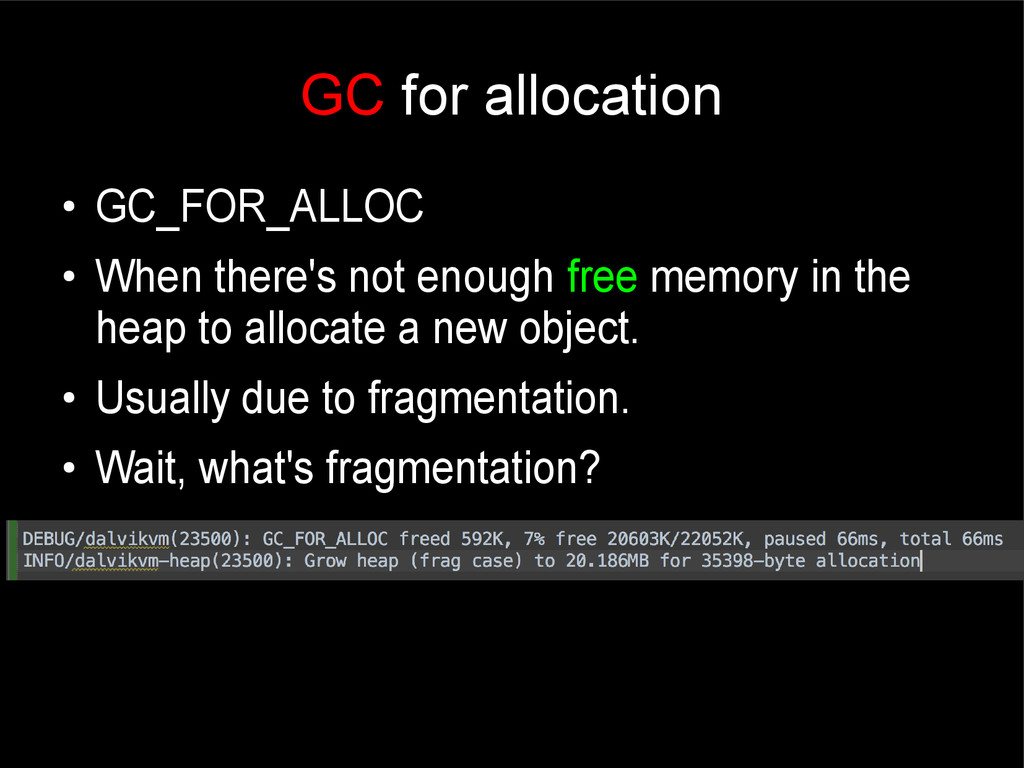
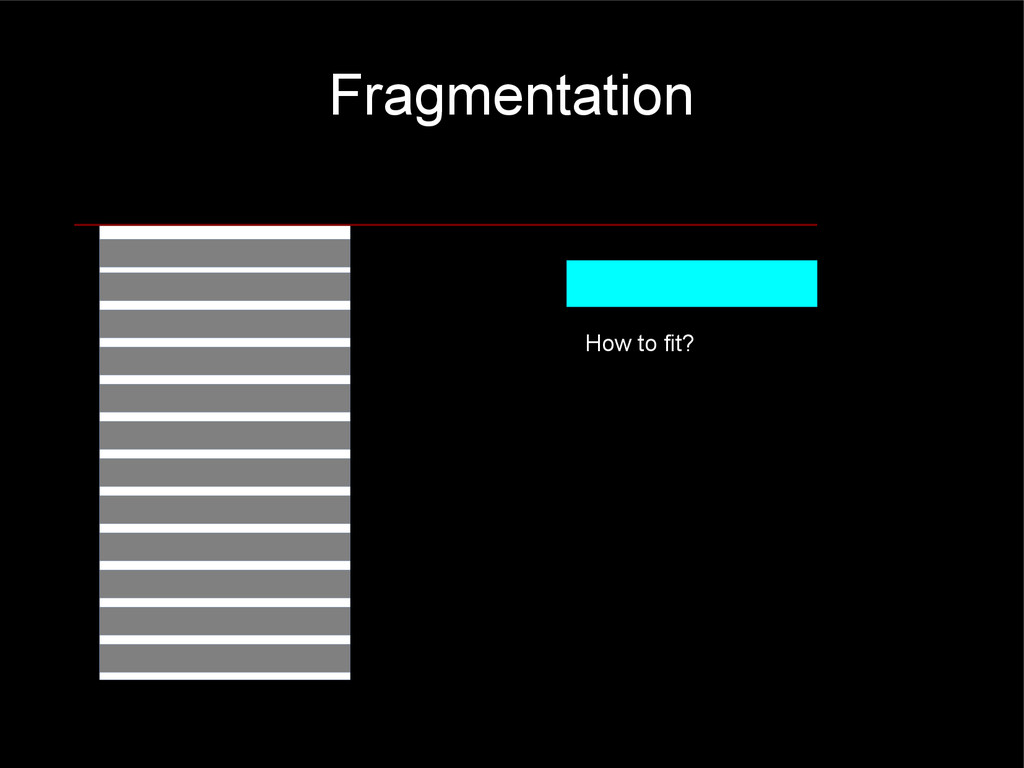
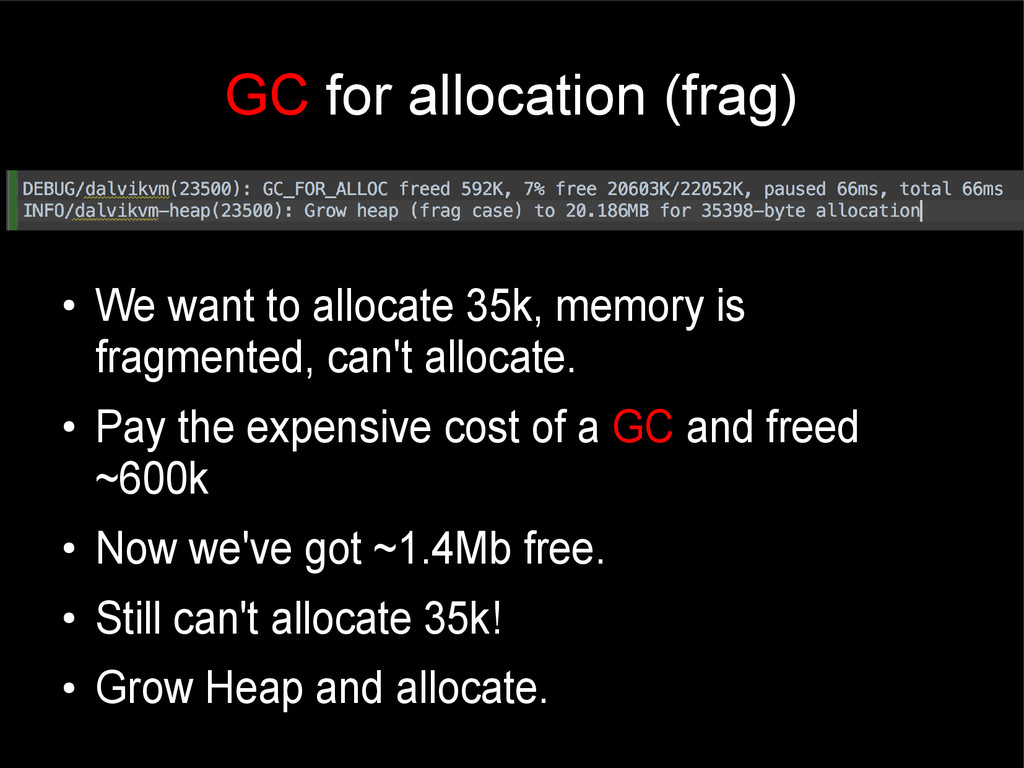
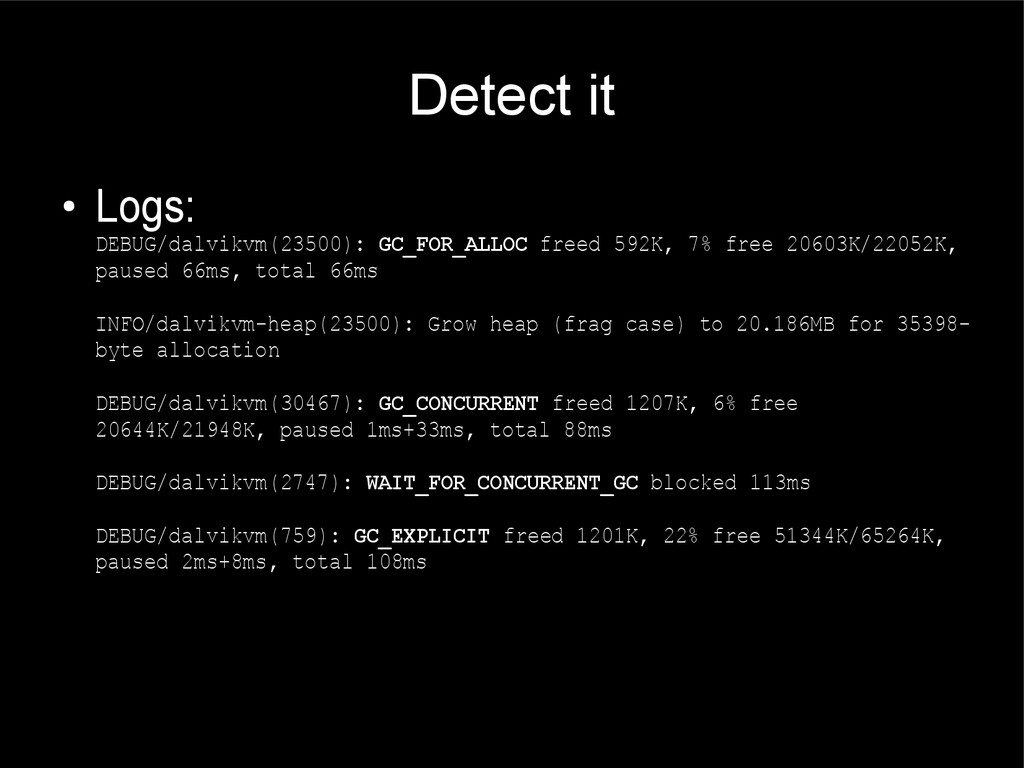
memory is fragmented, can't allocate. • Pay the expensive cost of a GC and freed ~600k • Now we've got ~1.4Mb free. • Still can't allocate 35k! • Grow Heap and allocate.
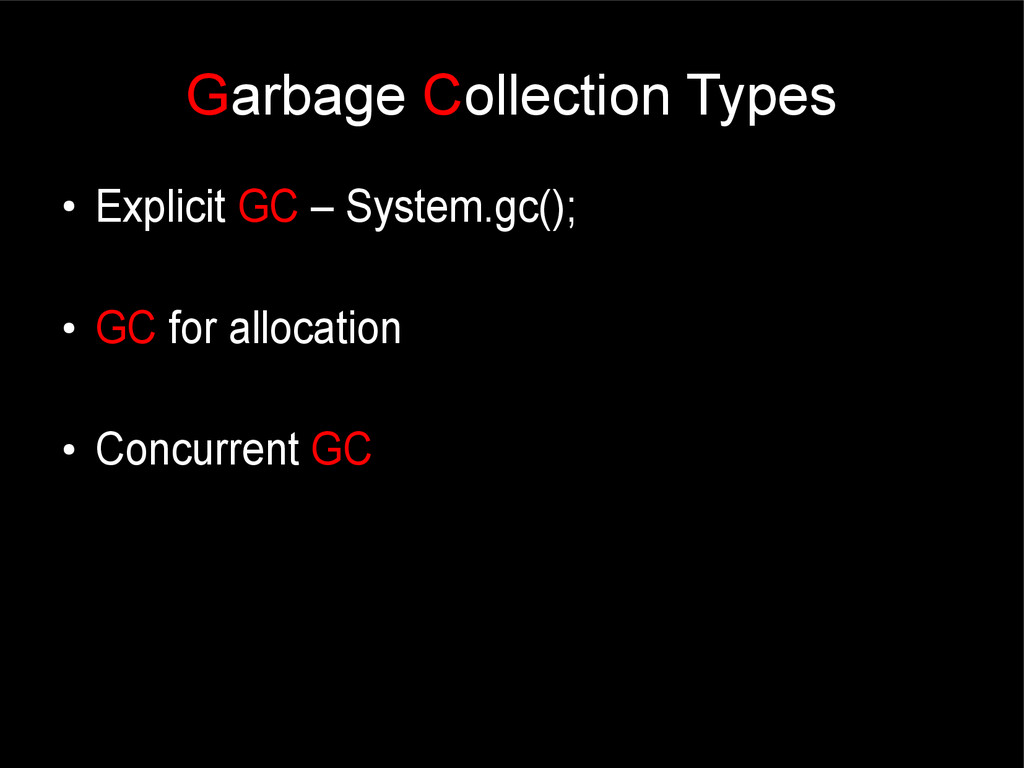
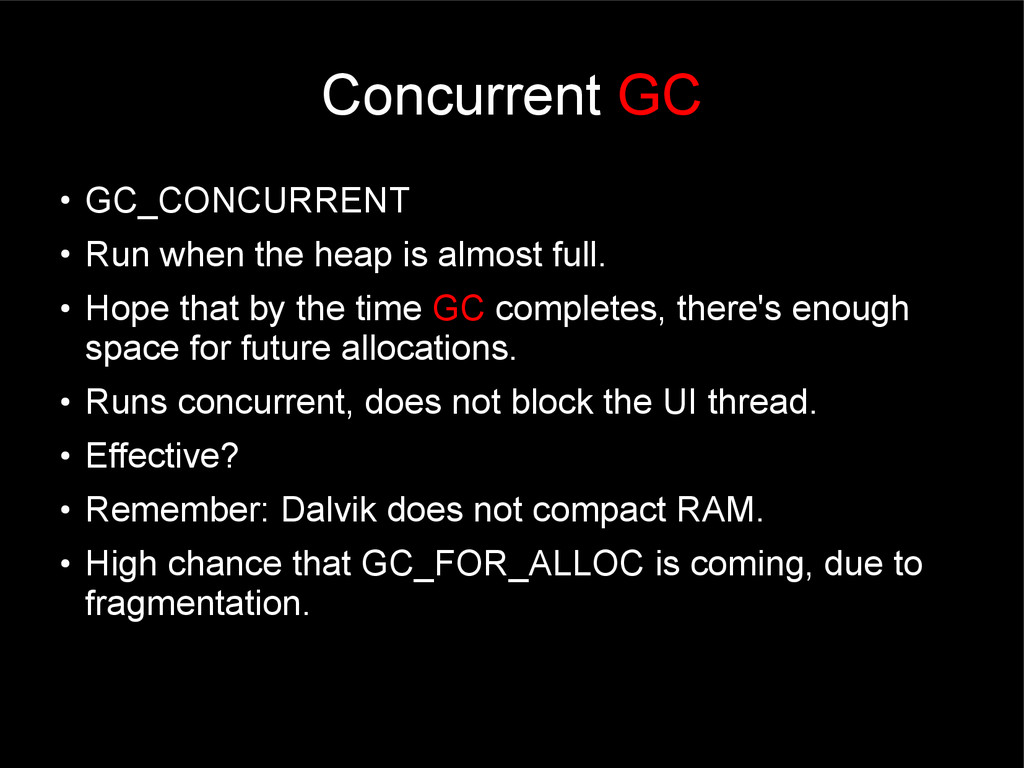
almost full. • Hope that by the time GC completes, there's enough space for future allocations. • Runs concurrent, does not block the UI thread. • Effective? • Remember: Dalvik does not compact RAM. • High chance that GC_FOR_ALLOC is coming, due to fragmentation.
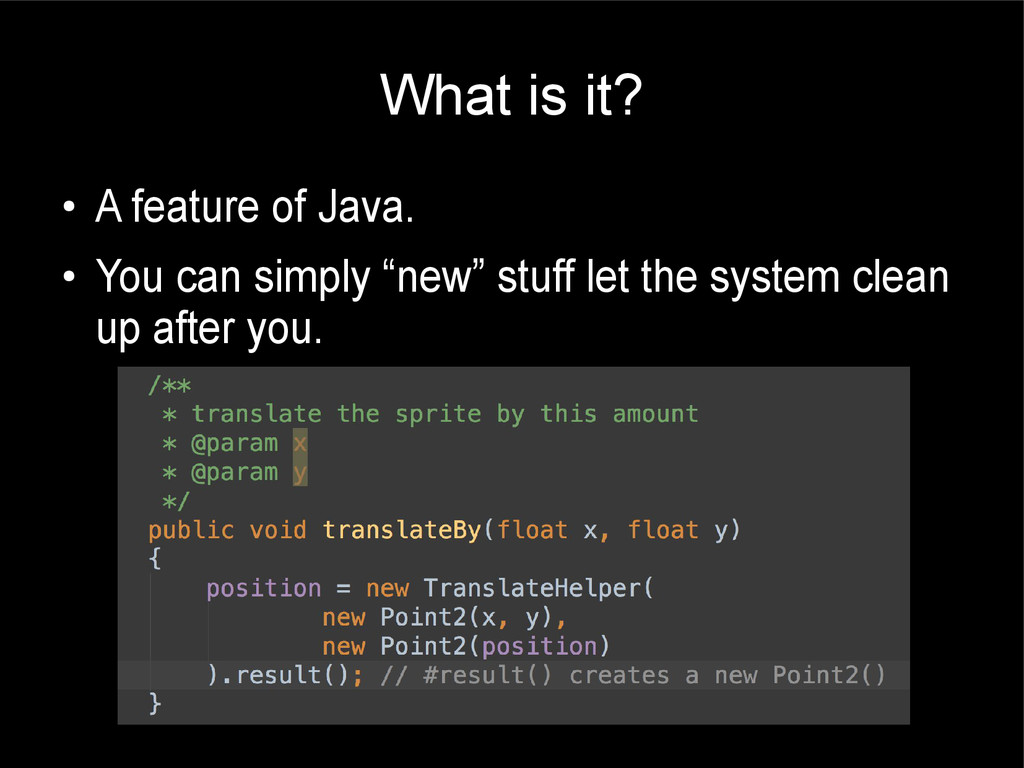
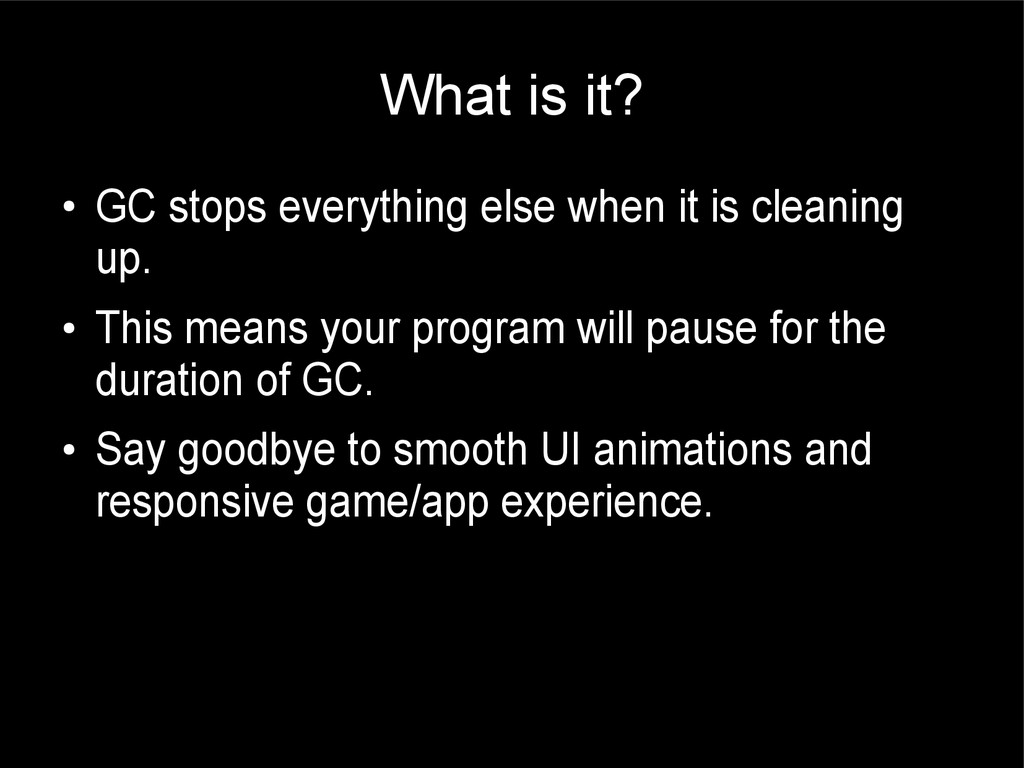
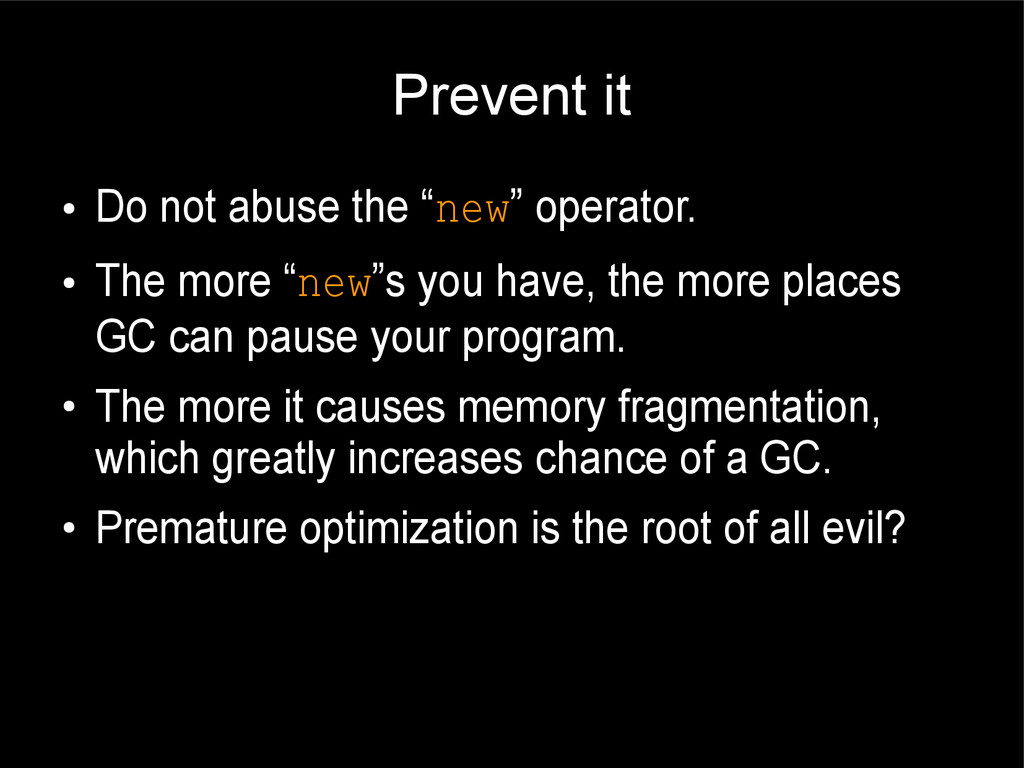
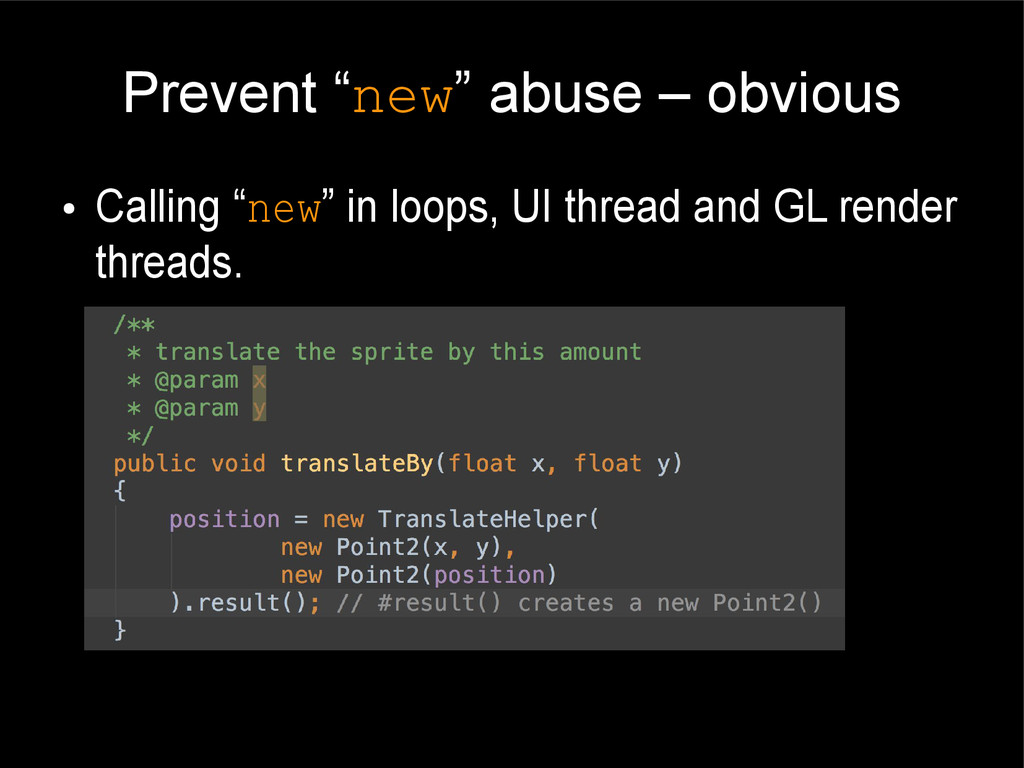
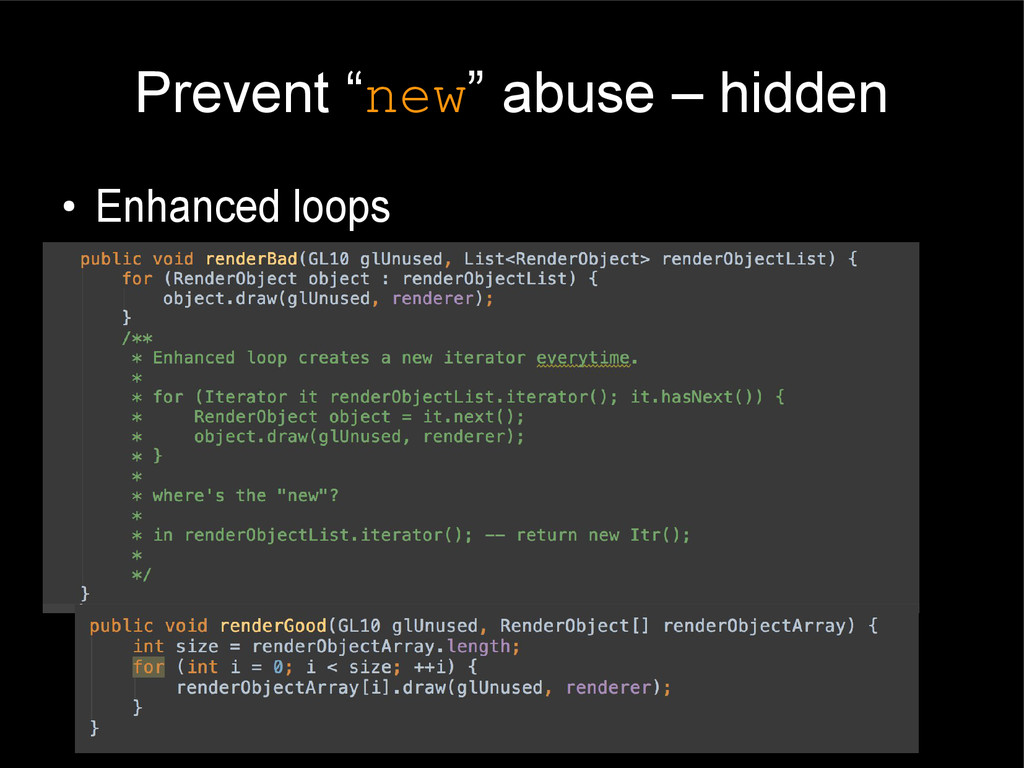
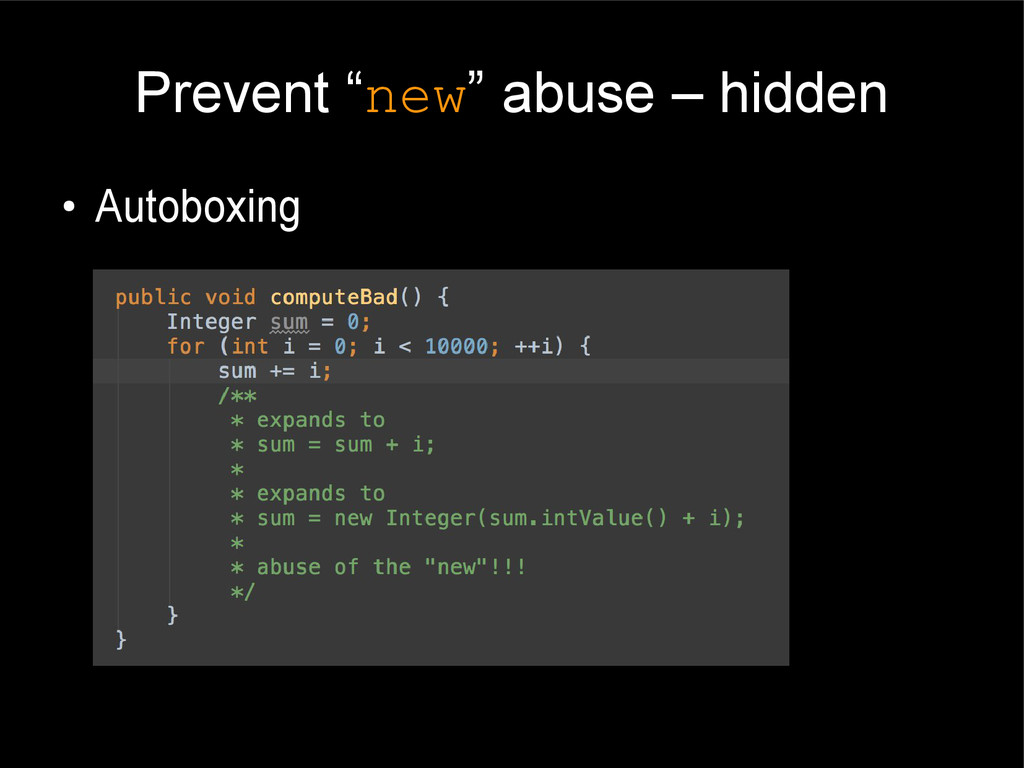
The more “new”s you have, the more places GC can pause your program. • The more it causes memory fragmentation, which greatly increases chance of a GC. • Premature optimization is the root of all evil?
here won't hurt anyone.... • This is a global code style issue, and it will be EVERYWHERE in the codebase. • You can't just single out one module, measure that, and optimize when things slow down.
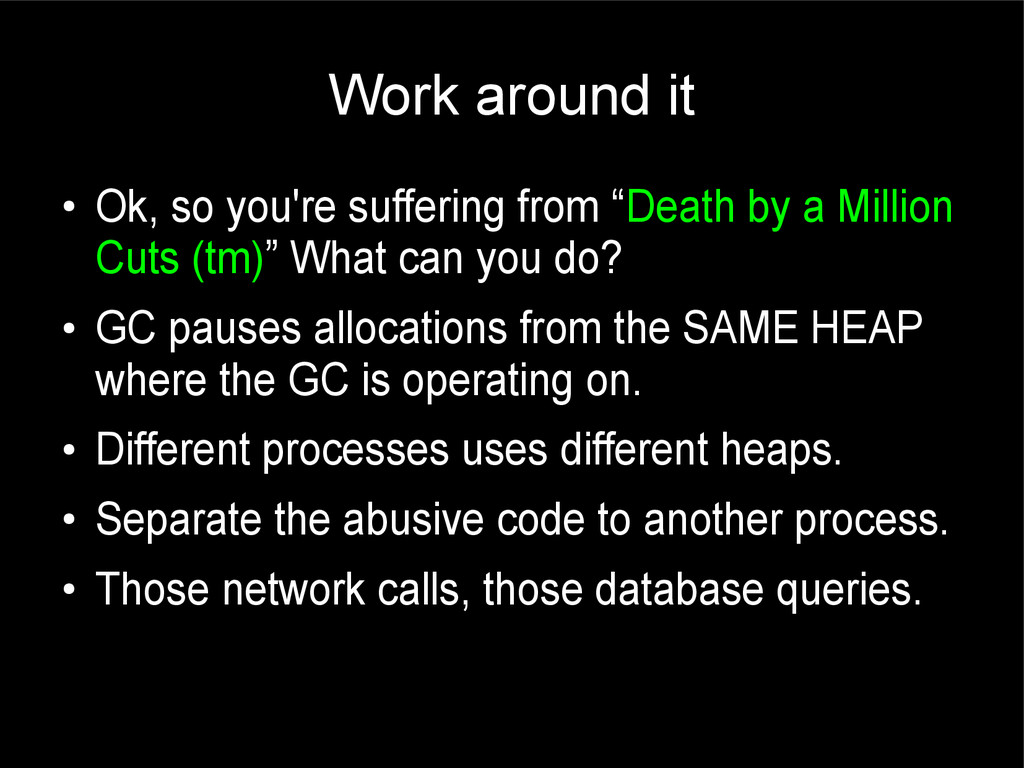
everywhere in the code path contributes to the GC problem. • When you realize the GC issue, you might need to re-write your entire codebase • And then you give up and just live with what you got. • Death by a Million Cuts (tm).
by a Million Cuts (tm)” What can you do? • GC pauses allocations from the SAME HEAP where the GC is operating on. • Different processes uses different heaps. • Separate the abusive code to another process. • Those network calls, those database queries.
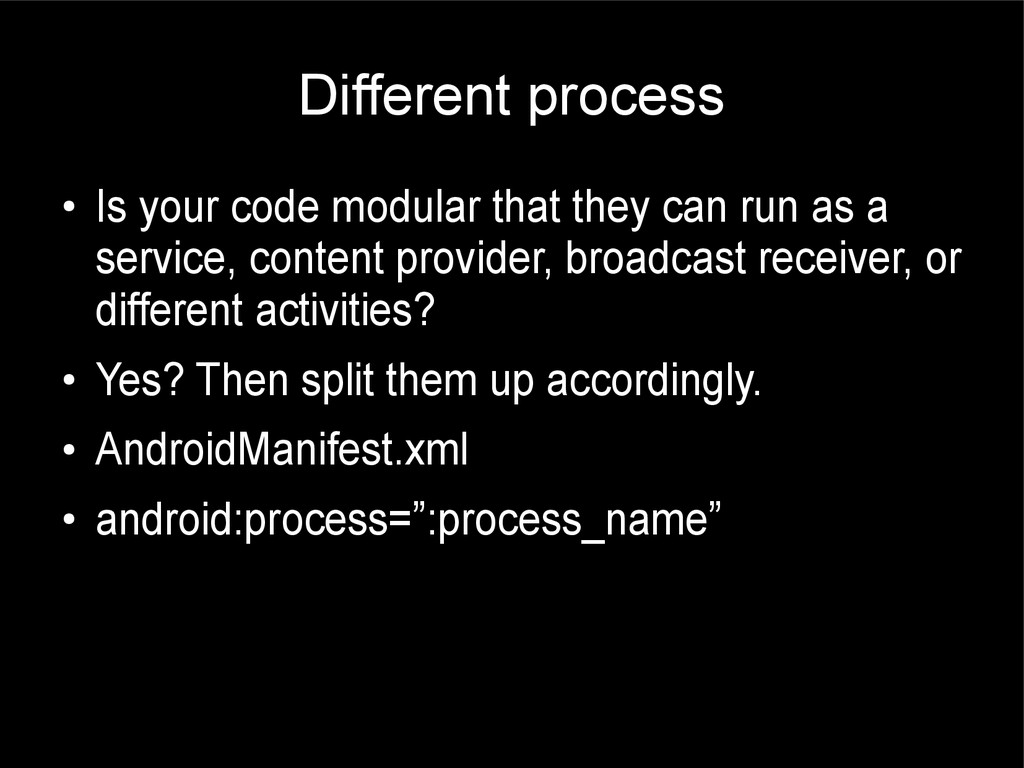
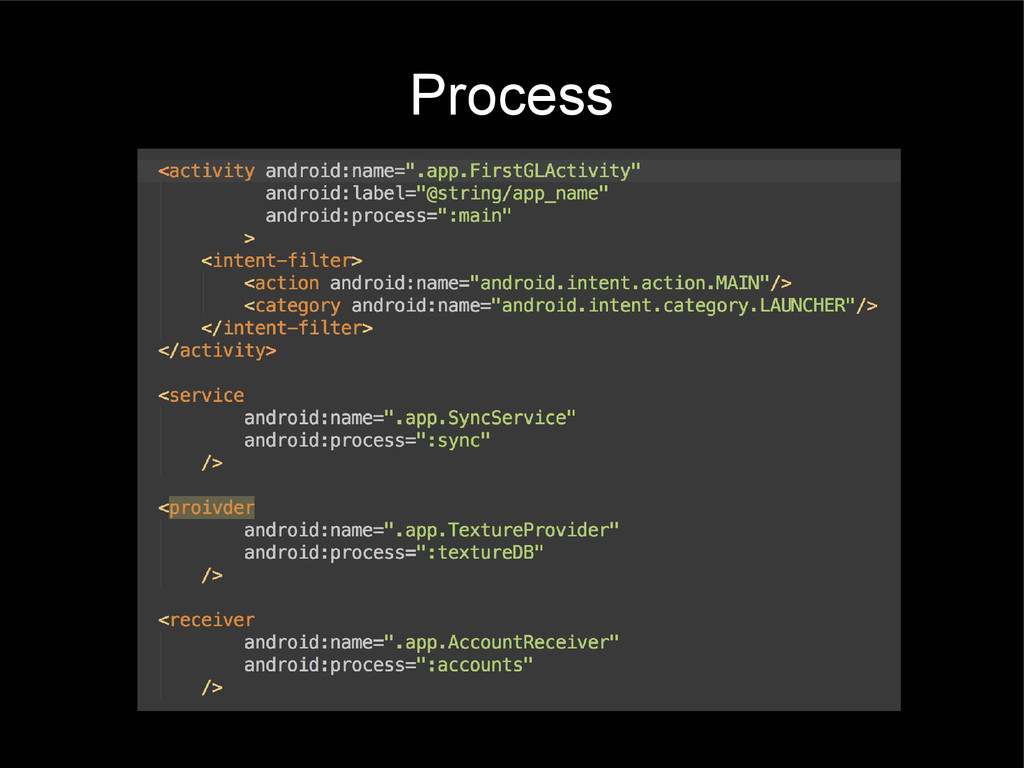
run as a service, content provider, broadcast receiver, or different activities? • Yes? Then split them up accordingly. • AndroidManifest.xml • android:process=”:process_name”
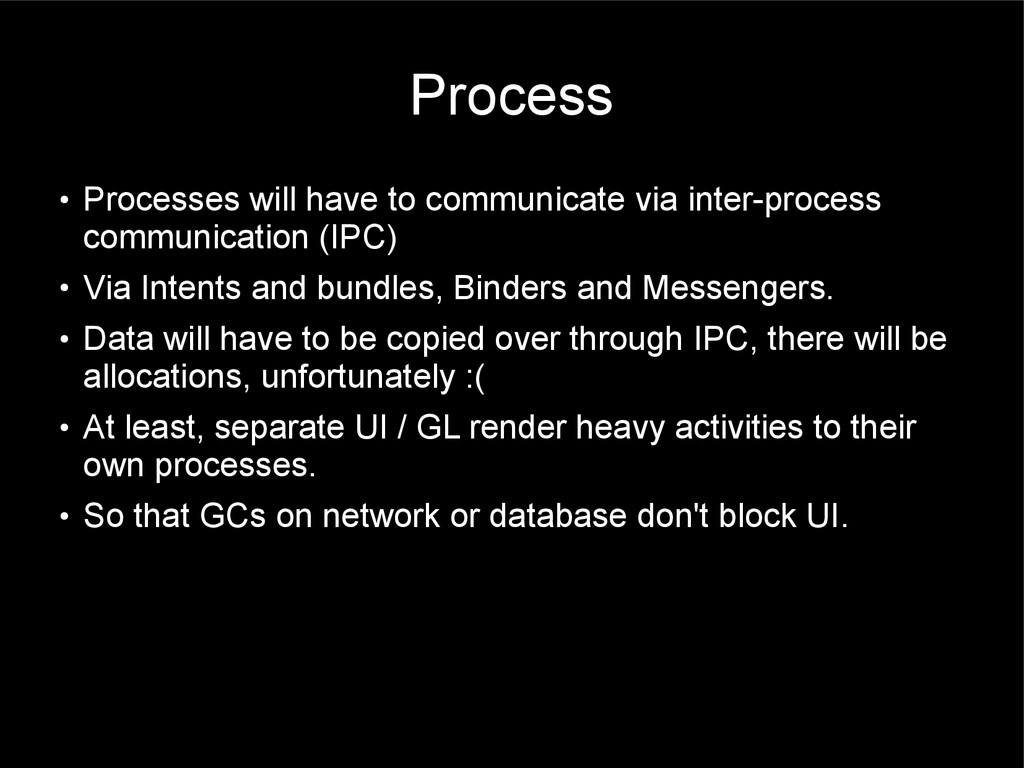
(IPC) • Via Intents and bundles, Binders and Messengers. • Data will have to be copied over through IPC, there will be allocations, unfortunately :( • At least, separate UI / GL render heavy activities to their own processes. • So that GCs on network or database don't block UI.
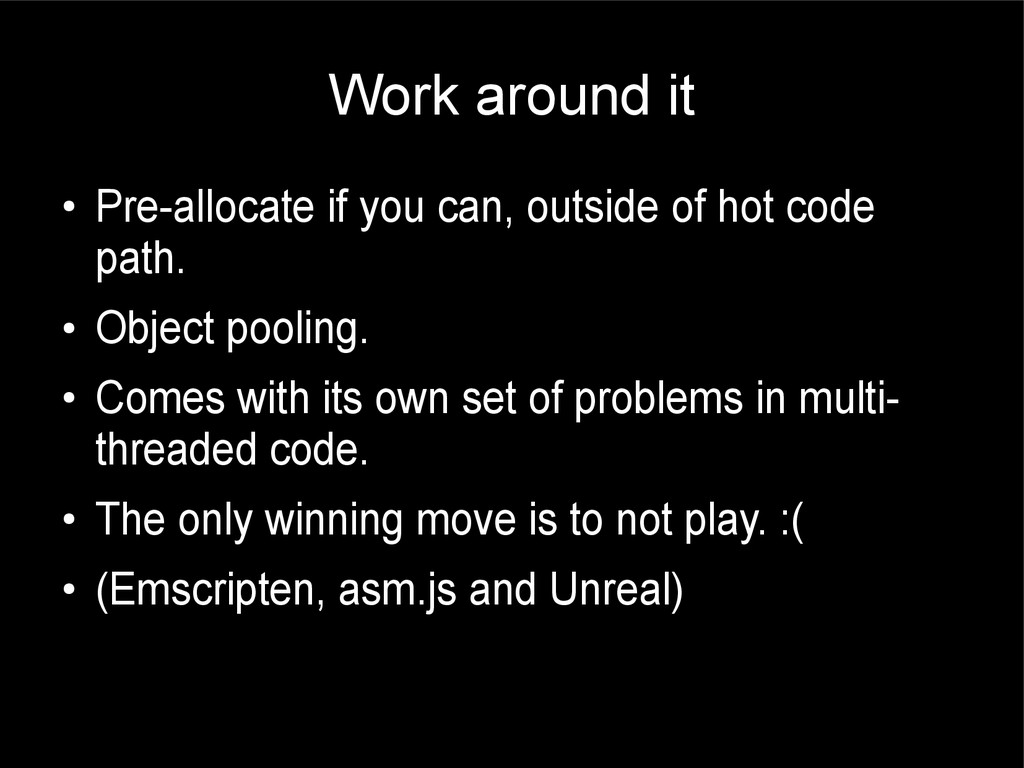
hot code path. • Object pooling. • Comes with its own set of problems in multi- threaded code. • The only winning move is to not play. :( • (Emscripten, asm.js and Unreal)
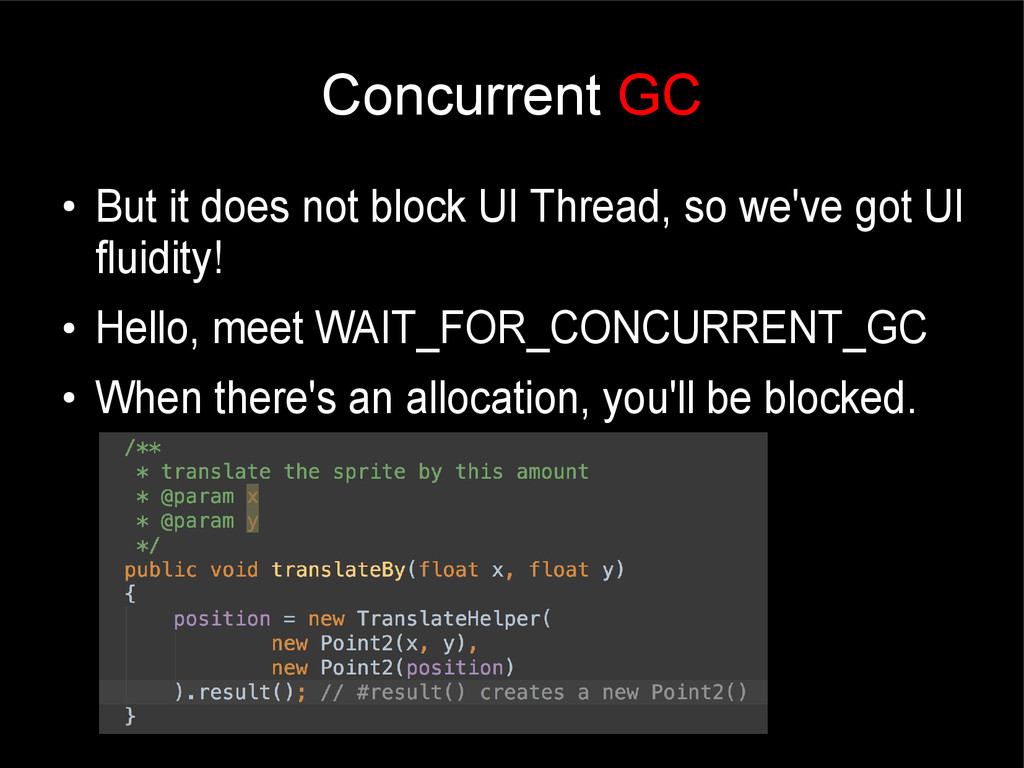
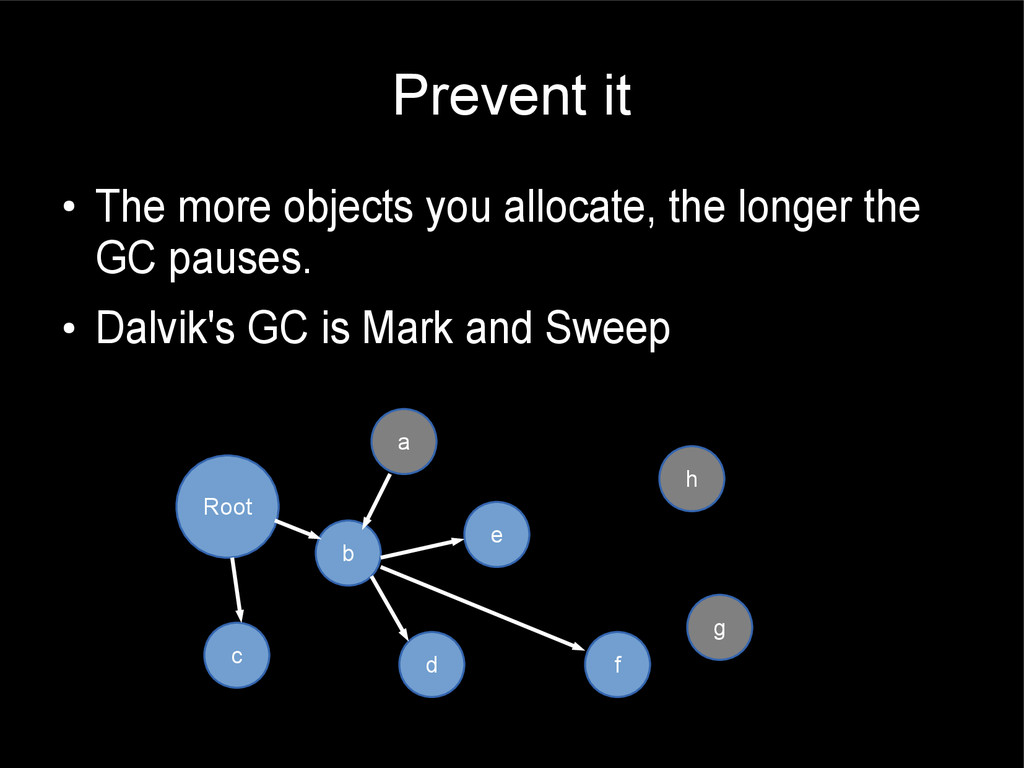
• The more you allocate, the more GCs and the longer the GC pauses. • Don't abuse the “new”. • Counter-intuitive to Java that asks you to ignore memory, when you can't afford to. • Separate the heaps by running on separate processes.
stick his/her head in the sand like an ostrich and completely ignore the elephant in the room happily tearing up your app's performance and fluidity. • That elephant in the room is MEMORY. • Java tries to hide it from you, however, Don't ignore MEMORY.


 y0hgi
y0hgi
 kenjiyoneyama
 akit37
 kaityo256
 skydoves
 takai
takai
 yuta_onishi_97
 teyamagu
 ryu1013
 optim
optim
 steliosf
 suneo3476
 marktimemedia
 sachag
 smashingmag
 cassininazir
 morganepeng
 maggiecrowley
 geshan
 gurzu
gurzu
 inesmontani
 sabderemane
 axbom
axbom
 aleyda