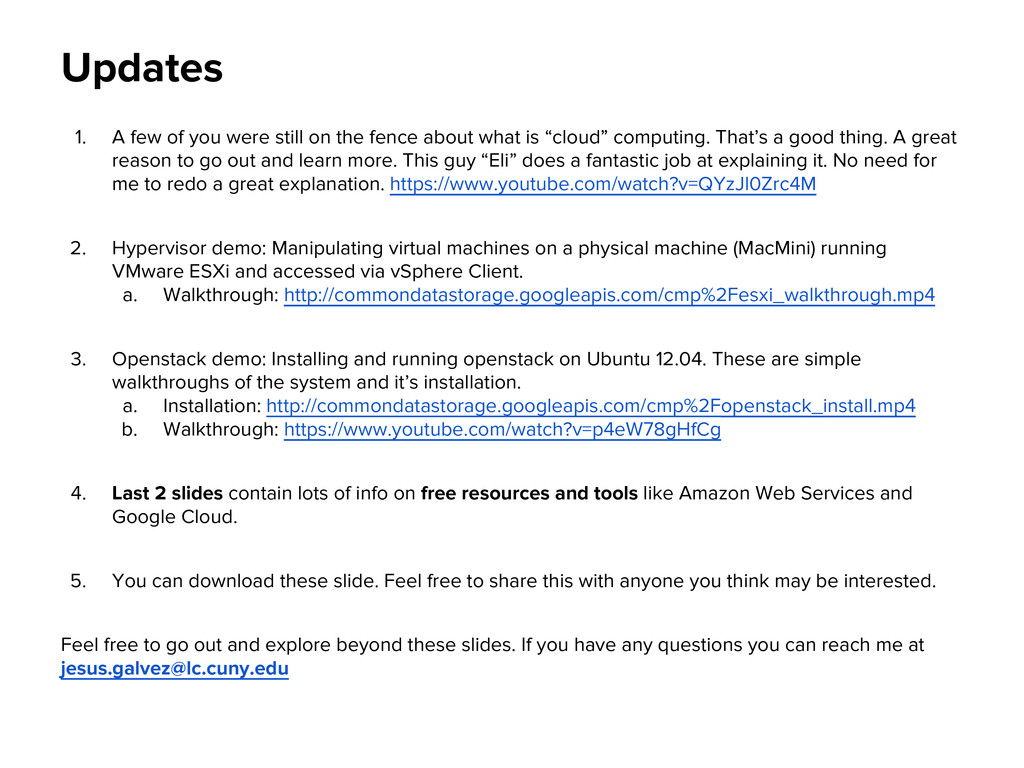
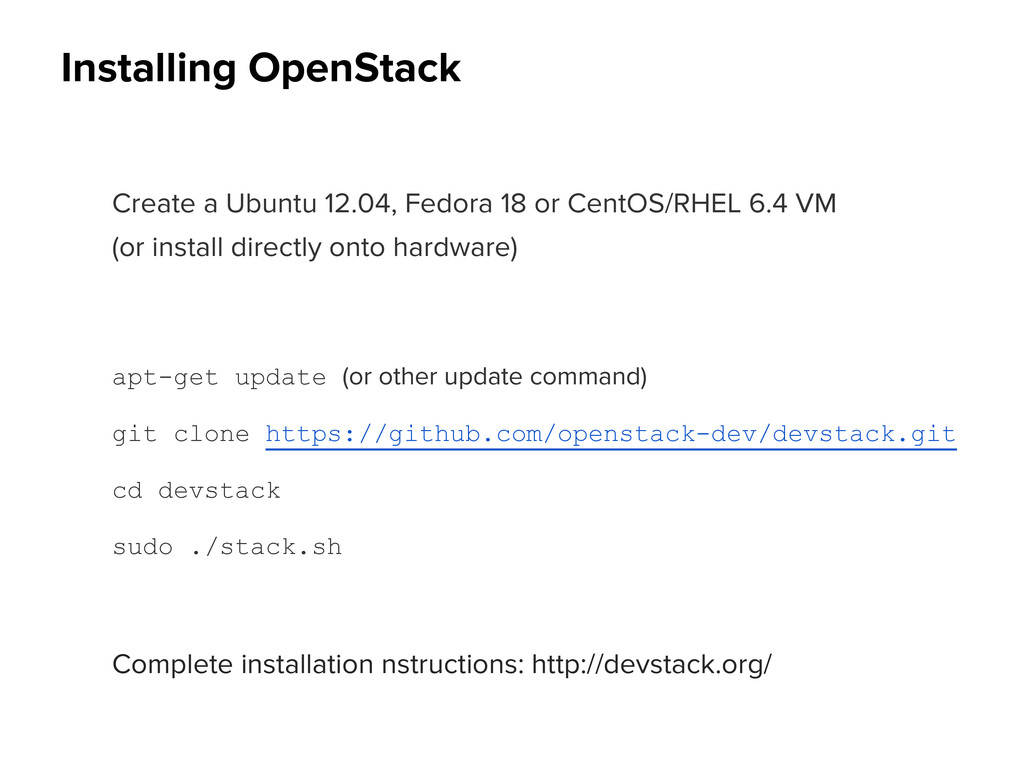
fence about what is “cloud” computing. That’s a good thing. A great reason to go out and learn more. This guy “Eli” does a fantastic job at explaining it. No need for me to redo a great explanation. https://www.youtube.com/watch?v=QYzJl0Zrc4M 2. Hypervisor demo: Manipulating virtual machines on a physical machine (MacMini) running VMware ESXi and accessed via vSphere Client. a. Walkthrough: http://commondatastorage.googleapis.com/cmp%2Fesxi_walkthrough.mp4 3. Openstack demo: Installing and running openstack on Ubuntu 12.04. These are simple walkthroughs of the system and it’s installation. a. Installation: http://commondatastorage.googleapis.com/cmp%2Fopenstack_install.mp4 b. Walkthrough: https://www.youtube.com/watch?v=p4eW78gHfCg 4. Last 2 slides contain lots of info on free resources and tools like Amazon Web Services and Google Cloud. 5. You can download these slide. Feel free to share this with anyone you think may be interested. Feel free to go out and explore beyond these slides. If you have any questions you can reach me at [email protected]
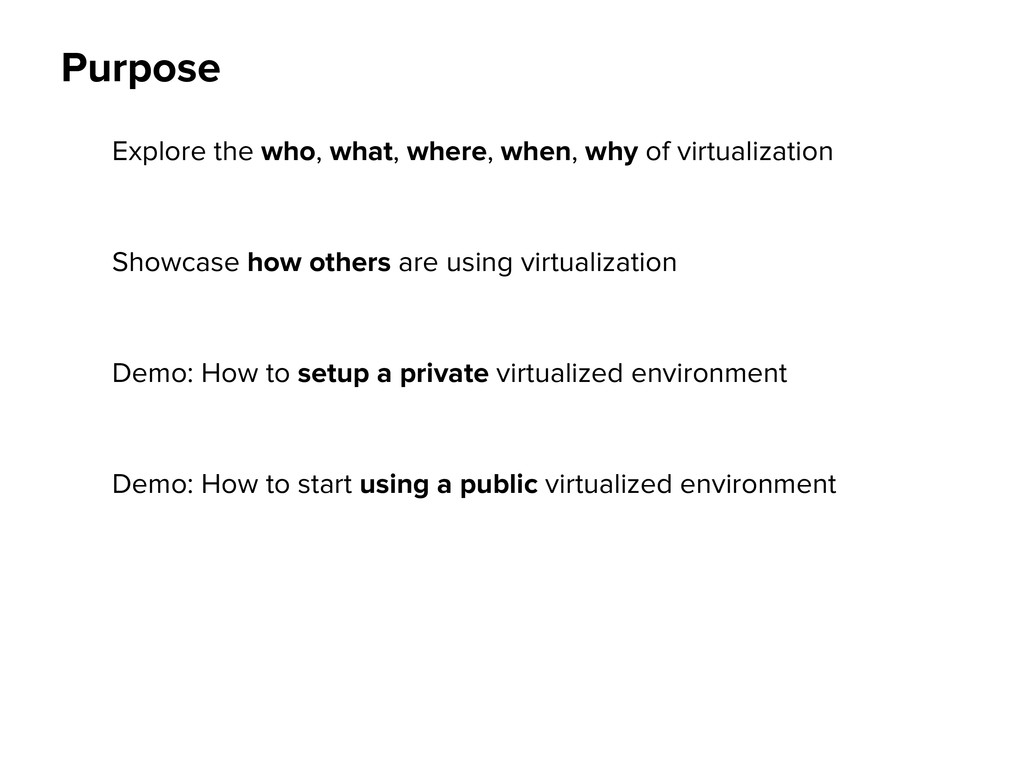
Showcase how others are using virtualization Demo: How to setup a private virtualized environment Demo: How to start using a public virtualized environment
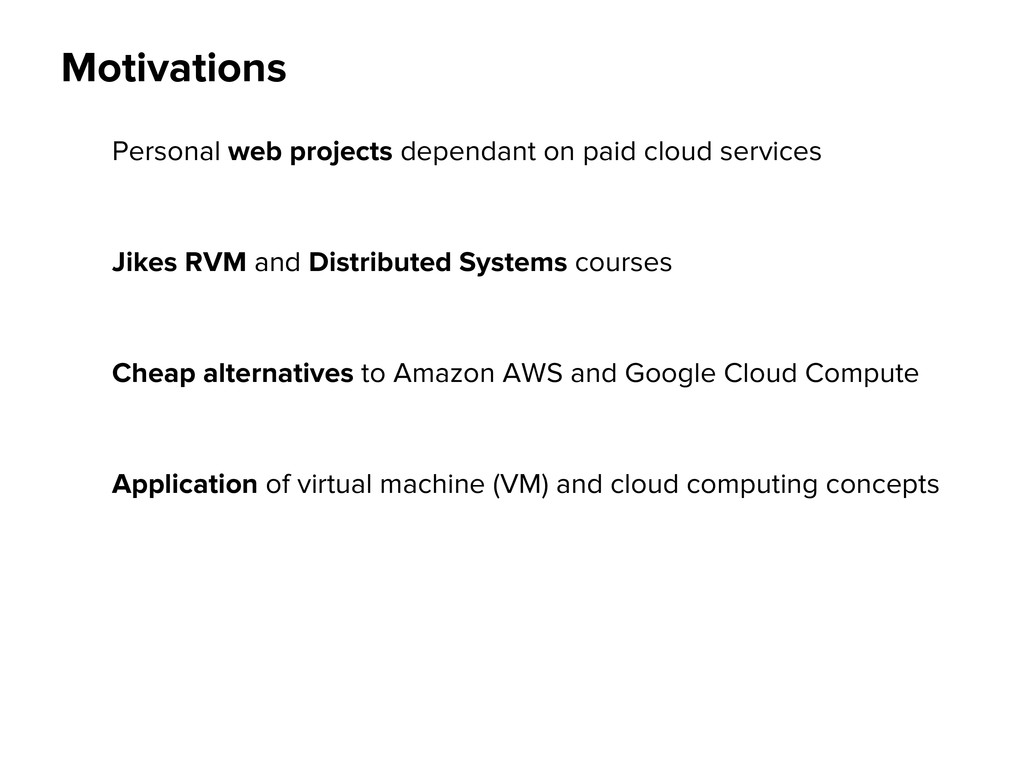
RVM and Distributed Systems courses Cheap alternatives to Amazon AWS and Google Cloud Compute Application of virtual machine (VM) and cloud computing concepts
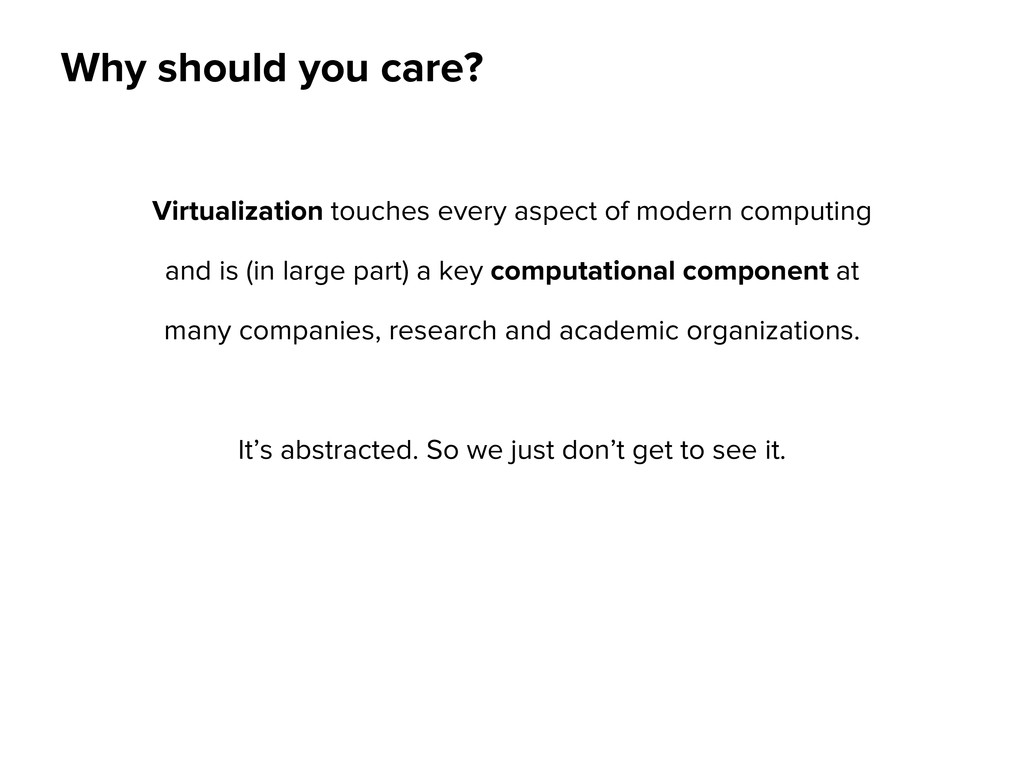
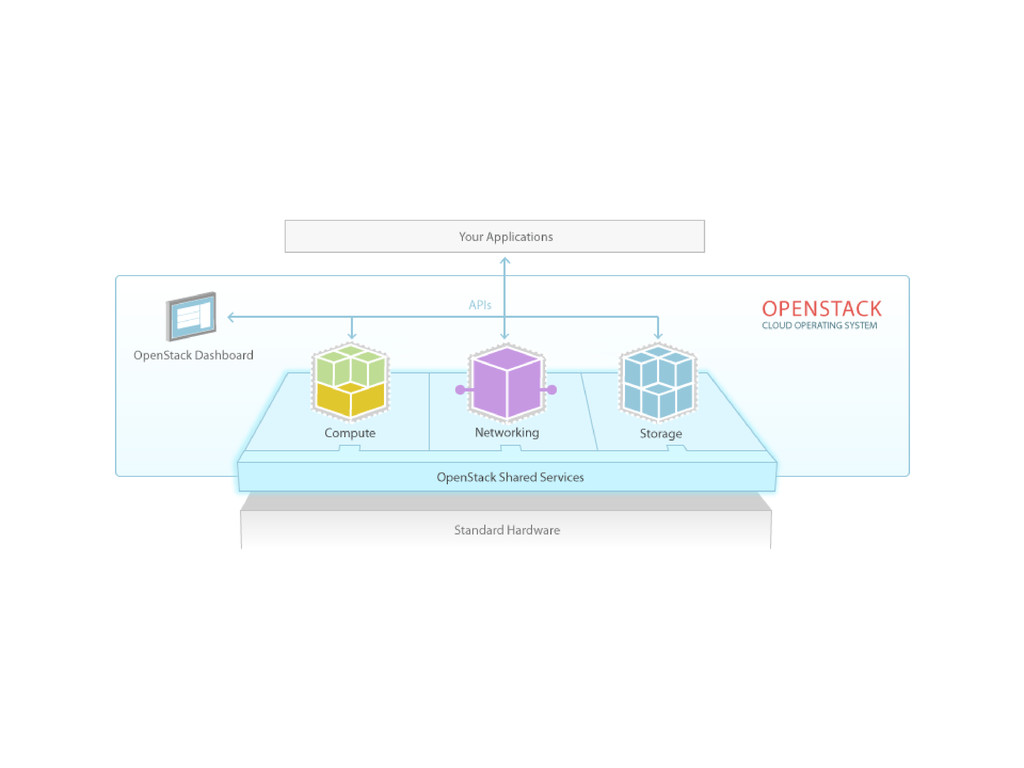
computing and is (in large part) a key computational component at many companies, research and academic organizations. It’s abstracted. So we just don’t get to see it.
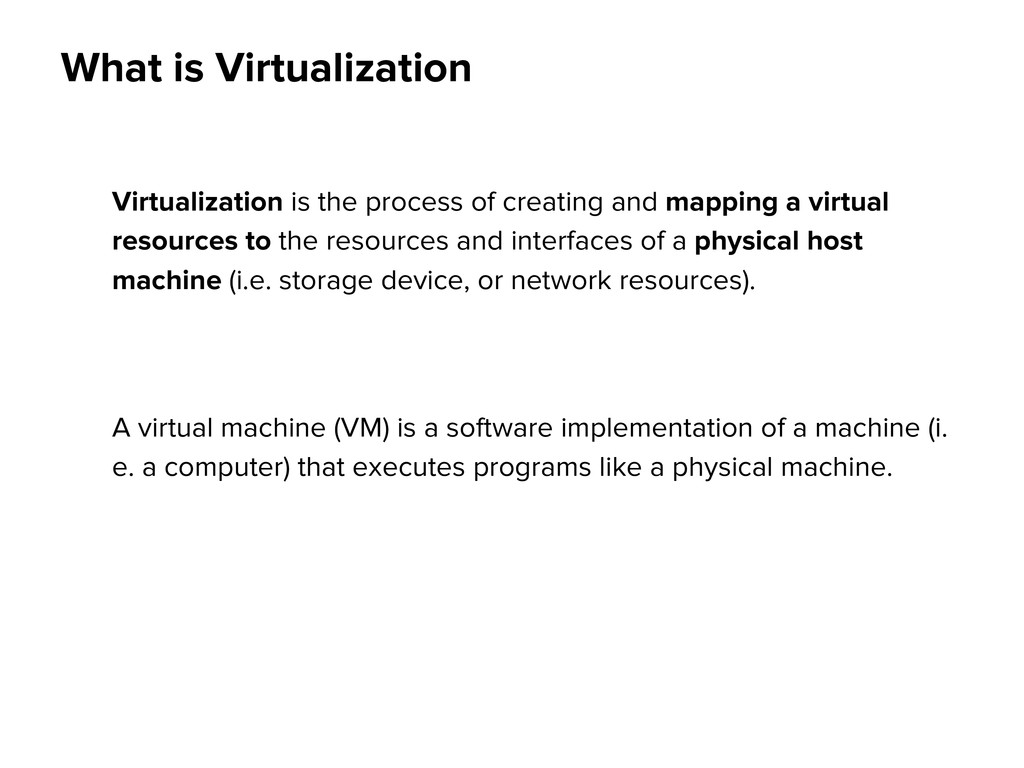
mapping a virtual resources to the resources and interfaces of a physical host machine (i.e. storage device, or network resources). A virtual machine (VM) is a software implementation of a machine (i. e. a computer) that executes programs like a physical machine.
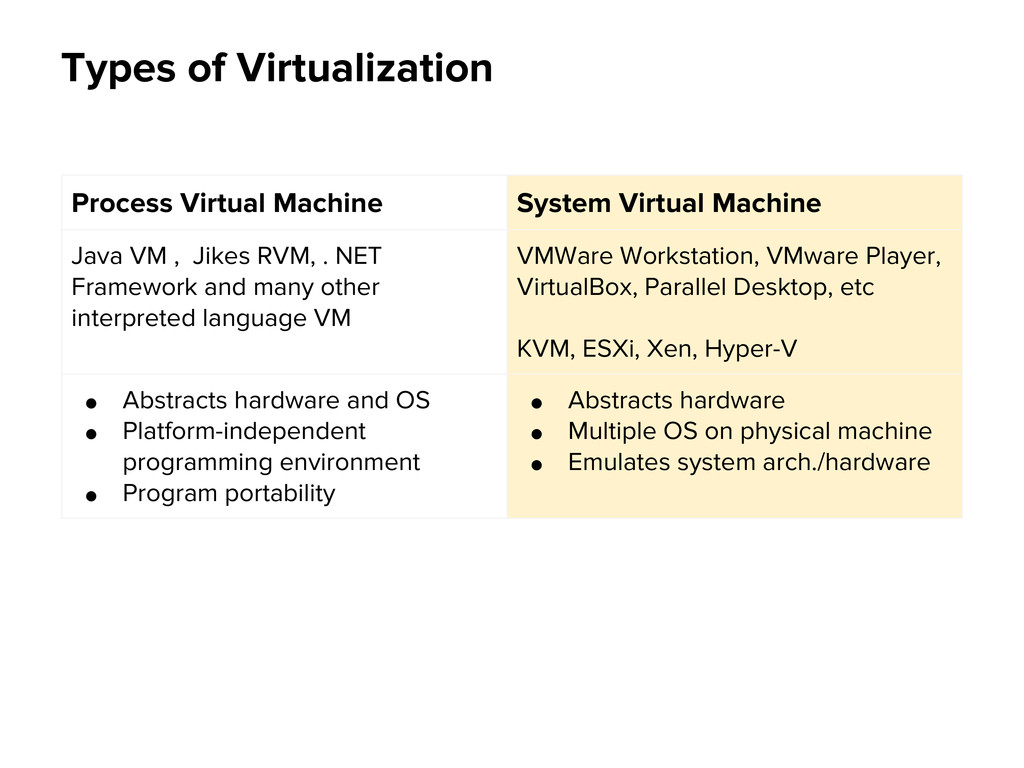
VM , Jikes RVM, . NET Framework and many other interpreted language VM VMWare Workstation, VMware Player, VirtualBox, Parallel Desktop, etc KVM, ESXi, Xen, Hyper-V • Abstracts hardware and OS • Platform-independent programming environment • Program portability • Abstracts hardware • Multiple OS on physical machine • Emulates system arch./hardware
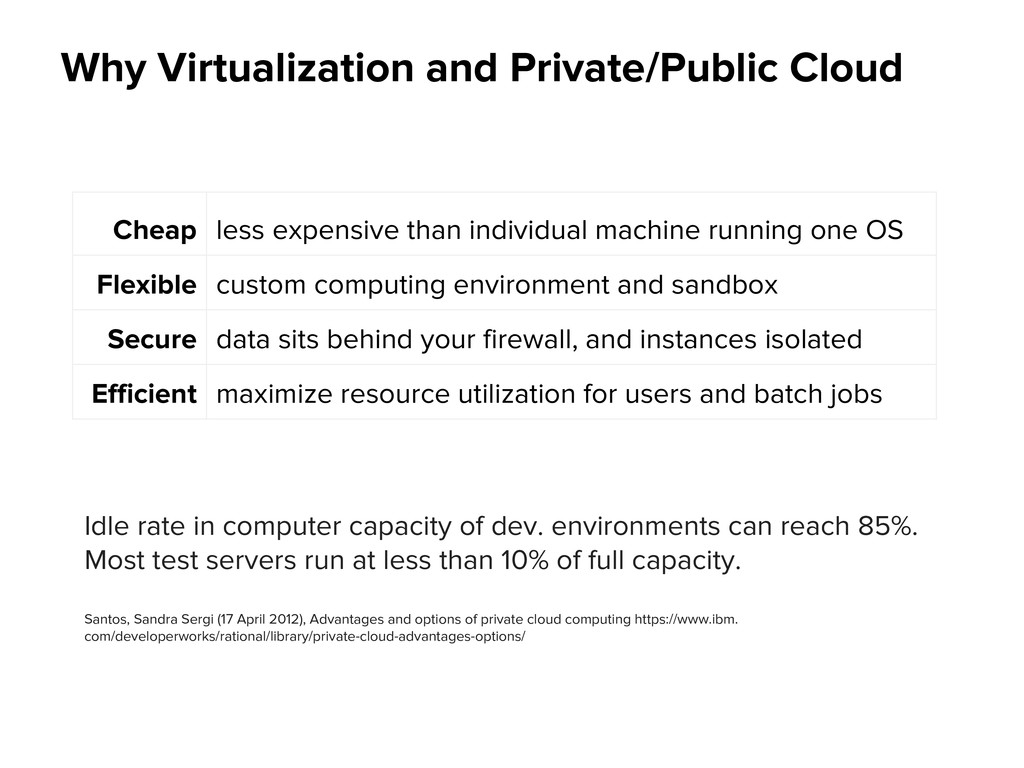
of dev. environments can reach 85%. Most test servers run at less than 10% of full capacity. Santos, Sandra Sergi (17 April 2012), Advantages and options of private cloud computing https://www.ibm. com/developerworks/rational/library/private-cloud-advantages-options/ Cheap less expensive than individual machine running one OS Flexible custom computing environment and sandbox Secure data sits behind your firewall, and instances isolated Efficient maximize resource utilization for users and batch jobs
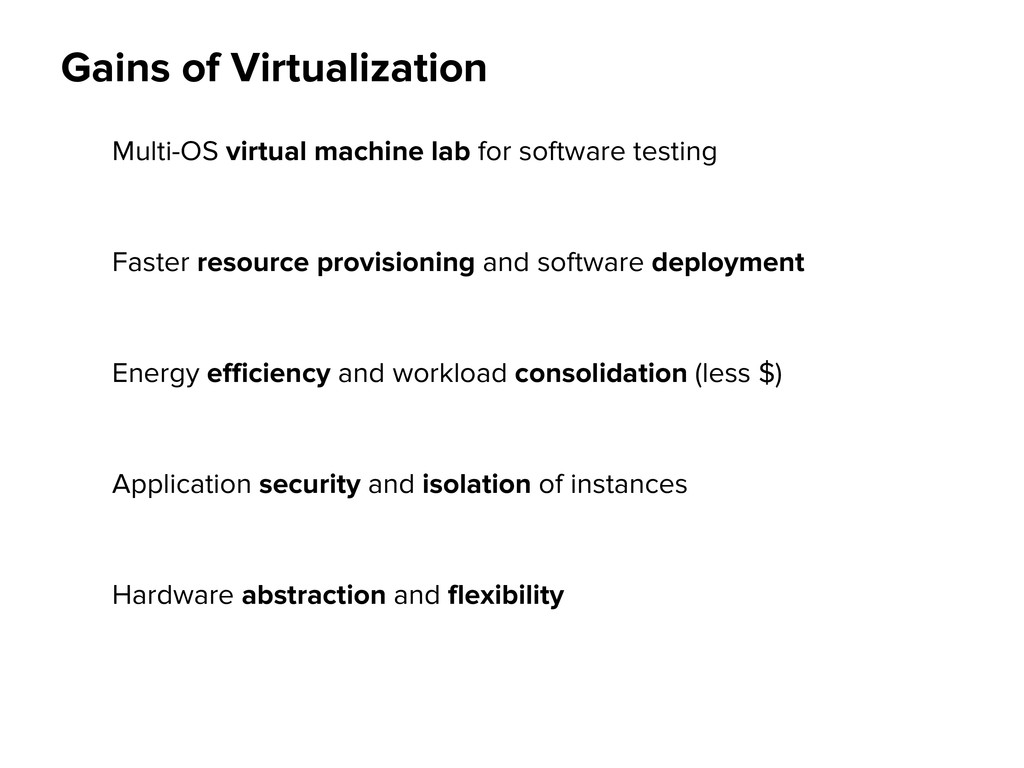
Faster resource provisioning and software deployment Energy efficiency and workload consolidation (less $) Application security and isolation of instances Hardware abstraction and flexibility
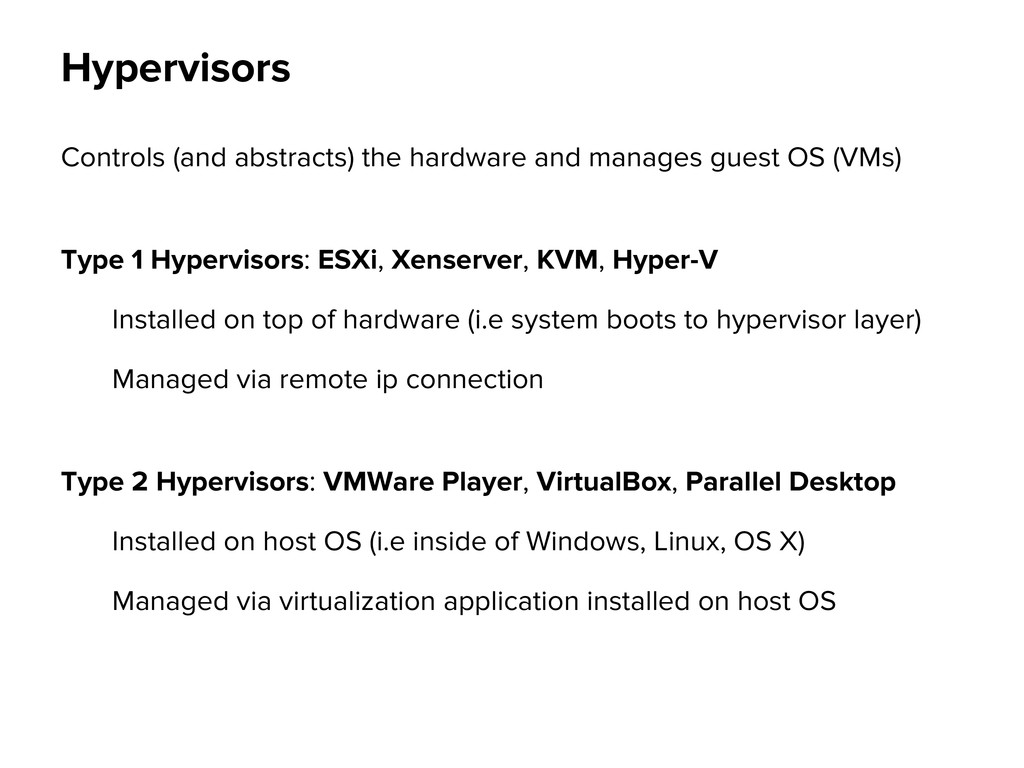
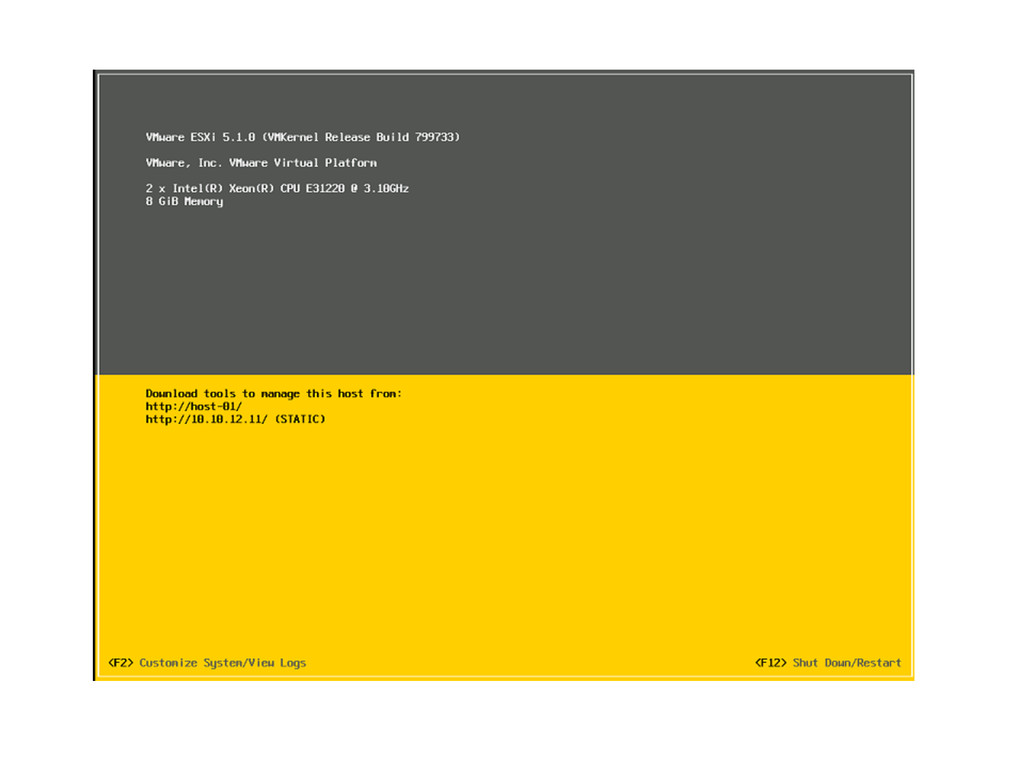
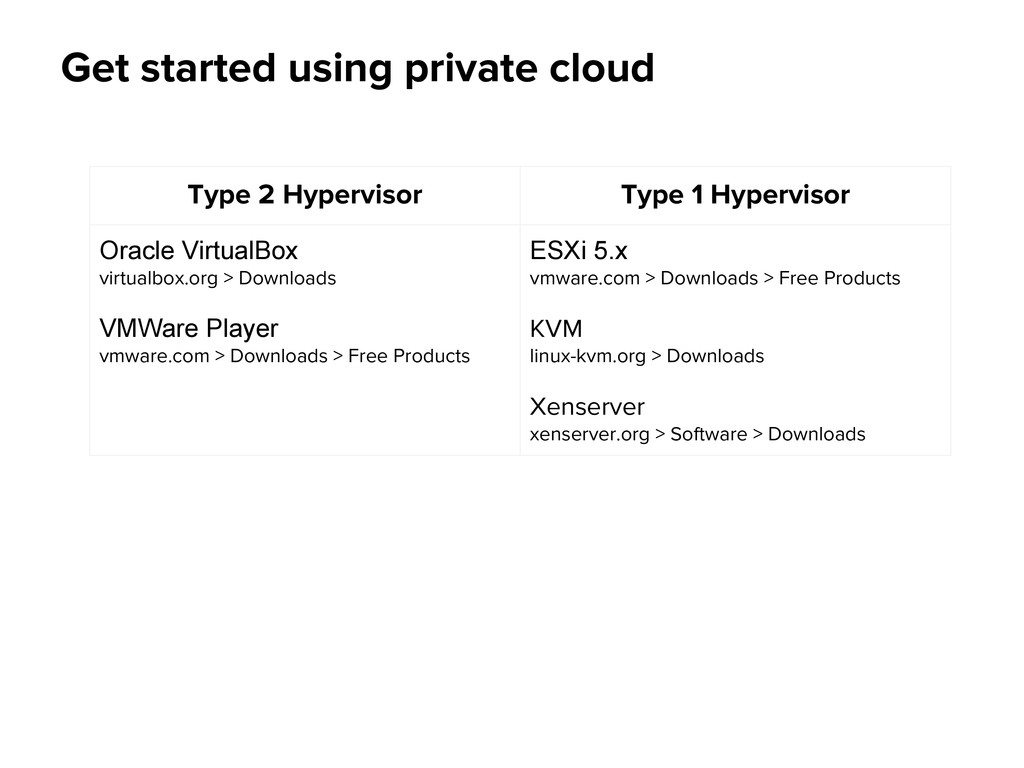
Type 1 Hypervisors: ESXi, Xenserver, KVM, Hyper-V Installed on top of hardware (i.e system boots to hypervisor layer) Managed via remote ip connection Type 2 Hypervisors: VMWare Player, VirtualBox, Parallel Desktop Installed on host OS (i.e inside of Windows, Linux, OS X) Managed via virtualization application installed on host OS Hypervisors
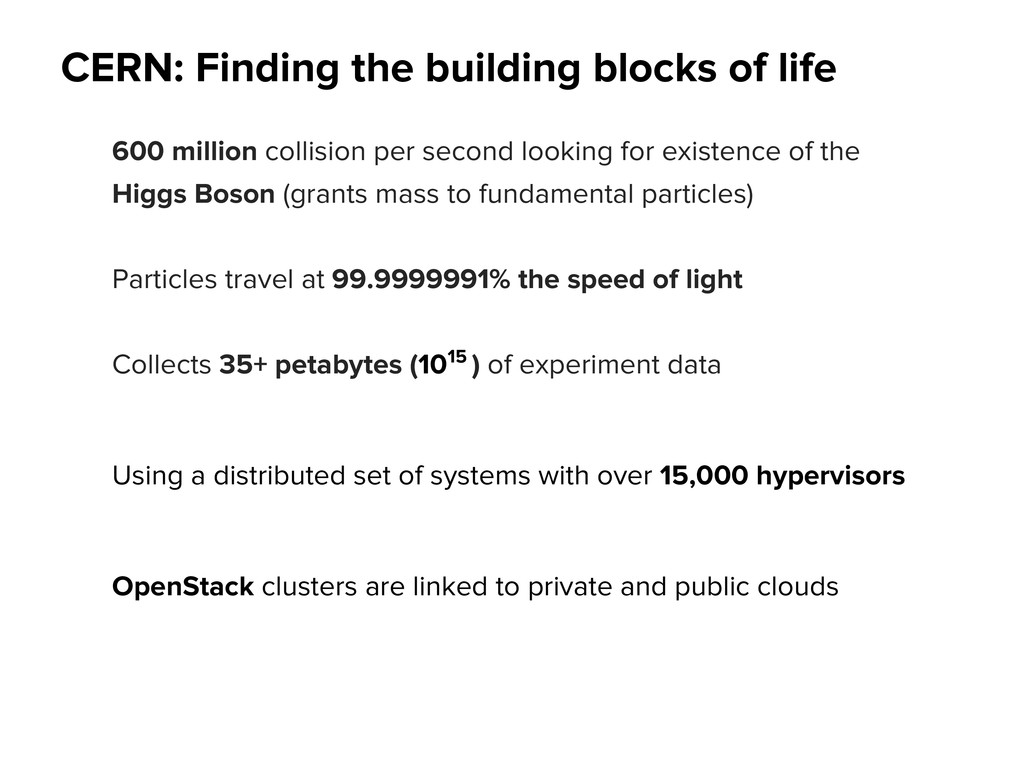
per second looking for existence of the Higgs Boson (grants mass to fundamental particles) Particles travel at 99.9999991% the speed of light Collects 35+ petabytes (1015 ) of experiment data Using a distributed set of systems with over 15,000 hypervisors OpenStack clusters are linked to private and public clouds
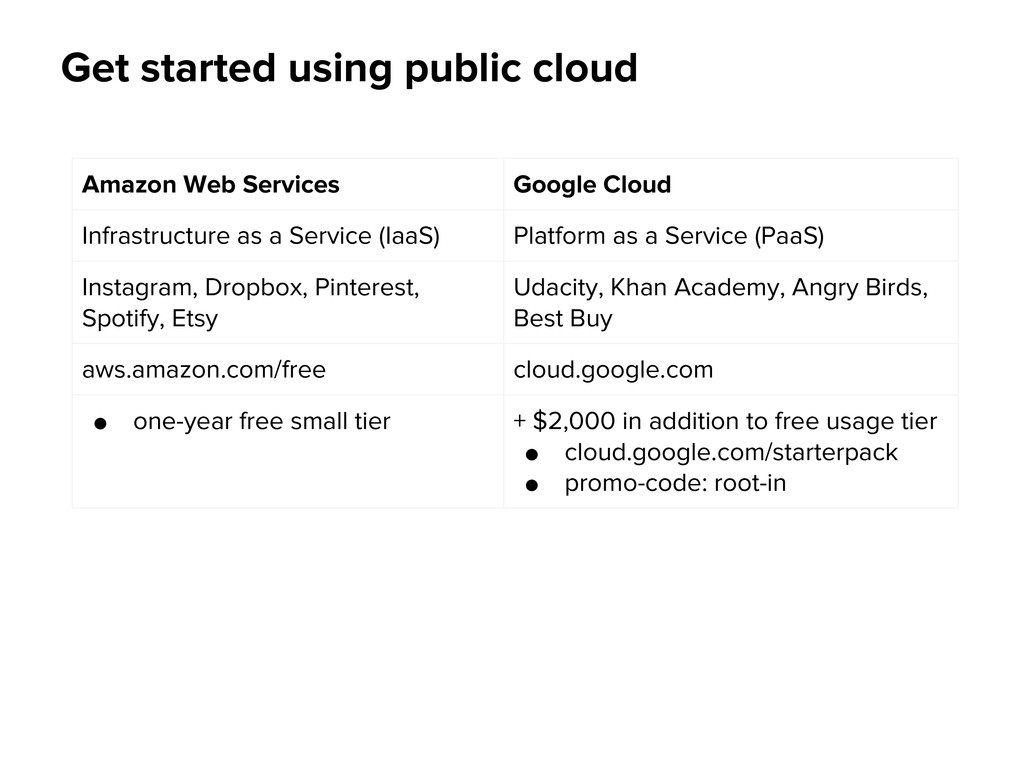
Infrastructure as a Service (IaaS) Platform as a Service (PaaS) Instagram, Dropbox, Pinterest, Spotify, Etsy Udacity, Khan Academy, Angry Birds, Best Buy aws.amazon.com/free cloud.google.com • one-year free small tier + $2,000 in addition to free usage tier • cloud.google.com/starterpack • promo-code: root-in


 jgalv
jgalv
 kakehashi
 sh_fk2
 teamlab
 kzkhykw1991
 takonda
 genda
genda
 ivry_presentationmaterials
 prog893
 satomasahiro2005
 takahashim
 yahonda
 shogo4131
 deanohume
 quramy
 katarinadahlin
 codingconduct
 lynnandtonic
 marketingsoph
 axbom
axbom
 soysaucechin
 inesmontani
 gurzu
gurzu
 chriscoyier