Upgrade to Pro
— share decks privately, control downloads, hide ads and more …
Speaker Deck
Sign up for free
Menu
Search
Features
All features
Private URLs
Password Protection
Custom URLS
Scheduled publishing
Remove Branding
Restrict embedding
Deck Collections
Notes
Features
All features
Private URLs
Password Protection
Custom URLS
Scheduled publishing
Remove Branding
Restrict embedding
Deck Collections
Notes
Explore
Featured decks
Featured speakers
Programming
Technology
Storyboards
Explore
Featured decks
Featured speakers
Programming
Technology
Storyboards
Pricing
Search
Sign in
Sign up for free
Docker, Get used to it !
Search
Sponsored
·
Ship Features Fearlessly
Turn features on and off without deploys. Used by thousands of Ruby developers.
→
Julien Vey
December 03, 2013
Programming
3.1k
6
Share
Embed
Copy iframe code
Copy JS code
Copy link
Start on current slide
Docker, Get used to it !
A presentation of Docker use-cases
Julien Vey
December 03, 2013
More Decks by Julien Vey
See All by Julien Vey
Du Dev à la Prod... et ensuite ?
julienvey
0
49
On-Demand CI/CD with Gitlab and Kubernetes
julienvey
0
54
From CI to CD in a microservice architecture
julienvey
1
95
Terraform
julienvey
1
280
Microplugins with Docker
julienvey
5
1k
OpenStack Solum Presentation
julienvey
0
150
Use OpenStack as a Vagrant Provider
julienvey
0
210
Docker and its Ecosystem
julienvey
8
1.4k
Introducing Solum: Application Development in OpenStack
julienvey
1
880
Other Decks in Programming
See All in Programming
プロダクトコードからライブラリの境界を見つける
elmetal
PRO
0
110
Agentic Software Factoryに、すごく賢いIF文を。 / super smart IF statement into the Agentic Software Factory.
rkaga
8
2k
When benchmarks go bad - what I learned from measuring performance wrong
hollycummins
0
180
【加筆修正版】Laravel のアプリケーションをどこにデプロイするか #phpcon_ehime
akase244
0
150
20260914 AIエージェント時代のPlatform Engineering LLM基盤とプロダクトの責務境界線
kanfab1
7
2.4k
パズルゲームの作り方 / how to make puzzle games
kaityo256
PRO
2
270
Herb in Rails 8.2: Your ERB views, now HTML-aware @ Rails World 2026, Austin, Texas
marcoroth
0
190
Apple Intelligence を用いた個人情報誤送信防止、及びユーザーリクエスト体験の改善について
yukiny
0
320
Kubernetes祭り #2 OP/ED
bells17
0
100
UnityでSystem.Net.WebSocketsなWebSocketサーバが動かないのでUnity Monoのコードを覗いてみた / about implementing websocket server with unity mono
drumath2237
1
560
Ghostty + Neovimで作る 透明でカッコ良い開発環境
j341nono
0
150
Domain-Driven Transformation
hschwentner
2
2.3k
Featured
See All Featured
Impact Scores and Hybrid Strategies: The future of link building
tamaranovitovic
0
450
The Cult of Friendly URLs
andyhume
79
7k
Automating Front-end Workflow
addyosmani
1369
210k
Are puppies a ranking factor?
jonoalderson
2
4k
Building a Modern Day E-commerce SEO Strategy
aleyda
45
9.2k
The Success of Rails: Ensuring Growth for the Next 100 Years
eileencodes
47
8.4k
JavaScript: Past, Present, and Future - NDC Porto 2020
reverentgeek
52
6.1k
Product Roadmaps are Hard
iamctodd
55
13k
Site-Speed That Sticks
csswizardry
13
1.6k
Lightning Talk: Beautiful Slides for Beginners
inesmontani
PRO
2
710
AI Search: Where Are We & What Can We Do About It?
aleyda
0
8.1k
The Illustrated Children's Guide to Kubernetes
chrisshort
51
53k
Transcript
Get used to it !
Julien Vey @julienvey
Pierre Padrixe @undefd
None
What is Docker ?
What is Docker ?
When can I use Docker ?
Sandbox
$ ./install-XXX.sh !
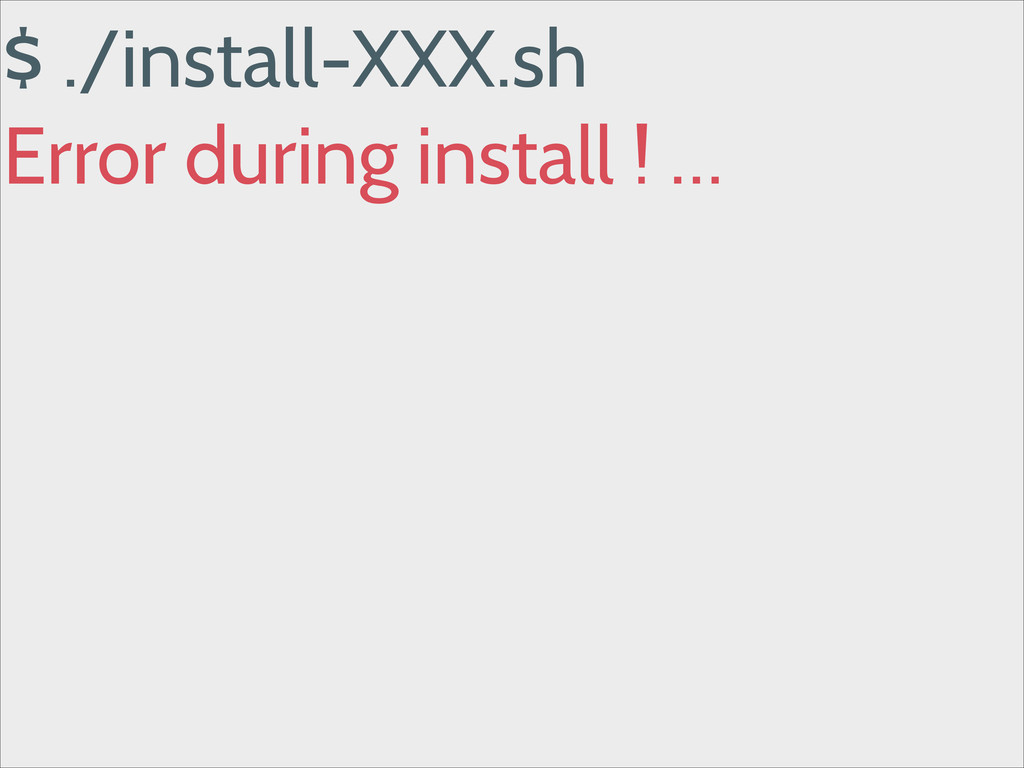
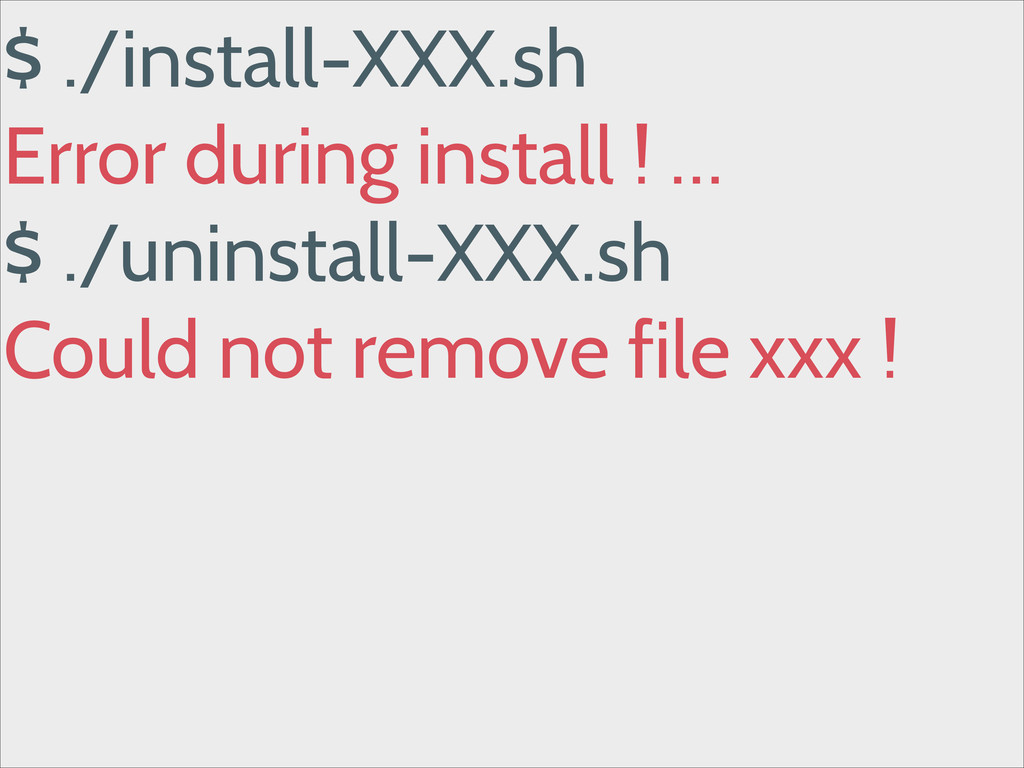
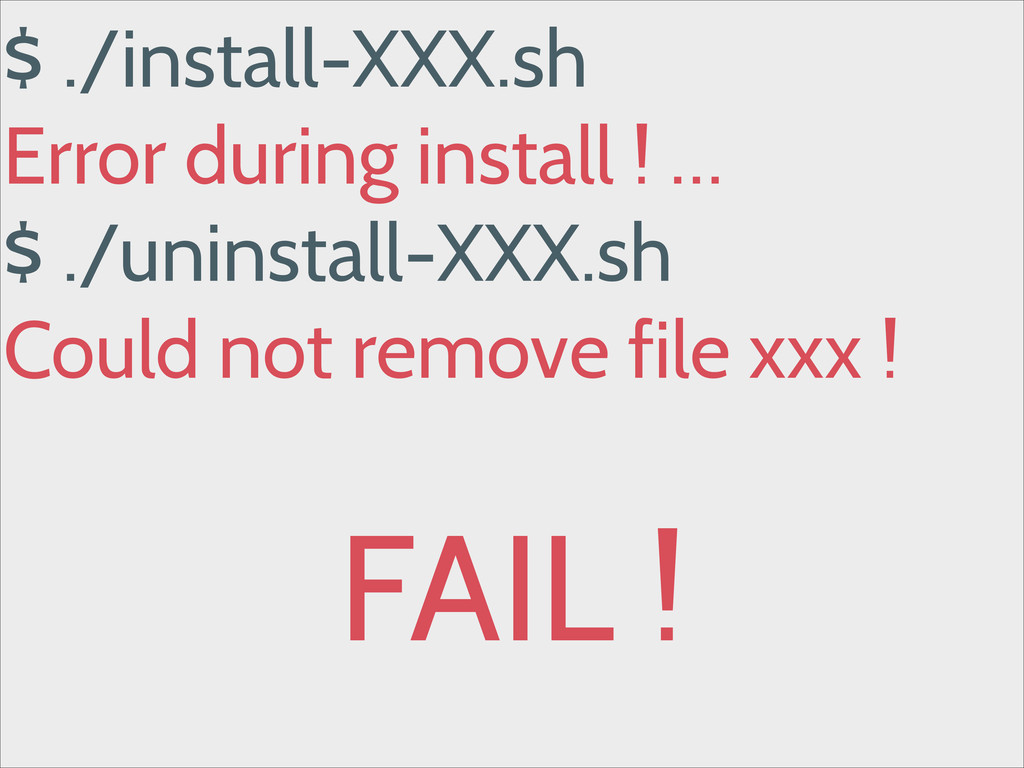
$ ./install-XXX.sh Error during install ! …
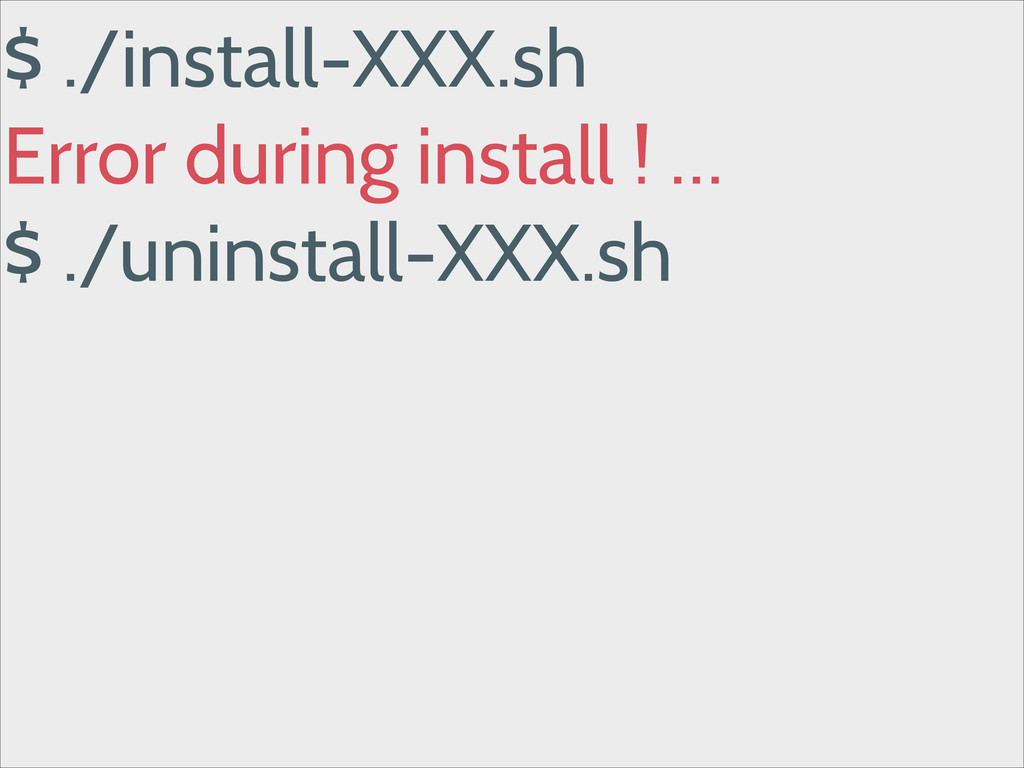
$ ./install-XXX.sh Error during install ! … $ ./uninstall-XXX.sh !
$ ./install-XXX.sh Error during install ! … $ ./uninstall-XXX.sh Could
not remove file xxx !
$ ./install-XXX.sh Error during install ! … $ ./uninstall-XXX.sh Could
not remove file xxx ! ! FAIL !
Please Docker, help me !
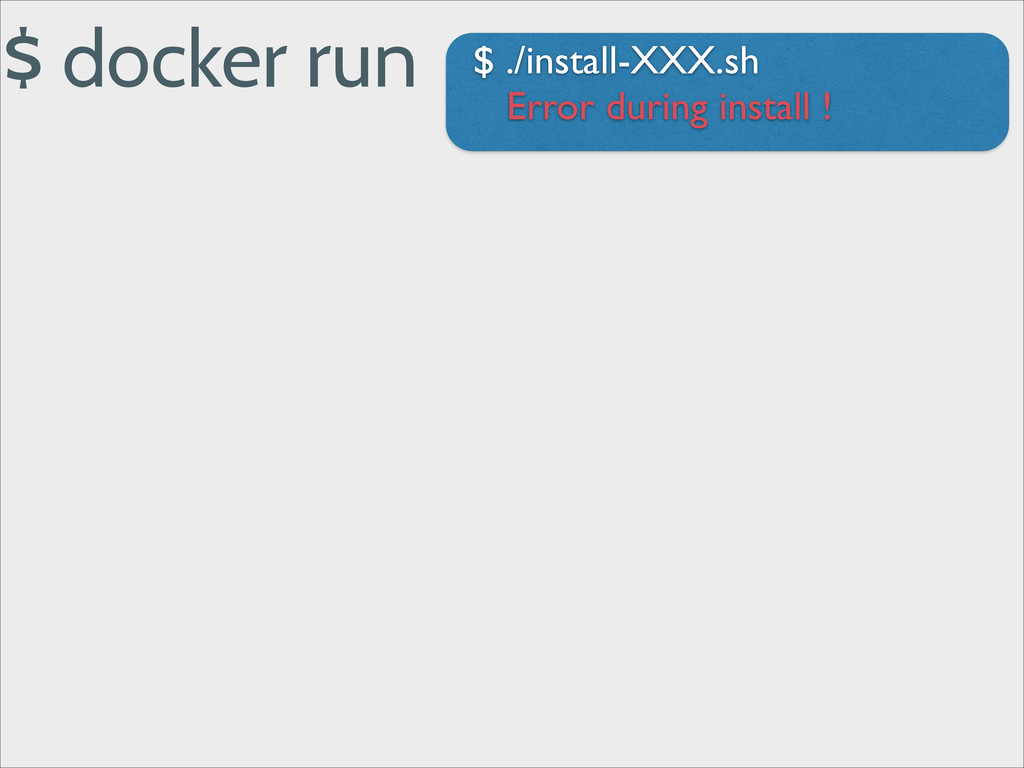
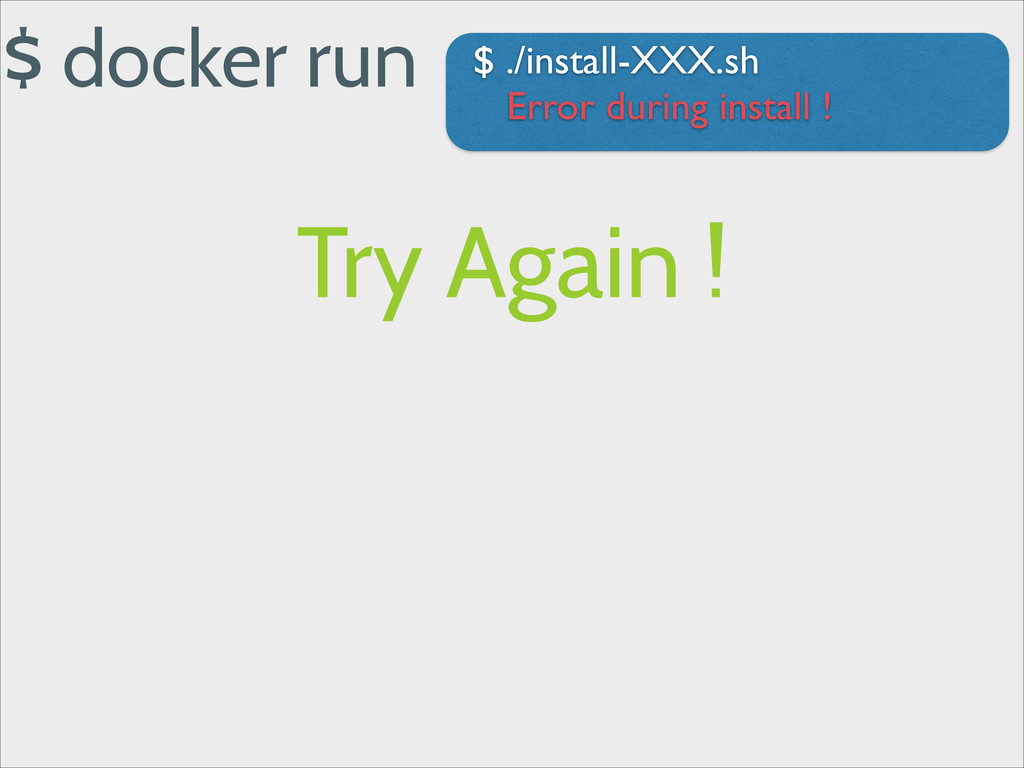
$ docker run $ ./install-XXX.sh Error during install !
$ docker run $ ./install-XXX.sh Error during install ! Try
Again !
$ docker run $ ./install-XXX.sh Error during install ! Try
Again ! $ docker run $ echo "Some conf" > XXX.cfg $ ./install-XXX.sh Success !
Repeatability
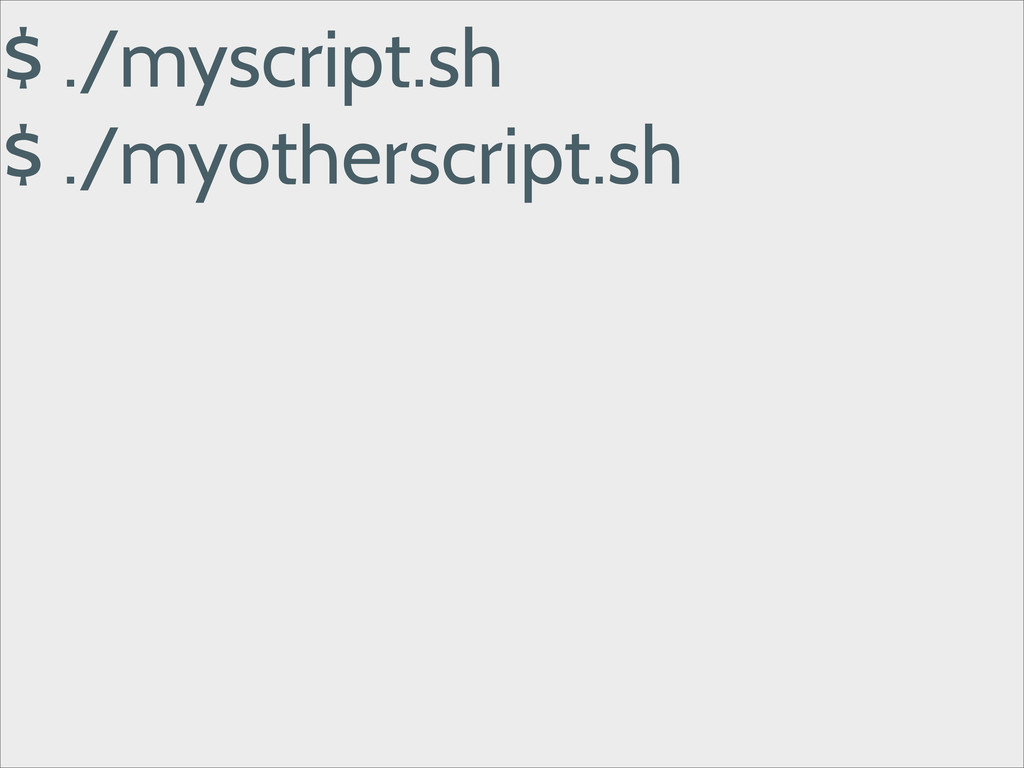
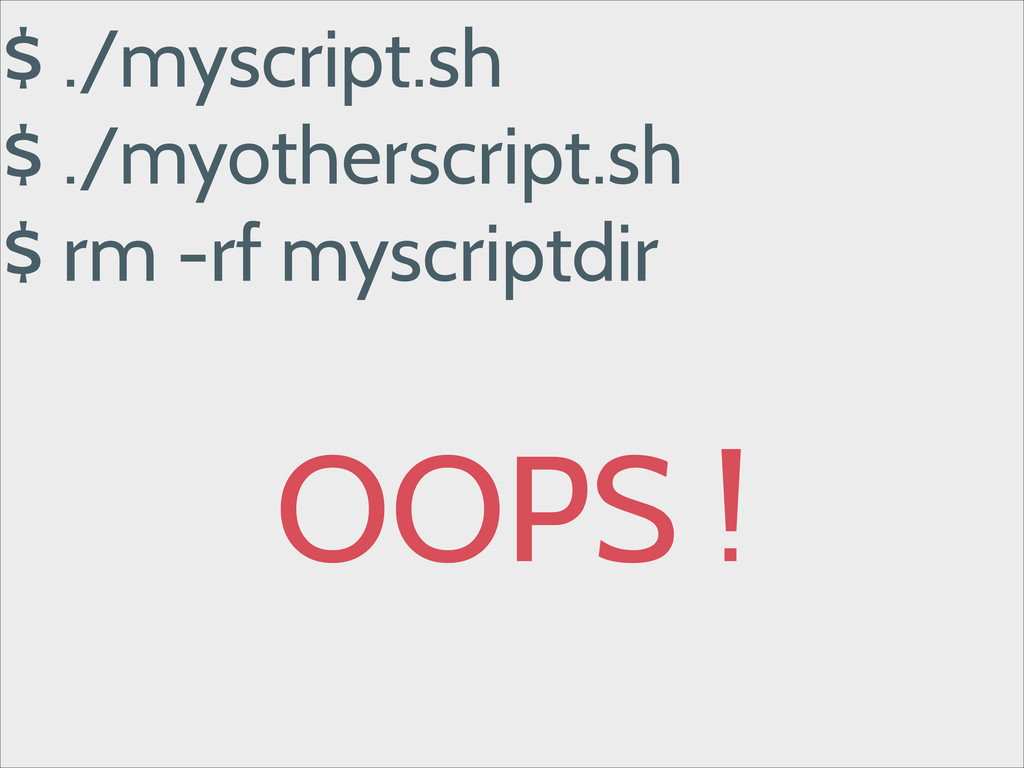
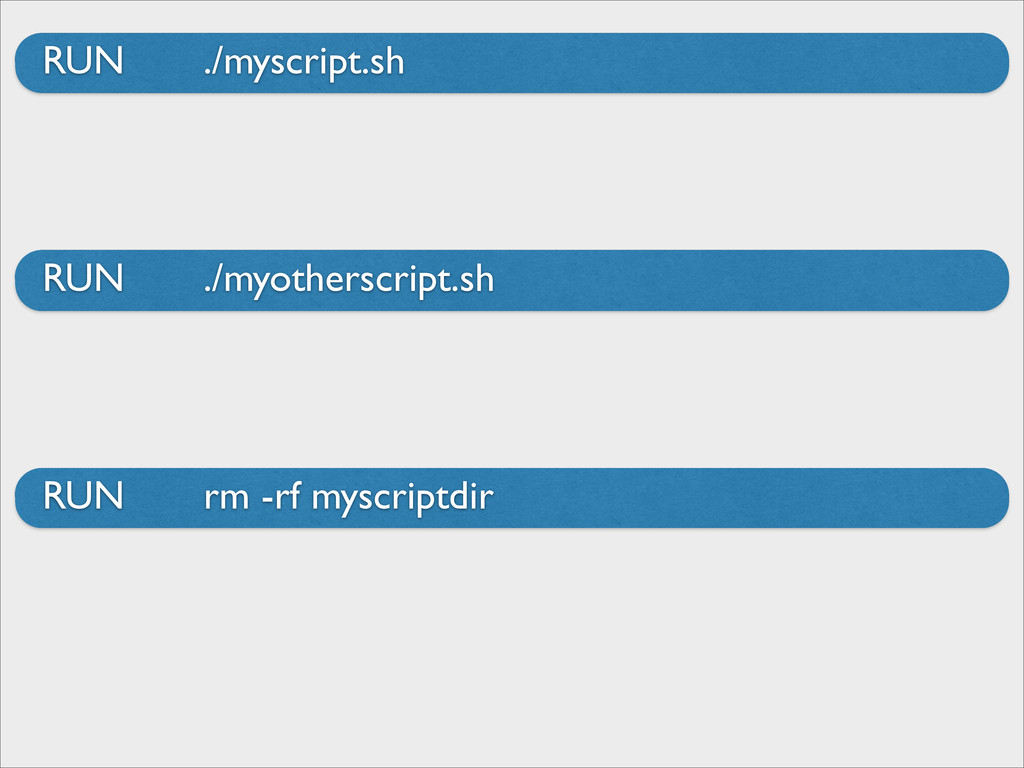
$ ./myscript.sh !
$ ./myscript.sh $ ./myotherscript.sh !
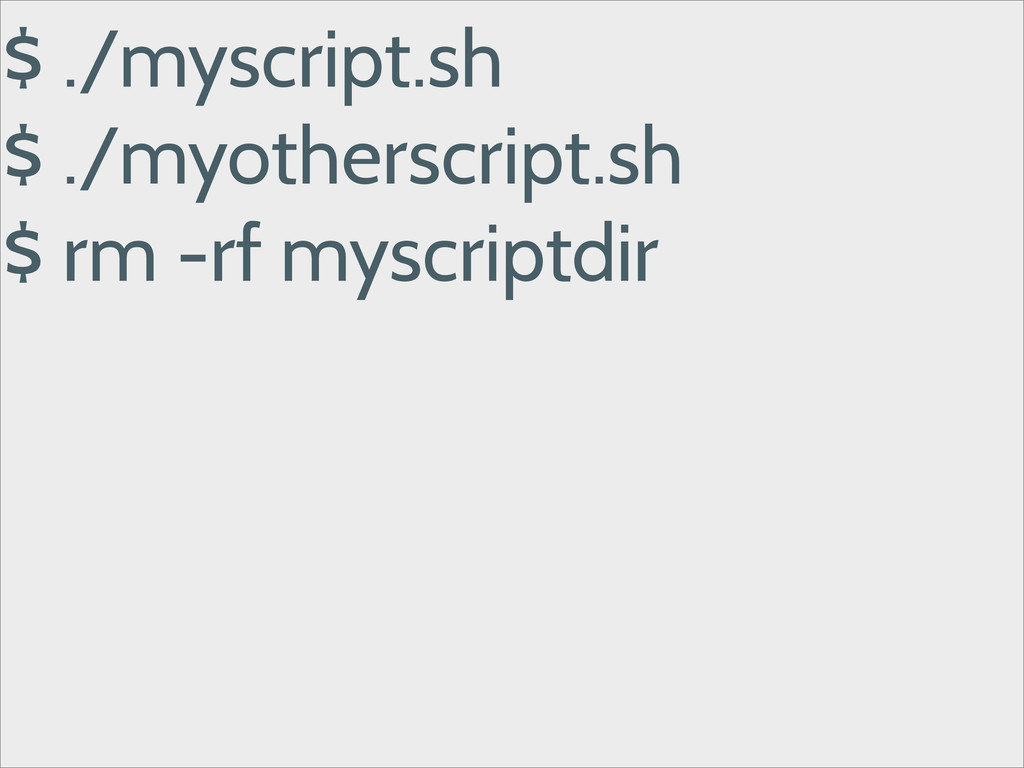
$ ./myscript.sh $ ./myotherscript.sh $ rm -rf myscriptdir !
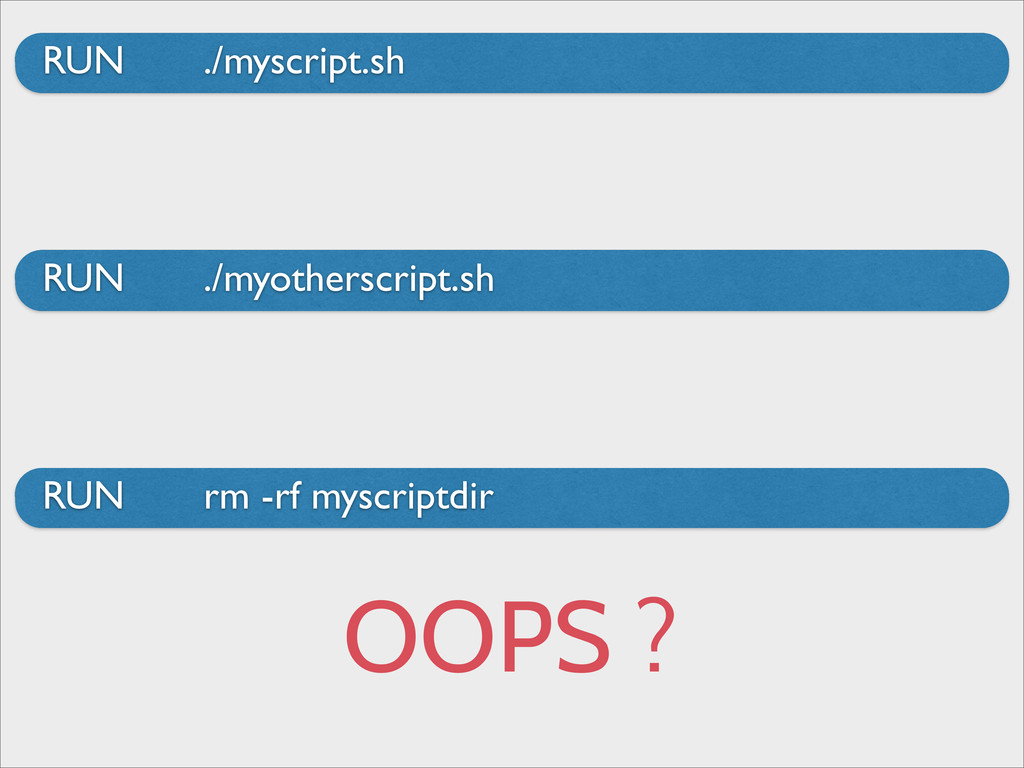
$ ./myscript.sh $ ./myotherscript.sh $ rm -rf myscriptdir ! OOPS
!
Please Docker, help me !
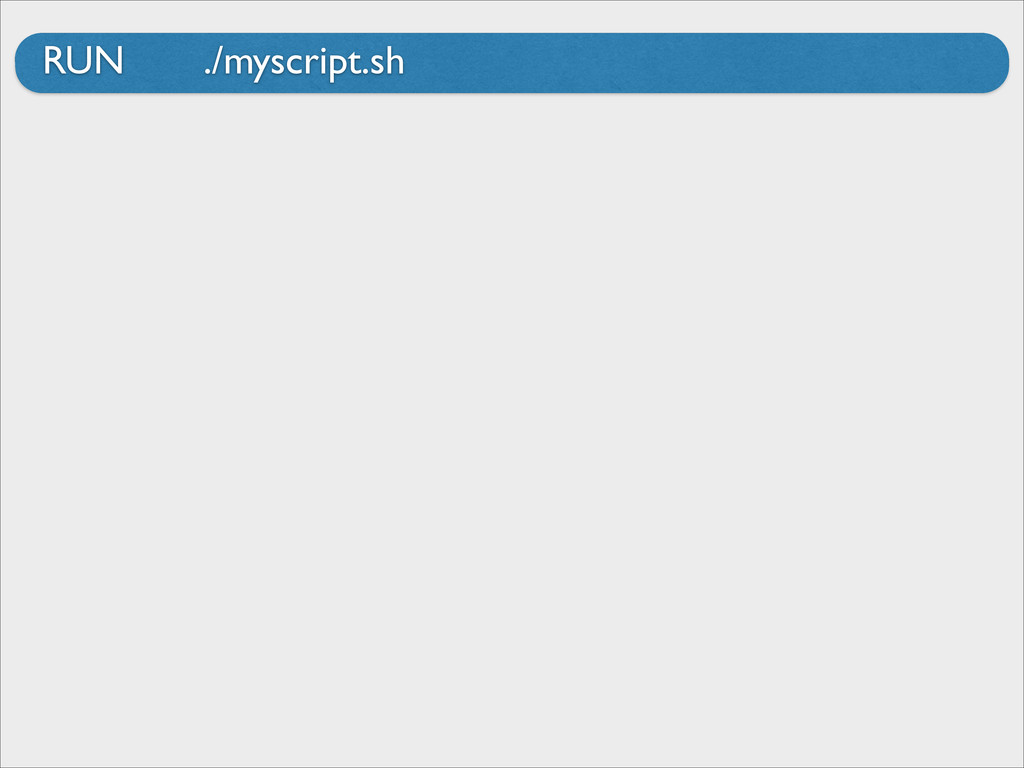
RUN ./myscript.sh
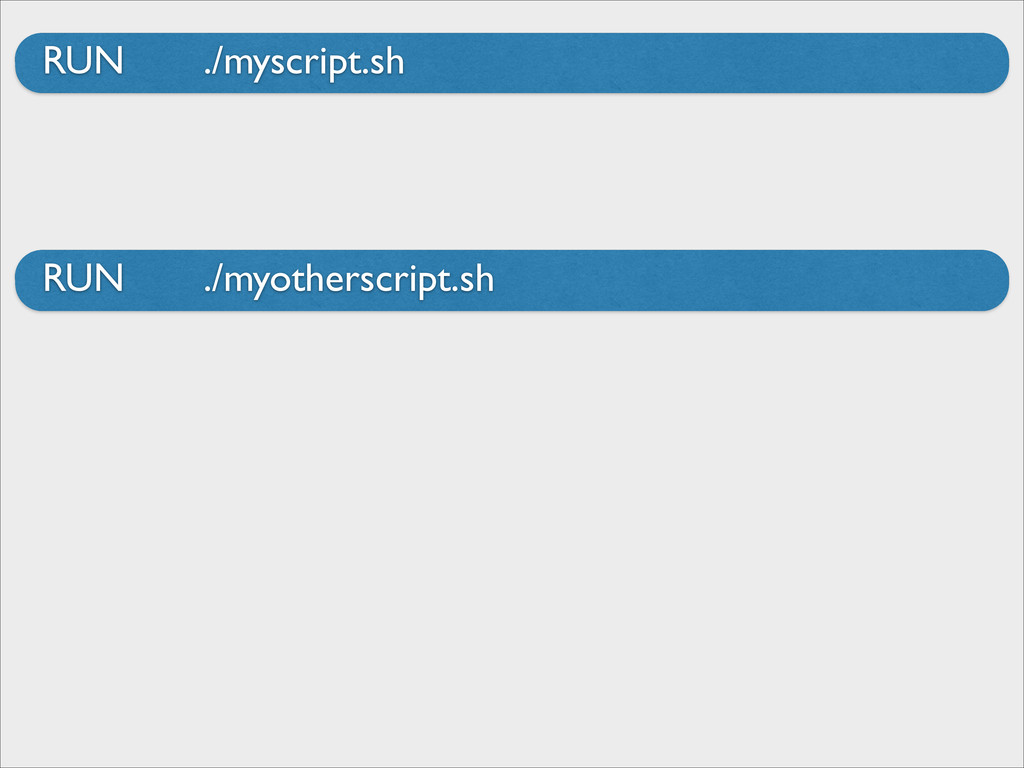
RUN ./myscript.sh RUN ./myotherscript.sh
RUN ./myscript.sh RUN rm -rf myscriptdir RUN ./myotherscript.sh
RUN ./myscript.sh RUN rm -rf myscriptdir RUN ./myotherscript.sh OOPS ?
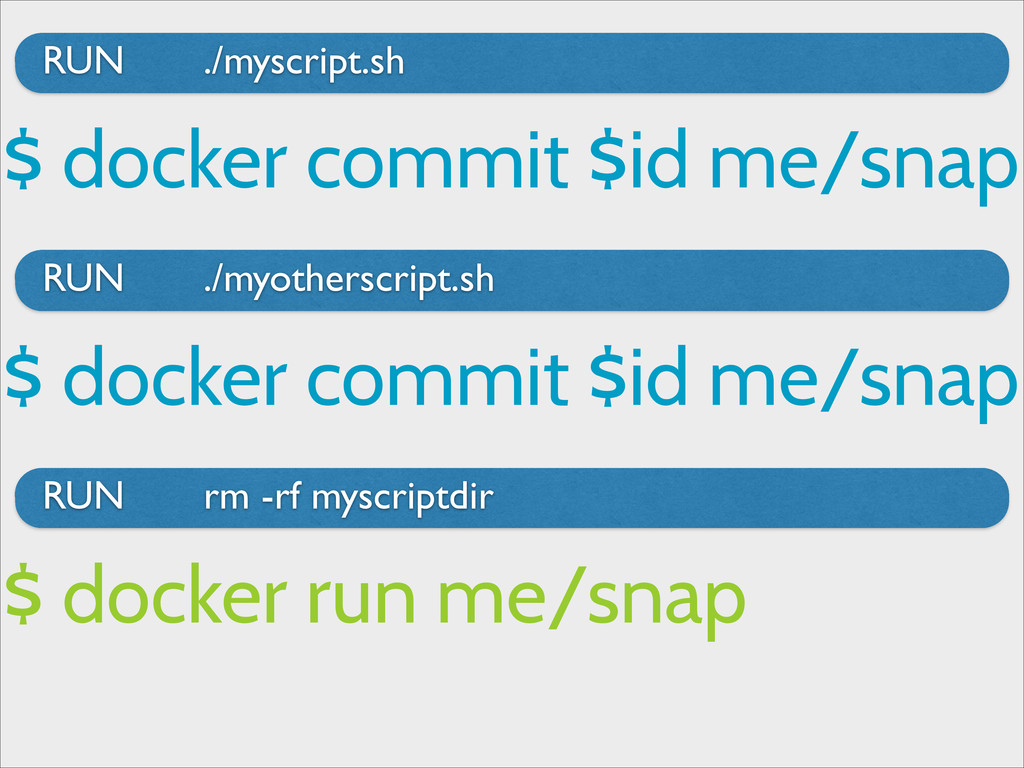
RUN ./myscript.sh RUN rm -rf myscriptdir RUN ./myotherscript.sh $ docker
commit $id me/snap $ docker commit $id me/snap $ docker run me/snap
Setup your Development environment
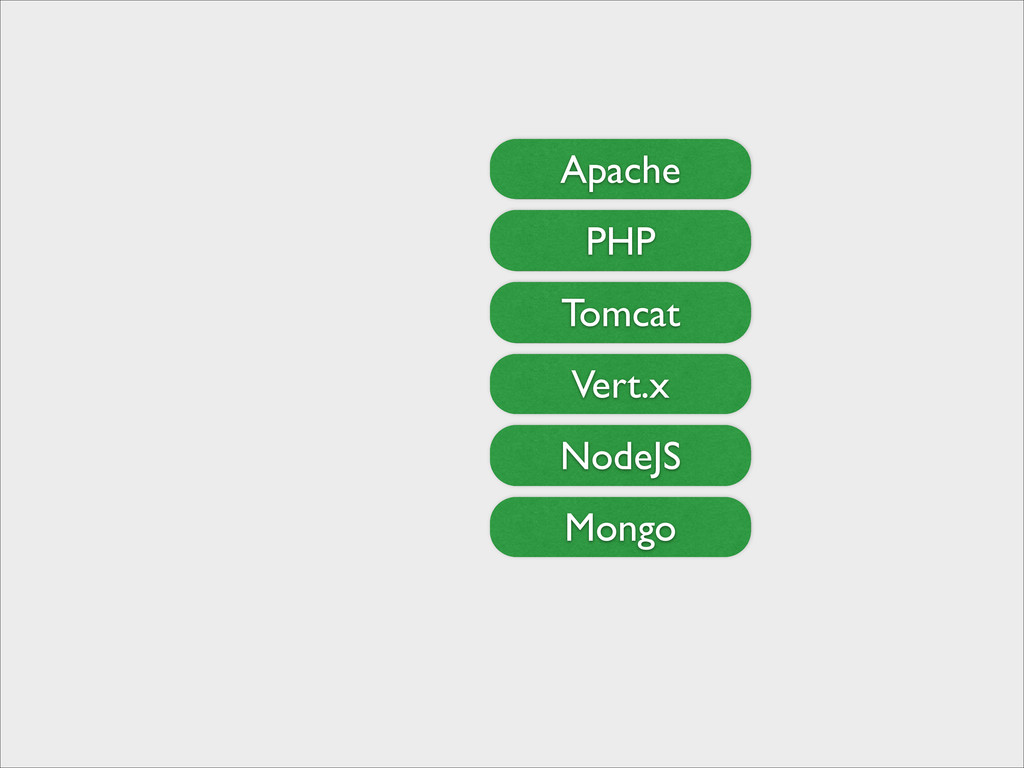
A development Environment Today
Tomcat Vert.x NodeJS Apache PHP Mongo
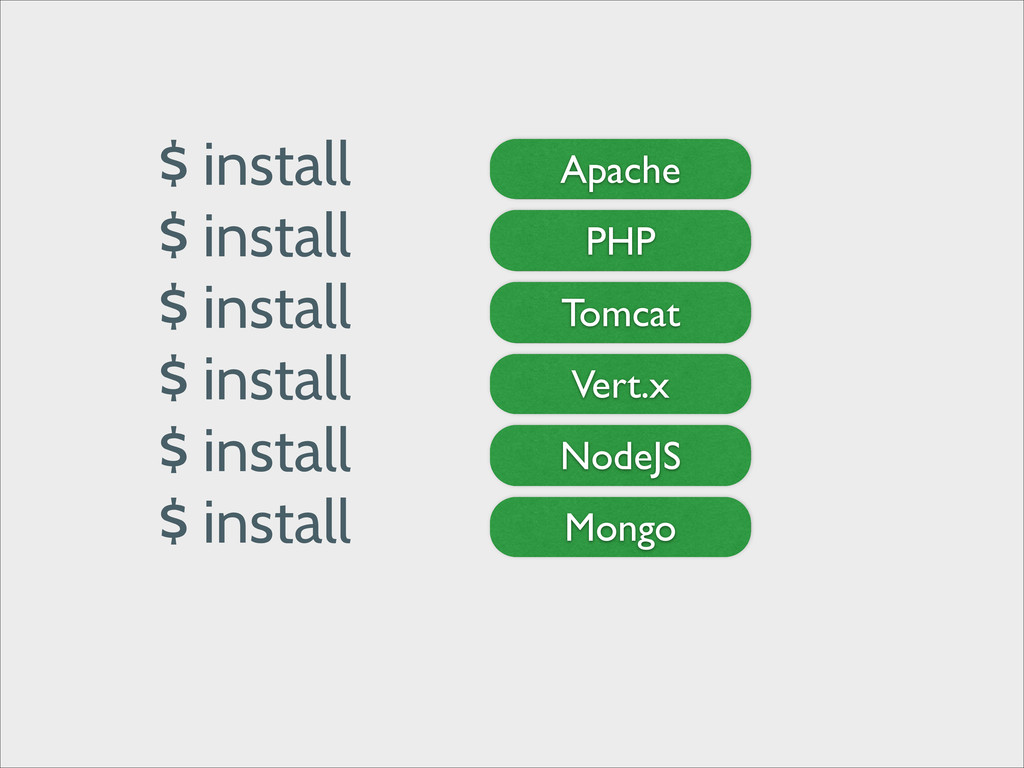
$ install $ install $ install $ install $ install
$ install Tomcat Vert.x NodeJS Apache PHP Mongo
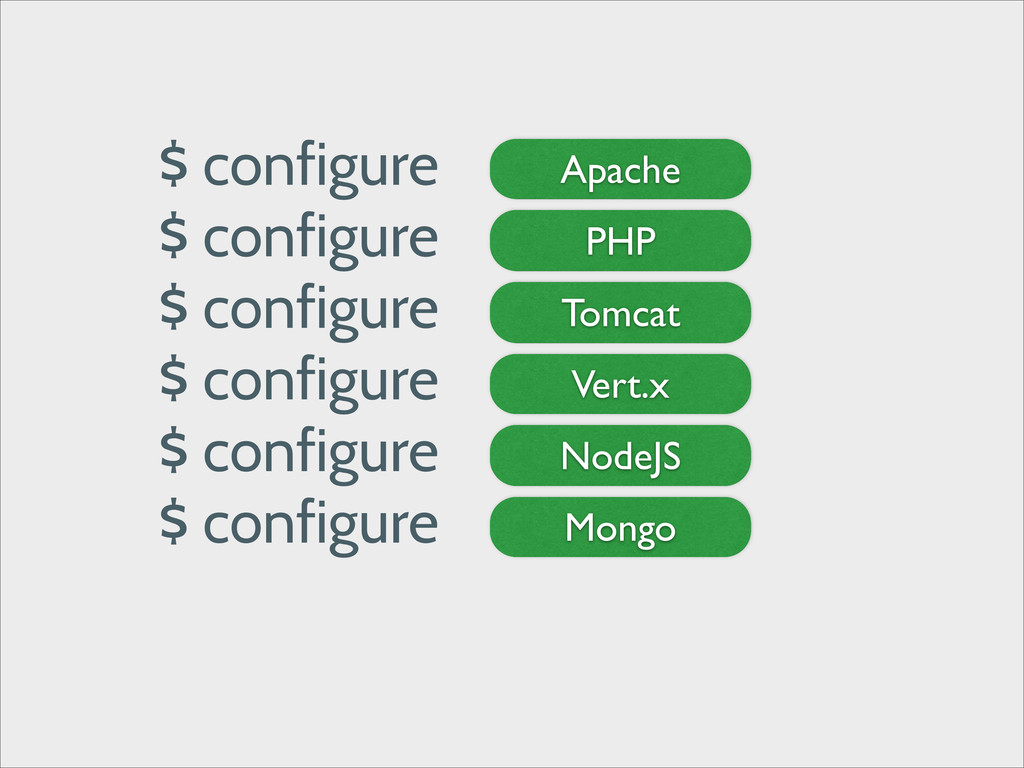
Tomcat Vert.x NodeJS Apache PHP Mongo $ configure $ configure
$ configure $ configure $ configure $ configure
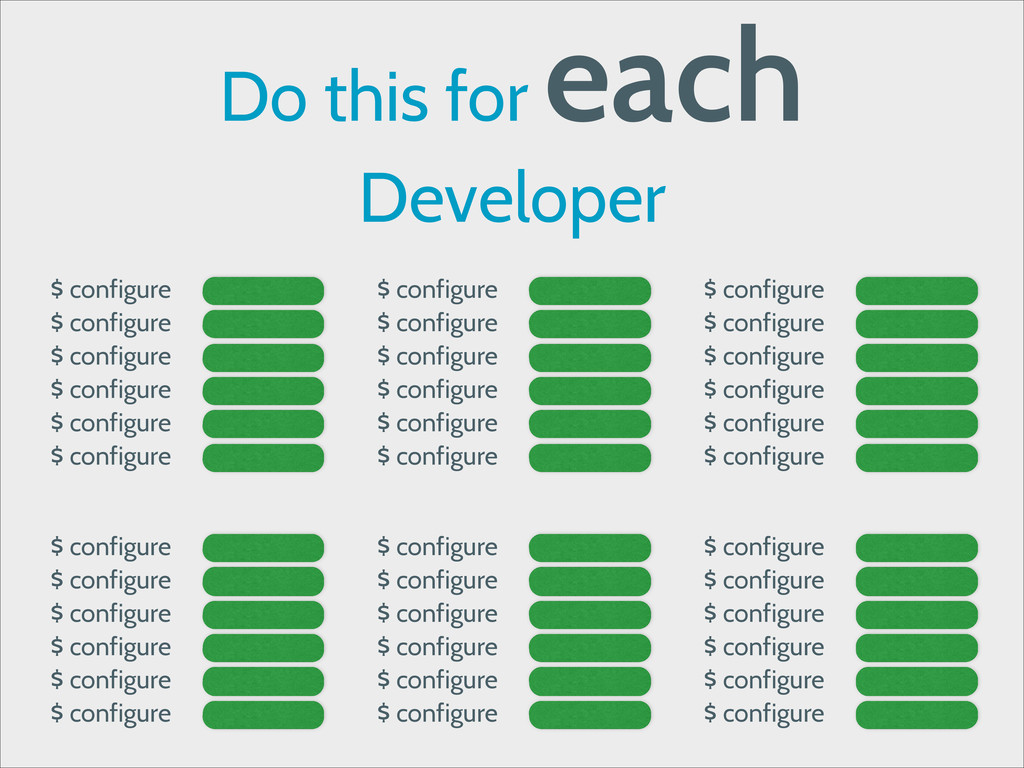
Do this for each Developer $ configure $ configure $
configure $ configure $ configure $ configure $ configure $ configure $ configure $ configure $ configure $ configure $ configure $ configure $ configure $ configure $ configure $ configure $ configure $ configure $ configure $ configure $ configure $ configure $ configure $ configure $ configure $ configure $ configure $ configure $ configure $ configure $ configure $ configure $ configure $ configure
Too Many Steps !
Please Docker, help me !
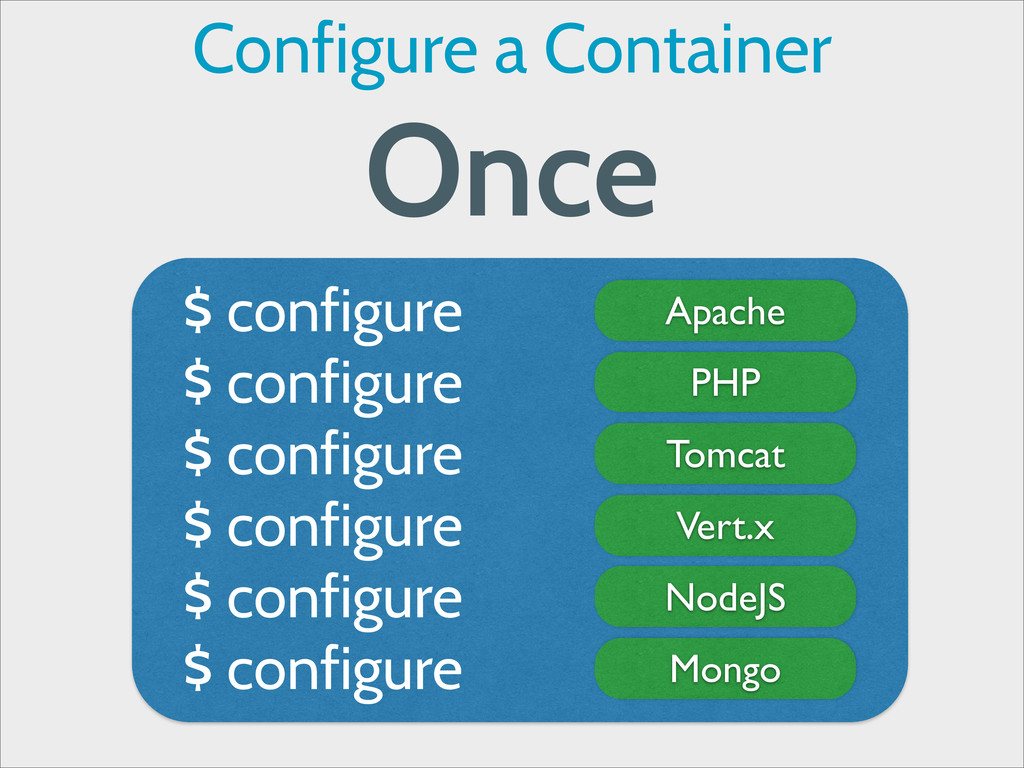
Tomcat Vert.x NodeJS Apache PHP Mongo $ configure $ configure
$ configure $ configure $ configure $ configure Configure a Container Once
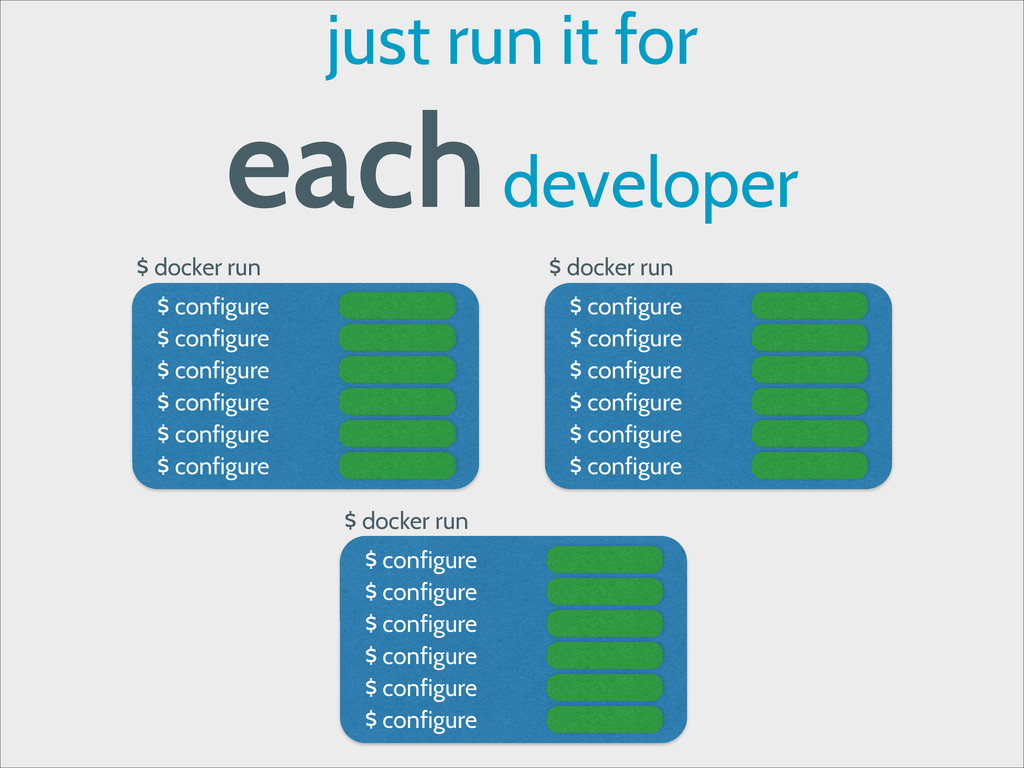
just run it for each developer $ docker run $
configure $ configure $ configure $ configure $ configure $ configure $ docker run $ configure $ configure $ configure $ configure $ configure $ configure $ docker run $ configure $ configure $ configure $ configure $ configure $ configure
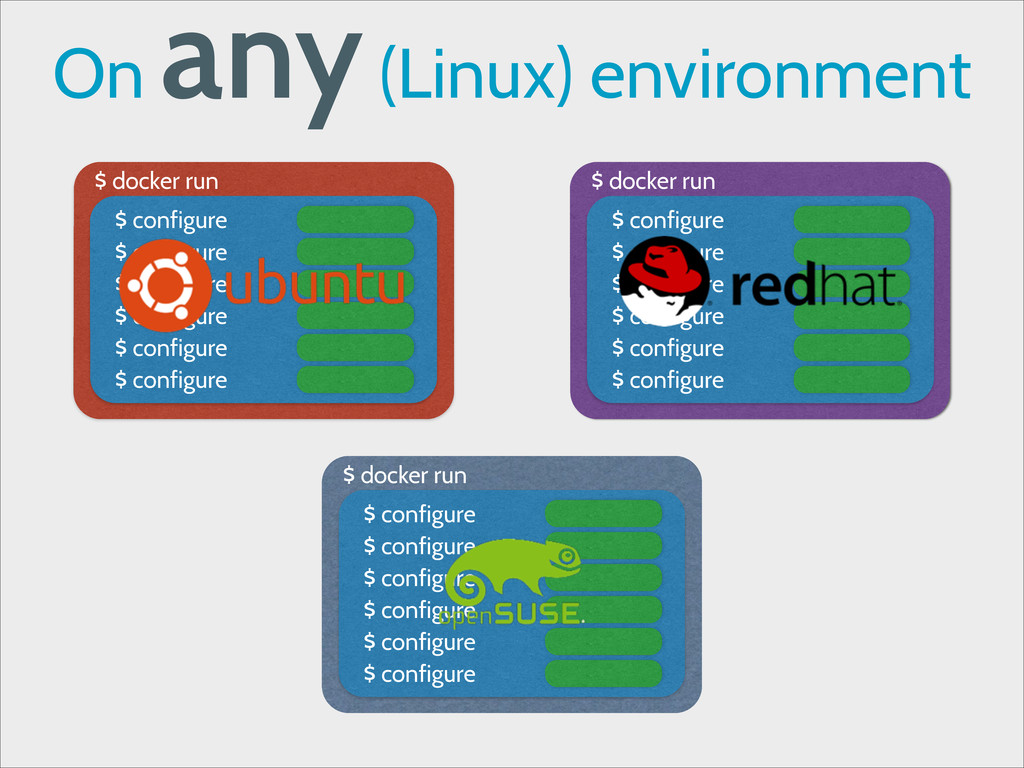
On any (Linux) environment $ docker run $ configure $
configure $ configure $ configure $ configure $ configure $ docker run $ configure $ configure $ configure $ configure $ configure $ configure $ docker run $ configure $ configure $ configure $ configure $ configure $ configure
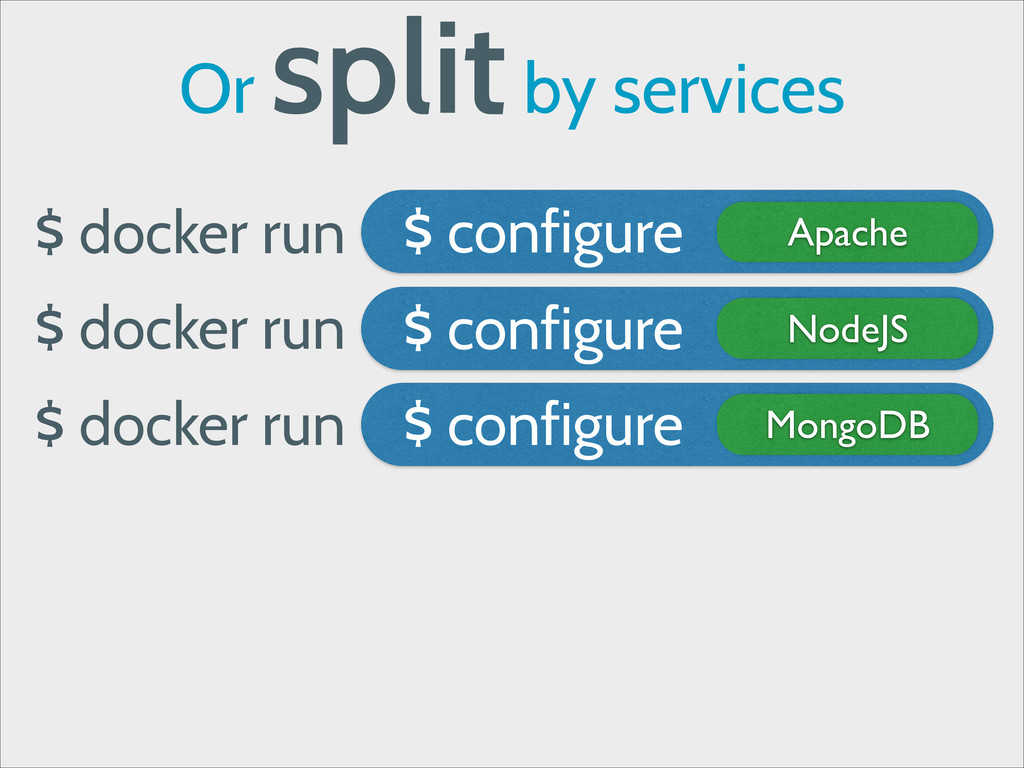
Or split by services $ docker run NodeJS $ configure
Apache $ configure $ docker run MongoDB $ configure $ docker run
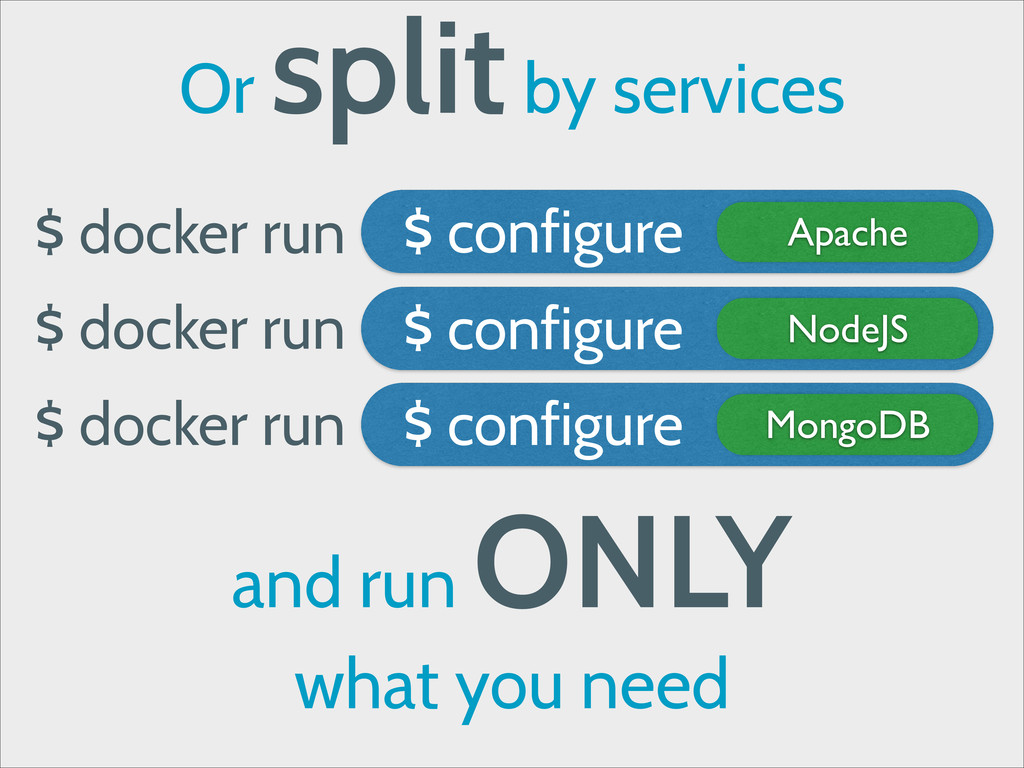
Or split by services $ docker run NodeJS $ configure
Apache $ configure $ docker run MongoDB $ configure $ docker run and run ONLY what you need
PaaS Platform-as-a-Service
a PaaS deploys your application
your application needs Isolation
your application needs Fast Startup Time
Lucky you !
Docker is isolated
Docker is Fast
PaaS Providers already use Containers
OpenShift Heroku Docker INC use LXC
Flynn Deis Dokku are built with Docker
Isolation VS Performance
Sometimes, a Virtual Machine is Not Enough
You need Bare Metal Performance
You need Bare Metal Performance
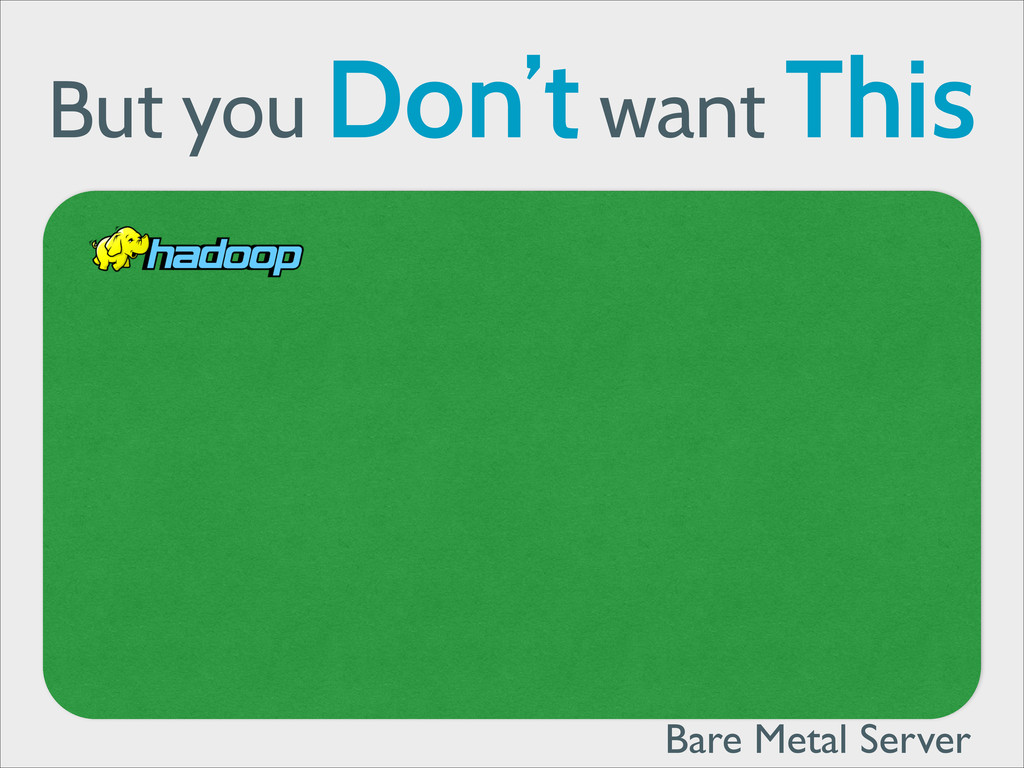
But you Don’t want This Bare Metal Server
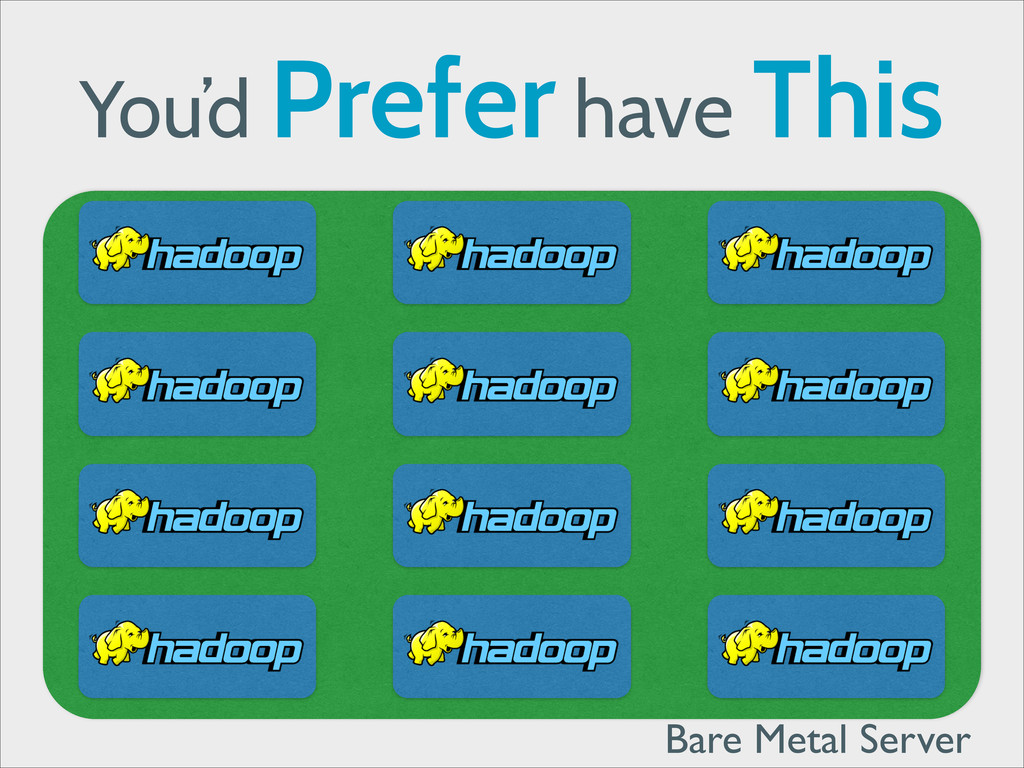
You’d Prefer have This Bare Metal Server
By Isolating your Apps in Containers, ! You provide Isolation
without giving up Performance
Continuous Deployment
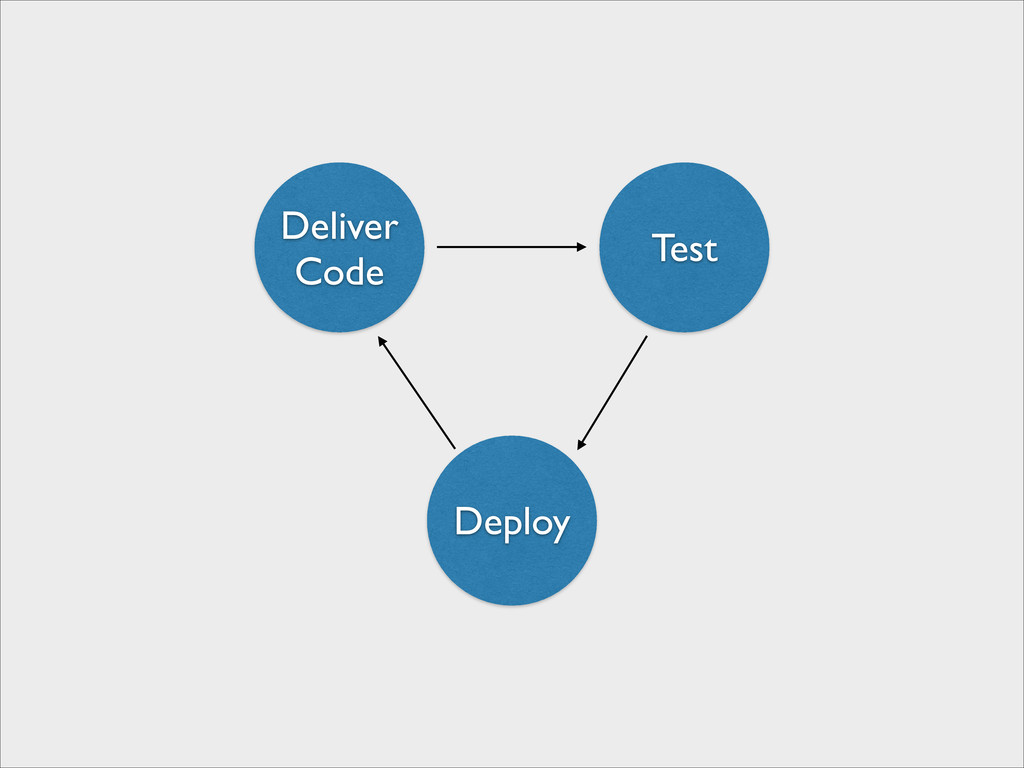
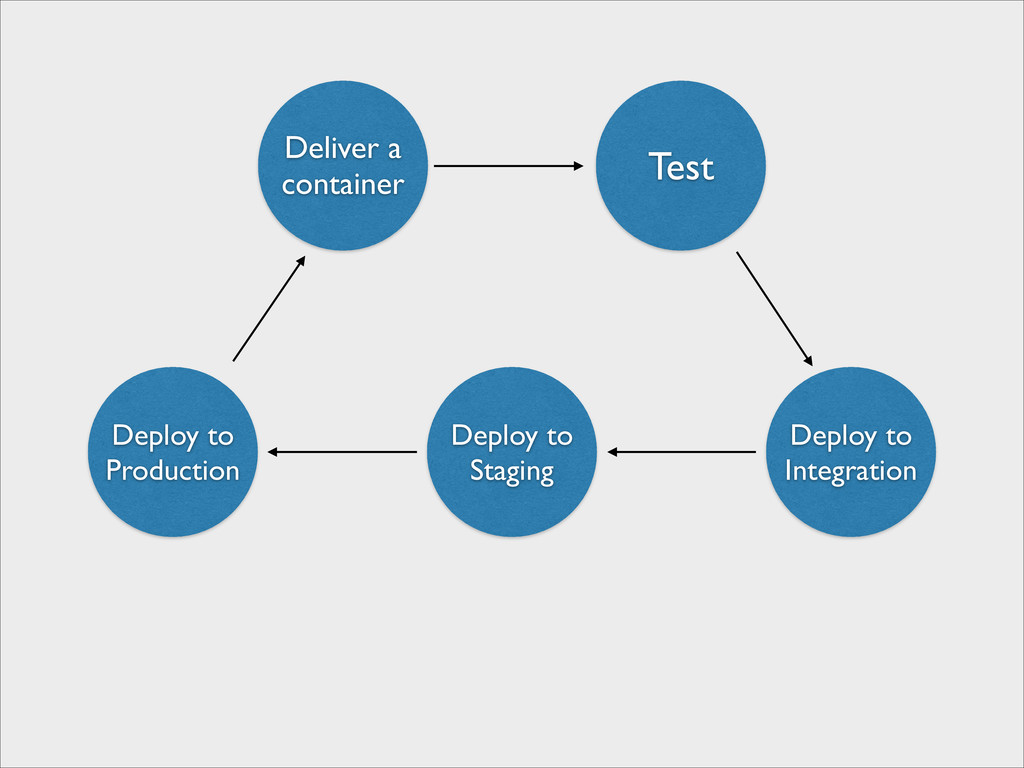
Deliver Code Test Deploy
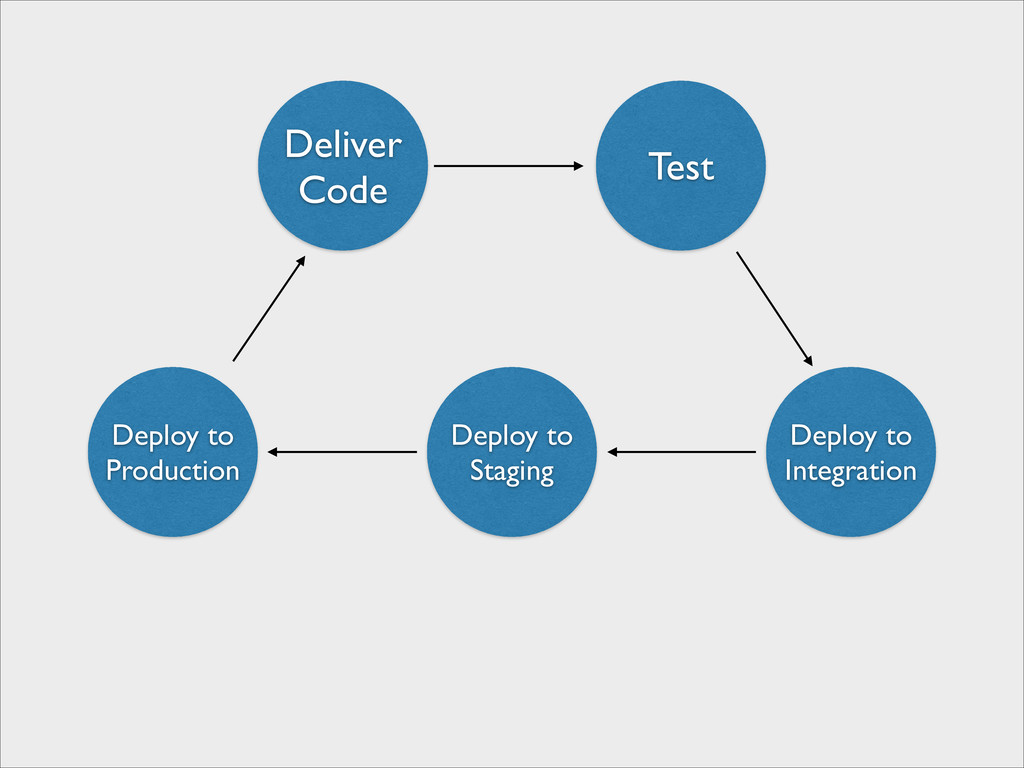
Deliver Code Test Deploy to Integration Deploy to Staging Deploy
to Production
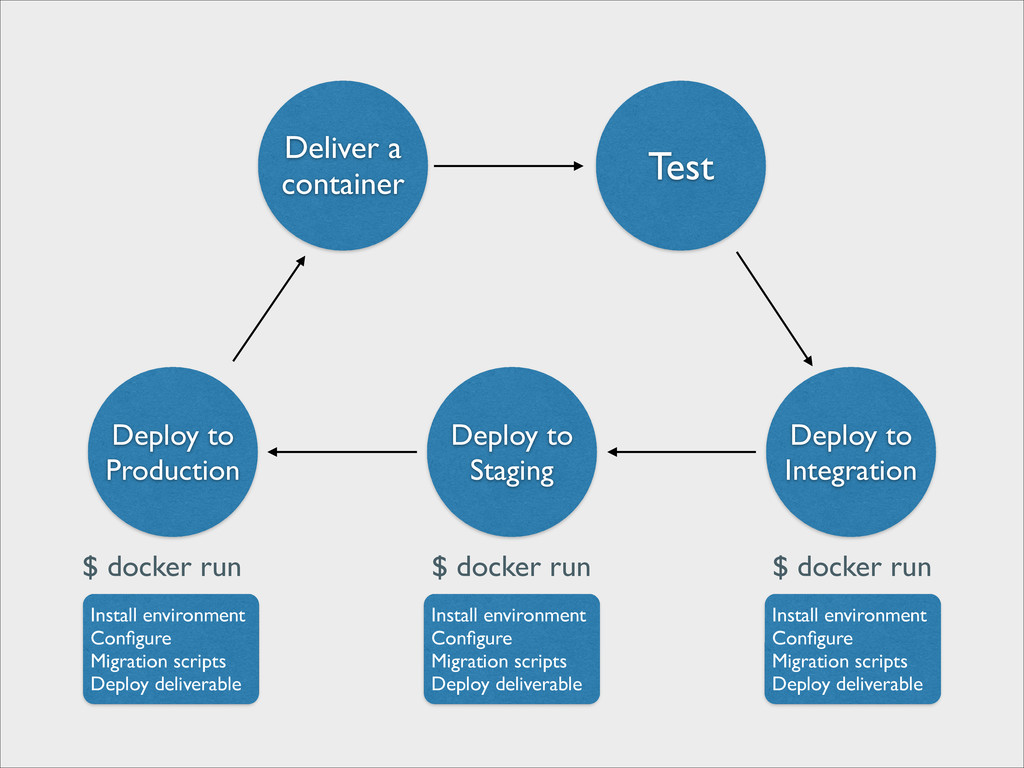
Deliver Code Test Deploy to Integration Deploy to Staging Deploy
to Production Install environment Configure Migration scripts Deploy deliverable Install environment Configure Migration scripts Deploy deliverable Install environment Configure Migration scripts Deploy deliverable
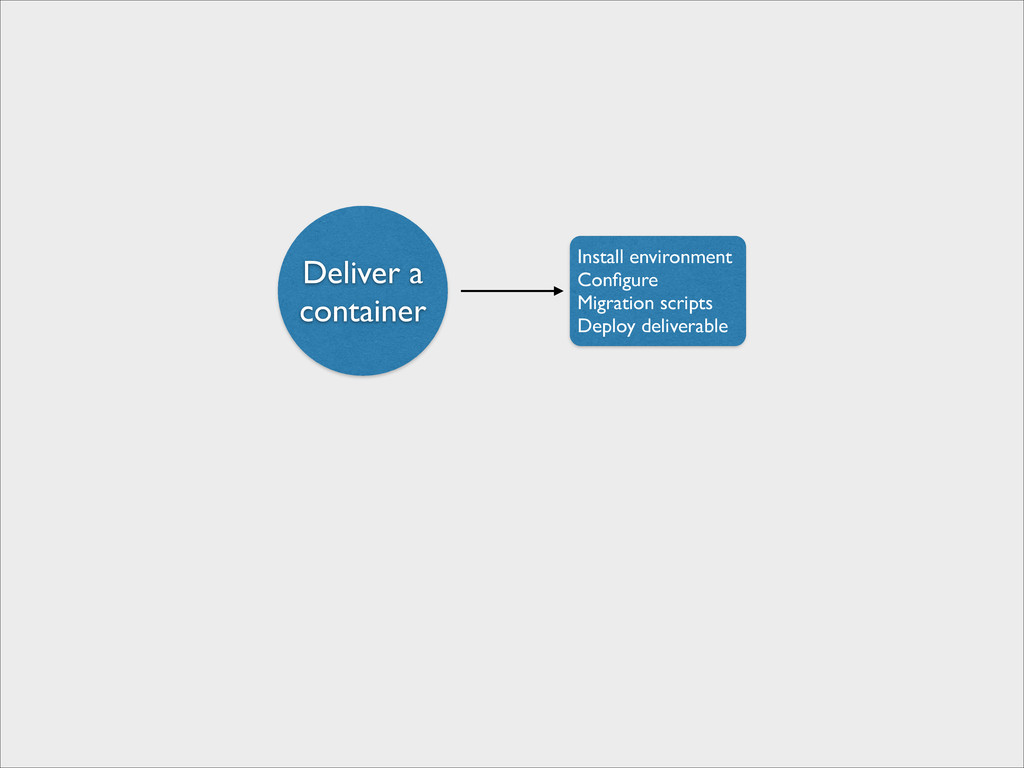
We have to change the Delivery Unit
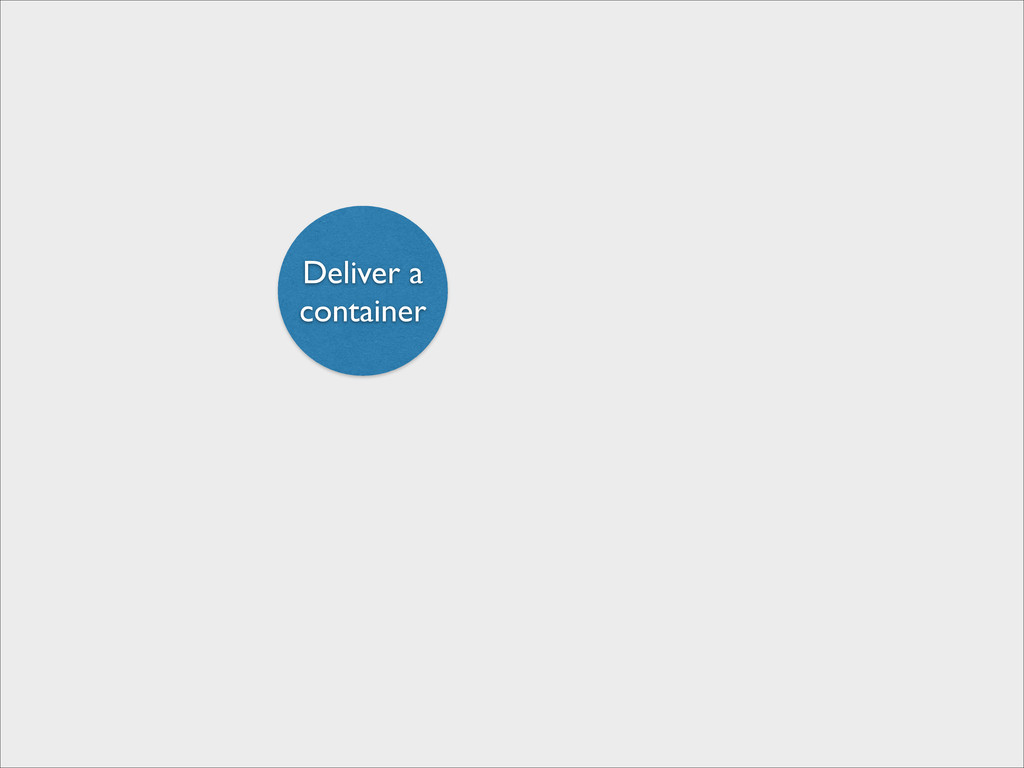
Deliver a container
Deliver a container Install environment Configure Migration scripts Deploy deliverable
Deliver a container Test Deploy to Integration Deploy to Staging
Deploy to Production
Deliver a container Test Deploy to Integration Deploy to Staging
Deploy to Production $ docker run $ docker run $ docker run Install environment Configure Migration scripts Deploy deliverable Install environment Configure Migration scripts Deploy deliverable Install environment Configure Migration scripts Deploy deliverable
The Container is the new Delivery Unit
Demo Time !
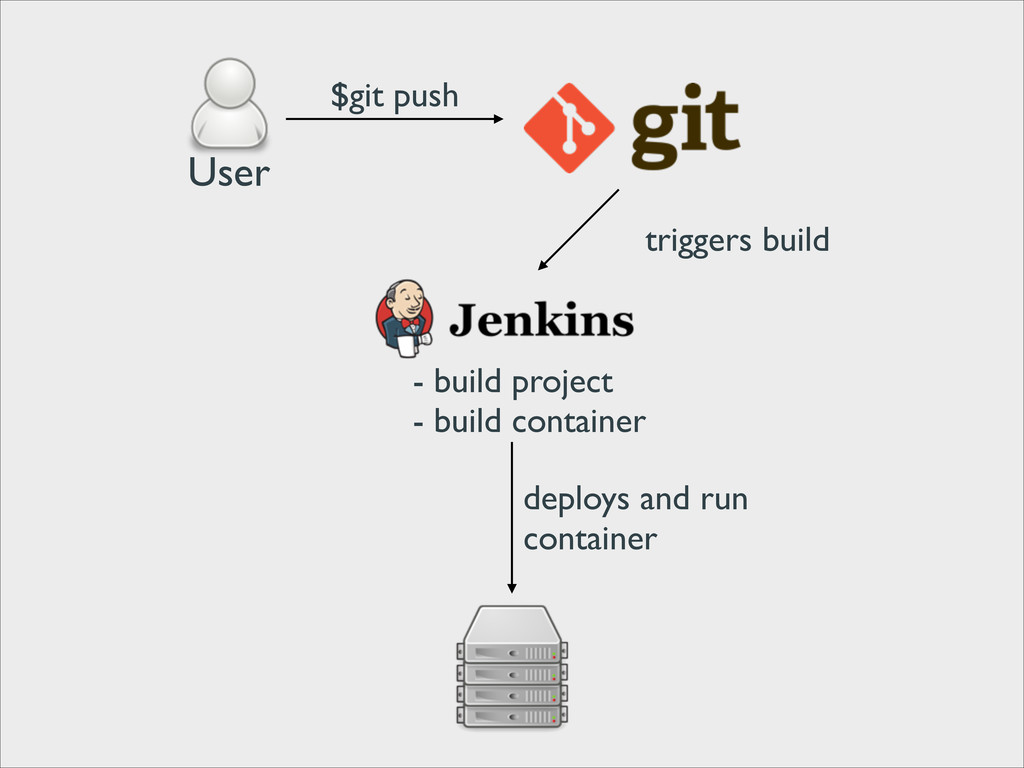
User $git push triggers build - build project - build
container deploys and run container
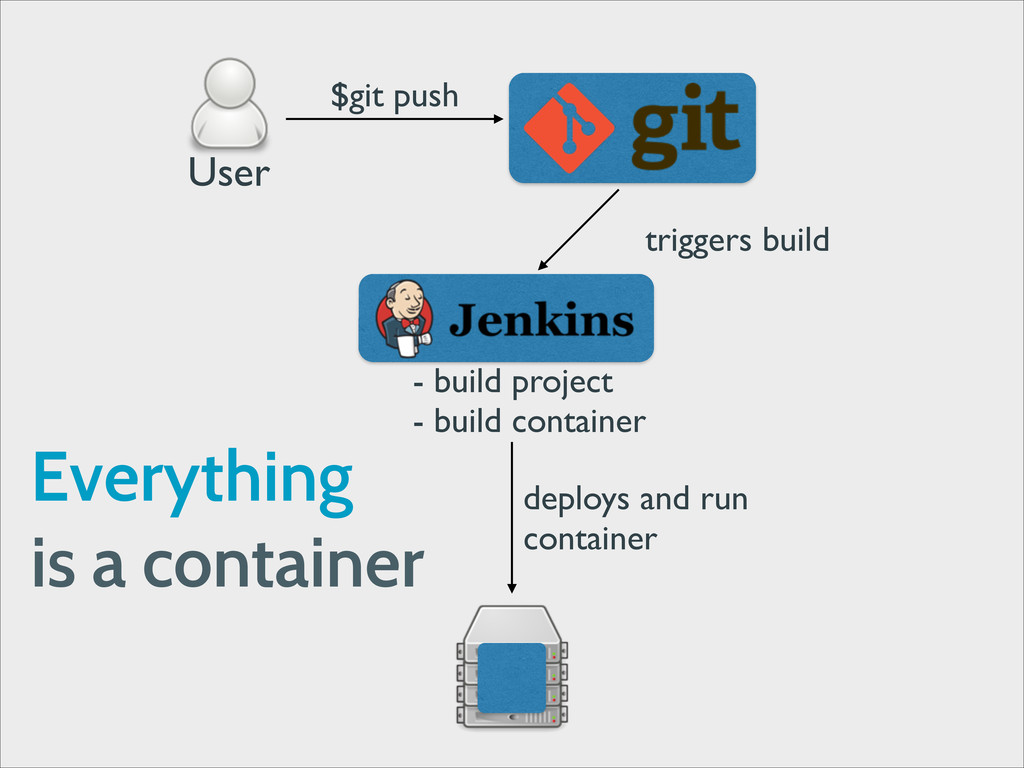
User $git push triggers build - build project - build
container deploys and run container Everything is a container
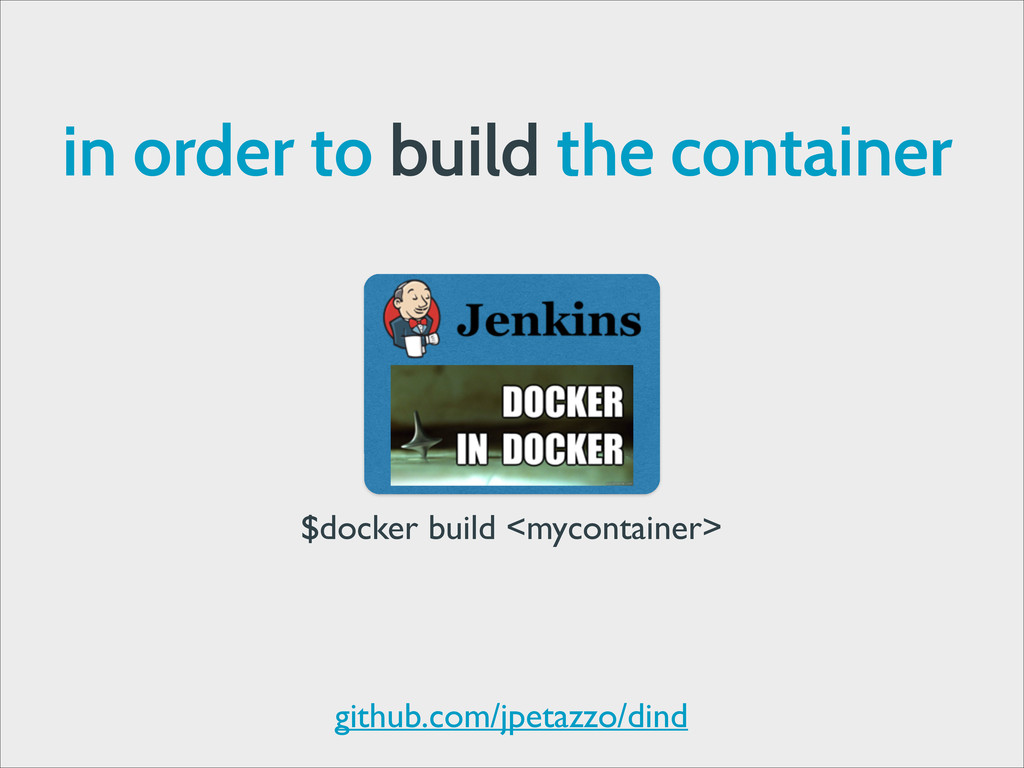
in order to build the container $docker build <mycontainer> github.com/jpetazzo/dind
What Else ?
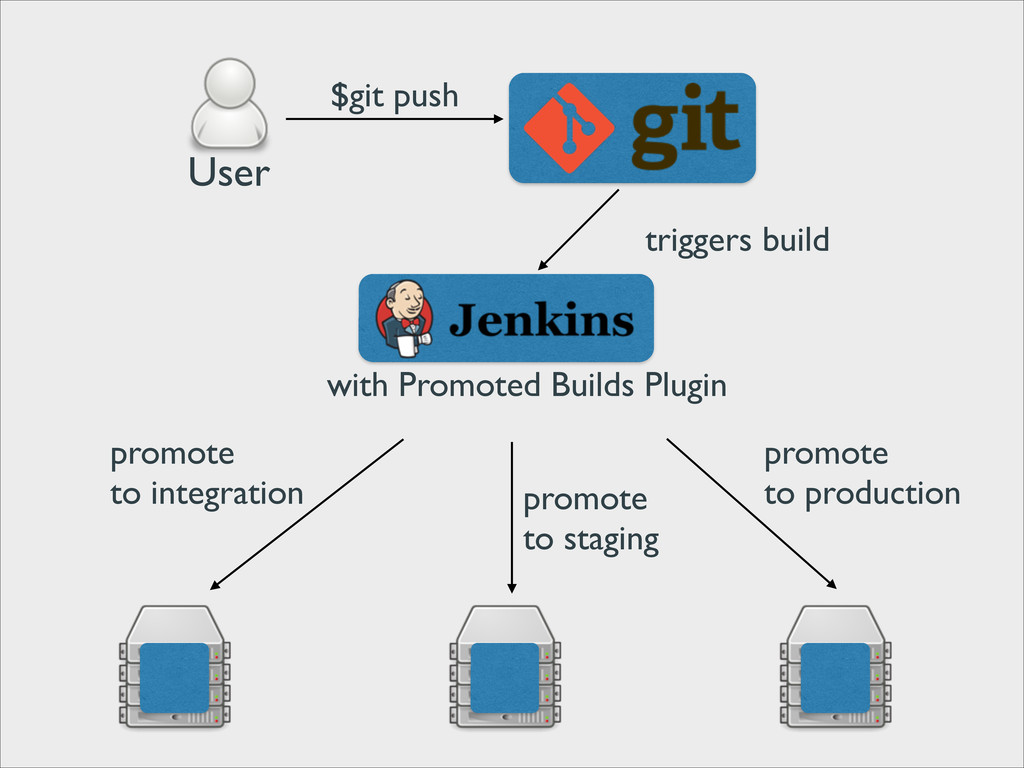
User $git push triggers build with Promoted Builds Plugin promote
to staging promote to integration promote to production
$ docker run base echo Questions?
Thanks


 julienvey
 elmetal
 rkaga
rkaga
 hollycummins
 akase244
 kanfab1
 kaityo256
 marcoroth
 yukiny
 bells17
 drumath2237
 j341nono
 hschwentner
 tamaranovitovic
 andyhume
 addyosmani
 jonoalderson
 aleyda
 eileencodes
 reverentgeek
 iamctodd
 csswizardry
 inesmontani
 chrisshort