Upgrade to Pro — share decks privately, control downloads, hide ads and more …

Terraform

Sponsored · Your Podcast. Everywhere. Effortlessly. Share. Educate. Inspire. Entertain. You do you. We'll handle the rest. →

 Terraform

Julien Vey

June 11, 2015

Transcript

113 slides
  1. Julien Vey DevOps OpenStack Contributor Works with Ansible, Docker, Go

    Contributed to the OpenStack Provider for Terraform @julienvey founded bywan
  2. Éric Bellemon DevOps Works with Docker, Go, JavaScript Contributed to

    the OpenStack Provider for Terraform @haklop founded bywan
  3. How to ? Keep Track of your inventory Manage changes

    in your infrastructure Control the lifecycle of your resources
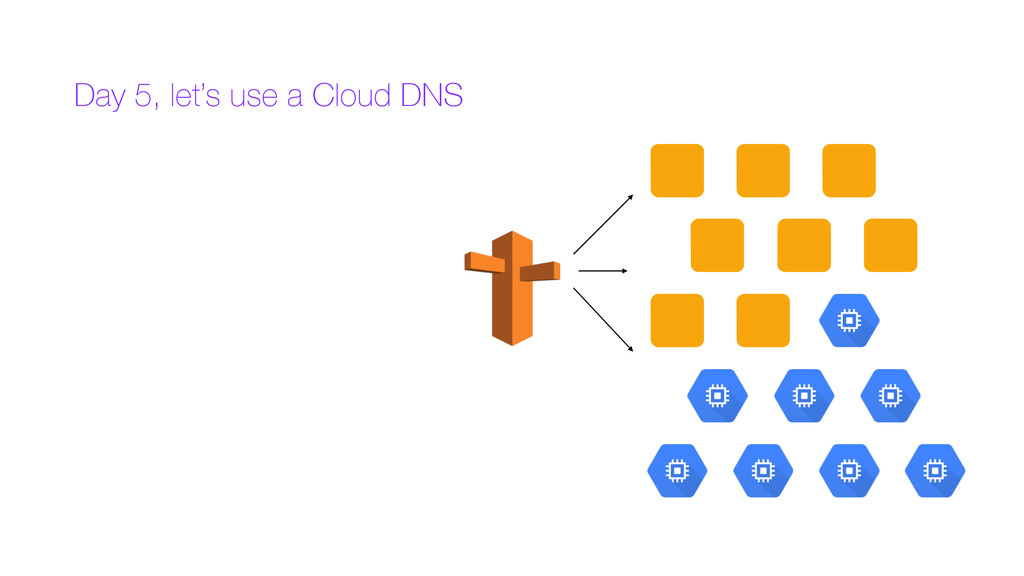
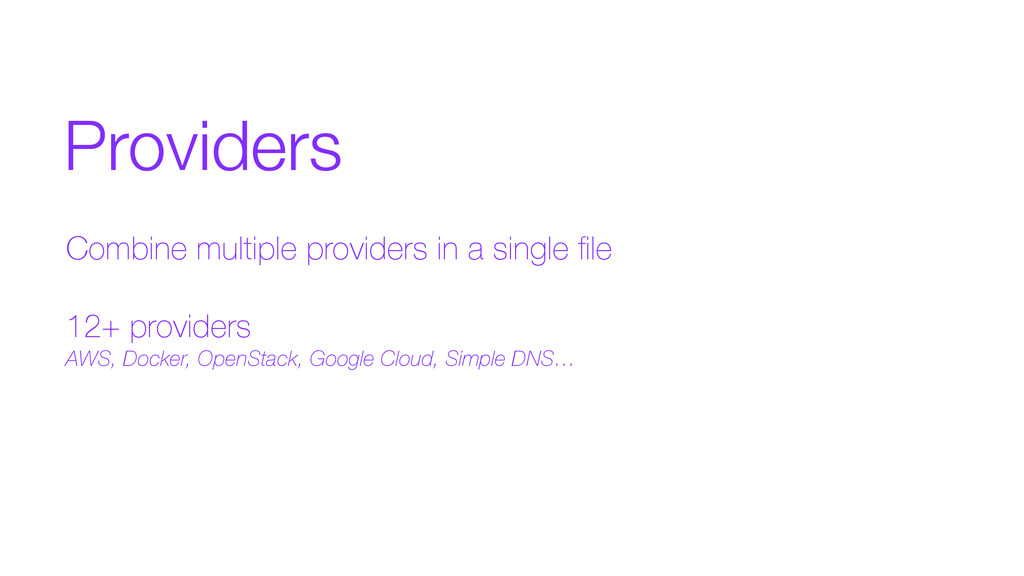
  4. Providers Combine multiple providers in a single file 12+ providers

    AWS, Docker, OpenStack, Google Cloud, Simple DNS…
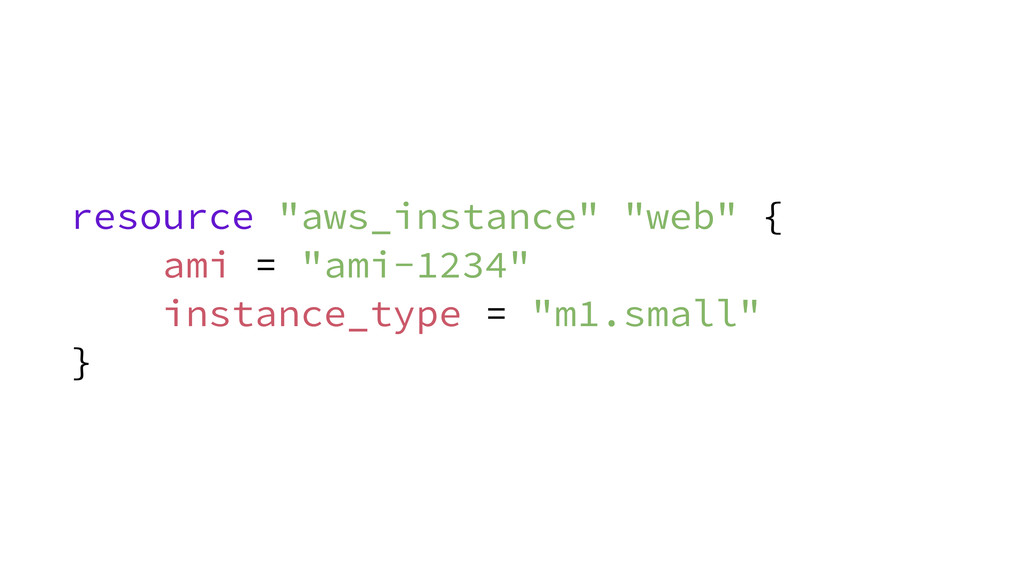
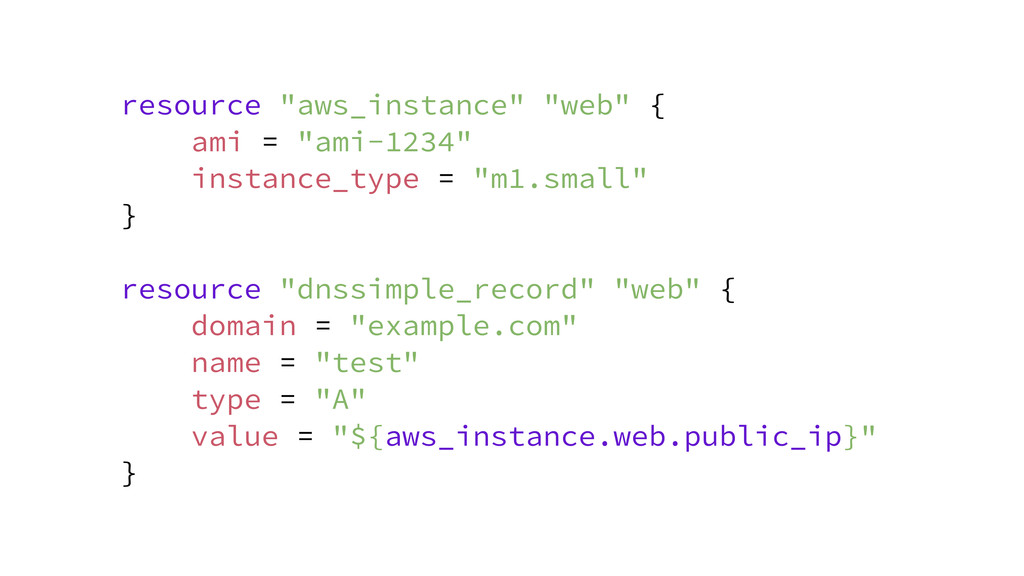
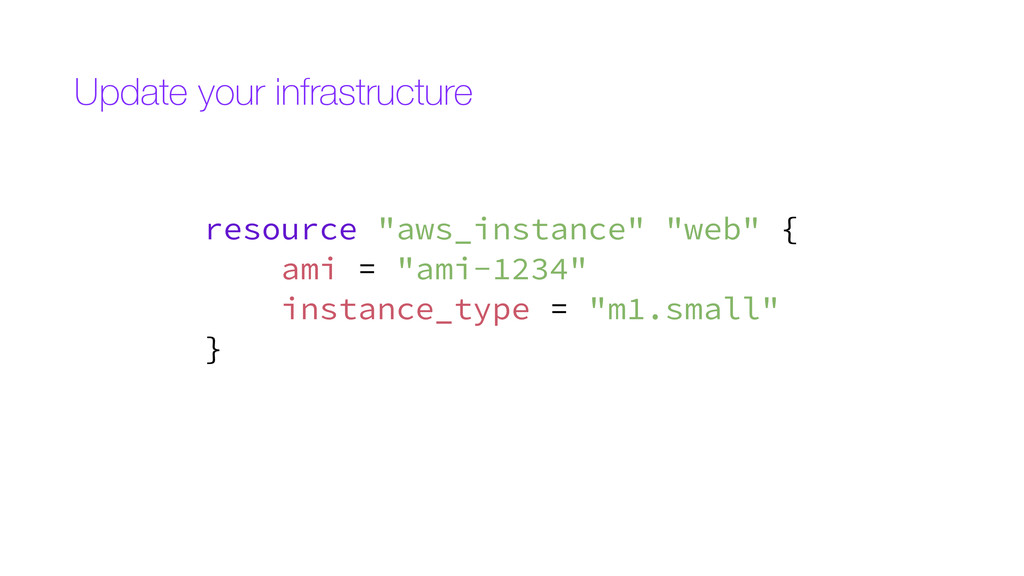
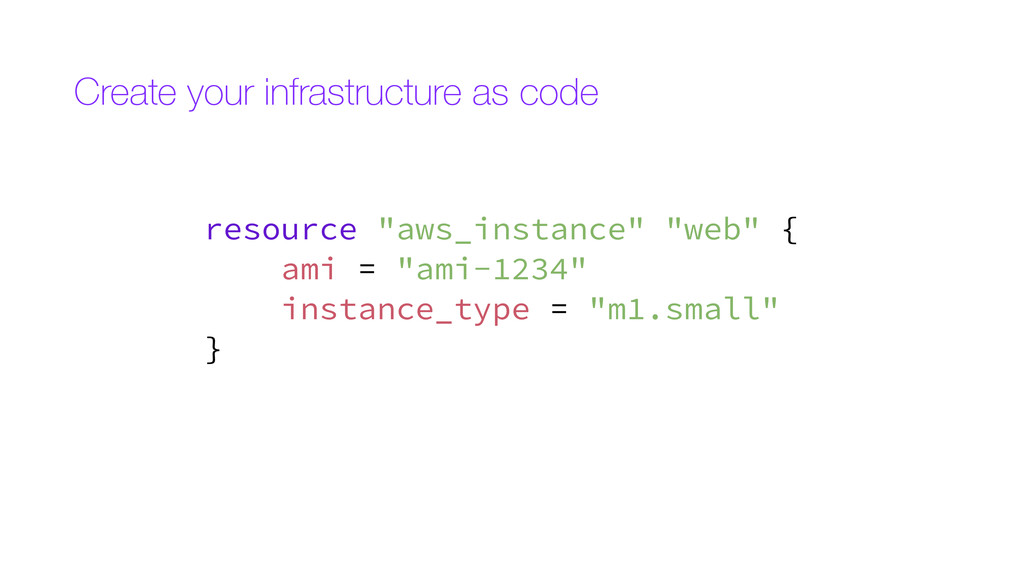
  5. resource "aws_instance" "web" { ami = "ami-1234" instance_type = "m1.small"

    } resource "dnssimple_record" "web" { domain = "example.com" name = "test" type = "A" value = "${aws_instance.web.public_ip}" }
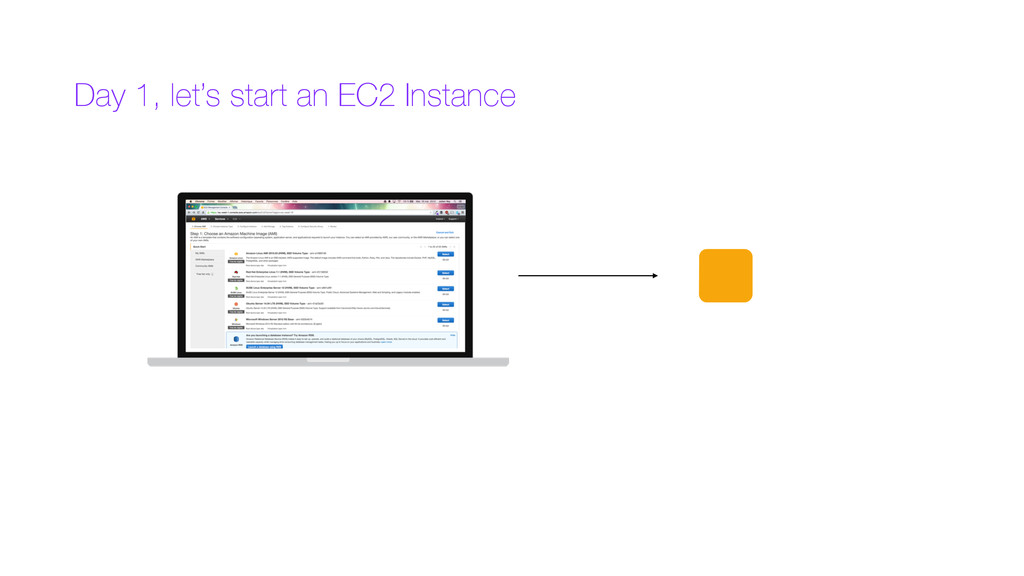
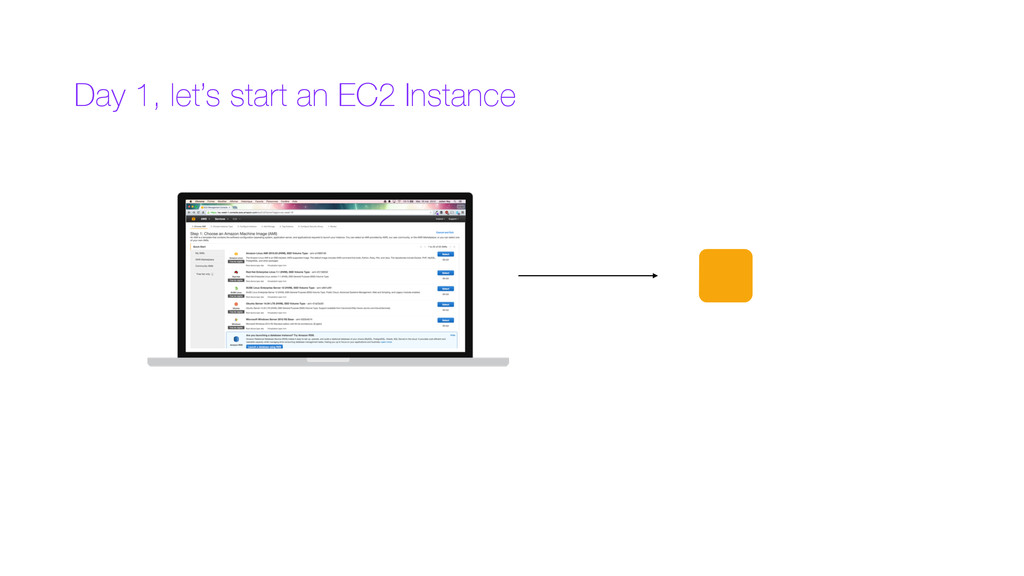
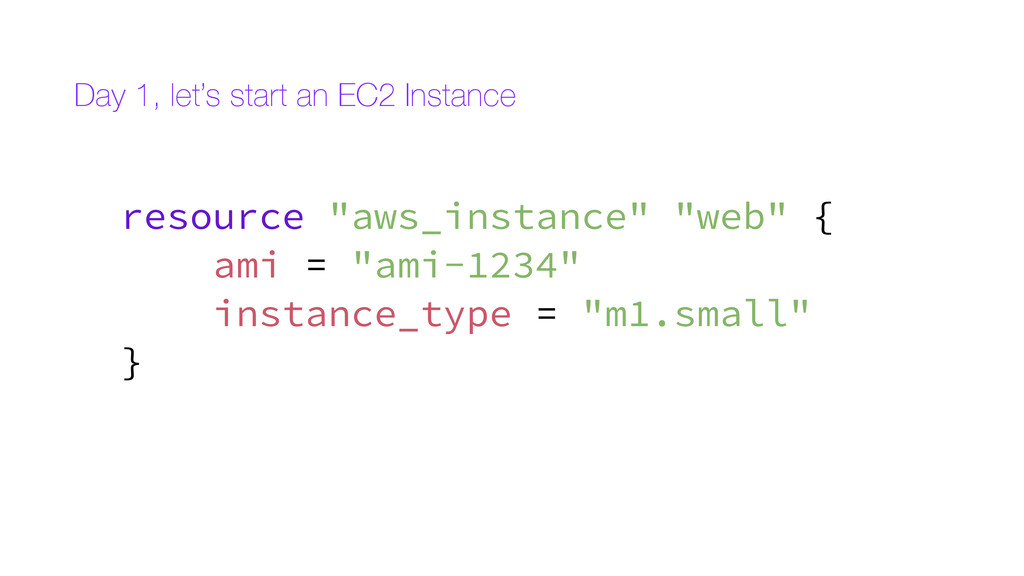
  6. Day 1, let’s start an EC2 Instance resource "aws_instance" "web"

    { ami = "ami-1234" instance_type = "m1.small" }
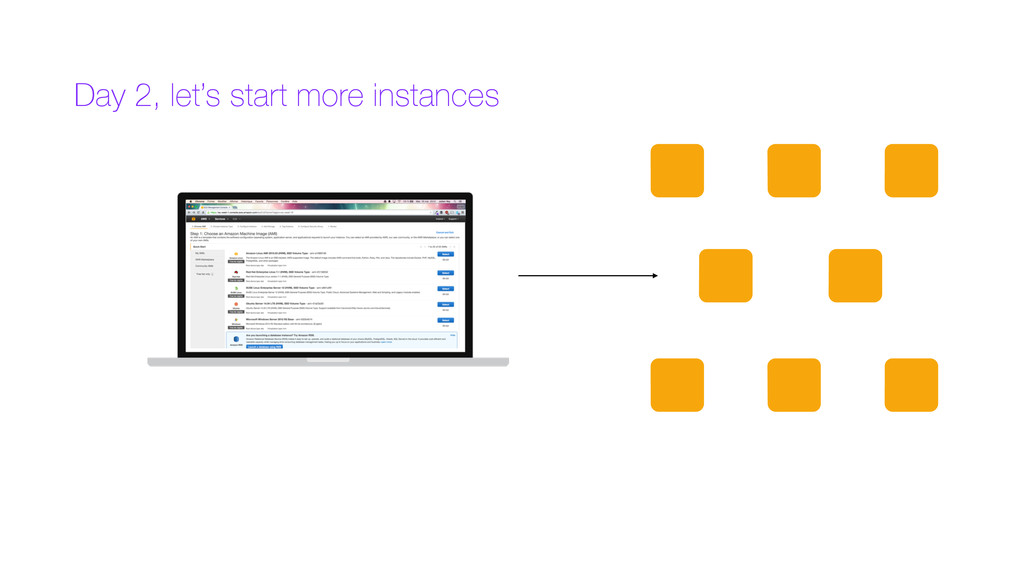
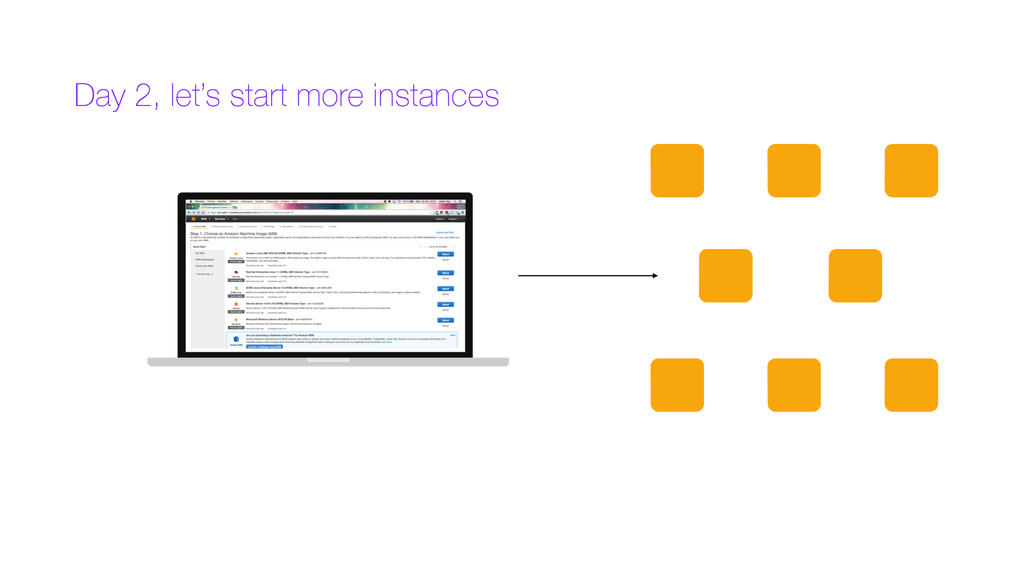
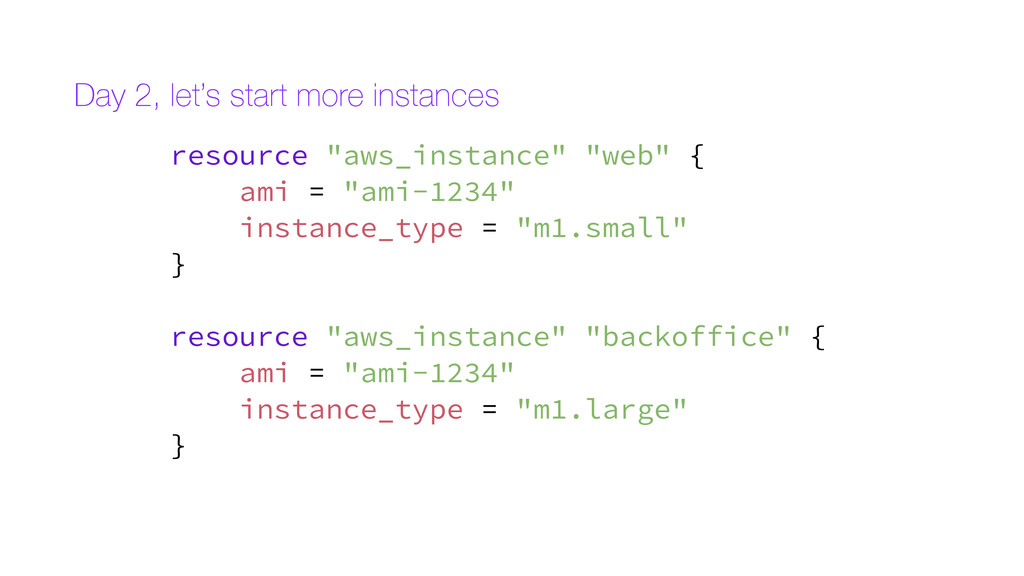
  7. Day 2, let’s start more instances resource "aws_instance" "web" {

    ami = "ami-1234" instance_type = "m1.small" } resource "aws_instance" "backoffice" { ami = "ami-1234" instance_type = "m1.large" }
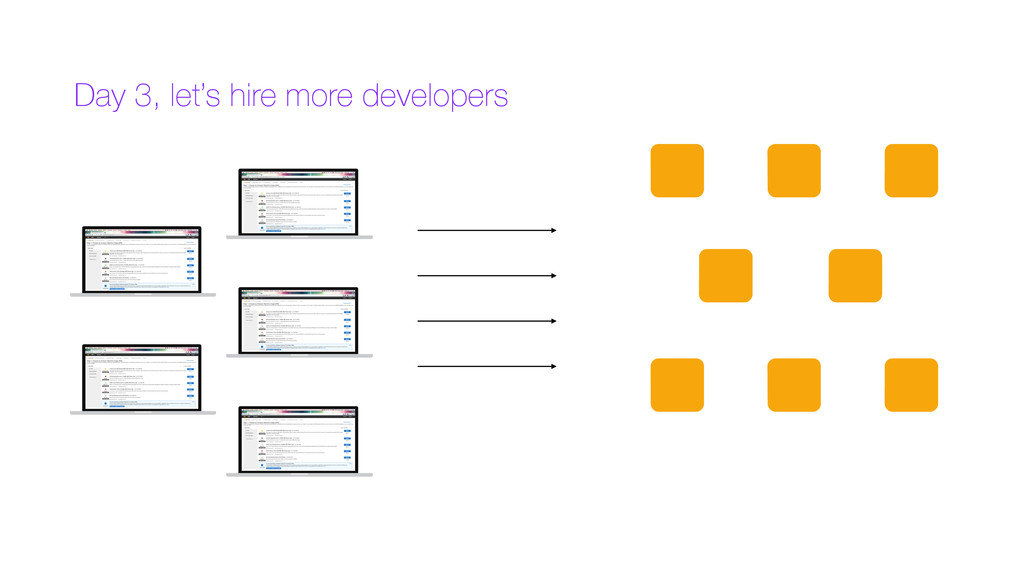
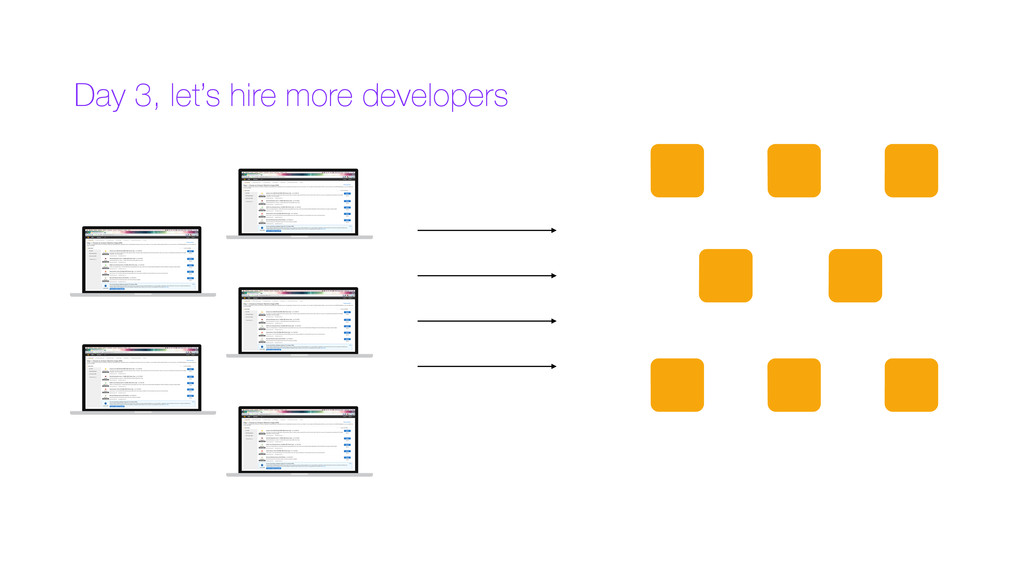
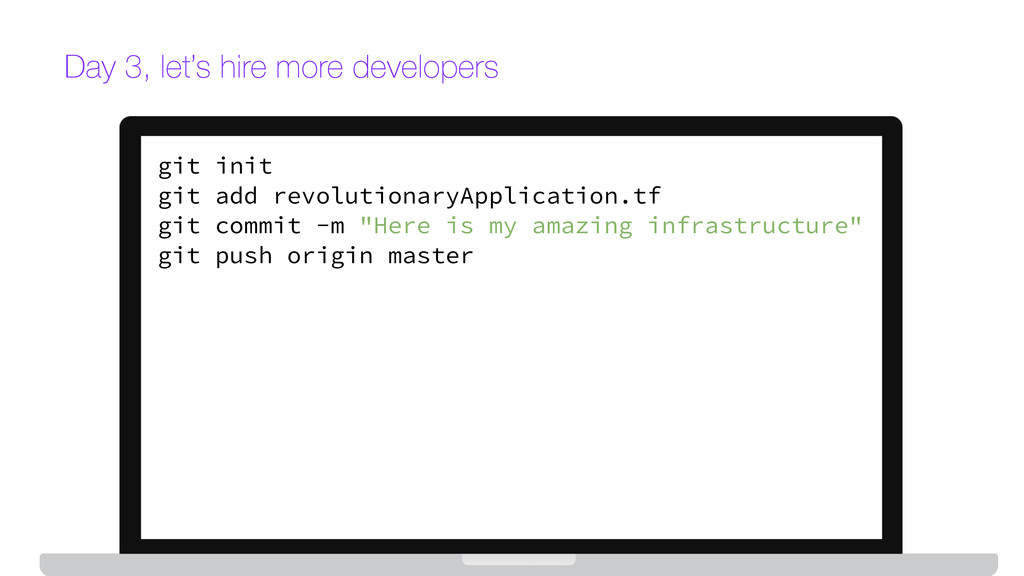
  8. Day 3, let’s hire more developers git init git add

    revolutionaryApplication.tf git commit -m "Here is my amazing infrastructure" git push origin master
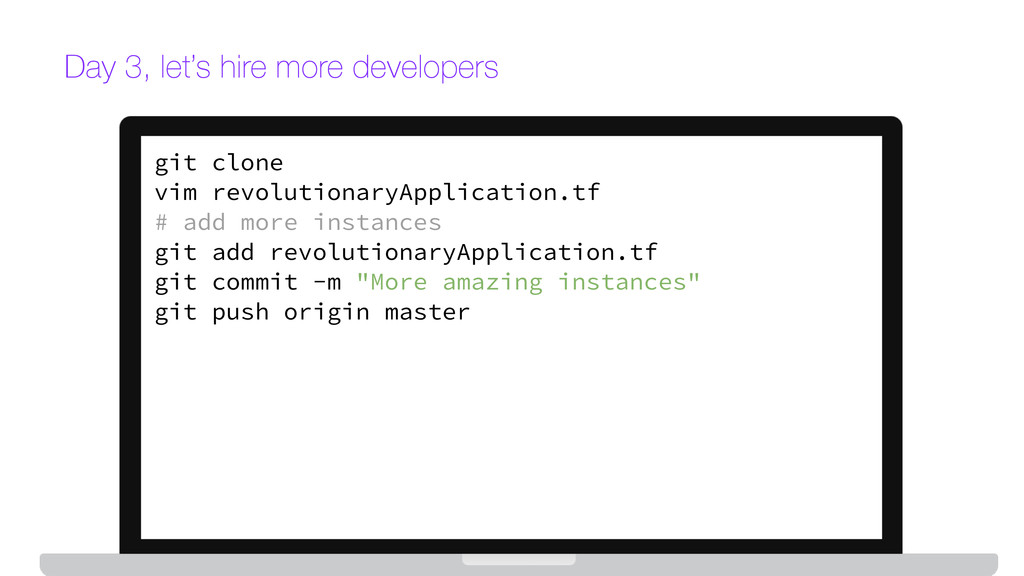
  9. Day 3, let’s hire more developers git clone vim revolutionaryApplication.tf

    # add more instances git add revolutionaryApplication.tf git commit -m "More amazing instances" git push origin master
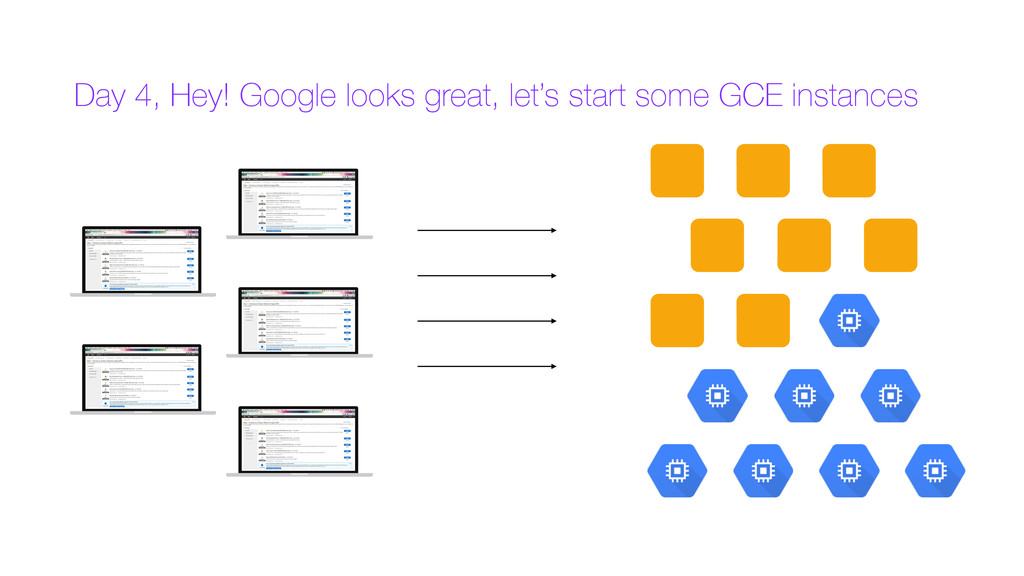
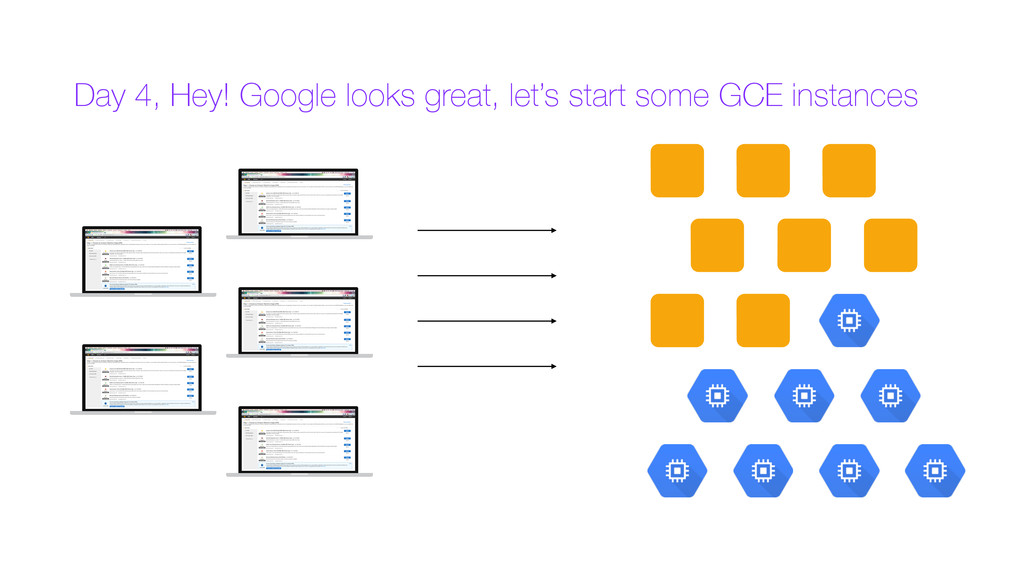
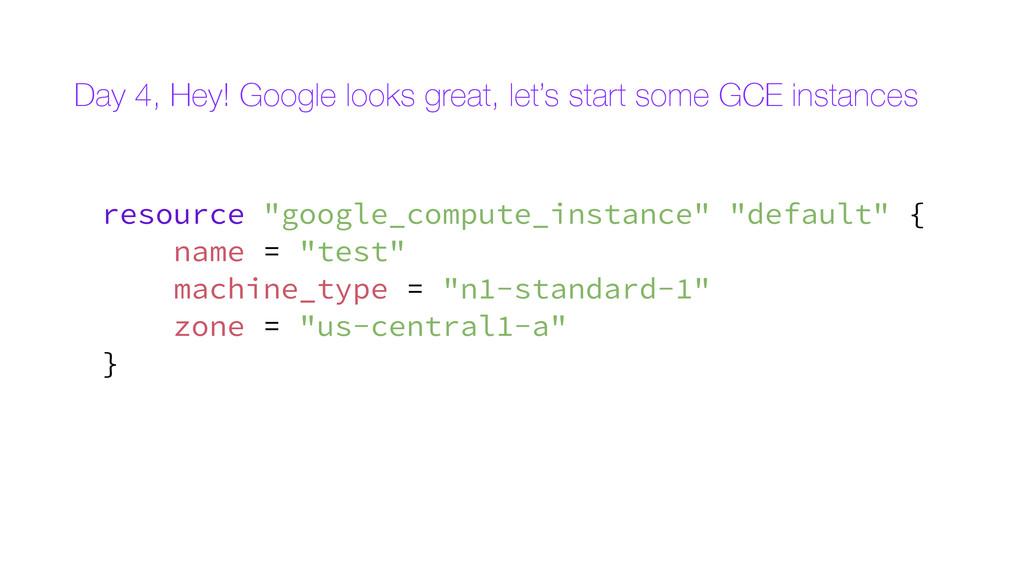
  10. Day 4, Hey! Google looks great, let’s start some GCE

    instances resource "google_compute_instance" "default" { name = "test" machine_type = "n1-standard-1" zone = "us-central1-a" }
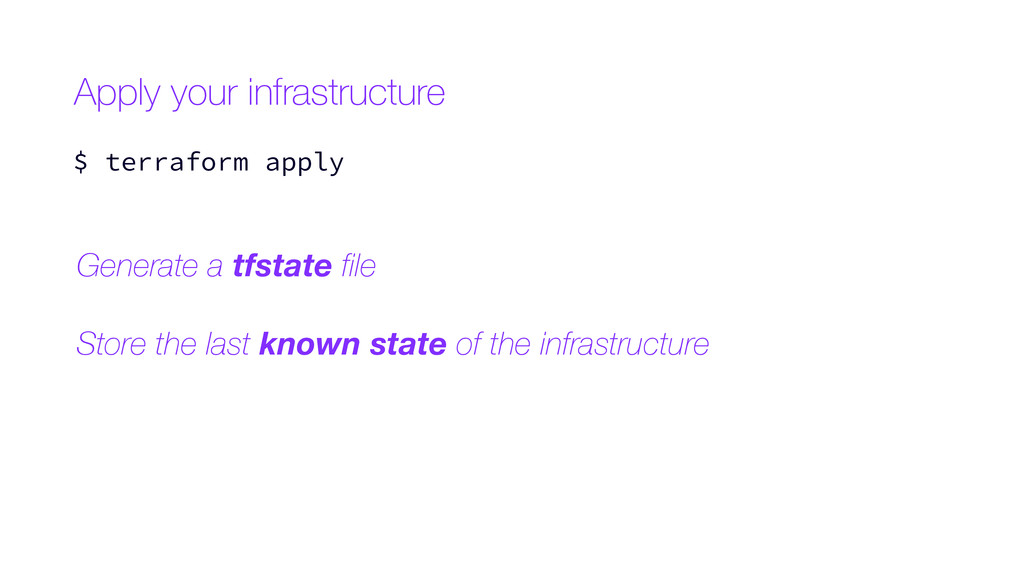
  11. Generate a tfstate file Store the last known state of

    the infrastructure Apply your infrastructure $ terraform apply
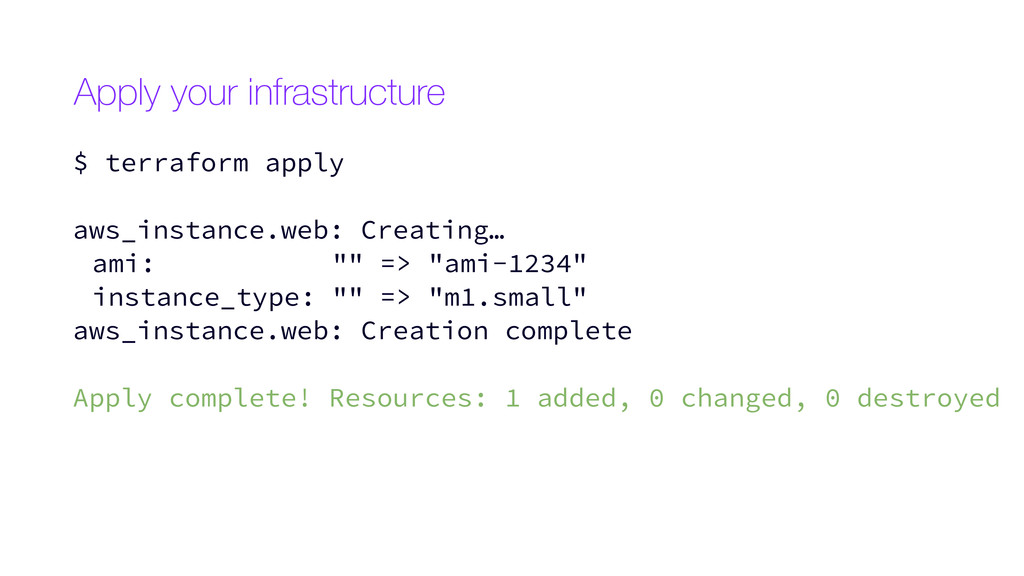
  12. $ terraform apply aws_instance.web: Creating… ami: "" => "ami-1234" instance_type:

    "" => "m1.small" aws_instance.web: Creation complete Apply complete! Resources: 1 added, 0 changed, 0 destroyed Apply your infrastructure
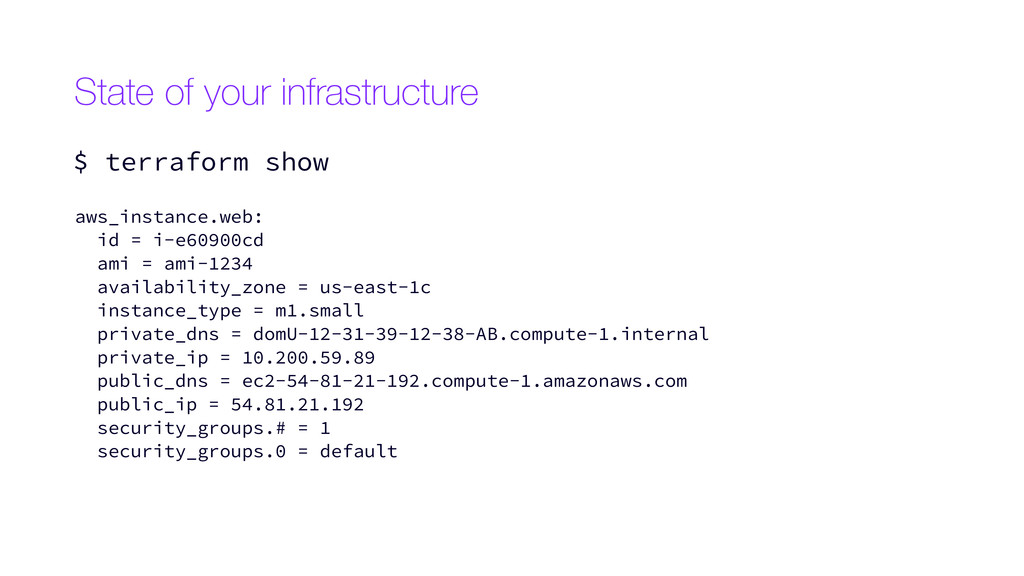
  13. State of your infrastructure $ terraform show aws_instance.web: id =

    i-e60900cd ami = ami-1234 availability_zone = us-east-1c instance_type = m1.small private_dns = domU-12-31-39-12-38-AB.compute-1.internal private_ip = 10.200.59.89 public_dns = ec2-54-81-21-192.compute-1.amazonaws.com public_ip = 54.81.21.192 security_groups.# = 1 security_groups.0 = default
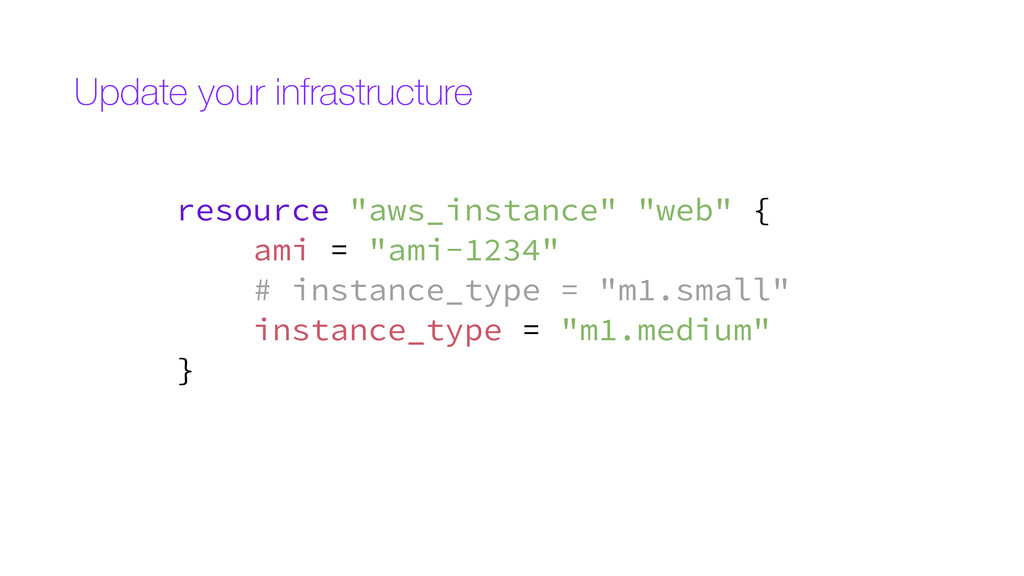
  14. resource "aws_instance" "web" { ami = "ami-1234" # instance_type =

    "m1.small" instance_type = "m1.medium" } Update your infrastructure
  15. Refreshing Terraform state prior to plan... aws_instance.web: Refreshing state... (ID:

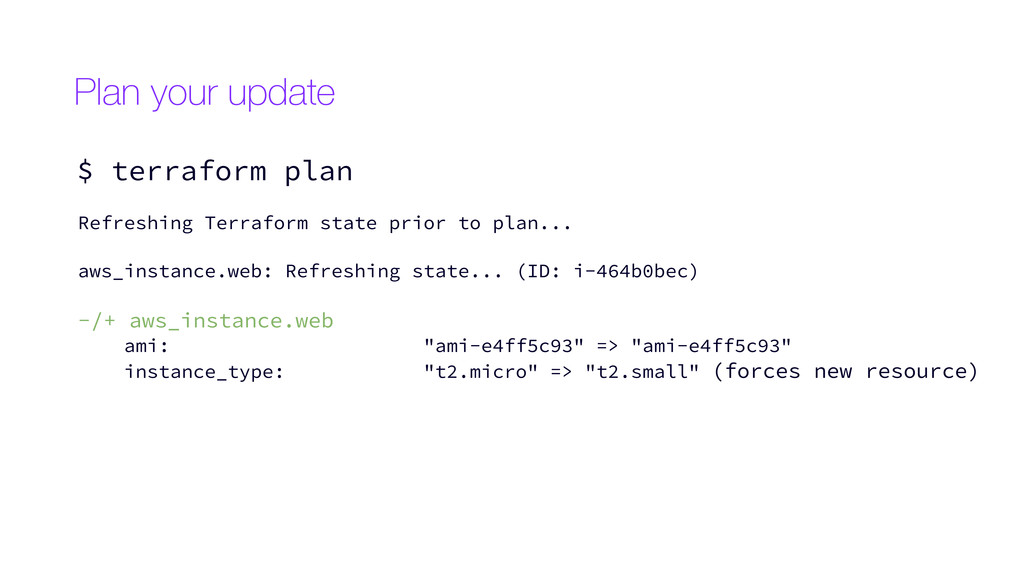
    i-464b0bec) -/+ aws_instance.web ami: "ami-e4ff5c93" => "ami-e4ff5c93" instance_type: "t2.micro" => "t2.small" (forces new resource) Plan your update $ terraform plan
  16. Refreshing Terraform state prior to plan... aws_instance.web: Refreshing state... (ID:

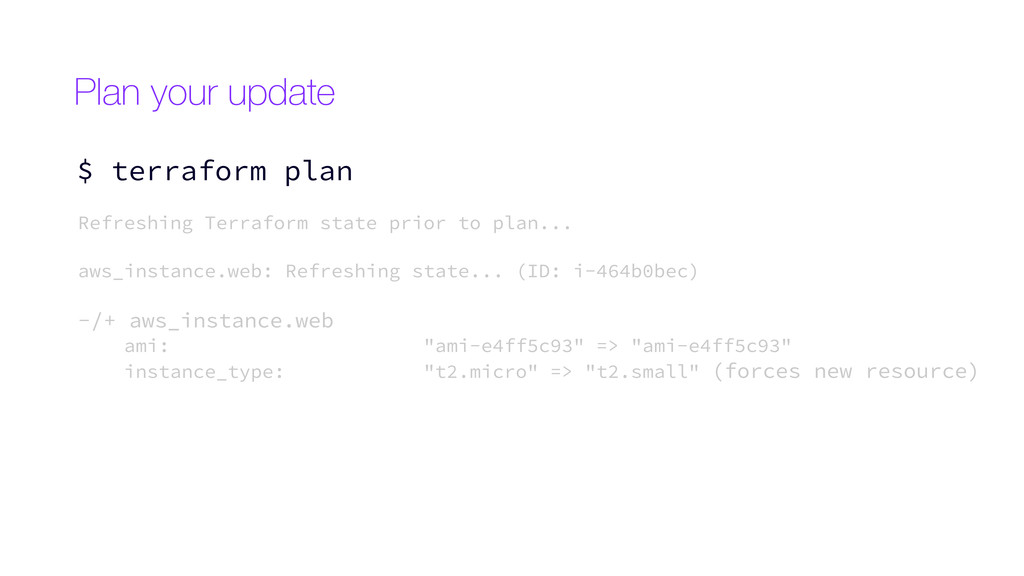
    i-464b0bec) -/+ aws_instance.web ami: "ami-e4ff5c93" => "ami-e4ff5c93" instance_type: "t2.micro" => "t2.small" (forces new resource) Plan your update $ terraform plan
  17. Refreshing Terraform state prior to plan... aws_instance.web: Refreshing state... (ID:

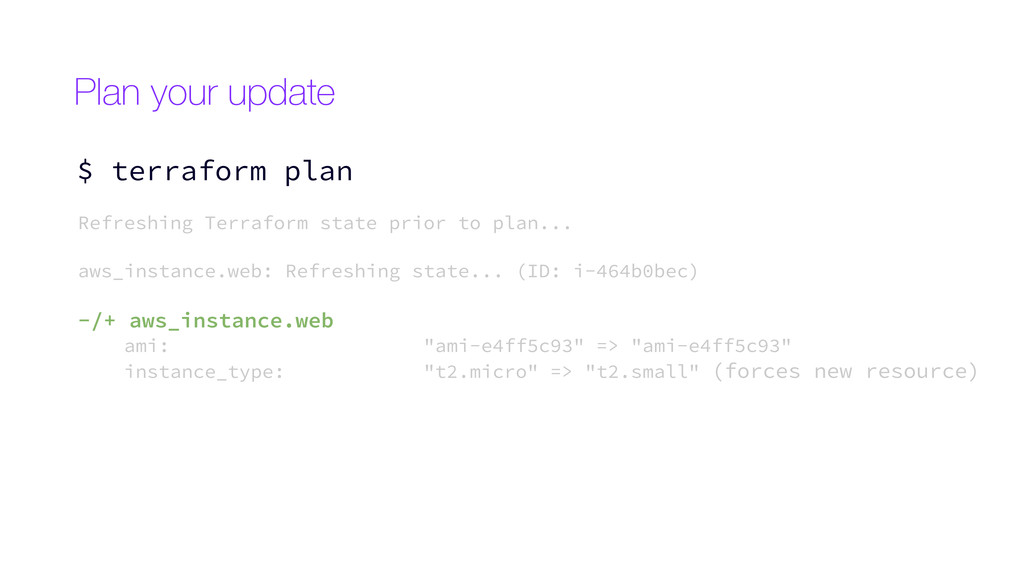
    i-464b0bec) -/+ aws_instance.web ami: "ami-e4ff5c93" => "ami-e4ff5c93" instance_type: "t2.micro" => "t2.small" (forces new resource) Plan your update $ terraform plan
  18. Refreshing Terraform state prior to plan... aws_instance.web: Refreshing state... (ID:

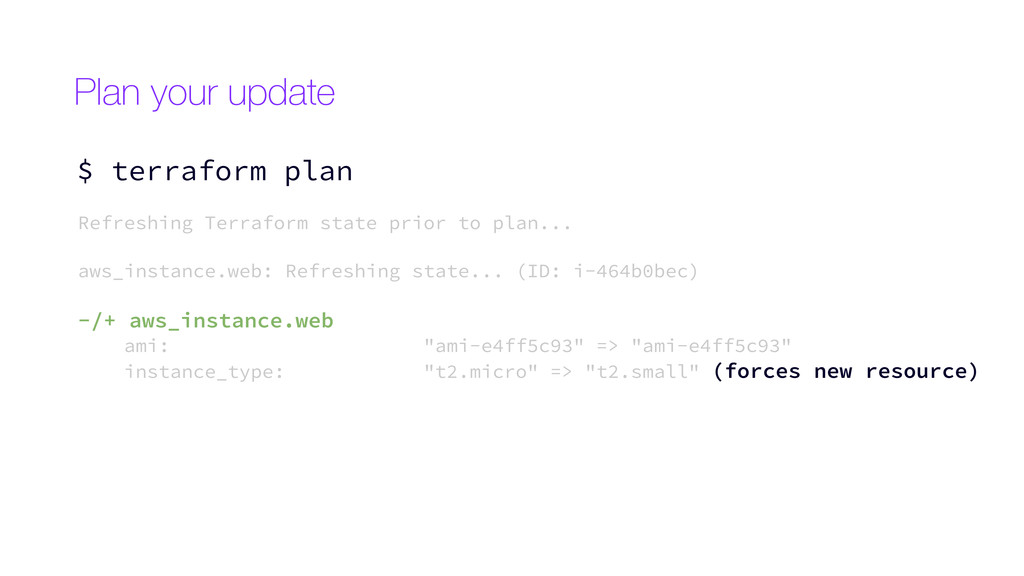
    i-464b0bec) -/+ aws_instance.web ami: "ami-e4ff5c93" => "ami-e4ff5c93" instance_type: "t2.micro" => "t2.small" (forces new resource) Plan your update $ terraform plan
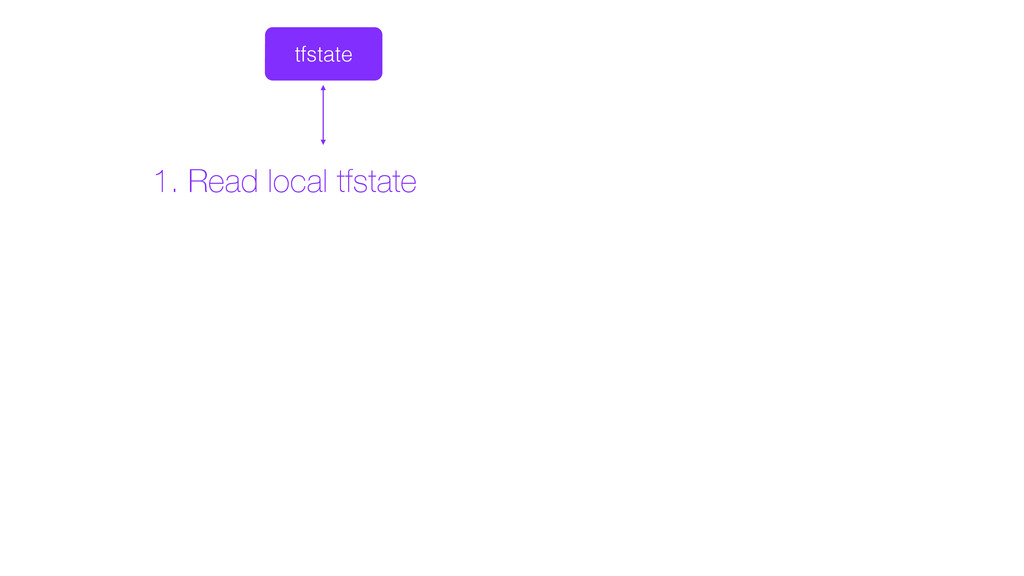
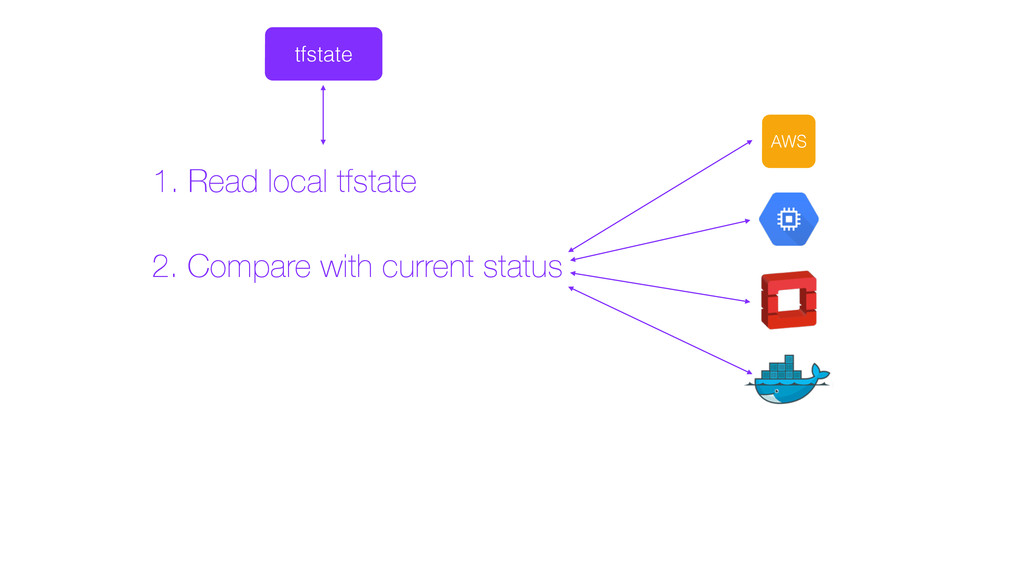
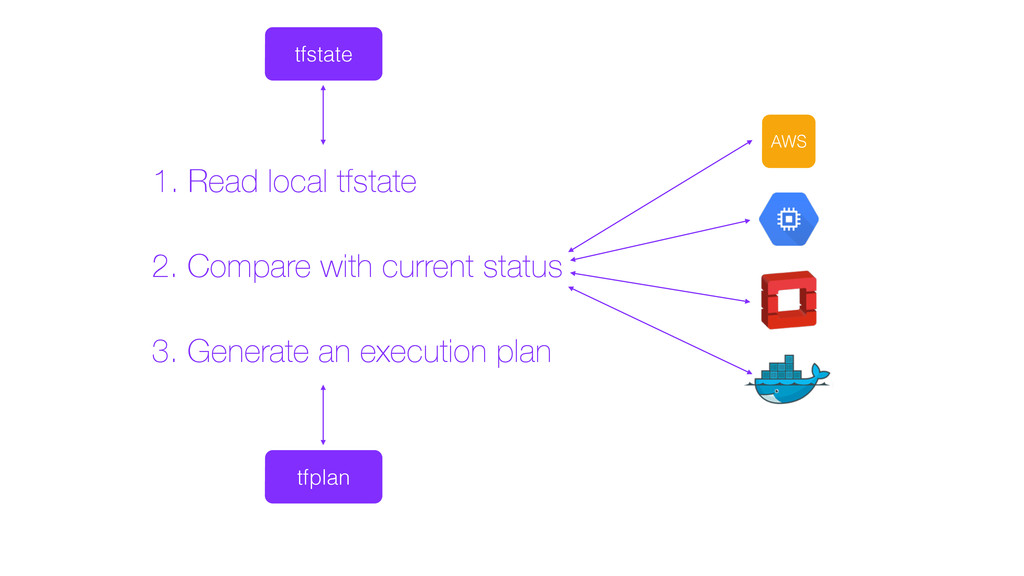
  19. AWS 1. Read local tfstate 2. Compare with current status

    3. Generate an execution plan tfstate tfplan
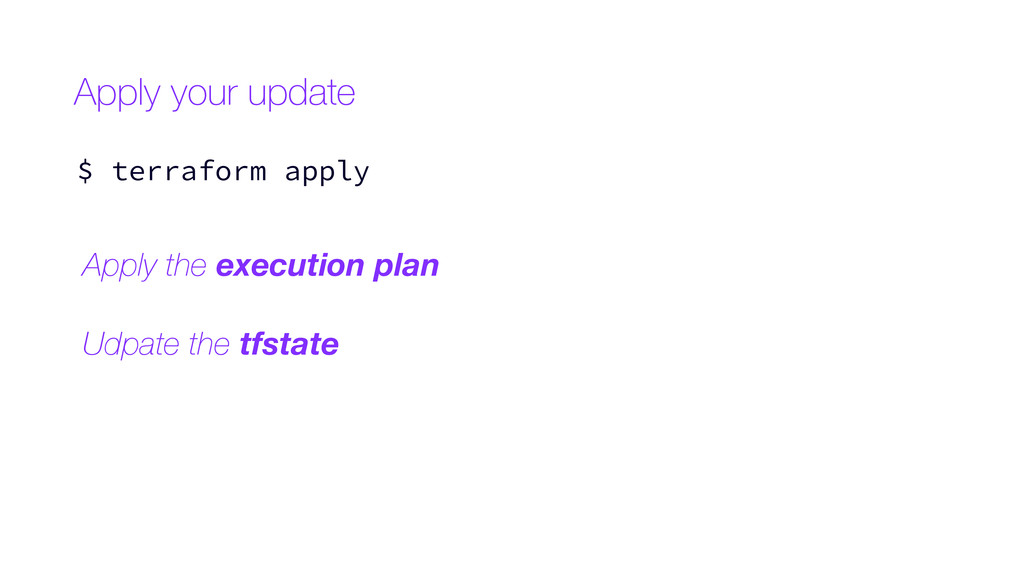
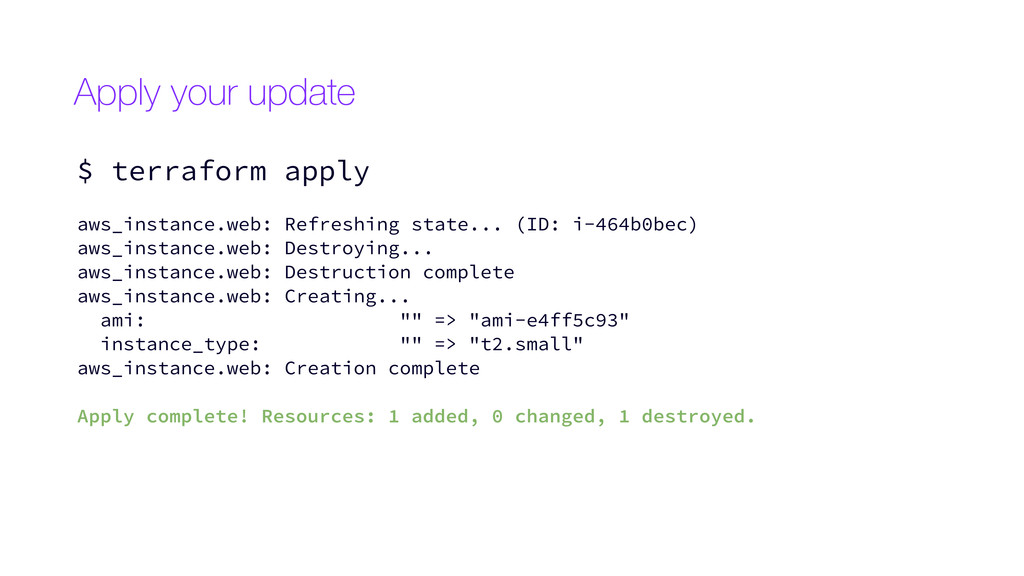
  20. aws_instance.web: Refreshing state... (ID: i-464b0bec) aws_instance.web: Destroying... aws_instance.web: Destruction complete

    aws_instance.web: Creating... ami: "" => "ami-e4ff5c93" instance_type: "" => "t2.small" aws_instance.web: Creation complete Apply complete! Resources: 1 added, 0 changed, 1 destroyed. Apply your update $ terraform apply
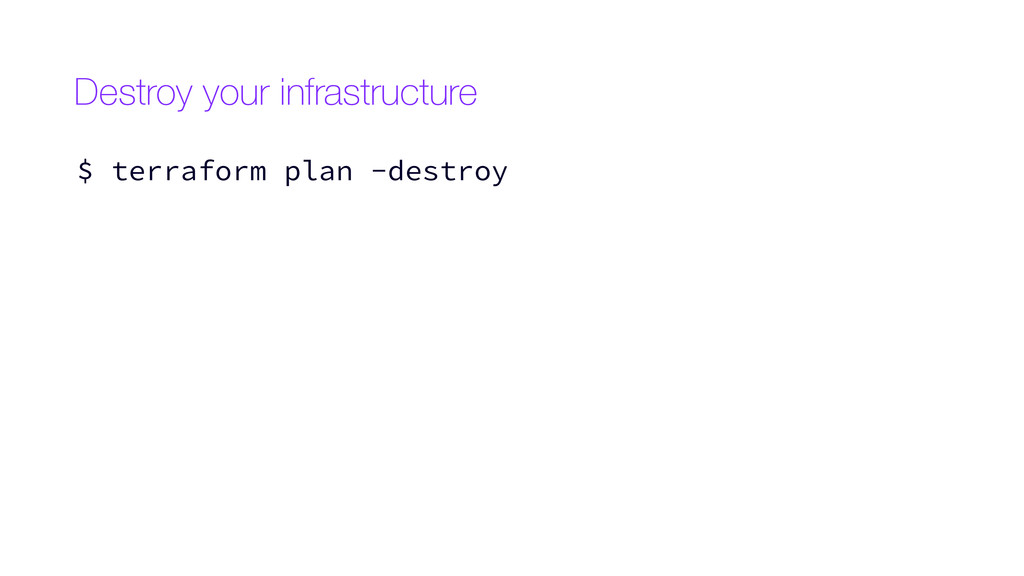
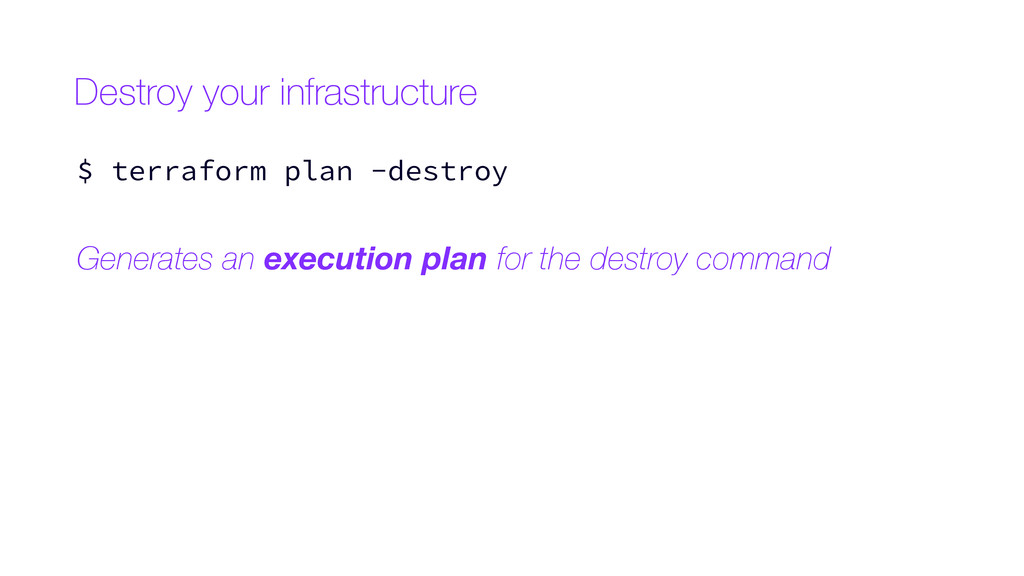
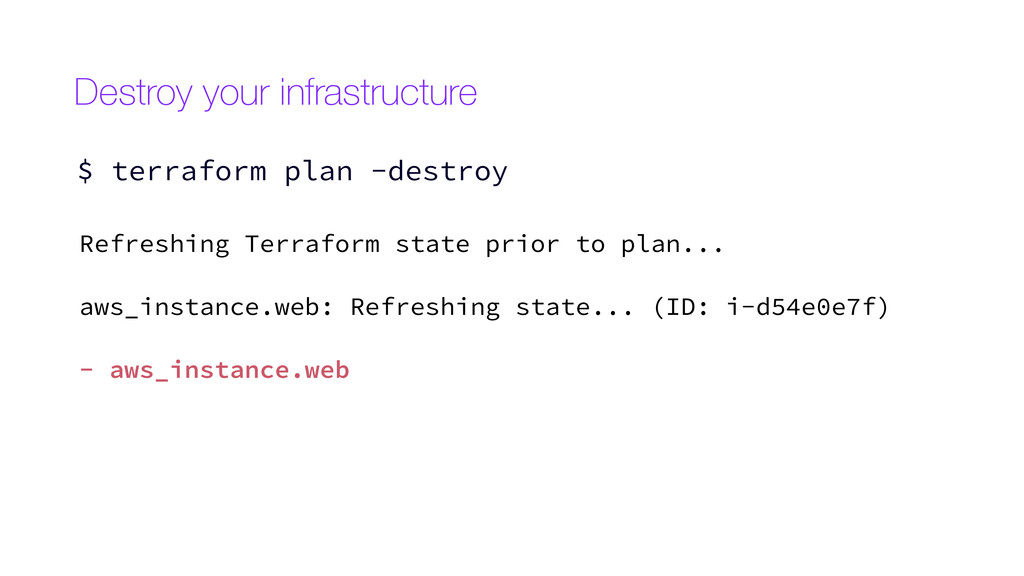
  21. Destroy your infrastructure $ terraform plan -destroy Refreshing Terraform state
    prior to plan... aws_instance.web: Refreshing state... (ID: i-d54e0e7f) - aws_instance.web
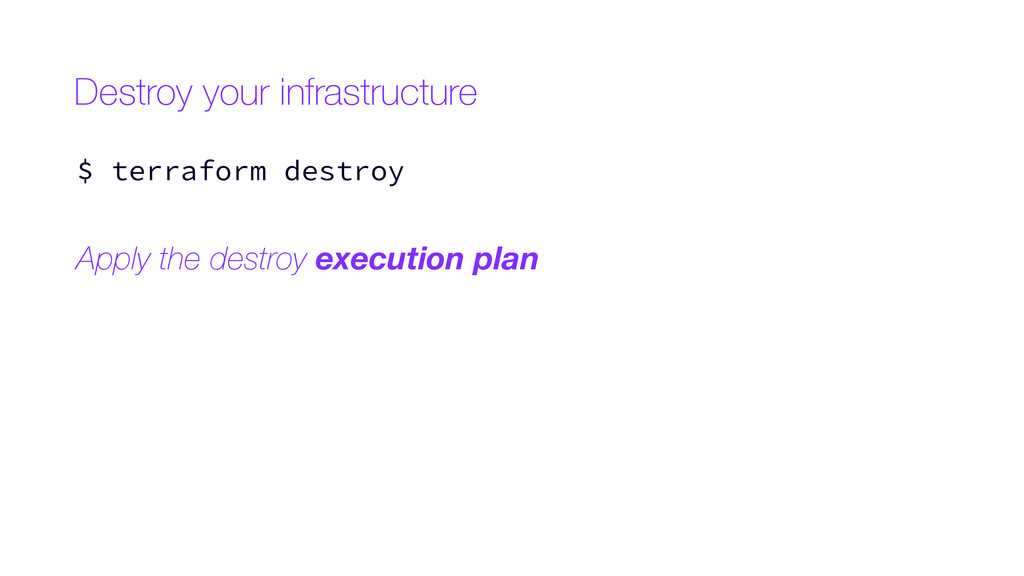
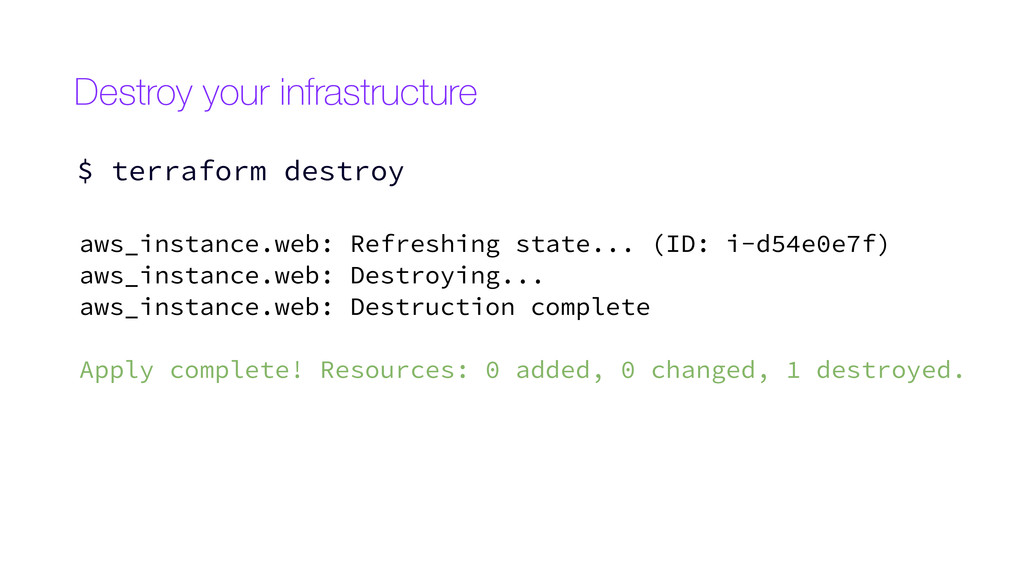
  22. Destroy your infrastructure $ terraform destroy aws_instance.web: Refreshing state... (ID:

    i-d54e0e7f) aws_instance.web: Destroying... aws_instance.web: Destruction complete Apply complete! Resources: 0 added, 0 changed, 1 destroyed.
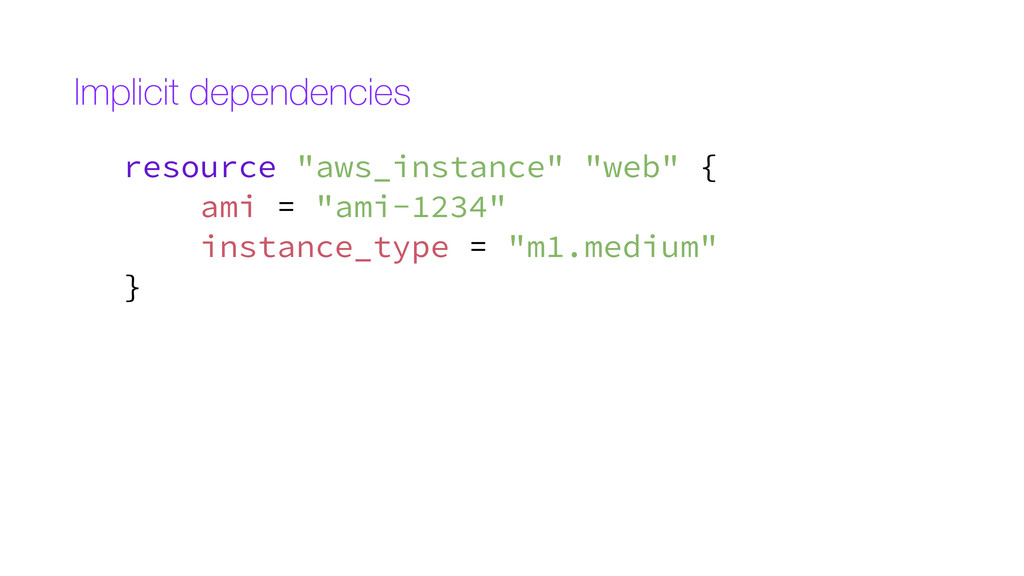
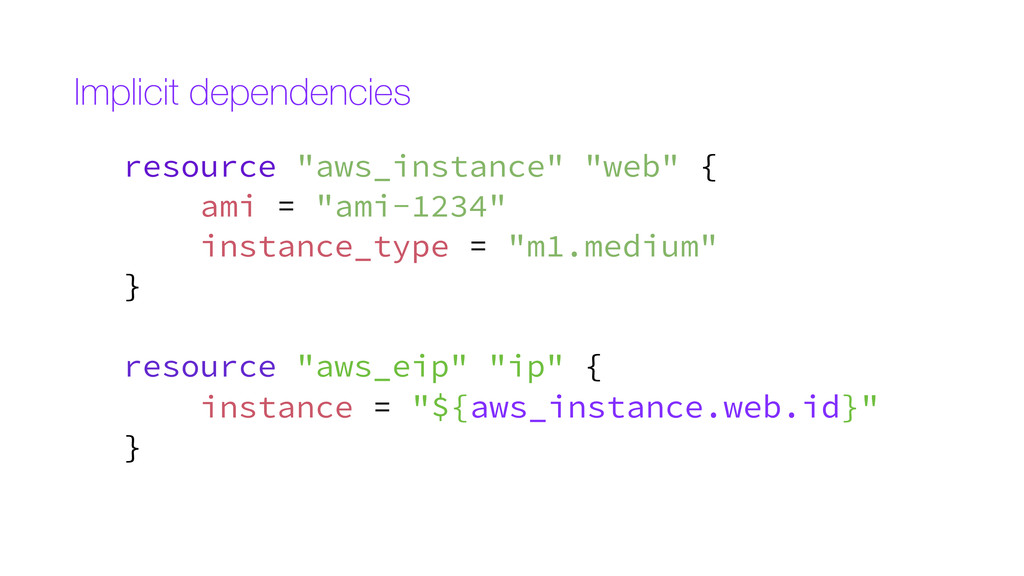
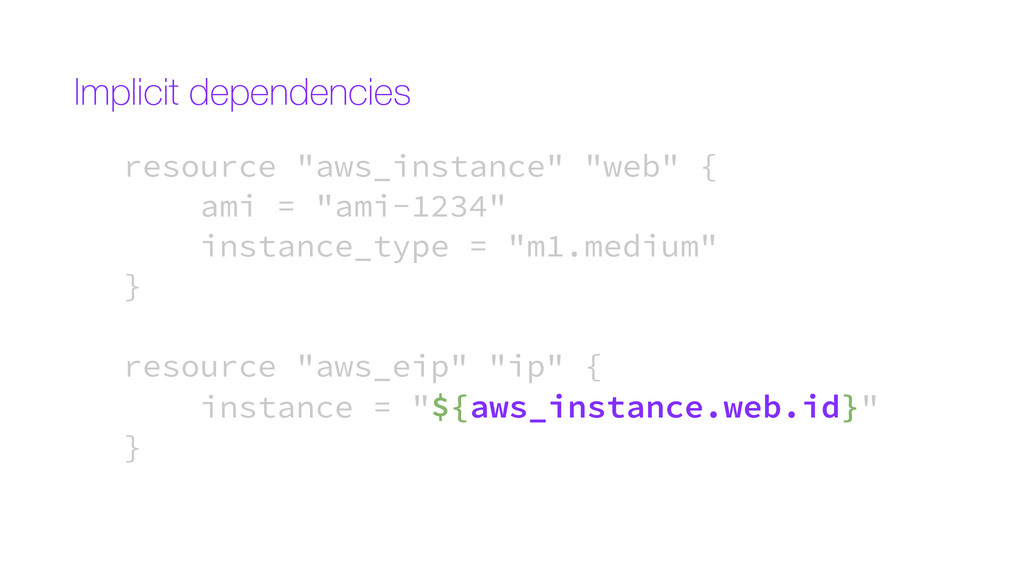
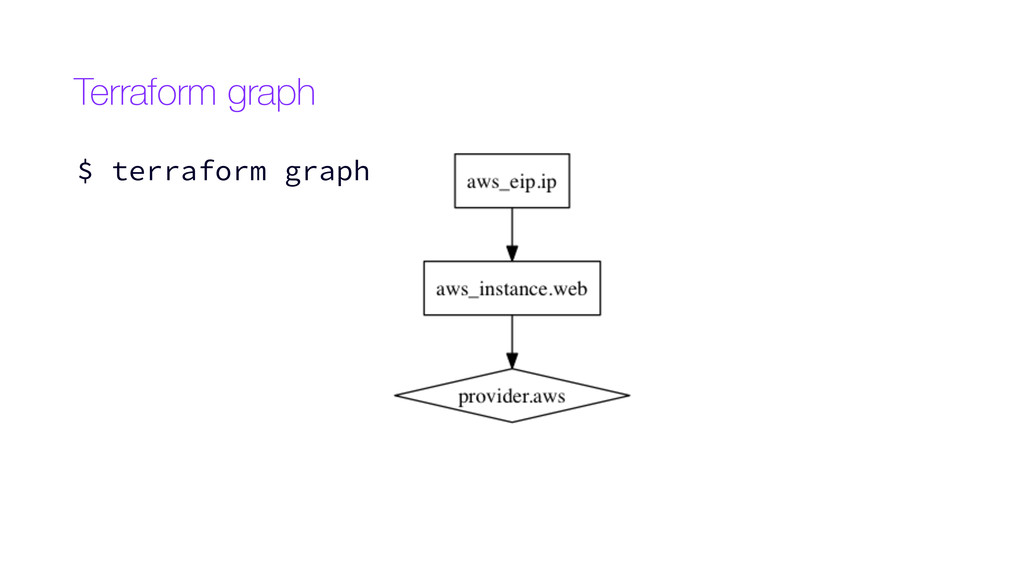
  23. Implicit dependencies resource "aws_instance" "web" { ami = "ami-1234" instance_type

    = "m1.medium" } resource "aws_eip" "ip" { instance = "${aws_instance.web.id}" }
  24. resource "aws_instance" "web" { ami = "ami-1234" instance_type = "m1.medium"

    } resource "aws_eip" "ip" { instance = "${aws_instance.web.id}" } Implicit dependencies
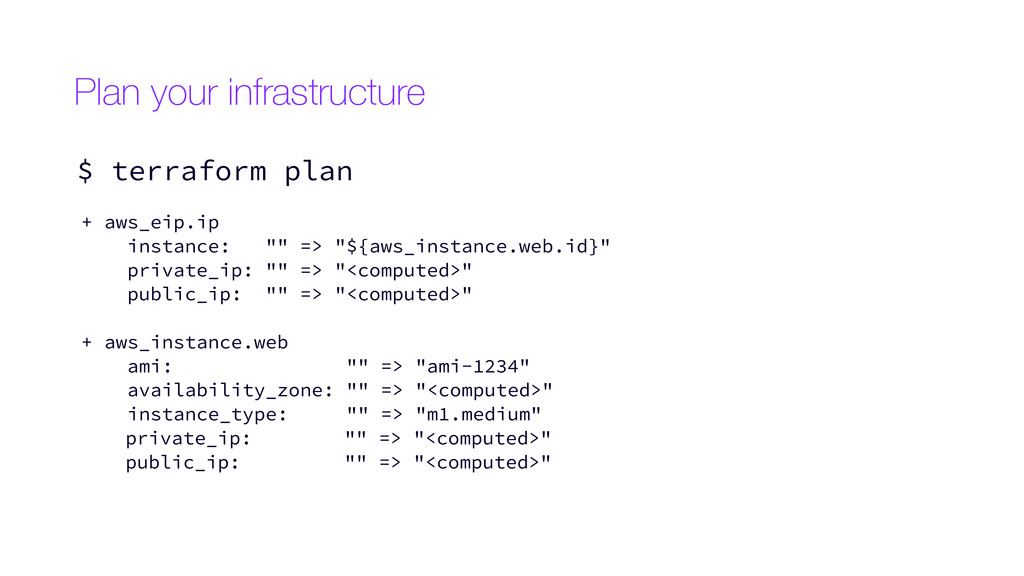
  25. Plan your infrastructure $ terraform plan + aws_eip.ip instance: ""

    => "${aws_instance.web.id}" private_ip: "" => "<computed>" public_ip: "" => "<computed>" + aws_instance.web ami: "" => "ami-1234" availability_zone: "" => "<computed>" instance_type: "" => "m1.medium" private_ip: "" => "<computed>" public_ip: "" => "<computed>"
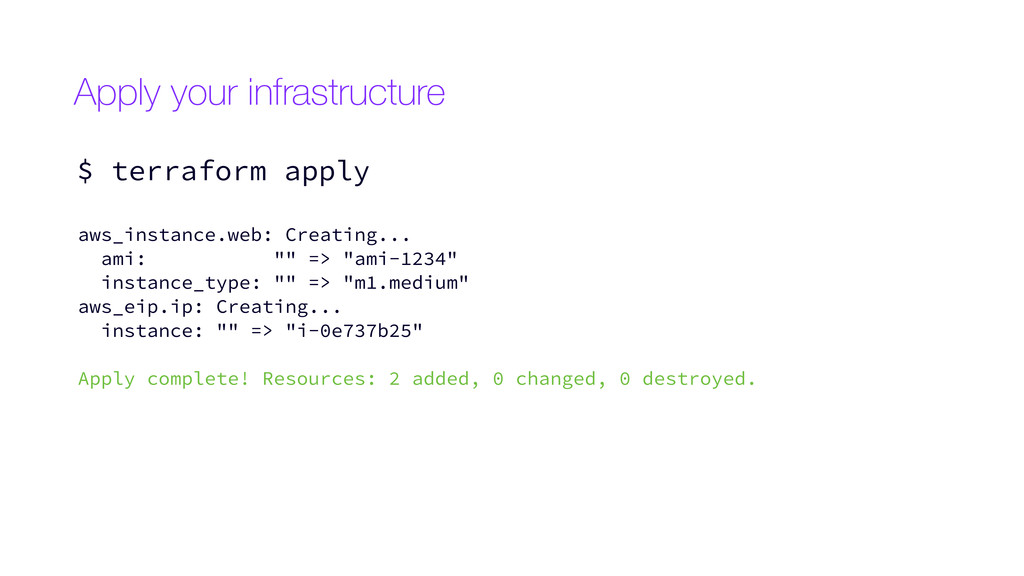
  26. Apply your infrastructure $ terraform apply aws_instance.web: Creating... ami: ""

    => "ami-1234" instance_type: "" => "m1.medium" aws_eip.ip: Creating... instance: "" => "i-0e737b25" Apply complete! Resources: 2 added, 0 changed, 0 destroyed.
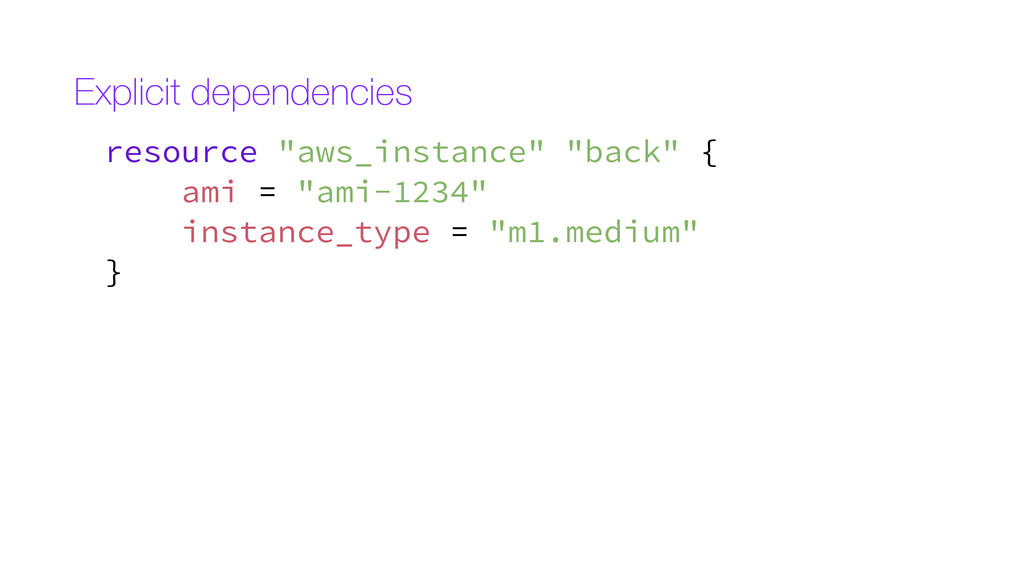
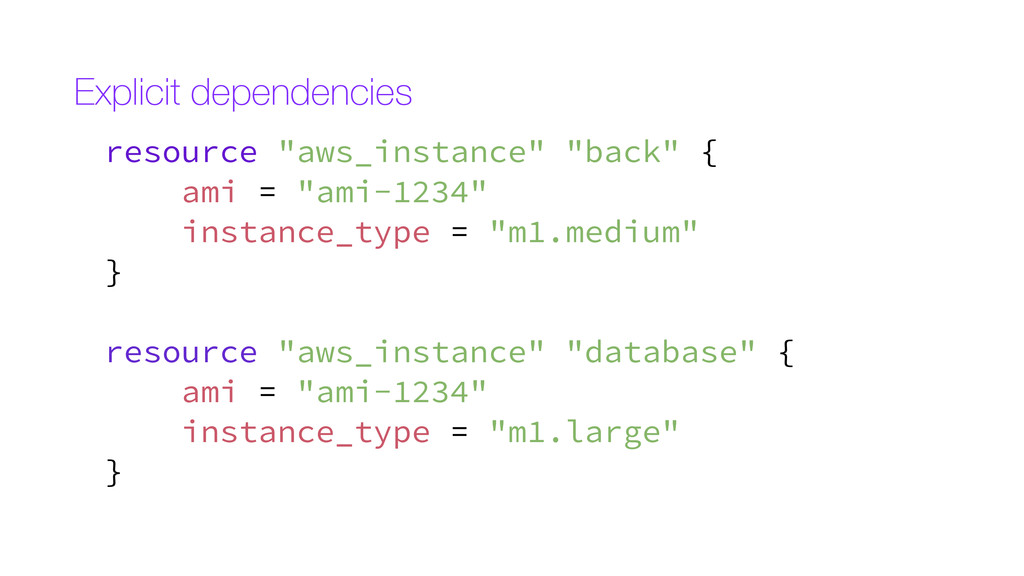
  27. resource "aws_instance" "back" { ami = "ami-1234" instance_type = "m1.medium"

    } resource "aws_instance" "database" { ami = "ami-1234" instance_type = "m1.large" } Explicit dependencies
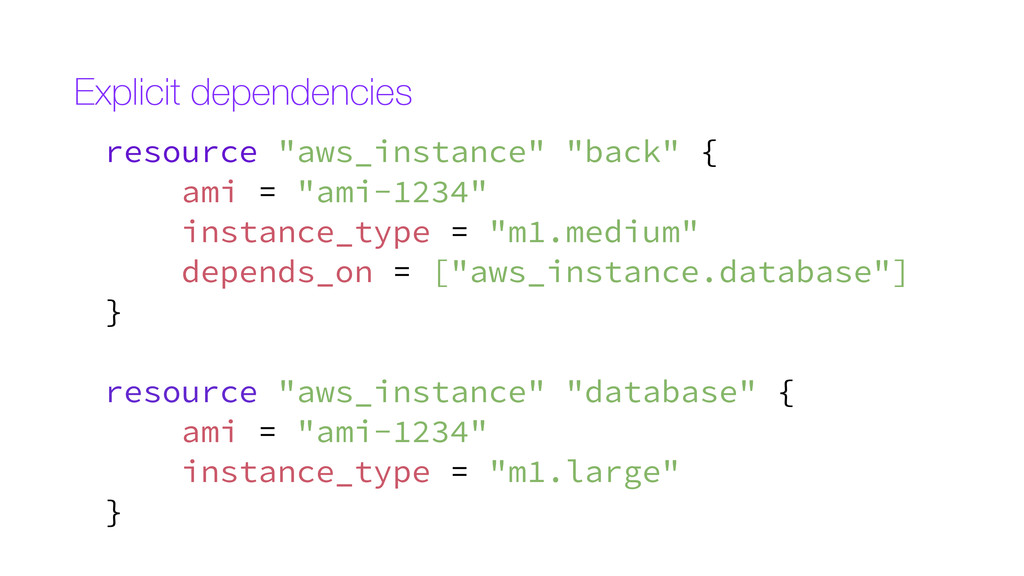
  28. resource "aws_instance" "back" { ami = "ami-1234" instance_type = "m1.medium"

    depends_on = ["aws_instance.database"] } resource "aws_instance" "database" { ami = "ami-1234" instance_type = "m1.large" } Explicit dependencies
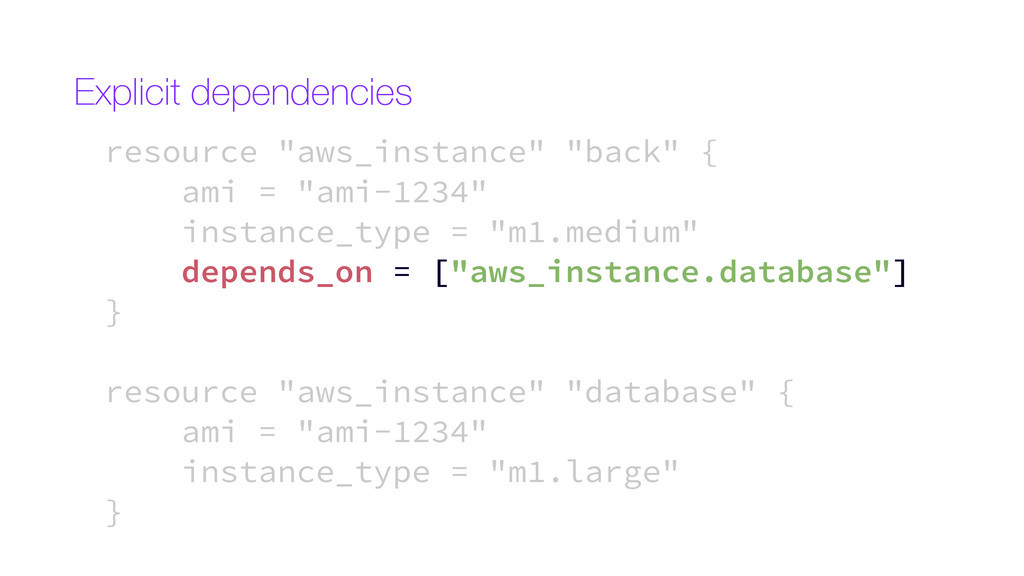
  29. resource "aws_instance" "back" { ami = "ami-1234" instance_type = "m1.medium"

    depends_on = ["aws_instance.database"] } resource "aws_instance" "database" { ami = "ami-1234" instance_type = "m1.large" } Explicit dependencies
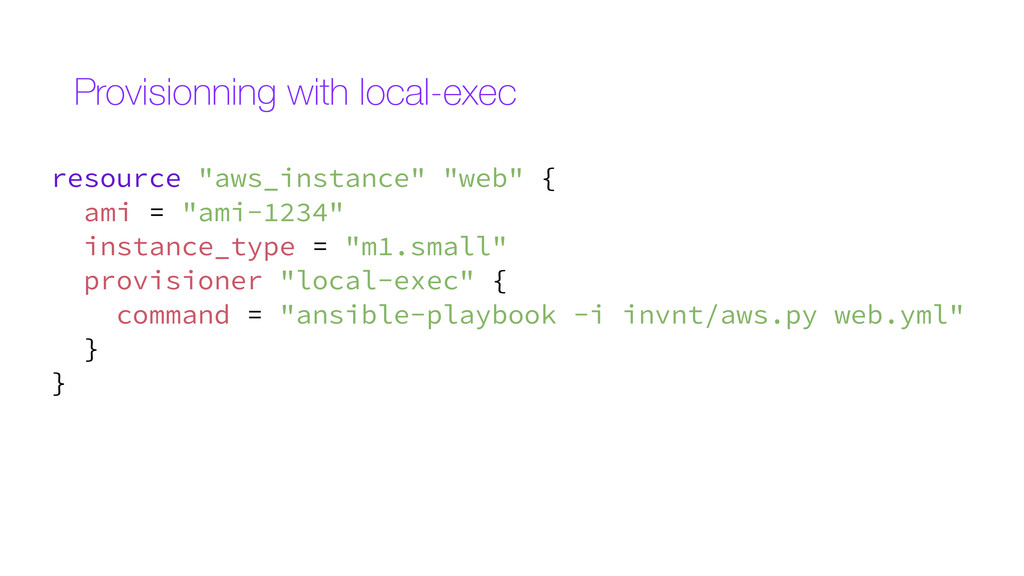
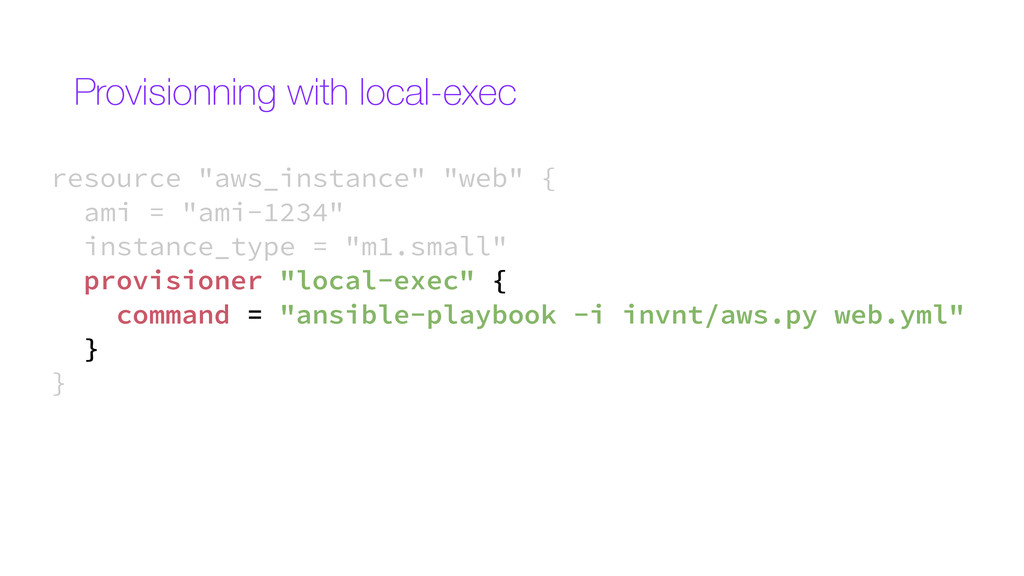
  30. resource "aws_instance" "web" { ami = "ami-1234" instance_type = "m1.small"

    provisioner "local-exec" { command = "ansible-playbook -i invnt/aws.py web.yml" } } Provisionning with local-exec
  31. resource "aws_instance" "web" { ami = "ami-1234" instance_type = "m1.small"

    provisioner "local-exec" { command = "ansible-playbook -i invnt/aws.py web.yml" } } Provisionning with local-exec
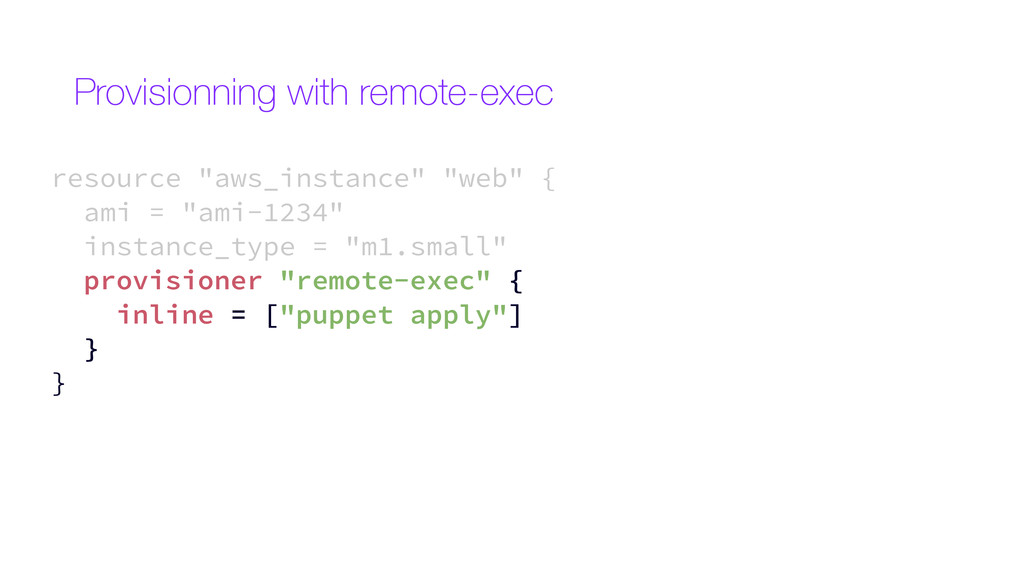
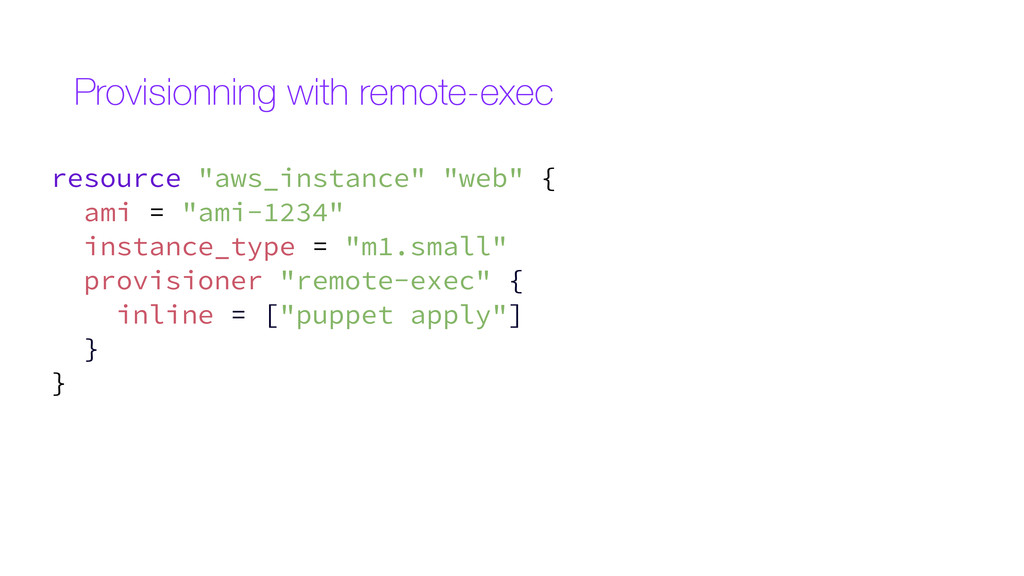
  32. resource "aws_instance" "web" { ami = "ami-1234" instance_type = "m1.small"

    provisioner "remote-exec" { inline = ["puppet apply"] } } Provisionning with remote-exec
  33. Provisionning with remote-exec resource "aws_instance" "web" { ami = "ami-1234"

    instance_type = "m1.small" provisioner "remote-exec" { inline = ["puppet apply"] } }
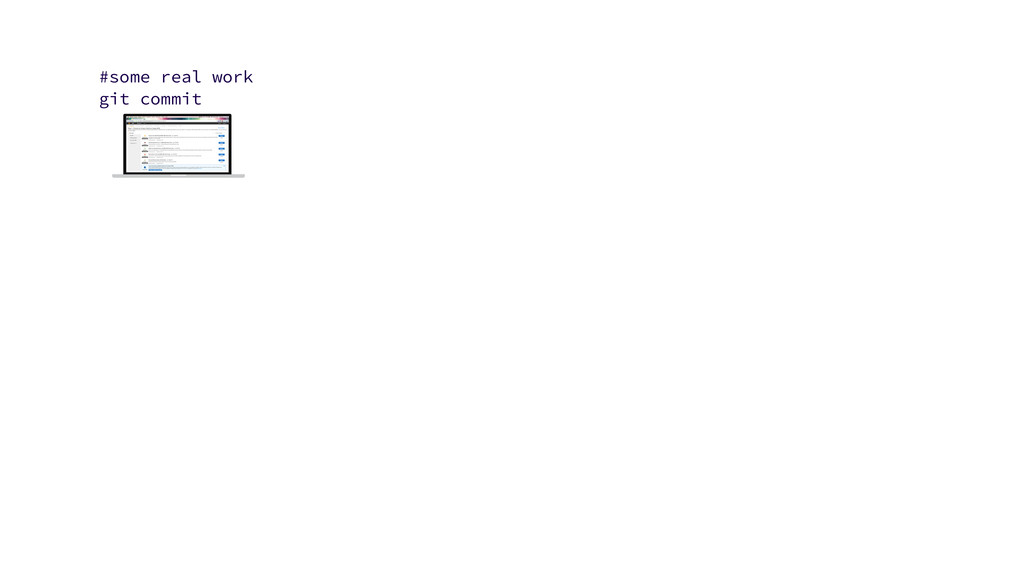
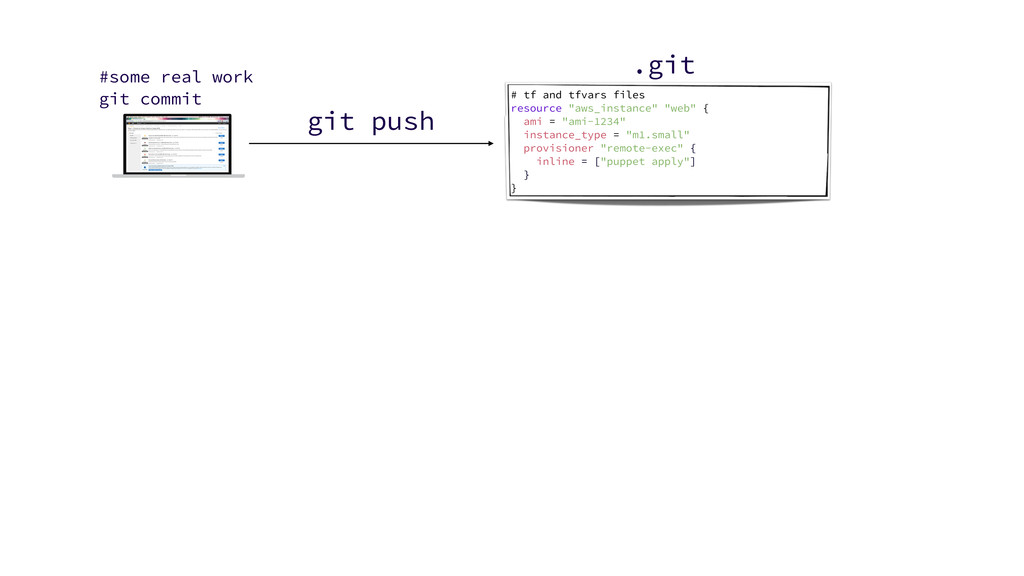
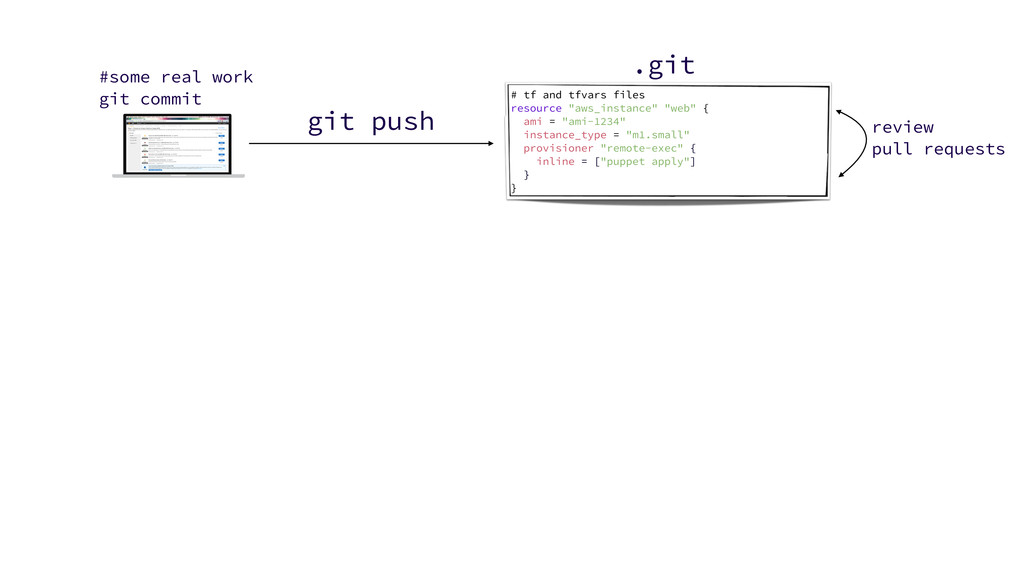
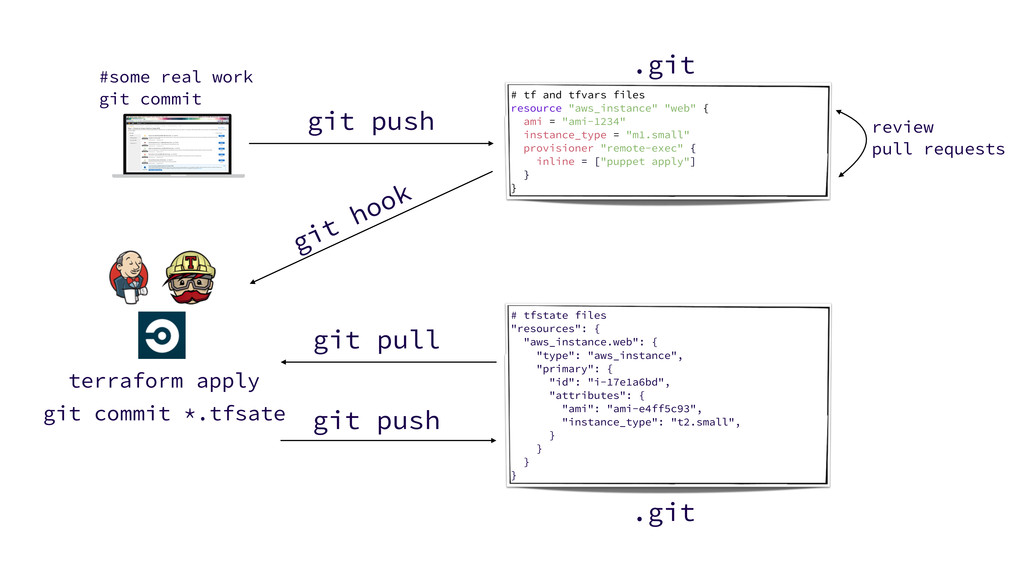
  34. # tf and tfvars files resource "aws_instance" "web" { ami

    = "ami-1234" instance_type = "m1.small" provisioner "remote-exec" { inline = ["puppet apply"] } } .git git push #some real work git commit
  35. # tf and tfvars files resource "aws_instance" "web" { ami

    = "ami-1234" instance_type = "m1.small" provisioner "remote-exec" { inline = ["puppet apply"] } } .git git push #some real work git commit review pull requests
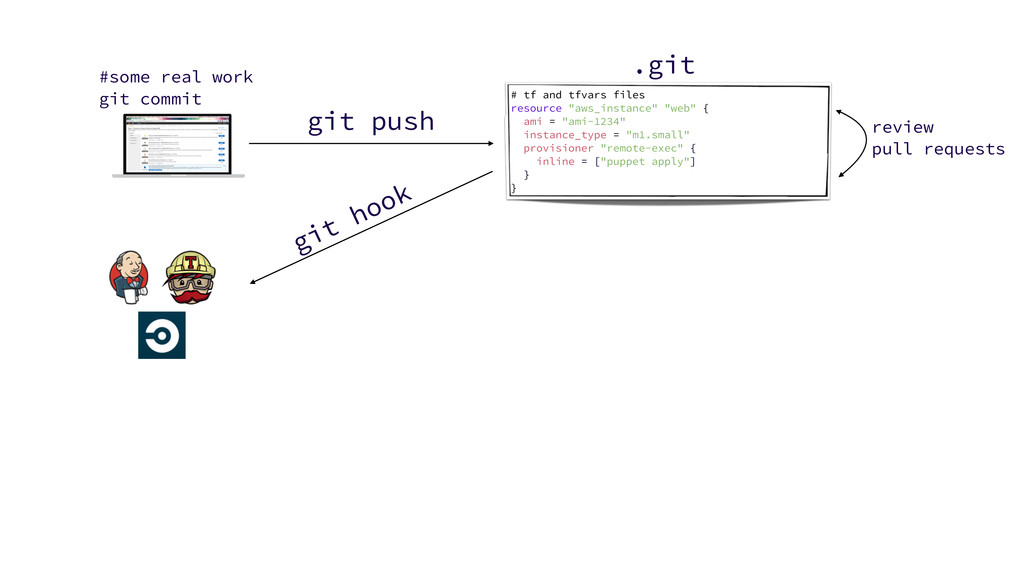
  36. # tf and tfvars files resource "aws_instance" "web" { ami

    = "ami-1234" instance_type = "m1.small" provisioner "remote-exec" { inline = ["puppet apply"] } } .git git push #some real work git commit git hook review pull requests
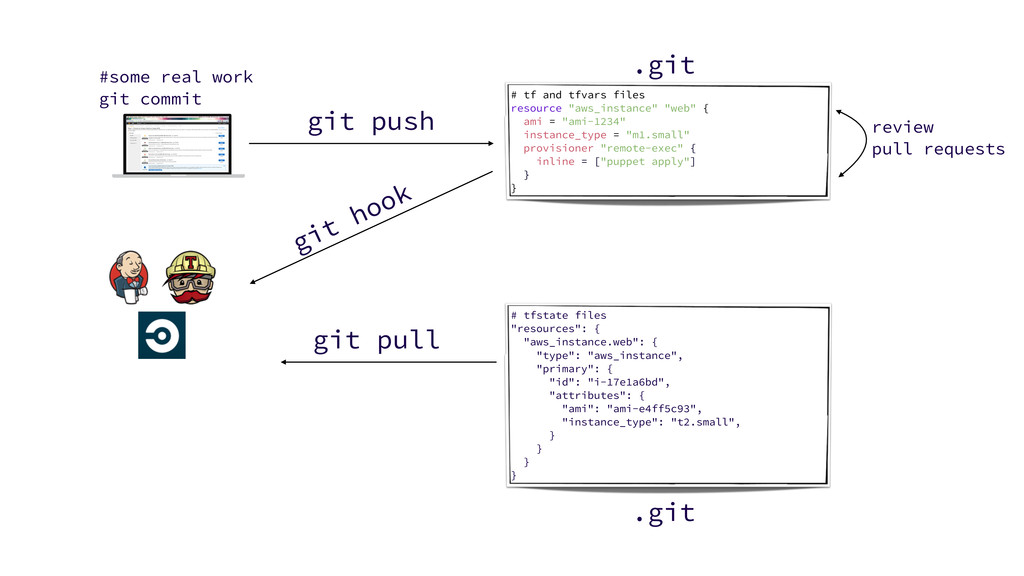
  37. # tf and tfvars files resource "aws_instance" "web" { ami

    = "ami-1234" instance_type = "m1.small" provisioner "remote-exec" { inline = ["puppet apply"] } } .git git push #some real work git commit git hook review pull requests # tfstate files "resources": { "aws_instance.web": { "type": "aws_instance", "primary": { "id": "i-17e1a6bd", "attributes": { "ami": "ami-e4ff5c93", "instance_type": "t2.small", } } } } .git git pull
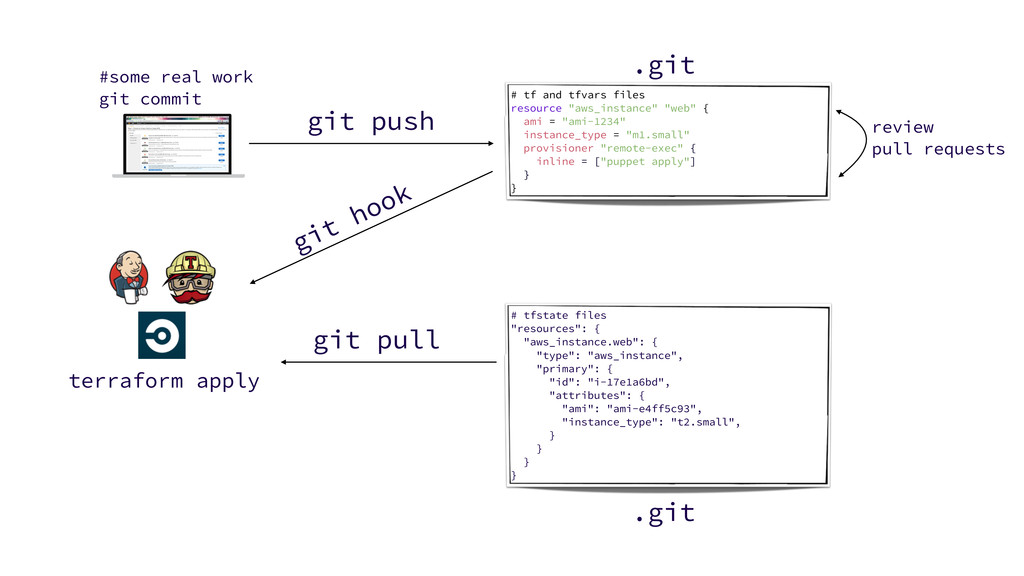
  38. # tf and tfvars files resource "aws_instance" "web" { ami

    = "ami-1234" instance_type = "m1.small" provisioner "remote-exec" { inline = ["puppet apply"] } } .git git push #some real work git commit git hook review pull requests # tfstate files "resources": { "aws_instance.web": { "type": "aws_instance", "primary": { "id": "i-17e1a6bd", "attributes": { "ami": "ami-e4ff5c93", "instance_type": "t2.small", } } } } .git terraform apply git pull
  39. # tf and tfvars files resource "aws_instance" "web" { ami

    = "ami-1234" instance_type = "m1.small" provisioner "remote-exec" { inline = ["puppet apply"] } } .git git push #some real work git commit git hook review pull requests # tfstate files "resources": { "aws_instance.web": { "type": "aws_instance", "primary": { "id": "i-17e1a6bd", "attributes": { "ami": "ami-e4ff5c93", "instance_type": "t2.small", } } } } .git terraform apply git commit *.tfsate git push git pull

More Decks by Julien Vey

Other Decks in Programming