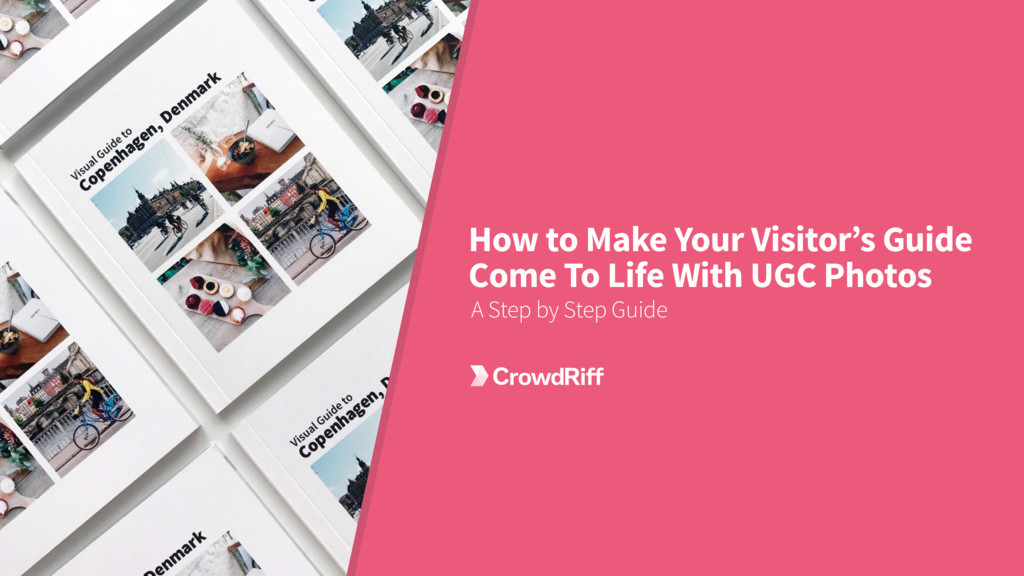
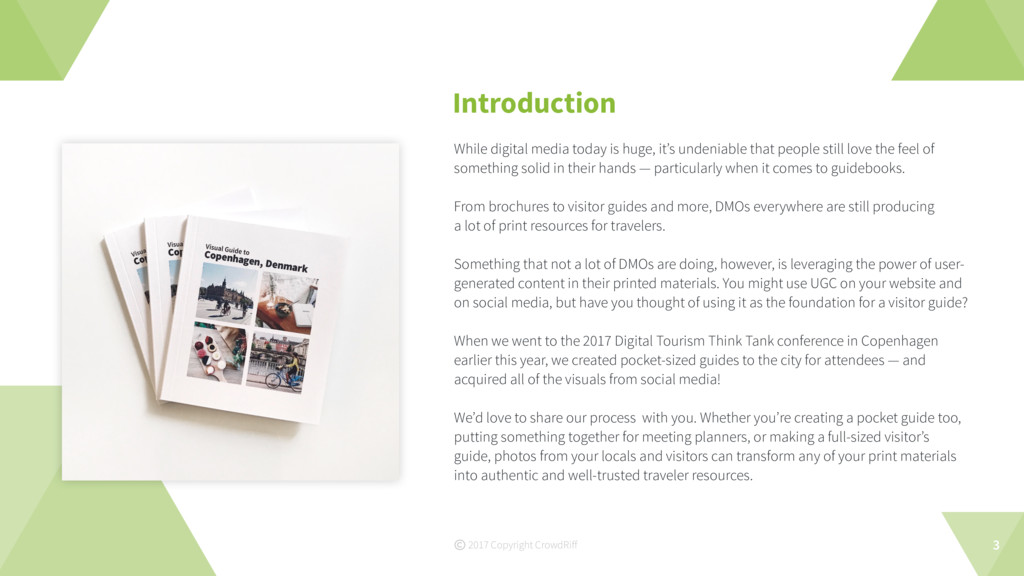
still love the feel of something solid in their hands — particularly when it comes to guidebooks. From brochures to visitor guides and more, DMOs everywhere are still producing a lot of print resources for travelers. Something that not a lot of DMOs are doing, however, is leveraging the power of user- generated content in their printed materials. You might use UGC on your website and on social media, but have you thought of using it as the foundation for a visitor guide? When we went to the 2017 Digital Tourism Think Tank conference in Copenhagen earlier this year, we created pocket-sized guides to the city for attendees — and acquired all of the visuals from social media! We’d love to share our process with you. Whether you’re creating a pocket guide too, putting something together for meeting planners, or making a full-sized visitor’s guide, photos from your locals and visitors can transform any of your print materials into authentic and well-trusted traveler resources. Introduction 3 2017 Copyright CrowdRiff
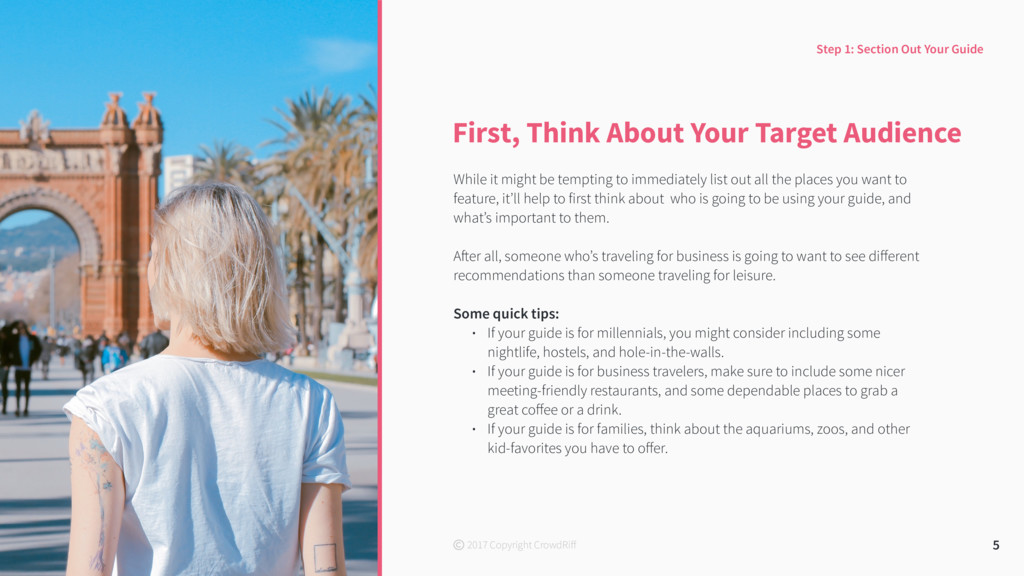
tempting to immediately list out all the places you want to feature, it’ll help to first think about who is going to be using your guide, and what’s important to them. After all, someone who’s traveling for business is going to want to see different recommendations than someone traveling for leisure. Some quick tips: • If your guide is for millennials, you might consider including some nightlife, hostels, and hole-in-the-walls. • If your guide is for business travelers, make sure to include some nicer meeting-friendly restaurants, and some dependable places to grab a great coffee or a drink. • If your guide is for families, think about the aquariums, zoos, and other kid-favorites you have to offer. 5 Step 1: Section Out Your Guide 2017 Copyright CrowdRiff
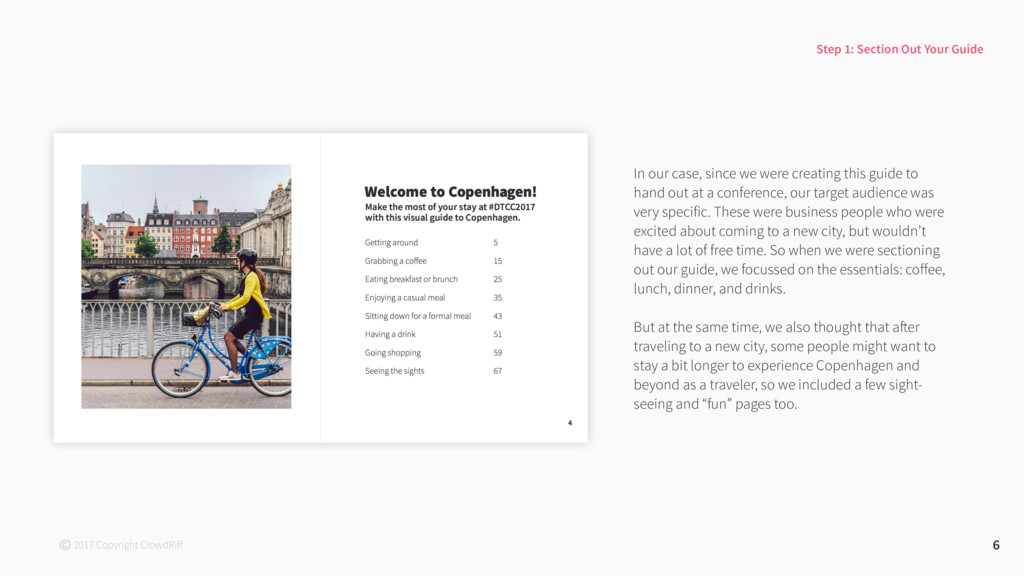
hand out at a conference, our target audience was very specific. These were business people who were excited about coming to a new city, but wouldn’t have a lot of free time. So when we were sectioning out our guide, we focussed on the essentials: coffee, lunch, dinner, and drinks. But at the same time, we also thought that after traveling to a new city, some people might want to stay a bit longer to experience Copenhagen and beyond as a traveler, so we included a few sight- seeing and “fun” pages too. 6 Step 1: Section Out Your Guide 2017 Copyright CrowdRiff
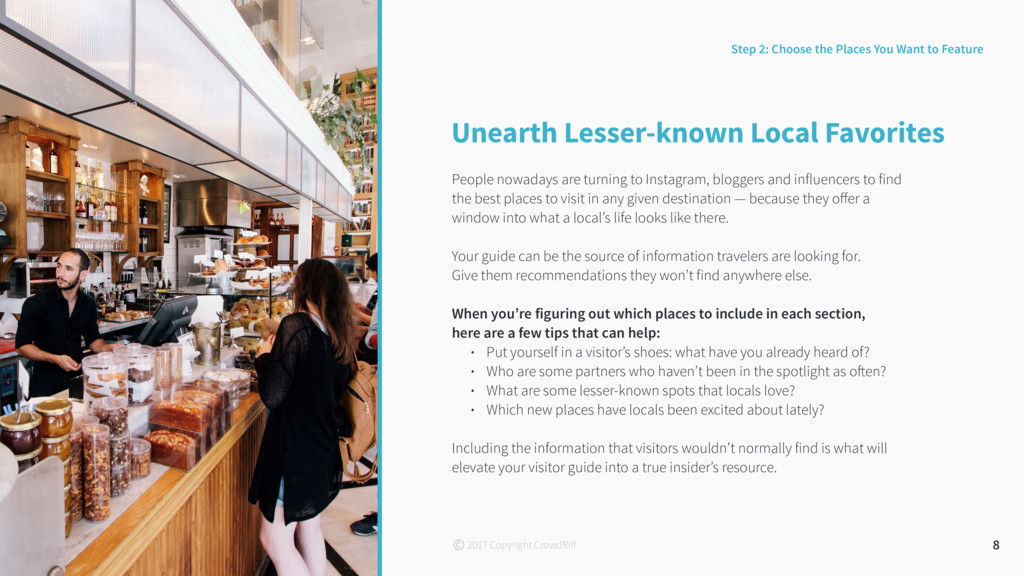
bloggers and influencers to find the best places to visit in any given destination — because they offer a window into what a local’s life looks like there. Your guide can be the source of information travelers are looking for. Give them recommendations they won’t find anywhere else. When you’re figuring out which places to include in each section, here are a few tips that can help: • Put yourself in a visitor’s shoes: what have you already heard of? • Who are some partners who haven’t been in the spotlight as often? • What are some lesser-known spots that locals love? • Which new places have locals been excited about lately? Including the information that visitors wouldn’t normally find is what will elevate your visitor guide into a true insider’s resource. 8 Step 2: Choose the Places You Want to Feature 2017 Copyright CrowdRiff
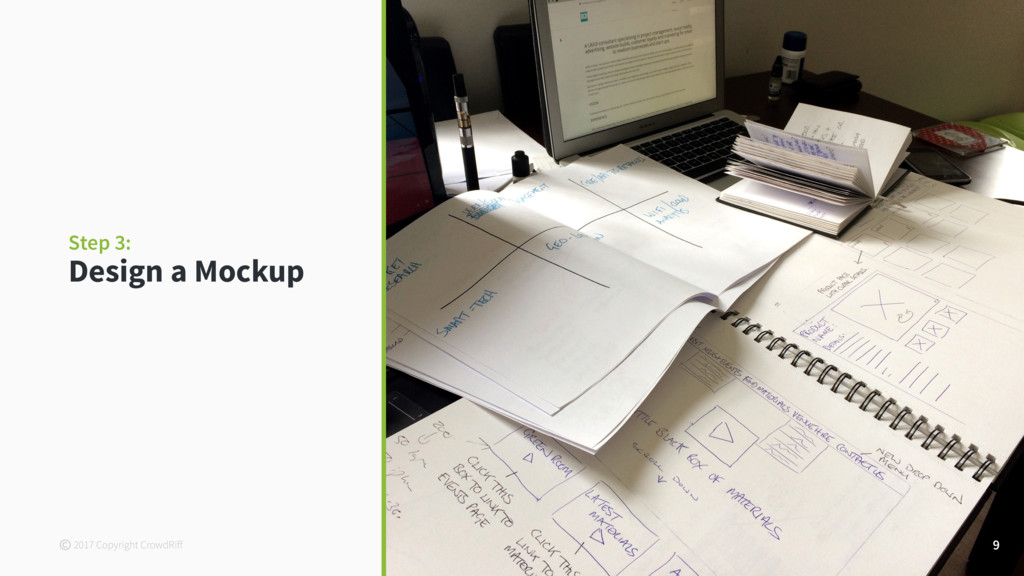
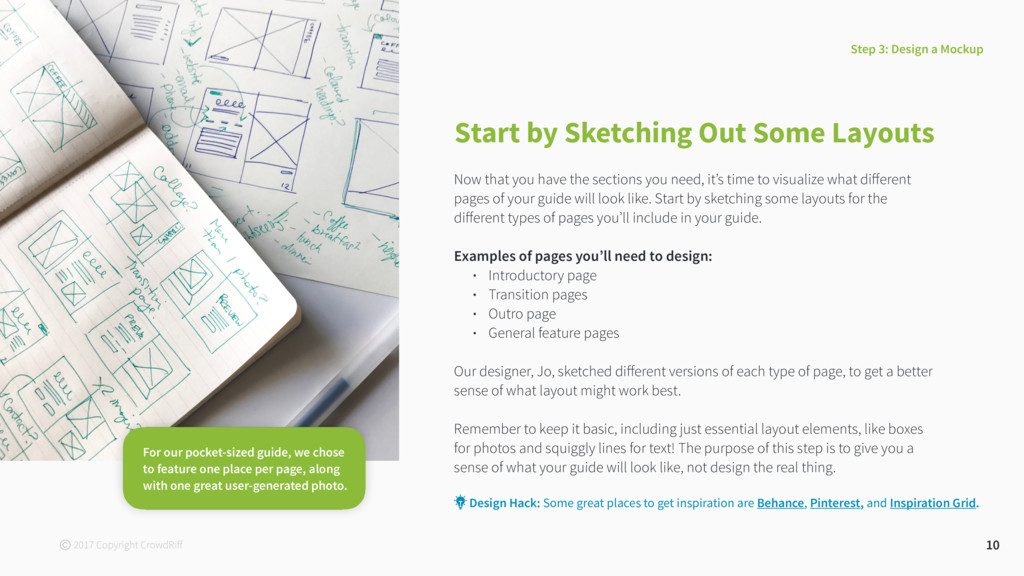
the sections you need, it’s time to visualize what different pages of your guide will look like. Start by sketching some layouts for the different types of pages you’ll include in your guide. Examples of pages you’ll need to design: • Introductory page • Transition pages • Outro page • General feature pages Our designer, Jo, sketched different versions of each type of page, to get a better sense of what layout might work best. Remember to keep it basic, including just essential layout elements, like boxes for photos and squiggly lines for text! The purpose of this step is to give you a sense of what your guide will look like, not design the real thing. 10 Step 3: Design a Mockup Design Hack: Some great places to get inspiration are Behance, Pinterest, and Inspiration Grid. For our pocket-sized guide, we chose to feature one place per page, along with one great user-generated photo. 2017 Copyright CrowdRiff
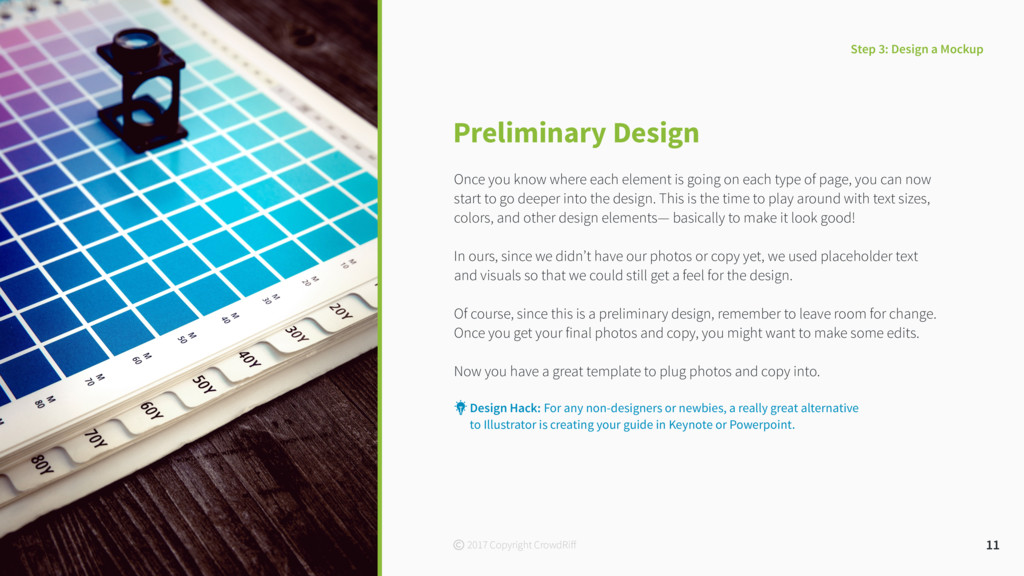
on each type of page, you can now start to go deeper into the design. This is the time to play around with text sizes, colors, and other design elements— basically to make it look good! In ours, since we didn’t have our photos or copy yet, we used placeholder text and visuals so that we could still get a feel for the design. Of course, since this is a preliminary design, remember to leave room for change. Once you get your final photos and copy, you might want to make some edits. Now you have a great template to plug photos and copy into. 11 Step 3: Design a Mockup Design Hack: For any non-designers or newbies, a really great alternative to Illustrator is creating your guide in Keynote or Powerpoint. 2017 Copyright CrowdRiff
DMOs are non-profits — so sometimes it doesn’t make the most sense to commission all the photography you need. However, DMOs are already sitting on a goldmine of outstanding visual content. These are authentic visual stories of your locals and visitors enjoying themselves in your destination — and that is often exactly what a new traveler wants to see. Leverage the amazing content your locals and visitors are posting online, and get great authentic imagery to fill your visual guide, without spending thousands on professional photography. When we made our guide to Copenhagen, we acquired rights to 48 Instagram photos from 48 people that’ve traveled to (and loved!) Copenhagen. 13 Step 4: Get Photos! 2017 Copyright CrowdRiff
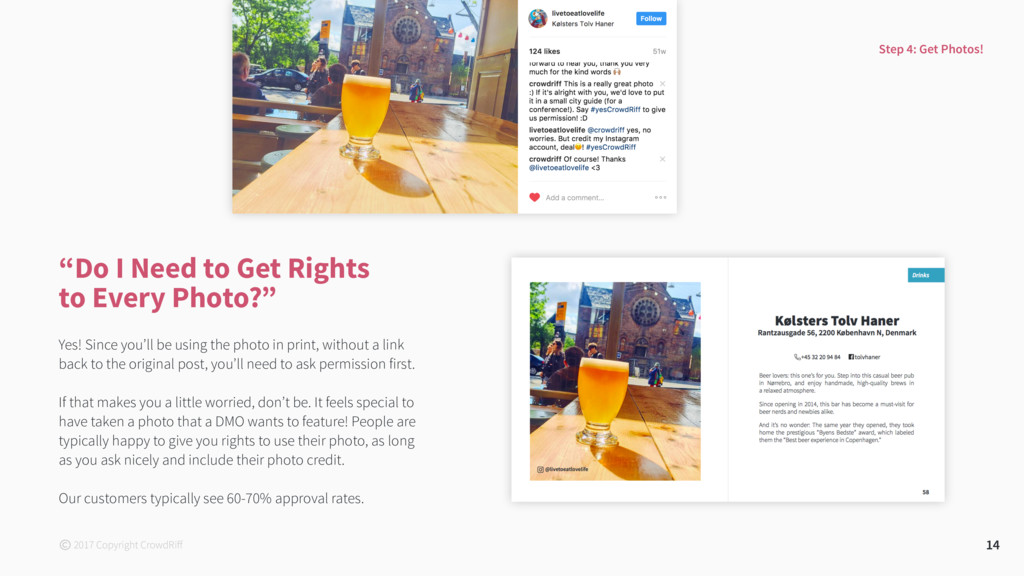
Since you’ll be using the photo in print, without a link back to the original post, you’ll need to ask permission first. If that makes you a little worried, don’t be. It feels special to have taken a photo that a DMO wants to feature! People are typically happy to give you rights to use their photo, as long as you ask nicely and include their photo credit. Our customers typically see 60-70% approval rates. 14 Step 4: Get Photos! 2017 Copyright CrowdRiff
is going to say yes when you ask for permission to use their photo (and that’s ok!). Just make sure you ask for more than you need. So if you need one steak photo for a particular restaurant, request 3 steak photos from that place. Tips for Requesting Rights to Photos Whether you’re asking for rights manually, or automating it through a tool like CrowdRiff, here are some valuable tips you’ll want to keep in mind. 15 2When you’re requesting someone’s photo you want to make sure you do 3 things: 1. Pay a compliment! 2. Tell them what you’d to use it for 3. Give them a way to explicitly say “yes” 3Remember to close the loop and thank someone for letting you use their photo! “yes” Step 4: Get Photos! 2017 Copyright CrowdRiff
can be tricky if you’re doing it manually. There are a lot of moving parts and many things to keep your eye on. A spreadsheet tracking the following can help you organize your requests: • Which photos you’ve requested rights to • Who’s responded and who hasn’t • Who’s sent you the original-resolution photos they’ve agreed to let you use • Who you need to respond to (whether in thanks or to clarify questions) 16 Step 4: Get Photos! 2017 Copyright CrowdRiff
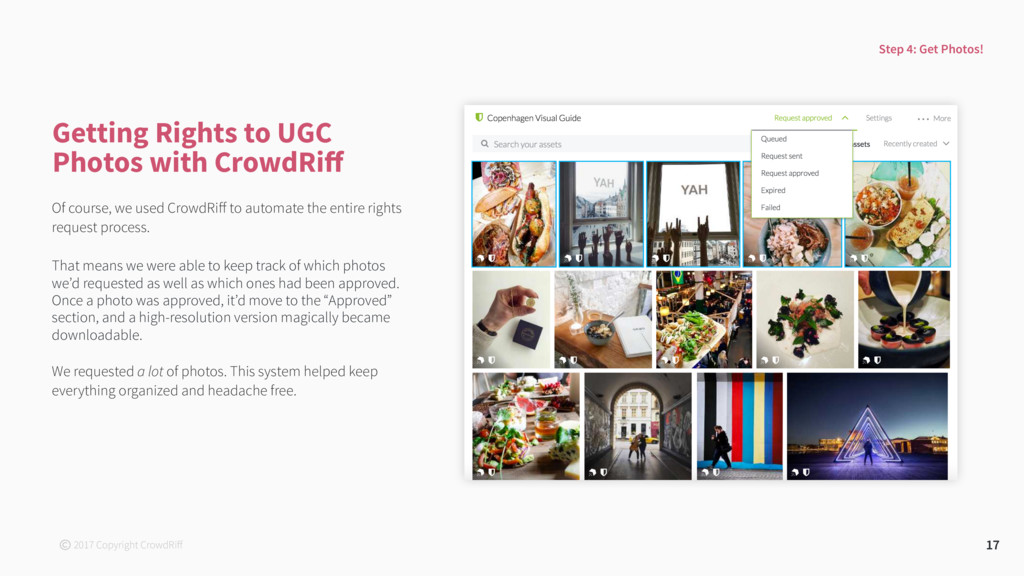
course, we used CrowdRiff to automate the entire rights request process. That means we were able to keep track of which photos we’d requested as well as which ones had been approved. Once a photo was approved, it’d move to the “Approved” section, and a high-resolution version magically became downloadable. We requested a lot of photos. This system helped keep everything organized and headache free. Step 4: Get Photos! 2017 Copyright CrowdRiff
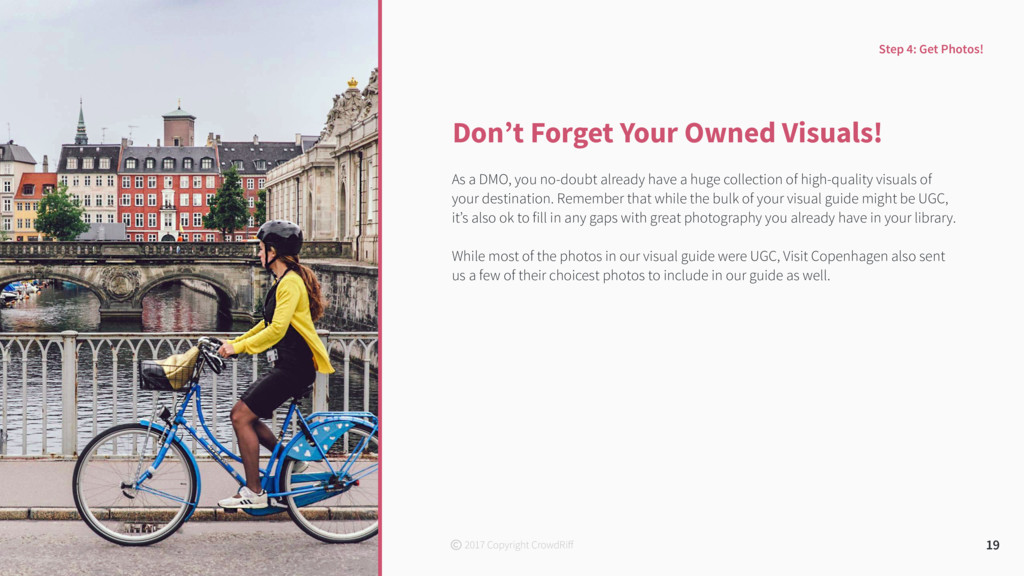
already have a huge collection of high-quality visuals of your destination. Remember that while the bulk of your visual guide might be UGC, it’s also ok to fill in any gaps with great photography you already have in your library. While most of the photos in our visual guide were UGC, Visit Copenhagen also sent us a few of their choicest photos to include in our guide as well. photo of Copenhagen’s pro photo 19 Step 4: Get Photos! 2017 Copyright CrowdRiff
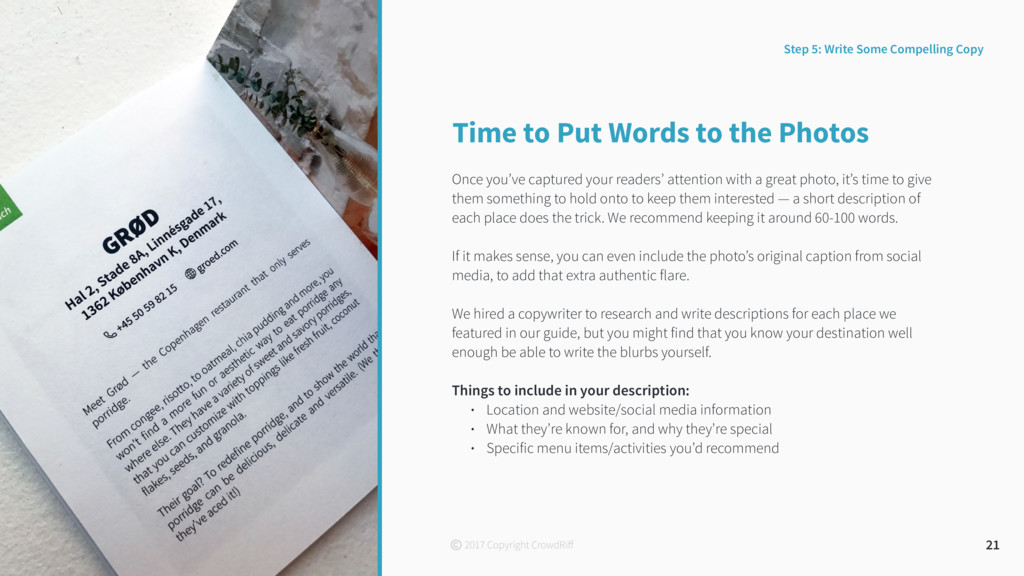
your readers’ attention with a great photo, it’s time to give them something to hold onto to keep them interested — a short description of each place does the trick. We recommend keeping it around 60-100 words. If it makes sense, you can even include the photo’s original caption from social media, to add that extra authentic flare. We hired a copywriter to research and write descriptions for each place we featured in our guide, but you might find that you know your destination well enough be able to write the blurbs yourself. Things to include in your description: • Location and website/social media information • What they’re known for, and why they’re special • Specific menu items/activities you’d recommend 21 Step 5: Write Some Compelling Copy 2017 Copyright CrowdRiff
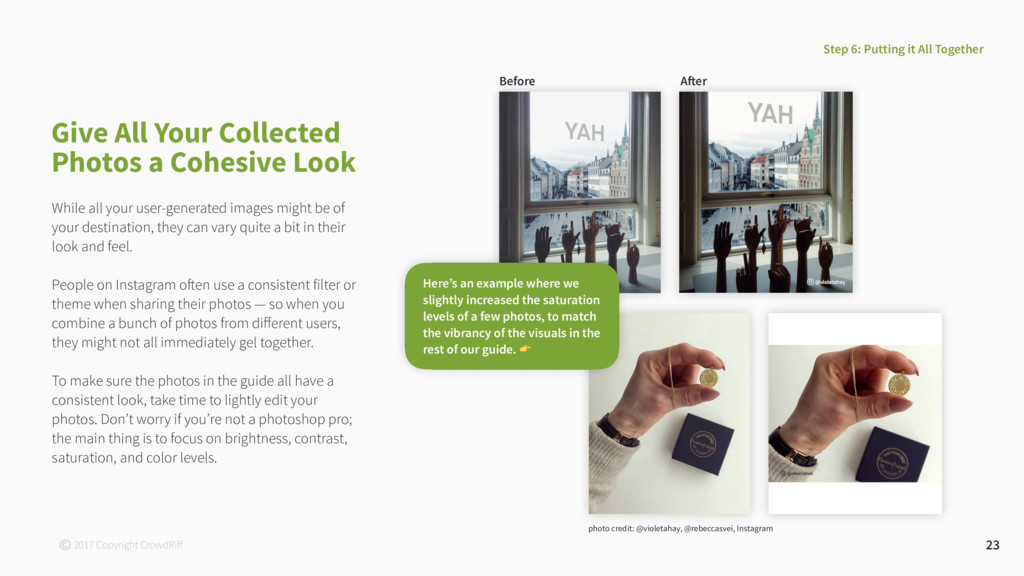
user-generated images might be of your destination, they can vary quite a bit in their look and feel. People on Instagram often use a consistent filter or theme when sharing their photos — so when you combine a bunch of photos from different users, they might not all immediately gel together. To make sure the photos in the guide all have a consistent look, take time to lightly edit your photos. Don’t worry if you’re not a photoshop pro; the main thing is to focus on brightness, contrast, saturation, and color levels. 23 Give All Your Collected Photos a Cohesive Look photo credit: @violetahay, @rebeccasvei, Instagram Here’s an example where we slightly increased the saturation levels of a few photos, to match the vibrancy of the visuals in the rest of our guide. 2017 Copyright CrowdRiff Before
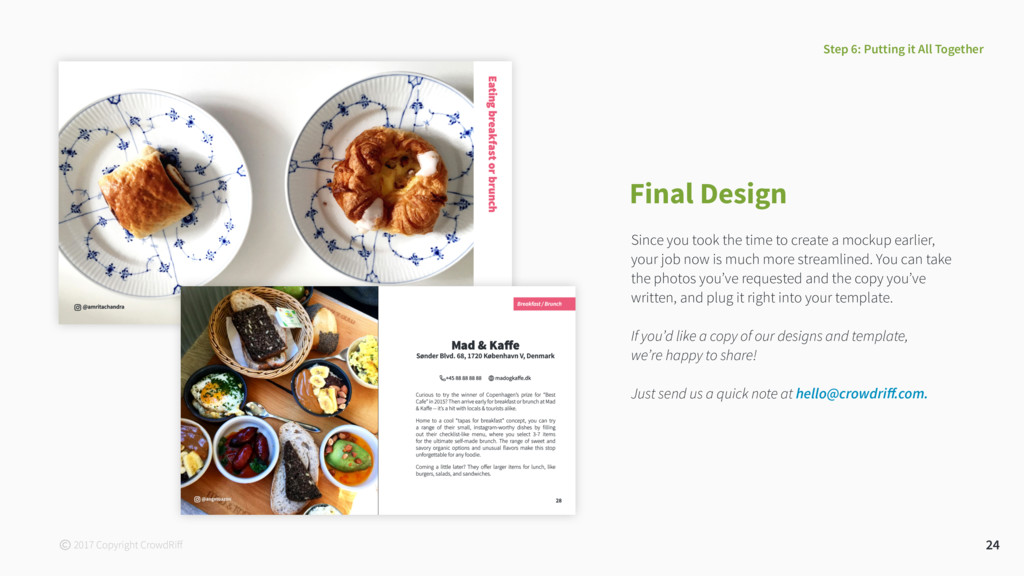
mockup earlier, your job now is much more streamlined. You can take the photos you’ve requested and the copy you’ve written, and plug it right into your template. If you’d like a copy of our designs and template, we’re happy to share! Just send us a quick note at hello@crowdriff.com. 24 Step 6: Putting it All Together 2017 Copyright CrowdRiff
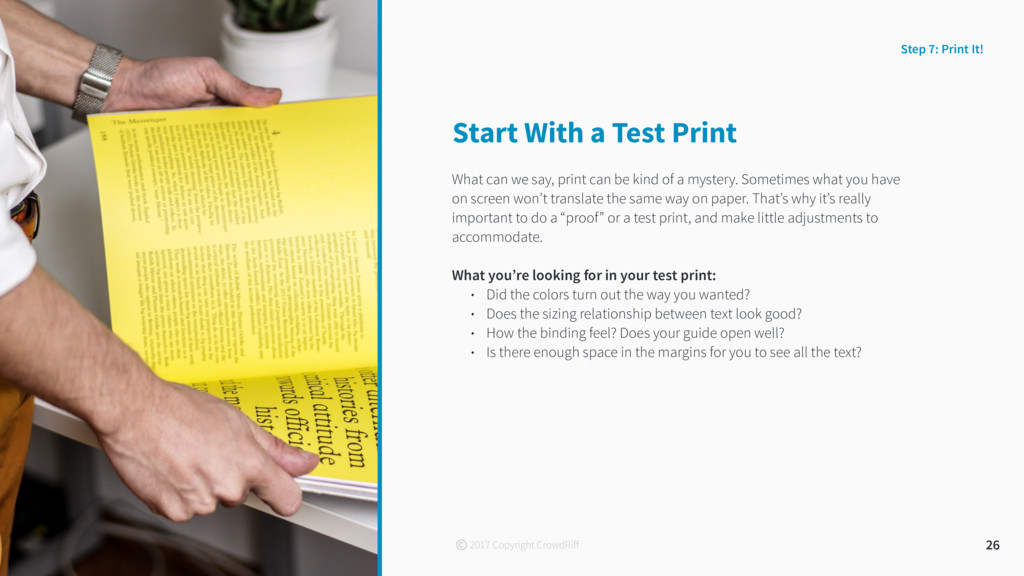
can be kind of a mystery. Sometimes what you have on screen won’t translate the same way on paper. That’s why it’s really important to do a “proof” or a test print, and make little adjustments to accommodate. What you’re looking for in your test print: • Did the colors turn out the way you wanted? • Does the sizing relationship between text look good? • How the binding feel? Does your guide open well? • Is there enough space in the margins for you to see all the text? 26 Step 7: Print It! 2017 Copyright CrowdRiff
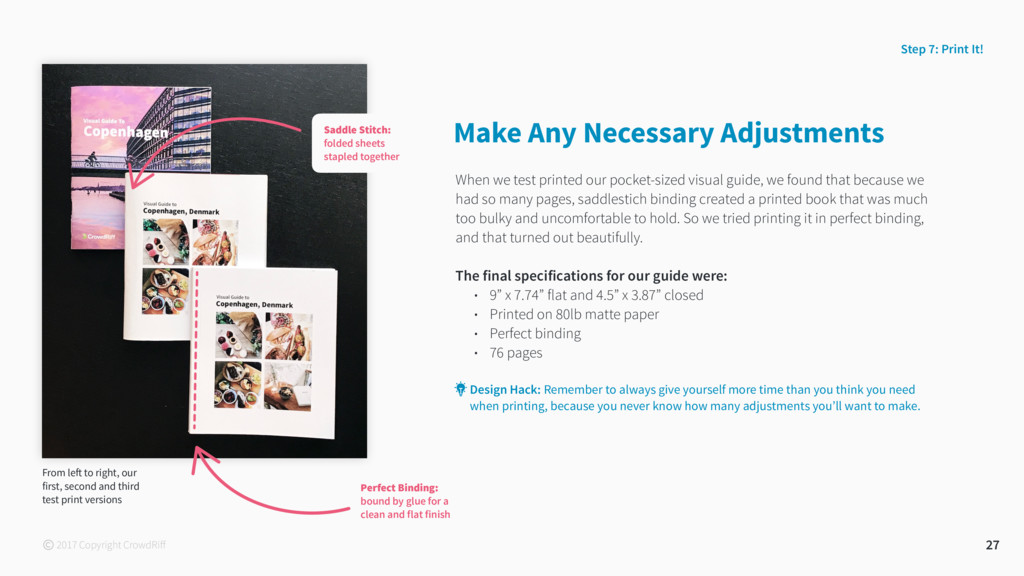
that because we had so many pages, saddlestich binding created a printed book that was much too bulky and uncomfortable to hold. So we tried printing it in perfect binding, and that turned out beautifully. The final specifications for our guide were: • 9” x 7.74” flat and 4.5” x 3.87” closed • Printed on 80lb matte paper • Perfect binding • 76 pages 27 Design Hack: Remember to always give yourself more time than you think you need when printing, because you never know how many adjustments you’ll want to make. Step 7: Print It! Make Any Necessary Adjustments From left to right, our first, second and third test print versions 2017 Copyright CrowdRiff Perfect Binding: bound by glue for a clean and flat finish Saddle Stitch: folded sheets stapled together
directory or contact page at the end of your guide. Here you can list out the contact information of all the places you’ve featured, for easy access. This is also a great place for you to put your own DMO’s contact details, like your information center's phone number, email, and website. 29 Optional Extras 2017 Copyright CrowdRiff
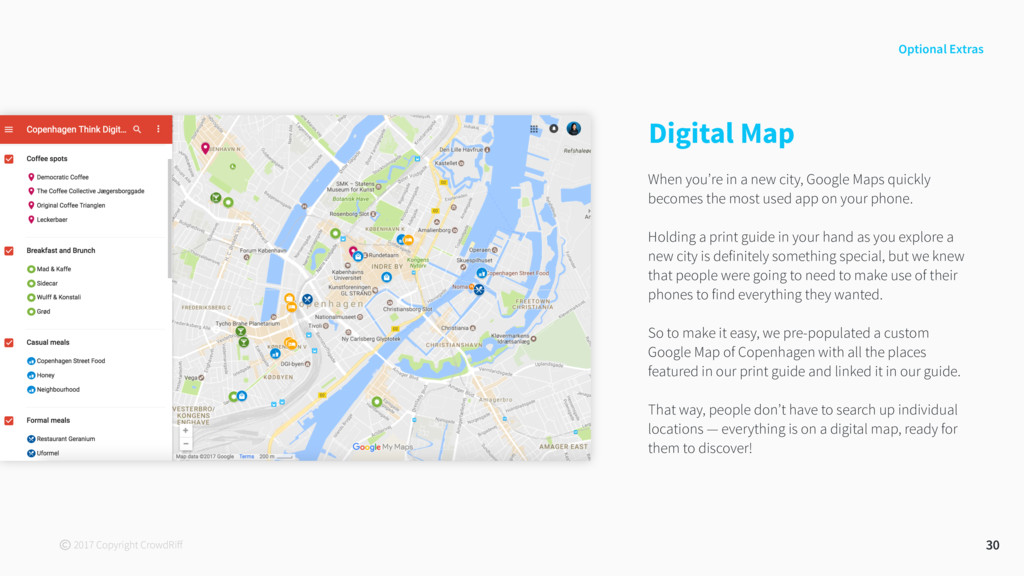
quickly becomes the most used app on your phone. Holding a print guide in your hand as you explore a new city is definitely something special, but we knew that people were going to need to make use of their phones to find everything they wanted. So to make it easy, we pre-populated a custom Google Map of Copenhagen with all the places featured in our print guide and linked it in our guide. That way, people don’t have to search up individual locations — everything is on a digital map, ready for them to discover! 30 Optional Extras 2017 Copyright CrowdRiff
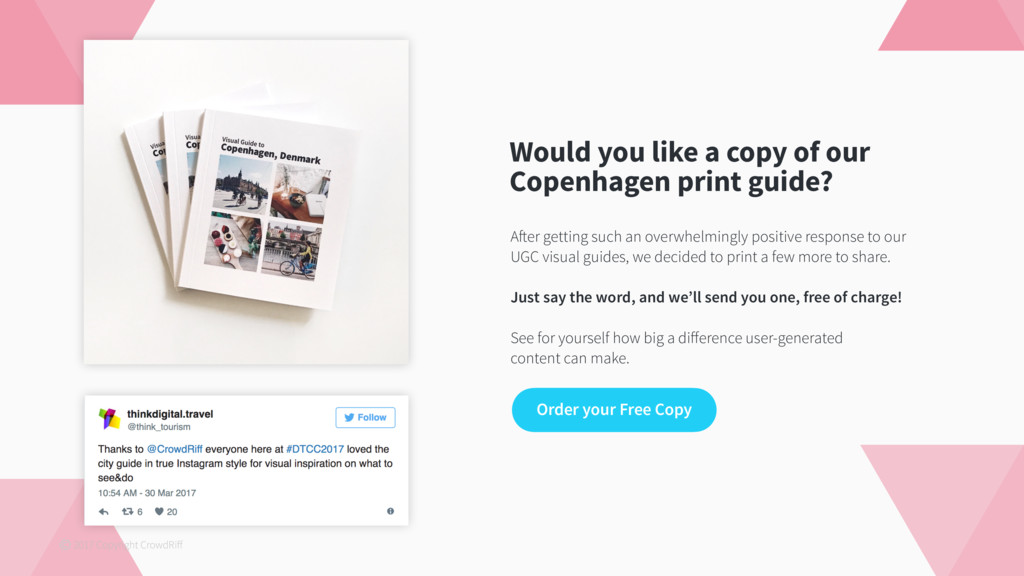
Order your Free Copy After getting such an overwhelmingly positive response to our UGC visual guides, we decided to print a few more to share. Just say the word, and we’ll send you one, free of charge! See for yourself how big a difference user-generated content can make. 2017 Copyright CrowdRiff
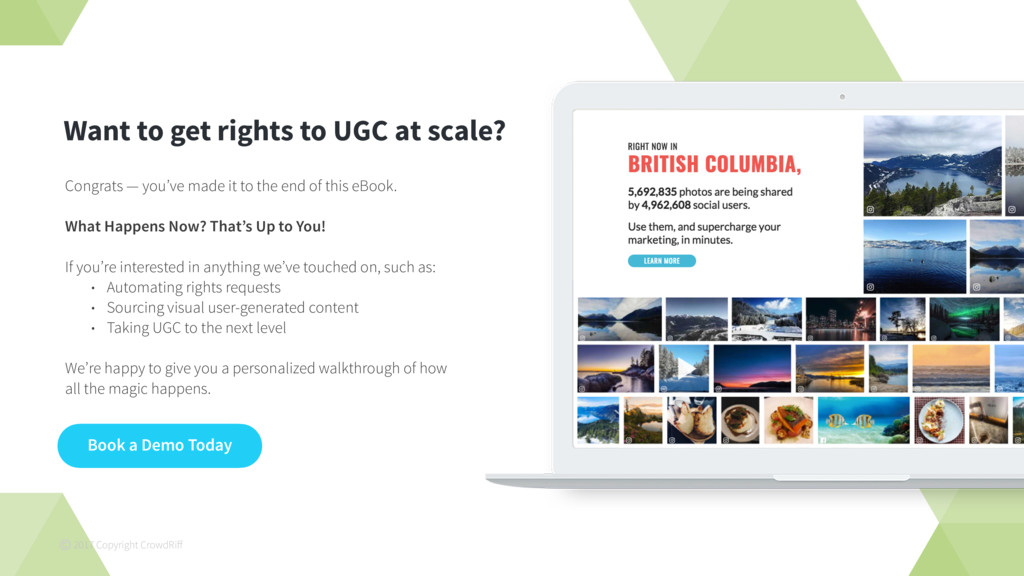
rights to UGC at scale? Congrats — you’ve made it to the end of this eBook. What Happens Now? That’s Up to You! If you’re interested in anything we’ve touched on, such as: • Automating rights requests • Sourcing visual user-generated content • Taking UGC to the next level We’re happy to give you a personalized walkthrough of how all the magic happens.


 todatomohiro
 tbpgr
tbpgr
 hiyoriyamakankou
 nishika_kae
 canvasedge
 m3c
m3c
 kgmotors
 progmat
 arid2
arid2
.jpg) ikuodanaka
ikuodanaka
.jpg) yoshikikonishi_
yoshikikonishi_
 takeuchigroup
 philnash
 auna
auna
 marcoroth
 morganepeng
 mkilby
 lynnandtonic
 geshan
 lindahogenes
 3n
3n
 marktimemedia
 tanoku