Share
Embed
Web application security
Security is one of the most important part of web applications. In this presentation, we discussed some common web security threats and how to secure our applications against them.
Kapil Sharma
August 02, 2014
Transcript
50 slides
-
Introduction Kapil Sharma Technical Architect, Eastern Enterprise (DBA Ansh Systems)
Working in Web Application development since last 10 years Twitter: @KapilSharmaInfo Personal Website: www.kapilsharma.info Blog: blog.kapilsharma.info Kapil Sharma PHP REBOOT 2 -
Web Application Important factors for Web Application Performance Maintainability Scalability
Reliability Security (Probably most important, still most ignored by developers) Kapil Sharma PHP REBOOT 3 -
Why me? My web application is small. I have few
users. There is no money transaction on my app. I do not store any confidential information of users. Then why the hell someone hack my site. Kapil Sharma PHP REBOOT 4 -
Web Application Security Web Application security is not language specific
but a common topic for all programming language. This session, in general, is applicable to any web application programming language, but our examples are in PHP. Kapil Sharma PHP REBOOT 6 -
PHP Features To make development easier, PHP provide many features.
One of the feature that attracted more attention, from security point of view, is ‘register_globals’ Kapil Sharma PHP REBOOT 7 -
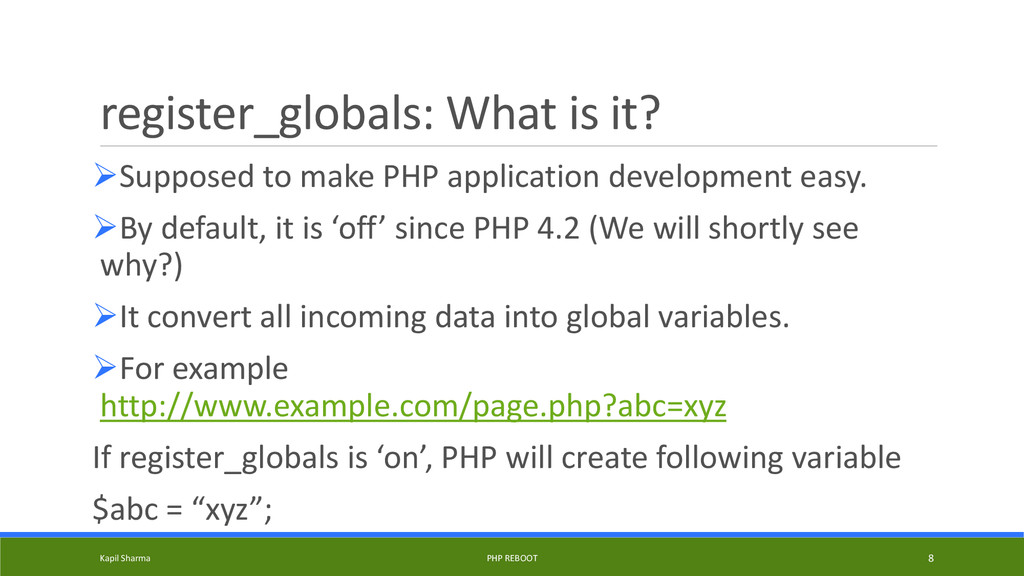
register_globals: What is it? Supposed to make PHP application development
easy. By default, it is ‘off’ since PHP 4.2 (We will shortly see why?) It convert all incoming data into global variables. For example http://www.example.com/page.php?abc=xyz If register_globals is ‘on’, PHP will create following variable $abc = “xyz”; Kapil Sharma PHP REBOOT 8 -
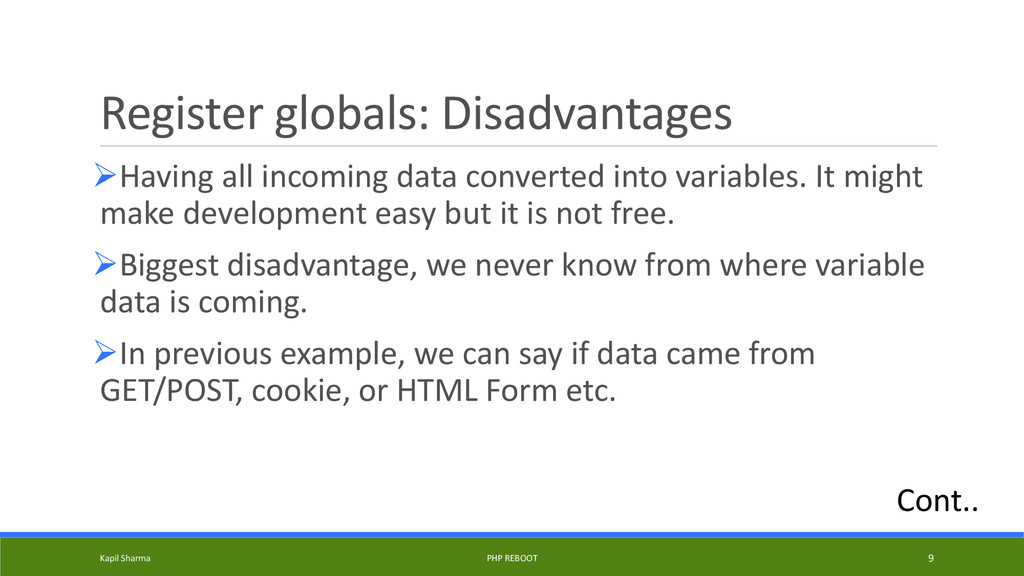
Register globals: Disadvantages Having all incoming data converted into variables.
It might make development easy but it is not free. Biggest disadvantage, we never know from where variable data is coming. In previous example, we can say if data came from GET/POST, cookie, or HTML Form etc. Kapil Sharma PHP REBOOT 9 Cont.. -
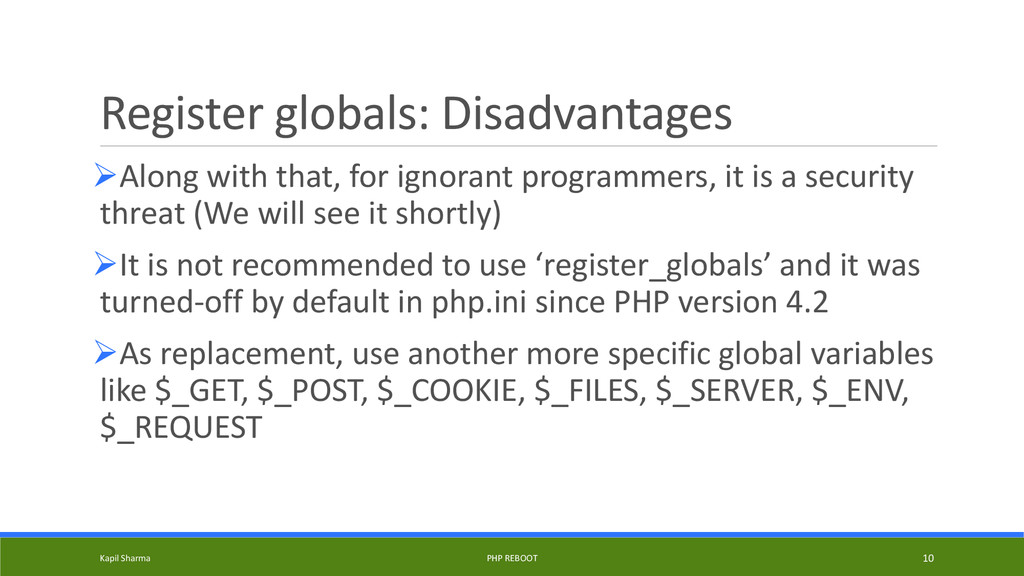
Register globals: Disadvantages Along with that, for ignorant programmers, it
is a security threat (We will see it shortly) It is not recommended to use ‘register_globals’ and it was turned-off by default in php.ini since PHP version 4.2 As replacement, use another more specific global variables like $_GET, $_POST, $_COOKIE, $_FILES, $_SERVER, $_ENV, $_REQUEST Kapil Sharma PHP REBOOT 10 -
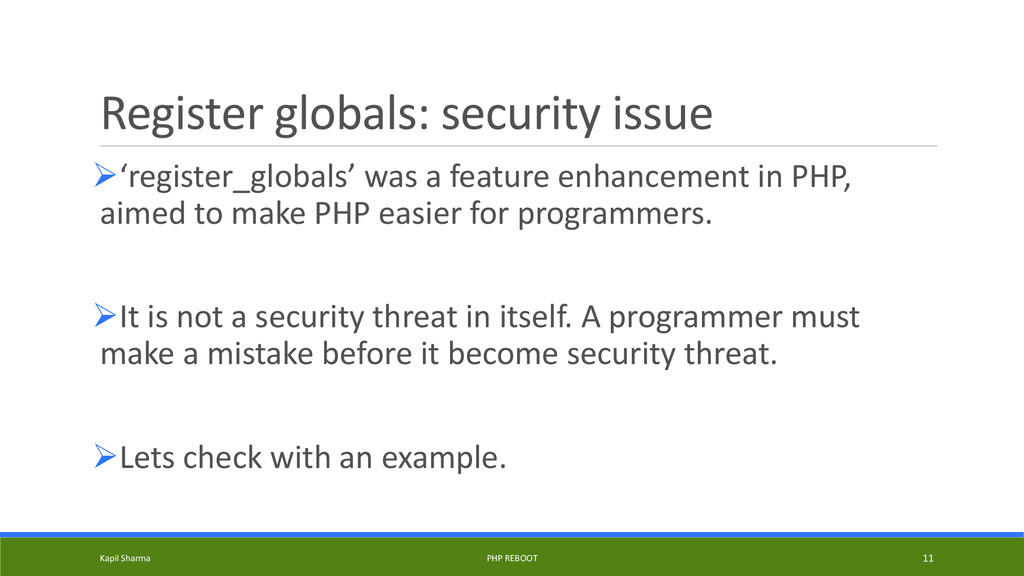
Register globals: security issue ‘register_globals’ was a feature enhancement in
PHP, aimed to make PHP easier for programmers. It is not a security threat in itself. A programmer must make a mistake before it become security threat. Lets check with an example. Kapil Sharma PHP REBOOT 11 -
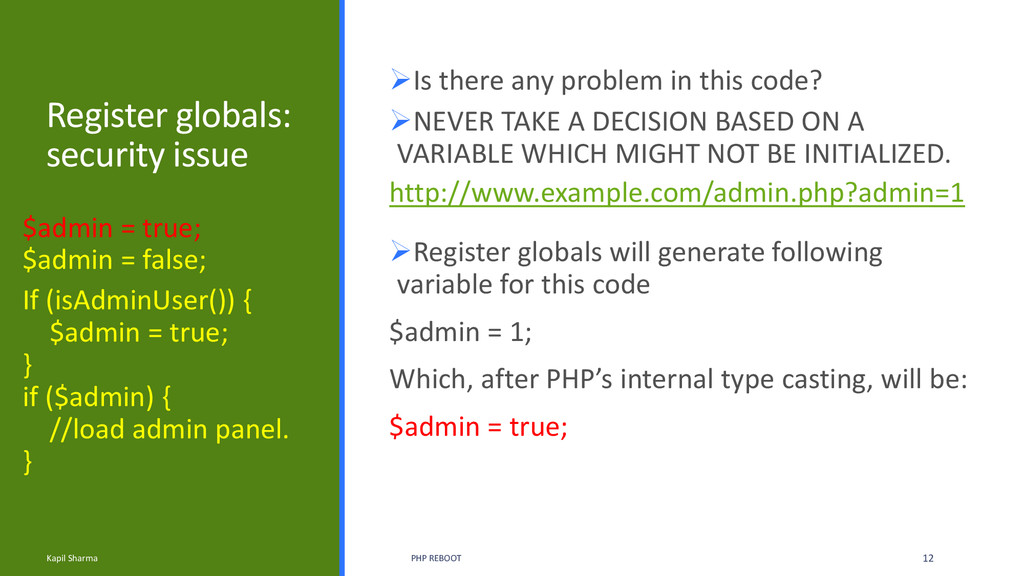
Register globals: security issue Is there any problem in this
code? If (isAdminUser()) { $admin = true; } if ($admin) { //load admin panel. } Kapil Sharma PHP REBOOT 12 $admin = true; $admin = false; NEVER TAKE A DECISION BASED ON A VARIABLE WHICH MIGHT NOT BE INITIALIZED. http://www.example.com/admin.php?admin=1 Register globals will generate following variable for this code $admin = 1; Which, after PHP’s internal type casting, will be: $admin = true; -
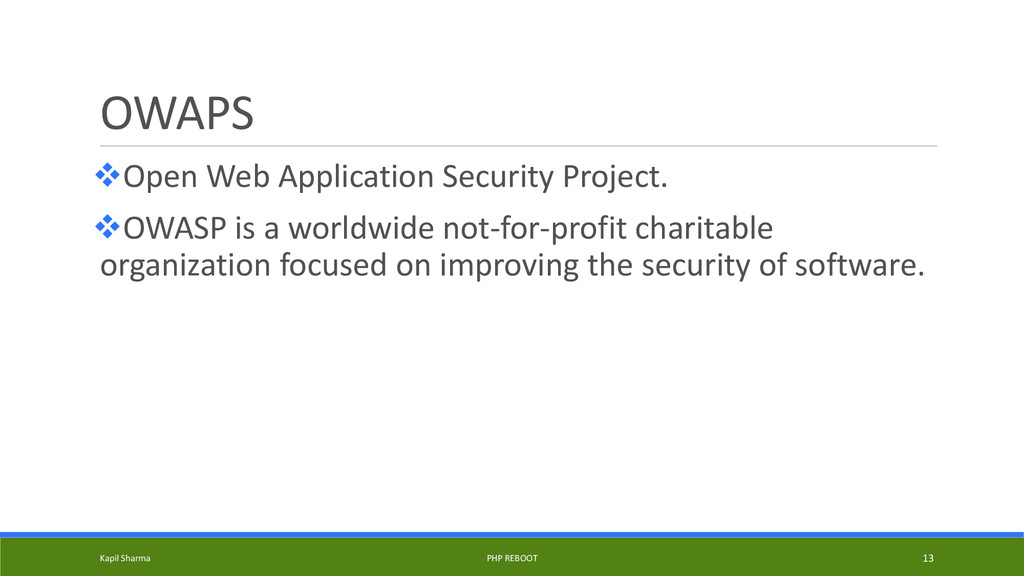
OWAPS Open Web Application Security Project. OWASP is a worldwide
not-for-profit charitable organization focused on improving the security of software. Kapil Sharma PHP REBOOT 13 -
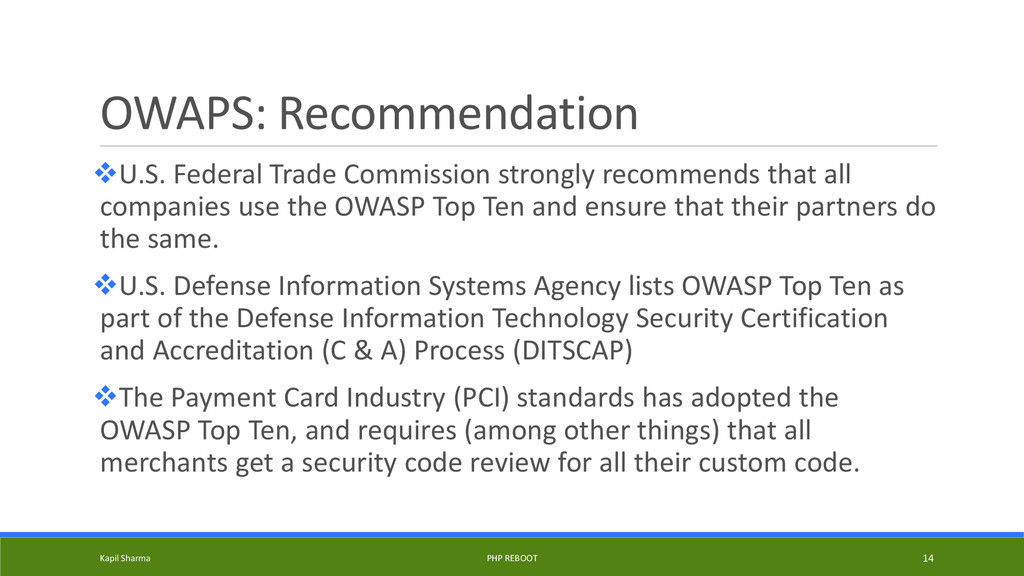
OWAPS: Recommendation U.S. Federal Trade Commission strongly recommends that all
companies use the OWASP Top Ten and ensure that their partners do the same. U.S. Defense Information Systems Agency lists OWASP Top Ten as part of the Defense Information Technology Security Certification and Accreditation (C & A) Process (DITSCAP) The Payment Card Industry (PCI) standards has adopted the OWASP Top Ten, and requires (among other things) that all merchants get a security code review for all their custom code. Kapil Sharma PHP REBOOT 14 -
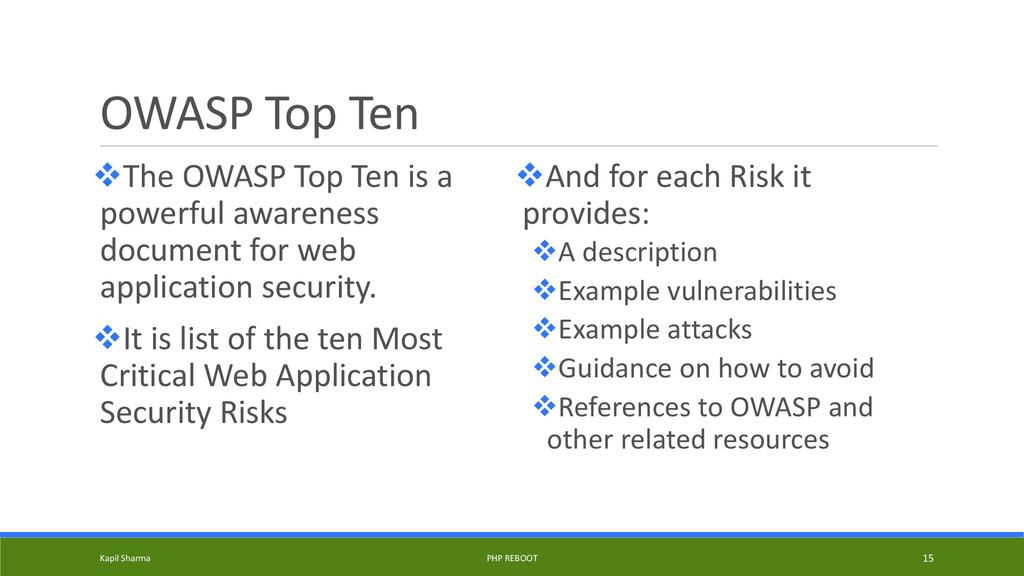
OWASP Top Ten The OWASP Top Ten is a powerful
awareness document for web application security. It is list of the ten Most Critical Web Application Security Risks And for each Risk it provides: A description Example vulnerabilities Example attacks Guidance on how to avoid References to OWASP and other related resources Kapil Sharma PHP REBOOT 15 -
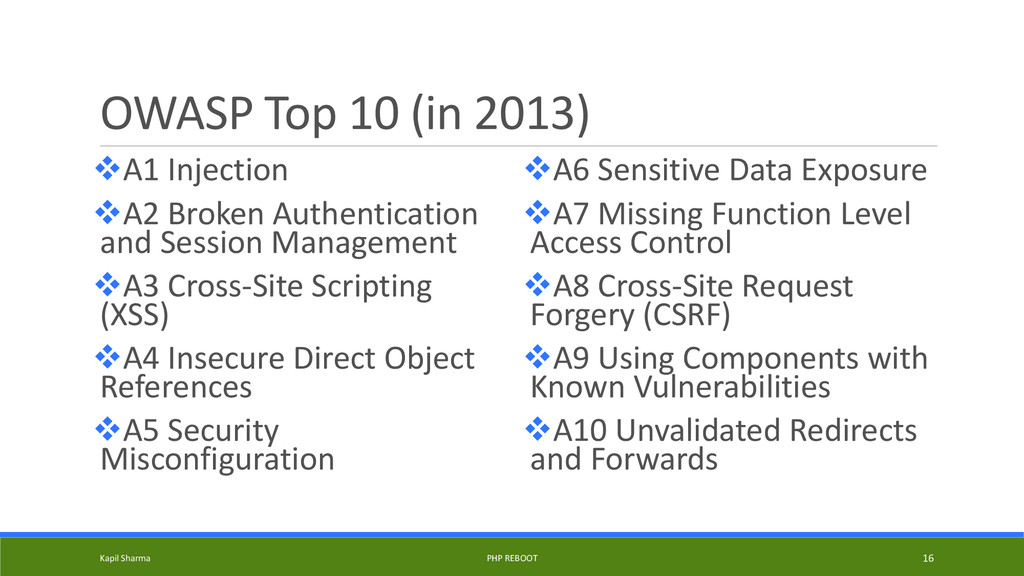
OWASP Top 10 (in 2013) A1 Injection A2 Broken Authentication
and Session Management A3 Cross-Site Scripting (XSS) A4 Insecure Direct Object References A5 Security Misconfiguration A6 Sensitive Data Exposure A7 Missing Function Level Access Control A8 Cross-Site Request Forgery (CSRF) A9 Using Components with Known Vulnerabilities A10 Unvalidated Redirects and Forwards Kapil Sharma PHP REBOOT 16 -
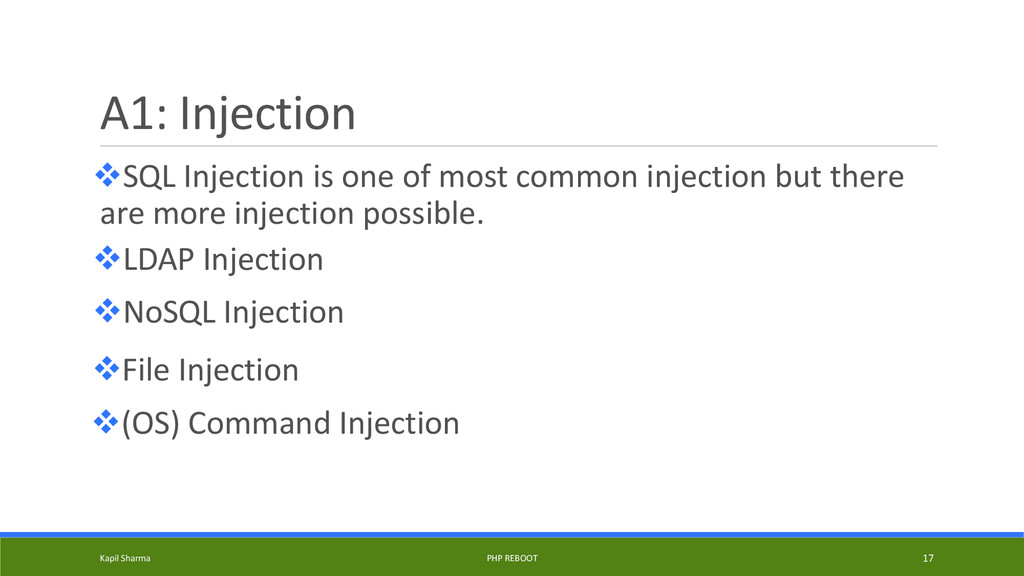
A1: Injection SQL Injection is one of most common injection
but there are more injection possible. Kapil Sharma PHP REBOOT 17 LDAP Injection NoSQL Injection File Injection (OS) Command Injection -
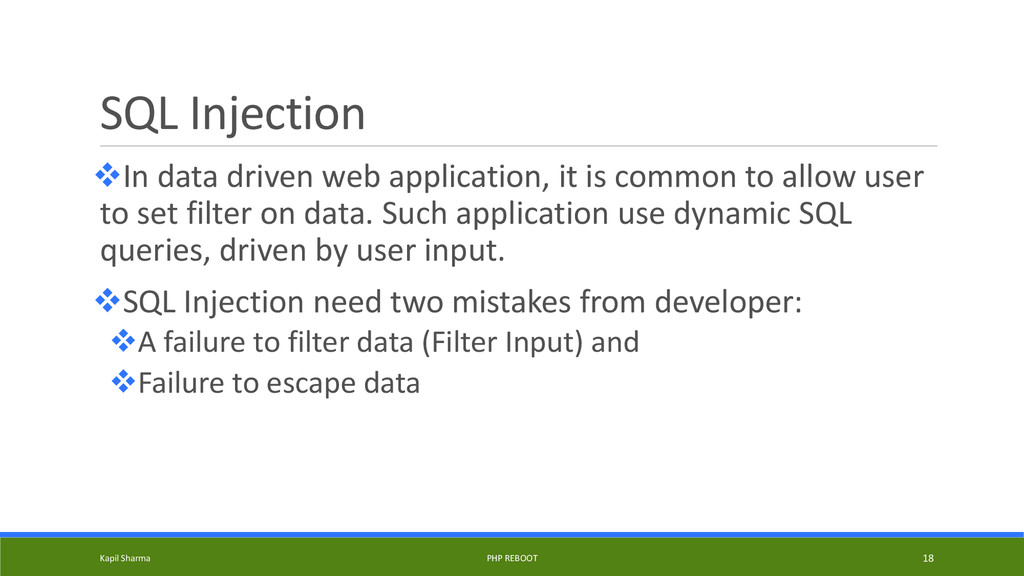
SQL Injection In data driven web application, it is common
to allow user to set filter on data. Such application use dynamic SQL queries, driven by user input. SQL Injection need two mistakes from developer: A failure to filter data (Filter Input) and Failure to escape data Kapil Sharma PHP REBOOT 18 -
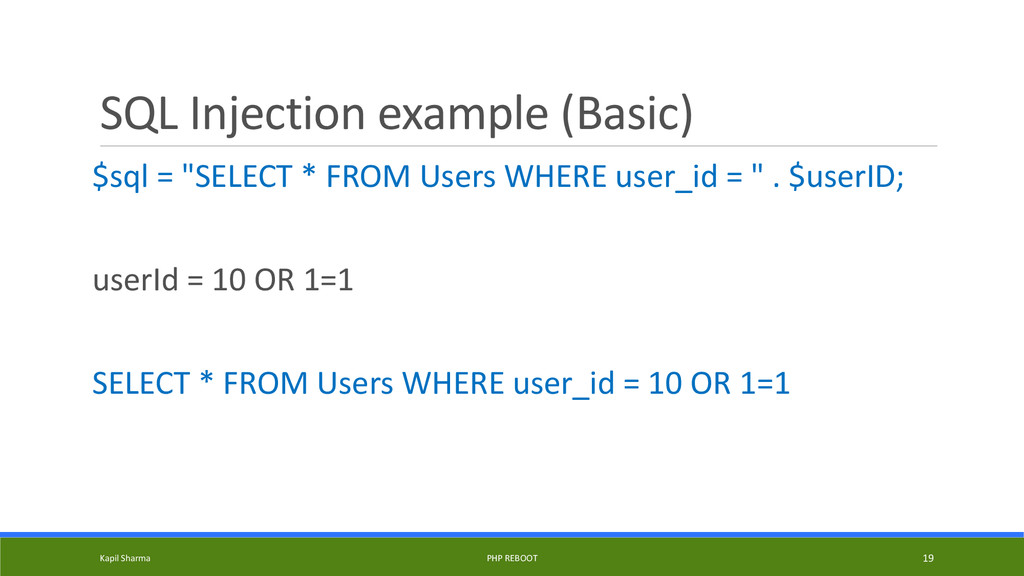
SQL Injection example (Basic) $sql = "SELECT * FROM Users
WHERE user_id = " . $userID; userId = 10 OR 1=1 SELECT * FROM Users WHERE user_id = 10 OR 1=1 Kapil Sharma PHP REBOOT 19 -
SQL Injection example <?PHP $password_hash = md5($_POST['password']); $sql = "SELECT
count(*) FROM users WHERE username = '{$_POST['username']}' AND password = '$password_hash' "; Kapil Sharma PHP REBOOT 20 -
SQL Injection example <?PHP $password_hash = md5($_POST['password']); $sql = "SELECT
count(*) FROM users WHERE username = '{$_POST['username']}' AND password = '$password_hash' "; mysql_query($sql) or exit(mysql_error) Username = ' SELECT count(*) FROM users WHERE username = ''' AND password = '<md5 hash>' Kapil Sharma PHP REBOOT 21 -
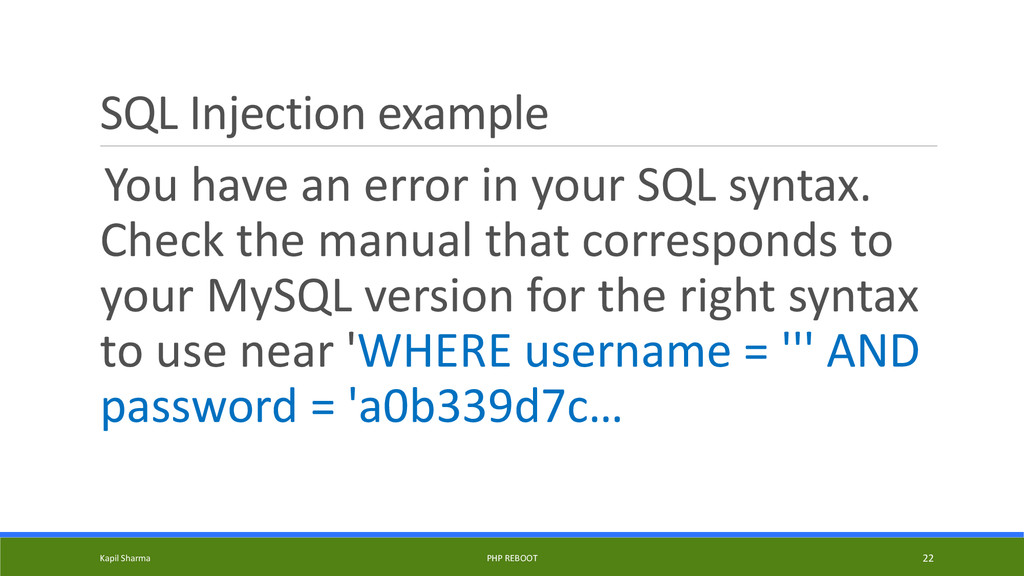
SQL Injection example You have an error in your SQL
syntax. Check the manual that corresponds to your MySQL version for the right syntax to use near 'WHERE username = ''' AND password = 'a0b339d7c… Kapil Sharma PHP REBOOT 22 -
SQL Injection example <?PHP $password_hash = md5($_POST['password']); $sql = "SELECT
count(*) FROM users WHERE username = '{$_POST['username']}' AND password = '$password_hash' "; mysql_query($sql) or exit(mysql_error) Username = kapil' or 'a' = 'a' -- Kapil Sharma PHP REBOOT 23 -
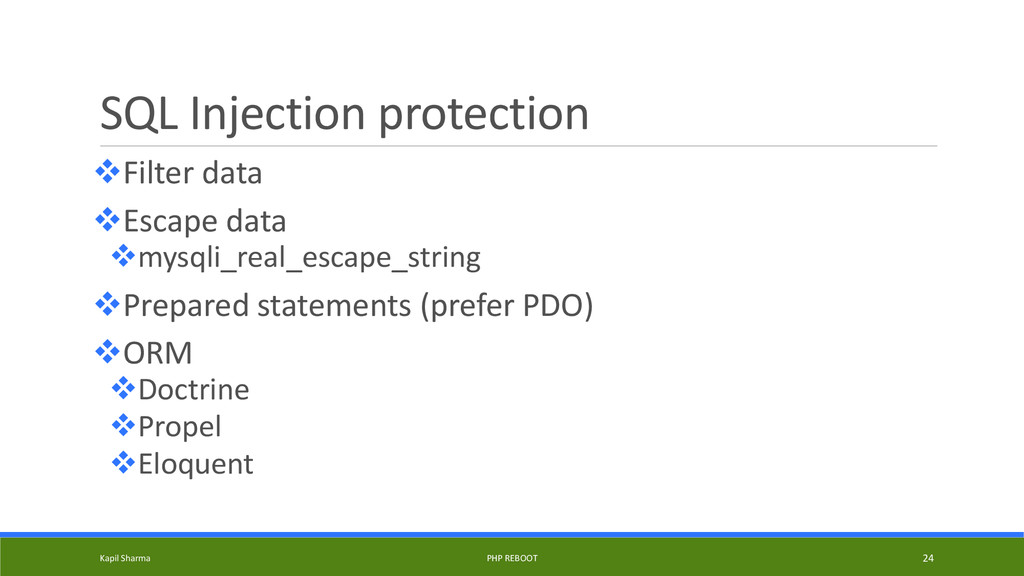
SQL Injection protection Filter data Escape data mysqli_real_escape_string Prepared statements
(prefer PDO) ORM Doctrine Propel Eloquent Kapil Sharma PHP REBOOT 24 -
A2: Broken Authentication and Session Management What is Authentication? Session?
Cookie? Kapil Sharma PHP REBOOT 25 -
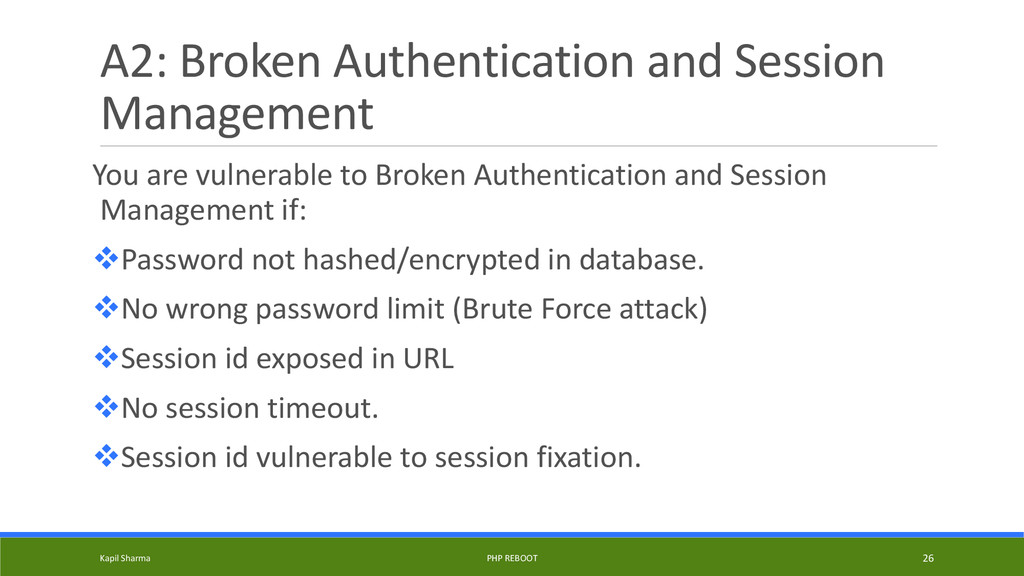
A2: Broken Authentication and Session Management You are vulnerable to
Broken Authentication and Session Management if: Password not hashed/encrypted in database. No wrong password limit (Brute Force attack) Session id exposed in URL No session timeout. Session id vulnerable to session fixation. Kapil Sharma PHP REBOOT 26 -
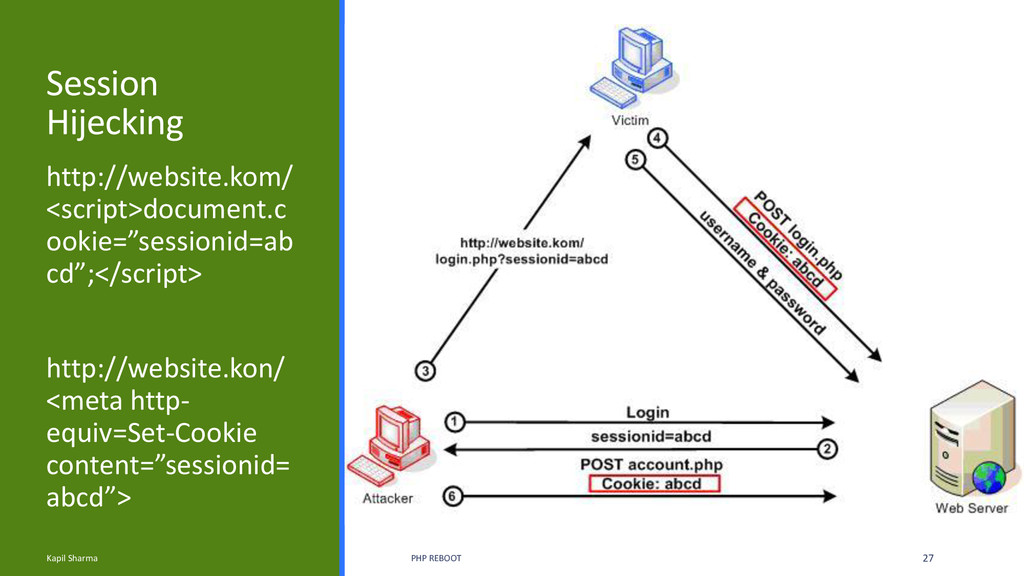
Session Hijecking http://website.kom/ <script>document.c ookie=”sessionid=ab cd”;</script> http://website.kon/ <meta http- equiv=Set-Cookie
content=”sessionid= abcd”> Kapil Sharma PHP REBOOT 27 -
Securing Session with PHP static protected function preventHijacking() { if(!isset($_SESSION['IpAddress'])
|| !isset($_SESSION['userAgent'])) return false; if ($_SESSION['IPaddress'] != $_SERVER['REMOTE_ADDR']) return false; if( $_SESSION['userAgent'] != $_SERVER['HTTP_USER_AGENT']) return false; return true; } Kapil Sharma PHP REBOOT 29 -
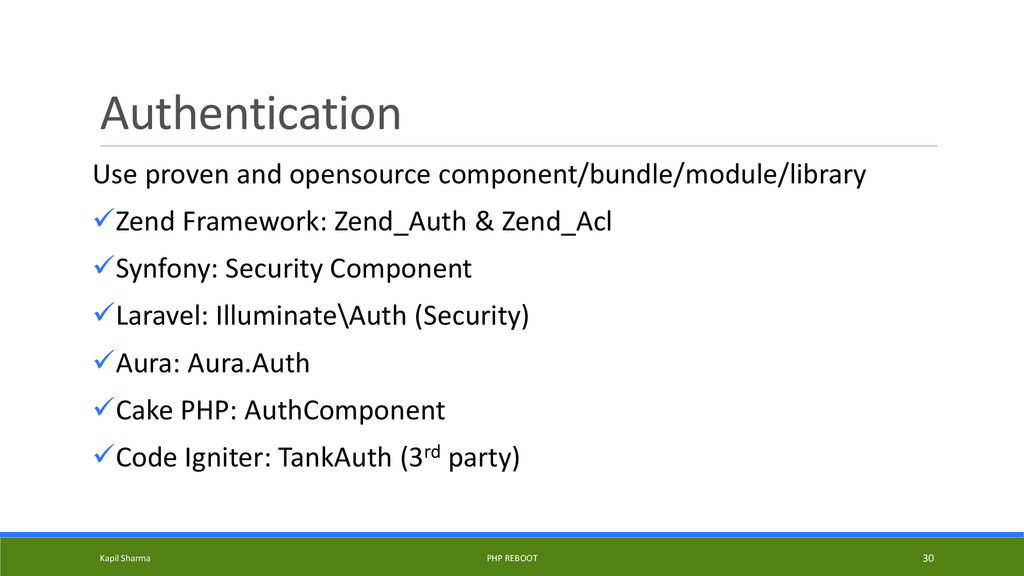
Authentication Use proven and opensource component/bundle/module/library Zend Framework: Zend_Auth &
Zend_Acl Synfony: Security Component Laravel: Illuminate\Auth (Security) Aura: Aura.Auth Cake PHP: AuthComponent Code Igniter: TankAuth (3rd party) Kapil Sharma PHP REBOOT 30 -
Non-Persistent XSS attack example $name = $_GET['name']; echo "Welcome $name<br>";
echo "<a href="http://mysite.com/">Click to Download</a>"; Kapil Sharma PHP REBOOT 33 -
Non-Persistent XSS attack example $name = $_GET['name']; echo "Welcome $name<br>";
echo "<a href="http://mysite.com/">Click to Download</a>"; index.php?name=<script>windo w.onload = function() {var link=document.getElementsByT agName("a");link[0].href="http: //attacker.com/";}</script> Kapil Sharma PHP REBOOT 34 Escape output -
Cross Site Request Forgery (CSRF) In XSS, hacker trick user
playing is real server. In CSRF, hacker trick server playing as real end user. Kapil Sharma PHP REBOOT 35 -
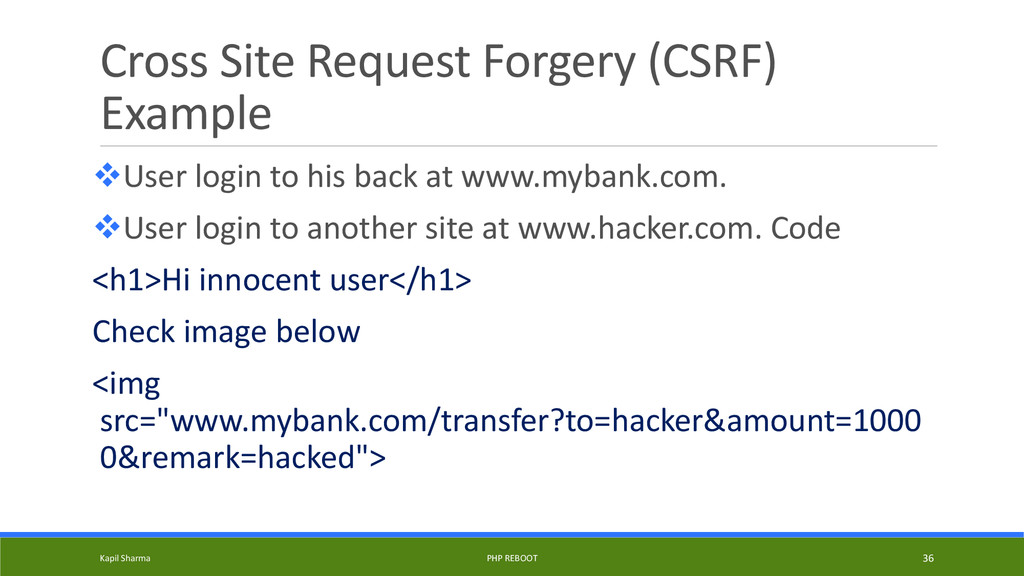
Cross Site Request Forgery (CSRF) Example User login to his
back at www.mybank.com. User login to another site at www.hacker.com. Code <h1>Hi innocent user</h1> Check image below <img src="www.mybank.com/transfer?to=hacker&amount=1000 0&remark=hacked"> Kapil Sharma PHP REBOOT 36 -
Preventing CSRF Always use post for forms. Always check referrer.
Synchronize Token Secret and unique token <input type="hidden" name="csrftoken" value=“Random unique value"> Validate that token at server side. Kapil Sharma PHP REBOOT 37 -
Security best practices If we remember few best practices, we
could be safe against most of the security threats. Lets go through these best practices. Kapil Sharma PHP REBOOT 38 -
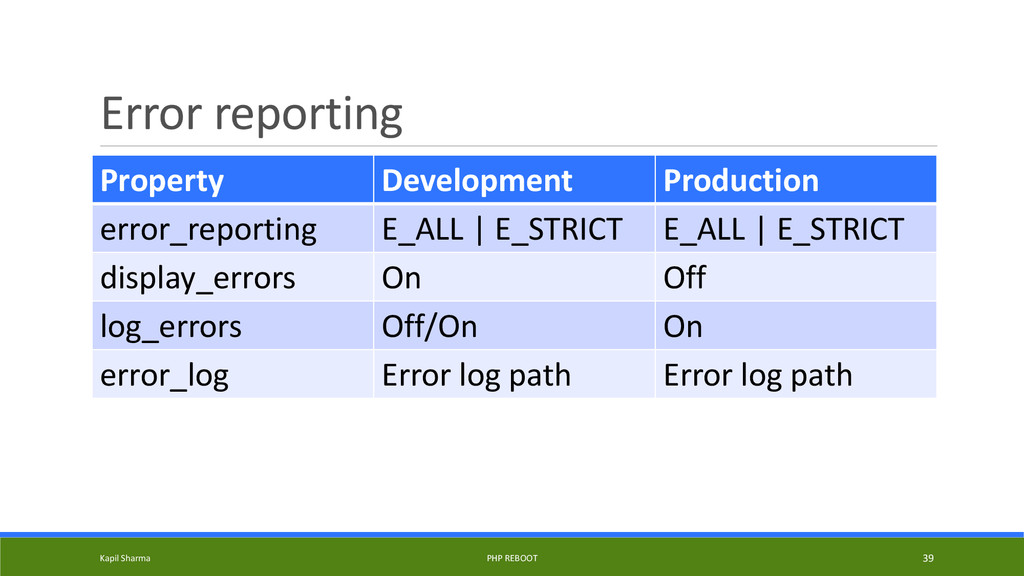
Error reporting Property Development Production error_reporting E_ALL | E_STRICT E_ALL
| E_STRICT display_errors On Off log_errors Off/On On error_log Error log path Error log path Kapil Sharma PHP REBOOT 39 -
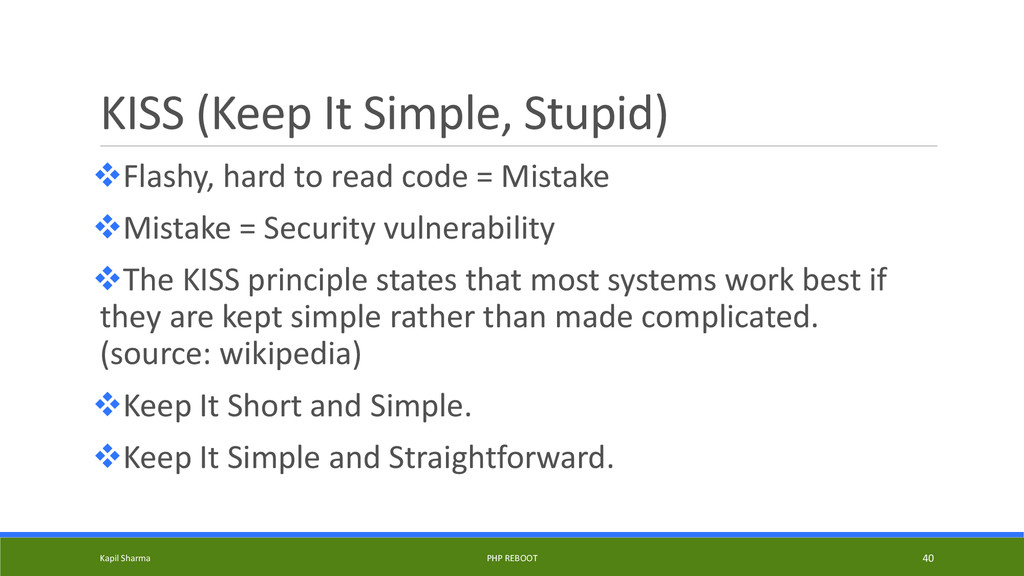
KISS (Keep It Simple, Stupid) Flashy, hard to read code
= Mistake Mistake = Security vulnerability The KISS principle states that most systems work best if they are kept simple rather than made complicated. (source: wikipedia) Keep It Short and Simple. Keep It Simple and Straightforward. Kapil Sharma PHP REBOOT 40 -
DRY (Don’t Repeat Yourself) Major refactoring principle: Don’t Repeat Yourself.
Kapil Sharma PHP REBOOT 41 -
Defense in depth Well known principle among security professionals. Always
have a backup plan. Kapil Sharma PHP REBOOT 42 -
Least Privileges Identify what privileges a user will need to
perform his task. Never give more then needed privileges. Kapil Sharma PHP REBOOT 43 -
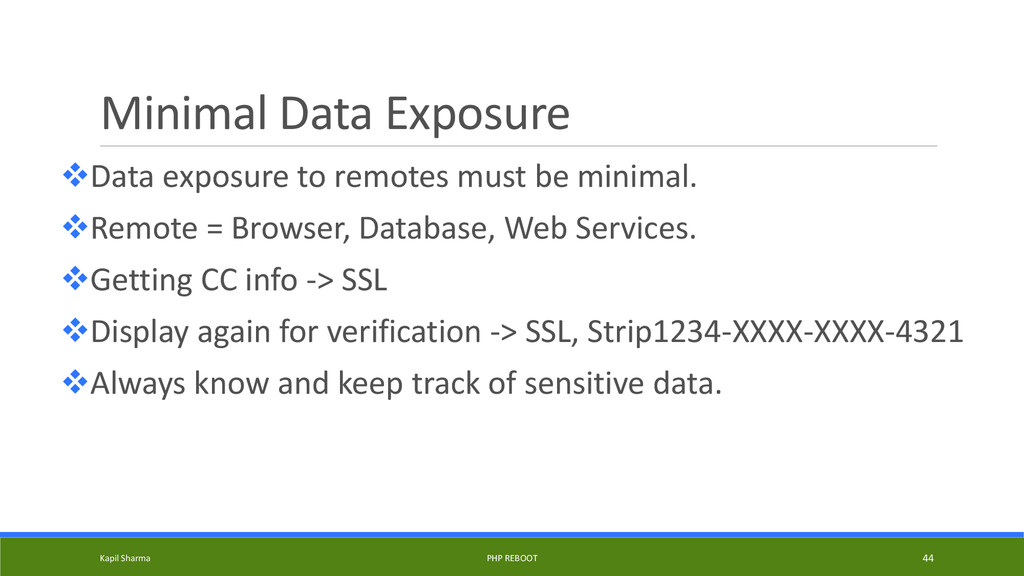
Minimal Data Exposure Data exposure to remotes must be minimal.
Remote = Browser, Database, Web Services. Getting CC info -> SSL Display again for verification -> SSL, Strip1234-XXXX-XXXX-4321 Always know and keep track of sensitive data. Kapil Sharma PHP REBOOT 44 -
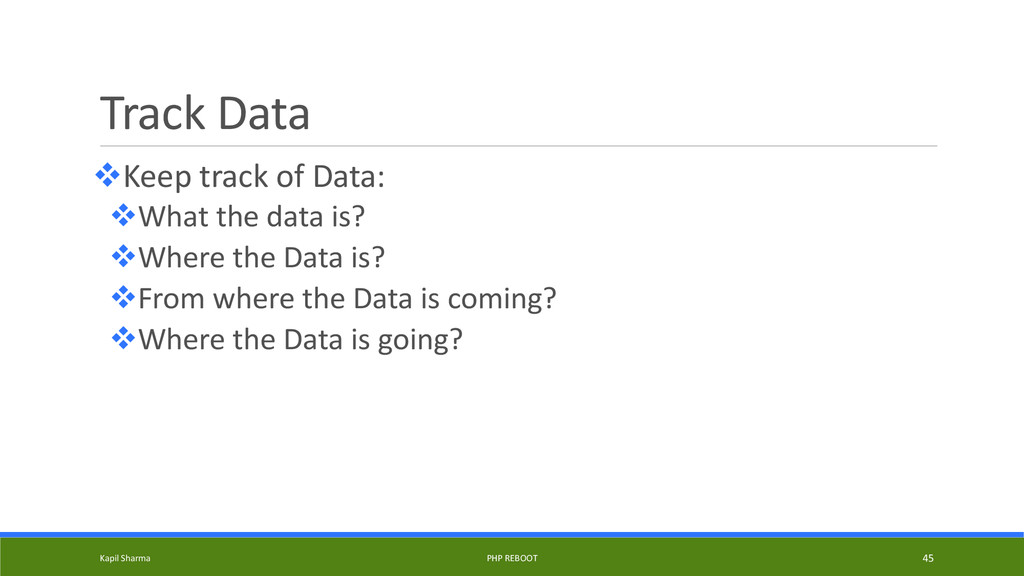
Track Data Keep track of Data: What the data is?
Where the Data is? From where the Data is coming? Where the Data is going? Kapil Sharma PHP REBOOT 45 -
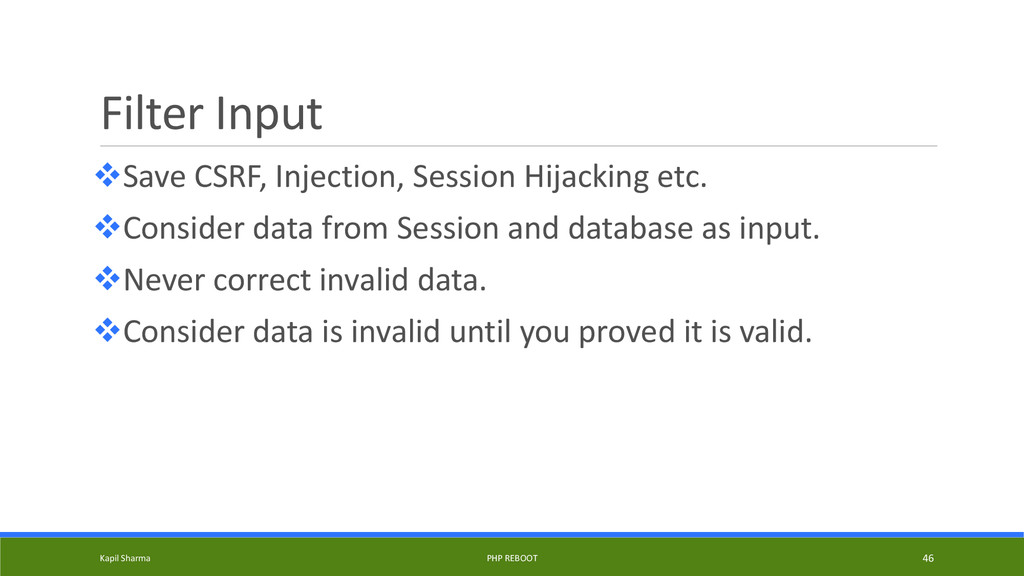
Filter Input Save CSRF, Injection, Session Hijacking etc. Consider data
from Session and database as input. Never correct invalid data. Consider data is invalid until you proved it is valid. Kapil Sharma PHP REBOOT 46 -
Filter Input (Core PHP) filter_input($type, $variable_name[,$filter[,$options]]) ZF: Zend_Filter_Input, Zend_Filter Symfony:
Allow YAML, Annotation, XML and PHP filters. Kapil Sharma PHP REBOOT 47 -
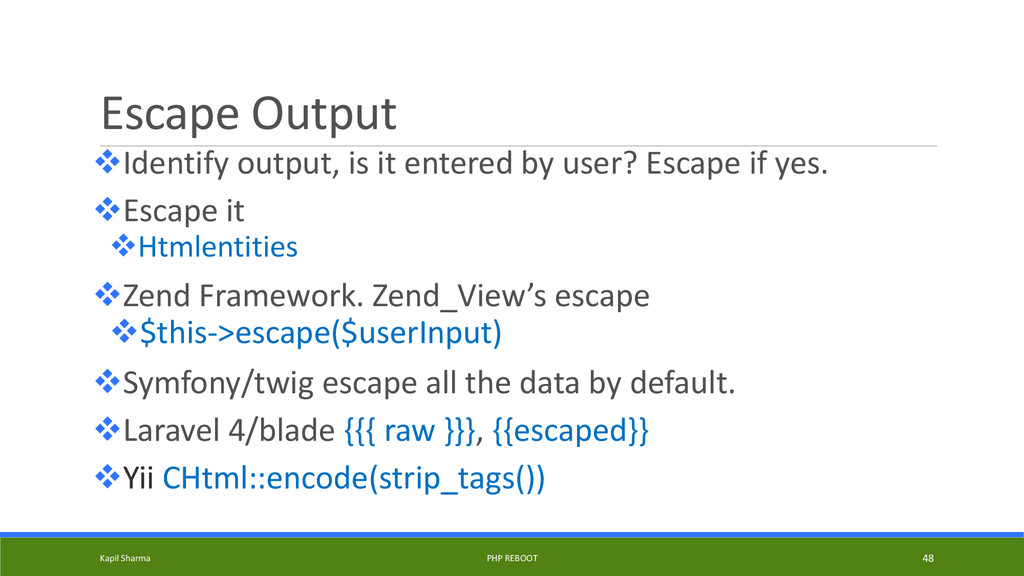
Escape Output Identify output, is it entered by user? Escape
if yes. Escape it Htmlentities Zend Framework. Zend_View’s escape $this->escape($userInput) Symfony/twig escape all the data by default. Laravel 4/blade {{{ raw }}}, {{escaped}} Yii CHtml::encode(strip_tags()) Kapil Sharma PHP REBOOT 48 -
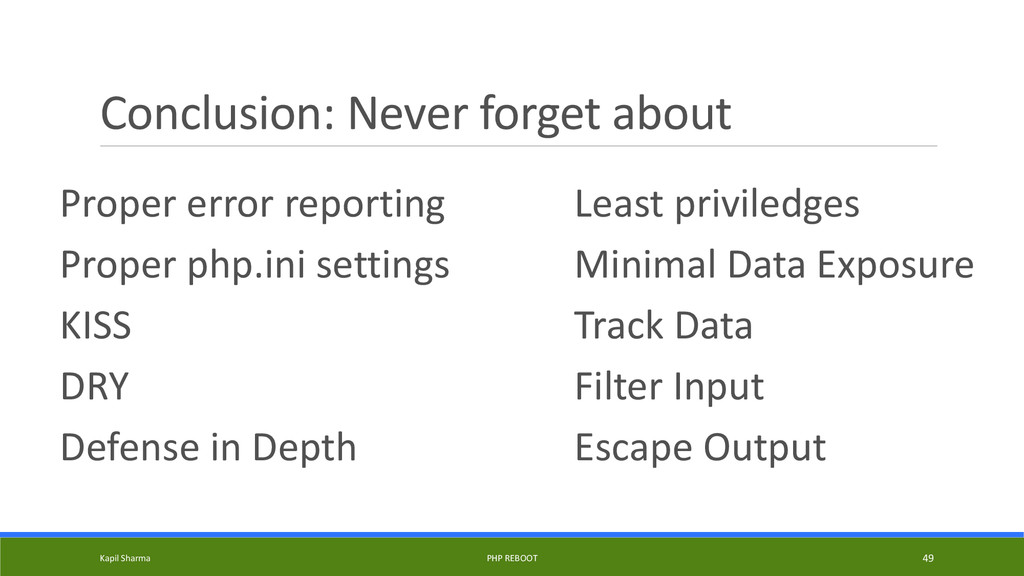
Conclusion: Never forget about Proper error reporting Proper php.ini settings
KISS DRY Defense in Depth Least priviledges Minimal Data Exposure Track Data Filter Input Escape Output Kapil Sharma PHP REBOOT 49