Upgrade to Pro — share decks privately, control downloads, hide ads and more …

fastlane init

Kartik Patel
February 11, 2016

fastlane init

Introduction to using fastlane for testing, building, and deploying iOS apps.

Kartik Patel

February 11, 2016

Transcript

16 slides
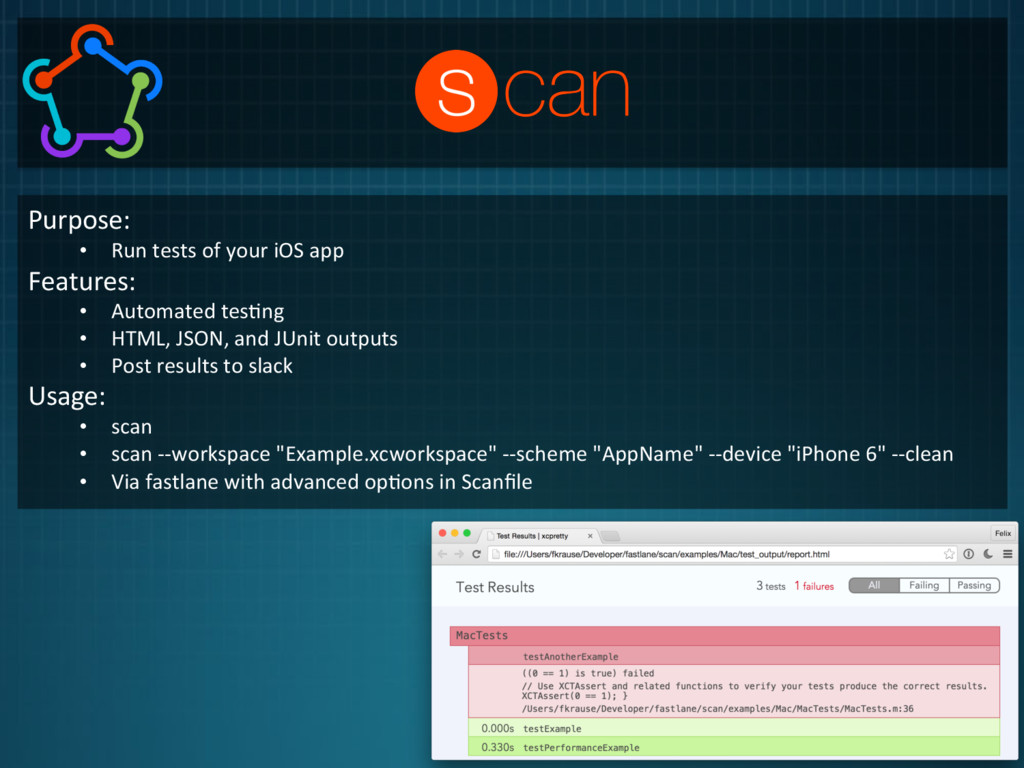
  1. Purpose:     •  Run  tests  of  your  iOS  app

      Features:   •  Automated  tes1ng   •  HTML,  JSON,  and  JUnit  outputs   •  Post  results  to  slack   Usage:   •  scan   •  scan  -­‐-­‐workspace  "Example.xcworkspace"  -­‐-­‐scheme  "AppName"  -­‐-­‐device  "iPhone  6"  -­‐-­‐clean   •  Via  fastlane  with  advanced  op1ons  in  Scanfile  
  2. Advanced  Op1ons  in  Scanfile:   •  workspace:  Path  to  workspace

     file   •  project:  Path  to  project  file   •  device:  Specify  simulator  type  you  want  to  run  tests  on   •  scheme:  Specify  scheme  to  test  with   •  clean:  Specify  whether  the  project  should  be  cleaned  before  building   •  code_coverage:  Enable  XCode  7  code  coverage  
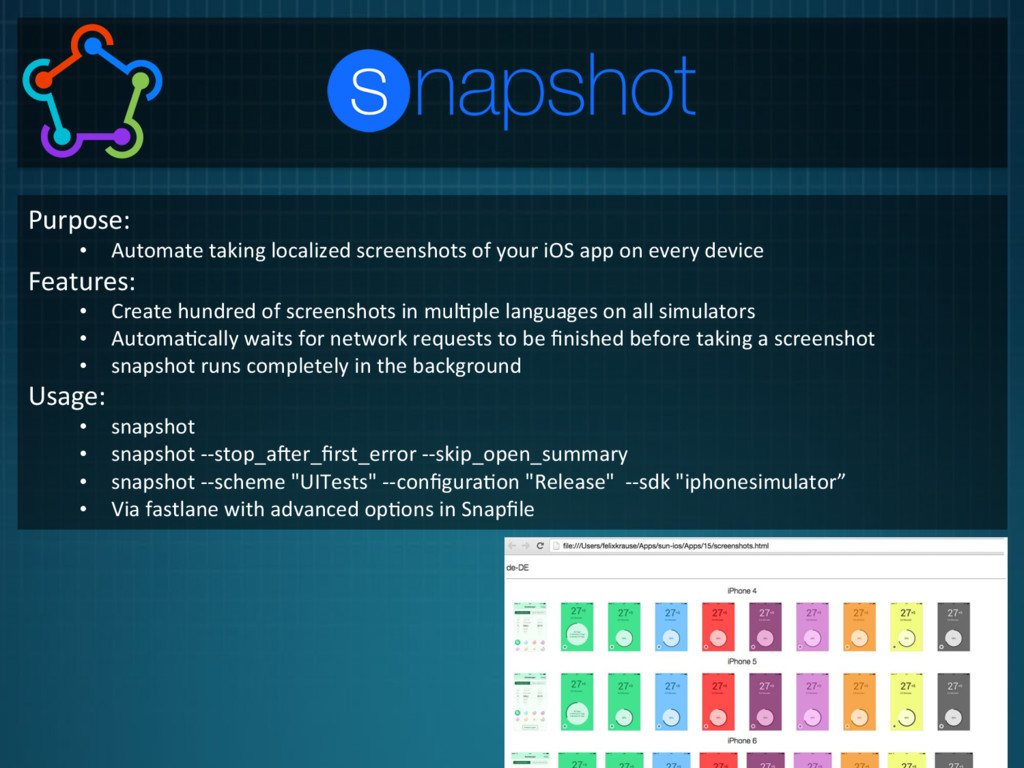
  3. Purpose:     •  Automate  taking  localized  screenshots  of  your

     iOS  app  on  every  device   Features:   •  Create  hundred  of  screenshots  in  mul1ple  languages  on  all  simulators   •  Automa1cally  waits  for  network  requests  to  be  finished  before  taking  a  screenshot   •  snapshot  runs  completely  in  the  background   Usage:   •  snapshot   •  snapshot  -­‐-­‐stop_aXer_first_error  -­‐-­‐skip_open_summary   •  snapshot  -­‐-­‐scheme  "UITests"  -­‐-­‐configura1on  "Release"    -­‐-­‐sdk  "iphonesimulator”   •  Via  fastlane  with  advanced  op1ons  in  Snapfile  
  4. Advanced  Op1ons  in  Snapfile:   •  scheme:  Specify  scheme  to

     take  screenshots  with   •  language:  Specify  languages  which  should  be  used   •  launch_aguments:  A  list  of  launch  arguments  which  should  be  used   •  output_directory:  The  directory  where  to  store  the  screenshots   •  clear_previous_screenshots:  Automa1cally  clear  previously  generated  screenshots   Completely  reset  all  simulators:   •  snapshot  reset_simulators  
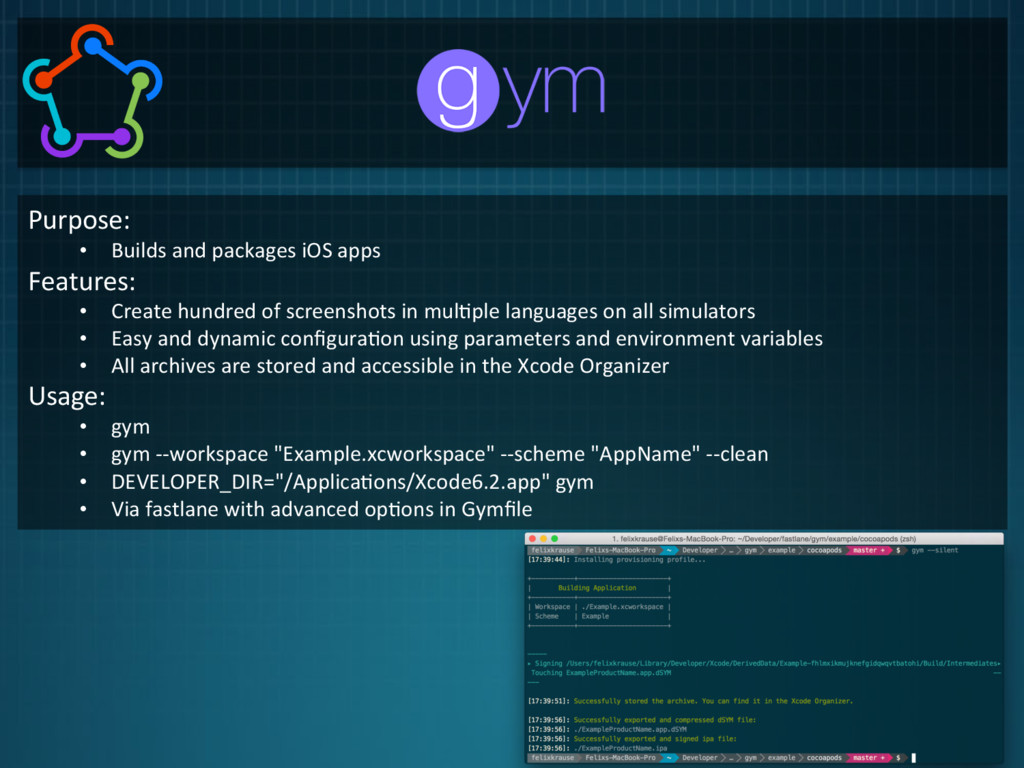
  5. Purpose:     •  Builds  and  packages  iOS  apps  

    Features:   •  Create  hundred  of  screenshots  in  mul1ple  languages  on  all  simulators   •  Easy  and  dynamic  configura1on  using  parameters  and  environment  variables   •  All  archives  are  stored  and  accessible  in  the  Xcode  Organizer   Usage:   •  gym   •  gym  -­‐-­‐workspace  "Example.xcworkspace"  -­‐-­‐scheme  "AppName"  -­‐-­‐clean   •  DEVELOPER_DIR="/Applica1ons/Xcode6.2.app"  gym   •  Via  fastlane  with  advanced  op1ons  in  Gymfile  
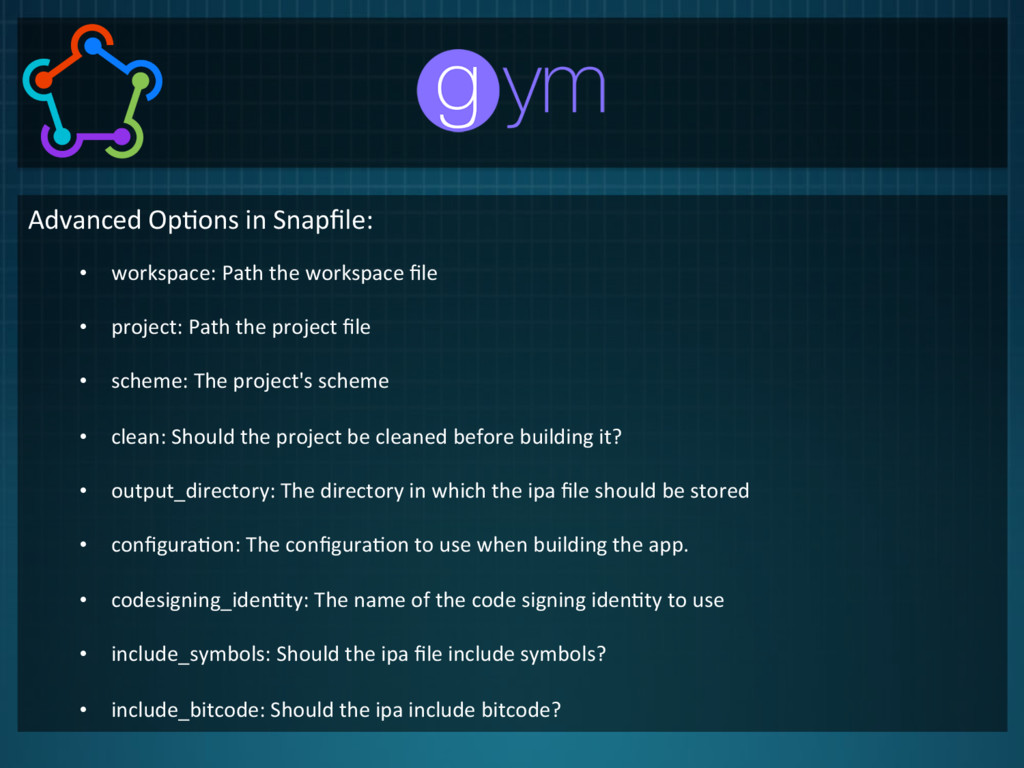
  6. Advanced  Op1ons  in  Snapfile:   •  workspace:  Path  the  workspace

     file   •  project:  Path  the  project  file   •  scheme:  The  project's  scheme   •  clean:  Should  the  project  be  cleaned  before  building  it?   •  output_directory:  The  directory  in  which  the  ipa  file  should  be  stored   •  configura1on:  The  configura1on  to  use  when  building  the  app.     •  codesigning_iden1ty:  The  name  of  the  code  signing  iden1ty  to  use   •  include_symbols:  Should  the  ipa  file  include  symbols?   •  include_bitcode:  Should  the  ipa  include  bitcode?  
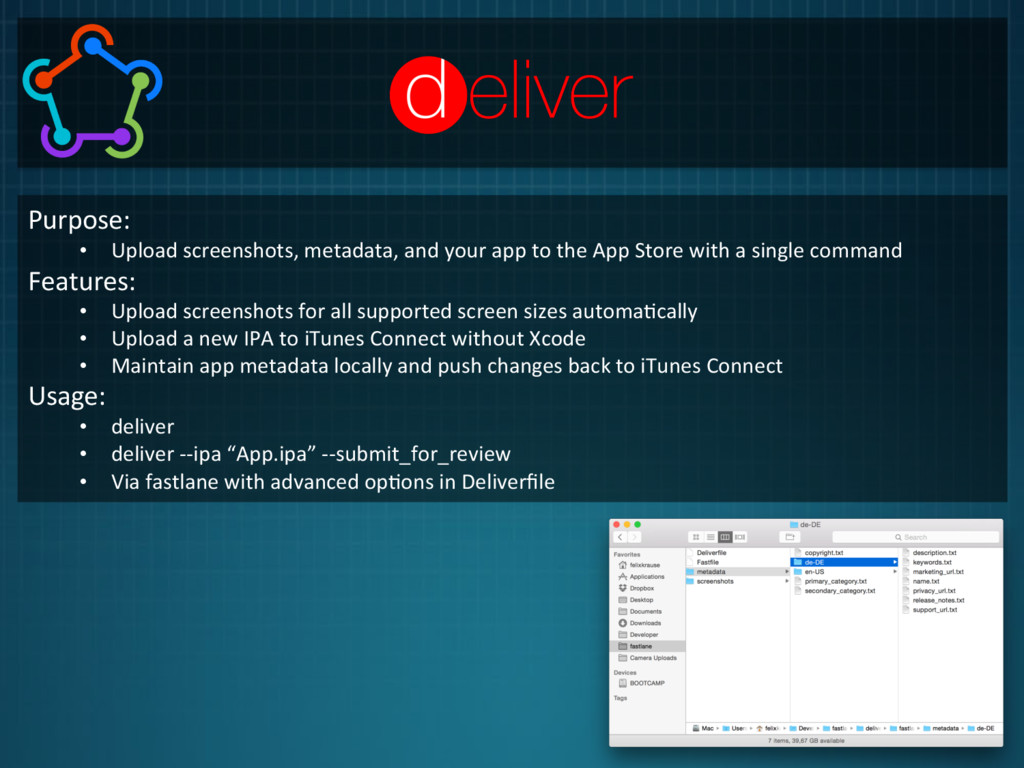
  7. Purpose:     •  Upload  screenshots,  metadata,  and  your  app

     to  the  App  Store  with  a  single  command   Features:   •  Upload  screenshots  for  all  supported  screen  sizes  automa1cally   •  Upload  a  new  IPA  to  iTunes  Connect  without  Xcode   •  Maintain  app  metadata  locally  and  push  changes  back  to  iTunes  Connect   Usage:   •  deliver   •  deliver  -­‐-­‐ipa  “App.ipa”  -­‐-­‐submit_for_review   •  Via  fastlane  with  advanced  op1ons  in  Deliverfile  
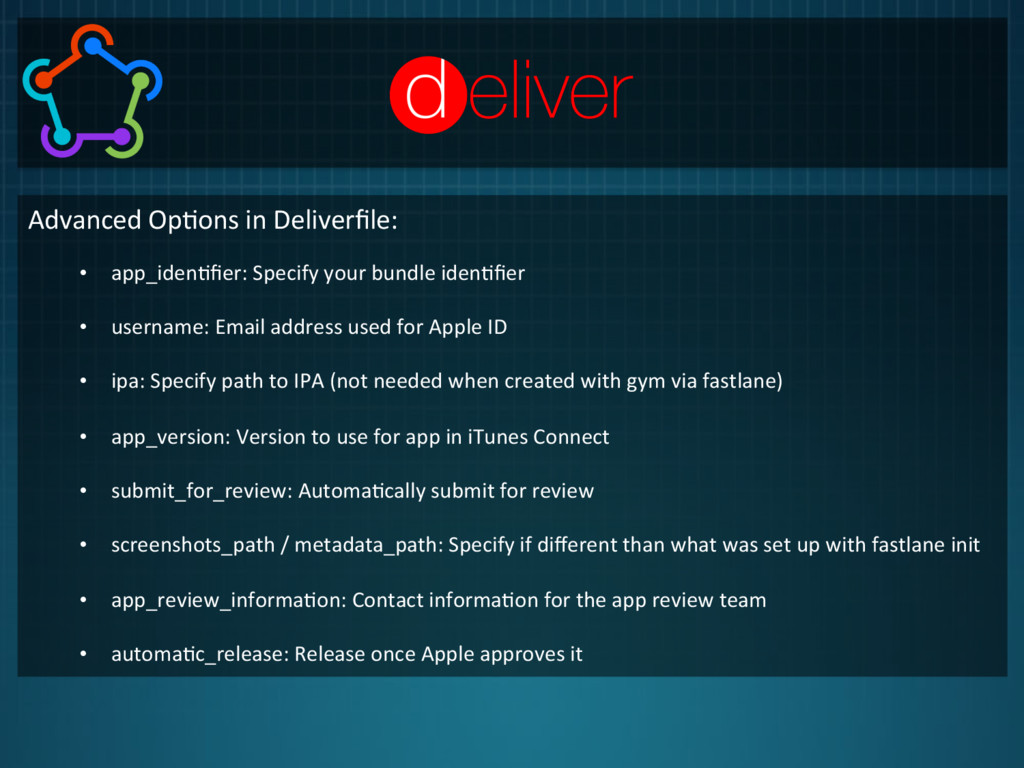
  8. Advanced  Op1ons  in  Deliverfile:   •  app_iden1fier:  Specify  your  bundle

     iden1fier   •  username:  Email  address  used  for  Apple  ID   •  ipa:  Specify  path  to  IPA  (not  needed  when  created  with  gym  via  fastlane)   •  app_version:  Version  to  use  for  app  in  iTunes  Connect   •  submit_for_review:  Automa1cally  submit  for  review   •  screenshots_path  /  metadata_path:  Specify  if  different  than  what  was  set  up  with  fastlane  init   •  app_review_informa1on:  Contact  informa1on  for  the  app  review  team   •  automa1c_release:  Release  once  Apple  approves  it  
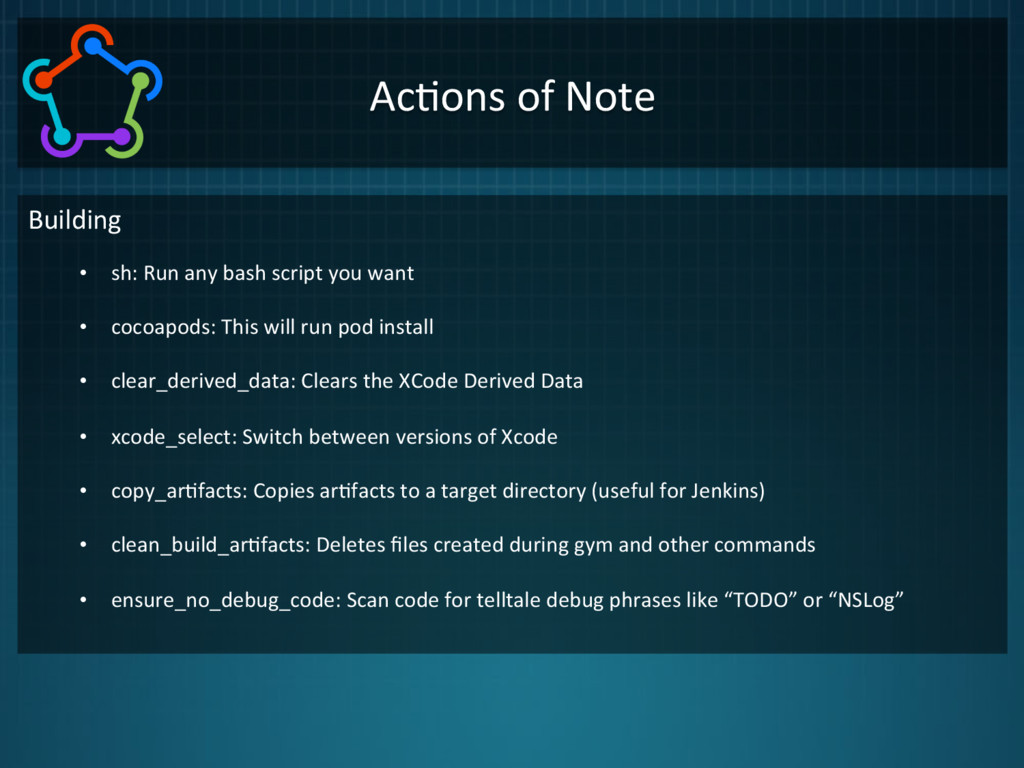
  9. Ac1ons  of  Note   Building   •  sh:  Run  any

     bash  script  you  want   •  cocoapods:  This  will  run  pod  install   •  clear_derived_data:  Clears  the  XCode  Derived  Data   •  xcode_select:  Switch  between  versions  of  Xcode   •  copy_ar1facts:  Copies  ar1facts  to  a  target  directory  (useful  for  Jenkins)   •  clean_build_ar1facts:  Deletes  files  created  during  gym  and  other  commands   •  ensure_no_debug_code:  Scan  code  for  telltale  debug  phrases  like  “TODO”  or  “NSLog”  
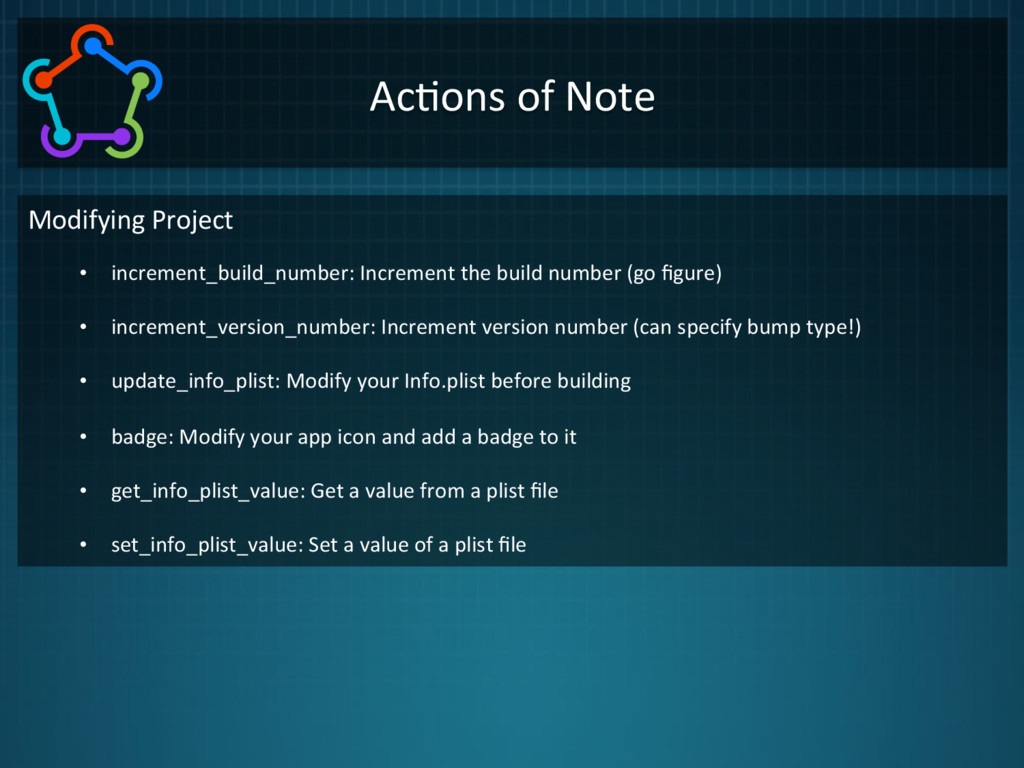
  10. Ac1ons  of  Note   Modifying  Project   •  increment_build_number:  Increment

     the  build  number  (go  figure)   •  increment_version_number:  Increment  version  number  (can  specify  bump  type!)   •  update_info_plist:  Modify  your  Info.plist  before  building   •  badge:  Modify  your  app  icon  and  add  a  badge  to  it   •  get_info_plist_value:  Get  a  value  from  a  plist  file   •  set_info_plist_value:  Set  a  value  of  a  plist  file  
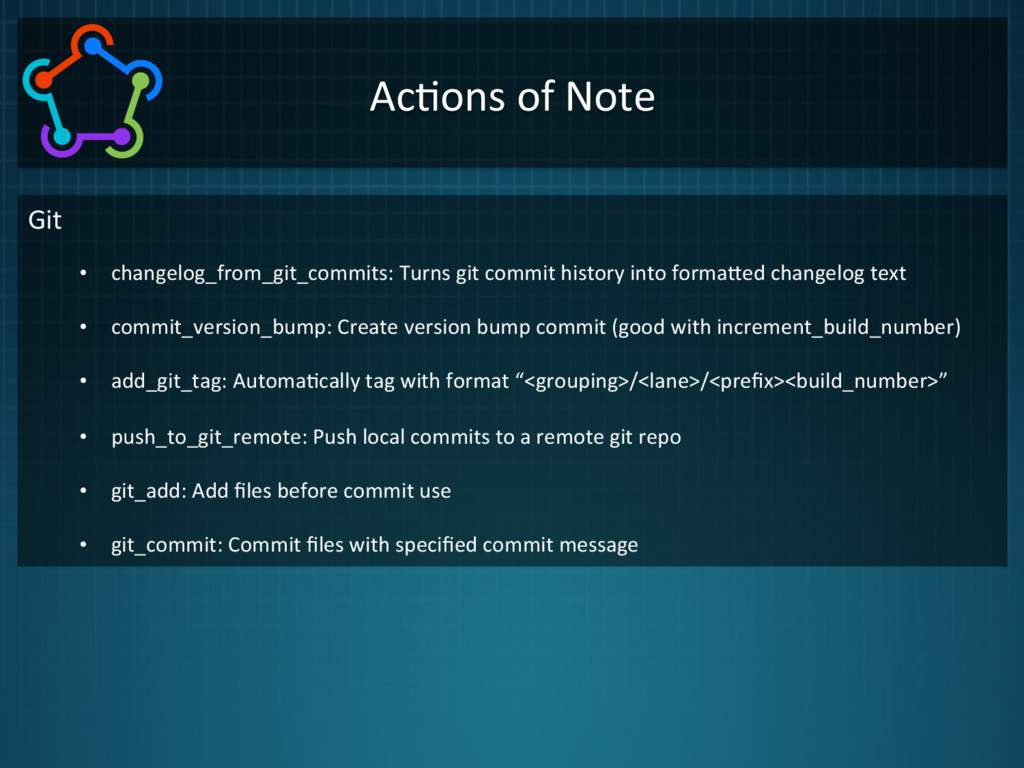
  11. Ac1ons  of  Note   Git   •  changelog_from_git_commits:  Turns  git

     commit  history  into  formahed  changelog  text   •  commit_version_bump:  Create  version  bump  commit  (good  with  increment_build_number)   •  add_git_tag:  Automa1cally  tag  with  format  “<grouping>/<lane>/<prefix><build_number>”   •  push_to_git_remote:  Push  local  commits  to  a  remote  git  repo   •  git_add:  Add  files  before  commit  use   •  git_commit:  Commit  files  with  specified  commit  message  
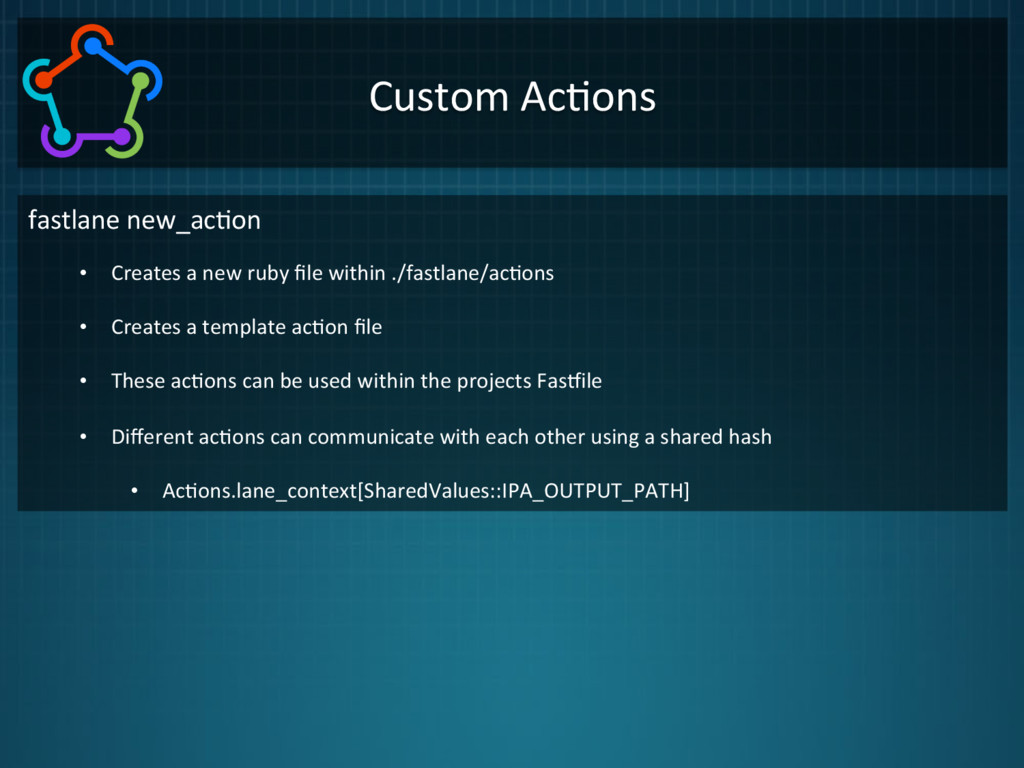
  12. Custom  Ac1ons   fastlane  new_ac1on   •  Creates  a  new

     ruby  file  within  ./fastlane/ac1ons   •  Creates  a  template  ac1on  file   •  These  ac1ons  can  be  used  within  the  projects  Faskile   •  Different  ac1ons  can  communicate  with  each  other  using  a  shared  hash   •  Ac1ons.lane_context[SharedValues::IPA_OUTPUT_PATH]  

More Decks by Kartik Patel

Other Decks in Programming