Upgrade to Pro — share decks privately, control downloads, hide ads and more …

Evaluating Plugins: Strategies to Effectively E...

Avatar for Kathy Zant Kathy Zant
October 05, 2019

Evaluating Plugins: Strategies to Effectively Extend WordPress

Extending WordPress above and beyond the core functionality is part of what makes WordPress so powerful. However, the sheer number of plugins available can be overwhelming. A strategy for evaluating plugins makes both developing managing WordPress easier.

In this presentation, attendees will learn strategies and tools for choosing one plugin over another. We’ll also look at paid plugins versus free and find out if you get what you paid for. We’ll also look at how to manage plugin updates and evaluate security. We’ll find out how to research plugin security history and identify risky functionality.

Avatar for Kathy Zant

Kathy Zant

October 05, 2019

Other Decks in Technology

Transcript

  1. Your Presenter: Kathy Zant • Data-driven websites before they were

    cool • WordPress for well over 10 years. • Wordfence & WordPress security for the last 3 ½ years
  2. Our Goals Learn strategies for choosing plugins to safely and

    effectively extend WordPress functionality. • Is it the right tool for the job? • Is it high quality? • Is it actively being developed? (Will it last…) • Is it safe? Have some fun -- plugin horror stories.
  3. What is a plugin? A script or group of scripts

    in PHP that extend the functionality of your WordPress site. Plugins seamlessly integrate into WordPress to add new features to your site. Themes: display/layout, but can also add functionality. Plugins: add functionality, but can also add to your site's layout.
  4. What can plugins do? “There’s a plugin for that.” •

    Contact Forms (Contact Form 7) • Search Engine Optimization (Yoast SEO, All in One SEO, Google XML Sitemaps) • eCommerce (WooCommerce) • AntiSpam (Akismet) • Backups (Updraft Plus) • Security (Wordfence)
  5. Plugins turn what started as a basic blogging platform into

    a full-function, data-driven website that supports your business.
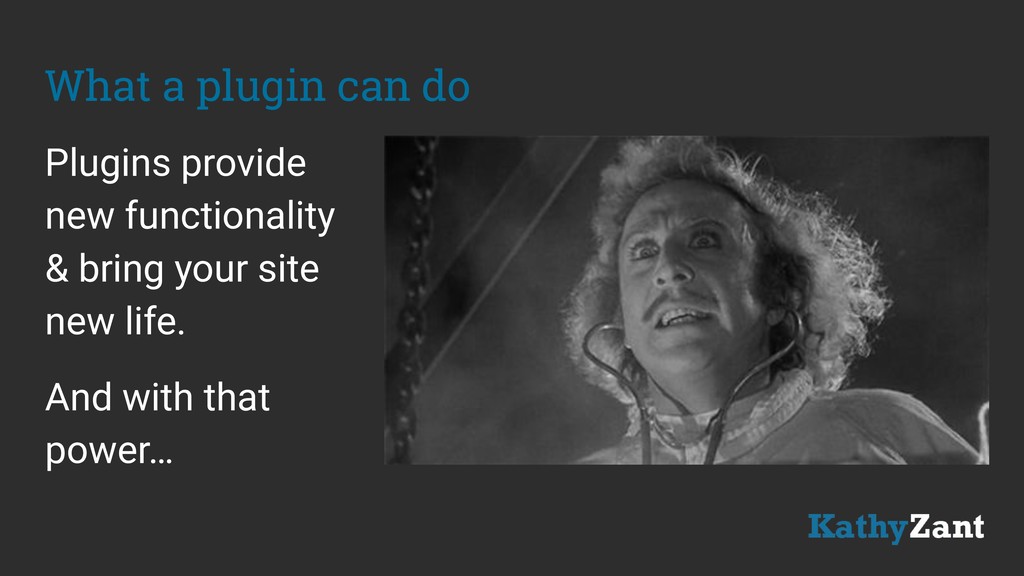
  6. What a plugin can do Plugins provide new functionality &

    bring your site new life. And with that power…
  7. It’s all about performance What can a plugin do for

    you? Will it do what it says it will? Will it do no harm?
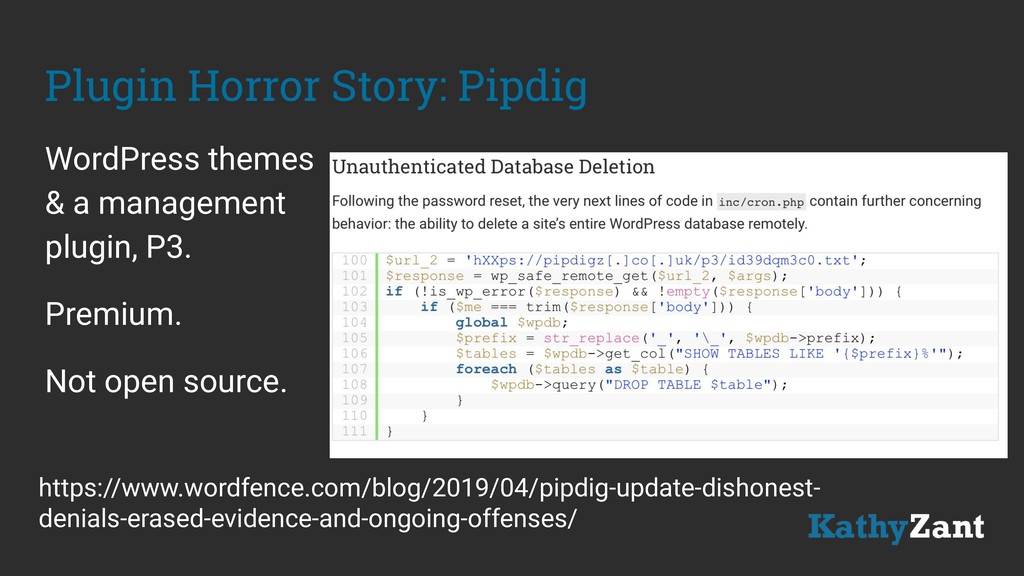
  8. Plugin Horror Story: Pipdig WordPress themes & a management plugin,

    P3. Premium. Not open source. https://www.wordfence.com/blog/2019/04/pipdig-update-dishonest- denials-erased-evidence-and-ongoing-offenses/
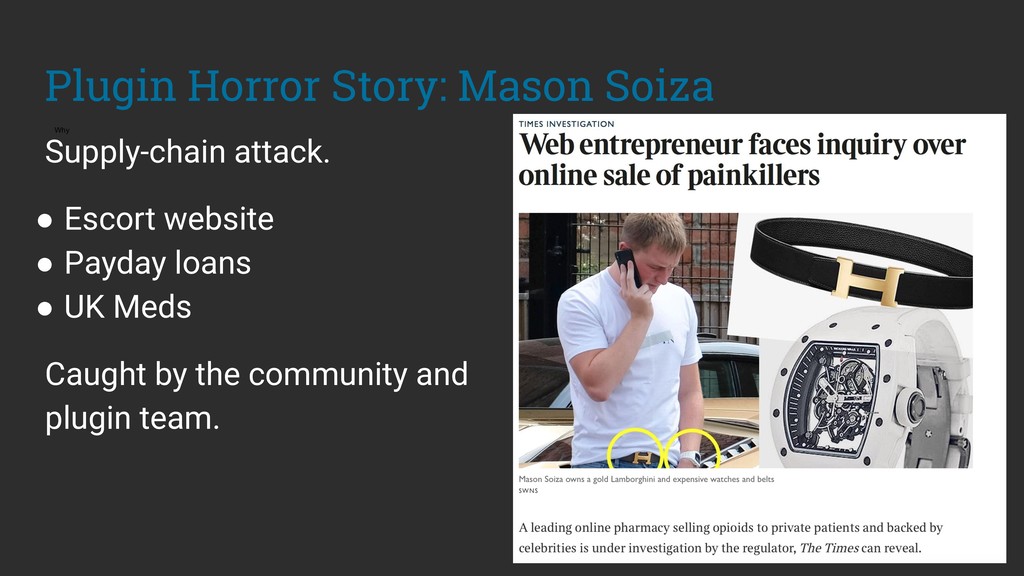
  9. Plugin Horror Story: Mason Soiza Why Supply-chain attack. • Escort

    website • Payday loans • UK Meds Caught by the community and plugin team.
  10. Types of plugins: Open source The WordPress Plugin repository: 54,709

    free and open source WordPress plugins. wordpress.org/plugins • Contact Form 7 • Duplicate Post • WP Super Cache
  11. Types of plugins: Freemium Offering basic services for free while

    charging a premium for advanced or special features. Free version of the plugin in the repository with some locked features. • Yoast SEO • Smush (Image Compression) • Updraft Plus • Wordfence
  12. Types of plugins: Premium/Commercial Source is not in repository and

    is only available after purchase. Commercial sources like Envato Market: • ThemeForest.net • CodeCanyon.com
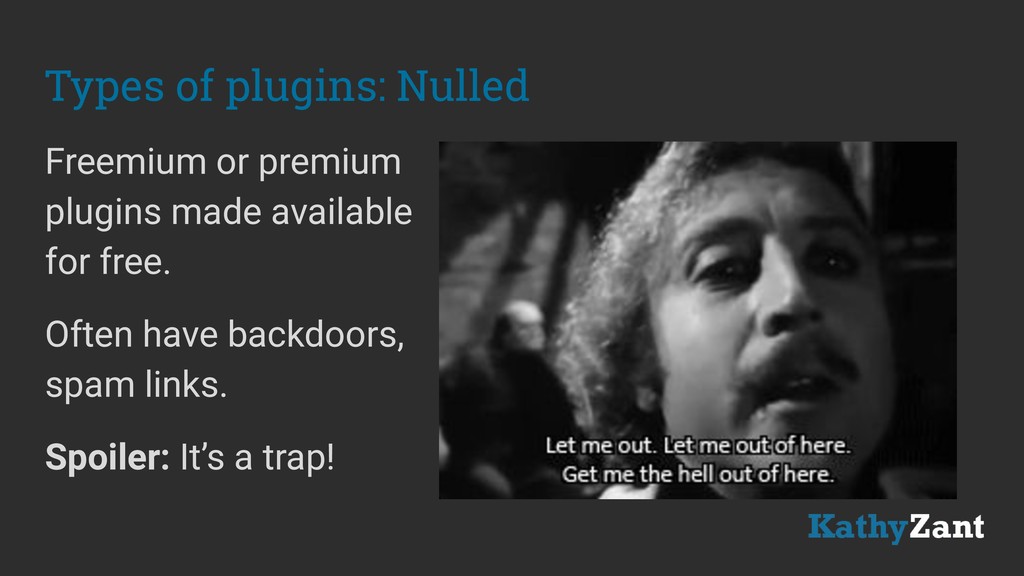
  13. Types of plugins: Nulled Freemium or premium plugins made available

    for free. Often have backdoors, spam links. Spoiler: It’s a trap!
  14. Do You Get What You Paid For? Not necessarily. Plugins

    from repository are open source Paid plugins don’t have visibility in the marketplace Not all paid plugins are bad; due diligence is on you, no help from the community
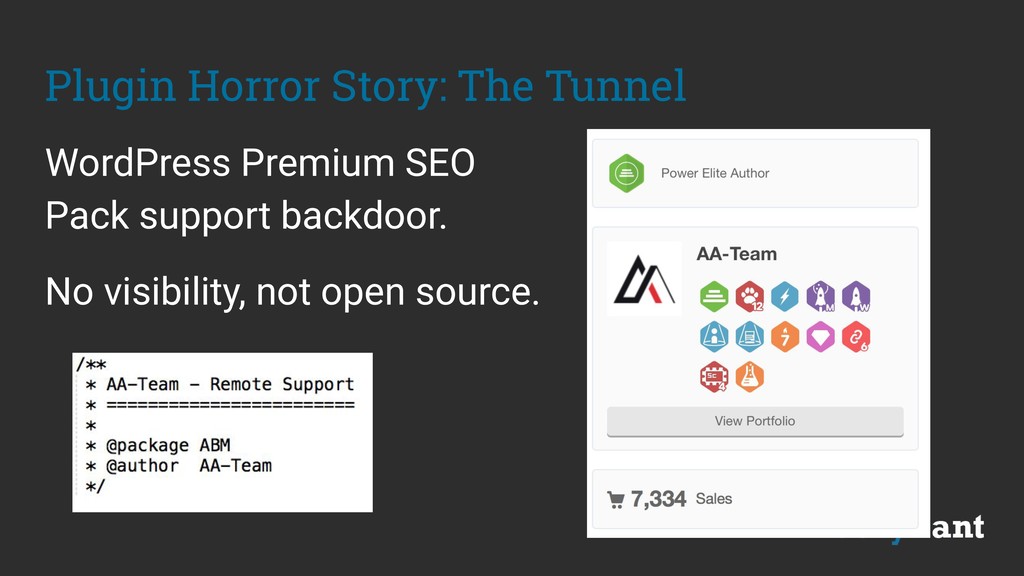
  15. Plugin Horror Story: The Tunnel WordPress Premium SEO Pack support

    backdoor. No visibility, not open source.
  16. Researching Plugins Google search phrases • [plugin name] hacked or

    vulnerability • [plugin name] broke, broken • [plugin name] slow site, performance • [plugin name] support Thankfully, we’ve got the repository...
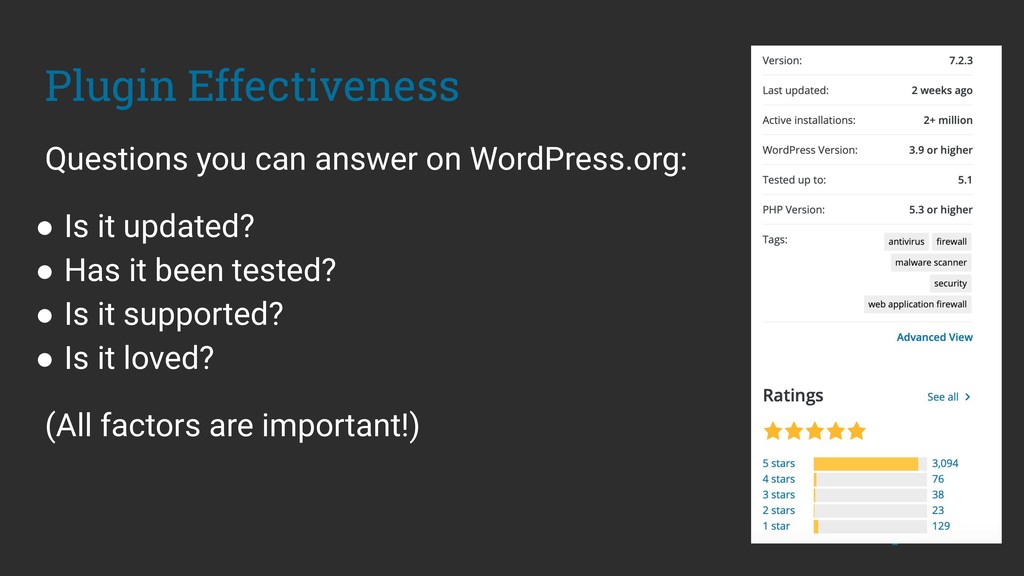
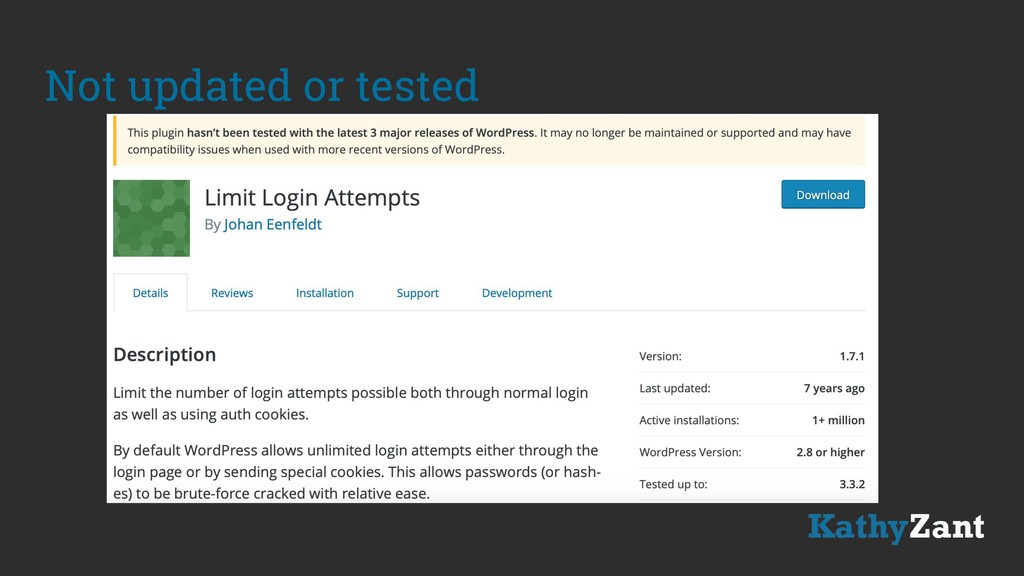
  17. Plugin Effectiveness Questions you can answer on WordPress.org: • Is

    it updated? • Has it been tested? • Is it supported? • Is it loved? (All factors are important!)
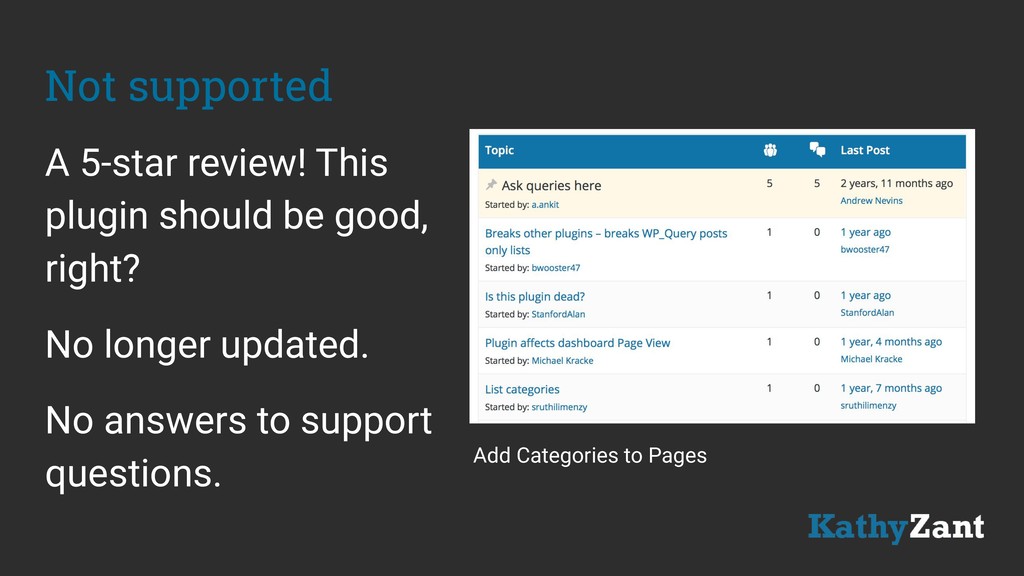
  18. Not supported A 5-star review! This plugin should be good,

    right? No longer updated. No answers to support questions. Add Categories to Pages
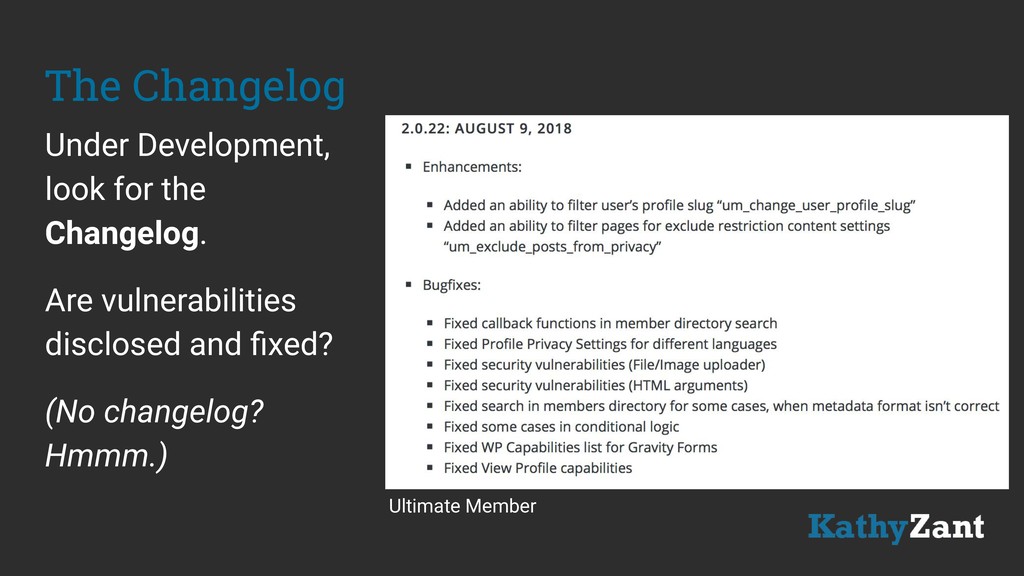
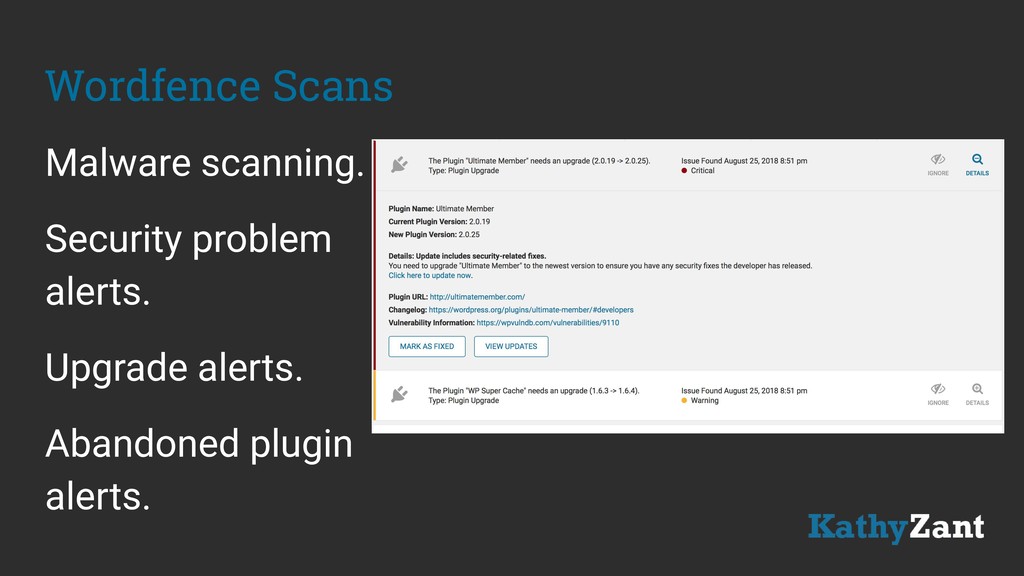
  19. The Changelog Under Development, look for the Changelog. Are vulnerabilities

    disclosed and fixed? (No changelog? Hmmm.) Ultimate Member
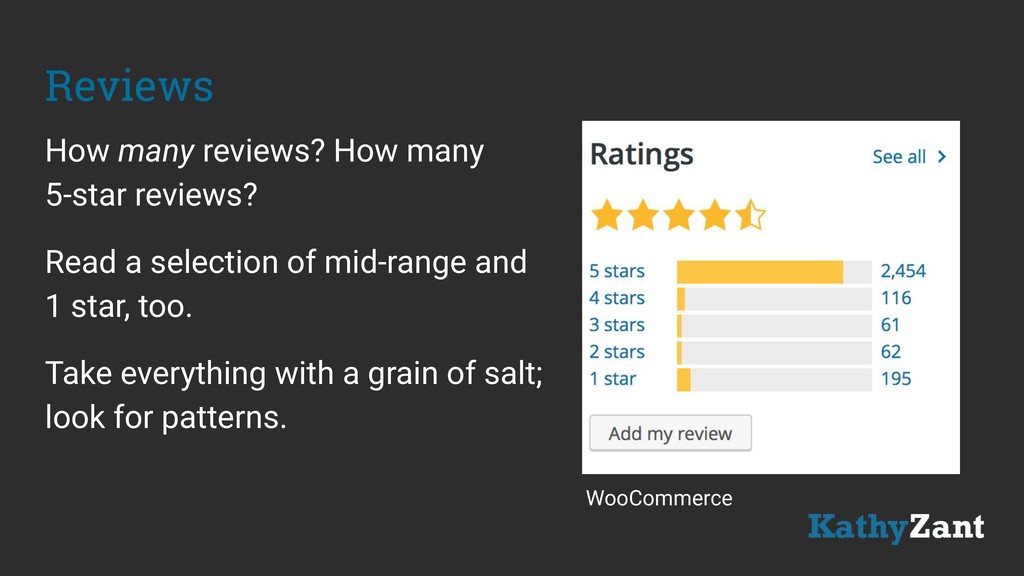
  20. Reviews How many reviews? How many 5-star reviews? Read a

    selection of mid-range and 1 star, too. Take everything with a grain of salt; look for patterns. WooCommerce
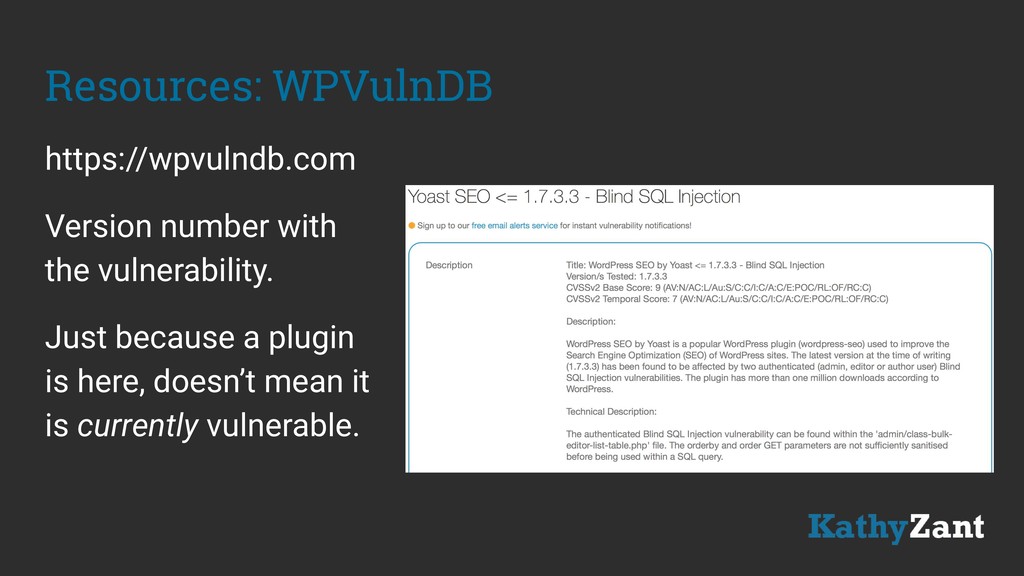
  21. Resources: WPVulnDB https://wpvulndb.com Version number with the vulnerability. Just because

    a plugin is here, doesn’t mean it is currently vulnerable.
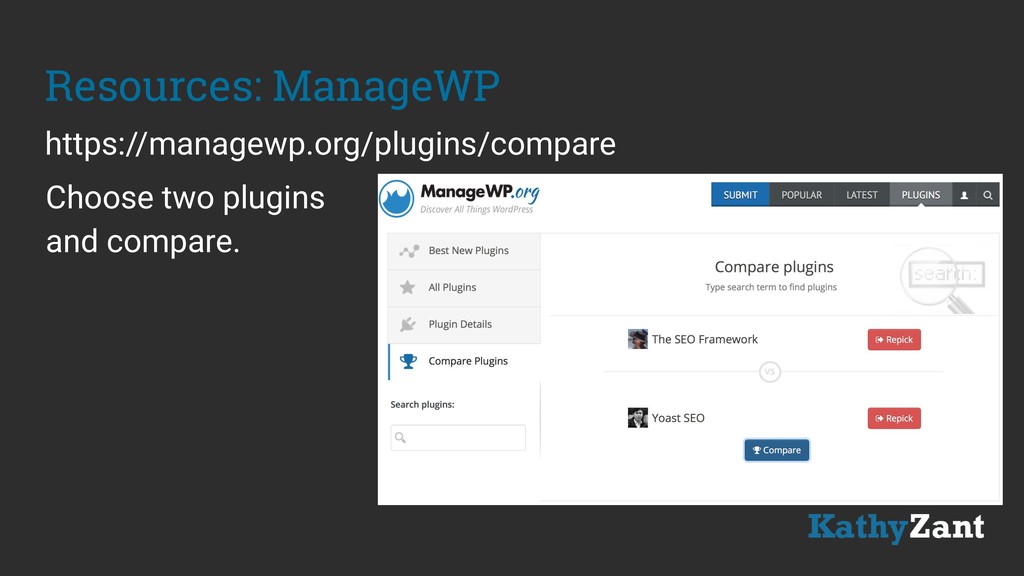
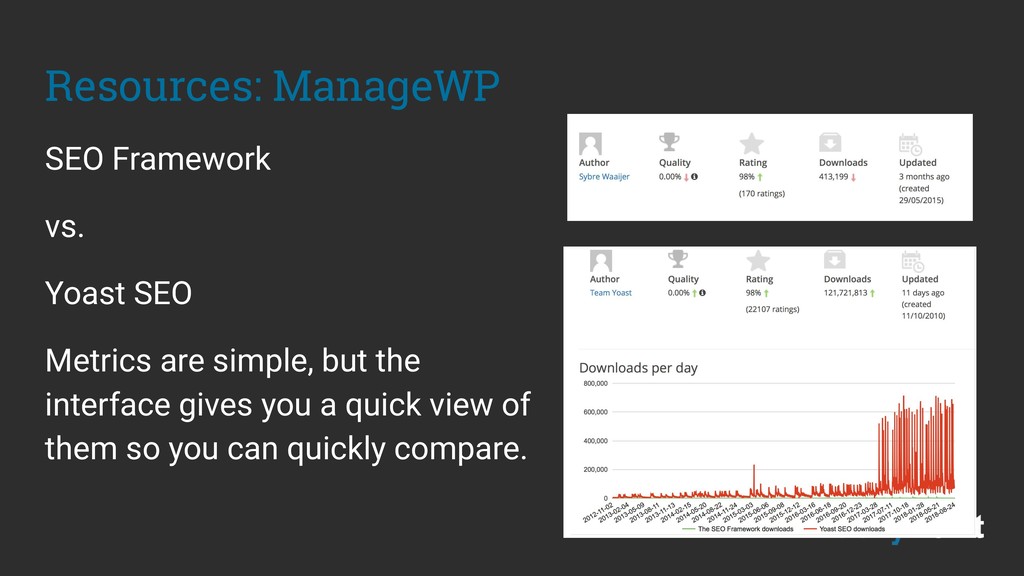
  22. Resources: ManageWP SEO Framework vs. Yoast SEO Metrics are simple,

    but the interface gives you a quick view of them so you can quickly compare.
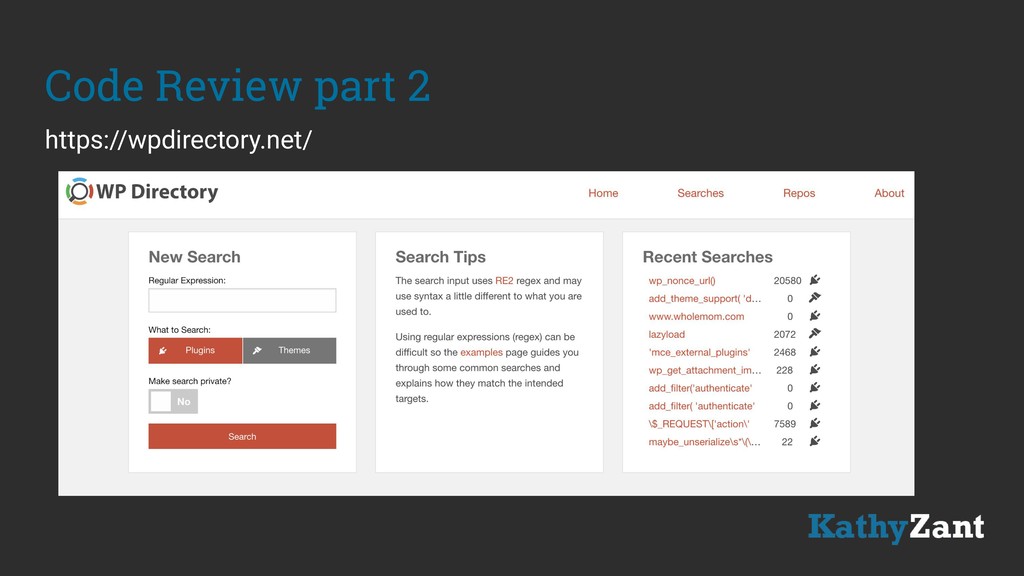
  23. Code Review You could take a look at the code

    yourself. Download the zip file, unpack it. Use a text editor to look for anomalies. https://github.com/ethicalhack3r/wordpress_plugin_security_testing_cheat_sheet
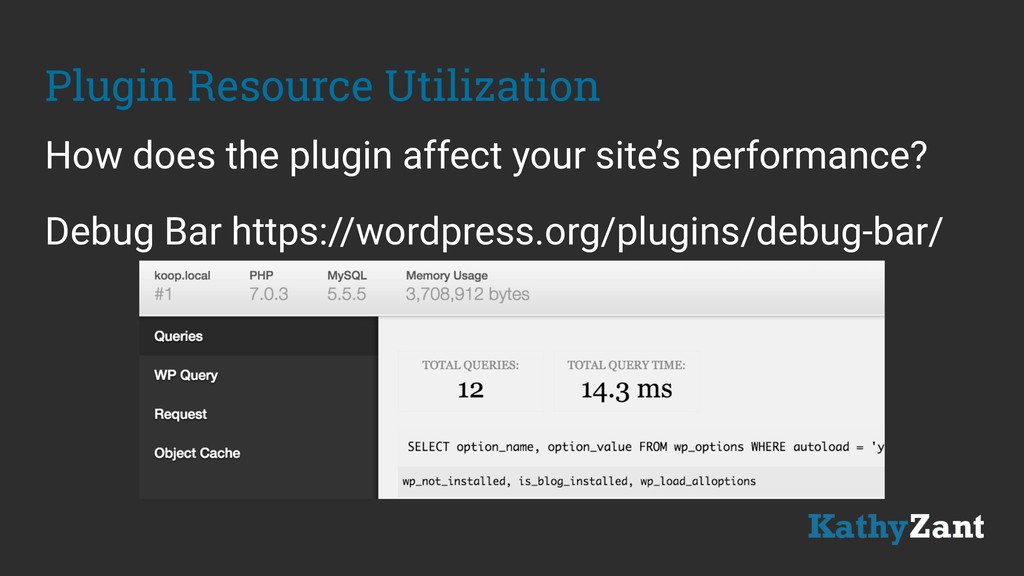
  24. Plugin Resource Utilization How does the plugin affect your site’s

    performance? Debug Bar https://wordpress.org/plugins/debug-bar/
  25. Best Practices: Testing • Create a replica of site. •

    Duplication plugins can help. • Don’t test new plugins on production. • Look for effectiveness, compatibility issues with other plugins.
  26. Best Practices: Plugin Management Uninstall plugins you’re not actively using.

    Keep plugins updated. Audit/review plugins periodically.
  27. End Result • Functional site • Safe site • Happy

    customers • Entertained site visitors • Performance!