Upgrade to Pro
— share decks privately, control downloads, hide ads and more …
Speaker Deck
Sign up for free
Menu
Search
Features
All features
Private URLs
Password Protection
Custom URLS
Scheduled publishing
Remove Branding
Restrict embedding
Deck Collections
Notes
Features
All features
Private URLs
Password Protection
Custom URLS
Scheduled publishing
Remove Branding
Restrict embedding
Deck Collections
Notes
Explore
Featured decks
Featured speakers
Programming
Technology
Storyboards
Explore
Featured decks
Featured speakers
Programming
Technology
Storyboards
Pricing
Search
Sign in
Sign up for free
SQL Basics - RRUG 1/6/2016
Search
Sponsored
·
Your Podcast. Everywhere. Effortlessly.
Share. Educate. Inspire. Entertain. You do you. We'll handle the rest.
→
kickinbahk
January 06, 2016
Technology
160
0
Share
Embed
Copy iframe code
Copy JS code
Copy link
Start on current slide
SQL Basics - RRUG 1/6/2016
Overview of SQL and basic syntax.
kickinbahk
January 06, 2016
More Decks by kickinbahk
See All by kickinbahk
OptOutside App
kickinbahk
0
85
Ensuring The Happy Path - Mobile Dev + Test
kickinbahk
0
200
Optionals, Protocols and Extensions - Swift by Example - SoCal Code Camp '16
kickinbahk
0
170
Intro to Elm - RRuG 05/2016
kickinbahk
0
200
WebSockets Intro - Riverside Ruby Group - 03/2016
kickinbahk
0
120
ES2015 and Your Rails App - Riverside Ruby Group
kickinbahk
0
280
Demystifying the Wizardry of Regular Expressions - LV DotNet Meetup - 01/2016
kickinbahk
0
260
Demystifying the Wizardry of Regular Expressions - SoCal Code Camp '15 - LA
kickinbahk
0
290
Becoming a Polyglot Programmer through the Eyes of a Freelance Musician - SoCal Code Camp 15 - LA
kickinbahk
0
180
Other Decks in Technology
See All in Technology
How to Design Configuration for Rails Applications
willnet
1
700
UniFi(ユニファイ)AIカメラの現場活用
ludicmind
1
430
アウトプット初心者、半年間のふりかえり
4o1sobblue
0
410
Browser Spec: Testing Hotwire with Ruby
takahashim
1
110
ブラウザとサーバーから考えるAI時代のフロントエンド監視
shogo4131
3
920
Benchmarking Disaggregated Serving on vLLM + Dynamo with a Real Coding-Agent Workload
nttcom
1
180
USB PDを使ってスマホを労わりたい
raspython3
0
170
go-sqletch
moznion
0
140
サブエージェントと Claude Mods で作る独自 Advisor ツールの話
kenichiodo
2
160
子育てエンジニアの可処分時間が減っても成長を諦めない戦い方
sudoakiy
6
4.6k
Metadata - Section 1: HTML Basics
mohab1
0
110
QA4AI 2026-Oct 生成AI時代の品質保証
tokuty
1
840
Featured
See All Featured
Fashionably flexible responsive web design (full day workshop)
malarkey
409
67k
SEOcharity - Dark patterns in SEO and UX: How to avoid them and build a more ethical web
sarafernandez
0
300
Let's Do A Bunch of Simple Stuff to Make Websites Faster
chriscoyier
508
140k
Test your architecture with Archunit
thirion
2
2.4k
How to Think Like a Performance Engineer
csswizardry
28
2.9k
WCS-LA-2024
lcolladotor
0
890
Measuring & Analyzing Core Web Vitals
bluesmoon
9
1k
The Success of Rails: Ensuring Growth for the Next 100 Years
eileencodes
47
8.4k
Sharpening the Axe: The Primacy of Toolmaking
bcantrill
46
3k
Building a A Zero-Code AI SEO Workflow
portentint
PRO
0
780
A better future with KSS
kneath
240
18k
The Anti-SEO Checklist Checklist. Pubcon Cyber Week
ryanjones
0
270
Transcript
SQL BASICS
SQL - Structured Query Language
A Computer Language used for: •Storing, •Manipulating, •Querying
Data stored in relational databases
RELATIONAL DATABASES
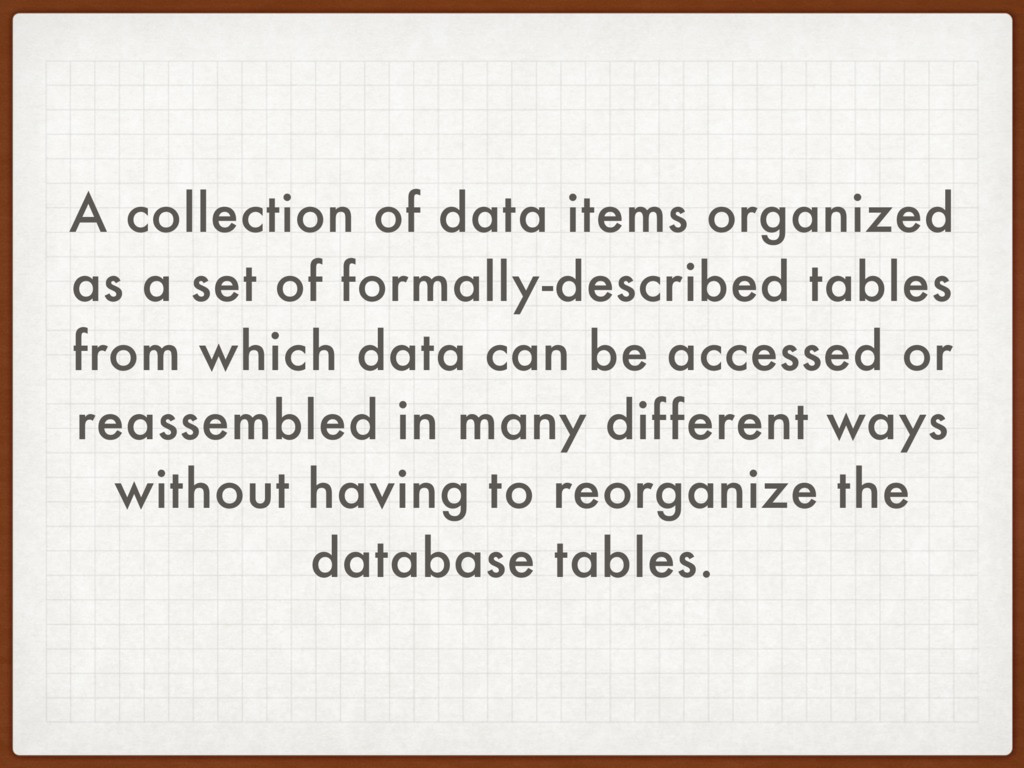
A collection of data items organized as a set of
formally-described tables from which data can be accessed or reassembled in many different ways without having to reorganize the database tables.
None
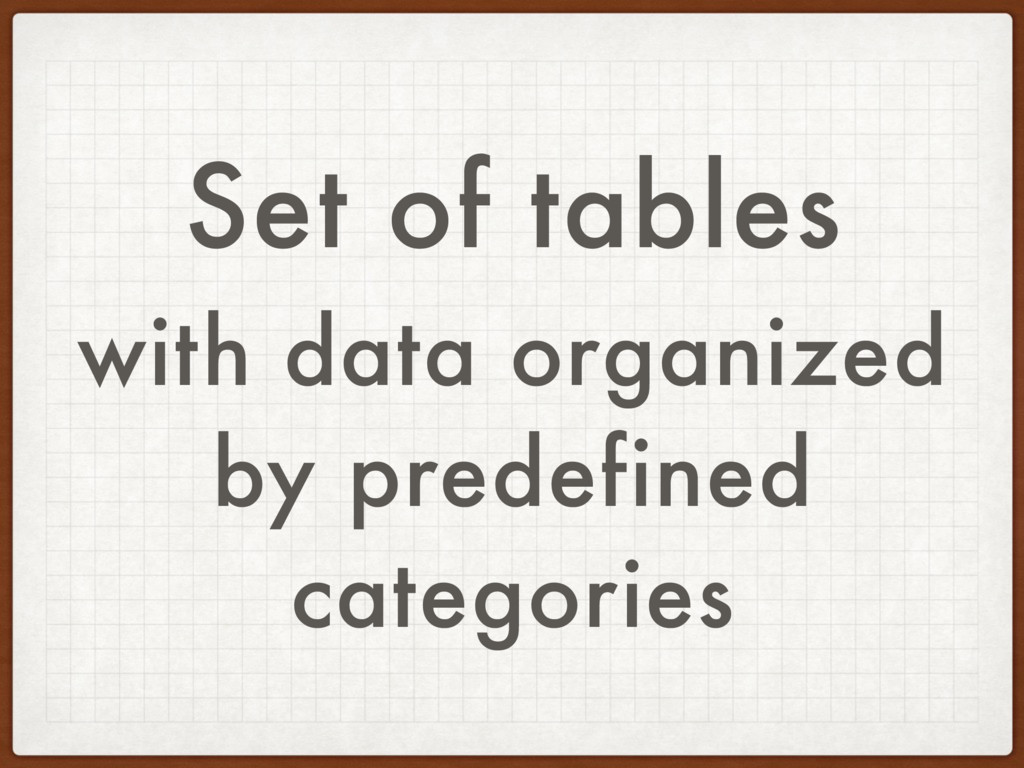
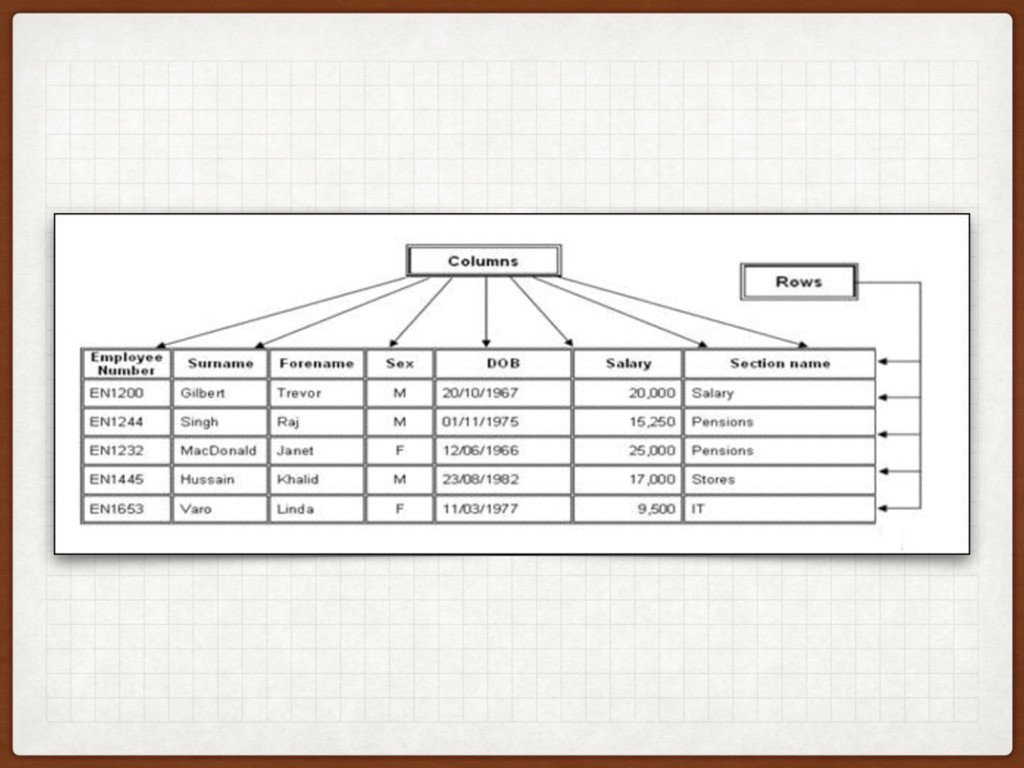
Set of tables with data organized by predefined categories
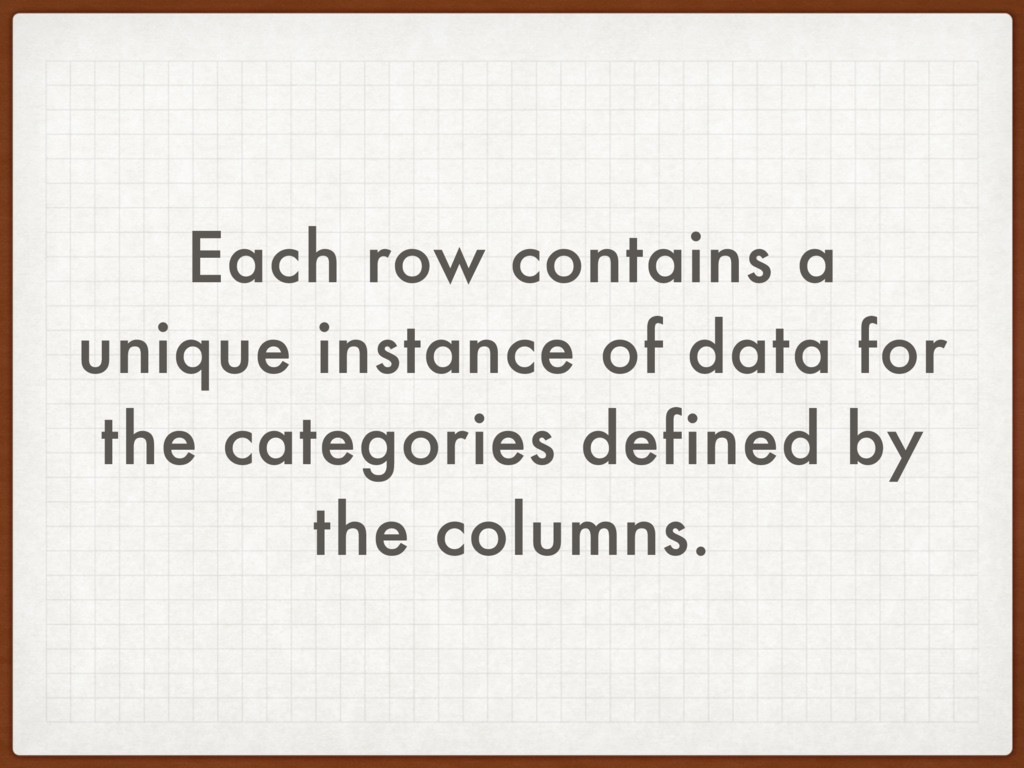
Each row contains a unique instance of data for the
categories defined by the columns.
None
SQL FLAVORS
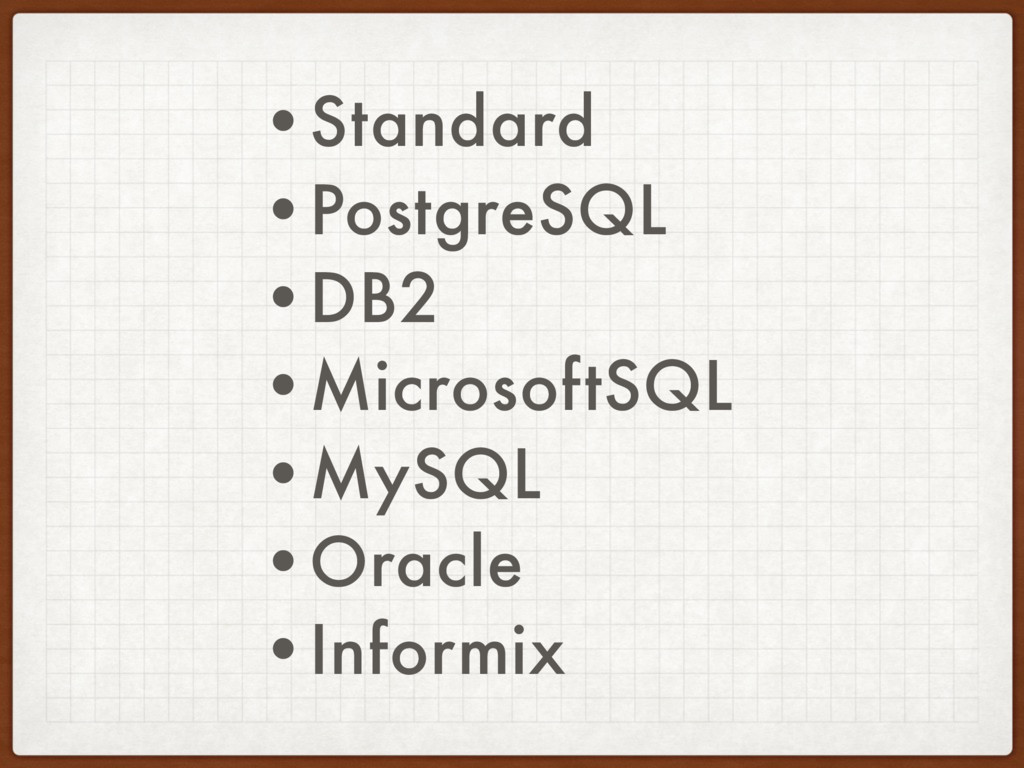
•Standard •PostgreSQL •DB2 •MicrosoftSQL •MySQL •Oracle •Informix
SQL is Standardized but different flavors are variations
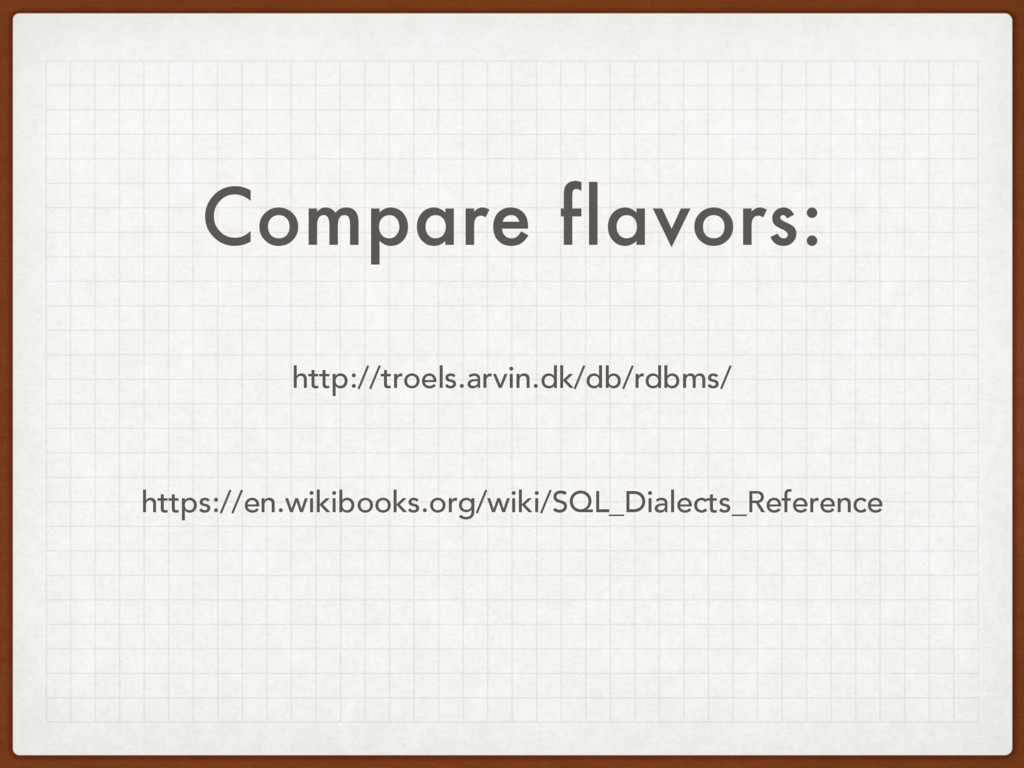
Compare flavors: http://troels.arvin.dk/db/rdbms/ https://en.wikibooks.org/wiki/SQL_Dialects_Reference
SYNTAX
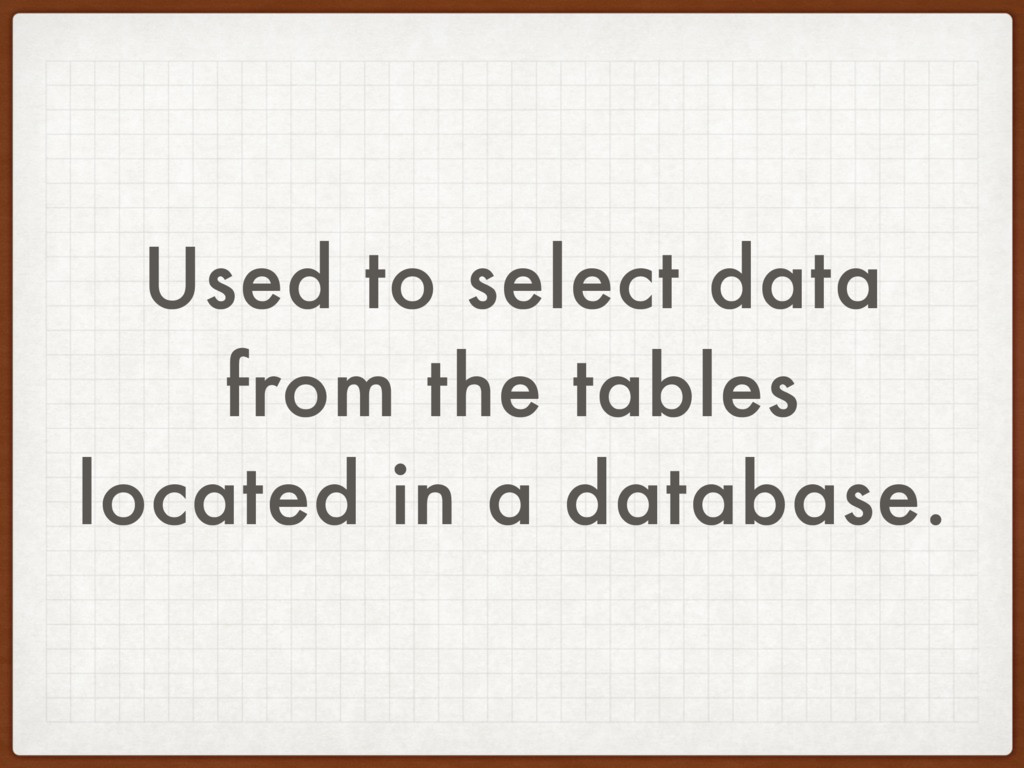
SELECT
Used to select data from the tables located in a
database.
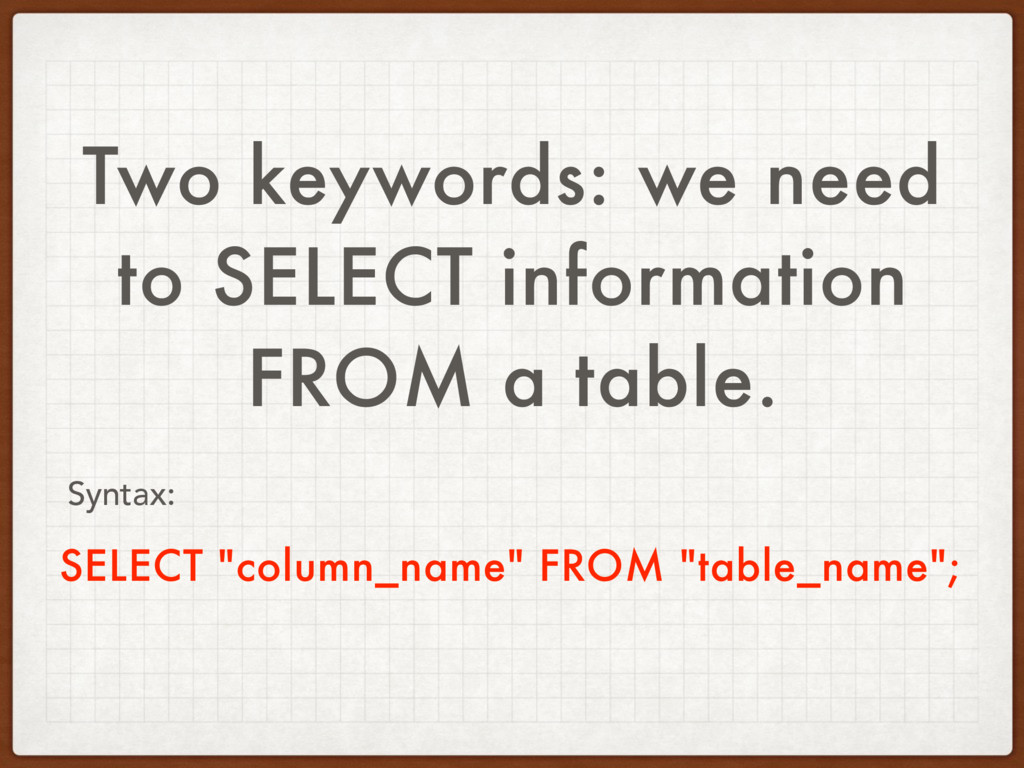
Two keywords: we need to SELECT information FROM a table.
SELECT "column_name" FROM "table_name"; Syntax:
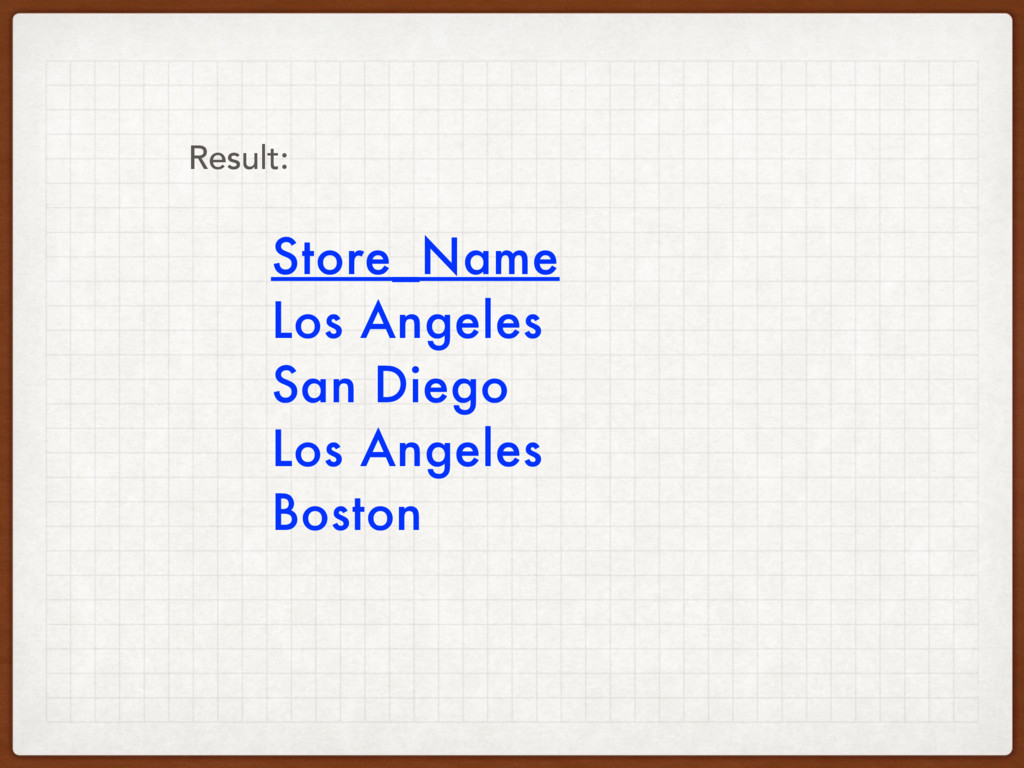
SELECT Store_Name FROM Store_Information; Syntax:
Store_Name Los Angeles San Diego Los Angeles Boston Result:
Select Multiple Columns
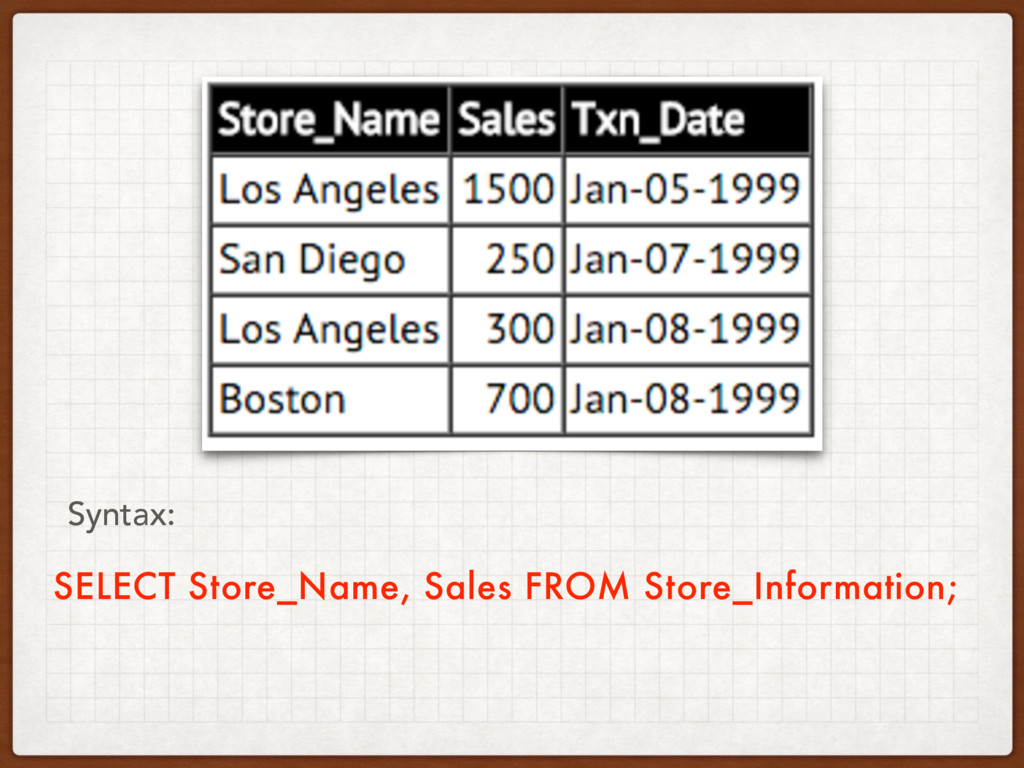
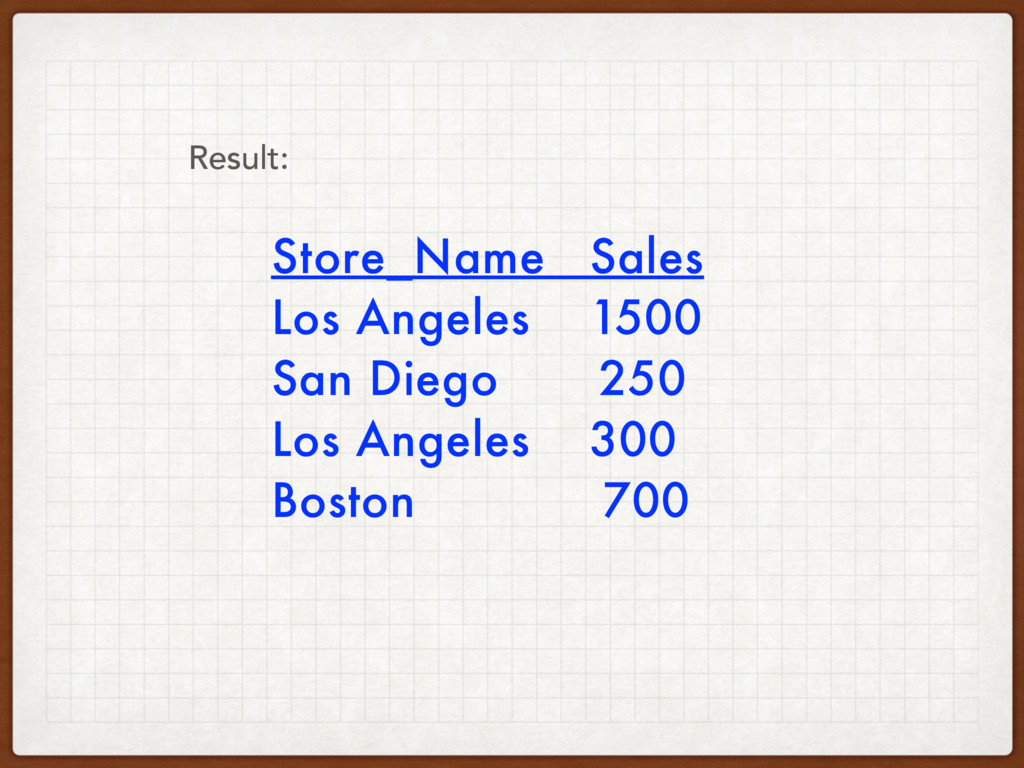
SELECT Store_Name, Sales FROM Store_Information; Syntax:
Store_Name Sales Los Angeles 1500 San Diego 250 Los Angeles
300 Boston 700 Result:
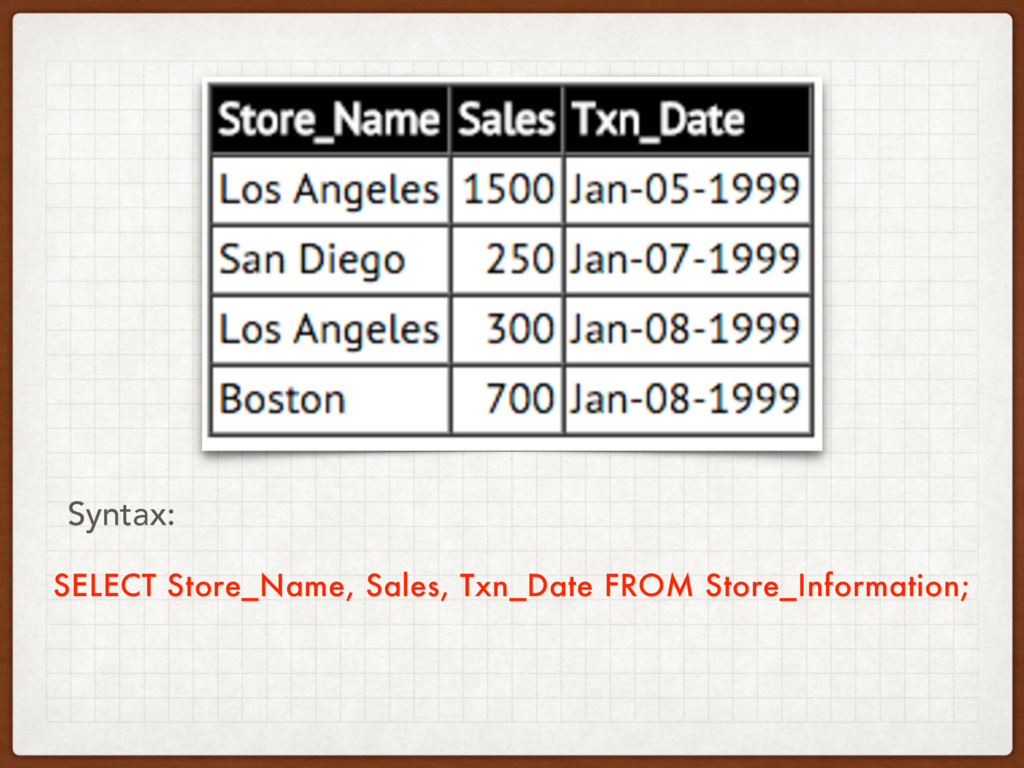
Select All Columns 2 ways…
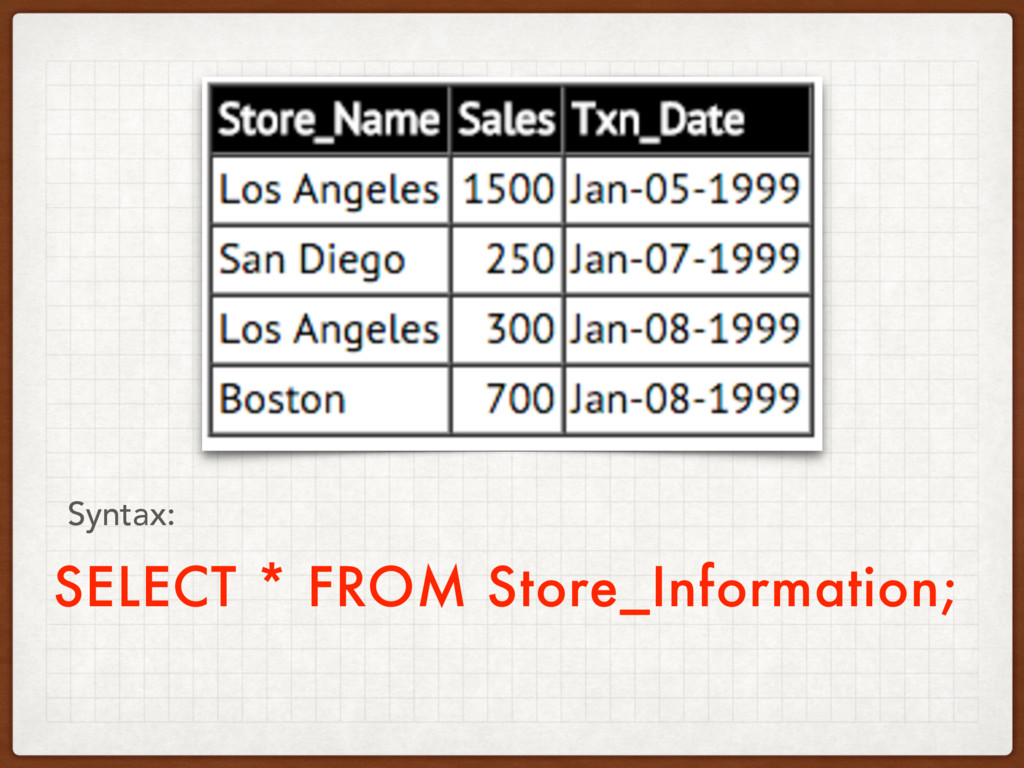
SELECT Store_Name, Sales, Txn_Date FROM Store_Information; Syntax:
SELECT * FROM Store_Information; Syntax:
Select Distinct
SELECT - all information from a column (or columns) on
a table
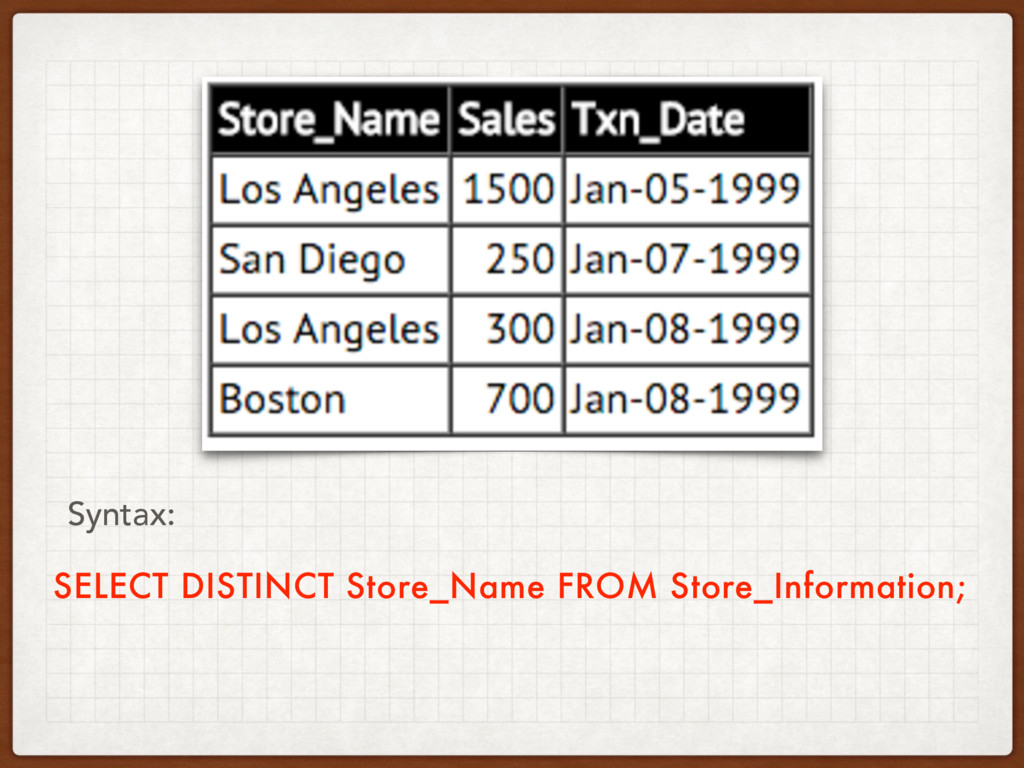
This may cause redundancies.
To grab a distinct element, all we need to do
is to add DISTINCT after SELECT
SELECT DISTINCT Store_Name FROM Store_Information; Syntax:
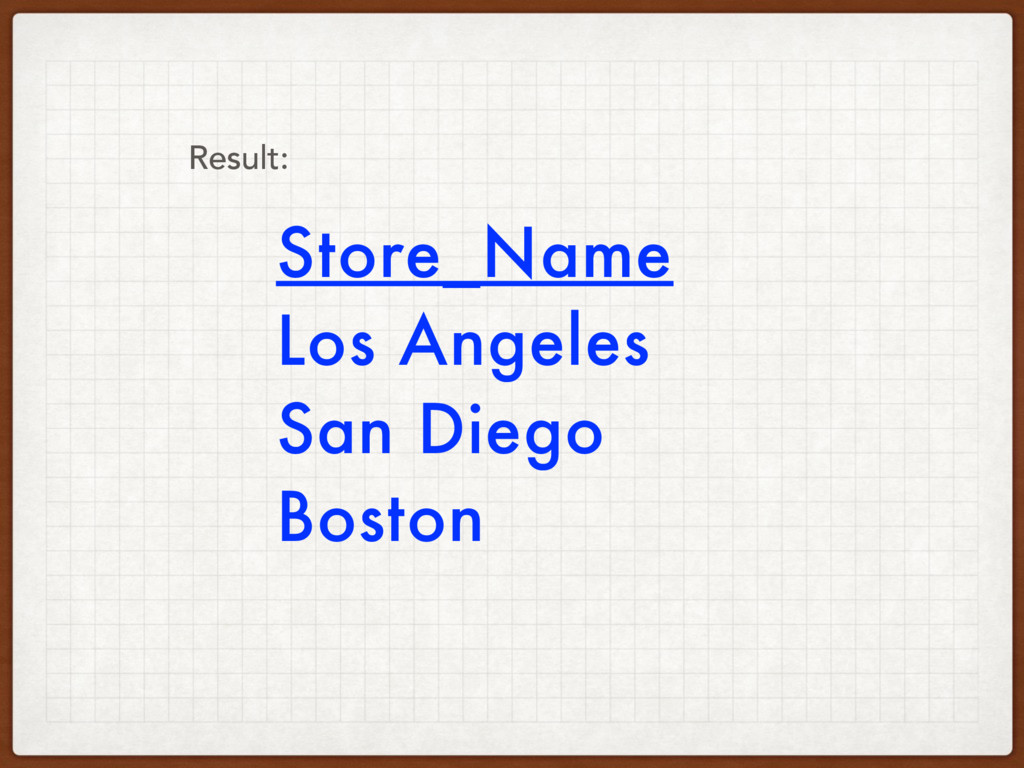
Store_Name Los Angeles San Diego Boston Result:
Where
WHERE - allows filtering the result set based on certain
conditions.
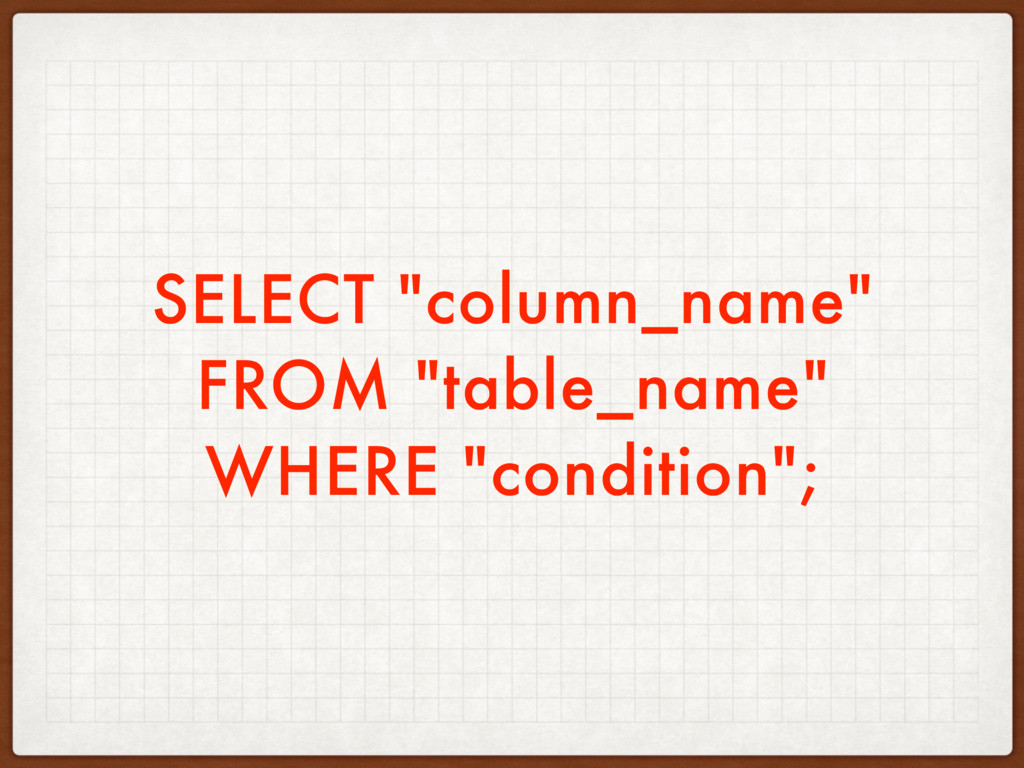
SELECT "column_name" FROM "table_name" WHERE "condition";
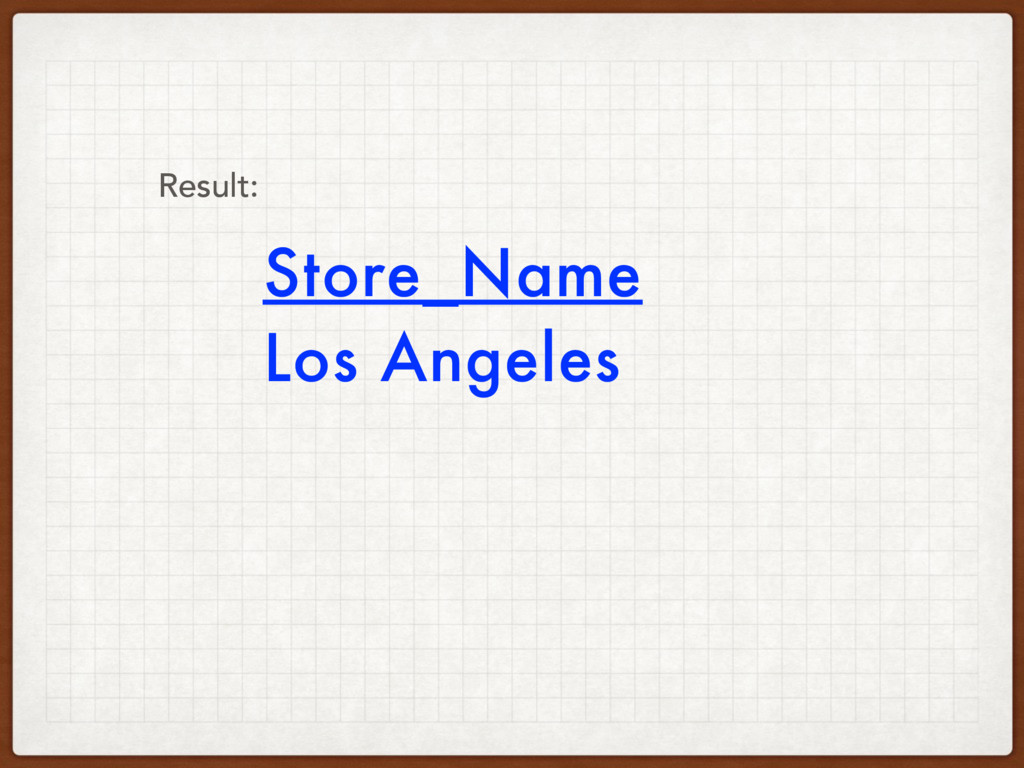
SELECT Store_Name FROM Store_Information WHERE Sales > 1000; Syntax:
Store_Name Los Angeles Result:
Where with Or
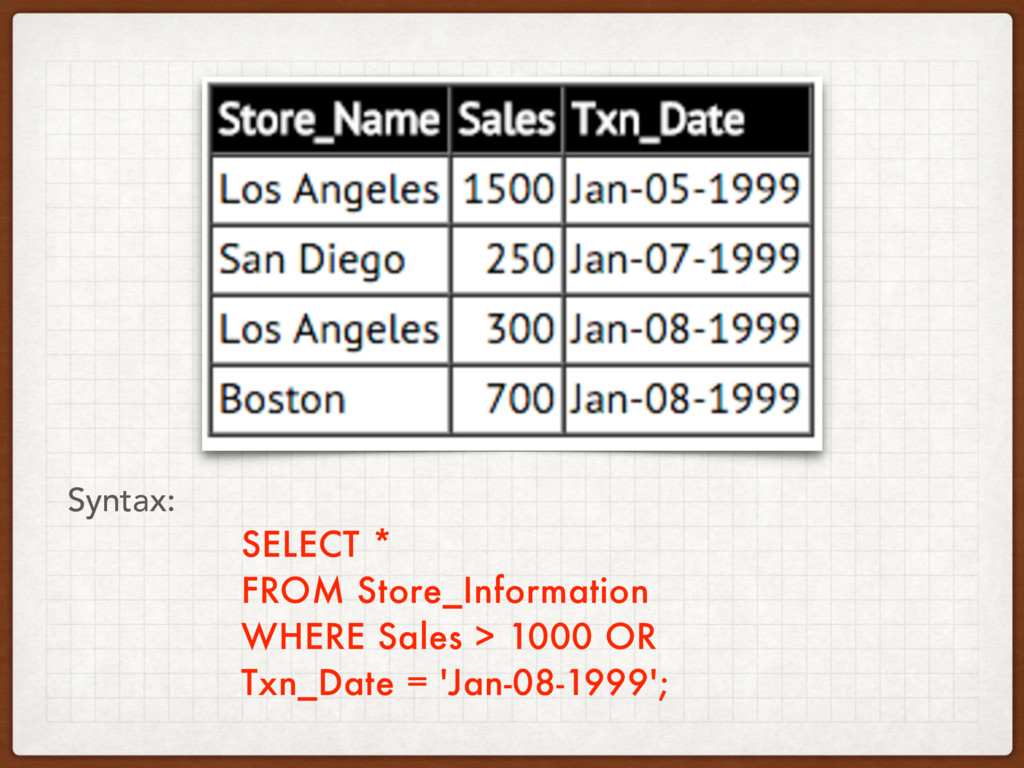
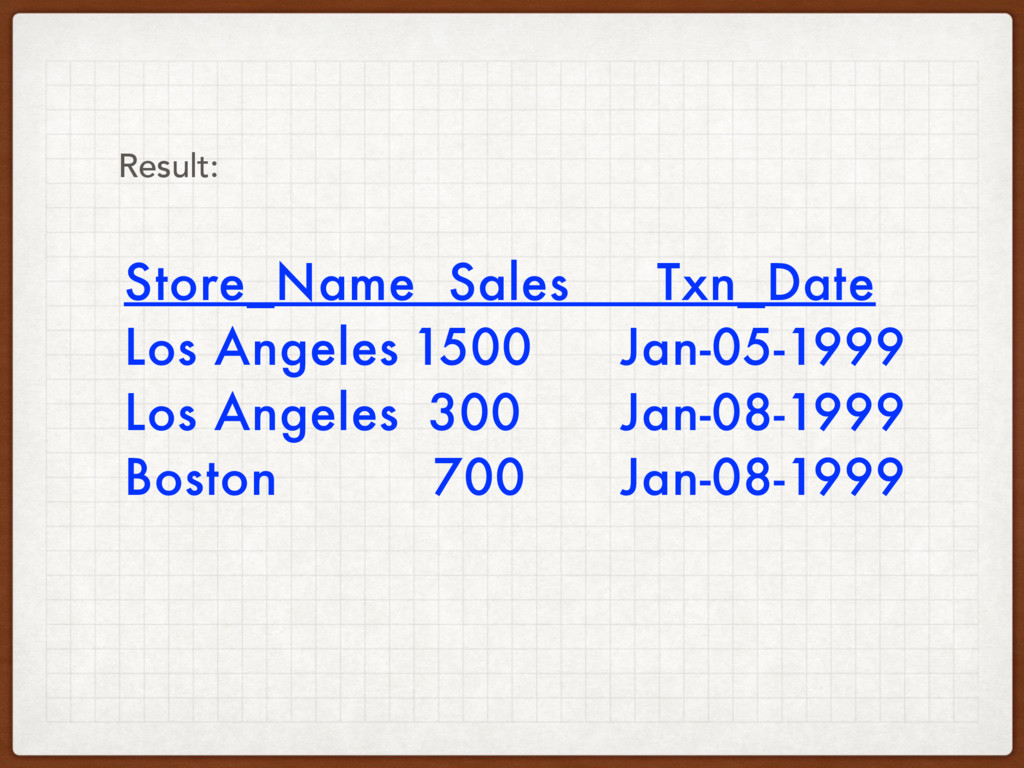
SELECT * FROM Store_Information WHERE Sales > 1000 OR Txn_Date
= 'Jan-08-1999'; Syntax:
Store_Name Sales Txn_Date Los Angeles 1500 Jan-05-1999 Los Angeles 300
Jan-08-1999 Boston 700 Jan-08-1999 Result:
AND or OR
Allows for compound conditions
SELECT "column_name" FROM "table_name" WHERE "simple condition" [AND|OR] "simple condition";
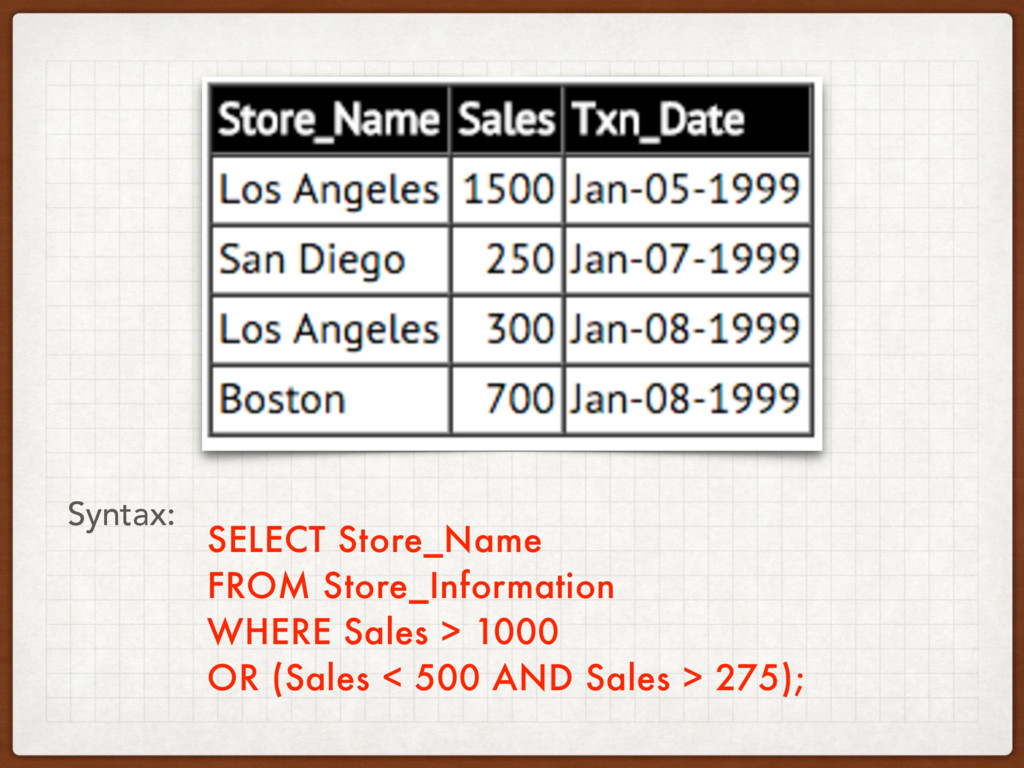
We can use parenthesis ( ) to indicate the order
of the condition.
SELECT Store_Name FROM Store_Information WHERE Sales > 1000 OR (Sales
< 500 AND Sales > 275); Syntax:
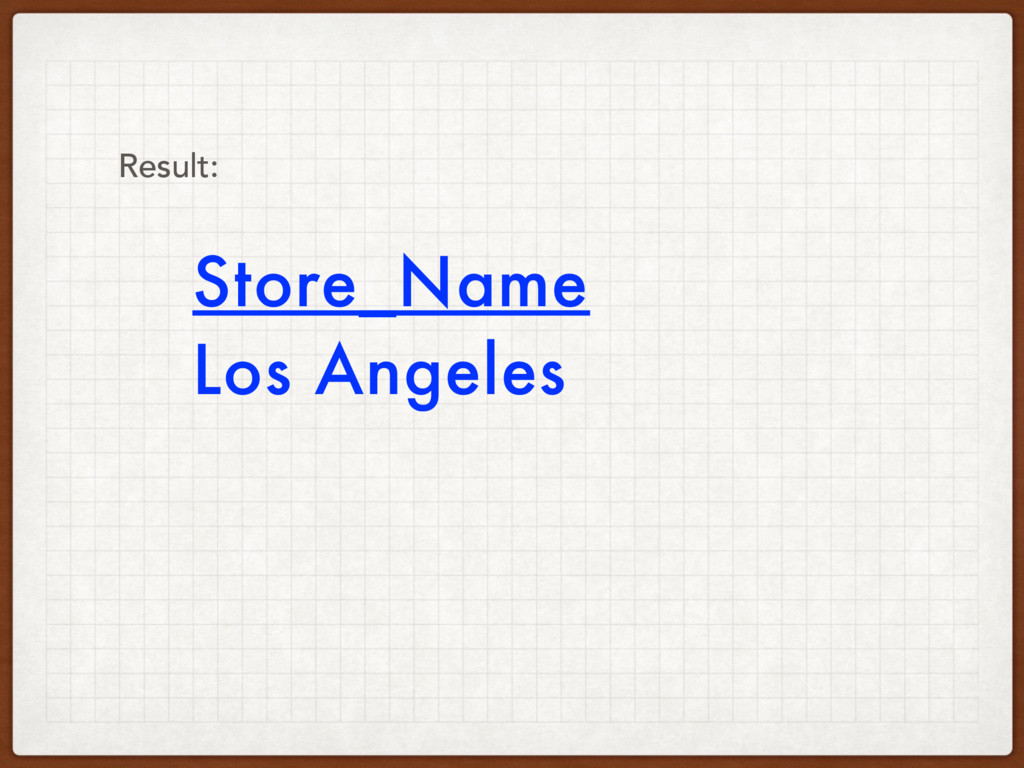
Store_Name Los Angeles Result:
Inner Join
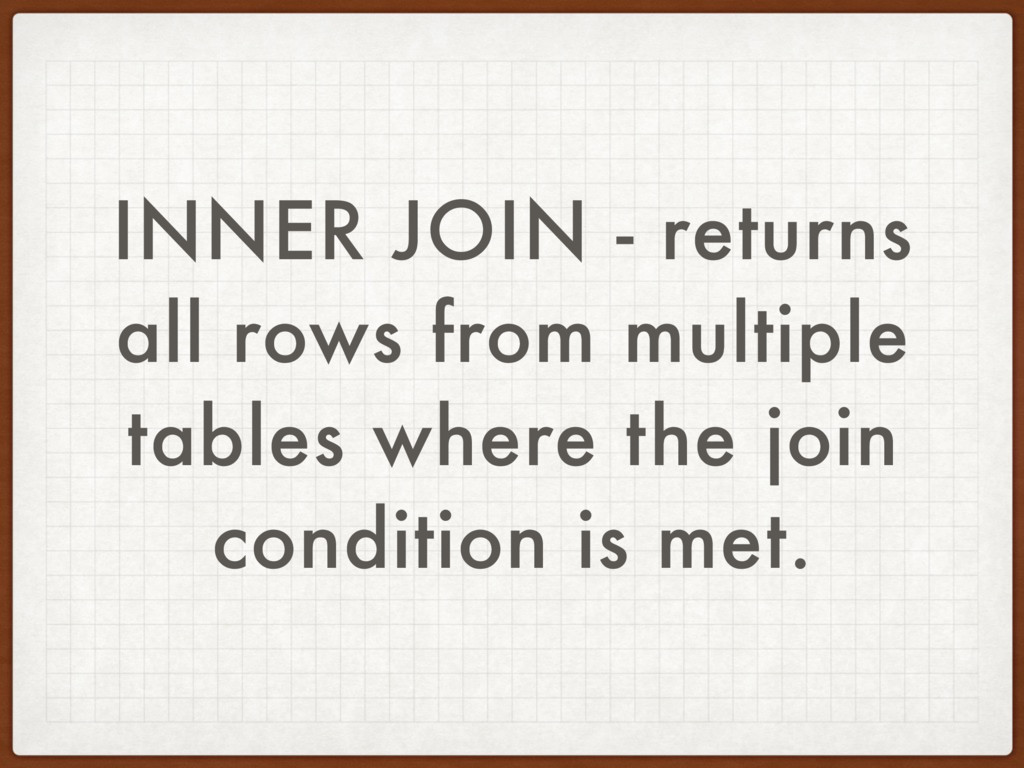
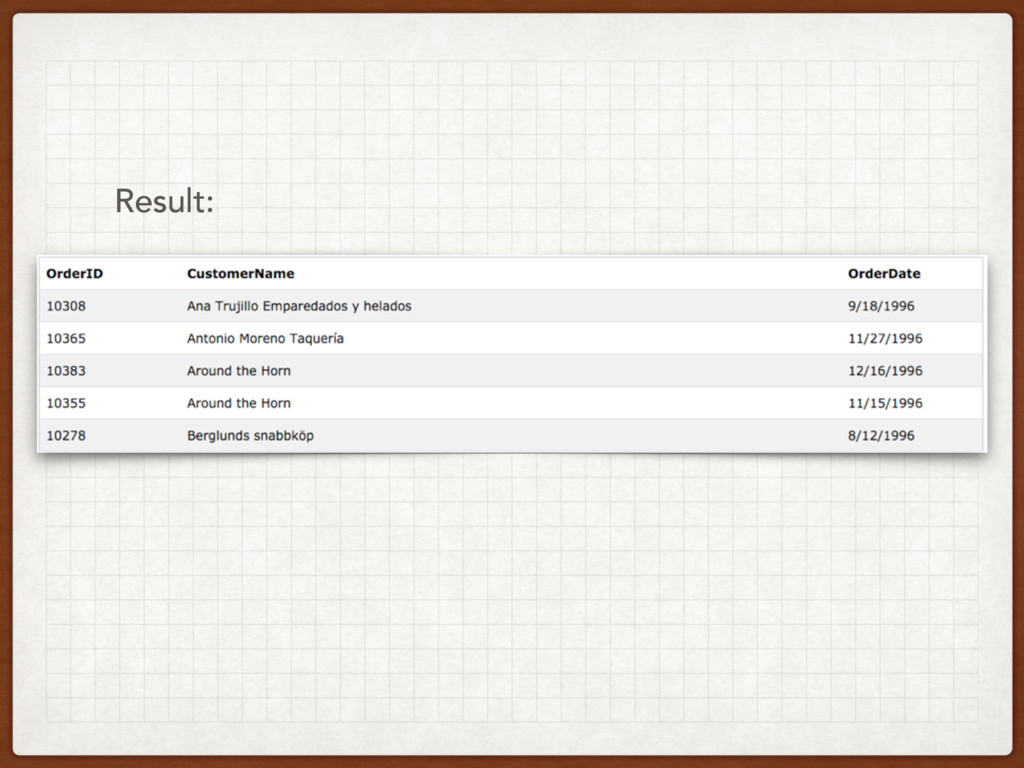
INNER JOIN - returns all rows from multiple tables where
the join condition is met.
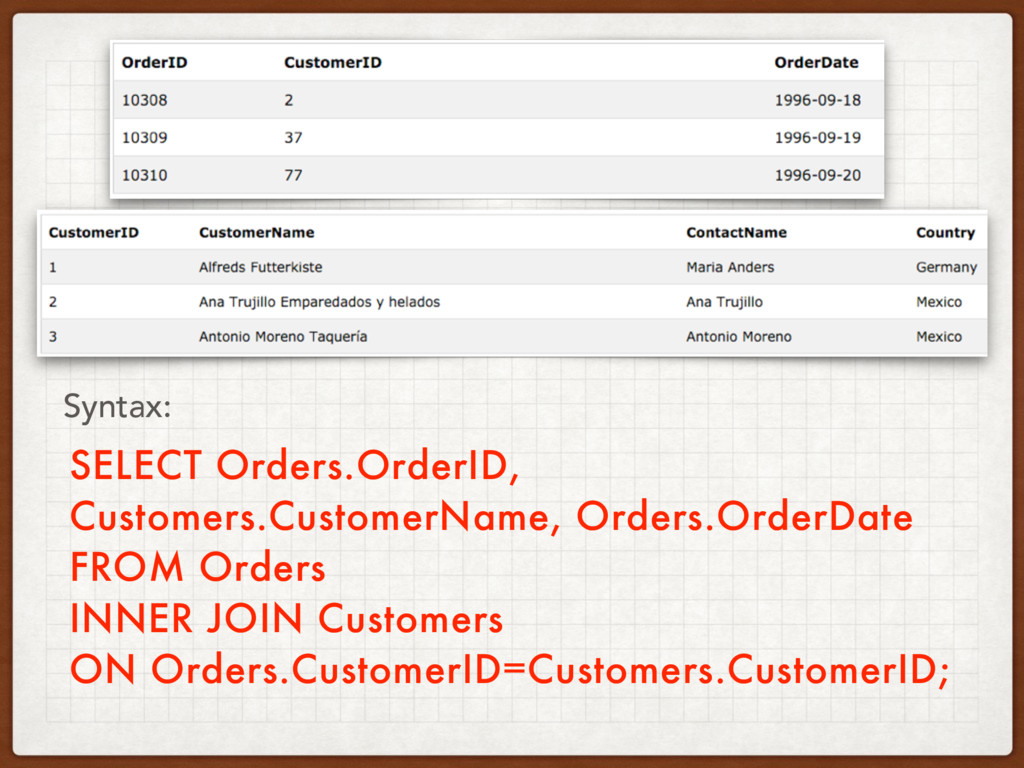
SELECT Orders.OrderID, Customers.CustomerName, Orders.OrderDate FROM Orders INNER JOIN Customers ON
Orders.CustomerID=Customers.CustomerID; Syntax:
Result:
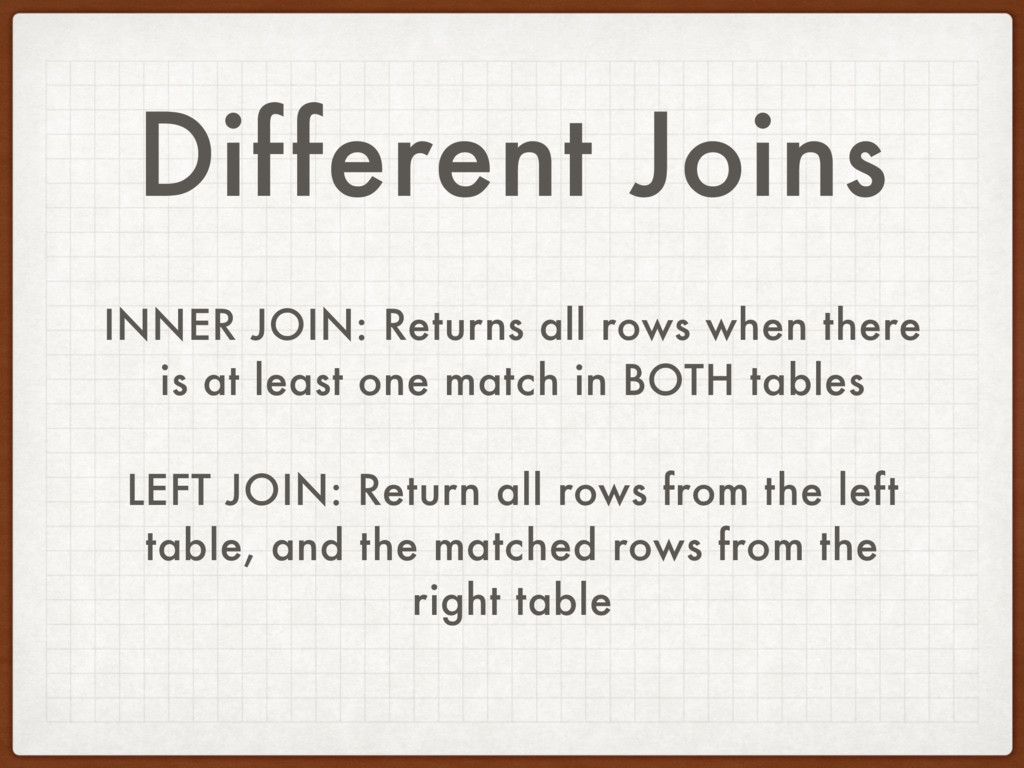
Different Joins INNER JOIN: Returns all rows when there is
at least one match in BOTH tables LEFT JOIN: Return all rows from the left table, and the matched rows from the right table
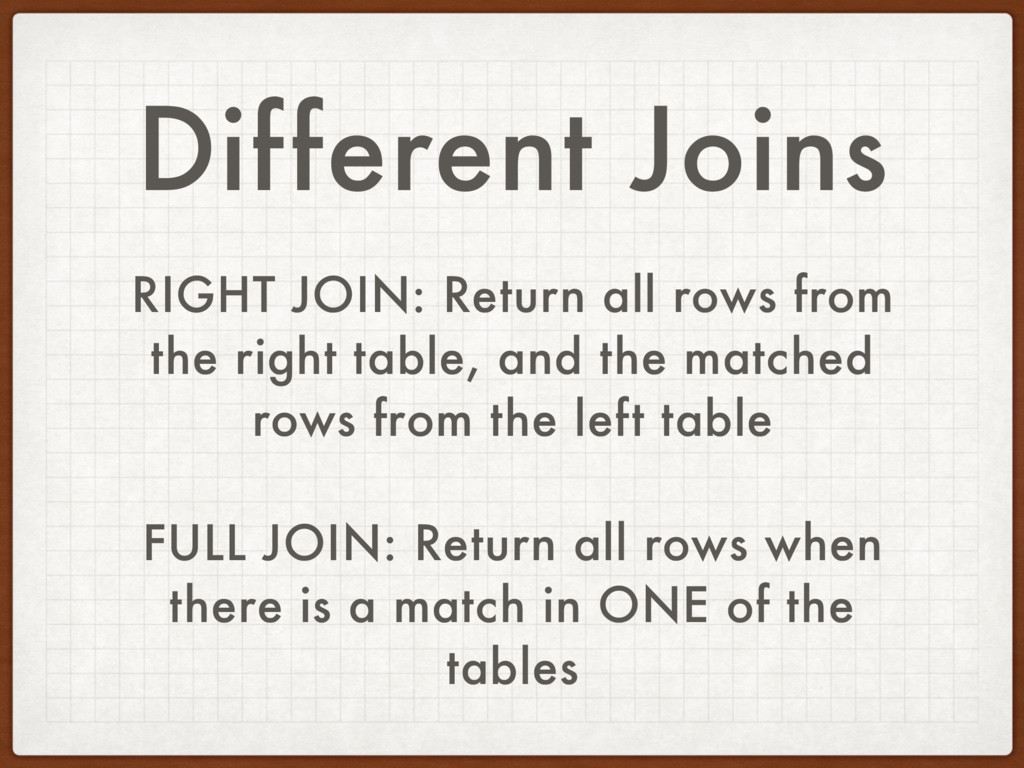
Different Joins RIGHT JOIN: Return all rows from the right
table, and the matched rows from the left table FULL JOIN: Return all rows when there is a match in ONE of the tables
WHY KNOW SQL IF I KNOW RAILS?
The Rails ORM is an attempt at an abstraction
The SQL queries that the Rails ORM generates for you
may need to be fine-tuned.
Resources Zed Shaw’s Learn SQL the Hard Way: http://sql.learncodethehardway.org/ book/introduction.html
Use the Index Luke: http://use-the-index-luke.com/sql/table- of-contents


 kickinbahk
 willnet
 ludicmind
 4o1sobblue
 takahashim
 shogo4131
 nttcom
 raspython3
 moznion
 kenichiodo
 sudoakiy
 mohab1
 tokuty
 malarkey
 sarafernandez
 chriscoyier
 thirion
 csswizardry
 lcolladotor
 bluesmoon
 eileencodes
 bcantrill
 portentint
 kneath
 ryanjones







![SELECT "column_name" FROM "table_name" WHERE "simple condition" [AND|OR] "simple condition";](https://files.speakerdeck.com/presentations/8c9e07ea236d4f44b35b2dbf63026aa0/slide_42.jpg)