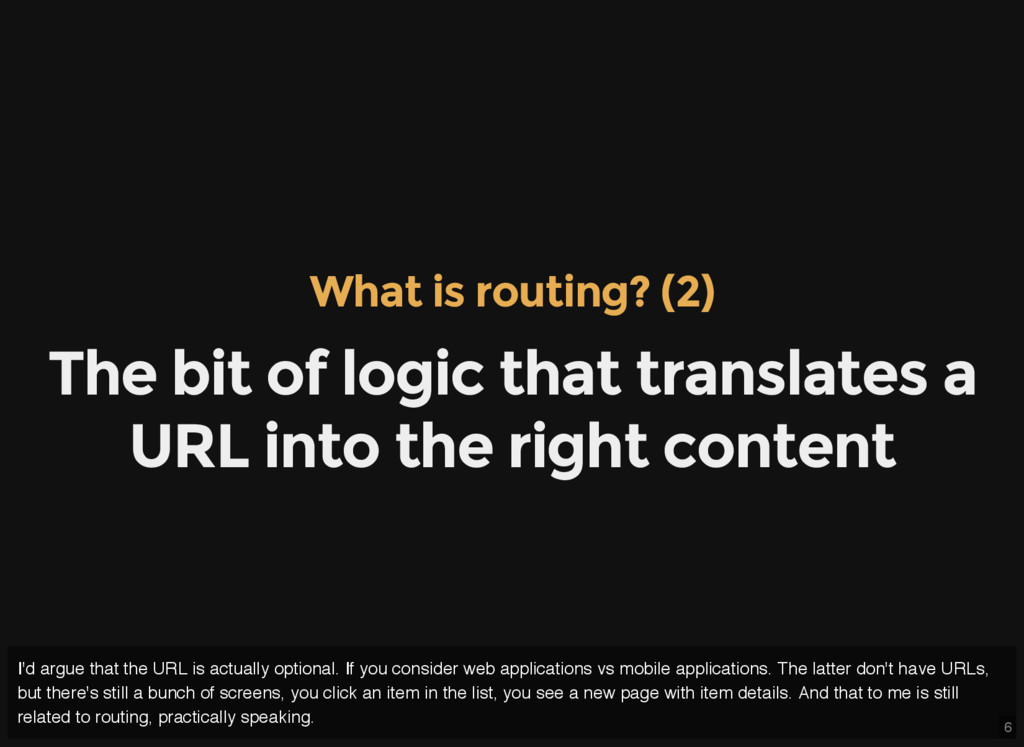
translates a URL into the right content I'd argue that the URL is actually optional. If you consider web applications vs mobile applications. The latter don't have URLs, but there's still a bunch of screens, you click an item in the list, you see a new page with item details. And that to me is still related to routing, practically speaking.
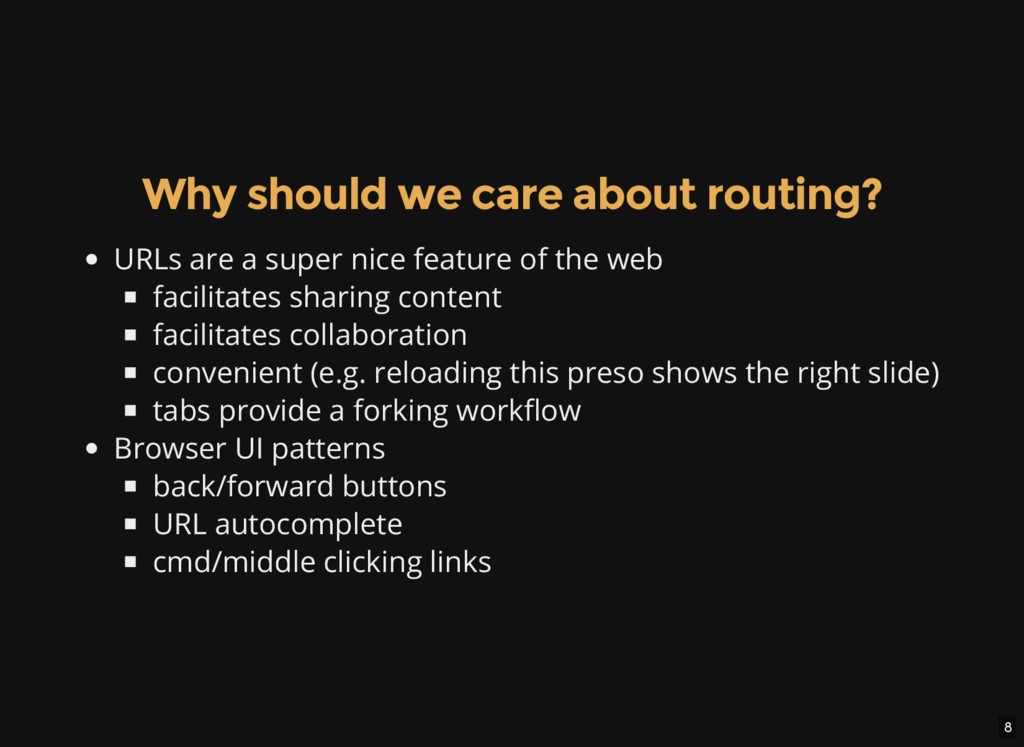
super nice feature of the web facilitates sharing content facilitates collaboration convenient (e.g. reloading this preso shows the right slide) tabs provide a forking workflow Browser UI patterns back/forward buttons URL autocomplete cmd/middle clicking links
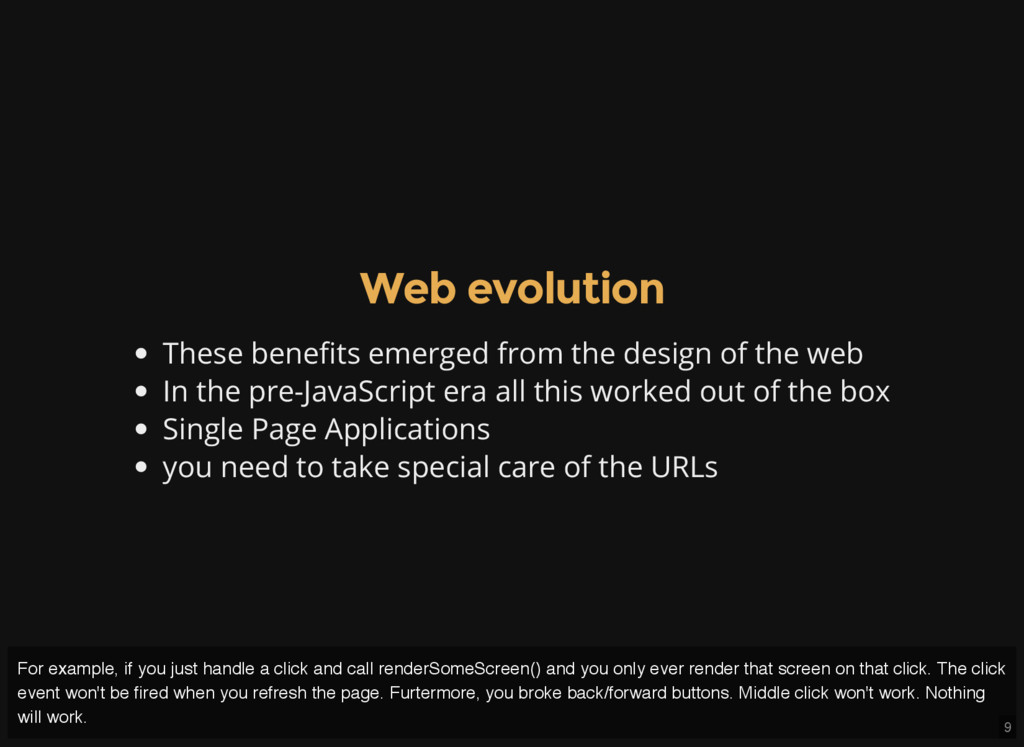
the web In the pre-JavaScript era all this worked out of the box Single Page Applications you need to take special care of the URLs For example, if you just handle a click and call renderSomeScreen() and you only ever render that screen on that click. The click event won't be fired when you refresh the page. Furtermore, you broke back/forward buttons. Middle click won't work. Nothing will work.
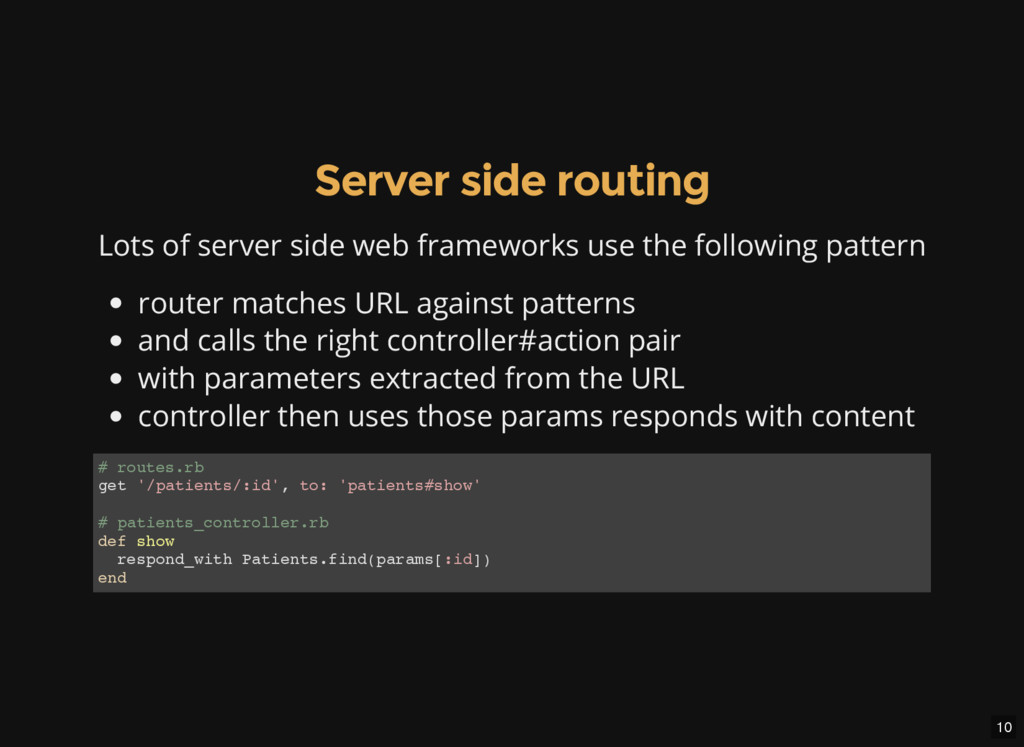
use the following pattern router matches URL against patterns and calls the right controller#action pair with parameters extracted from the URL controller then uses those params responds with content # r o u t e s . r b g e t ' / p a t i e n t s / : i d ' , t o : ' p a t i e n t s # s h o w ' # p a t i e n t s _ c o n t r o l l e r . r b d e f s h o w r e s p o n d _ w i t h P a t i e n t s . f i n d ( p a r a m s [ : i d ] ) e n d
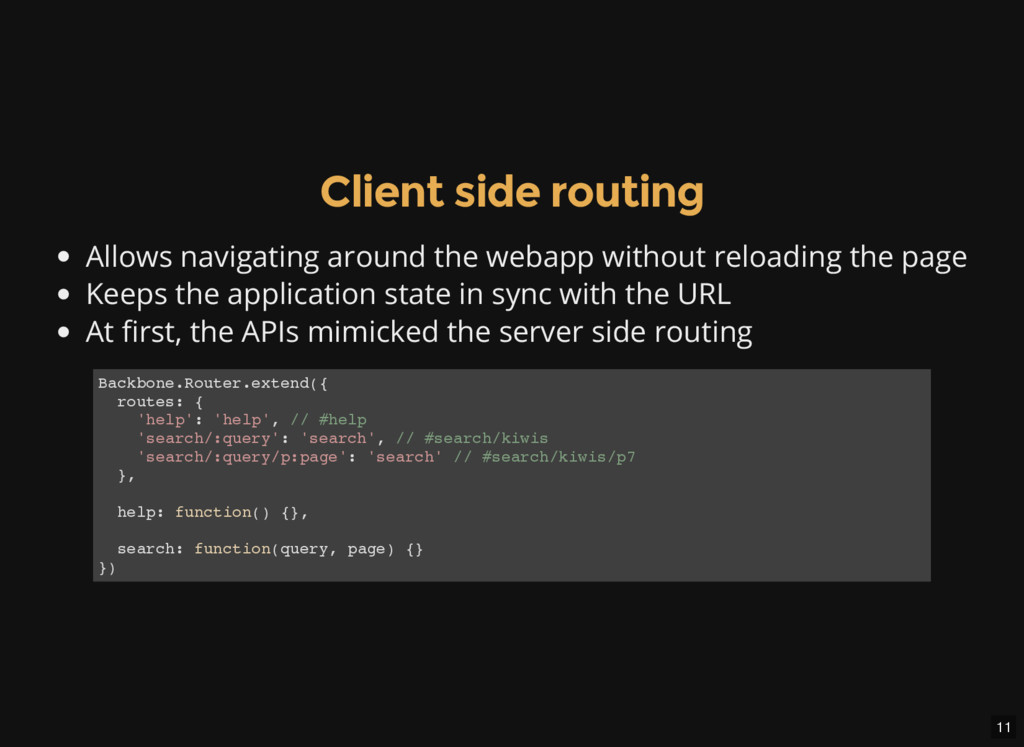
reloading the page Keeps the application state in sync with the URL At first, the APIs mimicked the server side routing B a c k b o n e . R o u t e r . e x t e n d ( { r o u t e s : { ' h e l p ' : ' h e l p ' , / / # h e l p ' s e a r c h / : q u e r y ' : ' s e a r c h ' , / / # s e a r c h / k i w i s ' s e a r c h / : q u e r y / p : p a g e ' : ' s e a r c h ' / / # s e a r c h / k i w i s / p 7 } , h e l p : f u n c t i o n ( ) { } , s e a r c h : f u n c t i o n ( q u e r y , p a g e ) { } } )
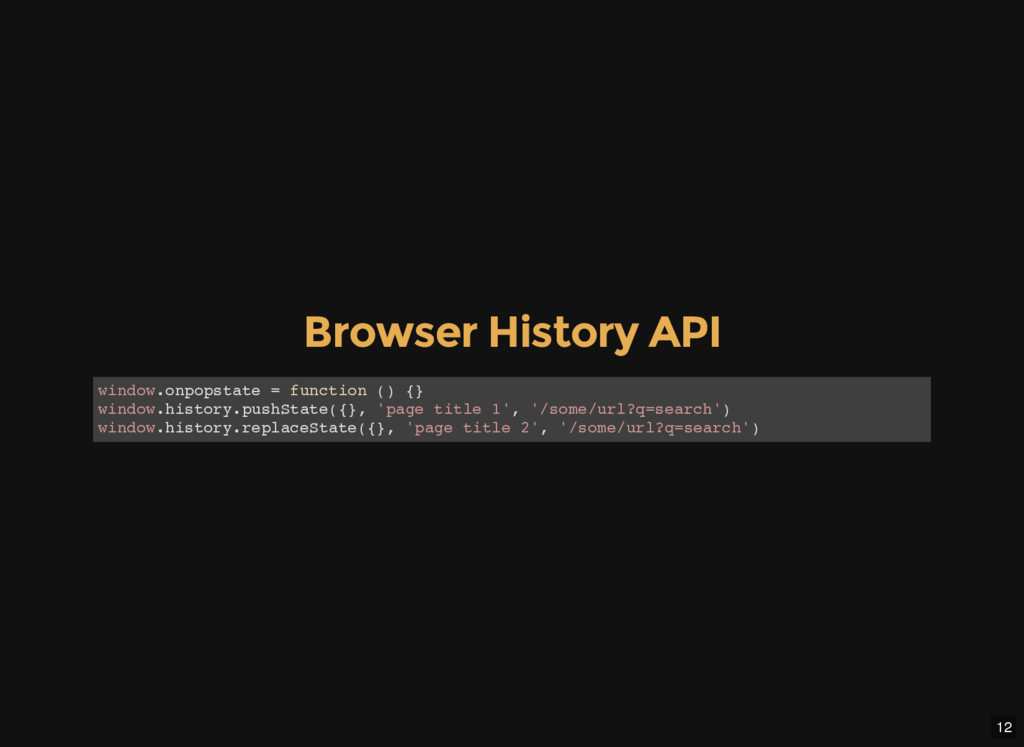
. o n p o p s t a t e = f u n c t i o n ( ) { } w i n d o w . h i s t o r y . p u s h S t a t e ( { } , ' p a g e t i t l e 1 ' , ' / s o m e / u r l ? q = s e a r c h ' ) w i n d o w . h i s t o r y . r e p l a c e S t a t e ( { } , ' p a g e t i t l e 2 ' , ' / s o m e / u r l ? q = s e a r c h ' )
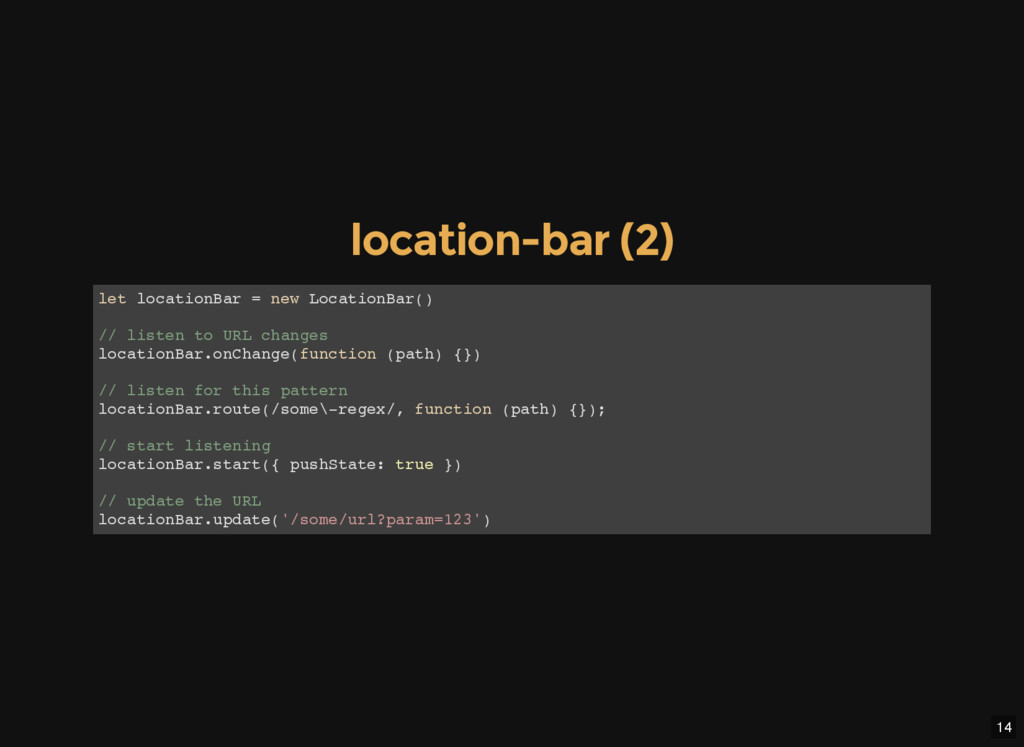
t i o n B a r = n e w L o c a t i o n B a r ( ) / / l i s t e n t o U R L c h a n g e s l o c a t i o n B a r . o n C h a n g e ( f u n c t i o n ( p a t h ) { } ) / / l i s t e n f o r t h i s p a t t e r n l o c a t i o n B a r . r o u t e ( / s o m e \ - r e g e x / , f u n c t i o n ( p a t h ) { } ) ; / / s t a r t l i s t e n i n g l o c a t i o n B a r . s t a r t ( { p u s h S t a t e : t r u e } ) / / u p d a t e t h e U R L l o c a t i o n B a r . u p d a t e ( ' / s o m e / u r l ? p a r a m = 1 2 3 ' )
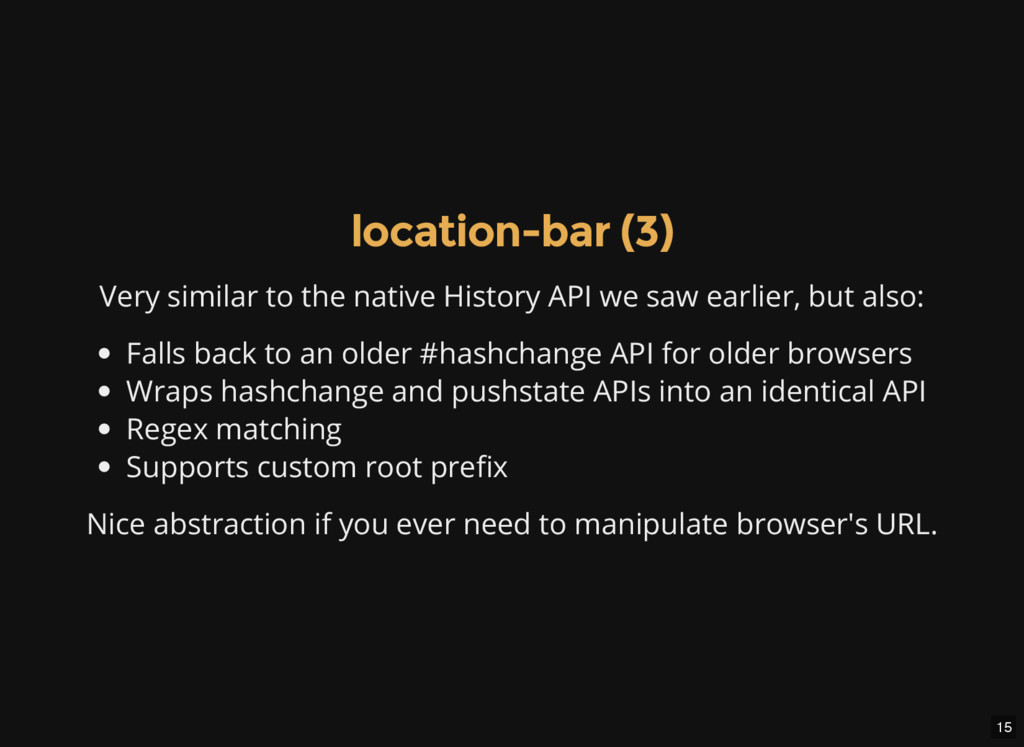
we saw earlier, but also: Falls back to an older #hashchange API for older browsers Wraps hashchange and pushstate APIs into an identical API Regex matching Supports custom root prefix Nice abstraction if you ever need to manipulate browser's URL.
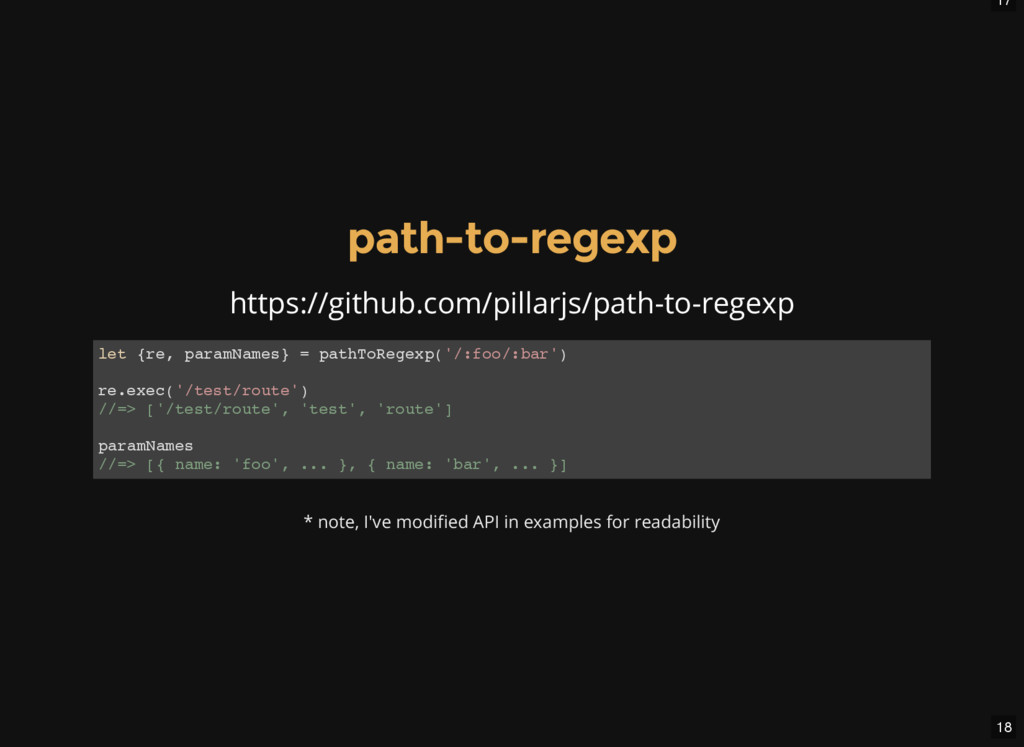
, p a r a m N a m e s } = p a t h T o R e g e x p ( ' / : f o o / : b a r ' ) r e . e x e c ( ' / t e s t / r o u t e ' ) / / = > [ ' / t e s t / r o u t e ' , ' t e s t ' , ' r o u t e ' ] p a r a m N a m e s / / = > [ { n a m e : ' f o o ' , . . . } , { n a m e : ' b a r ' , . . . } ] * note, I've modified API in examples for readability
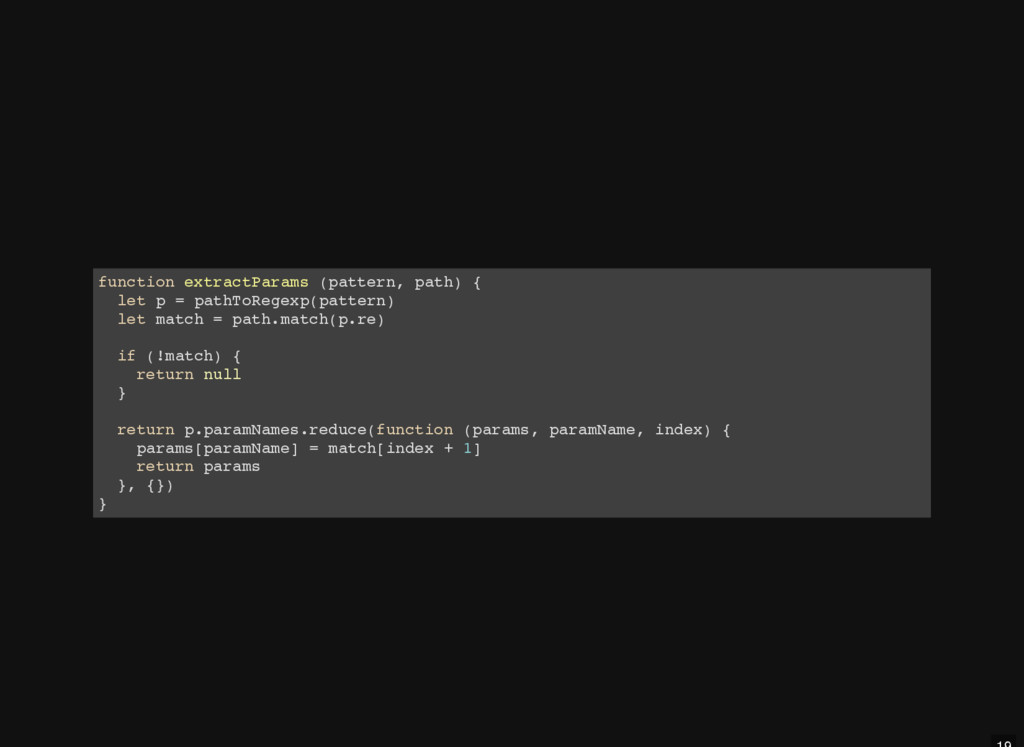
t r a c t P a r a m s ( p a t t e r n , p a t h ) { l e t p = p a t h T o R e g e x p ( p a t t e r n ) l e t m a t c h = p a t h . m a t c h ( p . r e ) i f ( ! m a t c h ) { r e t u r n n u l l } r e t u r n p . p a r a m N a m e s . r e d u c e ( f u n c t i o n ( p a r a m s , p a r a m N a m e , i n d e x ) { p a r a m s [ p a r a m N a m e ] = m a t c h [ i n d e x + 1 ] r e t u r n p a r a m s } , { } ) }
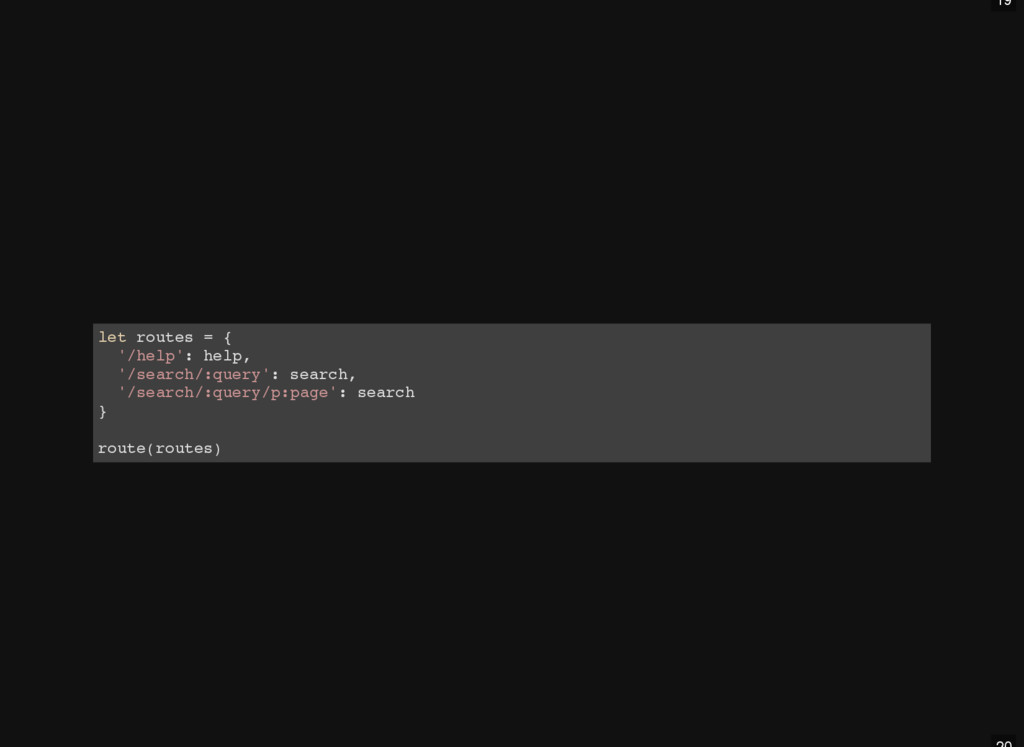
= { ' / h e l p ' : h e l p , ' / s e a r c h / : q u e r y ' : s e a r c h , ' / s e a r c h / : q u e r y / p : p a g e ' : s e a r c h } r o u t e ( r o u t e s )
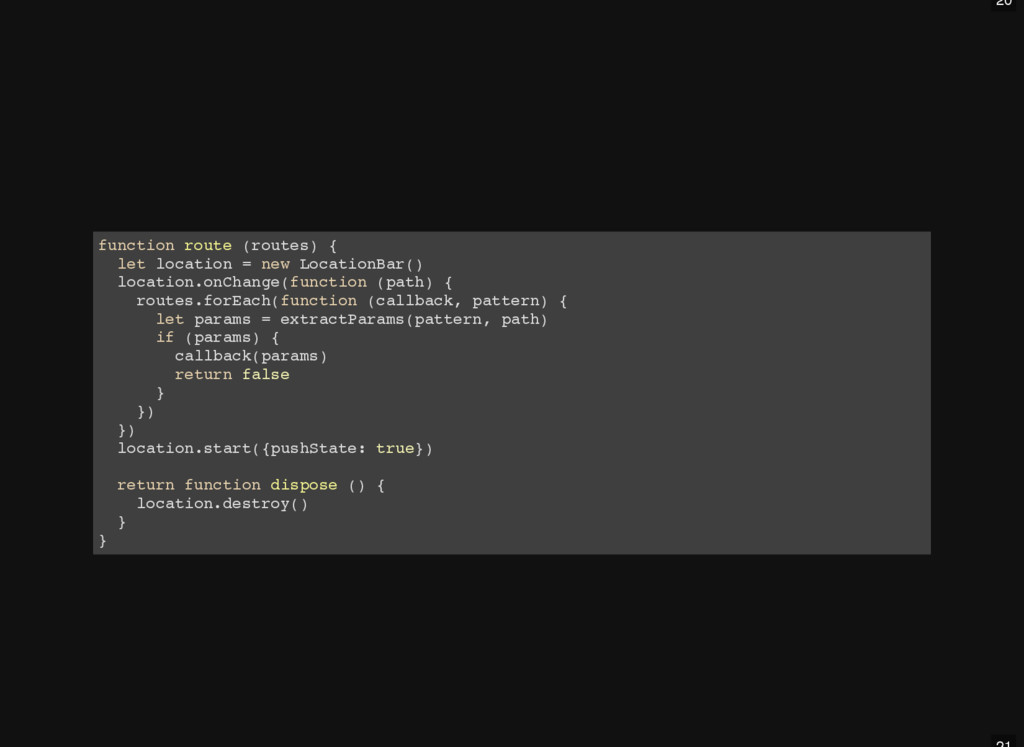
o u t e ( r o u t e s ) { l e t l o c a t i o n = n e w L o c a t i o n B a r ( ) l o c a t i o n . o n C h a n g e ( f u n c t i o n ( p a t h ) { r o u t e s . f o r E a c h ( f u n c t i o n ( c a l l b a c k , p a t t e r n ) { l e t p a r a m s = e x t r a c t P a r a m s ( p a t t e r n , p a t h ) i f ( p a r a m s ) { c a l l b a c k ( p a r a m s ) r e t u r n f a l s e } } ) } ) l o c a t i o n . s t a r t ( { p u s h S t a t e : t r u e } ) r e t u r n f u n c t i o n d i s p o s e ( ) { l o c a t i o n . d e s t r o y ( ) } }
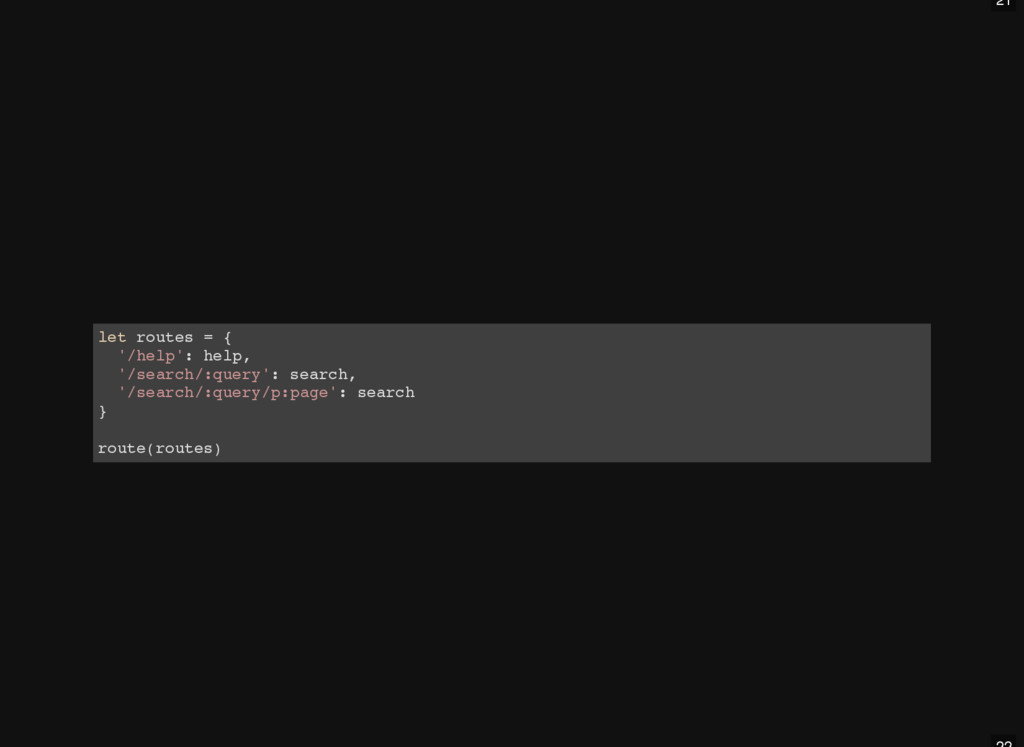
= { ' / h e l p ' : h e l p , ' / s e a r c h / : q u e r y ' : s e a r c h , ' / s e a r c h / : q u e r y / p : p a g e ' : s e a r c h } r o u t e ( r o u t e s )
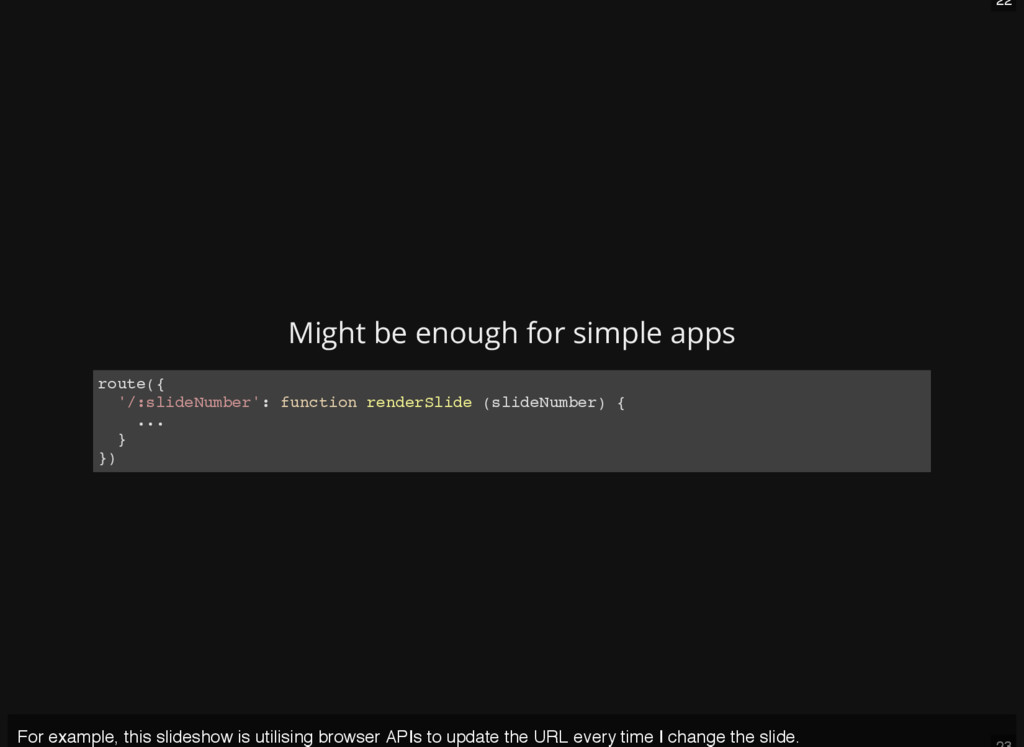
t e ( { ' / : s l i d e N u m b e r ' : f u n c t i o n r e n d e r S l i d e ( s l i d e N u m b e r ) { . . . } } ) For example, this slideshow is utilising browser APIs to update the URL every time I change the slide.
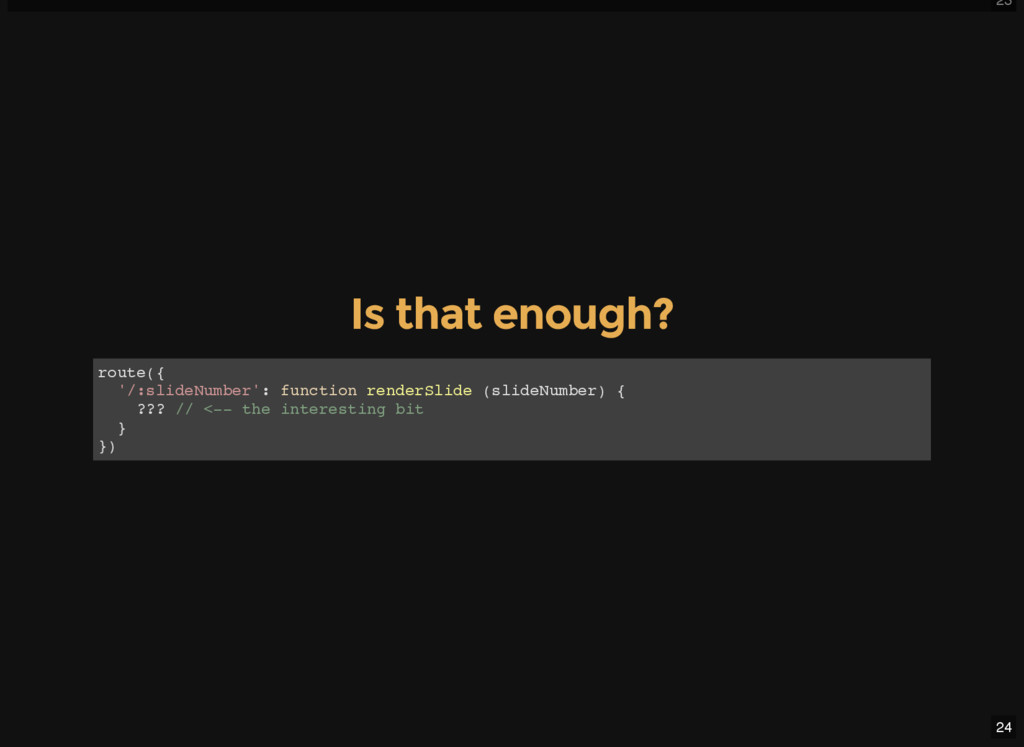
( { ' / : s l i d e N u m b e r ' : f u n c t i o n r e n d e r S l i d e ( s l i d e N u m b e r ) { ? ? ? / / < - - t h e i n t e r e s t i n g b i t } } )
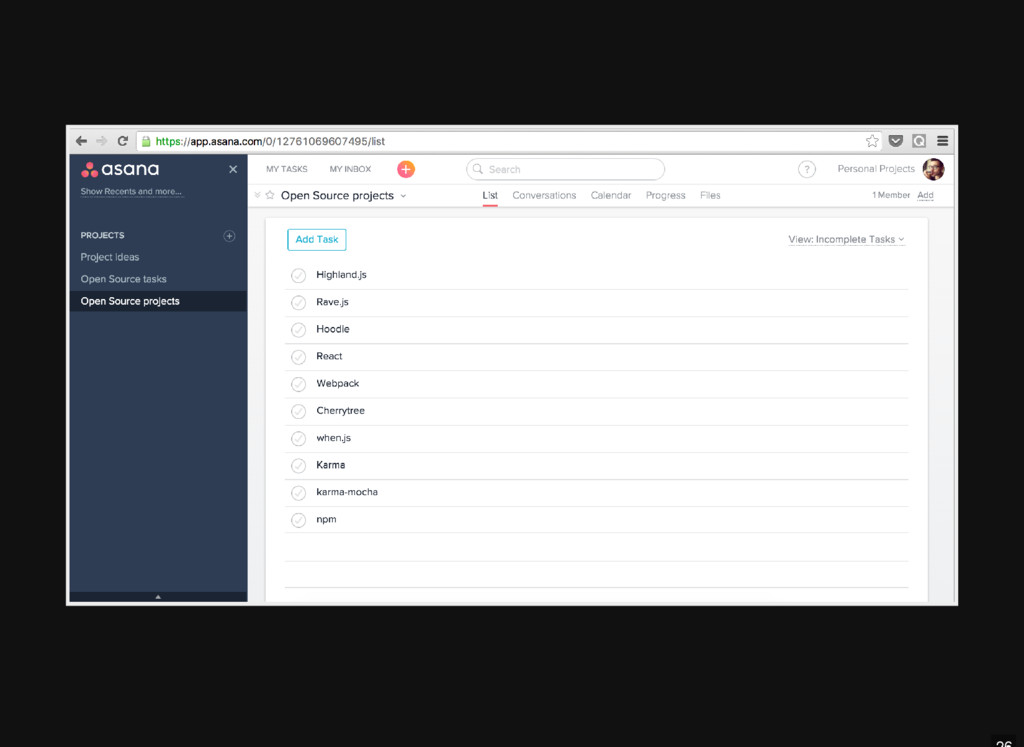
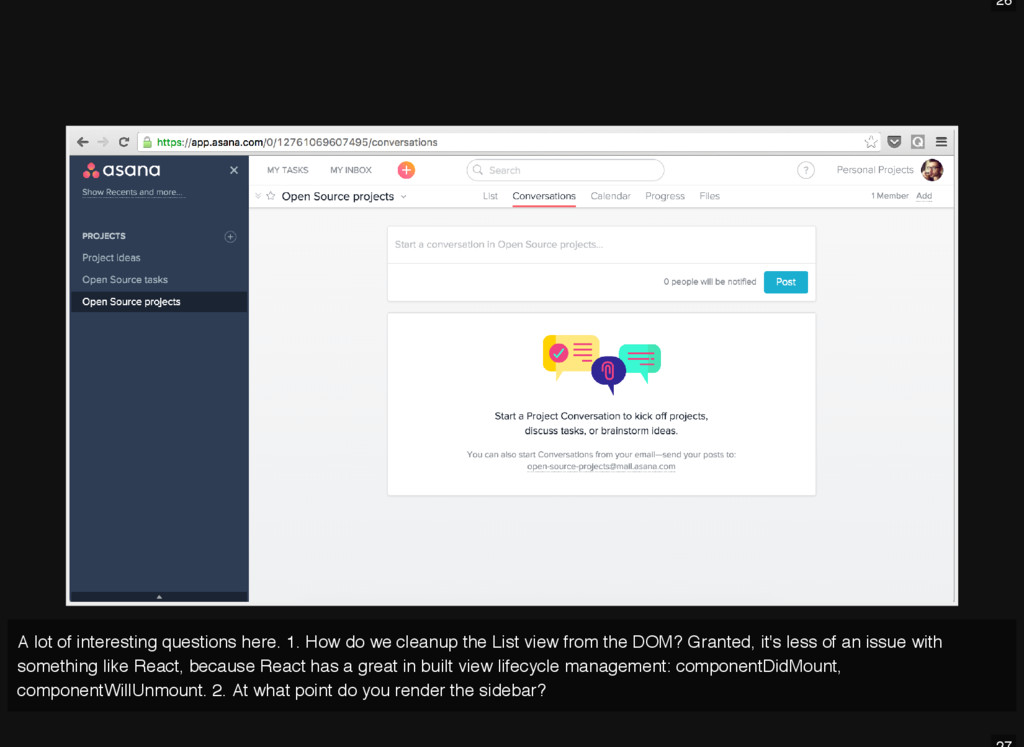
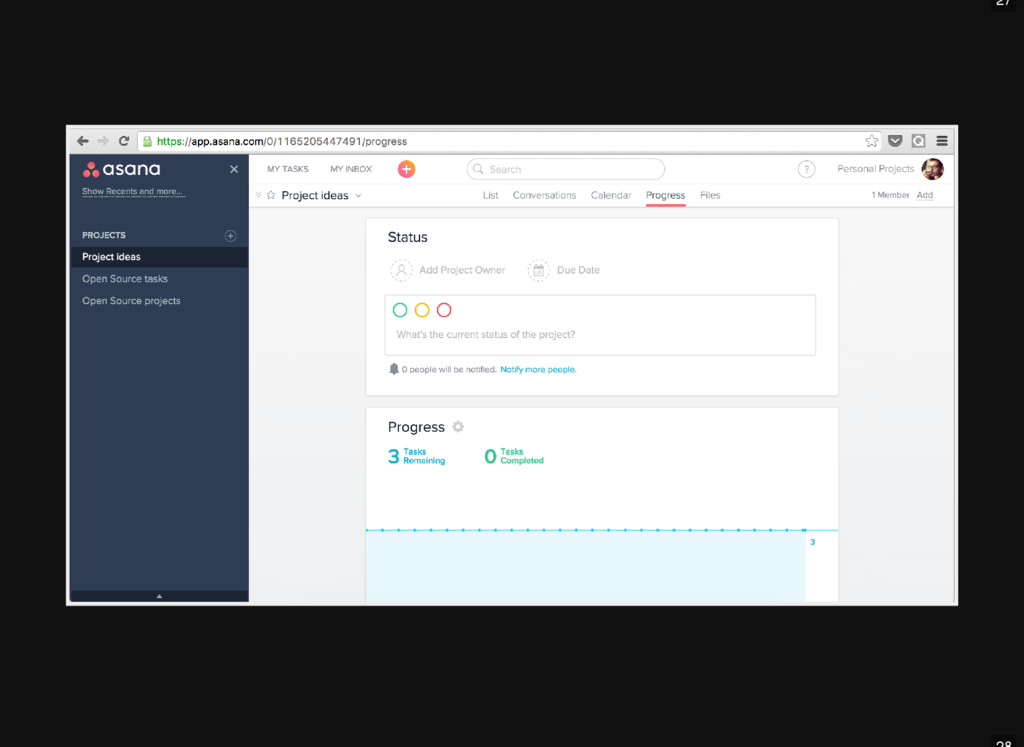
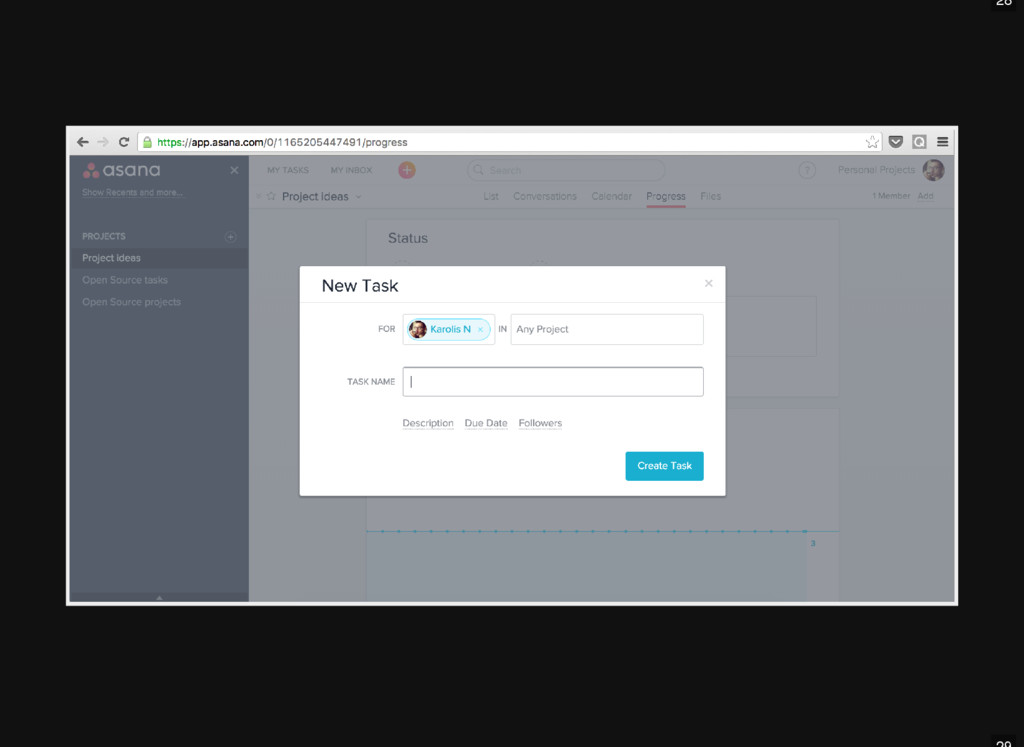
we cleanup the List view from the DOM? Granted, it's less of an issue with something like React, because React has a great in built view lifecycle management: componentDidMount, componentWillUnmount. 2. At what point do you render the sidebar?
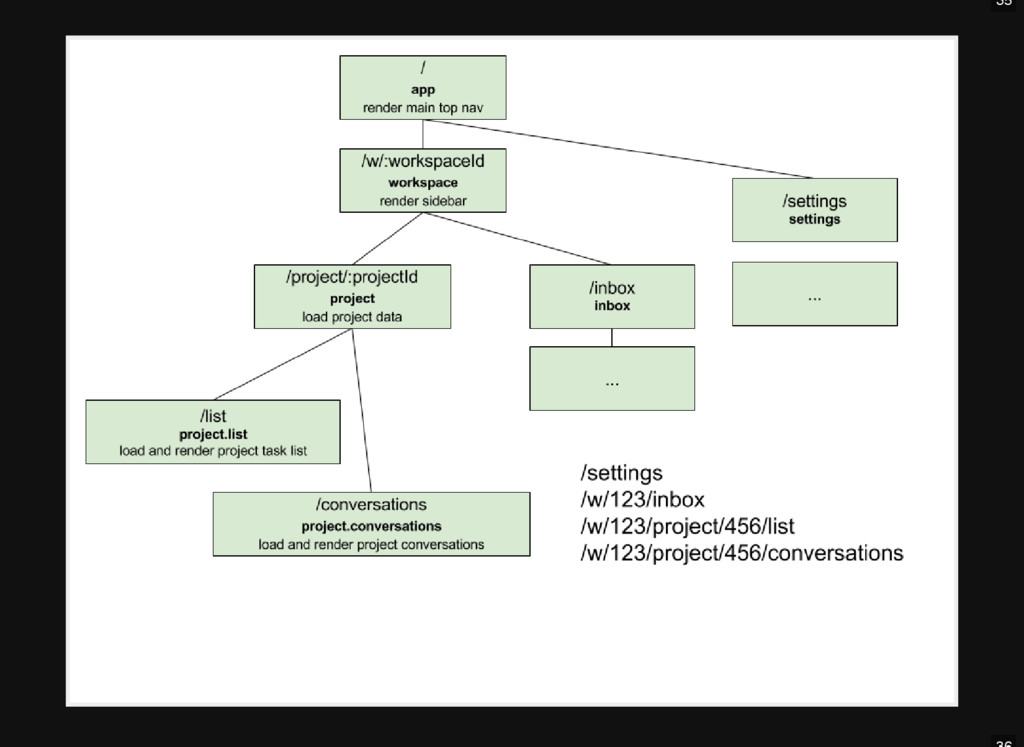
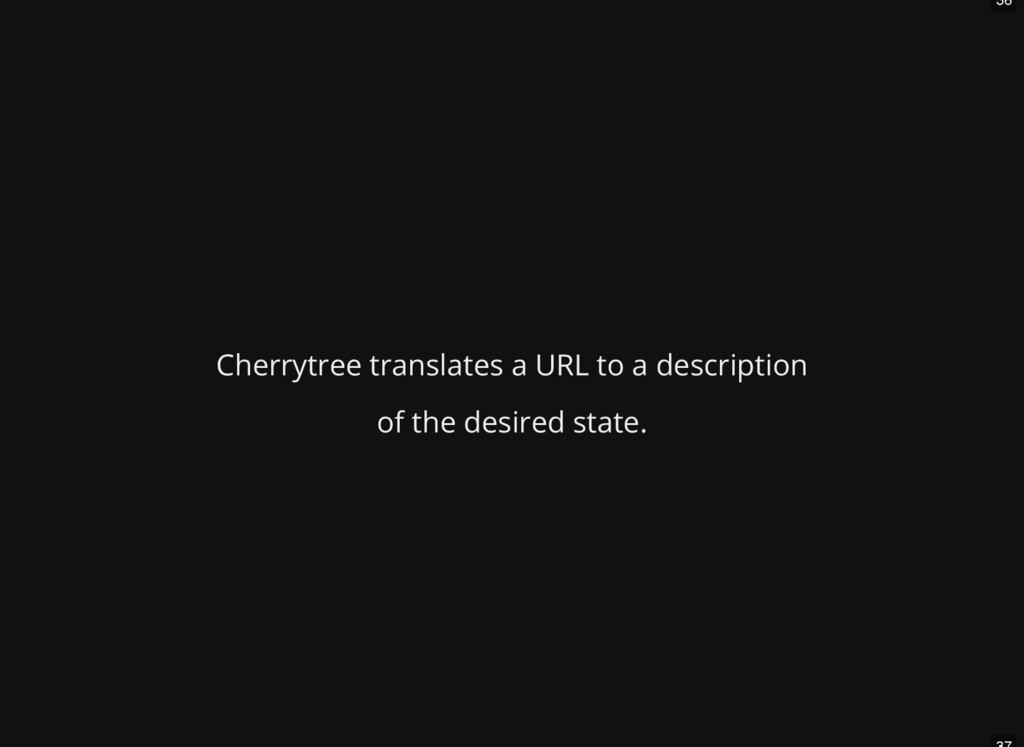
nested routable views Help with the view rendering lifecycle Help with fetching the right data at the right time Describe the UI for URL declaratively instead of imperatively Handle initial page load as well as transitions Generate URLs Turns out, it's not that useful to call different functions per pattern. Cherrytree flips this upside down by calling the same callback on very route change.
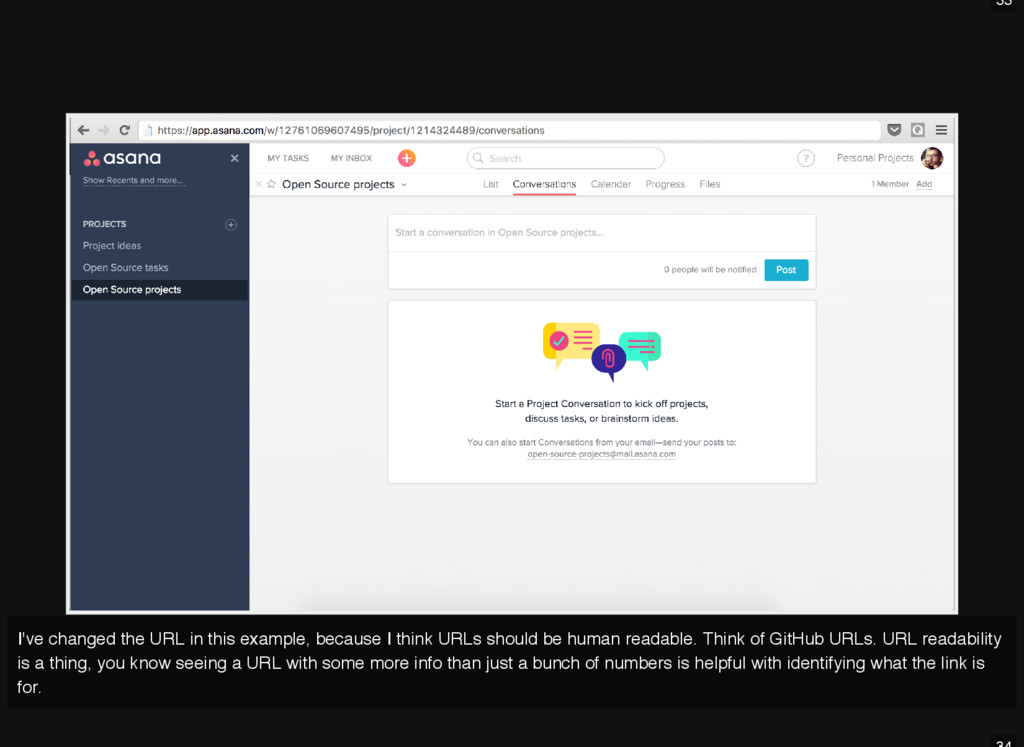
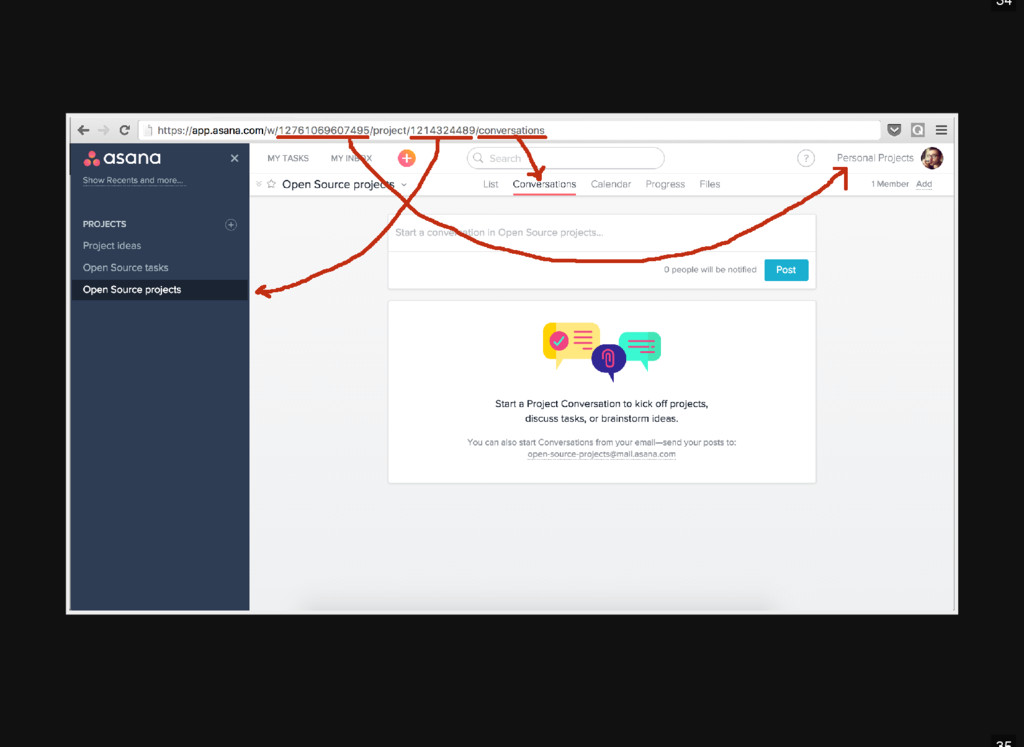
think URLs should be human readable. Think of GitHub URLs. URL readability is a thing, you know seeing a URL with some more info than just a bunch of numbers is helpful with identifying what the link is for.
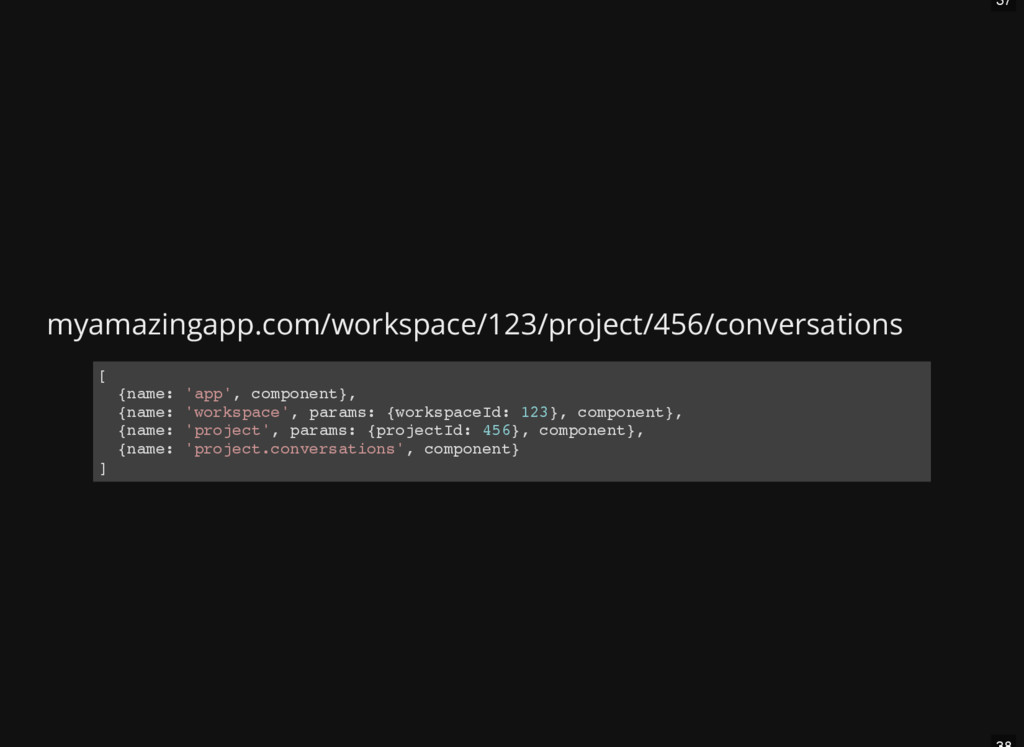
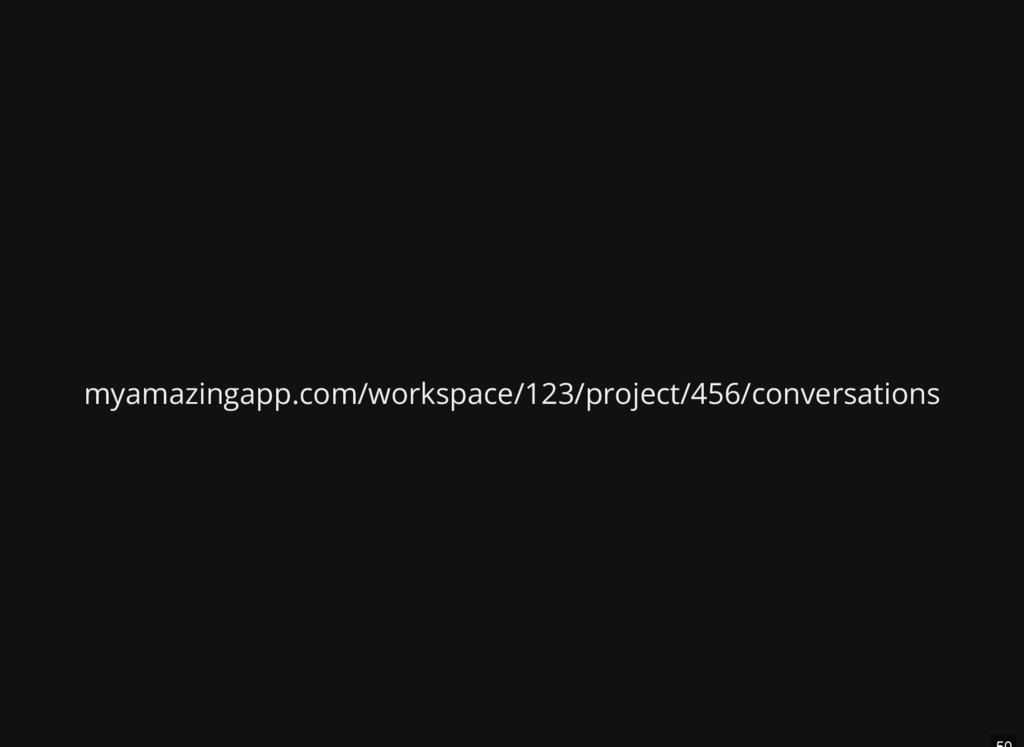
a p p ' , c o m p o n e n t } , { n a m e : ' w o r k s p a c e ' , p a r a m s : { w o r k s p a c e I d : 1 2 3 } , c o m p o n e n t } , { n a m e : ' p r o j e c t ' , p a r a m s : { p r o j e c t I d : 4 5 6 } , c o m p o n e n t } , { n a m e : ' p r o j e c t . c o n v e r s a t i o n s ' , c o m p o n e n t } ]
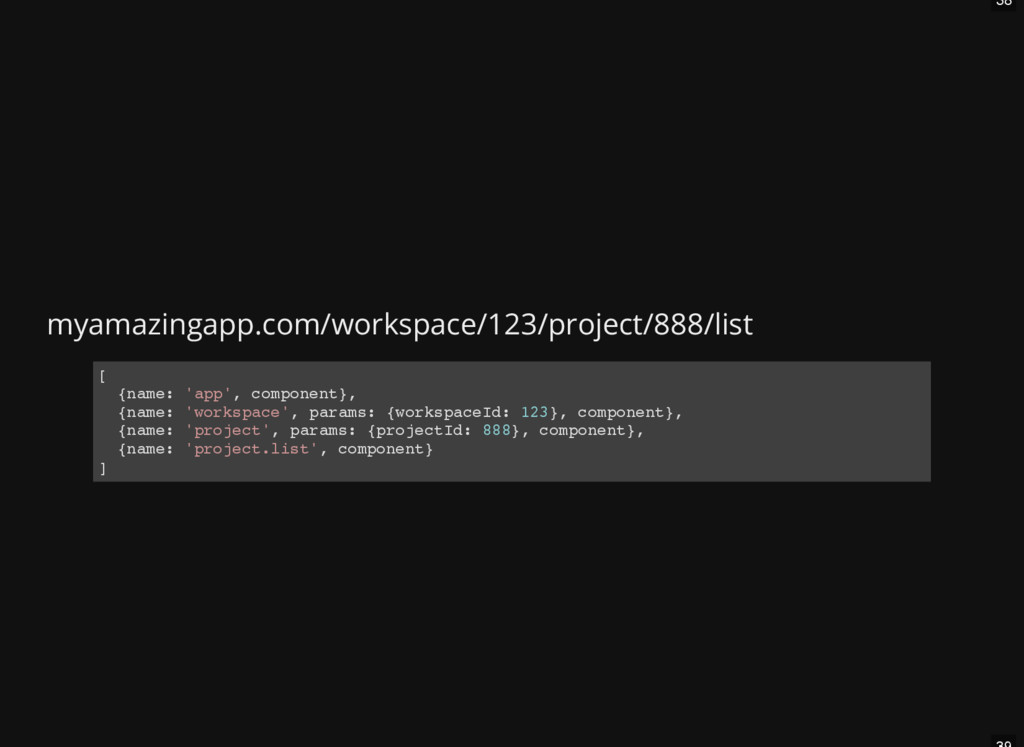
a p p ' , c o m p o n e n t } , { n a m e : ' w o r k s p a c e ' , p a r a m s : { w o r k s p a c e I d : 1 2 3 } , c o m p o n e n t } , { n a m e : ' p r o j e c t ' , p a r a m s : { p r o j e c t I d : 8 8 8 } , c o m p o n e n t } , { n a m e : ' p r o j e c t . l i s t ' , c o m p o n e n t } ]
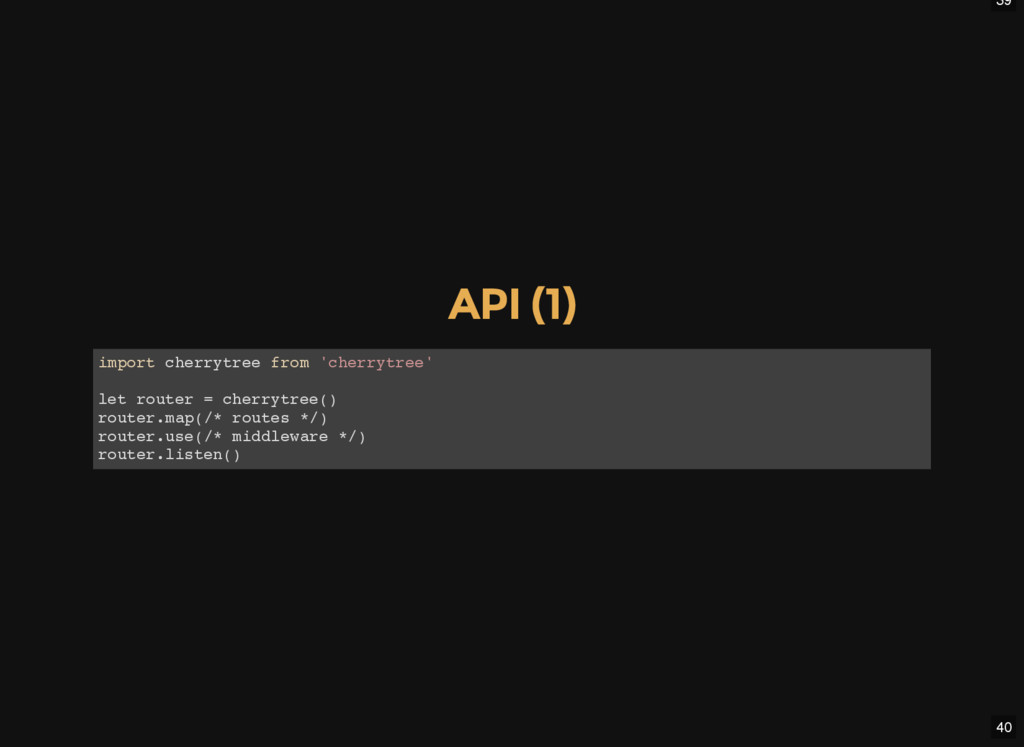
c h e r r y t r e e f r o m ' c h e r r y t r e e ' l e t r o u t e r = c h e r r y t r e e ( ) r o u t e r . m a p ( / * r o u t e s * / ) r o u t e r . u s e ( / * m i d d l e w a r e * / ) r o u t e r . l i s t e n ( )
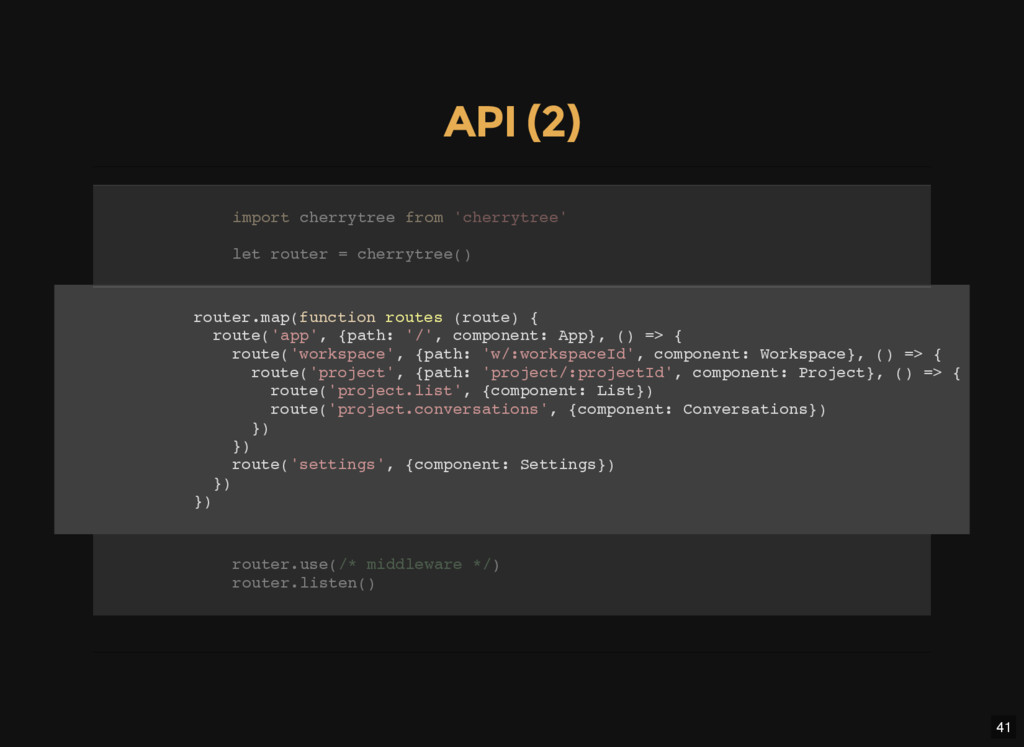
m a p ( f u n c t i o n r o u t e s ( r o u t e ) { r o u t e ( ' a p p ' , { p a t h : ' / ' , c o m p o n e n t : A p p } , ( ) = > { r o u t e ( ' w o r k s p a c e ' , { p a t h : ' w / : w o r k s p a c e I d ' , c o m p o n e n t : W o r k s p a c e } , ( ) = > { r o u t e ( ' p r o j e c t ' , { p a t h : ' p r o j e c t / : p r o j e c t I d ' , c o m p o n e n t : P r o j e c t } , ( ) = > { r o u t e ( ' p r o j e c t . l i s t ' , { c o m p o n e n t : L i s t } ) r o u t e ( ' p r o j e c t . c o n v e r s a t i o n s ' , { c o m p o n e n t : C o n v e r s a t i o n s } ) } ) } ) r o u t e ( ' s e t t i n g s ' , { c o m p o n e n t : S e t t i n g s } ) } ) } ) i m p o r t c h e r r y t r e e f r o m ' c h e r r y t r e e ' l e t r o u t e r = c h e r r y t r e e ( ) r o u t e r . u s e ( / * m i d d l e w a r e * / ) r o u t e r . l i s t e n ( )
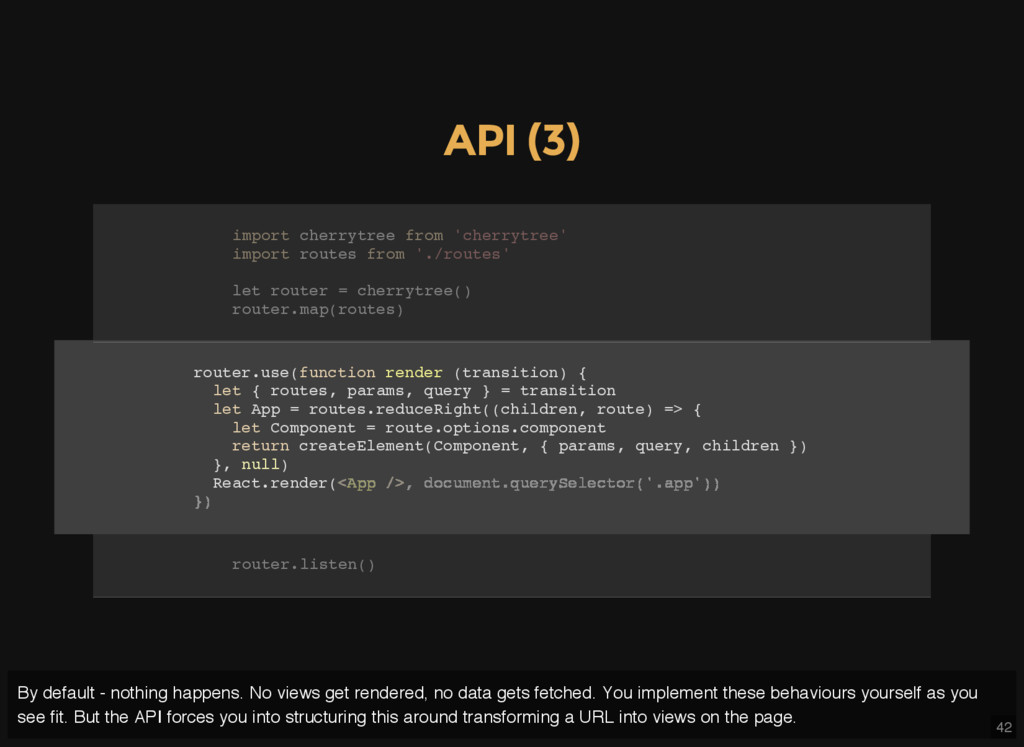
u s e ( f u n c t i o n r e n d e r ( t r a n s i t i o n ) { l e t { r o u t e s , p a r a m s , q u e r y } = t r a n s i t i o n l e t A p p = r o u t e s . r e d u c e R i g h t ( ( c h i l d r e n , r o u t e ) = > { l e t C o m p o n e n t = r o u t e . o p t i o n s . c o m p o n e n t r e t u r n c r e a t e E l e m e n t ( C o m p o n e n t , { p a r a m s , q u e r y , c h i l d r e n } ) } , n u l l ) R e a c t . r e n d e r ( i m p o r t c h e r r y t r e e f r o m ' c h e r r y t r e e ' i m p o r t r o u t e s f r o m ' . / r o u t e s ' l e t r o u t e r = c h e r r y t r e e ( ) r o u t e r . m a p ( r o u t e s ) < A p p / > , d o c u m e n t . q u e r y S e l e c t o r ( ' . a p p ' ) ) } ) r o u t e r . l i s t e n ( ) By default - nothing happens. No views get rendered, no data gets fetched. You implement these behaviours yourself as you see fit. But the API forces you into structuring this around transforming a URL into views on the page.
l i s t e n ( ) i m p o r t c h e r r y t r e e f r o m ' c h e r r y t r e e ' i m p o r t r o u t e s f r o m ' . / r o u t e s ' i m p o r t r e n d e r f r o m ' . / r o u t i n g / r e n d e r ' l e t r o u t e r = c h e r r y t r e e ( ) r o u t e r . m a p ( r o u t e s ) r o u t e r . u s e ( r e n d e r )
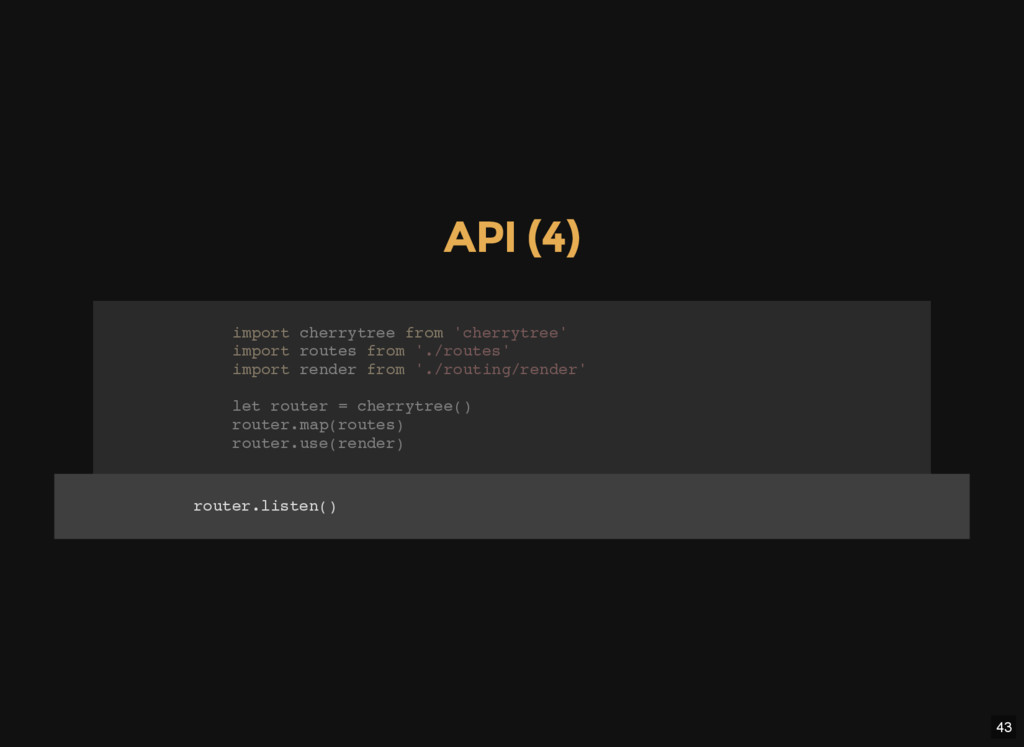
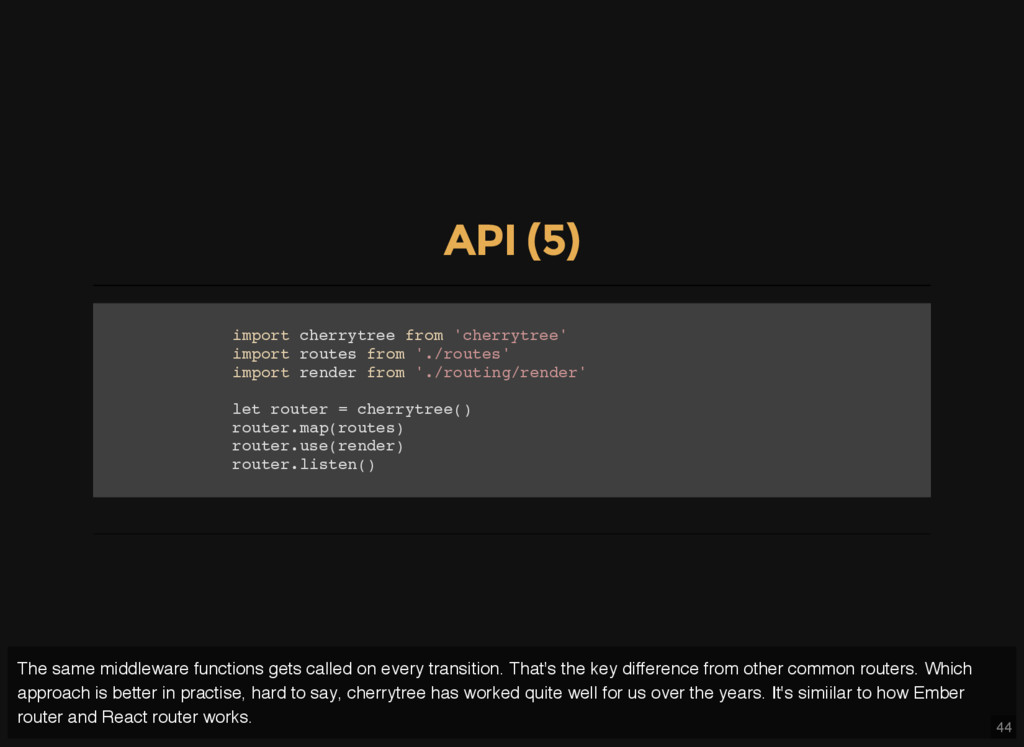
h e r r y t r e e f r o m ' c h e r r y t r e e ' i m p o r t r o u t e s f r o m ' . / r o u t e s ' i m p o r t r e n d e r f r o m ' . / r o u t i n g / r e n d e r ' l e t r o u t e r = c h e r r y t r e e ( ) r o u t e r . m a p ( r o u t e s ) r o u t e r . u s e ( r e n d e r ) r o u t e r . l i s t e n ( ) The same middleware functions gets called on every transition. That's the key difference from other common routers. Which approach is better in practise, hard to say, cherrytree has worked quite well for us over the years. It's simiilar to how Ember router and React router works.
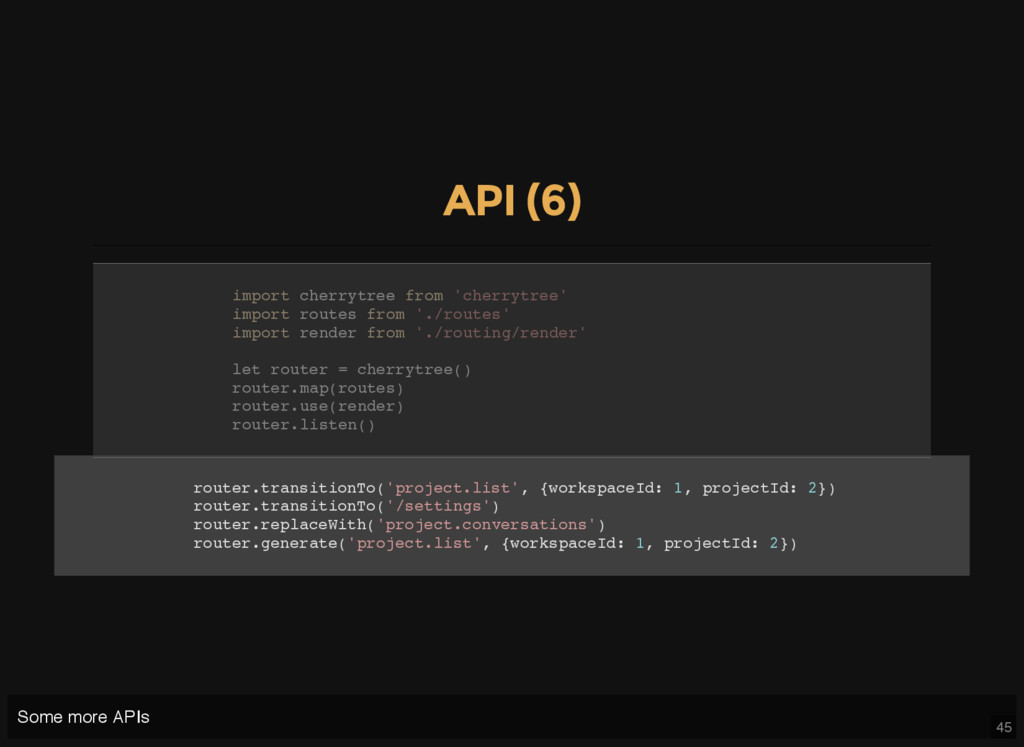
t r a n s i t i o n T o ( ' p r o j e c t . l i s t ' , { w o r k s p a c e I d : 1 , p r o j e c t I d : 2 } ) r o u t e r . t r a n s i t i o n T o ( ' / s e t t i n g s ' ) r o u t e r . r e p l a c e W i t h ( ' p r o j e c t . c o n v e r s a t i o n s ' ) r o u t e r . g e n e r a t e ( ' p r o j e c t . l i s t ' , { w o r k s p a c e I d : 1 , p r o j e c t I d : 2 } ) i m p o r t c h e r r y t r e e f r o m ' c h e r r y t r e e ' i m p o r t r o u t e s f r o m ' . / r o u t e s ' i m p o r t r e n d e r f r o m ' . / r o u t i n g / r e n d e r ' l e t r o u t e r = c h e r r y t r e e ( ) r o u t e r . m a p ( r o u t e s ) r o u t e r . u s e ( r e n d e r ) r o u t e r . l i s t e n ( ) Some more APIs
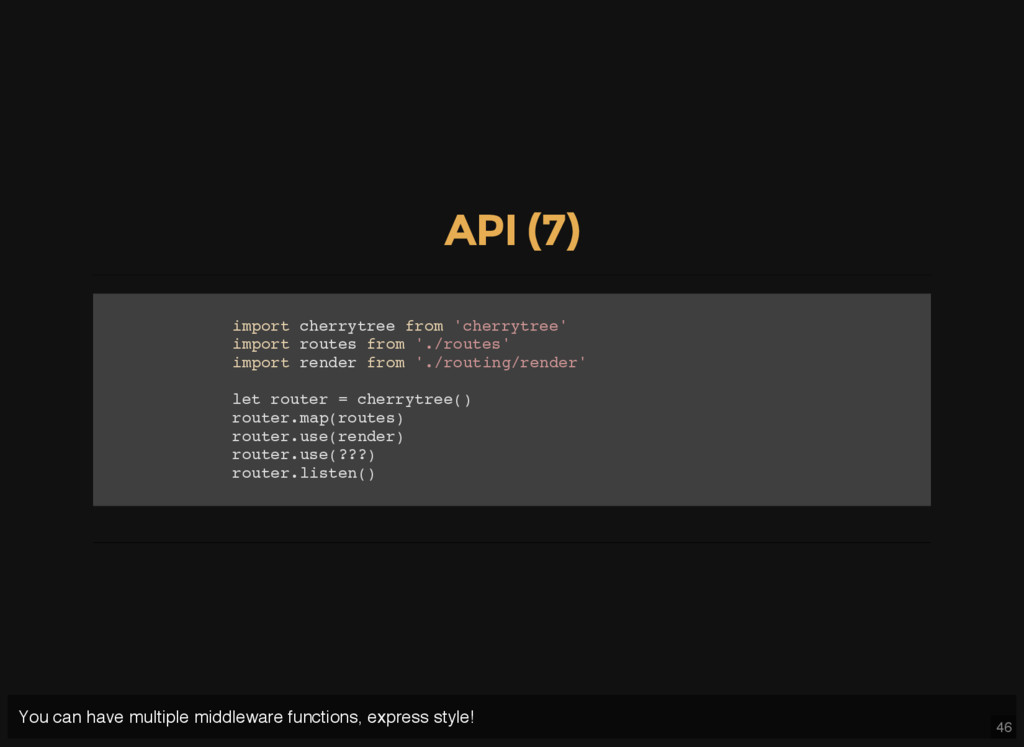
h e r r y t r e e f r o m ' c h e r r y t r e e ' i m p o r t r o u t e s f r o m ' . / r o u t e s ' i m p o r t r e n d e r f r o m ' . / r o u t i n g / r e n d e r ' l e t r o u t e r = c h e r r y t r e e ( ) r o u t e r . m a p ( r o u t e s ) r o u t e r . u s e ( r e n d e r ) r o u t e r . u s e ( ? ? ? ) r o u t e r . l i s t e n ( ) You can have multiple middleware functions, express style!
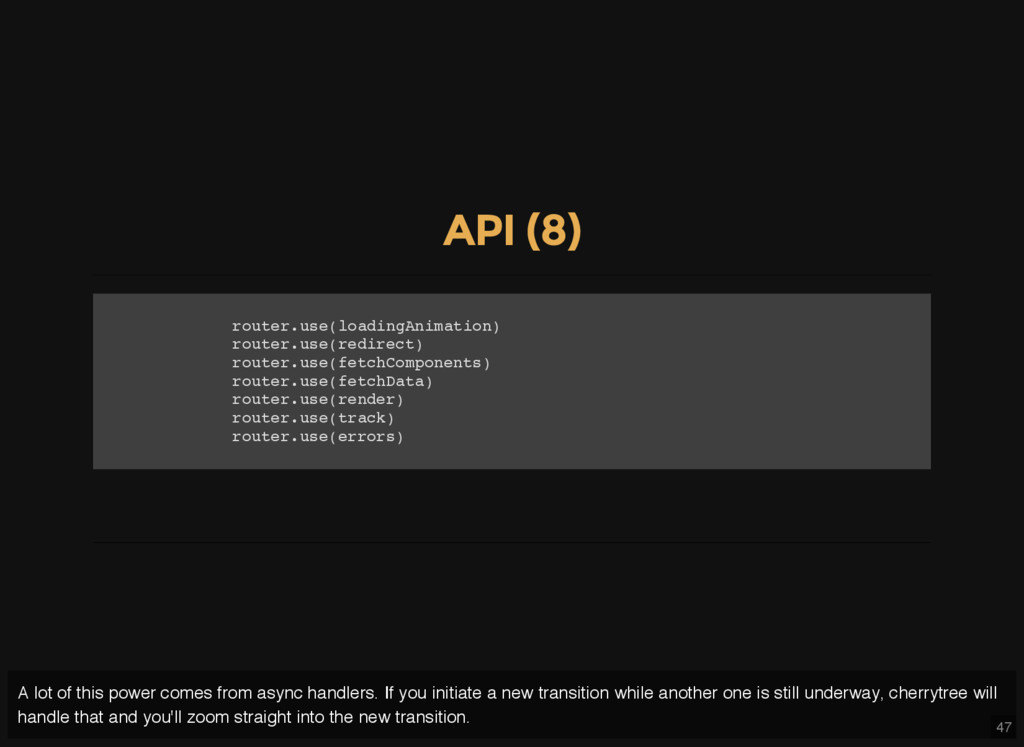
u s e ( l o a d i n g A n i m a t i o n ) r o u t e r . u s e ( r e d i r e c t ) r o u t e r . u s e ( f e t c h C o m p o n e n t s ) r o u t e r . u s e ( f e t c h D a t a ) r o u t e r . u s e ( r e n d e r ) r o u t e r . u s e ( t r a c k ) r o u t e r . u s e ( e r r o r s ) A lot of this power comes from async handlers. If you initiate a new transition while another one is still underway, cherrytree will handle that and you'll zoom straight into the new transition.
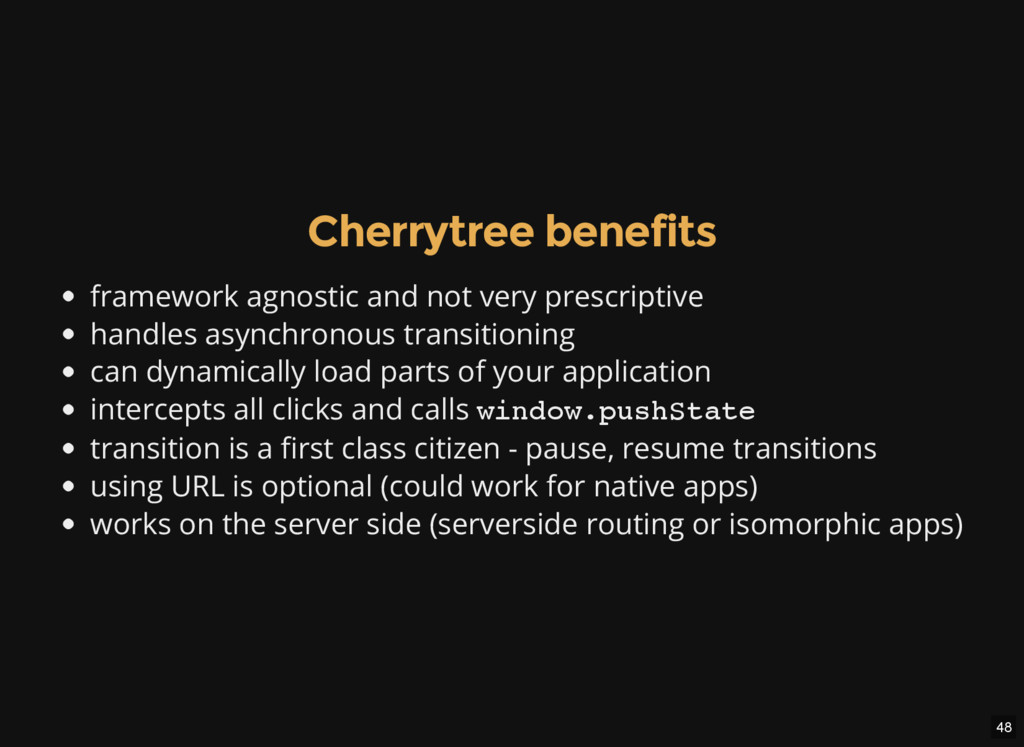
asynchronous transitioning can dynamically load parts of your application intercepts all clicks and calls w i n d o w . p u s h S t a t e transition is a first class citizen - pause, resume transitions using URL is optional (could work for native apps) works on the server side (serverside routing or isomorphic apps)
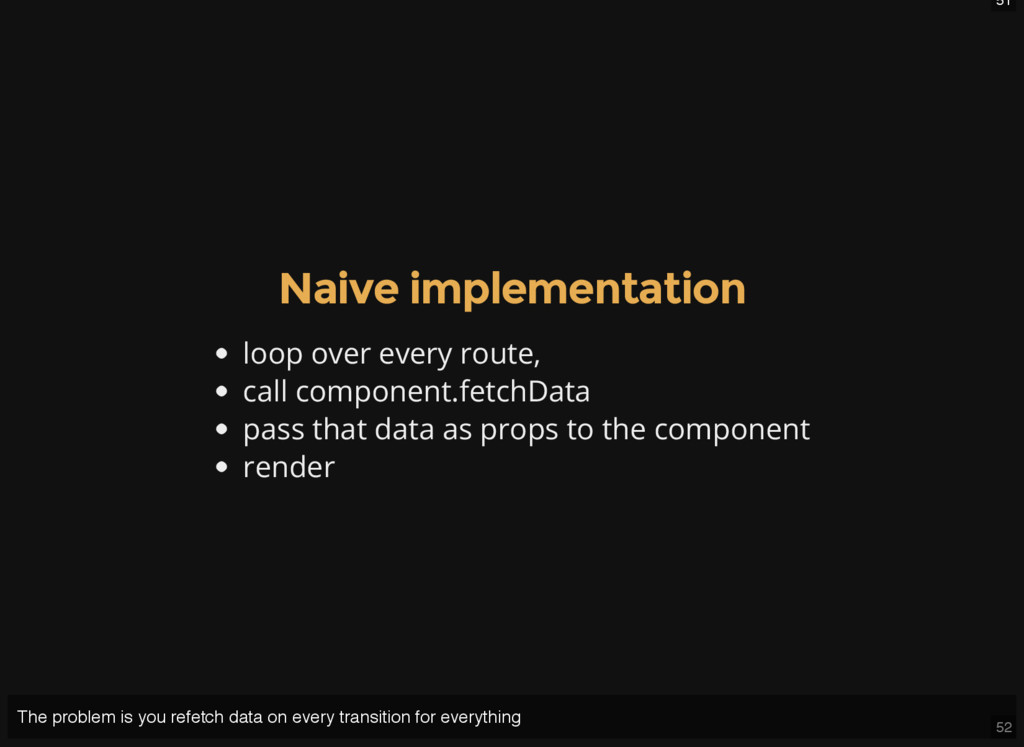
views using cherrytree? How do you implement middleware in real life. The old versions of cherrytree enforced a specific way of managing data with model hooks and route handlers, but all that went way and in my opinion both simplified the core concepts and enabled alternative data fetching strategies.
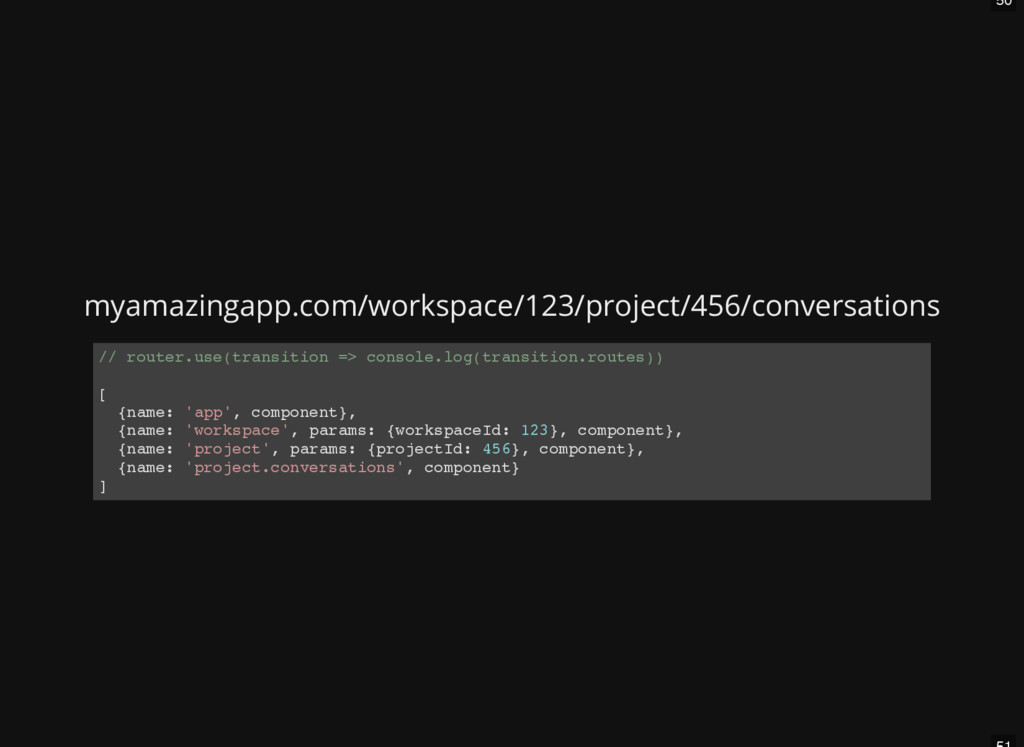
. u s e ( t r a n s i t i o n = > c o n s o l e . l o g ( t r a n s i t i o n . r o u t e s ) ) [ { n a m e : ' a p p ' , c o m p o n e n t } , { n a m e : ' w o r k s p a c e ' , p a r a m s : { w o r k s p a c e I d : 1 2 3 } , c o m p o n e n t } , { n a m e : ' p r o j e c t ' , p a r a m s : { p r o j e c t I d : 4 5 6 } , c o m p o n e n t } , { n a m e : ' p r o j e c t . c o n v e r s a t i o n s ' , c o m p o n e n t } ]
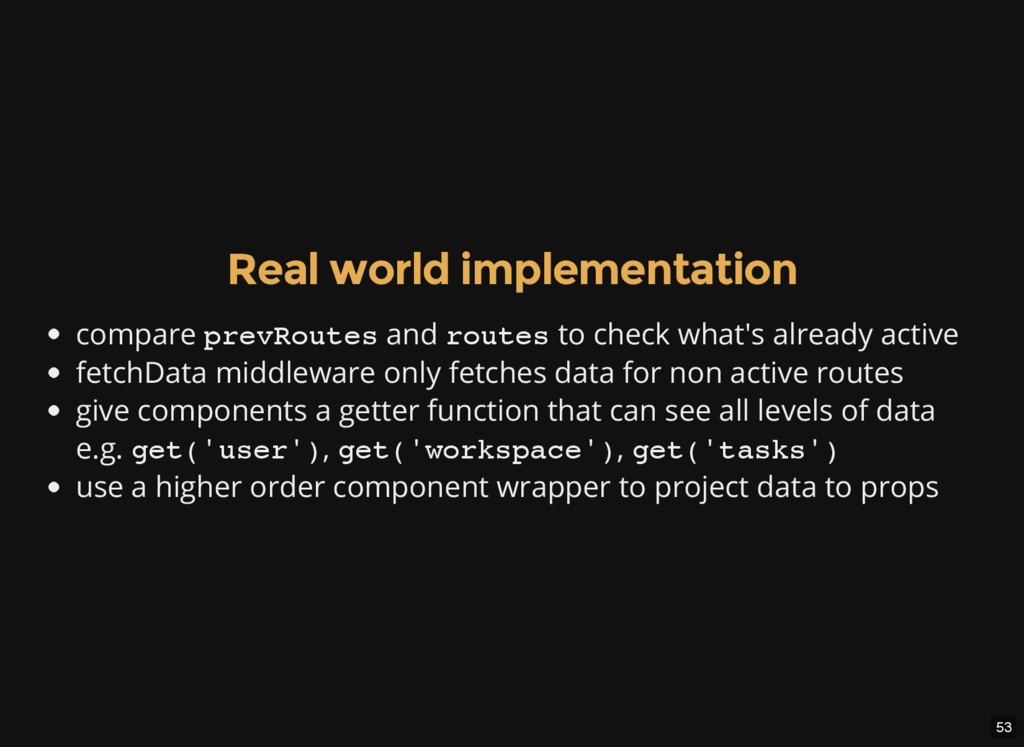
o u t e s and r o u t e s to check what's already active fetchData middleware only fetches data for non active routes give components a getter function that can see all levels of data e.g. g e t ( ' u s e r ' ) , g e t ( ' w o r k s p a c e ' ) , g e t ( ' t a s k s ' ) use a higher order component wrapper to project data to props
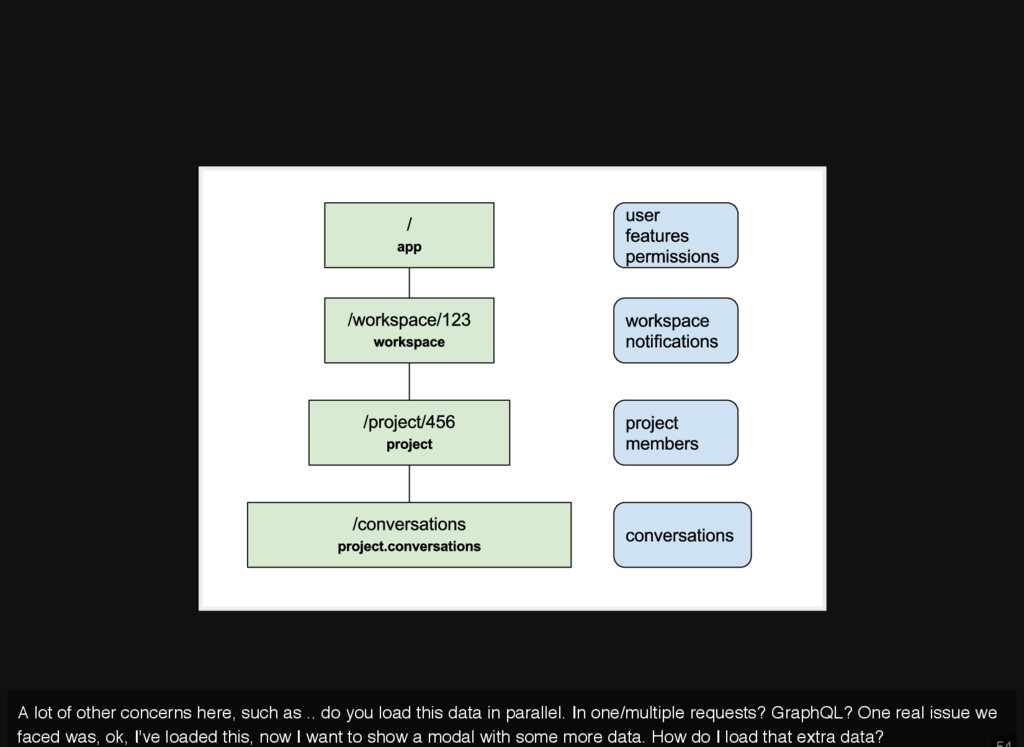
you load this data in parallel. In one/multiple requests? GraphQL? One real issue we faced was, ok, I've loaded this, now I want to show a modal with some more data. How do I load that extra data?
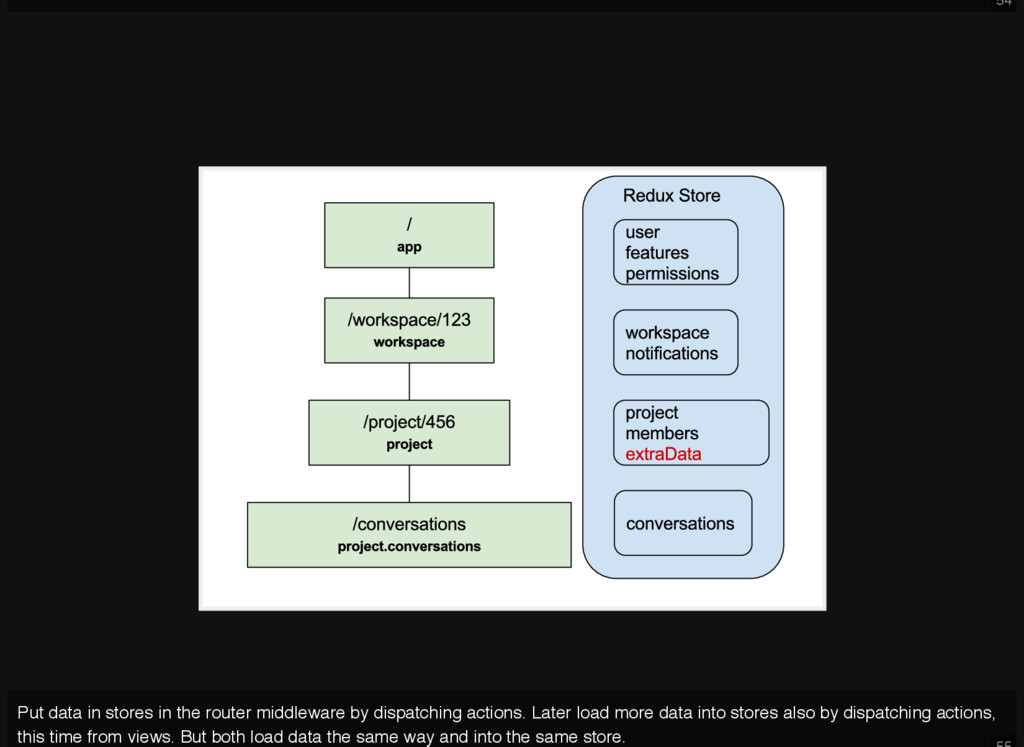
dispatching actions. Later load more data into stores also by dispatching actions, this time from views. But both load data the same way and into the same store.
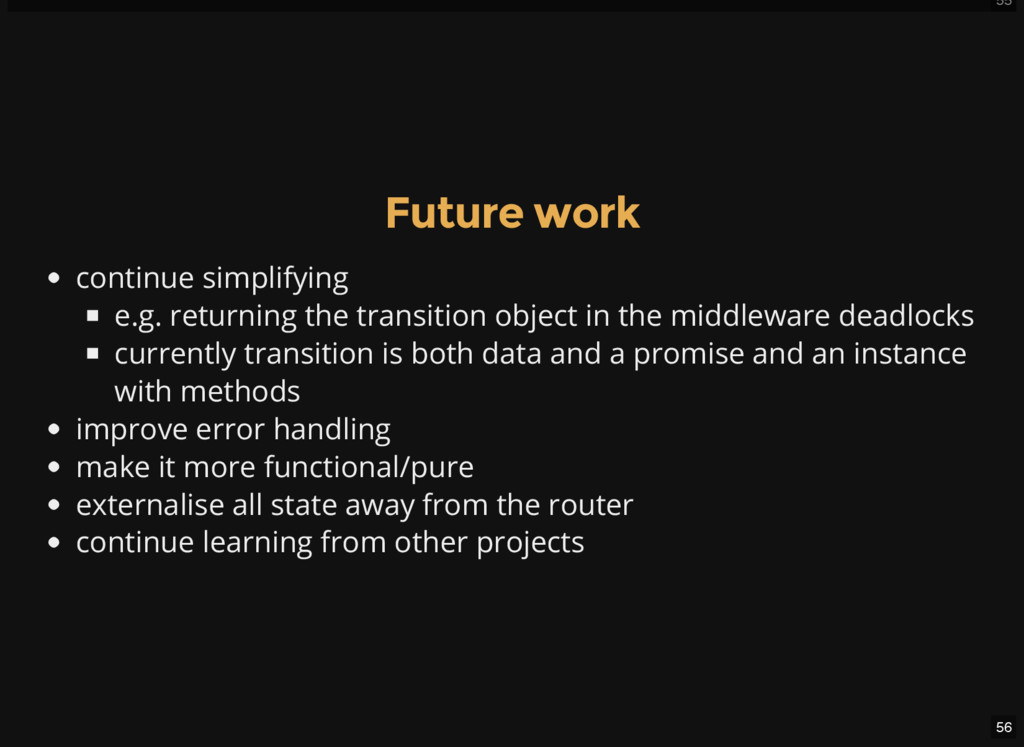
object in the middleware deadlocks currently transition is both data and a promise and an instance with methods improve error handling make it more functional/pure externalise all state away from the router continue learning from other projects
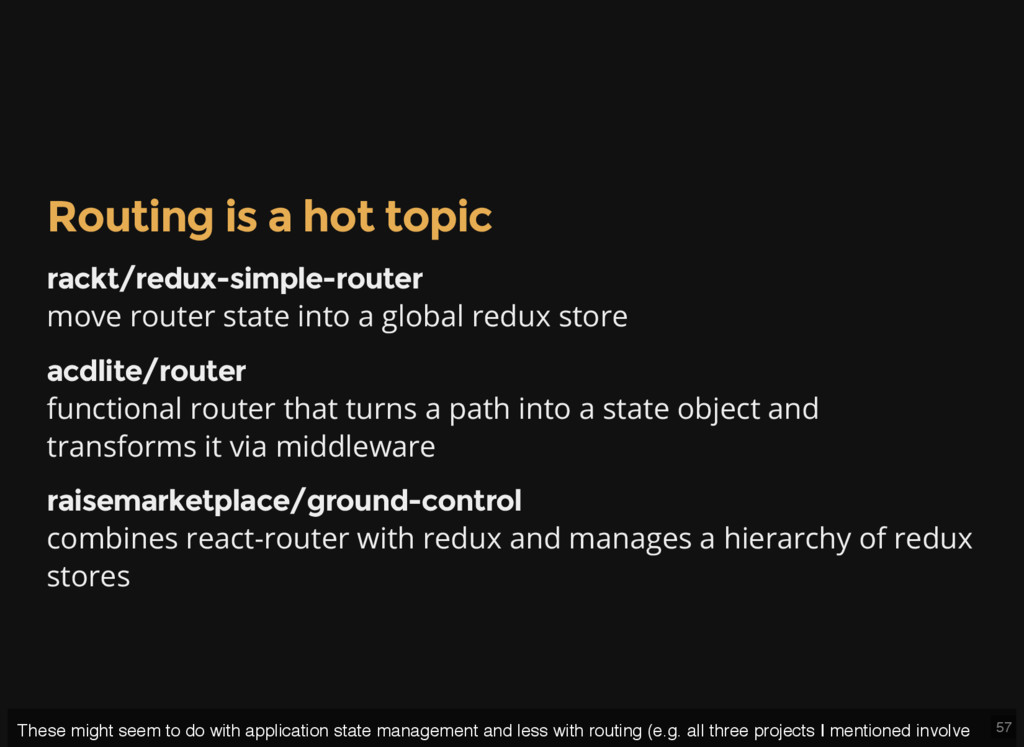
into a global redux store acdlite/router functional router that turns a path into a state object and transforms it via middleware raisemarketplace/ground-control combines react-router with redux and manages a hierarchy of redux stores These might seem to do with application state management and less with routing (e.g. all three projects I mentioned involve
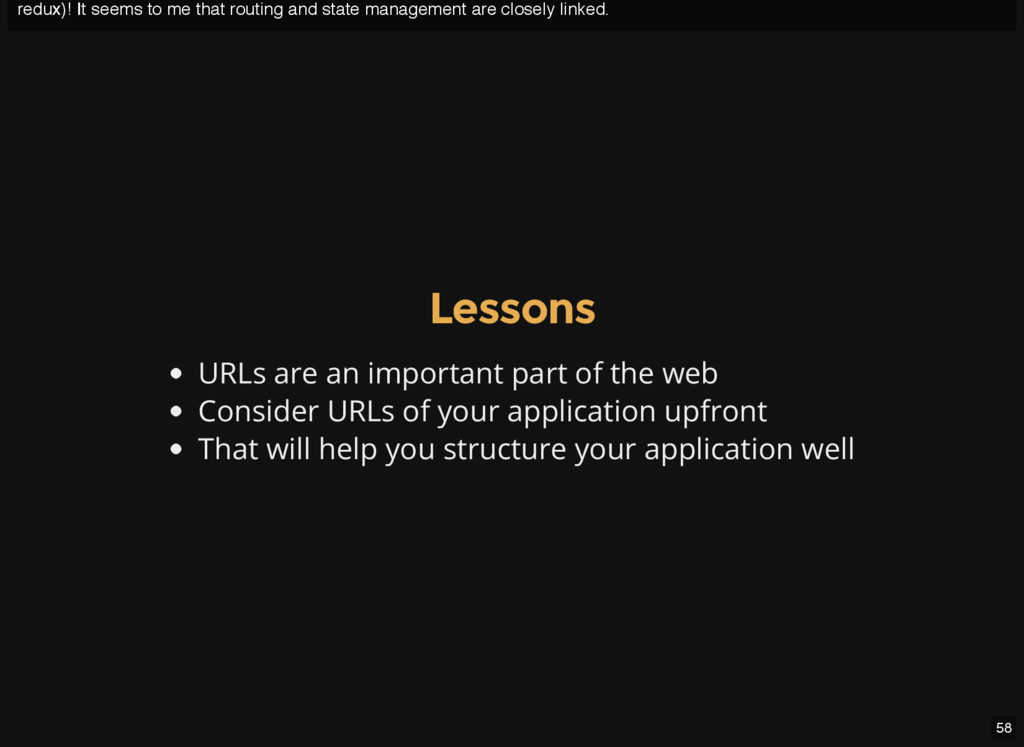
are closely linked. 58 Lessons URLs are an important part of the web Consider URLs of your application upfront That will help you structure your application well


 kmars0605
 minodriven
 sylph01
 nokomoro3
 chobishiba
 yuta_onishi_97
 o0h
o0h
 iwatsukayura
 syumai
 suneo3476
 utakaha
 clockmaker
 mclloyd
 lcolladotor
 aarron
.png) helenjbeal
helenjbeal
 ipullrank
 techseoconnect
 khoart
 szymonslowik
 keithpitt
 pauljervisheath
.jpg) cargoodrich
cargoodrich