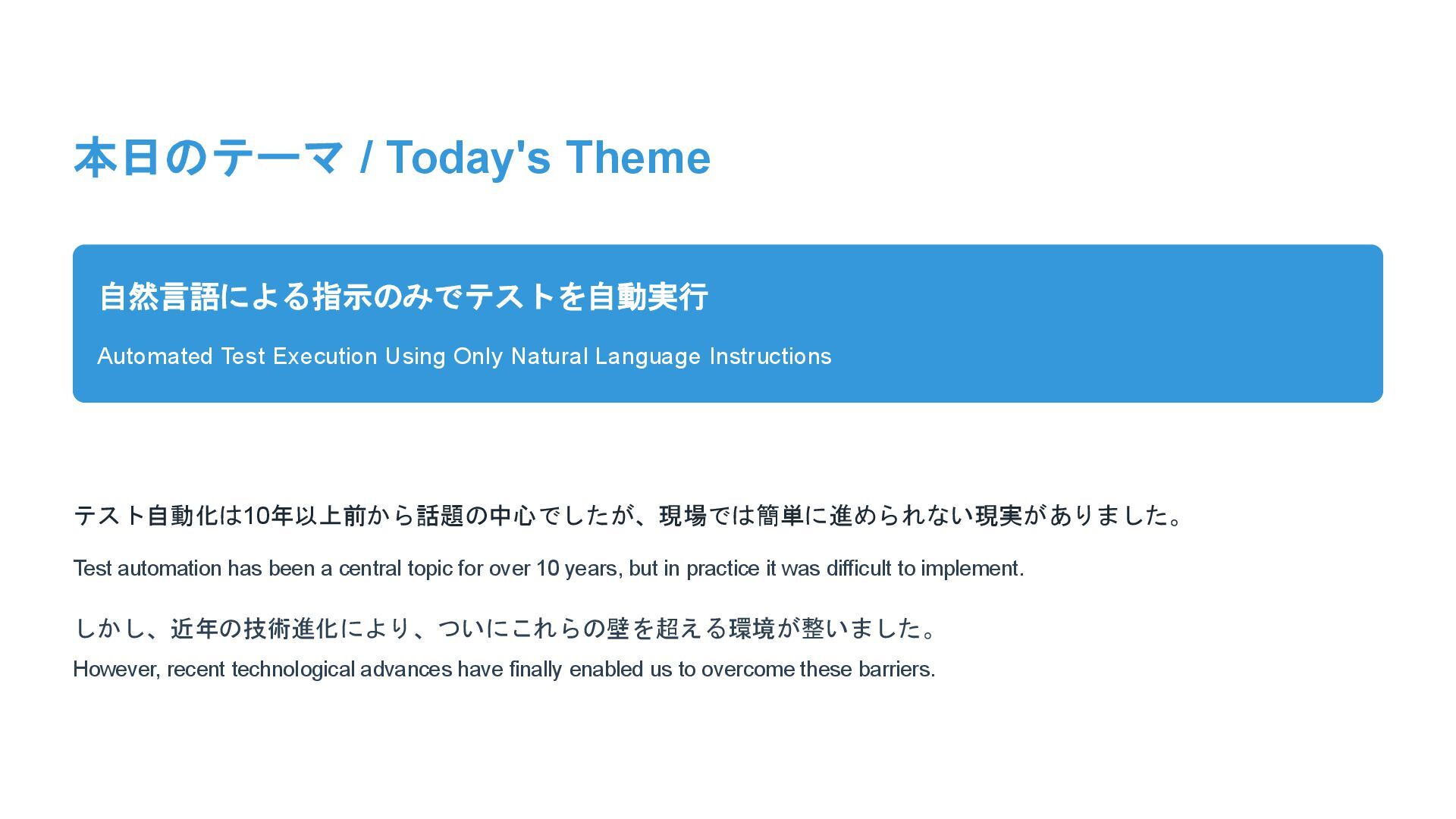
Natural Language Instructions テスト自動化は10年以上前から話題の中心でしたが、現場では簡単に進められない現実がありました。 Test automation has been a central topic for over 10 years, but in practice it was difficult to implement. しかし、近年の技術進化により、ついにこれらの壁を超える環境が整いました。 However, recent technological advances have finally enabled us to overcome these barriers.
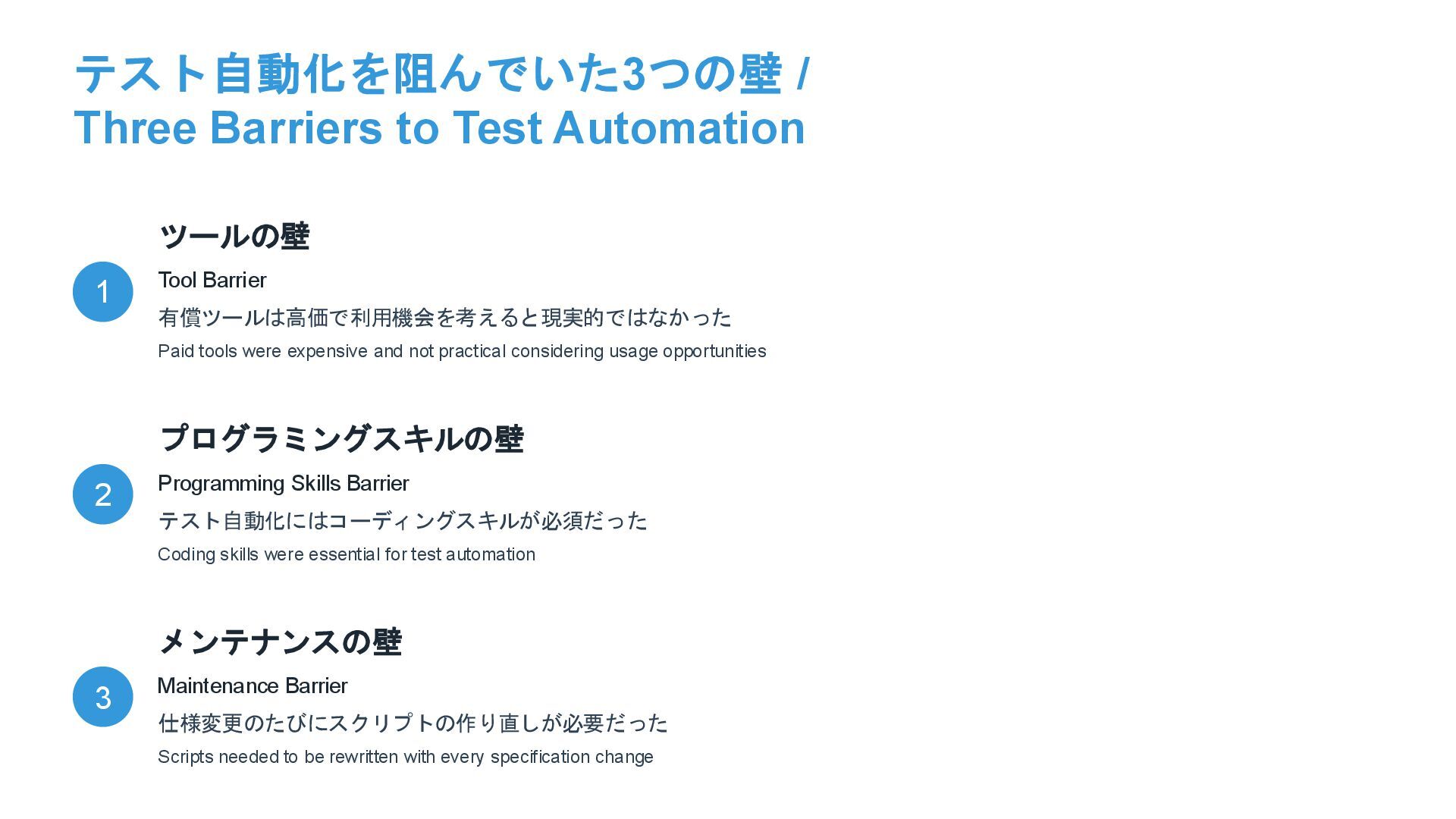
Barrier 有償ツールは高価で利用機会を考えると現実的ではなかった Paid tools were expensive and not practical considering usage opportunities 2 プログラミングスキルの壁 Programming Skills Barrier テスト自動化にはコーディングスキルが必須だった Coding skills were essential for test automation 3 メンテナンスの壁 Maintenance Barrier 仕様変更のたびにスクリプトの作り直しが必要だった Scripts needed to be rewritten with every specification change
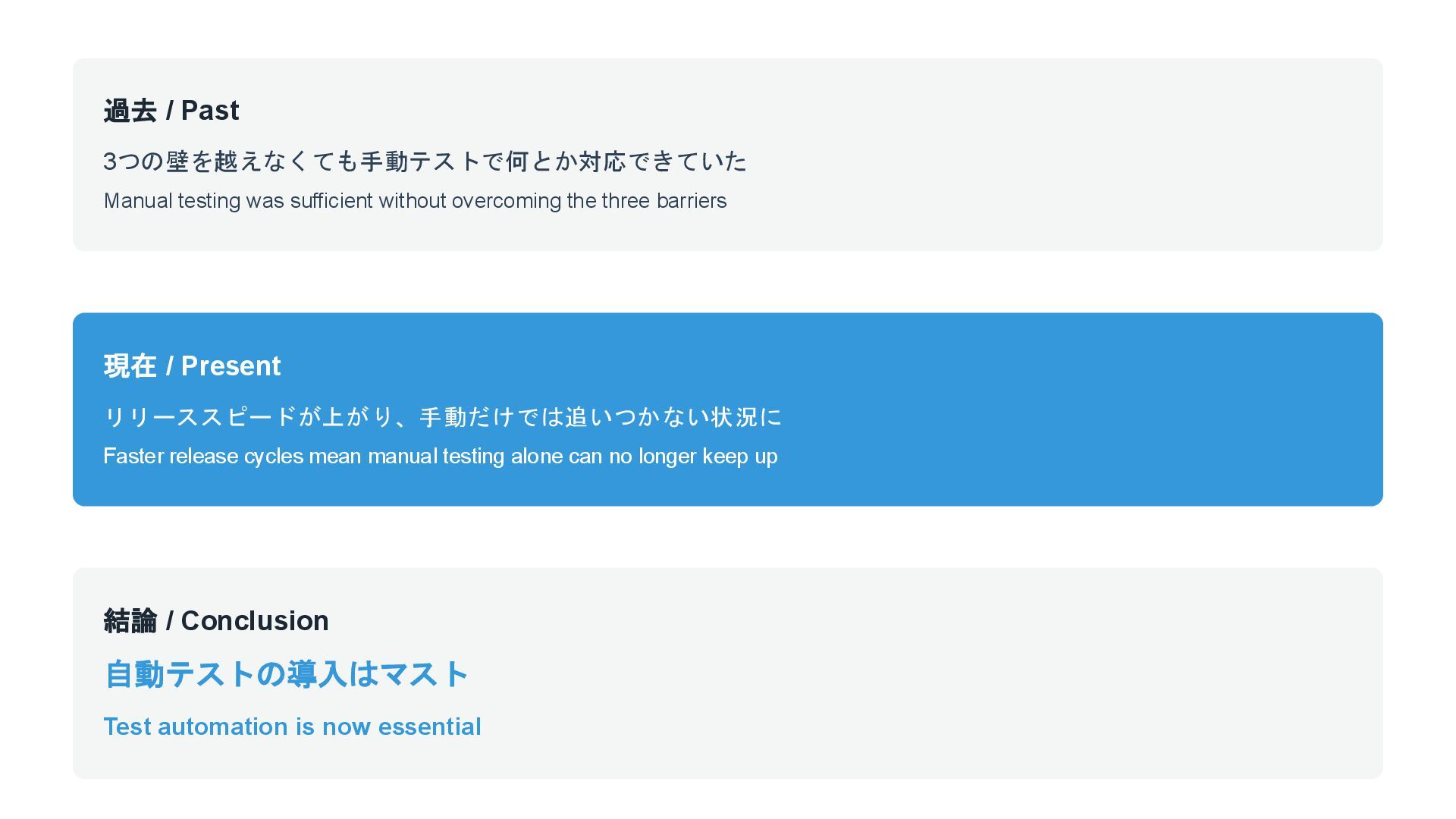
the three barriers 現在 / Present リリーススピードが上がり、手動だけでは追いつかない状況に Faster release cycles mean manual testing alone can no longer keep up 結論 / Conclusion 自動テストの導入はマスト Test automation is now essential
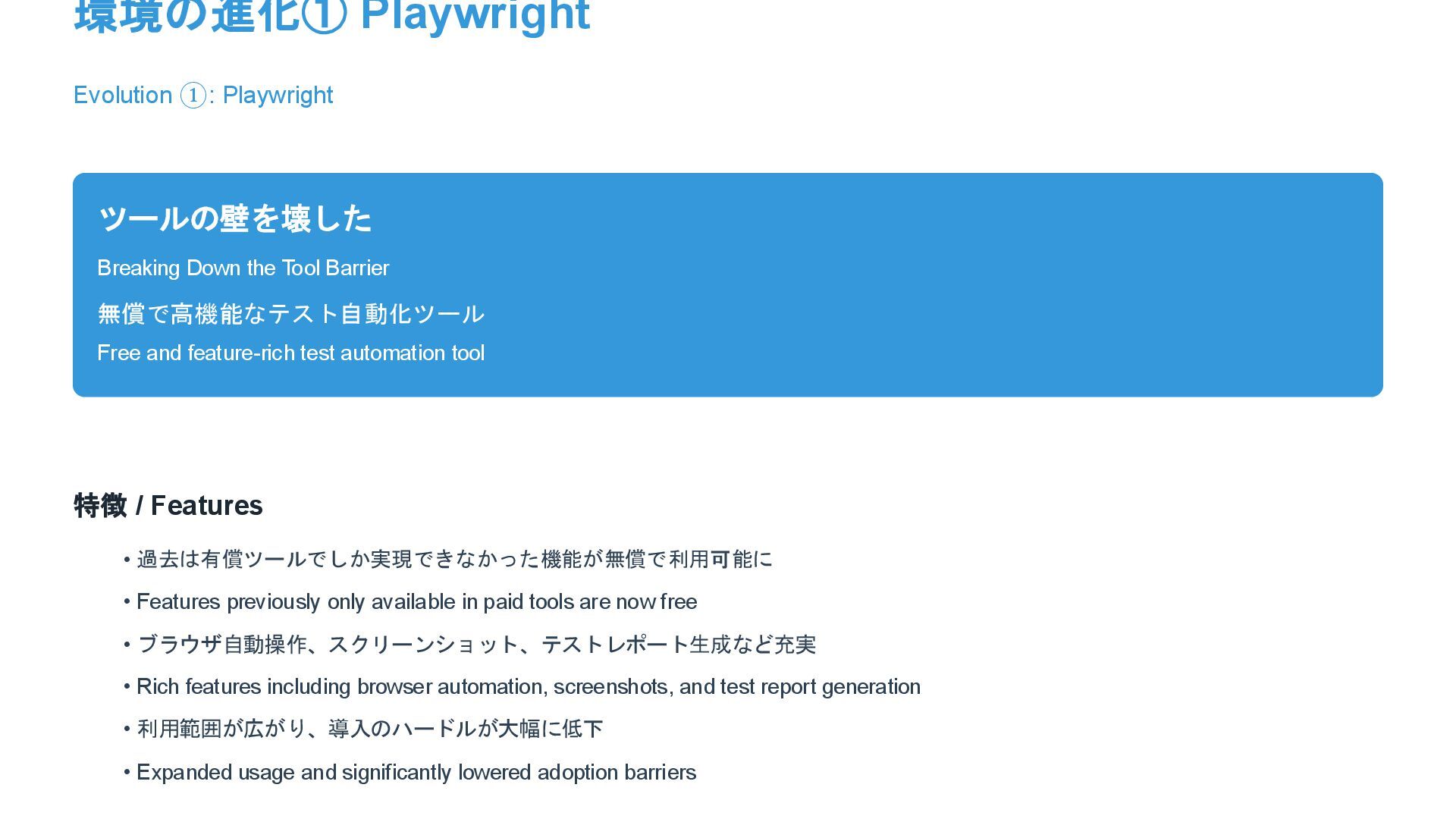
Barrier 無償で高機能なテスト自動化ツール Free and feature-rich test automation tool 特徴 / Features • 過去は有償ツールでしか実現できなかった機能が無償で利用可能に • Features previously only available in paid tools are now free • ブラウザ自動操作、スクリーンショット、テストレポート生成など充実 • Rich features including browser automation, screenshots, and test report generation • 利用範囲が広がり、導入のハードルが大幅に低下 • Expanded usage and significantly lowered adoption barriers
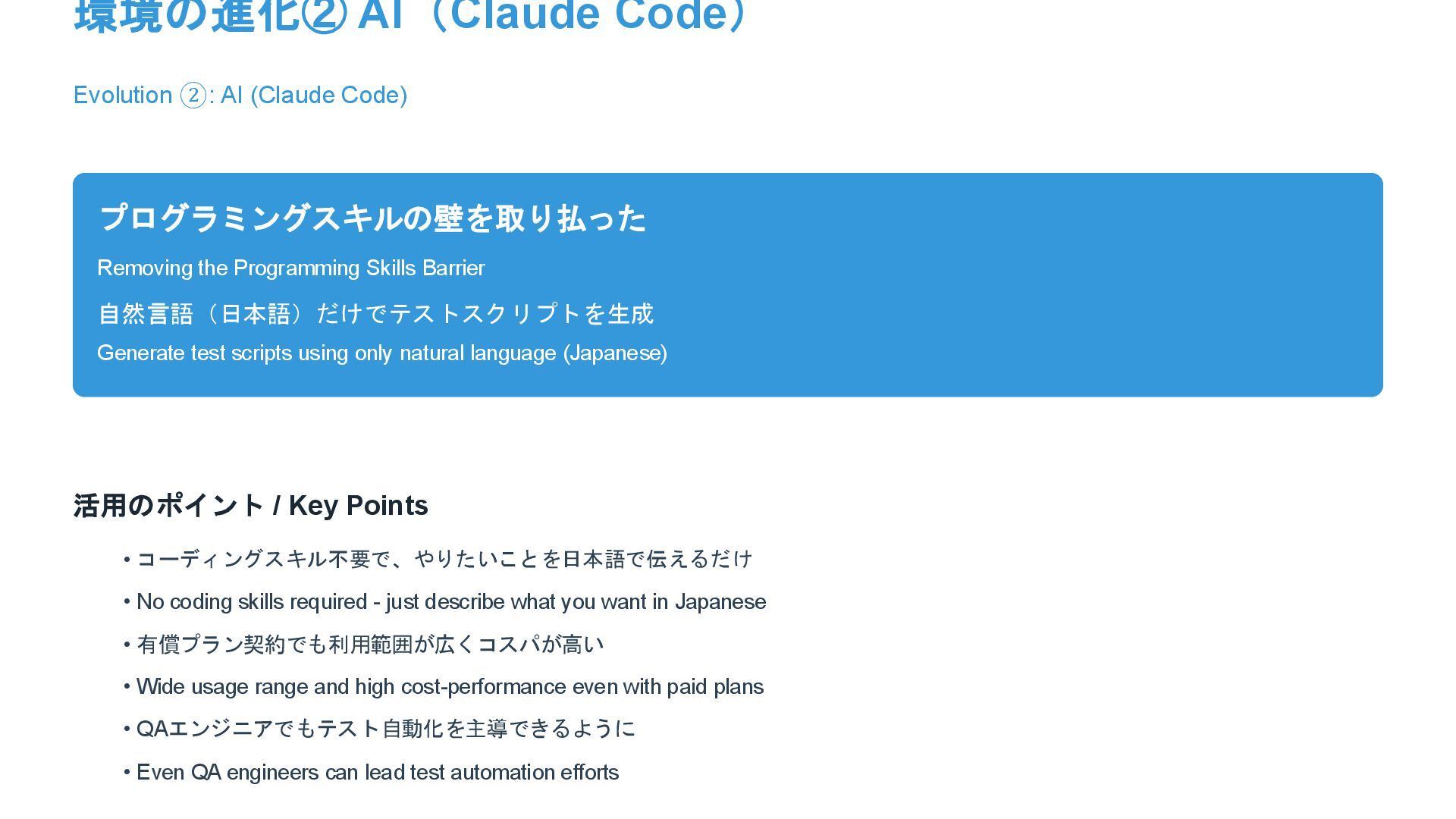
the Programming Skills Barrier 自然言語(日本語)だけでテストスクリプトを生成 Generate test scripts using only natural language (Japanese) 活用のポイント / Key Points • コーディングスキル不要で、やりたいことを日本語で伝えるだけ • No coding skills required - just describe what you want in Japanese • 有償プラン契約でも利用範囲が広くコスパが高い • Wide usage range and high cost-performance even with paid plans • QAエンジニアでもテスト自動化を主導できるように • Even QA engineers can lead test automation efforts
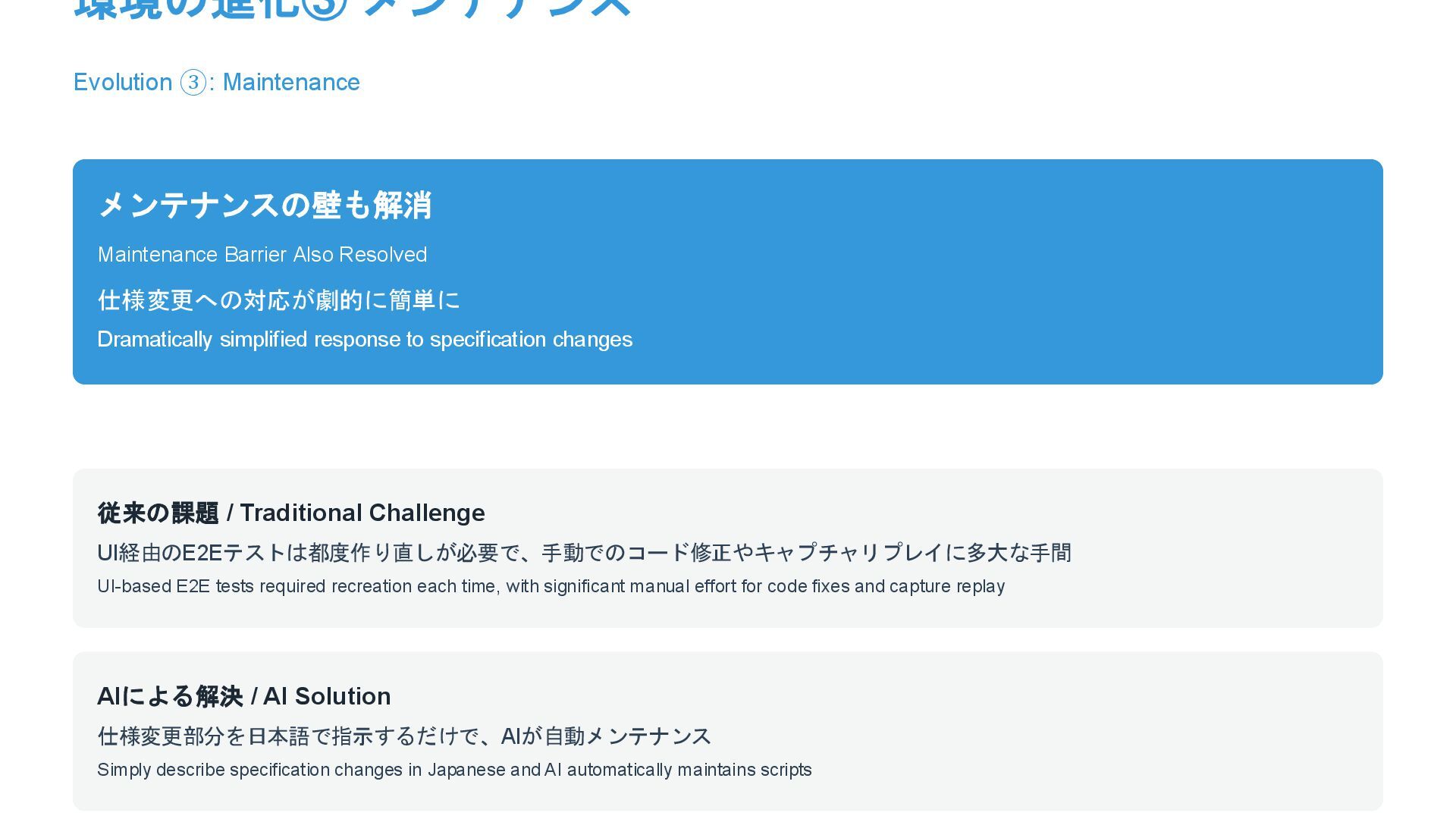
仕様変更への対応が劇的に簡単に Dramatically simplified response to specification changes 従来の課題 / Traditional Challenge UI経由のE2Eテストは都度作り直しが必要で、手動でのコード修正やキャプチャリプレイに多大な手間 UI-based E2E tests required recreation each time, with significant manual effort for code fixes and capture replay AIによる解決 / AI Solution 仕様変更部分を日本語で指示するだけで、AIが自動メンテナンス Simply describe specification changes in Japanese and AI automatically maintains scripts
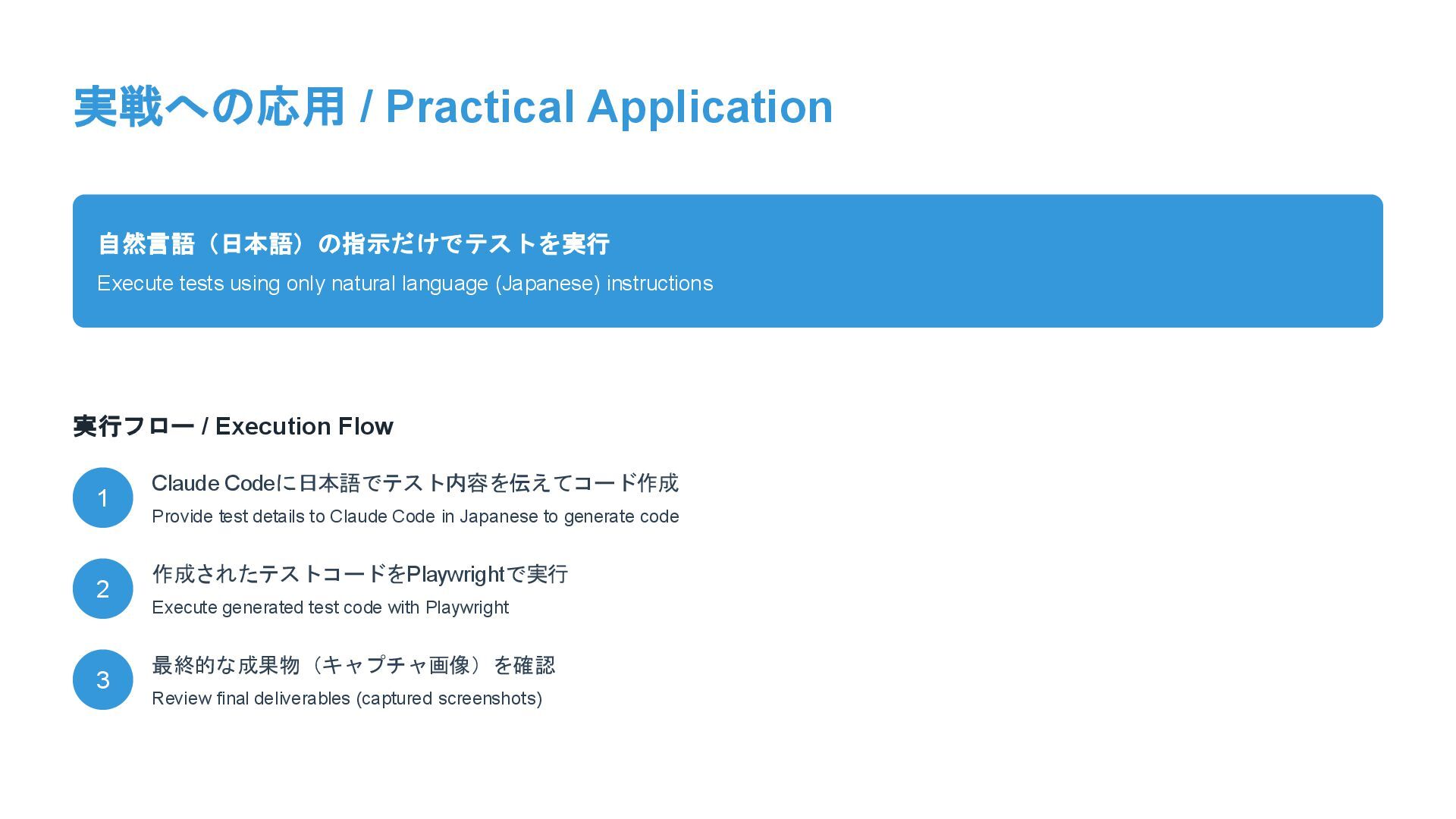
language (Japanese) instructions 実行フロー / Execution Flow 1 Claude Codeに日本語でテスト内容を伝えてコード作成 Provide test details to Claude Code in Japanese to generate code 2 作成されたテストコードをPlaywrightで実行 Execute generated test code with Playwright 3 最終的な成果物(キャプチャ画像)を確認 Review final deliverables (captured screenshots)
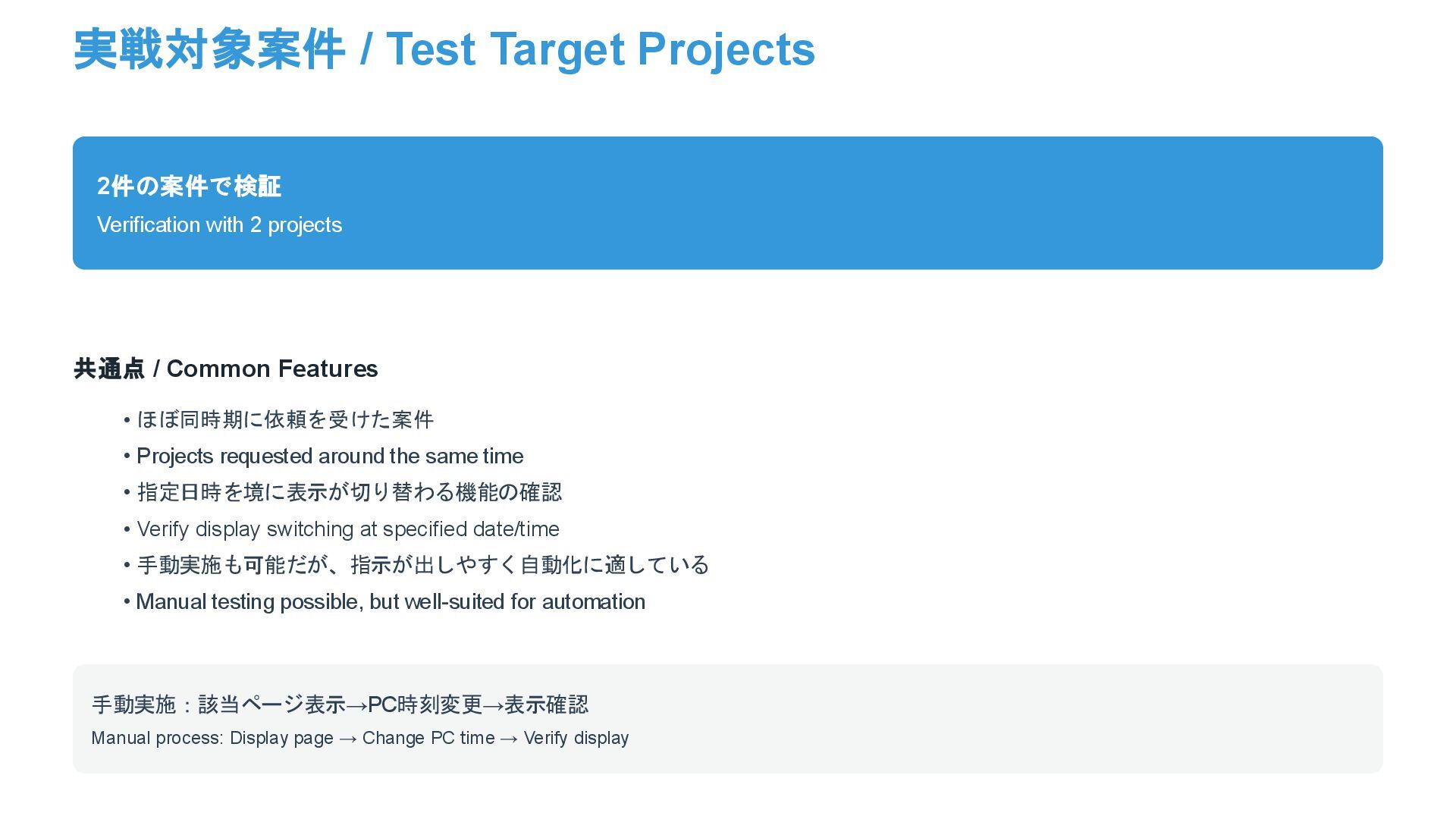
共通点 / Common Features • ほぼ同時期に依頼を受けた案件 • Projects requested around the same time • 指定日時を境に表示が切り替わる機能の確認 • Verify display switching at specified date/time • 手動実施も可能だが、指示が出しやすく自動化に適している • Manual testing possible, but well-suited for automation 手動実施:該当ページ表示→PC時刻変更→表示確認 Manual process: Display page → Change PC time → Verify display
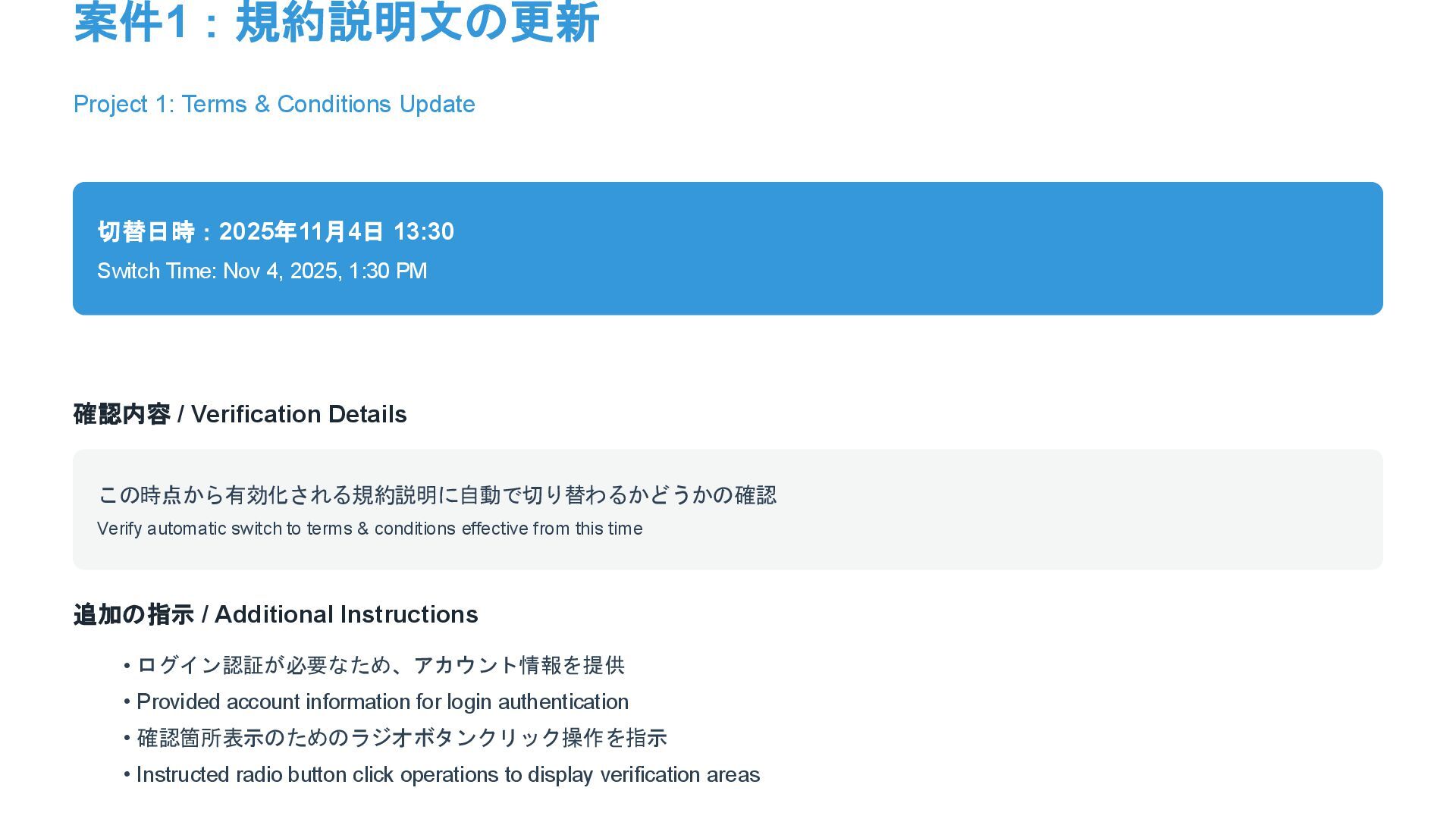
Time: Nov 4, 2025, 1:30 PM 確認内容 / Verification Details この時点から有効化される規約説明に自動で切り替わるかどうかの確認 Verify automatic switch to terms & conditions effective from this time 追加の指示 / Additional Instructions • ログイン認証が必要なため、アカウント情報を提供 • Provided account information for login authentication • 確認箇所表示のためのラジオボタンクリック操作を指示 • Instructed radio button click operations to display verification areas
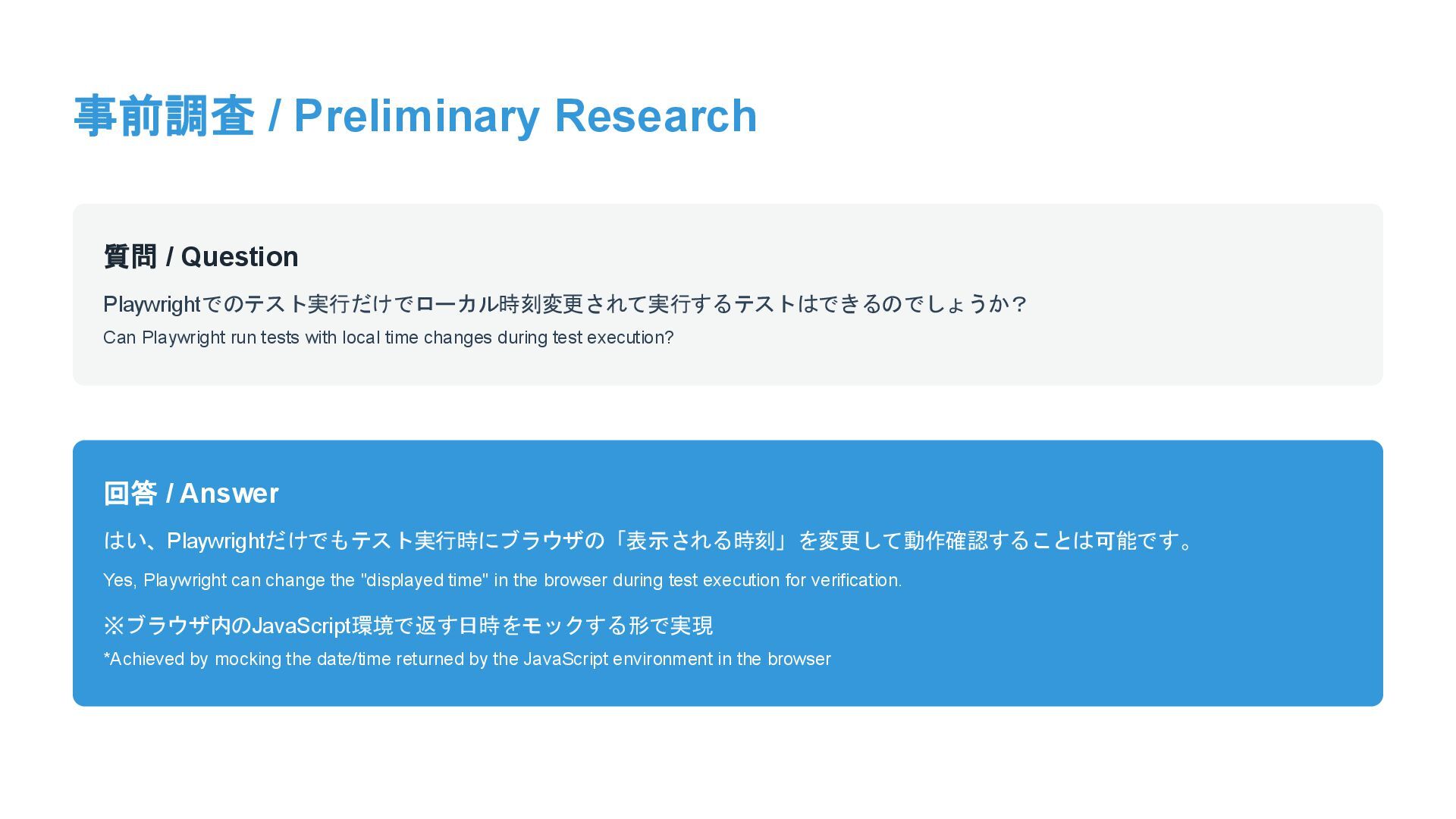
run tests with local time changes during test execution? 回答 / Answer はい、Playwrightだけでもテスト実行時にブラウザの「表示される時刻」を変更して動作確認することは可能です。 Yes, Playwright can change the "displayed time" in the browser during test execution for verification. ※ブラウザ内のJavaScript環境で返す日時をモックする形で実現 *Achieved by mocking the date/time returned by the JavaScript environment in the browser
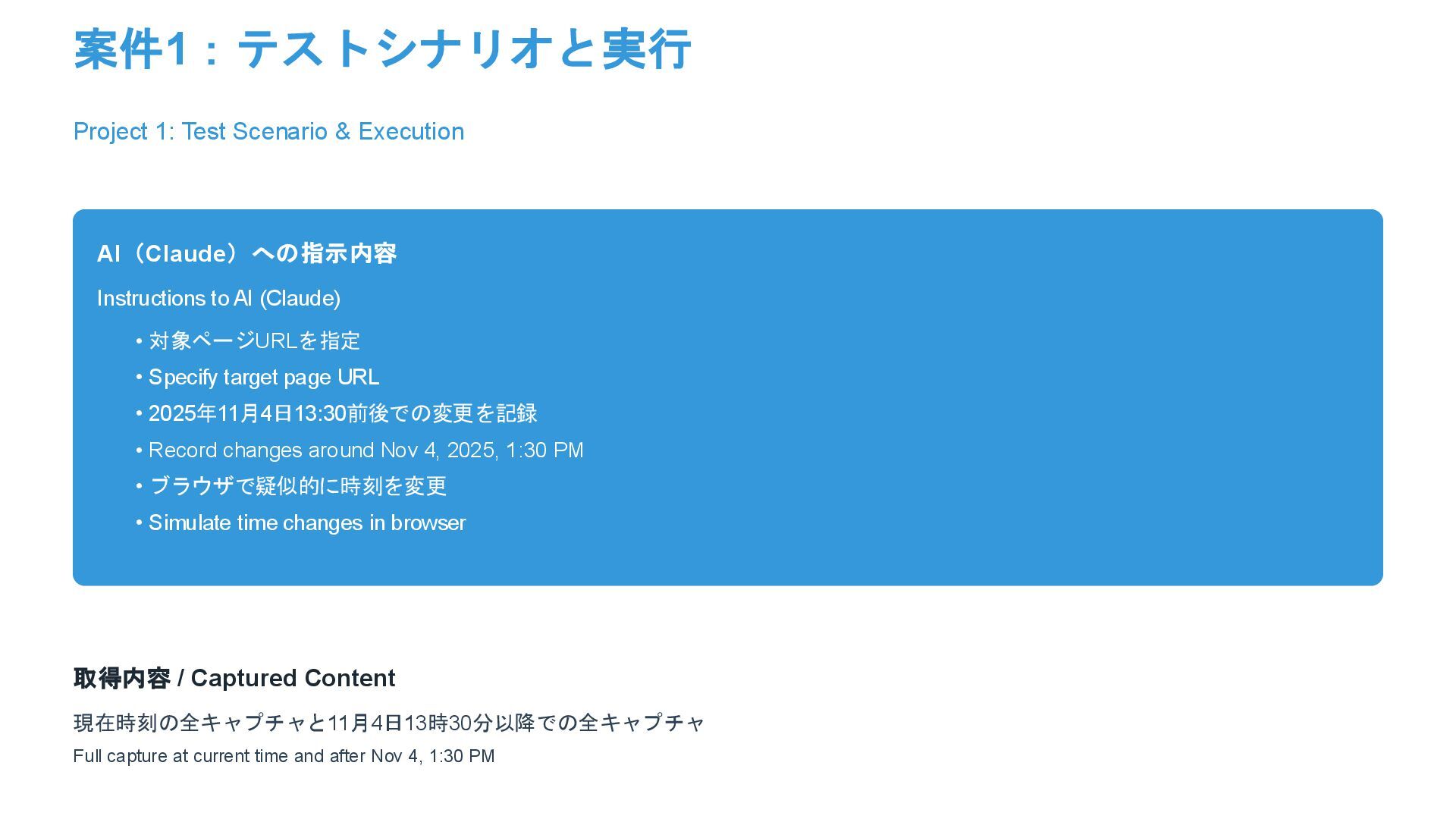
AI (Claude) • 対象ページURLを指定 • Specify target page URL • 2025年11月4日13:30前後での変更を記録 • Record changes around Nov 4, 2025, 1:30 PM • ブラウザで疑似的に時刻を変更 • Simulate time changes in browser 取得内容 / Captured Content 現在時刻の全キャプチャと11月4日13時30分以降での全キャプチャ Full capture at current time and after Nov 4, 1:30 PM
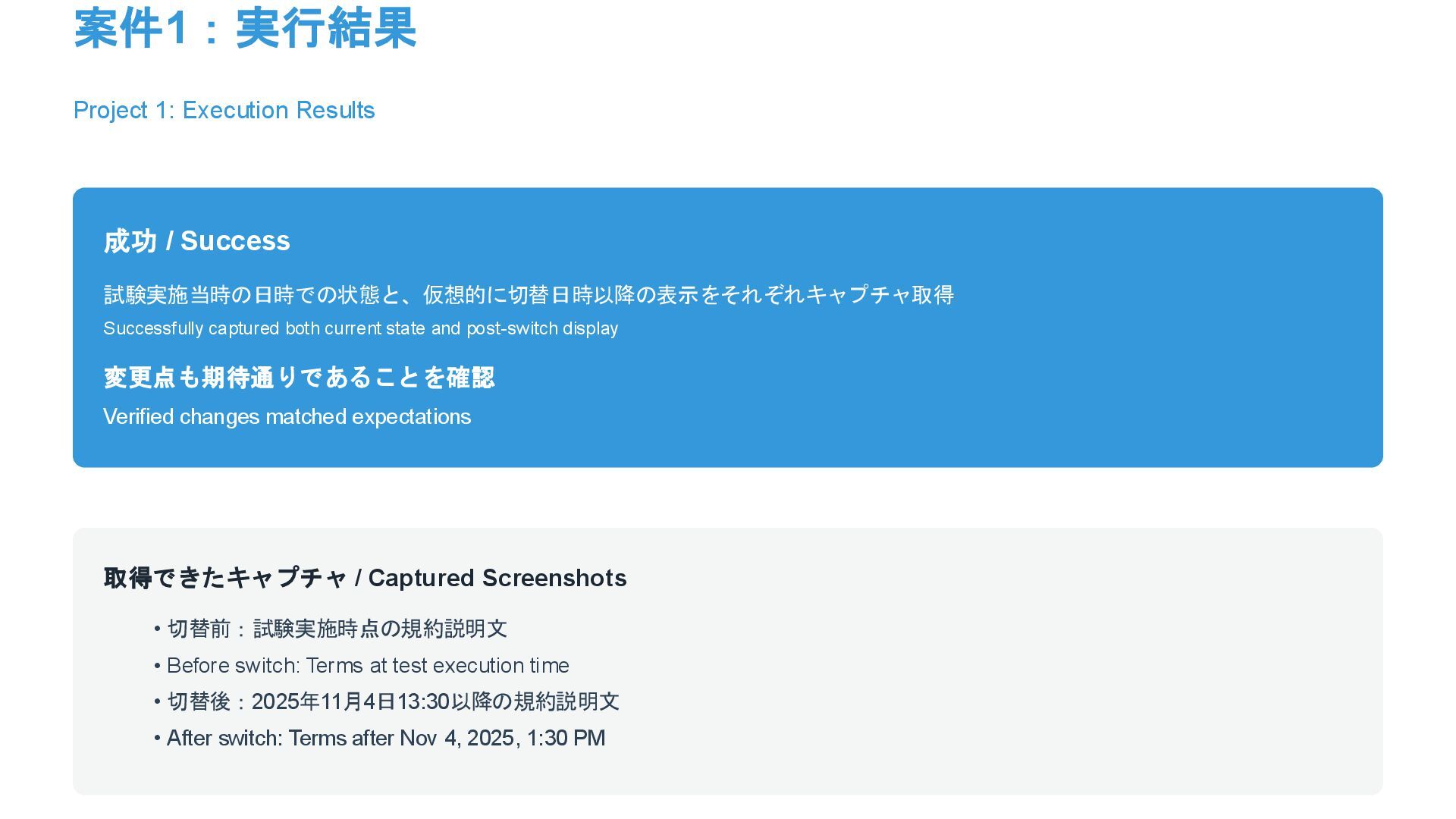
captured both current state and post-switch display 変更点も期待通りであることを確認 Verified changes matched expectations 取得できたキャプチャ / Captured Screenshots • 切替前:試験実施時点の規約説明文 • Before switch: Terms at test execution time • 切替後:2025年11月4日13:30以降の規約説明文 • After switch: Terms after Nov 4, 2025, 1:30 PM
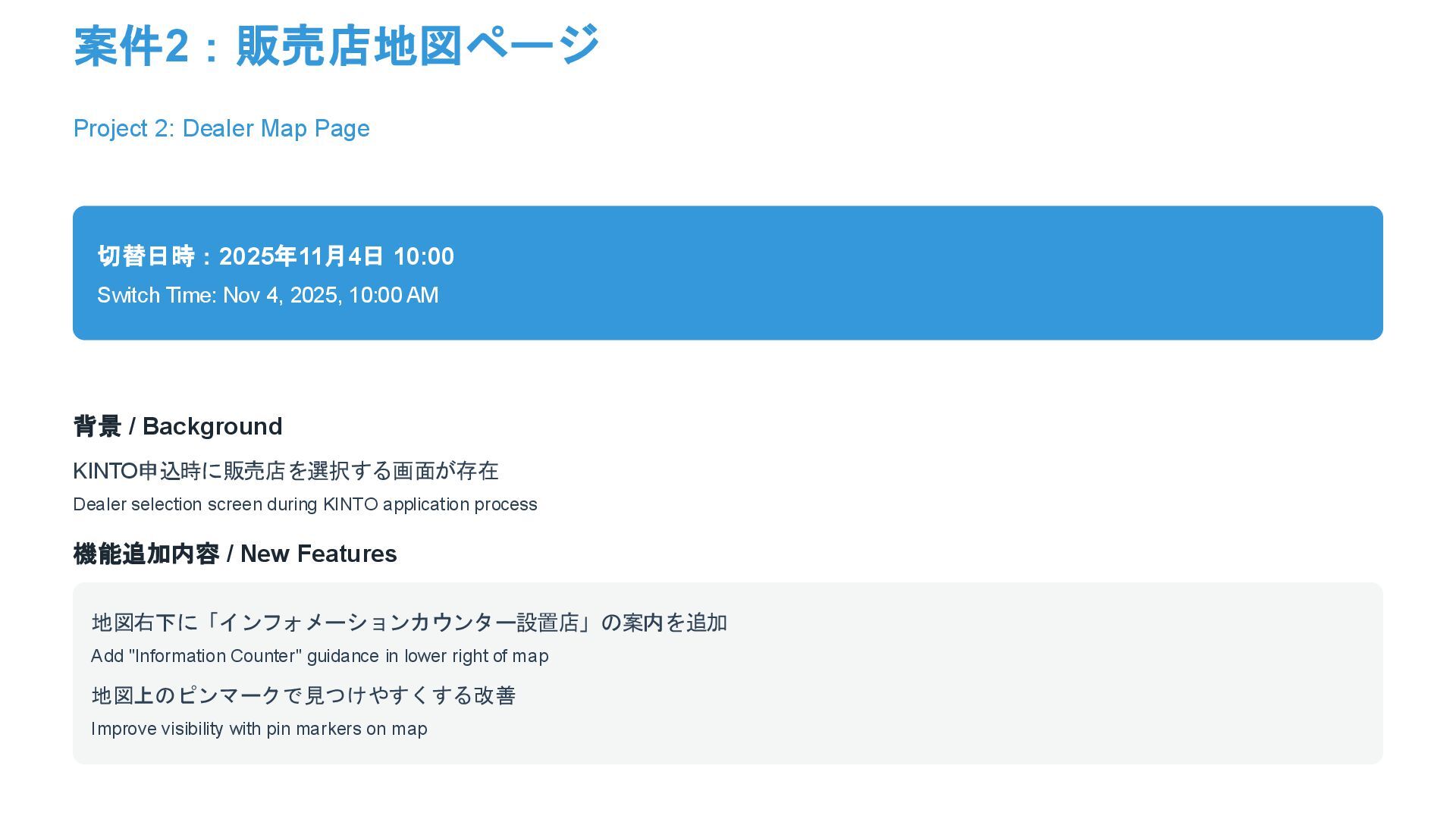
Nov 4, 2025, 10:00 AM 背景 / Background KINTO申込時に販売店を選択する画面が存在 Dealer selection screen during KINTO application process 機能追加内容 / New Features 地図右下に「インフォメーションカウンター設置店」の案内を追加 Add "Information Counter" guidance in lower right of map 地図上のピンマークで見つけやすくする改善 Improve visibility with pin markers on map
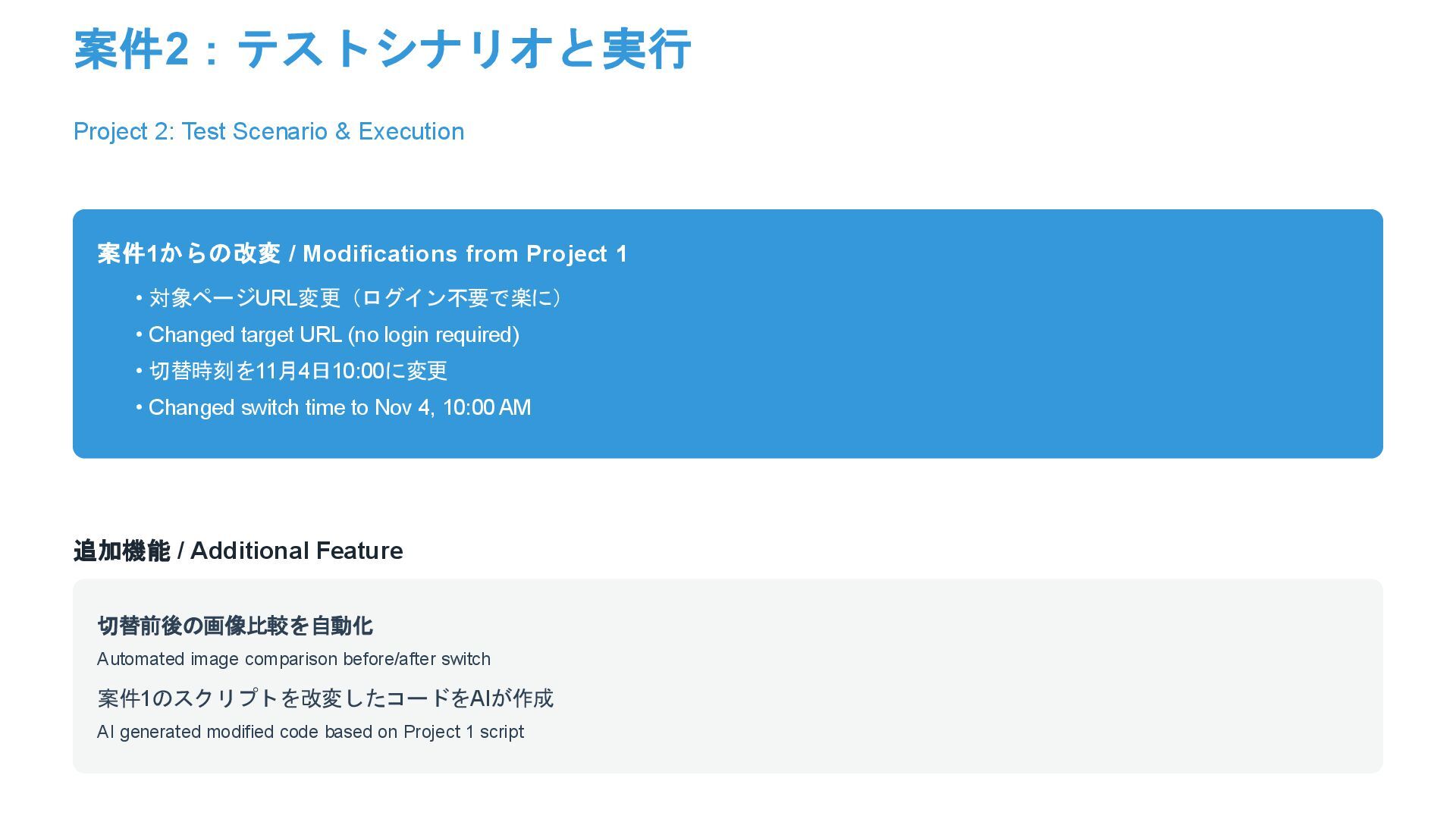
from Project 1 • 対象ページURL変更(ログイン不要で楽に) • Changed target URL (no login required) • 切替時刻を11月4日10:00に変更 • Changed switch time to Nov 4, 10:00 AM 追加機能 / Additional Feature 切替前後の画像比較を自動化 Automated image comparison before/after switch 案件1のスクリプトを改変したコードをAIが作成 AI generated modified code based on Project 1 script
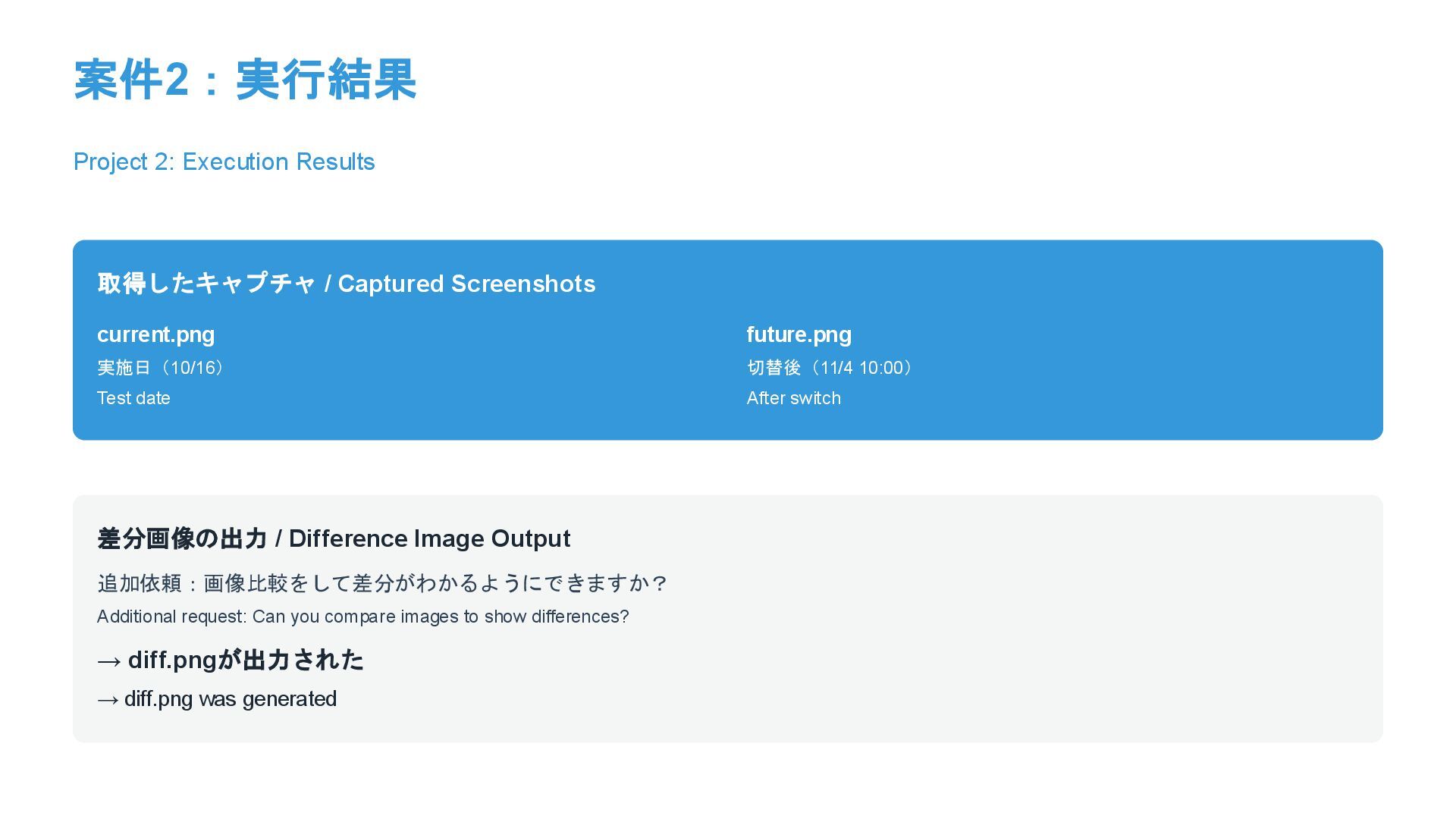
実施日(10/16) Test date future.png 切替後(11/4 10:00) After switch 差分画像の出力 / Difference Image Output 追加依頼:画像比較をして差分がわかるようにできますか? Additional request: Can you compare images to show differences? → diff.pngが出力された → diff.png was generated
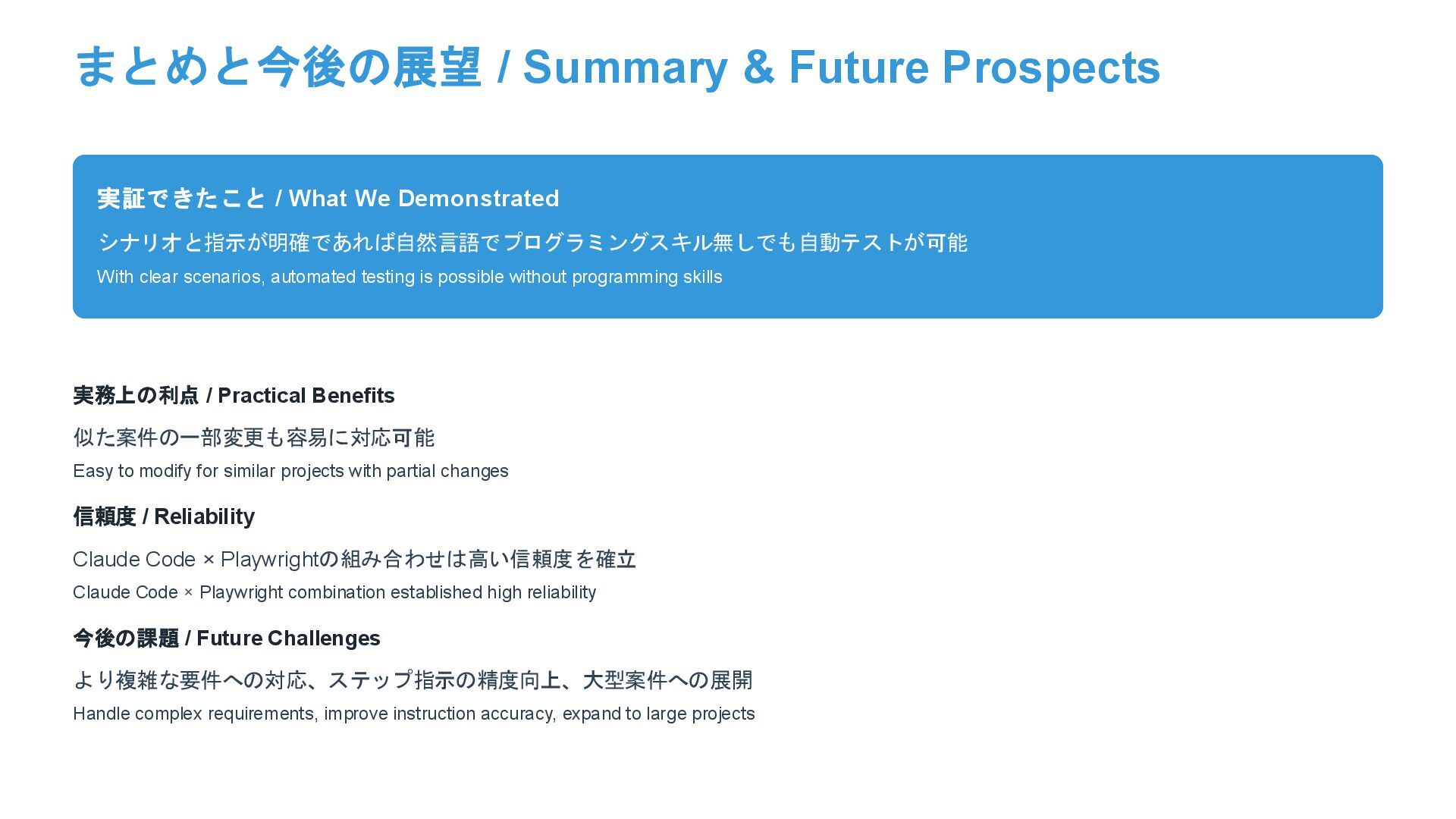
Demonstrated シナリオと指示が明確であれば自然言語でプログラミングスキル無しでも自動テストが可能 With clear scenarios, automated testing is possible without programming skills 実務上の利点 / Practical Benefits 似た案件の一部変更も容易に対応可能 Easy to modify for similar projects with partial changes 信頼度 / Reliability Claude Code × Playwrightの組み合わせは高い信頼度を確立 Claude Code × Playwright combination established high reliability 今後の課題 / Future Challenges より複雑な要件への対応、ステップ指示の精度向上、大型案件への展開 Handle complex requirements, improve instruction accuracy, expand to large projects


 kintotechdev
 akashhashmi
 addyosmani
 tenderlove
 nwiizo
 axbom
axbom
 charlesmeaden
 rocio
rocio
 cassininazir
 jonoalderson
 sabderemane
 iamctodd
 ipullrank