Upgrade to Pro — share decks privately, control downloads, hide ads and more …

Advanced Heroku Foo

Sponsored · SiteGround - Reliable hosting with speed, security, and support you can count on. →

Advanced Heroku Foo

As presented at the NewHaven.io DevOps meet-up in Feb 2014.

Avatar for Kyle Jensen

Kyle Jensen

February 21, 2014

Other Decks in Programming

Transcript

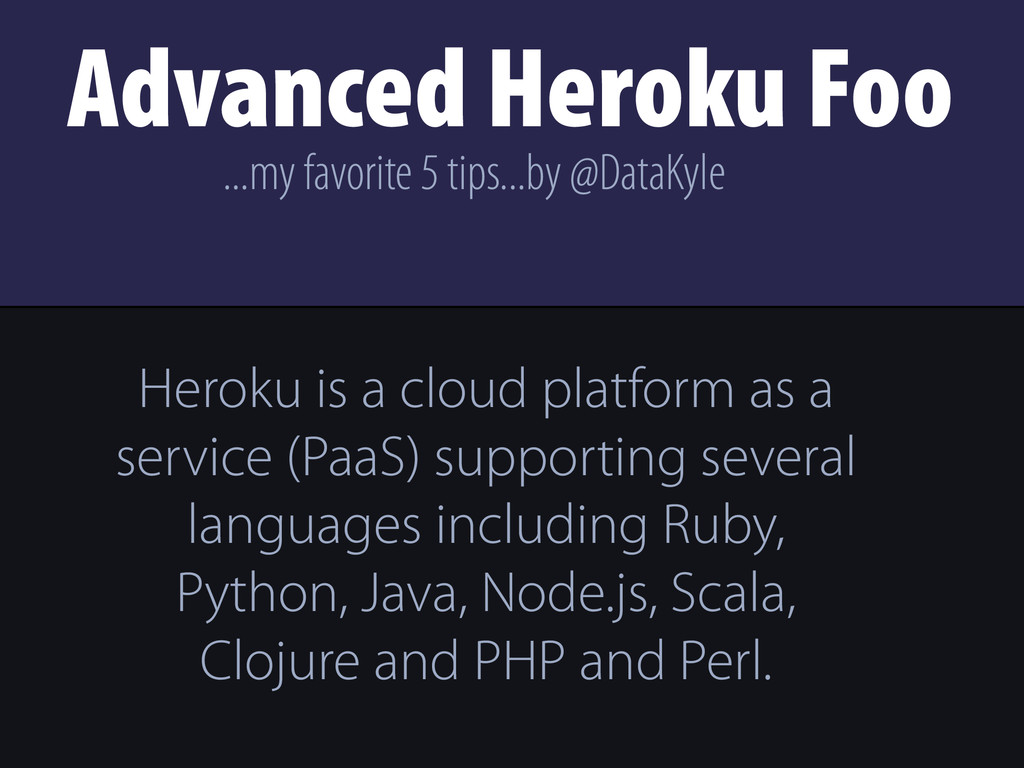
  1. Advanced Heroku Foo Heroku is a cloud platform as a

    service (PaaS) supporting several languages including Ruby, Python, Java, Node.js, Scala, Clojure and PHP and Perl. ...my favorite 5 tips...by @DataKyle
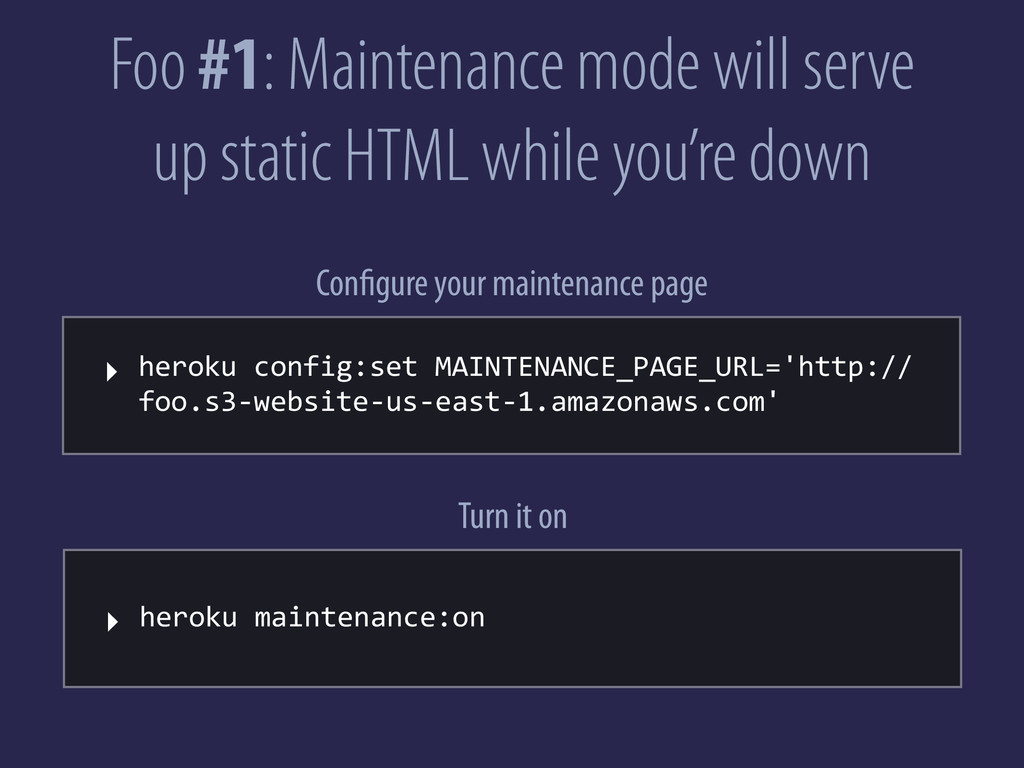
  2. Foo #1: Maintenance mode will serve up static HTML while

    you’re down ‣ heroku  config:set  MAINTENANCE_PAGE_URL='http:// foo.s3-­‐website-­‐us-­‐east-­‐1.amazonaws.com' Configure your maintenance page ‣ heroku  maintenance:on Turn it on
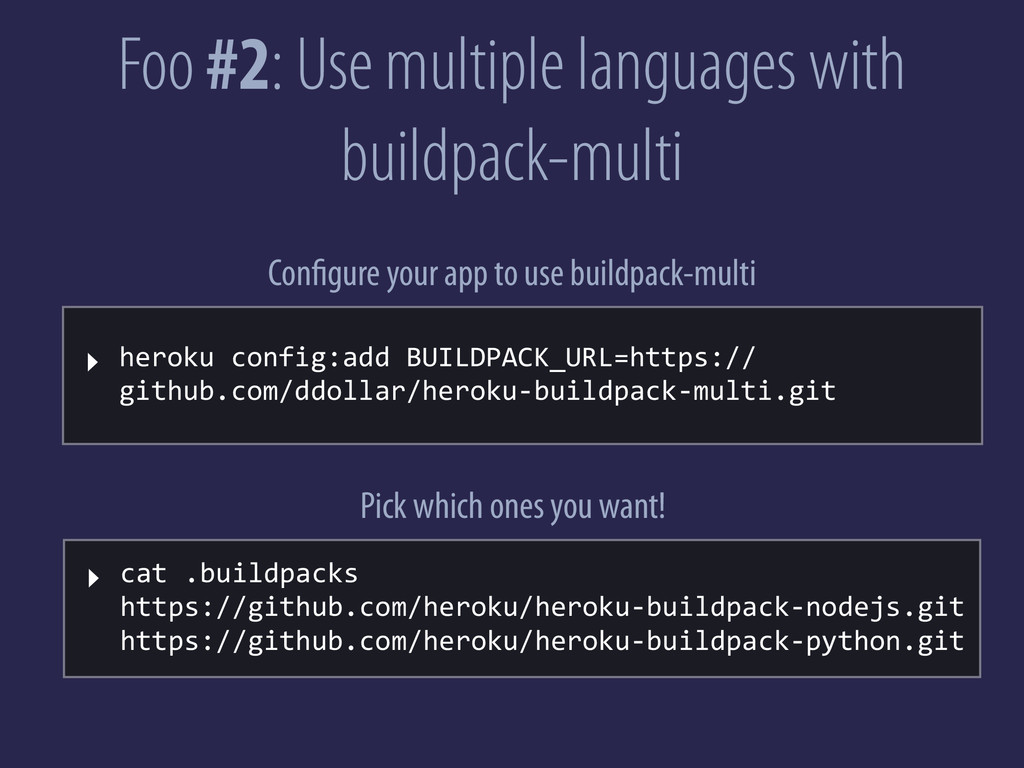
  3. Foo #2: Use multiple languages with buildpack-multi ‣ heroku  config:add

     BUILDPACK_URL=https:// github.com/ddollar/heroku-­‐buildpack-­‐multi.git Configure your app to use buildpack-multi ‣ cat  .buildpacks                                                                                                                                                                                                                                                                                                                                                                     https://github.com/heroku/heroku-­‐buildpack-­‐nodejs.git https://github.com/heroku/heroku-­‐buildpack-­‐python.git Pick which ones you want!
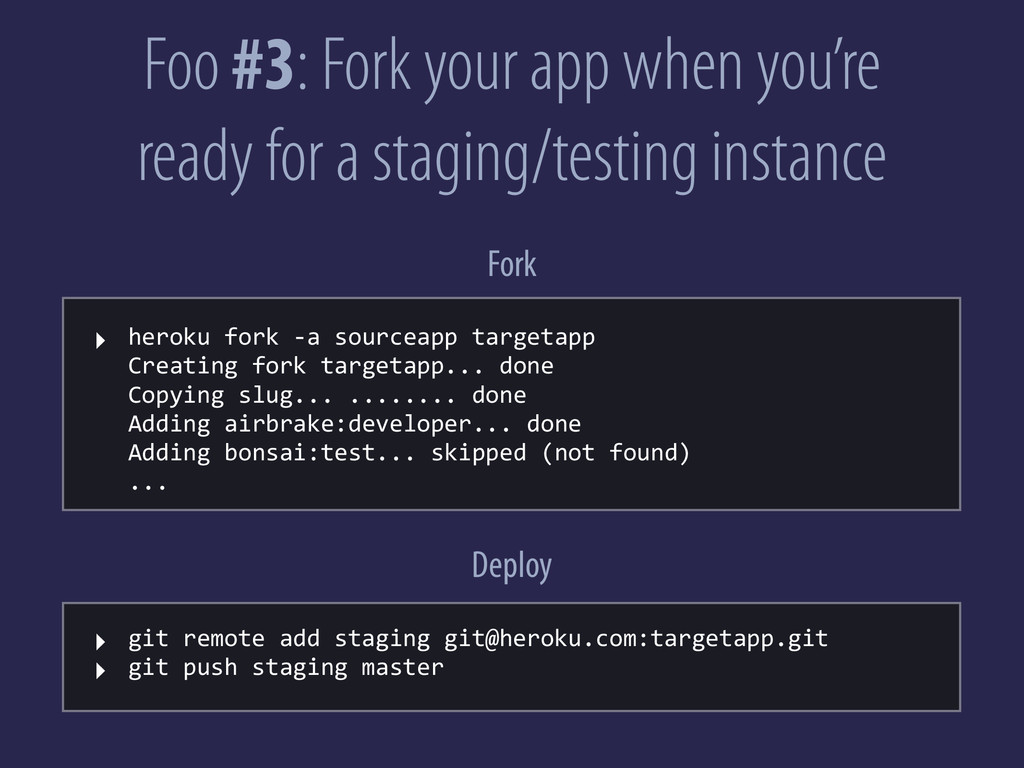
  4. Foo #3: Fork your app when you’re ready for a

    staging/testing instance ‣ heroku  fork  -­‐a  sourceapp  targetapp Creating  fork  targetapp...  done Copying  slug...  ........  done Adding  airbrake:developer...  done Adding  bonsai:test...  skipped  (not  found) ... Fork ‣ git  remote  add  staging  [email protected]:targetapp.git ‣ git  push  staging  master Deploy
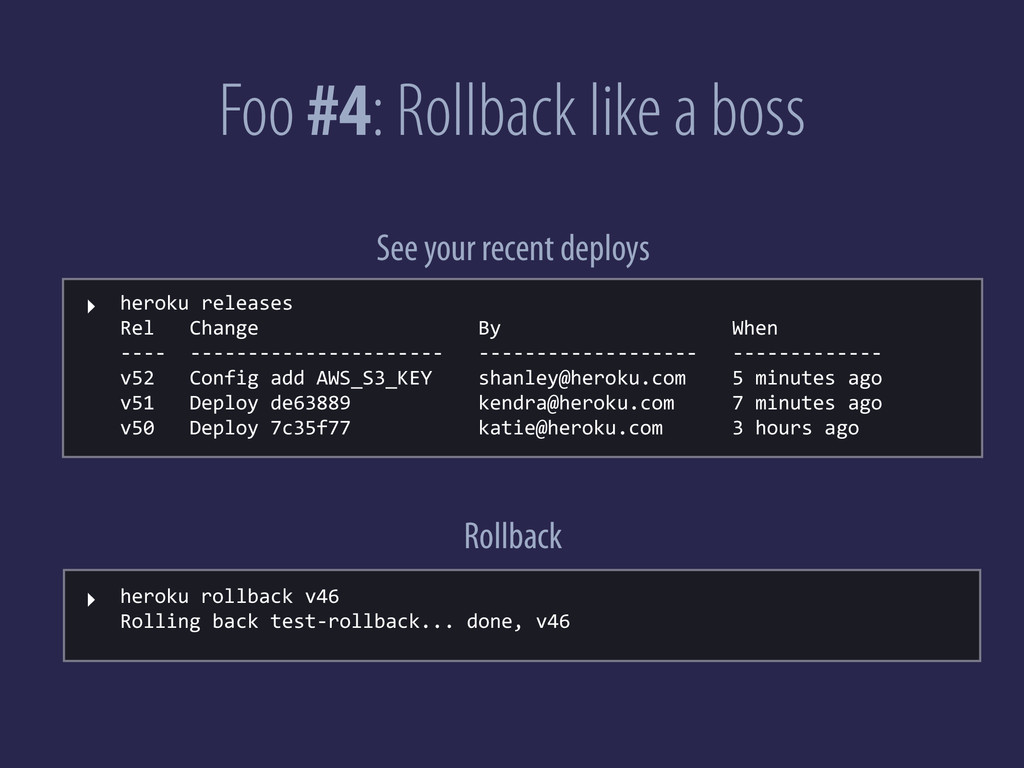
  5. Foo #4: Rollback like a boss ‣ heroku  releases Rel

         Change                                      By                                        When -­‐-­‐-­‐-­‐    -­‐-­‐-­‐-­‐-­‐-­‐-­‐-­‐-­‐-­‐-­‐-­‐-­‐-­‐-­‐-­‐-­‐-­‐-­‐-­‐-­‐-­‐      -­‐-­‐-­‐-­‐-­‐-­‐-­‐-­‐-­‐-­‐-­‐-­‐-­‐-­‐-­‐-­‐-­‐-­‐-­‐      -­‐-­‐-­‐-­‐-­‐-­‐-­‐-­‐-­‐-­‐-­‐-­‐-­‐ v52      Config  add  AWS_S3_KEY        [email protected]        5  minutes  ago v51      Deploy  de63889                      [email protected]          7  minutes  ago v50      Deploy  7c35f77                      [email protected]            3  hours  ago See your recent deploys Rollback ‣ heroku  rollback  v46 Rolling  back  test-­‐rollback...  done,  v46
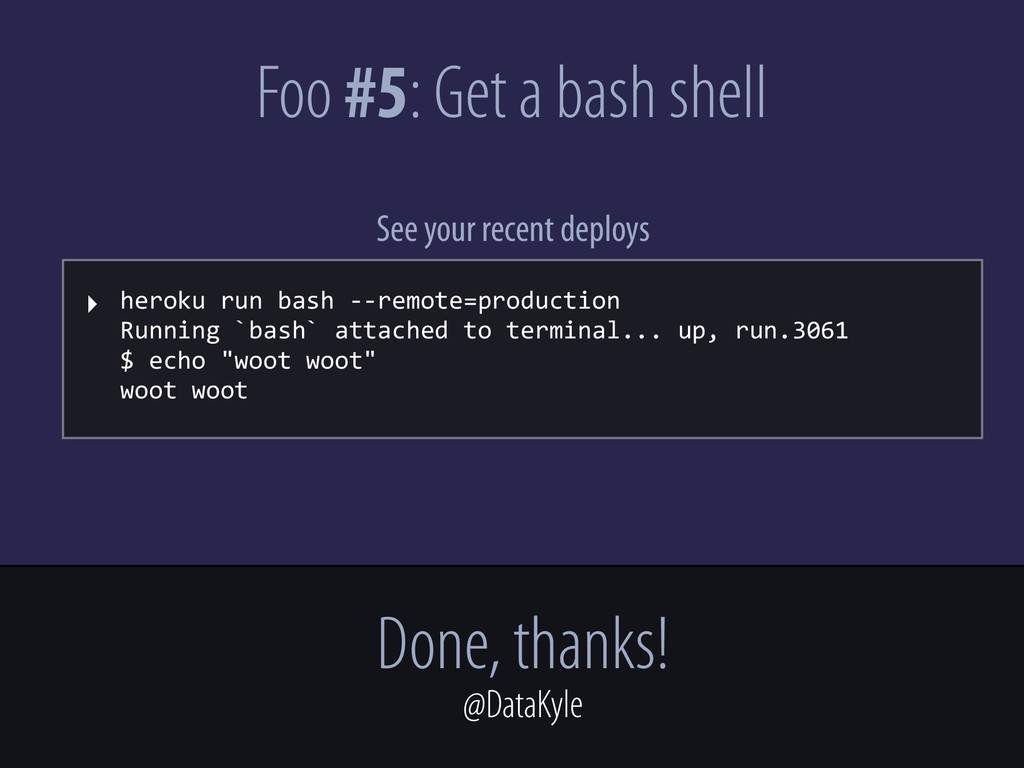
  6. Foo #5: Get a bash shell ‣ heroku  run  bash

     -­‐-­‐remote=production                                                                                                                                                                                                                                                                                                                             Running  `bash`  attached  to  terminal...  up,  run.3061 $  echo  "woot  woot" woot  woot See your recent deploys Done, thanks! @DataKyle